

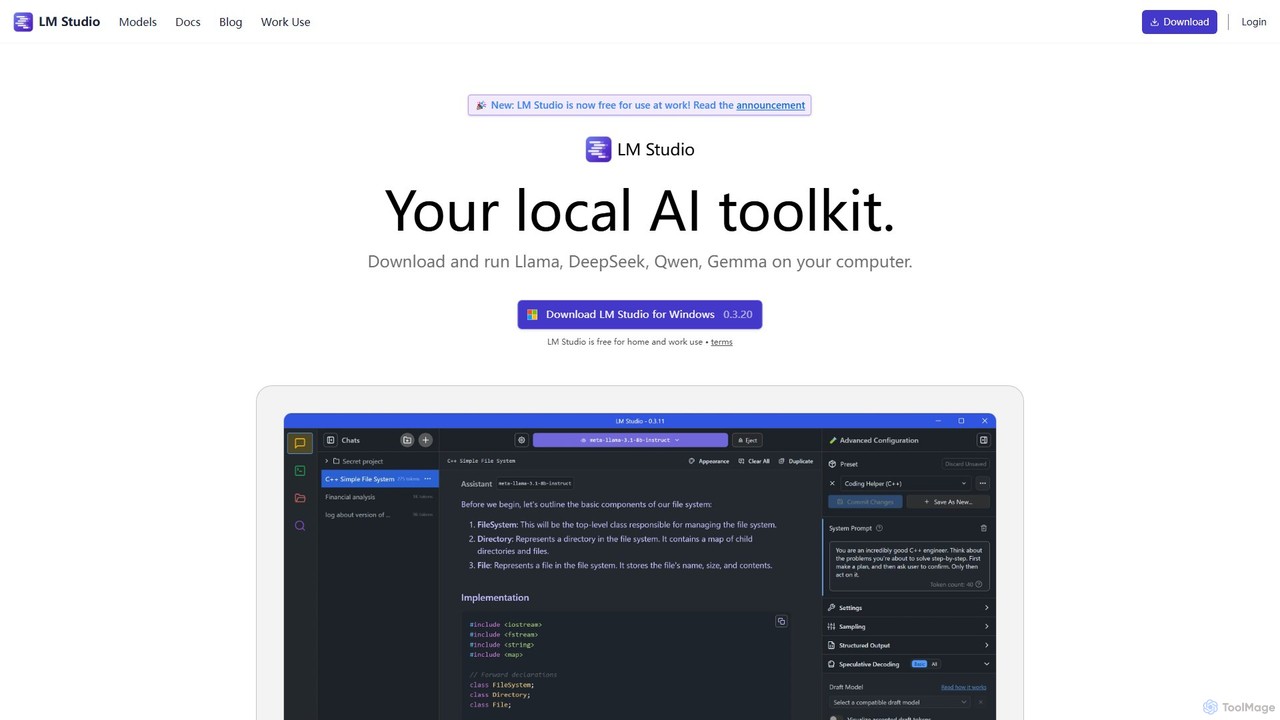
LM Studio Overview
LM Studio is a powerful and versatile desktop application designed to bring the capabilities of Large Language Models (LLMs) directly to your personal computer. Available for Windows, macOS, and Linux, it provides a seamless environment for discovering, downloading, and running a wide array of open-source models from platforms like Hugging Face. This tool is built with a core focus on privacy and offline functionality, ensuring that all your data and interactions remain on your local machine, never sent to the cloud.
The application caters to both beginners and expert users. For those new to local AI, its intuitive chat interface offers a familiar way to interact with models like Llama, DeepSeek, Qwen, and Gemma. For developers and researchers, LM Studio provides a local server that exposes an OpenAI-compatible API. This allows you to power your own applications, scripts, and workflows using local models without incurring API costs or dealing with rate limits, all while maintaining complete data privacy. The platform also includes Python and TypeScript SDKs to further simplify the development of local AI-powered applications.
How to use LM Studio
Getting started with LM Studio is straightforward:
- Download and Install: Visit the official LM Studio website and download the installer for your operating system (Windows, macOS, or Linux).
- Discover and Download Models: Open the application and navigate to the 'Discover' tab. Here, you can search the Hugging Face repository for compatible models. LM Studio primarily supports the GGUF format (via llama.cpp) and the MLX format (for Apple Silicon Macs), which are optimized for local execution. Simply click to download your chosen model.
- Chat with the LLM: Go to the 'Chat' tab, select a downloaded model to load it into memory, and start a conversation. You can tweak various parameters like temperature and context length to customize the model's responses.
- Use the Local Server: In the 'Server' tab, you can start a local server with a single click. This creates API endpoints (e.g., `localhost:1234`) that are compatible with the OpenAI API specification. You can then point your existing applications or scripts to this local endpoint.
- Chat with Documents (RAG): Drag and drop local files (like PDFs or text documents) directly into the chat window. LM Studio will process the documents locally, allowing you to ask questions and get answers based on their content using Retrieval-Augmented Generation (RAG), all completely offline.
Core Features of LM Studio
- Local LLM Execution: Run powerful LLMs directly on your laptop or PC, leveraging your machine's CPU and GPU (including Apple's Unified Memory via MLX).
- Model Discovery and Management: An integrated interface to search, download, and manage open-source models from Hugging Face.
- OpenAI-Compatible Local Server: Host models locally and access them through a REST API that mimics OpenAI's structure, enabling easy integration with existing tools.
- Private Document Chat (RAG): Interact with your local documents securely. All processing happens on your machine, ensuring your sensitive information remains private.
- Developer SDKs: Official Python and TypeScript SDKs are available to build and integrate local AI capabilities into your applications programmatically.
- Cross-Platform Support: Native applications for Windows (x86/ARM), macOS (Apple Silicon/Intel), and Linux (x86).
- Offline First Design: Core functionalities, including chat, RAG, and server inference, work entirely without an internet connection once models are downloaded.
- Advanced Configuration: Offers detailed controls for model parameters, prompt templates, and system resource allocation for advanced users.
Use Cases for LM Studio
LM Studio is suitable for a wide range of applications:
- Private AI Assistant: Use it for coding, writing, brainstorming, and learning without sharing your prompts or data with third-party services.
- Local AI Development: Developers can prototype, build, and test AI-driven features for their applications without API costs, latency issues, or privacy concerns.
- Academic Research: Researchers can easily experiment with different open-source models and configurations for their studies in a controlled, local environment.
- Secure Business Operations: Companies can deploy LM Studio internally for teams to analyze sensitive documents, summarize reports, or generate content without exposing corporate data to external risks.
- Offline Productivity: Continue working with powerful AI tools on the go, even in environments with no or unreliable internet access.
Advantages of LM Studio
The primary advantages of using LM Studio include:
- Ultimate Privacy and Security: Your data never leaves your machine. This is a critical feature for handling confidential personal or business information.
- Cost-Effectiveness: Eliminates recurring API subscription fees. The only cost is your own hardware.
- Full Control and Customization: You have complete control over the models, their versions, and their configurations.
- No Censorship or Restrictions: Run unfiltered open-source models to get direct, unbiased outputs.
- Low Latency: Since the model runs locally, response times are typically faster than cloud-based APIs, limited only by your hardware's performance.
- Ease of Use: It significantly lowers the barrier to entry for running local LLMs, abstracting away the complexities of manual setup and compilation.
Pricing and Plans
LM Studio is completely free for both personal and internal business use. You can download and use the application at your company or organization without any special permissions. For businesses requiring advanced features like enhanced security controls, private Hub organizations, or Single Sign-On (SSO), an LM Studio Enterprise plan is available.
Traffic
Latest traffic
Status
Monthly traffic trend
- 2025-9: 1.5M
- 2026-1: 1.5M
- 2026-2: 1.7M
- 2026-3: 2.2M
- 2026-4: 3.2M
- 2026-5: 2.6M
Geography
Top 5 countries / regions
- 🇺🇸United States33.5%
- 🇨🇳China22.9%
- 🇮🇳India15.8%
- 🇷🇺Russia15.1%
- 🇩🇪Germany12.7%
Traffic sources
| Source type | Percentage |
|---|---|
Direct | 74.2% |
Referral | 24.7% |
Email | 1.1% |
Top keywords
| Keyword | Cost per click |
|---|---|
| llm studio | $2.87 |
| llmstudio | $3.45 |
| lm studio | $1.86 |
| lmstudio | $1.91 |
| lm studio download | $2.91 |
LM Studio Videos on YouTube



Bart Slodyczka

Prompt Engineer


LM Studio Alternatives
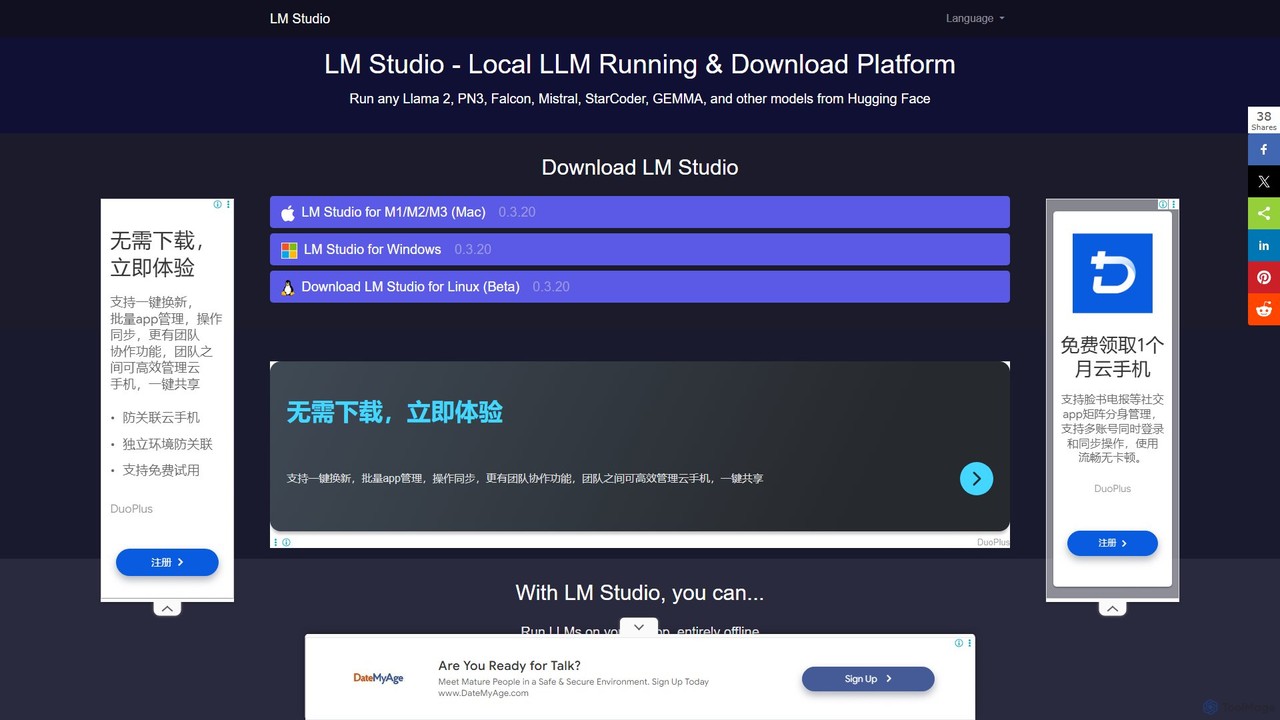
LM Studio
LM Studio is a user-friendly desktop application for discovering, downloading, and running open-source Large Language Models (LLMs) locally on your computer. It offers a simple chat interface and a local inference server, ensuring privacy and offline access.
Chat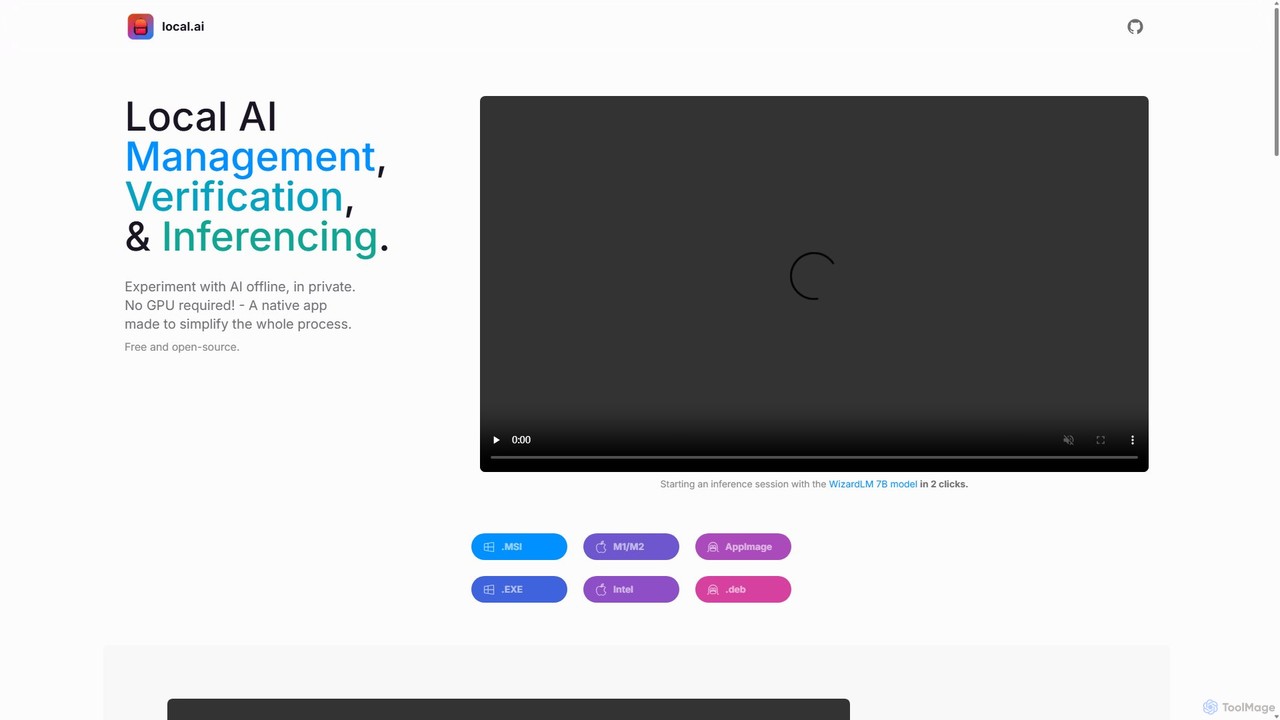
LocalAI
LocalAI is a free, open-source desktop application that allows you to run AI models privately and offline on your computer. It simplifies AI experimentation without needing a GPU, offering features like model management, integrity verification, and a local inference server.
Model Deployment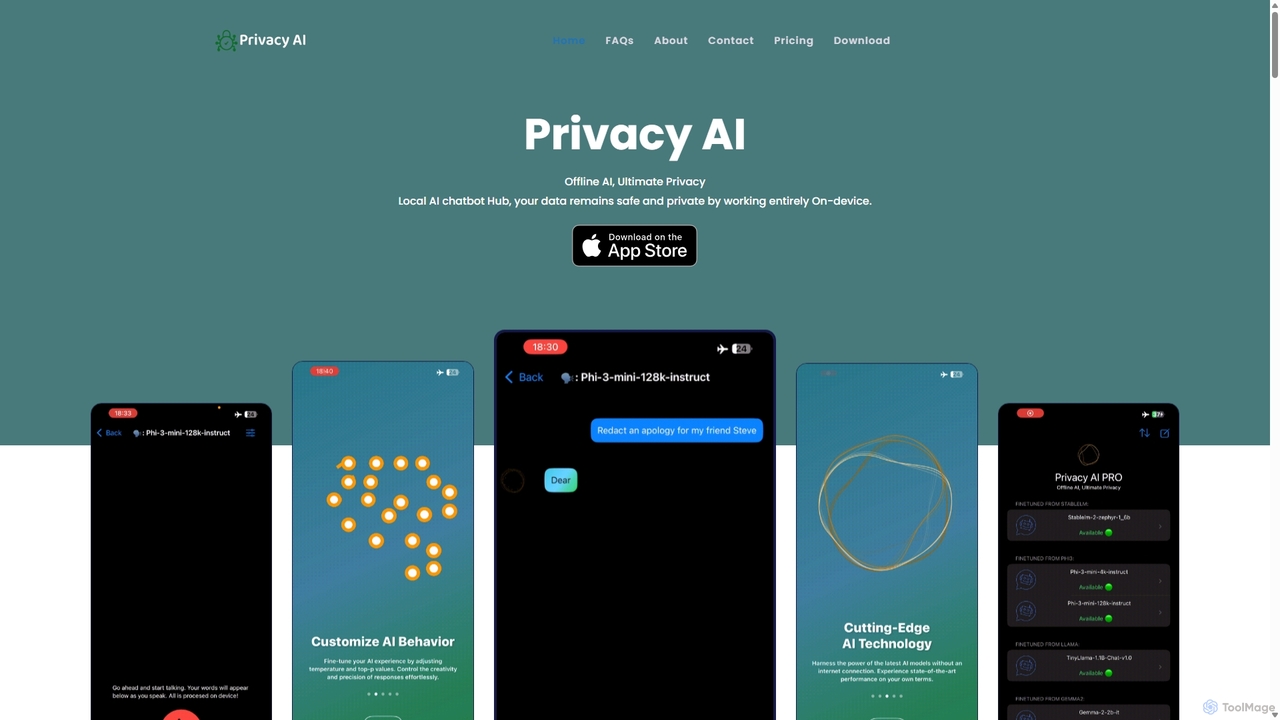
Privacy AI
Privacy AI is a native application for iPhone, iPad, and Mac that allows you to run powerful open-source large language models (LLMs) entirely offline. It ensures absolute privacy by processing all data on your device, with no data collection or internet connection required. Access models like LLaMA, Mistral, and Phi3 securely, with advanced customization options for a tailored AI experience.
Local Development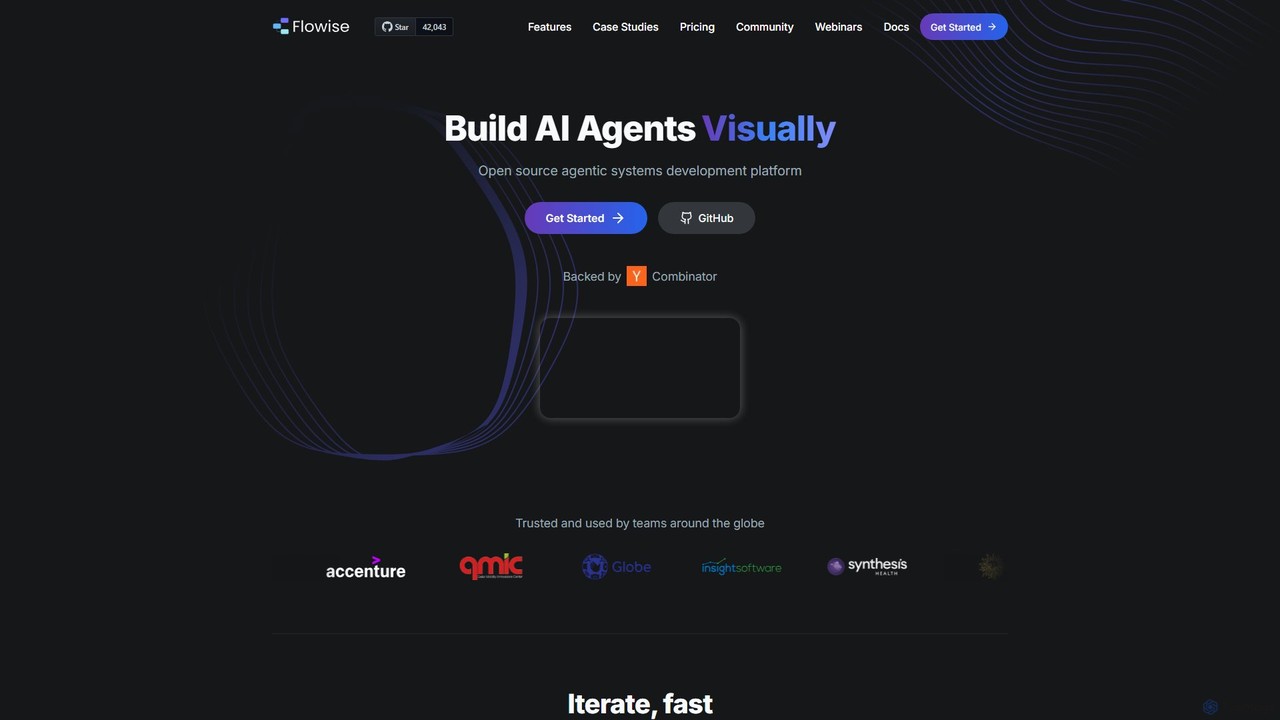
Flowise
Flowise is an open-source, low-code platform for visually building customized AI agents and applications. Using a drag-and-drop interface, developers and teams can rapidly prototype and deploy complex systems, from RAG-powered chatbots to multi-agent workflows. It supports over 100 LLMs, various data sources, and offers enterprise-grade features for scalable deployment.
Model Deployment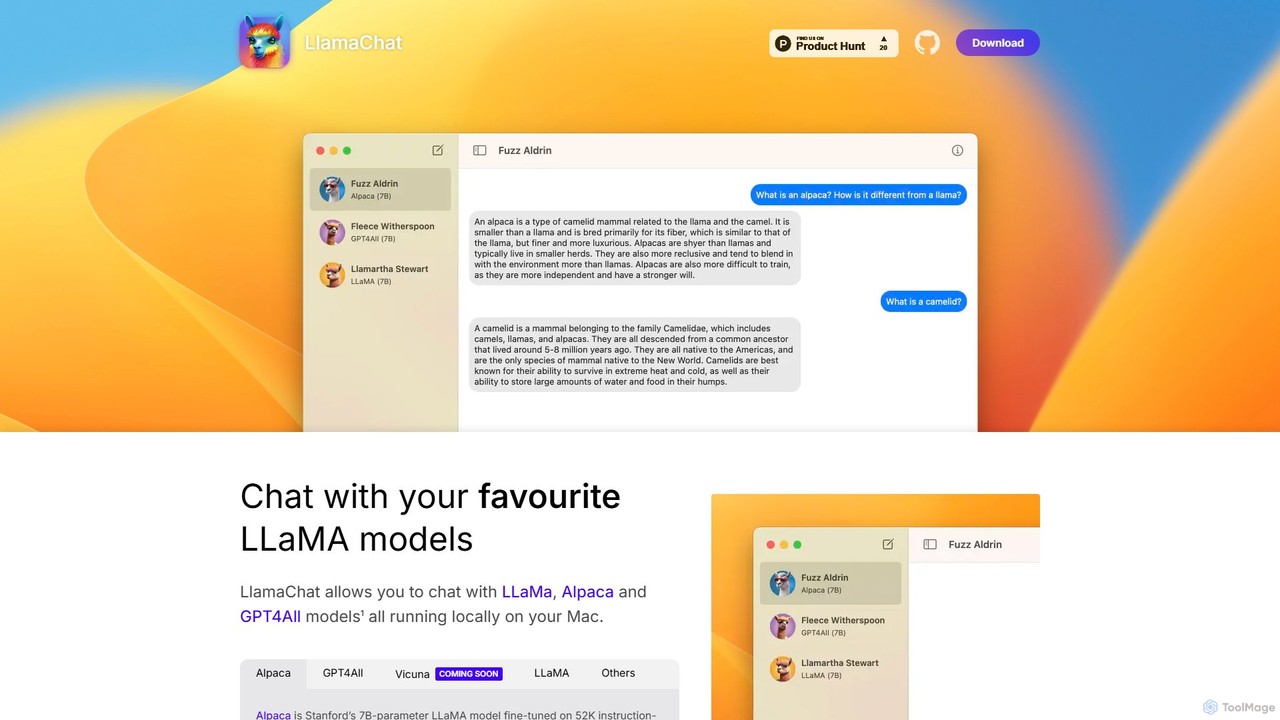
LlamaChat
LlamaChat is a free, open-source macOS application that allows you to run and chat with powerful large language models like LLaMA, Alpaca, and GPT4All directly on your Mac. It prioritizes privacy by keeping all data local and offers a seamless, native experience for offline AI interaction.
Local ModelsLM Studio Categories
LM Studio Embed Widget
Copy this embed code to place the badge on your blog, article, or product site and send readers directly to this ToolMage detail page.

Related AI tools
LM Studio
LM Studio is a user-friendly desktop application for discovering, downloading, and running open-source Large Language Models (LLMs) locally on your computer. It offers a simple chat interface and a local inference server, ensuring privacy and offline access.
Chat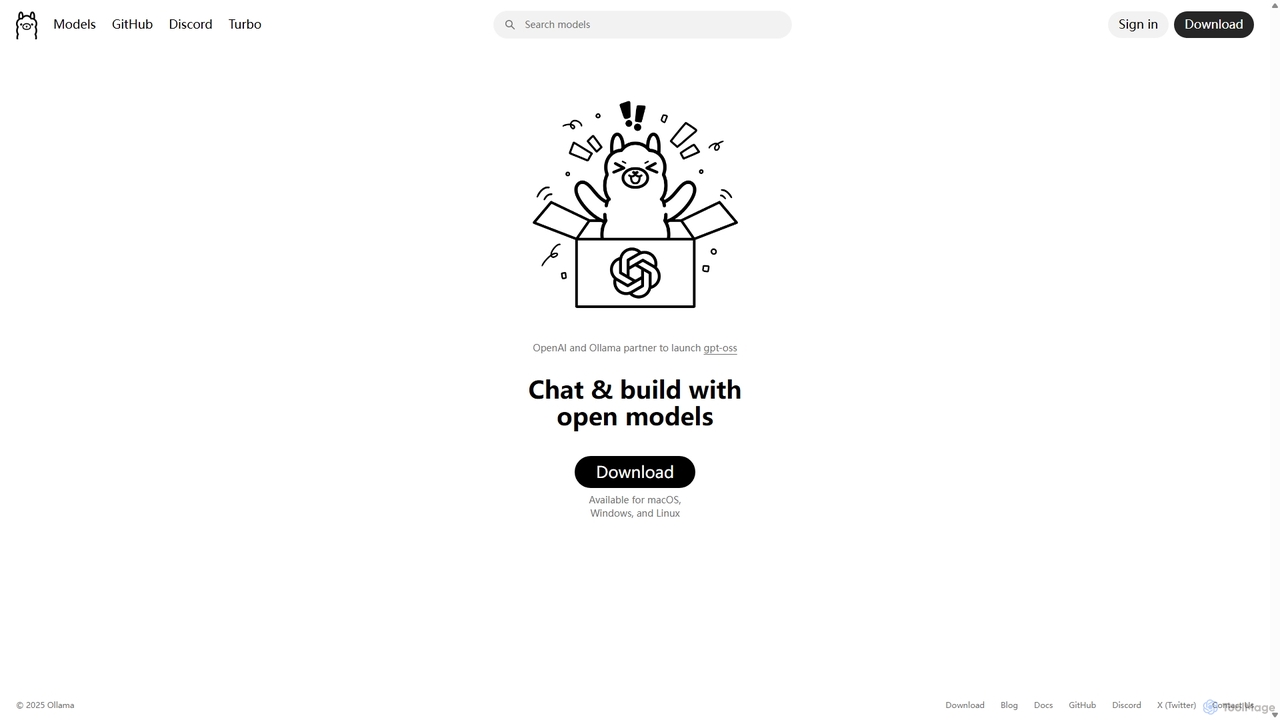
Ollama
Ollama is a powerful open-source framework for running large language models (LLMs) like Llama 3, Mistral, and Gemma locally on your own hardware. Available for macOS, Windows, and Linux, it simplifies the setup and management of open-source models, enabling private, offline, and cost-effective AI development and usage.
Machine LearningLlamaChat
LlamaChat is a free, open-source macOS application that allows you to run and chat with powerful large language models like LLaMA, Alpaca, and GPT4All directly on your Mac. It prioritizes privacy by keeping all data local and offers a seamless, native experience for offline AI interaction.
Local Models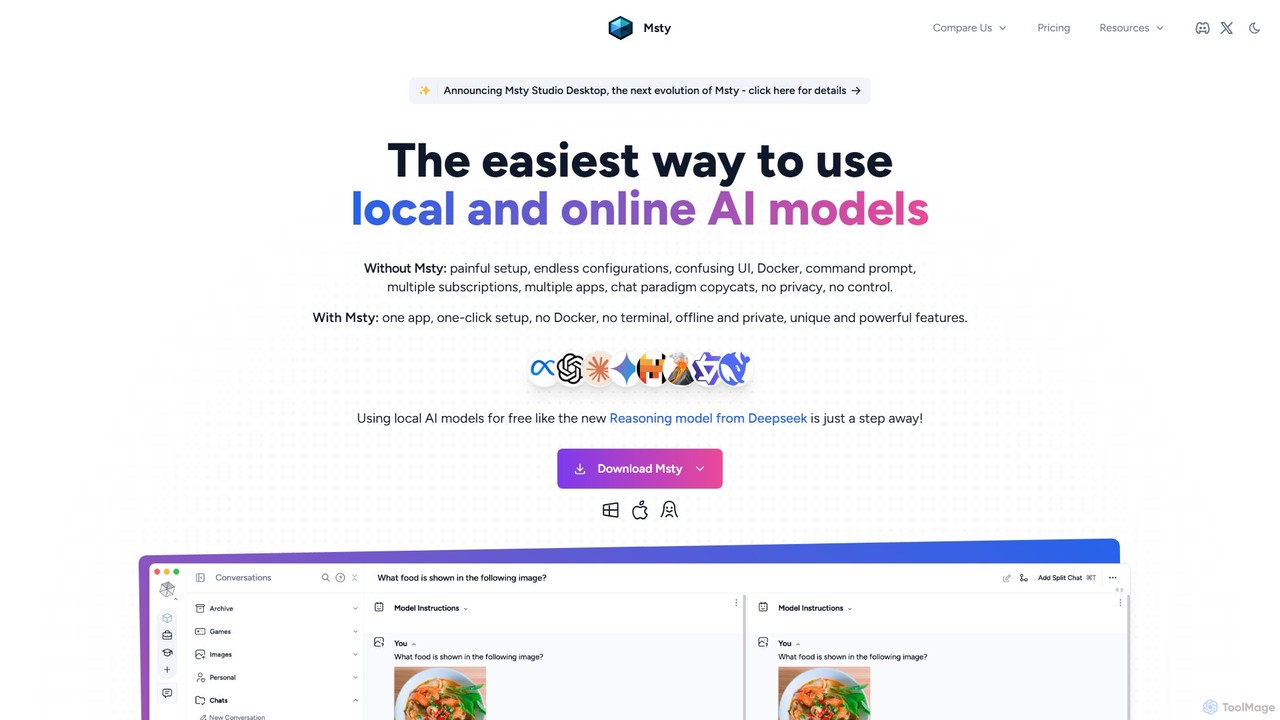
Msty
Msty is a user-friendly desktop application that simplifies running both local and online AI models. It offers a one-click setup, an offline-first approach for ultimate privacy, and powerful features like split-screen model comparison, advanced RAG via Knowledge Stacks, and full conversation control without needing technical expertise.
Chatbot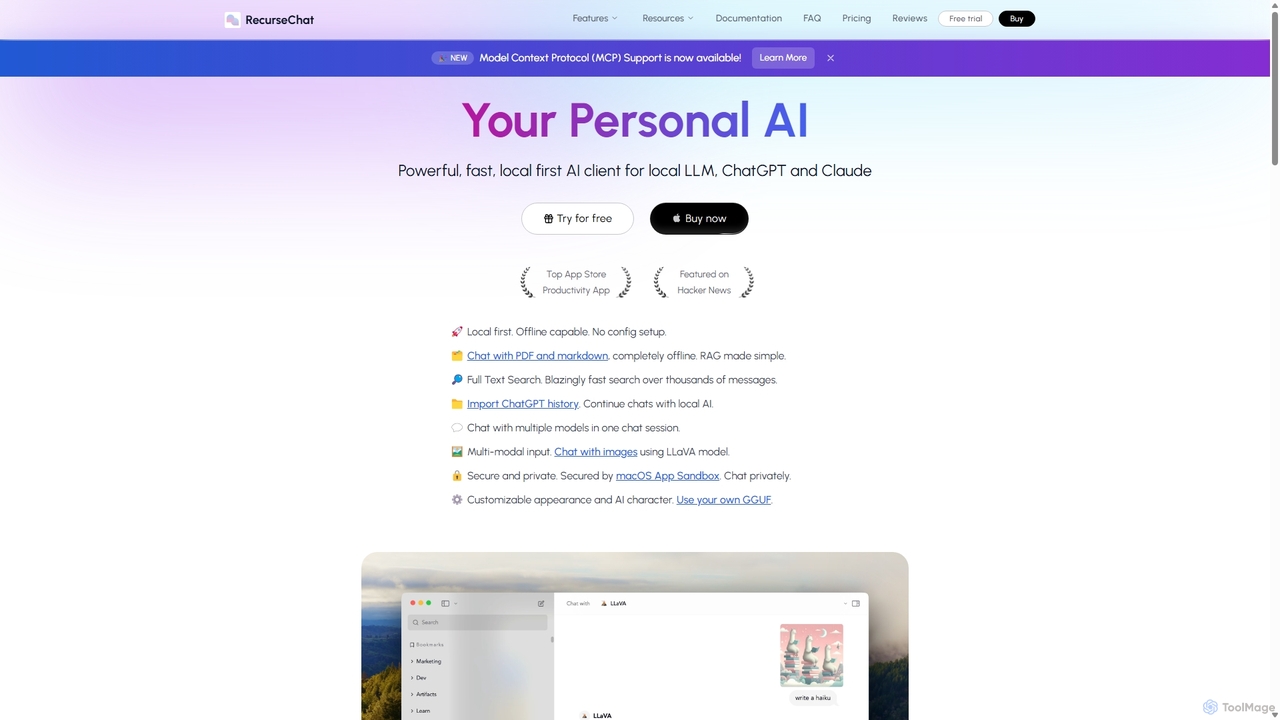
RecurseChat
RecurseChat is a powerful, privacy-focused AI client for macOS. It operates local-first, allowing you to chat with local LLMs, ChatGPT, and Claude, even offline. Interact with your PDFs and documents securely on your device using RAG technology. It features multi-modal input, full-text search, and extensive customization without requiring a subscription.
Llm Clients
Sanctum
Sanctum is a privacy-first AI assistant that allows you to run powerful open-source Large Language Models (LLMs) directly on your local machine. It ensures your data is encrypted, secure, and never leaves your device. Interact with models, chat with your documents, and transcribe audio, all offline and with complete privacy.
Local Development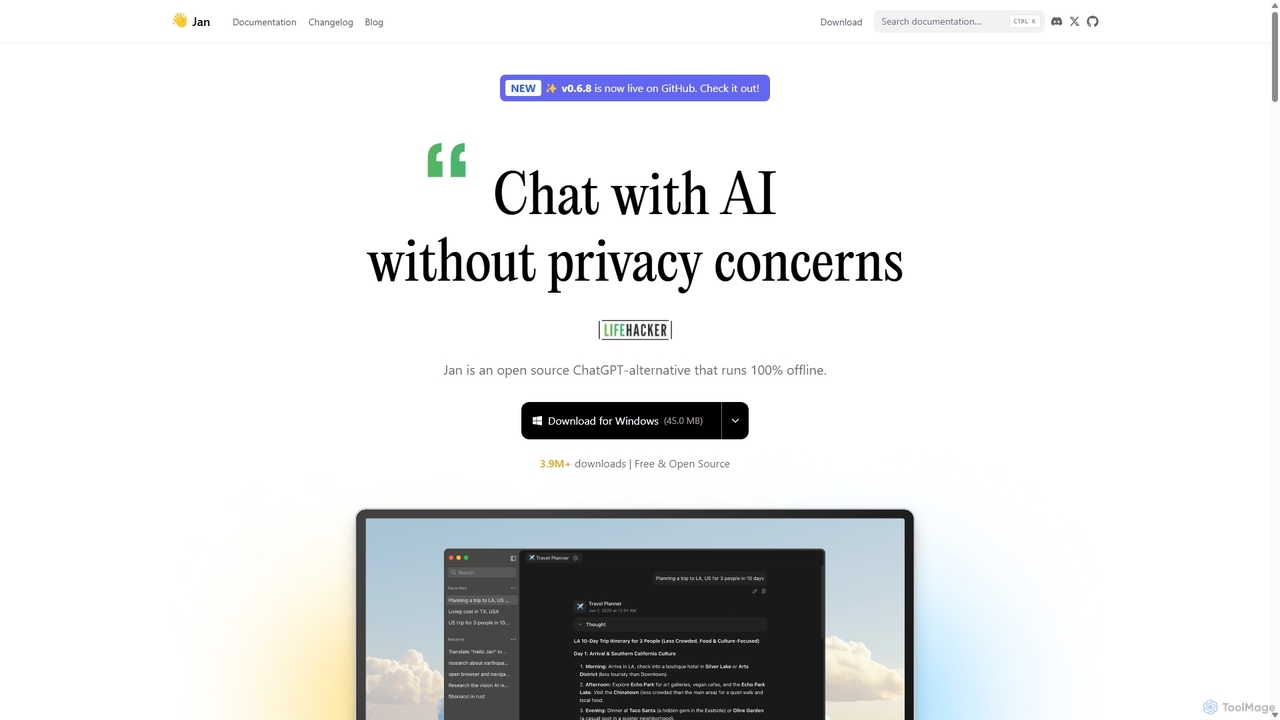
Jan
Jan is an open-source, offline-first AI chat application that functions as a powerful alternative to ChatGPT. It allows you to run large language models (LLMs) like Llama 3 and Mistral directly on your computer, ensuring 100% privacy and data control. Jan also offers the flexibility to connect to cloud-based AI services and provides a local API server for developers.
Api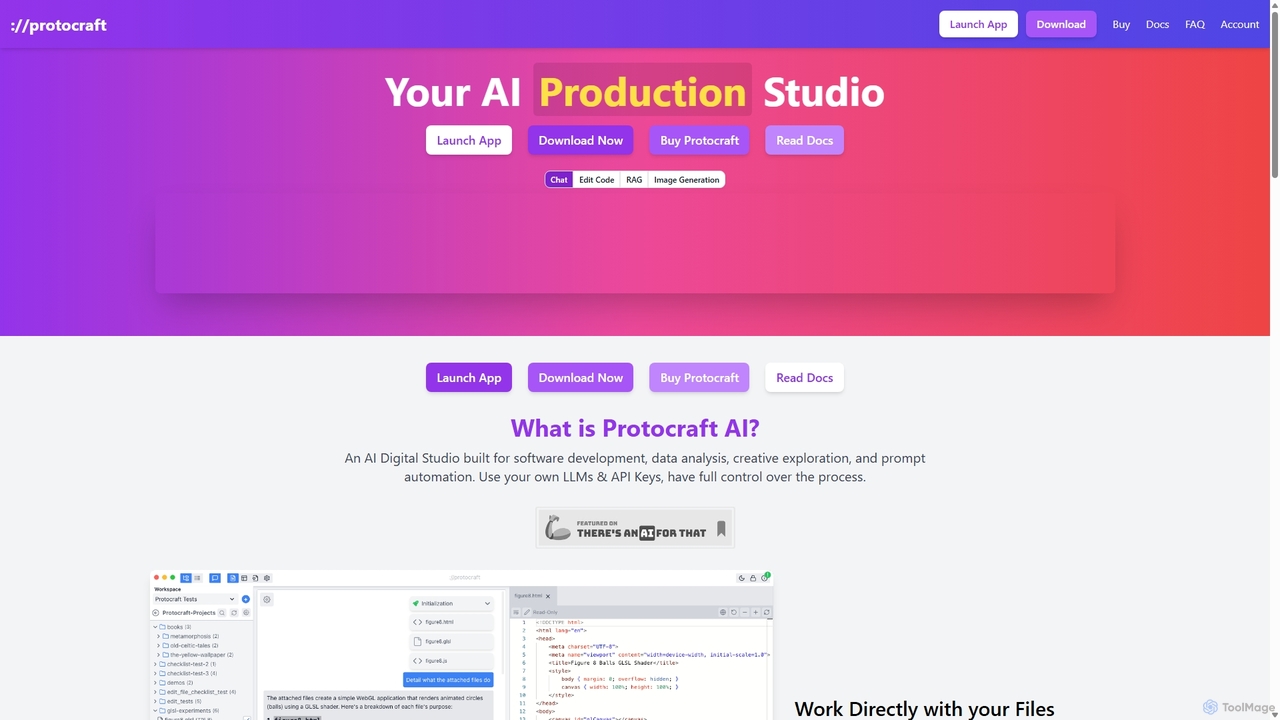
Protocraft AI
Protocraft AI is a versatile AI production studio for software development, data analysis, and creative tasks. It operates on a 'Bring Your Own Key' (BYOK) model, integrating with major LLMs like OpenAI, Anthropic, and Google, as well as local models. Available as both a web and desktop app, it allows users to interact directly with their local files, generate and edit code, create images, and automate prompts, all while maintaining full control over their data and privacy.
Business IntelligenceLocalAI
LocalAI is a free, open-source desktop application that allows you to run AI models privately and offline on your computer. It simplifies AI experimentation without needing a GPU, offering features like model management, integrity verification, and a local inference server.
Model DeploymentPrivacy AI
Privacy AI is a native application for iPhone, iPad, and Mac that allows you to run powerful open-source large language models (LLMs) entirely offline. It ensures absolute privacy by processing all data on your device, with no data collection or internet connection required. Access models like LLaMA, Mistral, and Phi3 securely, with advanced customization options for a tailored AI experience.
Local Development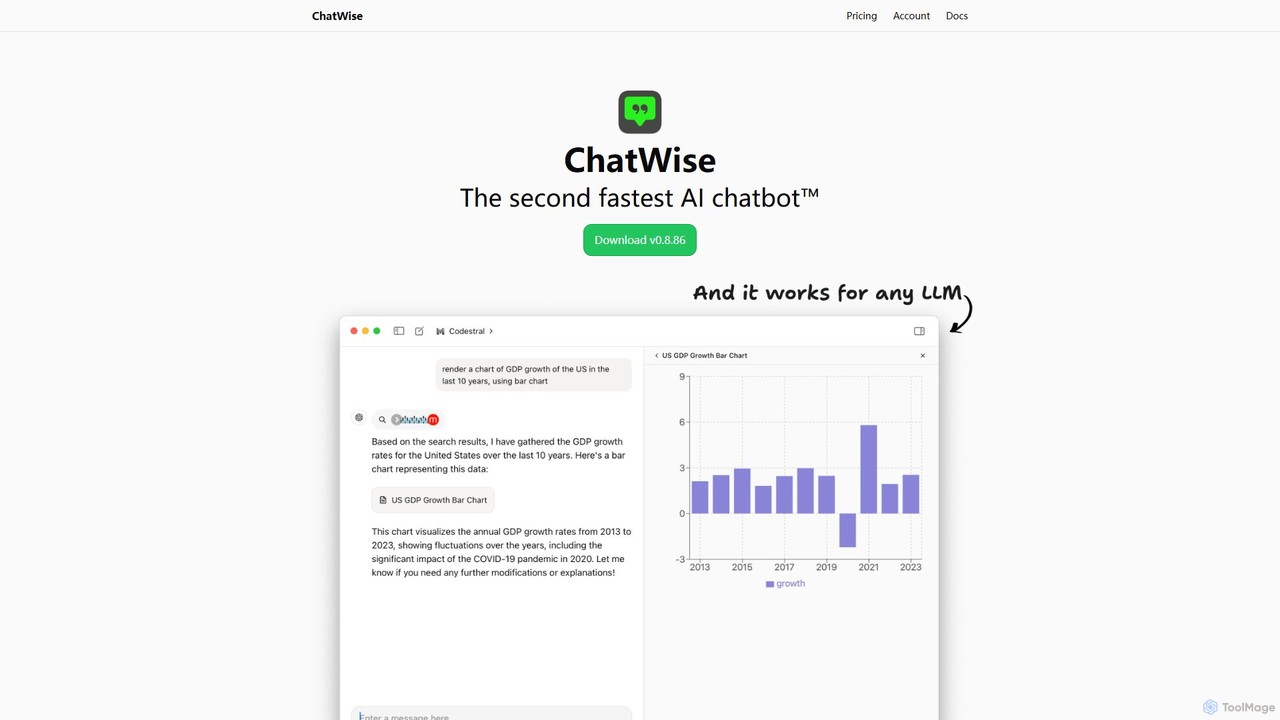
ChatWise
ChatWise is a high-performance, privacy-focused desktop application that provides a unified interface for interacting with various LLMs like ChatGPT, Claude, Gemini, and Llama. It supports multi-modal inputs, web search, and tool integration, storing all your data locally.
Api Management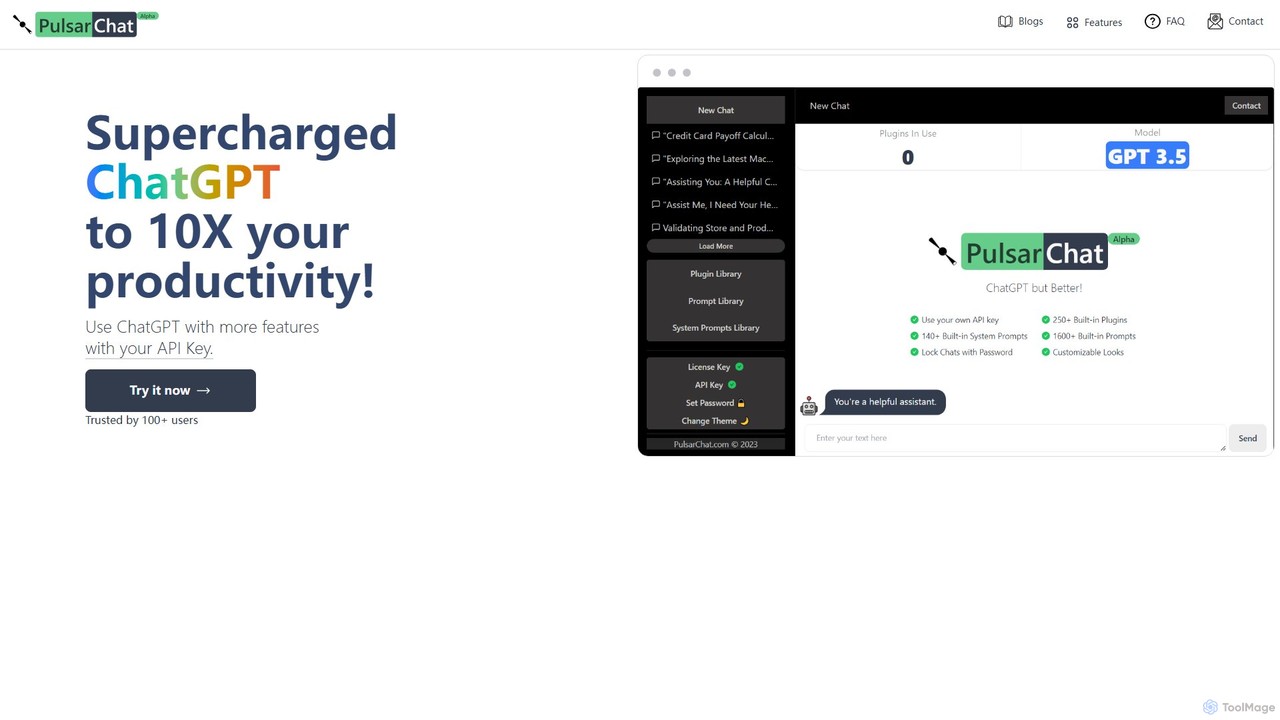
PulsarChat
PulsarChat is a powerful web-based client that supercharges your ChatGPT experience. By using your own OpenAI API key, it unlocks advanced features like 250+ plugins, a vast library of 1500+ prompts, and access to larger context models (e.g., GPT-4) without usage caps. It prioritizes user privacy by storing API keys locally and ensuring all communication is directly with OpenAI's servers.
Api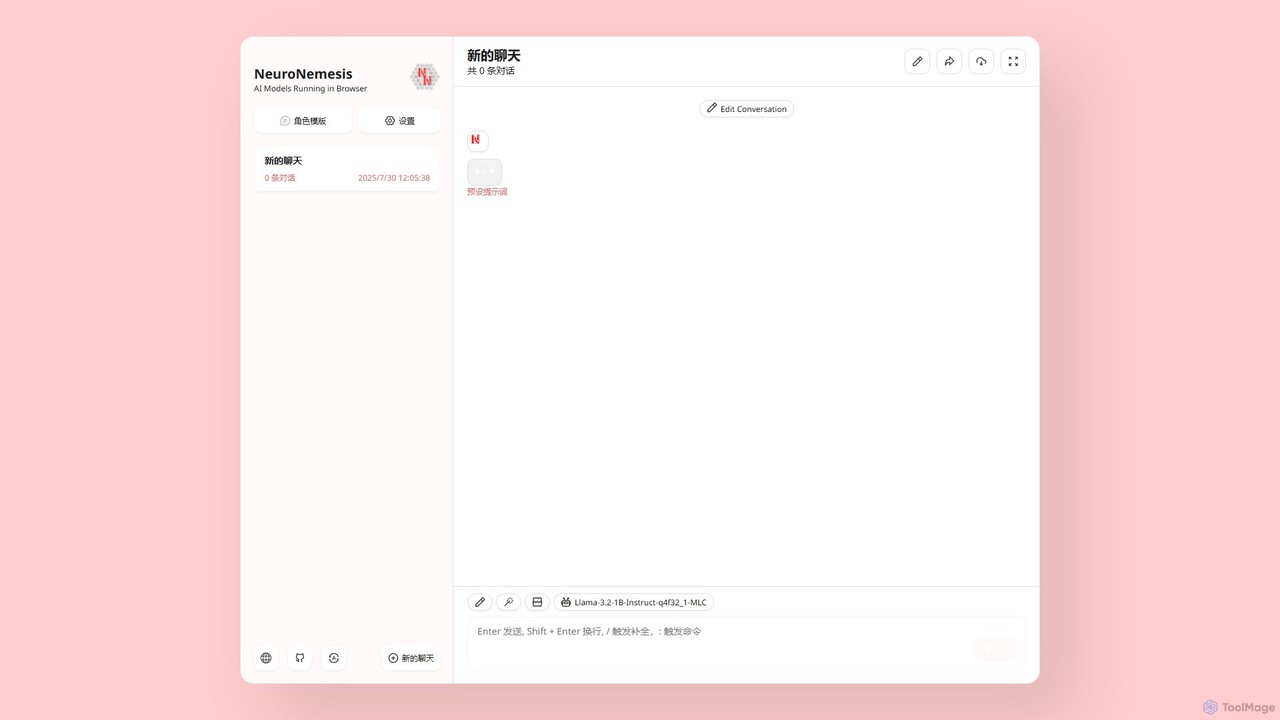
NeuroNemesis
NeuroNemesis is a revolutionary AI chatbot that runs powerful language models directly in your browser. It offers unparalleled privacy and security by processing all data locally on your device. Enjoy real-time, offline-capable AI assistance without your data ever leaving your computer.
Local Models
Conversease
A privacy-focused AI chat platform that provides a unified interface for leading AI models like GPT-4o and Pixtral. Users connect their own API keys to store, manage, and search conversations locally on their browser. It supports advanced features including PDF chat and image analysis, offering a secure and versatile AI interaction experience.
Api Management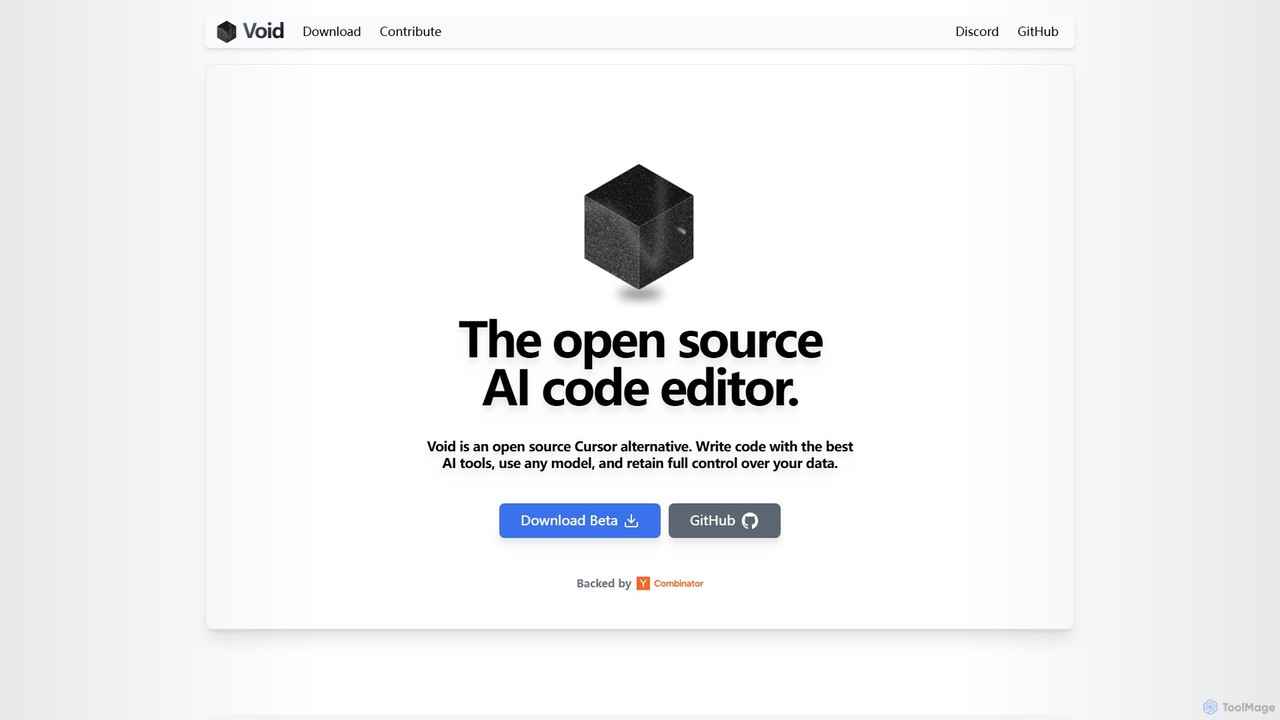
voideditor
Voideditor is a free, open-source AI code editor built as a fork of VS Code. It empowers developers with full control over their data and choice of AI models, supporting direct connections to any cloud or locally hosted LLM. It offers advanced features like AI chat, autocompletion, and agentic workflows to accelerate development while prioritizing privacy and flexibility.
Code Generation
LM Studio Comments (0)
Sign in to comment.
Sign inNo comments yet.