

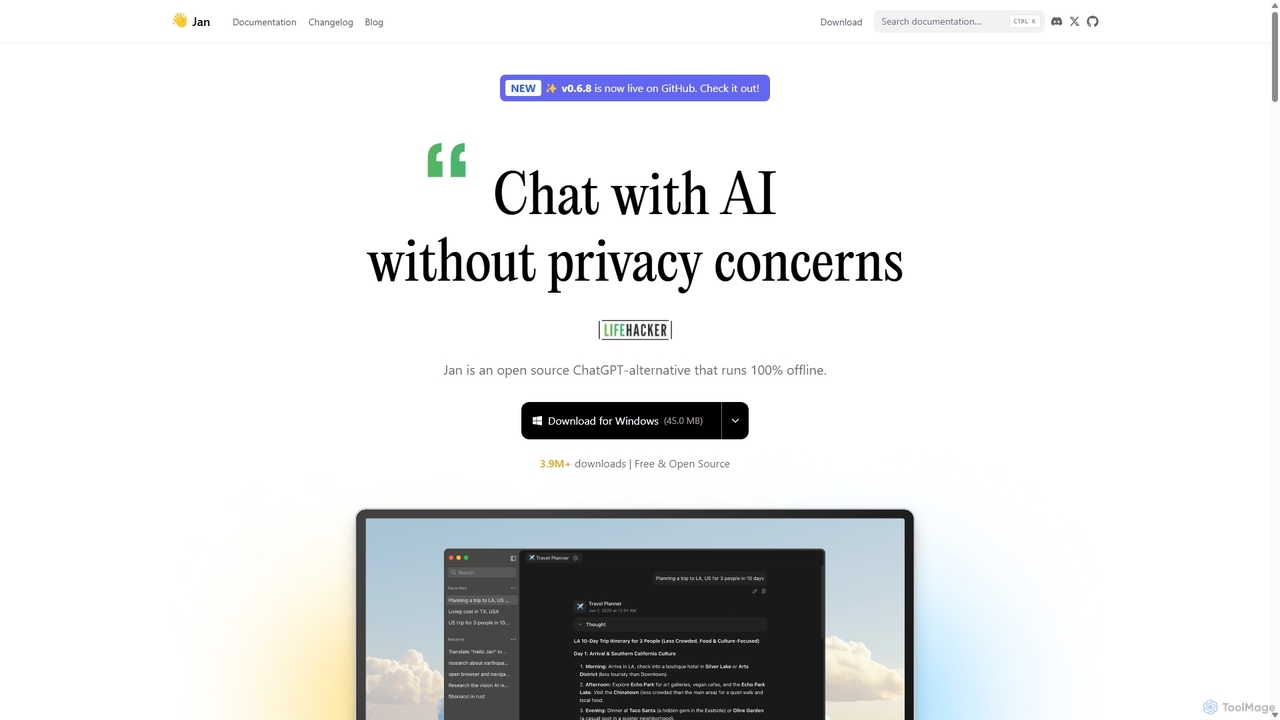
Jan Overview
Jan is a versatile and user-centric AI platform designed to be a viable open-source alternative to proprietary services like ChatGPT. Its core philosophy is built on being local-first, user-owned, and highly customizable. This means your conversations and data remain on your device, giving you complete control and privacy. Jan operates as a desktop application for Windows, macOS, and Linux, transforming your personal computer into a powerful, self-contained AI workstation.
With Jan, you can interact with cutting-edge AI without an internet connection. The platform is engineered to run powerful open-source models directly on your hardware. This offline capability is perfect for users concerned about data privacy, those with intermittent internet access, or anyone who prefers to keep their work confidential. The application is built in public, fostering a transparent and community-driven development process.
How to use Jan
Getting started with Jan is straightforward and designed for both beginners and advanced users:
- Download and Install: Visit the official Jan website (jan.ai) and download the application for your operating system (Windows, macOS, or Linux).
- Choose a Model: After launching Jan, navigate to the Model Hub. You can download and run popular open-source models like Llama 3, Gemma, or Mistral with a single click. Any GGUF model from Hugging Face is also compatible.
- Connect to Cloud APIs (Optional): If you need the power of larger, cloud-based models, you can easily connect your API keys from providers like OpenAI, Groq, Anthropic, or Cohere. Jan acts as a unified interface for both local and cloud models.
- Start Chatting: Once a model is loaded, you can begin chatting, asking questions, brainstorming ideas, or getting assistance with tasks, just like you would with other AI chat tools.
- Utilize the Local API: For developers, Jan offers a one-click setup for a local, OpenAI-compatible API server running at
localhost:1337. This allows you to integrate local LLMs into your own applications and development workflows. - Interact with Files (Experimental): Use the experimental feature to chat with your PDFs, notes, and other documents to extract summaries, find answers, or gain insights directly from your files.
Core Features of Jan
- 100% Offline Operation: Run powerful AI models on your device without needing an internet connection, ensuring your data never leaves your computer.
- Integrated Model Hub: Easily discover, download, and manage a wide range of open-source LLMs, including Llama 3, Mistral, Gemma, and Jan's own optimized models.
- Hybrid AI Access: Seamlessly switch between local models for privacy and speed, and powerful cloud-based models (OpenAI, Groq, etc.) for more demanding tasks.
- Local OpenAI-Compatible API Server: A built-in server allows developers to use Jan as a local backend for their AI applications, facilitating rapid prototyping and development without API costs.
- High Customizability: Tailor the application to your needs with extensions, custom model parameters, and adjustable settings for a personalized experience.
- Model Context Protocol (MCP): An advanced feature that enables the AI to interact with external tools and applications, such as browsing the web, analyzing data in Jupyter notebooks, or creating designs in Canva.
- Chat with Documents: An experimental feature that allows you to have conversations with your local files (PDFs, text files) to quickly find information and generate summaries.
- Open Source and Community-Driven: With its code available on GitHub under an Apache 2.0 license, Jan benefits from community contributions and maintains full transparency.
Use Cases for Jan
Jan is suitable for a diverse range of users and applications:
- Software Developers: Use the local API for building and testing AI-powered features, generating code, and debugging without relying on external services.
- Researchers and Academics: Analyze sensitive documents, summarize research papers, and conduct experiments with various LLMs in a secure, private environment.
- Content Creators and Writers: Brainstorm ideas, draft articles, and overcome writer's block, even when offline.
- Privacy-Conscious Individuals: Engage in private conversations with an AI assistant without concerns about data being collected or used by third parties.
- Students: Learn new topics, get help with homework, and explore the capabilities of different AI models for educational purposes.
Advantages of Jan
Jan offers several key advantages over traditional cloud-based AI services:
- Ultimate Privacy and Security: Since everything runs locally, your data is completely private and secure on your own machine.
- No Subscription Fees: The core application and local model usage are entirely free. You only pay for what you use when connecting to third-party cloud APIs.
- Full Data Ownership: Your data is stored in universal formats on your device, with no vendor lock-in. You can move or delete it at any time.
- Uninterrupted Access: Work with AI anytime, anywhere, regardless of internet connectivity.
- Flexibility and Control: Choose from a vast library of open-source models and customize their behavior to fit your specific needs, free from corporate censorship or moderation.
Pricing and Plans
Jan is fundamentally free for its core functionality. The pricing model is simple and transparent:
- Local Use: The Jan desktop application and running local models are completely free and open source. There are no subscriptions, usage limits, or hidden costs.
- Cloud Models: When you connect to cloud AI providers like OpenAI or Anthropic, you pay the provider directly for your API usage. Jan does not add any markup or fees.
- Future Services: Optional paid services, such as a managed Jan cloud platform, are planned for late 2025, but the core local application will always remain free.
Traffic
Latest traffic
Status
Monthly traffic trend
- 2025-9: 305.8K
- 2026-1: 349.1K
- 2026-2: 285.4K
- 2026-3: 371.4K
- 2026-4: 389.6K
- 2026-5: 378.2K
Geography
Top 5 countries / regions
- 🇺🇸United States42.5%
- 🇮🇳India21.4%
- 🇧🇷Brazil16.7%
- 🇨🇦Canada9.8%
- 🇨🇳China9.6%
Traffic sources
| Source type | Percentage |
|---|---|
Direct | 86.0% |
Referral | 12.8% |
Email | 1.3% |
Jan Alternatives
HeyGPT
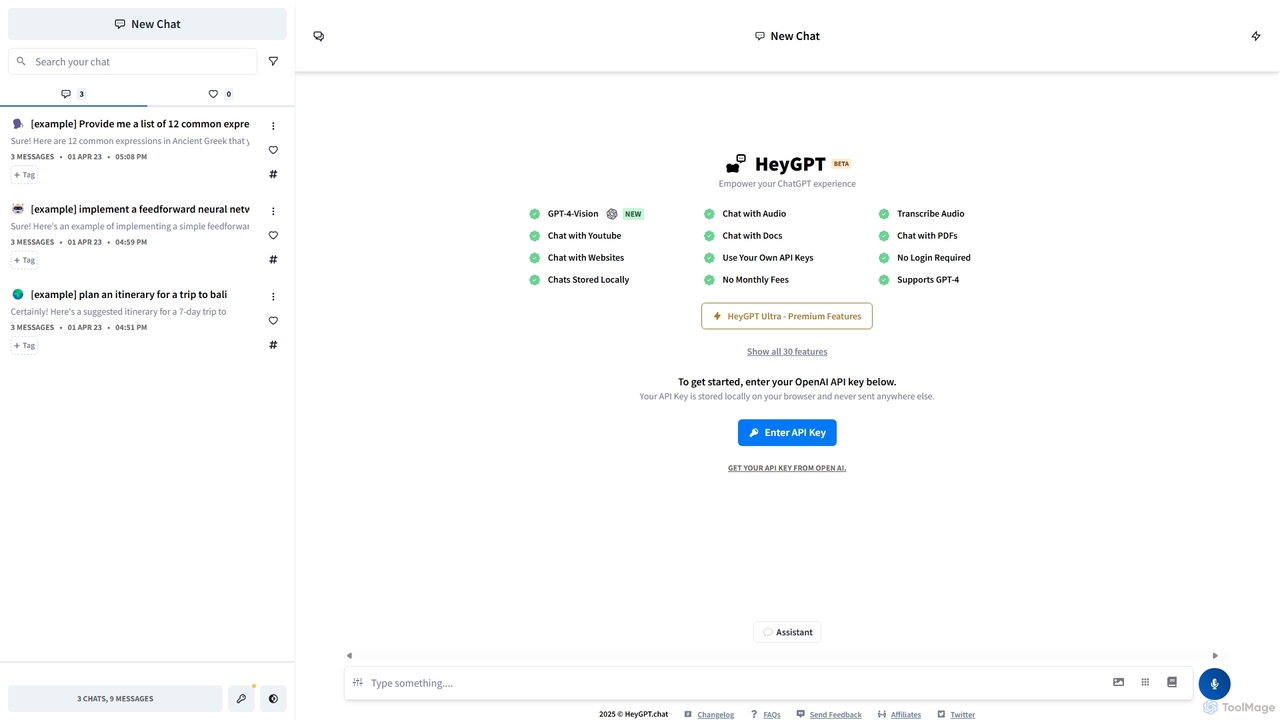
HeyGPT is an advanced, privacy-focused web client for ChatGPT. It allows you to use your own OpenAI API key, keeping your conversations and data stored locally on your browser. It enhances the standard experience with features like chatting with PDFs, websites, YouTube videos, and audio files, all without requiring a login or a monthly subscription.
Api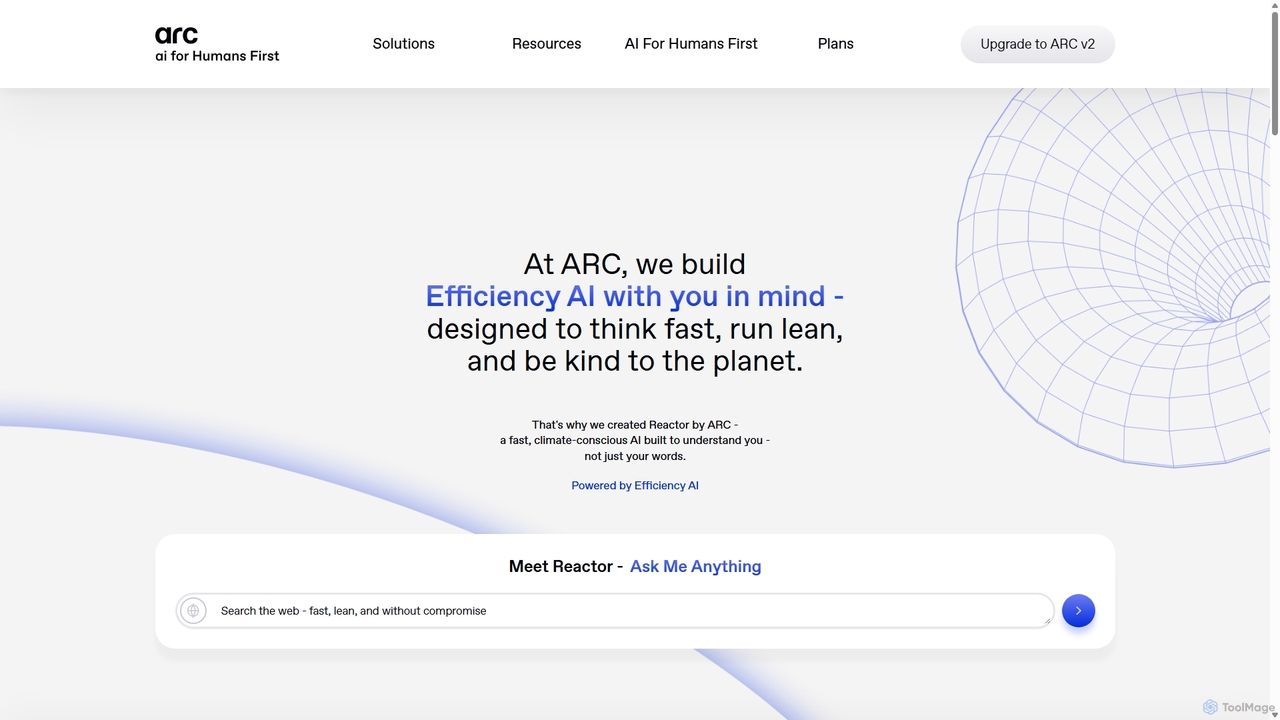
ARC
ARC is an "Efficiency AI" ecosystem focused on speed, privacy, and sustainability. It features Reactor, a fast AI assistant for search and creation; Matrix, an encryption shield for enterprise AI workflows; and Protocol, a real-time crypto auditing tool. ARC delivers high-performance AI with a minimal environmental footprint, prioritizing user data control and security.
Api
Thinkbuddy
Thinkbuddy is a native desktop AI client designed for fast, secure, and organized interaction with multiple AI models. It acts as a unified workspace, allowing you to switch between models like GPT-4o, Claude 3, and Llama 3, manage conversations in projects, and save prompts in a library for a streamlined workflow.
Code Assistant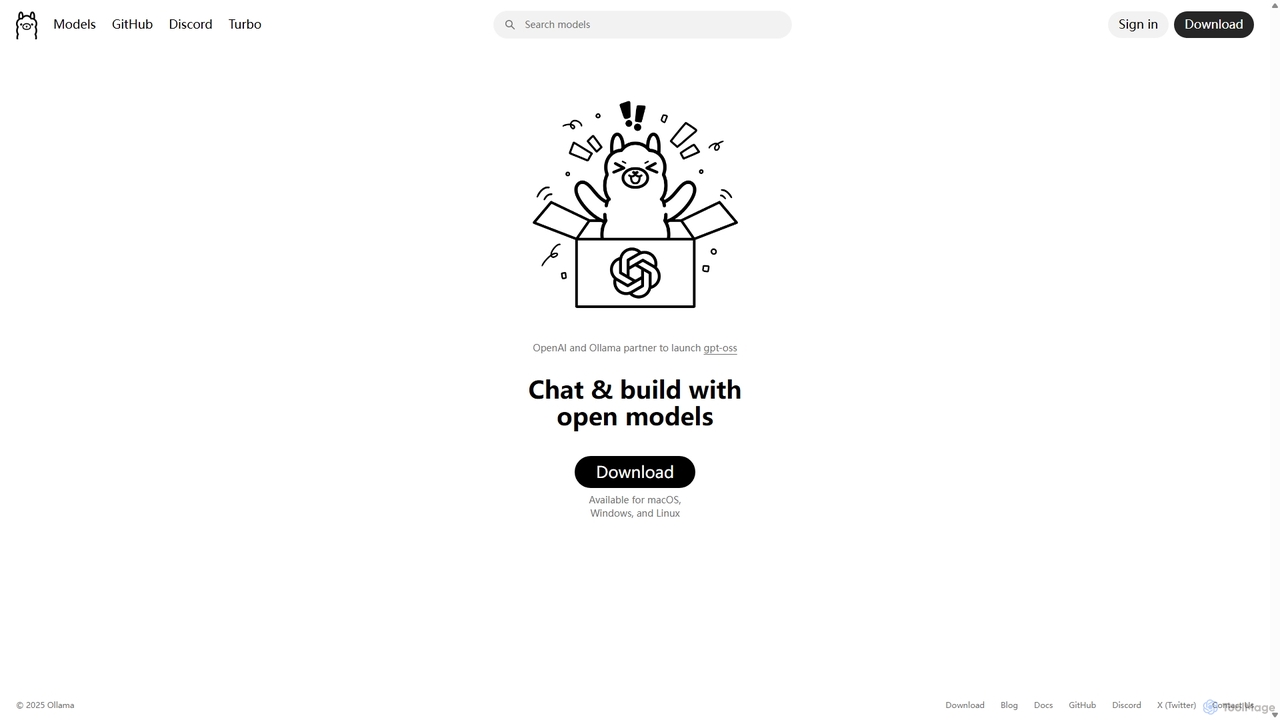
Ollama
Ollama is a powerful open-source framework for running large language models (LLMs) like Llama 3, Mistral, and Gemma locally on your own hardware. Available for macOS, Windows, and Linux, it simplifies the setup and management of open-source models, enabling private, offline, and cost-effective AI development and usage.
Machine Learning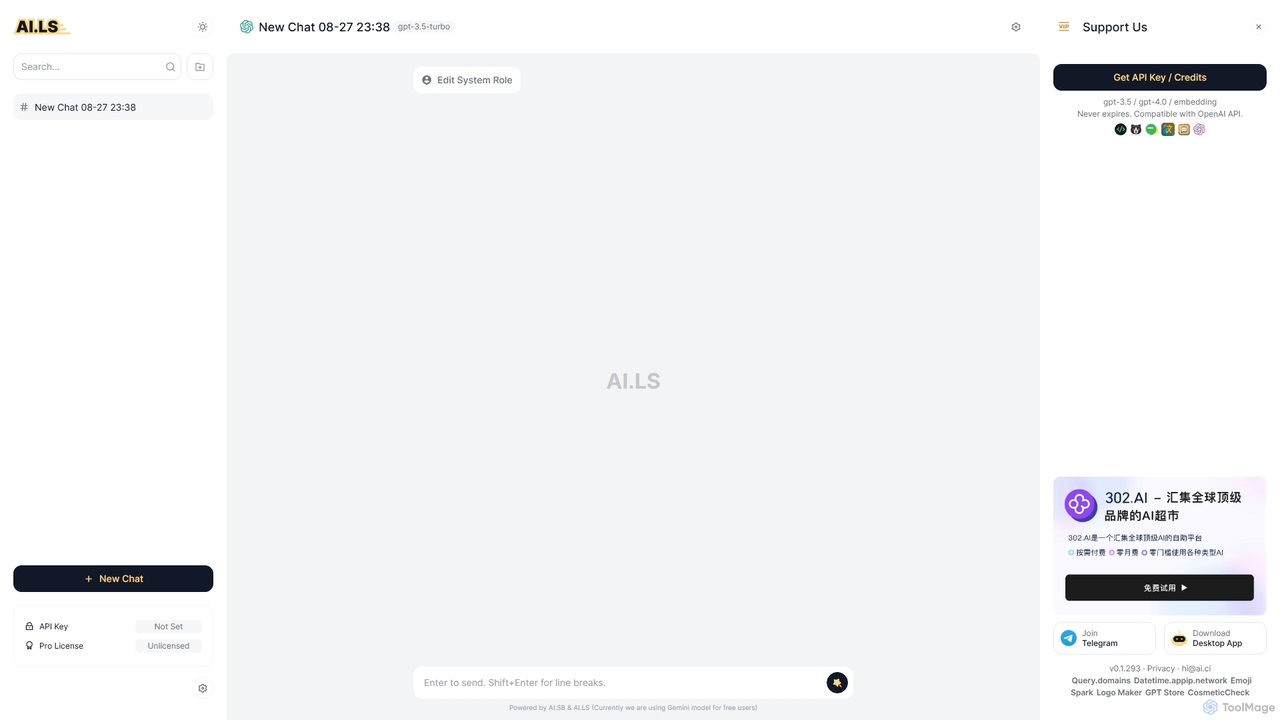
AI.LS
AI.LS is an elegant and powerful web-based user interface for interacting with advanced AI models like ChatGPT and Gemini. It serves as a superior alternative to standard chat interfaces, offering a free tier, advanced customization options, and support for using your own OpenAI API key for greater control and access.
ApiJan Categories
Jan Jobs
Jan Embed Widget
Copy this embed code to place the badge on your blog, article, or product site and send readers directly to this ToolMage detail page.

Related AI tools
RecurseChat
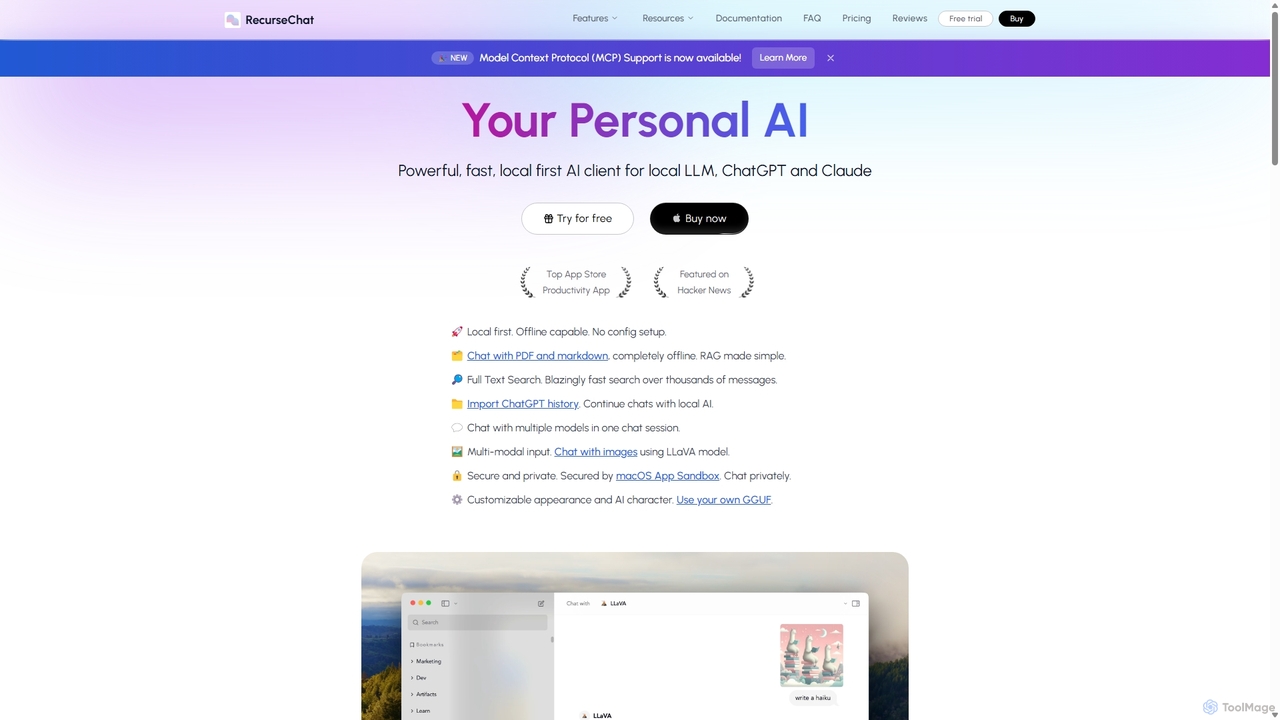
RecurseChat is a powerful, privacy-focused AI client for macOS. It operates local-first, allowing you to chat with local LLMs, ChatGPT, and Claude, even offline. Interact with your PDFs and documents securely on your device using RAG technology. It features multi-modal input, full-text search, and extensive customization without requiring a subscription.
Llm Clients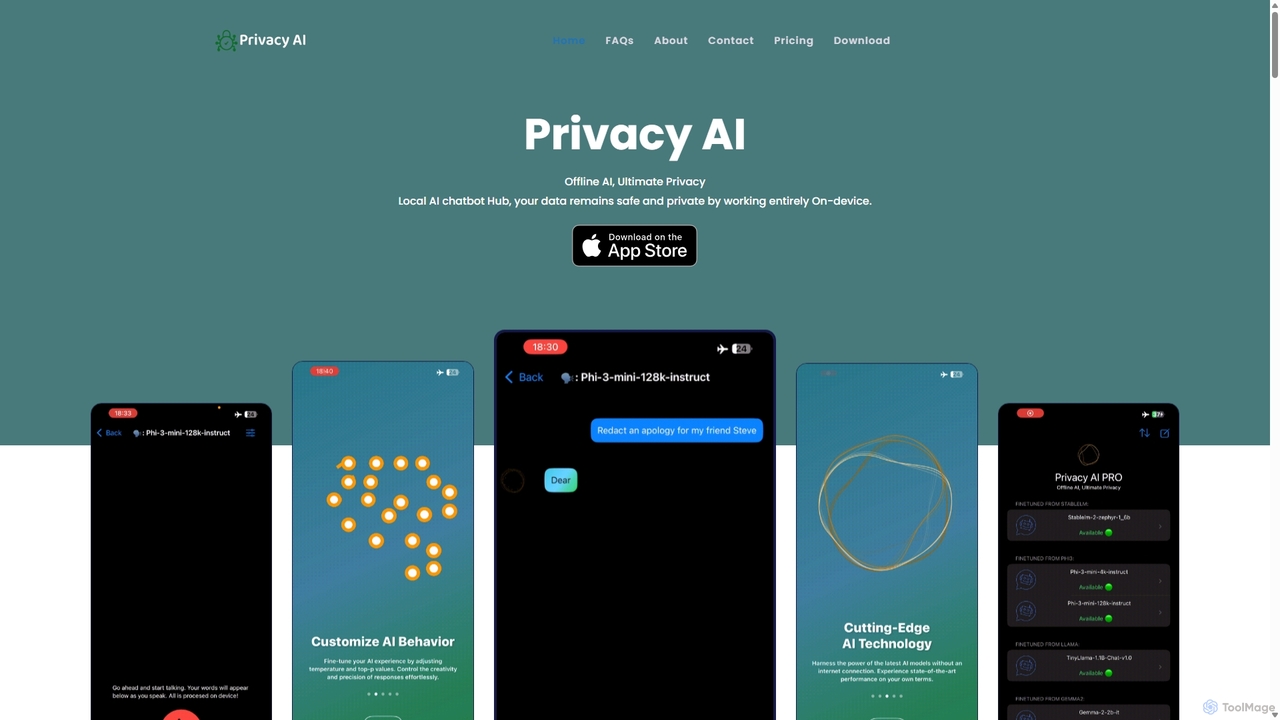
Privacy AI
Privacy AI is a native application for iPhone, iPad, and Mac that allows you to run powerful open-source large language models (LLMs) entirely offline. It ensures absolute privacy by processing all data on your device, with no data collection or internet connection required. Access models like LLaMA, Mistral, and Phi3 securely, with advanced customization options for a tailored AI experience.
Local Development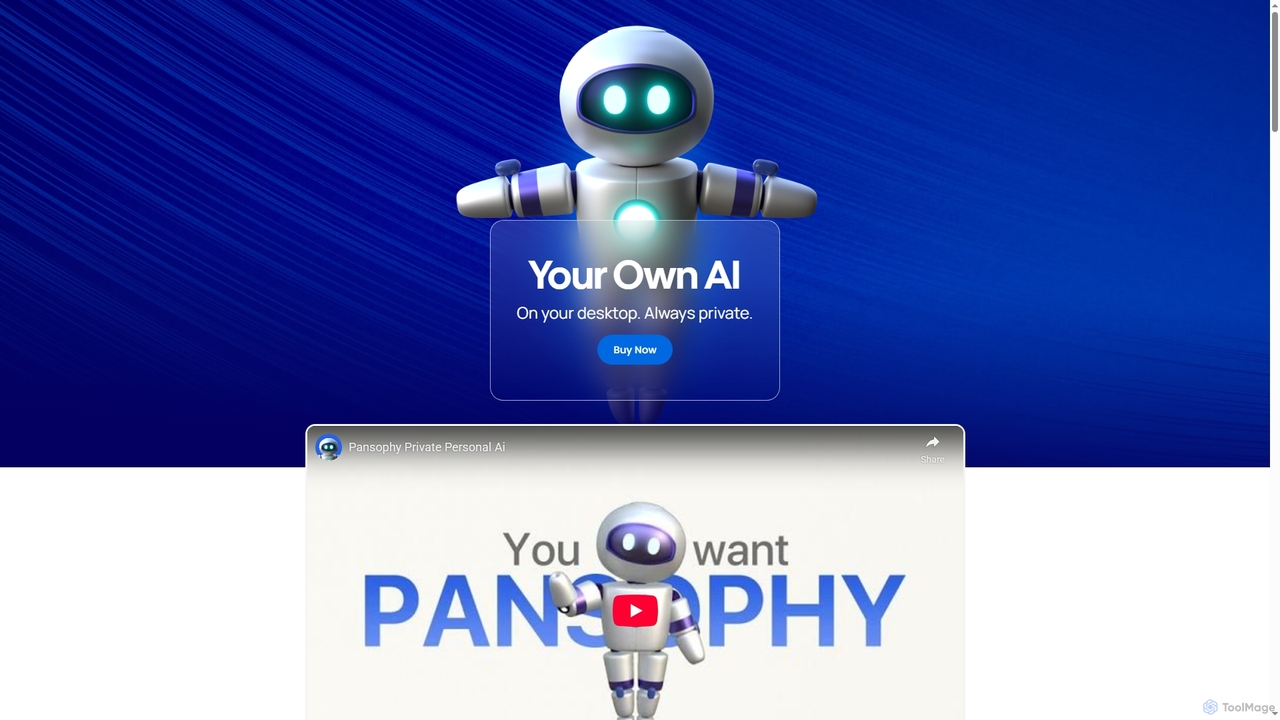
Pansophy
Pansophy is a private desktop AI tool that processes all data locally, offering secure document summarization, text and code generation, and smart search capabilities without cloud dependence. It's designed for enhanced productivity and data privacy across multiple operating systems.
Code GenerationThinkbuddy
Thinkbuddy is a native desktop AI client designed for fast, secure, and organized interaction with multiple AI models. It acts as a unified workspace, allowing you to switch between models like GPT-4o, Claude 3, and Llama 3, manage conversations in projects, and save prompts in a library for a streamlined workflow.
Code AssistantOllama
Ollama is a powerful open-source framework for running large language models (LLMs) like Llama 3, Mistral, and Gemma locally on your own hardware. Available for macOS, Windows, and Linux, it simplifies the setup and management of open-source models, enabling private, offline, and cost-effective AI development and usage.
Machine Learning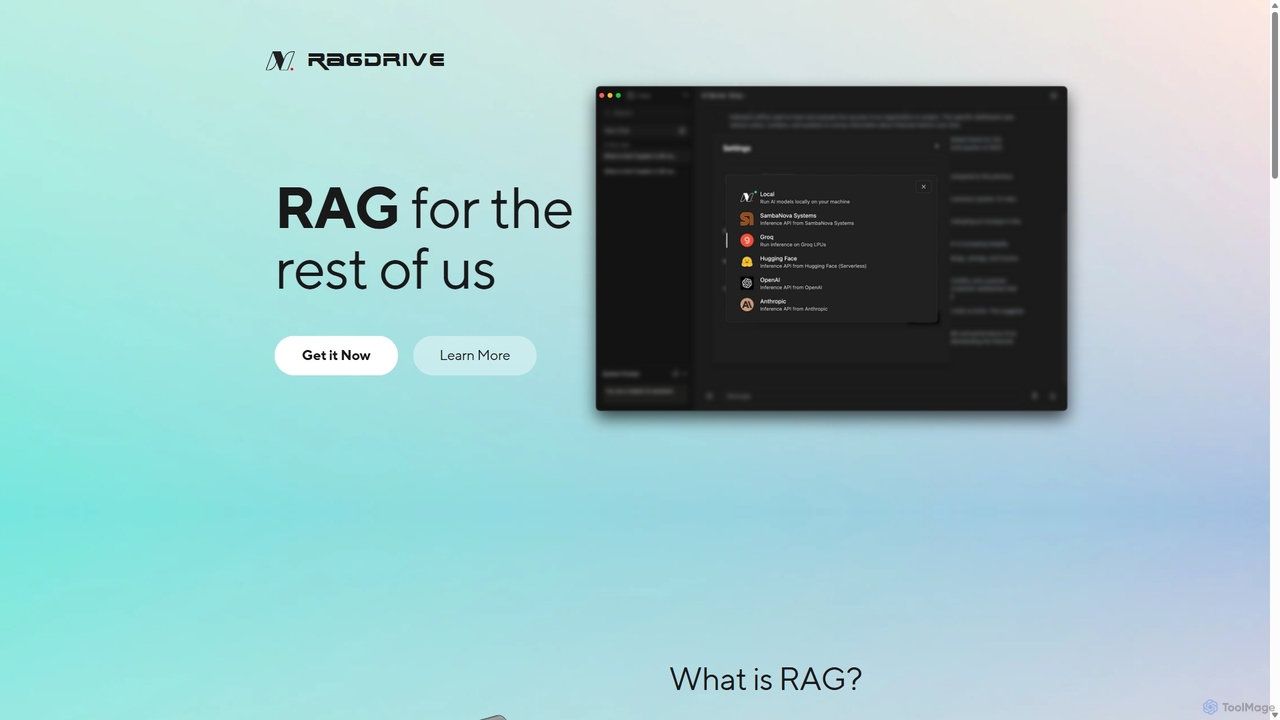
RAGDrive
RAGDrive is a free, open-source, and no-code tool that allows you to chat with your documents privately and offline. Using RAG technology, it turns your files into an interactive knowledge base, accessible across Windows, Mac, iOS, and Android.
Open Source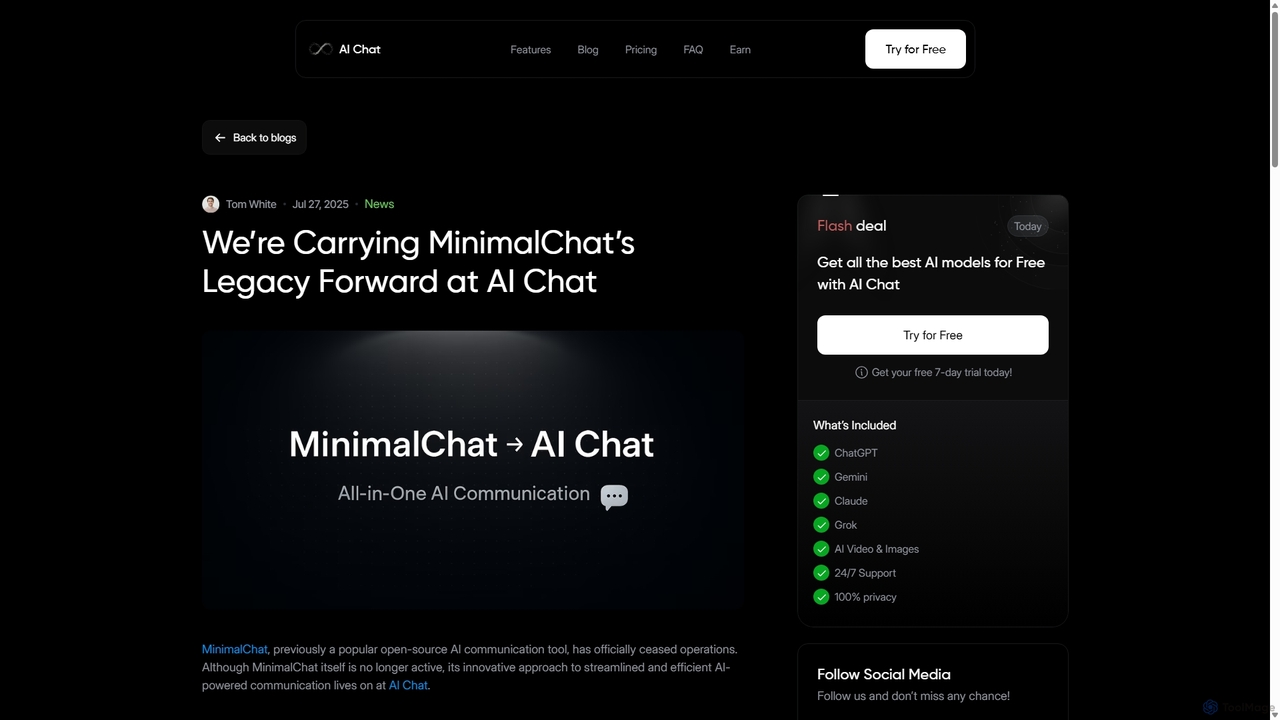
MinimalChat
MinimalChat was a popular open-source, self-hostable AI chat platform known for its lightweight, minimalist design. It supported various GPT models, file uploads, and voice interactions, offering a private and flexible alternative to commercial services. Note: The project has ceased operations.
Code Assistant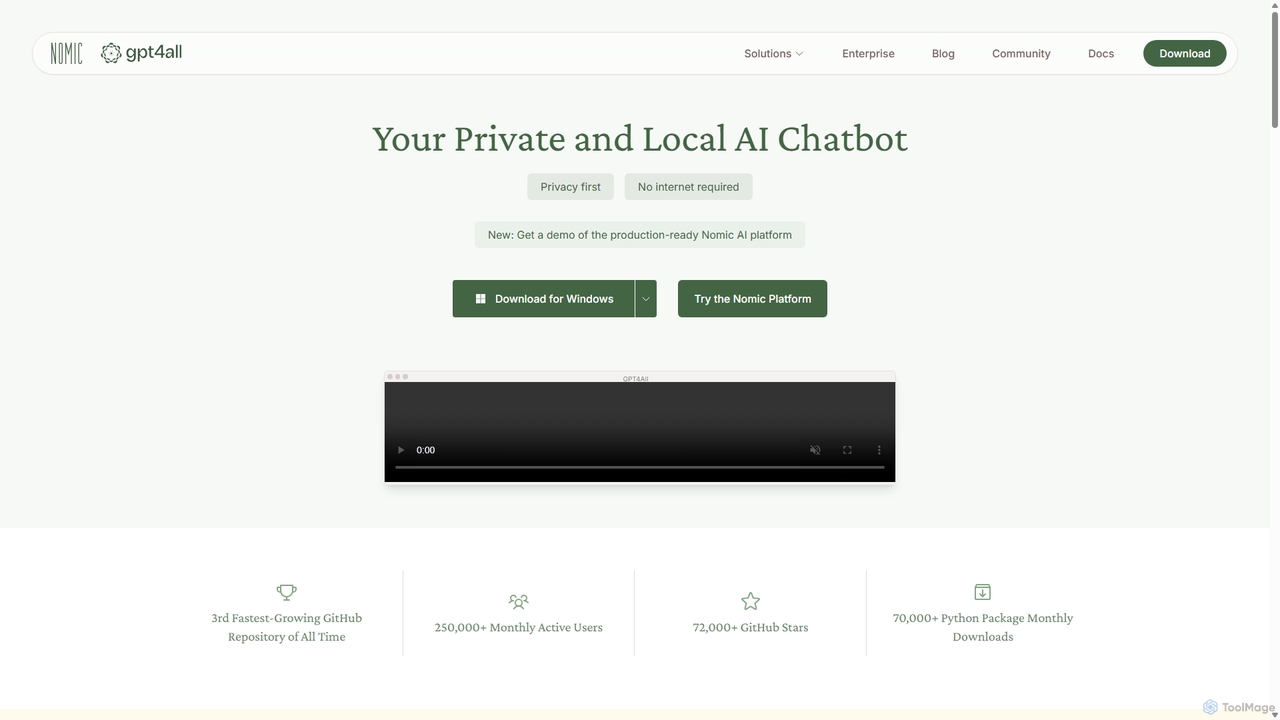
GPT4All
GPT4All is a free, open-source, and privacy-focused AI chatbot that runs powerful language models locally on your desktop. It works offline, ensuring your data never leaves your device, and allows you to chat with your own documents securely.
Machine Learning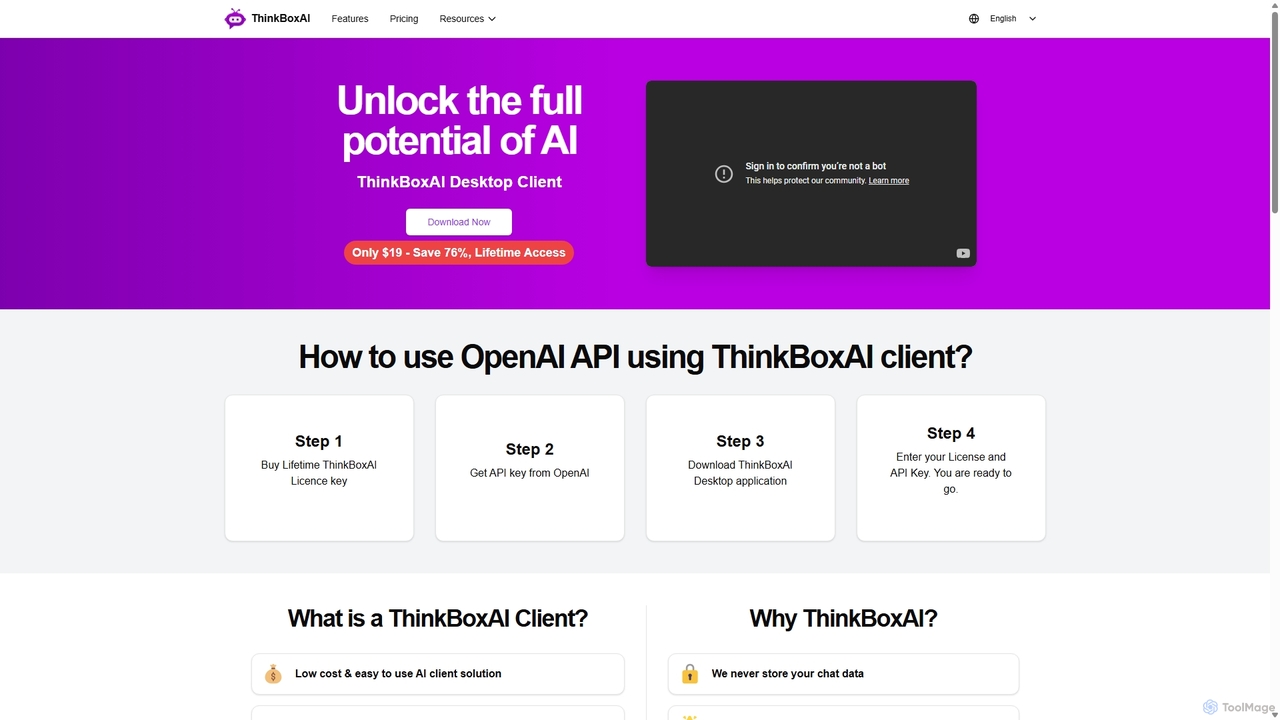
ThinkBoxAI
ThinkBoxAI is a cost-effective, privacy-focused desktop client for AI models like GPT and DALL-E. Use your own API key for a pay-as-you-go experience, avoiding monthly subscriptions. It features advanced customization, a prompt library, and cross-platform support for Windows, macOS, and Linux.
Image Generation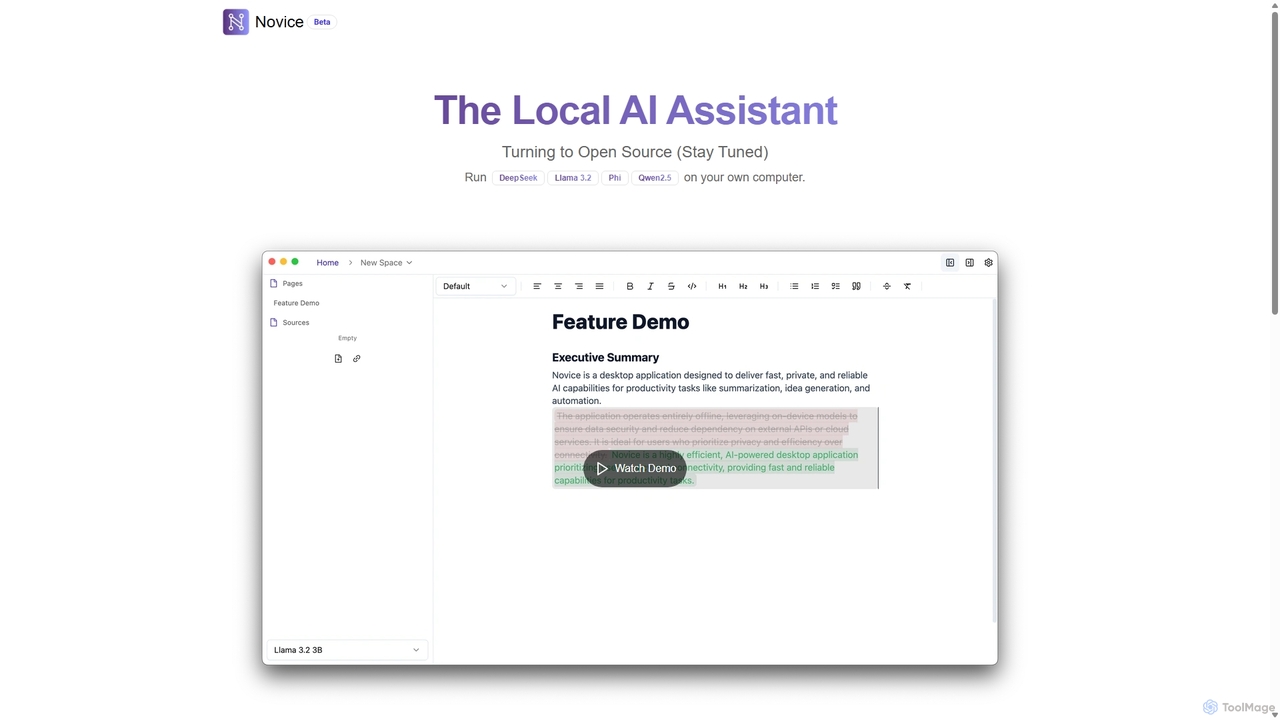
Novice
Novice is a local-first AI assistant that runs powerful language models like Llama 3.2 and Phi directly on your computer. It transforms your documents into a private, offline knowledge base, allowing you to analyze, summarize, and query information with complete data privacy. Every answer is backed by clear citations from your sources, ensuring accuracy and trust.
Local AiAI.LS
AI.LS is an elegant and powerful web-based user interface for interacting with advanced AI models like ChatGPT and Gemini. It serves as a superior alternative to standard chat interfaces, offering a free tier, advanced customization options, and support for using your own OpenAI API key for greater control and access.
Api
MindWhisper
MindWhisper is a powerful and intuitive interface for ChatGPT, designed to transform your AI interactions into a structured, personal knowledge base. It acts as your AI second brain, allowing you to organize chats into folders, manage prompts, and build a persistent memory for more context-aware and productive conversations.
Personal Knowledge Base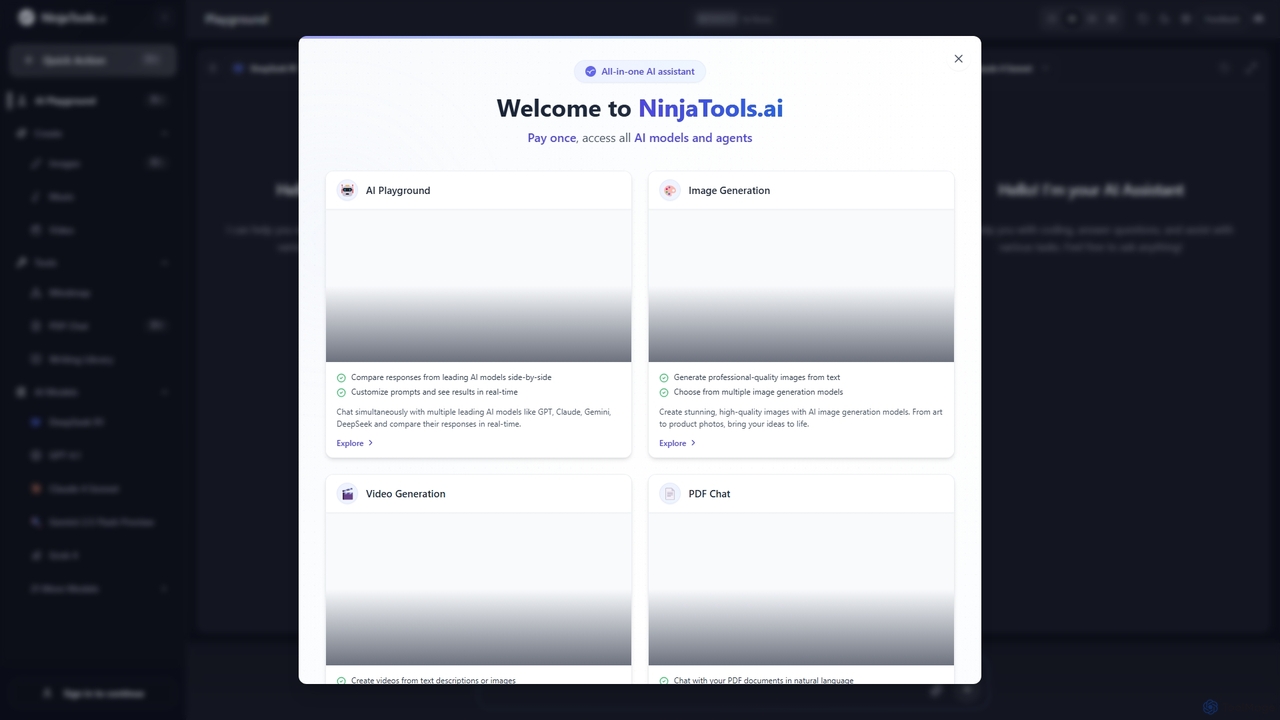
Ninjatools
Ninjatools is an all-in-one AI platform providing unified access to a vast array of leading AI models like GPT, Claude, Gemini, and more. It enables users to generate text, images, videos, and music, chat with PDFs, and compare model responses side-by-side in a single, intuitive interface. It's designed for creators, developers, and marketers seeking efficiency and versatility.
Music Generation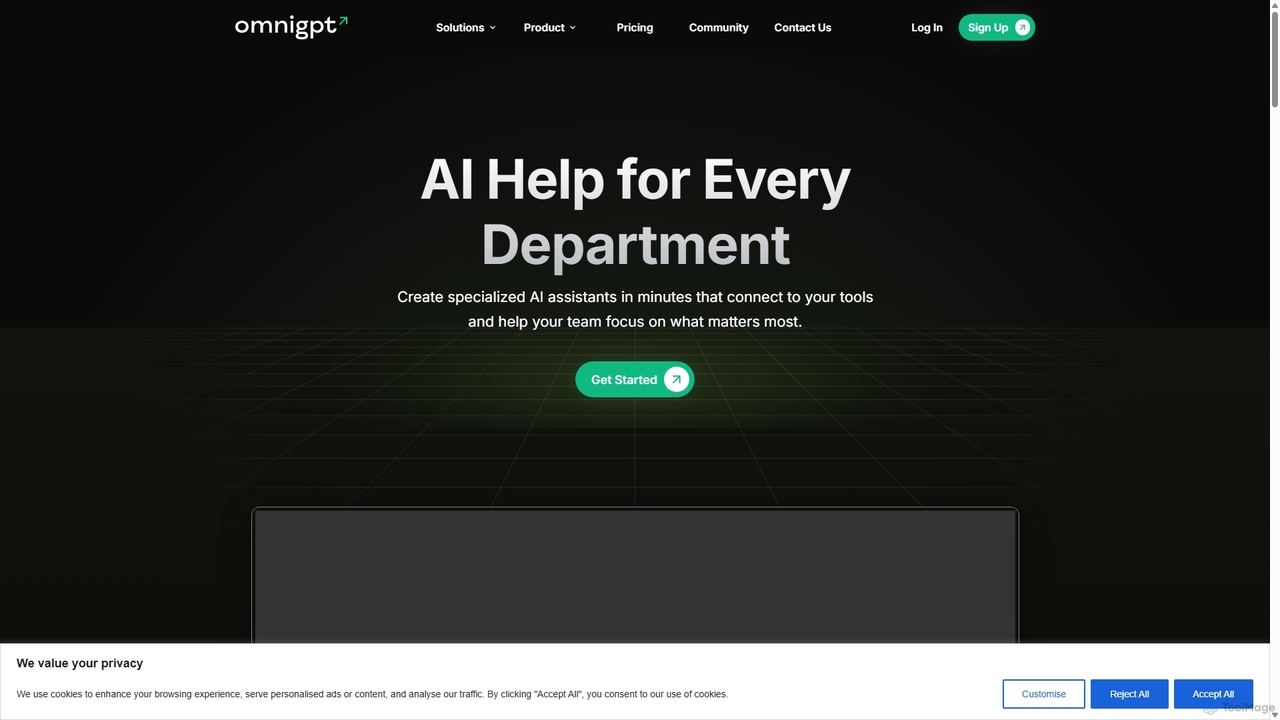
OmniGPT
OmniGPT is an all-in-one AI productivity platform that provides access to multiple leading AI models like GPT-4, Claude 3.5, and Llama 3 through a single subscription. Designed for individuals and teams, it enhances workflows with features such as document analysis, image generation, team collaboration, and seamless integrations with everyday tools like WhatsApp and Slack, offering a cost-effective alternative to multiple AI service subscriptions.
Code Assistant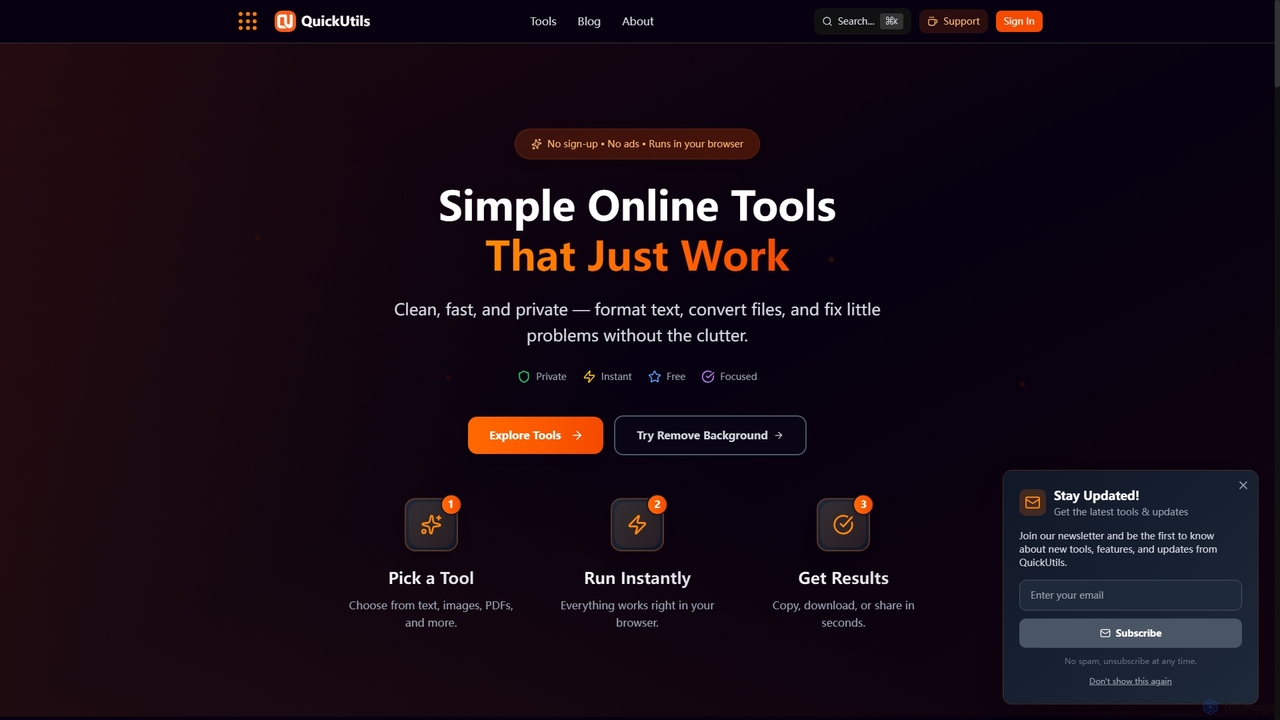
QuickUtils
QuickUtils offers a comprehensive suite of free, privacy-focused online tools designed for instant productivity. From AI-powered image background removal and text paraphrasing to QR code generation and JSON formatting, it provides clean, fast, and secure utilities that run directly in your browser without sign-ups or ads.
Conversion
Jan Comments (0)
Sign in to comment.
Sign inNo comments yet.