

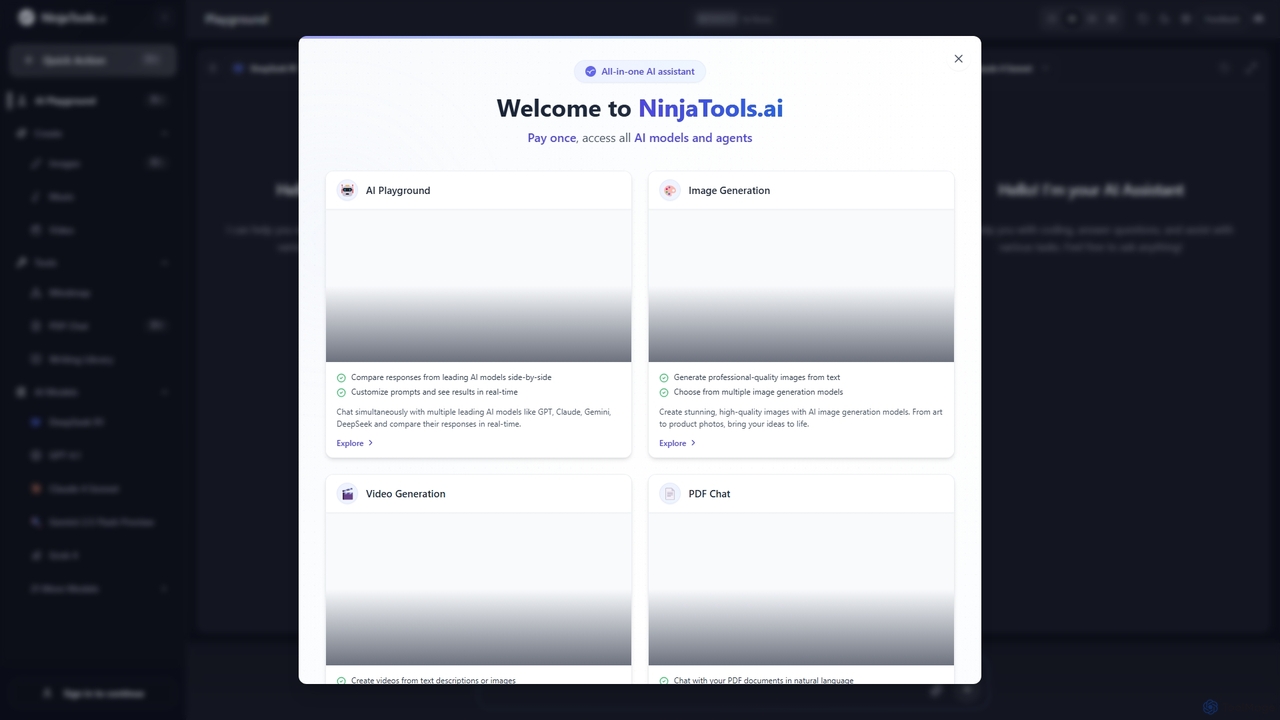
Ninjatools Overview
Ninjatools is a comprehensive, all-in-one AI suite designed to streamline creative and technical workflows by providing a single point of access to the industry's most powerful artificial intelligence models. This platform acts as a central hub, integrating leading models from OpenAI (GPT series), Anthropic (Claude series), Google (Gemini series), xAI (Grok), DeepSeek, and many others. Its core value lies in allowing users to not just use these models, but to compare their outputs simultaneously, ensuring they can select the best possible result for any given task.
The platform is more than just a text-based chatbot. It extends its capabilities into a multi-modal creative powerhouse, featuring dedicated tools for AI image generation, AI video creation, AI music composition, and interactive PDF analysis. Whether you're a developer debugging code, a marketer crafting campaign copy, a designer visualizing concepts, or a researcher summarizing documents, Ninjatools offers a specialized tool to enhance your productivity and creativity.
How to use Ninjatools
Using Ninjatools is designed to be straightforward and intuitive, catering to both beginners and advanced users. Here’s a breakdown of how to use its main features:
- AI Playground: This is the central feature for text generation and model comparison. Simply navigate to the Playground, type your prompt in the input box, and you can select multiple AI models (e.g., GPT-4.1, Claude 4 Sonnet, Gemini 2.5) to process it. The responses from each selected model will appear side-by-side, allowing for instant comparison of style, accuracy, and creativity.
- Image Generation: Go to the 'Image' section. Write a detailed descriptive prompt of the image you want to create. You can specify artistic styles, camera angles, lighting, and more. Adjust settings like aspect ratio and format (e.g., PNG, JPG), then click 'Generate'. The AI will produce a high-quality image based on your text.
- Video Generation: In the 'Video' section, you can create videos from either a text description or an existing image. Describe the scene, action, and mood you want to convey. The platform offers various styles and editing options to transform your ideas into short video clips.
- Music Generation: Visit the 'Music FX' tab. Enter a prompt describing the genre, mood, or instruments for your desired music (e.g., "cinematic epic track for a movie trailer"). The AI will compose an original instrumental track based on your input.
- PDF Chat: Upload any PDF document to the 'PDF Chat' feature. Once uploaded, you can ask questions about the document in natural language. For example, you can ask it to "Summarize the key findings on page 5" or "What are the main arguments in this paper?" The tool will scan the document and provide precise answers, saving you hours of reading.
Core Features of Ninjatools
- Multi-Model Playground: Chat simultaneously with multiple leading AI models and compare their responses in real-time.
- Extensive Model Library: Access a vast collection of models including GPT-4.1, Claude 3.7 Sonnet, Gemini 2.5 Pro, Grok 4, Llama 3.1, Mistral Large, and many more.
- AI Image Generation: Create professional-quality, stunning images from simple text prompts using multiple advanced image models.
- AI Video Generation: Transform text descriptions or static images into dynamic video content with various styles.
- AI Music Generation: Compose original, royalty-free music tracks for any purpose by describing the desired mood and genre.
- Interactive PDF Chat: Upload documents and interact with them through a chat interface to extract summaries, insights, and specific answers instantly.
- Unified and User-Friendly Interface: All tools are integrated into a single, clean dashboard, making it easy to switch between tasks without leaving the platform.
Use Cases for Ninjatools
Ninjatools is a versatile tool suitable for a wide range of professionals:
- Content Creators & Marketers: Generate blog posts, ad copy, social media captions, and scripts. Create unique images, videos, and background music for campaigns. Compare different AI tones to find the perfect brand voice.
- Software Developers: Write, debug, and optimize code by comparing solutions from different AI models. Generate boilerplate code, write documentation, and brainstorm architectural designs.
- Graphic Designers & Artists: Quickly generate concept art, storyboards, product photos, and other visual assets from text descriptions.
- Students & Researchers: Summarize lengthy research papers, articles, and textbooks using the PDF Chat feature. Get help with writing essays, reports, and analyzing data.
- Business Professionals: Draft emails, create presentations, analyze business documents, and generate reports efficiently.
Advantages of Ninjatools
The primary advantage of Ninjatools is its consolidation of power and choice. Instead of subscribing to multiple separate AI services, users get access to a comprehensive suite of best-in-class models under one roof. The side-by-side comparison feature is a significant time-saver, empowering users to make informed decisions and select the highest quality output. The "Pay once" model mentioned on the site suggests a potentially highly cost-effective pricing structure compared to recurring monthly subscriptions for each individual model, offering great value for heavy users.
Pricing and Plans
Ninjatools operates on a freemium model. There is a free plan that allows users to get started and test the platform's capabilities. For full access to all AI models, advanced features, and higher usage limits, there is a premium plan. The website highlights a "Pay once, access all AI models and agents" approach, which suggests a one-time payment for a lifetime deal or a credit package, rather than a traditional monthly subscription. For the most current and detailed pricing information, users should visit the official website.
Traffic
Latest traffic
Status
Monthly traffic trend
- 2025-9: 26.1K
- 2026-1: 32.7K
- 2026-2: 19.4K
- 2026-3: 16.4K
- 2026-4: 19.1K
- 2026-5: 18.6K
Geography
Top 5 countries / regions
- 🇺🇸United States42.2%
- 🇹🇭Thailand31.3%
- 🇮🇳India13.3%
- 🇩🇪Germany7.4%
- 🇧🇷Brazil5.8%
Traffic sources
| Source type | Percentage |
|---|---|
Direct | 88.1% |
Referral | 11.9% |
Top keywords
| Keyword | Cost per click |
|---|---|
| find height of person from image | $0.00 |
| height estimator ai | $0.00 |
| height off image estimator online | $0.00 |
| ninja tools | $2.17 |
| ninjatools | $0.00 |
Ninjatools Videos on YouTube

SaaS Tool Insider


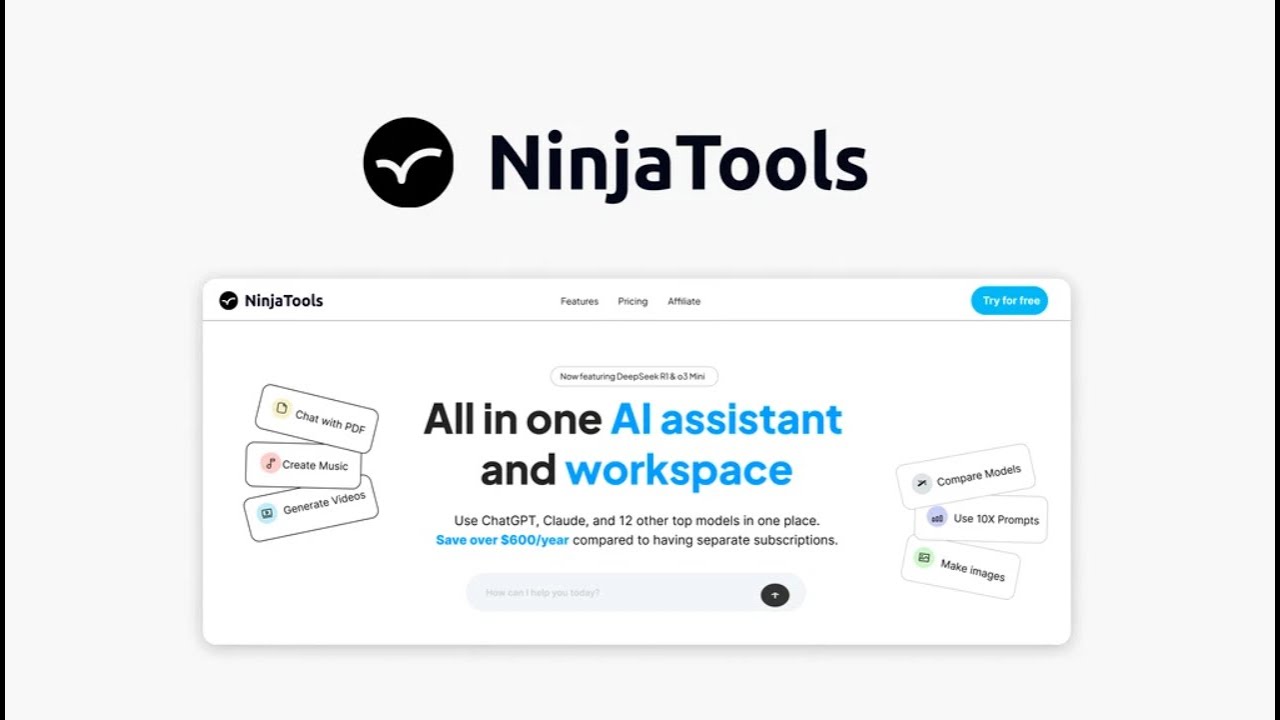
Lifetime Software Deals


Ninjatools Alternatives
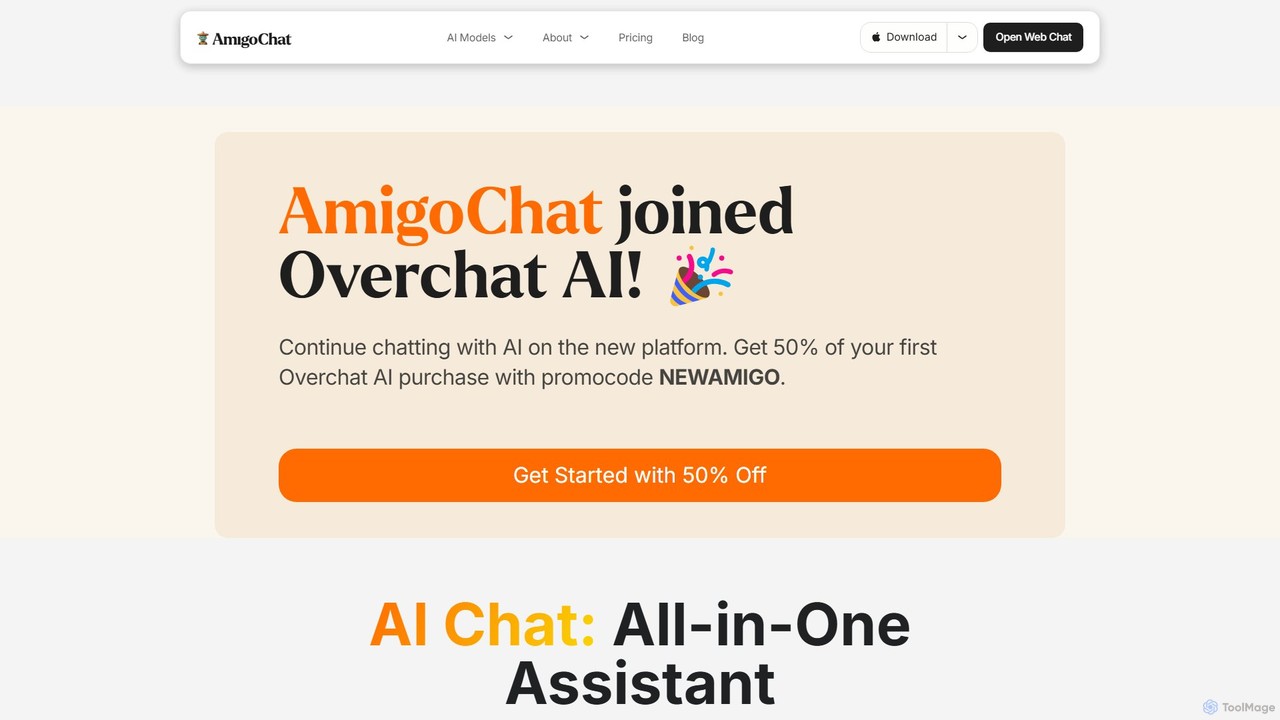
AmigoChat
AmigoChat is an all-in-one AI chat platform that integrates dozens of leading AI models like ChatGPT, Claude, Grok, and DeepSeek into a single interface. It offers a comprehensive suite of tools for text, image, video, music, and code generation, designed for professionals, creators, and students. Now part of Overchat AI, it emphasizes versatility, privacy, and cross-platform accessibility.
Code Assistant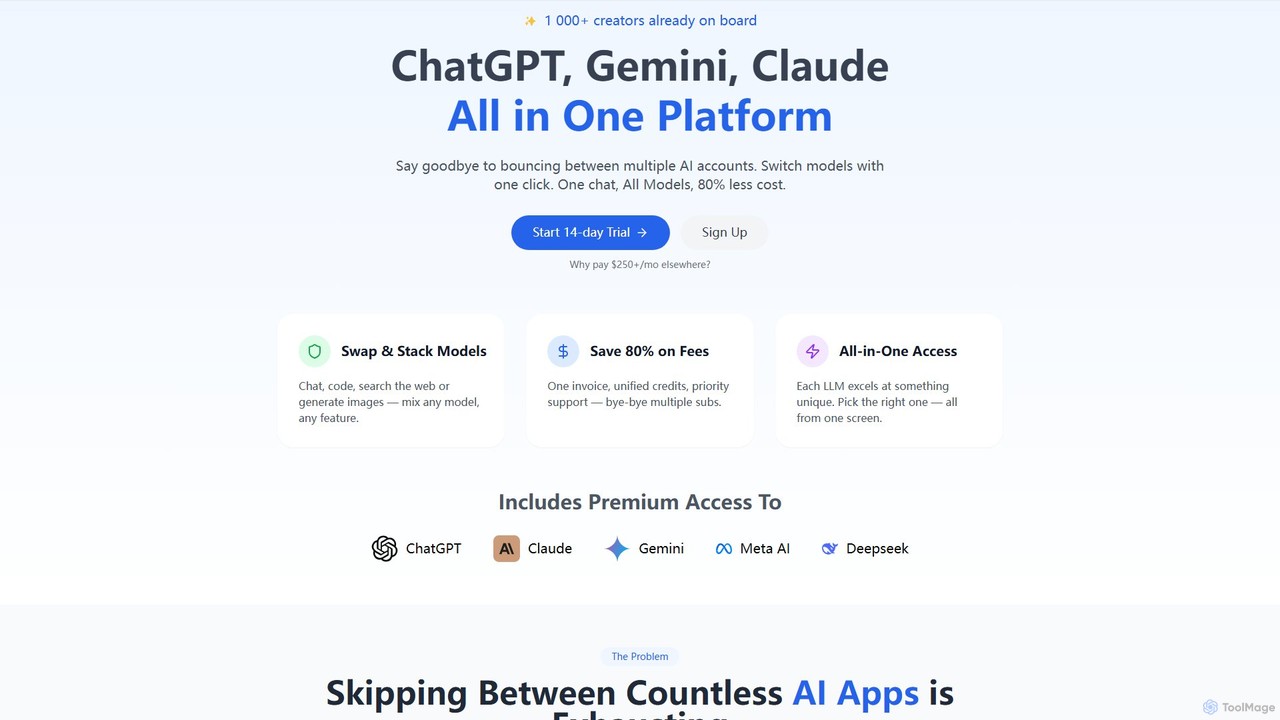
llmwizard
llmwizard is an all-in-one AI platform that consolidates leading AI models like ChatGPT, Gemini, and Claude into a single subscription. It allows users to seamlessly switch between models for text, image, and video generation, offering significant cost savings and enhanced productivity by eliminating the need for multiple accounts.
Code Assistant
Microsoft Copilot
Microsoft Copilot is your everyday AI companion, enhancing productivity and creativity. It provides intelligent search, content generation, and image creation capabilities by leveraging the latest AI models like GPT-4 and DALL-E 3. Integrated across the Microsoft ecosystem, it assists with writing, coding, planning, and design tasks.
Image Generator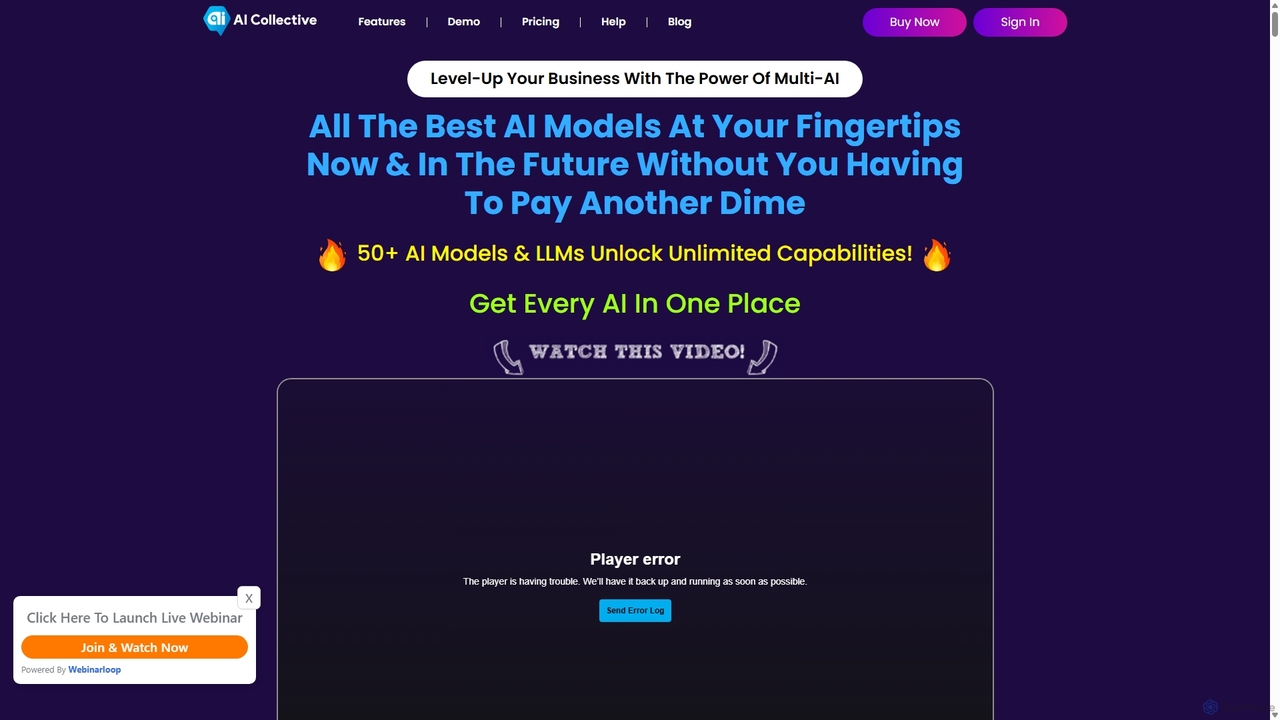
AI Collective
AI Collective is a comprehensive platform that centralizes access to over 50 of the world's leading AI models. It offers a unified interface to interact with models from OpenAI, Google, Anthropic, Meta, and more, simplifying the process of leveraging diverse AI capabilities for tasks ranging from content creation and coding to complex reasoning and image generation.
Api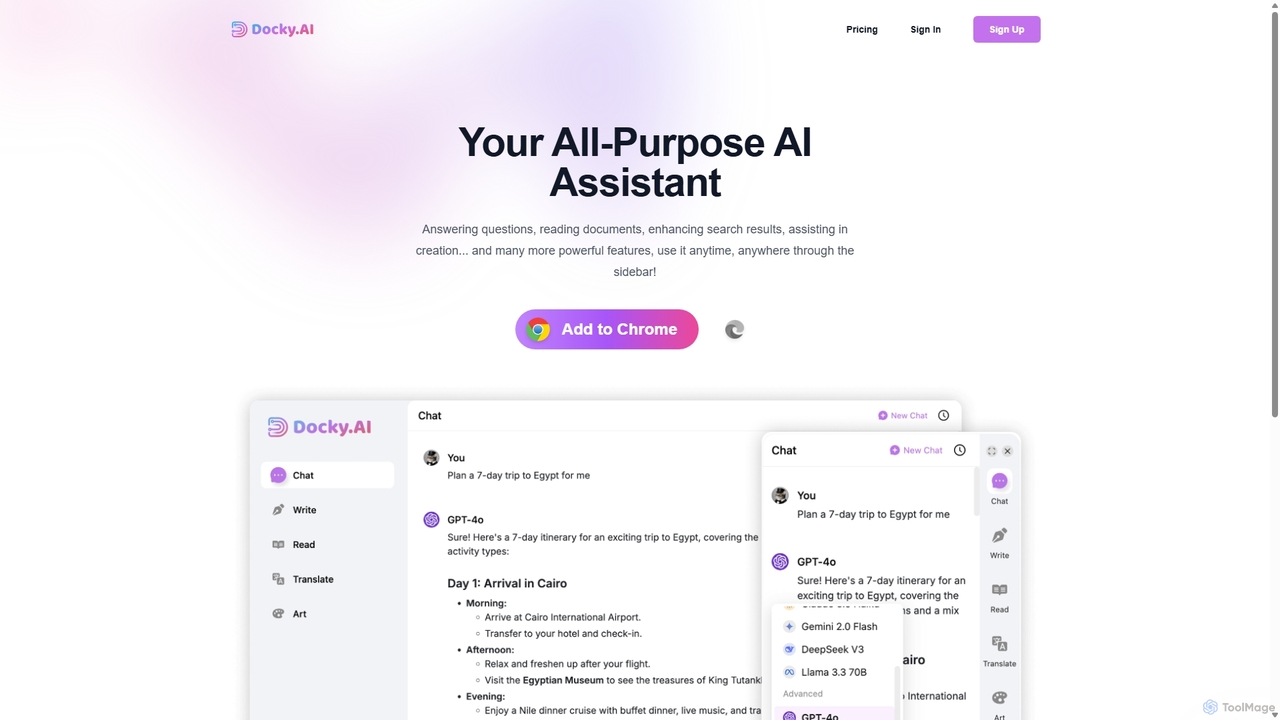
Docky.AI
Docky.AI is a powerful all-in-one AI sidebar for your browser. It integrates leading models like GPT-4, Claude, and DALL-E, allowing you to enhance search results, read documents, assist with writing, and generate content seamlessly on any webpage. Boost your productivity without ever switching tabs.
Search AssistantNinjatools Categories
Ninjatools Jobs
Ninjatools Embed Widget
Copy this embed code to place the badge on your blog, article, or product site and send readers directly to this ToolMage detail page.

Related AI tools

Thinkbuddy
Thinkbuddy is a native desktop AI client designed for fast, secure, and organized interaction with multiple AI models. It acts as a unified workspace, allowing you to switch between models like GPT-4o, Claude 3, and Llama 3, manage conversations in projects, and save prompts in a library for a streamlined workflow.
Code Assistant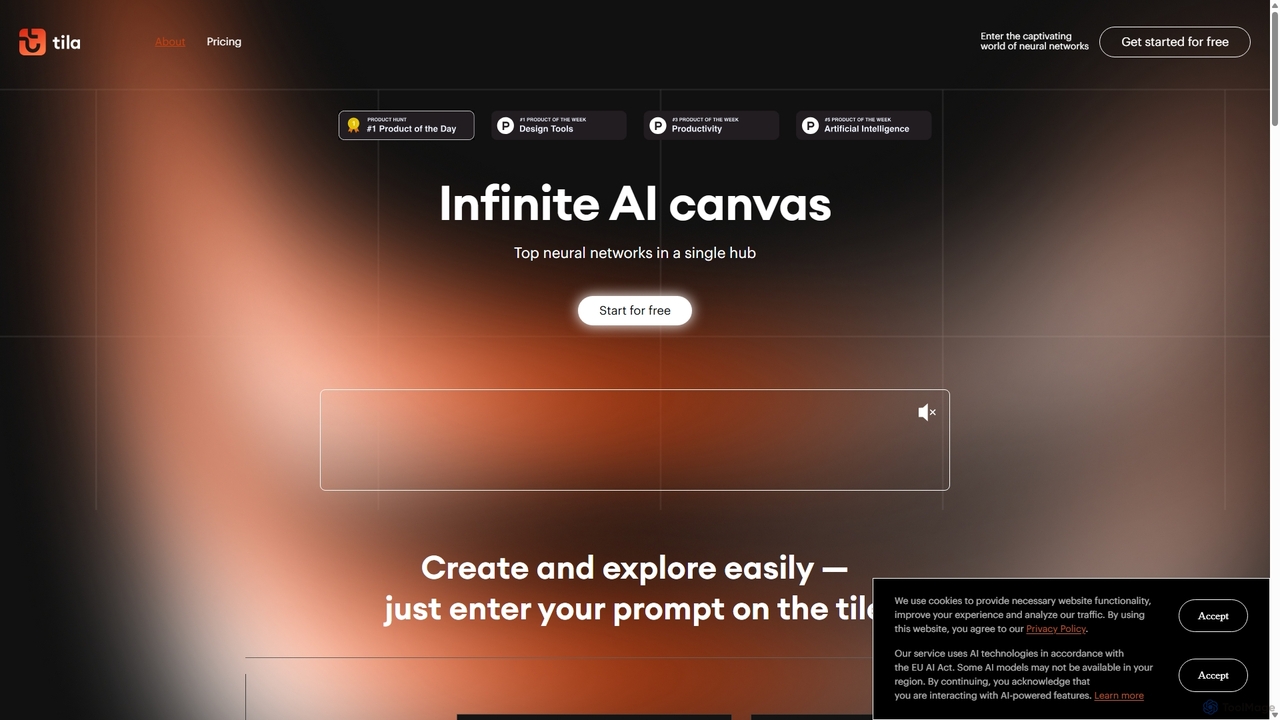
Tila
Tila is a multi-agent AI platform that combines workflow automation and content creation in a unified visual workspace. It offers an infinite canvas where users can connect various AI models like GPT-4o, Claude 3.5, and DALL-E 3 to generate text, images, videos, and audio. Its smart multi-agent technology automates complex tasks, from data analysis to app development, streamlining creative and productive workflows without needing multiple subscriptions.
Generative Ai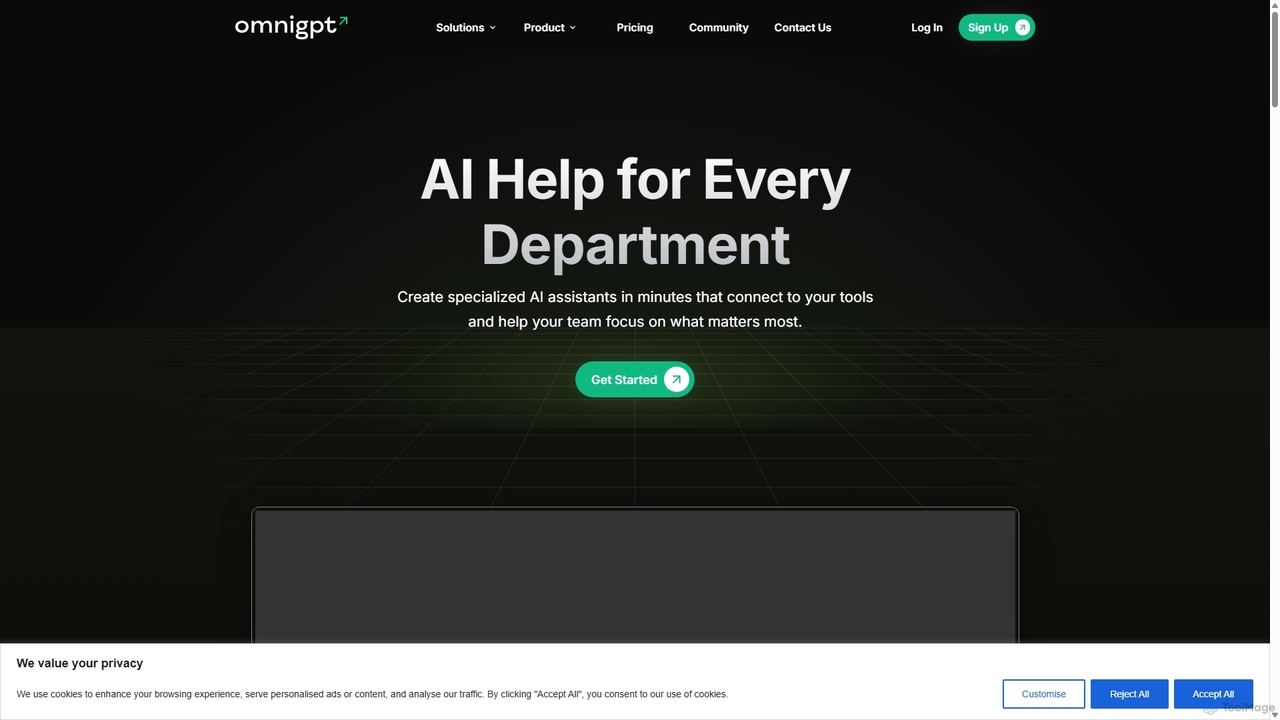
OmniGPT
OmniGPT is an all-in-one AI productivity platform that provides access to multiple leading AI models like GPT-4, Claude 3.5, and Llama 3 through a single subscription. Designed for individuals and teams, it enhances workflows with features such as document analysis, image generation, team collaboration, and seamless integrations with everyday tools like WhatsApp and Slack, offering a cost-effective alternative to multiple AI service subscriptions.
Code Assistant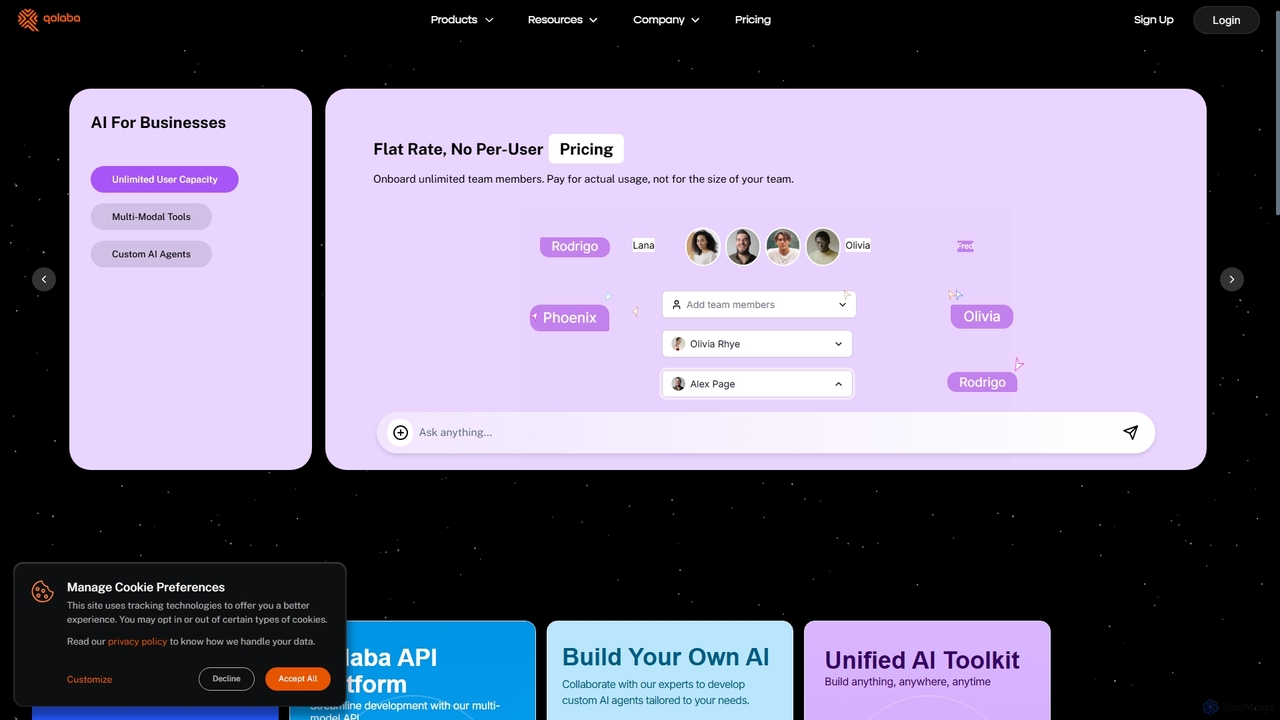
Qolaba
Qolaba is a unified AI studio and API platform providing access to a wide range of generative AI models like GPT-4o, Claude, and SDXL for text, image, video, and speech generation. It caters to individuals, developers, and businesses with features like a no-code AI agent builder, knowledge base interaction, and a flexible, credit-based pricing system, consolidating multiple AI tools into one subscription.
Automation
Merlin AI
Merlin is an all-in-one AI assistant, available as a browser extension and app, that integrates top AI models like GPT-4, Claude 3, and Gemini. It allows you to research, write, summarize content, generate images, and code with a single click on any website, streamlining your workflow and boosting productivity without switching tabs.
Chrome Extensions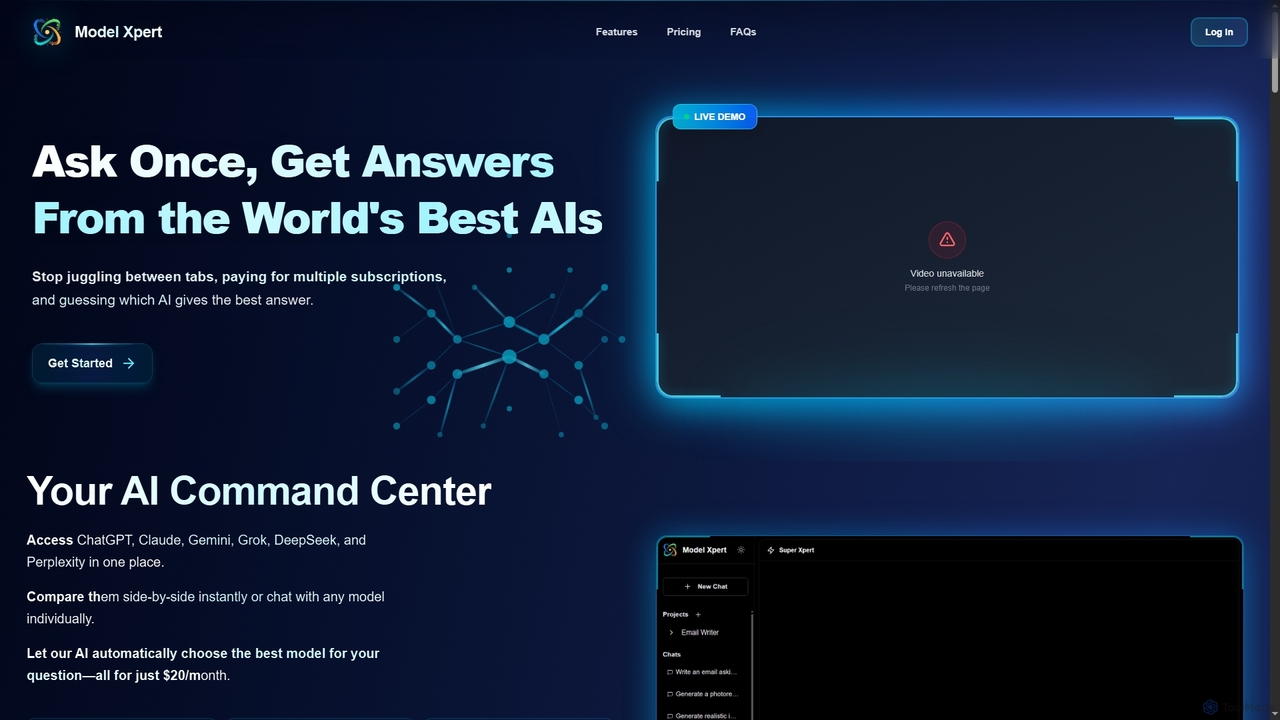
Model Xpert
Model Xpert provides unified access to the world's top AI models like ChatGPT, Claude, Gemini, Grok, DeepSeek, and Perplexity in one chat interface. It eliminates the need for multiple subscriptions and offers features like side-by-side comparison, intelligent auto-selection, prompt enhancement, and an AI image suite for maximum efficiency and cost savings.
Writing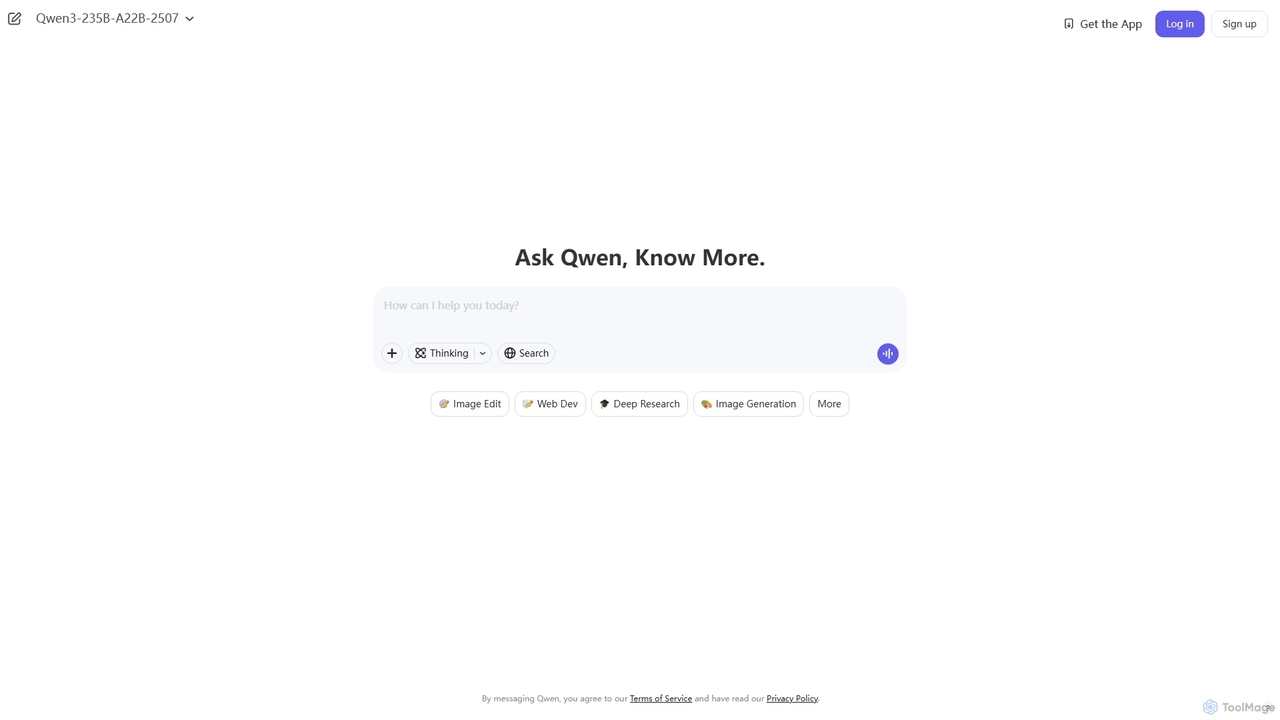
Qwen
Qwen is a powerful multimodal AI chat assistant from Alibaba Cloud. It excels at natural language conversations, content creation, code generation, data analysis, and even image generation. With integrated web search and document analysis, Qwen provides comprehensive, up-to-date, and accurate answers for a wide range of tasks.
Image Generation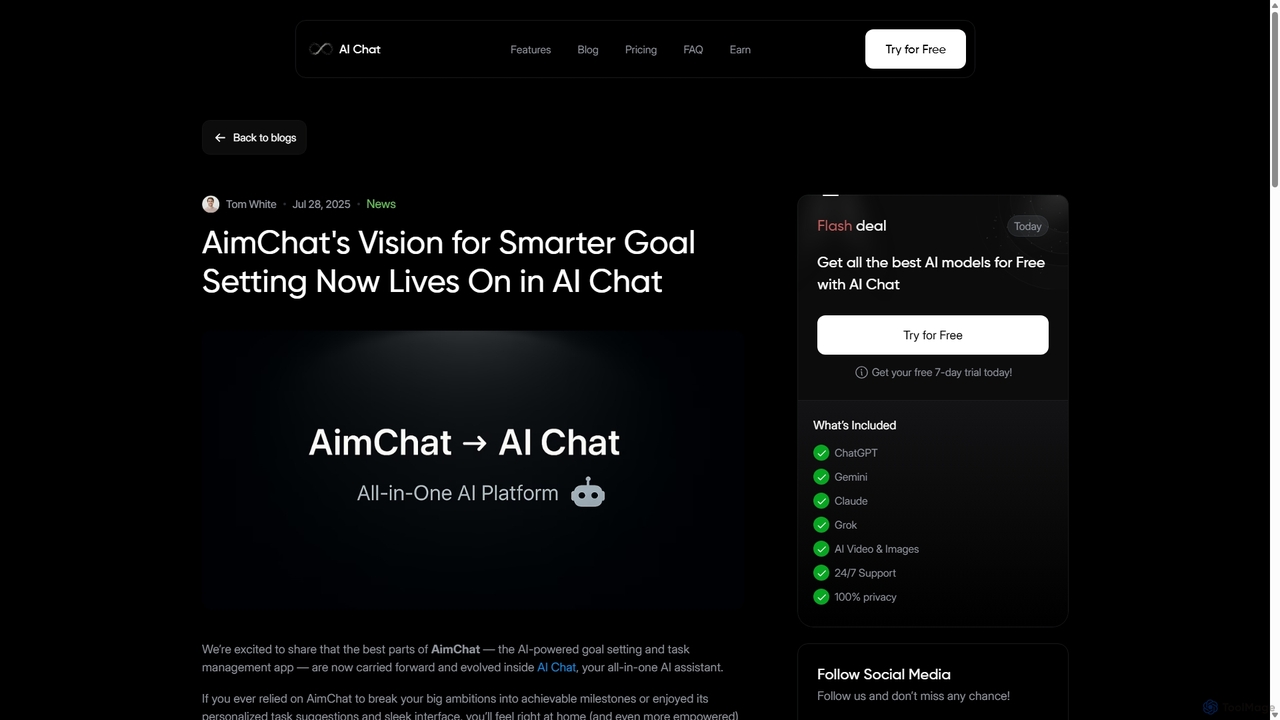
AI Chat
AI Chat is an all-in-one AI assistant that integrates top models like ChatGPT, Claude, and Gemini into a single platform. Evolving from the goal-setting app AimChat, it combines advanced conversational AI with powerful task management, research, and content creation tools to streamline your workflow and help you achieve your ambitions.
AssistantAI Collective
AI Collective is a comprehensive platform that centralizes access to over 50 of the world's leading AI models. It offers a unified interface to interact with models from OpenAI, Google, Anthropic, Meta, and more, simplifying the process of leveraging diverse AI capabilities for tasks ranging from content creation and coding to complex reasoning and image generation.
ApiDocky.AI
Docky.AI is a powerful all-in-one AI sidebar for your browser. It integrates leading models like GPT-4, Claude, and DALL-E, allowing you to enhance search results, read documents, assist with writing, and generate content seamlessly on any webpage. Boost your productivity without ever switching tabs.
Search AssistantMicrosoft Copilot
Microsoft Copilot is your everyday AI companion, enhancing productivity and creativity. It provides intelligent search, content generation, and image creation capabilities by leveraging the latest AI models like GPT-4 and DALL-E 3. Integrated across the Microsoft ecosystem, it assists with writing, coding, planning, and design tasks.
Image Generator
ChatLLM
ChatLLM is an advanced conversational AI platform designed for professionals and developers. It provides unified access to multiple leading Large Language Models (LLMs) like GPT-4, Claude 3, and more. The platform focuses on enhancing productivity, streamlining workflows, and enabling powerful integrations through a robust API.
Api
Iris
Iris is a seamless AI assistant for macOS, designed to integrate into your workflow. It provides instant access to top AI models like GPT-4o and Claude 3.5, allowing you to chat, capture your screen for context, and get answers without ever leaving your current application. With intuitive gestures and powerful shortcuts, Iris is there when you need it and invisible when you don't.
Coding Assistant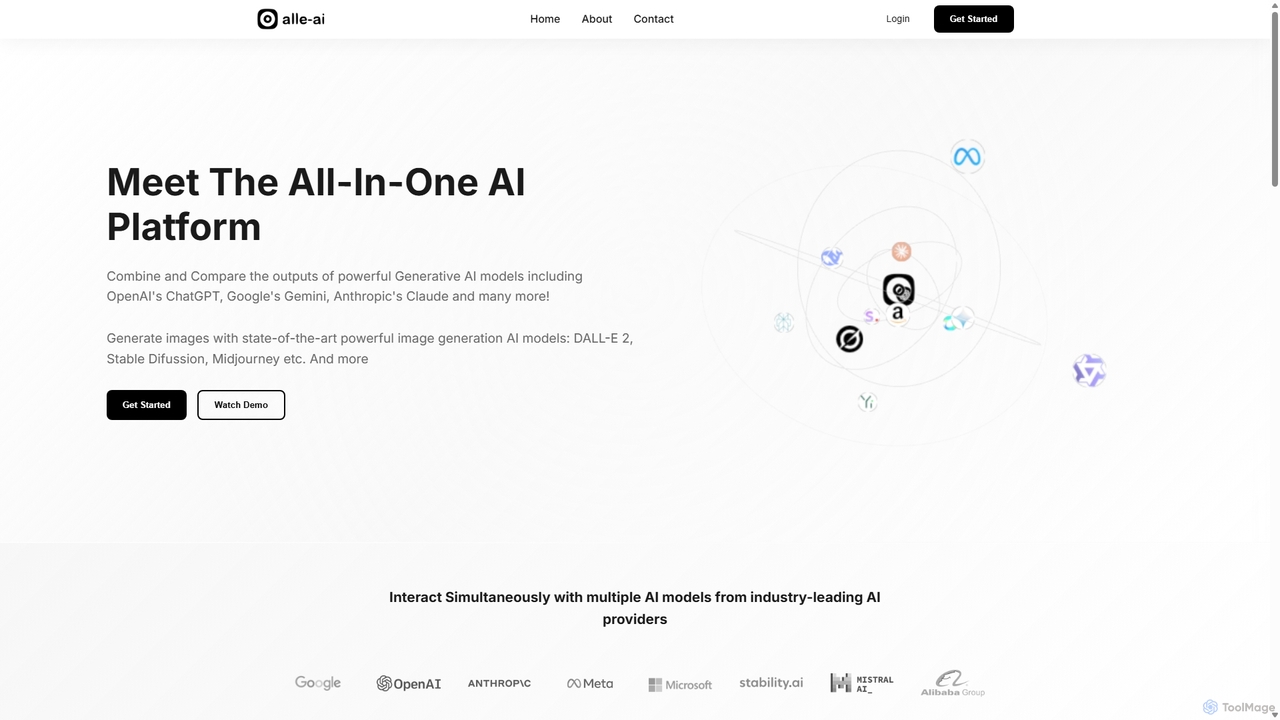
Alle-AI
Alle-AI is an all-in-one platform that allows users to simultaneously interact with multiple leading AI models for chat, image, audio, and video generation. Compare outputs from ChatGPT, Claude, Gemini, Midjourney, and more in a single interface to enhance creativity, improve accuracy with fact-checking, and streamline your workflow.
Generative Ai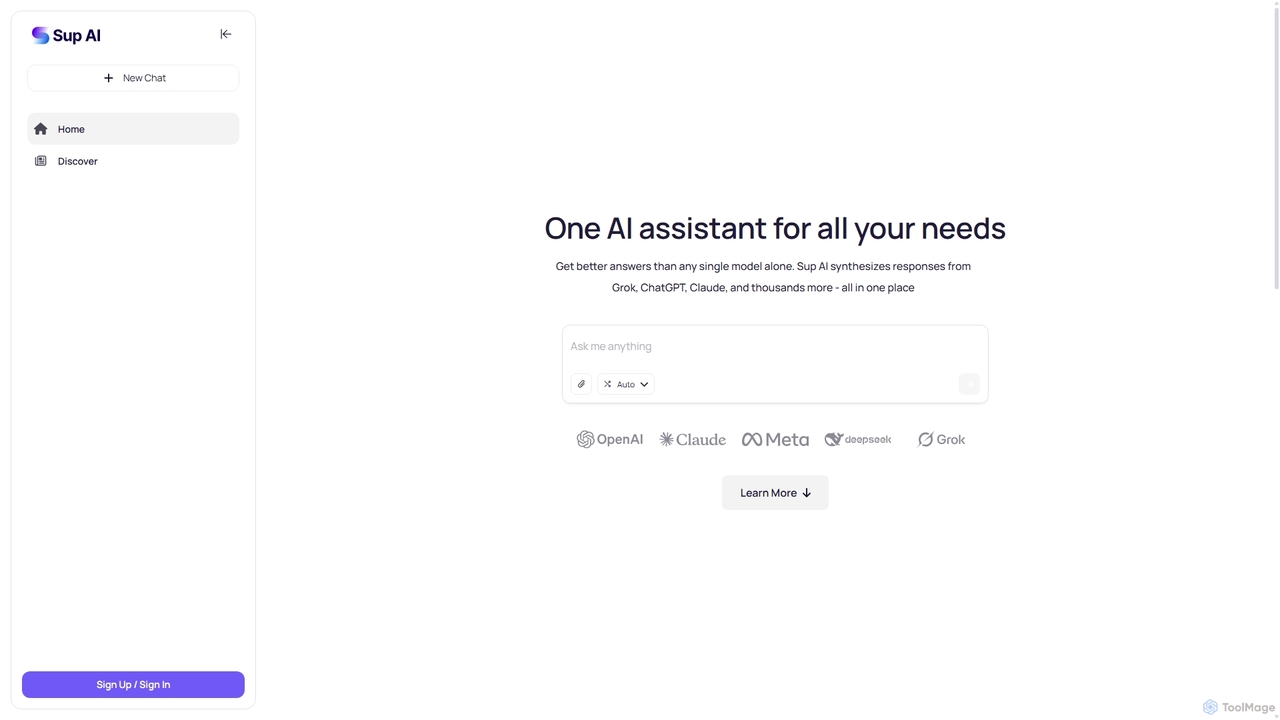
Sup AI
Sup AI is an advanced AI assistant that aggregates and synthesizes responses from multiple leading large language models like Grok, ChatGPT, and Claude. By intelligently routing queries to the best-suited models and combining their outputs, it delivers more accurate, comprehensive, and reliable answers than any single model can. It features a user-friendly interface for direct queries and a powerful API for developers, aiming to eliminate hallucinations and provide well-rounded, fact-checked insights for any need.
Api
Ninjatools Comments (0)
Sign in to comment.
Sign inNo comments yet.