

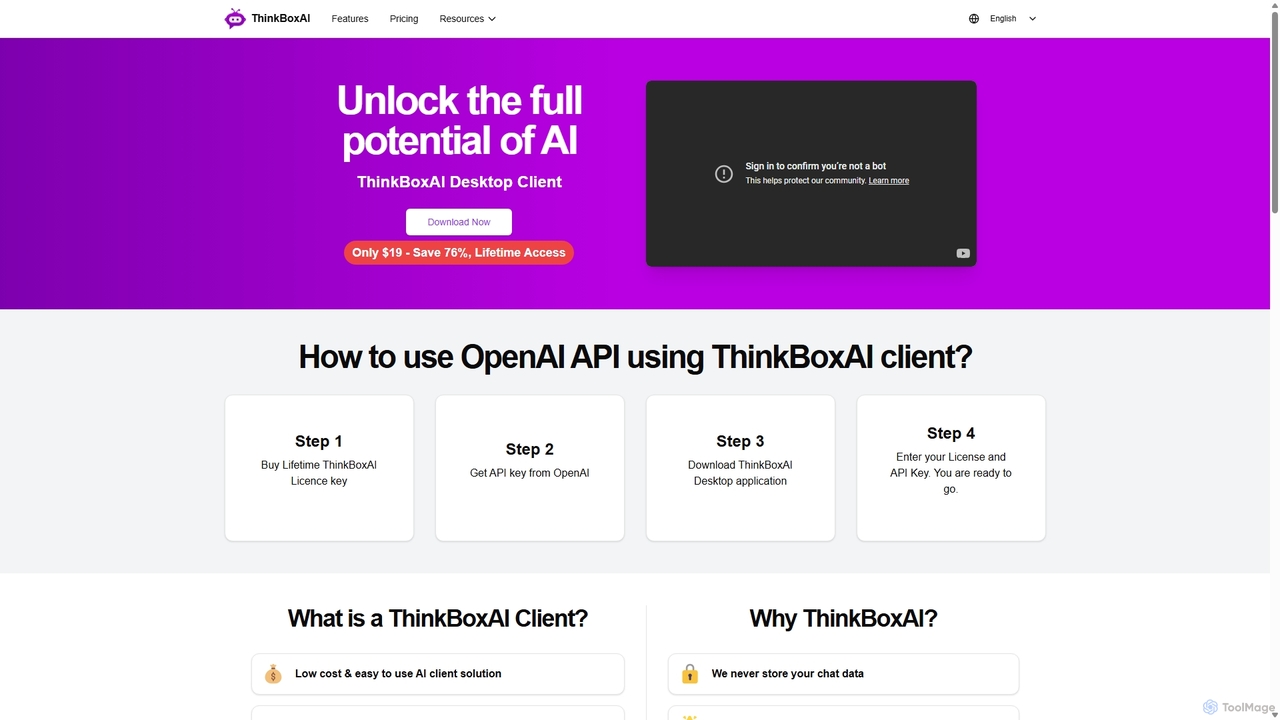
ThinkBoxAI Overview
ThinkBoxAI is a powerful and versatile desktop client designed to unlock the full potential of artificial intelligence by providing a direct and enhanced interface to leading AI models, such as those from OpenAI. It operates on a 'Bring Your Own Key' (BYOK) model, allowing users to connect their personal API keys and pay only for the resources they consume. This pay-as-you-go approach offers a significant cost advantage over traditional monthly subscription models, making advanced AI accessible to a broader audience, from freelance content creators to software developers. The application is built with privacy as a core principle, storing all user data, including sensitive API keys and chat histories, locally on the user's computer, ensuring that conversations remain private and secure.
Available for Windows, macOS, and Linux, ThinkBoxAI provides a unified and feature-rich environment for interacting with AI. It goes beyond a simple chat interface by offering a suite of tools designed to enhance productivity and creativity. Users can generate not only text but also images using models like DALL-E 2 and DALL-E 3, and even upload images for AI-powered analysis. The platform is highly customizable, allowing for precise control over the AI's output.
How to use ThinkBoxAI
Getting started with ThinkBoxAI is a straightforward process designed to be quick and easy:
- Purchase a License: Visit the official ThinkBoxAI website to purchase a lifetime license key. A free trial option is also available for users who want to test the application first. You will receive the license key via email.
- Get an API Key: You need an API key from an AI provider, such as OpenAI. The ThinkBoxAI blog provides guides on how to sign up and generate your key if you don't already have one.
- Download and Install: Download the ThinkBoxAI desktop application for your operating system (Windows, macOS, or Linux) from the website.
- Activate the Application: Launch ThinkBoxAI and enter your purchased license key and email address. Then, add your OpenAI API key in the settings.
- Start Creating: Once activated, you are ready to go. You can create new chats, organize them into folders, select your desired AI model, customize output settings, and begin interacting with the AI.
Core Features of ThinkBoxAI
- Pay-As-You-Go Model: By using your own API key, you only pay for the tokens you use, which is often much cheaper than a fixed monthly subscription.
- Advanced Output Customization: Fine-tune AI responses by setting the desired language, tone (e.g., professional, casual), writing style (e.g., academic, narrative), and format (e.g., list, paragraph).
- Prompt Library: Build your own library of custom prompts or use the extensive collection of ready-made prompts to streamline repetitive tasks and ensure consistent outputs.
- Multi-Model Support: Seamlessly switch between different AI providers and models for various tasks, including advanced chat models (like GPT-4) and image generation models (DALL-E 2, DALL-E 3).
- Image Generation and Analysis: Generate high-quality images from text descriptions and upload your own images to get AI-driven insights and information about them.
- Robust Chat Management: Organize your conversations with folders, bookmarks, and an archive feature. A powerful search function allows you to find specific information within your chat history.
- Privacy-Focused Architecture: All your data, including API keys and chat logs, is stored locally on your machine. ThinkBoxAI never stores your chat data on its servers.
- Cross-Platform Availability: A single license allows you to use the native desktop application on Windows, macOS, and Linux.
- User-Friendly Interface: Features like streaming responses for real-time output, light/dark mode themes, and the ability to export chats to Markdown files enhance the user experience.
Use Cases for ThinkBoxAI
ThinkBoxAI is a versatile tool suitable for a wide range of professionals and enthusiasts:
- Content Creators and Writers: Generate blog posts, articles, scripts, and social media content. Use the prompt library to quickly create different types of content with a consistent tone and style.
- Software Developers: A perfect sandbox for testing prompts, generating code snippets, debugging, and understanding API responses without building a custom interface.
- Marketers: Craft compelling marketing copy, email newsletters, ad campaigns, and product descriptions. Generate visual concepts for campaigns using the image generation feature.
- Students and Researchers: Summarize complex papers, explain difficult concepts, brainstorm ideas for essays, and organize research notes efficiently.
- Graphic Designers: Use DALL-E integration to generate unique visual ideas, storyboards, and concept art for projects.
Advantages of ThinkBoxAI
The primary advantage of ThinkBoxAI is its combination of affordability, control, and privacy. The one-time lifetime license fee is significantly more economical in the long run compared to recurring subscriptions. It empowers users with granular control over AI interactions, allowing for highly tailored and specific outputs. Furthermore, its commitment to local data storage addresses the growing concerns about data privacy in the AI space, making it a secure choice for handling sensitive information.
Pricing and Plans
ThinkBoxAI offers a simple and transparent pricing model:
- Lifetime Access: A one-time payment of $19 (a limited-time offer, discounted from the regular price of $79).
- What's Included: This single payment grants the user a lifetime license, access to all premium features of the ThinkBoxAI client, and one year of software updates.
- Free Trial: A free trial is available for users to explore the application's features before committing to a purchase.
It is important to note that the license fee is for the ThinkBoxAI software client only. The usage costs for the AI models are billed separately by the API provider (e.g., OpenAI) based on your consumption.
Traffic
Latest traffic
Status
Monthly traffic trend
- 2025-9: 1.2K
- 2026-1: 0
- 2026-2: 305
- 2026-3: 1.3K
- 2026-4: 1.3K
- 2026-5: 2.5K
Geography
Top 5 countries / regions
- 🇺🇸United States35.5%
- 🇲🇾Malaysia32.8%
- 🇩🇴Dominican Republic11.9%
- 🇸🇬Singapore11.4%
- 🇦🇺Australia8.4%
Top keywords
| Keyword | Cost per click |
|---|---|
| opai api key | $0.00 |
| openai api key | $2.25 |
| openai api key. | $0.00 |
| openai api-key | $0.00 |
| openai apikeyx | $0.00 |
ThinkBoxAI Alternatives

Thinkbuddy
Thinkbuddy is a native desktop AI client designed for fast, secure, and organized interaction with multiple AI models. It acts as a unified workspace, allowing you to switch between models like GPT-4o, Claude 3, and Llama 3, manage conversations in projects, and save prompts in a library for a streamlined workflow.
Code Assistant
Microsoft Copilot
Microsoft Copilot is your everyday AI companion, enhancing productivity and creativity. It provides intelligent search, content generation, and image creation capabilities by leveraging the latest AI models like GPT-4 and DALL-E 3. Integrated across the Microsoft ecosystem, it assists with writing, coding, planning, and design tasks.
Image Generator
Google Gemini
Google Gemini is a powerful, multimodal AI assistant designed to enhance creativity and productivity. It can understand and process text, code, images, and video to help you write, plan, learn, and create. Integrated with Google's ecosystem, it offers features like advanced content generation, deep research, and seamless collaboration within Google apps.
Image Generator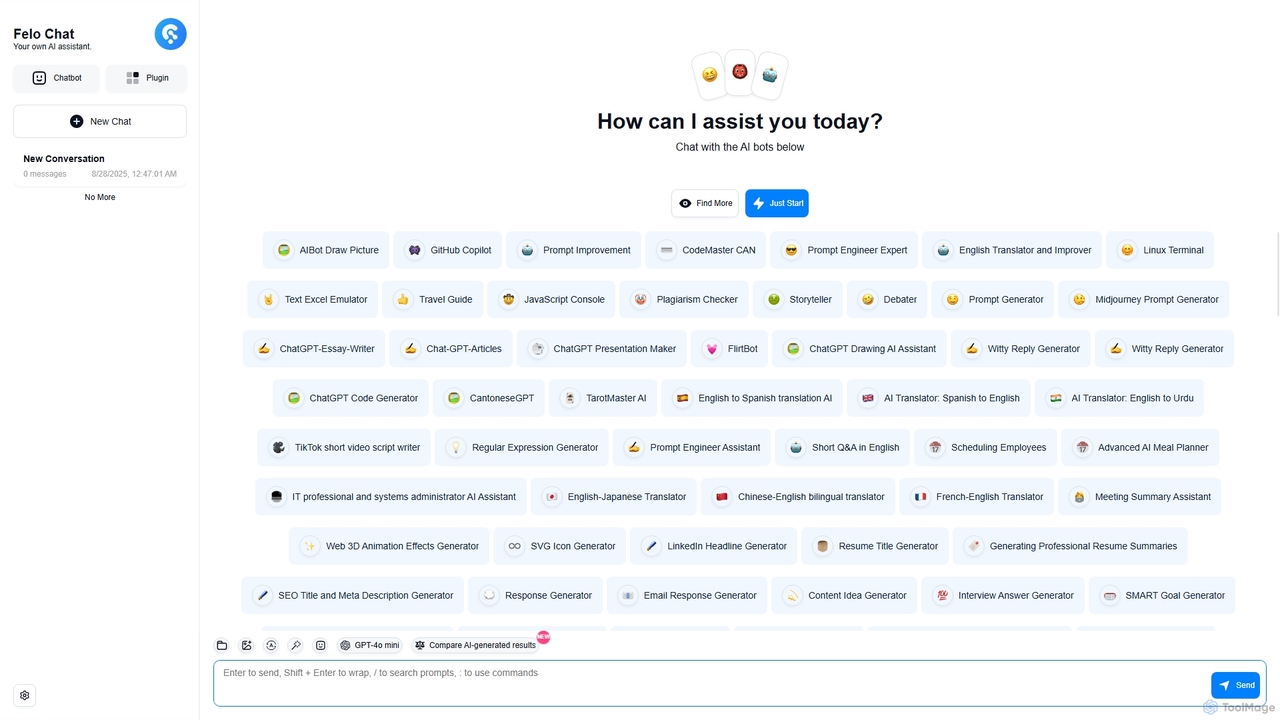
Felo Chat
Felo Chat is a versatile AI assistant platform providing free access to leading AI models like GPT-4o, Claude, and Gemini. It features an extensive library of specialized AI bots for various tasks, from coding and content creation to translation and data analysis. With support for text, file, and image uploads, Felo Chat serves as a comprehensive, all-in-one solution for professionals, students, and creatives.
Code Assistant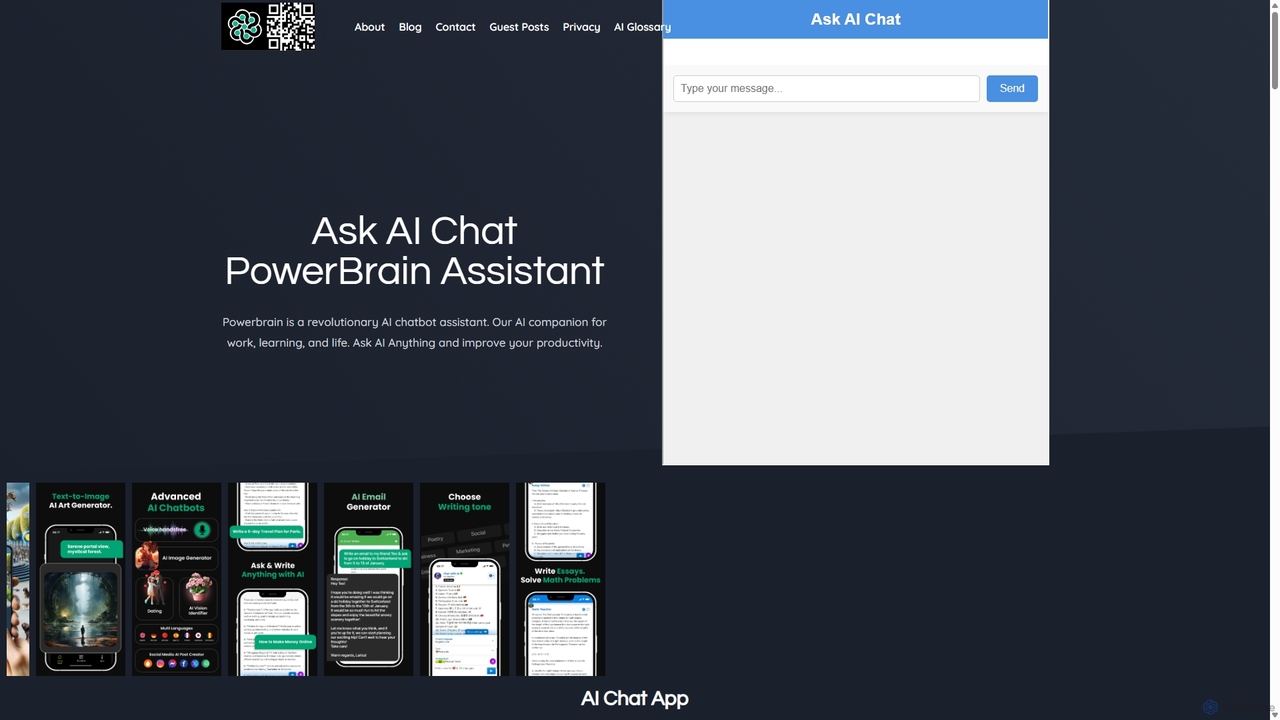
PowerBrain AI
PowerBrain AI is a versatile AI chatbot assistant for work, learning, and life. Available on iOS and Android, it functions as a content creator, AI writer, homework helper, and an ad-free AI search engine. It features multimodal capabilities, processing text and images, and offers various AI personalities for personalized interactions, aiming to boost productivity and creativity for all users.
ChatThinkBoxAI Categories
ThinkBoxAI Jobs
ThinkBoxAI Embed Widget
Copy this embed code to place the badge on your blog, article, or product site and send readers directly to this ToolMage detail page.

Related AI tools
Thinkbuddy
Thinkbuddy is a native desktop AI client designed for fast, secure, and organized interaction with multiple AI models. It acts as a unified workspace, allowing you to switch between models like GPT-4o, Claude 3, and Llama 3, manage conversations in projects, and save prompts in a library for a streamlined workflow.
Code Assistant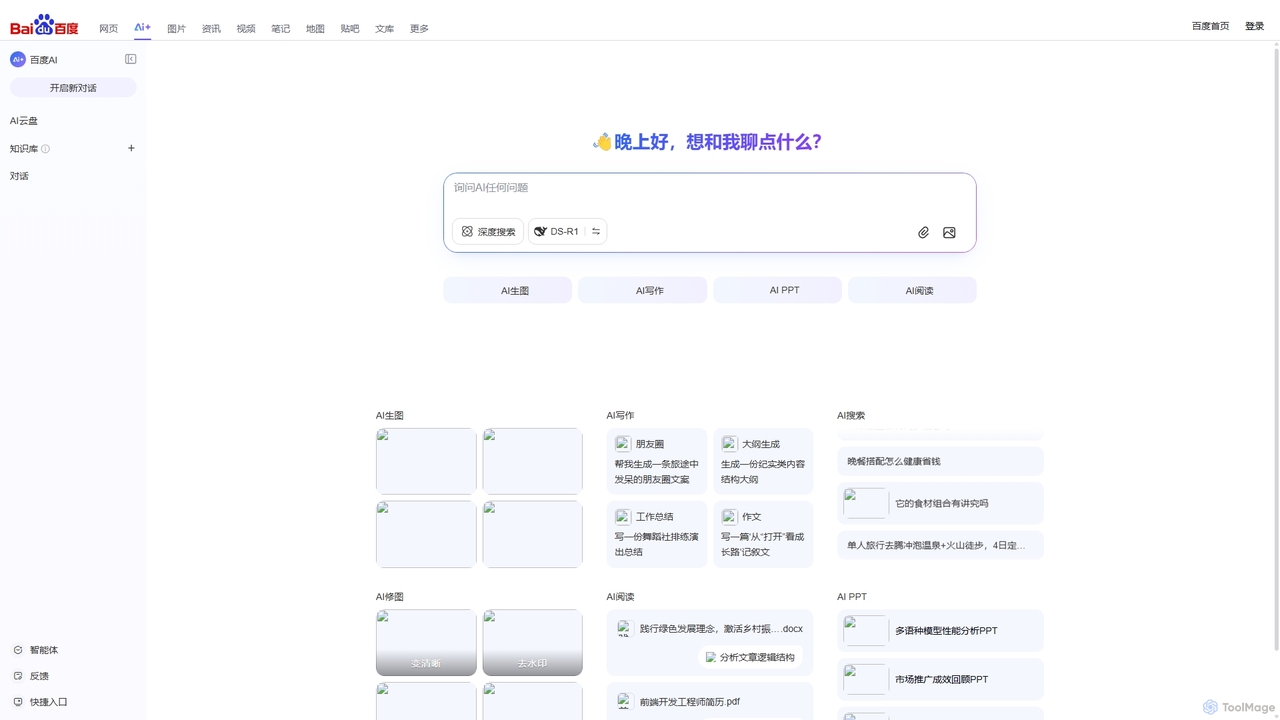
Baidu AI Search
Baidu AI Search is an all-in-one AI-powered platform that integrates conversational search, content creation, document analysis, and image editing. It provides a one-stop solution for work, study, and creative tasks, leveraging Baidu's powerful ERNIE model to deliver comprehensive answers and generate high-quality content.
Writing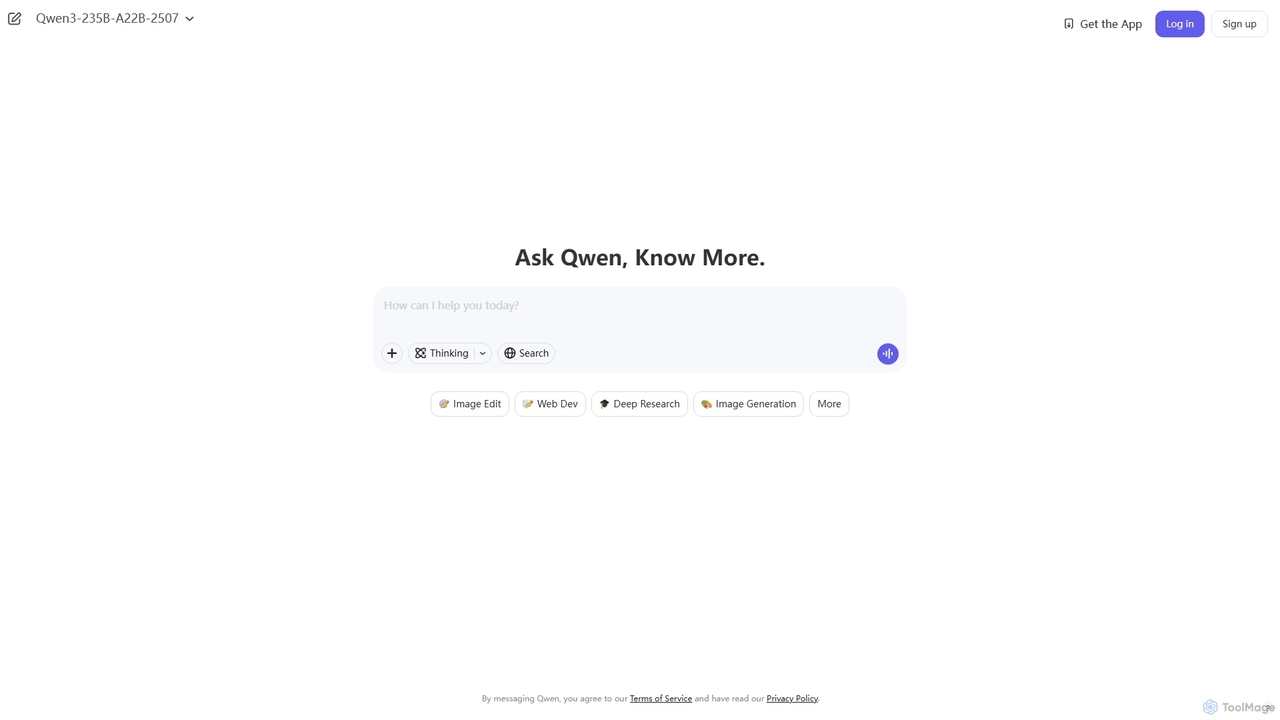
Qwen
Qwen is a powerful multimodal AI chat assistant from Alibaba Cloud. It excels at natural language conversations, content creation, code generation, data analysis, and even image generation. With integrated web search and document analysis, Qwen provides comprehensive, up-to-date, and accurate answers for a wide range of tasks.
Image Generation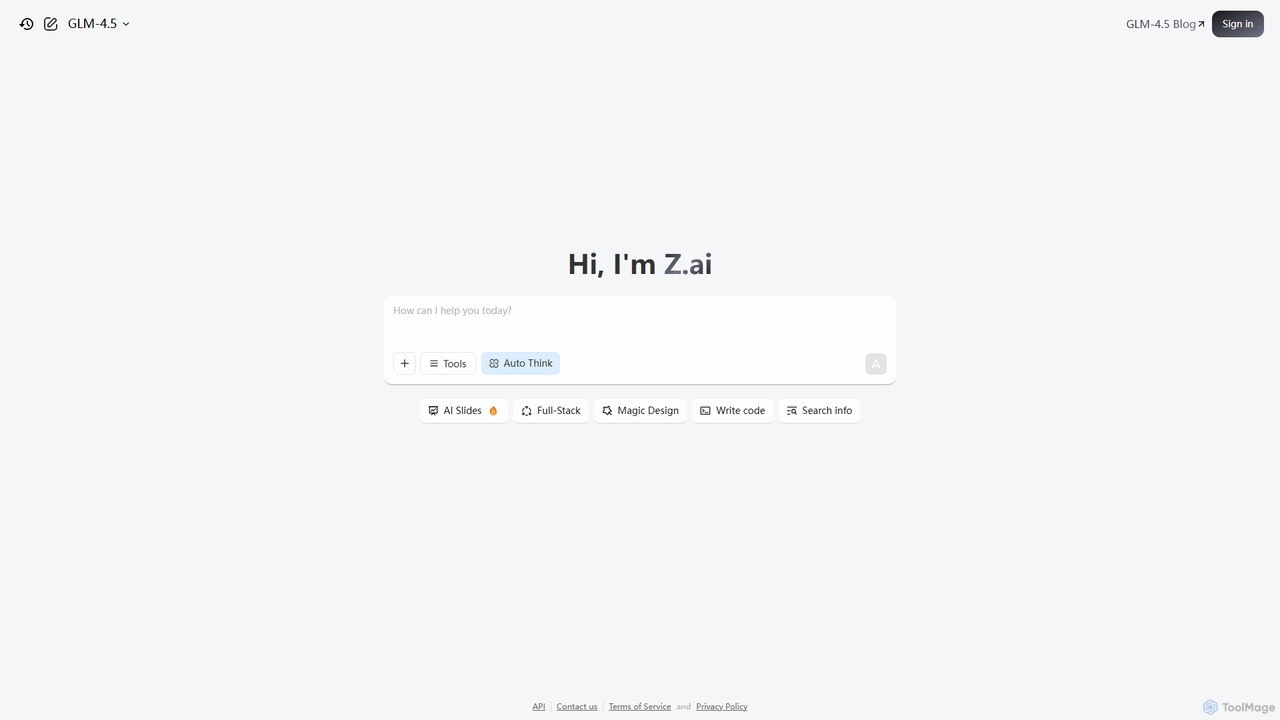
Z.ai
Z.ai is a powerful, free AI assistant powered by the advanced GLM-4.5 model. It's more than just a chatbot, offering a suite of integrated tools for coding, creating presentations, designing, and conducting research. Z.ai aims to be an all-in-one productivity platform, streamlining complex tasks through a simple conversational interface.
Code Assistant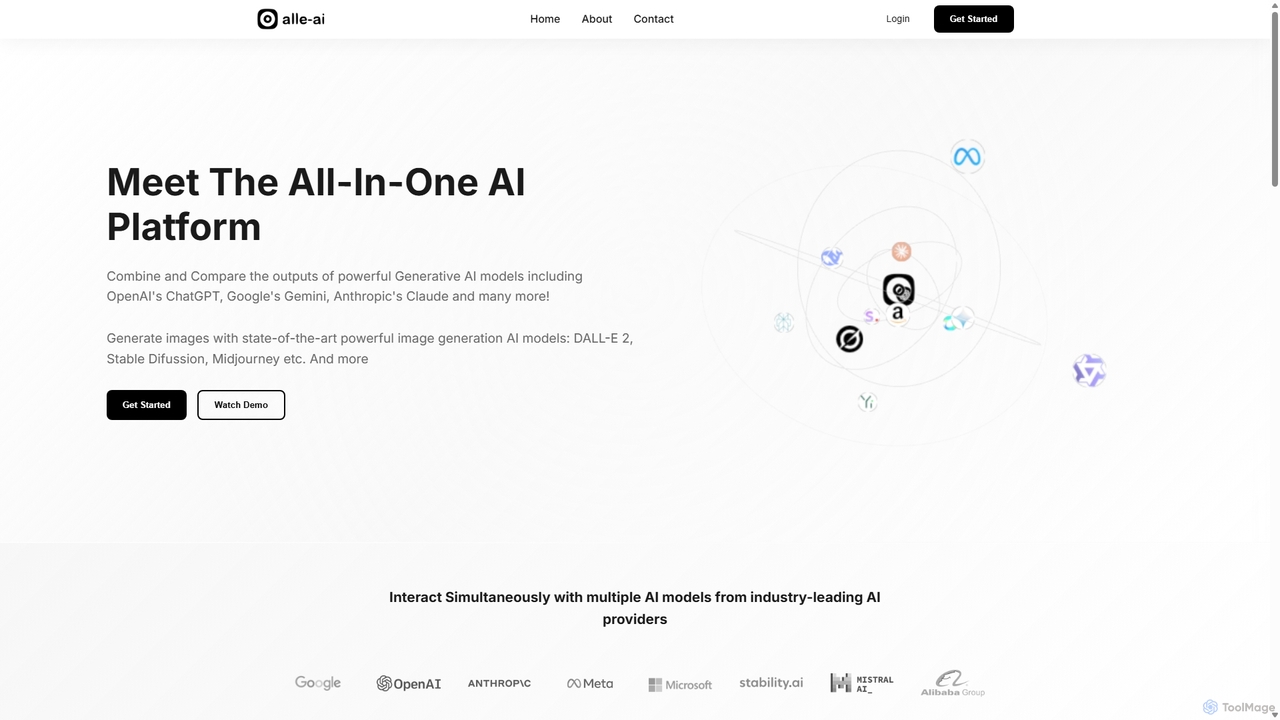
Alle-AI
Alle-AI is an all-in-one platform that allows users to simultaneously interact with multiple leading AI models for chat, image, audio, and video generation. Compare outputs from ChatGPT, Claude, Gemini, Midjourney, and more in a single interface to enhance creativity, improve accuracy with fact-checking, and streamline your workflow.
Generative Ai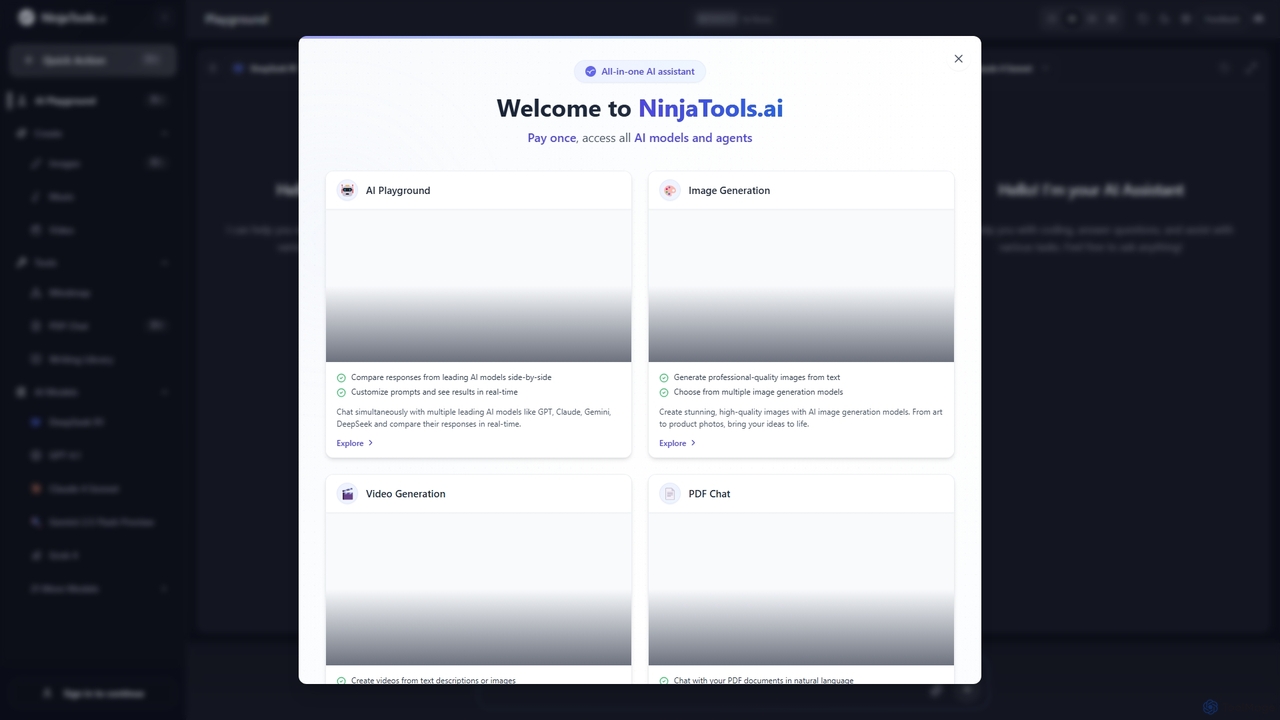
Ninjatools
Ninjatools is an all-in-one AI platform providing unified access to a vast array of leading AI models like GPT, Claude, Gemini, and more. It enables users to generate text, images, videos, and music, chat with PDFs, and compare model responses side-by-side in a single, intuitive interface. It's designed for creators, developers, and marketers seeking efficiency and versatility.
Music Generation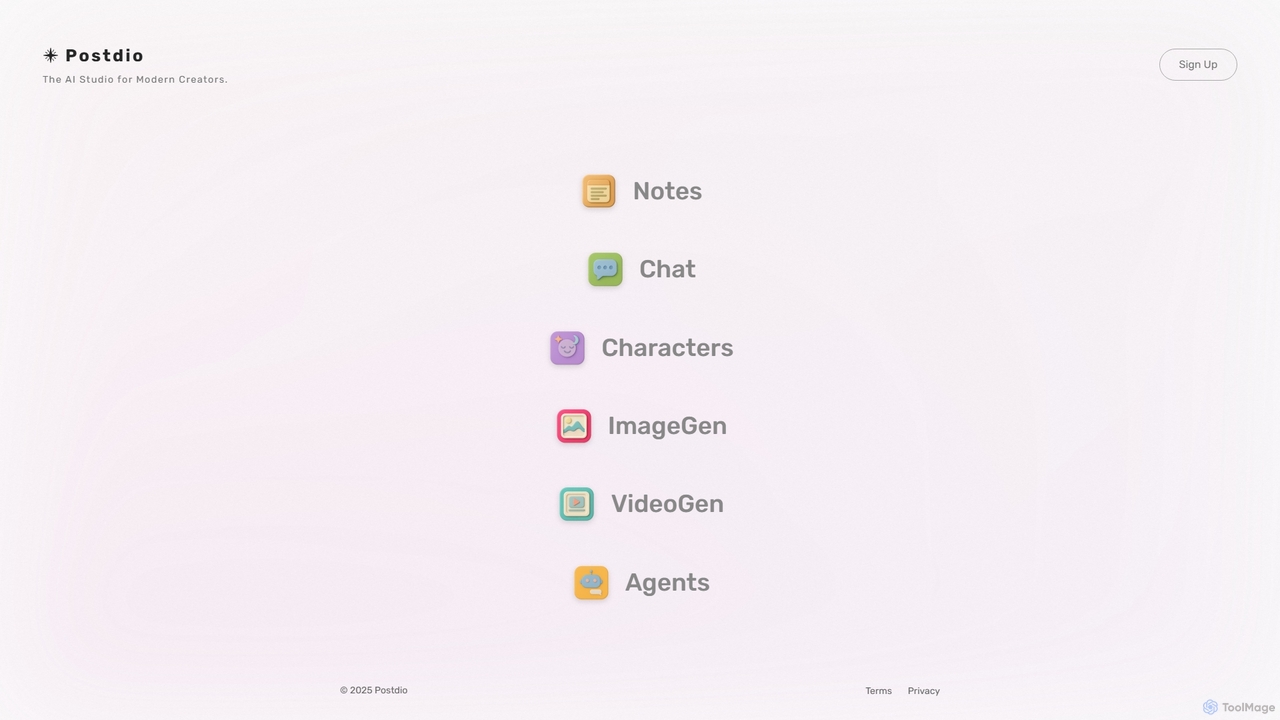
Viewon
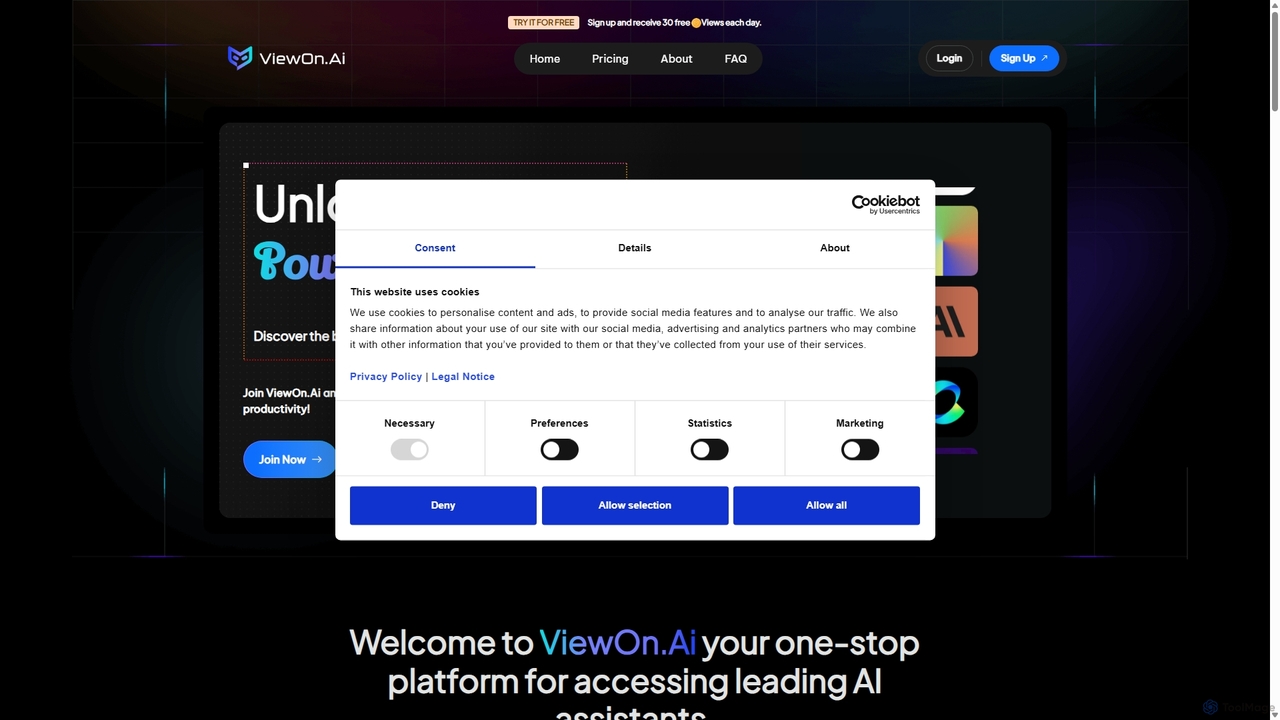
Viewon is an all-in-one AI LLM Hub that integrates multiple advanced AI models into a single platform. It empowers users to generate text, create images, automate business processes, conduct research, and more, all while prioritizing user privacy and GDPR compliance.
AutomationPowerBrain AI
PowerBrain AI is a versatile AI chatbot assistant for work, learning, and life. Available on iOS and Android, it functions as a content creator, AI writer, homework helper, and an ad-free AI search engine. It features multimodal capabilities, processing text and images, and offers various AI personalities for personalized interactions, aiming to boost productivity and creativity for all users.
Chat
Iris
Iris is a seamless AI assistant for macOS, designed to integrate into your workflow. It provides instant access to top AI models like GPT-4o and Claude 3.5, allowing you to chat, capture your screen for context, and get answers without ever leaving your current application. With intuitive gestures and powerful shortcuts, Iris is there when you need it and invisible when you don't.
Coding Assistant
PayPerQ
PayPerQ is a versatile, pay-as-you-go AI platform offering a wide range of capabilities. It integrates text generation (powered by models like GPT-4o), AI-powered web research, high-quality image and video creation, code refactoring, document analysis, and advanced image upscaling. Its flexible credit-based system allows users to pay only for the resources they use, making it an accessible and cost-effective solution for various creative and technical tasks.
Api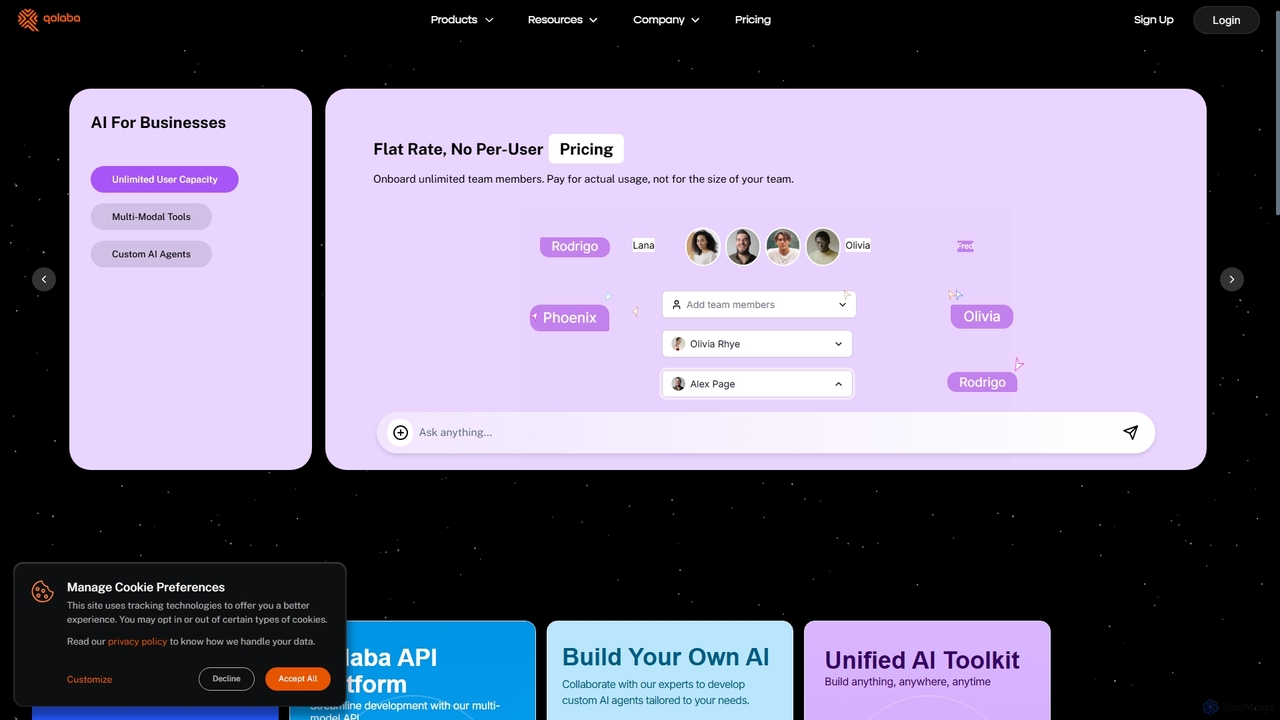
Qolaba
Qolaba is a unified AI studio and API platform providing access to a wide range of generative AI models like GPT-4o, Claude, and SDXL for text, image, video, and speech generation. It caters to individuals, developers, and businesses with features like a no-code AI agent builder, knowledge base interaction, and a flexible, credit-based pricing system, consolidating multiple AI tools into one subscription.
Automation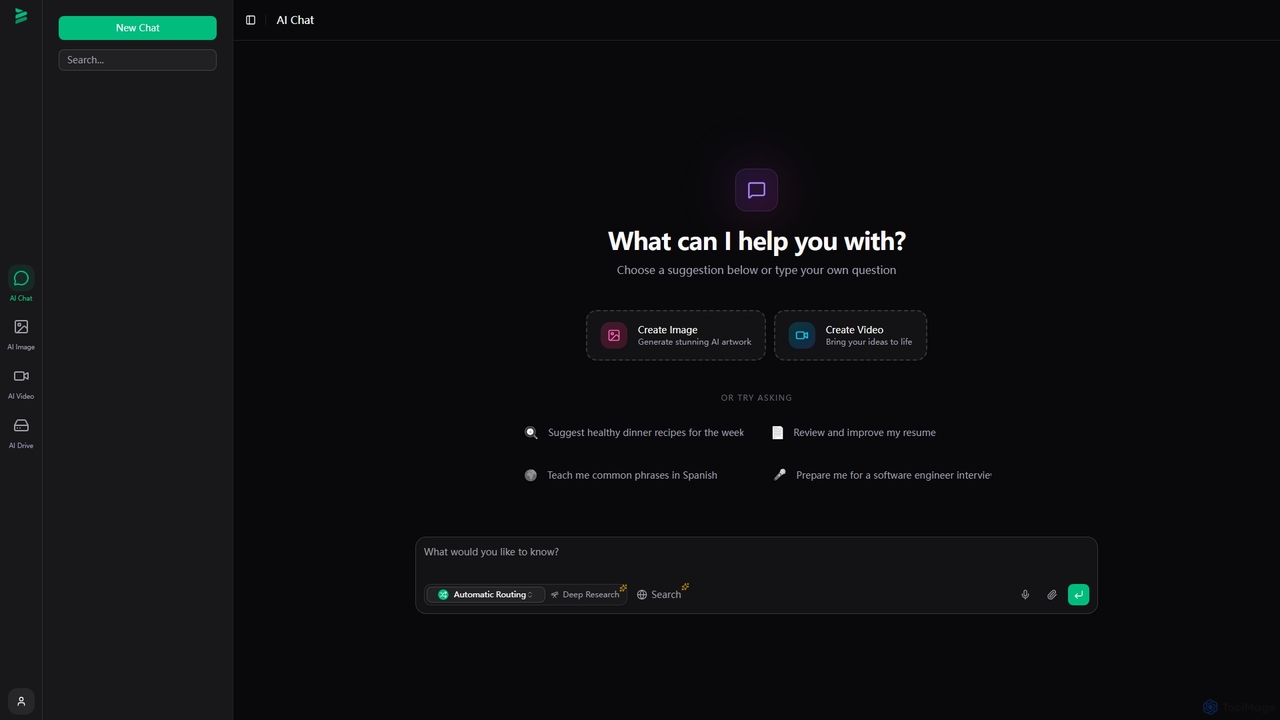
Brome AI
Brome AI is a comprehensive platform offering advanced AI tools for chat, image generation, and video creation. It integrates an intelligent conversational AI, a powerful image generator for stunning visuals, and a dynamic video creator to bring ideas to life. With a dedicated AI Drive for content management, Brome AI streamlines creative workflows and enhances productivity for various tasks.
Image Generation
Gptturkey
Gptturkey offers a free, accessible gateway to advanced AI chat, powered by the latest OpenAI models. Requiring no registration, it provides a secure and private user experience. The platform is specially optimized for the Turkish language, understanding complex grammar and cultural nuances to deliver natural, human-like conversations and content generation for a wide range of tasks.
Code Assistant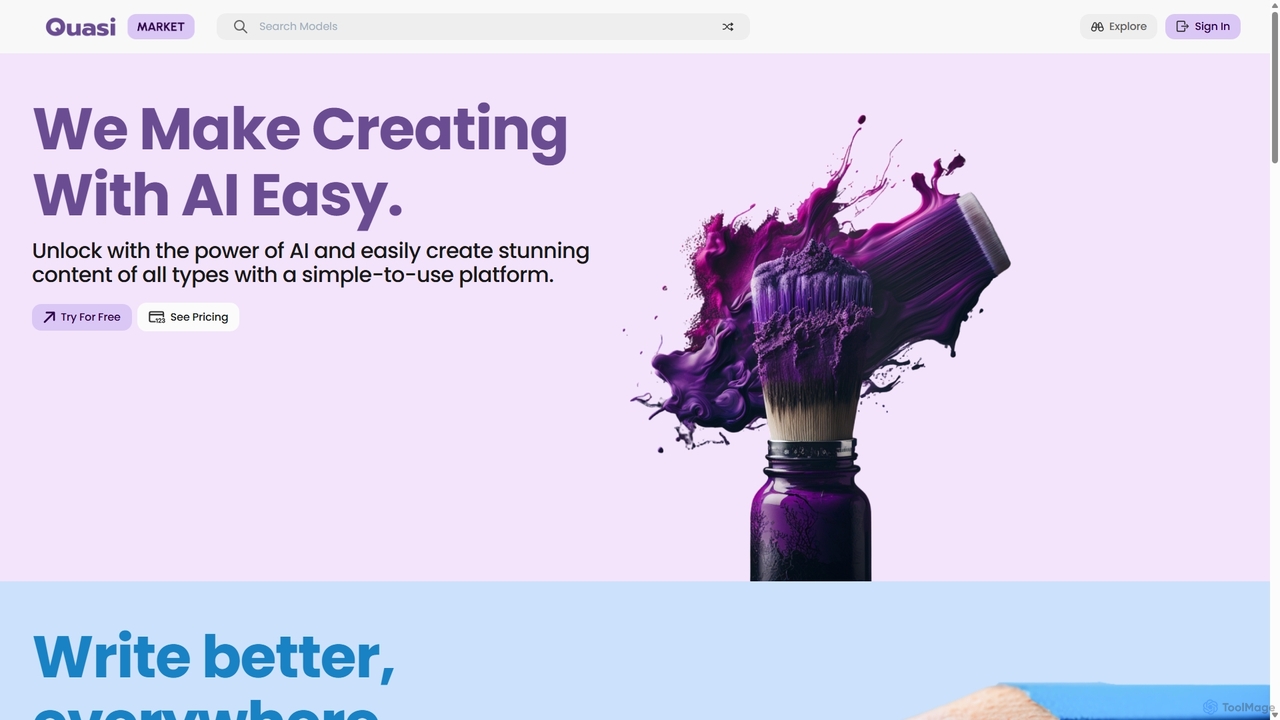
Quasi
Quasi is an all-in-one AI creation marketplace designed to make content generation easy and accessible. It offers a diverse suite of tools for writing, image generation, music creation, coding assistance, and personalized learning, empowering creators of all types to produce stunning, unique content in seconds.
Developer Tools
ThinkBoxAI Comments (0)
Sign in to comment.
Sign inNo comments yet.