

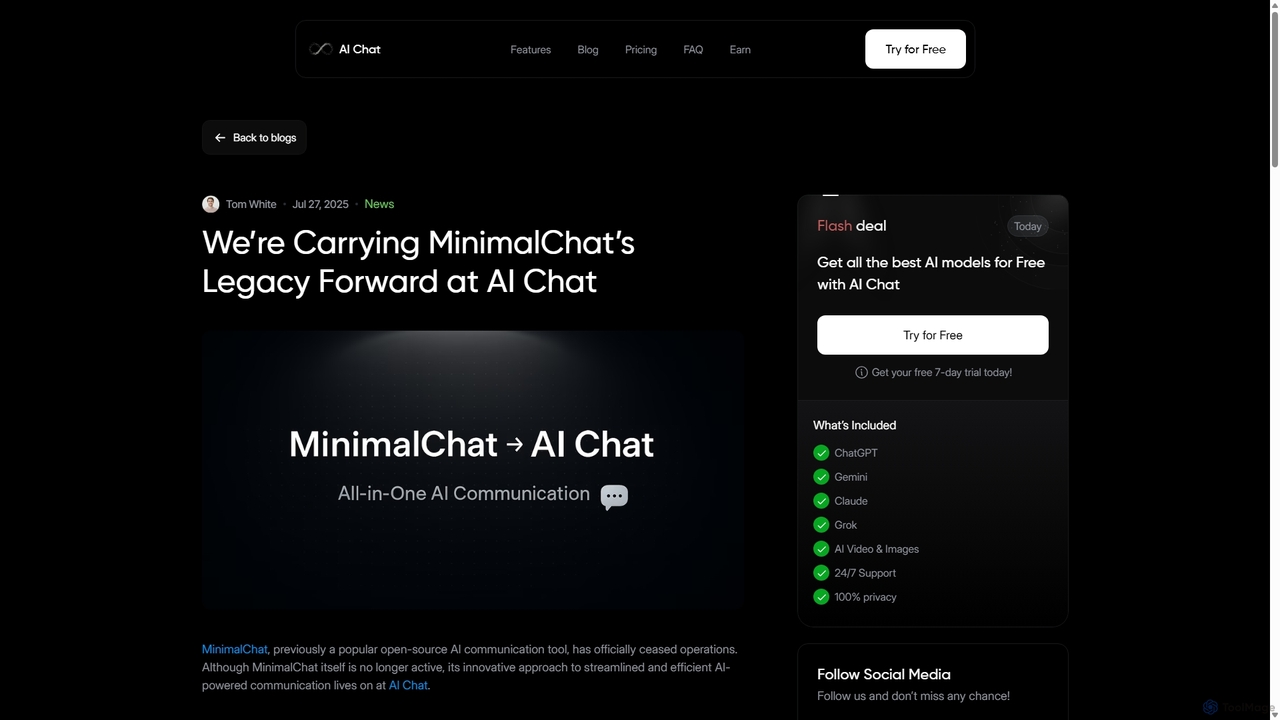
MinimalChat Overview
Important Notice: The MinimalChat project has officially ceased operations. Its innovative approach to streamlined AI communication is being carried forward by the team at AI Chat. The following description details the features and capabilities of the original MinimalChat project for informational and archival purposes.
MinimalChat emerged as a celebrated open-source solution for individuals and teams seeking a private, customizable, and efficient AI chat experience. Built as a lightweight and user-friendly platform, it centered around generative pre-trained transformers (GPT), allowing users to harness the power of advanced AI models in a controlled environment. Its minimalist design philosophy focused on core functionality, eliminating bloat and ensuring a fast, responsive interface across all devices.
How to use MinimalChat
As a self-hostable application, setting up MinimalChat involved a few technical steps, primarily aimed at developers and tech-savvy users:
- Deployment: The primary method for deployment was using Docker, which simplified the process. Users would pull the MinimalChat image and run it on their own server or local machine, ensuring complete data privacy.
- Configuration: After deployment, users needed to connect the application to an AI model. This involved providing an API key for an OpenAI-compatible service or configuring it to connect to a locally running language model (Local LLM).
- Interaction: Once set up, the interface was highly intuitive. Users could start new conversations, type or speak their queries, and receive responses from the AI.
- File Integration: A key feature was the ability to upload files directly into the chat. The AI could then use the content of these files as context for answering questions, summarizing text, or analyzing data.
- Conversation Management: The platform provided simple tools to start, save, rename, and delete conversations, allowing for easy organization of different projects or topics.
Core Features of MinimalChat
- Broad Model Support: It was compatible with any OpenAI-compatible API and supported various local models, giving users complete freedom to choose their preferred AI engine.
- Self-Hosting with Docker: Provided full control over data and privacy by allowing users to host the service on their own infrastructure.
- File Uploads: Users could easily upload documents and other files to integrate them into the AI's conversational context.
- Voice Interaction: Included speech-to-text (STT) for voice input and text-to-speech (TTS) for audio responses, offering a hands-free experience.
- Mobile & PWA Support: Designed to be mobile-friendly and available as a Progressive Web App (PWA), ensuring a seamless experience on both desktop and mobile devices.
- Markdown & Syntax Highlighting: Offered excellent support for formatting text with Markdown and highlighting code snippets, making it a great tool for developers and writers.
- Intuitive UI: Featured a clean, compact, and minimalist interface with swipe gestures for quick navigation, focusing on productivity and ease of use.
- Open-Source (MIT License): The entire codebase was publicly available, allowing for community contributions, custom modifications, and free usage without licensing fees.
Use Cases for MinimalChat
MinimalChat was versatile and catered to a wide range of users:
- Developers: For generating code, debugging, and as a private sandbox to experiment with different local and cloud-based LLMs without data leakage.
- Content Creators & Writers: To brainstorm ideas, draft articles, overcome writer's block, and manage multiple writing projects in an organized manner.
- Researchers & Students: For summarizing research papers, analyzing uploaded documents, and maintaining a private, organized history of their academic inquiries.
- Teams & Businesses: As a secure, internal AI assistant for collaboration, knowledge base queries, and streamlining workflows without relying on third-party services.
Advantages of MinimalChat
The primary advantages of MinimalChat stemmed from its open-source and self-hosted nature:
- Complete Privacy: By self-hosting, users ensured that their conversations and uploaded data remained entirely within their control.
- Cost-Effective: Being free to use, the only costs were for optional API usage and server hosting, making it significantly cheaper than many commercial subscriptions.
- Unmatched Flexibility: Users were not locked into a single AI provider and could switch between models like GPT-4, local Llama models, or others as they saw fit.
- Lightweight and Fast: The minimalist design ensured the application was quick to load and responsive, even on less powerful hardware.
Pricing and Plans
MinimalChat was distributed under the MIT License, which means it was completely free to download, modify, and use. There were no subscription fees or hidden charges for the software itself. Users were only responsible for costs associated with:
- API Usage: If connected to a paid service like OpenAI's API.
- Hosting: The cost of the server or cloud infrastructure used for self-hosting.
MinimalChat Alternatives
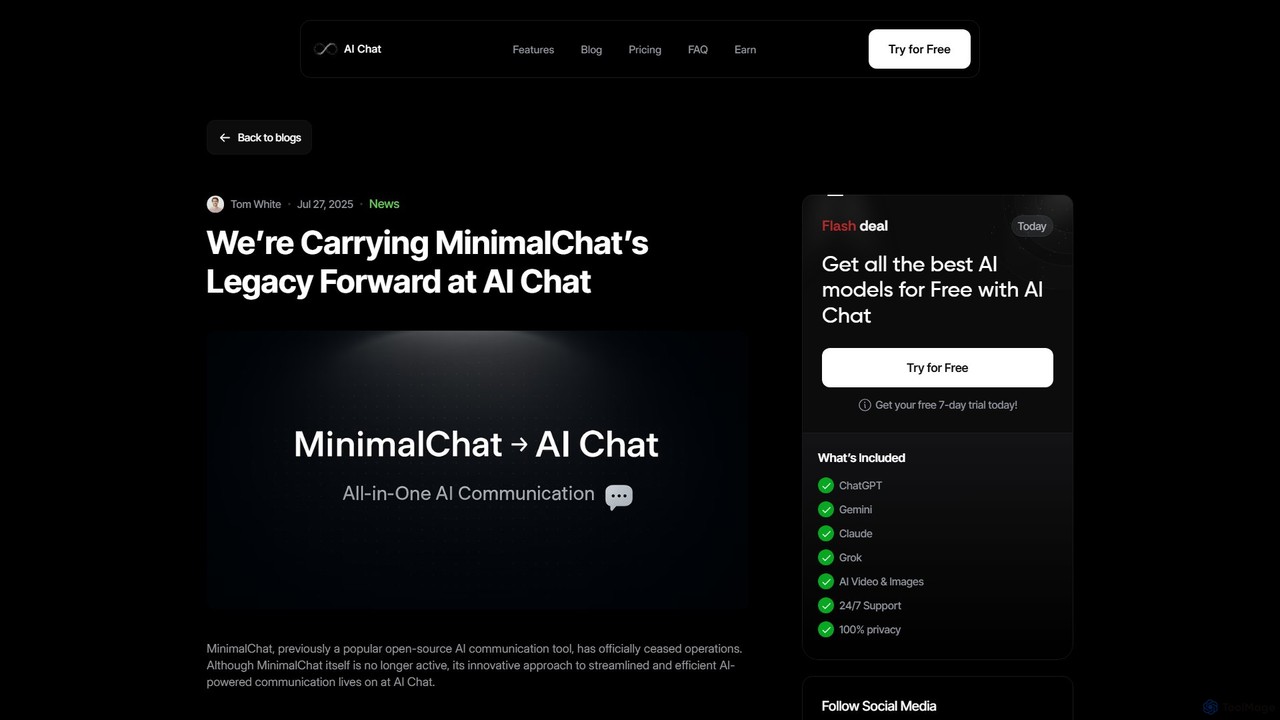
MinimalChat
MinimalChat was a popular open-source, self-hostable AI chat platform known for its lightweight, minimalist design. It allowed users to interact with various GPT models in a clean interface, supporting file uploads, voice interactions, and PWA functionality. Although the project is now discontinued, its legacy of streamlined AI communication continues, emphasizing user privacy and control through its self-hosting capabilities.
Code Assistant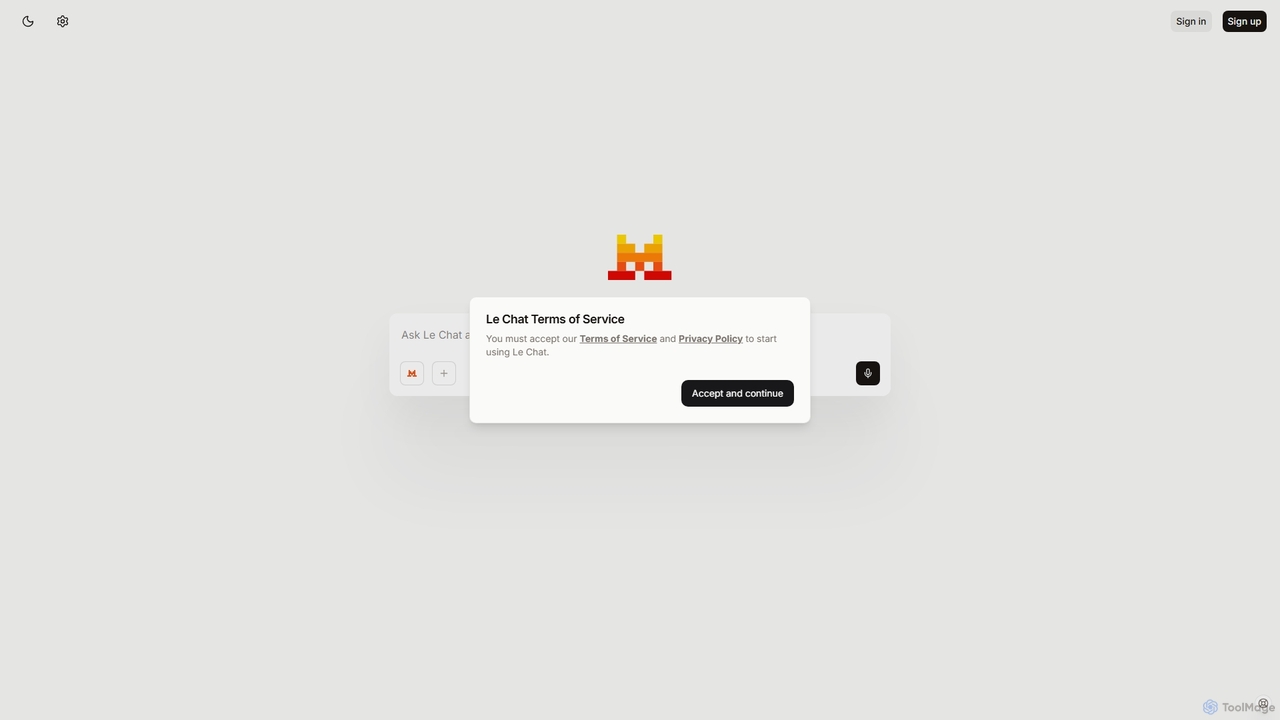
Le Chat
Le Chat is a powerful conversational AI assistant from Mistral AI, providing direct access to their cutting-edge language models. It excels at complex reasoning, code generation, and multilingual tasks. Le Chat offers a streamlined interface for users to brainstorm ideas, create content, and get instant answers, leveraging Mistral's high-performance and efficient AI technology for both personal and professional use.
Code Assistant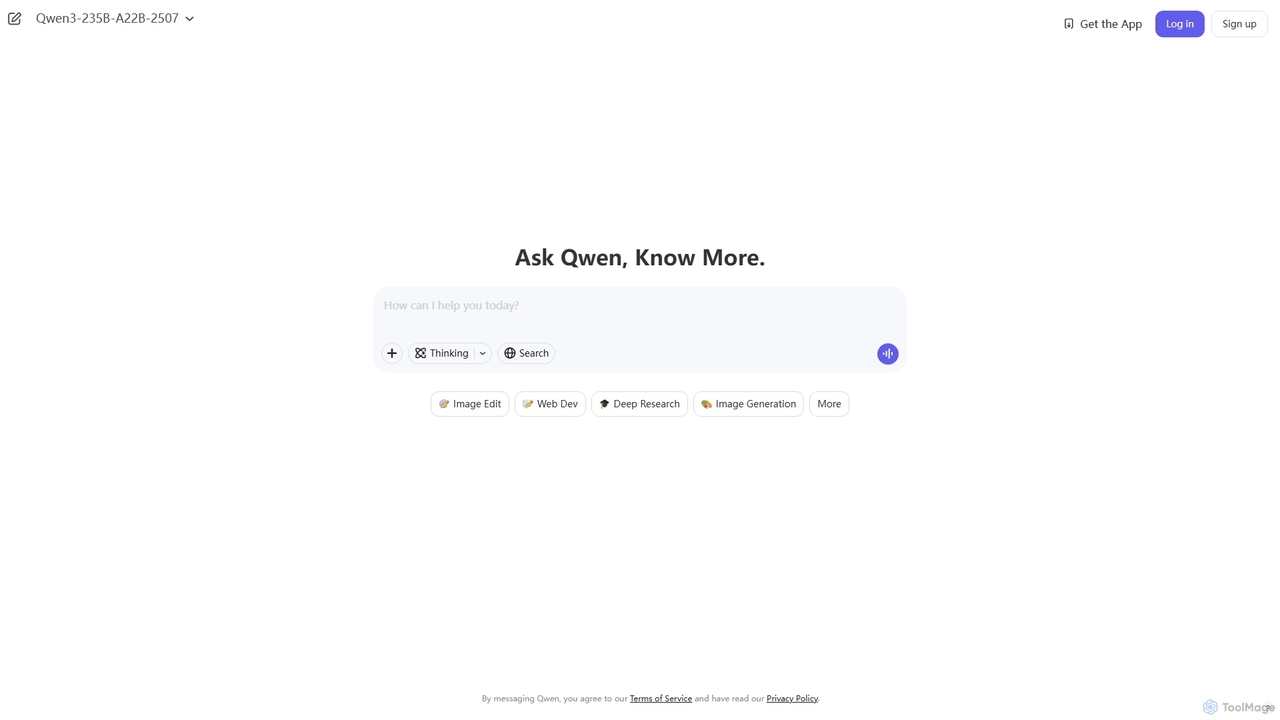
Qwen
Qwen is a powerful multimodal AI chat assistant from Alibaba Cloud. It excels at natural language conversations, content creation, code generation, data analysis, and even image generation. With integrated web search and document analysis, Qwen provides comprehensive, up-to-date, and accurate answers for a wide range of tasks.
Image Generation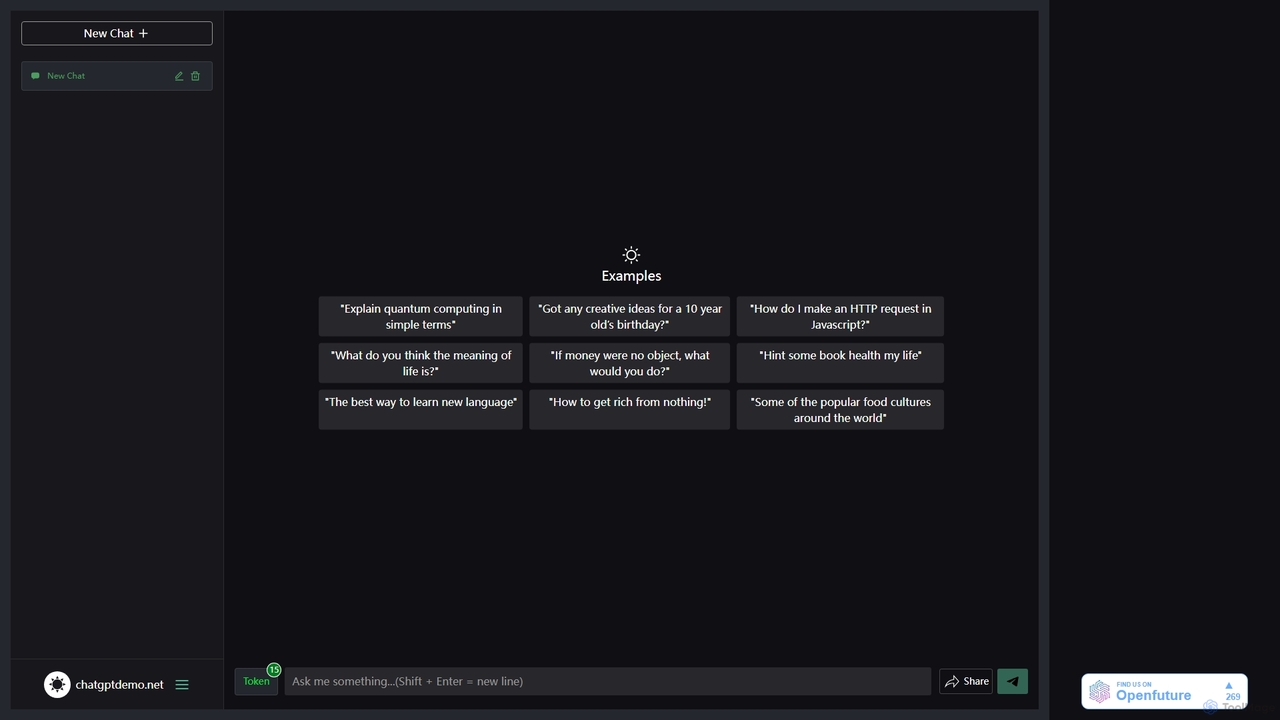
ChatGPT Demo Free
ChatGPT Demo Free is a web-based platform providing free, no-login access to a powerful conversational AI. Users can ask questions, generate text, write code, and brainstorm ideas within a simple chat interface. It operates on a daily limit model, offering a convenient way to experience advanced AI capabilities for quick tasks and exploration without any commitment or registration.
Code Assistant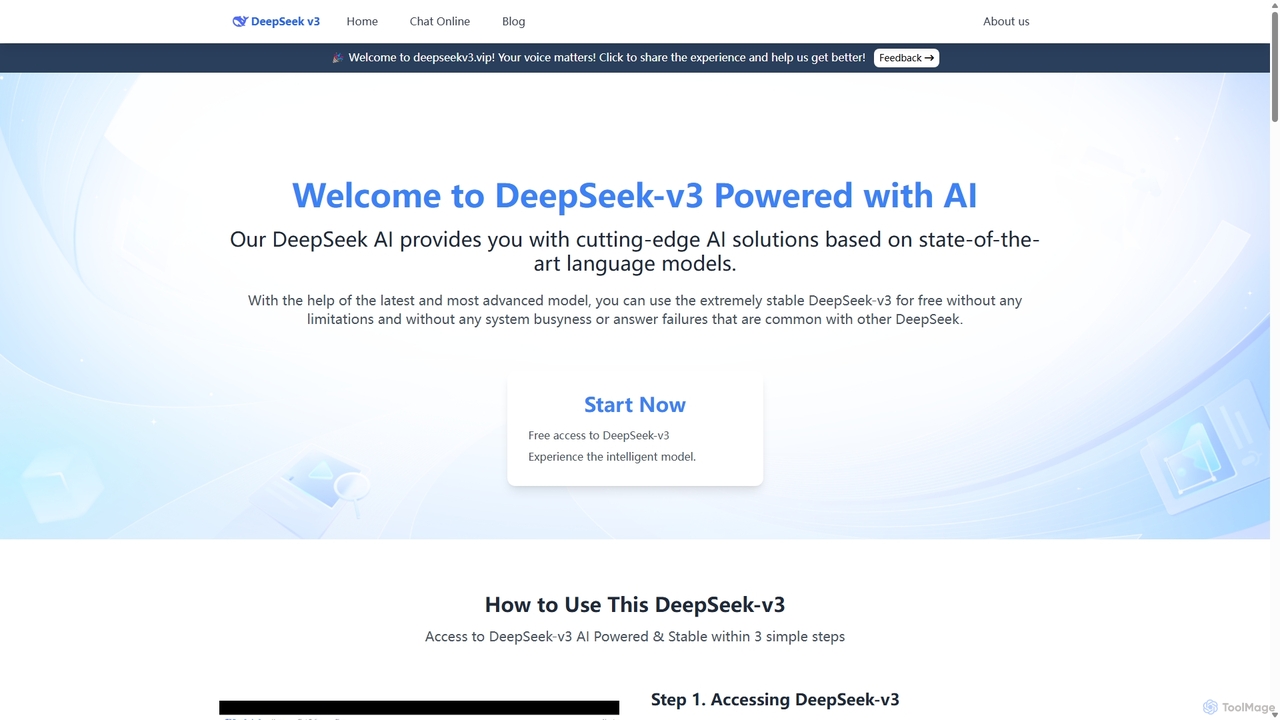
DeepSeek-v3
DeepSeek-v3 is a free, no-login web platform providing instant access to the advanced DeepSeek AI model. It prioritizes user privacy by not storing conversations or requiring personal data. The tool offers powerful capabilities in text generation, coding, reasoning, and multilingual communication through a clean, minimalist interface accessible worldwide without restrictions.
Code AssistantMinimalChat Categories
MinimalChat Jobs
MinimalChat Embed Widget
Copy this embed code to place the badge on your blog, article, or product site and send readers directly to this ToolMage detail page.

Related AI tools
MinimalChat
MinimalChat was a popular open-source, self-hostable AI chat platform known for its lightweight, minimalist design. It allowed users to interact with various GPT models in a clean interface, supporting file uploads, voice interactions, and PWA functionality. Although the project is now discontinued, its legacy of streamlined AI communication continues, emphasizing user privacy and control through its self-hosting capabilities.
Code Assistant
Jyek
Jyek is an AI agent platform that understands objectives, creates execution plans, uses tools, and delivers verifiable results for complex, multi-step tasks.
Automation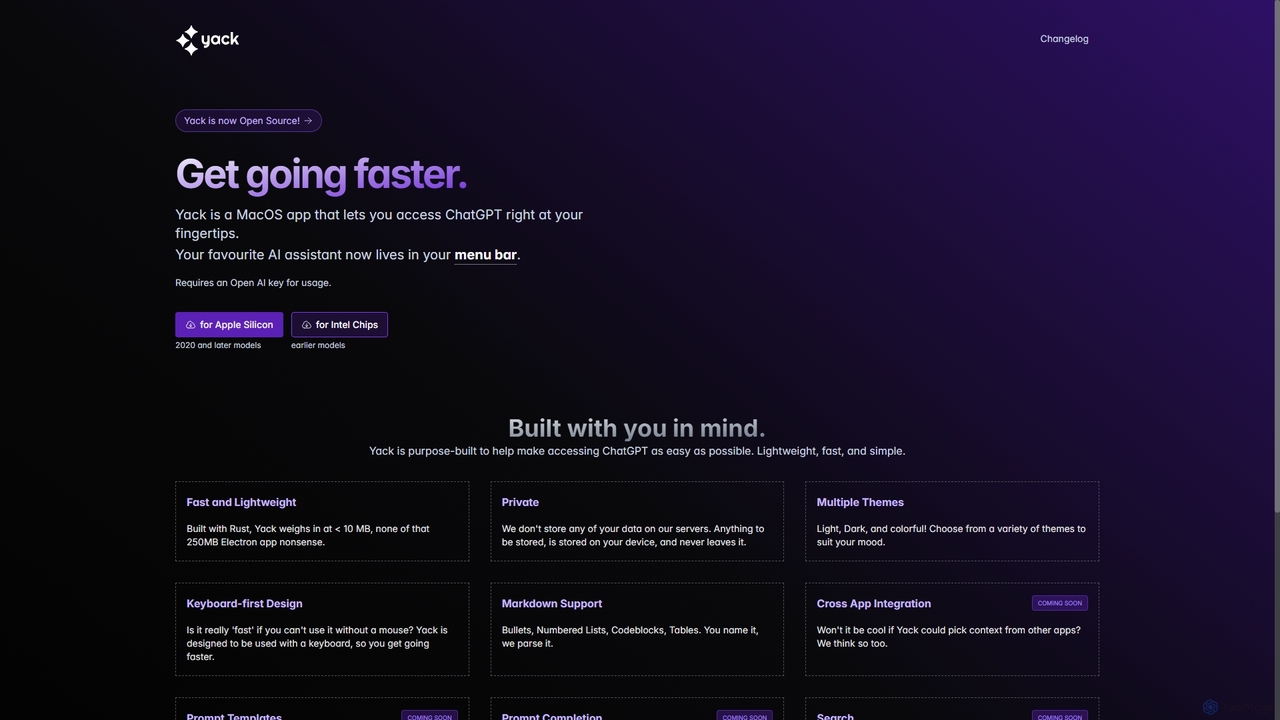
Yack
Yack is a lightweight, fast, and private open-source native macOS application that provides instant access to ChatGPT directly from your menu bar. Built with Rust, it's designed for efficiency with a keyboard-first approach, ensuring you can interact with AI without disrupting your workflow.
Api Client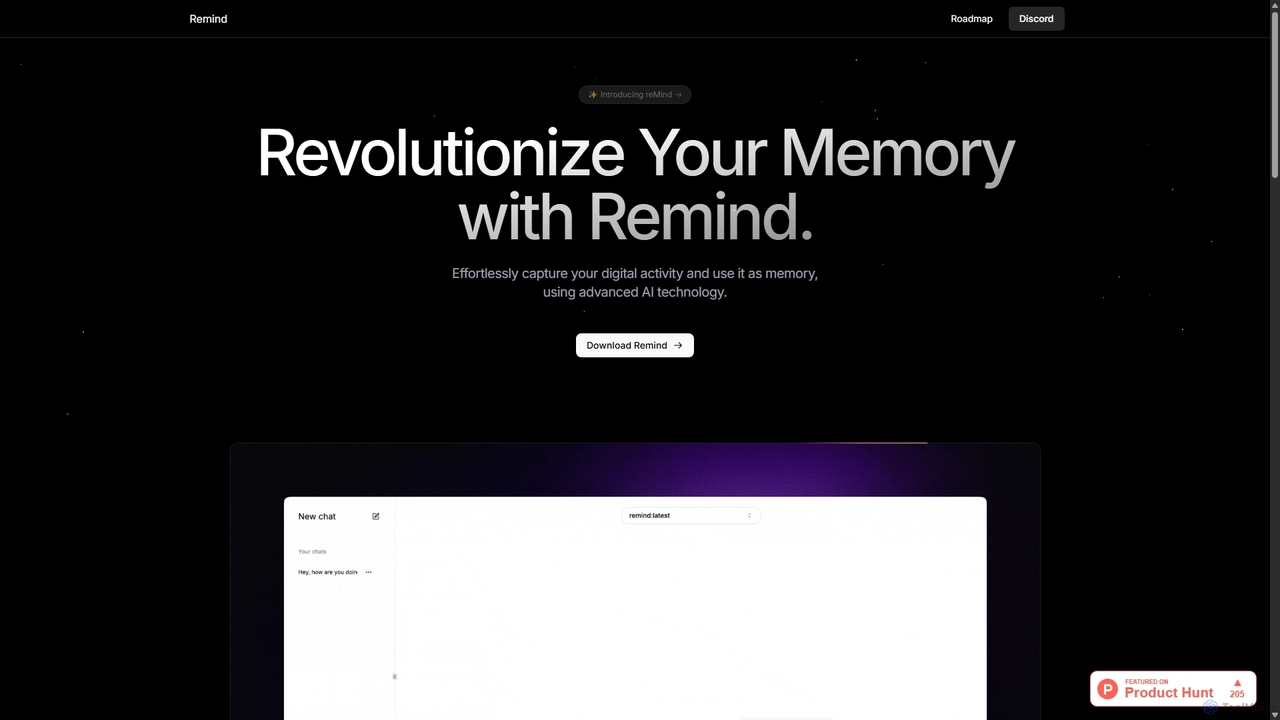
ReMind
reMind is an open-source, privacy-first AI tool that acts as your personal memory. It captures your digital activity locally, allowing you to search and recall anything you've seen or done on your computer using natural language. It runs entirely on your machine for maximum security.
Utilities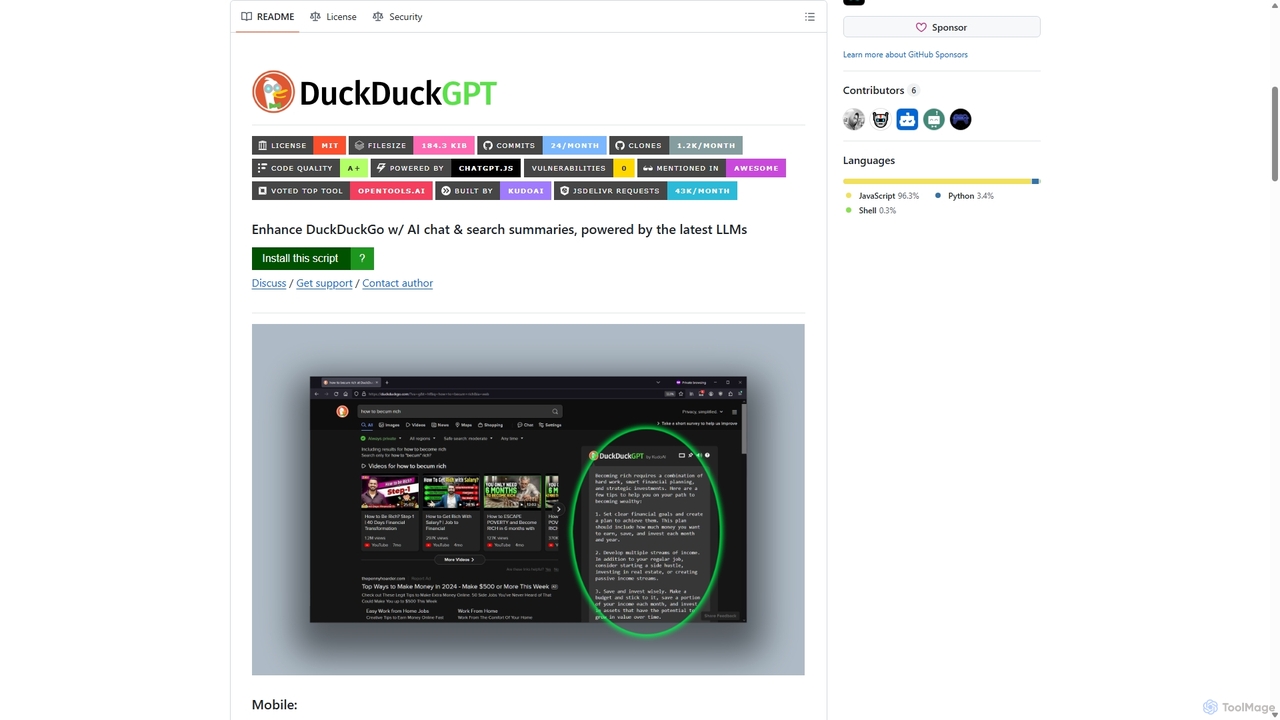
Duckduckgpt
A powerful browser extension that supercharges the DuckDuckGo search engine with AI chat and search summaries. It seamlessly integrates responses from the latest LLMs like GPT-4o directly into your search results, providing instant, intelligent answers while maintaining your privacy.
Browser ExtensionsLe Chat
Le Chat is a powerful conversational AI assistant from Mistral AI, providing direct access to their cutting-edge language models. It excels at complex reasoning, code generation, and multilingual tasks. Le Chat offers a streamlined interface for users to brainstorm ideas, create content, and get instant answers, leveraging Mistral's high-performance and efficient AI technology for both personal and professional use.
Code Assistant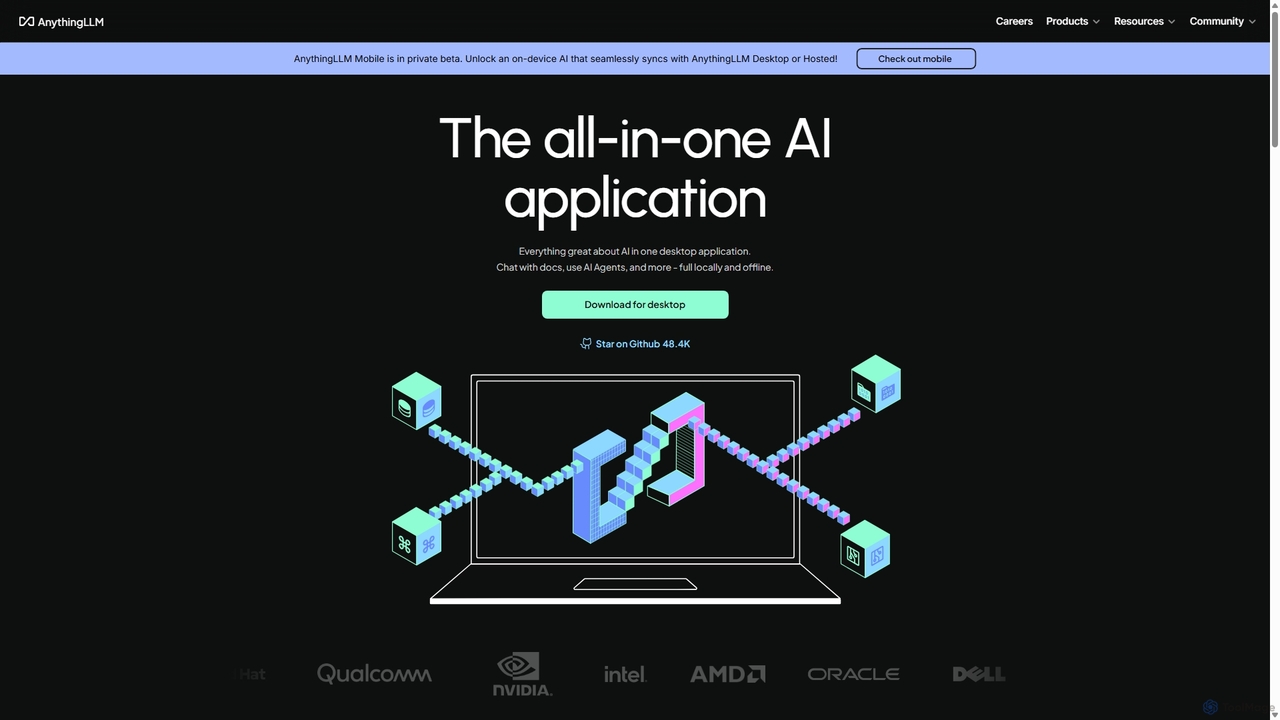
AnythingLLM
AnythingLLM is an open-source, all-in-one AI application that runs locally on your desktop or can be self-hosted. It allows you to create a private knowledge base from any document, chat with your data, and utilize powerful AI agents while ensuring complete data privacy and control.
Document Management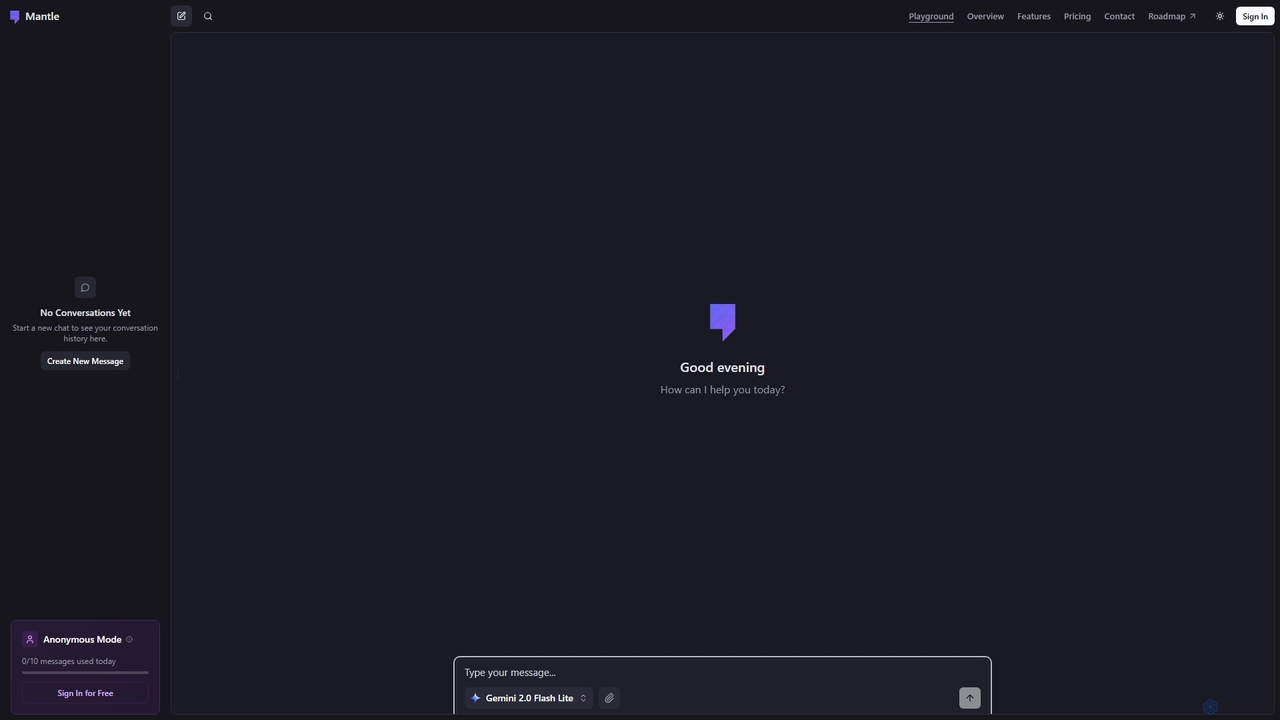
Mantle
Mantle is an intuitive AI chat tool designed for quick conversations and idea generation. It offers an anonymous mode for privacy-conscious users, allowing up to 10 messages daily without requiring a sign-in. Users can sign in for free to access conversation history and potentially more features.
Learning Assistant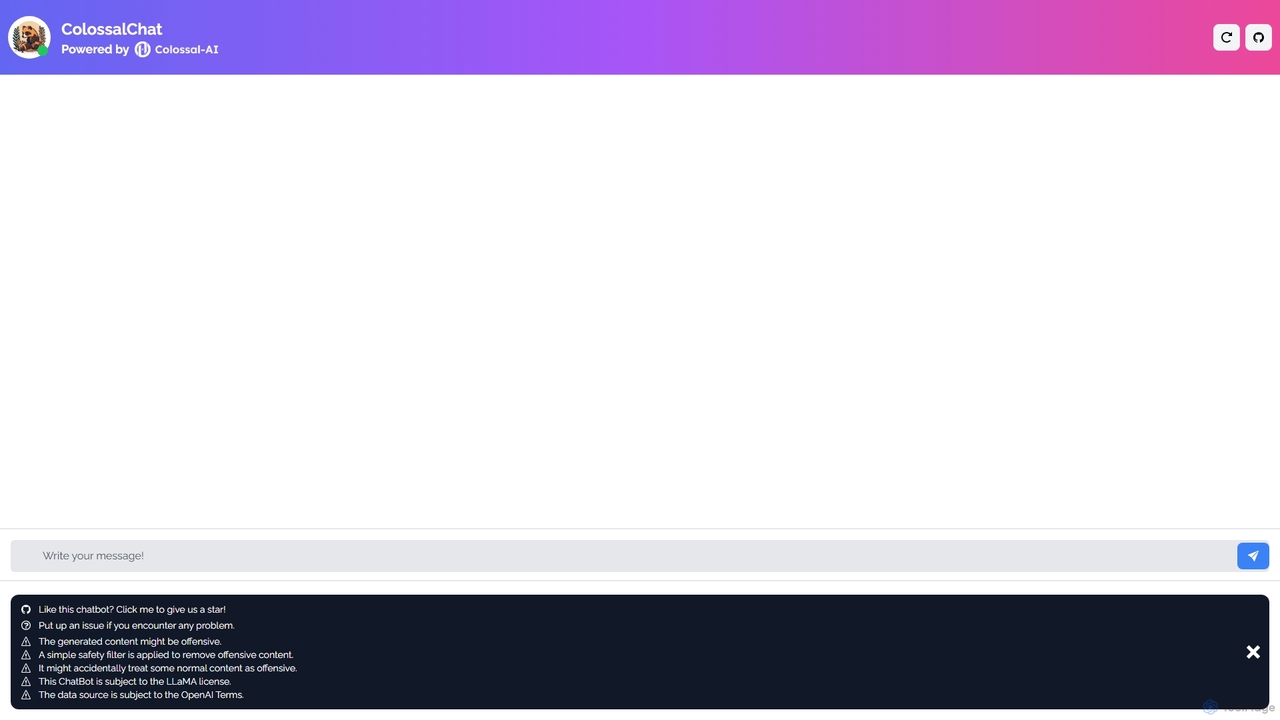
ColossalChat
An open-source conversational AI based on the LLaMA model and powered by the Colossal-AI framework. It offers a free, accessible platform for natural language interaction, text generation, and exploring the capabilities of large language models.
Language Models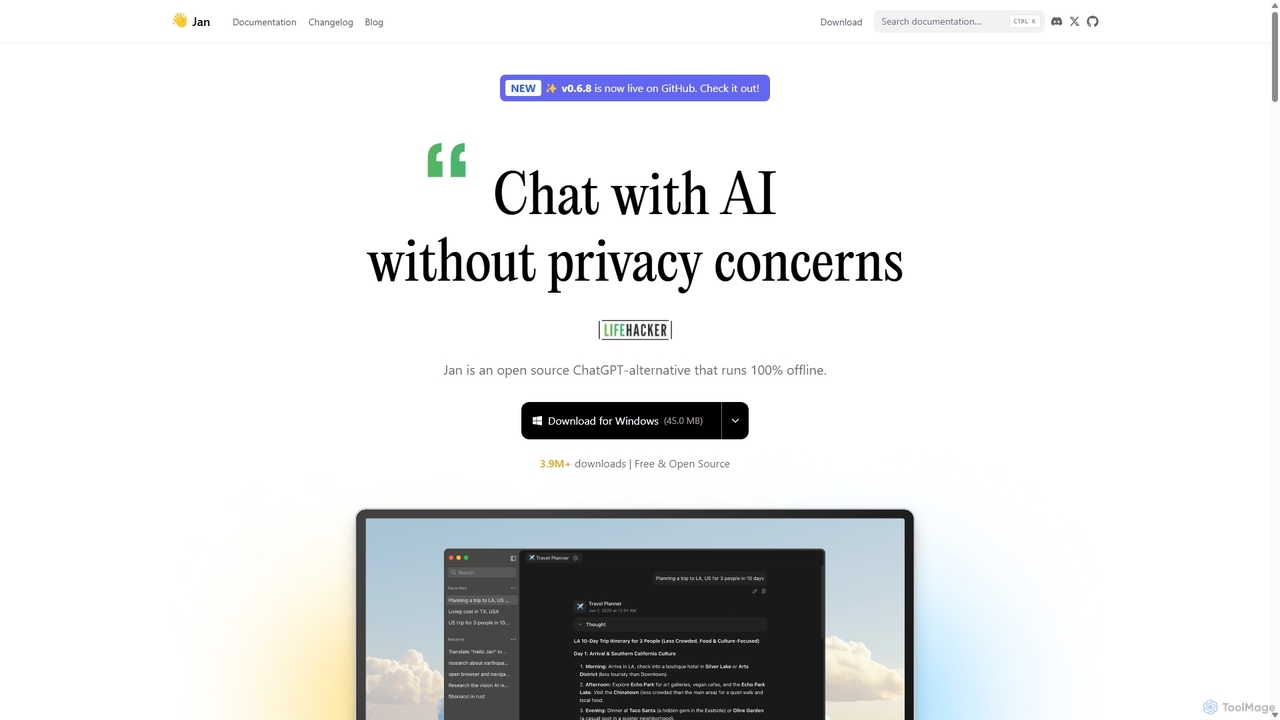
Jan
Jan is an open-source, offline-first AI chat application that functions as a powerful alternative to ChatGPT. It allows you to run large language models (LLMs) like Llama 3 and Mistral directly on your computer, ensuring 100% privacy and data control. Jan also offers the flexibility to connect to cloud-based AI services and provides a local API server for developers.
Api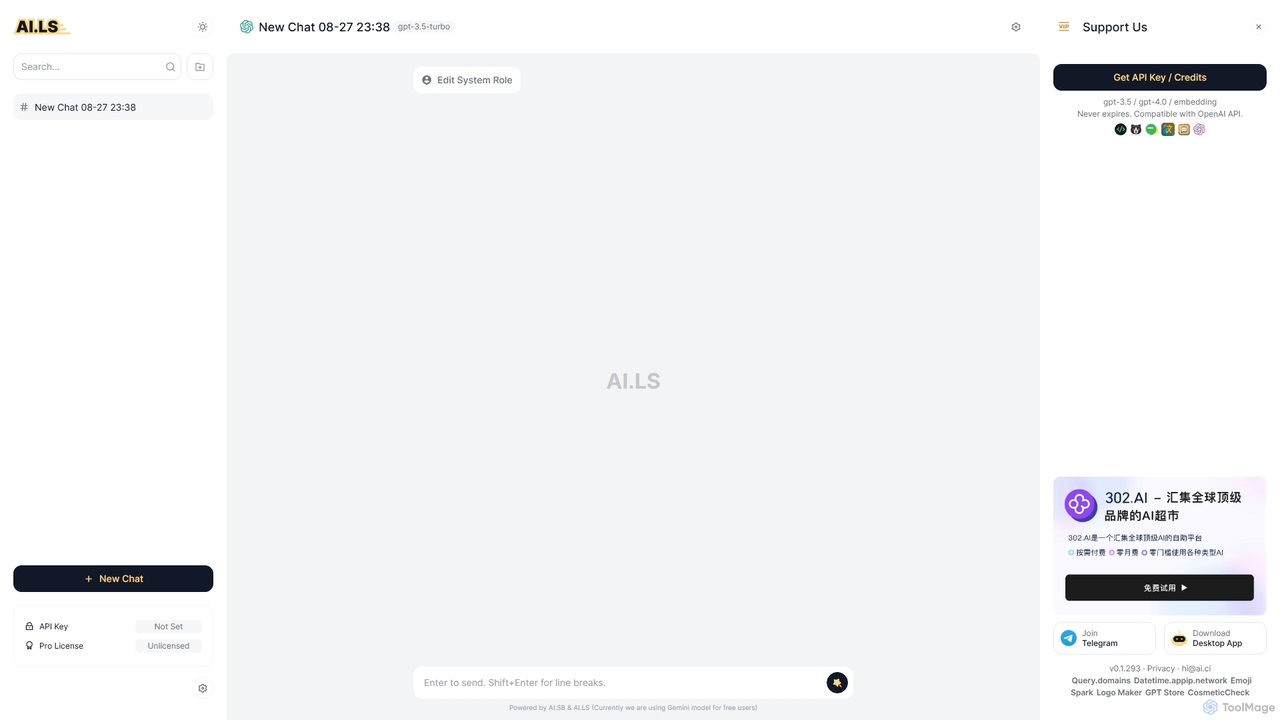
AI.LS
AI.LS is an elegant and powerful web-based user interface for interacting with advanced AI models like ChatGPT and Gemini. It serves as a superior alternative to standard chat interfaces, offering a free tier, advanced customization options, and support for using your own OpenAI API key for greater control and access.
Api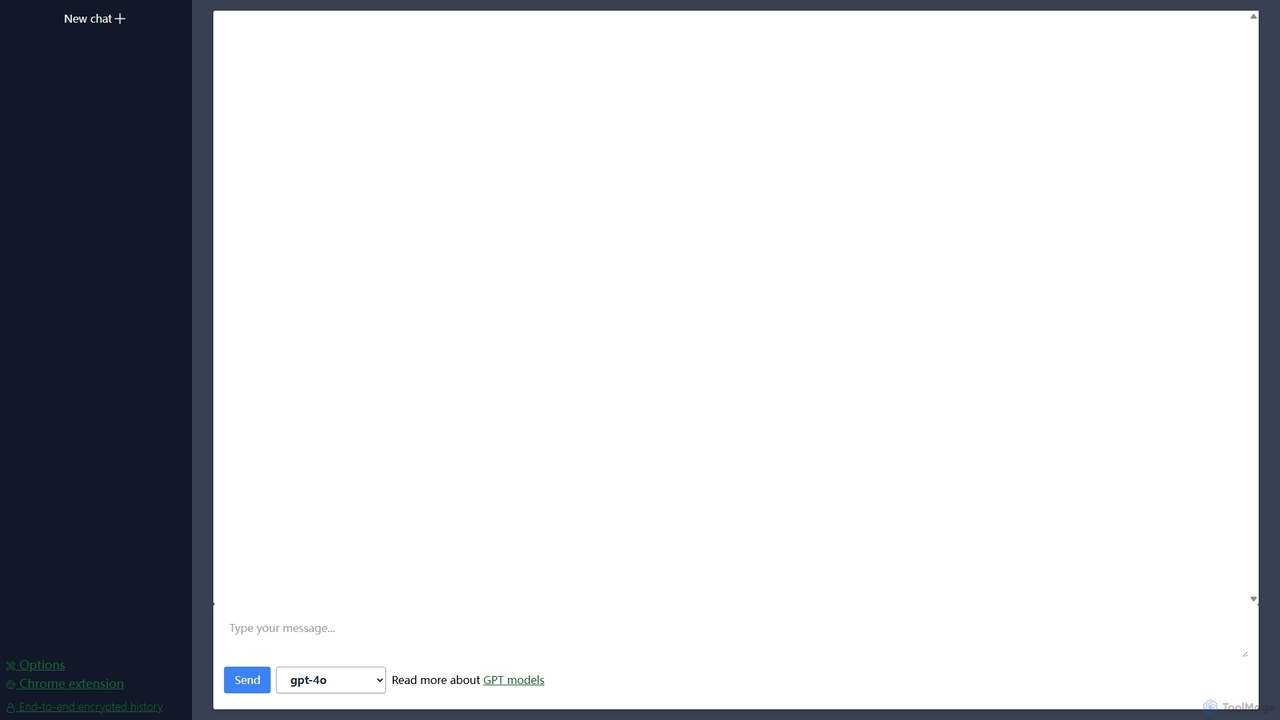
Lit.Codes Chat
A privacy-focused AI chat interface offering access to a wide range of advanced GPT models, including GPT-4o. It features end-to-end encrypted chat history and a convenient Chrome extension, making it a secure and versatile tool for developers, writers, and professionals seeking powerful AI assistance without compromising on data security.
Coding Assistant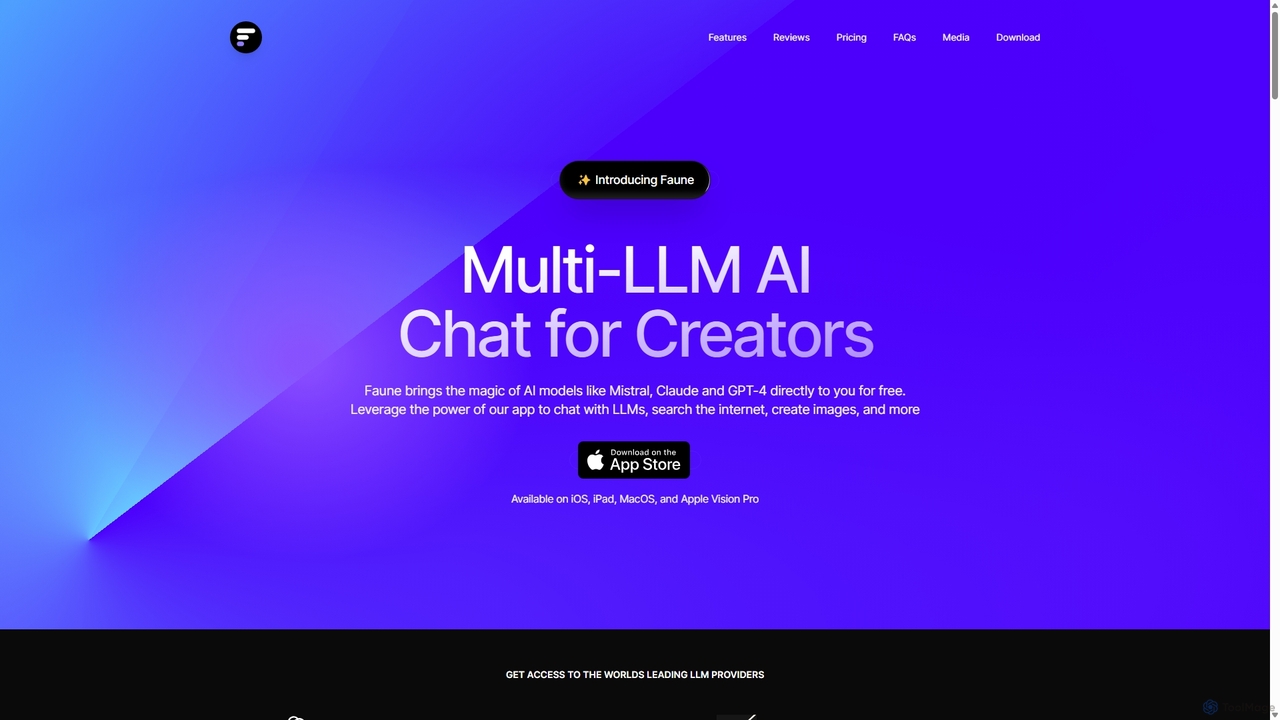
Faune
Faune is a privacy-focused, multi-LLM AI chat application for Apple devices. It offers free access to leading models like GPT-4o, Claude, and Mistral, along with features like internet search, image generation, and a unique chat editor. No account is required, ensuring anonymous and secure conversations.
Multi Model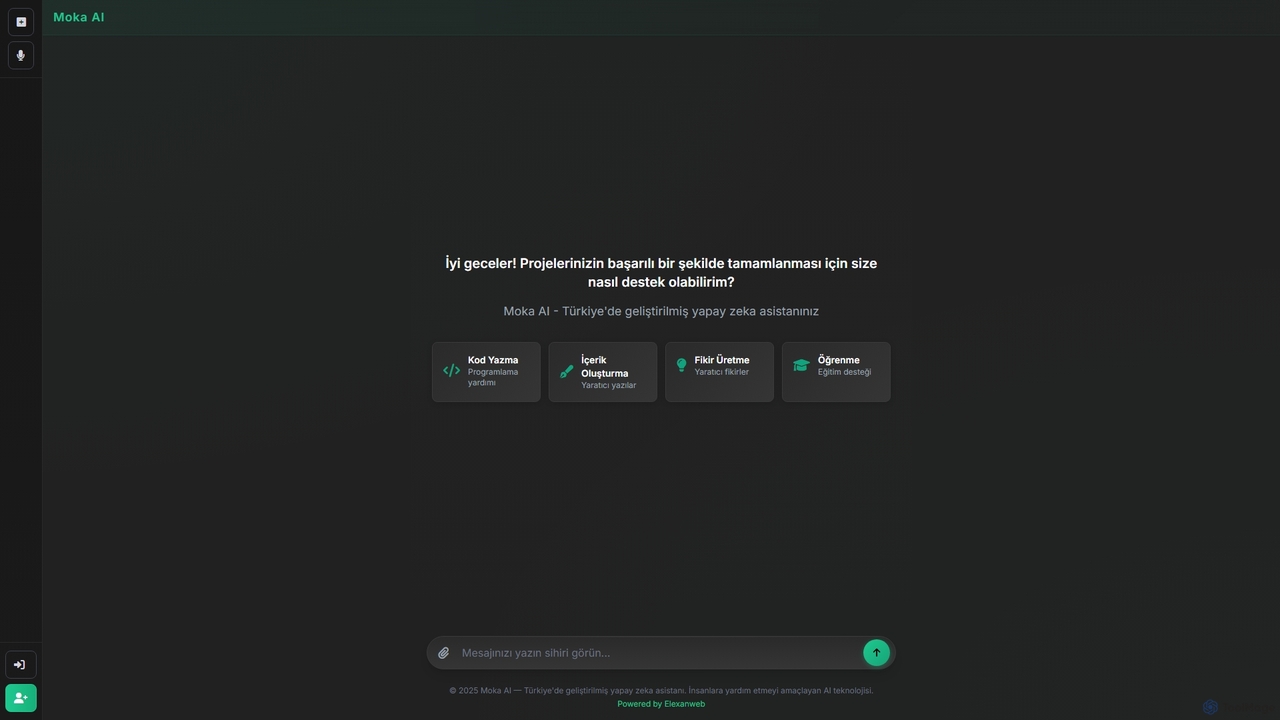
Moka
Moka is an AI assistant developed in Turkey, designed to help users with a wide range of tasks including code writing, creative content generation, idea brainstorming, and educational support. It aims to streamline projects and enhance productivity through intelligent chat interactions.
Idea Generation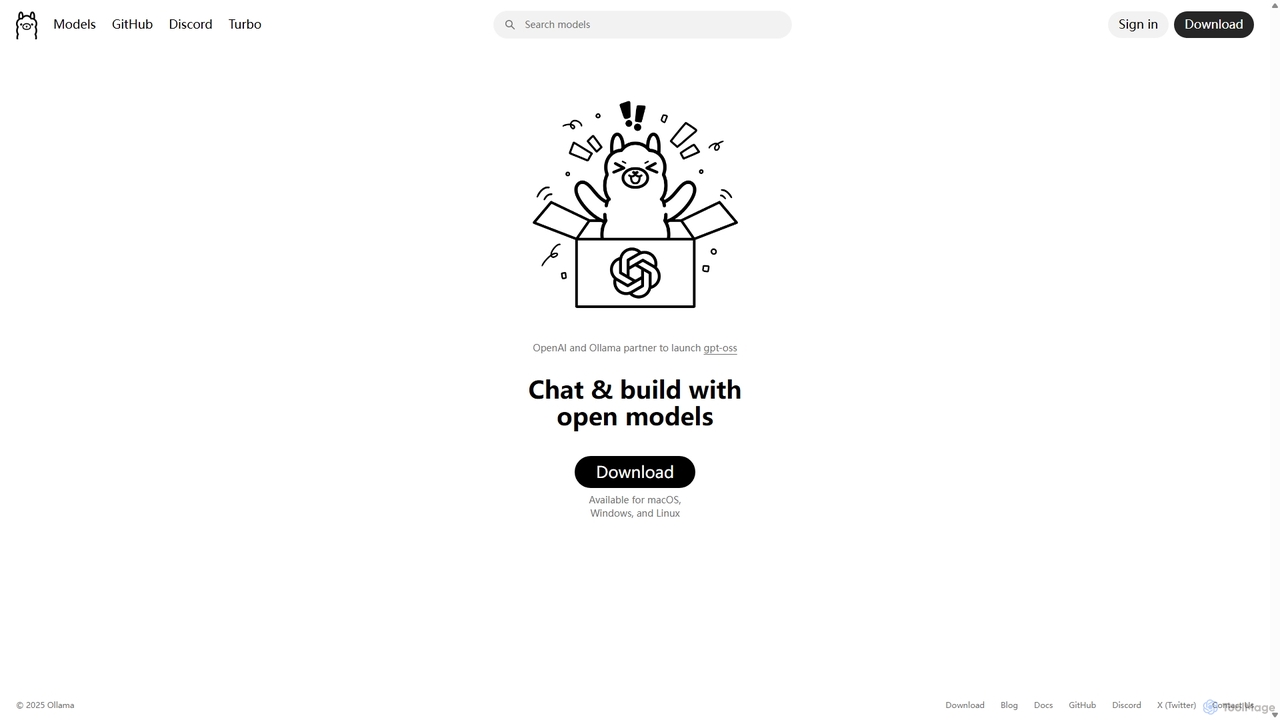
Ollama
Ollama is a powerful open-source framework for running large language models (LLMs) like Llama 3, Mistral, and Gemma locally on your own hardware. Available for macOS, Windows, and Linux, it simplifies the setup and management of open-source models, enabling private, offline, and cost-effective AI development and usage.
Machine Learning
MinimalChat Comments (0)
Sign in to comment.
Sign inNo comments yet.