ToolMage
Sign in

Best 2 Privacy AI tools for Self Hosted

Popular Privacy AI tools in Self Hosted include MinimalChat, helping you work more efficiently.

MinimalChat
Free

MinimalChat

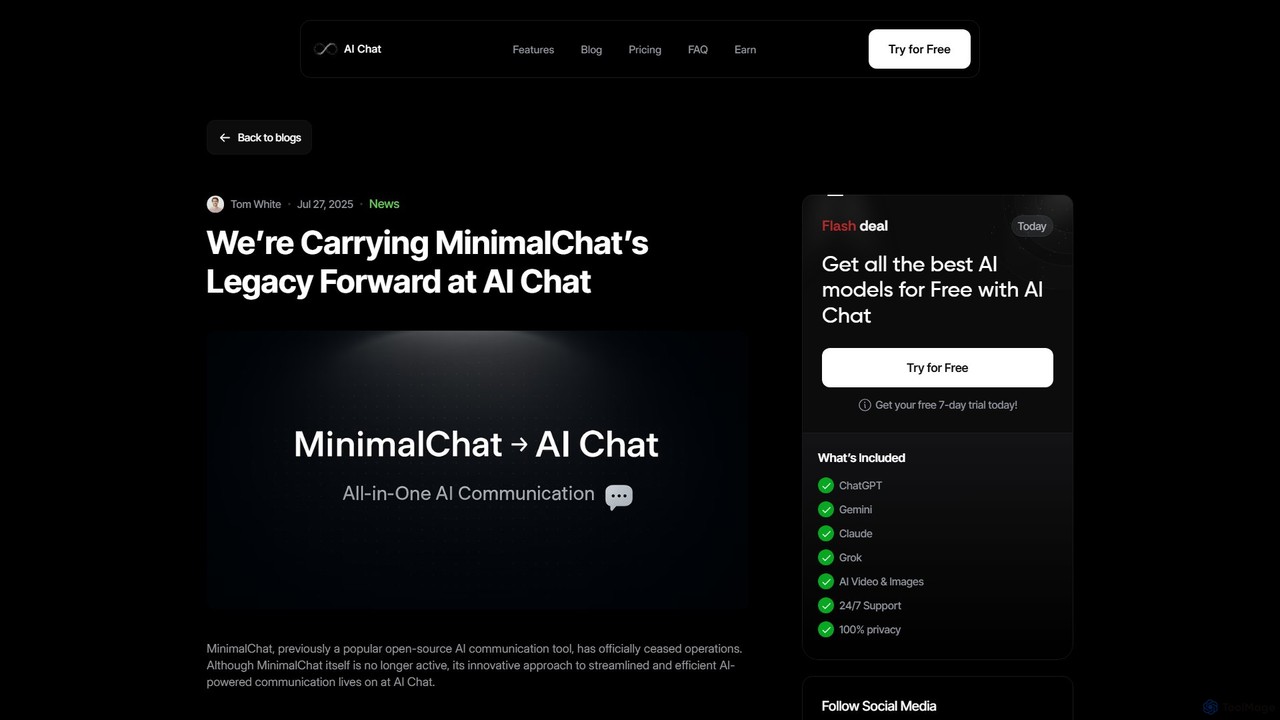
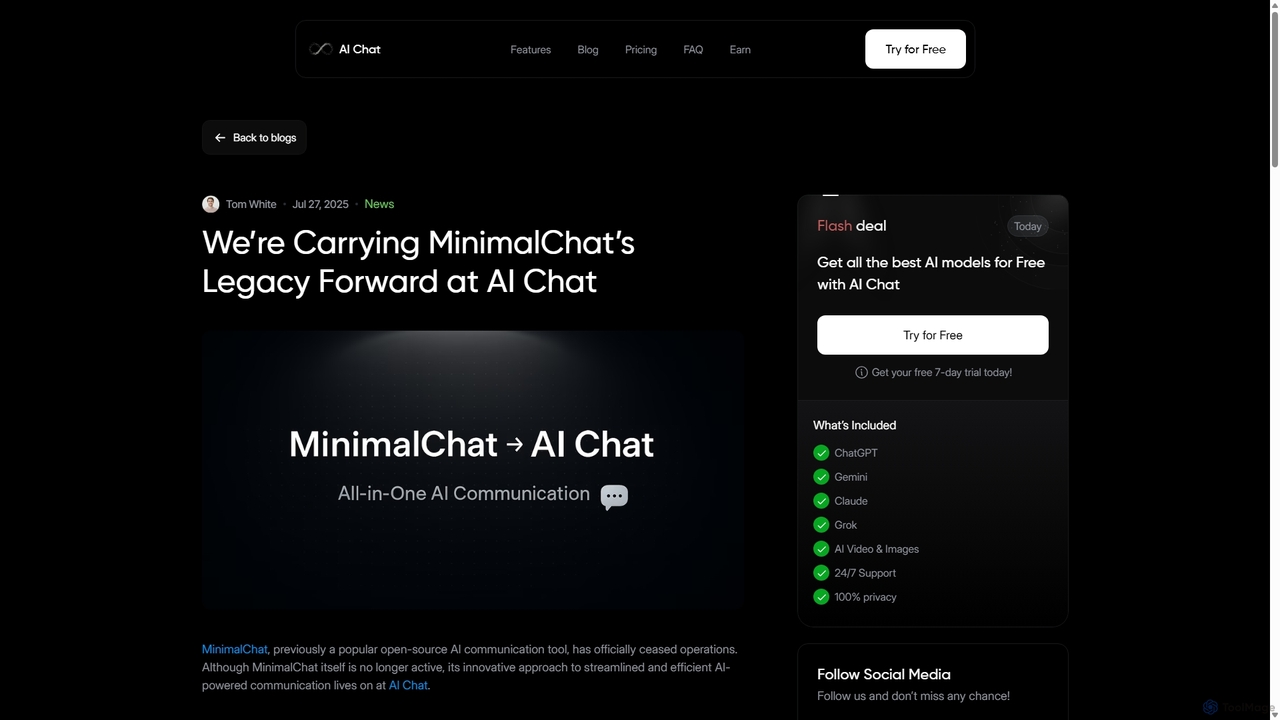
MinimalChat was a popular open-source, self-hostable AI chat platform known for its lightweight, minimalist design. It supported various GPT models, file uploads, and voice interactions, offering a private and flexible alternative to commercial services. Note: The project has ceased operations.

Code Assistant
Visits 4.5KFavorites 97Likes 99
MinimalChat
Free

MinimalChat

MinimalChat was a popular open-source, self-hostable AI chat platform known for its lightweight, minimalist design. It allowed users to interact with various GPT models in a clean interface, supporting file uploads, voice interactions, and PWA functionality. Although the project is now discontinued, its legacy of streamlined AI communication continues, emphasizing user privacy and control through its self-hosting capabilities.

Code Assistant
Visits 13.3KFavorites 99Likes 89

About Privacy

Self-Hosted Privacy tools are applications you install and manage on your own servers to gain full control over your digital data and communications. These tools operate independently of third-party cloud services, fundamentally preventing data collection, tracking, and surveillance by external companies. Their primary value lies in ensuring data sovereignty, allowing users to enforce their own security policies and maintain confidentiality. This approach is crucial for protecting sensitive information, from personal files to business communications, without relying on the privacy promises of large corporations.

Core Features

  • End-to-End Encryption: Ensures that data is encrypted on the user's device and can only be decrypted by the intended recipient, with no access possible on the server.
  • Data Anonymization: Implements techniques to remove or obscure personally identifiable information (PII) from data sets, such as in website analytics.
  • Federated Architecture: Allows separate, independent servers to communicate with each other, creating decentralized networks that are resistant to single points of failure or control.
  • Zero-Knowledge Systems: Designs services so that the provider (you, in this case) cannot access the unencrypted data stored on the server.
  • Granular Access Control: Provides detailed options to manage who can view, edit, or share specific information within the system.

Use Cases

These tools are essential for journalists, activists, and researchers who handle sensitive source information. Businesses in regulated industries like healthcare or finance use them to comply with data protection laws (e.g., GDPR, HIPAA). Privacy-conscious individuals and families also deploy them for secure file sharing, password management, and private communication, creating a personal cloud environment free from corporate oversight.

How to Choose

When selecting a self-hosted privacy tool, first assess your technical expertise and the tool's ease of deployment and maintenance. Scrutinize its security features, such as the encryption standards used and whether it has undergone independent security audits. Consider the hardware resources required to run the service effectively. Finally, evaluate the strength of its community support, documentation, and the project's development activity to ensure long-term viability.

Privacy use cases

1

Private Website Analytics

A small business owner wants to understand website traffic without compromising visitor privacy or sending data to Google. They deploy a self-hosted analytics tool like Plausible or Matomo on their server. This allows them to collect essential metrics such as page views, visitor counts, and referral sources directly. All data is stored on their own infrastructure, ensuring compliance with privacy regulations like GDPR and preventing user data from being used for advertising profiles. The business gains valuable insights while respecting user privacy.

2

Secure File Syncing for a Family

A family wants a private alternative to Google Drive or Dropbox to share photos, documents, and sensitive information. They set up a self-hosted file sync service like Nextcloud on a home server or a small VPS. Each family member gets an account, and they can create shared folders with specific permissions. All files are stored on their own hardware with end-to-end encryption enabled, ensuring that no third party can access their personal data. This provides a secure, centralized location for family data with complete control over access and privacy.

3

Encrypted Team Communication

A non-profit organization handling sensitive client data needs a secure communication platform. Instead of relying on commercial services like Slack or Microsoft Teams, they deploy a self-hosted chat server using Matrix with Element as the client. This setup provides end-to-end encrypted direct messages and private rooms. Because they control the server, they can ensure no unauthorized access to conversation logs and can implement strict data retention policies. This empowers the team to collaborate effectively without risking the exposure of confidential information.

4

Self-Hosted Password Management

A freelance developer manages credentials for dozens of client projects and personal accounts. Concerned about the security of cloud-based password managers, they install Vaultwarden (a Bitwarden-compatible server) on a personal server. This gives them a secure, centralized vault to store and generate strong passwords. The data is encrypted on their own server, and they can access it from any device using the official Bitwarden clients. They retain full ownership of their most critical data, mitigating the risk of a third-party data breach affecting their credentials.

5

Anonymous and Private Web Browsing

A journalist working in a region with heavy internet surveillance needs to conduct research without being tracked. They set up a self-hosted instance of SearxNG, a metasearch engine that aggregates results from various sources without storing user data or search history. By routing their queries through their own SearxNG instance, their IP address is hidden from the search engines being queried. This setup provides anonymous, unbiased search results and prevents their research activities from being monitored by ISPs or government agencies.

6

Creating a Private Social Media Presence

A content creator is concerned about data privacy and algorithmic manipulation on mainstream social media platforms. They decide to run their own instance of a federated social network, such as Mastodon or Pleroma. This allows them to create a community space where they have full control over the content, moderation policies, and user data. Their followers can join their instance or interact from other instances in the Fediverse. This approach decentralizes their online presence, making it resilient to censorship and ensuring their relationship with their audience is not mediated by a corporate entity.

Privacy FAQ

What are self-hosted privacy tools?

Self-hosted privacy tools are software applications that you run on your own server instead of using a third-party service. Their main purpose is to give you complete ownership and control over your data. By managing the software and hardware yourself, you can prevent corporations or other entities from accessing, analyzing, or monetizing your personal information. Examples include private file sync services, encrypted communication platforms, and privacy-focused website analytics.

How do self-hosted tools improve privacy compared to cloud services?

Self-hosted tools improve privacy by eliminating the third-party data processor. With mainstream cloud services, your data resides on servers owned by a corporation that may scan it for advertising, sell aggregated data, or be compelled to hand it over to governments. When you self-host, you are in full control. Your data is on hardware you manage, under policies you set. This model of data sovereignty is the core privacy advantage, as it removes the trust requirement placed on a third-party provider.

What technical skills are needed to use self-hosted privacy tools?

The required technical skills vary widely depending on the tool. Some applications are designed for easier setup using platforms like Docker or have simple installation scripts, making them accessible to users with basic command-line knowledge. Others may require more advanced skills, such as configuring web servers, managing databases, and securing a Linux environment. Before choosing a tool, it's important to honestly assess your comfort level with server administration and review the tool's documentation for installation and maintenance requirements.

What are the main types of self-hosted privacy tools?

Self-hosted privacy tools cover a wide range of applications, generally falling into several key categories:

  • Communication: Tools for encrypted chat, email, and video calls (e.g., Matrix, Mumble).
  • File Management: Services for secure file syncing, sharing, and storage, creating a personal cloud (e.g., Nextcloud, Seafile).
  • Web Services: Privacy-respecting alternatives to common online tools, such as analytics (Matomo), search engines (SearxNG), and URL shorteners (Shlink).
  • Security: Applications focused on securing access and data, like password managers (Vaultwarden) and VPNs (WireGuard).
  • Content & Social: Platforms for running your own blogs, forums, or federated social media instances (e.g., Ghost, Mastodon).
Are there risks associated with self-hosting for privacy?

Yes, while self-hosting grants control, it also transfers responsibility. The primary risk is misconfiguration. An improperly secured server can be more vulnerable than a professionally managed cloud service. Key risks include failing to apply security updates promptly, using weak passwords, not configuring a firewall correctly, or lacking a data backup and recovery plan. It is crucial to follow security best practices and stay informed about potential vulnerabilities in the software you are running to mitigate these risks effectively.