Privacy & Security Best in category 3 results Offline Tools AI Tool

Popular AI tools in the Offline Tools field of Privacy & Security include Jan、LlamaChat、RAGDrive, etc., helping you quickly improve efficiency.

Free
RAGDrive

RAGDrive

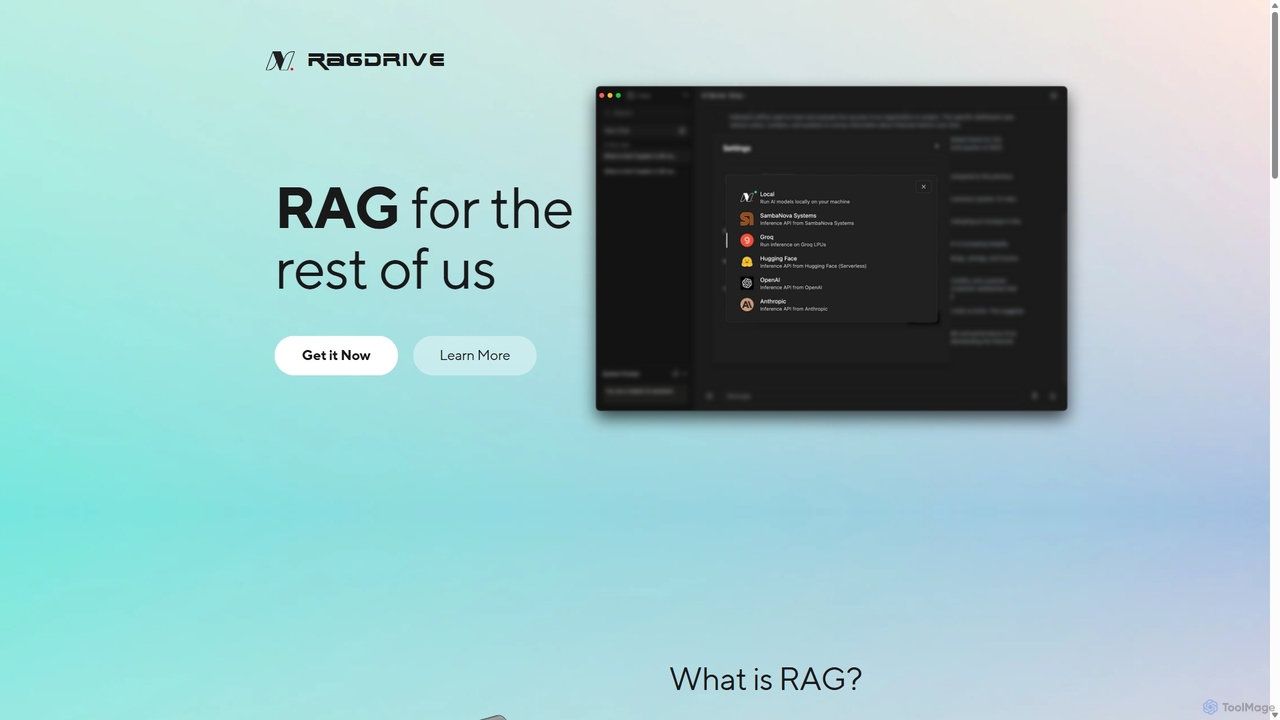
RAGDrive is a free, open-source, and no-code tool that allows you to chat with your documents privately and …

2.7K
Jan

Jan

Jan is an open-source, offline-first AI chat application that functions as a powerful alternative to ChatGPT. It allows …

392.5K
Free
LlamaChat

LlamaChat

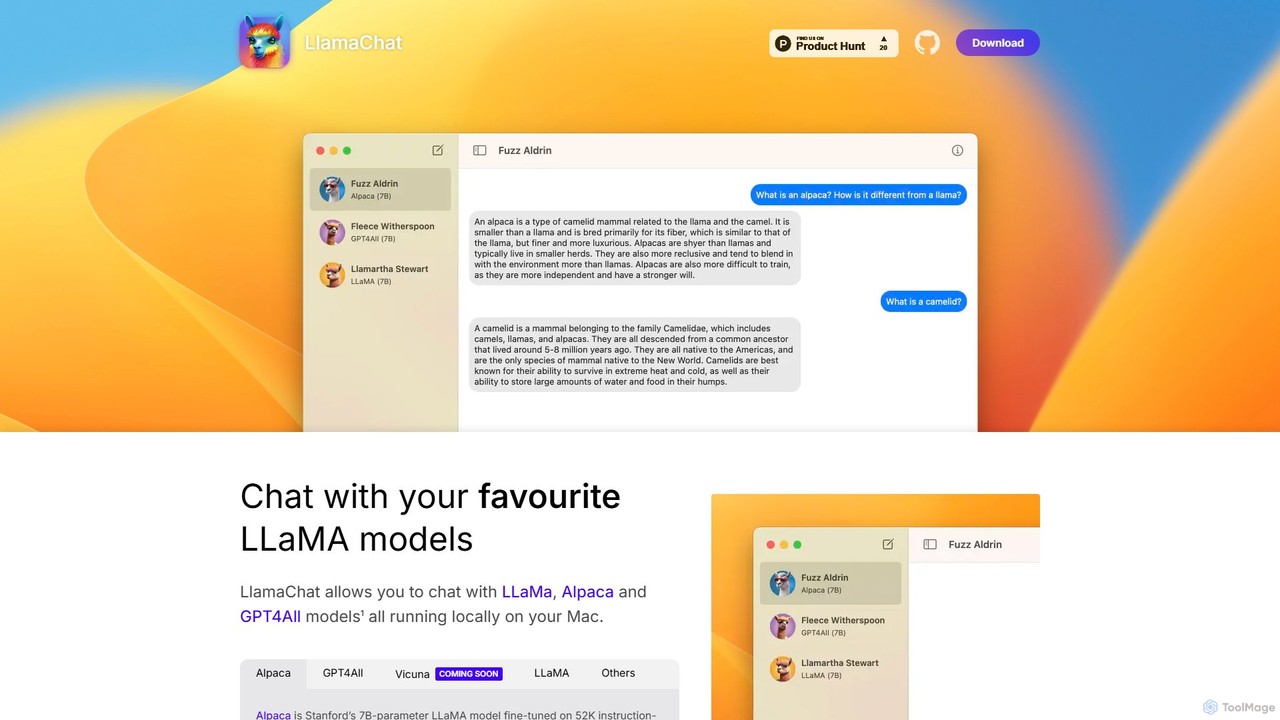
LlamaChat is a free, open-source macOS application that allows you to run and chat with powerful large language …

3.2K

About Offline Tools

Offline Tools are a specialized category of AI-powered applications designed to operate entirely without an internet connection. These tools leverage local device processing capabilities to perform tasks such as data analysis, content generation, and security checks directly on the user's machine. Their primary value lies in ensuring maximum data privacy and security, as sensitive information never leaves the local environment, making them ideal for highly regulated industries or situations requiring strict data governance.

Core Features

  • Local Data Processing: All computational tasks and data handling occur directly on the user's device, eliminating the need for cloud servers.
  • Enhanced Privacy & Security: Sensitive information remains within the user's control, significantly reducing the risk of data breaches or unauthorized access.
  • Independent Operation: Functionality is not dependent on network availability, ensuring uninterrupted use in remote locations or during internet outages.
  • Reduced Latency: Processing data locally often results in faster response times compared to cloud-based solutions due to the absence of network delays.

Applicable Scenarios

Offline AI tools are crucial for professionals and organizations handling highly sensitive data or operating in environments with limited connectivity. They are widely adopted in sectors like defense, finance, healthcare, and legal services where data residency and security are paramount. Additionally, individual users concerned about their digital footprint can benefit from local processing for personal data management or creative tasks.

How to Choose

When selecting an offline AI tool, consider your specific privacy requirements and the sensitivity of the data you'll be processing. Evaluate the tool's local processing power demands against your device's capabilities, as well as its compatibility with your operating system. Look for robust security features, ease of installation, and the range of functionalities it offers for your intended tasks, such as local NLP, image processing, or data encryption.

Offline ToolsUse Cases

1

Secure Local Document Analysis for Legal Firms

A legal firm handles highly confidential client documents containing sensitive personal and financial information. Instead of uploading these to cloud-based AI platforms, paralegals use an offline AI tool to perform local document analysis. This allows them to quickly identify key clauses, extract relevant data, and detect anomalies within thousands of pages, all while ensuring that no sensitive data ever leaves the firm's secure internal network, complying with strict legal and privacy regulations like GDPR.

2

Offline AI for Field Data Processing in Remote Areas

Researchers conducting environmental surveys in remote areas with no internet access need to process large datasets collected from sensors and drones. An offline AI data analysis tool installed on a rugged laptop allows them to perform real-time anomaly detection, data classification, and predictive modeling directly on-site. This capability ensures immediate insights, reduces the need for extensive post-processing back at the lab, and guarantees data integrity and security even in challenging field conditions.

3

Local AI-Powered Content Generation for Sensitive Projects

A government contractor working on highly classified reports requires AI assistance for drafting summaries, generating code snippets, or creating technical documentation. Using an offline AI content generation tool, they can leverage advanced language models to accelerate their work without ever exposing sensitive project details to external servers. This ensures compliance with national security protocols and prevents any potential data leakage, maintaining the integrity of confidential information throughout the content creation process.

4

Private Image and Video Processing for Personal Use

An individual user wants to enhance personal photos or edit private videos using AI-powered features like upscaling, object removal, or style transfer. Instead of uploading their media to online services that might store or analyze their data, they opt for an offline AI image/video editor. This ensures that all personal visual content remains securely on their device, providing peace of mind regarding privacy while still benefiting from advanced AI editing capabilities without an internet connection.

5

Offline AI for Secure Code Generation and Development

Software developers working on proprietary or highly secure applications often cannot use online code generation tools due to intellectual property concerns or security policies. An offline AI code assistant allows them to generate code snippets, refactor existing code, or debug locally. This ensures that their intellectual property remains within the company's secure development environment and that no sensitive code is inadvertently shared with third-party cloud services, maintaining strict control over their codebase.

6

Local AI for Personal Data Organization and Management

Individuals with large collections of personal files, such as photos, documents, and notes, want to organize and search them efficiently without relying on cloud storage or online indexing services. An offline AI personal assistant or file organizer can categorize files, tag images, transcribe audio notes, and enable semantic search all on the local device. This provides robust data management capabilities while ensuring complete privacy and control over personal information, making it ideal for digital hoarders or privacy-conscious users.

Offline ToolsFrequently Asked Questions