ToolMage
Sign in

Best 4 Local Ai AI tools for Privacy & Security

Popular Local Ai AI tools in Privacy & Security include GPT4All, AnythingLLM, ReMind, and RecurseChat, helping you work more efficiently.

ReMind
Free

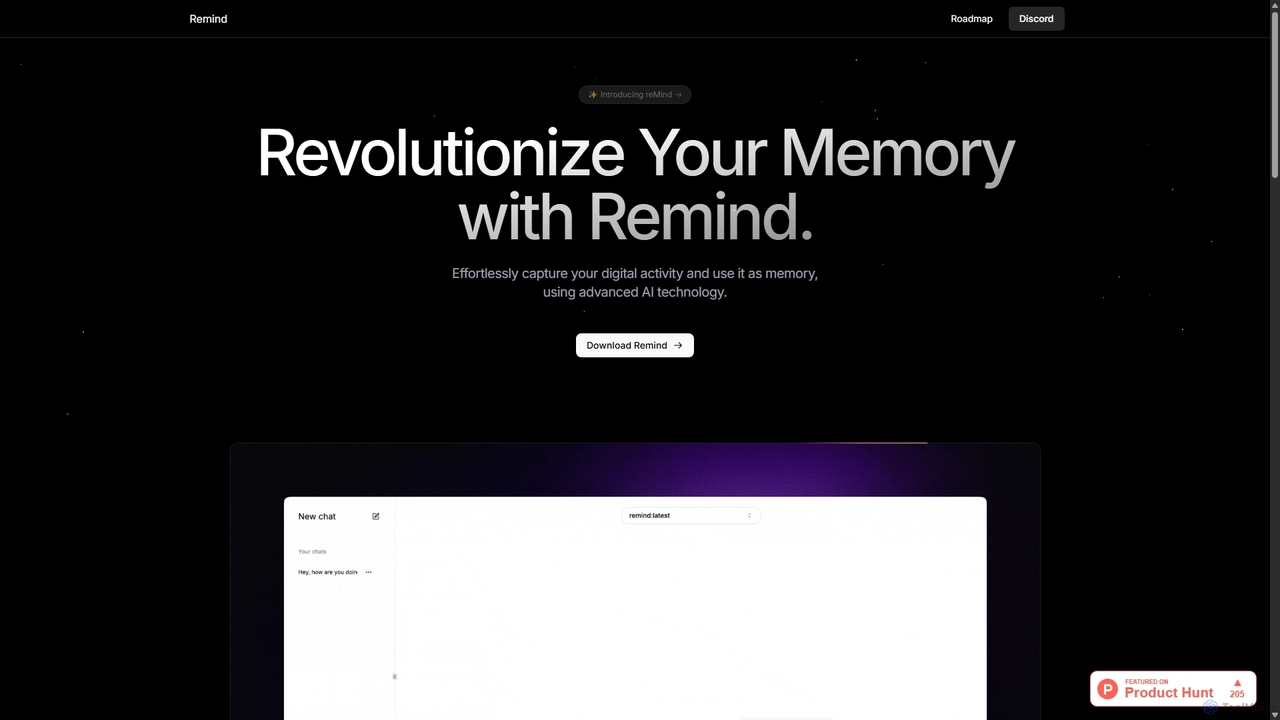
ReMind

reMind is an open-source, privacy-first AI tool that acts as your personal memory. It captures your digital activity locally, allowing you to search and recall anything you've seen or done on your computer using natural language. It runs entirely on your machine for maximum security.

Utilities
Visits 7.4KFavorites 114Likes 107
RecurseChat
Paid

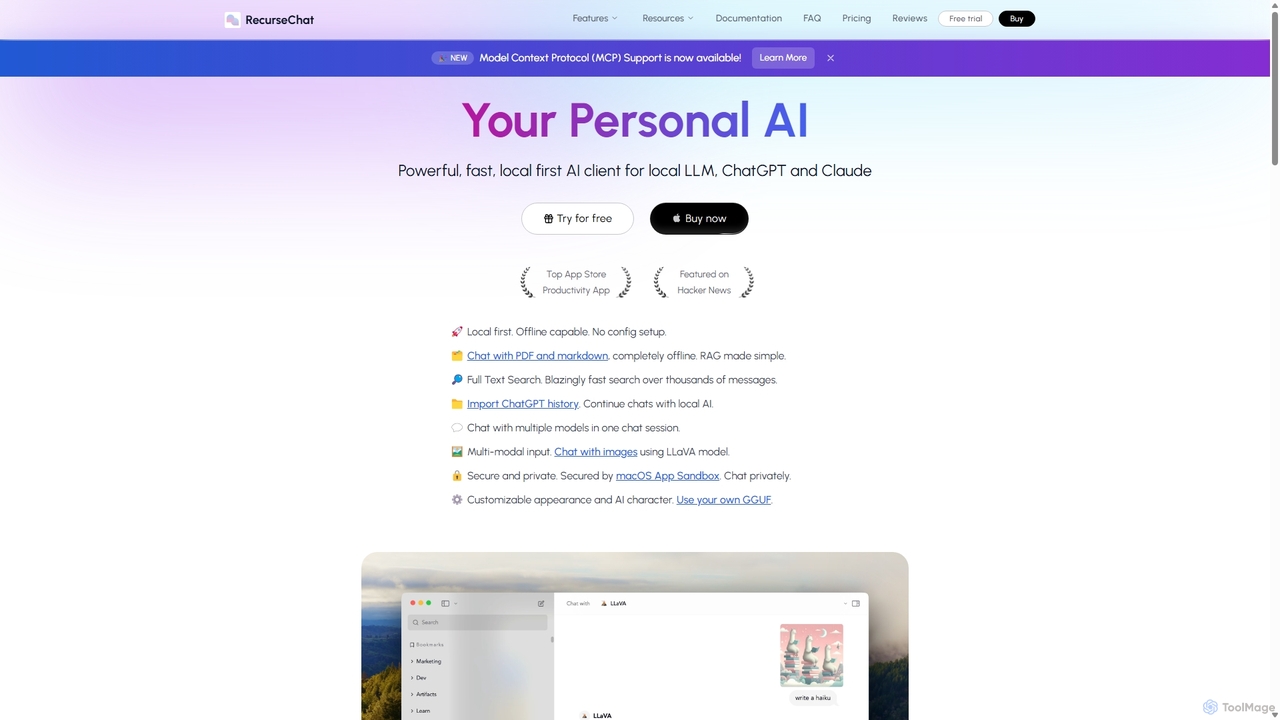
RecurseChat

RecurseChat is a powerful, privacy-focused AI client for macOS. It operates local-first, allowing you to chat with local LLMs, ChatGPT, and Claude, even offline. Interact with your PDFs and documents securely on your device using RAG technology. It features multi-modal input, full-text search, and extensive customization without requiring a subscription.

Llm Clients
Visits 5.6KFavorites 117Likes 126
AnythingLLM
Freemium

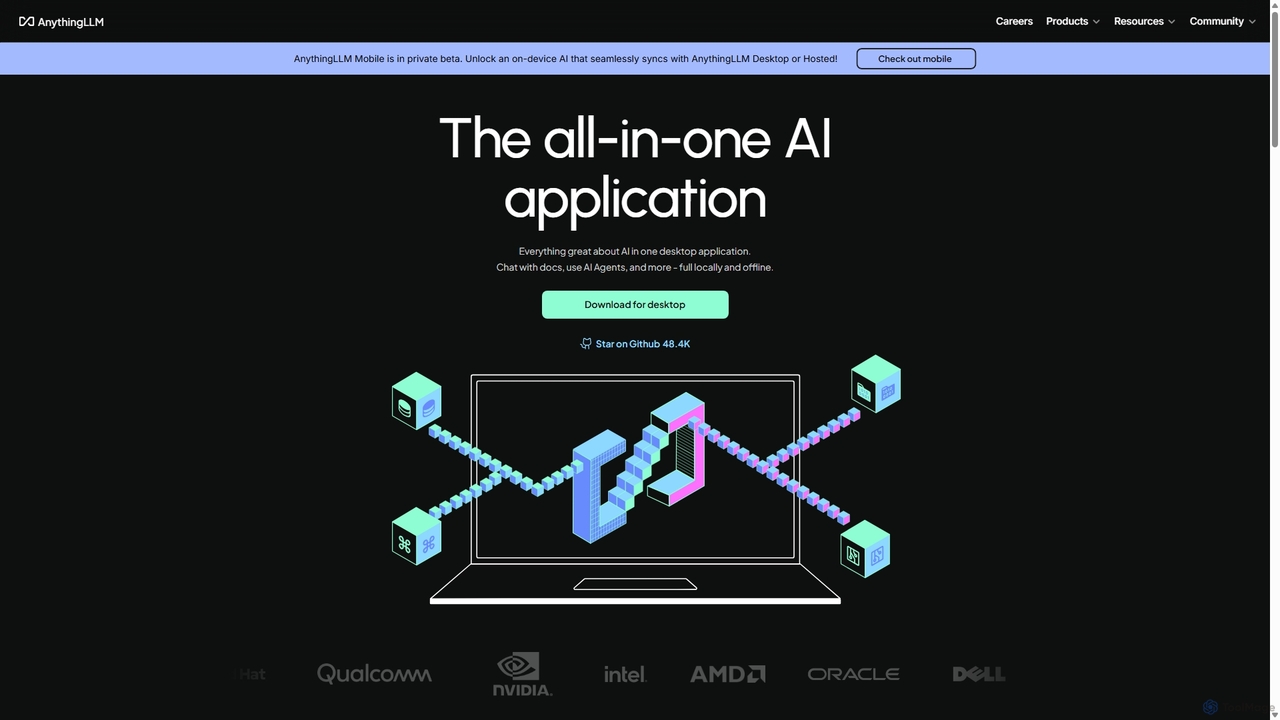
AnythingLLM

AnythingLLM is an open-source, all-in-one AI application that runs locally on your desktop or can be self-hosted. It allows you to create a private knowledge base from any document, chat with your data, and utilize powerful AI agents while ensuring complete data privacy and control.

Document Management
Visits 82.3KFavorites 122Likes 120
GPT4All
Free

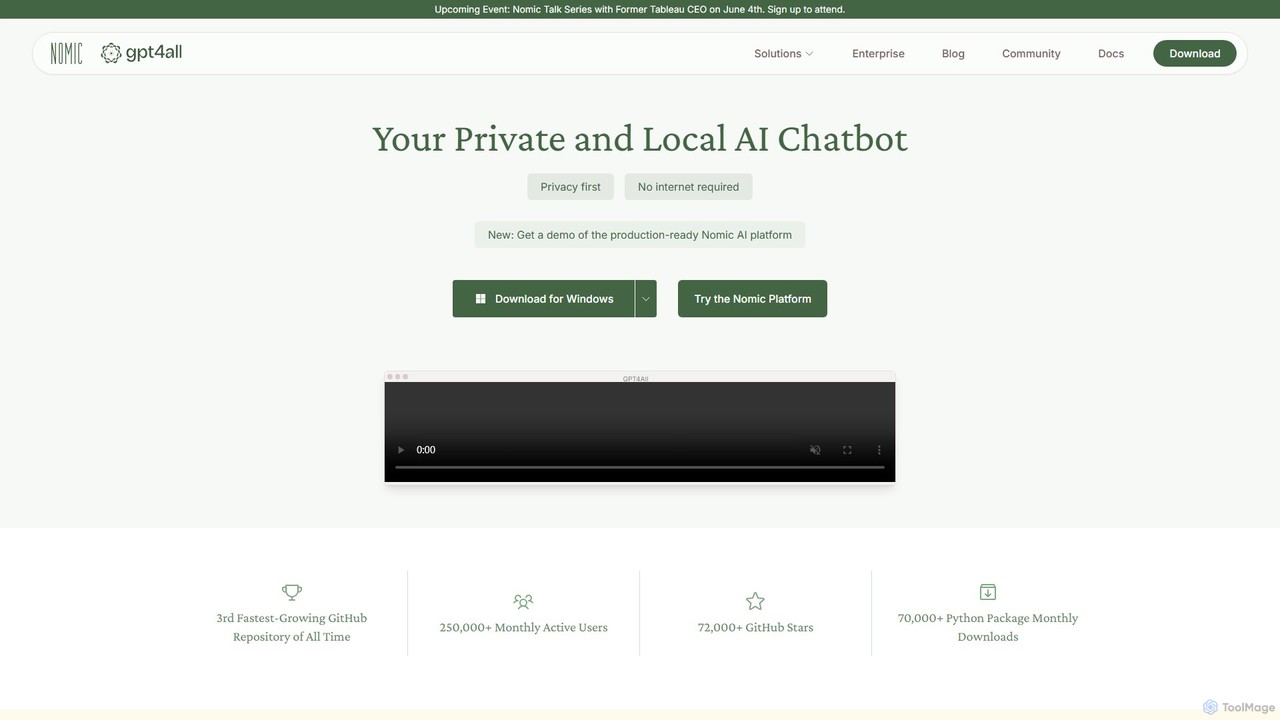
GPT4All

GPT4All is a free, open-source, and privacy-focused desktop application that allows you to run powerful large language models (LLMs) locally on your own computer. It works completely offline, ensuring your data never leaves your device. Chat with your private documents, choose from thousands of open-source models, and integrate local AI into your projects with its Python SDK.

Llm
Visits 186KFavorites 129Likes 159

About Local Ai

Local AI refers to artificial intelligence models and applications that execute computations directly on a user's device, such as a personal computer, smartphone, or edge device, without requiring data transfer to external cloud servers. This approach prioritizes unparalleled data privacy and security by ensuring sensitive information remains on the device. It enables robust offline functionality and significantly reduces latency, making AI tasks faster and more reliable. As a crucial component within the Privacy & Security category, Local AI empowers users with greater control over their data and digital interactions.

Core Features

  • On-Device Processing: AI models run entirely on local hardware, eliminating the need for cloud infrastructure.
  • Data Sovereignty: User data never leaves the device, ensuring maximum privacy and compliance with data protection regulations.
  • Offline Capability: AI functionalities remain accessible and operational even without an internet connection.
  • Low Latency: Real-time responses are achieved as data processing occurs instantly on the device, bypassing network delays.
  • Enhanced Security: Reduces exposure to external threats and potential data breaches associated with cloud-based systems.

Applicable Scenarios

Local AI is ideal for applications requiring strict data confidentiality, such as personal health data analysis, secure financial transactions, and confidential document summarization. It's also essential for edge computing scenarios in manufacturing or smart homes where immediate, offline decision-making is critical. Content creators can use local AI for private content generation or editing without uploading sensitive drafts.

How to Choose

When selecting Local AI tools, consider the computational resources of your device (CPU, GPU, RAM) and the specific AI model's requirements. Evaluate the level of data privacy offered, ensuring it meets your compliance needs. Assess the tool's offline functionality and its ability to integrate with existing local software or workflows. Finally, compare the ease of setup and ongoing maintenance for on-device deployment.

Local Ai use cases

1

Enhancing Privacy with Local Voice Assistants

Individuals concerned about data privacy can utilize local AI voice assistants on their smartphones or smart home devices. These assistants process commands and queries entirely on-device, ensuring that personal conversations and sensitive requests are never transmitted to cloud servers. This provides the convenience of voice control while maintaining strict confidentiality, ideal for managing personal schedules, setting reminders, or controlling local smart devices without external data exposure.

2

Secure Analysis of Sensitive Documents

Legal professionals, researchers, or corporate users handling highly confidential documents can employ local AI tools for tasks like summarization, translation, or information extraction. Instead of uploading proprietary or sensitive files to cloud-based AI services, the entire processing occurs on their local machine. This prevents potential data leaks, ensures compliance with strict data governance policies, and maintains the integrity of sensitive intellectual property or client information.

3

Edge AI for Industrial Anomaly Detection

In manufacturing or critical infrastructure, local AI models deployed on edge devices can monitor equipment performance and detect anomalies in real-time. This allows for immediate alerts and preventative maintenance without relying on constant cloud connectivity, which might be unreliable or slow in remote locations. By processing sensor data locally, companies ensure operational continuity, reduce network bandwidth usage, and enhance the security of their industrial control systems.

4

Generating Content Locally for Enhanced Privacy

Content creators, writers, or artists working on sensitive projects can leverage local AI models to generate text, images, or code directly on their workstations. This ensures that early drafts, proprietary concepts, or personal artistic expressions are not exposed to third-party AI providers or their data collection practices. It offers a secure sandbox for creative exploration, allowing for iterative development and refinement of content without privacy concerns.

5

Personalized On-Device Health Data Analysis

Individuals can use local AI applications on their smartphones or wearables to analyze personal health data, such as sleep patterns, activity levels, or dietary habits. The AI processes this sensitive information directly on the device, generating personalized insights and recommendations without uploading health records to external servers. This empowers users with actionable health intelligence while strictly protecting their medical privacy and data ownership.

6

On-Device Biometric Verification for Security

For enhanced security and privacy, local AI can power biometric authentication systems on personal devices or local access control systems. Facial recognition, fingerprint scanning, or voice authentication models run entirely on the device, comparing biometric data locally without sending it to a cloud service. This minimizes the risk of biometric data breaches, providing a highly secure and private method for unlocking devices, accessing applications, or controlling physical entry.

Local Ai FAQ

What is Local AI and how does it work?

Local AI refers to artificial intelligence systems that perform computations and run models directly on a user's device, such as a computer, smartphone, or edge device, rather than relying on remote cloud servers. It works by deploying pre-trained AI models onto the local hardware, allowing all data processing and inference to occur on-device. This approach ensures that sensitive data never leaves the user's control, significantly enhancing privacy and security.

What are the primary benefits of using Local AI solutions?

The main advantages of Local AI include enhanced data privacy and security, as user data remains on the device and is not transmitted to external servers. It also offers robust offline functionality, allowing AI tasks to be performed without an internet connection. Furthermore, Local AI provides lower latency and faster response times because data processing occurs instantly on the device, eliminating network delays. This makes it ideal for real-time applications and environments with limited connectivity.

What are the key differences between Local AI and Cloud AI?

The fundamental difference lies in where the AI processing occurs. Local AI processes data directly on the user's device, prioritizing privacy, offline capability, and low latency. Cloud AI, conversely, sends data to remote servers for processing, leveraging vast computational resources and often offering more complex models. While Cloud AI provides scalability and access to cutting-edge models, it introduces data privacy concerns and requires constant internet connectivity. Local AI is chosen for data sovereignty and immediate, secure on-device operations.

What are the typical hardware requirements for running Local AI models?

The hardware requirements for Local AI vary significantly depending on the complexity and size of the AI model. Generally, devices need sufficient CPU power, adequate RAM, and often a dedicated GPU (Graphics Processing Unit) for more demanding tasks like image generation or complex natural language processing. Modern smartphones and personal computers with mid-to-high-range specifications can run many local AI models effectively. Edge devices might require specialized AI accelerators for optimal performance.

Which users or industries benefit most from Local AI solutions?

Local AI is particularly beneficial for individuals and organizations prioritizing data privacy, security, and offline functionality. This includes professionals handling sensitive data (e.g., legal, healthcare, finance), content creators protecting intellectual property, and users in remote locations with unreliable internet access. Industries like manufacturing (for edge analytics), smart home developers (for on-device automation), and anyone requiring real-time, secure processing without cloud dependency can greatly benefit from Local AI.