ToolMage
Sign in

Best 2 Local Processing AI tools for Privacy & Security

Popular Local Processing AI tools in Privacy & Security include Perfect Memory AI and AIM: AI Instant Messenger, helping you work more efficiently.

Perfect Memory AI
Freemium

Perfect Memory AI

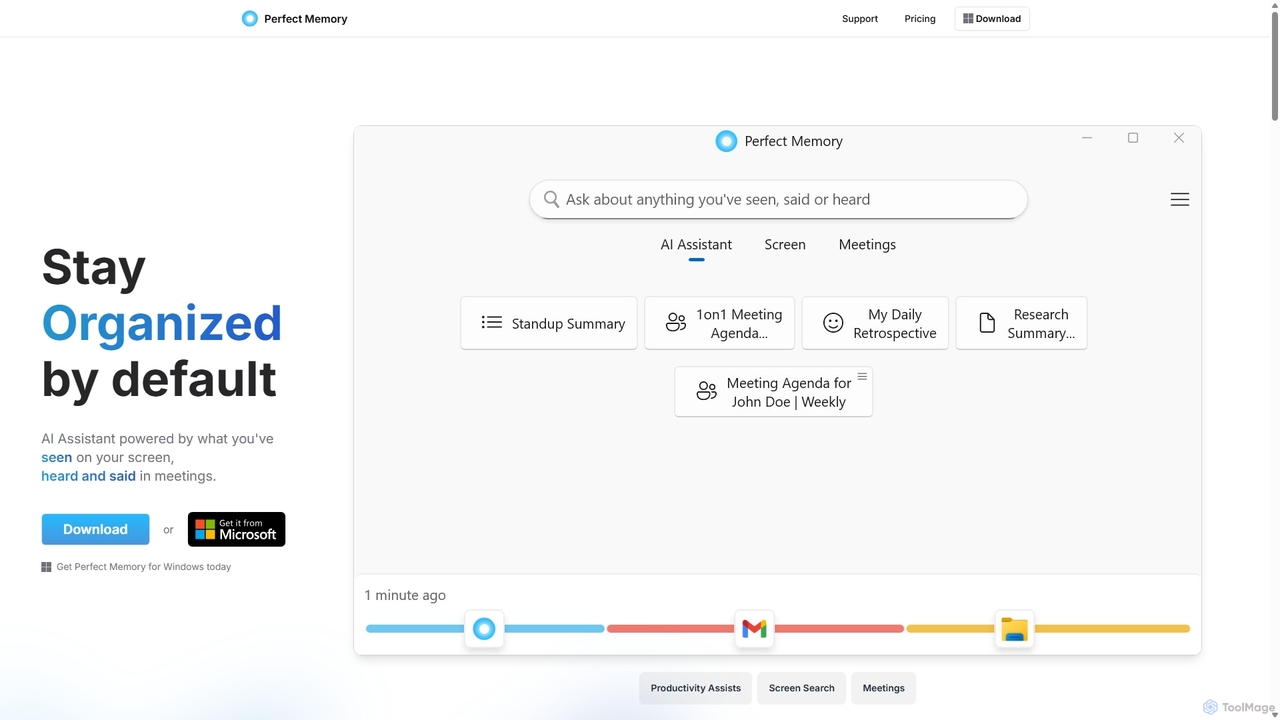
Perfect Memory AI is a privacy-focused productivity assistant that acts as your second brain. It records your screen activity and meetings, making everything you've seen or heard fully searchable. With a powerful AI assistant, it helps you recall information, summarize research, and prepare for meetings, all while keeping your data securely on your local device.

Local Processing
Visits 7.4KFavorites 173Likes 151
AIM: AI Instant Messenger
Free

AIM: AI Instant Messenger

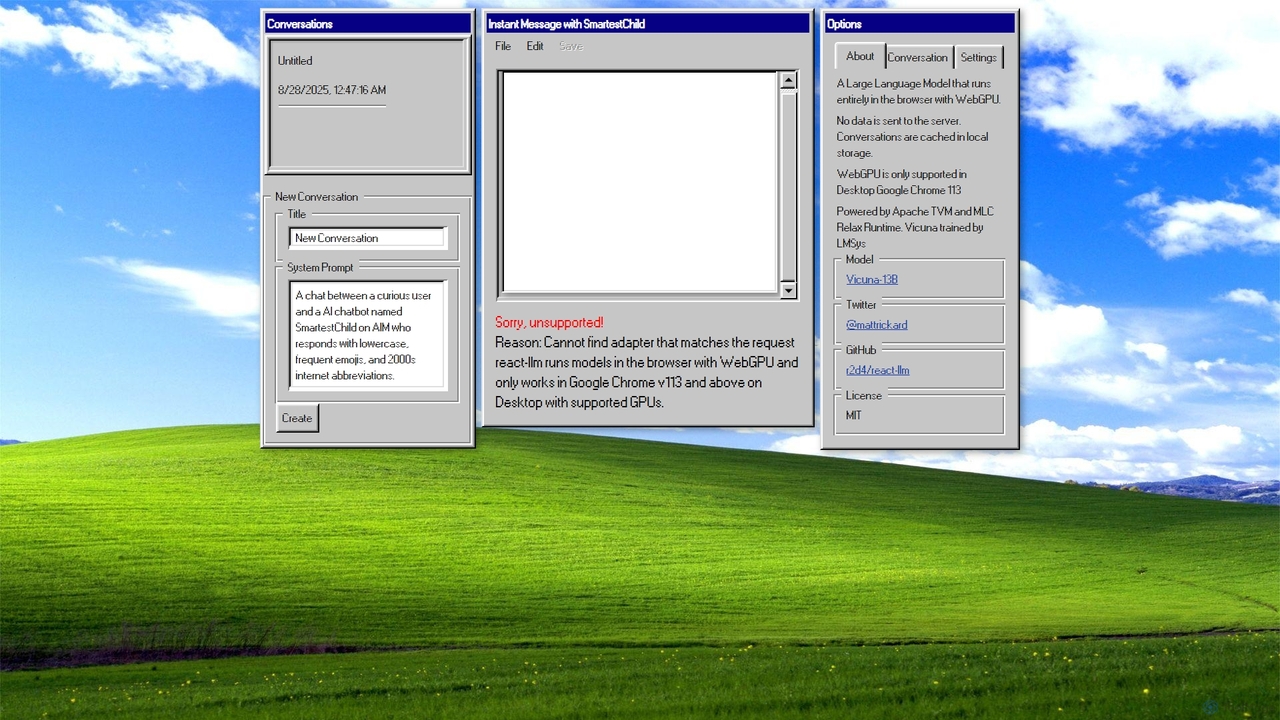
A privacy-focused AI chatbot that runs a large language model (Vicuna-13B) entirely in your browser using WebGPU. No data is sent to a server, ensuring complete confidentiality of your conversations.

Demos & Experiments
Visits 6.4KFavorites 135Likes 132

About Local Processing

Local Processing AI tools are designed to execute artificial intelligence computations and data handling directly on the user's device, rather than relying on external cloud servers. This approach ensures that sensitive information remains within the local environment, significantly enhancing data privacy and security. By performing tasks on-device, these tools offer faster response times, enable offline functionality, and reduce the costs associated with cloud computing resources. They represent a critical component within the broader Privacy & Security category, empowering users with greater control over their data.

Core Features

  • On-Device Inference: AI models run directly on local hardware, eliminating the need for data transfer to external servers.
  • Enhanced Data Privacy: User data never leaves the device, protecting sensitive information from potential breaches or unauthorized access.
  • Offline Functionality: Tools operate seamlessly without an internet connection, ideal for remote or disconnected environments.
  • Reduced Latency: Processing occurs instantly on the device, leading to quicker responses and real-time interactions.
  • Cost Efficiency: Minimizes or eliminates reliance on expensive cloud computing resources and data transfer fees.

Applicable Scenarios

Local Processing AI is invaluable for industries and individuals handling sensitive data or requiring robust offline capabilities. It's widely adopted in healthcare for patient data analysis, finance for secure transaction processing, and government for classified information handling. Additionally, it powers edge AI devices in manufacturing for real-time anomaly detection and personal productivity tools like local transcription services.

How to Choose

When selecting Local Processing AI tools, consider your specific privacy and security requirements, as well as the computational power of your target devices. Evaluate the tool's ability to operate offline, its compatibility with your existing hardware, and the size and complexity of the AI models it supports. Assess the ease of integration into your current workflows and the long-term maintenance and update strategies provided by the vendor.

Local Processing use cases

1

Secure On-Device Document Analysis

Legal professionals or researchers can use Local Processing AI to analyze confidential documents, contracts, or research papers directly on their workstations. This ensures that sensitive legal or proprietary information never leaves the local network, preventing data breaches and complying with strict privacy regulations like GDPR or HIPAA, while still leveraging AI for insights and summarization.

2

Offline Voice Command & Transcription

Field workers, journalists, or individuals in areas with limited internet access can utilize local AI for voice commands or real-time transcription. A local voice assistant can control device functions or transcribe meeting notes without sending audio data to cloud servers, ensuring privacy and uninterrupted operation regardless of network availability.

3

Edge AI for Industrial Anomaly Detection

In manufacturing or critical infrastructure, Local Processing AI on edge devices monitors sensor data from machinery in real-time. It detects anomalies or potential equipment failures locally, triggering immediate alerts without transmitting vast amounts of raw operational data to the cloud, thus reducing latency and improving operational security and efficiency.

4

Personalized On-Device Content Filtering

Individuals can employ Local Processing AI to filter emails, social media feeds, or web content directly on their personal devices. This allows for personalized content moderation, spam detection, or ad blocking based on user preferences, all while keeping browsing habits and personal data private and secure from external tracking or analysis.

5

Real-time Local Language Translation

Travelers or international business professionals can use Local Processing AI for instant language translation on their smartphones or laptops. This enables real-time communication without an internet connection, ensuring that spoken or typed conversations remain private and are not sent to third-party translation services, which is crucial for sensitive discussions.

6

On-Device Medical Image Analysis

Healthcare providers can leverage Local Processing AI for preliminary analysis of medical images (e.g., X-rays, MRIs) directly on hospital workstations or specialized devices. This protects patient confidentiality by keeping sensitive diagnostic data within the secure hospital network, accelerating initial assessments and supporting clinical decision-making without cloud data transfer risks.

Local Processing FAQ

What are Local Processing AI tools?

Local Processing AI tools are artificial intelligence applications that perform their computations and data analysis entirely on the user's device, such as a computer, smartphone, or edge device, rather than sending data to remote cloud servers. Their core purpose is to enhance data privacy and security by ensuring sensitive information never leaves the local environment.

What are the main advantages of Local Processing AI?

The primary advantages include enhanced data privacy and security, as data remains on-device. They also offer faster response times due to reduced network latency, enable reliable offline functionality, and can lead to cost savings by minimizing reliance on expensive cloud computing resources. This gives users greater control and autonomy over their AI interactions.

How do Local Processing tools differ from Cloud-based AI?

Local Processing tools differ from Cloud-based AI primarily in where the data processing occurs. Local tools process data on the user's device, prioritizing privacy and offline capability. Cloud-based AI sends data to remote servers for processing, offering greater scalability and access to more powerful models but potentially raising privacy concerns and requiring an internet connection.

Who can benefit most from Local Processing AI?

Individuals and organizations handling highly sensitive or confidential data, such as those in healthcare, finance, legal, or government sectors, benefit significantly. Users requiring offline functionality, real-time responses, or those operating in environments with limited connectivity (e.g., industrial edge computing, remote field operations) also find Local Processing AI invaluable.

What are the limitations of Local Processing AI?

Limitations include reliance on the local device's computational power, which can restrict the size and complexity of AI models that can be run. Updating models can also be more challenging than with cloud-based solutions, and they may not offer the same scalability or access to vast datasets for training that cloud platforms provide. Hardware compatibility can also be a factor.