

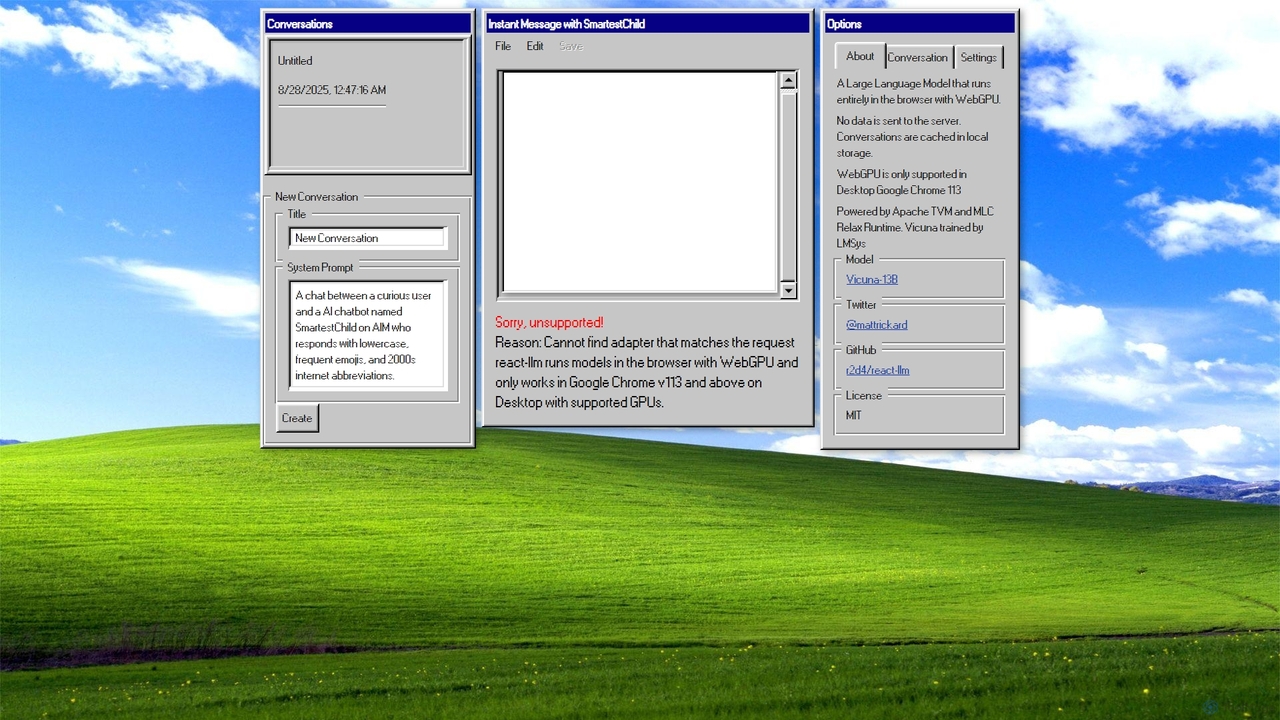
AIM: AI Instant Messenger Overview
AIM: AI Instant Messenger is a revolutionary AI chat tool that prioritizes user privacy by running a powerful large language model directly within the user's web browser. Inspired by the classic AOL Instant Messenger interface, it offers a nostalgic yet highly advanced experience. The core technology leverages WebGPU to run the Vicuna-13B model on the client-side, meaning all processing happens on your local machine. This groundbreaking approach ensures that none of your conversation data is ever sent to or stored on a server, offering an unparalleled level of privacy and data control. Conversations are cached directly in your browser's local storage, allowing you to pick up where you left off in a secure environment.
Developed by Matt Rickard as a demonstration of the `react-llm` library, AIM showcases the potential of in-browser AI. It is an open-source project built with technologies like Apache TVM and MLC Relax Runtime, making it a valuable resource for developers and tech enthusiasts interested in the future of decentralized and private AI. The tool requires a modern desktop browser with WebGPU support, such as Google Chrome (version 113 or newer), and a compatible GPU to function correctly.
How to use AIM: AI Instant Messenger
Using AIM is straightforward, provided you have the right hardware and software. Follow these simple steps:
- Browser Compatibility Check: Ensure you are using a compatible desktop browser. The primary supported browser is Google Chrome, version 113 or higher. Your computer must also have a GPU that supports WebGPU.
- Visit the Website: Navigate to the official URL at chat.matt-rickard.com. Upon your first visit, the AI model (Vicuna-13B) will begin to load into your browser. This initial loading process may take a few moments depending on your internet connection and computer's performance.
- Customize the AI Persona (Optional): On the main interface, you'll find a 'System Prompt' section. You can edit this text to define the AI's personality, tone, and response style. For example, you can instruct it to act as a specific character, a technical expert, or a creative partner.
- Start Chatting: Once the model is loaded, simply type your message into the input box and press Enter. The AI will process your request locally and generate a response directly in the chat window.
- Manage Conversations: You can start new conversations at any time. All your chats are automatically saved in your browser's local storage, so you can close the tab and return later to find your history intact.
Core Features of AIM: AI Instant Messenger
- Client-Side AI Processing: The entire large language model runs in your browser, powered by WebGPU. No external servers are involved in processing your prompts.
- Absolute Privacy: Since no data leaves your device, your conversations are 100% private and secure. This is ideal for sensitive topics, brainstorming proprietary ideas, or simply for users who value their privacy.
- Local Storage: Conversations are automatically cached in your browser's local storage, ensuring data persistence without cloud dependency.
- Customizable AI Personality: Users can modify the 'System Prompt' to tailor the chatbot's behavior, making it a versatile tool for various tasks, from creative writing to technical support.
- Open-Source Technology: Built on the open-source `react-llm` library (MIT License), promoting transparency and community-driven development.
- Nostalgic User Interface: The design intentionally mimics the classic AOL Instant Messenger, providing a familiar and fun user experience.
Use Cases for AIM: AI Instant Messenger
AIM is suitable for a wide range of users and applications, especially those where privacy is a primary concern:
- Privacy-Conscious Individuals: Users who want to explore the capabilities of LLMs without sharing their personal data with large tech companies.
- Developers and Researchers: A perfect demonstration and testing ground for in-browser AI, WebGPU applications, and client-side model inference.
- Writers and Content Creators: A secure space for brainstorming ideas, drafting content, or overcoming writer's block with a customizable AI partner.
- Students and Educators: A private tool for studying, asking questions, and learning about AI technology without data privacy risks.
- Offline Use: Once the model is loaded and cached, the tool can function without an active internet connection, making it a reliable local assistant.
Advantages of AIM: AI Instant Messenger
The main advantage of AIM lies in its architecture. By processing data locally, it offers benefits that server-based AI tools cannot match:
- Unmatched Data Security: Your data never leaves your computer, eliminating risks of server-side data breaches or unauthorized access.
- Zero Cost: As an open-source project, the tool is completely free to use.
- No Rate-Limiting or Censorship: Since you are running the model on your own hardware, you are not subject to server-side usage limits, content filters, or censorship.
- Potentially Lower Latency: After the initial model load, response times can be faster than cloud-based services as there is no network delay.
- Full User Control: You have complete control over your conversations and the AI's configuration through the system prompt.
Pricing and Plans
AIM: AI Instant Messenger is a completely free, open-source project provided under the MIT License. There are no subscription fees, usage charges, or hidden costs. It is available for anyone to use, study, and build upon.
AIM: AI Instant Messenger Alternatives
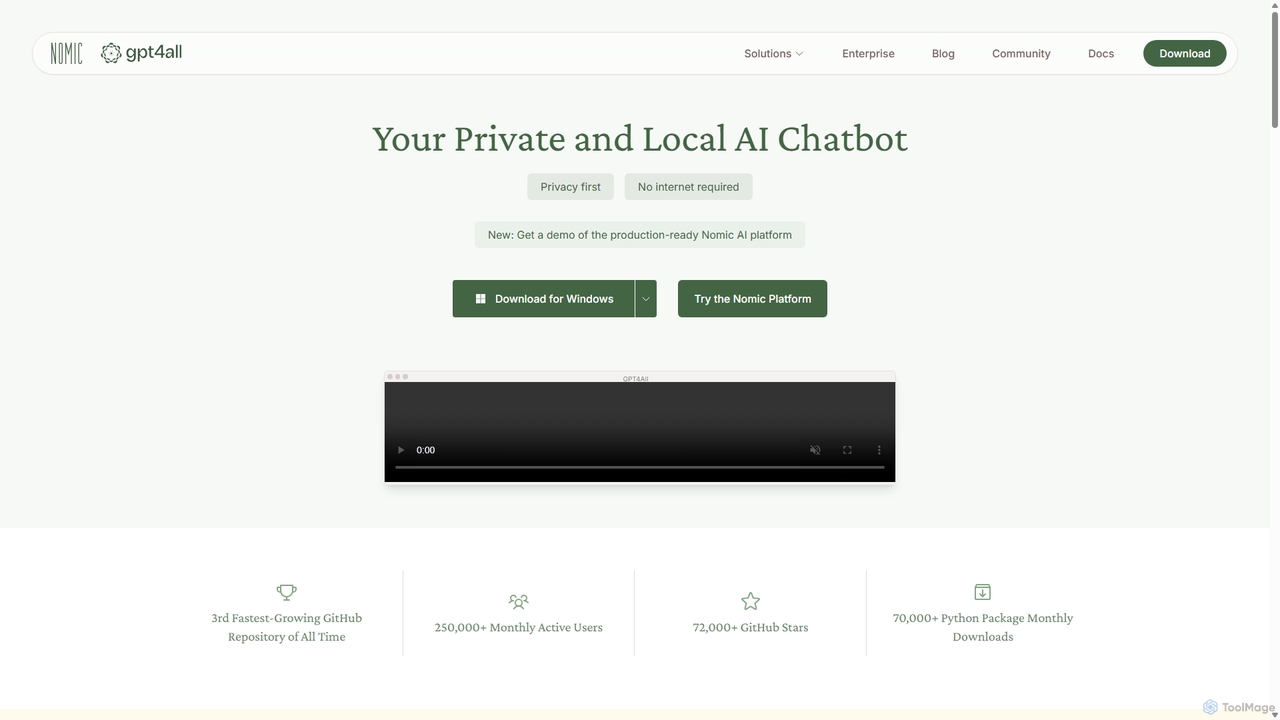
GPT4All
GPT4All is a free, open-source, and privacy-focused AI chatbot that runs powerful language models locally on your desktop. It works offline, ensuring your data never leaves your device, and allows you to chat with your own documents securely.
Machine Learning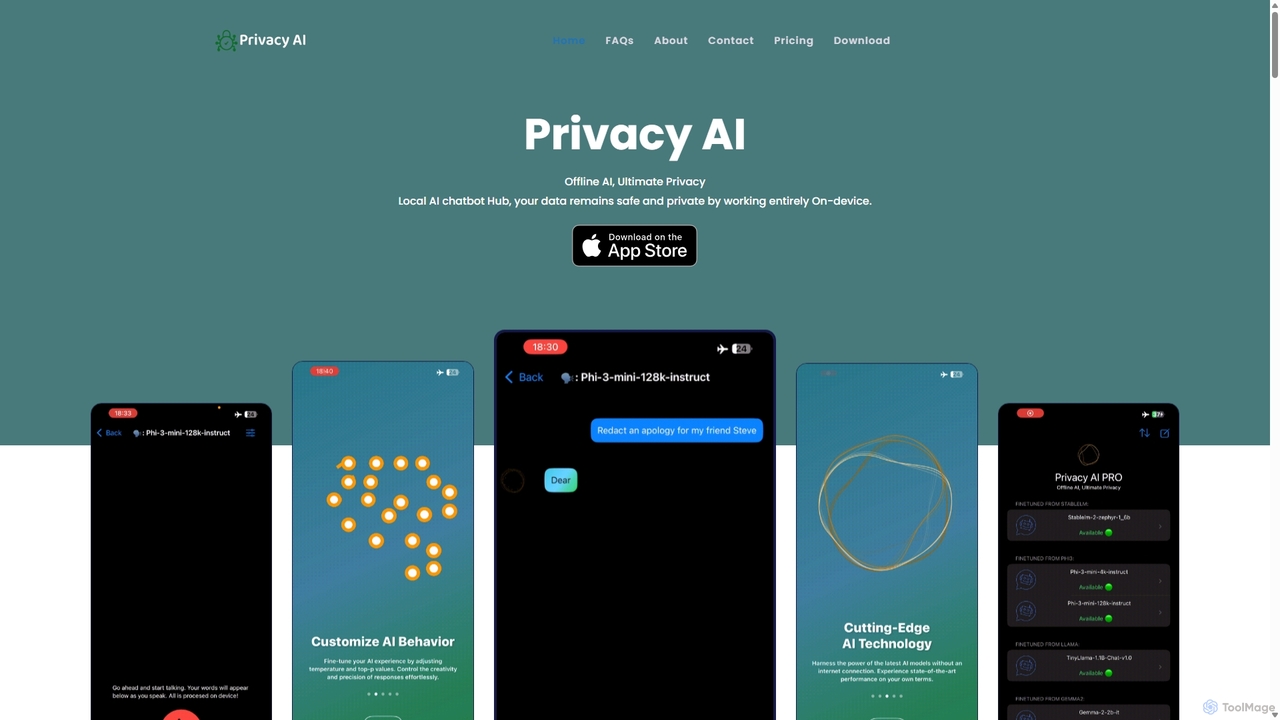
Privacy AI
Privacy AI is a native application for iPhone, iPad, and Mac that allows you to run powerful open-source large language models (LLMs) entirely offline. It ensures absolute privacy by processing all data on your device, with no data collection or internet connection required. Access models like LLaMA, Mistral, and Phi3 securely, with advanced customization options for a tailored AI experience.
Local Development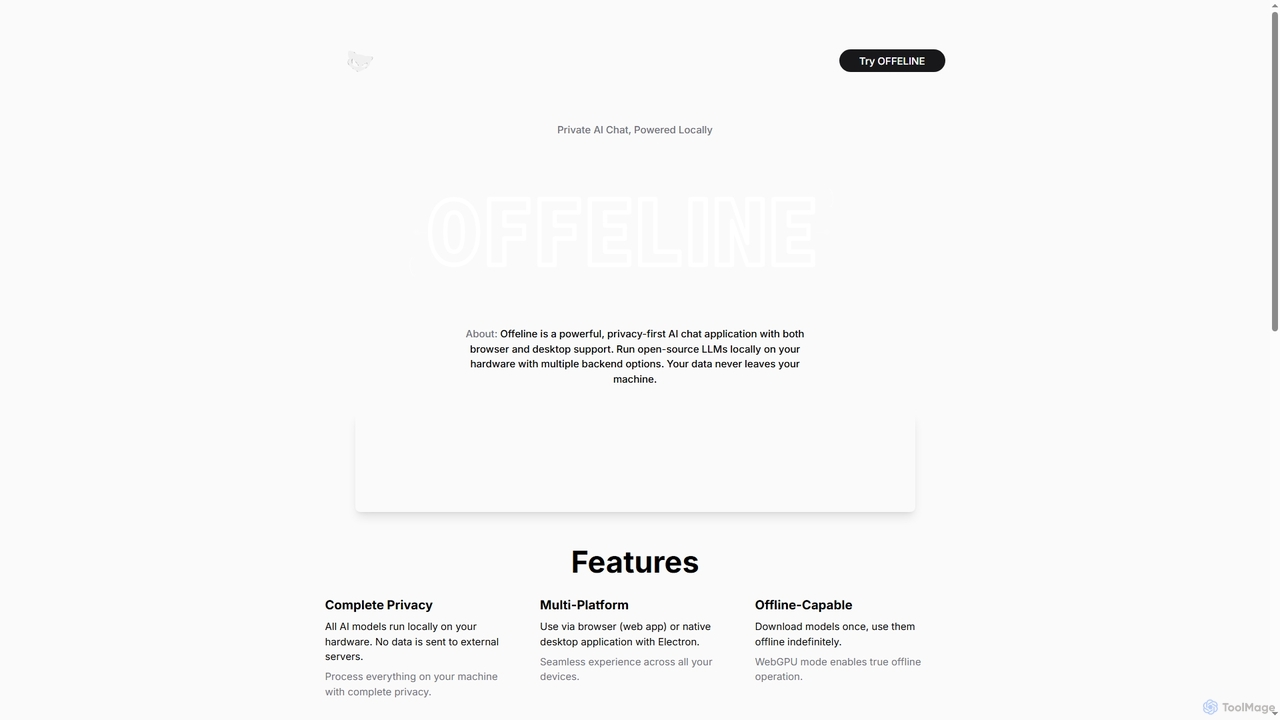
Offeline
Offeline is a powerful, privacy-first AI chat application that runs open-source Large Language Models (LLMs) locally on your hardware. It supports both browser and native desktop use, ensuring your data never leaves your machine. Enjoy offline capabilities, web search integration, document analysis, and voice support.
Local Llms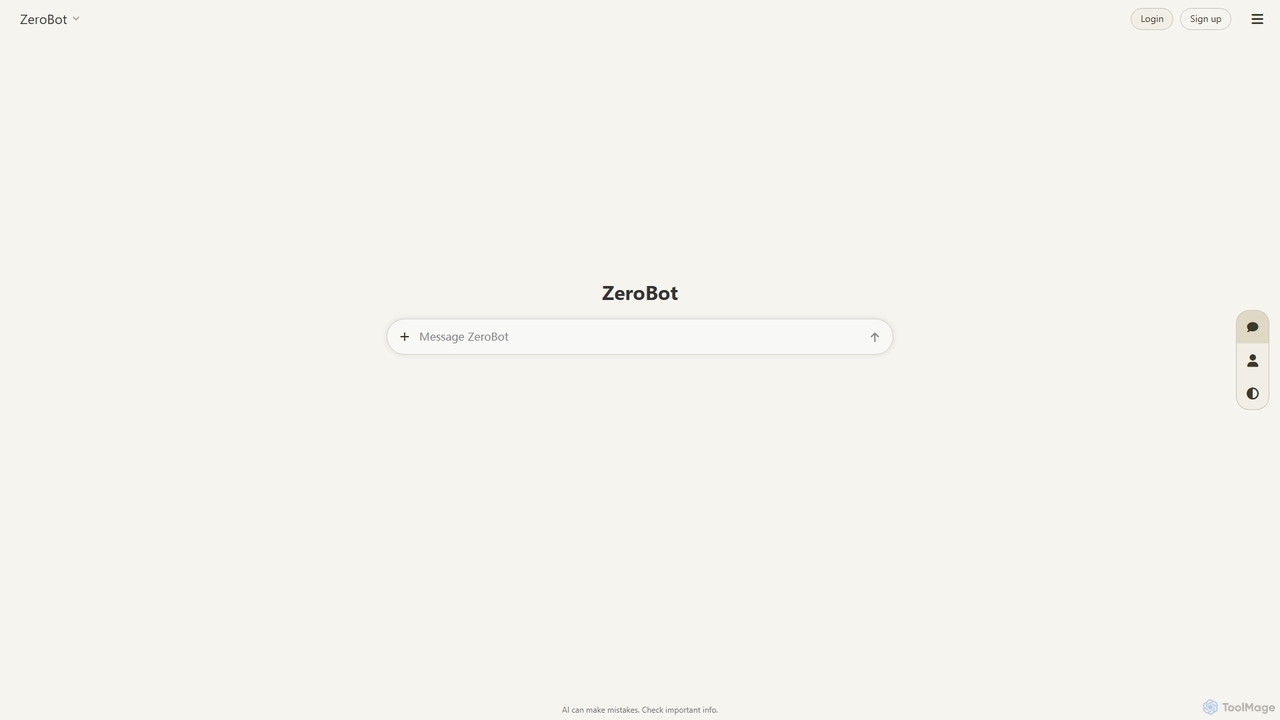
ZeroBot
ZeroBot is a powerful AI chat platform providing access to a massive collection of cutting-edge LLMs from OpenAI, Google, Anthropic, Meta, and more. Switch between models like GPT-5, Claude 4, and Llama 4, create custom AI assistants with unique personalities and voices, and embed them on your website. It's an all-in-one hub for exploring, comparing, and building with the latest AI technology.
Api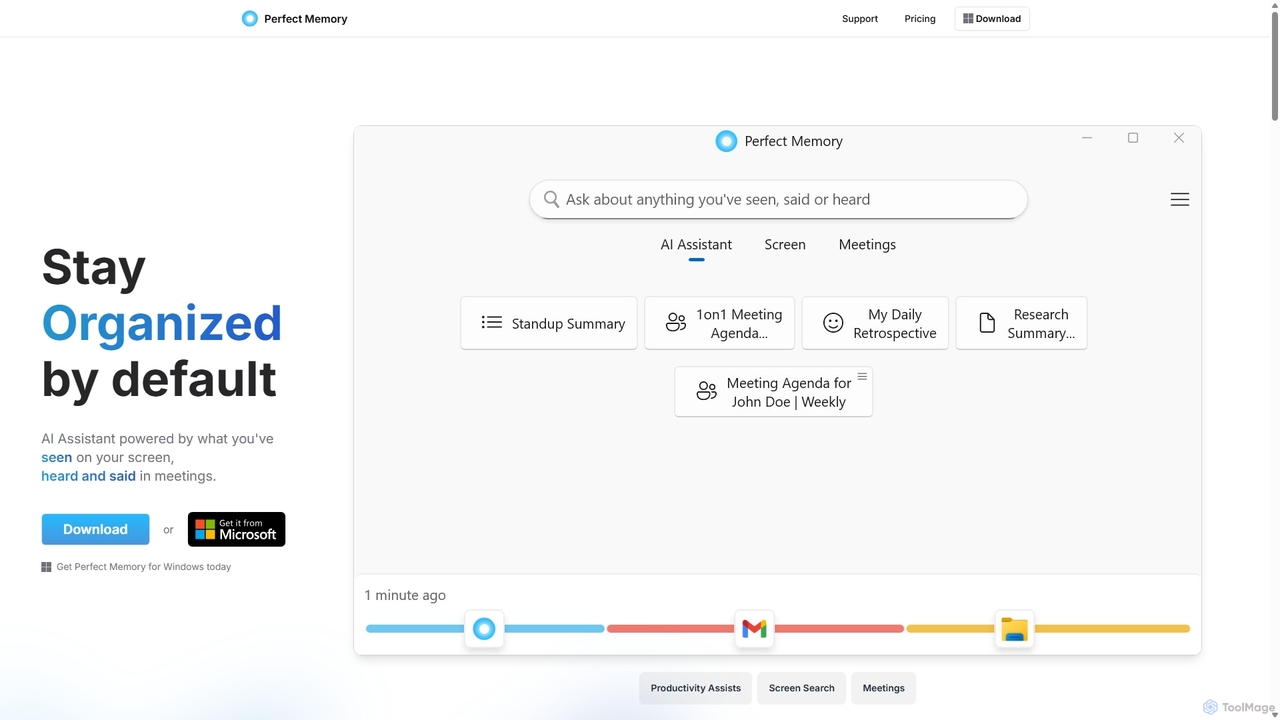
Perfect Memory AI
Perfect Memory AI is a privacy-focused productivity assistant that acts as your second brain. It records your screen activity and meetings, making everything you've seen or heard fully searchable. With a powerful AI assistant, it helps you recall information, summarize research, and prepare for meetings, all while keeping your data securely on your local device.
Local ProcessingAIM: AI Instant Messenger Categories
AIM: AI Instant Messenger Jobs
AIM: AI Instant Messenger Embed Widget
Copy this embed code to place the badge on your blog, article, or product site and send readers directly to this ToolMage detail page.

Related AI tools
Offeline
Offeline is a powerful, privacy-first AI chat application that runs open-source Large Language Models (LLMs) locally on your hardware. It supports both browser and native desktop use, ensuring your data never leaves your machine. Enjoy offline capabilities, web search integration, document analysis, and voice support.
Local LlmsGPT4All
GPT4All is a free, open-source, and privacy-focused AI chatbot that runs powerful language models locally on your desktop. It works offline, ensuring your data never leaves your device, and allows you to chat with your own documents securely.
Machine Learning
Jyek
Jyek is an AI agent platform that understands objectives, creates execution plans, uses tools, and delivers verifiable results for complex, multi-step tasks.
Automation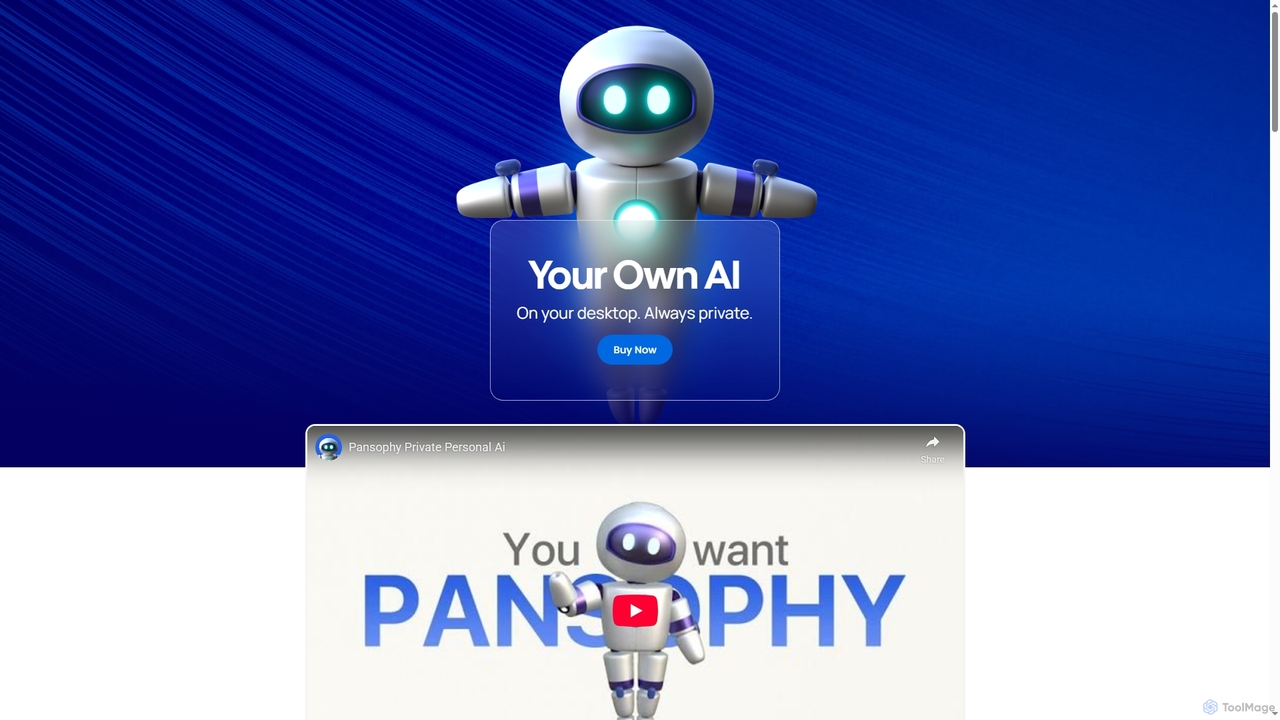
Pansophy
Pansophy is a private desktop AI tool that processes all data locally, offering secure document summarization, text and code generation, and smart search capabilities without cloud dependence. It's designed for enhanced productivity and data privacy across multiple operating systems.
Code GenerationPrivacy AI
Privacy AI is a native application for iPhone, iPad, and Mac that allows you to run powerful open-source large language models (LLMs) entirely offline. It ensures absolute privacy by processing all data on your device, with no data collection or internet connection required. Access models like LLaMA, Mistral, and Phi3 securely, with advanced customization options for a tailored AI experience.
Local Development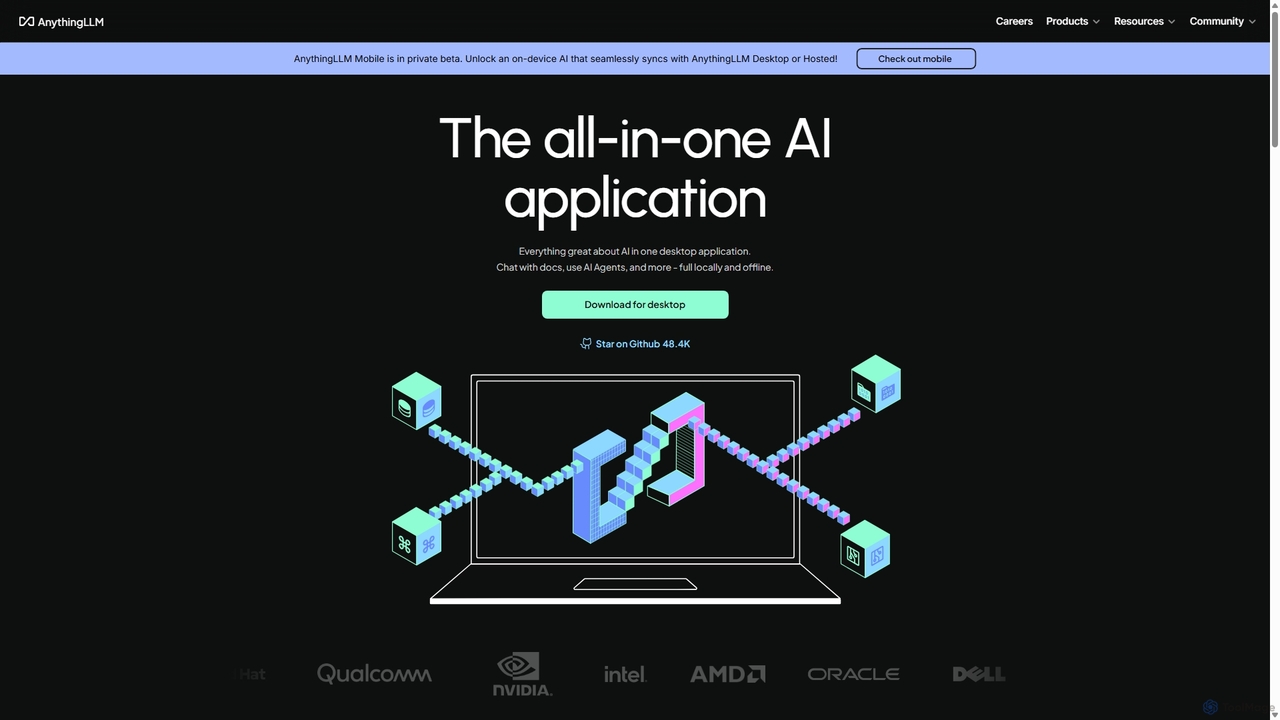
AnythingLLM
AnythingLLM is an open-source, all-in-one AI application that runs locally on your desktop or can be self-hosted. It allows you to create a private knowledge base from any document, chat with your data, and utilize powerful AI agents while ensuring complete data privacy and control.
Document Management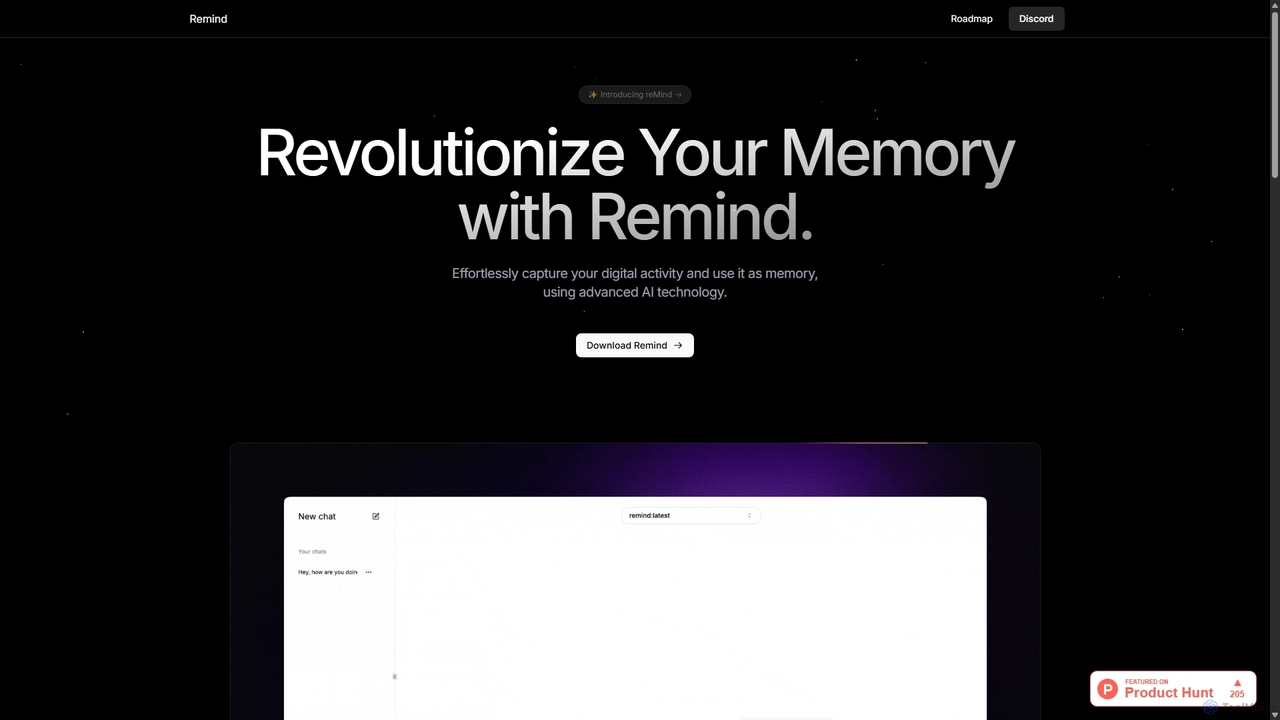
ReMind
reMind is an open-source, privacy-first AI tool that acts as your personal memory. It captures your digital activity locally, allowing you to search and recall anything you've seen or done on your computer using natural language. It runs entirely on your machine for maximum security.
Utilities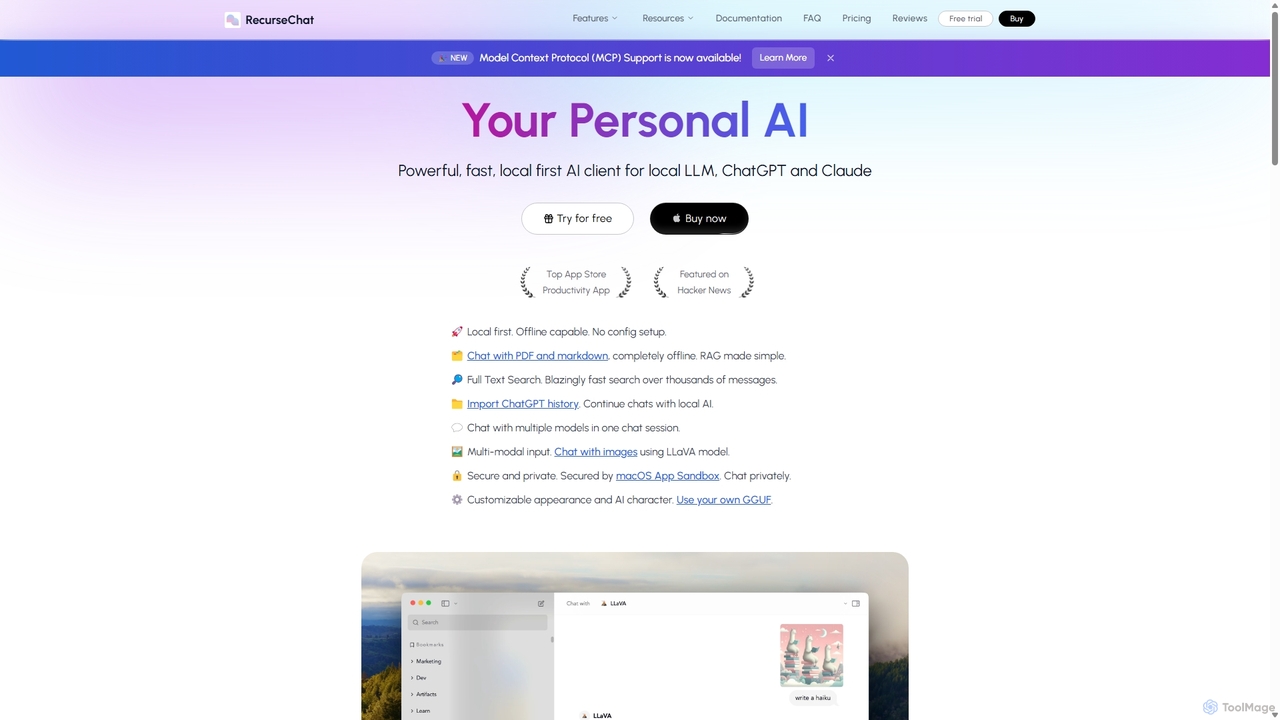
RecurseChat
RecurseChat is a powerful, privacy-focused AI client for macOS. It operates local-first, allowing you to chat with local LLMs, ChatGPT, and Claude, even offline. Interact with your PDFs and documents securely on your device using RAG technology. It features multi-modal input, full-text search, and extensive customization without requiring a subscription.
Llm Clients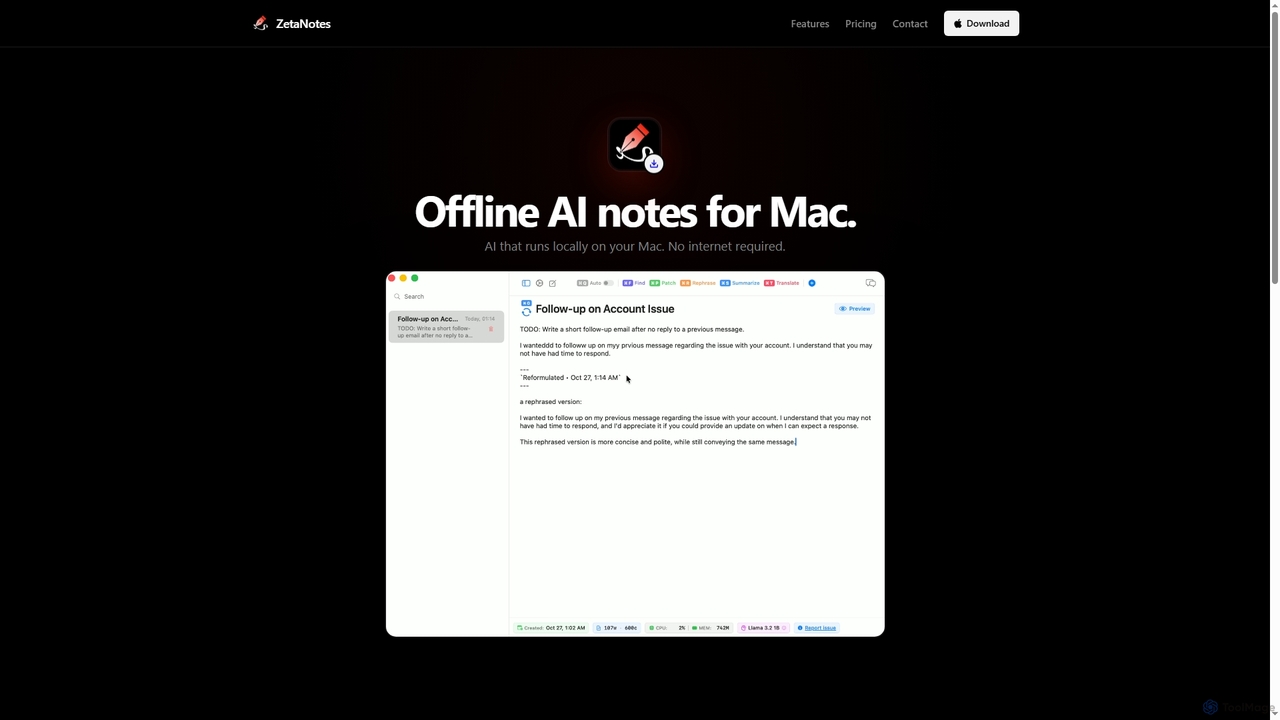
Zetanotes
Zetanotes is a privacy-focused, offline AI note-taking application for Mac. It runs AI models locally on your device, requiring no internet connection for core features, ensuring your data remains private. Optimized for Apple Silicon with Metal GPU acceleration.
Mac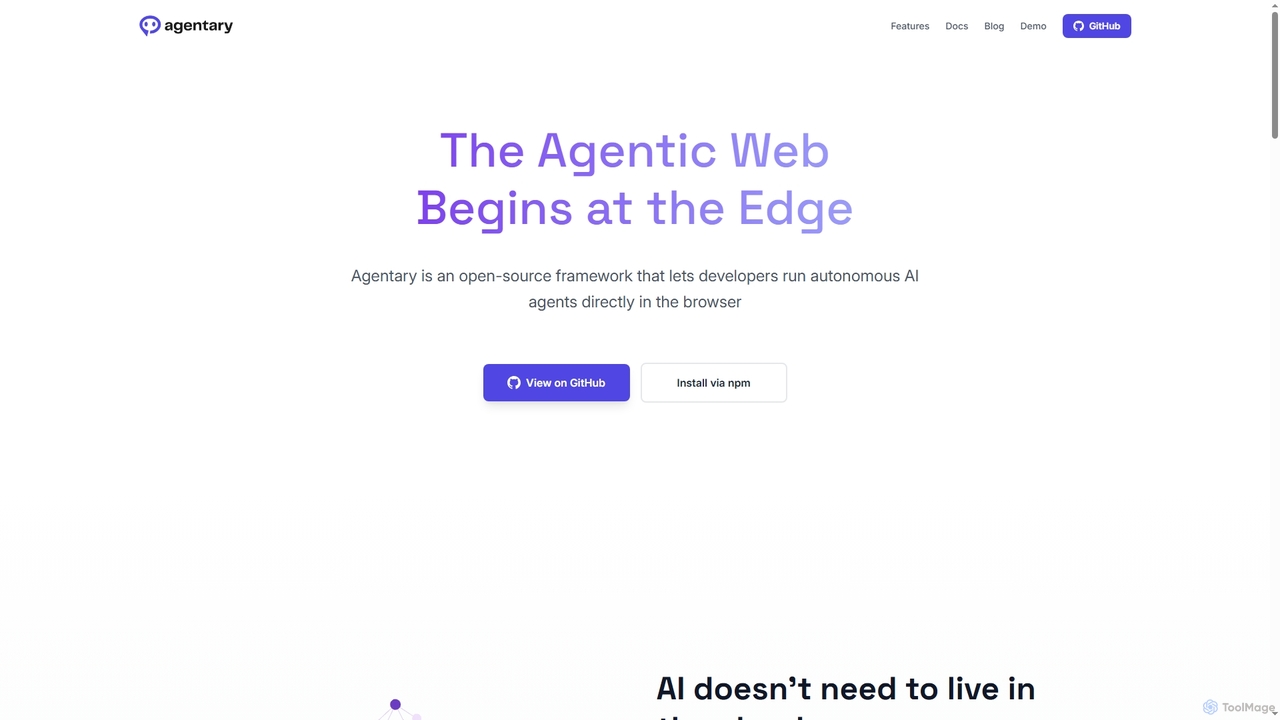
Agentary
Agentary is an open-source JavaScript SDK for developers to build and run autonomous AI agents directly in the browser. It leverages WebGPU and WebAssembly for on-device execution, ensuring complete data privacy, zero latency, and offline functionality. This serverless framework allows for the creation of fast, private, and intelligent web applications without cloud dependencies or API costs.
Edge Computing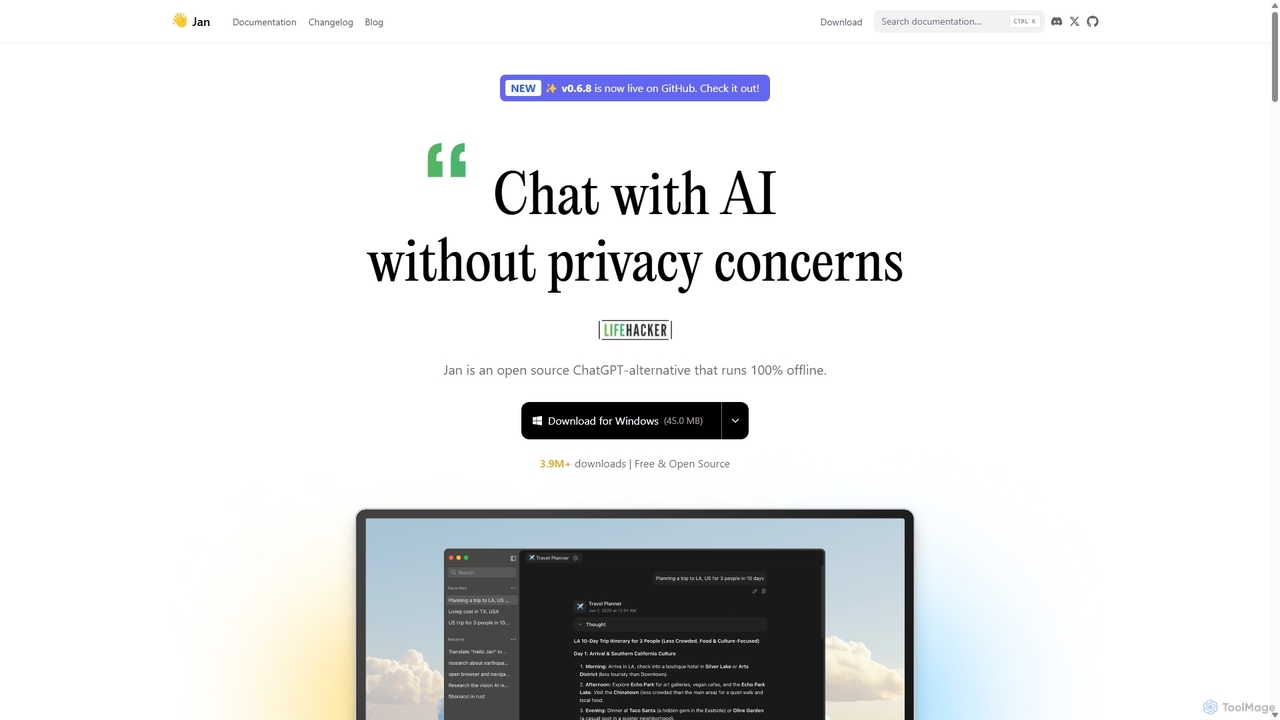
Jan
Jan is an open-source, offline-first AI chat application that functions as a powerful alternative to ChatGPT. It allows you to run large language models (LLMs) like Llama 3 and Mistral directly on your computer, ensuring 100% privacy and data control. Jan also offers the flexibility to connect to cloud-based AI services and provides a local API server for developers.
ApiPerfect Memory AI
Perfect Memory AI is a privacy-focused productivity assistant that acts as your second brain. It records your screen activity and meetings, making everything you've seen or heard fully searchable. With a powerful AI assistant, it helps you recall information, summarize research, and prepare for meetings, all while keeping your data securely on your local device.
Local Processing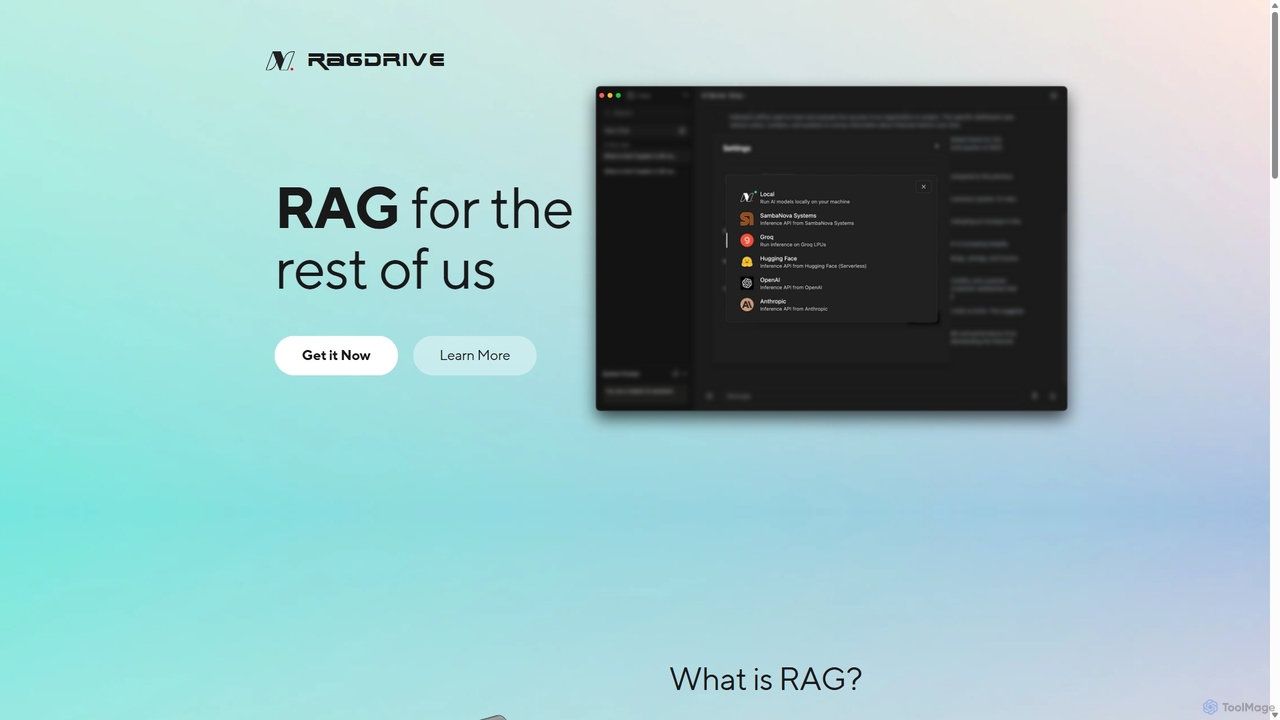
RAGDrive
RAGDrive is a free, open-source, and no-code tool that allows you to chat with your documents privately and offline. Using RAG technology, it turns your files into an interactive knowledge base, accessible across Windows, Mac, iOS, and Android.
Open Source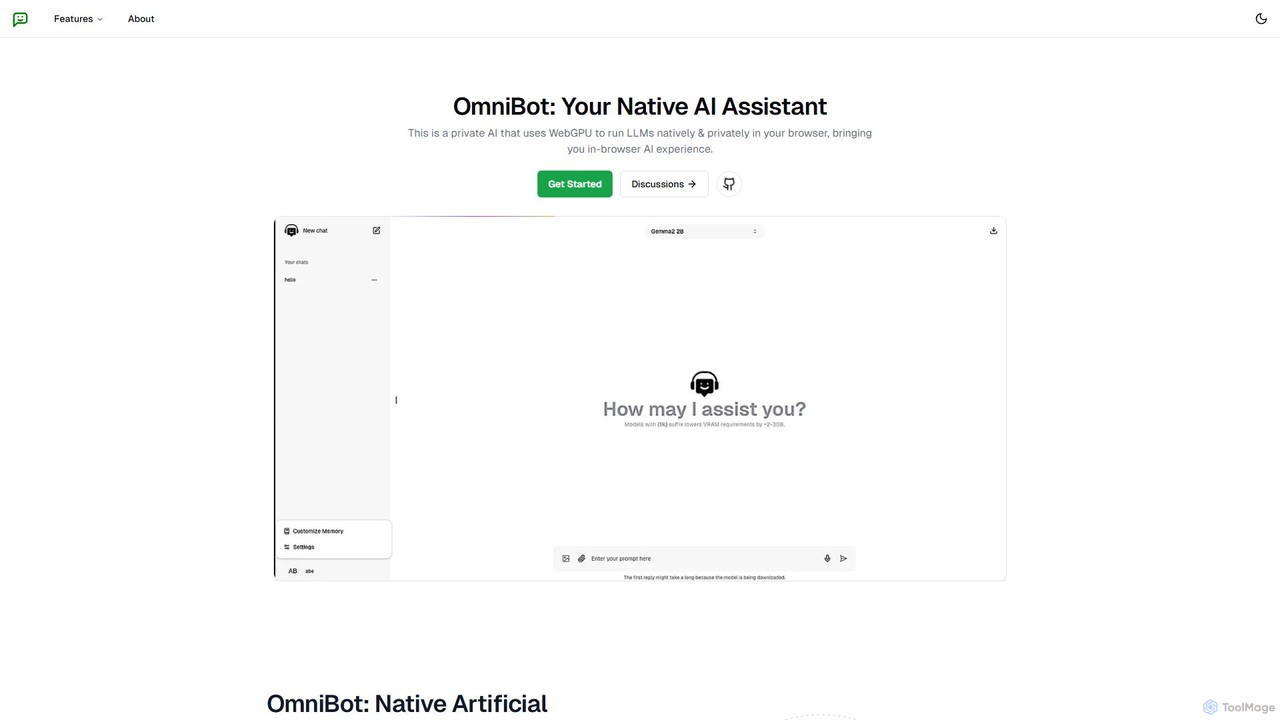
Omnibot
Omnibot is a private, native AI assistant that runs large language models (LLMs) directly in your browser using WebGPU. It offers a completely offline and secure chat experience, ensuring your data never leaves your computer. Customize it with your own instructions for personalized responses.
Local Development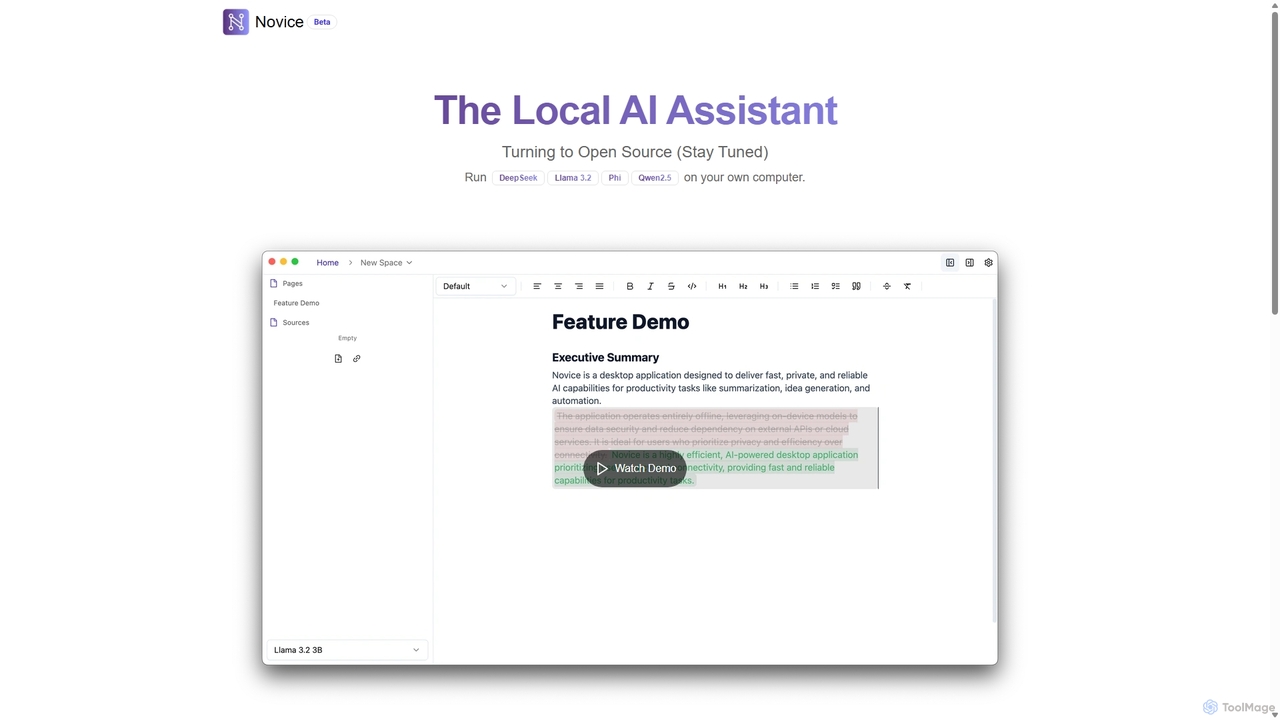
Novice
Novice is a local-first AI assistant that runs powerful language models like Llama 3.2 and Phi directly on your computer. It transforms your documents into a private, offline knowledge base, allowing you to analyze, summarize, and query information with complete data privacy. Every answer is backed by clear citations from your sources, ensuring accuracy and trust.
Local Ai
AIM: AI Instant Messenger Comments (0)
Sign in to comment.
Sign inNo comments yet.