

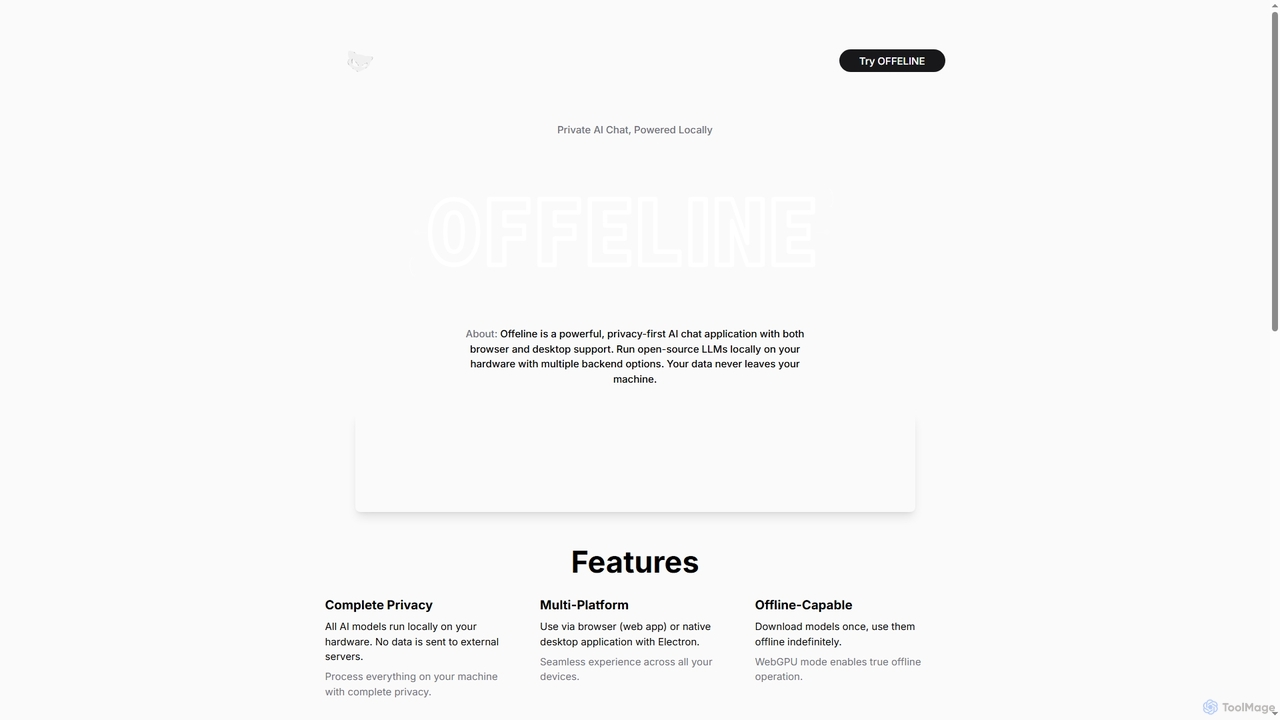
Offeline Overview
Offeline is a cutting-edge AI chat application designed with privacy at its core. It empowers users to run open-source Large Language Models (LLMs) directly on their local hardware, eliminating the need to send sensitive data to external servers. This ensures complete data privacy and security, as all processing occurs on your own machine.
The application offers versatile access, available as a web app for browser use or a native desktop application built with Electron, providing a seamless experience across various devices. A standout feature is its robust offline capability; once models are downloaded, they can be used indefinitely without an internet connection, especially with WebGPU mode enabling true offline operation.
Offeline enhances AI interactions with optional real-time web search integration via Tavily or DuckDuckGo, allowing the AI to provide up-to-date answers. It also supports file embeddings, enabling users to load and ask questions about various document types including PDF, MD, DOCX, TXT, CSV, and RTF, with all document processing and analysis performed locally. Further enriching the user experience, Offeline includes voice support for natural, hands-free communication, quick response regeneration, persistent chat history, and custom memory features for personalized AI behavior through system prompts.
As an open-source project, Offeline provides flexibility for developers and supports multiple powerful backends: WebGPU for direct browser-based GPU acceleration without installation, Ollama for easy model management across Windows, Mac, and Linux, and llama.cpp for optimized CPU/GPU inference on desktop with direct integration.
How to use Offeline
To use Offeline, you can either access it via your web browser as a web app or download and install the native desktop application. First, you'll need to download the desired open-source LLM models, which will then run locally on your hardware. You can interact with the AI by typing prompts, using voice messages, or loading documents (PDF, MD, DOCX, TXT, CSV, RTF) to ask questions about their content. Optionally, enable web search integration with Tavily or DuckDuckGo for real-time information. Conversations are saved in a persistent chat history, and you can customize AI behavior with custom system prompts.
Core Features of Offeline
- Complete Privacy: All AI models run locally on your hardware; no data is sent to external servers.
- Multi-Platform: Use via browser (web app) or native desktop application with Electron.
- Offline-Capable: Download models once and use them indefinitely offline, with WebGPU mode enabling true offline operation.
- Web Search Capabilities: Optional integration with Tavily or DuckDuckGo for real-time, up-to-date answers.
- File Embeddings: Load and ask questions about documents (PDF, MD, DOCX, TXT, CSV, RTF) with fully local processing.
- Voice Support: Interact with the AI using voice messages for natural, hands-free communication.
- Regenerate Responses: Quickly regenerate AI responses without retyping prompts.
- Chat History: Persistent, organized conversation history across sessions.
- Custom Memory: Add custom system prompts and memory to personalize AI behavior.
- Open Source: Source code available for developers.
- Multiple Supported Backends: WebGPU (browser, GPU), Ollama (desktop, CPU/GPU, easy management), llama.cpp (desktop, CPU/GPU, optimized).
Use Cases for Offeline
Offeline is ideal for individuals and professionals who prioritize data privacy and require a secure environment for AI interactions. It's perfect for developers experimenting with local LLMs, researchers needing to process sensitive documents without cloud exposure, content creators drafting confidential materials, and anyone seeking an AI assistant that operates entirely offline. Its document analysis feature makes it valuable for reviewing legal documents, research papers, or internal reports securely. Privacy-conscious users can leverage it for general chat, brainstorming, or information retrieval without concerns about data leakage.
Advantages of Offeline
The primary advantage of Offeline is its unparalleled commitment to privacy, ensuring all data remains on the user's machine. Its multi-platform support offers flexibility, while offline capabilities make it reliable in any environment. The ability to integrate web search provides current information, and local file embedding allows for secure document analysis. Voice support enhances accessibility, and features like response regeneration, persistent chat history, and custom memory contribute to a highly personalized and efficient user experience. Being open source further adds transparency and allows for community contributions and customization.
Offeline FAQ
Offeline Alternatives
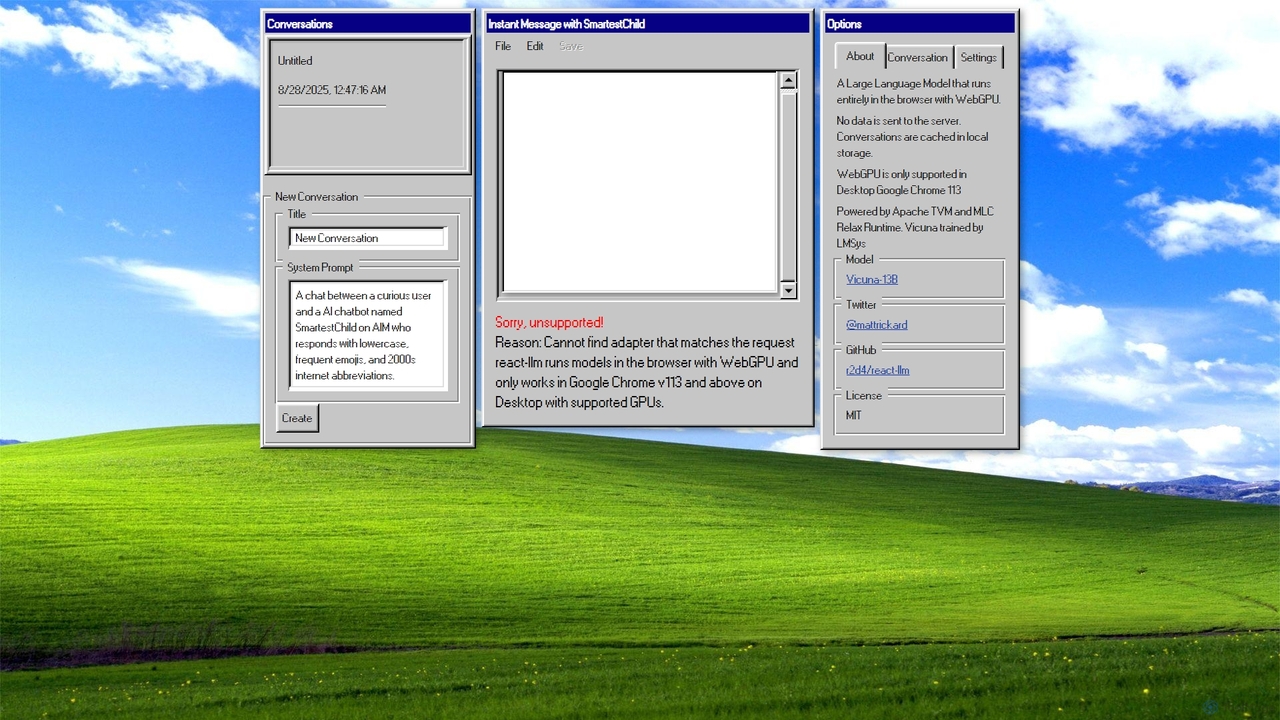
AIM: AI Instant Messenger
A privacy-focused AI chatbot that runs a large language model (Vicuna-13B) entirely in your browser using WebGPU. No data is sent to a server, ensuring complete confidentiality of your conversations.
Demos & Experiments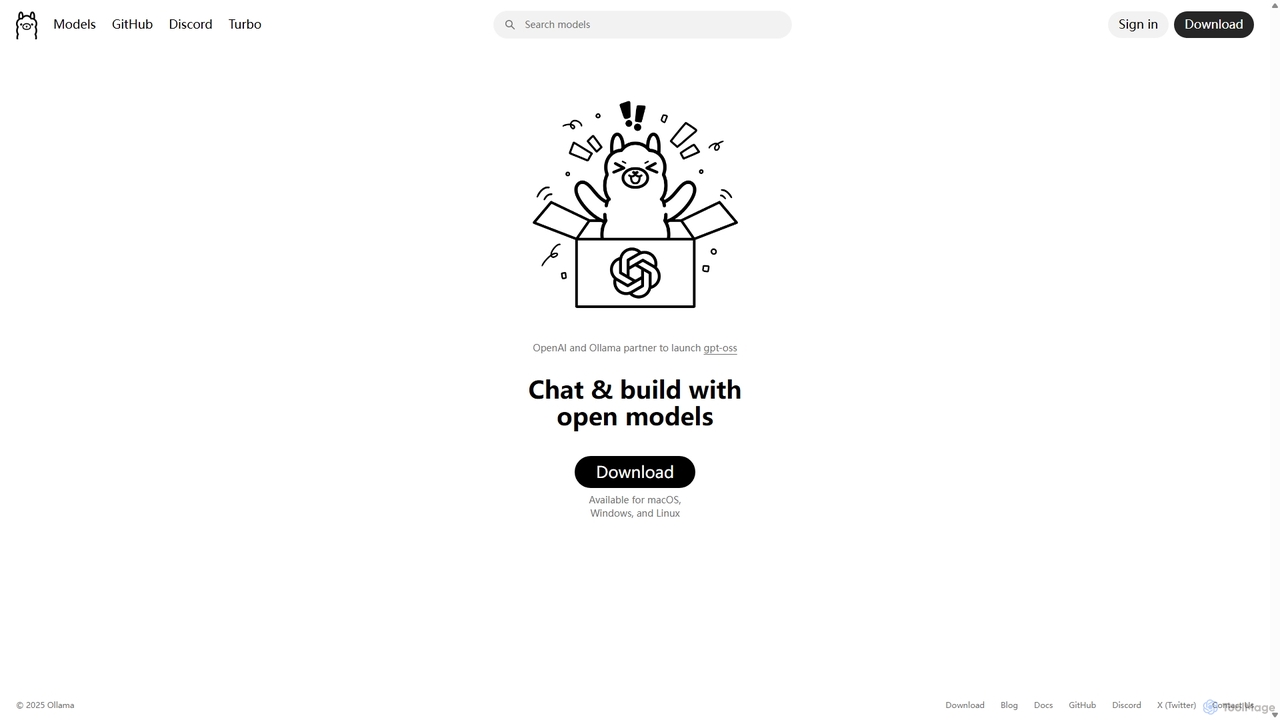
Ollama
Ollama is a powerful open-source framework for running large language models (LLMs) like Llama 3, Mistral, and Gemma locally on your own hardware. Available for macOS, Windows, and Linux, it simplifies the setup and management of open-source models, enabling private, offline, and cost-effective AI development and usage.
Machine Learning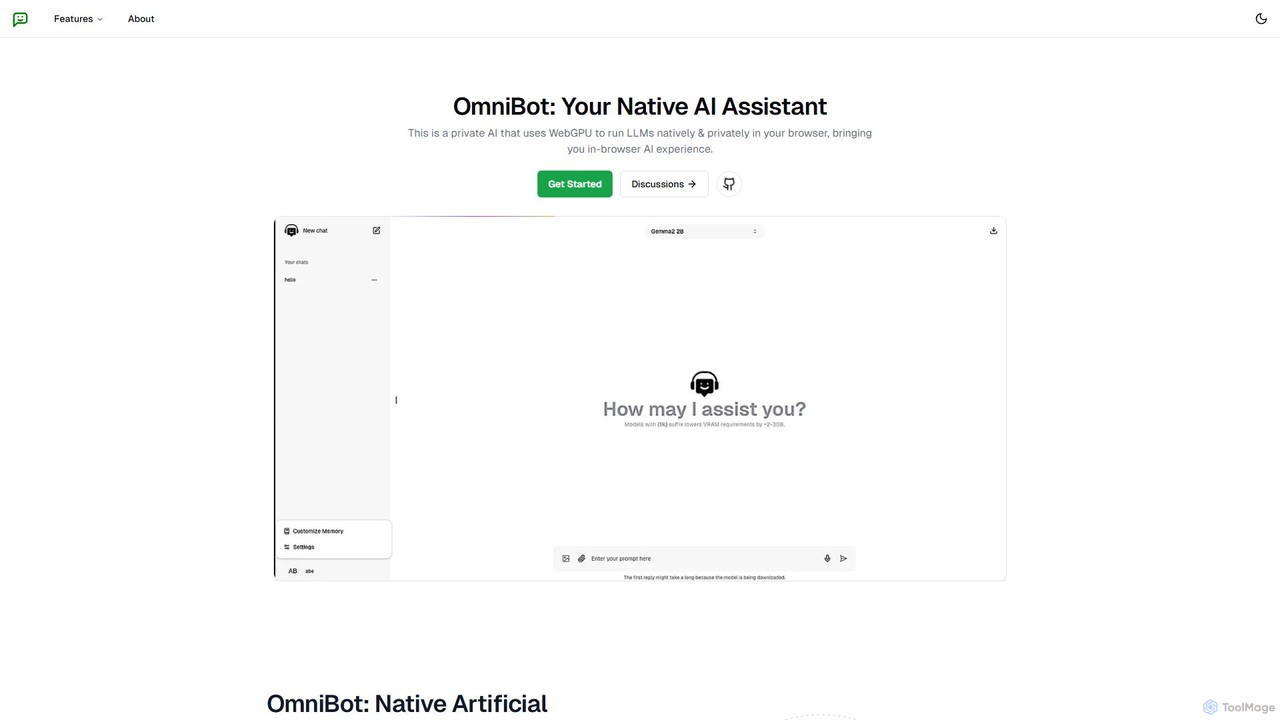
Omnibot
Omnibot is a private, native AI assistant that runs large language models (LLMs) directly in your browser using WebGPU. It offers a completely offline and secure chat experience, ensuring your data never leaves your computer. Customize it with your own instructions for personalized responses.
Local Development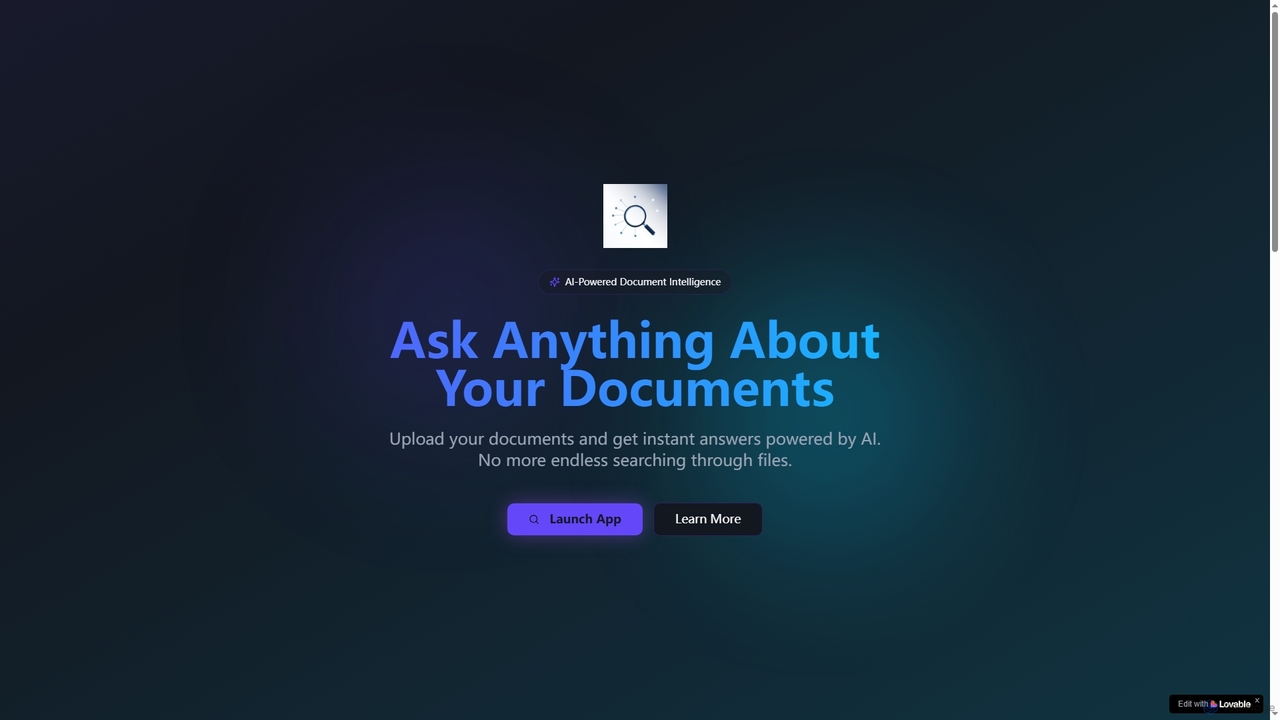
Lookitup AI
Lookitup AI is an AI-powered document intelligence tool that transforms your documents into interactive conversations. Upload PDFs, Word docs, and spreadsheets to get instant, accurate answers to your questions, eliminating manual searching and unlocking hidden knowledge with advanced AI insights.
Natural Language Processing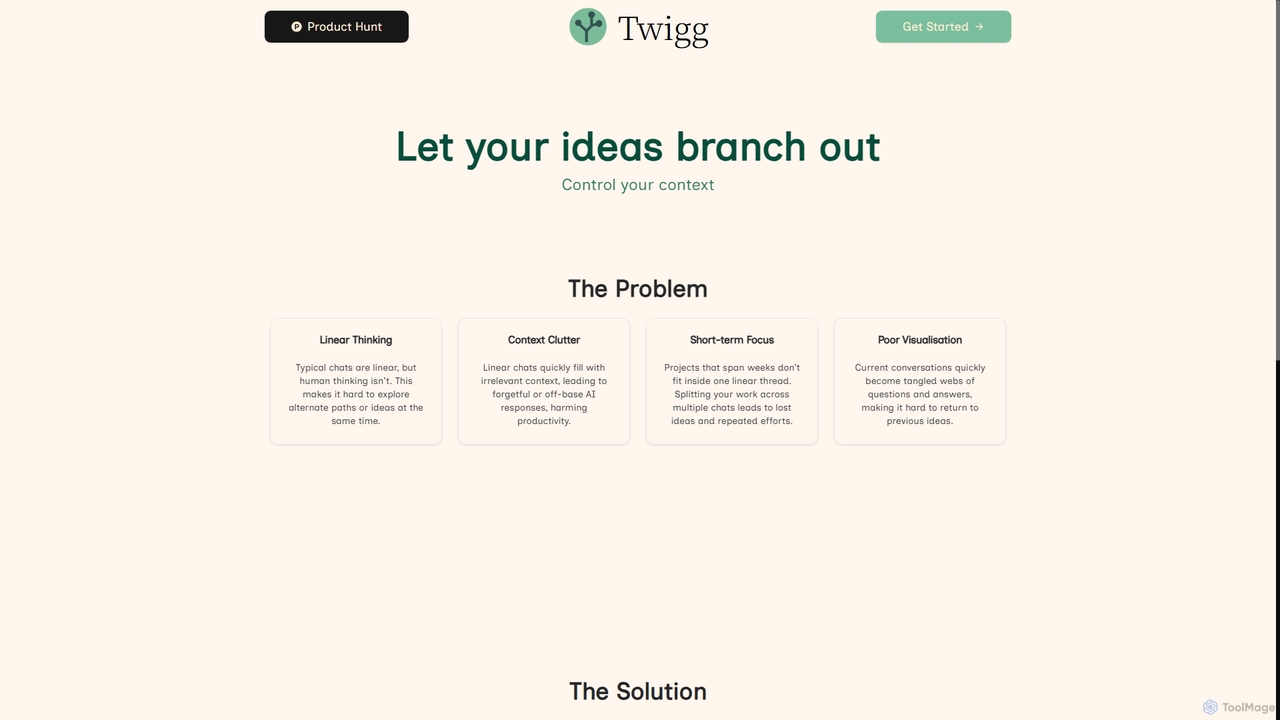
Twigg
Twigg is an innovative AI chat interface that transforms linear conversations into interactive, branching idea trees. It helps users manage context, explore tangents, and visualize complex projects, making long-term collaboration with LLMs more efficient and intuitive.
Context ManagementOffeline Categories
Offeline Jobs
Offeline Embed Widget
Copy this embed code to place the badge on your blog, article, or product site and send readers directly to this ToolMage detail page.

Related AI tools
AIM: AI Instant Messenger
A privacy-focused AI chatbot that runs a large language model (Vicuna-13B) entirely in your browser using WebGPU. No data is sent to a server, ensuring complete confidentiality of your conversations.
Demos & ExperimentsOmnibot
Omnibot is a private, native AI assistant that runs large language models (LLMs) directly in your browser using WebGPU. It offers a completely offline and secure chat experience, ensuring your data never leaves your computer. Customize it with your own instructions for personalized responses.
Local DevelopmentOllama
Ollama is a powerful open-source framework for running large language models (LLMs) like Llama 3, Mistral, and Gemma locally on your own hardware. Available for macOS, Windows, and Linux, it simplifies the setup and management of open-source models, enabling private, offline, and cost-effective AI development and usage.
Machine Learning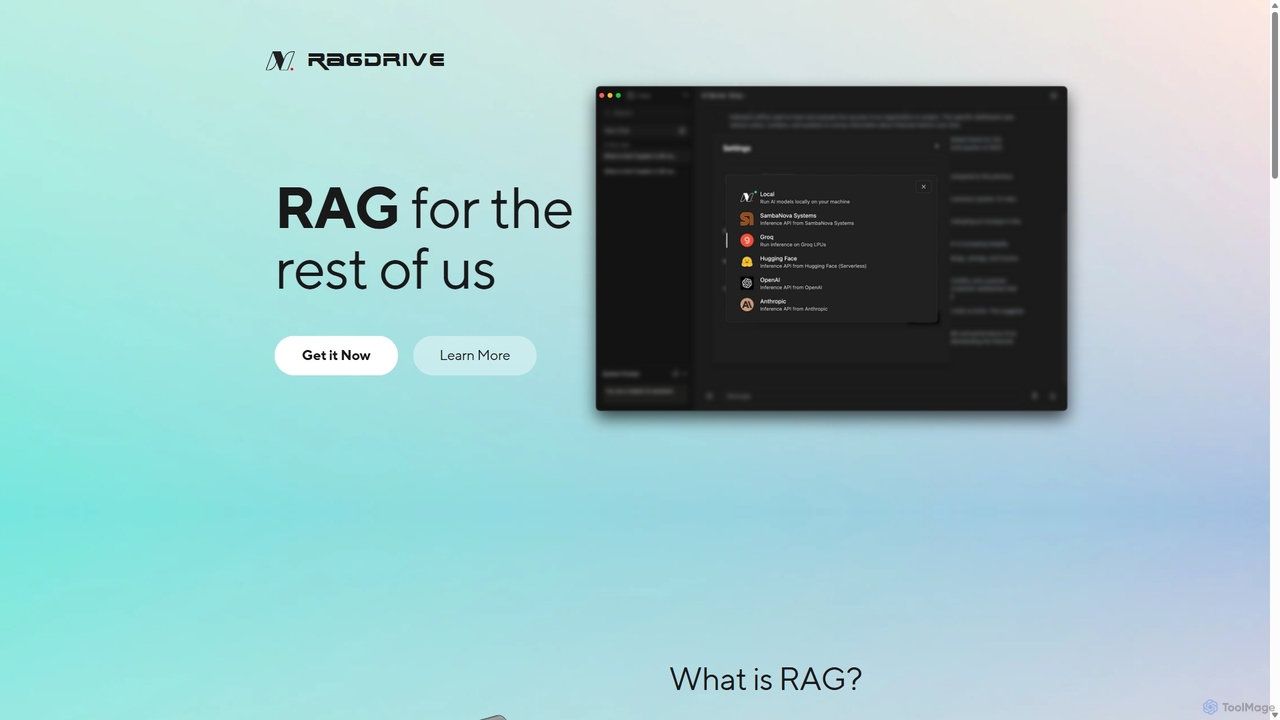
RAGDrive
RAGDrive is a free, open-source, and no-code tool that allows you to chat with your documents privately and offline. Using RAG technology, it turns your files into an interactive knowledge base, accessible across Windows, Mac, iOS, and Android.
Open Source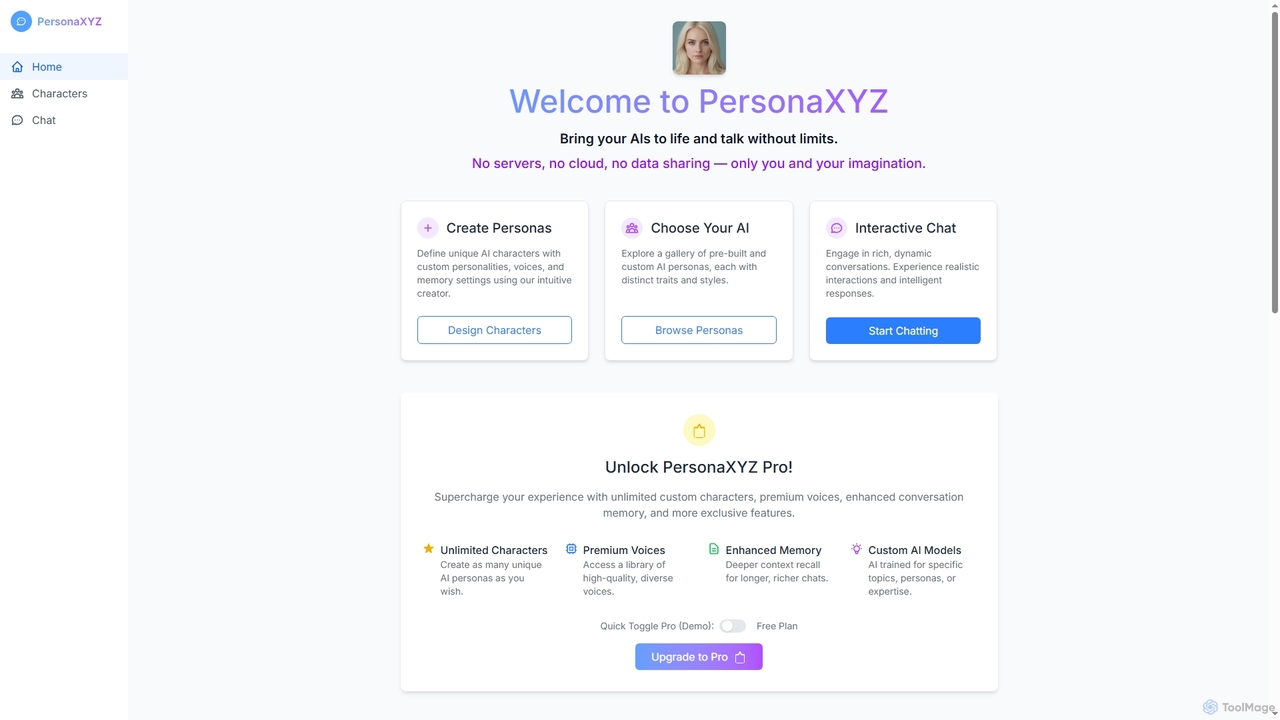
PersonaXYZ
PersonaXYZ is a private, on-device AI chat tool that allows users to create and interact with custom AI characters. It emphasizes privacy by running entirely in your browser without cloud servers or data sharing. Users can define unique personalities, voices, and memory settings for their AI companions, offering a truly personal and secure conversational experience.
Personalized Assistants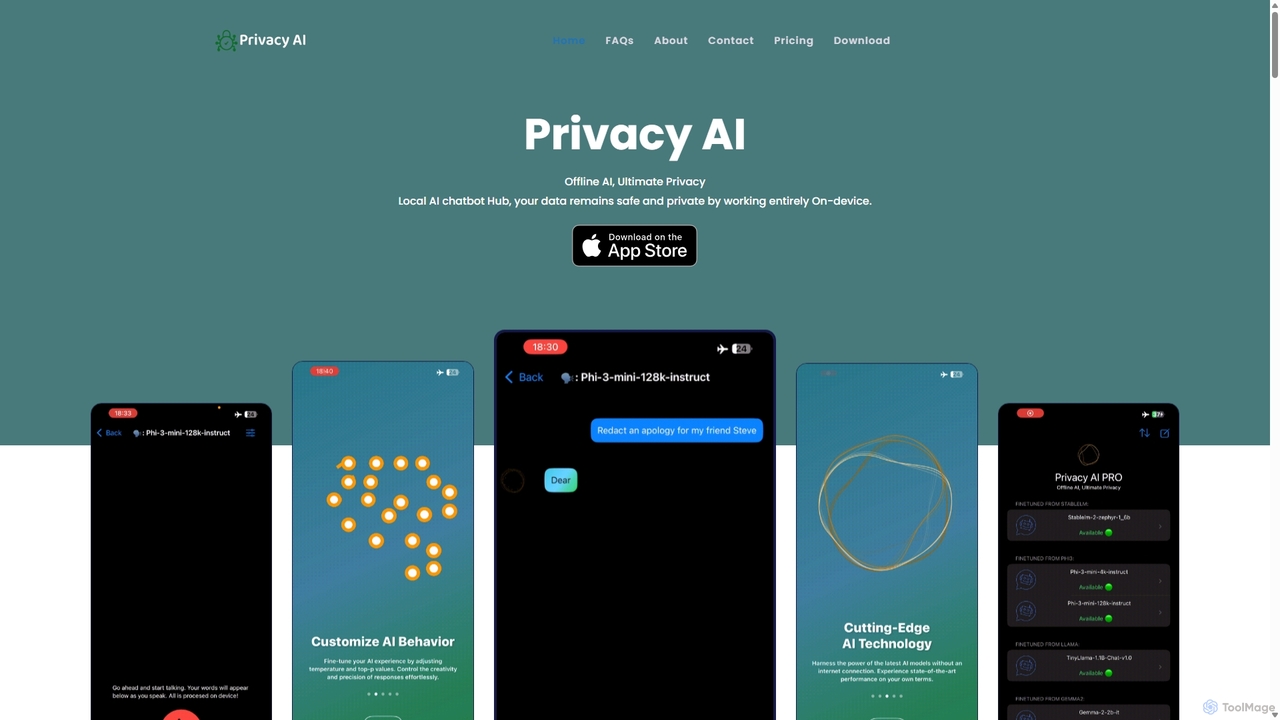
Privacy AI
Privacy AI is a native application for iPhone, iPad, and Mac that allows you to run powerful open-source large language models (LLMs) entirely offline. It ensures absolute privacy by processing all data on your device, with no data collection or internet connection required. Access models like LLaMA, Mistral, and Phi3 securely, with advanced customization options for a tailored AI experience.
Local Development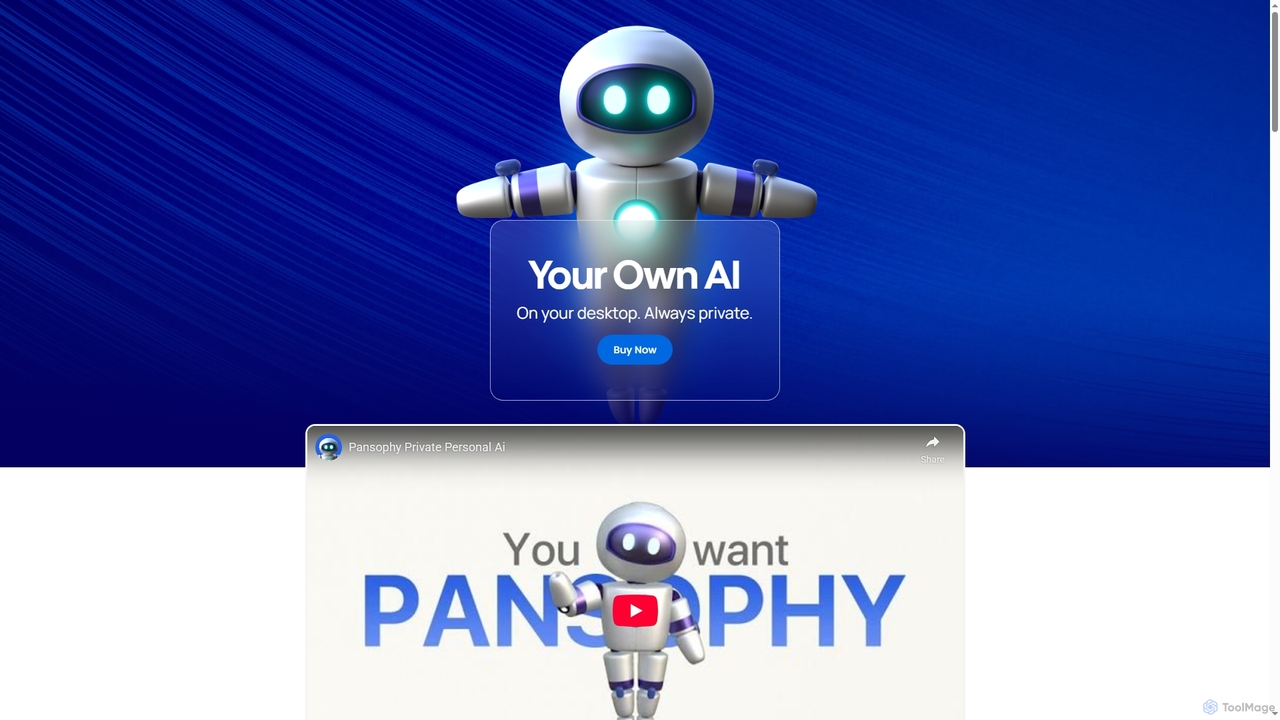
Pansophy
Pansophy is a private desktop AI tool that processes all data locally, offering secure document summarization, text and code generation, and smart search capabilities without cloud dependence. It's designed for enhanced productivity and data privacy across multiple operating systems.
Code Generation
Sanctum
Sanctum is a privacy-first AI assistant that allows you to run powerful open-source Large Language Models (LLMs) directly on your local machine. It ensures your data is encrypted, secure, and never leaves your device. Interact with models, chat with your documents, and transcribe audio, all offline and with complete privacy.
Local Development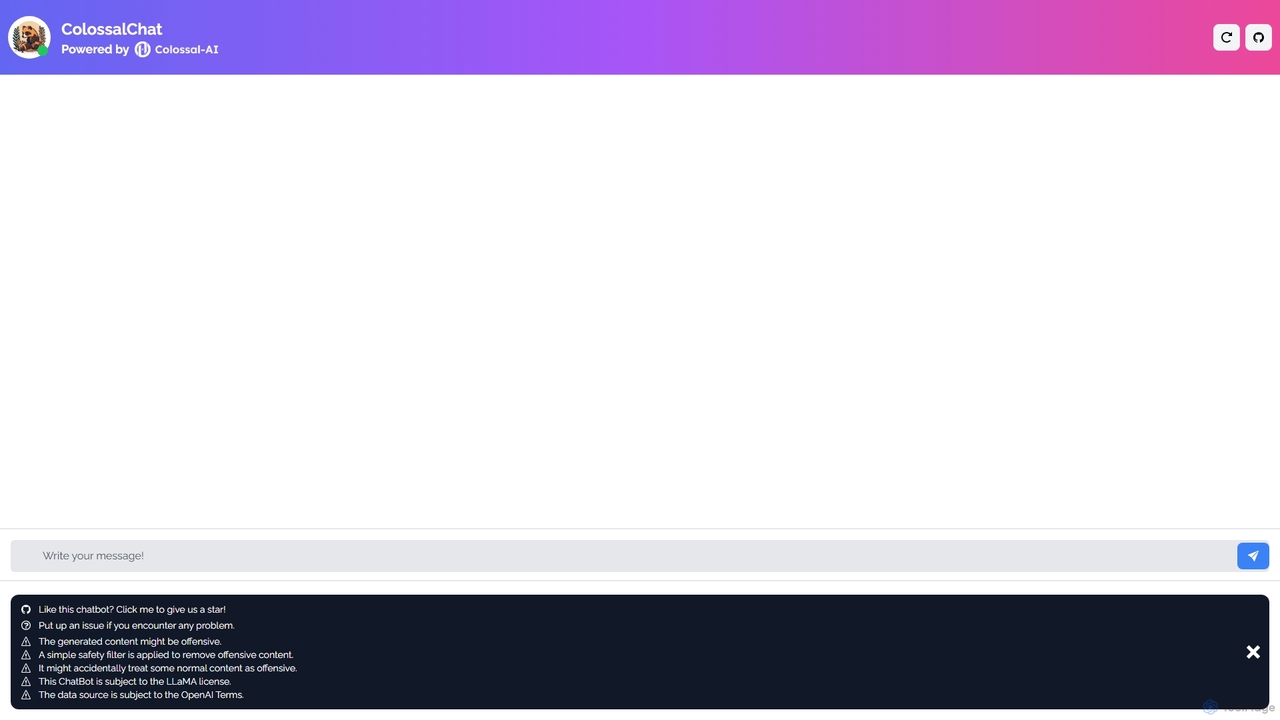
ColossalChat
An open-source conversational AI based on the LLaMA model and powered by the Colossal-AI framework. It offers a free, accessible platform for natural language interaction, text generation, and exploring the capabilities of large language models.
Language Models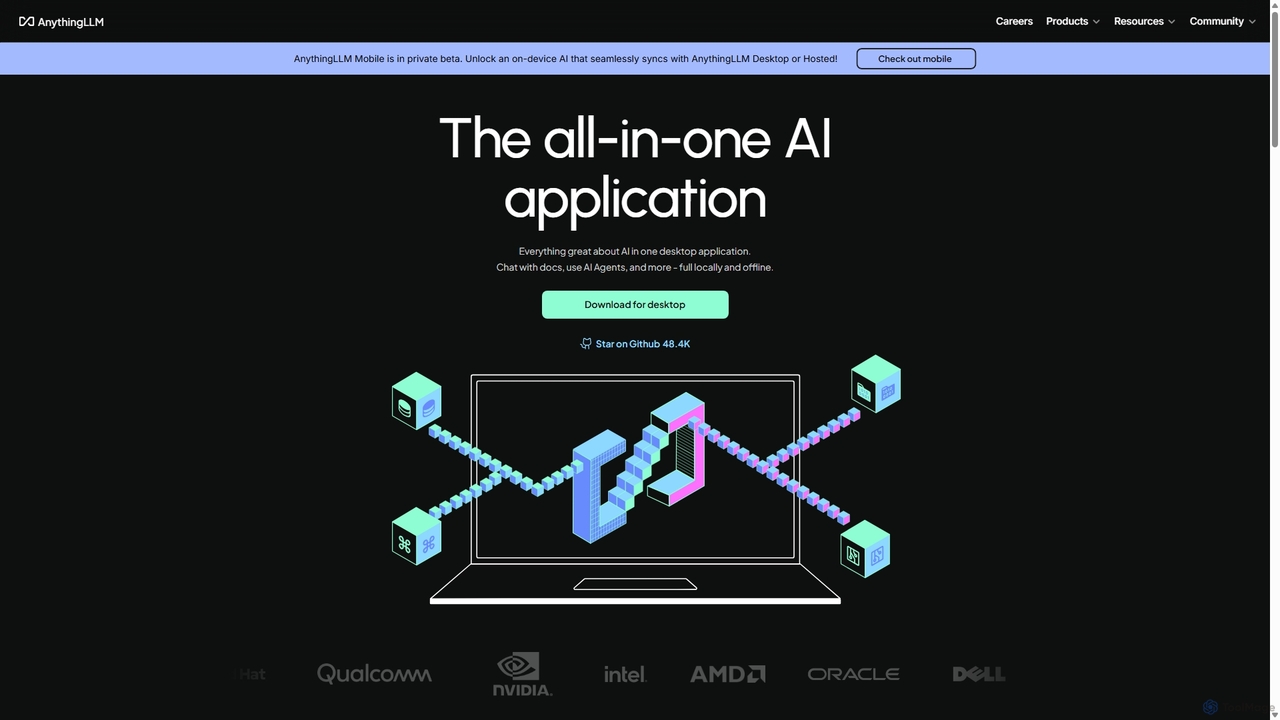
AnythingLLM
AnythingLLM is an open-source, all-in-one AI application that runs locally on your desktop or can be self-hosted. It allows you to create a private knowledge base from any document, chat with your data, and utilize powerful AI agents while ensuring complete data privacy and control.
Document Management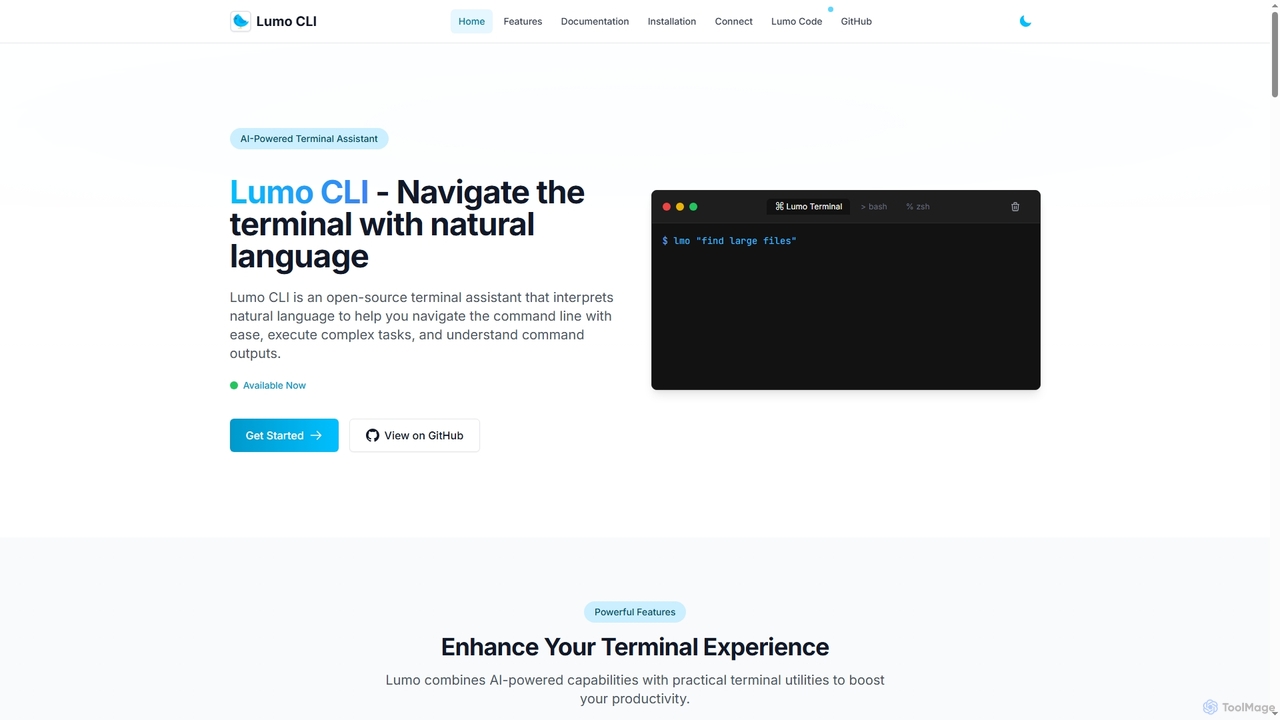
Lumo
Lumo is an open-source, AI-powered terminal assistant that allows users to interact with the command line using natural language. It translates plain English into executable commands, automates complex tasks, monitors system health, and supports multiple AI models including Gemini, OpenAI, and Ollama for local inference.
Code Assistant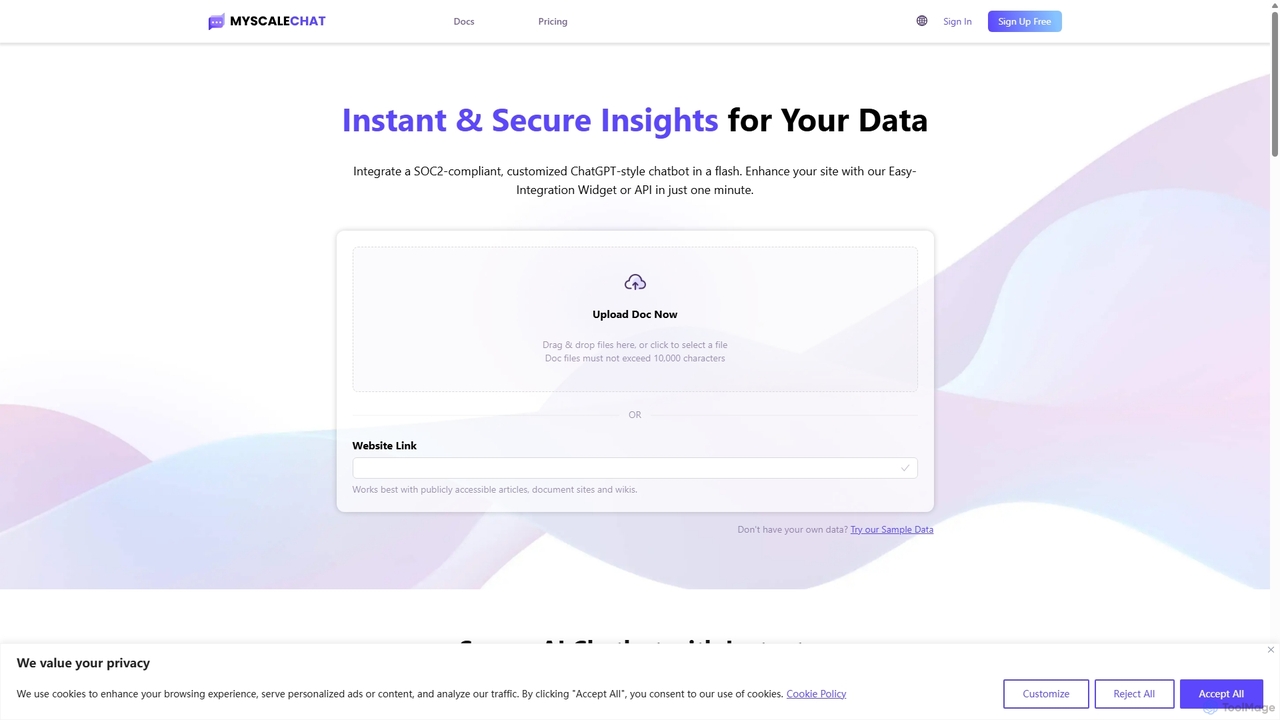
MyScale Chat
MyScale Chat is an AI-powered platform that enables users to build custom chatbots by chatting with their own data. Leveraging the high-performance MyScale vector database, it provides instant, secure, and accurate insights from documents, websites, or knowledge bases. It's designed for developers and businesses to create sophisticated RAG (Retrieval-Augmented Generation) applications, transforming private data into interactive, intelligent conversational agents.
Document Analysis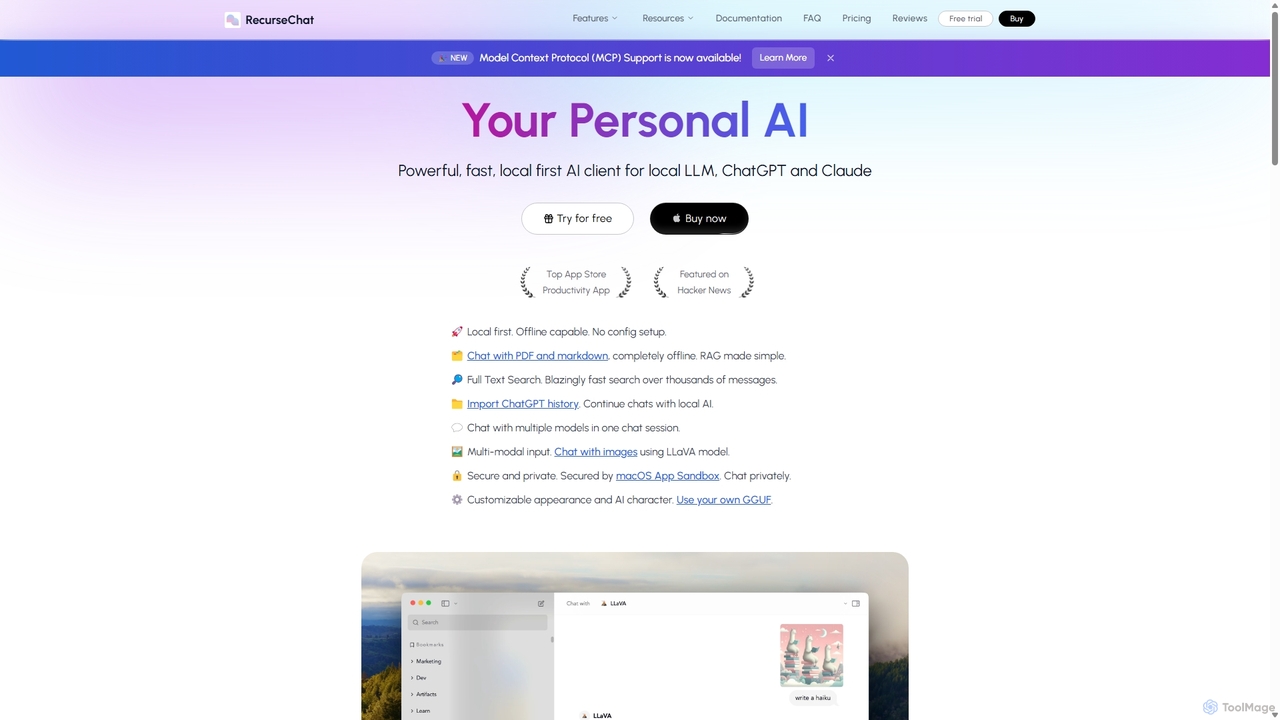
RecurseChat
RecurseChat is a powerful, privacy-focused AI client for macOS. It operates local-first, allowing you to chat with local LLMs, ChatGPT, and Claude, even offline. Interact with your PDFs and documents securely on your device using RAG technology. It features multi-modal input, full-text search, and extensive customization without requiring a subscription.
Llm Clients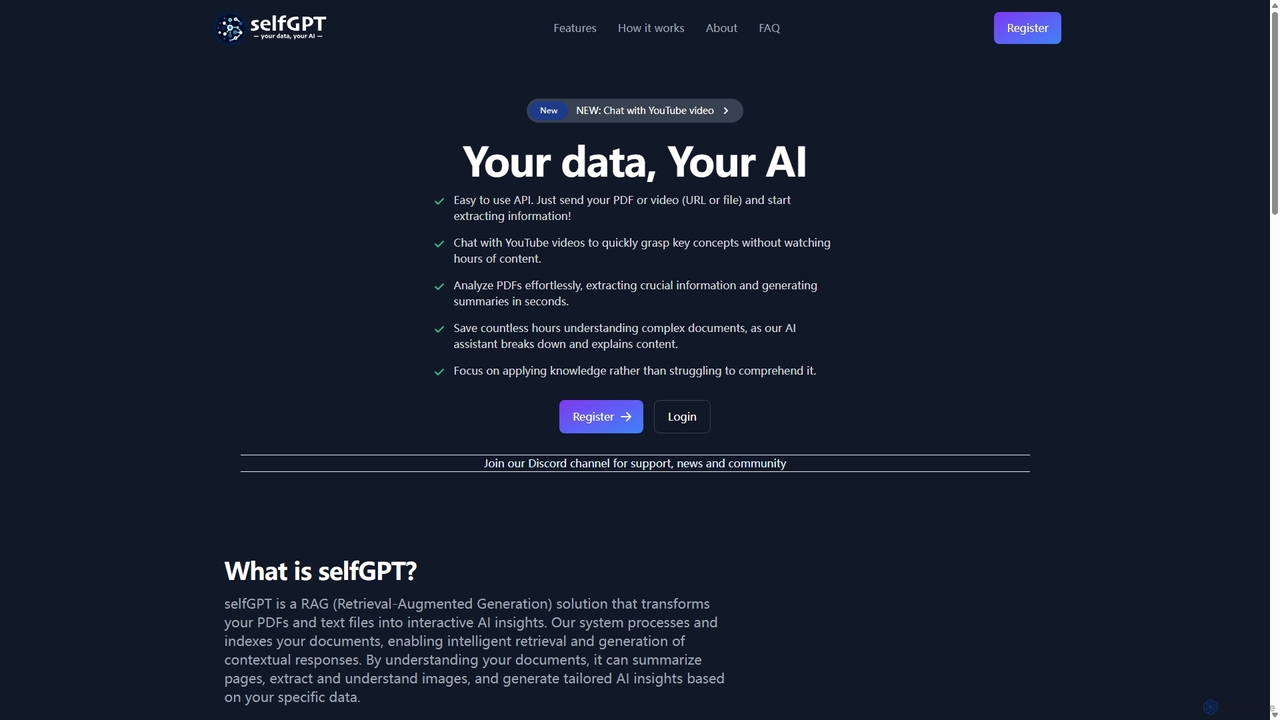
SelfGPT
selfGPT is a privacy-focused AI assistant that transforms your documents and videos into an interactive knowledge base. Using RAG technology, it allows you to chat with PDFs, text files, and YouTube videos to extract key insights, generate summaries, and get answers based solely on your data. It offers a developer-friendly API and a transparent pay-as-you-go pricing model, ensuring your data remains secure.
Api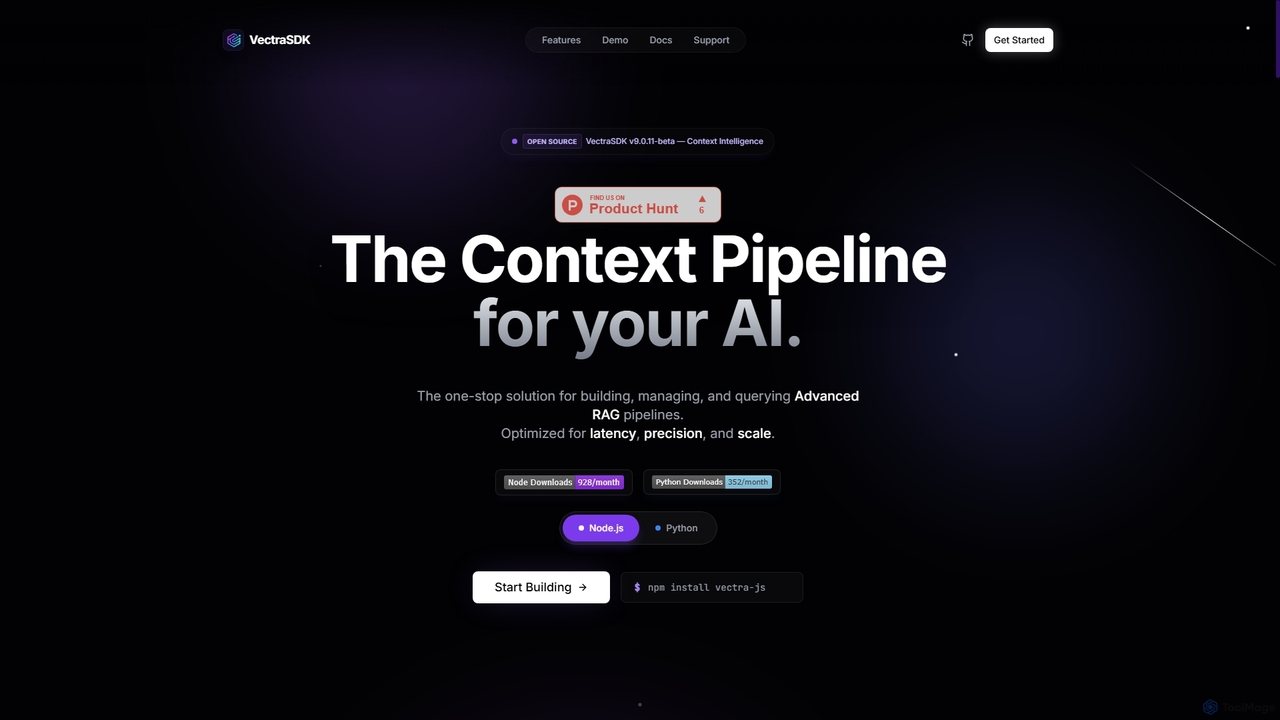
Vectra
Vectra is an open-source, production-grade SDK for Node.js and Python, designed to build, manage, and query advanced Retrieval-Augmented Generation (RAG) pipelines. It offers a comprehensive toolkit for developing context-aware AI applications, optimized for low latency, high precision, and scalability.
Rag Pipelines
Offeline Comments (0)
Sign in to comment.
Sign inNo comments yet.