ToolMage
Sign in

Best 2 Q&A AI tools for Document Management

Popular Q&A AI tools in Document Management include Offeline and Lookitup AI, helping you work more efficiently.

Offeline
Free

Offeline

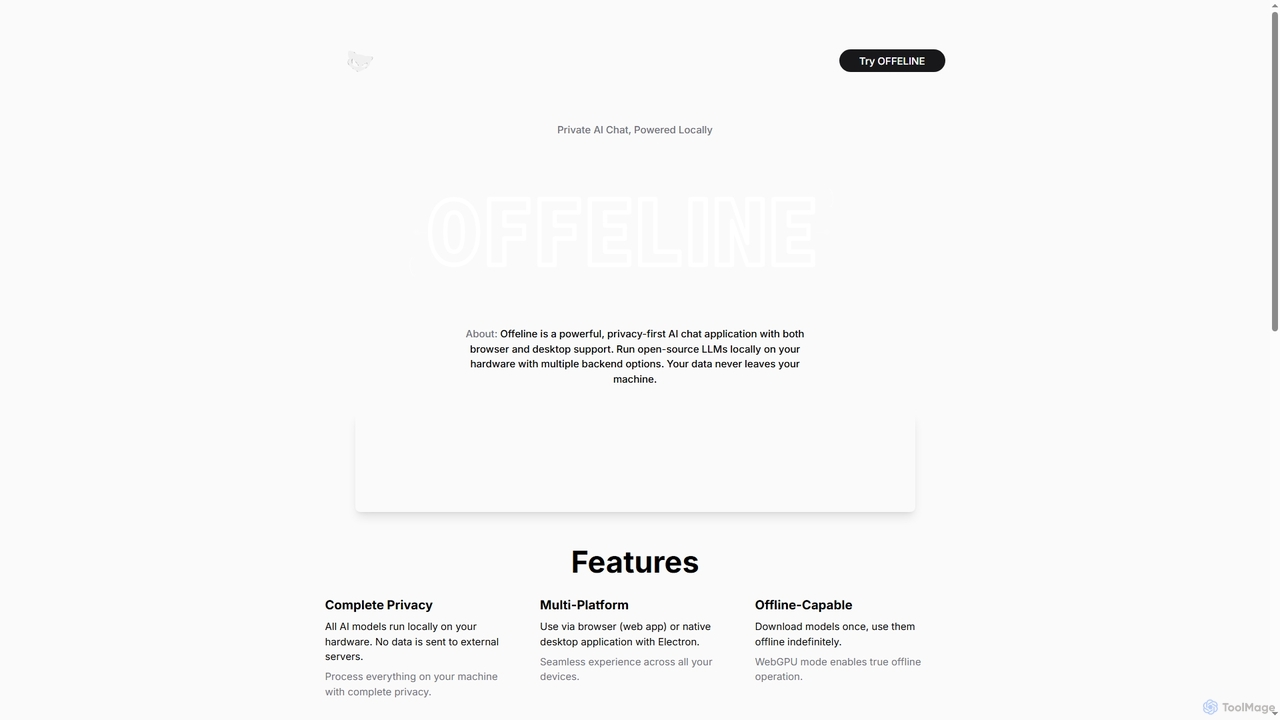
Offeline is a powerful, privacy-first AI chat application that runs open-source Large Language Models (LLMs) locally on your hardware. It supports both browser and native desktop use, ensuring your data never leaves your machine. Enjoy offline capabilities, web search integration, document analysis, and voice support.

Local Llms
Visits 4.2KFavorites 147Likes 150
Lookitup AI
Free

Lookitup AI

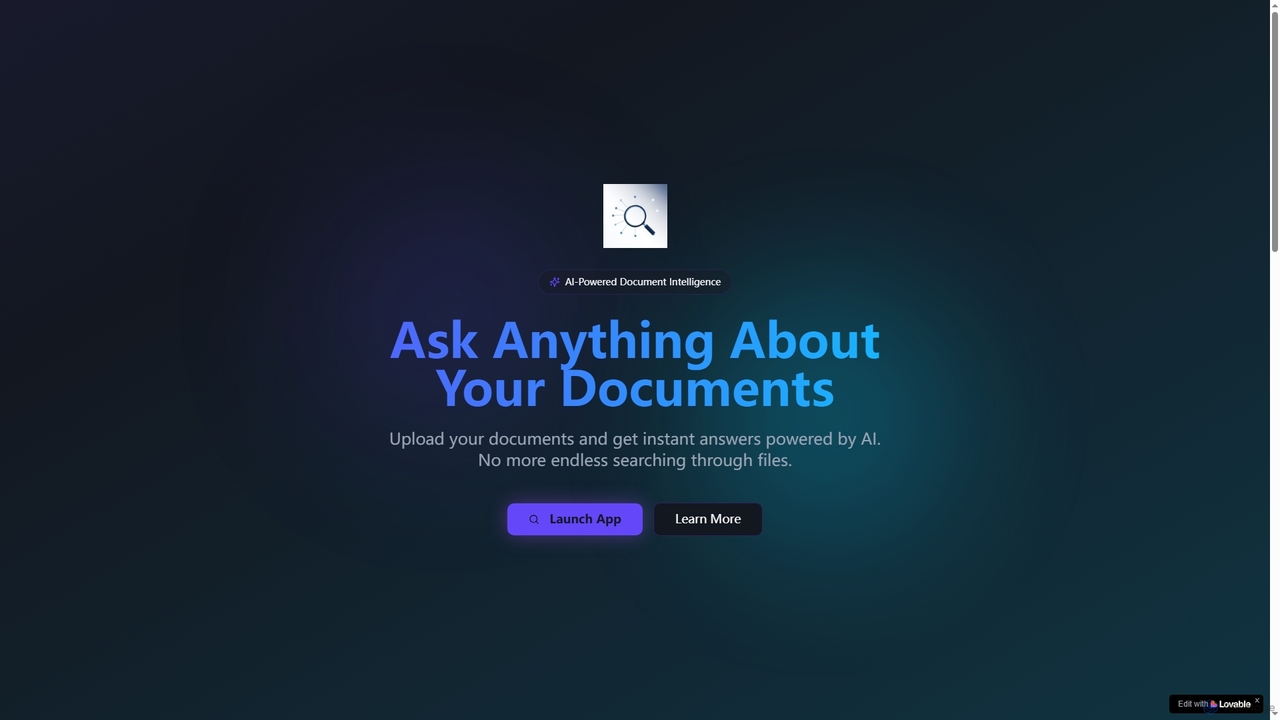
Lookitup AI is an AI-powered document intelligence tool that transforms your documents into interactive conversations. Upload PDFs, Word docs, and spreadsheets to get instant, accurate answers to your questions, eliminating manual searching and unlocking hidden knowledge with advanced AI insights.

Natural Language Processing
Visits 3.5KFavorites 88Likes 85

About Q&A

AI Q&A tools are a specialized category within document management that allows users to ask natural language questions about their documents and receive precise, context-aware answers. These tools leverage Large Language Models (LLMs) and retrieval-augmented generation (RAG) to comprehend the content of PDFs, reports, or entire knowledge bases. They transform static documents into interactive data sources, enabling users to quickly find information, synthesize insights, and verify facts without manual reading. This capability is particularly effective for analyzing complex reports, legal contracts, or extensive technical manuals.

Core Features

  • Natural Language Querying: Ask questions in conversational language instead of using rigid keywords.
  • Contextual Understanding: Analyzes the entire document to provide answers based on the specific context and nuances of the text.
  • Source Citation: Pinpoints the exact page and paragraph in the source document where the information was found, ensuring verifiability.
  • Multi-Document Synthesis: Capable of drawing information from multiple documents to formulate a comprehensive answer to a single query.

Use Cases

These tools are widely used by legal professionals for contract analysis, researchers for literature reviews, and corporate teams for querying internal knowledge bases. For example, a financial analyst can ask, "What were the key revenue drivers in Q3?" to a set of quarterly reports and get a synthesized summary instantly.

How to Choose

When selecting an AI Q&A tool, consider its document format compatibility (PDF, DOCX, etc.), integration with existing storage like Google Drive or SharePoint, the accuracy of its answers, and its security protocols for handling sensitive information. Also, evaluate the quality of its source citation feature to ensure trustworthiness.

Featured tool rankings

Q&A use cases

1

Accelerate Legal Contract Review

A paralegal is tasked with reviewing a 150-page service agreement to identify all clauses related to liability and data privacy. Instead of manually reading the entire document, which could take hours, they upload it to an AI Q&A tool. They ask specific questions like, "Summarize the limitations of liability for both parties" and "What are the data breach notification requirements?" The tool instantly extracts and summarizes the relevant clauses, providing page numbers for verification. This process reduces review time by over 80% and minimizes the risk of overlooking critical details.

2

Streamline Academic Research and Literature Reviews

A PhD student is conducting a literature review and needs to synthesize findings from dozens of academic papers. They upload all relevant PDFs into an AI Q&A tool. They can then ask complex questions across the entire corpus, such as "What are the main arguments against this theory across all papers?" or "Compare the methodologies used in papers A, B, and C." The AI synthesizes answers from multiple sources, providing a cohesive overview with citations. This allows the researcher to focus on analysis and interpretation rather than the time-consuming task of finding and collating information.

3

Instant Answers from Corporate Knowledge Bases

An HR manager frequently receives questions from employees about company policies stored in a 200-page handbook. Instead of manually searching the document for each query, the HR department implements an AI Q&A tool on their intranet, using the handbook as the source. Now, employees can ask questions like "What is the policy on remote work?" or "How many sick days do I get per year?" and receive an immediate, accurate answer with a link to the relevant section. This empowers employees with self-service access to information and frees up significant time for the HR team to focus on more strategic tasks.

4

Analyze Financial Reports for Key Insights

A financial analyst needs to compare the performance of three competing companies by analyzing their annual reports. They upload the three lengthy PDF reports into a multi-document Q&A tool. The analyst can then ask comparative questions like, "Compare the year-over-year revenue growth for all three companies" or "Which company had the highest R&D spending as a percentage of revenue?" The tool synthesizes the data from all three documents, presenting a consolidated answer that would have otherwise required manually building a spreadsheet. This accelerates competitive analysis and helps identify trends more efficiently.

5

Onboard New Team Members Efficiently

A new software developer joins a company and needs to get up to speed on a complex project with extensive technical documentation. Instead of reading hundreds of pages or constantly asking senior developers questions, they use an AI Q&A tool loaded with the project's documentation. They can ask, "What is the authentication flow for the user API?" or "Where is the database schema defined?" The tool provides direct answers and code snippets from the documentation, enabling a faster, more independent onboarding process and allowing senior staff to remain focused on their work.

6

Enhance Customer Support with Technical Manuals

A customer support agent for a hardware company needs to troubleshoot a complex issue for a customer. The solution is buried within a 500-page technical service manual. Using an AI Q&A tool integrated with their support system, the agent types the customer's problem description. The tool instantly finds the relevant troubleshooting steps, error code explanations, and part diagrams from the manual. This enables the agent to provide accurate, step-by-step guidance in real-time, significantly improving first-call resolution rates and customer satisfaction without requiring extensive product training.

Q&A FAQ

What are AI Q&A tools for documents?

AI Q&A tools are applications that use artificial intelligence, specifically natural language processing, to understand and answer questions based on the content of one or more documents. Instead of just matching keywords like a traditional search function, they comprehend the context and meaning of your query to provide direct, synthesized answers. They essentially turn your static document library into an interactive expert you can converse with.

How does AI Q&A differ from standard keyword search?

The key difference lies in understanding versus matching.

  • Keyword Search: Finds documents containing the exact words you typed and returns a list of documents or pages, requiring you to read them to find the answer.
  • AI Q&A: Understands the intent and context of your question. It reads the relevant documents for you, synthesizes the information, and provides a direct, conversational answer, often with citations to the source material.
In short, search gives you a list of potential places to find an answer, while AI Q&A gives you the answer itself.

What types of documents can I use with these tools?

Most AI Q&A tools support a wide range of common document formats. The most frequently supported formats include:

  • PDF (.pdf)
  • Microsoft Word (.docx)
  • Plain Text (.txt)
  • PowerPoint (.pptx)
Some advanced tools may also support spreadsheets (.csv, .xlsx), web pages, or even connect directly to knowledge bases like Confluence or Notion. It's important to check the specific capabilities of a tool to ensure it aligns with your document types.

How do I choose the right AI Q&A tool?

Selecting the right tool depends on your specific needs. Consider these factors:

  • Accuracy & Reliability: Does the tool provide accurate answers and reliable source citations? Test it with your own documents.
  • Integrations: Does it connect with your existing document storage systems, like Google Drive, SharePoint, or Dropbox?
  • Security: If you handle sensitive information, ensure the tool offers robust security features, data encryption, and clear privacy policies.
  • Use Case: Some tools are better for legal documents, while others excel with technical manuals. Choose one that aligns with your primary application.
  • User Interface: The tool should be intuitive and easy for your team to use without extensive training.

Is my data secure when I upload documents?

Security is a critical consideration. Reputable AI Q&A providers prioritize data security through measures like end-to-end encryption, secure cloud infrastructure, and compliance with standards like GDPR and SOC 2. However, policies vary. Before uploading sensitive documents, always review the provider's privacy policy and security documentation. For highly confidential information, consider on-premise solutions or tools that offer a private, dedicated environment to ensure your data is never used for training public models.