Document Management Best in category 1 results Digitization AI Tool

Popular AI tools in the Digitization field of Document Management include Imagetotext, etc., helping you quickly improve efficiency.

Free
Imagetotext

Imagetotext

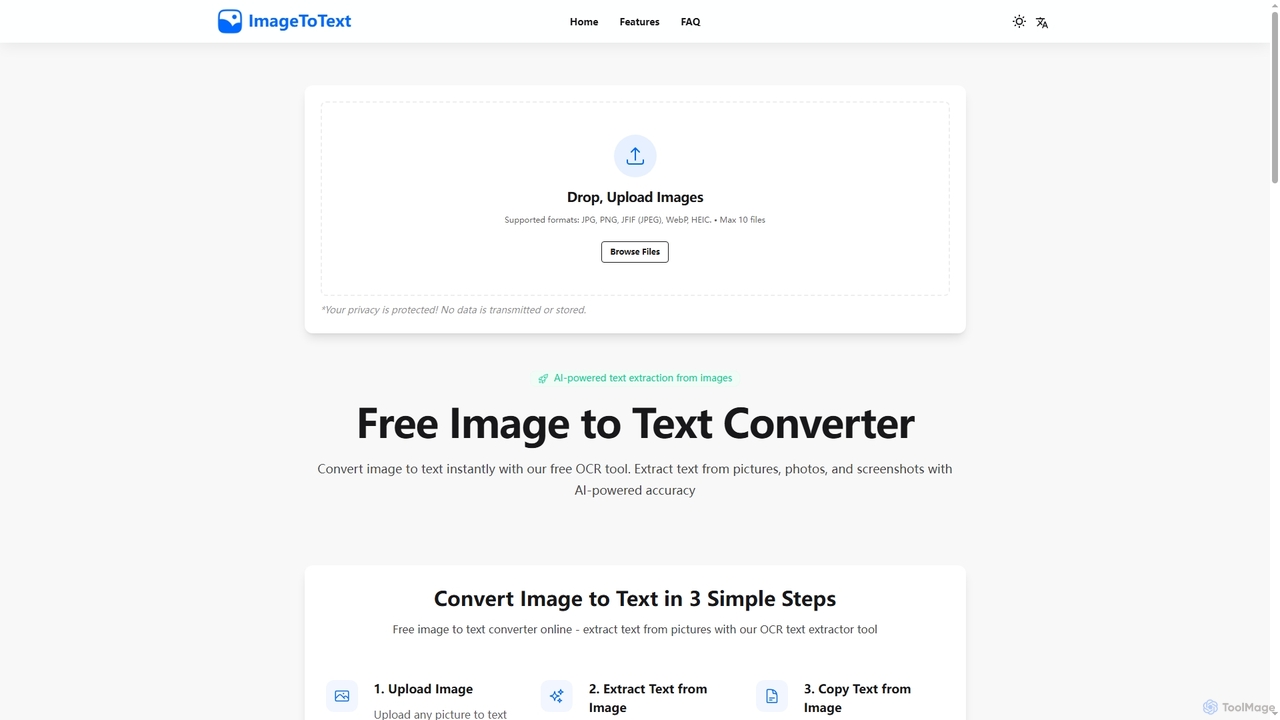
A free, AI-powered online OCR tool that instantly converts images to text. It accurately extracts text from various …

1.4K

About Digitization

Digitization tools are AI-powered solutions designed to convert physical information, such as paper documents, images, audio, and video, into digital formats. These tools leverage advanced technologies like Optical Character Recognition (OCR), machine learning, and computer vision to accurately capture, process, and structure data from various sources. As a foundational component of Document Management, digitization enables organizations to transform their physical archives into searchable, manageable, and accessible digital assets, streamlining workflows and enhancing data utilization.

Core Features

  • Optical Character Recognition (OCR): Converts scanned images of text into machine-encoded text, making content searchable and editable.
  • Intelligent Data Extraction: Automatically identifies and extracts specific data points (e.g., names, dates, amounts) from digitized documents using AI.
  • Document Classification: Categorizes digitized documents based on their content and structure, facilitating organized storage and retrieval.
  • Image Enhancement: Improves the quality of scanned documents and images, correcting skew, removing noise, and enhancing readability.
  • Format Conversion: Transforms digitized content into various digital formats (e.g., PDF, Word, XML) suitable for different applications.

Applicable Scenarios

Digitization tools are essential for industries dealing with large volumes of physical records, such as legal, healthcare, finance, and government. They are used by archivists, data entry specialists, compliance officers, and administrative staff to convert legacy paper files, medical records, contracts, and invoices into digital formats. This process supports regulatory compliance, historical preservation, and efficient information access.

How to Choose

When selecting a digitization tool, evaluate its OCR accuracy, especially for diverse document types and languages. Consider its data extraction capabilities and how well it integrates with existing document management systems or enterprise resource planning (ERP) software. Assess the tool's scalability to handle your current and future volume of documents, and review its security features to ensure data protection during the conversion process.

DigitizationUse Cases

1

Digitizing Historical Archives for Research

Historians and archivists use digitization tools to convert fragile, old paper documents, manuscripts, and photographs into high-resolution digital files. By applying advanced OCR, these tools make previously inaccessible handwritten or typed texts searchable, enabling researchers to quickly find keywords and phrases across vast collections. This process not only preserves delicate originals but also democratizes access to historical information, allowing global collaboration and deeper analysis without physical handling.

2

Automating Invoice and Receipt Processing

Finance departments and small business owners leverage digitization tools to automate the processing of incoming invoices and receipts. Instead of manual data entry, these tools scan physical documents, use AI to extract key information like vendor names, amounts, and dates, and then automatically populate accounting software. This significantly reduces human error, accelerates reconciliation processes, and provides real-time financial insights, saving hours of administrative work each week.

3

Converting Physical Blueprints to Digital CAD Files

Engineers and architects use specialized digitization tools to convert large-format physical blueprints and technical drawings into editable Computer-Aided Design (CAD) files. These tools employ advanced image processing and vectorization algorithms to accurately trace lines, shapes, and text from scanned images, transforming them into digital vectors. This enables easy modification, sharing, and integration with modern design software, significantly improving design iteration cycles and project collaboration.

4

Creating Searchable Digital Libraries from Books

Educational institutions and publishers utilize digitization tools to convert physical books and journals into searchable digital libraries. High-speed book scanners capture page images, and advanced OCR processes convert the text, preserving layout and formatting. This allows students and researchers to access vast amounts of information instantly, perform full-text searches, and annotate digital copies, significantly enhancing learning and research capabilities while reducing the need for physical storage.

5

Digitalizing Customer Onboarding Documents

Financial services, insurance companies, and real estate agencies use digitization tools to streamline customer onboarding. New client applications, ID documents, and contracts submitted physically are scanned and processed by AI-powered tools. These tools extract relevant customer data, verify identities, and automatically upload documents to CRM or compliance systems. This accelerates the onboarding process, reduces manual errors, and ensures regulatory compliance by maintaining a complete digital audit trail.

6

Converting Audio/Video to Searchable Text

Media companies, researchers, and content creators use digitization tools to convert audio recordings (e.g., interviews, podcasts) and video content (e.g., lectures, webinars) into searchable text transcripts. These tools leverage advanced speech-to-text AI to accurately transcribe spoken words, often identifying different speakers. This enables users to quickly search for specific topics, generate subtitles, and repurpose content for articles or reports, significantly enhancing content accessibility and utility.

DigitizationFrequently Asked Questions