
ToolMage
Sign in

Best 1 File Conversion AI tools for Document Management

Popular File Conversion AI tools in Document Management include ToolsMaverick, helping you work more efficiently.

ToolsMaverick
Free

ToolsMaverick

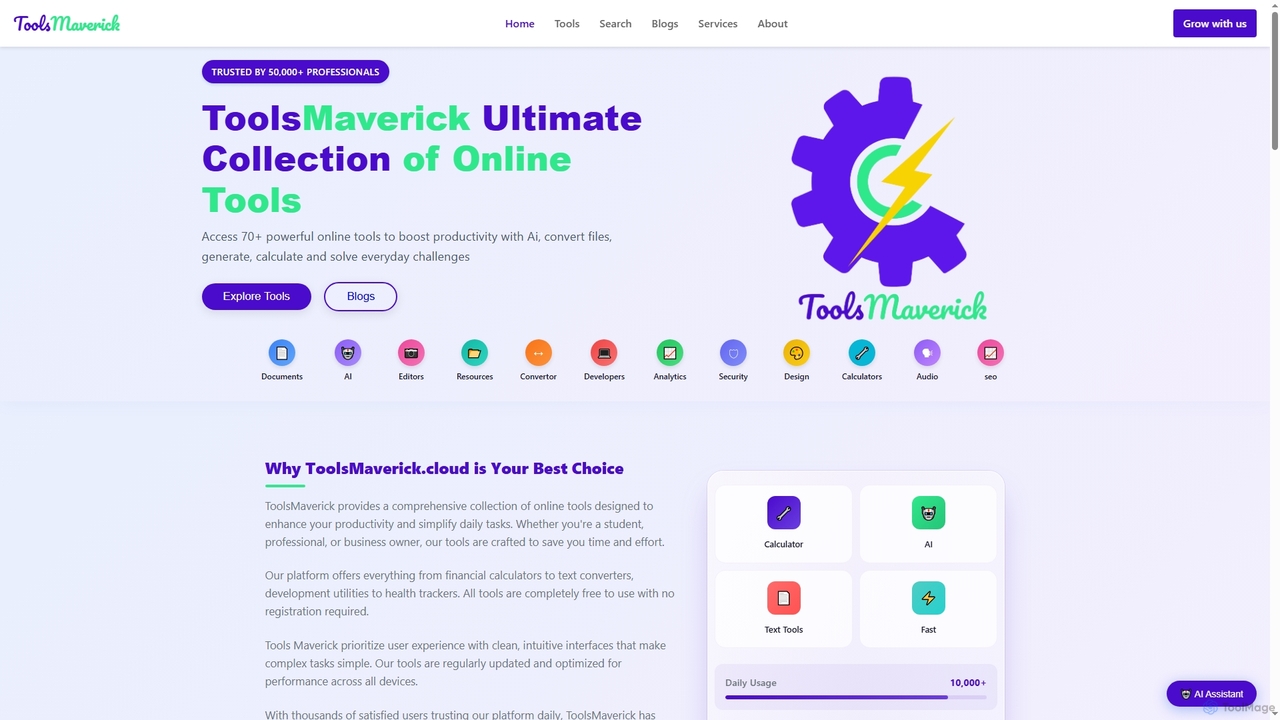
ToolsMaverick is a comprehensive, free online platform offering over 70 diverse utilities, including powerful AI tools, calculators, converters, SEO aids, and development tools. Designed for simplicity, it requires no sign-up, features no ads, and provides immediate access to enhance productivity for professionals, students, and everyday users.

Content Analysis
Visits 7.2KFavorites 145Likes 152

About File Conversion

AI-powered File Conversion tools are specialized applications designed to transform digital files from one format to another, often leveraging intelligent algorithms for enhanced accuracy and efficiency. These tools ensure document compatibility across various platforms and software, making information more accessible and manageable within the broader scope of document management. They streamline workflows by automating complex format changes, from simple text documents to intricate multimedia files, thereby improving data interoperability and user convenience.

Core Features

  • Batch Processing: Convert multiple files simultaneously, significantly saving time and effort.
  • Format Versatility: Support a wide range of input and output formats, such as PDF to Word, JPG to PNG, MP4 to GIF.
  • Quality Preservation: Maintain original file quality, layout, and data integrity during conversion.
  • OCR Integration: Convert scanned documents or images containing text into editable and searchable formats.
  • Cloud Integration: Seamlessly connect with cloud storage services for direct file access and conversion.

Use Cases

Professionals frequently use these tools to convert reports for different presentation needs, while content creators adapt media files for various platforms. Businesses leverage them to standardize document formats across departments, ensuring smooth data exchange and archival.

How to Choose

When selecting a file conversion tool, consider the range of supported formats, the accuracy of conversions (especially for complex layouts), and the speed of processing. Evaluate its security features for sensitive data, integration capabilities with existing workflows, and pricing models to match your specific needs and budget.

File Conversion use cases

1

Standardize Documents for Archival

Corporate archivists or legal professionals need to convert various document types (e.g., old scans, emails, legacy formats) into a universal, searchable format like PDF/A for long-term storage and compliance. AI tools can automatically detect document types, apply OCR for searchability, and ensure format consistency, saving immense manual effort and reducing errors in large-scale archival projects.

2

Repurpose Content for Diverse Platforms

Digital marketers or content creators often need to adapt content (e.g., blog posts, videos, images) for different social media platforms, websites, or email campaigns. An AI file converter can transform a long-form article (PDF/DOCX) into short social media snippets (text/image), or a video (MP4) into a GIF, optimizing content for each platform's specific requirements and audience engagement, significantly speeding up content delivery.

3

Extract Data from Incompatible Files

Researchers or data analysts frequently encounter data locked in proprietary or incompatible file formats (e.g., old CAD files, specialized database exports, scanned reports). AI-powered converters can intelligently parse these files, extract relevant data points, and transform them into structured formats like CSV or Excel, enabling further analysis and integration into modern databases, overcoming data silos.

4

Enhance Document Accessibility & Collaboration

Teams working on collaborative projects often face issues with different software versions or accessibility needs. Converting documents (e.g., a complex Excel sheet to a shareable PDF, or a presentation to an accessible web format) ensures everyone can view and interact with the content. AI tools can optimize conversions for screen readers or mobile devices, fostering inclusive collaboration and reducing compatibility hurdles.

5

Generate Compliance Reports in Required Formats

Legal departments or compliance officers must submit reports in specific, often rigid, file formats (e.g., government-mandated XML schemas, specific PDF versions). AI file converters can take internal reports (DOCX, XLSX) and accurately transform them into the exact required format, including metadata and structural integrity checks, minimizing the risk of rejection due to incorrect formatting and ensuring regulatory adherence.

6

Optimize Multimedia Assets for Web & Mobile

Web developers and graphic designers need to optimize image and video files for fast loading times and responsiveness across various devices. AI conversion tools can automatically compress, resize, and convert multimedia assets (e.g., large PNGs to WebP, high-res videos to streaming-friendly formats) while maintaining visual quality, improving website performance, and enhancing user experience on web and mobile platforms.

File Conversion FAQ

What are AI File Conversion tools?

AI File Conversion tools are software applications that use artificial intelligence, particularly machine learning, to transform digital files from one format to another. Unlike traditional converters, AI-powered tools can intelligently analyze file content, preserve complex layouts, and even perform OCR on scanned documents, ensuring higher accuracy and efficiency. They are crucial for maintaining document compatibility and accessibility across diverse platforms and systems.

How do I choose the best AI file conversion tool for my needs?

When selecting an AI file conversion tool, consider several factors. First, evaluate the range of input and output formats it supports, ensuring it covers your specific requirements. Second, assess its conversion accuracy, especially for complex documents or multimedia files, and look for features like OCR. Third, check for batch processing capabilities and conversion speed. Finally, consider security features for sensitive data, integration options with your existing workflows, and the pricing model that aligns with your budget and usage volume.

What's the difference between AI file conversion and traditional file conversion?

The primary difference lies in intelligence and automation. Traditional file converters follow predefined rules for format mapping, often struggling with complex layouts, embedded objects, or scanned text. AI file conversion tools, however, leverage machine learning to understand file content, adapt to variations, and make intelligent decisions during conversion. This results in higher accuracy, better preservation of original formatting, and the ability to handle tasks like OCR or intelligent data extraction, which traditional tools cannot.

What common file types can AI conversion tools handle?

AI file conversion tools are highly versatile and can handle a vast array of file types. This includes common document formats like PDF, DOCX, XLSX, PPTX, TXT, and RTF. For images, they support JPG, PNG, GIF, TIFF, BMP, and often newer formats like WebP. Video and audio conversions cover MP4, MOV, AVI, WMV, MP3, WAV, and more. Advanced tools can also process specialized formats, often with OCR capabilities for scanned documents, making them invaluable for diverse digital content.

Are AI file conversion tools secure for sensitive documents?

Security is a critical concern, especially when dealing with sensitive documents. Reputable AI file conversion tools prioritize data privacy and security. They typically employ end-to-end encryption for data in transit and at rest, adhere to strict data retention policies (often deleting files shortly after conversion), and comply with privacy regulations like GDPR or CCPA. When choosing a tool, always check its privacy policy, security certifications, and whether it offers on-premise or private cloud deployment options for maximum control over your data.