Document Management Best in category 2 results Automation AI Tool

Popular AI tools in the Automation field of Document Management include Workorb、Paperstack, etc., helping you quickly improve efficiency.

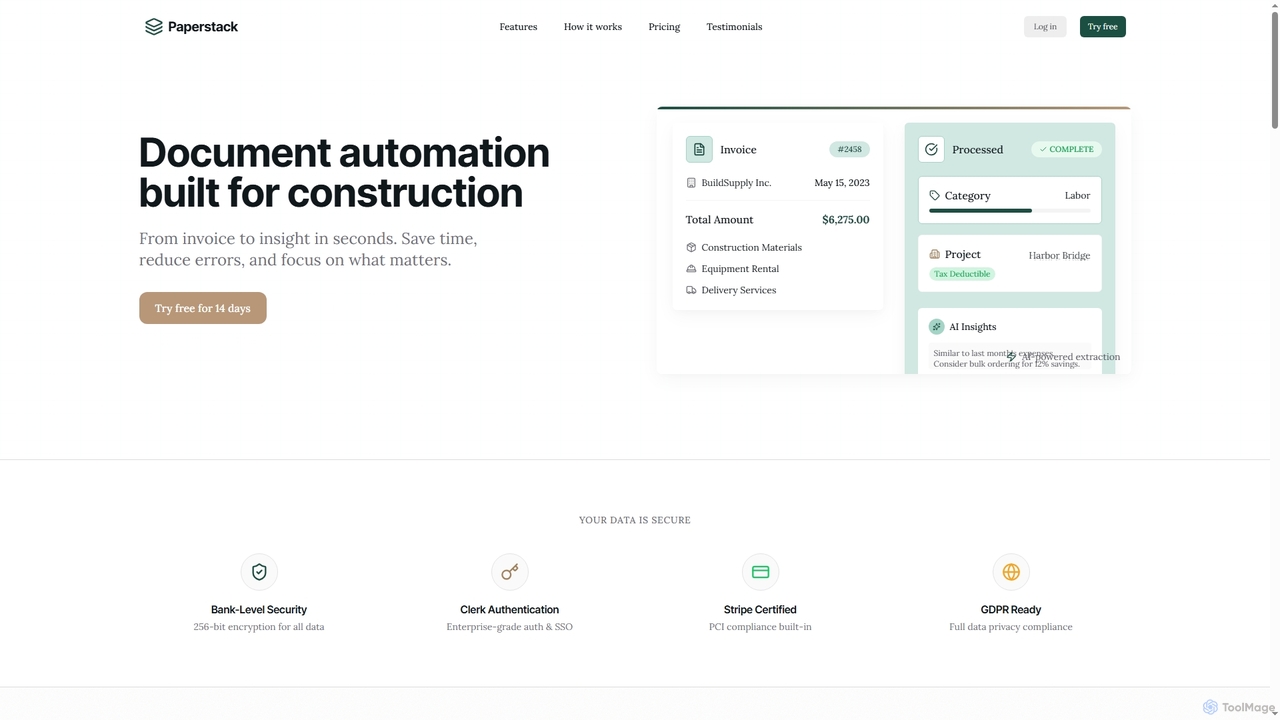
Paperstack

Paperstack

Paperstack is an AI-powered document automation platform specifically designed for the construction industry. It automates data extraction from …

2.9K
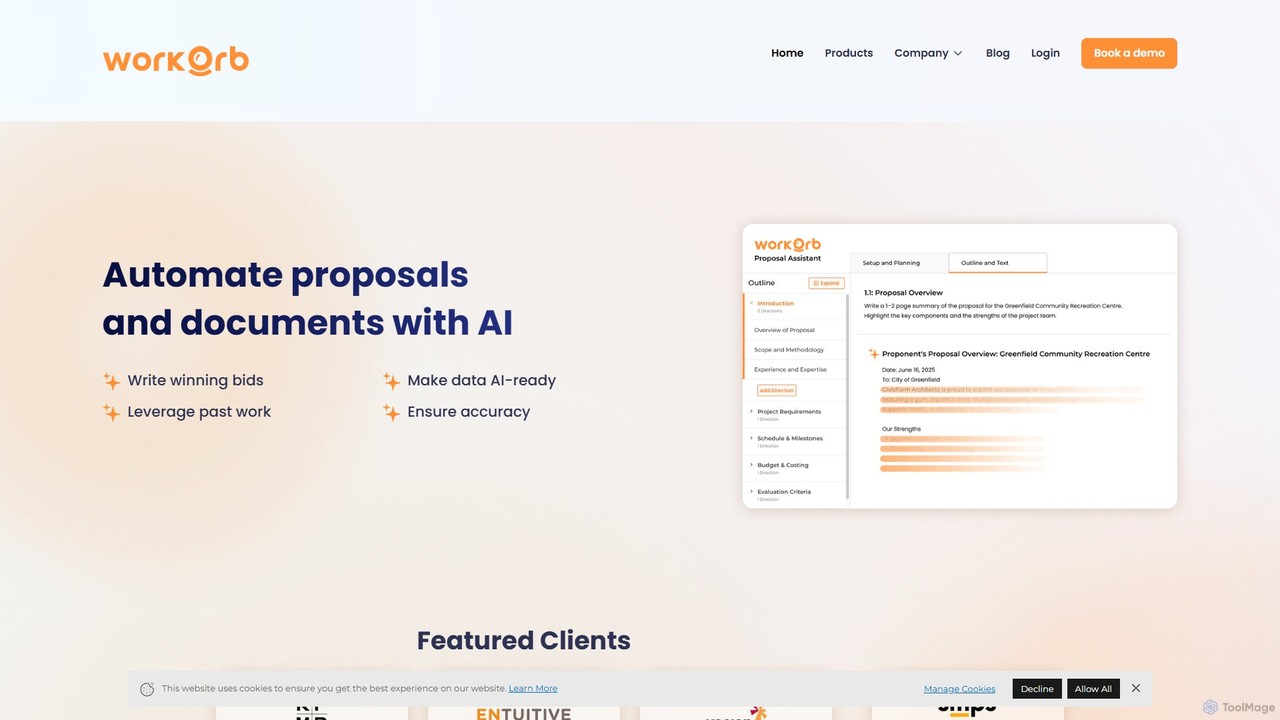
Workorb

Workorb

Workorb is an AI platform designed for the Architecture, Engineering, and Construction (AEC) industry to automate proposal generation …

3.9K

About Automation

Automation tools for document management are AI-powered solutions that execute repetitive tasks involving digital files. They use technologies like Optical Character Recognition (OCR) and Natural Language Processing (NLP) to understand, classify, and process document content without manual intervention. This enables businesses to accelerate workflows, reduce human error, and automatically extract valuable data from unstructured documents like invoices, contracts, and reports. Unlike simple storage systems, these tools actively interact with document content to trigger actions and integrate with other business systems.

Core Features

  • Automated Data Extraction: Uses AI to accurately pull specific information, such as invoice numbers, dates, or customer names, from PDFs and scanned documents.
  • Intelligent Document Classification: Automatically categorizes incoming documents based on their content and structure, sorting contracts, receipts, or applications.
  • Workflow Triggering: Initiates business processes, like approval requests or data entry into other software, based on document type or extracted data.
  • Content-Based Routing: Automatically forwards documents to the correct person, team, or department for review and action.

Use Cases

These tools are widely used in departments with high document volumes. For instance, finance teams automate invoice processing, legal departments manage contract lifecycles, and HR specialists streamline resume screening and employee onboarding. Any workflow that involves manual data entry or routing from documents is a prime candidate for automation.

How to Choose

When selecting a tool, evaluate the accuracy of its data extraction for your specific document types. Consider its integration capabilities with your existing software (e.g., ERP, CRM). Assess its scalability to handle your document volume and the level of customization available for building specific workflows. Finally, consider the user interface and the technical expertise required to manage the system.

AutomationUse Cases

1

Automated Invoice Processing for Finance Teams

An accounts payable department receives hundreds of invoices daily via email in various formats like PDF, JPG, and DOCX. Manually entering data from each invoice into the accounting system is time-consuming and prone to errors. An AI automation tool can monitor the dedicated inbox, automatically extract key information (vendor name, invoice number, amount, due date), validate it against purchase orders in the ERP system, and flag any discrepancies. Approved invoices are then automatically entered for payment processing, reducing manual effort by over 90% and minimizing late payment fees.

2

Intelligent Contract Lifecycle Management

A legal department manages thousands of active contracts, each with unique renewal dates, obligations, and clauses. Manually tracking these details is a significant risk. An AI automation platform can ingest all new and existing contracts, automatically classify them by type (e.g., NDA, MSA, SOW), and extract critical data points like effective dates, termination clauses, and liability limits. The system can then set up automated alerts for upcoming renewal deadlines and route contracts to the appropriate stakeholders for review, ensuring compliance and preventing missed opportunities or penalties.

3

Streamlining HR Employee Onboarding

An HR department processes a high volume of new hire paperwork, including application forms, tax documents, and identification. This manual process is slow and can lead to data entry errors in the HRIS. An automation tool can digitize all submitted documents, use OCR to extract employee details, and automatically populate a new employee profile in the central HR system. The tool can also verify document completeness and trigger the next steps in the onboarding workflow, such as IT equipment provisioning and benefits enrollment, creating a faster and more accurate onboarding experience.

4

Automating Customer Application Processing

A financial institution processes thousands of loan applications monthly, each requiring supporting documents like ID cards, pay stubs, and bank statements. An AI automation tool can receive these documents through a customer portal, use OCR to extract all relevant data, and perform initial validation checks. It can automatically flag applications with missing information and run the extracted data against predefined credit scoring rules. This allows loan officers to focus their time on reviewing pre-qualified, complete applications, reducing processing time from days to hours and improving customer satisfaction.

5

Creating a Digital Mailroom for a Large Enterprise

A large corporation receives a high volume of physical mail and emails with attachments daily. Manually sorting and distributing this correspondence is inefficient. A digital mailroom solution uses high-speed scanners and AI automation to digitize all incoming mail. The AI then classifies each document (e.g., invoice, customer complaint, legal notice), extracts key data, and automatically routes it to the correct department's digital workflow. This process eliminates physical mail handling, creates a searchable digital archive of all correspondence, and ensures critical documents are addressed promptly.

6

Automated Summarization of Research Papers

A market research analyst needs to review dozens of long industry reports and academic papers to identify key trends. Reading each document in full would take weeks. By using an AI document automation tool, the analyst can upload all the documents into the system. The AI uses NLP to understand the context and generates concise, structured summaries for each paper, highlighting the main findings, methodology, and conclusions. This allows the analyst to quickly assess the relevance of each document, reducing research time by over 80% and enabling them to focus on analysis and insight generation.

AutomationFrequently Asked Questions