
Omnibot Overview
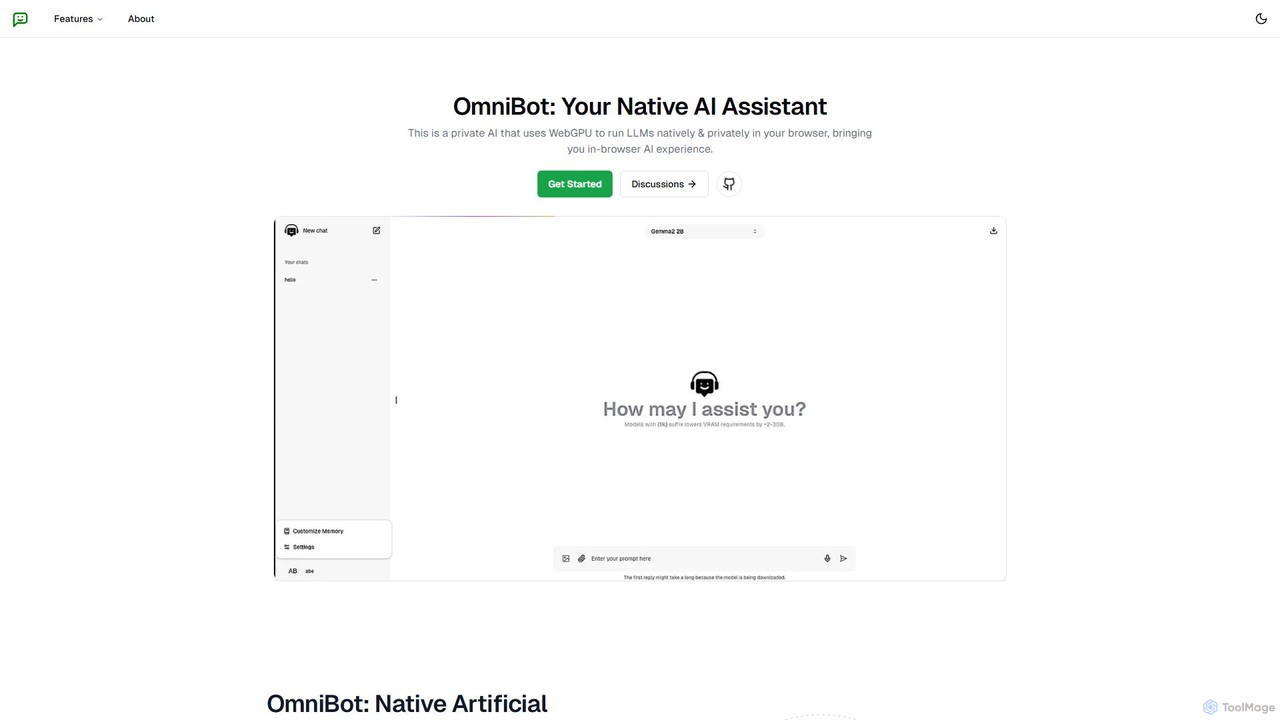
Omnibot introduces a new paradigm for AI interaction, prioritizing user privacy and data sovereignty. It is a native AI assistant designed to run powerful Large Language Models (LLMs) directly within your web browser. By leveraging the cutting-edge WebGPU technology, Omnibot performs all computations on your local machine, ensuring that your conversations and data remain completely private and never get transmitted to any external server. This client-side approach not only guarantees security but also enables a fully functional offline experience after the initial model download.
Built on a robust stack of modern, open-source technologies including Hugging Face, Langchain, WebLLM, and Next.js, Omnibot provides a seamless and high-performance AI chat interface. It supports a selection of powerful and efficient open-source LLMs from sources like Meta and Microsoft, allowing users to choose the model that best fits their hardware capabilities and needs. The core philosophy of Omnibot is to empower users with control over their AI, making it a truly personal and secure digital companion.
How to use Omnibot
Using Omnibot is straightforward, designed for both technical and non-technical users. Follow these steps to get started:
- Check Compatibility: Before you begin, ensure your device has a capable GPU. Omnibot requires a GPU with sufficient memory to run models efficiently (e.g., approximately 3GB of VRAM for 3B models and 6GB for 7B models). Most modern desktops and some high-end mobile phones with WebGL/WebGPU support are compatible.
- Visit the Website: Navigate to the Omnibot homepage. The application runs entirely in your browser, so there's no software to install.
- Select and Download a Model: You will be prompted to choose from a list of available LLMs. Select one based on your hardware. The initial download may take a few minutes, as the entire model is being saved to your local browser cache.
- Start Chatting Offline: Once the model is downloaded, you can disconnect from the internet and continue to use Omnibot. All processing happens locally.
- Customize the AI: Use the 'Custom Memory Support' feature to add specific instructions, context, or personal data. This helps the AI provide more accurate, relevant, and personalized responses tailored to your workflow.
- Export Your Conversations: You can easily save your chat history. Omnibot allows you to export conversations in either JSON or Markdown format for easy storage, sharing, or integration into other documents.
Core Features of Omnibot
- In-Browser Privacy: All AI model processing is done client-side on your hardware. Your data is never sent to the cloud, offering unparalleled privacy.
- Offline Chat Capability: After the one-time download of an AI model, Omnibot works perfectly without an internet connection, making it a reliable tool for any situation.
- Custom Memory Support: Personalize your AI assistant by providing it with custom instructions, background information, or specific data to enhance the quality and relevance of its responses.
- Multiple LLM Support: Access a curated selection of open-source LLMs from leading developers like Meta and Microsoft, allowing you to balance performance and resource consumption.
- Cross-Platform Accessibility: Runs on any desktop browser with WebGPU support and on mobile phones that support WebGL, providing a consistent experience across devices.
- Chat Export: Seamlessly generate and save your chat messages in universal formats like JSON or Markdown.
- Built on Open-Source: Leverages a transparent and powerful tech stack, including WebLLM, LangChain, and Hugging Face, for a state-of-the-art experience.
Use Cases for Omnibot
Omnibot's unique features make it ideal for a variety of users and scenarios:
- Privacy-Conscious Professionals: Individuals handling sensitive client or corporate information can use Omnibot for drafting emails, reports, and brainstorming without risking data exposure.
- Developers and Coders: A perfect tool for generating code snippets, debugging, or understanding complex algorithms, all without an internet connection or sharing proprietary code with a third-party service.
- Writers and Content Creators: Draft articles, scripts, or social media posts on the go, even in locations with poor or no internet access. The custom memory feature can maintain character consistency or project-specific terminology.
- Students and Researchers: Summarize academic papers, ask complex questions, and organize research notes in a secure, private environment.
- Everyday Users: Anyone who wants a helpful AI assistant for daily tasks like composing messages, planning trips, or exploring new topics without compromising their personal data.
Advantages of Omnibot
Omnibot stands out from other AI chat tools with several key advantages:
- Absolute Data Sovereignty: You are in complete control of your data. Nothing is logged, tracked, or analyzed by a third party.
- Cost-Effective: Since it runs on your own hardware and uses open-source models, the tool is completely free to use. There are no subscription fees or usage limits.
- Uninterrupted Access: Its offline capability means your productivity is never hindered by network outages or slow connections.
- Deep Personalization: The custom memory feature goes beyond simple chat history, allowing you to build a truly personalized AI that understands your specific context and needs.
- Transparency: Built with well-known open-source frameworks, its operation is transparent and verifiable, fostering user trust.
Pricing and Plans
Omnibot is completely free to use. The project is built on open-source technologies and runs on the user's own hardware, eliminating server costs. There are no subscriptions, hidden fees, or paid tiers. It is accessible to everyone with compatible hardware.
Omnibot Alternatives

Sanctum
Sanctum is a privacy-first AI assistant that allows you to run powerful open-source Large Language Models (LLMs) directly on your local machine. It ensures your data is encrypted, secure, and never leaves your device. Interact with models, chat with your documents, and transcribe audio, all offline and with complete privacy.
Local Development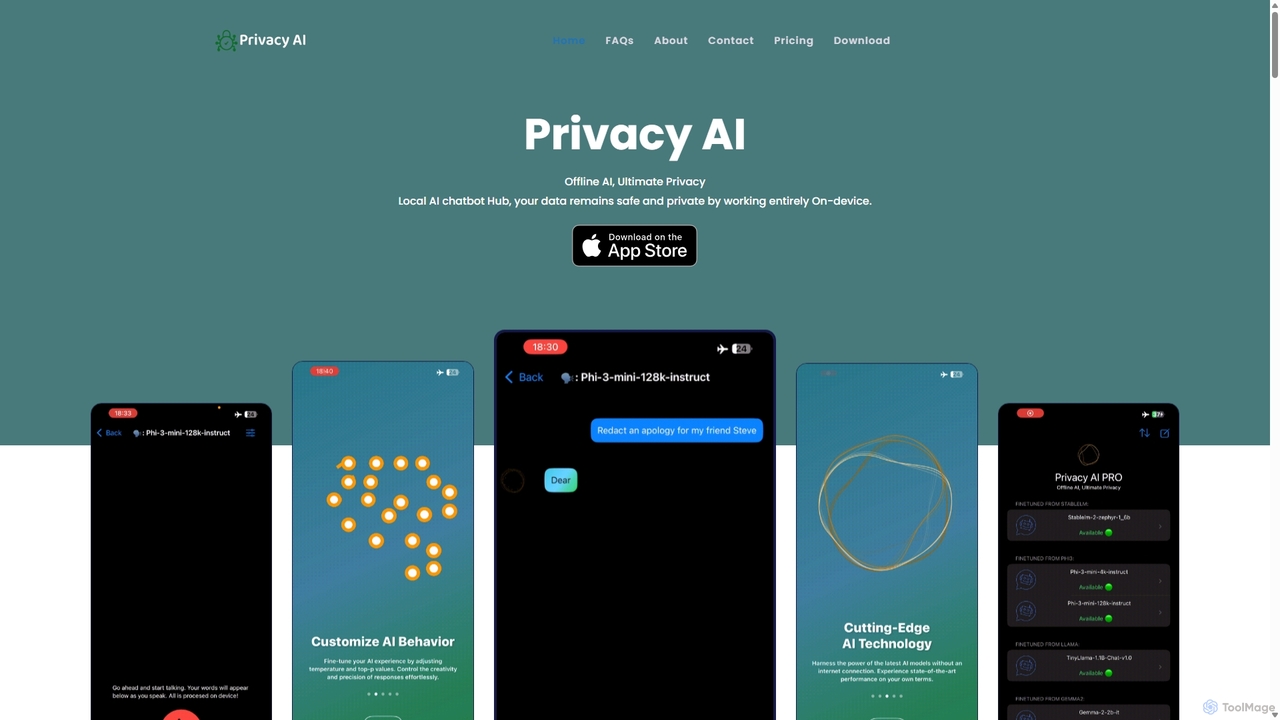
Privacy AI
Privacy AI is a native application for iPhone, iPad, and Mac that allows you to run powerful open-source large language models (LLMs) entirely offline. It ensures absolute privacy by processing all data on your device, with no data collection or internet connection required. Access models like LLaMA, Mistral, and Phi3 securely, with advanced customization options for a tailored AI experience.
Local Development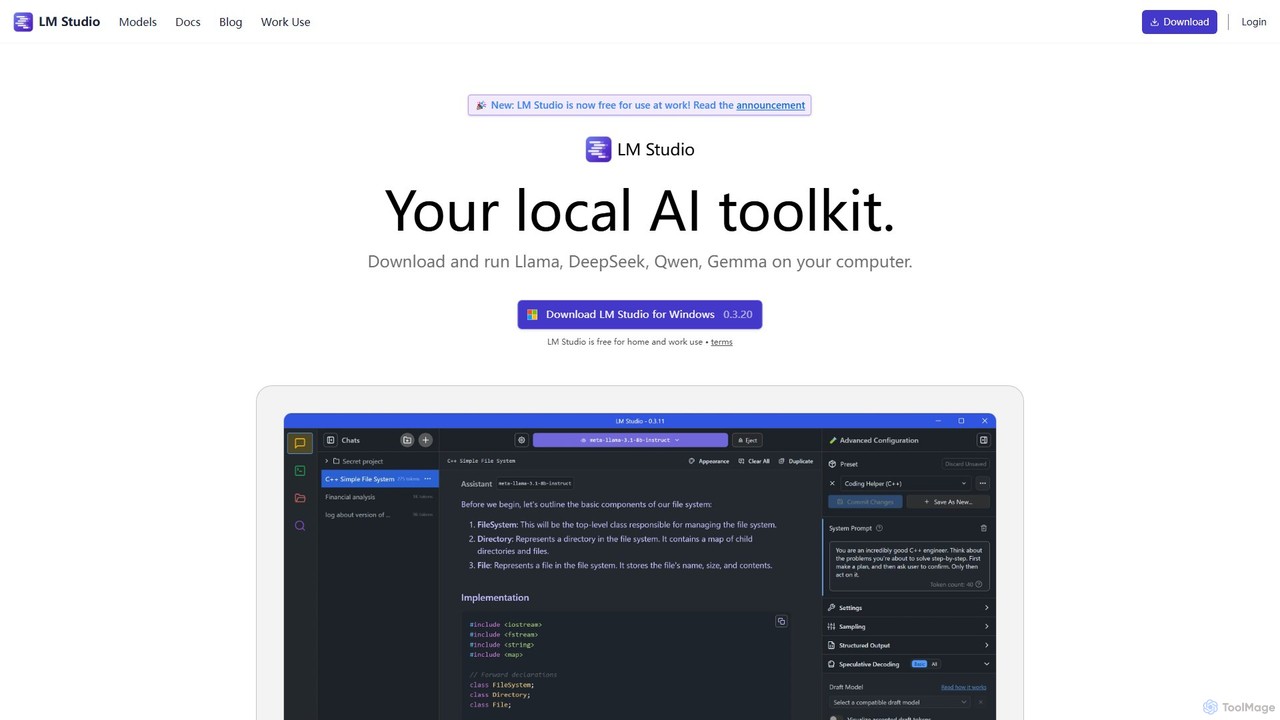
LM Studio
LM Studio is a desktop application for Windows, macOS, and Linux that allows you to discover, download, and run open-source Large Language Models (LLMs) entirely on your local machine. It offers a user-friendly interface, an OpenAI-compatible local server, and robust privacy features, making it ideal for developers, researchers, and anyone seeking a private AI experience.
Model Deployment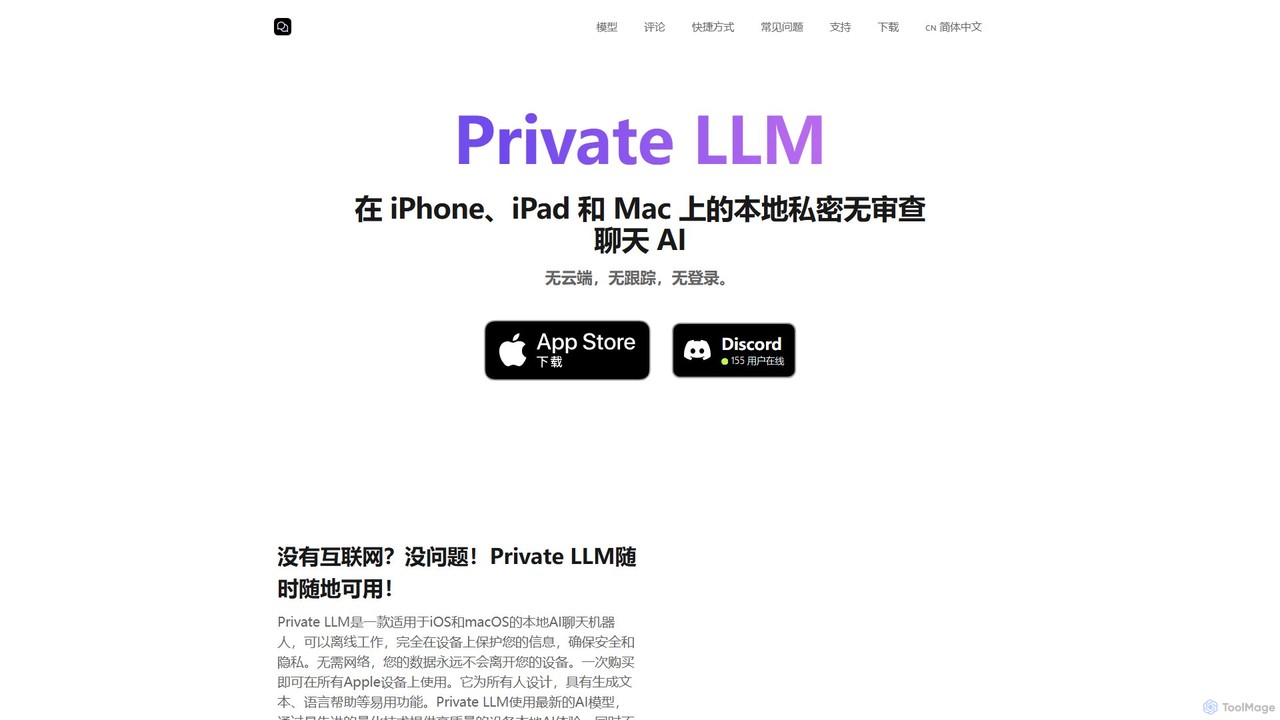
Private LLM
Private LLM is a secure, offline AI chatbot for iPhone, iPad, and Mac. It runs powerful open-source LLMs locally on your device, ensuring 100% privacy with no data tracking or cloud servers. It features a one-time purchase model, deep integration with the Apple ecosystem via Siri and Shortcuts, and offers superior performance through advanced model quantization.
Coding Assistant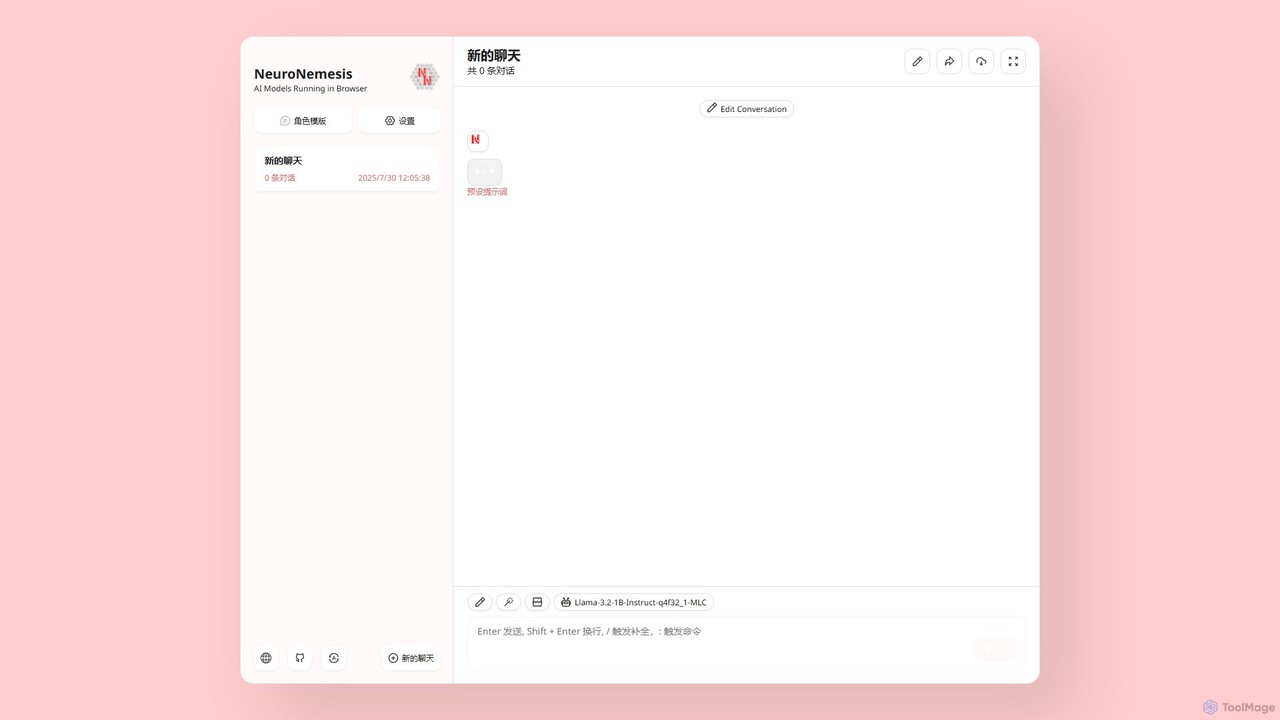
NeuroNemesis
NeuroNemesis is a revolutionary AI chatbot that runs powerful language models directly in your browser. It offers unparalleled privacy and security by processing all data locally on your device. Enjoy real-time, offline-capable AI assistance without your data ever leaving your computer.
Local ModelsOmnibot Categories
Omnibot Embed Widget
Copy this embed code to place the badge on your blog, article, or product site and send readers directly to this ToolMage detail page.

Related AI tools
Offeline
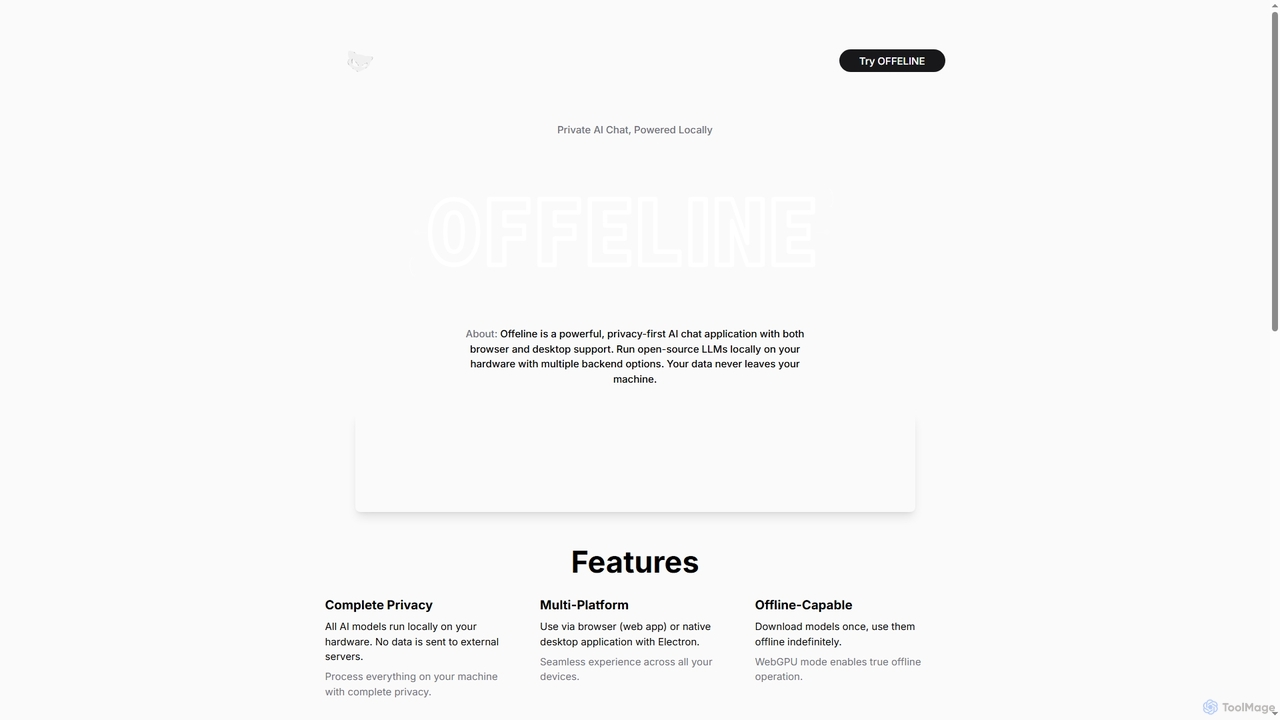
Offeline is a powerful, privacy-first AI chat application that runs open-source Large Language Models (LLMs) locally on your hardware. It supports both browser and native desktop use, ensuring your data never leaves your machine. Enjoy offline capabilities, web search integration, document analysis, and voice support.
Local LlmsNeuroNemesis
NeuroNemesis is a revolutionary AI chatbot that runs powerful language models directly in your browser. It offers unparalleled privacy and security by processing all data locally on your device. Enjoy real-time, offline-capable AI assistance without your data ever leaving your computer.
Local Models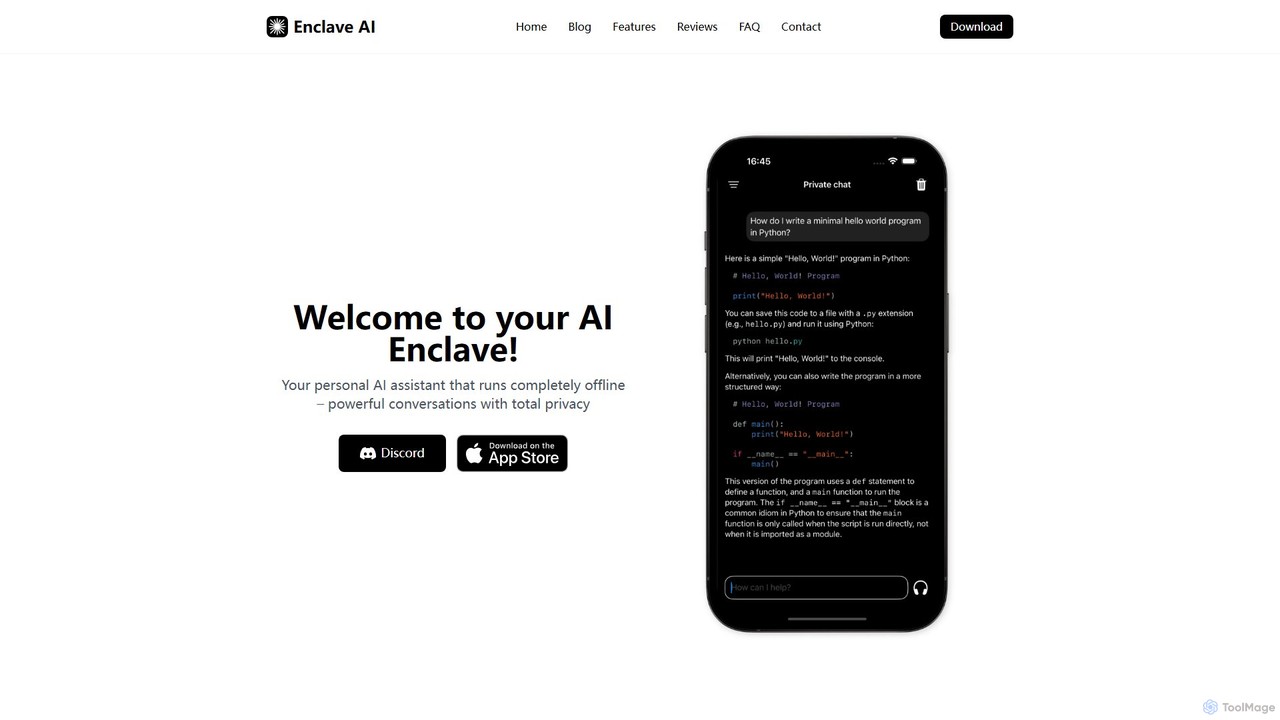
Enclave AI
Enclave AI is a private, local, and offline AI assistant for macOS and iOS. It runs powerful open-source models directly on your device, ensuring your conversations, documents, and data remain 100% private and secure, with no internet connection required.
Local Models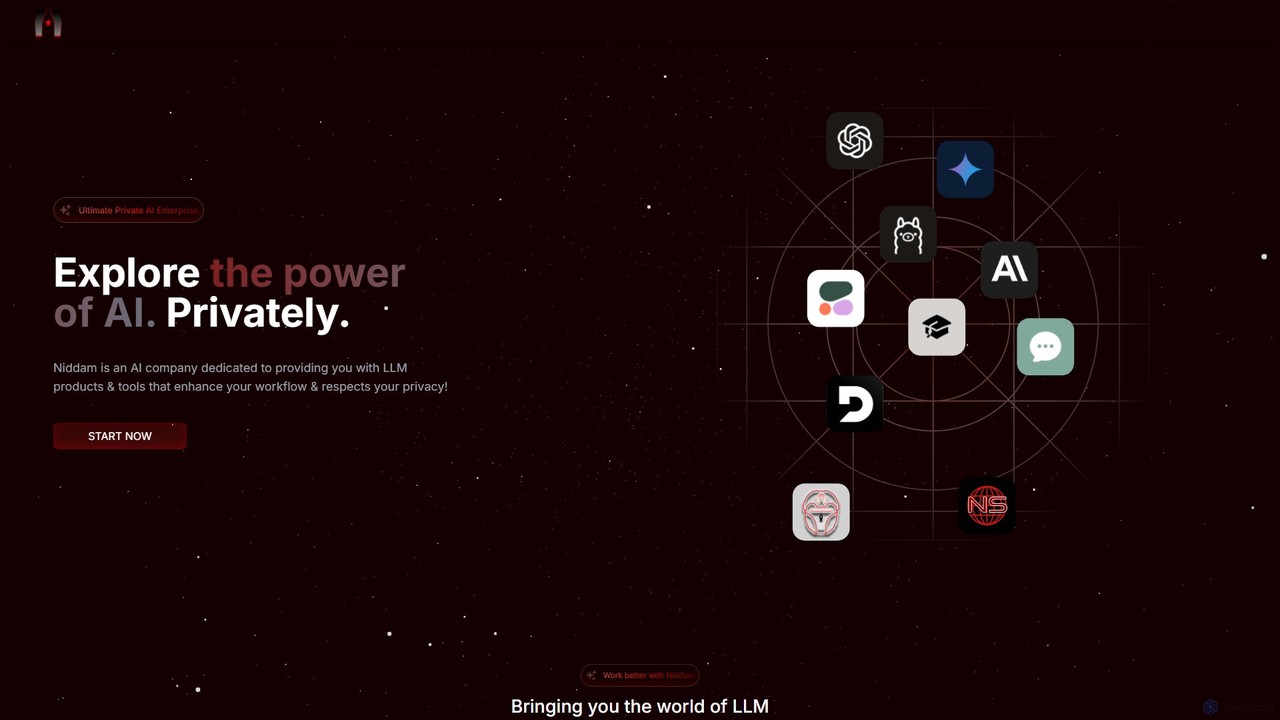
Niddam
Niddam is a privacy-first AI enterprise platform offering access to over 30 LLMs. It provides a secure, open-source environment with end-to-end encryption for chatting, generating content, summarizing, and automating workflows, all while ensuring users retain complete control over their data. It also features a decentralized AI search engine.
PlatformSanctum
Sanctum is a privacy-first AI assistant that allows you to run powerful open-source Large Language Models (LLMs) directly on your local machine. It ensures your data is encrypted, secure, and never leaves your device. Interact with models, chat with your documents, and transcribe audio, all offline and with complete privacy.
Local Development
Jyek
Jyek is an AI agent platform that understands objectives, creates execution plans, uses tools, and delivers verifiable results for complex, multi-step tasks.
AutomationPrivacy AI
Privacy AI is a native application for iPhone, iPad, and Mac that allows you to run powerful open-source large language models (LLMs) entirely offline. It ensures absolute privacy by processing all data on your device, with no data collection or internet connection required. Access models like LLaMA, Mistral, and Phi3 securely, with advanced customization options for a tailored AI experience.
Local Development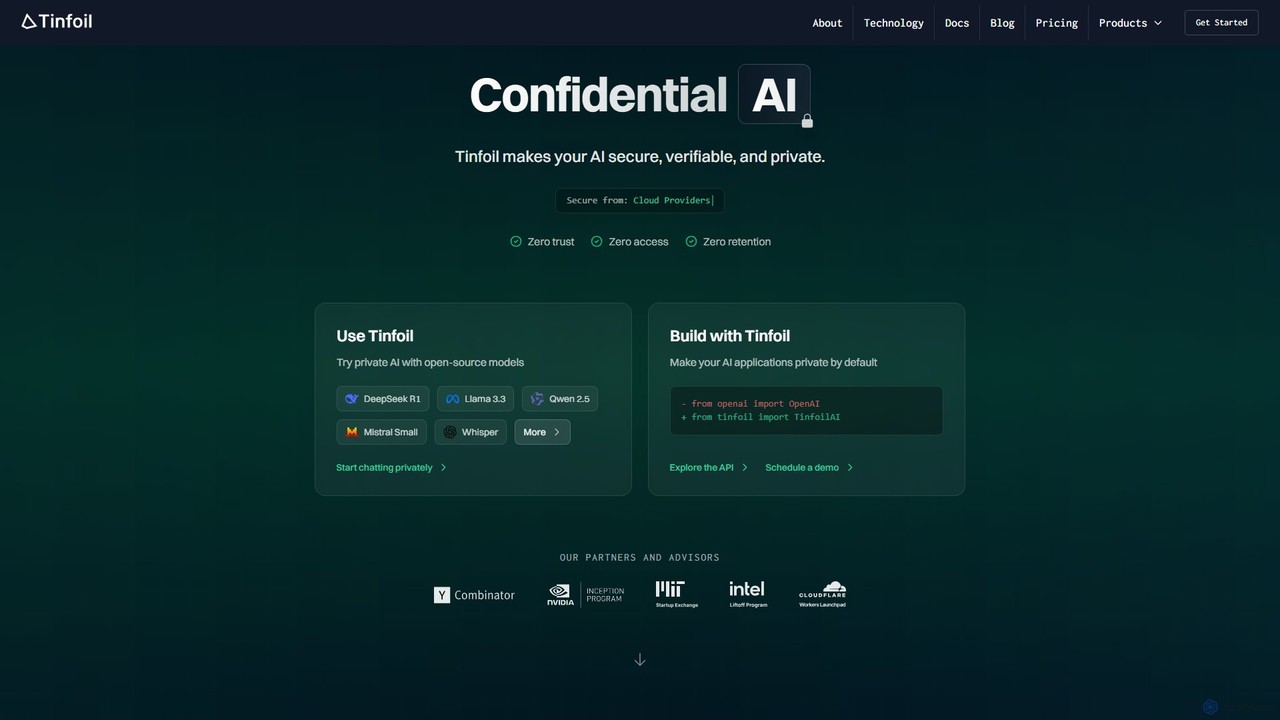
Tinfoil
Tinfoil is a confidential AI platform that ensures security, privacy, and verifiability for AI interactions and applications. It uses hardware-enforced privacy (secure enclaves) to protect data, prompts, and models, offering a zero-trust, zero-retention environment. It provides both a private chat interface and a developer-friendly, OpenAI-compatible API.
Api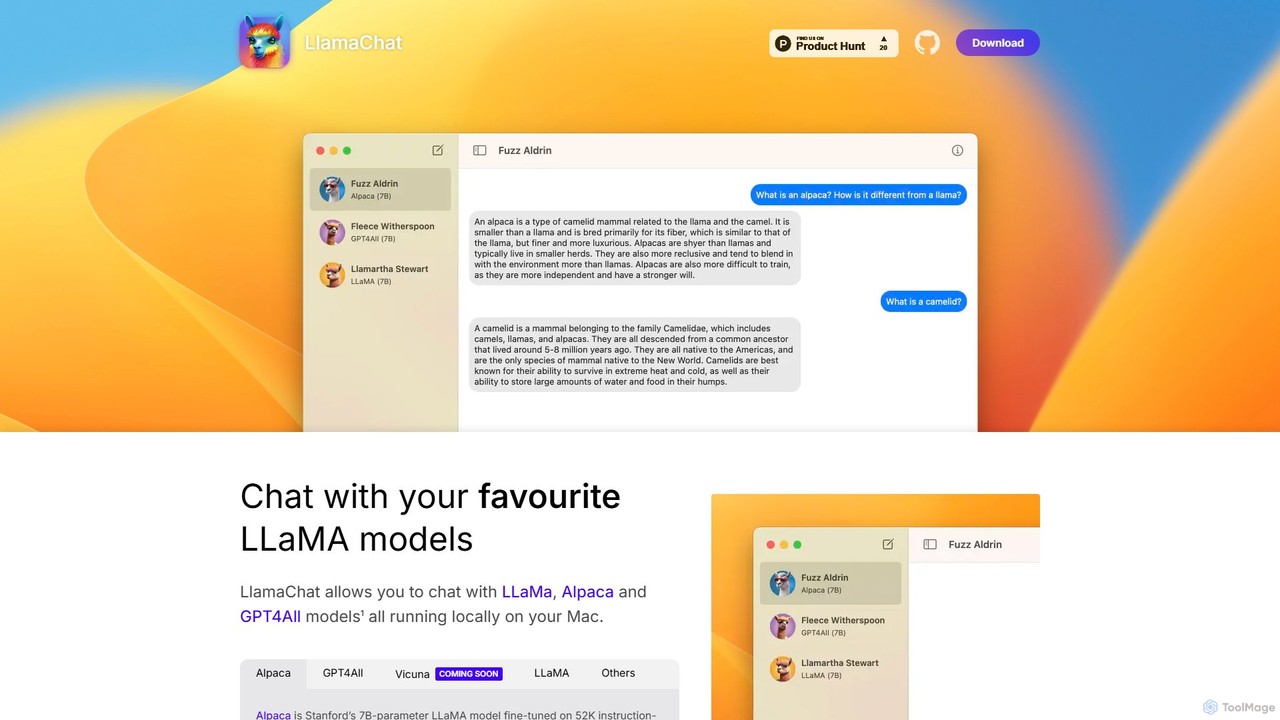
LlamaChat
LlamaChat is a free, open-source macOS application that allows you to run and chat with powerful large language models like LLaMA, Alpaca, and GPT4All directly on your Mac. It prioritizes privacy by keeping all data local and offers a seamless, native experience for offline AI interaction.
Local Models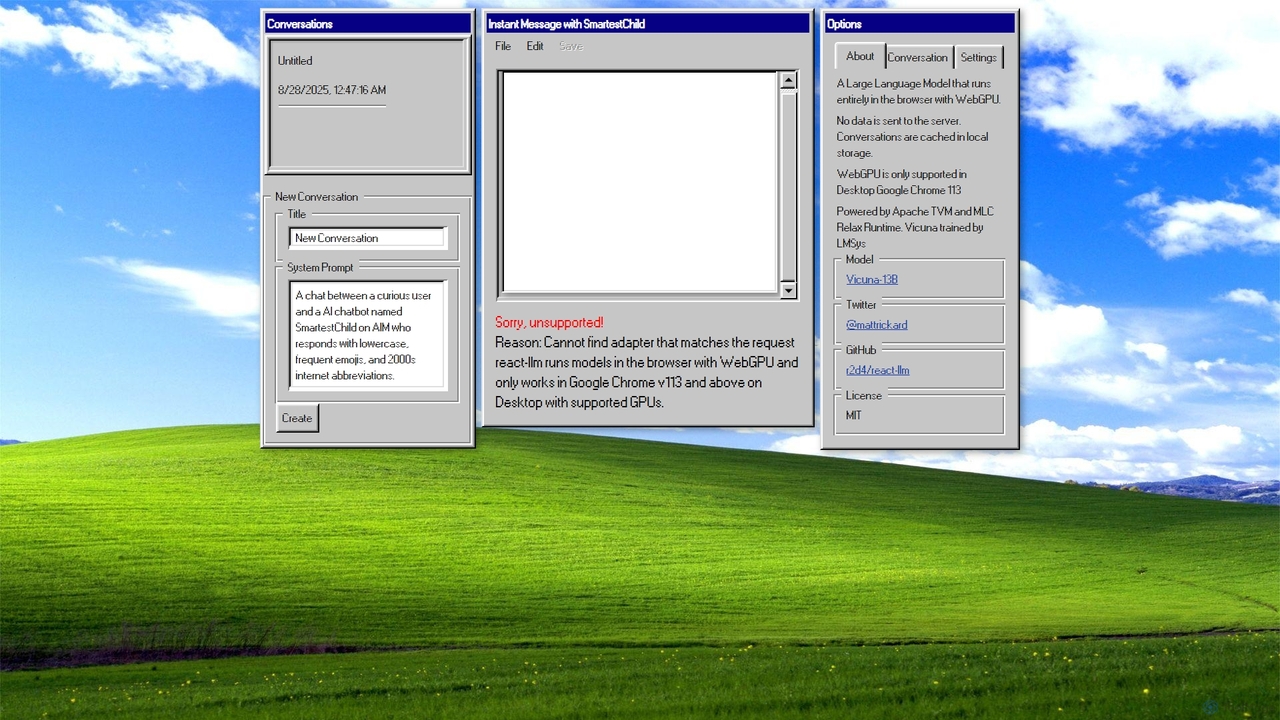
AIM: AI Instant Messenger
A privacy-focused AI chatbot that runs a large language model (Vicuna-13B) entirely in your browser using WebGPU. No data is sent to a server, ensuring complete confidentiality of your conversations.
Demos & Experiments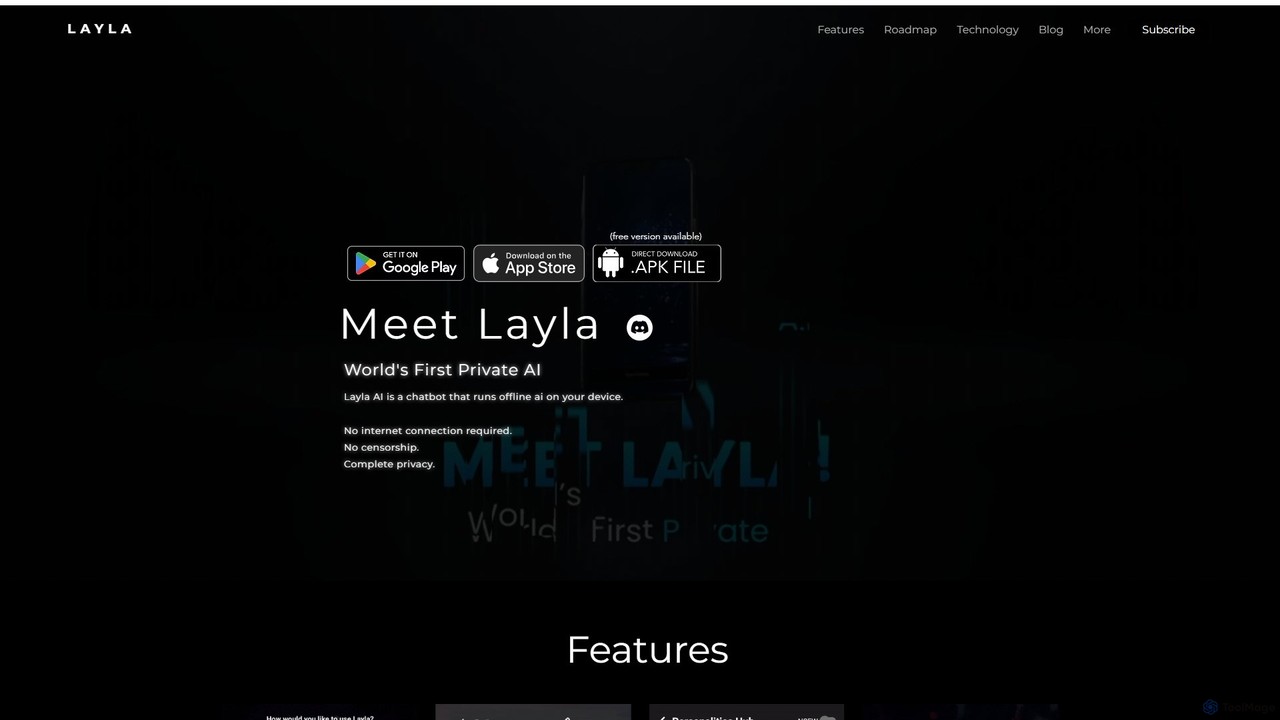
Layla AI
Layla AI is a revolutionary offline AI assistant that runs directly on your mobile device. It offers complete privacy, uncensored conversations, and powerful features like image generation and customizable personalities, all without needing an internet connection.
Ai Chatbot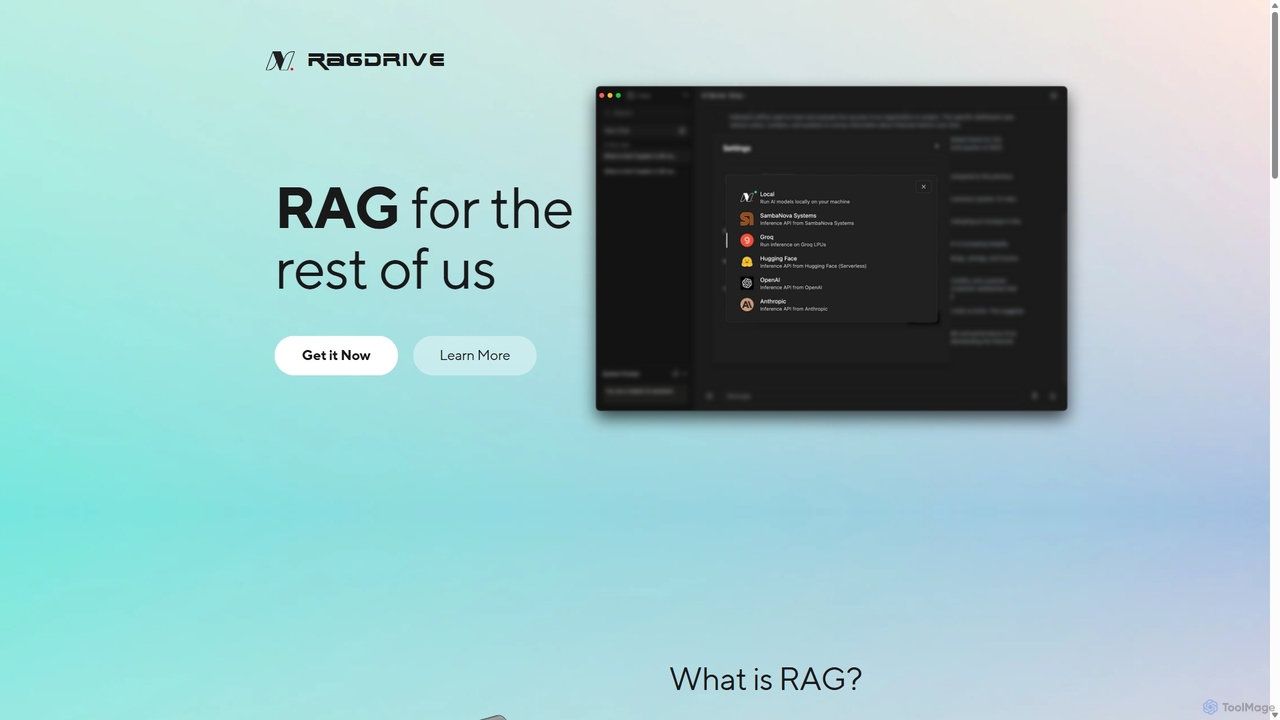
RAGDrive
RAGDrive is a free, open-source, and no-code tool that allows you to chat with your documents privately and offline. Using RAG technology, it turns your files into an interactive knowledge base, accessible across Windows, Mac, iOS, and Android.
Open Source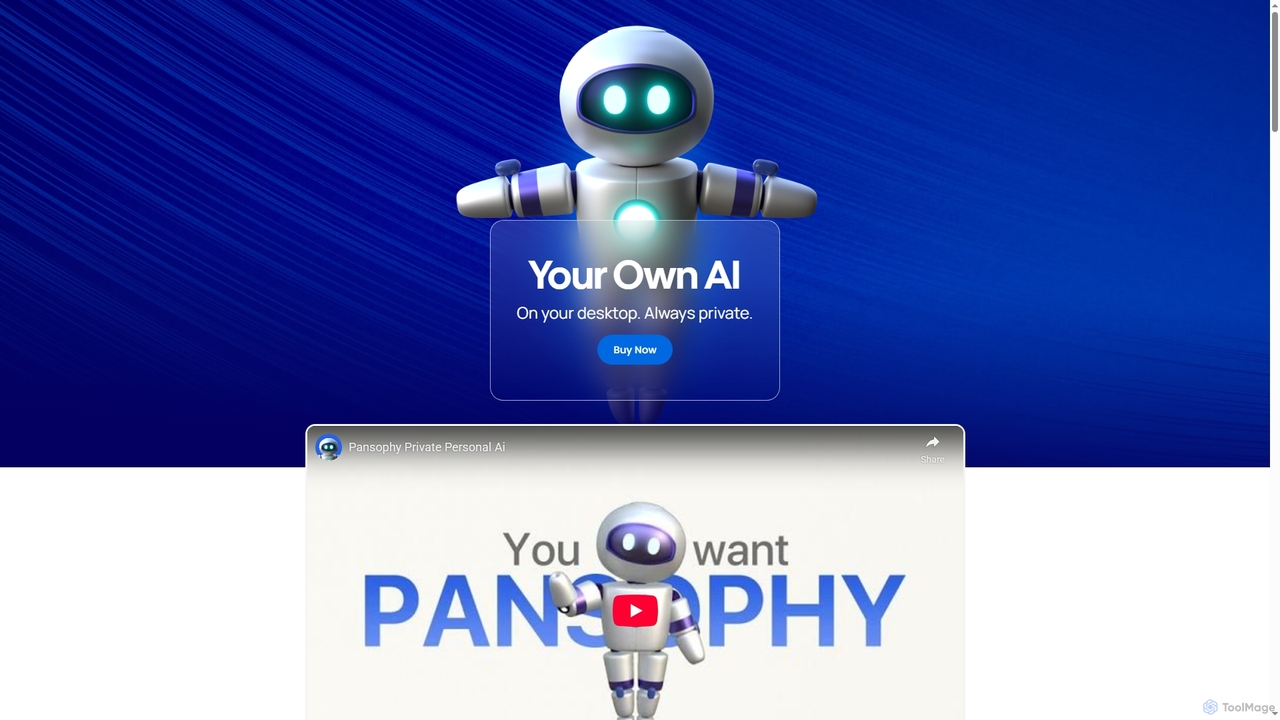
Pansophy
Pansophy is a private desktop AI tool that processes all data locally, offering secure document summarization, text and code generation, and smart search capabilities without cloud dependence. It's designed for enhanced productivity and data privacy across multiple operating systems.
Code Generation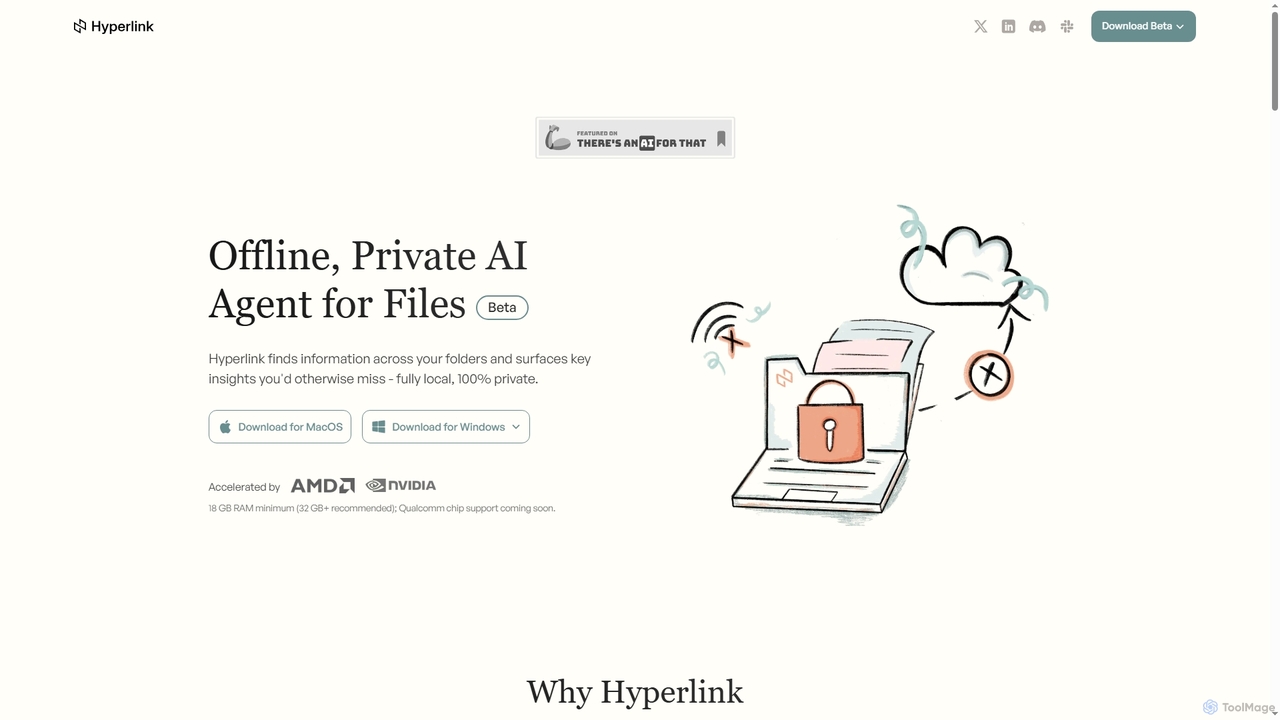
Hyperlink
Hyperlink is a fully on-device, private AI agent designed for document search and understanding. It allows knowledge workers to instantly find, analyze, and summarize information from their local files, notes, and documents without compromising privacy. With features like real-time file indexing, in-text citations, and image text search, Hyperlink transforms your personal data into an intelligent, searchable knowledge base, all processed offline on your device.
Offline Agent
Persys
Persys is a private, offline AI console designed as your personal cloud. This hardware device performs all AI inference on-device, ensuring your data and interactions remain completely private. With up to 2TB of storage and a suite of AI-native applications like private chat and deep search, it complements your existing devices by providing a secure, personalized, and offline-accessible intelligent computing environment.
Personal Server
Omnibot Comments (0)
Sign in to comment.
Sign inNo comments yet.