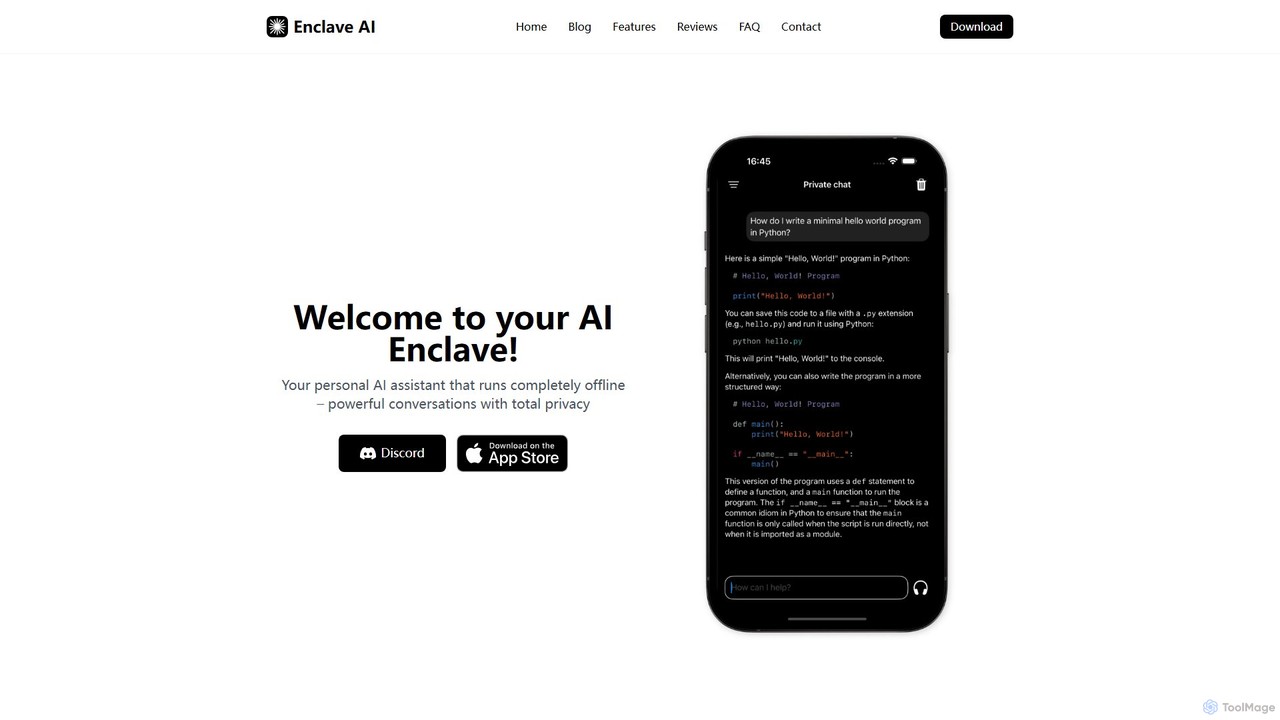
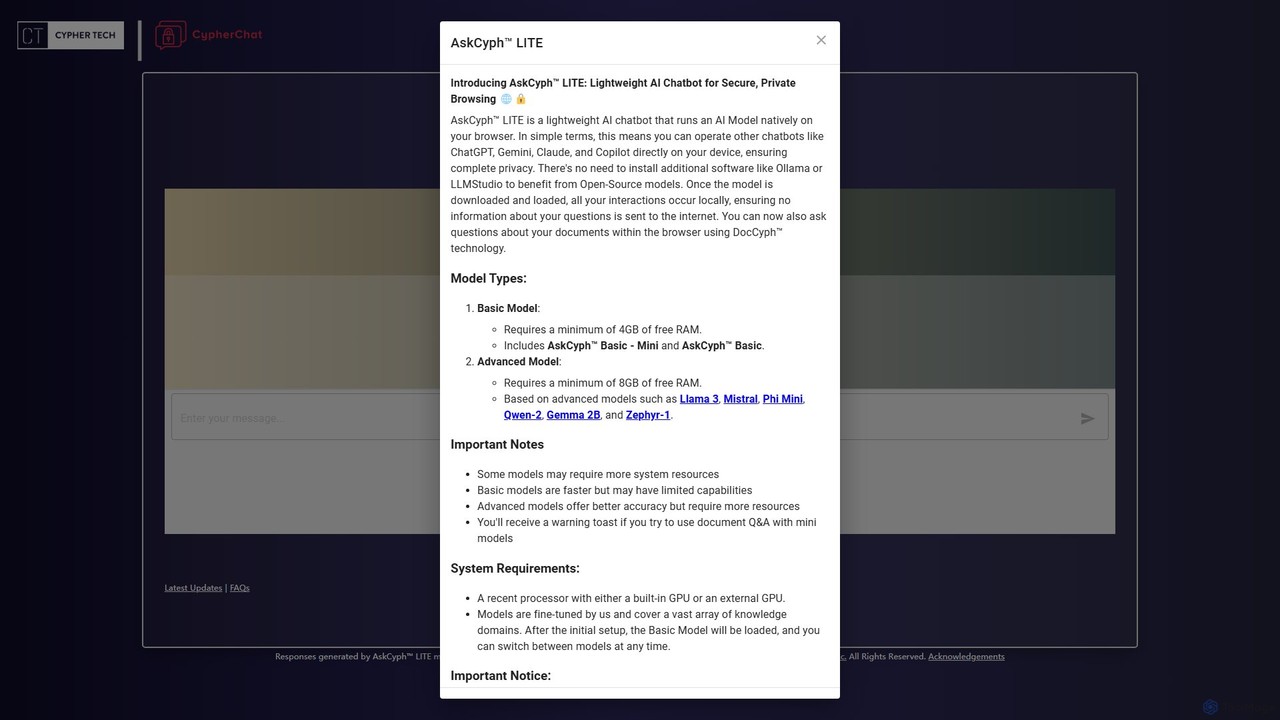
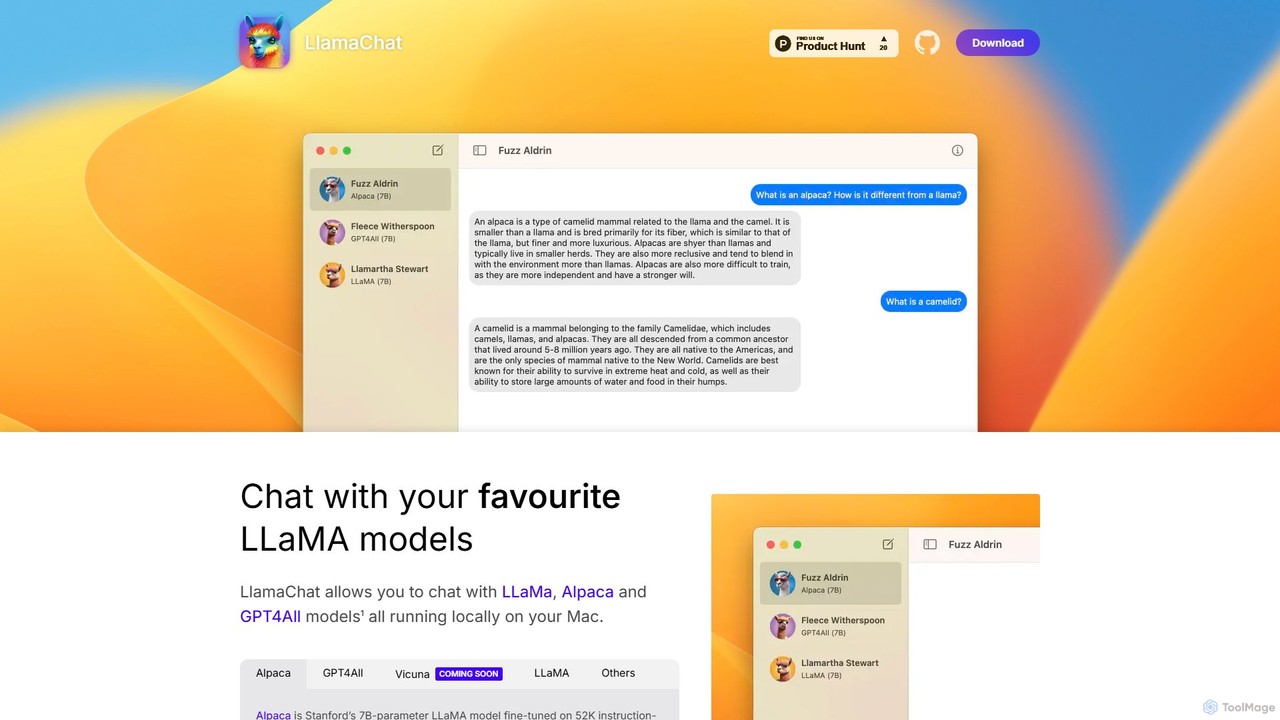
Local Models are a class of AI models designed to run directly on a user's own hardware, such as a personal computer or on-premise server. Unlike cloud-based services, these models process data locally, ensuring complete data privacy and security as no information is sent to third-party servers. This approach provides users with full control over their models and data, enabling offline operation and deep customization. Local Models are particularly valuable for developers, researchers, and businesses handling sensitive information or requiring consistent performance without internet dependency.
Core Features
- Data Privacy and Security: All computations and data processing occur on your local machine, eliminating third-party data exposure risks.
- Offline Accessibility: Models can be used without an active internet connection, ideal for remote work or secure environments.
- Full Customization Control: Users can fine-tune, modify, and experiment with the model's architecture and parameters for specific tasks.
- No Per-Use Fees: Avoids recurring API subscription costs, with investment primarily in hardware and setup.
- Low-Latency Inference: Direct hardware access can result in faster response times by eliminating network round-trip delays.
Use Cases
Local Models are widely adopted by developers building privacy-centric applications, researchers conducting experiments on proprietary datasets, and enterprises creating internal tools for sensitive data analysis. For example, a company can deploy an internal chatbot to query confidential documents, or a developer can use a local code-generation model without exposing their source code online. They are also popular among hobbyists exploring AI capabilities in a secure, self-hosted environment.
How to Choose
When selecting a Local Model tool, first assess your hardware capabilities, particularly GPU VRAM and system RAM, as this determines the size of the model you can run. Second, consider the model's performance and specialization—some are optimized for coding, others for creative writing. Evaluate the ease of setup and the user interface; tools with simple installers or Docker support lower the technical barrier. Finally, check the community support and documentation, as an active community is crucial for troubleshooting and discovering new techniques.