

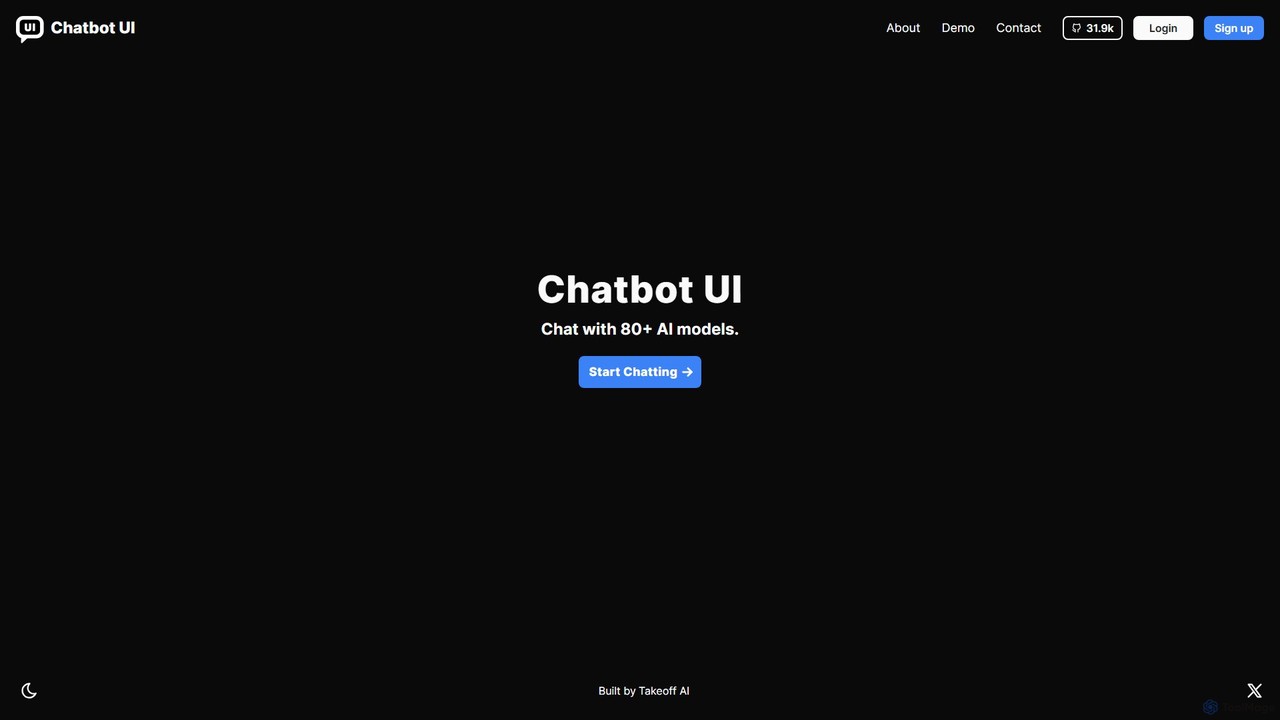
Chatbot UI Overview
Chatbot UI is a leading open-source chat interface designed for interacting with a wide array of Large Language Models (LLMs). As a powerful alternative to closed-source platforms like ChatGPT, it provides users with the flexibility to connect to over 80 different AI models from top providers such as OpenAI, Google, Anthropic, Mistral, and even local models via Ollama. Built by Takeoff AI, Chatbot UI empowers developers, teams, and individuals to create a customized and secure chatbot experience, either by self-hosting the application on their own infrastructure or by using the convenient cloud-hosted version.
The core philosophy behind Chatbot UI is to provide a unified, powerful, and privacy-focused front-end for AI interaction. By bringing multiple models under one roof, it eliminates the need to constantly switch between different services. Users can directly compare model outputs, find the best tool for a specific task, and manage all their AI-driven conversations in a structured and efficient manner.
How to use Chatbot UI
Getting started with Chatbot UI is flexible and caters to different user needs:
- Choose Your Deployment Method: You can opt for the fully open-source, self-hosted version by cloning the repository from GitHub. This gives you maximum control and data privacy. Alternatively, you can sign up for the official cloud-hosted version for a quick, maintenance-free setup.
- Configure AI Models: In the application settings, you can add your API keys from various AI providers (e.g., OpenAI, Anthropic, Google AI). The interface allows you to enable or disable specific models you want to access.
- Start Chatting: Create a new chat and select your desired AI model from a dropdown list. You can also adjust model-specific parameters like temperature and max tokens to fine-tune the responses.
- Organize Your Workspace: Use folders to group related conversations. The search functionality allows you to quickly find past chats. You can also create and save reusable prompts in the prompt library to streamline repetitive tasks.
- Utilize Advanced Features: For supported models, you can attach files (images, documents) for analysis, expanding the range of possible interactions.
Core Features of Chatbot UI
- Extensive Model Support: Natively supports over 80 LLMs, including the GPT series, Claude models, Google's Gemini, and open-source models.
- Open-Source and Self-Hostable: Provides full access to the source code, allowing for complete customization and deployment on your own servers for ultimate data privacy.
- Cloud Version Available: A managed, ready-to-use version for those who prefer not to handle hosting and maintenance.
- Advanced Chat Management: Organize conversations with folders, search chat history, and archive old chats.
- Prompt Library: Create, manage, and share reusable prompts to improve efficiency and consistency.
- Multi-modal Capabilities: Supports file uploads (images, PDFs) for analysis with vision-enabled models.
- Local Model Integration: Connect to local models running via Ollama, enabling offline and private AI usage.
- Team Collaboration: The cloud version offers features for teams to share chats and prompts, fostering a collaborative AI environment.
Use Cases for Chatbot UI
Chatbot UI is a versatile tool suitable for a wide range of users:
- Developers: Use it as a development and testing workbench to compare the performance and outputs of different LLMs for their applications.
- Content Creators: Leverage multiple AI models for brainstorming, drafting articles, translating text, and generating creative copy, all within a single interface.
- Businesses and Enterprises: Deploy a secure, self-hosted version for internal use, ensuring that sensitive company data remains private. It can be used for customer support, internal knowledge bases, and data analysis.
- AI Researchers and Enthusiasts: Experiment with various models and their parameters in a controlled environment to explore the frontiers of AI capabilities.
Advantages of Chatbot UI
The primary advantages of using Chatbot UI include:
- Unparalleled Flexibility: Avoid vendor lock-in by easily switching between dozens of AI models to find the best one for any task.
- Enhanced Data Privacy: The self-hosting option ensures that your conversations and data never leave your own infrastructure.
- Cost Control: By using your own API keys, you pay the providers directly for your usage, which can be more cost-effective than fixed subscription plans. The open-source software itself is free.
- Full Customizability: As an open-source project, it can be forked and modified to add custom features, branding, or integrations.
- Unified and Efficient Workflow: Manages all AI interactions in one place, saving time and improving productivity.
Pricing and Plans
Chatbot UI operates on a freemium model:
- Open-Source (Self-Hosted): This version is completely free to download and use. Users are only responsible for their own hosting costs and the API usage fees charged by the AI model providers they use.
- Cloud Version (Hosted by Takeoff AI): The managed service typically offers several subscription tiers:
- Free Plan: Ideal for individuals, offering limited access to basic features and a certain number of monthly messages.
- Pro Plan: A paid monthly subscription for professionals and power users, offering higher usage limits, access to all premium models, and priority support.
- Team/Business Plan: Custom pricing for organizations, including features like user management, shared workspaces, SSO integration, and dedicated support.
Traffic
Latest traffic
Status
Monthly traffic trend
- 2026-1: 17.6K
- 2026-2: 11.0K
- 2026-3: 11.1K
- 2026-4: 12.9K
- 2026-5: 15.1K
Geography
Top 5 countries / regions
- 🇺🇸United States31.6%
- 🇻🇳Vietnam31.3%
- 🇮🇳India15.5%
- 🇮🇩Indonesia12.1%
- 🇩🇪Germany9.6%
Traffic sources
| Source type | Percentage |
|---|---|
Direct | 66.7% |
Referral | 33.3% |
Top keywords
| Keyword | Cost per click |
|---|---|
| ai chat ui | $5.56 |
| chainlit alternatives for javascript | $0.00 |
| chatbot ui | $4.79 |
| chatbotui | $0.00 |
| chat ui | $2.79 |
Chatbot UI Alternatives
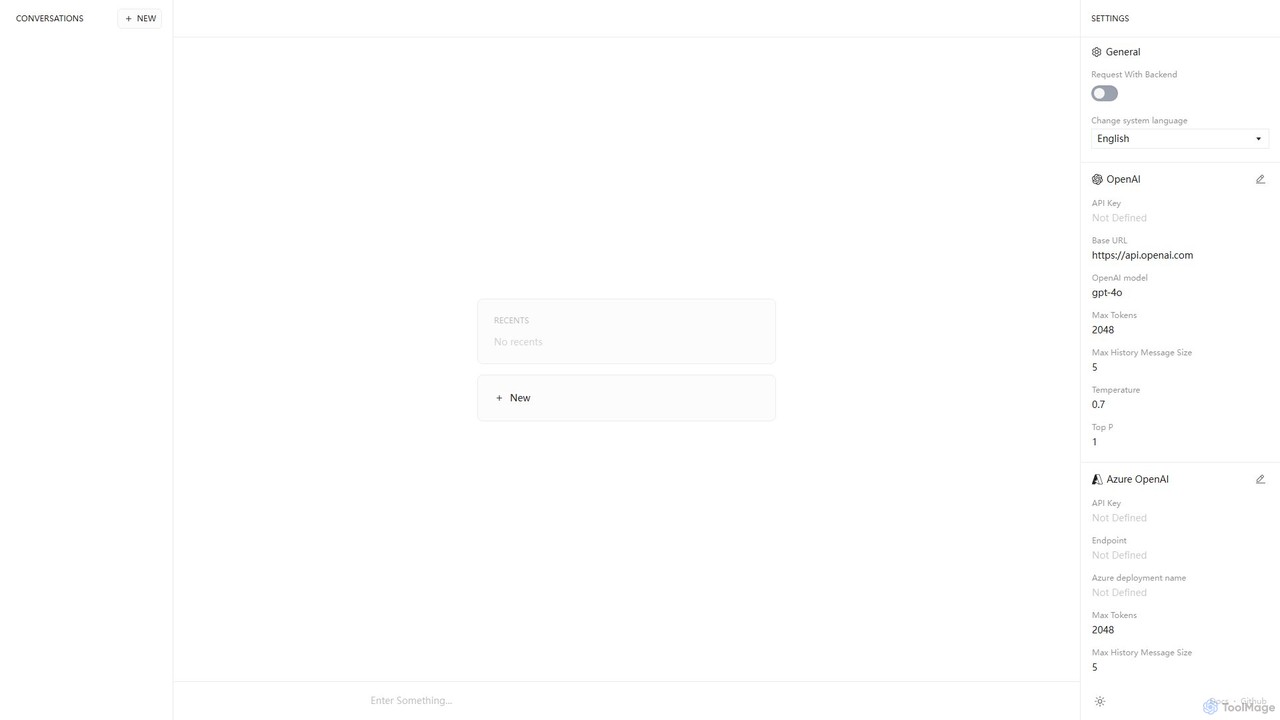
Anse
Anse is a free, open-source, and privacy-focused desktop AI client. It provides a unified interface to interact with various large language models from providers like OpenAI, Google, and Azure. By using your own API keys, you maintain full control over your data and costs, while enjoying advanced features and model customization in a sleek, minimalist application.
Ai Client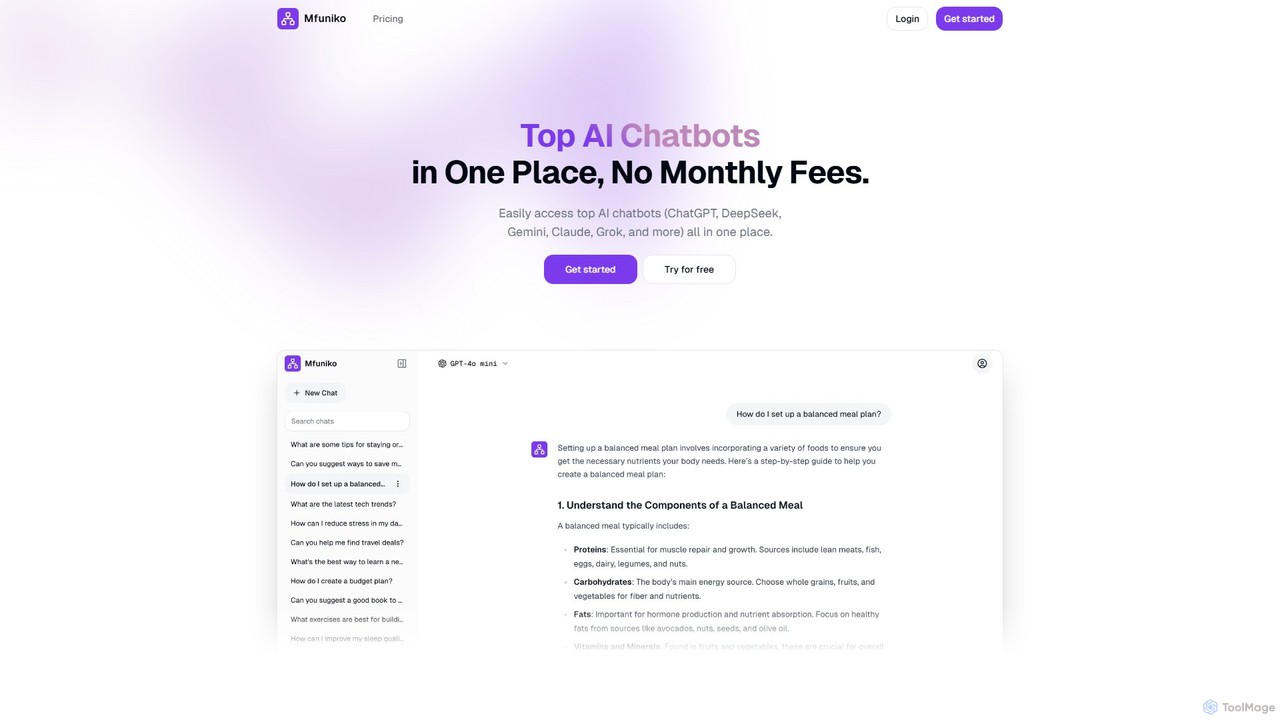
mfuniko
Mfuniko is a unified AI chat interface that allows you to access top AI models like ChatGPT, Gemini, Claude, and Grok in one place. It operates on a 'bring your own API key' model with a one-time payment for lifetime access, eliminating monthly subscription fees. It offers advanced features like file and image chat, chat organization, and text-to-speech to streamline your AI workflow.
Api Management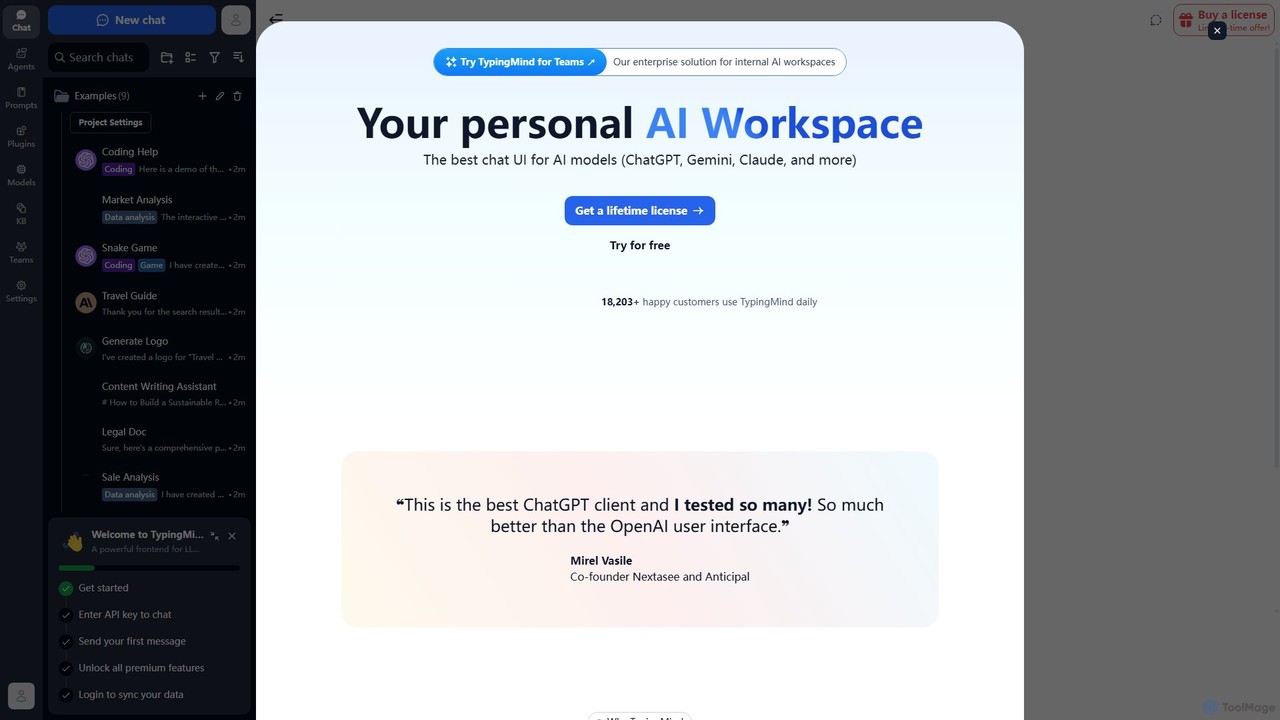
TypingMind
TypingMind is an advanced, privacy-first chat UI for large language models (LLMs) like ChatGPT, Gemini, and Claude. It offers a unified workspace with powerful features, allowing users to bring their own API keys for a one-time fee. Enhance your productivity with custom agents, a rich plugin ecosystem, and advanced chat management tools, all while keeping your data secure on your device.
Api Management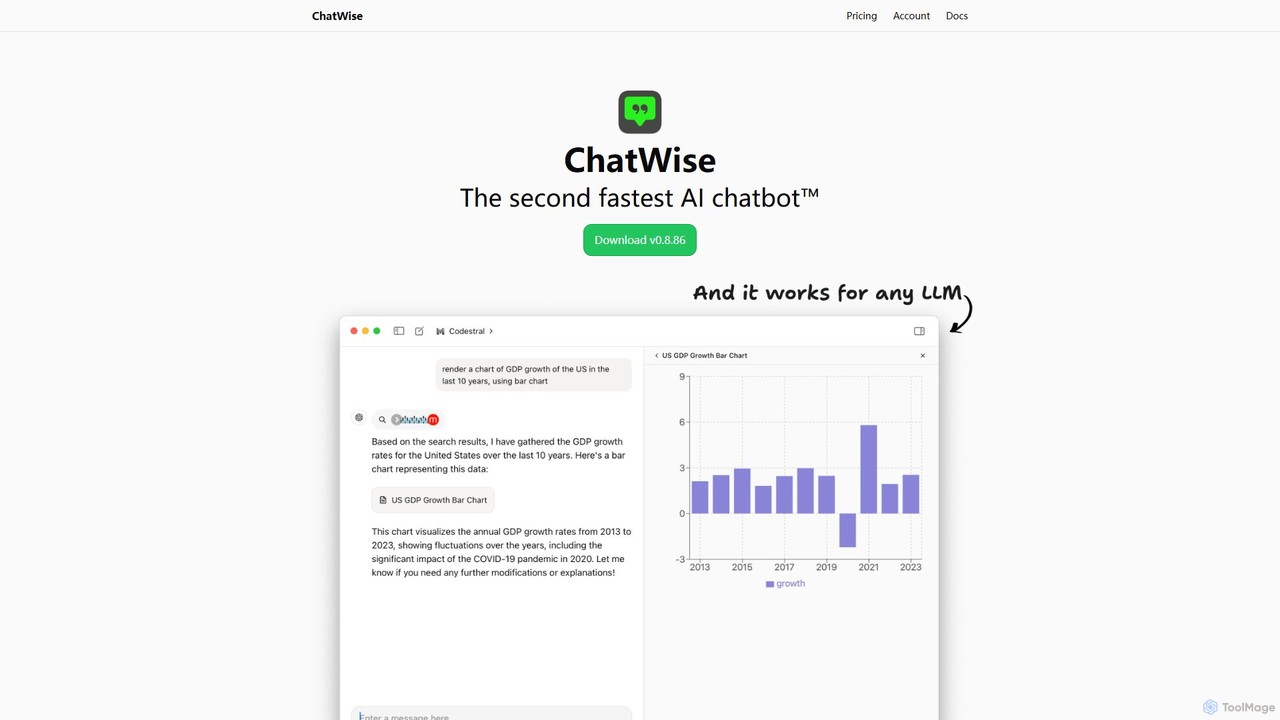
ChatWise
ChatWise is a high-performance, privacy-focused desktop application that provides a unified interface for interacting with various LLMs like ChatGPT, Claude, Gemini, and Llama. It supports multi-modal inputs, web search, and tool integration, storing all your data locally.
Api Management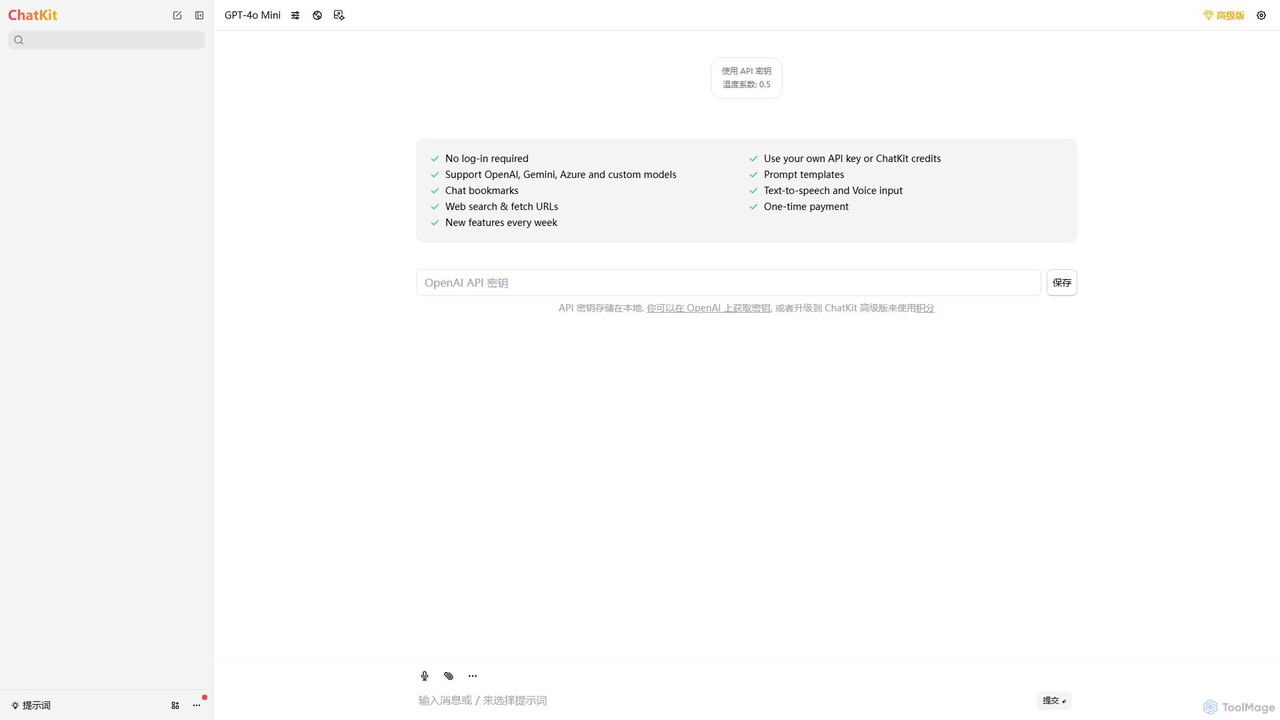
ChatKit
ChatKit is a refined, unified chat interface for top AI models like OpenAI, Gemini, and Azure. It enhances your workflow with features like web search, prompt templates, voice input, and chat bookmarks, all while prioritizing user privacy with local API key storage and no required login.
Api ManagementChatbot UI Categories
Chatbot UI Embed Widget
Copy this embed code to place the badge on your blog, article, or product site and send readers directly to this ToolMage detail page.

Related AI tools

Intervo
Intervo is an open-source platform for businesses to build and deploy intelligent voice and chat AI agents. It automates customer interactions, streamlines workflows, and enhances lead qualification, customer support, and internal operations with advanced conversational AI.
ChatbotAnse
Anse is a free, open-source, and privacy-focused desktop AI client. It provides a unified interface to interact with various large language models from providers like OpenAI, Google, and Azure. By using your own API keys, you maintain full control over your data and costs, while enjoying advanced features and model customization in a sleek, minimalist application.
Ai Client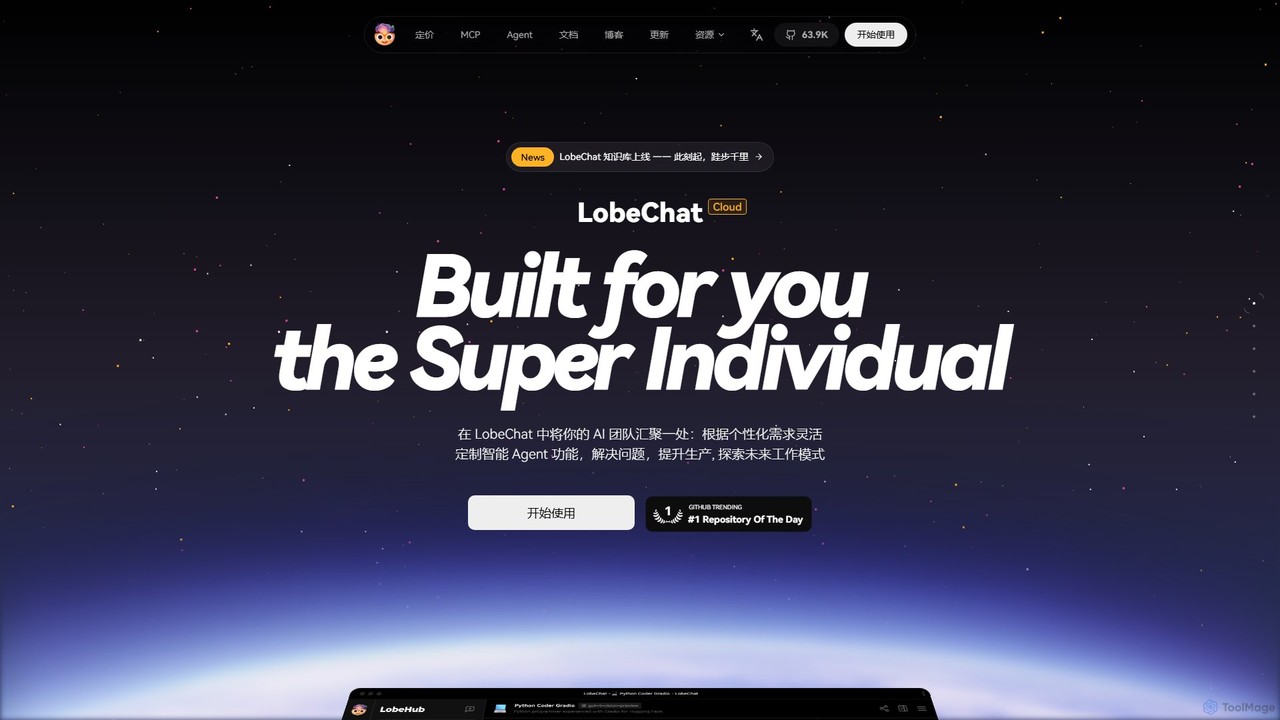
LobeHub
LobeHub is an all-in-one AI platform that allows you to build and manage a personalized team of AI Agents. It offers a superior user experience to standard LLM interfaces like ChatGPT, with support for numerous models, plugins, and multi-modal interactions. Create, share, and use specialized agents for tasks ranging from coding and writing to academic research and daily life, all within a single, intuitive chat interface.
Chatbot Platform
Cosmicup
Cosmicup is an all-in-one AI platform offering unlimited access to a wide array of advanced AI models like ChatGPT 5, Claude 4.5, Gemini 2.5, and Grok 4 through a single subscription. It streamlines workflows with features including multi-model interaction, code assistance, document analysis, real-time web search, deep research, and AI image generation, eliminating the need for multiple subscriptions.
Multimodal Ai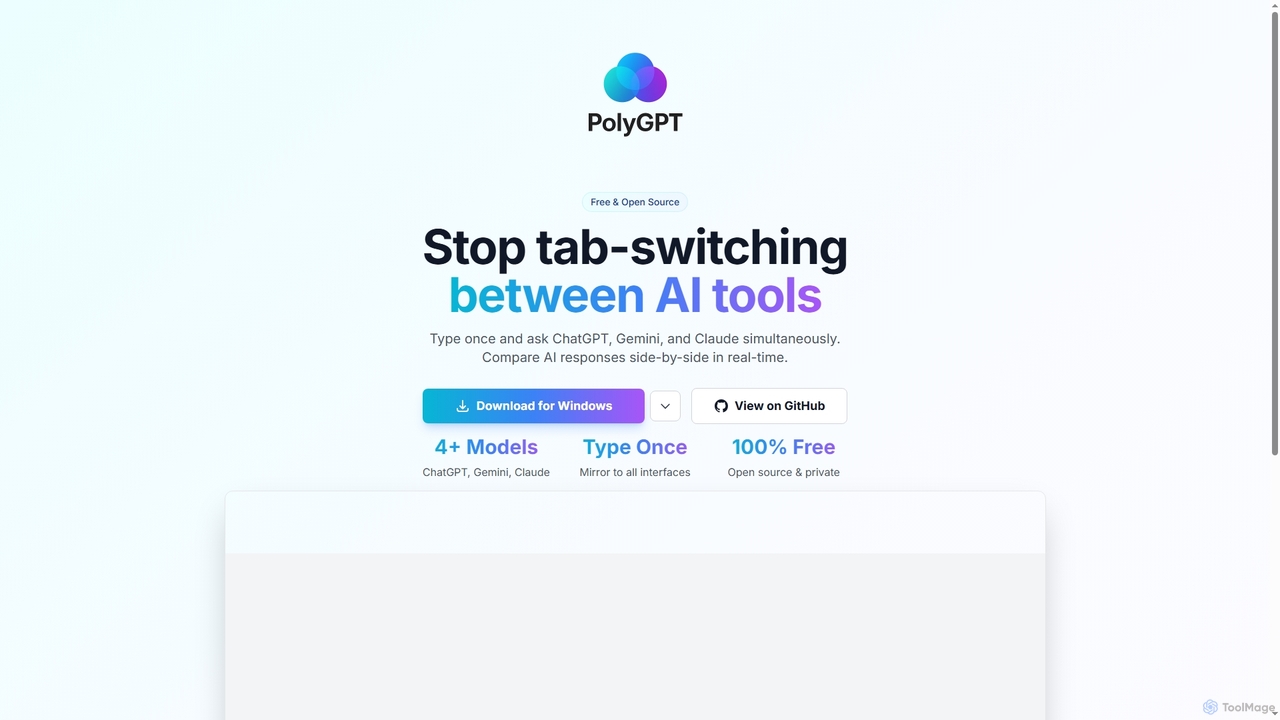
PolyGPT
PolyGPT is a free and open-source desktop application that allows users to chat with multiple AI models, including ChatGPT, Gemini, and Claude, simultaneously. It eliminates tab-switching by enabling users to type a prompt once and receive side-by-side, real-time responses from various AIs for easy comparison and enhanced productivity.
Open Source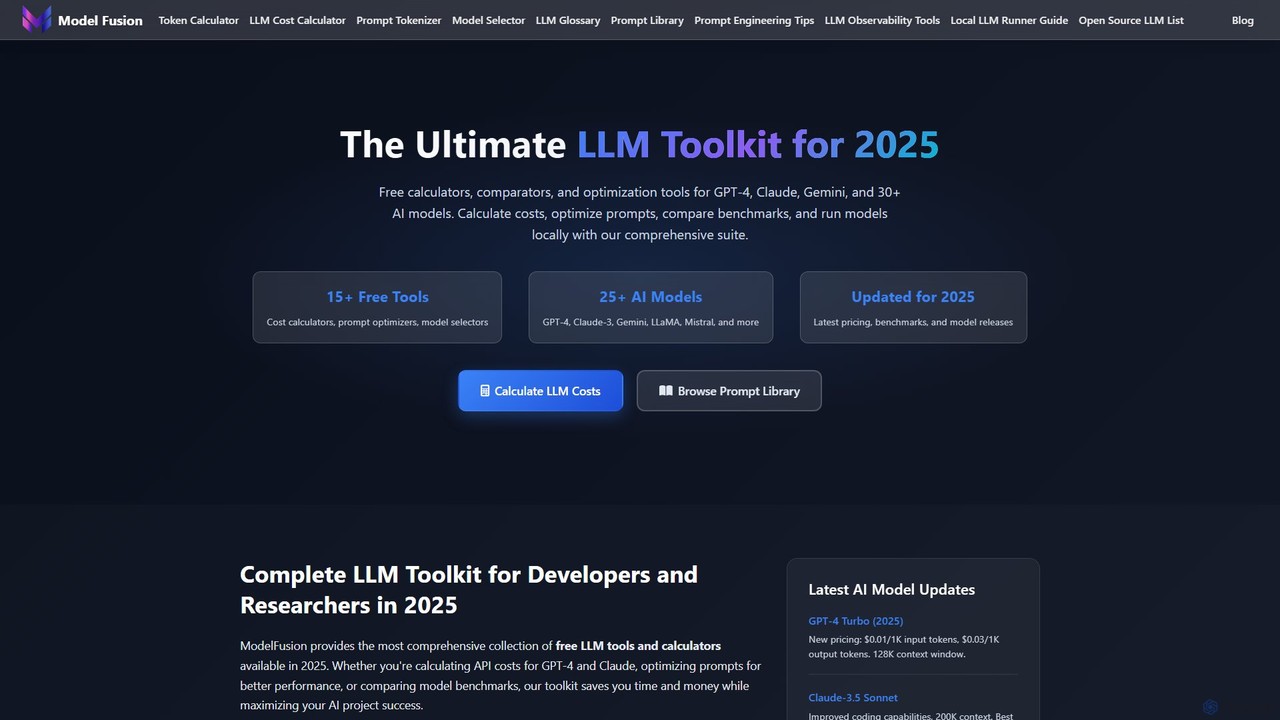
ModelFusion
ModelFusion is an all-in-one LLM toolkit for developers and researchers. It offers a suite of free tools, including a cost calculator, prompt library, and model comparator for over 30 AI models like GPT-4, Claude, and Gemini. It also provides a unified API and local model running guides to streamline AI development and optimize costs.
Api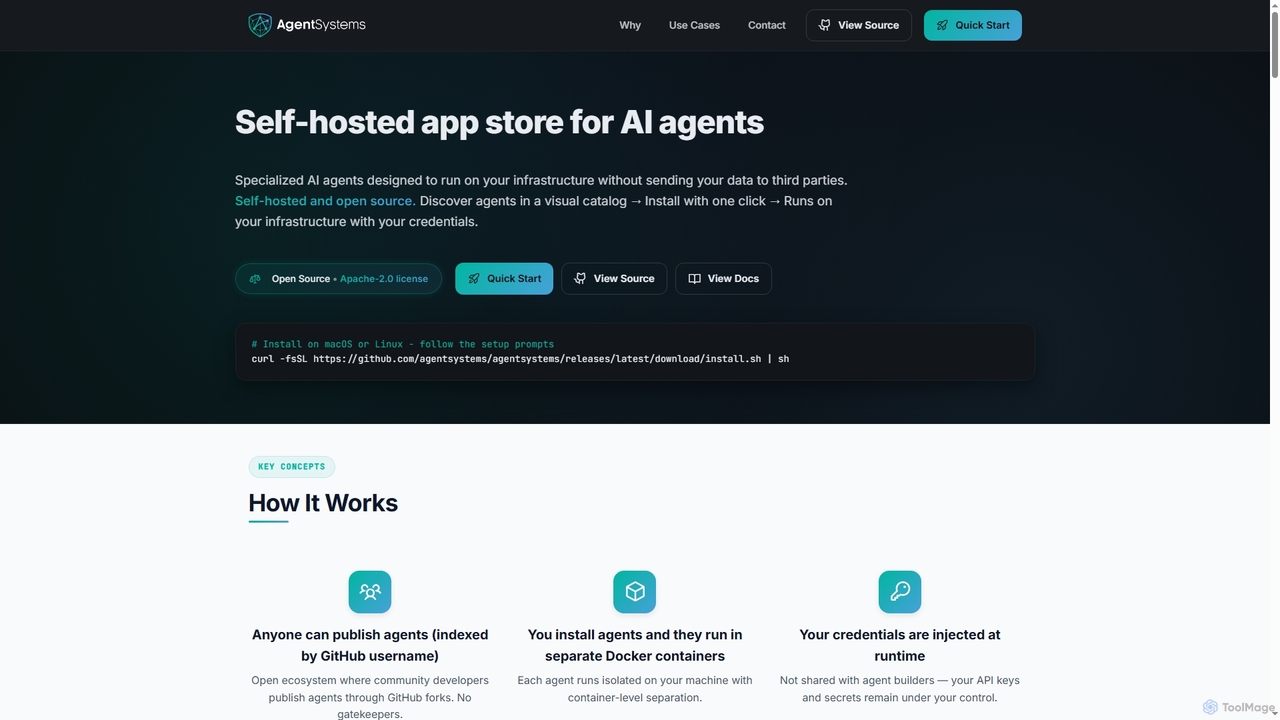
AgentSystems
An open-source, self-hosted platform for discovering, deploying, and managing specialized AI agents on your own infrastructure, ensuring complete data privacy and control.
Self Hosted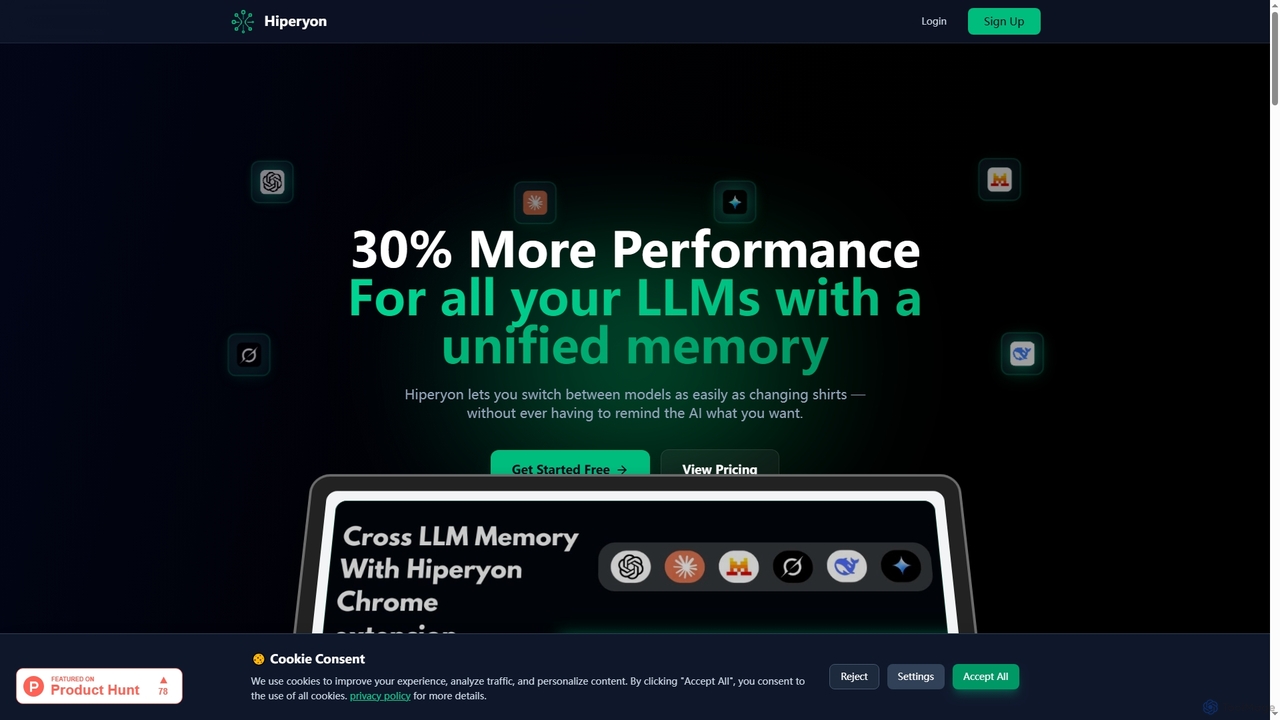
Hiperyon
Hiperyon is an AI tool that provides a unified contextual memory layer for multiple Large Language Models (LLMs) like ChatGPT, Claude, and Gemini. It enhances productivity by allowing users to switch between different AI models without losing context or repeating information, ensuring consistent and efficient interactions.
Context Managementmfuniko
Mfuniko is a unified AI chat interface that allows you to access top AI models like ChatGPT, Gemini, Claude, and Grok in one place. It operates on a 'bring your own API key' model with a one-time payment for lifetime access, eliminating monthly subscription fees. It offers advanced features like file and image chat, chat organization, and text-to-speech to streamline your AI workflow.
Api Management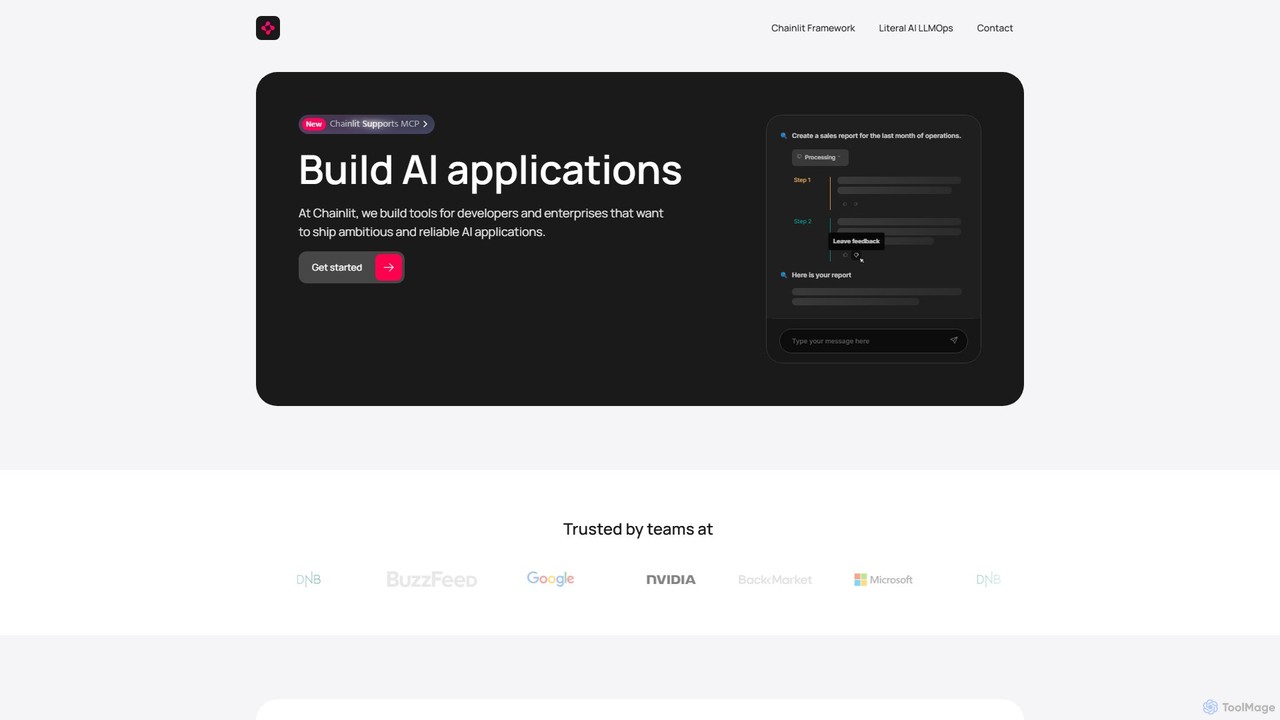
Chainlit
Chainlit is an open-source Python framework for developers to rapidly build and deploy production-ready conversational AI applications. It provides an instant, customizable chat interface, allowing you to focus on your backend logic and LLM interactions. With deep integrations for LangChain, LlamaIndex, and major LLM providers, Chainlit simplifies the creation of everything from simple chatbots to complex, data-driven copilots.
Framework
Jyek
Jyek is an AI agent platform that understands objectives, creates execution plans, uses tools, and delivers verifiable results for complex, multi-step tasks.
Automation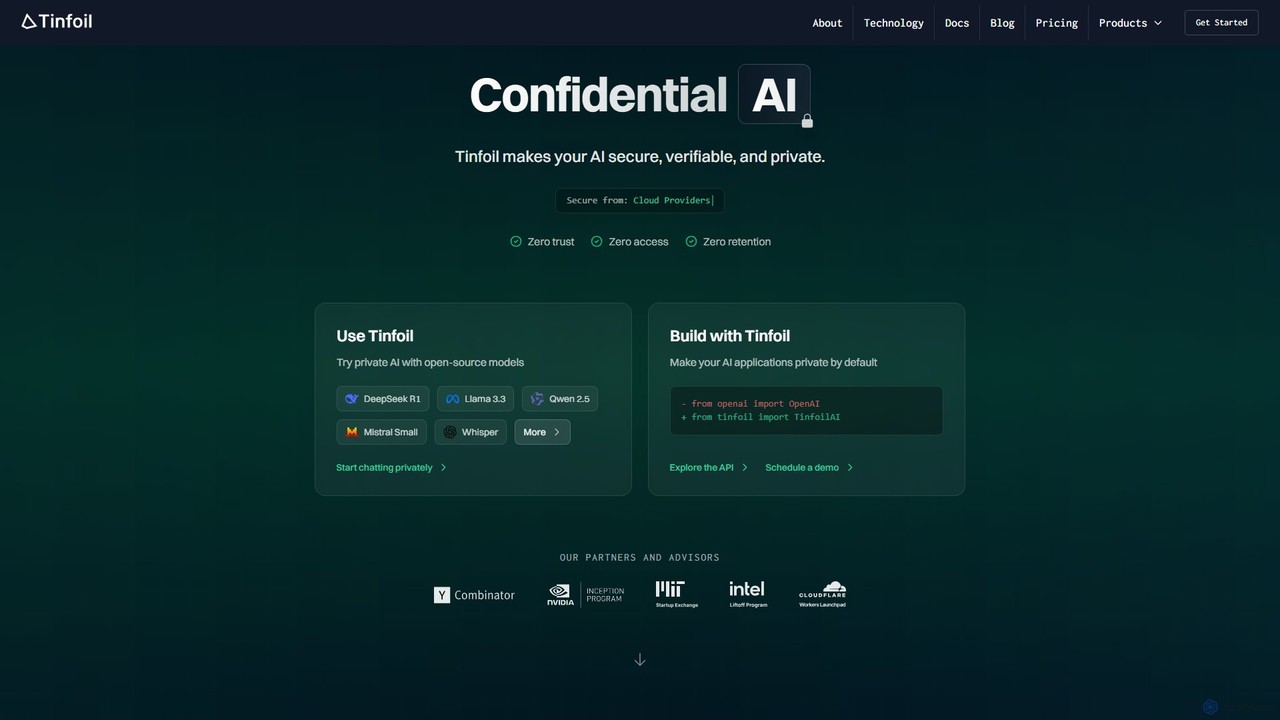
Tinfoil
Tinfoil is a confidential AI platform that ensures security, privacy, and verifiability for AI interactions and applications. It uses hardware-enforced privacy (secure enclaves) to protect data, prompts, and models, offering a zero-trust, zero-retention environment. It provides both a private chat interface and a developer-friendly, OpenAI-compatible API.
Api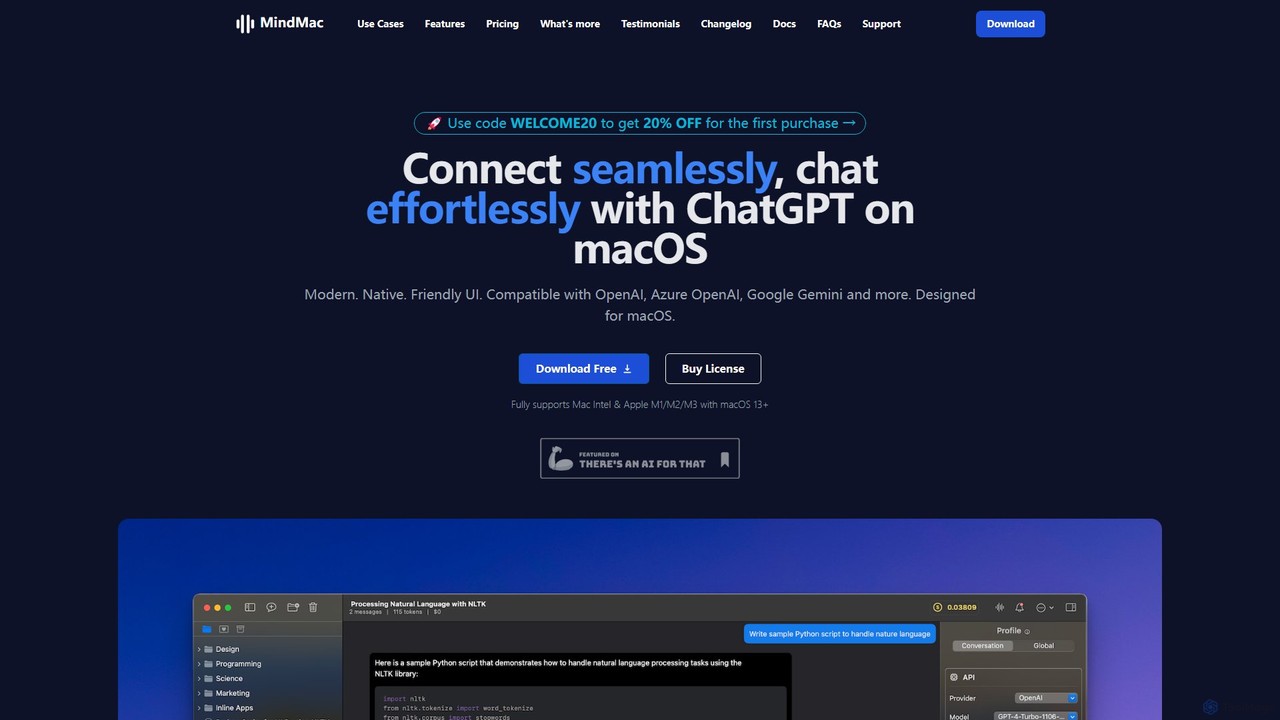
MindMac
MindMac is a powerful, native macOS client that provides a unified interface for interacting with a vast range of AI models, including OpenAI's GPT, Google Gemini, Claude, and local LLMs. It enhances productivity with features like an inline mode for use in any app, a rich prompt library, and extensive customization. It prioritizes privacy and security by storing API keys locally and communicating directly with AI providers.
Macos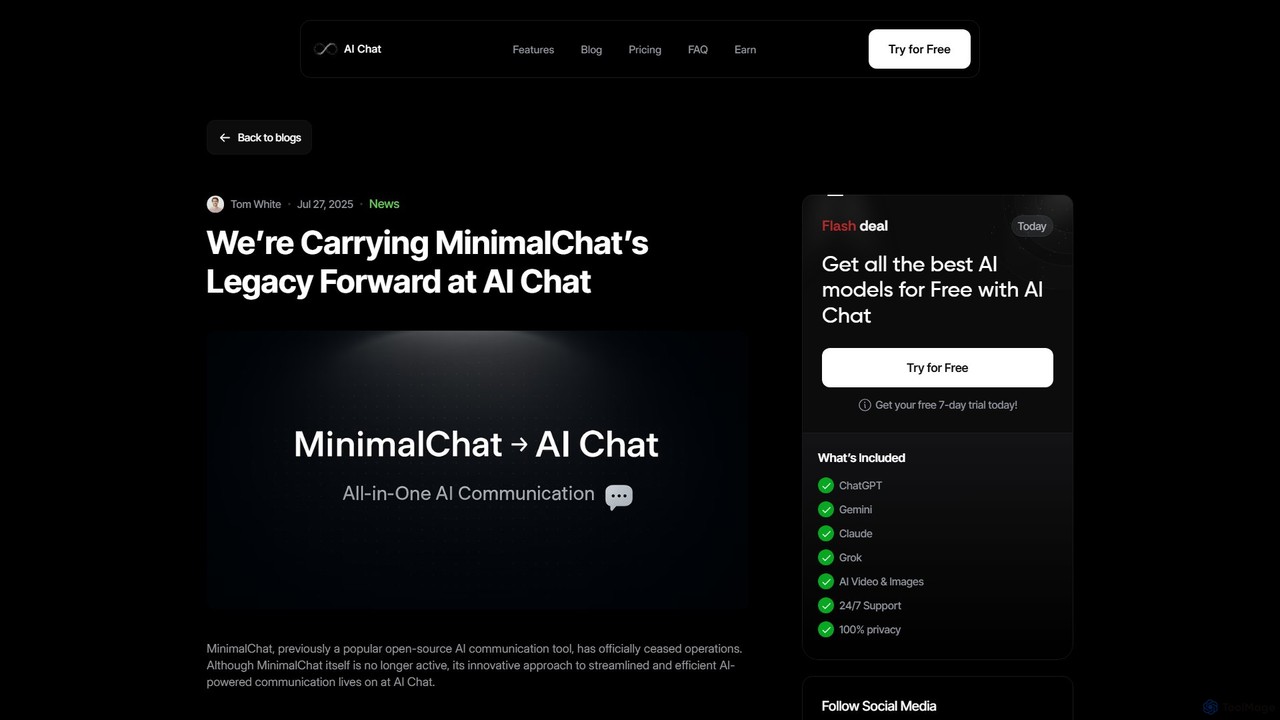
MinimalChat
MinimalChat was a popular open-source, self-hostable AI chat platform known for its lightweight, minimalist design. It allowed users to interact with various GPT models in a clean interface, supporting file uploads, voice interactions, and PWA functionality. Although the project is now discontinued, its legacy of streamlined AI communication continues, emphasizing user privacy and control through its self-hosting capabilities.
Code Assistant
ChatLLM
ChatLLM is an advanced conversational AI platform designed for professionals and developers. It provides unified access to multiple leading Large Language Models (LLMs) like GPT-4, Claude 3, and more. The platform focuses on enhancing productivity, streamlining workflows, and enabling powerful integrations through a robust API.
Api
Chatbot UI Comments (0)
Sign in to comment.
Sign inNo comments yet.