

PolyGPT Overview
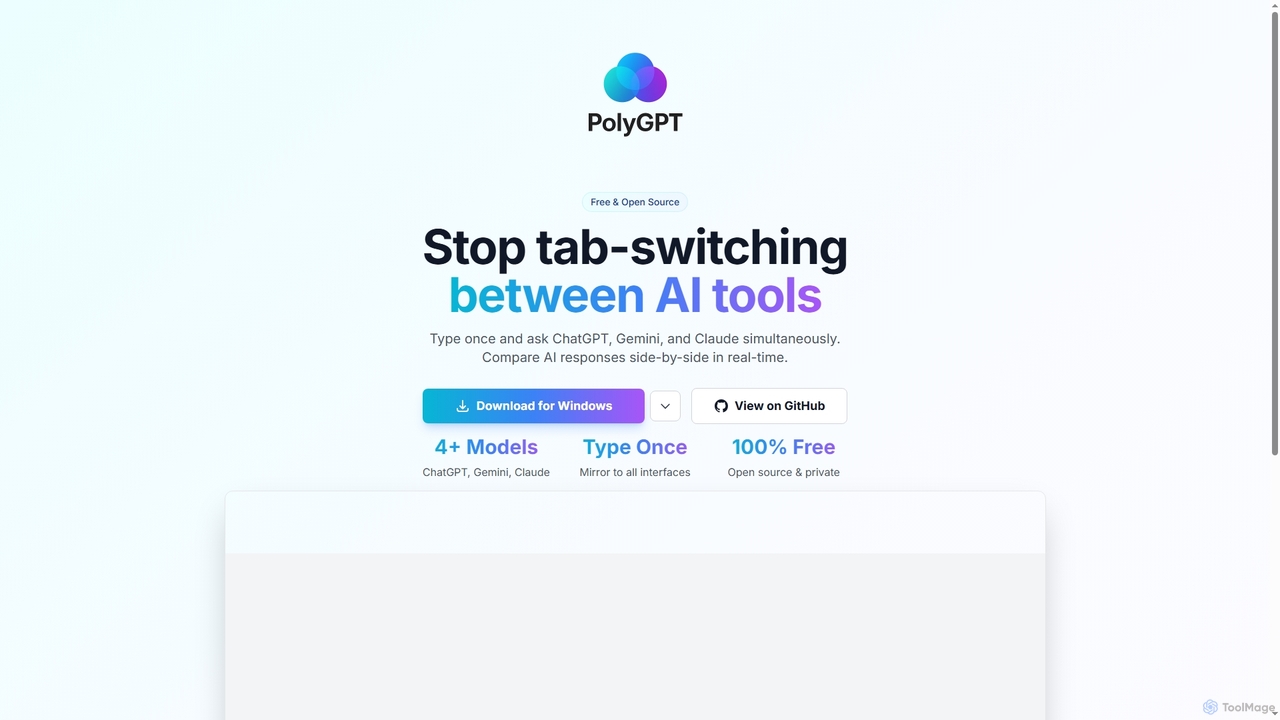
PolyGPT is an innovative desktop application designed to revolutionize how users interact with leading artificial intelligence models. By providing a unified interface, PolyGPT enables you to send a single prompt to multiple AI systems like ChatGPT, Gemini, and Claude concurrently. This unique approach eliminates the need for constant tab-switching, offering a streamlined workflow for comparing diverse AI outputs in real-time.
How to use PolyGPT
To use PolyGPT, simply download and install the application on your preferred operating system (Windows, Mac, or Linux). Once installed, launch the application. You can then type your query or prompt into the designated input field. PolyGPT automatically mirrors this input to all integrated AI models. Their responses will appear side-by-side, allowing for instant comparison and analysis.
Core Features of PolyGPT
- Simultaneous querying of multiple AI models (e.g., ChatGPT, Gemini, Claude, and 4+ models).
- Single input interface to mirror prompts across all connected AIs.
- Real-time, side-by-side comparison of AI responses.
- Available as a desktop application for Windows, Mac, and Linux.
- Completely free to use.
- Open-source for transparency and community contributions.
- Emphasizes user privacy.
Use Cases for PolyGPT
PolyGPT is ideal for a wide range of applications where comparing AI-generated content is beneficial. This includes content creation, where users can evaluate different writing styles or ideas from various models; research, to gather diverse perspectives on a topic; software development, for comparing code snippets or debugging suggestions; and academic studies, to analyze how different models interpret and respond to complex questions. It's also valuable for general productivity, allowing users to quickly get multiple viewpoints on any query.
Advantages of PolyGPT
The primary advantages of PolyGPT include significant time savings by eliminating tab-switching and repetitive typing. It offers enhanced decision-making capabilities through direct comparison of AI outputs, leading to more informed choices. As an open-source and free tool, it provides accessibility and transparency, while its privacy-focused design ensures user data is handled responsibly. Its cross-platform compatibility further broadens its utility for a diverse user base.
Pricing and Plans
PolyGPT is 100% free and open source. There are no pricing plans or hidden costs associated with its use.
PolyGPT FAQ
PolyGPT Alternatives

Sideindexer
Sideindexer is a powerful Chrome extension designed to revolutionize how you navigate and manage your AI conversations on platforms like ChatGPT, Gemini, and Claude. It provides instant indexing, persistent highlights, and advanced search capabilities, transforming lengthy AI chats into easily navigable knowledge bases.
Ai Tools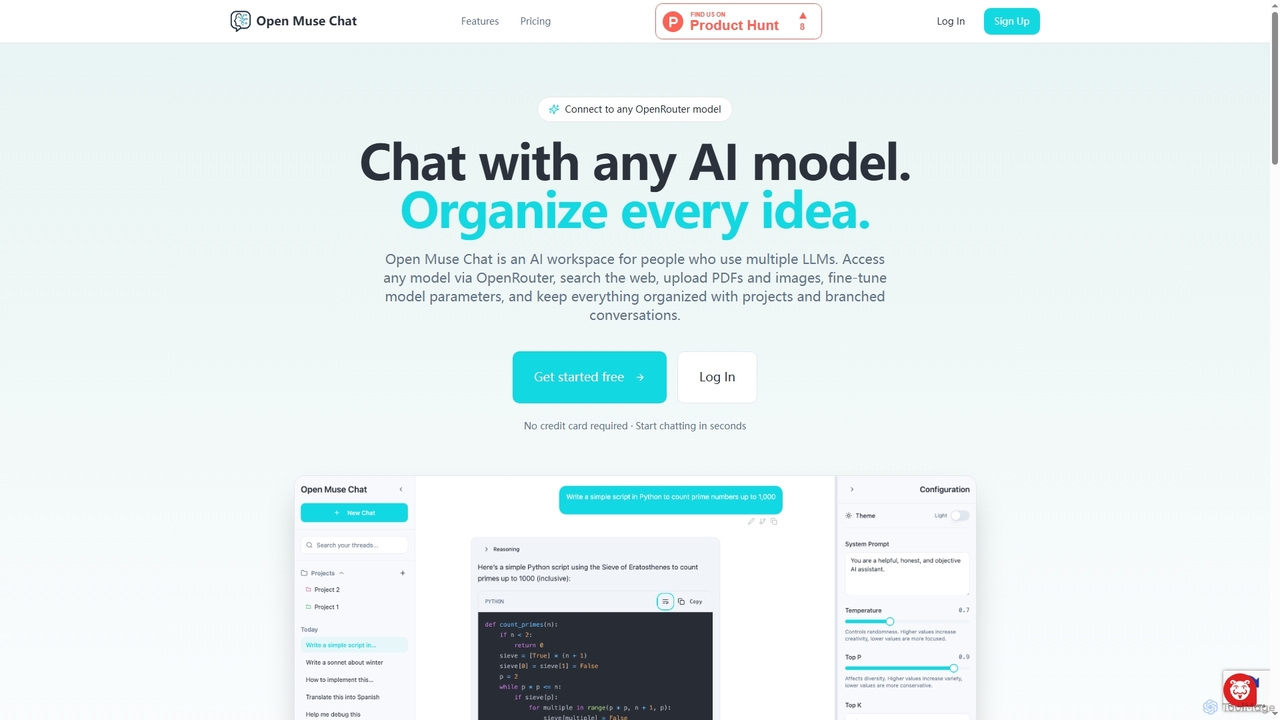
Open Muse Chat
Open Muse Chat is an advanced multi-model AI chat interface designed for users who leverage various large language models. It connects to any OpenRouter model, offers web search, file uploads (PDFs, images) for context, and provides fine-grained control over model parameters, all within an organized workspace featuring projects and branched conversations.
Multi Model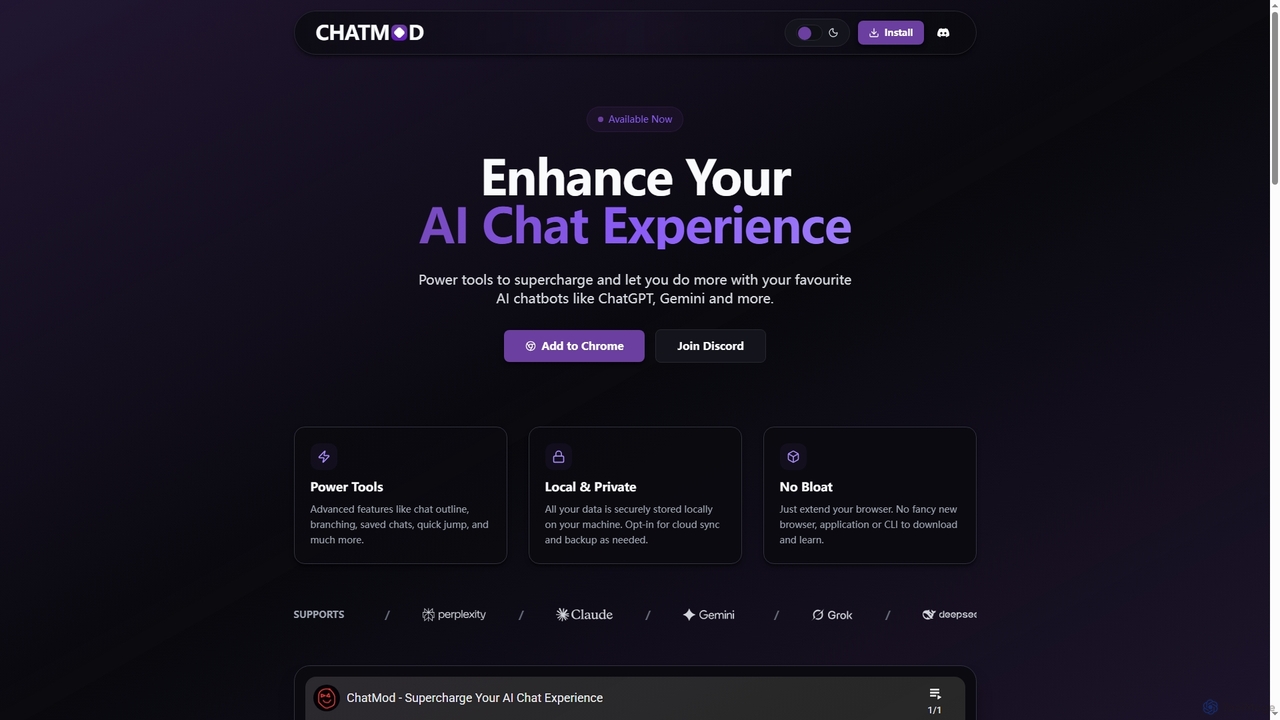
ChatMod
ChatMod is a powerful browser extension designed to supercharge your AI chat experience across platforms like ChatGPT, Gemini, Perplexity, and more. It offers advanced features for chat organization, navigation, and productivity, all while keeping your data local and private.
Chat Management
Hiperyon
Hiperyon is an AI tool that provides a unified contextual memory layer for multiple Large Language Models (LLMs) like ChatGPT, Claude, and Gemini. It enhances productivity by allowing users to switch between different AI models without losing context or repeating information, ensuring consistent and efficient interactions.
Context Management
Memoriq
Memoriq is a private, encrypted memory vault for AI conversations. It saves and organizes chats from platforms like ChatGPT, Claude, and Gemini into a searchable archive under your control.
Open SourcePolyGPT Categories
PolyGPT Jobs
PolyGPT Embed Widget
Copy this embed code to place the badge on your blog, article, or product site and send readers directly to this ToolMage detail page.

Related AI tools
Sideindexer
Sideindexer is a powerful Chrome extension designed to revolutionize how you navigate and manage your AI conversations on platforms like ChatGPT, Gemini, and Claude. It provides instant indexing, persistent highlights, and advanced search capabilities, transforming lengthy AI chats into easily navigable knowledge bases.
Ai ToolsOpen Muse Chat
Open Muse Chat is an advanced multi-model AI chat interface designed for users who leverage various large language models. It connects to any OpenRouter model, offers web search, file uploads (PDFs, images) for context, and provides fine-grained control over model parameters, all within an organized workspace featuring projects and branched conversations.
Multi ModelHiperyon
Hiperyon is an AI tool that provides a unified contextual memory layer for multiple Large Language Models (LLMs) like ChatGPT, Claude, and Gemini. It enhances productivity by allowing users to switch between different AI models without losing context or repeating information, ensuring consistent and efficient interactions.
Context ManagementChatMod
ChatMod is a powerful browser extension designed to supercharge your AI chat experience across platforms like ChatGPT, Gemini, Perplexity, and more. It offers advanced features for chat organization, navigation, and productivity, all while keeping your data local and private.
Chat Management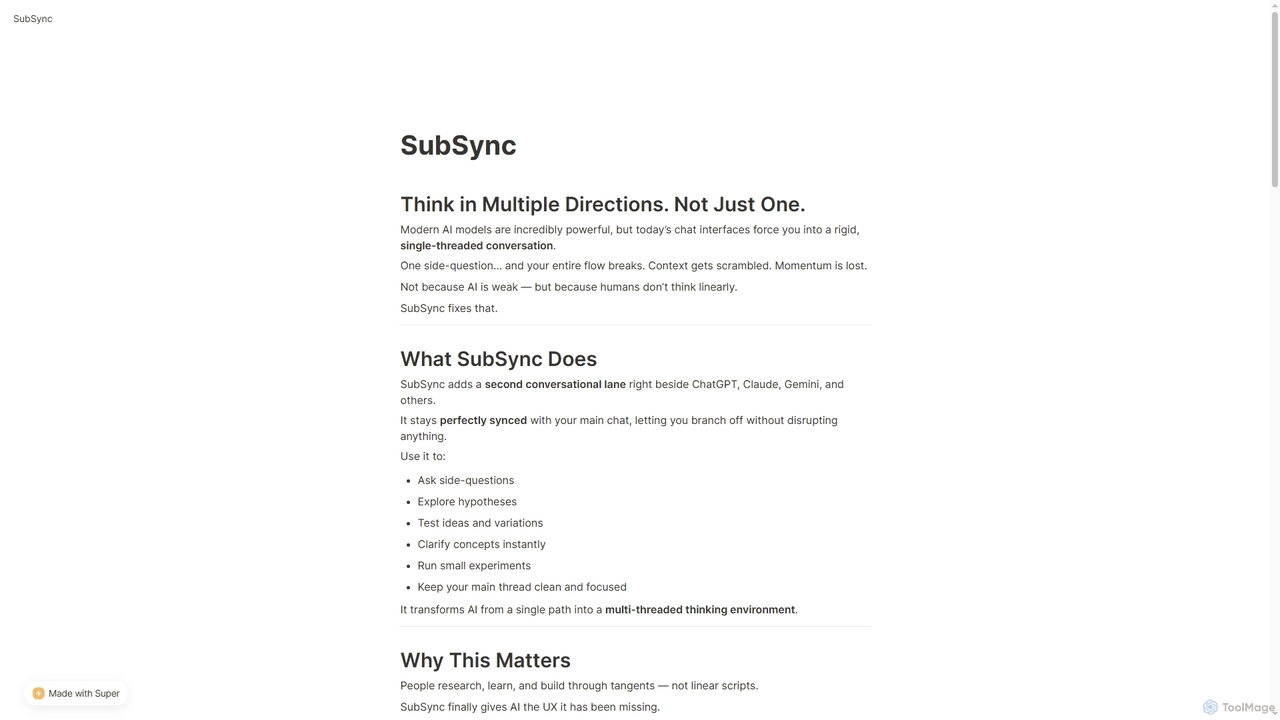
SubSync
SubSync is a Chrome sidebar extension that revolutionizes AI conversations by introducing a multi-threaded thinking environment. It allows users to branch off into parallel discussions with AI models like ChatGPT or Claude, while keeping the main chat context intact. This innovative approach supports non-linear thinking, enabling deeper exploration, rapid experimentation, and more effective AI utilization for professionals.
Ai Assistant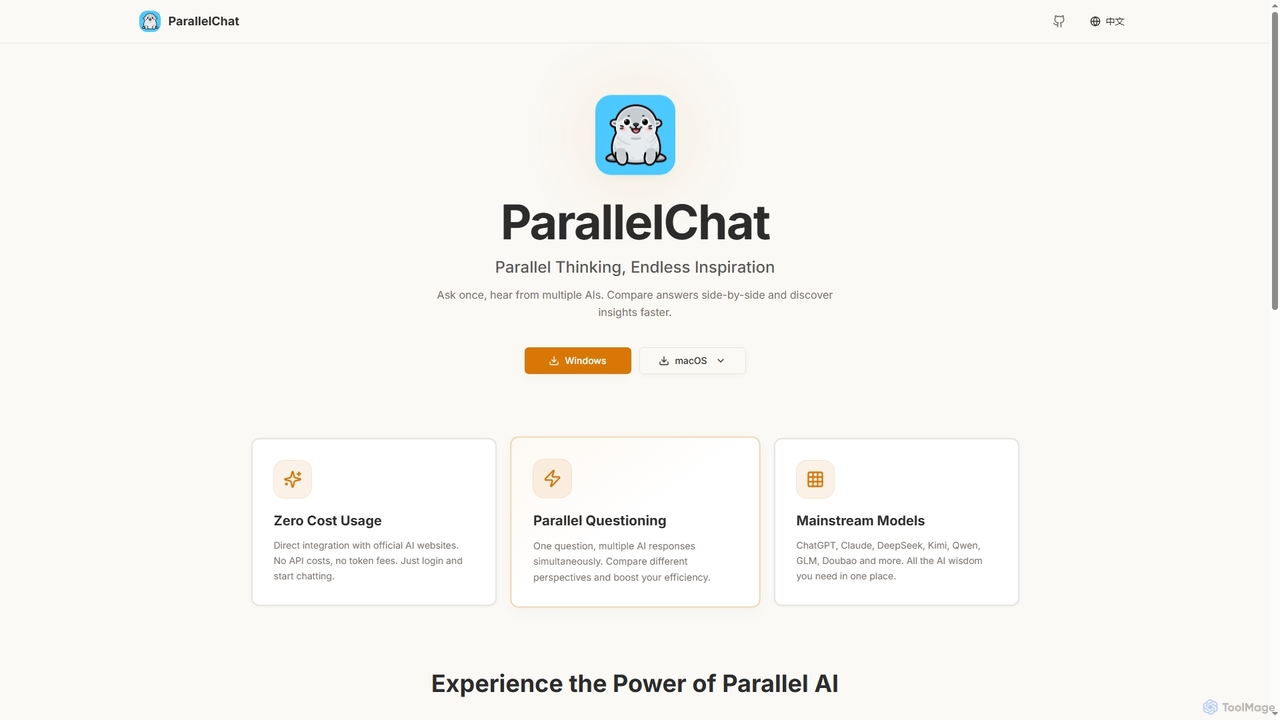
ParallelChat
ParallelChat is a desktop application for Windows and macOS that allows users to query multiple AI models simultaneously and compare their responses side-by-side. It integrates popular AIs like ChatGPT, Claude, and DeepSeek, offering diverse perspectives to boost efficiency and find better answers faster.
Writing Assistant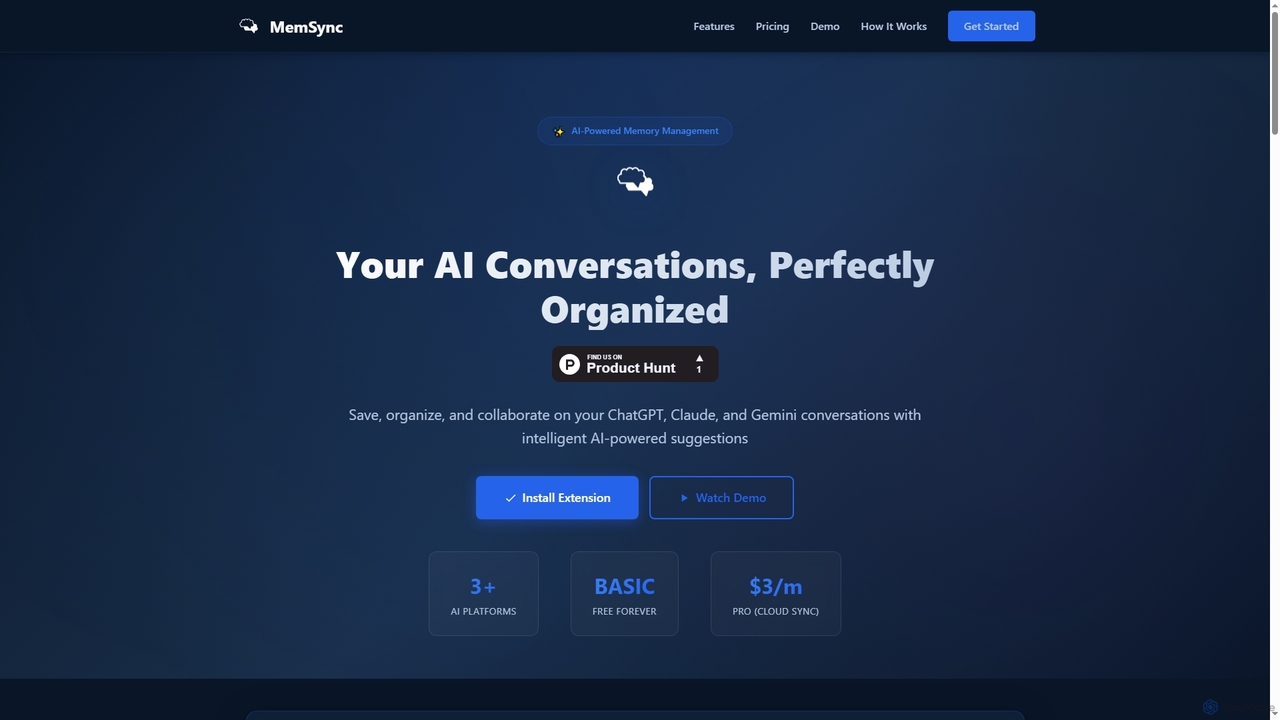
MemSync
MemSync is an AI-powered browser extension designed to effortlessly save, organize, and collaborate on your AI conversations from platforms like ChatGPT, Claude, and Gemini. It offers smart memory saving, AI-driven organization suggestions, and seamless cloud synchronization.
Conversation Tools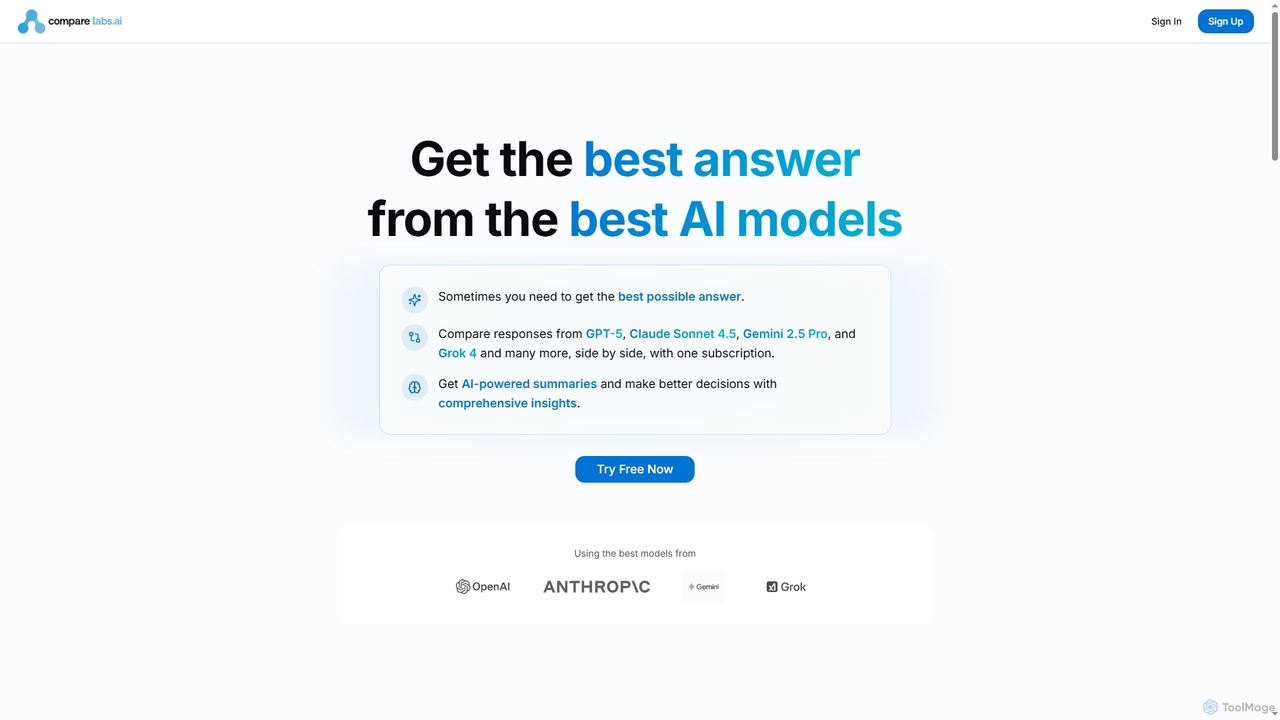
CompareLabs
CompareLabs is an advanced AI platform that allows users to simultaneously query and compare responses from over 20 leading AI models, including GPT-5, Claude Sonnet 4.5, Gemini 2.5 Pro, and Grok 4. It synthesizes these diverse perspectives into a comprehensive "meta-answer," enabling users to get the best possible insights for complex research, creative writing, and problem-solving.
Large Language Models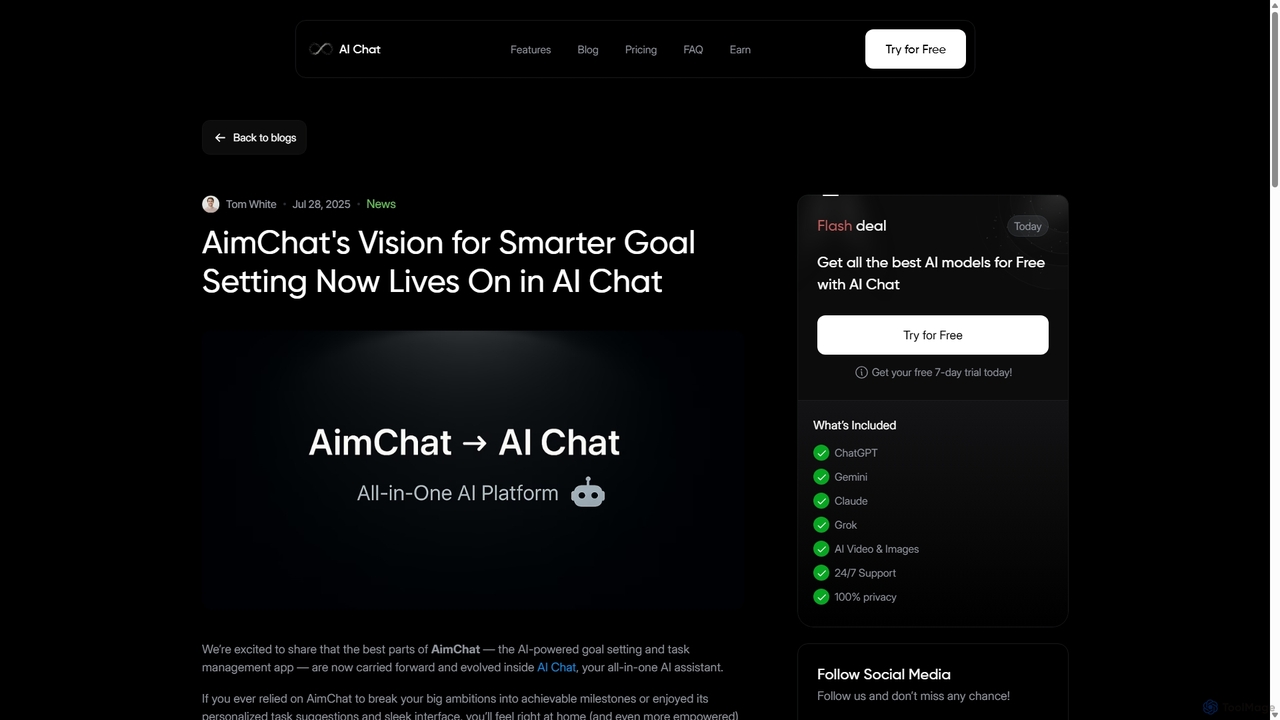
AI Chat
AI Chat is an all-in-one AI assistant that integrates top models like ChatGPT, Claude, and Gemini into a single platform. Evolving from the goal-setting app AimChat, it combines advanced conversational AI with powerful task management, research, and content creation tools to streamline your workflow and help you achieve your ambitions.
Assistant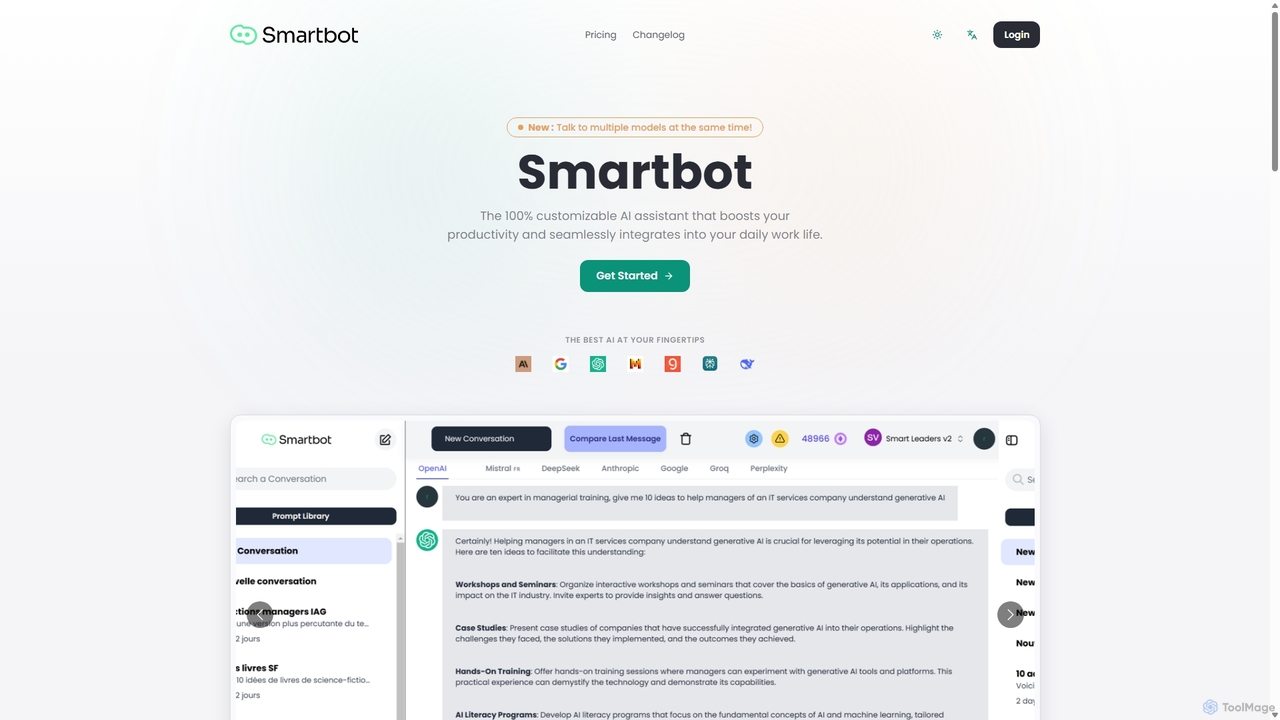
Smart Bot
Smart Bot is a highly customizable AI assistant that boosts productivity by integrating multiple top-tier AI models like ChatGPT, Claude, and Gemini into a single interface. It allows users to compare responses simultaneously, manage a shared library of custom prompts for team collaboration, and even visualize and test generated code. With features like image and file reading, it streamlines daily workflows for individuals and organizations.
Code Assistant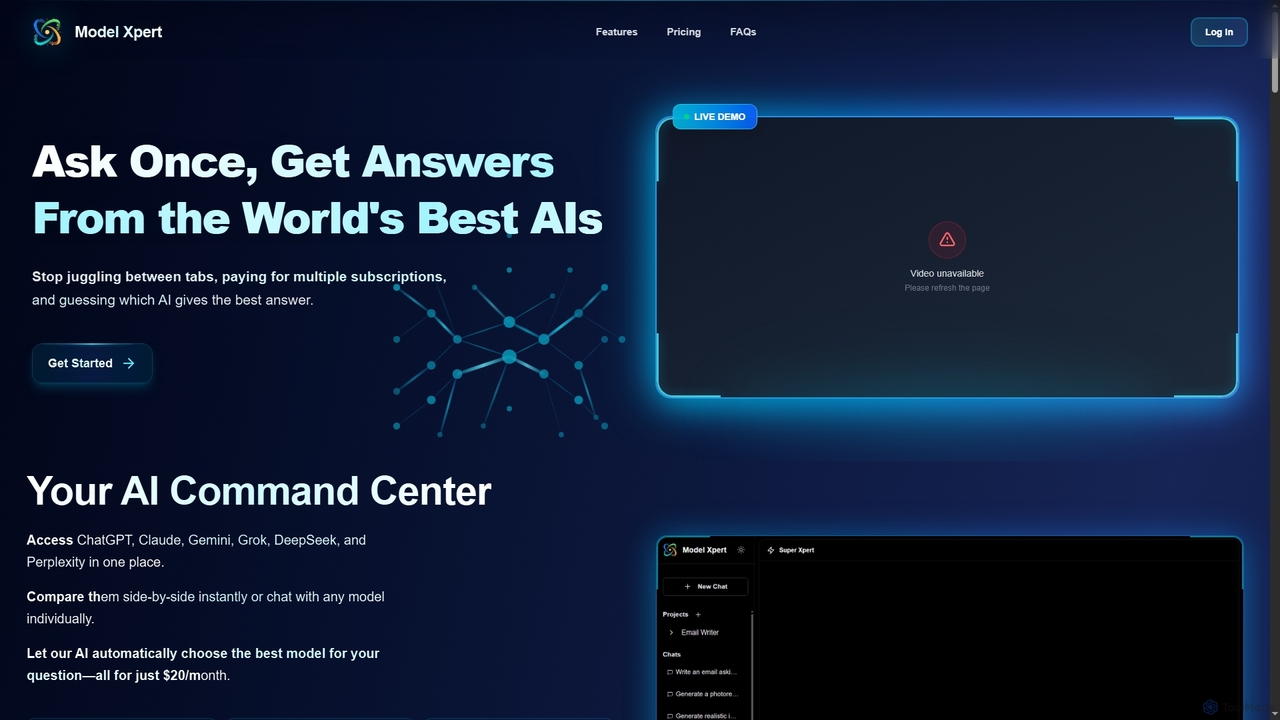
Model Xpert
Model Xpert provides unified access to the world's top AI models like ChatGPT, Claude, Gemini, Grok, DeepSeek, and Perplexity in one chat interface. It eliminates the need for multiple subscriptions and offers features like side-by-side comparison, intelligent auto-selection, prompt enhancement, and an AI image suite for maximum efficiency and cost savings.
Writing
Moka
Moka is an AI assistant developed in Turkey, designed to help users with a wide range of tasks including code writing, creative content generation, idea brainstorming, and educational support. It aims to streamline projects and enhance productivity through intelligent chat interactions.
Idea Generation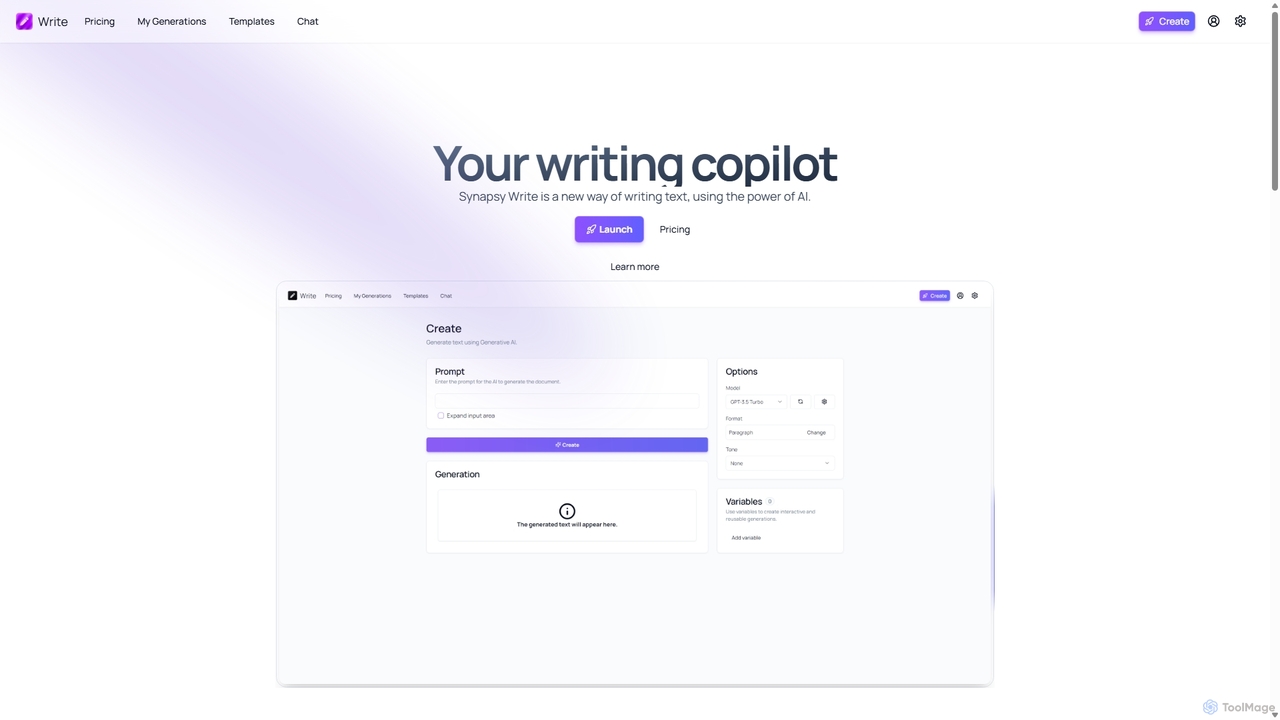
Synapsy Write
Synapsy Write is an open-source AI writing copilot designed to enhance productivity and creativity. It supports multiple advanced AI models like GPT-4o and Claude 3.5, offering versatile text generation, an integrated editor, advanced controls with variables, and specialized tools for creating essays, tables, and in-depth text analysis.
Academic Writing
Cosmicup
Cosmicup is an all-in-one AI platform offering unlimited access to a wide array of advanced AI models like ChatGPT 5, Claude 4.5, Gemini 2.5, and Grok 4 through a single subscription. It streamlines workflows with features including multi-model interaction, code assistance, document analysis, real-time web search, deep research, and AI image generation, eliminating the need for multiple subscriptions.
Multimodal Ai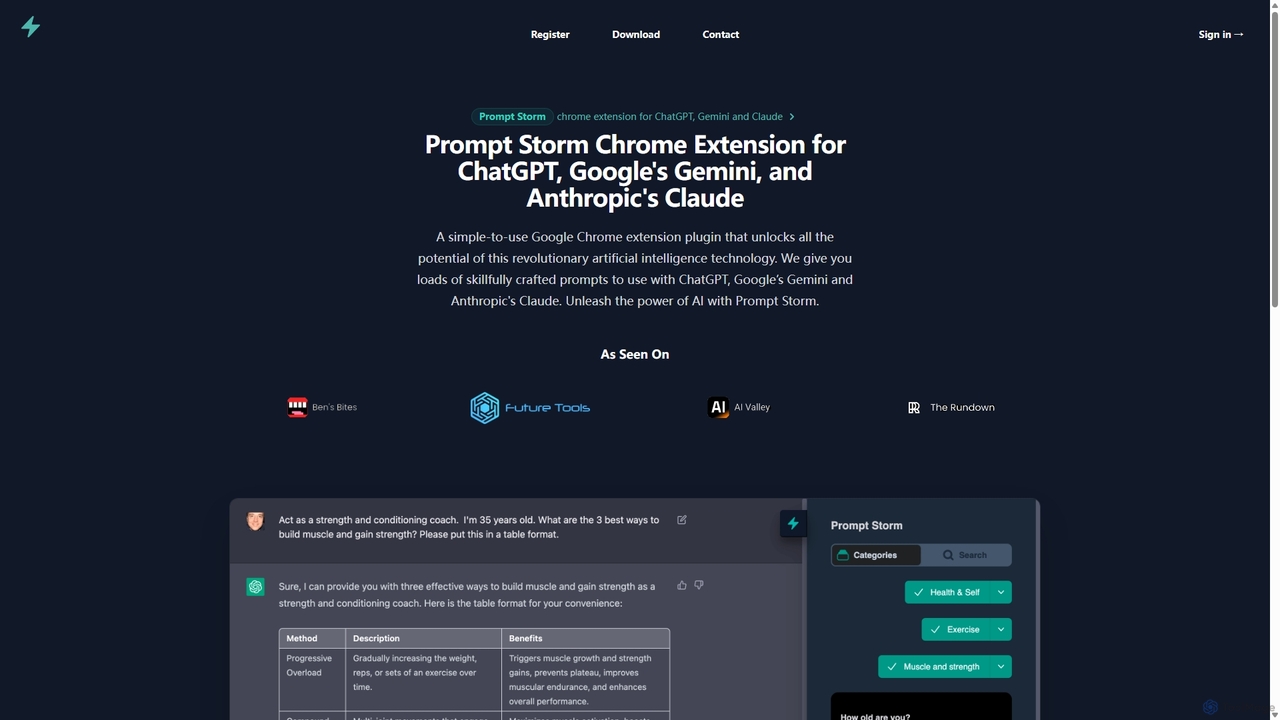
Prompt Storm
Prompt Storm is a powerful Chrome extension that enhances your interactions with ChatGPT, Google Gemini, and Anthropic's Claude. It provides a vast library of expertly crafted prompts, enabling users to unlock the full potential of AI for tasks like content creation, marketing, coding, and learning. Boost your productivity and get higher-quality AI responses with just a few clicks.
Code Generation
PolyGPT Comments (0)
Sign in to comment.
Sign inNo comments yet.