


Memoriq Overview
Memoriq is a privacy-focused tool designed to help users manage and preserve valuable AI conversations. It creates a secure, encrypted repository where chats from various AI providers like ChatGPT, Claude, Gemini, and Grok can be stored, organized, and easily retrieved. The service emphasizes user ownership and data security through client-side encryption.
How to use Memoriq
Users begin by installing the free Memoriq Chrome extension and signing in. The extension allows for one-click saving of conversations directly from supported AI chat interfaces. Alternatively, users can manually import conversation exports. Saved chats are then archived in the user's personal vault, where they can be tagged, organized by project, and searched across all providers. The interface allows for revisiting conversations in their original formatted state.
Core Features of Memoriq
- Client-side AES-256 encryption before data leaves the device
- Chrome extension for saving chats from ChatGPT, Claude, Gemini, and Grok
- Unified search across conversations from all integrated AI providers
- Organization with projects, tags, sources, and dates
- Full data portability with export and delete functions at any time
- Open-source, AGPL-licensed software for self-hosting and auditing
Use Cases for Memoriq
Memoriq is ideal for users who conduct extensive research, planning, or creative work using multiple AI assistants and need a single, private archive to preserve these interactions. It is suitable for individuals managing personal knowledge, professionals saving business-related discussions (like plans or instructions), and researchers documenting AI-assisted inquiry. The tool ensures important conversations are not lost due to provider account changes, message limits, or platform updates.
Advantages of Memoriq
The primary advantage of Memoriq is its architecture centered on privacy and user sovereignty. Conversations are encrypted end-to-end on the user's device before upload, meaning even the Memoriq service cannot read the stored content. It solves the problem of fragmented AI chats across different platforms by providing a single, searchable vault. The availability of a free hosted version and a self-hosted option provides flexibility, and its open-source nature allows users to verify security claims.
Memoriq FAQ
Memoriq Alternatives
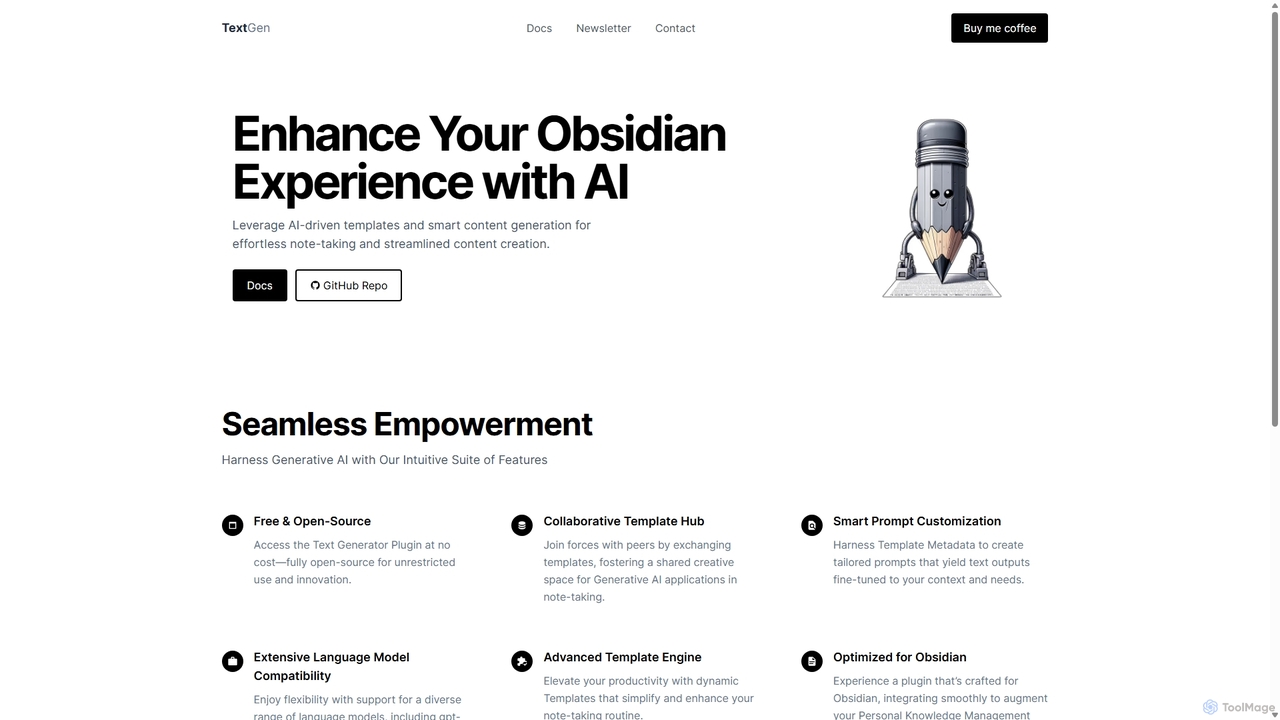
TextGen
TextGen is a free, open-source AI plugin for Obsidian that supercharges your note-taking and content creation. It integrates seamlessly with various large language models like GPT-4, Claude, and Llama, allowing you to generate, summarize, and transform text using customizable templates directly within your knowledge base.
Code Assistant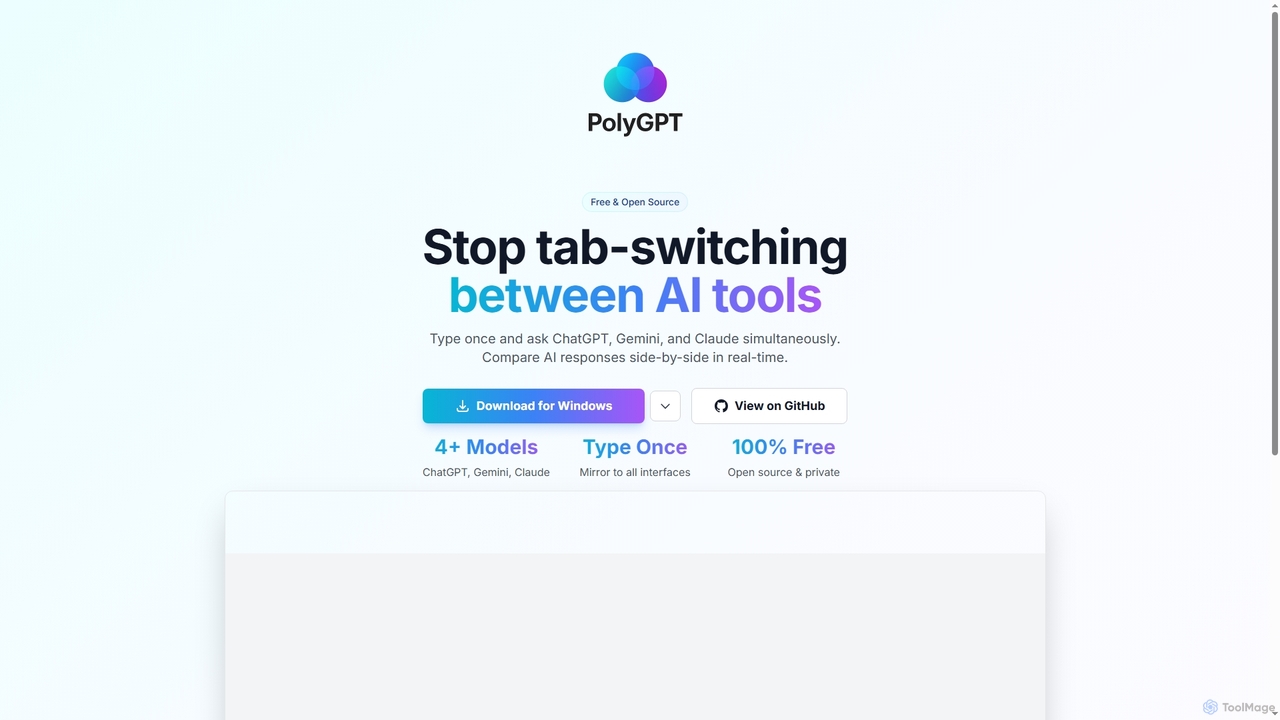
PolyGPT
PolyGPT is a free and open-source desktop application that allows users to chat with multiple AI models, including ChatGPT, Gemini, and Claude, simultaneously. It eliminates tab-switching by enabling users to type a prompt once and receive side-by-side, real-time responses from various AIs for easy comparison and enhanced productivity.
Open Source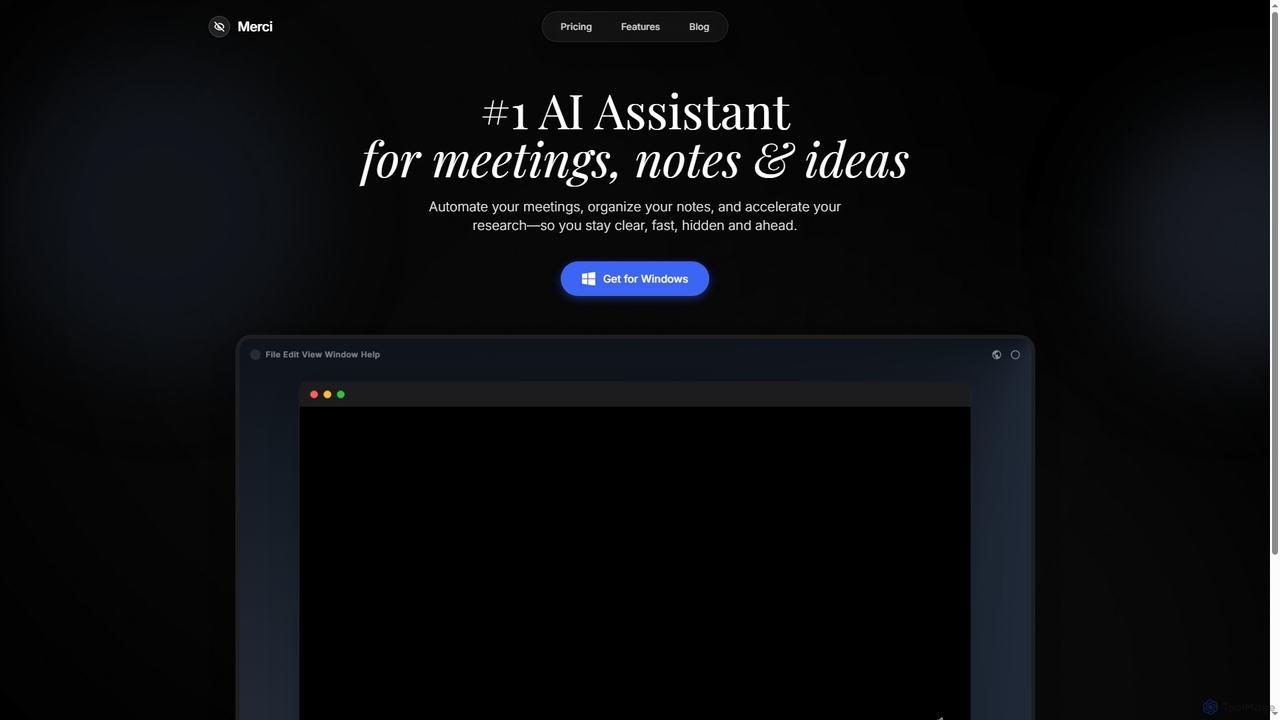
Merci
Merci is an advanced AI assistant designed to streamline your professional life by automating meetings, organizing notes, and accelerating research. It helps users stay clear, fast, hidden, and ahead in their respective fields, offering a powerful solution for efficient information management and productivity on Windows.
Assistant
Reflect
Reflect is an AI-powered, networked note-taking app designed to help you think better. It acts as a 'second brain' by connecting your notes through backlinks, creating a graph of your ideas. With features like AI-driven transcription, summarization, end-to-end encryption, and seamless cross-device sync, it's built for speed, security, and frictionless thought capture.
Personal Assistant
Dim
Dim is an innovative app designed as a digital sanctuary for your mind, helping you effortlessly capture, connect, house, and celebrate your thoughts. It simplifies idea organization through intuitive tagging and free-form writing, fostering mental clarity and structured thinking.
MindfulnessMemoriq Categories
Memoriq Jobs
Memoriq Embed Widget
Copy this embed code to place the badge on your blog, article, or product site and send readers directly to this ToolMage detail page.

Related AI tools
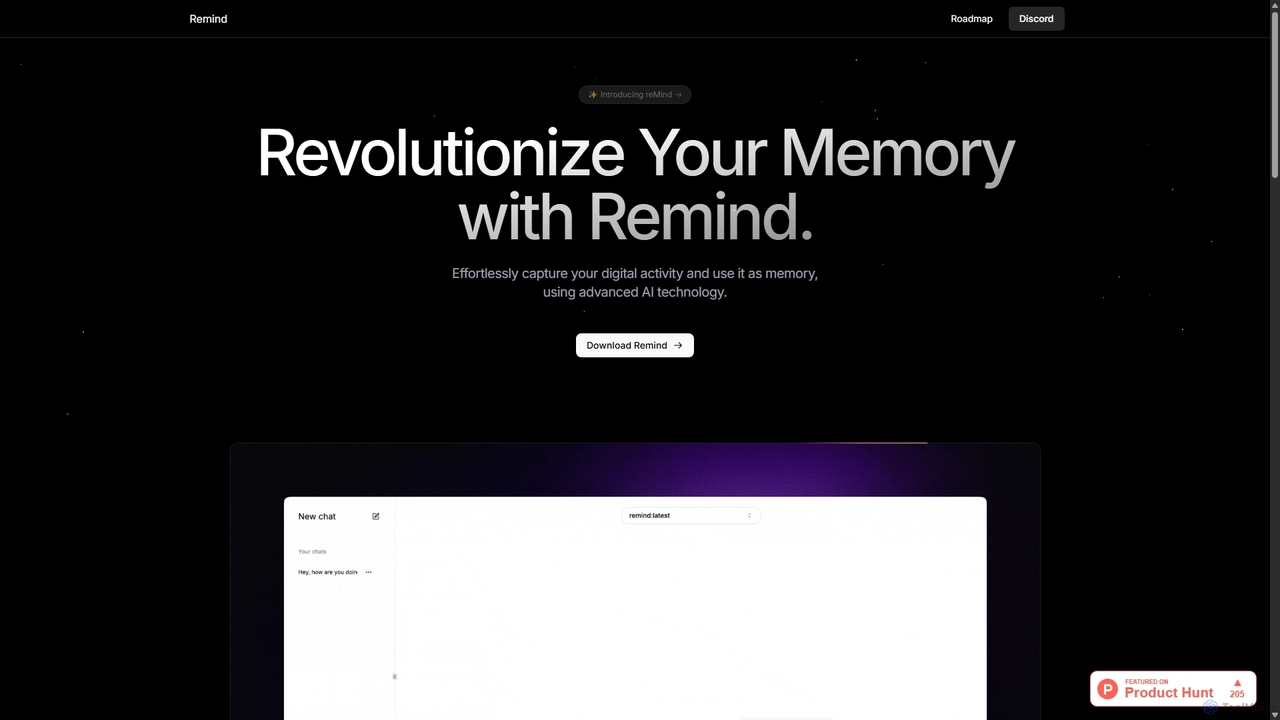
ReMind
reMind is an open-source, privacy-first AI tool that acts as your personal memory. It captures your digital activity locally, allowing you to search and recall anything you've seen or done on your computer using natural language. It runs entirely on your machine for maximum security.
UtilitiesTextGen
TextGen is a free, open-source AI plugin for Obsidian that supercharges your note-taking and content creation. It integrates seamlessly with various large language models like GPT-4, Claude, and Llama, allowing you to generate, summarize, and transform text using customizable templates directly within your knowledge base.
Code AssistantPolyGPT
PolyGPT is a free and open-source desktop application that allows users to chat with multiple AI models, including ChatGPT, Gemini, and Claude, simultaneously. It eliminates tab-switching by enabling users to type a prompt once and receive side-by-side, real-time responses from various AIs for easy comparison and enhanced productivity.
Open SourceMerci
Merci is an advanced AI assistant designed to streamline your professional life by automating meetings, organizing notes, and accelerating research. It helps users stay clear, fast, hidden, and ahead in their respective fields, offering a powerful solution for efficient information management and productivity on Windows.
Assistant
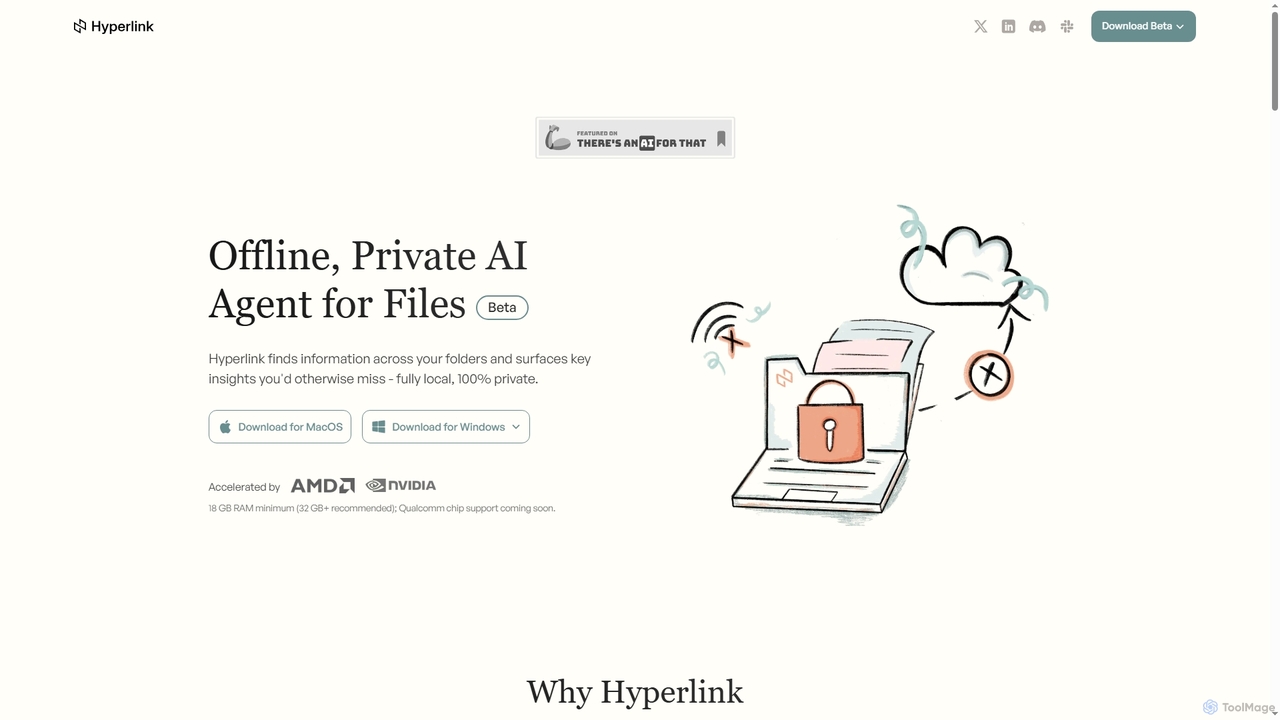
Hyperlink
Hyperlink is a fully on-device, private AI agent designed for document search and understanding. It allows knowledge workers to instantly find, analyze, and summarize information from their local files, notes, and documents without compromising privacy. With features like real-time file indexing, in-text citations, and image text search, Hyperlink transforms your personal data into an intelligent, searchable knowledge base, all processed offline on your device.
Offline Agent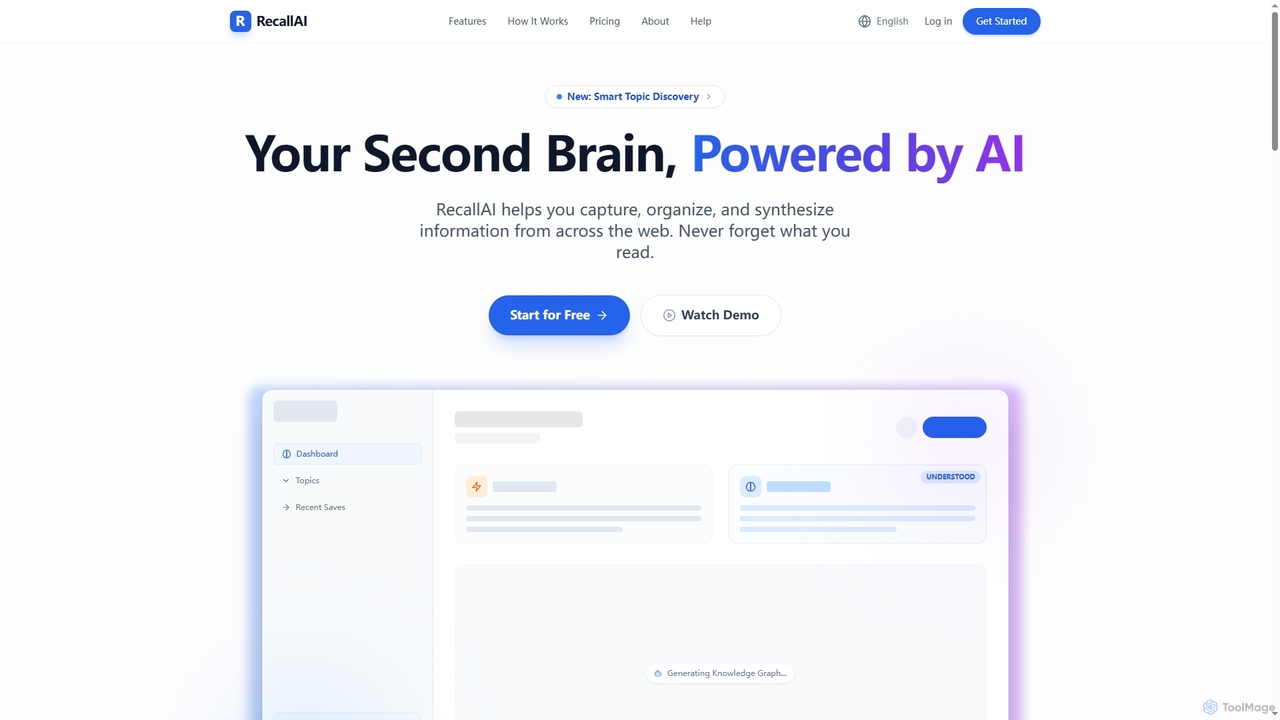
RecallAI
RecallAI is an AI-powered 'second brain' designed to help users capture, organize, and synthesize information from across the web. It automatically summarizes articles, videos, and podcasts, categorizes content into relevant topics, and allows for instant knowledge retrieval through natural language queries and a visual knowledge graph.
Learning Assistant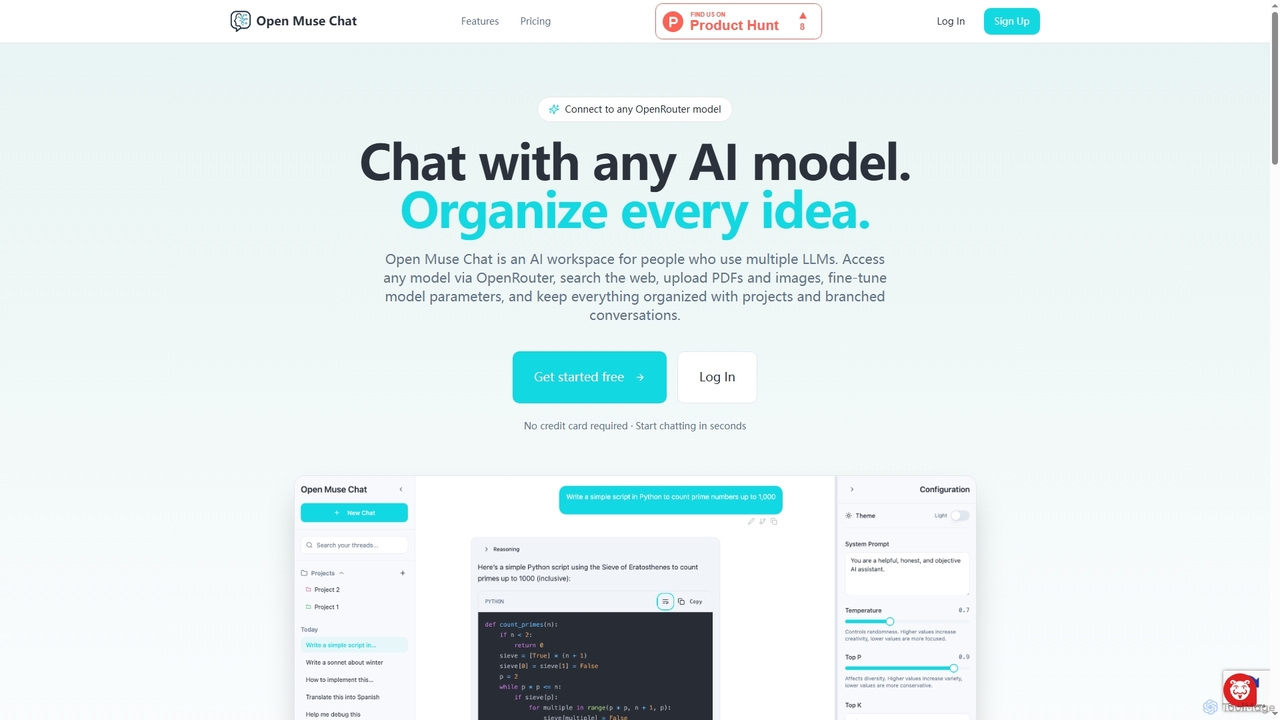
Open Muse Chat
Open Muse Chat is an advanced multi-model AI chat interface designed for users who leverage various large language models. It connects to any OpenRouter model, offers web search, file uploads (PDFs, images) for context, and provides fine-grained control over model parameters, all within an organized workspace featuring projects and branched conversations.
Multi Model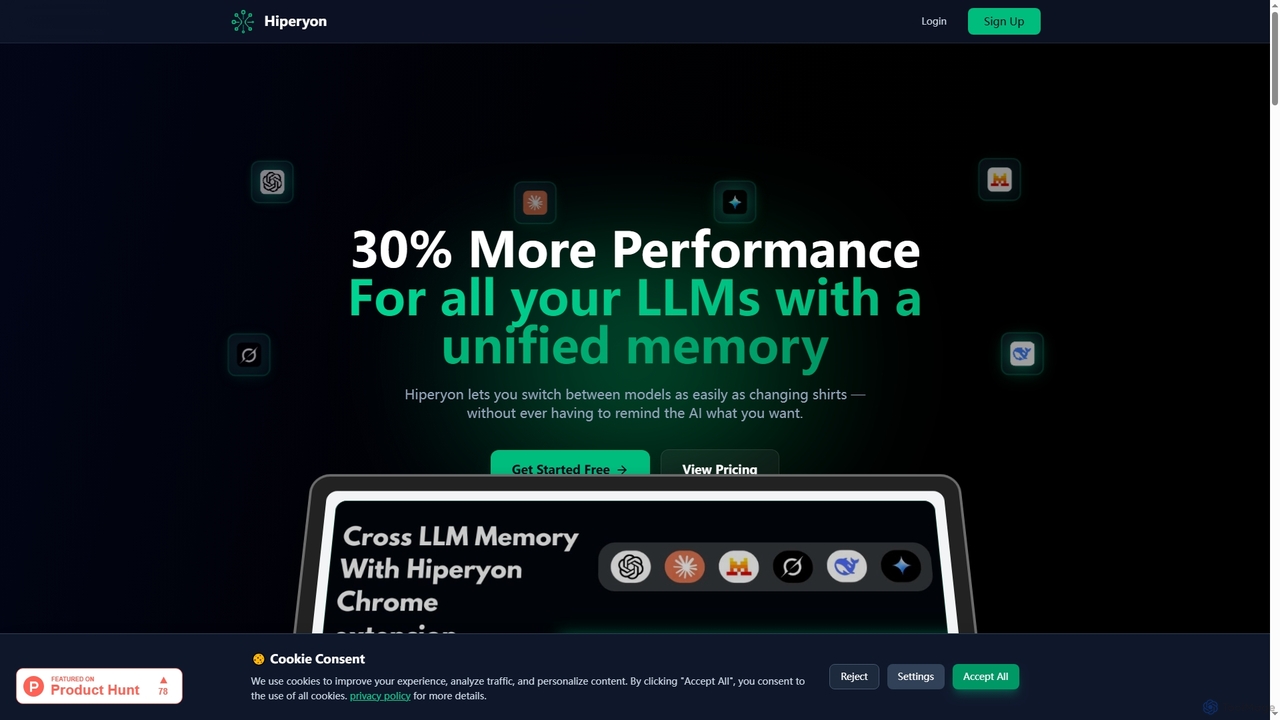
Hiperyon
Hiperyon is an AI tool that provides a unified contextual memory layer for multiple Large Language Models (LLMs) like ChatGPT, Claude, and Gemini. It enhances productivity by allowing users to switch between different AI models without losing context or repeating information, ensuring consistent and efficient interactions.
Context ManagementReflect
Reflect is an AI-powered, networked note-taking app designed to help you think better. It acts as a 'second brain' by connecting your notes through backlinks, creating a graph of your ideas. With features like AI-driven transcription, summarization, end-to-end encryption, and seamless cross-device sync, it's built for speed, security, and frictionless thought capture.
Personal Assistant
Jyek
Jyek is an AI agent platform that understands objectives, creates execution plans, uses tools, and delivers verifiable results for complex, multi-step tasks.
Automation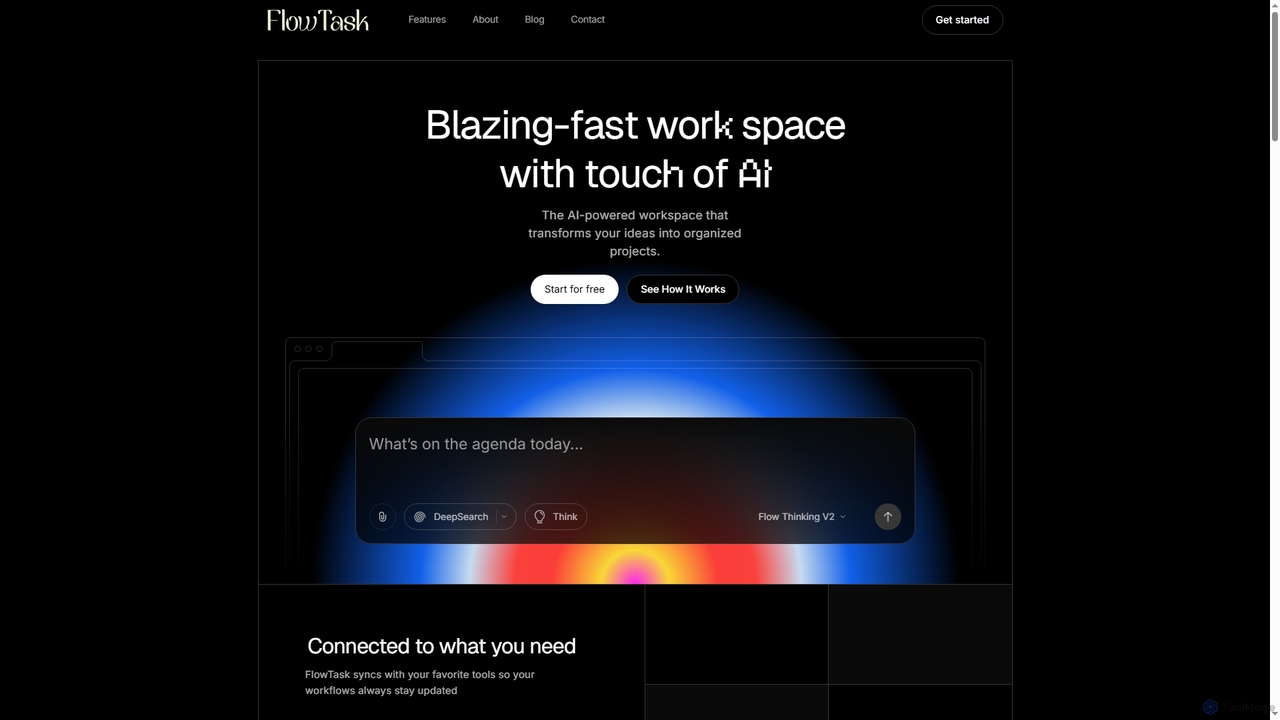
FlowTask
FlowTask is an AI-powered workspace designed to automatically structure projects, tasks, and documents in real-time. It transforms simple prompts into organized workflows, detects tasks and deadlines as you type, and provides instant summaries and cross-workspace search, streamlining productivity for individuals and teams.
Document GenerationDim
Dim is an innovative app designed as a digital sanctuary for your mind, helping you effortlessly capture, connect, house, and celebrate your thoughts. It simplifies idea organization through intuitive tagging and free-form writing, fostering mental clarity and structured thinking.
Mindfulness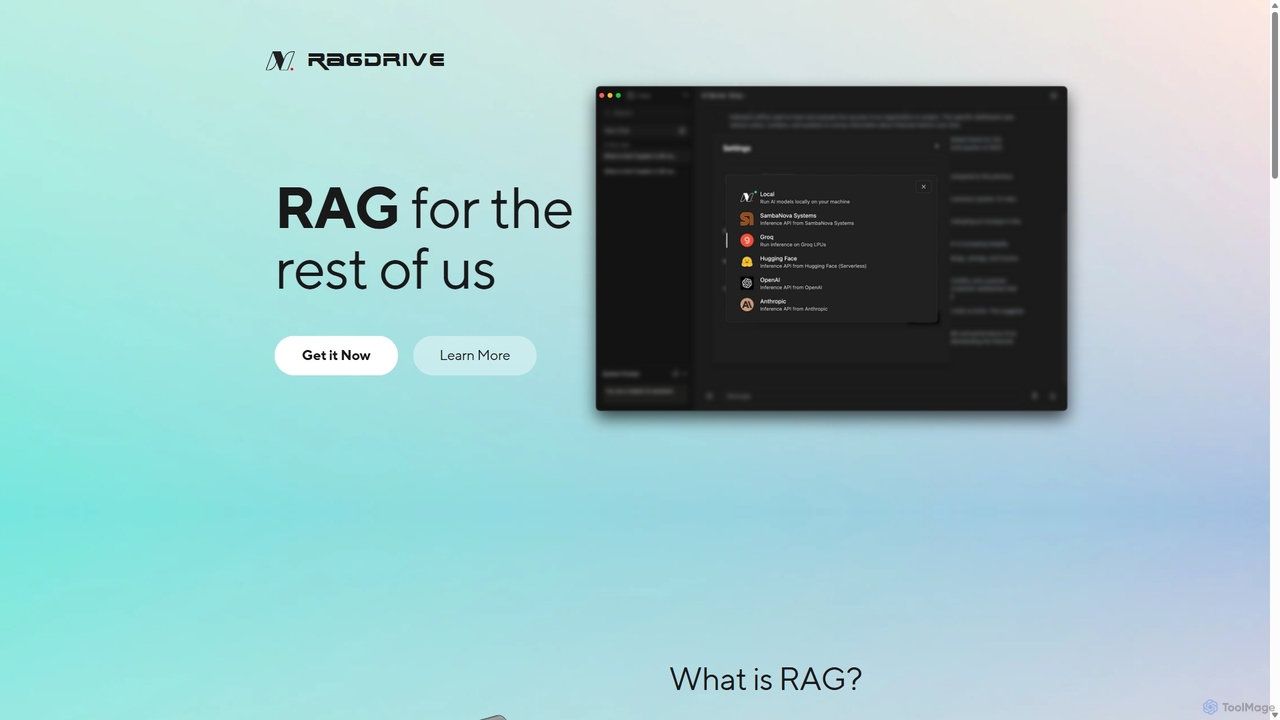
RAGDrive
RAGDrive is a free, open-source, and no-code tool that allows you to chat with your documents privately and offline. Using RAG technology, it turns your files into an interactive knowledge base, accessible across Windows, Mac, iOS, and Android.
Open Source
Sideindexer
Sideindexer is a powerful Chrome extension designed to revolutionize how you navigate and manage your AI conversations on platforms like ChatGPT, Gemini, and Claude. It provides instant indexing, persistent highlights, and advanced search capabilities, transforming lengthy AI chats into easily navigable knowledge bases.
Ai Tools
Memoriq Comments (0)
Sign in to comment.
Sign inNo comments yet.