

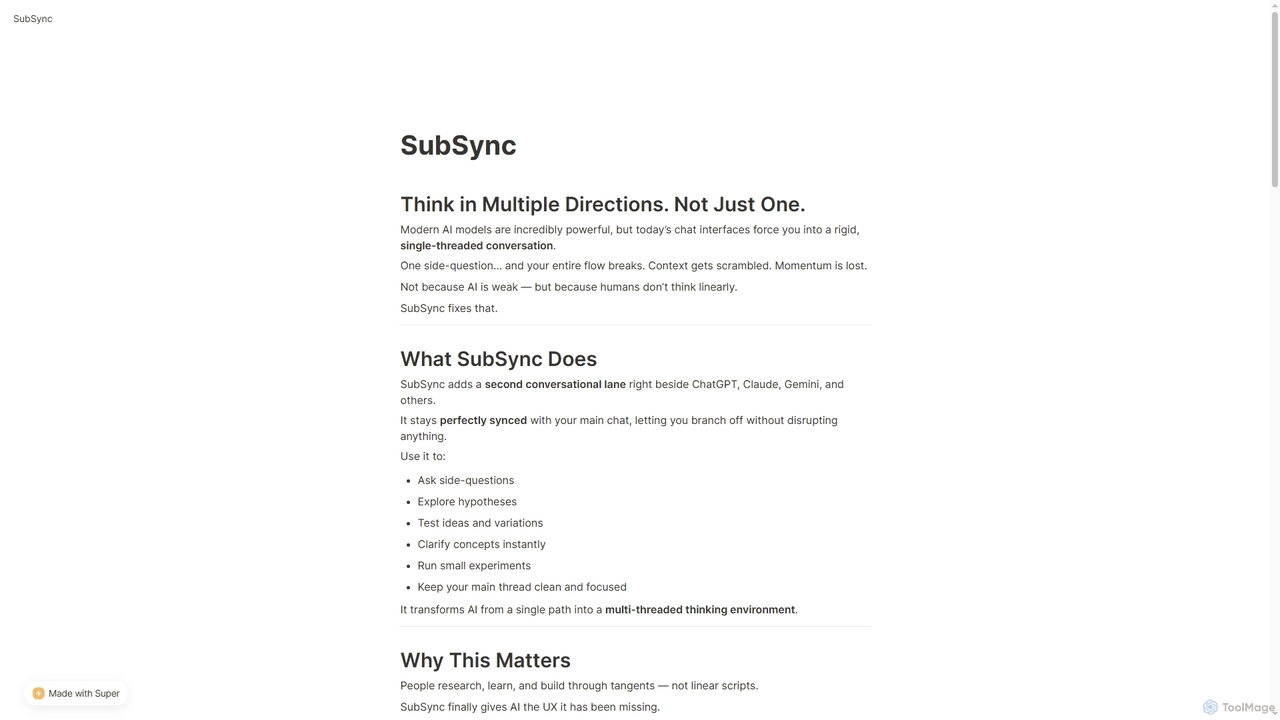
SubSync Overview
SubSync transforms the way users interact with modern AI models by addressing the inherent linearity of current chat interfaces. While AI models like ChatGPT, Claude, and Gemini are incredibly powerful, their single-threaded nature often breaks the user's flow when exploring side-questions or divergent ideas. SubSync resolves this by adding a second, parallel conversational lane directly alongside your main AI chat, maintaining perfect synchronization without disrupting your primary dialogue.
This multi-threaded environment empowers users to think in multiple directions simultaneously. It's designed for anyone who depends on AI daily, including engineers, founders, writers, students, and researchers, accelerating workflows and fostering deeper learning. SubSync enhances the AI experience by mirroring natural human thought processes, which often involve tangents and explorations rather than strictly linear scripts.
How to use SubSync
To use SubSync, install it as a Chrome sidebar extension. Once installed, it automatically detects and syncs context from supported AI platforms like ChatGPT, Claude, and Gemini in real time. A parallel discussion lane will open on the right side of your browser, allowing you to ask side-questions, test ideas, or clarify concepts without interrupting your main conversation. Additionally, a "Prompt Improve" button is available on supported platforms, which intelligently restructures your current prompt for better clarity, precision, and stronger outputs with a single click.
Core Features of SubSync
- Multi-Threaded Conversations: Branch off into parallel discussions anytime without corrupting your main AI chat thread.
- Real-Time Context Syncing: The side-lane always stays perfectly synced with the main conversation, ensuring context is preserved.
- Private by Design: Features no tracking, no analytics, and no conversation storage. API keys never leave your device, and only short-lived local history (24 hours) is stored for convenience.
- Works Across Models: Compatible with popular AI models including ChatGPT, Claude, Gemini, OpenRouter, and more.
- Built for Heavy AI Users: Designed to enhance complex workflows for debugging, brainstorming, writing, learning, and research.
- Prompt Improve: A new feature that intelligently restructures typed or pasted prompts for clarity, precision, better reasoning, and stronger outputs, directly within the chat interface.
Use Cases for SubSync
SubSync is ideal for scenarios requiring dynamic and non-linear AI interaction. Engineers can use it for debugging complex code by testing variations in a side-lane. Founders and researchers can explore hypotheses and clarify concepts without losing the main thread of their primary inquiry. Writers can experiment with different phrasing or ideas while maintaining focus on their core content. Students can ask clarifying questions or run small experiments to deepen their understanding, making AI a more versatile learning companion. Its multi-threaded nature makes it perfect for brainstorming sessions where multiple ideas need to be explored concurrently.
Advantages of SubSync
SubSync provides a significant leap in AI interaction design. Its primary advantage is enabling natural, multi-threaded thinking, which prevents the disruption of the main conversation flow. This leads to faster progress, deeper learning, and smarter building. The tool is built with a strict privacy-first mindset, ensuring user data and API keys remain secure and local. The "Prompt Improve" feature acts as an embedded prompt engineering copilot, significantly enhancing the quality of AI outputs before queries are even sent. Its seamless integration as a Chrome extension makes it a zero-friction addition to any AI-dependent workflow.
SubSync FAQ
SubSync Alternatives

Sideindexer
Sideindexer is a powerful Chrome extension designed to revolutionize how you navigate and manage your AI conversations on platforms like ChatGPT, Gemini, and Claude. It provides instant indexing, persistent highlights, and advanced search capabilities, transforming lengthy AI chats into easily navigable knowledge bases.
Ai Tools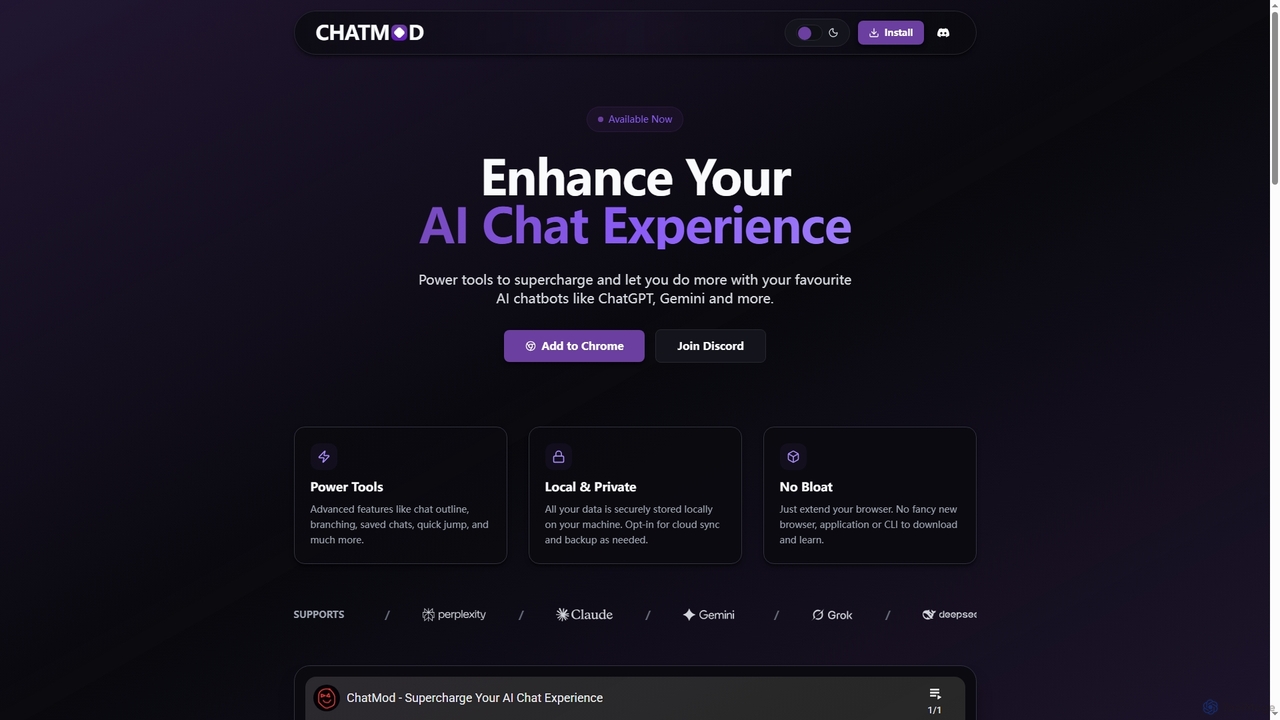
ChatMod
ChatMod is a powerful browser extension designed to supercharge your AI chat experience across platforms like ChatGPT, Gemini, Perplexity, and more. It offers advanced features for chat organization, navigation, and productivity, all while keeping your data local and private.
Chat Management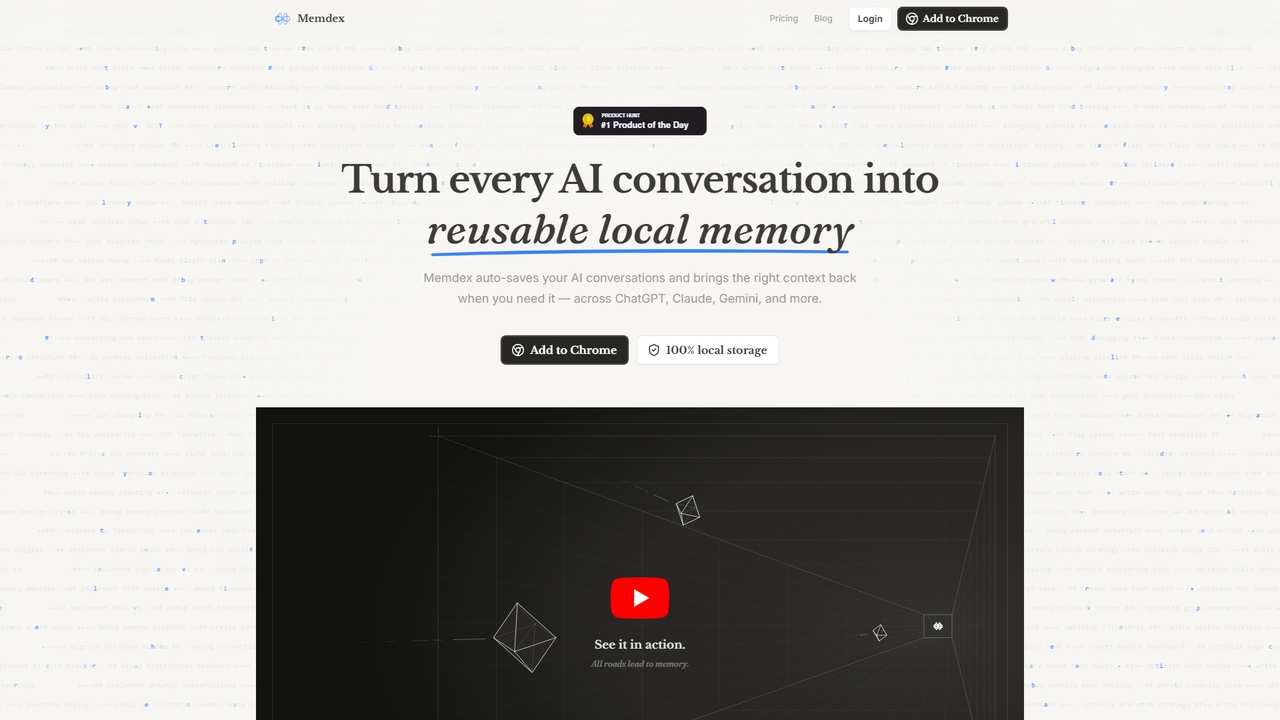
Memdex
A Chrome extension that saves your AI conversations from ChatGPT, Claude, and Gemini, automatically suggesting relevant context in new chats to enhance productivity.
Workflow Automation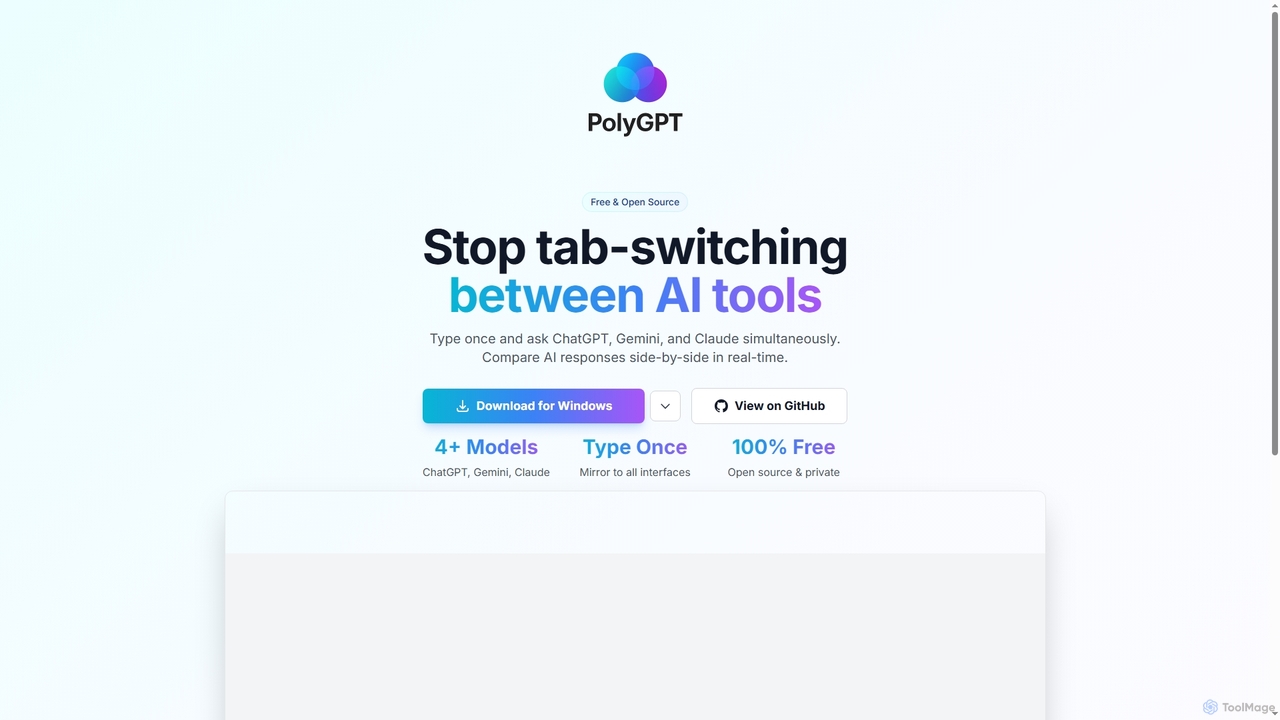
PolyGPT
PolyGPT is a free and open-source desktop application that allows users to chat with multiple AI models, including ChatGPT, Gemini, and Claude, simultaneously. It eliminates tab-switching by enabling users to type a prompt once and receive side-by-side, real-time responses from various AIs for easy comparison and enhanced productivity.
Open Source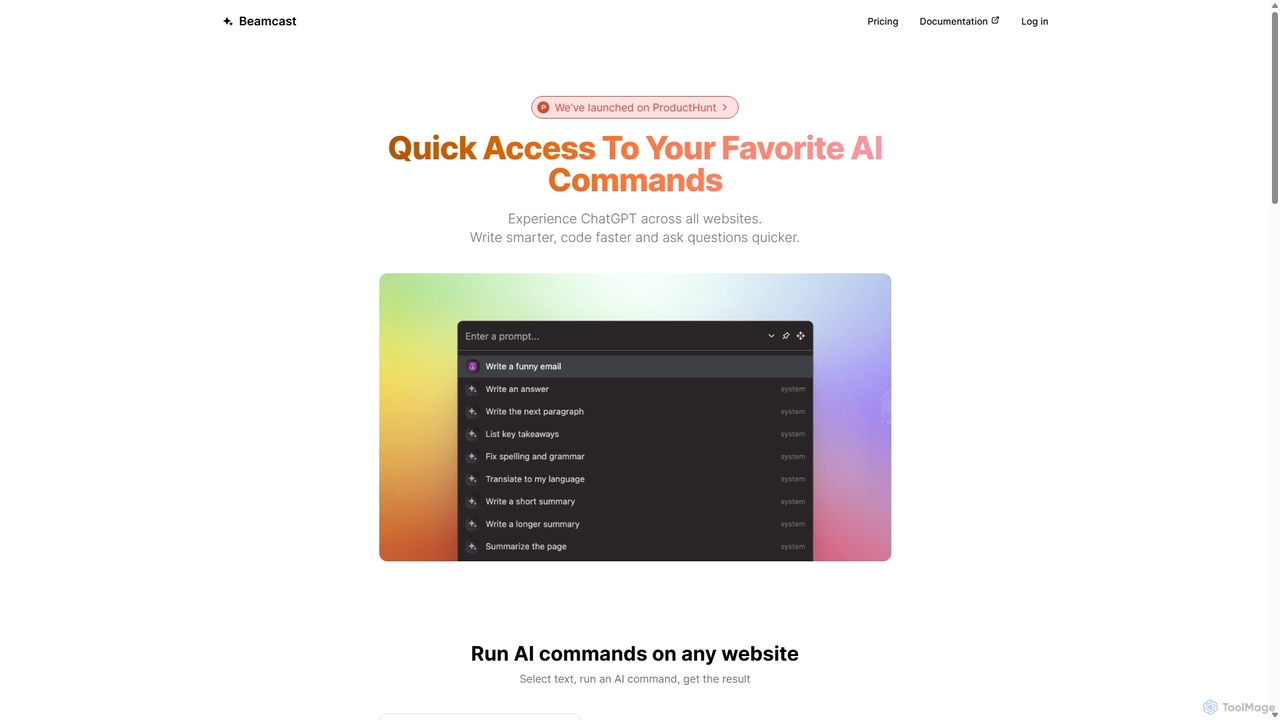
Beamcast
A browser extension that puts ChatGPT and Gemini at your fingertips. Select text on any website to run built-in or custom AI commands for writing, coding, and quick answers, streamlining your workflow and boosting productivity without ever leaving the page.
SearchSubSync Categories
SubSync Jobs
SubSync Embed Widget
Copy this embed code to place the badge on your blog, article, or product site and send readers directly to this ToolMage detail page.

Related AI tools
Sideindexer
Sideindexer is a powerful Chrome extension designed to revolutionize how you navigate and manage your AI conversations on platforms like ChatGPT, Gemini, and Claude. It provides instant indexing, persistent highlights, and advanced search capabilities, transforming lengthy AI chats into easily navigable knowledge bases.
Ai ToolsChatMod
ChatMod is a powerful browser extension designed to supercharge your AI chat experience across platforms like ChatGPT, Gemini, Perplexity, and more. It offers advanced features for chat organization, navigation, and productivity, all while keeping your data local and private.
Chat ManagementPolyGPT
PolyGPT is a free and open-source desktop application that allows users to chat with multiple AI models, including ChatGPT, Gemini, and Claude, simultaneously. It eliminates tab-switching by enabling users to type a prompt once and receive side-by-side, real-time responses from various AIs for easy comparison and enhanced productivity.
Open SourceBeamcast
A browser extension that puts ChatGPT and Gemini at your fingertips. Select text on any website to run built-in or custom AI commands for writing, coding, and quick answers, streamlining your workflow and boosting productivity without ever leaving the page.
Search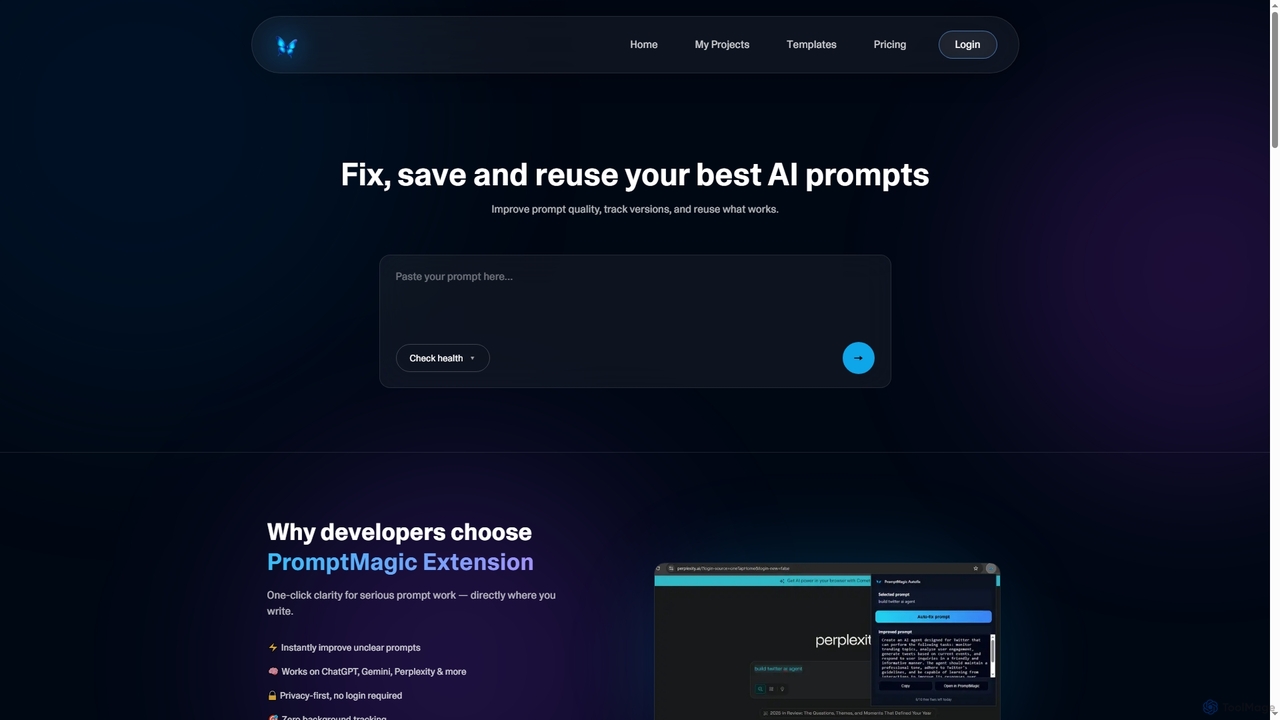
PromptMagic
PromptMagic is an AI tool and Chrome extension designed to help users write, optimize, save, and reuse high-quality AI prompts. It enhances clarity, tracks versions, and makes prompt engineering accessible across various AI models like ChatGPT, Gemini, and Claude.
Ai Development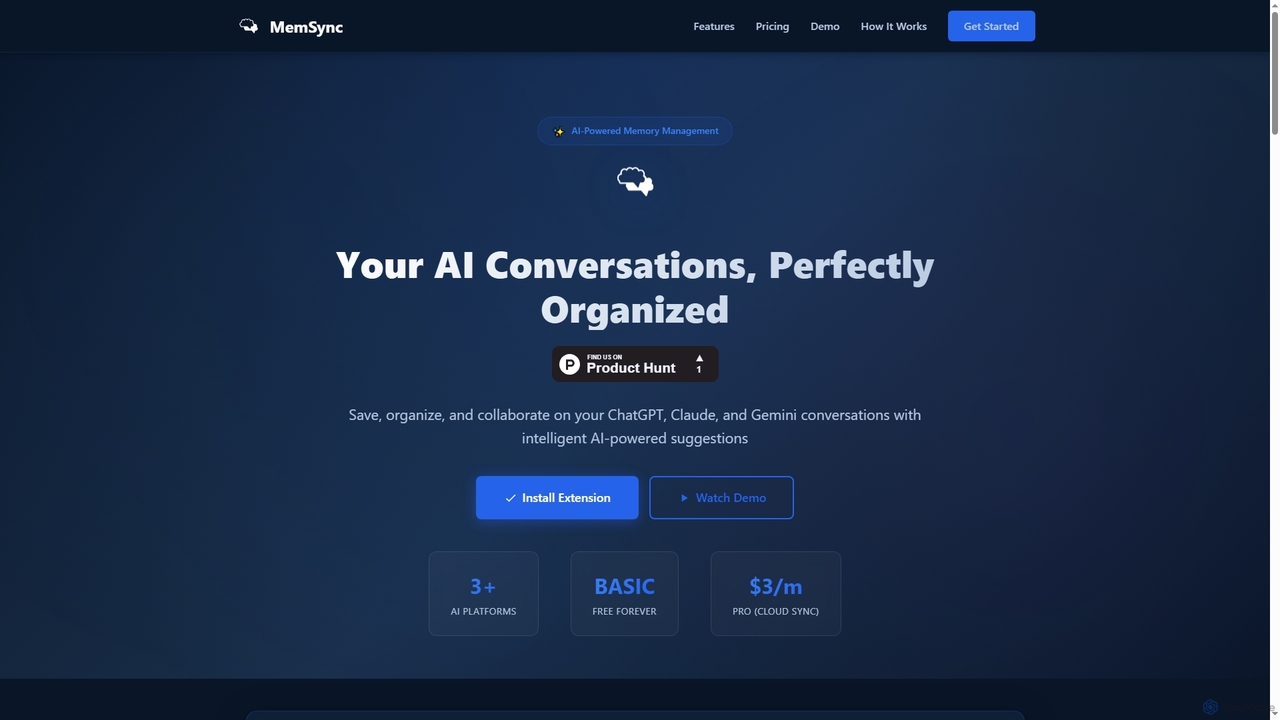
MemSync
MemSync is an AI-powered browser extension designed to effortlessly save, organize, and collaborate on your AI conversations from platforms like ChatGPT, Claude, and Gemini. It offers smart memory saving, AI-driven organization suggestions, and seamless cloud synchronization.
Conversation Tools
Hiperyon
Hiperyon is an AI tool that provides a unified contextual memory layer for multiple Large Language Models (LLMs) like ChatGPT, Claude, and Gemini. It enhances productivity by allowing users to switch between different AI models without losing context or repeating information, ensuring consistent and efficient interactions.
Context Management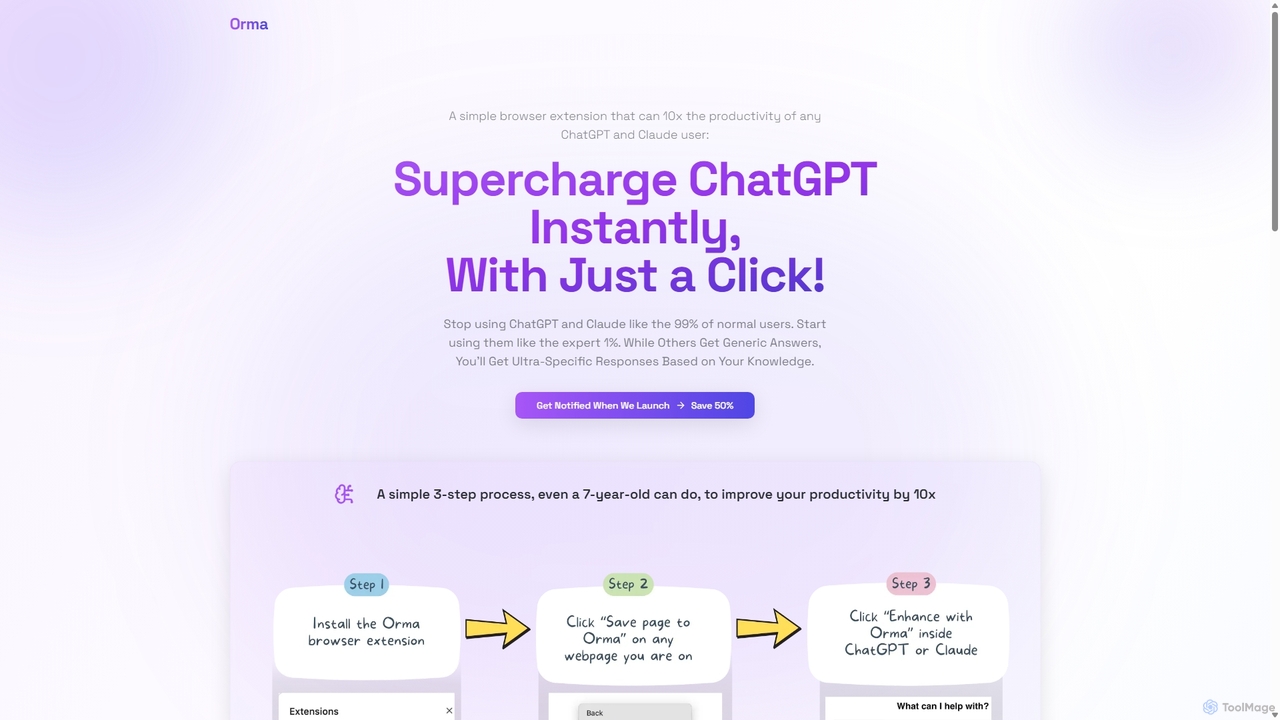
Orma
Orma is a browser extension that transforms your web browsing into a personal knowledge base, or 'digital memory layer'. It allows you to intelligently capture web content and seamlessly integrate it with AI models like ChatGPT and Claude. This turns generic AI responses into highly specific, personalized insights based on your own curated knowledge, boosting productivity by up to 10x.
Search Tools
Cosmicup
Cosmicup is an all-in-one AI platform offering unlimited access to a wide array of advanced AI models like ChatGPT 5, Claude 4.5, Gemini 2.5, and Grok 4 through a single subscription. It streamlines workflows with features including multi-model interaction, code assistance, document analysis, real-time web search, deep research, and AI image generation, eliminating the need for multiple subscriptions.
Multimodal Ai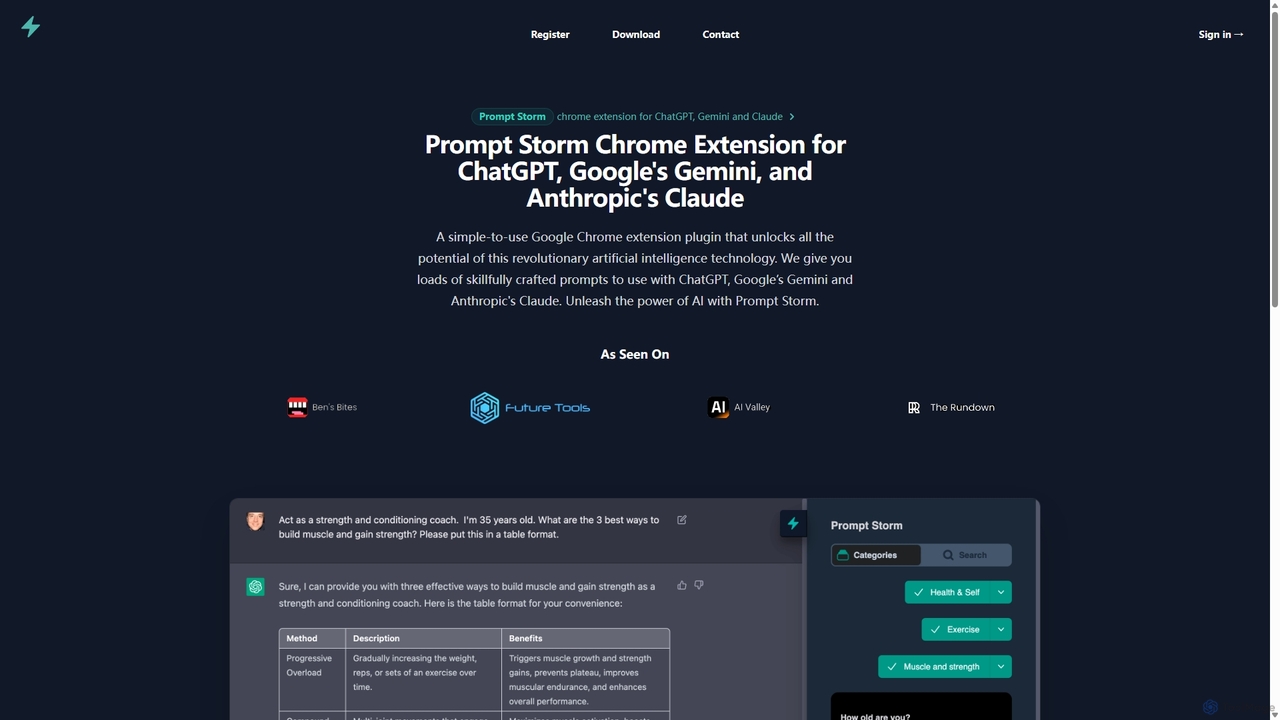
Prompt Storm
Prompt Storm is a powerful Chrome extension that enhances your interactions with ChatGPT, Google Gemini, and Anthropic's Claude. It provides a vast library of expertly crafted prompts, enabling users to unlock the full potential of AI for tasks like content creation, marketing, coding, and learning. Boost your productivity and get higher-quality AI responses with just a few clicks.
Code Generation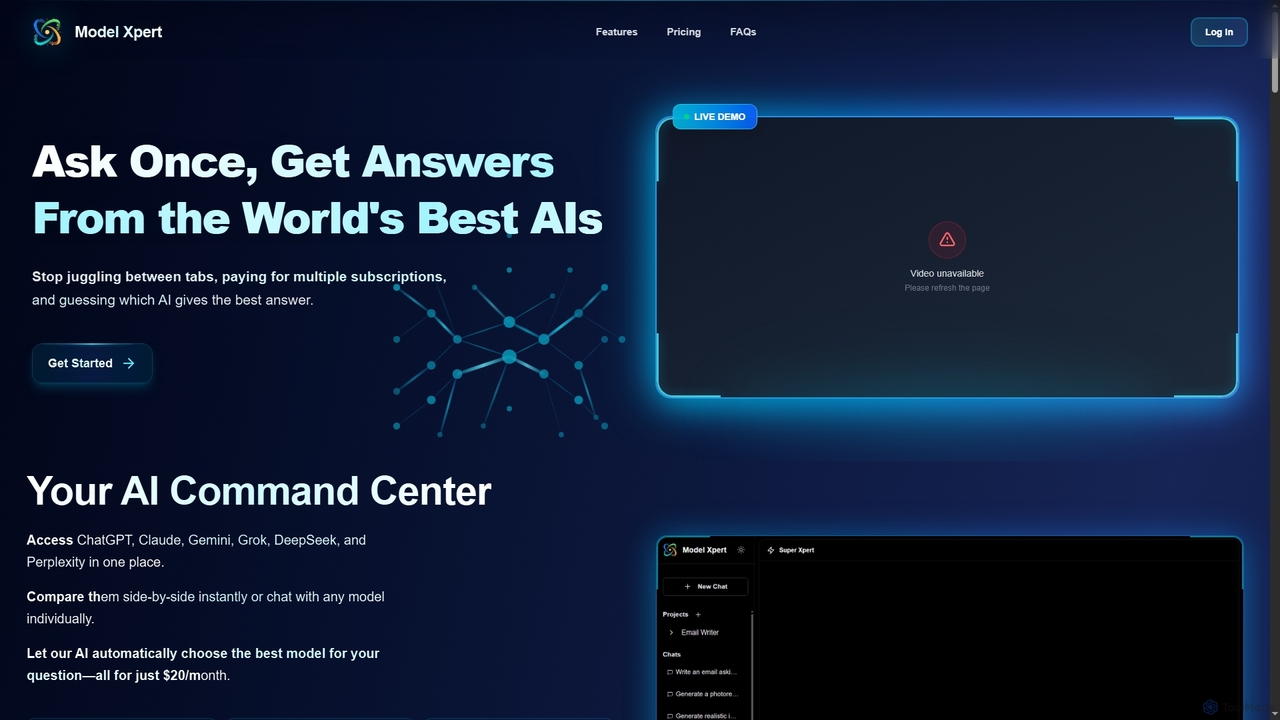
Model Xpert
Model Xpert provides unified access to the world's top AI models like ChatGPT, Claude, Gemini, Grok, DeepSeek, and Perplexity in one chat interface. It eliminates the need for multiple subscriptions and offers features like side-by-side comparison, intelligent auto-selection, prompt enhancement, and an AI image suite for maximum efficiency and cost savings.
Writing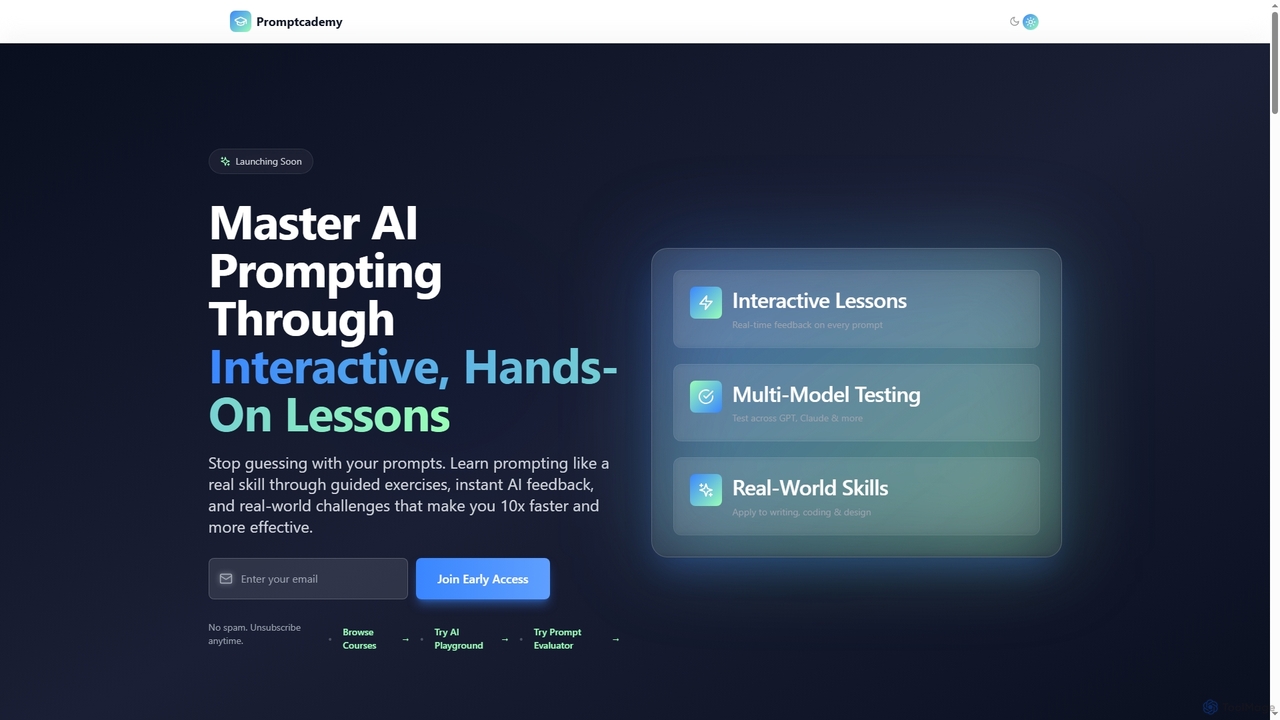
Promptcademy
Promptcademy is an interactive online platform designed to help users master AI prompting skills through hands-on lessons, real-time AI feedback, and multi-model testing. It transforms vague prompts into powerful instructions, enabling individuals from beginners to experts to achieve consistent, high-quality results from various AI tools like GPT, Claude, Midjourney, and DALL·E.
Ai Model Testing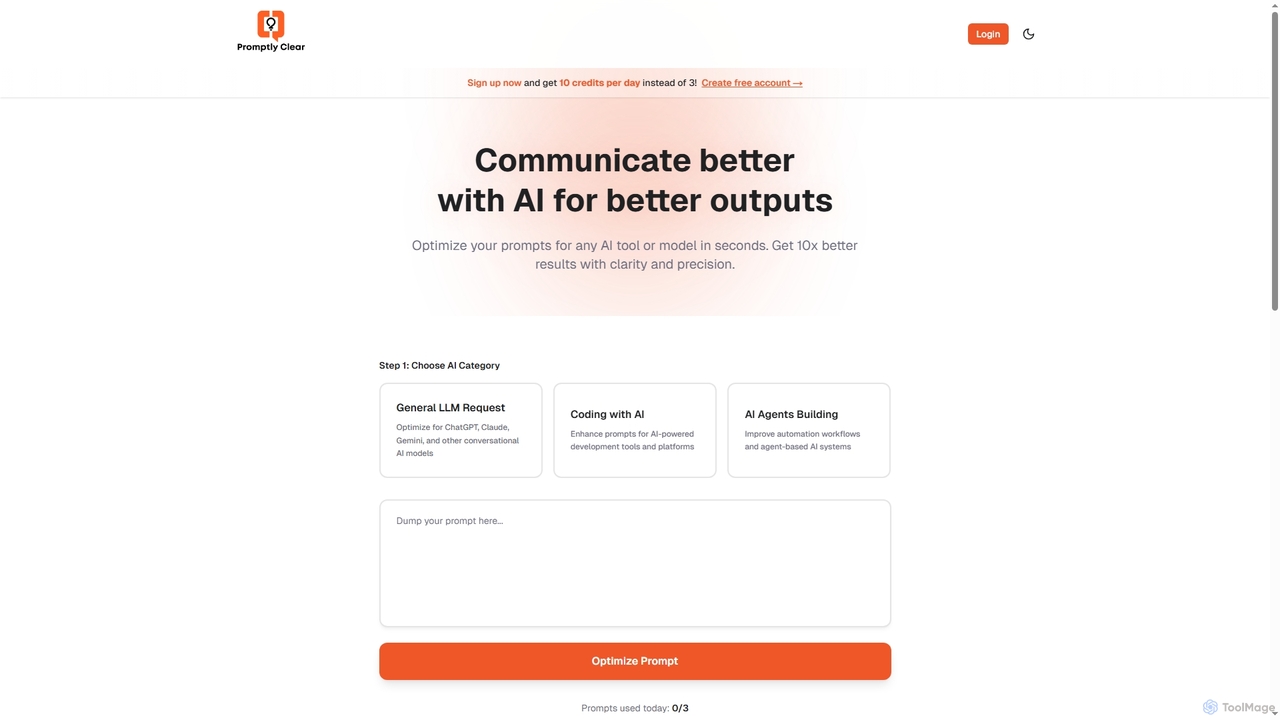
PromptlyClear
PromptlyClear is an AI prompt optimizer designed to refine user inputs for large language models like ChatGPT, Claude, and Gemini. It enhances clarity and precision, enabling users to achieve significantly better and more detailed AI outputs across various applications, from business research to coding.
Research Assistant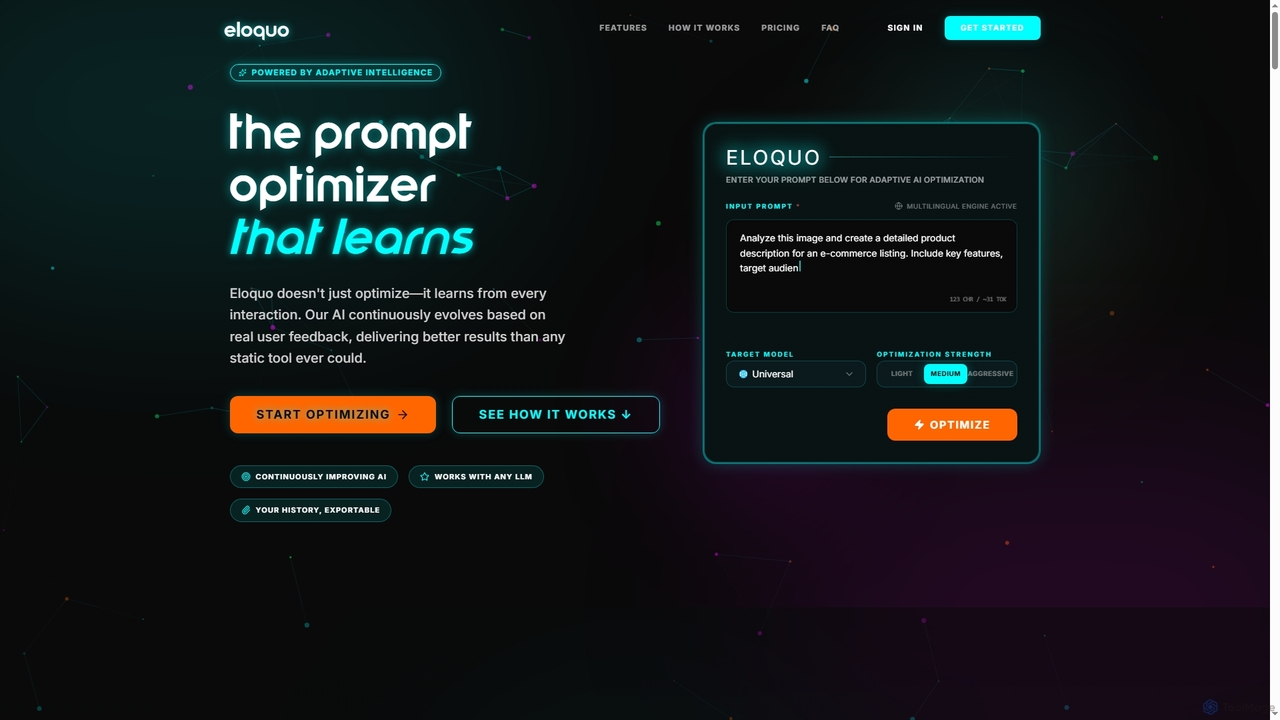
Eloquo
Eloquo is an adaptive AI prompt optimizer that continuously learns from user feedback to generate high-quality, production-ready prompts for ChatGPT, Claude, and Gemini. It streamlines AI interactions, ensuring consistent outputs and reducing iteration time for various professional applications.
Writing Assistant
Sider
Sider is a powerful AI copilot integrated into your browser sidebar. It brings ChatGPT, GPT-4, Claude 3, and Gemini to any webpage, allowing you to seamlessly summarize content, enhance your writing, explain complex topics, and chat with documents or videos. It streamlines your workflow by eliminating the need to switch between tabs, boosting your overall productivity and creativity.
Learning
SubSync Comments (0)
Sign in to comment.
Sign inNo comments yet.