ToolMage
Sign in

Best 10 Browser Extension AI tools

Popular Browser Extension AI tools include Inboxie, AI Brother, SubSync, ChatMod, Sideindexer, Sinaptic, Hiperyon, AlliHat, Megi, and HumanTube, helping you work more efficiently.

AlliHat
Paid

AlliHat

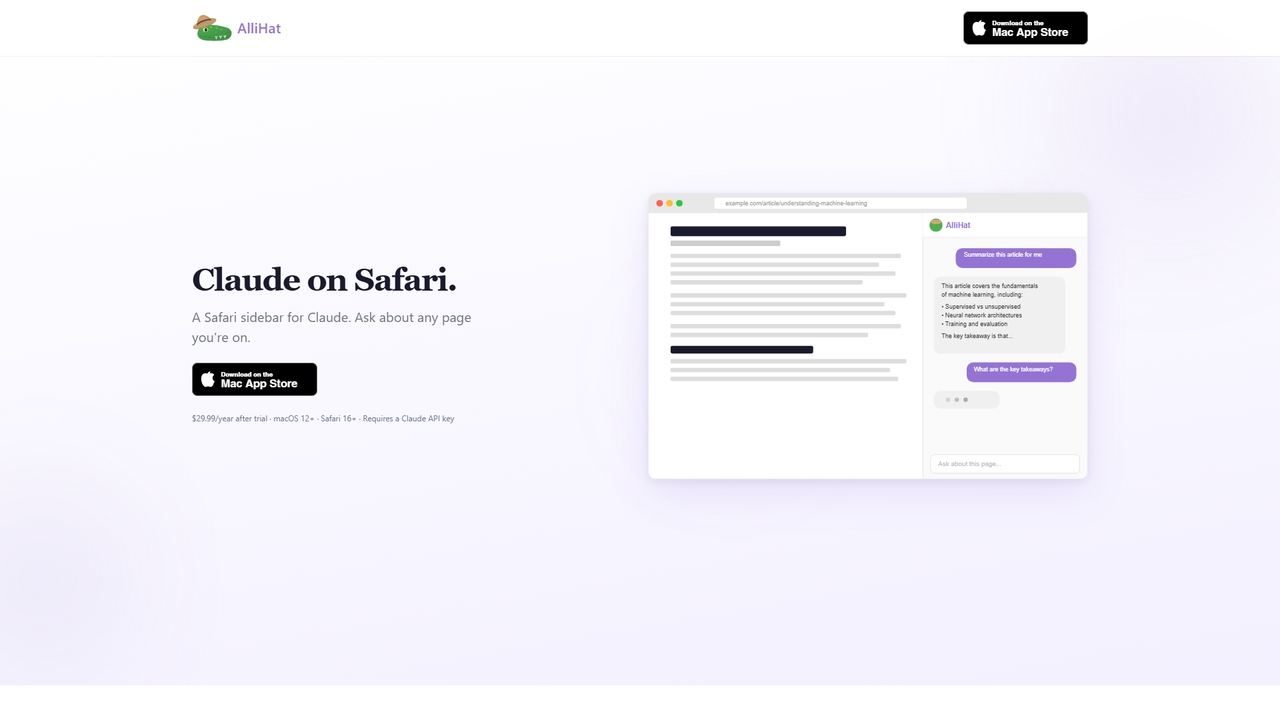
AlliHat is a Safari browser extension that integrates Claude AI directly into your browsing experience. It allows you to build simple workflows, personalize the AI with your preferences, and maintain conversation history across sessions.

Productivity
Visits 3.5KFavorites 9Likes 11
SubSync

SubSync

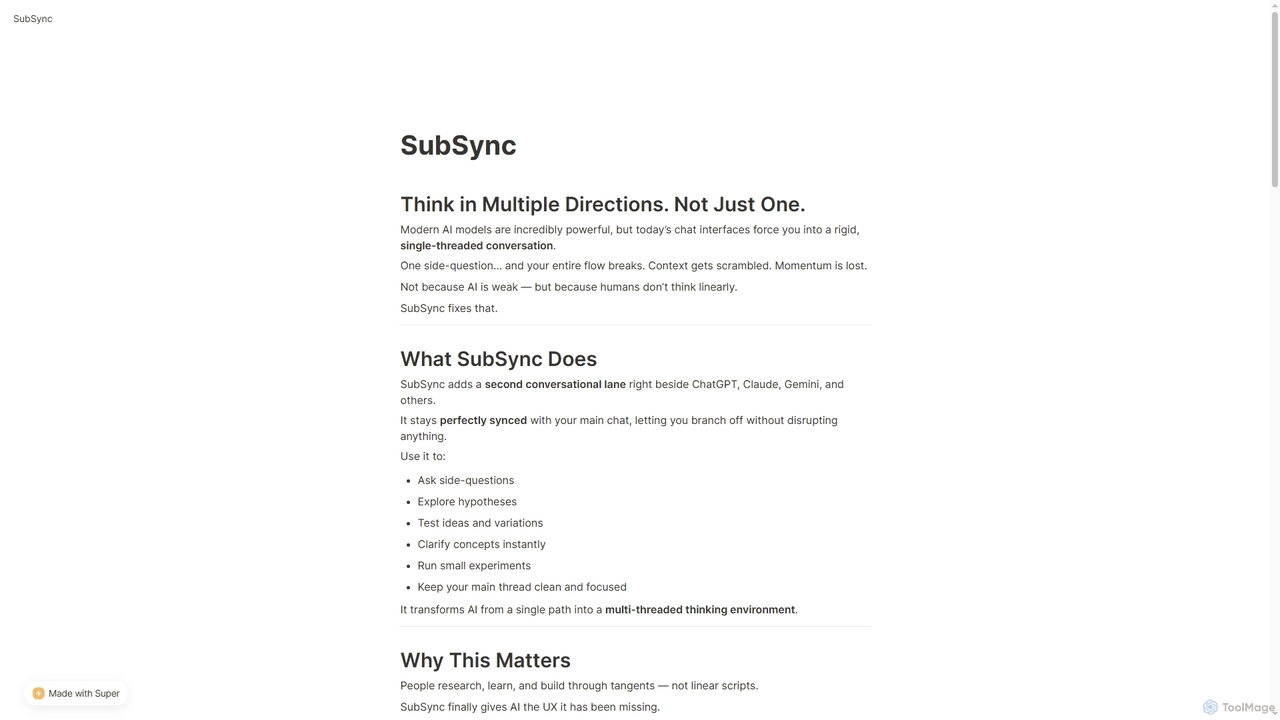
SubSync is a Chrome sidebar extension that revolutionizes AI conversations by introducing a multi-threaded thinking environment. It allows users to branch off into parallel discussions with AI models like ChatGPT or Claude, while keeping the main chat context intact. This innovative approach supports non-linear thinking, enabling deeper exploration, rapid experimentation, and more effective AI utilization for professionals.

Ai Assistant
Visits 3.5KFavorites 12Likes 10
Sinaptic
Freemium

Sinaptic

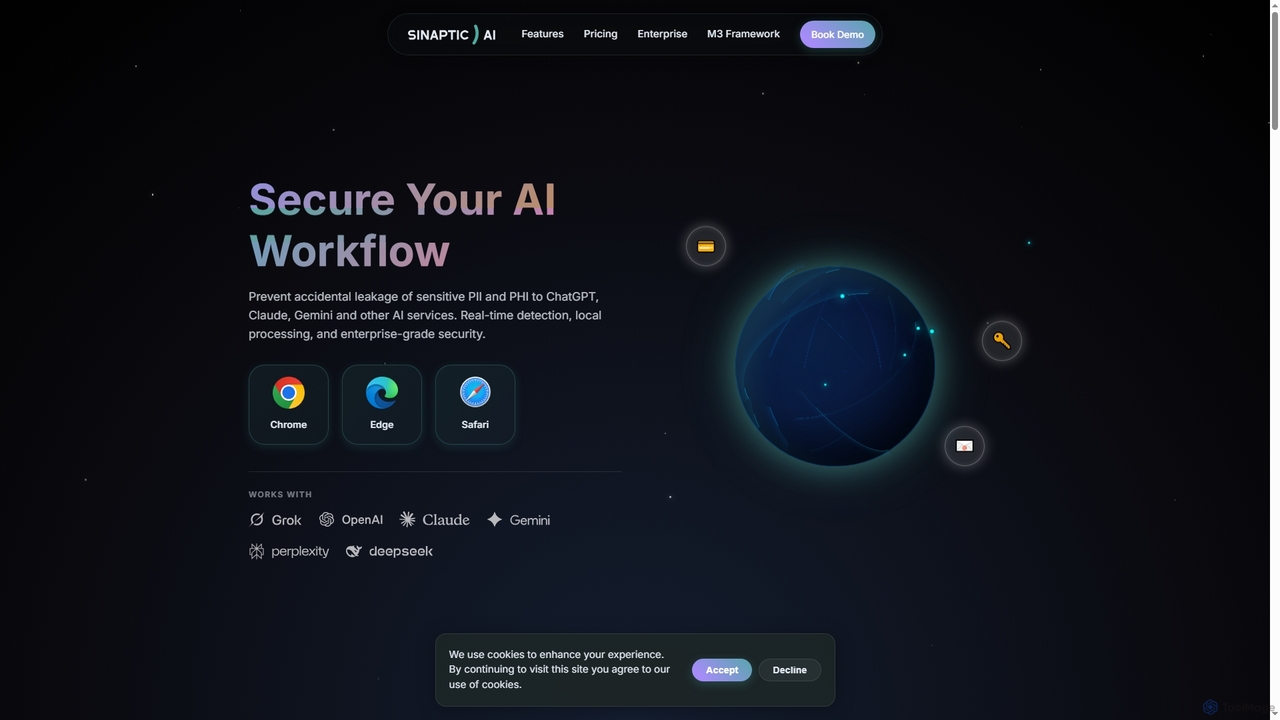
Sinaptic is a browser extension that safeguards sensitive personal and health information (PII/PHI) from accidental leakage to AI tools like ChatGPT, Claude, and Gemini. It offers real-time detection, local processing for privacy, and enterprise-grade security to ensure data protection in AI workflows.

Security
Visits 3.5KFavorites 20Likes 16
HumanTube

HumanTube

HumanTube is a Chrome extension designed to clean up your YouTube Discover feed. It filters out videos uploaded after November 2022, helping you avoid AI-written and automated content that became prevalent around that time. Reclaim a more authentic browsing experience with ease.

Video Enhancement
Visits 3.4KFavorites 19Likes 17
Megi

Megi

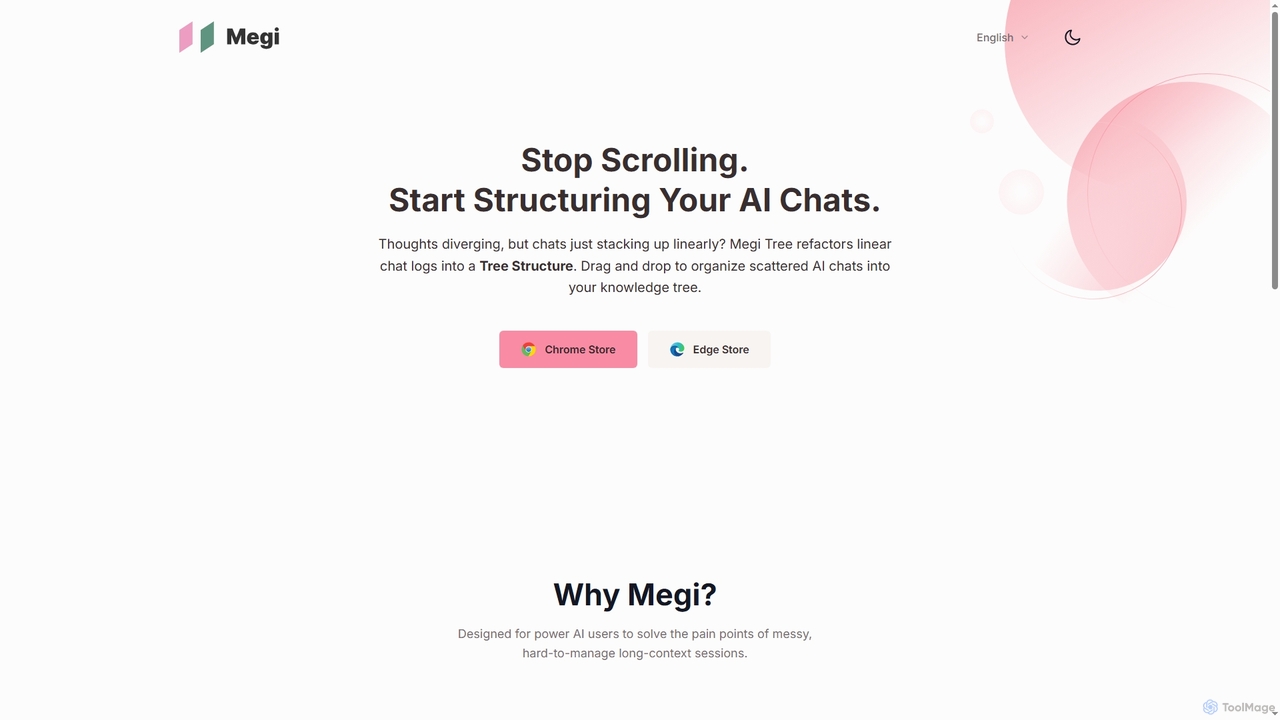
Megi is a powerful browser extension designed for advanced AI users to efficiently manage long and complex AI conversation sessions. It automatically organizes prompts into a structured directory tree, supports major AI platforms like ChatGPT and Gemini, and offers intuitive features like drag-and-drop grouping, immersive navigation, and long text folding to enhance productivity and maintain a clean interface.

Ai Management
Visits 3.4KFavorites 49Likes 42
ChatMod
Free

ChatMod

ChatMod is a powerful browser extension designed to supercharge your AI chat experience across platforms like ChatGPT, Gemini, Perplexity, and more. It offers advanced features for chat organization, navigation, and productivity, all while keeping your data local and private.

Chat Management
Visits 3.5KFavorites 116Likes 117
Sideindexer
Freemium

Sideindexer

Sideindexer is a powerful Chrome extension designed to revolutionize how you navigate and manage your AI conversations on platforms like ChatGPT, Gemini, and Claude. It provides instant indexing, persistent highlights, and advanced search capabilities, transforming lengthy AI chats into easily navigable knowledge bases.

Ai Tools
Visits 3.5KFavorites 131Likes 136
Inboxie

Inboxie

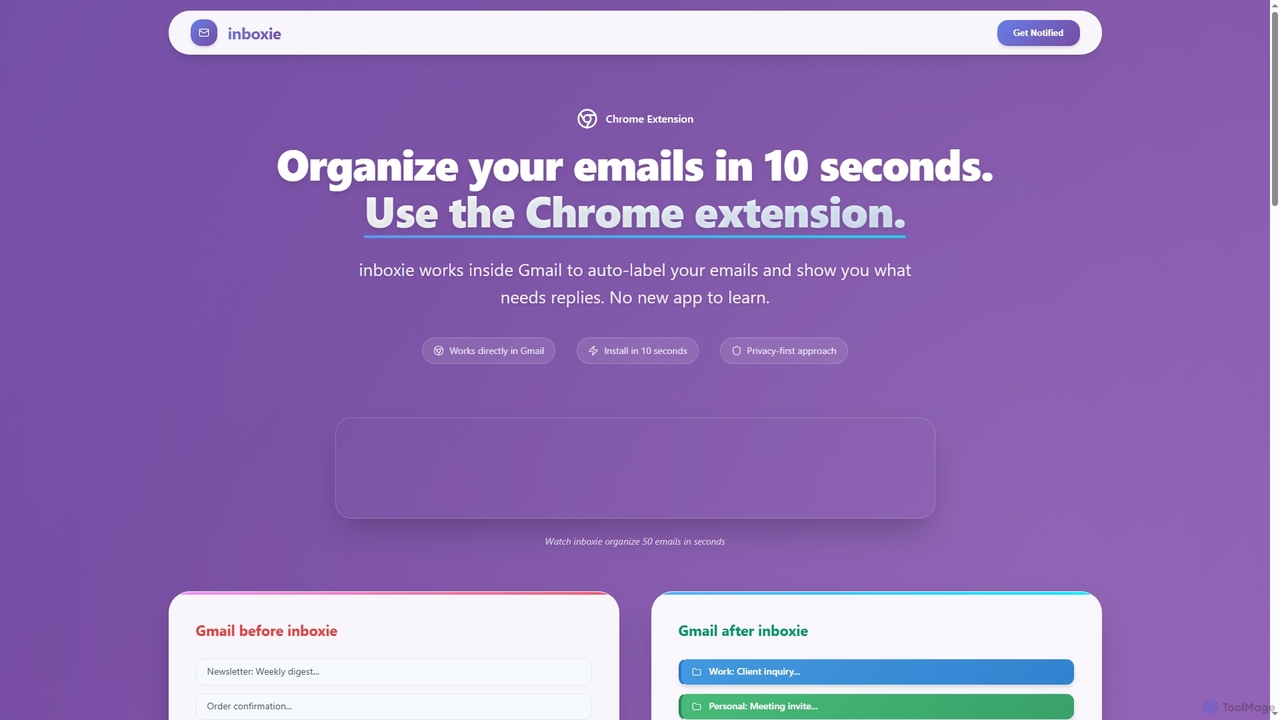
Inboxie is an AI-powered Chrome extension designed to organize your Gmail inbox efficiently. It automatically labels emails, highlights those requiring a response, and provides a smart inbox view, all within your existing Gmail interface. Streamline your email management and achieve inbox clarity in seconds.

Inbox Management
Visits 4.3KFavorites 121Likes 101
Hiperyon
Freemium

Hiperyon

Hiperyon is an AI tool that provides a unified contextual memory layer for multiple Large Language Models (LLMs) like ChatGPT, Claude, and Gemini. It enhances productivity by allowing users to switch between different AI models without losing context or repeating information, ensuring consistent and efficient interactions.

Context Management
Visits 3.5KFavorites 122Likes 138
AI Brother
Freemium

AI Brother

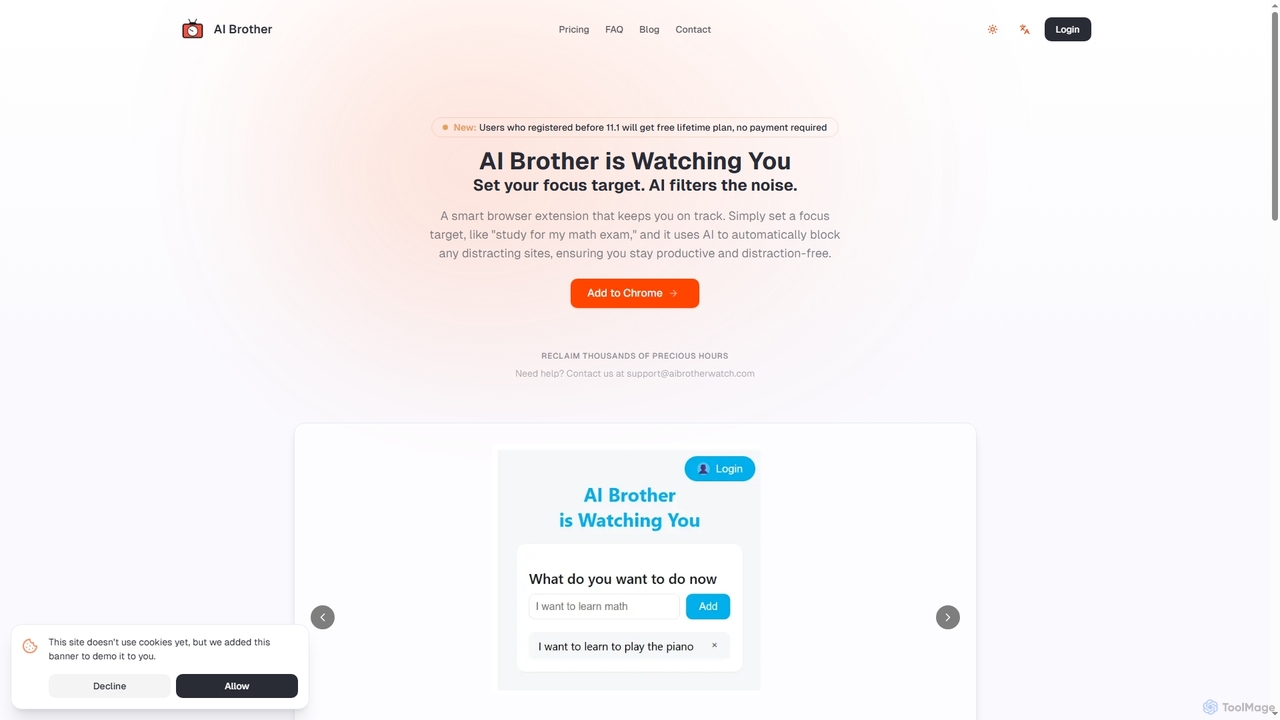
AI Brother is a smart browser extension that leverages artificial intelligence to eliminate online distractions and enhance productivity. By understanding your specific focus targets, it intelligently blocks irrelevant websites in real-time, ensuring you stay on track whether you're studying, working, or researching.

Productivity
Visits 4.2KFavorites 101Likes 94

About Browser Extension

Browser extensions are AI-powered tools that integrate directly into web browsers to enhance user experience and automate tasks. These extensions leverage artificial intelligence to provide real-time assistance, analyze content, and streamline workflows without leaving your current tab. They offer a seamless way to boost productivity, improve content creation, and gain insights directly from the web.

Core Features

  • Real-time Content Summarization: Quickly condenses long articles, reports, or web pages into key takeaways.
  • AI Writing Assistance: Provides grammar checks, style suggestions, and generates text for emails, social media, or documents.
  • Automated Data Extraction: Intelligently pulls specific information from web pages, such as contact details or product data.
  • Language Translation & Localization: Offers instant translation of web content or helps adapt text for different linguistic contexts.
  • Meeting & Video Transcription: Captures spoken words from online meetings or videos, converting them into searchable text notes.

Applicable Scenarios

AI browser extensions are invaluable for professionals across various fields. Researchers can summarize academic papers and articles instantly, while content creators use them for drafting, editing, and generating ideas directly within their browser. Sales and marketing teams leverage these tools for lead generation by extracting contact information and personalizing outreach messages.

How to Choose

When selecting an AI browser extension, consider its compatibility with your primary browser and the specific AI capabilities you need, such as writing, summarization, or data extraction. Evaluate its privacy policy regarding data handling, user reviews for performance and reliability, and the pricing model. Ensure it integrates smoothly into your existing workflow and offers a user-friendly interface.

Featured tool rankings

Browser Extension use cases

1

Real-time Writing Enhancement for Content Creators

Content creators and marketers often need to produce high-quality text quickly for blogs, social media, and emails. An AI browser extension can provide instant grammar and spelling corrections, suggest stylistic improvements, and even generate entire paragraphs based on prompts, all while typing in their web editor. This significantly reduces editing time and ensures consistent brand voice across platforms.

2

Summarizing Research Papers for Academics

Academics and students frequently encounter lengthy research papers, articles, and reports. An AI browser extension can automatically summarize these documents directly on the web page, highlighting key findings, methodologies, and conclusions. This allows users to quickly grasp the core information, decide if a full read is necessary, and save hours of manual reading time, accelerating literature reviews.

3

Automated Lead Data Extraction for Sales Teams

Sales professionals spend considerable time manually collecting prospect information from company websites and LinkedIn profiles. An AI browser extension can intelligently identify and extract relevant data like names, emails, company roles, and contact numbers with a single click. This automates the tedious data entry process, populating CRM systems and allowing sales teams to focus more on engagement.

4

Instant Language Translation for Global Teams

Teams working internationally often need to read and understand web content in multiple languages. An AI browser extension can provide real-time, on-page translation of text, entire web pages, or specific documents. This breaks down language barriers, enabling seamless collaboration, market research, and communication with global partners without switching between translation tools.

5

Generating Social Media Captions for Marketers

Social media managers constantly need fresh and engaging captions for various platforms. An AI browser extension can assist by generating creative caption ideas, hashtags, and even full posts based on a given topic or image description. This streamlines the content creation process, ensures consistent posting schedules, and helps maintain a strong online presence with minimal effort.

6

Enhancing Customer Support with AI Responses

Customer support agents often handle repetitive queries and need quick access to information. An AI browser extension can integrate with support platforms to suggest relevant answers, pull information from knowledge bases, or even draft personalized responses based on customer inquiries. This significantly reduces response times, improves accuracy, and enhances overall customer satisfaction.

Browser Extension FAQ

What are AI Browser Extensions?

AI browser extensions are software add-ons that integrate artificial intelligence capabilities directly into your web browser. They typically feature real-time processing, context-awareness, and automation to enhance browsing, productivity, and content interaction. Common use cases include summarizing web pages, assisting with writing, and extracting data.

How do AI Browser Extensions work?

AI browser extensions work by leveraging machine learning models, often cloud-based, to process data from the web pages you visit. When activated, they send relevant text, images, or data to their AI backend for analysis or generation, then return the results directly within your browser interface. This allows for tasks like summarization, translation, or content creation to happen in real-time.

What are the main benefits of using AI Browser Extensions?

The main benefits include significant productivity gains by automating repetitive tasks like data entry or content summarization. They enhance content creation with real-time writing assistance and idea generation. Furthermore, they improve information access through instant translation and intelligent data extraction, all while keeping you within your browser environment.

How to choose the right AI Browser Extension for my needs?

To choose the right AI browser extension, first identify your primary needs: do you require writing assistance, summarization, data extraction, or translation? Check for compatibility with your browser (Chrome, Firefox, Edge, etc.), evaluate the extension's privacy policy regarding data usage, read user reviews for reliability, and consider the pricing model (free, subscription, freemium) to match your budget and requirements.

Are AI Browser Extensions safe and private to use?

The safety and privacy of AI browser extensions vary by provider. It's crucial to research the developer, read their privacy policy carefully to understand how your data is collected, stored, and used, and check for strong encryption practices. Only install extensions from reputable sources and grant minimal necessary permissions. Reputable extensions prioritize user data security and transparency.