Inboxie
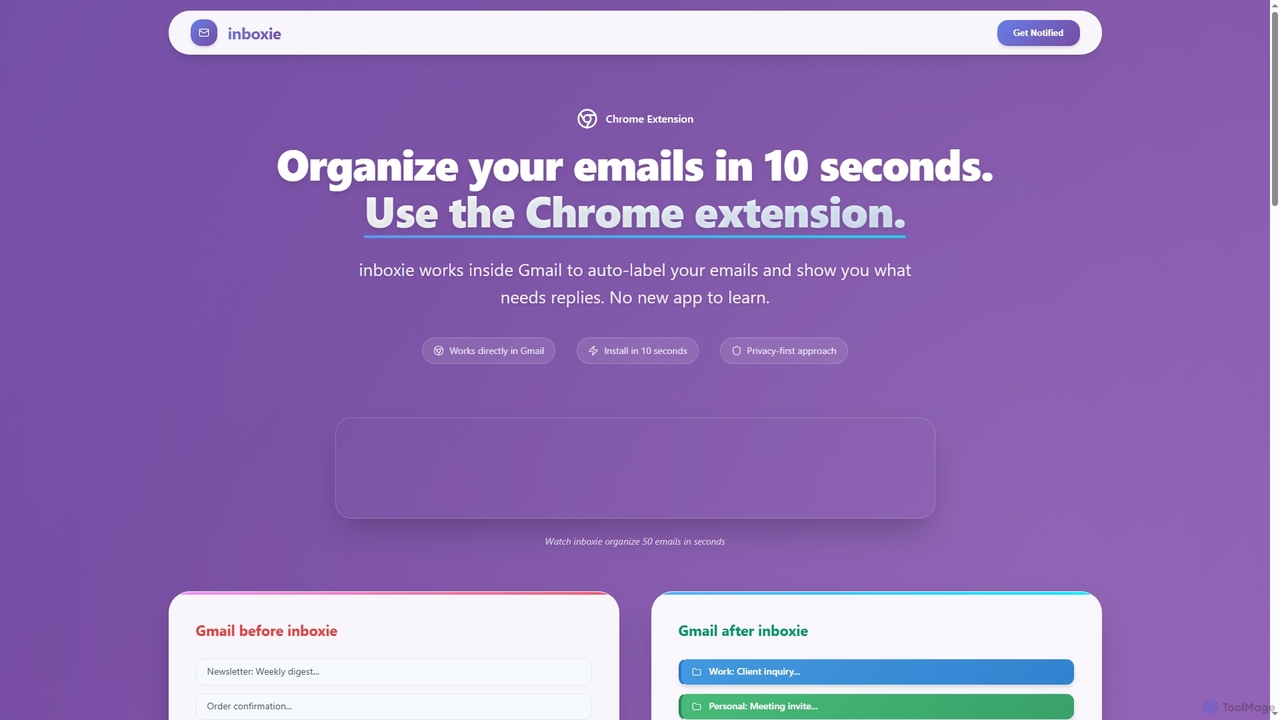
Inboxie is an AI-powered Chrome extension designed to organize your Gmail inbox efficiently. It automatically labels emails, highlights …
Inboxie is an AI-powered Chrome extension designed to organize your Gmail inbox efficiently. It automatically labels emails, highlights those requiring a response, and provides a smart inbox view, all within your existing Gmail interface. Streamline your email management and achieve inbox clarity in seconds.
About Gmail Tools
Gmail Tools are specialized browser extensions and web applications designed to significantly enhance the functionality and user experience within Google's Gmail platform. These tools integrate directly with your Gmail interface, providing advanced features for email management, productivity, and communication. They empower users to automate repetitive tasks, streamline workflows, and gain deeper insights into their email interactions, transforming Gmail into a more powerful communication hub.
Core Features
- Email Scheduling: Allows users to compose emails and schedule them to be sent at a later, specified time.
- Advanced Email Tracking: Provides insights into when recipients open emails, click links, or download attachments.
- CRM Integration: Connects Gmail with customer relationship management systems for seamless lead and customer interaction tracking.
- Template Management: Enables creation, storage, and quick insertion of pre-written email templates for common responses.
- Attachment Management: Offers enhanced ways to handle attachments, including cloud storage integration and larger file sending.
Applicable Scenarios
Professionals across various roles, from sales and marketing to customer support and project management, leverage Gmail Tools to optimize their daily email operations. Sales teams use them for tracking outreach and automating follow-ups, while marketers manage campaigns and analyze engagement. Customer service agents benefit from quick response templates and integrated ticketing systems, ensuring efficient and consistent communication.
How to Choose
When selecting Gmail Tools, consider the specific features you need, such as scheduling, tracking, or CRM integration. Evaluate compatibility with your existing browser and other productivity tools. Assess the tool's security protocols, especially if handling sensitive information, and review user feedback for reliability. Finally, compare pricing models and ensure the tool offers adequate customer support for your team's needs.

Gmail ToolsUse Cases
Automating Sales Outreach Follow-ups
Sales professionals often manage a large volume of leads and require consistent follow-ups. Using a Gmail tool, a sales representative can schedule a series of personalized follow-up emails to be sent automatically if a prospect doesn't respond to the initial outreach. This ensures no lead falls through the cracks, saves significant manual effort, and maintains a consistent communication cadence, directly contributing to higher conversion rates.
Streamlining Customer Support Responses
Customer support teams frequently answer similar queries, which can be time-consuming. With a Gmail tool, support agents can create and categorize a library of pre-written response templates for common issues. When a customer inquiry comes in, the agent can quickly insert the relevant template, personalize it slightly, and send it, drastically reducing response times and ensuring consistent, high-quality support across the team.
Tracking Marketing Campaign Engagement
Marketing managers need to understand how their email campaigns perform. A Gmail tool with advanced tracking capabilities allows them to monitor open rates, click-through rates, and even attachment downloads for individual emails or small campaigns. This data provides valuable insights into recipient engagement, helping marketers refine their messaging, optimize send times, and improve the overall effectiveness of future campaigns.
Managing Project Communications and Deadlines
Project managers often use email for critical project updates and deadline reminders. A Gmail tool can help by allowing them to schedule important announcements or reminders to be sent at specific times, ensuring team members receive information precisely when needed. This prevents missed deadlines, keeps communication organized, and helps maintain project timelines without constant manual oversight.
Enhancing Personal Productivity and Email Organization
Individuals struggling with email overload can greatly benefit from Gmail tools. Features like snooze, advanced filtering, or one-click unsubscribe can help declutter the inbox and prioritize important messages. For example, snoozing non-urgent emails until a specific time allows users to focus on immediate tasks, leading to better time management and reduced digital distraction.
Integrating Gmail with CRM for Client Management
Businesses rely on CRM systems to manage client relationships. A Gmail tool that integrates with a CRM allows sales and account managers to log email conversations directly into the client's profile with a single click. This ensures all client communication history is centralized, accessible to the entire team, and provides a comprehensive view of client interactions without manually switching between applications.