Browser Extension Best in category 2 results Productivity AI Tool

Popular AI tools in the Productivity field of Browser Extension include AI Brother、AlliHat, etc., helping you quickly improve efficiency.

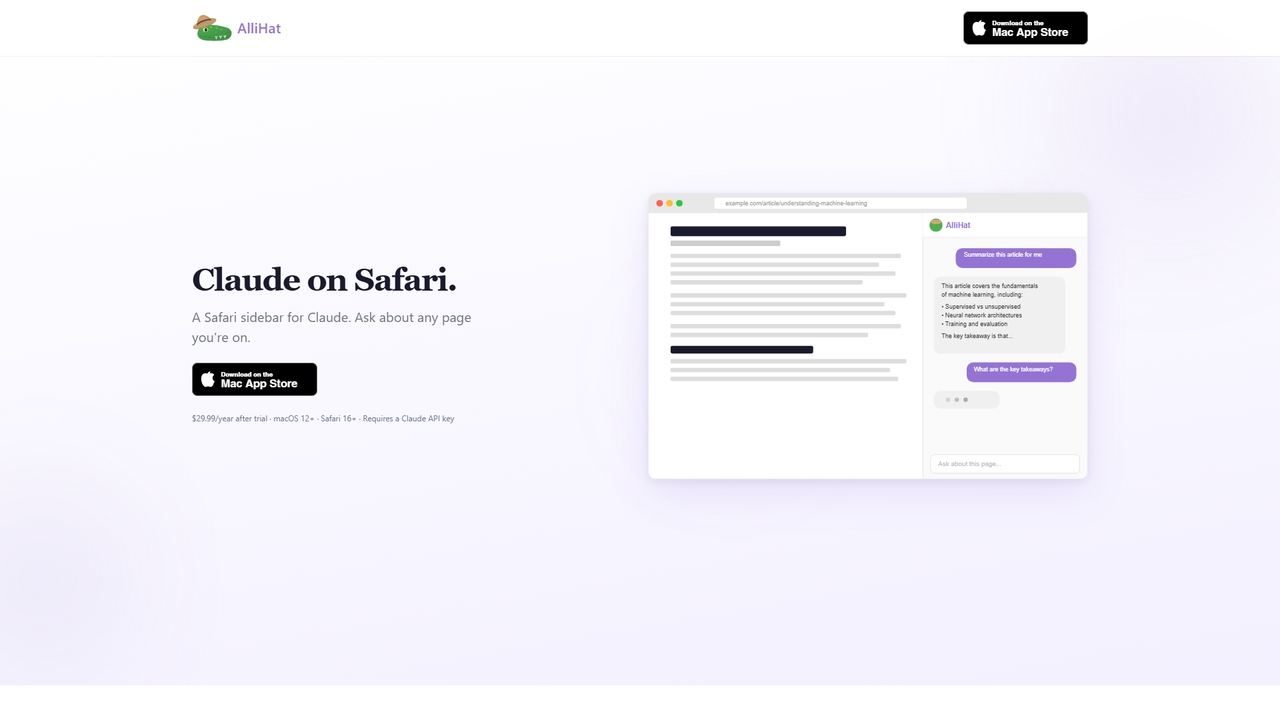
AlliHat

AlliHat

AlliHat is a Safari browser extension that integrates Claude AI directly into your browsing experience. It allows you …

2.8K
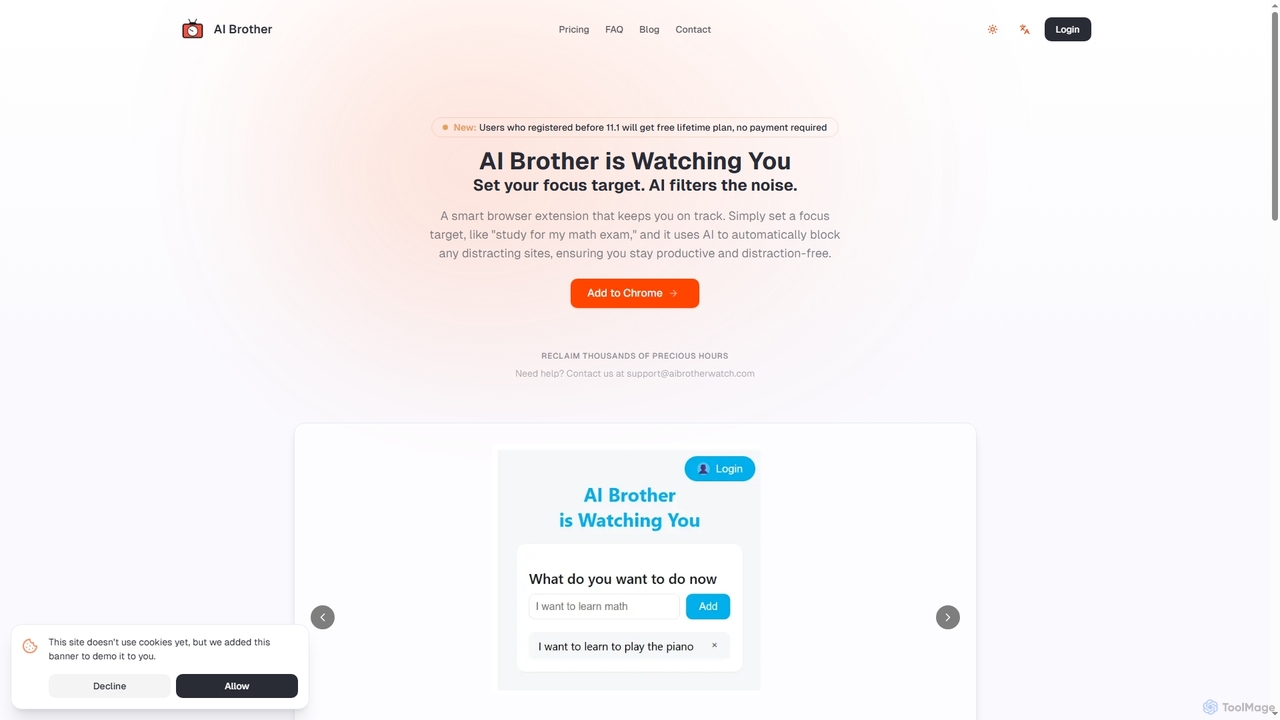
AI Brother

AI Brother

AI Brother is a smart browser extension that leverages artificial intelligence to eliminate online distractions and enhance productivity. …

3.2K

About Productivity

Productivity browser extensions are AI-powered tools designed to streamline tasks and enhance efficiency directly within your web browser. Leveraging artificial intelligence, these extensions automate repetitive actions, provide intelligent insights, and personalize your online workflow. They integrate seamlessly into your browsing experience, transforming how you manage information, communicate, and complete daily activities, ultimately saving time and reducing cognitive load.

Core Features

  • AI Summarization: Condenses long articles, emails, or web pages into key points for quick comprehension.
  • Automated Data Entry: Intelligently extracts and fills forms or spreadsheets from web content, minimizing manual input.
  • Smart Scheduling & Reminders: Analyzes your calendar and tasks to suggest optimal times for meetings or provide timely prompts.
  • Intelligent Content Generation: Assists in drafting emails, social media posts, or reports based on context and user input.
  • Personalized Information Filtering: Curates relevant content and filters out distractions based on your preferences and browsing habits.

Use Cases

Professionals across various fields utilize these extensions to optimize their digital workspaces. Researchers can quickly summarize academic papers, marketers can automate content drafting for campaigns, and project managers can streamline task organization directly from their browser tabs. These tools are invaluable for anyone seeking to maximize output and minimize manual effort in their online activities.

How to Choose

When selecting a productivity browser extension, consider its specific functionalities and how well they align with your workflow needs. Evaluate its integration capabilities with other tools you use, assess its impact on browser performance, and review its data privacy policies. User reviews and the developer's reputation are also crucial indicators of reliability and effectiveness.

ProductivityUse Cases

1

AI-Powered Article Summarization for Research

Researchers and students can leverage AI productivity extensions to instantly summarize lengthy academic papers, news articles, or web pages. By installing an extension, they can click a button to get concise key points, saving hours of reading time and quickly extracting essential information for literature reviews or study notes.

2

Automated Email Drafting for Customer Support

Customer support agents can use these extensions to automate the drafting of common email responses. Based on the context of an incoming query, the AI suggests or generates personalized replies, ensuring consistency, reducing response times, and allowing agents to focus on more complex customer issues.

3

Intelligent Task Management within Browser Tabs

Project managers and individual contributors can organize tasks directly from their browser. An AI extension can identify actionable items from emails or web pages, create tasks in a linked project management tool, and set reminders, ensuring no critical action is missed and keeping workflows organized.

4

Smart Data Extraction for Market Analysis

Marketing analysts and sales professionals can automate the extraction of specific data points from competitor websites or lead generation platforms. The extension intelligently identifies relevant information (e.g., pricing, contact details) and exports it into a structured format, significantly speeding up market research and lead qualification processes.

5

Personalized Content Curation for Knowledge Workers

Knowledge workers and content creators can use AI extensions to filter and prioritize information from their daily browsing. The tool learns their interests and professional needs, highlighting relevant articles, news, or resources while suppressing irrelevant content, thereby enhancing focus and ensuring access to high-value information.

6

Real-time Grammar and Style Enhancement for Writers

Writers, editors, and content creators can utilize AI productivity extensions for real-time grammar checks, style suggestions, and even tone adjustments directly within their browser's text fields. This ensures high-quality, error-free communication across emails, documents, and social media posts, improving overall writing efficiency and professionalism.

ProductivityFrequently Asked Questions