

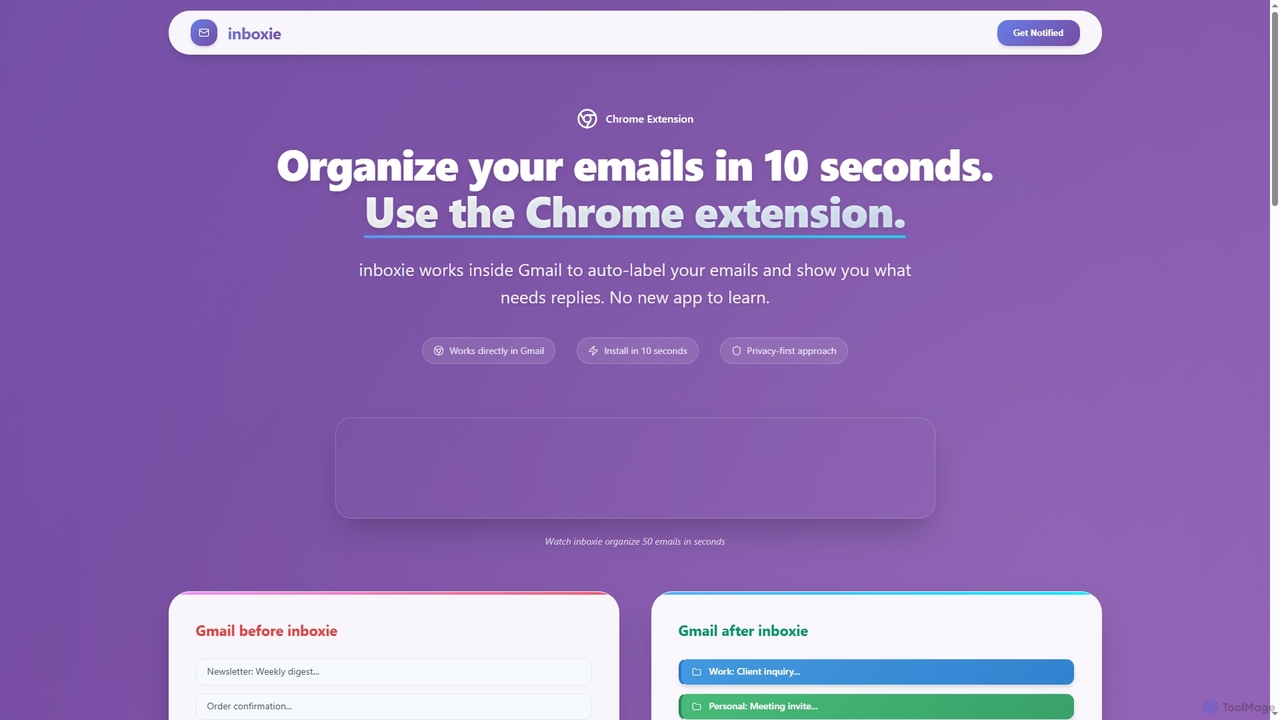
Inboxie Overview
Inboxie is an innovative AI email organizer that integrates seamlessly as a Chrome extension directly into your Gmail. It's engineered to transform chaotic inboxes into a structured, manageable space, allowing users to organize their emails in mere seconds without the need to learn a new application. By leveraging artificial intelligence, Inboxie intelligently auto-labels incoming emails and identifies critical messages that require your immediate attention, ensuring you never miss an important reply.
How to use Inboxie
Using Inboxie is designed to be straightforward and quick, integrating directly into your Gmail workflow:
- Step 1: Install - Begin by installing the Chrome extension, a process that takes approximately 10 seconds. You'll sign in securely using Google OAuth, which means no passwords are stored by Inboxie. Grant the necessary Gmail permissions to allow Inboxie to read and label your emails.
- Step 2: Organize - Once installed, a floating dashboard appears within Gmail. Click the "AI Organize" button in this dashboard. Inboxie will then process up to 50 emails at once, automatically categorizing and labeling them. The Smart Inbox feature will simultaneously identify emails that require your response.
- Step 3: Stay organized - The Inboxie dashboard remains active within your Gmail, updating in real-time as you continue to process emails, helping you maintain an organized inbox effortlessly.
Core Features of Inboxie
- Smart Inbox: AI analyzes your emails to highlight the 1-5 messages that truly need your response, filing everything else away. It includes high, medium, and low urgency detection and offers one-click access to action items, ensuring you never miss critical communications.
- Auto-Labeling: As emails arrive, AI automatically assigns labels such as Work, Personal, Shopping, Newsletter, Support, or Other. These labels appear directly within Gmail and are compatible with native Gmail labels, processing up to 50 emails at once without manual sorting.
- Dashboard Insights: A floating, minimizable, and draggable dashboard within Gmail provides live counters and reply tracking. It shows how many emails you've organized, how many are left, and which ones need replies, all without leaving your inbox.
Use Cases for Inboxie
Inboxie is ideal for anyone struggling with email overload and seeking to enhance their productivity. It's particularly useful for professionals, small business owners, and individuals who receive a high volume of emails daily across various categories (work, personal, promotions, support). It helps in quickly identifying urgent tasks, decluttering the inbox, and maintaining a clear overview of communication priorities, ultimately saving significant time and reducing stress associated with email management.
Advantages of Inboxie
Inboxie offers several key advantages that make it a powerful email management tool:
- Seamless Gmail Integration: Works directly inside Gmail as a Chrome extension, eliminating the need to learn or switch to a new application.
- Privacy-First Design: Utilizes Google OAuth for secure sign-in, stores only email metadata (categories, dates), and never accesses or stores email content, ensuring user privacy.
- Effortless Setup & Use: Installs in seconds with zero setup required, providing immediate benefits without complex configurations.
- AI-Powered Efficiency: Automatically organizes and prioritizes emails, processing up to 50 emails at once, drastically reducing manual sorting time.
- Actionable Insights: The Smart Inbox and Dashboard Insights provide clear visibility into what needs attention, improving response times and overall email workflow.
Inboxie FAQ
Inboxie Alternatives
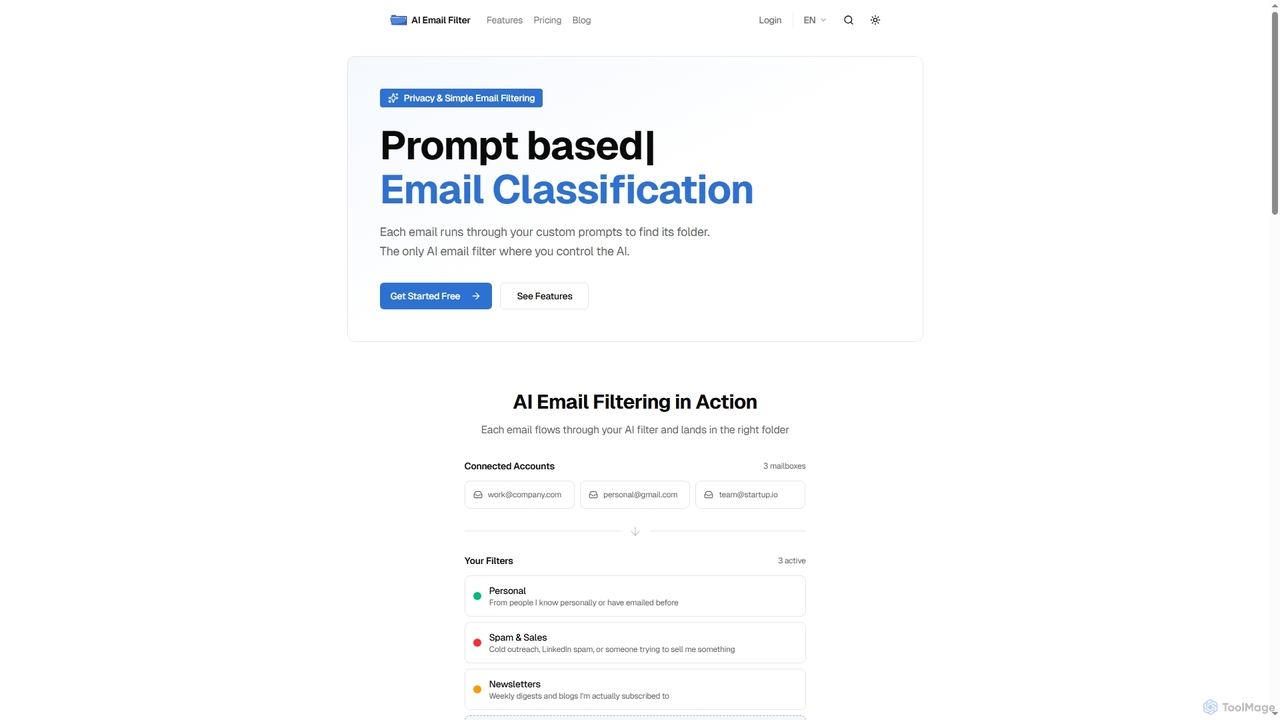
Email Filter
Email Filter is an AI-powered email management tool that uses custom, natural language prompts to automatically sort and organize your incoming emails. It connects to any IMAP/SMTP provider, processes emails directly on your server for enhanced privacy, and offers the flexibility to integrate your own Large Language Models. Streamline your inbox with intelligent, context-aware classification.
Email Automation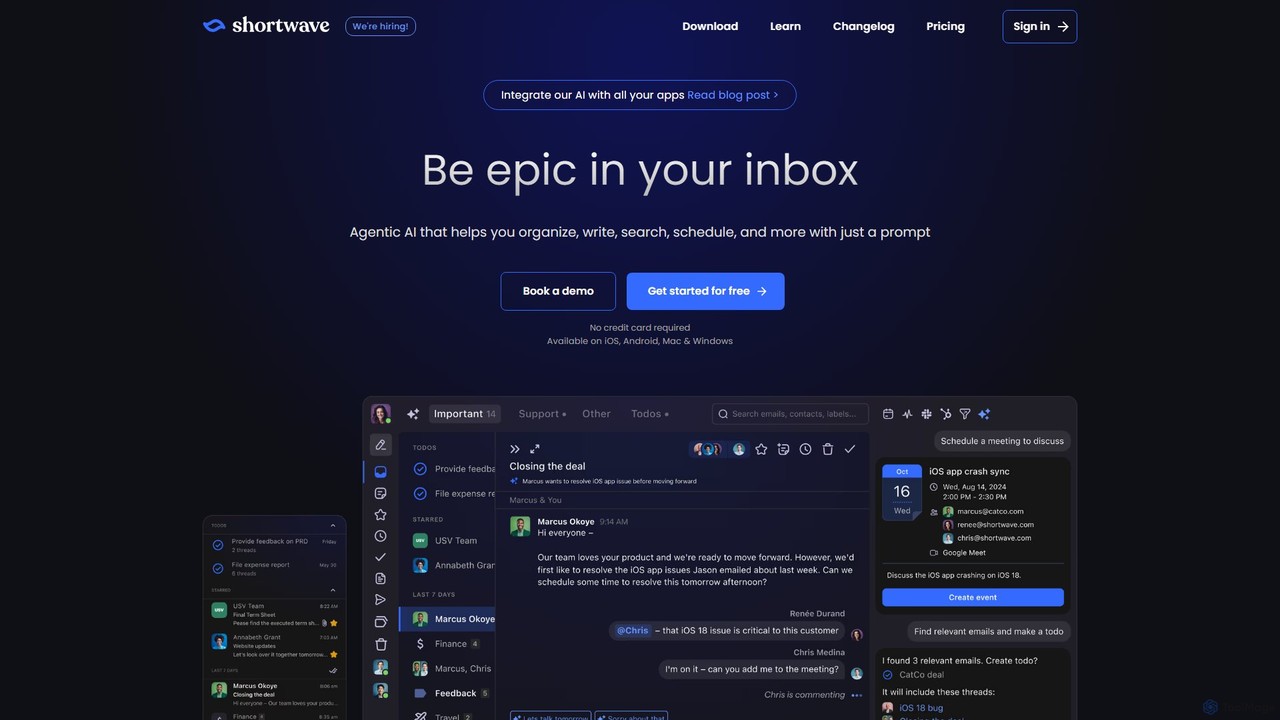
Shortwave
Shortwave is an AI-powered email client designed to supercharge your productivity and team collaboration. It acts as an intelligent assistant for your inbox, helping you organize, write, search, and automate email workflows. By learning your unique writing style and prioritizing important messages, Shortwave transforms your cluttered inbox into an organized workspace, helping you and your team achieve more with less effort.
Writing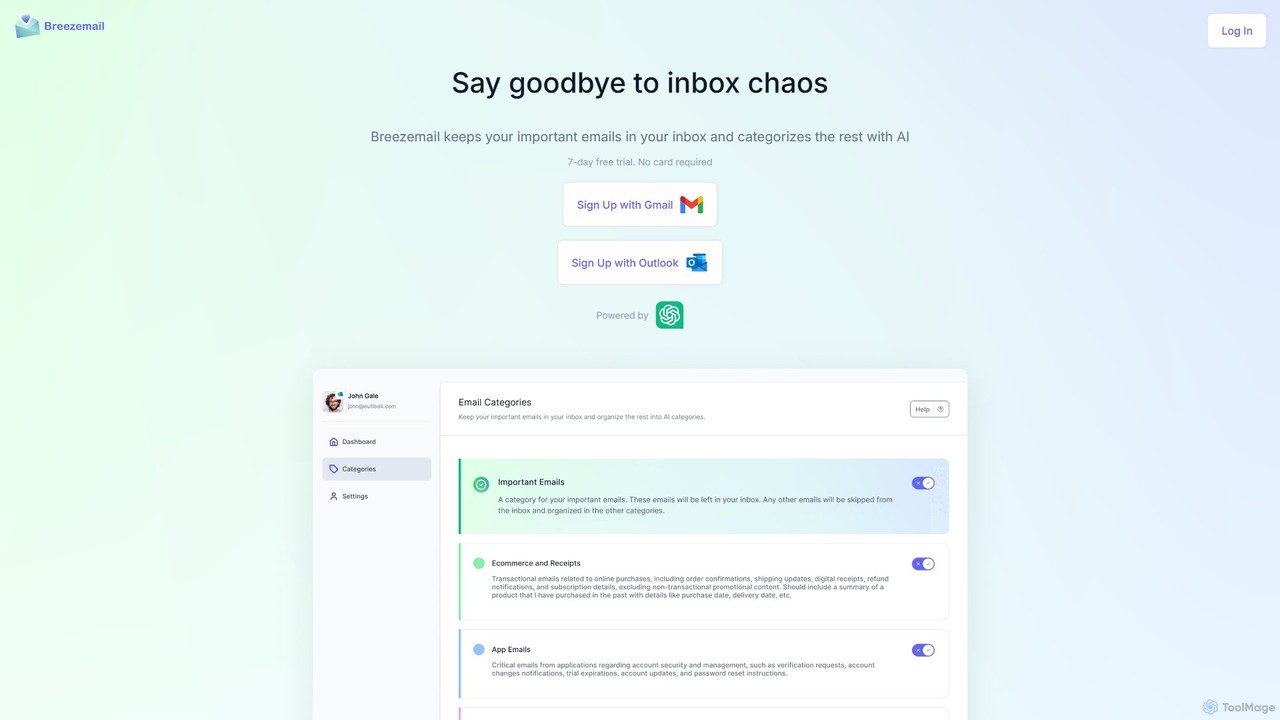
Breezemail
Breezemail is an AI-powered email organizer that automatically categorizes your emails in Gmail and Outlook. By creating custom, intelligent labels, it filters out newsletters and clutter, helping you focus on important conversations and achieve inbox zero effortlessly. Reclaim your productivity and enjoy a clean, organized inbox.
Workflow Automation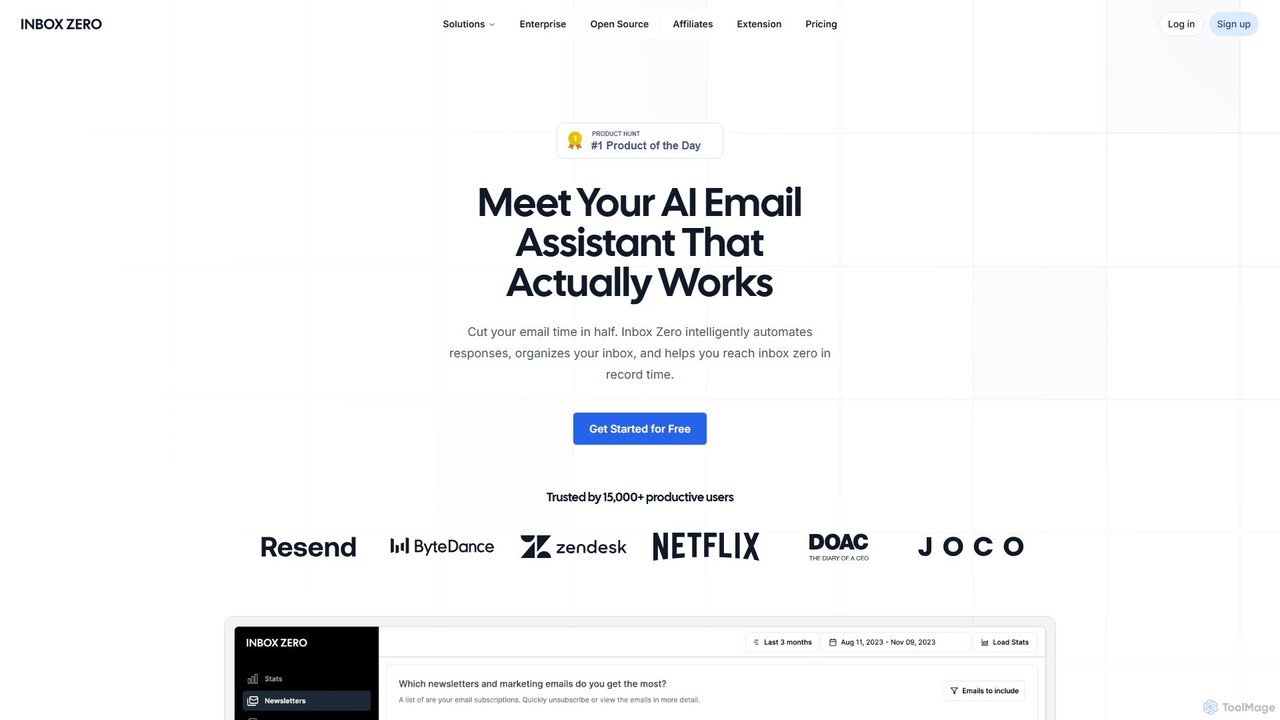
getinboxzero
getinboxzero is an AI-powered email assistant designed to help you achieve Inbox Zero. It intelligently automates responses, organizes your inbox, blocks cold emails, and bulk unsubscribes from newsletters. By handling repetitive email tasks, it cuts your email time in half and boosts productivity for individuals and support teams.
Personal Assistant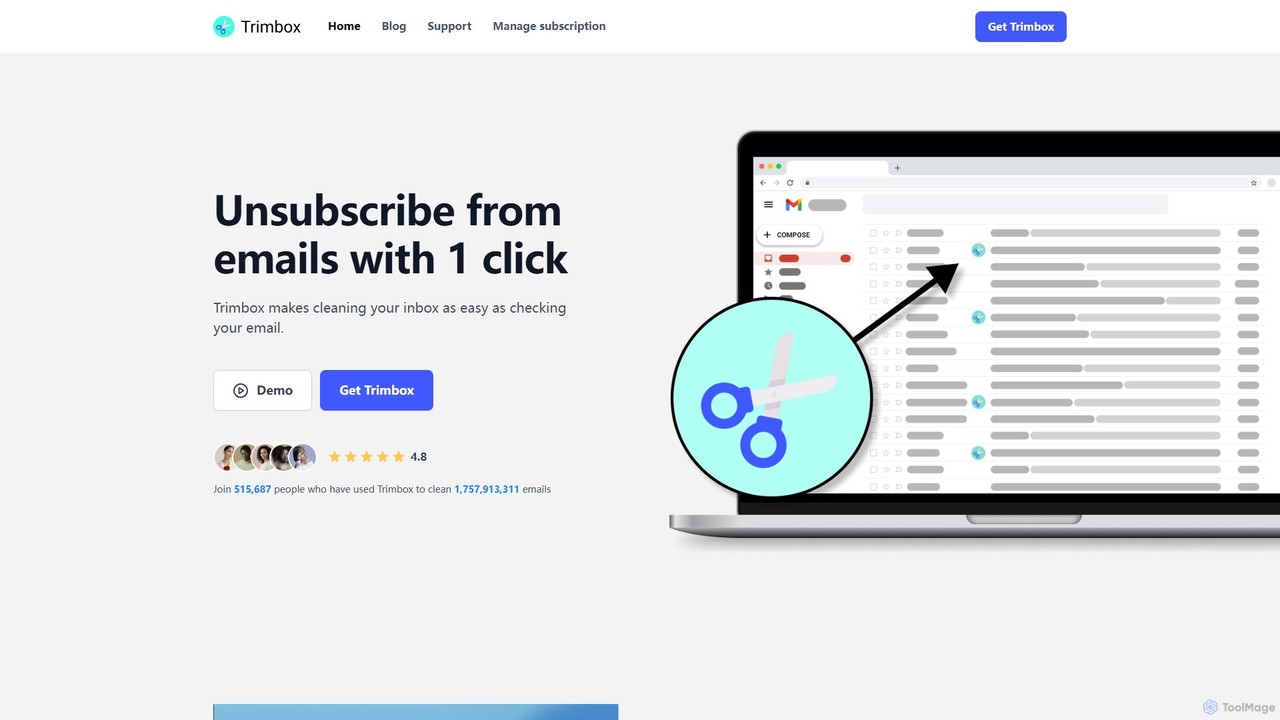
Trimbox
Trimbox is an AI-powered Gmail plugin designed for ultimate inbox management. It allows you to unsubscribe from mailing lists and delete all past emails from any sender with a single click, all while ensuring your privacy by processing data directly on your device.
Email ManagementInboxie Categories
Inboxie Jobs
Inboxie Embed Widget
Copy this embed code to place the badge on your blog, article, or product site and send readers directly to this ToolMage detail page.

Related AI tools
Email Filter
Email Filter is an AI-powered email management tool that uses custom, natural language prompts to automatically sort and organize your incoming emails. It connects to any IMAP/SMTP provider, processes emails directly on your server for enhanced privacy, and offers the flexibility to integrate your own Large Language Models. Streamline your inbox with intelligent, context-aware classification.
Email Automation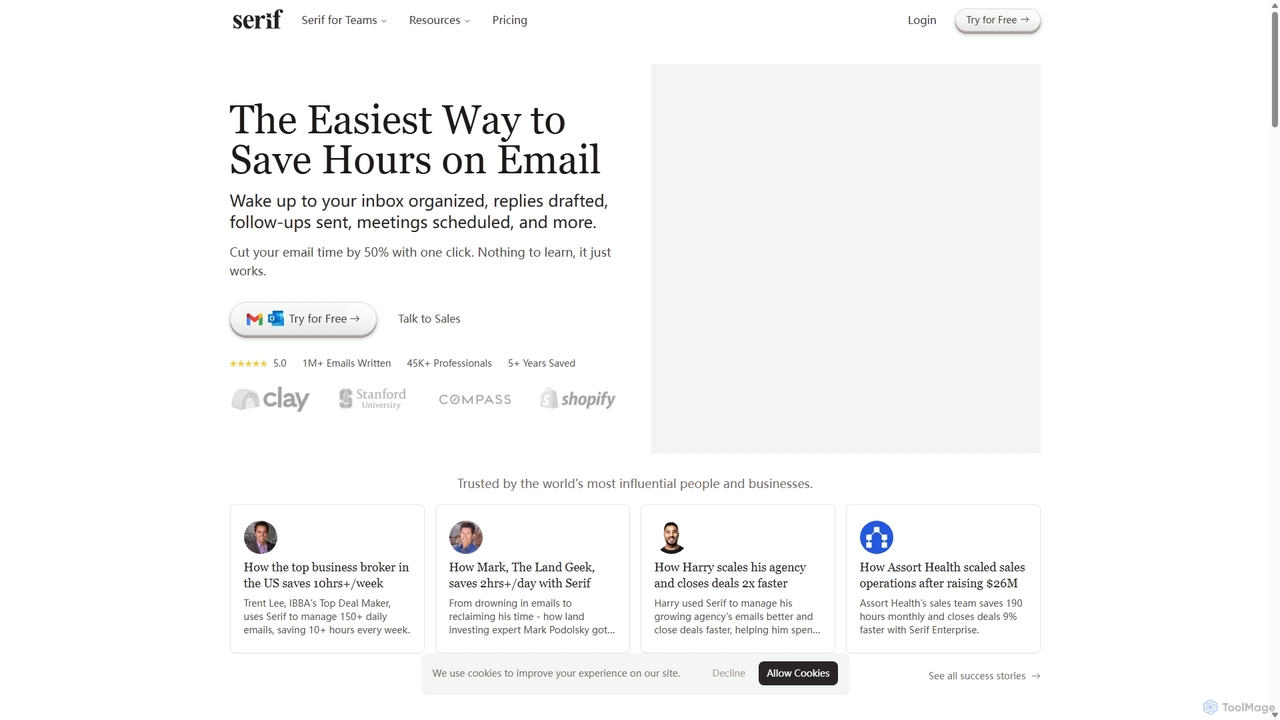
Serif
Serif is an AI executive assistant designed to save you hours on email. It automatically organizes your inbox, drafts personalized replies, sends follow-ups, and schedules meetings. Integrating seamlessly with Gmail and Outlook, Serif learns your communication style to act as your virtual assistant, boosting productivity and response times without a complex setup.
Virtual Assistant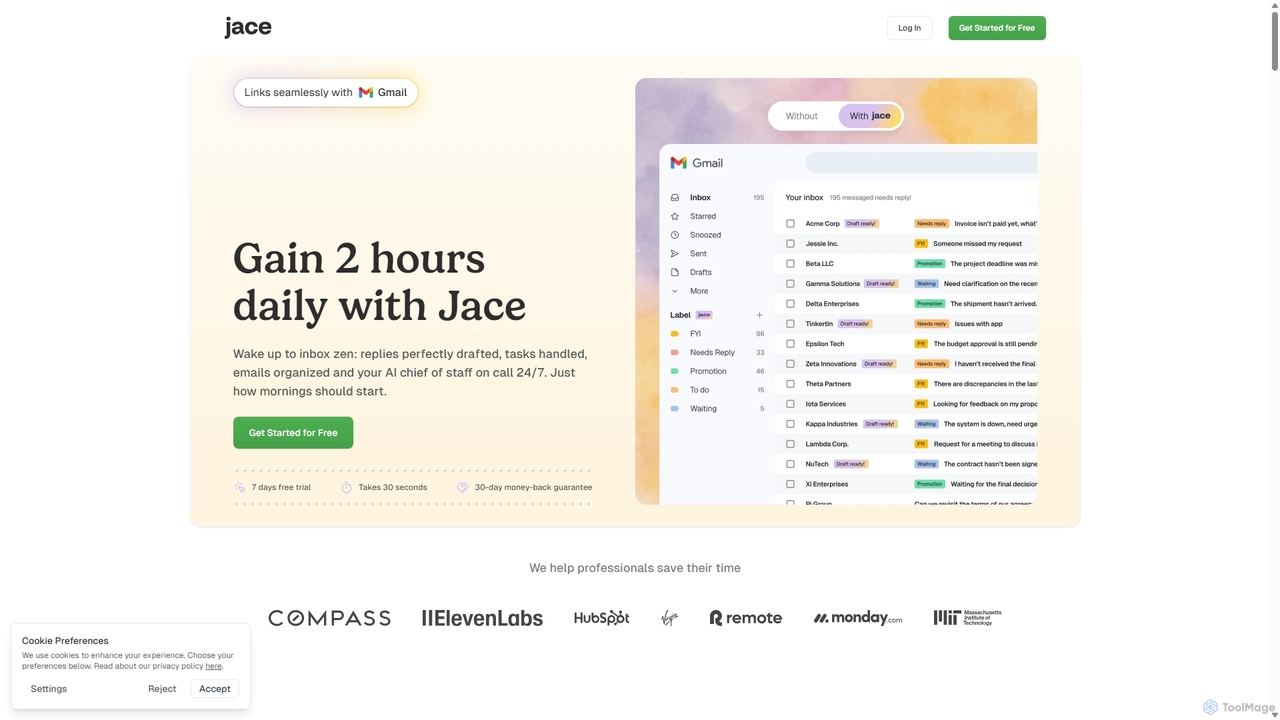
Jace AI
Jace AI is an intelligent 24/7 email assistant that automates your inbox. It seamlessly integrates with Gmail to draft replies, organize emails with AI labels, and handle tasks automatically. By analyzing context from attachments, calendars, and Slack, Jace saves professionals hours daily, allowing them to focus on what truly matters.
Workflow Management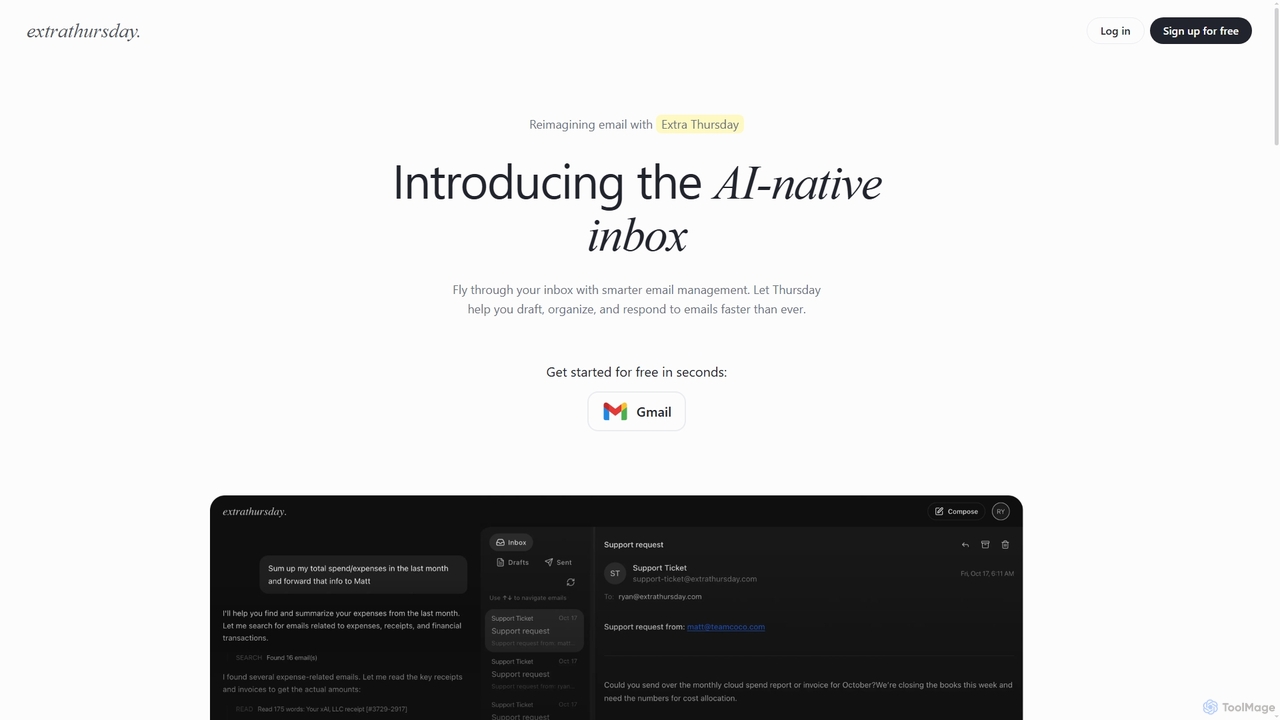
Extra Thursday
Extra Thursday is an AI-native email assistant designed to revolutionize your Gmail inbox. It helps you draft responses, organize emails, and extract key insights automatically, allowing you to manage thousands of emails in minutes and significantly boost your productivity.
Email ManagementShortwave
Shortwave is an AI-powered email client designed to supercharge your productivity and team collaboration. It acts as an intelligent assistant for your inbox, helping you organize, write, search, and automate email workflows. By learning your unique writing style and prioritizing important messages, Shortwave transforms your cluttered inbox into an organized workspace, helping you and your team achieve more with less effort.
WritingBreezemail
Breezemail is an AI-powered email organizer that automatically categorizes your emails in Gmail and Outlook. By creating custom, intelligent labels, it filters out newsletters and clutter, helping you focus on important conversations and achieve inbox zero effortlessly. Reclaim your productivity and enjoy a clean, organized inbox.
Workflow Automation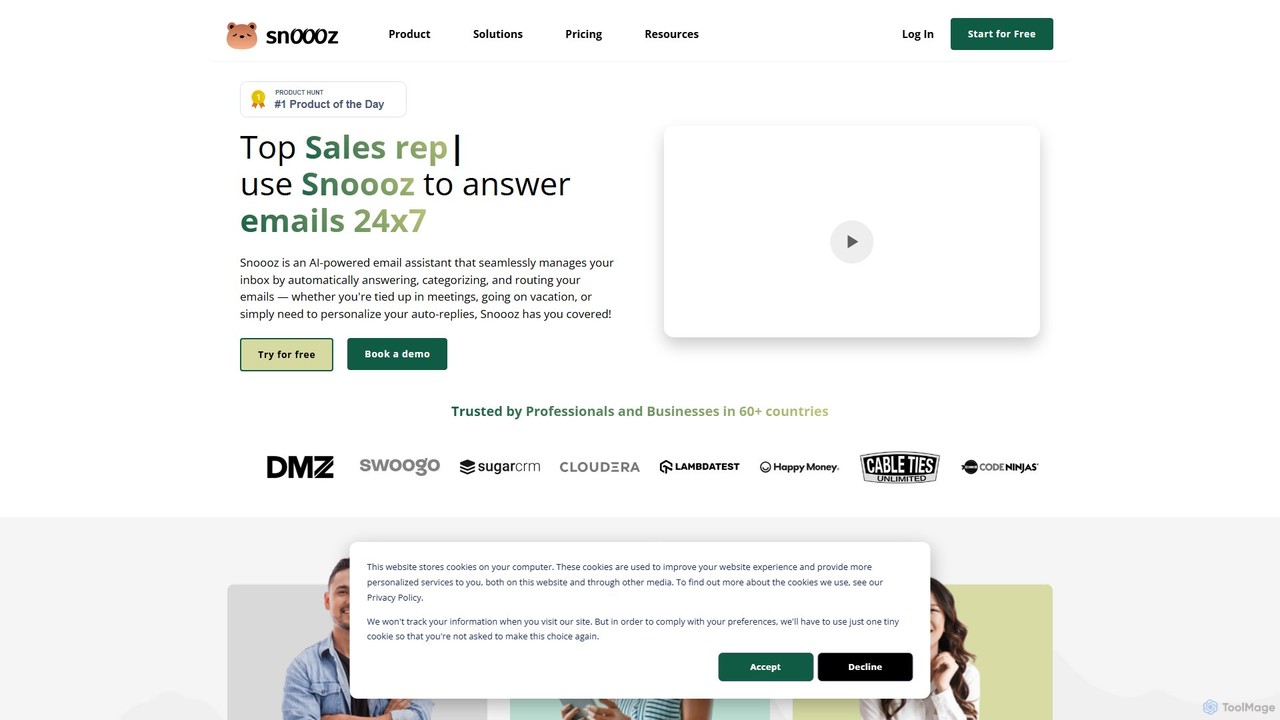
snoooz
snoooz is an AI-powered email assistant that automates your inbox 24/7. It goes beyond standard out-of-office replies by sending personalized, context-aware responses based on sender, sentiment, and language. snoooz automatically categorizes, routes, and triages emails, helping sales, customer success, and HR teams maintain business continuity and engage leads and customers even when they're away.
Help Desk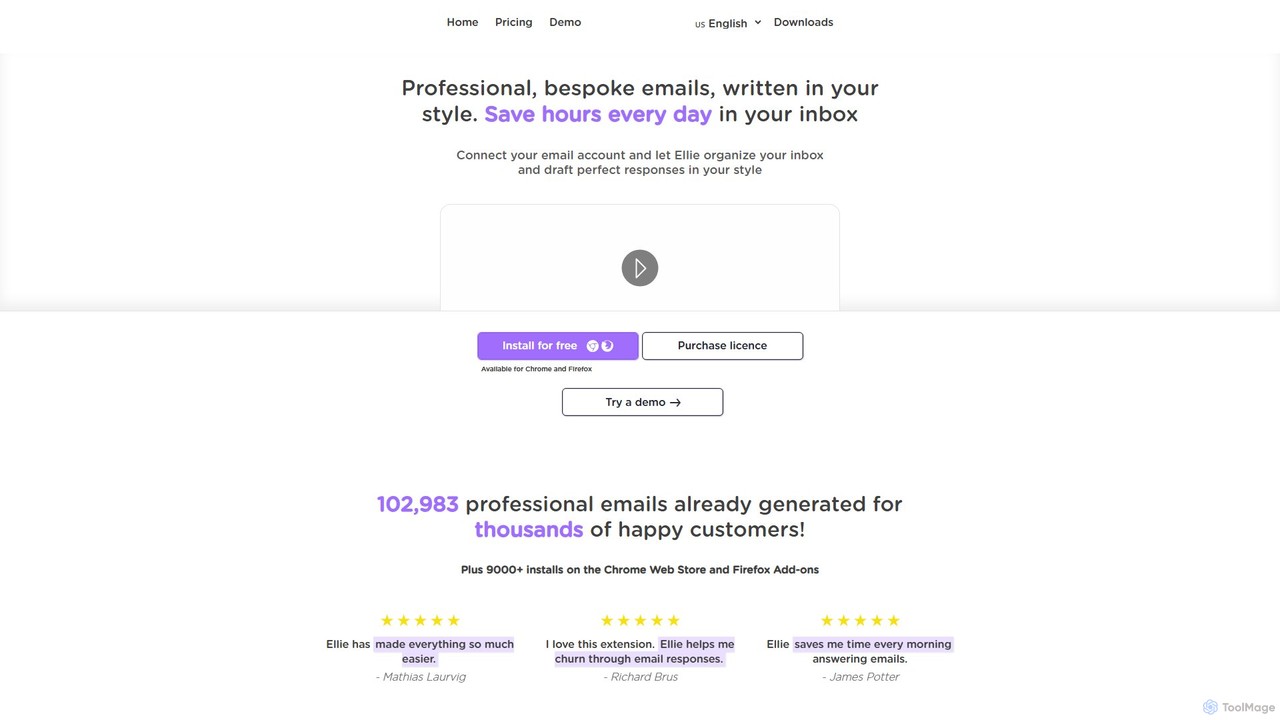
Ellie
Ellie is an AI-powered email assistant that saves you hours every day. It learns from your writing style to draft intelligent, personalized, and context-aware replies directly in your inbox. Supporting multiple languages and integrating with Gmail and Outlook, Ellie helps you manage email overload, overcome reply anxiety, and boost your productivity.
Email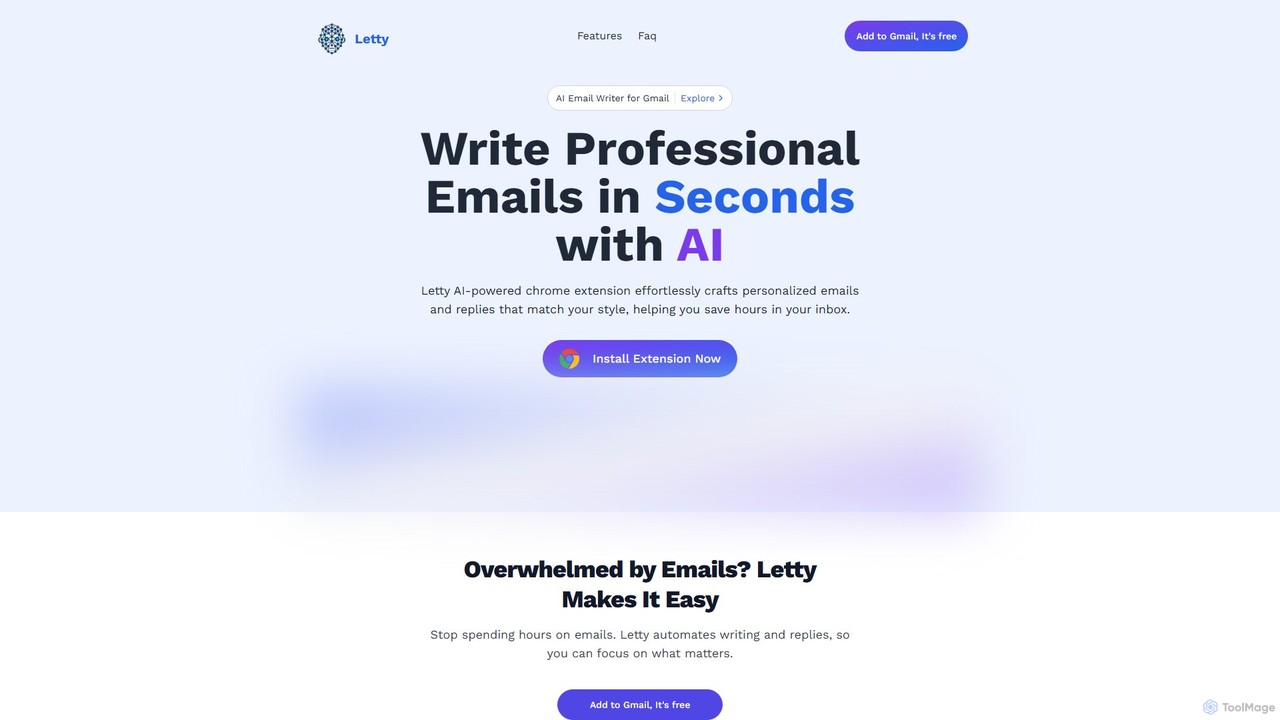
Letty
Letty is an AI-powered Chrome extension for Gmail that helps you write professional emails and replies in seconds. It learns your writing style and can be trained on your own data (documents, websites) to provide highly personalized, context-aware suggestions, saving you hours in your inbox.
Email Assistant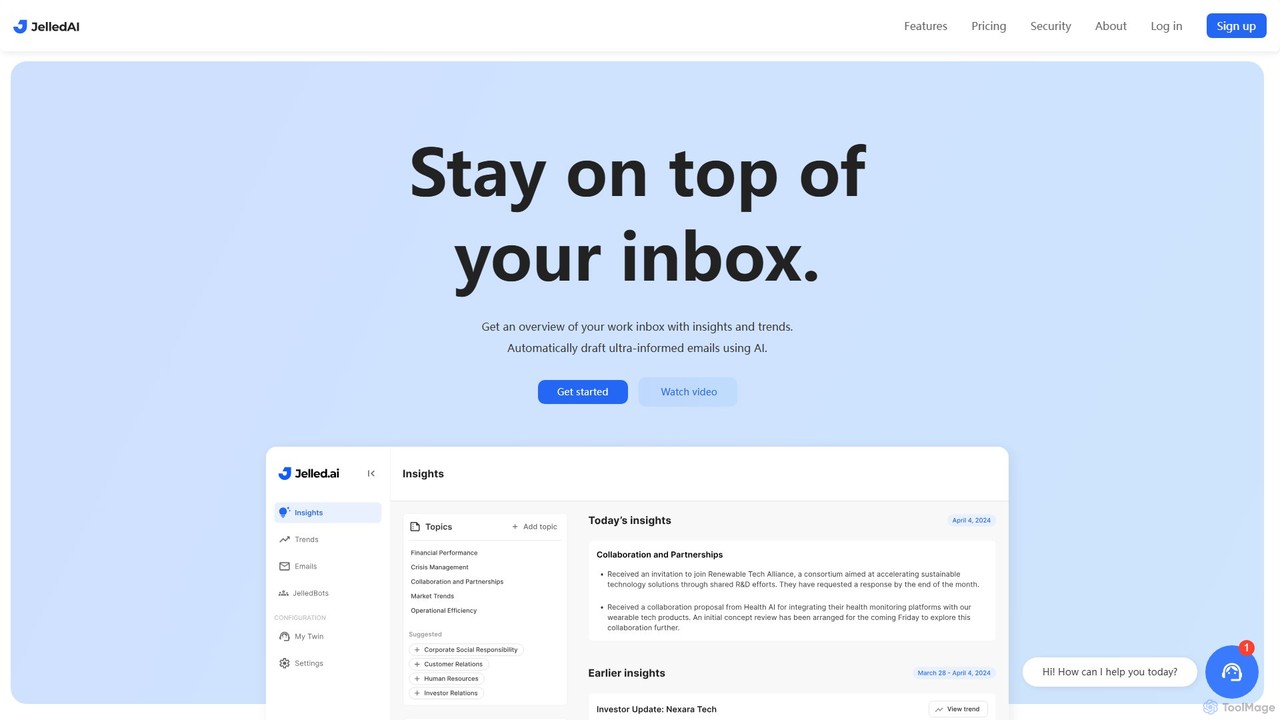
Jelled.ai
Jelled.ai is an AI-powered digital twin that revolutionizes workplace communication. It integrates with Gmail and Slack to provide contextual insights, detect trends, and automatically draft informed email responses in your unique voice. Stay on top of your inbox, filter out noise, and preserve your professional knowledge effortlessly.
Inbox Management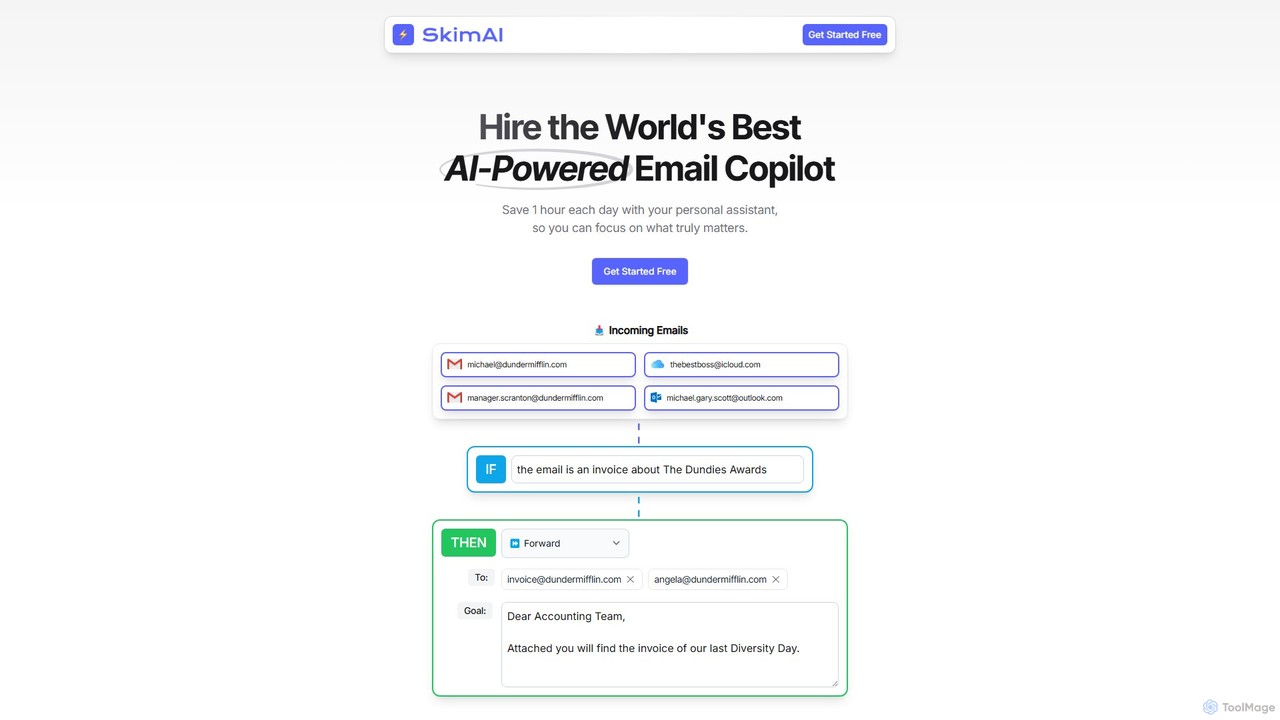
SkimAI
SkimAI is an AI-powered email copilot that automates your inbox to boost productivity. It intelligently categorizes emails, drafts personalized replies in your style, and summarizes unread messages. By setting simple rules, you can manage your inbox automatically, saving hours each day. It integrates seamlessly with Gmail, Outlook, and iCloud without needing a new app, allowing you to focus on what truly matters.
Workflow Management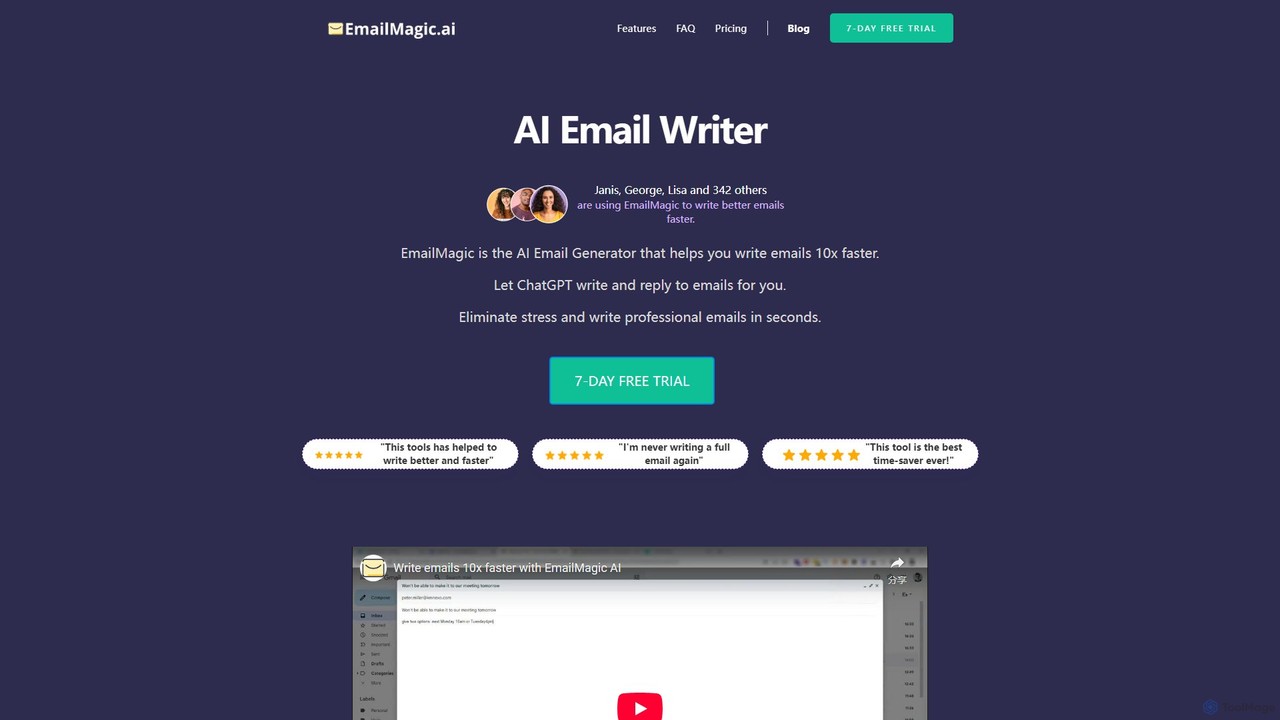
EmailMagic AI
EmailMagic AI is an intelligent email assistant for Gmail that uses AI to help you write emails faster, generate context-aware replies, and communicate in any language. It learns your writing style to create personalized, authentic emails, significantly boosting your productivity.
Email Marketing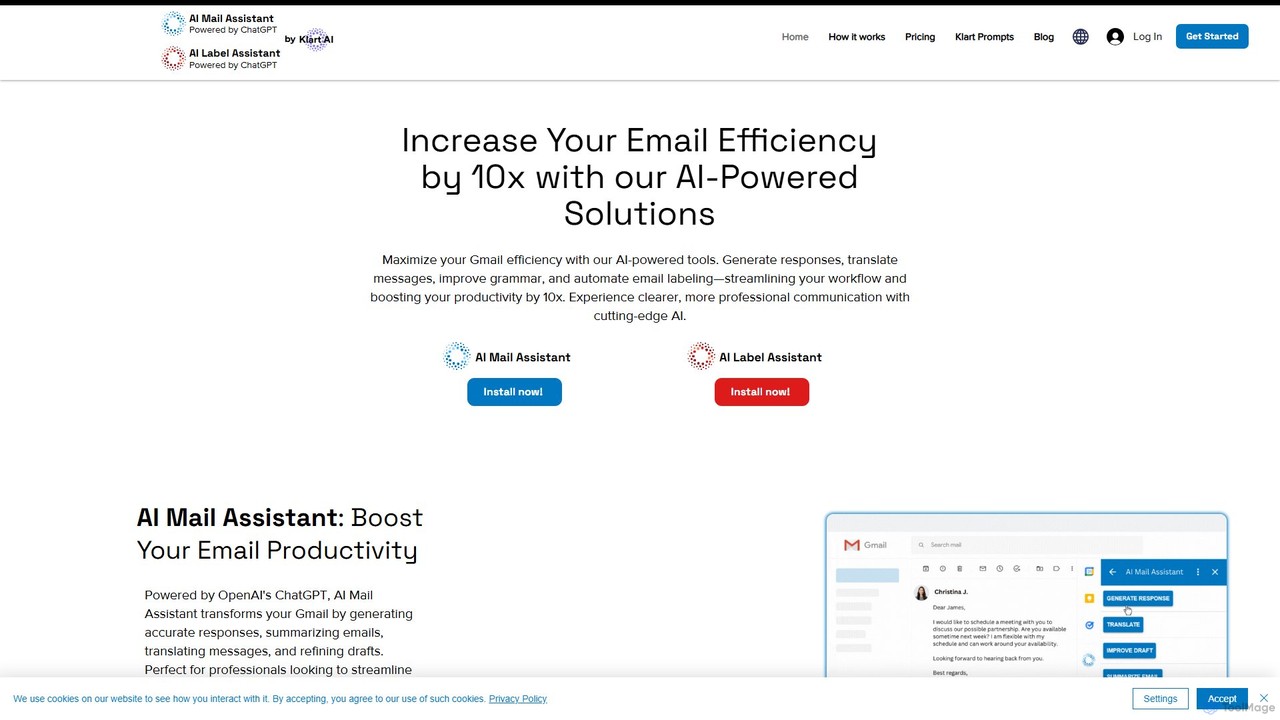
Chatgpt Services
Chatgpt Services offers a suite of AI-powered Gmail add-ons, including AI Mail Assistant and AI Label Assistant. Powered by GPT-4o, it boosts your email productivity by generating smart responses, summarizing threads, translating messages in 13 languages, improving grammar, and automating email labeling and organization. Streamline your workflow and enhance communication directly within Gmail.
Translation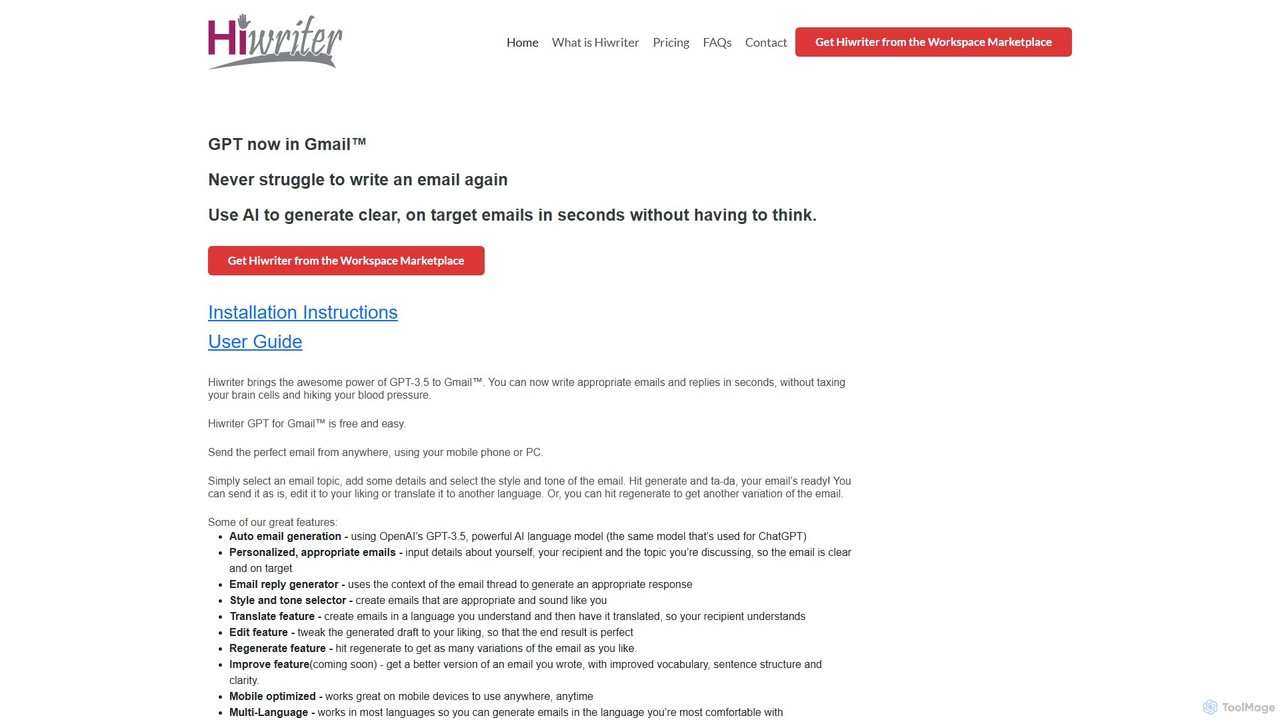
Hiwriter
Hiwriter is a free AI-powered extension for Gmail that uses GPT-3.5 to help you write clear, effective, and perfectly toned emails in seconds. It generates new emails, creates contextual replies, and works seamlessly on both desktop and mobile devices.
Chrome Extensions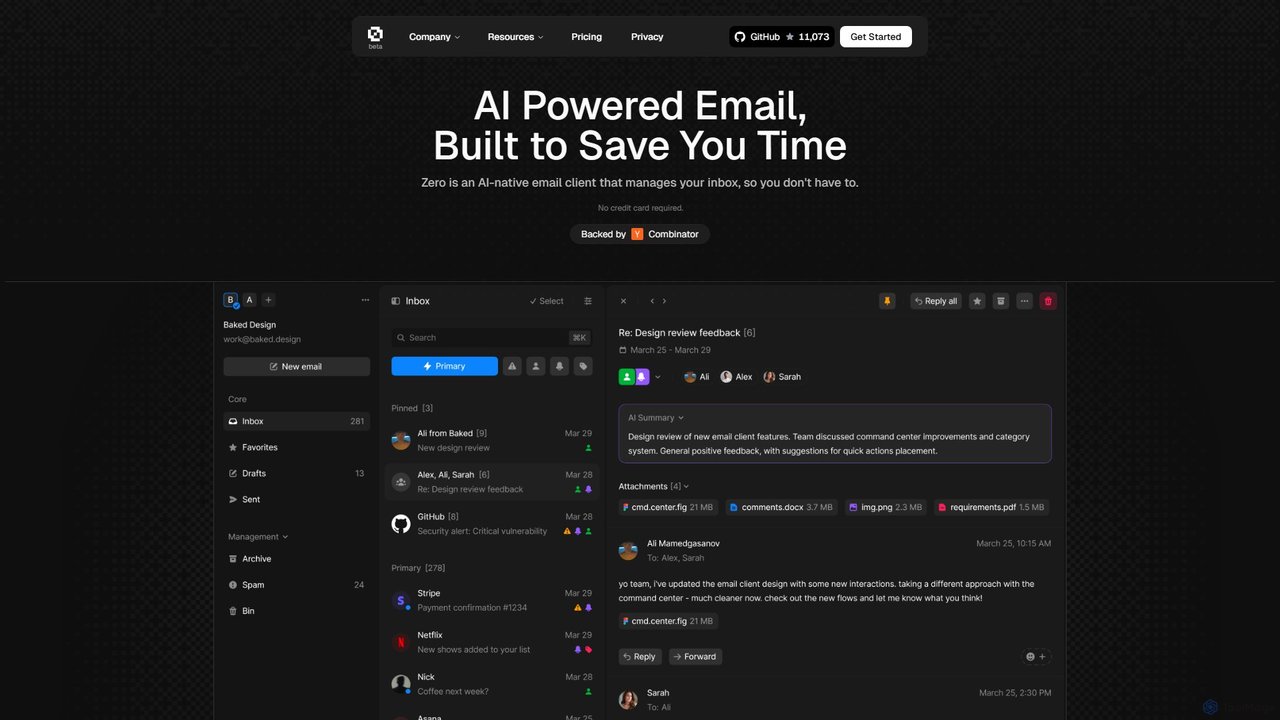
Zero
Zero is an AI-native email client designed to save you time. It automatically manages your inbox by summarizing threads, drafting replies, and extracting action items, allowing you to process emails at lightning speed with a keyboard-first interface.
Personal Assistant
Inboxie Comments (0)
Sign in to comment.
Sign inNo comments yet.