
Shortwave Overview
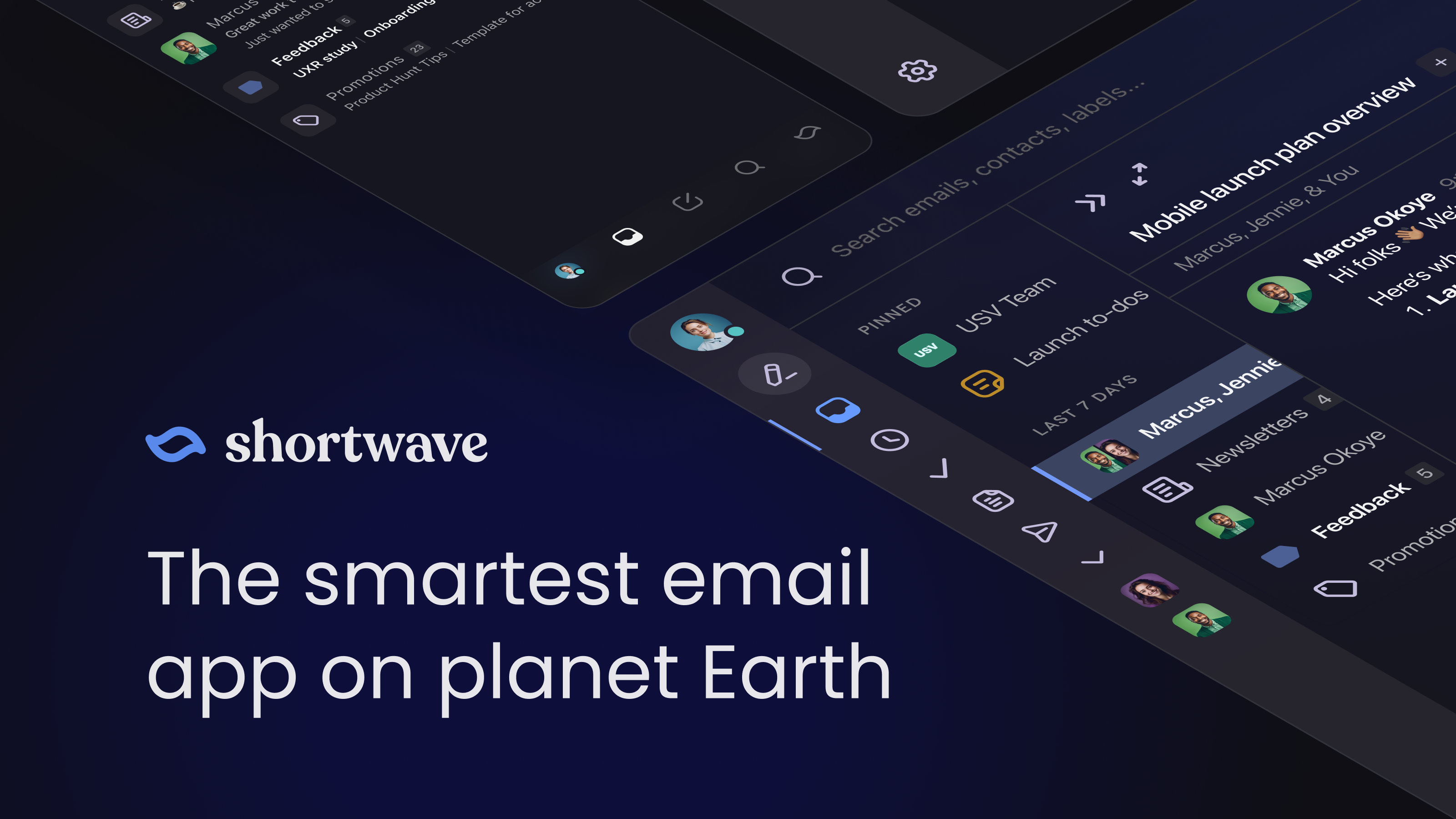
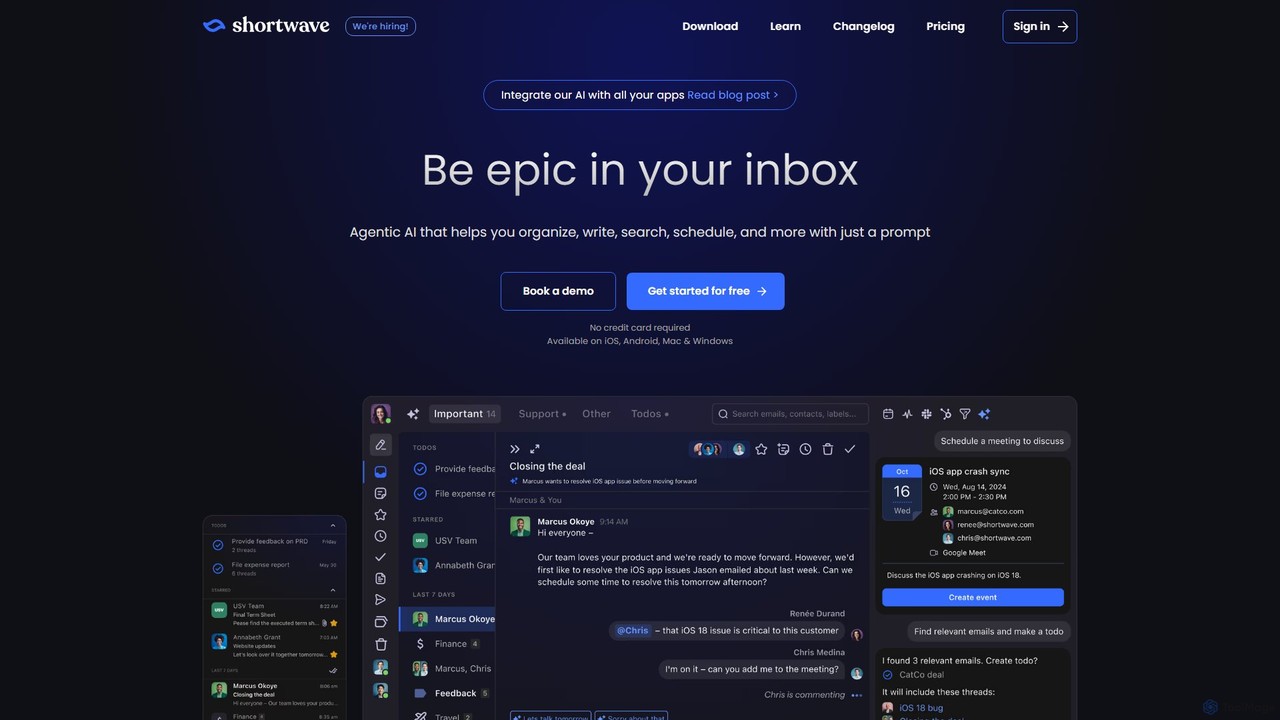
Shortwave is a revolutionary email client built from the ground up with AI at its core. Developed by a team of ex-Googlers, it serves as the spiritual successor to Google Inbox, aiming to solve the universal problem of email overload. Shortwave transforms your Gmail inbox into a smart, organized, and collaborative hub. It's not just another email app with AI features sprinkled in; it's an agentic AI designed for deep human-AI collaboration, empowering ambitious professionals and teams to be truly epic in their inboxes.
The platform is designed to bring order to chaos, allowing you to focus on what truly matters. It intelligently categorizes emails, summarizes long threads, and helps you draft perfect replies in your own voice. Whether you're a solo professional trying to conquer a mountain of emails or a team needing to streamline communication, Shortwave provides the tools to make email less of a chore and more of a powerful productivity driver.
How to use Shortwave
Getting started with Shortwave involves adopting a simple yet powerful workflow known as the 'Shortwave Method' to efficiently manage your inbox.
1. Triage Everything First: The core principle is to process every item in your inbox in a single pass. For each email, decide immediately whether it's non-actionable, a quick task, or a larger actionable item. Avoid leaving read emails in the inbox.
2. Clear Non-Actionable Items: Use Shortwave's powerful features to quickly clear out clutter. Mark emails as 'Done' to archive them. Use 'Snooze' for messages you need to address later. Leverage 'Bundles' to group newsletters, promotions, and updates, allowing you to archive dozens of emails with a single click.
3. Handle If a reply or action takes less than two minutes, do it right away. Use Shortwave's 'Instant AI replies' to draft contextual responses in one click, preventing small tasks from piling up.
4. Organize Actionable Tasks: For emails that require more significant work, turn them into trackable tasks directly within Shortwave. Use 'Stars' for lightweight tasks that need to stay top-of-mind. For larger projects or multi-thread tasks, convert them into 'Todos', which you can rename, group, and prioritize.
5. Prioritize and Execute: After triaging, your inbox will contain only a clean, prioritized list of tasks. Drag and drop your starred items and todos to order them by priority, giving you a clear plan for your work.
Core Features of Shortwave
- AI Email Assistant: An agentic AI that helps with summarizing long threads (tl;dr), drafting replies in your learned voice and style, and analyzing attachments (PDFs, text files, etc.).
- AI-Powered Search: Go beyond keyword search. Use natural language to find emails, documents, and answers buried within your team's entire email history.
- Intelligent Inbox Organization: Automatically group related emails like newsletters and promotions into 'Bundles'. Use 'Splits' to create custom tabs for important senders, labels, or queries.
- AI Automation & Filters: Create custom AI filters using plain English to automatically label, archive, or delete incoming mail. Automate complex workflows without leaving your inbox.
- Team Collaboration: Share live email threads with a unique URL. Discuss emails privately with team comments (@-mentions), assign emails to specific owners, and track progress with a team-wide 'done' status.
- Productivity Tools: Get read statuses and link tracking on sent emails. Use smart 'Snippets' as shared team templates. Set automatic follow-up reminders so you never drop the ball.
- Seamless Scheduling: Ask the AI to check your availability, create calendar events, and draft scheduling emails, all from a simple prompt.
Use Cases for Shortwave
For Ambitious Professionals: Manage high email volume with ease. Get instant AI summaries of long discussions to get up to speed quickly. Use AI writing to maintain a professional tone and save time on drafting responses.
For Sales and Client-Facing Teams: Track engagement with read statuses and link tracking. Use follow-up reminders to stay on top of leads. Leverage shared templates (Snippets) for consistent and efficient client communication.
For Operations and Support Teams: Use shared labels and assignees to manage a team inbox effectively. Ensure every inquiry has a clear owner and is tracked to completion. Use private comments to collaborate on responses before sending.
For Founders and Executives: Get a high-level overview of communications without getting bogged down in details. Use AI search to find critical information across the company's email archive. Delegate tasks by assigning emails directly to team members.
Advantages of Shortwave
AI-Native Design: Unlike competitors that add AI as an afterthought, Shortwave is built around AI, leading to a more integrated and powerful user experience.
Time-Saving Efficiency: Features like bundles, AI summaries, and one-click triage are designed to help users reach 'inbox zero' in a fraction of the time.
Personalized Experience: The AI learns your unique writing style, tone, and even facts about you, allowing it to generate emails that sound genuinely like you.
Unified Collaboration Hub: It seamlessly blends email management with team collaboration, eliminating the need to paste screenshots into Slack or other chat apps.
Cross-Platform Availability: Work from anywhere with full-featured apps for iOS, Android, Mac, Windows, and the web.
Pricing and Plans
Shortwave operates on a freemium model, offering a 14-day free trial for its premium features.
- Free Plan: A basic plan is available for individuals, likely with limitations on search history and AI feature usage.
- Business Plan: Starting at $24/seat/month (billed annually), this plan includes standard AI intelligence (Claude 3.5 Haiku), 5 years of AI search history, 50 threads per AI search, and 3 AI-powered filters.
- Premier Plan: At $36/seat/month (billed annually), this popular plan offers advanced intelligence (Claude 4 Sonnet), unlimited AI search history, 100 threads per AI search, 10 AI filters, and smarter AI answers with 2x context tokens.
- Max Plan: For $100/seat/month (billed annually), users get the most powerful models (Claude 4 Opus), 150 threads per AI search, 50 AI filters, and live 1:1 training.
- Enterprise Plan: Custom pricing is available for larger organizations requiring advanced security, compliance, and support.
Traffic
Latest traffic
Status
Monthly traffic trend
- 2025-9: 281.7K
- 2026-1: 269.1K
- 2026-2: 259.9K
- 2026-3: 259.3K
- 2026-4: 247.2K
- 2026-5: 229.9K
Geography
Top 5 countries / regions
- 🇺🇸United States82.7%
- 🇬🇧United Kingdom6.1%
- 🇳🇱Netherlands4.4%
- 🇦🇺Australia3.5%
- 🇯🇵Japan3.3%
Traffic sources
| Source type | Percentage |
|---|---|
Direct | 95.4% |
Referral | 2.8% |
Email | 1.8% |
Top keywords
| Keyword | Cost per click |
|---|---|
| shortwave | $8.68 |
| shortwave ai | $18.00 |
| shortwave app | $0.00 |
| shortwave email | $14.95 |
| shortwave email when is outlook support coming | $0.00 |
Shortwave Videos on YouTube

Shortwave Listener

James And Jenna's Tutorials


Tool Finder

Tool Finder

The problem to your solution. Ham, Tech, EDC

Inbox Zero
Shortwave Alternatives
Spark Mail
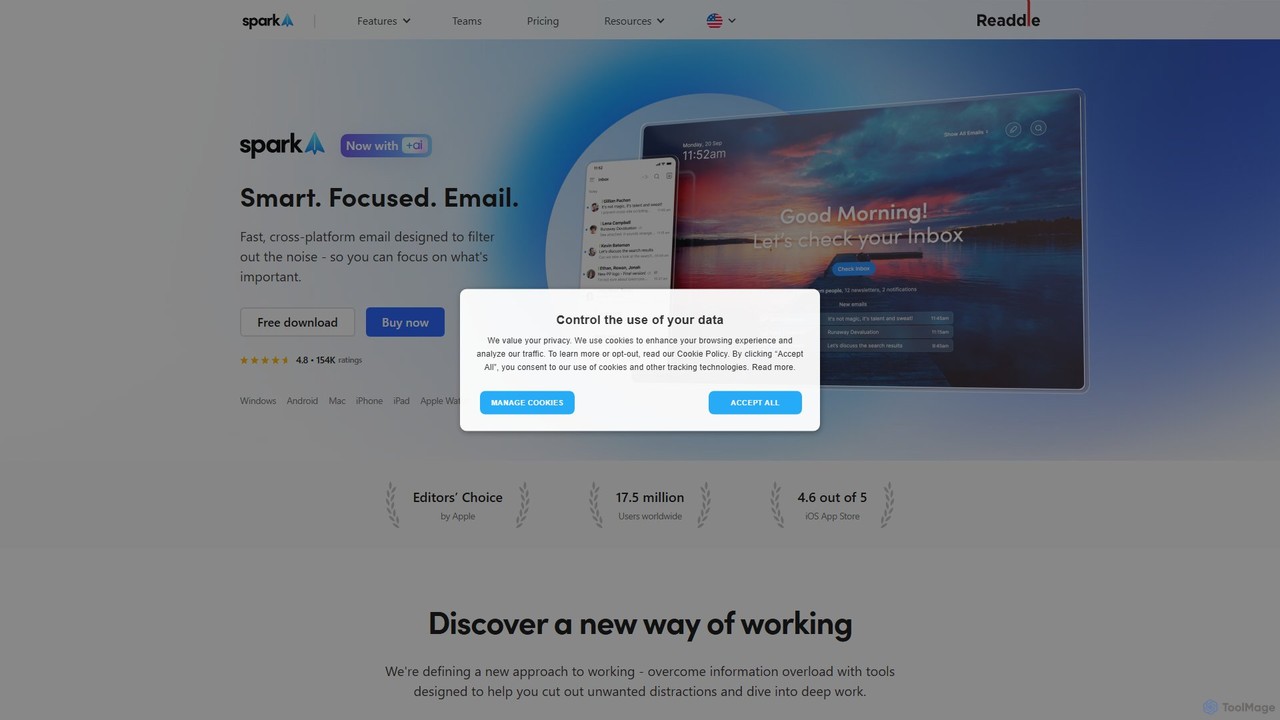
Spark Mail is an intelligent, cross-platform email client designed to help you focus on what's important. It uses AI to draft emails, summarize threads, and translate messages, while its Smart Inbox filters out noise. With powerful team collaboration features, Spark streamlines your workflow and helps you achieve inbox zero.
Writing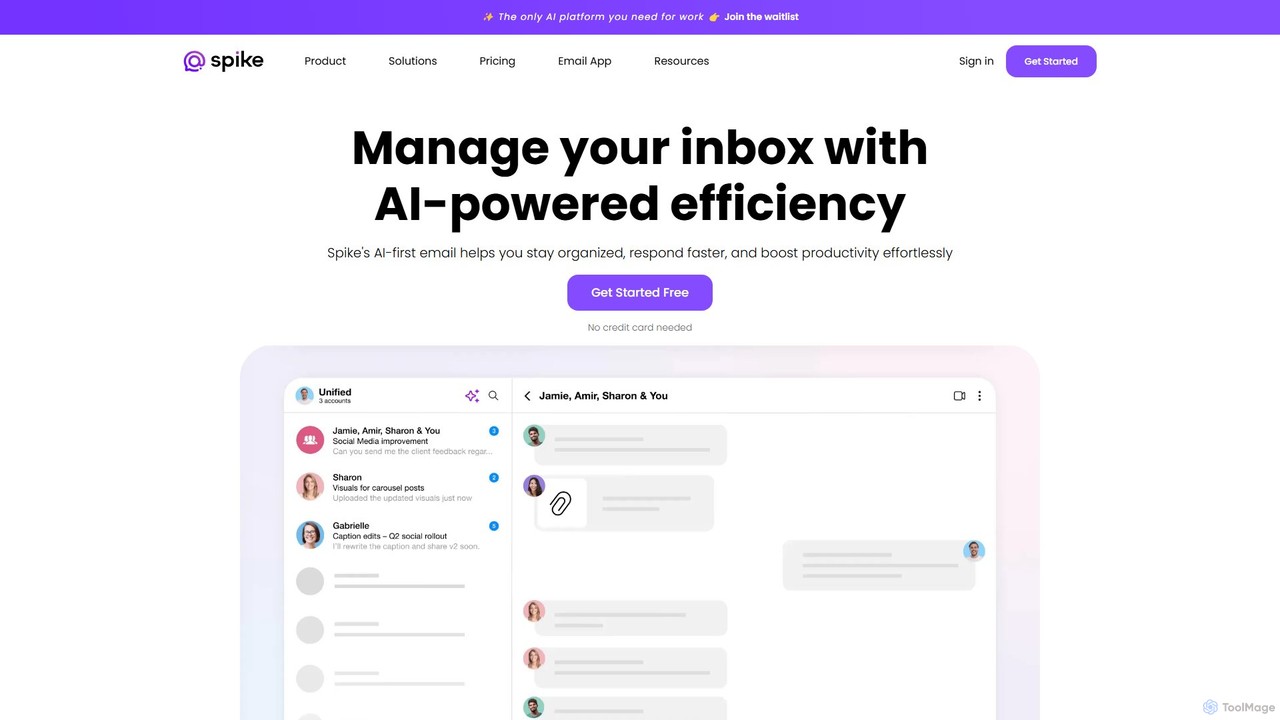
Spikenow
Spikenow is an AI-powered communication and collaboration platform that transforms your email into a dynamic, chat-like conversational feed. It unifies email, team chat, tasks, notes, and video calls into a single workspace, using AI to summarize threads, draft replies, and prioritize your inbox. It's designed to boost productivity by eliminating app switching and streamlining team workflows.
Team Collaboration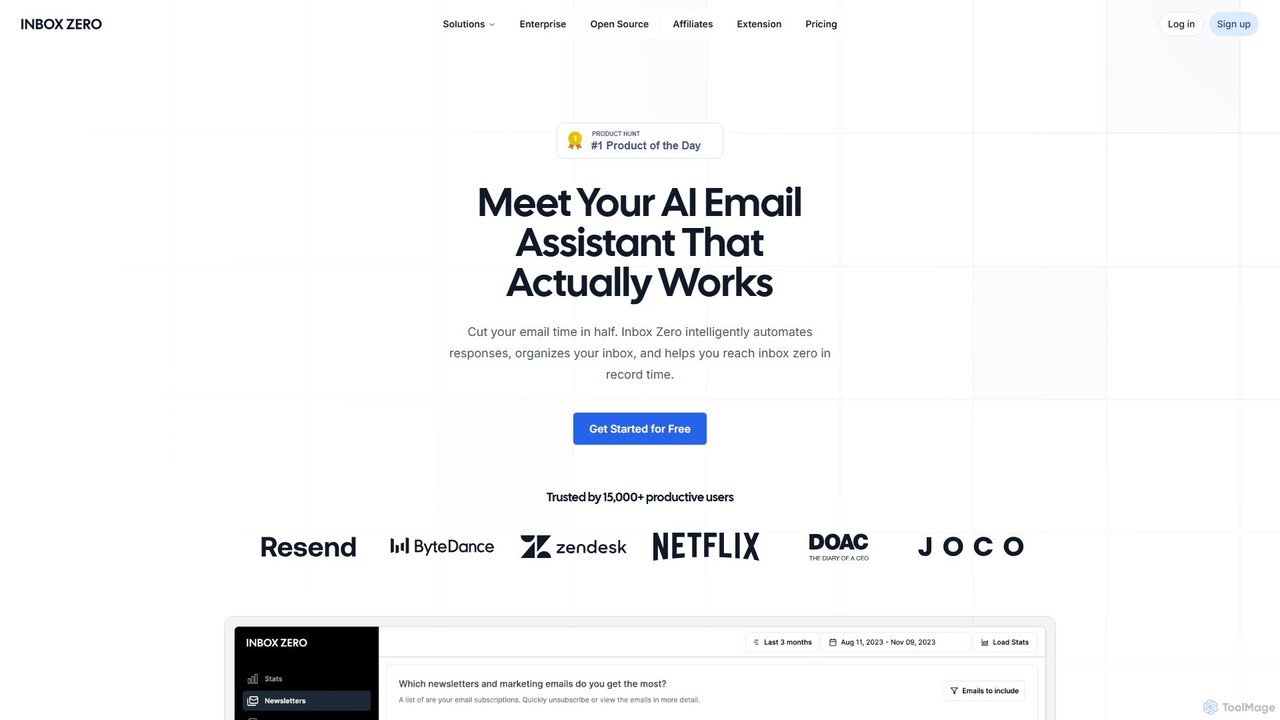
getinboxzero
getinboxzero is an AI-powered email assistant designed to help you achieve Inbox Zero. It intelligently automates responses, organizes your inbox, blocks cold emails, and bulk unsubscribes from newsletters. By handling repetitive email tasks, it cuts your email time in half and boosts productivity for individuals and support teams.
Personal Assistant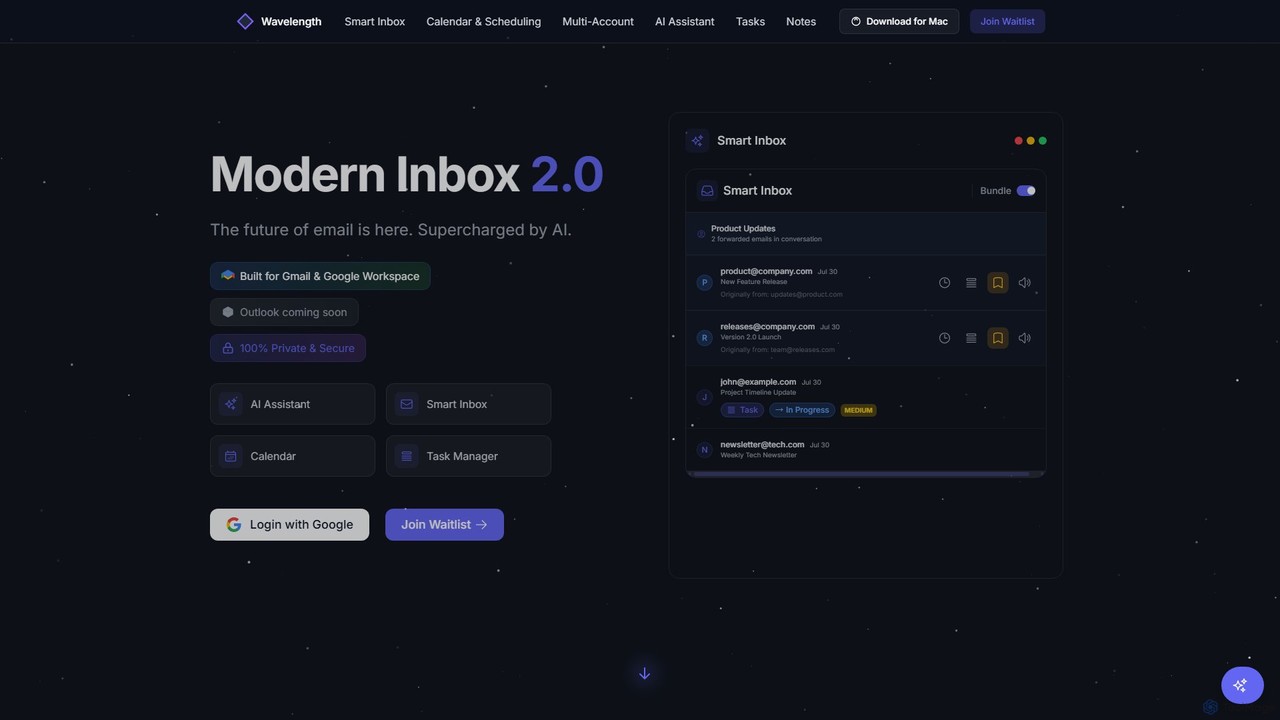
Wavelength Mail
Wavelength Mail is an intelligent email workspace that supercharges your Gmail and Google Workspace with AI. It combines a smart inbox, calendar, task manager, and AI assistant to streamline your workflow, categorize emails, summarize content, and automate scheduling, all while prioritizing your privacy with local data processing.
Personal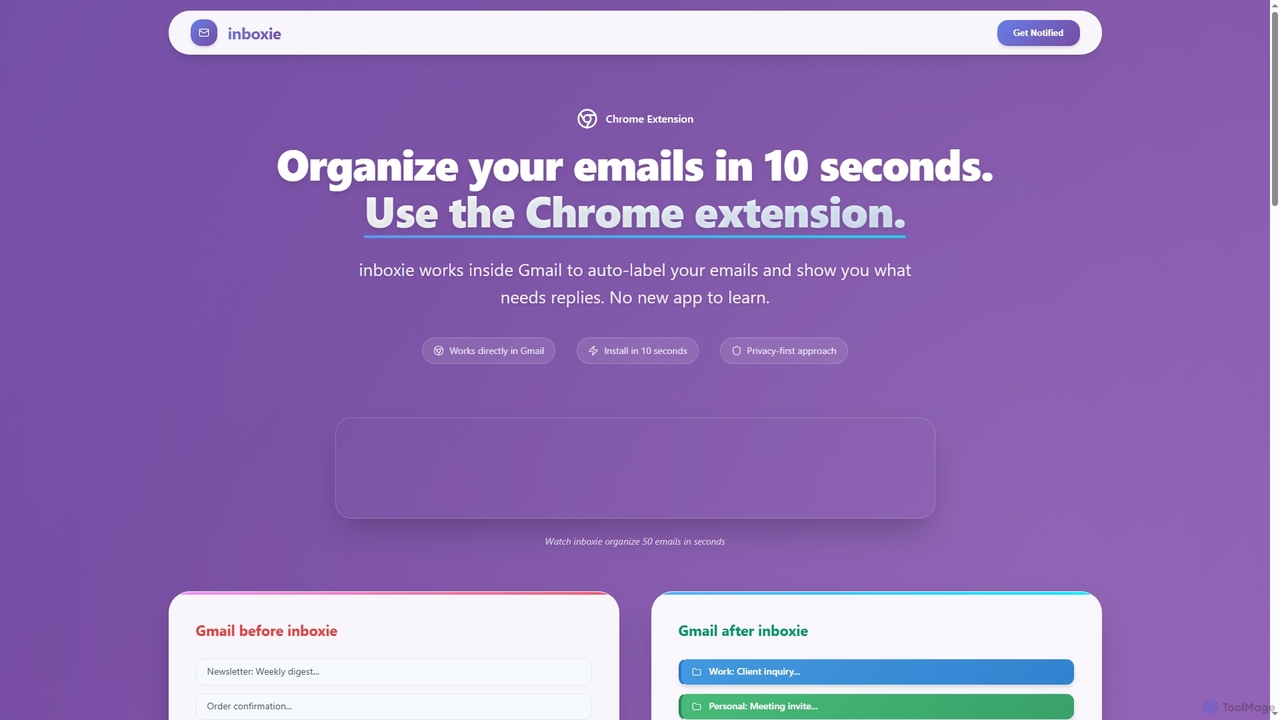
Inboxie
Inboxie is an AI-powered Chrome extension designed to organize your Gmail inbox efficiently. It automatically labels emails, highlights those requiring a response, and provides a smart inbox view, all within your existing Gmail interface. Streamline your email management and achieve inbox clarity in seconds.
Inbox ManagementShortwave Categories
Shortwave Embed Widget
Copy this embed code to place the badge on your blog, article, or product site and send readers directly to this ToolMage detail page.

Related AI tools
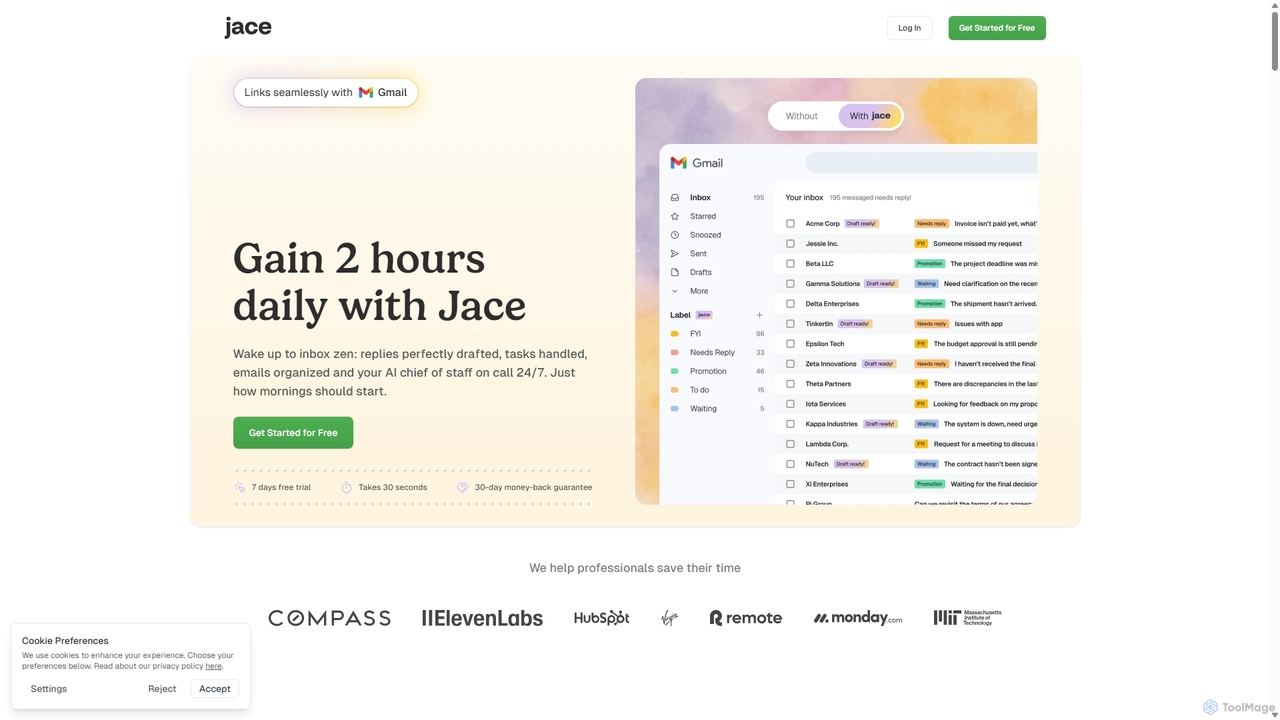
Jace AI
Jace AI is an intelligent 24/7 email assistant that automates your inbox. It seamlessly integrates with Gmail to draft replies, organize emails with AI labels, and handle tasks automatically. By analyzing context from attachments, calendars, and Slack, Jace saves professionals hours daily, allowing them to focus on what truly matters.
Workflow ManagementSpikenow
Spikenow is an AI-powered communication and collaboration platform that transforms your email into a dynamic, chat-like conversational feed. It unifies email, team chat, tasks, notes, and video calls into a single workspace, using AI to summarize threads, draft replies, and prioritize your inbox. It's designed to boost productivity by eliminating app switching and streamlining team workflows.
Team Collaborationgetinboxzero
getinboxzero is an AI-powered email assistant designed to help you achieve Inbox Zero. It intelligently automates responses, organizes your inbox, blocks cold emails, and bulk unsubscribes from newsletters. By handling repetitive email tasks, it cuts your email time in half and boosts productivity for individuals and support teams.
Personal AssistantWavelength Mail
Wavelength Mail is an intelligent email workspace that supercharges your Gmail and Google Workspace with AI. It combines a smart inbox, calendar, task manager, and AI assistant to streamline your workflow, categorize emails, summarize content, and automate scheduling, all while prioritizing your privacy with local data processing.
Personal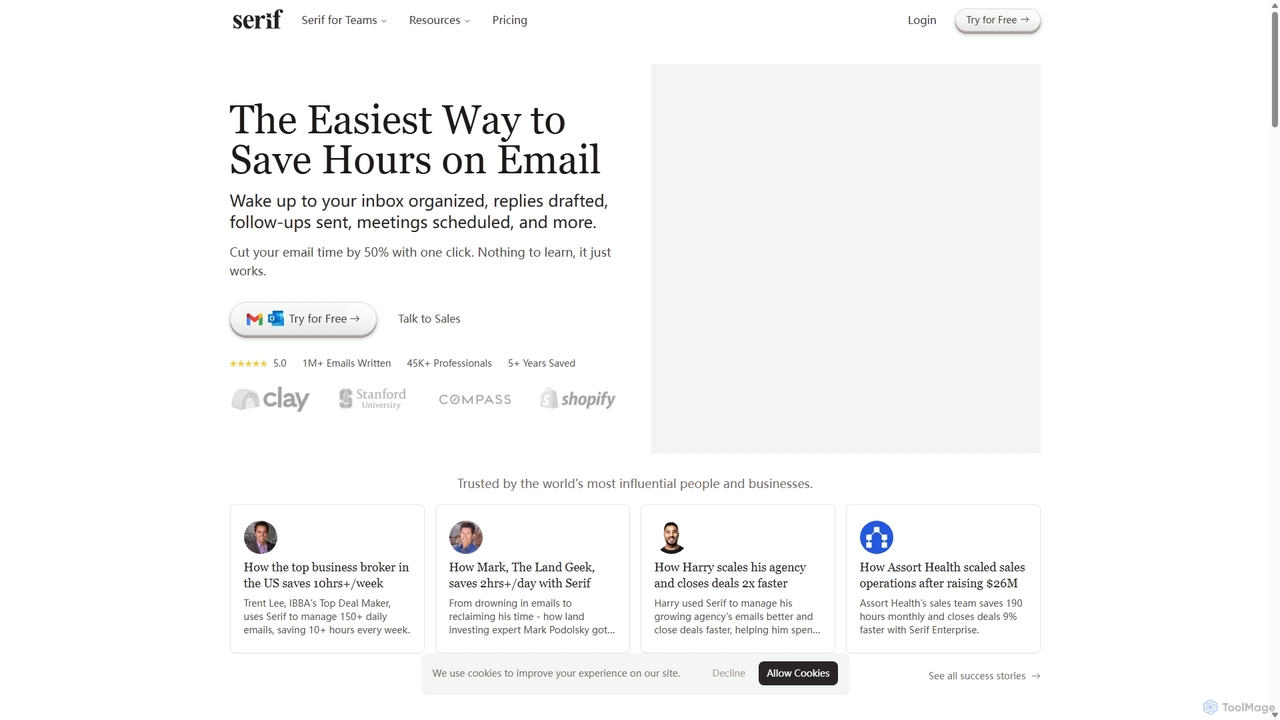
Serif
Serif is an AI executive assistant designed to save you hours on email. It automatically organizes your inbox, drafts personalized replies, sends follow-ups, and schedules meetings. Integrating seamlessly with Gmail and Outlook, Serif learns your communication style to act as your virtual assistant, boosting productivity and response times without a complex setup.
Virtual Assistant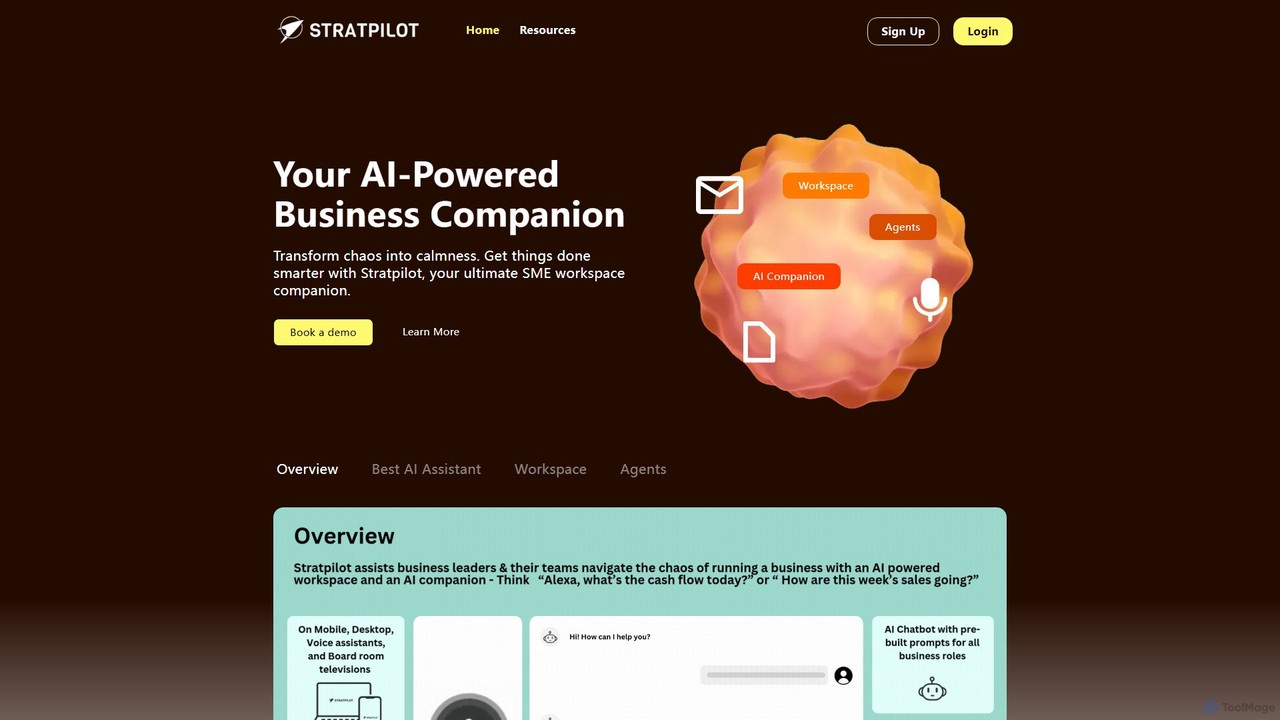
Stratpilot
Stratpilot is an AI-powered business workspace designed for SMEs and individuals to streamline operations and boost productivity. It acts as a central hub, integrating tasks, notes, and business systems to transform chaos into clarity. By automating routine tasks, providing strategic insights, and enhancing team collaboration, Stratpilot helps business leaders manage their workflow efficiently, reduce burnout, and achieve a better work-life balance.
Operations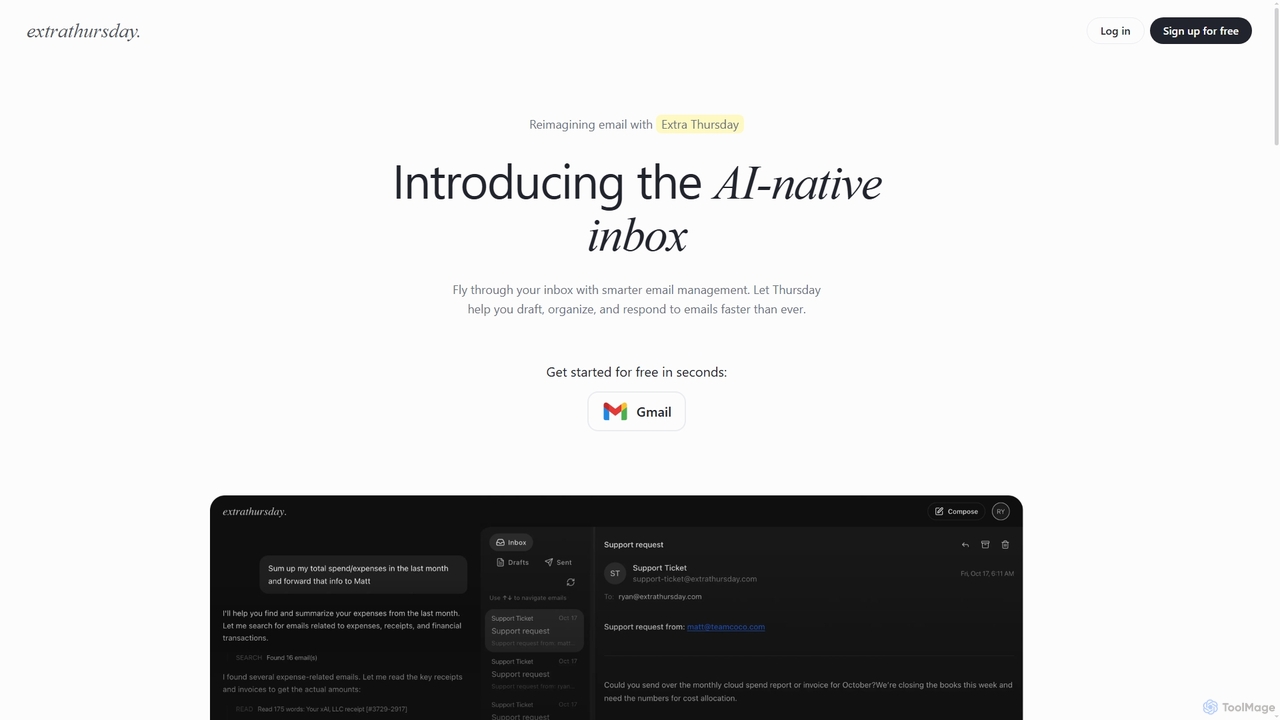
Extra Thursday
Extra Thursday is an AI-native email assistant designed to revolutionize your Gmail inbox. It helps you draft responses, organize emails, and extract key insights automatically, allowing you to manage thousands of emails in minutes and significantly boost your productivity.
Email ManagementSpark Mail
Spark Mail is an intelligent, cross-platform email client designed to help you focus on what's important. It uses AI to draft emails, summarize threads, and translate messages, while its Smart Inbox filters out noise. With powerful team collaboration features, Spark streamlines your workflow and helps you achieve inbox zero.
WritingInboxie
Inboxie is an AI-powered Chrome extension designed to organize your Gmail inbox efficiently. It automatically labels emails, highlights those requiring a response, and provides a smart inbox view, all within your existing Gmail interface. Streamline your email management and achieve inbox clarity in seconds.
Inbox Management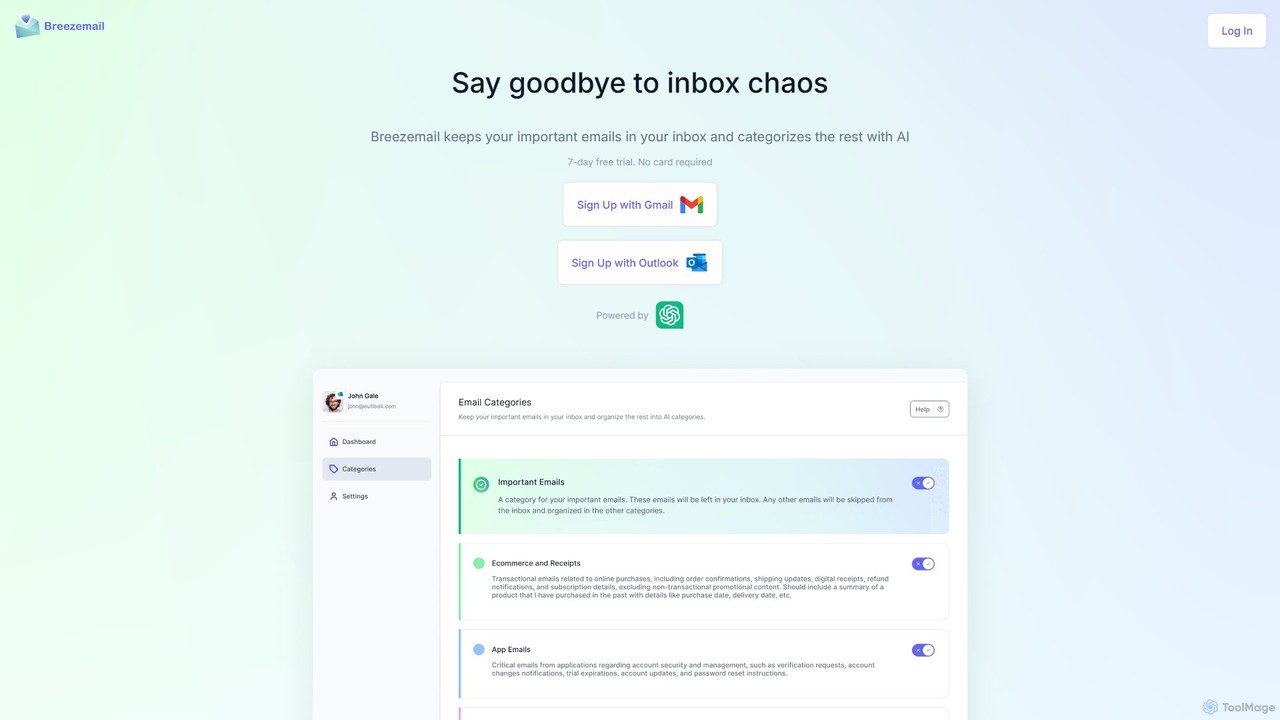
Breezemail
Breezemail is an AI-powered email organizer that automatically categorizes your emails in Gmail and Outlook. By creating custom, intelligent labels, it filters out newsletters and clutter, helping you focus on important conversations and achieve inbox zero effortlessly. Reclaim your productivity and enjoy a clean, organized inbox.
Workflow Automation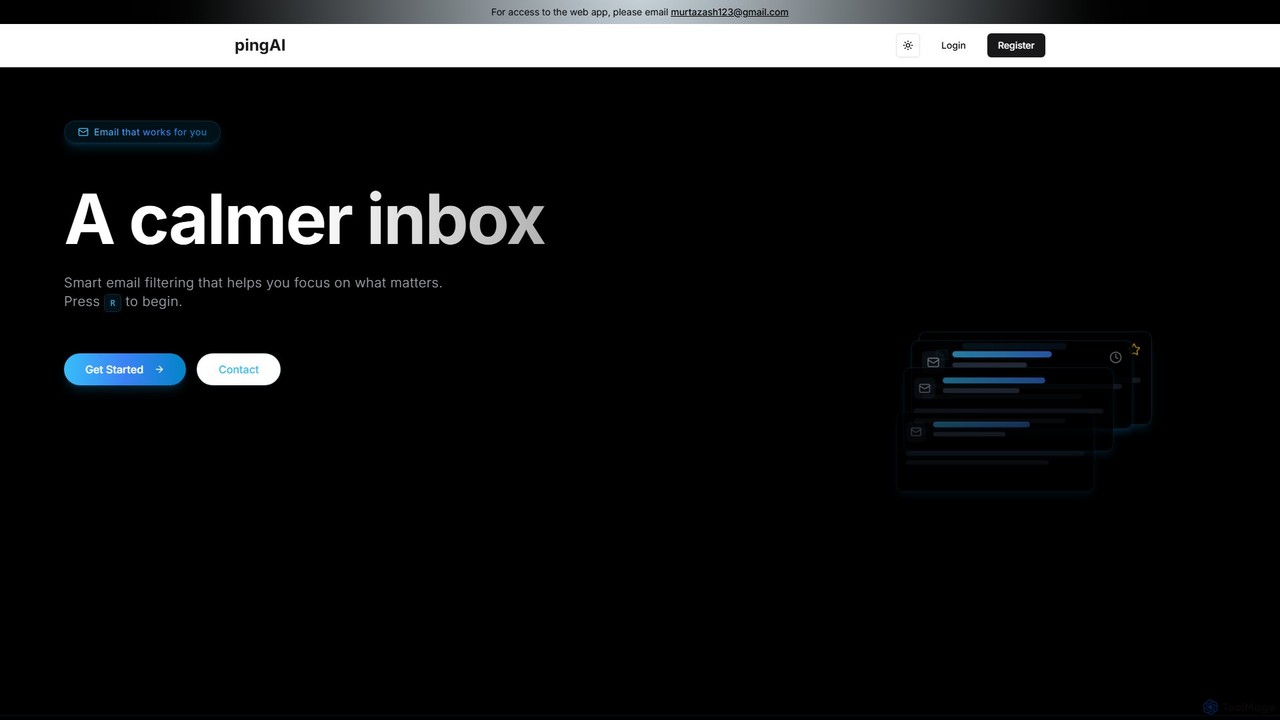
Ping
Ping is an AI-powered email management tool designed to combat inbox overload. It intelligently filters your emails, prioritizes important messages, and learns from your behavior to create a calmer, more focused inbox. Stop missing critical emails and reduce stress with smart, automated organization for your Gmail account.
Inbox Assistant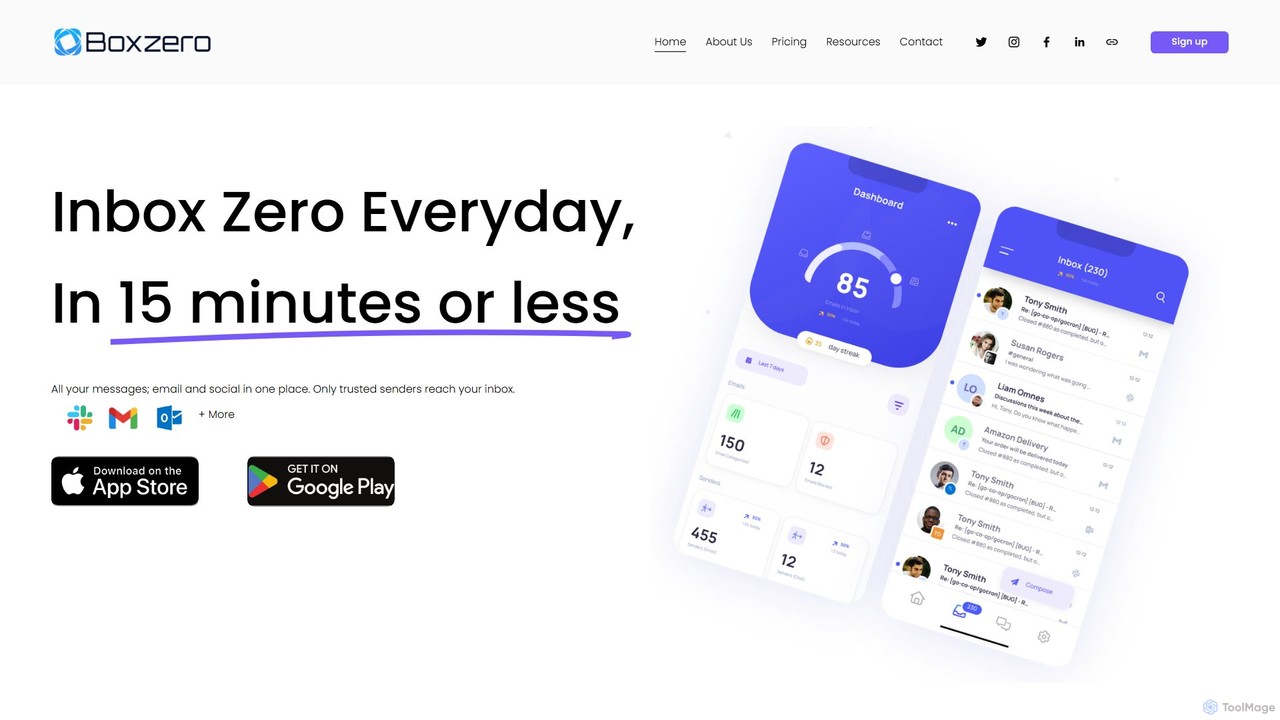
Boxzero
Boxzero is an AI-powered unified inbox that helps you achieve 'Inbox Zero' in 15 minutes or less daily. It consolidates all your emails (Gmail, Outlook) and social messages (Slack) into one place, using smart filtering to only show messages from trusted senders. An AI assistant generates smart replies, saving you hours of work and reducing communication overload.
Personal Assistant
Zigi.ai
Zigi.ai is an intelligent AI assistant designed to automate workflows, manage tasks, and enhance team collaboration. By integrating with your existing tools, Zigi proactively streamlines processes, summarizes meetings, and provides data-driven insights to boost productivity for individuals and businesses.
Intelligent Assistants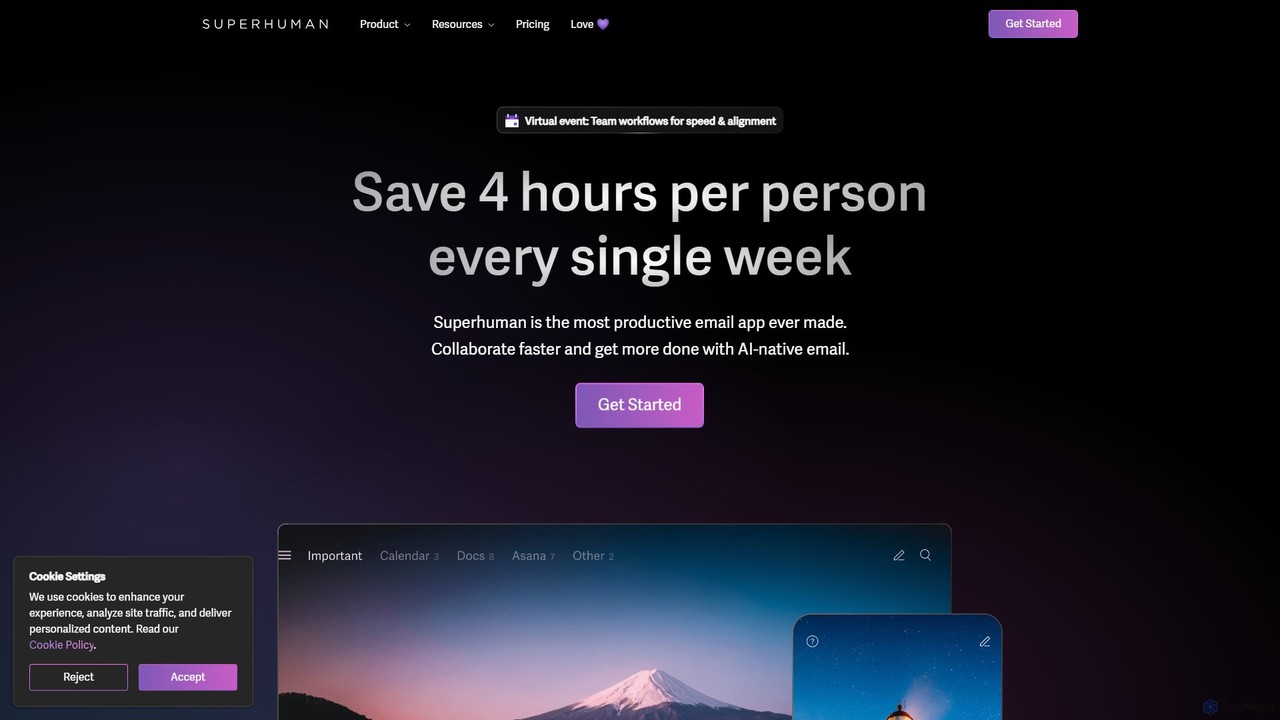
Superhuman
Superhuman is an AI-native email client designed for speed and productivity. It helps high-performing teams and individuals save over 4 hours a week by organizing the inbox, summarizing threads, and drafting emails with AI that matches your personal writing style. It supports Gmail and Outlook, offering a blazingly fast, focused, and collaborative email experience.
Team Collaboration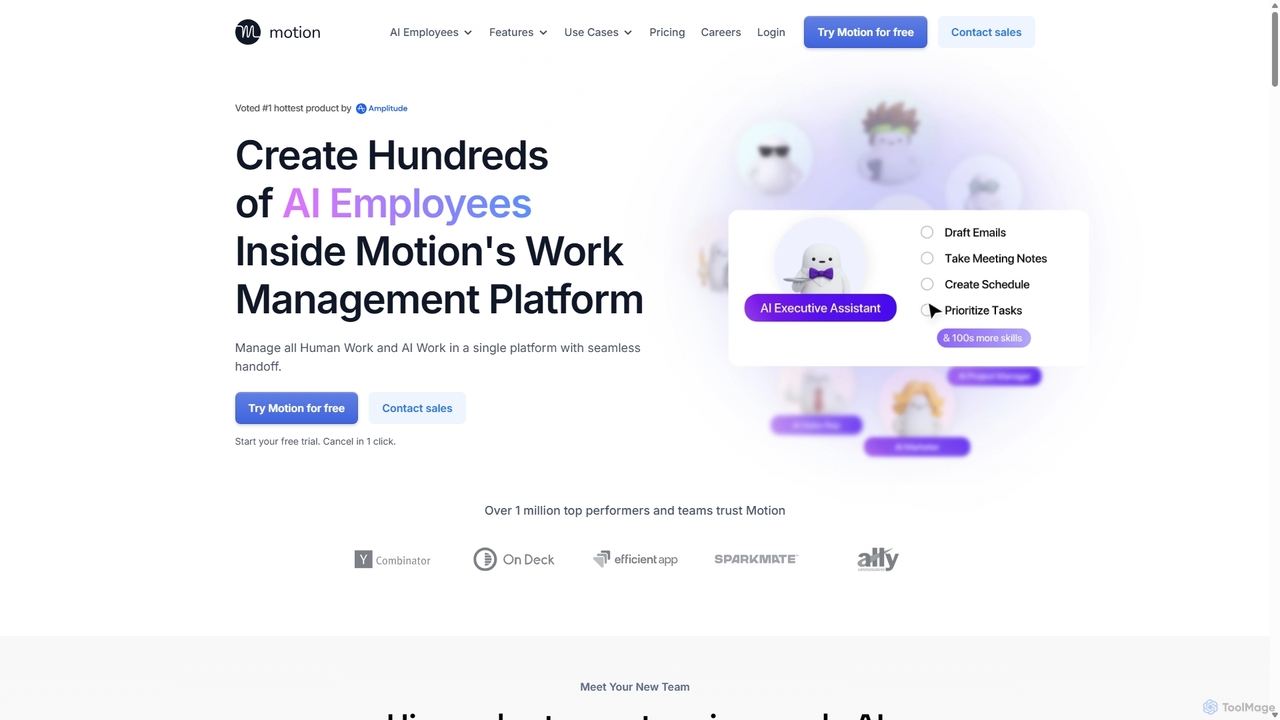
Motion
Motion is an AI-powered platform that provides a suite of AI Employees and productivity tools to automate tasks, manage projects, and organize schedules. It's designed to 10x your team's output by handling everything from calendar management and email replies to sales outreach and customer support, all within a single integrated workspace.
Virtual Assistant
Shortwave Comments (0)
Sign in to comment.
Sign inNo comments yet.