Ai Tools Best in category 1 results Inbox Assistant AI Tool

Popular AI tools in the Inbox Assistant field of Ai Tools include Ping, etc., helping you quickly improve efficiency.

Ping

Ping

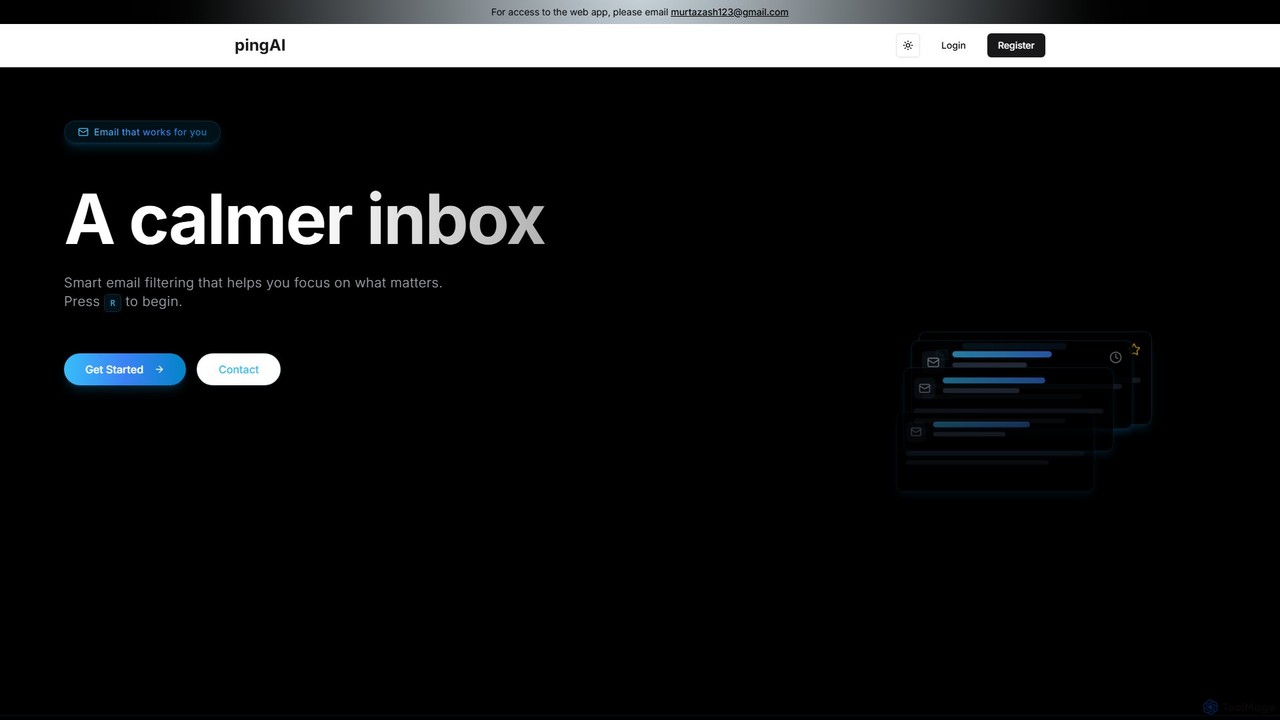
Ping is an AI-powered email management tool designed to combat inbox overload. It intelligently filters your emails, prioritizes …

2.9K

About Inbox Assistant

Inbox Assistant tools are AI-powered applications designed to automatically manage and optimize your email inbox. They leverage natural language processing (NLP) to understand email content, enabling them to sort messages, draft replies, and summarize long threads. This helps users reclaim time, reduce cognitive load, and focus on critical communications. Unlike simple email filters, these assistants provide intelligent, context-aware actions to streamline your entire email workflow.

Core Features

  • Smart Sorting & Prioritization: Automatically categorizes emails by type (e.g., newsletters, invoices, urgent tasks) and highlights important messages.
  • AI-Powered Reply Drafting: Generates context-aware draft responses to common inquiries, saving time on repetitive typing.
  • Email Summarization: Condenses long email threads or complex messages into concise summaries for quick understanding.
  • Automated Workflow Triggers: Establishes rules to automatically perform actions like archiving, labeling, or forwarding based on email content and intent.
  • Sentiment Analysis: Identifies the tone of incoming emails to help prioritize customer support or sales responses.

Use Cases

These tools are ideal for professionals dealing with high email volume. For instance, sales teams use them to manage leads, customer support agents to triage inquiries, and executives to filter and prioritize communications. They are also valuable for project managers tracking correspondence and individuals aiming for 'inbox zero'.

How to Choose

When selecting an Inbox Assistant, first verify its compatibility with your email provider (e.g., Gmail, Outlook). Assess the feature set to ensure it addresses your primary needs, whether it's sorting, drafting, or summarization. Critically review the tool's privacy policy and security measures for data protection. Finally, consider the level of customization available to tailor its automations to your specific workflow.

Inbox AssistantUse Cases

1

Automating Customer Support Triage

A customer support team lead for a SaaS company uses an Inbox Assistant to manage the flood of daily inquiries. The AI automatically scans incoming emails, identifies keywords like 'billing issue', 'bug report', or 'feature request', and applies the appropriate labels. It also analyzes sentiment to flag urgent or frustrated customer emails for immediate attention. This system reduces manual sorting time by over 70% and ensures the most critical tickets are addressed first, improving average response time.

2

Streamlining Sales Lead Management

A sales representative uses an Inbox Assistant to handle inbound leads from a website contact form. The tool identifies emails containing phrases like 'request a demo' or 'pricing information'. It then automatically drafts a personalized reply using the sender's name and company, attaching the relevant brochure and suggesting available meeting times. This allows the rep to respond to new leads within minutes instead of hours, increasing the conversion rate by ensuring timely follow-up while they focus on active negotiations.

3

Managing a High-Volume Executive Inbox

An executive assistant manages the CEO's inbox, which receives over 300 emails daily. They use an Inbox Assistant to automatically prioritize messages. The AI is configured to highlight emails from board members and direct reports, summarize long internal reports into bullet points, and archive newsletters and non-critical CC'd threads. This transforms a chaotic inbox into a manageable action list, allowing the assistant to quickly identify items needing the CEO's immediate attention and saving them 2-3 hours of manual sorting each day.

4

Organizing Project Communications

A project manager overseeing multiple projects uses an Inbox Assistant to keep communications organized. They set up rules so the AI automatically tags emails with the corresponding project name based on the subject line or content. The assistant also identifies and extracts action items or questions within long threads and compiles them into a daily digest. This prevents critical tasks from being missed in a sea of emails and provides a clear, consolidated view of all project-related communications without manual folder management.

5

Filtering and Summarizing Newsletters

A market analyst subscribes to dozens of industry newsletters to stay informed. Their Inbox Assistant automatically filters all these subscriptions into a dedicated 'News' folder, keeping the primary inbox clean. Each morning, the tool generates a single summary email that highlights the key headlines and provides a one-paragraph synopsis of the most relevant articles from the previous day. This allows the analyst to absorb critical industry news in 15 minutes, a task that previously took over an hour of sifting through individual emails.

6

Achieving Personal 'Inbox Zero'

A freelance consultant aiming for better work-life balance uses an Inbox Assistant for personal productivity. The tool automatically archives promotional emails and social media notifications after 24 hours. It identifies common questions from clients, like 'Can you send the invoice?', and suggests a one-click reply with the invoice template attached. By handling the low-value, high-volume emails automatically, the tool helps the consultant maintain a near-empty inbox, reducing stress and ensuring they only spend their time on emails that require thoughtful responses.

Inbox AssistantFrequently Asked Questions