
Superhuman Overview
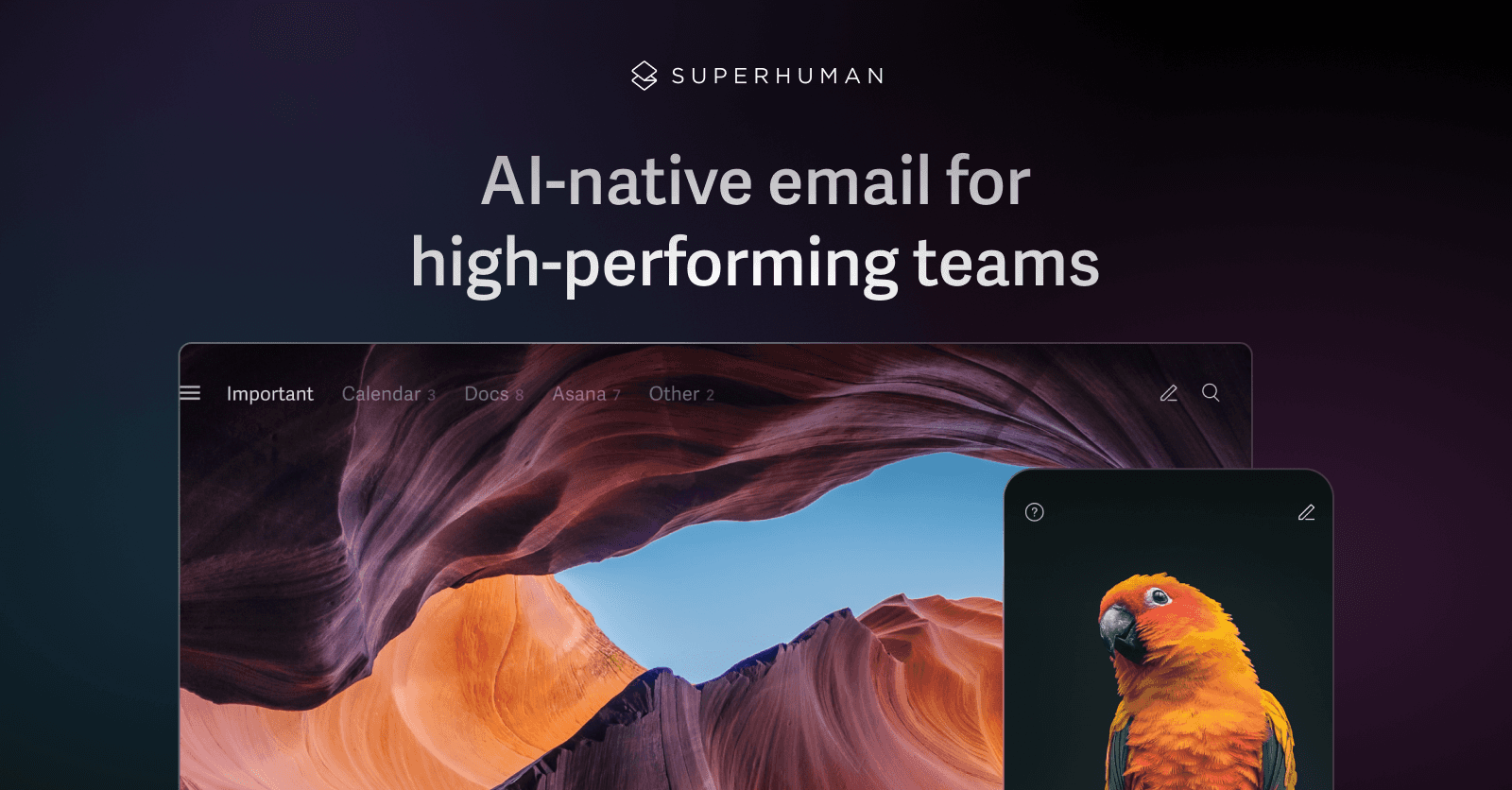
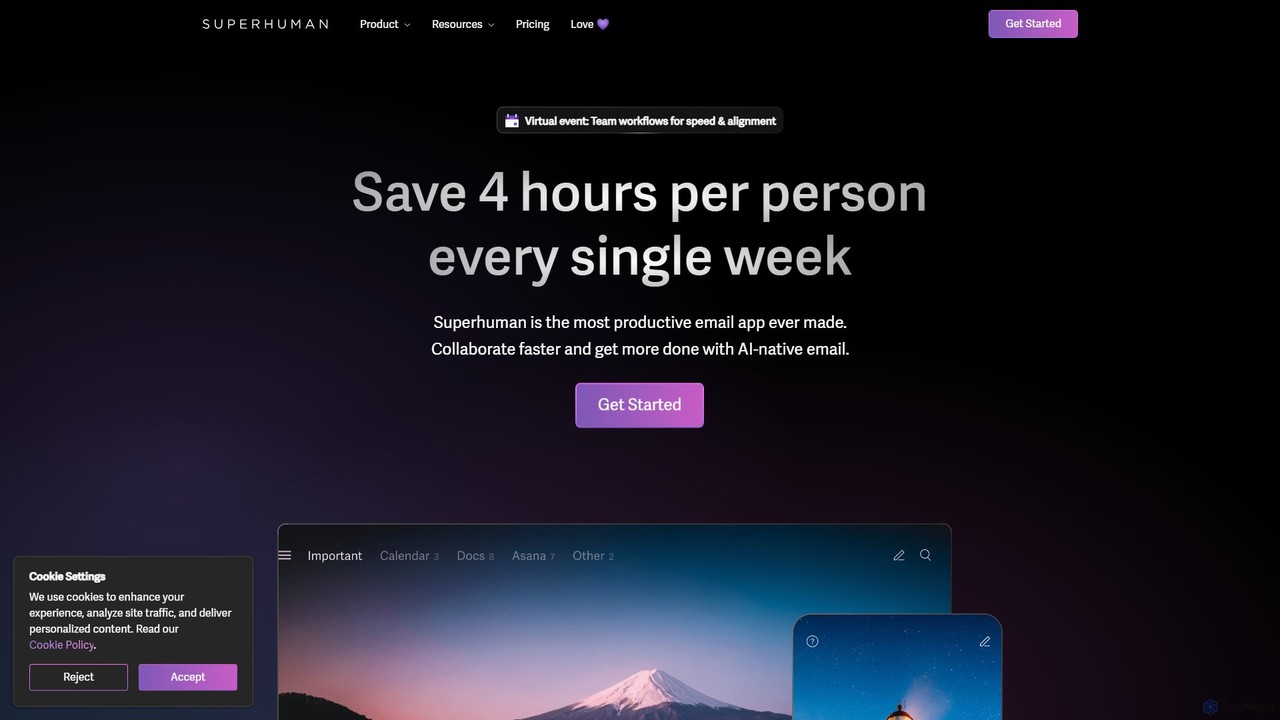
Superhuman is not just another email client; it's a complete reinvention of the inbox experience, meticulously designed for speed, focus, and productivity. Billed as "the most productive email app ever made," it empowers high-performing individuals and teams to save over 4 hours per person every week. By integrating powerful AI capabilities directly into the email workflow, Superhuman transforms the inbox from a source of stress and distraction into a streamlined command center for communication and collaboration. It tackles the fundamental problems of traditional email—delayed responses, missed opportunities, and cluttered inboxes—by providing a blazingly fast interface combined with intelligent automation.
How to use Superhuman
Getting started with Superhuman is a guided and efficient process designed to get you up to speed quickly.
- Onboarding & Setup: Begin by connecting your existing Gmail or Outlook account. Superhuman offers a personalized 1-on-1 onboarding session to help you master its core concepts and keyboard shortcuts, ensuring you can leverage its full power from day one.
- Mastering the Inbox: The core philosophy is speed. Use intuitive keyboard shortcuts for every action—archiving, replying, snoozing, and more—to fly through your emails. The goal is to achieve and maintain "Inbox Zero" effortlessly, clearing your mind for more important tasks.
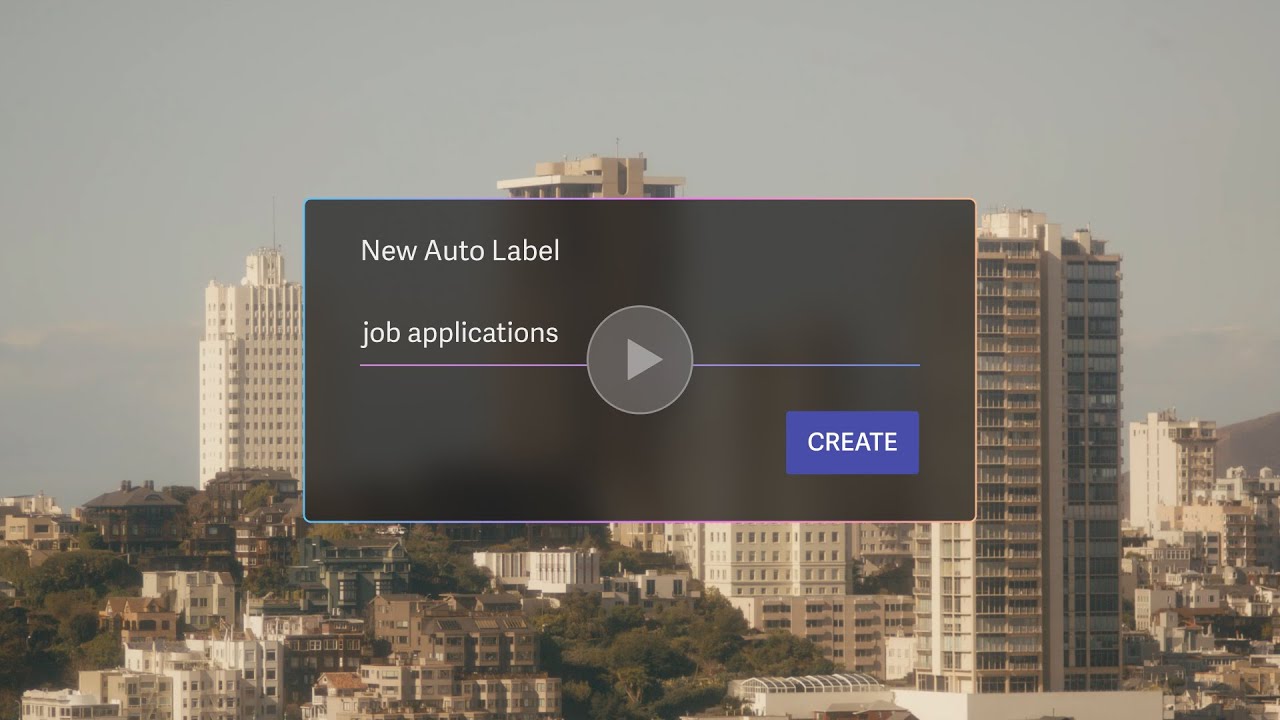
- Organize with Split Inbox: Prevent your main feed from becoming cluttered. Use the Split Inbox feature to automatically triage emails into different tabs, such as "Newsletters," "Calendar," or custom categories. With AI, you can create custom labels with simple prompts like "job applications" or "urgent client requests" to further refine your focus.
- Leverage Superhuman AI:
- Summarize: Instantly grasp the context of long threads with one-line AI summaries.
- Write Faster: Use "Write with AI" to turn a few bullet points into a complete, well-crafted email that matches your personal writing style and tone.
- Reply Instantly: Let AI draft replies to incoming messages, which you can then edit and send in seconds.
- Find Anything: Use "Ask AI" to query your inbox with natural language, like "find the contract from Q3" or "when is my flight to New York?".
- Collaborate with Your Team: Share email conversations, drafts, and comments directly within the inbox, eliminating the need to switch to other apps like Slack for context. This keeps all communication organized and in one place.
Core Features of Superhuman
- AI-Native Email:
- Write with AI: Draft emails from short prompts, automatically matching your unique voice and tone.
- Auto Summarize: Get a one-line summary above every conversation, updated in real-time.
- Ask AI: A conversational search engine for your inbox to find information instantly.
- Instant Reply: AI-generated draft replies for incoming emails to double your response speed.
- Auto Labels & Auto Archive: Automatically categorize and archive non-essential emails. Create custom labels with AI prompts.
- Unparalleled Speed & Productivity:
- Blazing Fast Interface: Engineered for speed, with every interaction happening in 100ms or less.
- Keyboard Shortcuts: A comprehensive set of shortcuts for every possible action.
- Split Inbox: Divide your inbox into focused streams to handle different types of mail separately.
- Snooze & Remind Me: Defer emails to a later time or set reminders to follow up.
- Send Later: Schedule emails to be sent at the perfect time.
- Seamless Team Collaboration:
- Shared Conversations & Drafts: Collaborate on emails with your team in real-time without leaving your inbox.
- Team Comments: Add internal notes and discuss emails with colleagues right in the thread.
- Team Snippets: Create and share canned responses across your entire team for consistent messaging.
- Powerful Integrations:
- CRM Integration: View and update HubSpot, Salesforce, and Pipedrive data directly from your inbox.
- Calendar & Scheduling: Share availability and create events with one click, with support for Google Meet, Microsoft Teams, and Zoom.
Use Cases for Superhuman
Superhuman is versatile and provides significant value across various roles:
- Sales Teams: Accelerate deal cycles by responding to prospects faster. Use CRM integrations to keep opportunities updated, "Recent Opens" to time follow-ups perfectly, and "Smart Send" to maximize open rates.
- Leadership & Executives: Stay on top of critical communications with AI Summaries. Use "Ask AI" to quickly retrieve key information for decision-making and delegate tasks efficiently with team collaboration features.
- Recruiting & HR: Manage high volumes of candidate applications by creating custom AI labels. Use snippets and AI writing to maintain fast, personalized communication with candidates.
- Engineering & Product Teams: Triage bug reports, feature requests, and internal updates effectively with Split Inbox. Collaborate on technical discussions without context switching.
Advantages of Superhuman
- Drastic Time Savings: Reclaim over 4 hours per week by eliminating email busywork.
- Increased Responsiveness: Reply to important messages faster, ensuring no opportunity is missed.
- Enhanced Focus: The Split Inbox and auto-archiving features clear the clutter, allowing you to focus on what truly matters.
- Effortless Collaboration: Streamline team communication by keeping discussions in the context of the email.
- Intelligent Communication: Leverage AI to write better, faster, and sound like yourself.
Pricing and Plans
Superhuman offers tiered pricing to suit different needs:
- Starter Plan: $25 per user/month (billed annually at $300). Ideal for individuals and small teams. Includes core email productivity features, Superhuman AI (Write with AI, Summarize, etc.), team collaboration, and calendar/scheduling.
- Business Plan: $33 per user/month (billed annually at $396). For teams wanting advanced capabilities. Includes everything in Starter, plus the most advanced AI features (Ask AI, Auto Drafts, Custom Auto Labels with AI), CRM integrations (HubSpot, Salesforce), and Recent Opens tracking.
- Enterprise Plan: Custom pricing. Designed for large organizations needing advanced security, control, and support. Includes everything in Business, plus Single Sign-On (SSO), SCIM provisioning, a dedicated Customer Success Manager, and priority support.
Traffic
Latest traffic
Status
Monthly traffic trend
- 2025-9: 2.8M
- 2026-1: 3.4M
- 2026-2: 3.1M
- 2026-3: 3.3M
- 2026-4: 3.2M
- 2026-5: 3.3M
Geography
Top 5 countries / regions
- 🇺🇸United States77.1%
- 🇬🇧United Kingdom9.9%
- 🇮🇳India5.5%
- 🇨🇦Canada4.7%
- 🇦🇺Australia2.9%
Traffic sources
| Source type | Percentage |
|---|---|
Direct | 88.8% |
Email | 8.2% |
Referral | 3.1% |
Top keywords
| Keyword | Cost per click |
|---|---|
| gmail | $1.85 |
| outlook | $0.52 |
| superhuman | $4.67 |
| superhuman email | $5.51 |
| superhuman mail | $5.86 |
Superhuman Videos on YouTube

The Metaverse Guy

Kevin Stratvert

Kevin Stratvert

Superhuman Mail
Superhuman Mail
Superhuman Mail

Superhuman Mail

Superhuman Alternatives
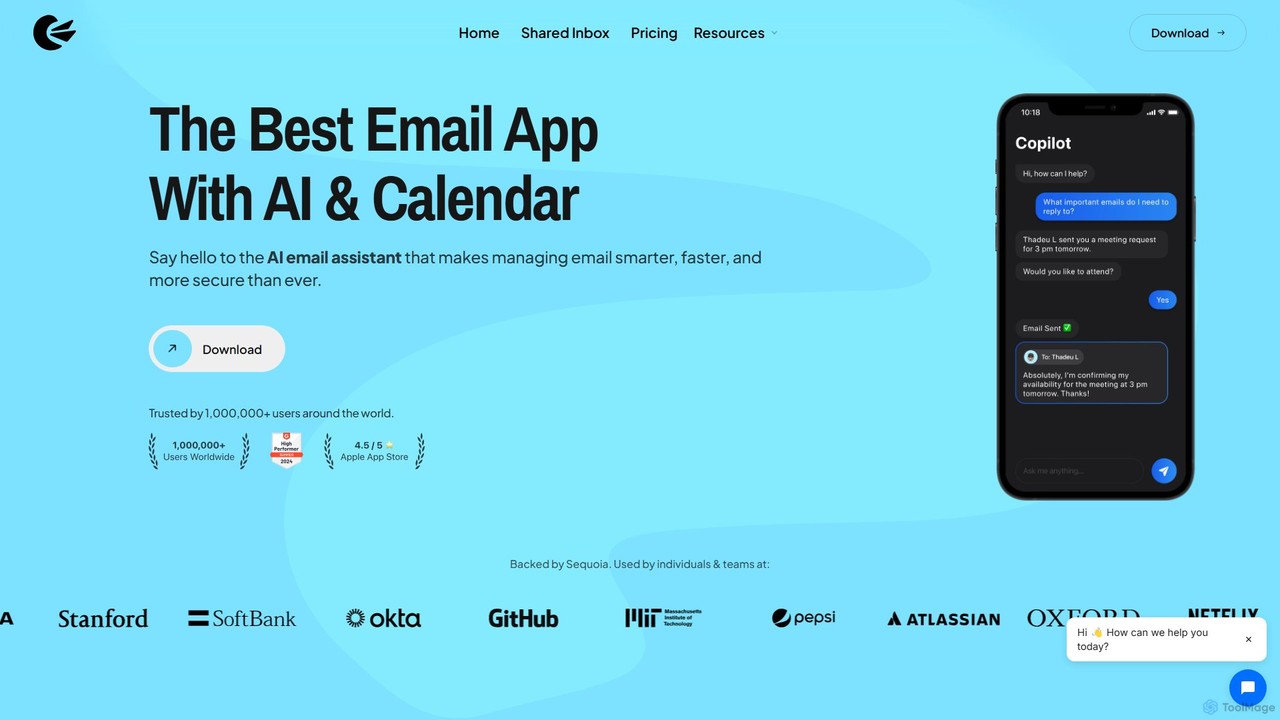
Canary Mail
Canary Mail is a powerful, secure email client for Mac, iOS, Android, and Windows. It features an AI assistant for writing and summarizing emails, a unified inbox for all your accounts, and enterprise-grade security with end-to-end encryption. Ideal for individuals and teams seeking to enhance productivity and protect their communications.
Writing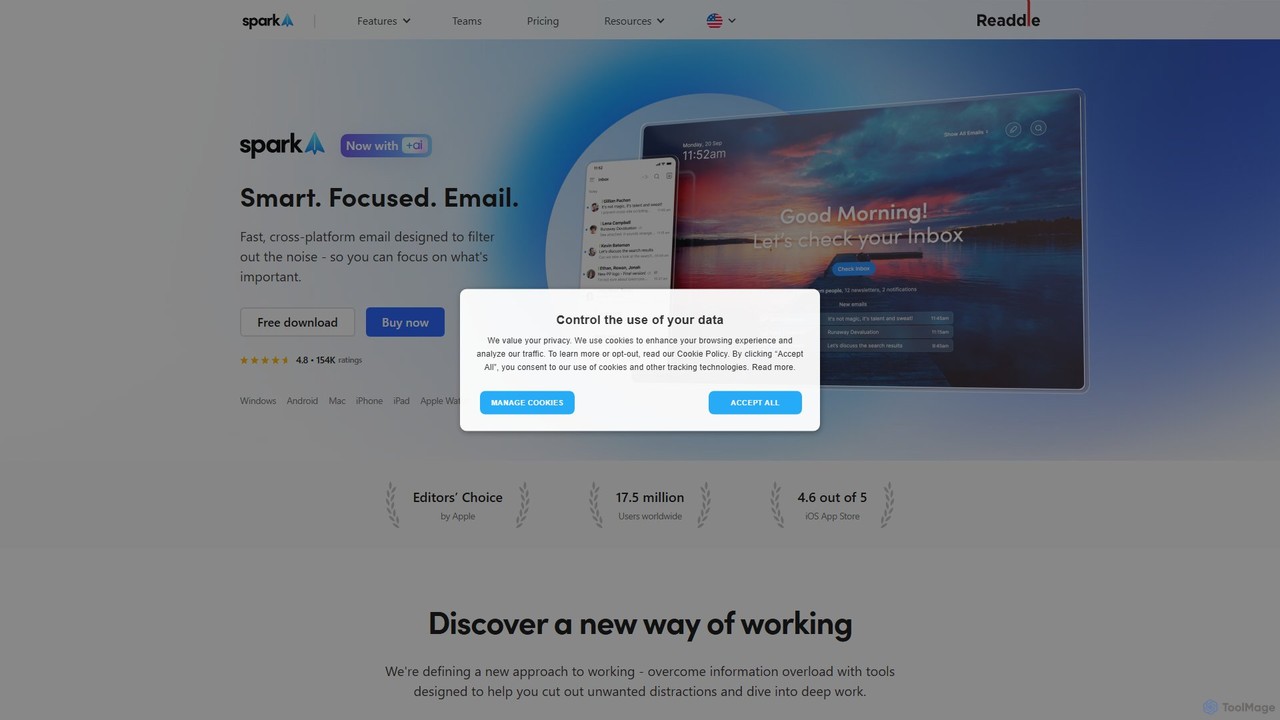
Spark Mail
Spark Mail is an intelligent, cross-platform email client designed to help you focus on what's important. It uses AI to draft emails, summarize threads, and translate messages, while its Smart Inbox filters out noise. With powerful team collaboration features, Spark streamlines your workflow and helps you achieve inbox zero.
Writing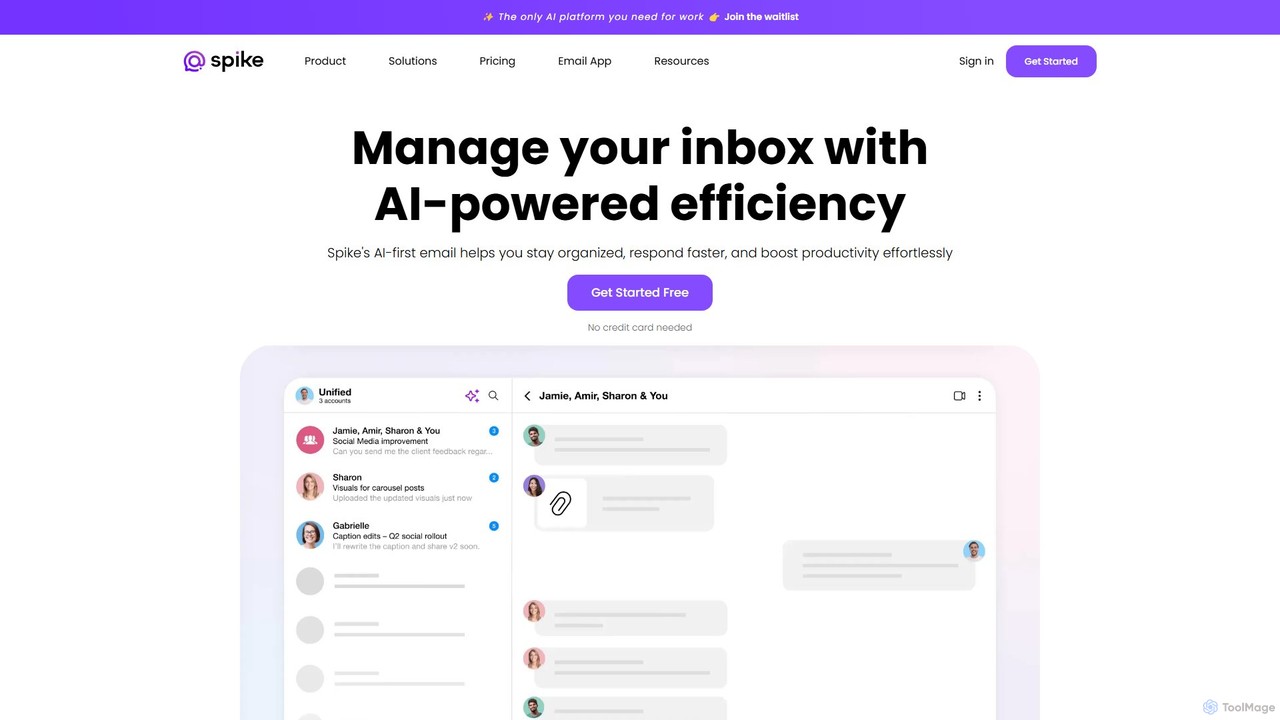
Spikenow
Spikenow is an AI-powered communication and collaboration platform that transforms your email into a dynamic, chat-like conversational feed. It unifies email, team chat, tasks, notes, and video calls into a single workspace, using AI to summarize threads, draft replies, and prioritize your inbox. It's designed to boost productivity by eliminating app switching and streamlining team workflows.
Team Collaboration
Mailbutler
Mailbutler is an AI-powered email extension for Apple Mail, Gmail, and Outlook that enhances your inbox. It offers features like email tracking, AI-driven smart compose and summarization, collaborative tools for teams, and professional signature marketing to boost productivity and streamline communication.
Help Desk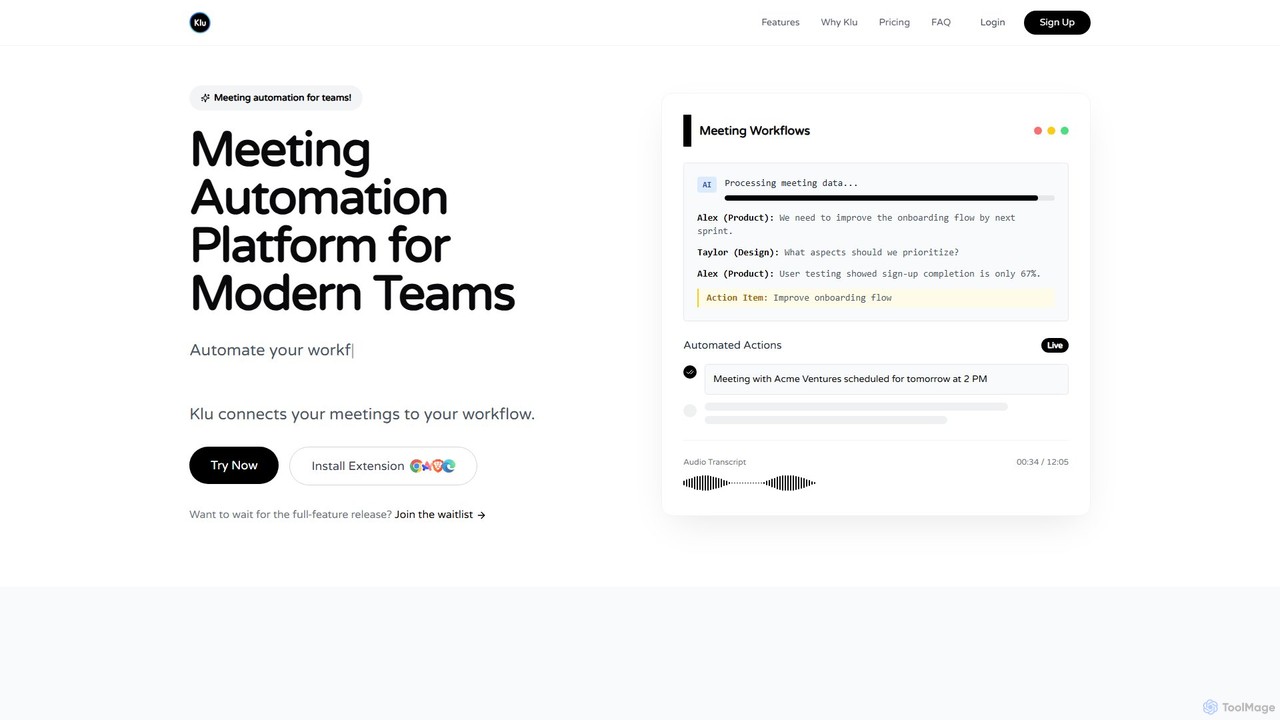
Klu
Klu is an AI-powered meeting automation platform designed for modern teams. It records, transcribes, and summarizes your meetings, automatically extracting action items and key insights. By integrating with your existing workflow tools like Notion, Slack, and Asana, Klu automates post-meeting tasks, saving time and boosting productivity.
WorkflowSuperhuman Categories
Superhuman Embed Widget
Copy this embed code to place the badge on your blog, article, or product site and send readers directly to this ToolMage detail page.

Related AI tools
Spark Mail
Spark Mail is an intelligent, cross-platform email client designed to help you focus on what's important. It uses AI to draft emails, summarize threads, and translate messages, while its Smart Inbox filters out noise. With powerful team collaboration features, Spark streamlines your workflow and helps you achieve inbox zero.
WritingCanary Mail
Canary Mail is a powerful, secure email client for Mac, iOS, Android, and Windows. It features an AI assistant for writing and summarizing emails, a unified inbox for all your accounts, and enterprise-grade security with end-to-end encryption. Ideal for individuals and teams seeking to enhance productivity and protect their communications.
Writing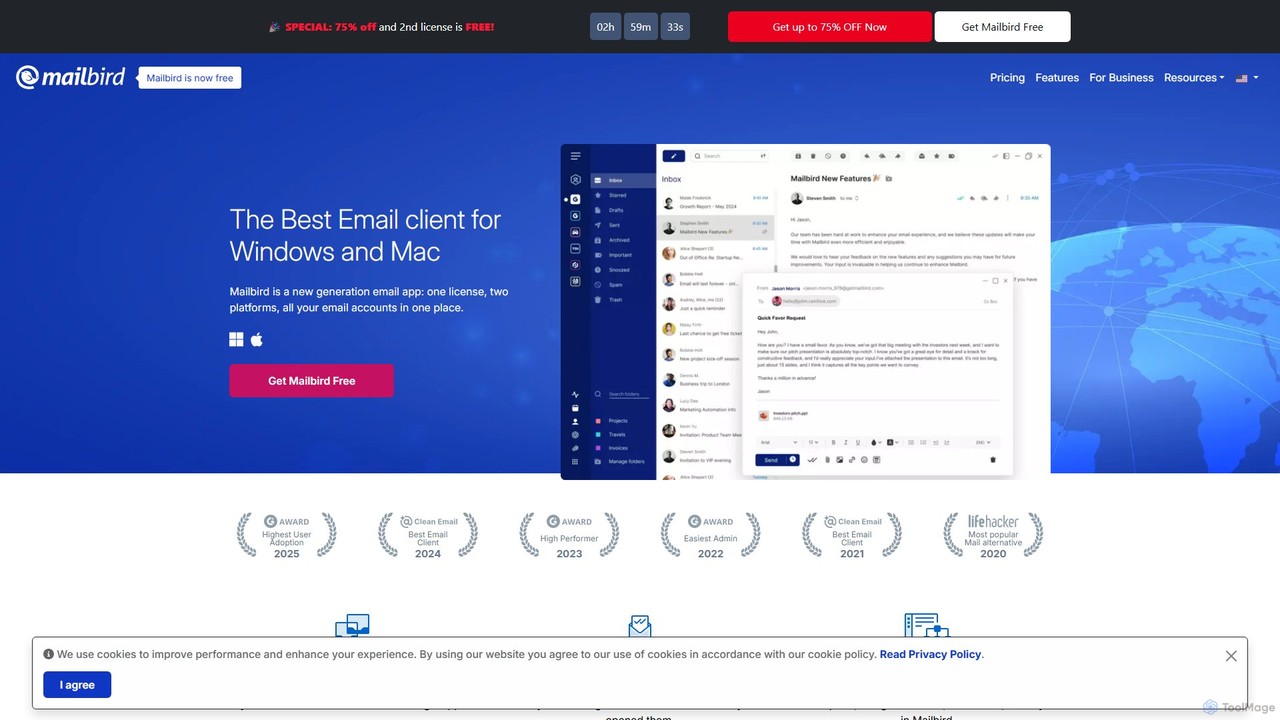
getmailbird
Mailbird is a powerful desktop email client for Windows and Mac that unifies all your email accounts into a single, intuitive interface. It enhances productivity with AI-powered email authoring, seamless app integrations, email tracking, and extensive customization options, creating a centralized communication and workflow hub.
Workflow Automation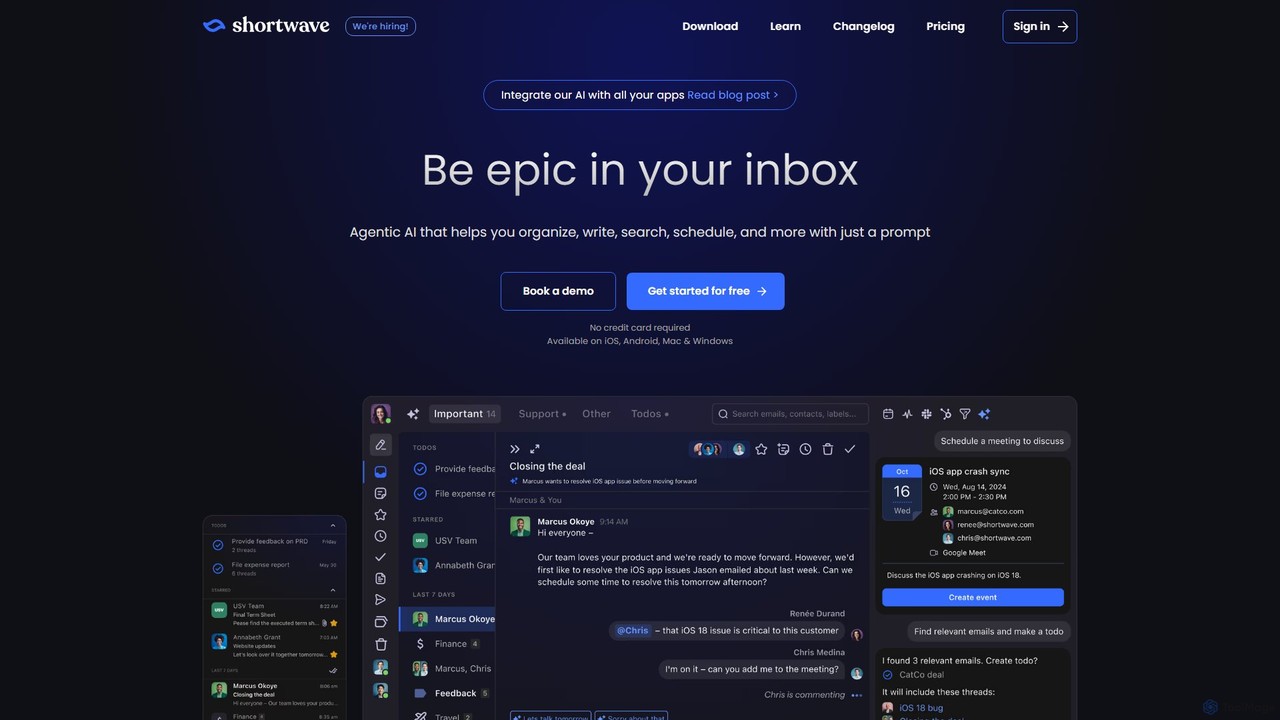
Shortwave
Shortwave is an AI-powered email client designed to supercharge your productivity and team collaboration. It acts as an intelligent assistant for your inbox, helping you organize, write, search, and automate email workflows. By learning your unique writing style and prioritizing important messages, Shortwave transforms your cluttered inbox into an organized workspace, helping you and your team achieve more with less effort.
Writing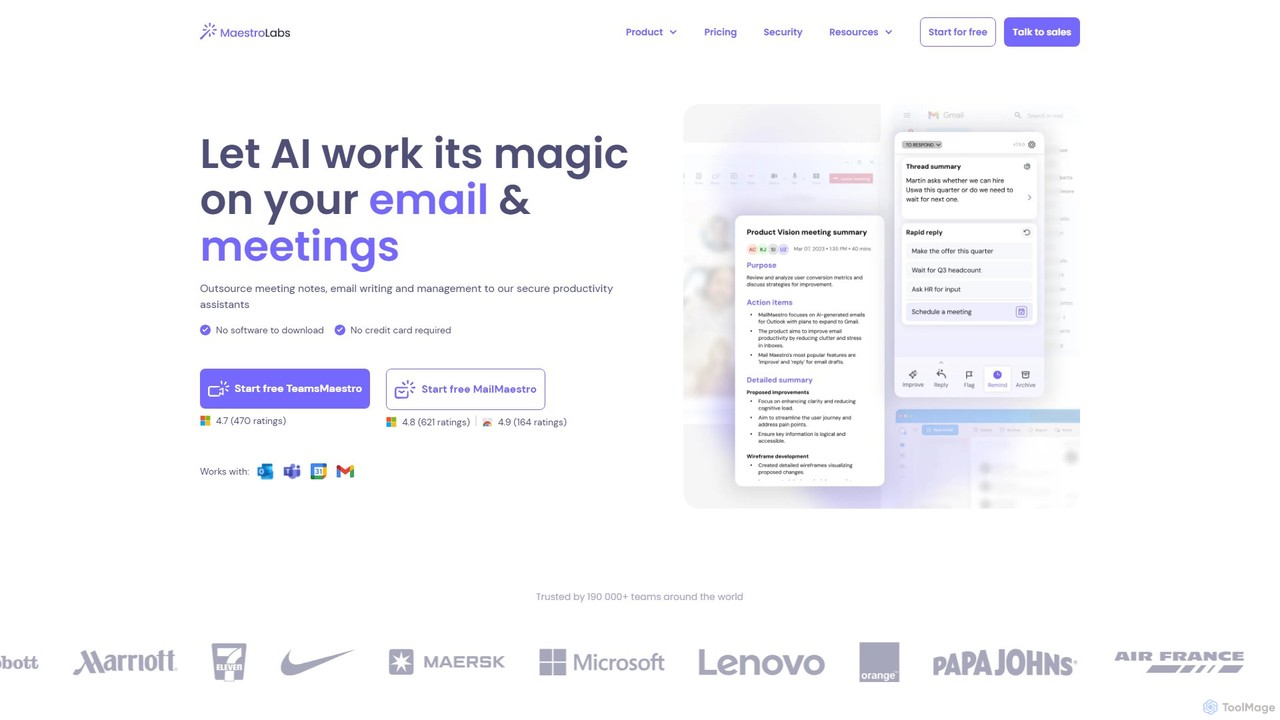
MailMaestro
MailMaestro is a secure AI productivity assistant for email and meetings. It integrates with Outlook, Gmail, and Teams to help you draft replies, summarize long threads, manage your inbox, and capture meeting action items. Save hours each week and enhance your communication with smart, multilingual support.
Meeting Assistant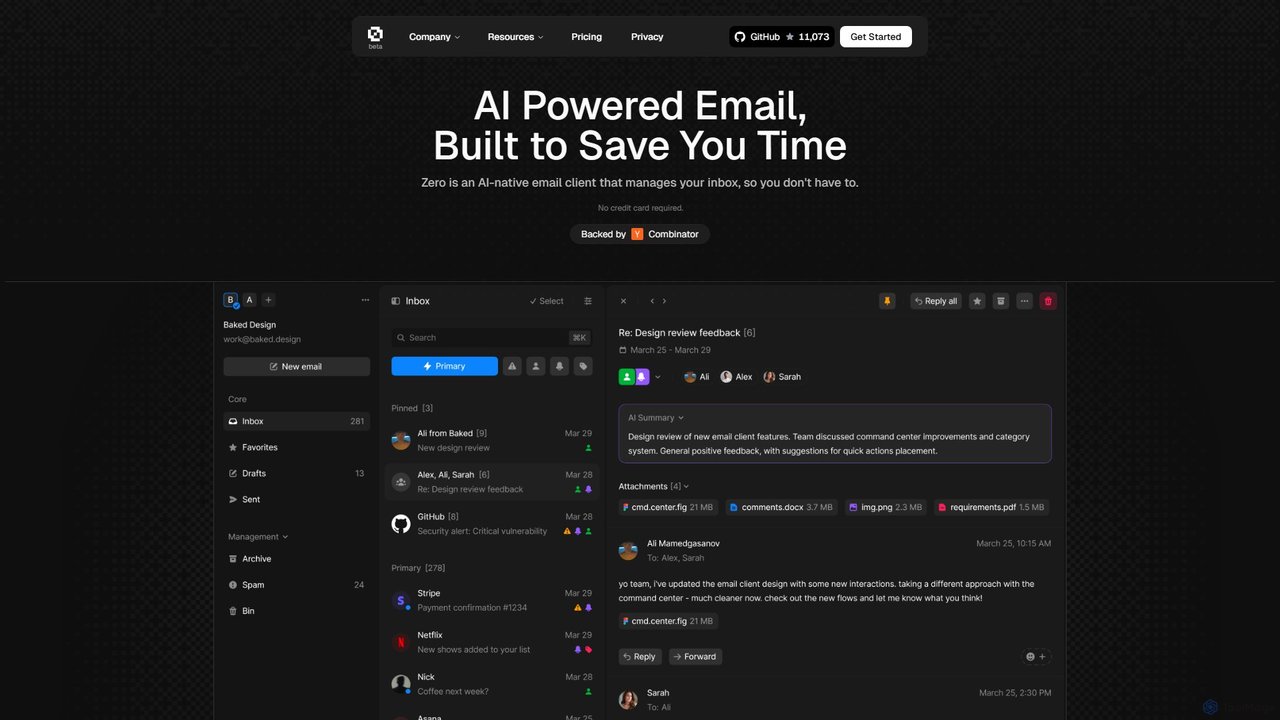
Zero
Zero is an AI-native email client designed to save you time. It automatically manages your inbox by summarizing threads, drafting replies, and extracting action items, allowing you to process emails at lightning speed with a keyboard-first interface.
Personal Assistant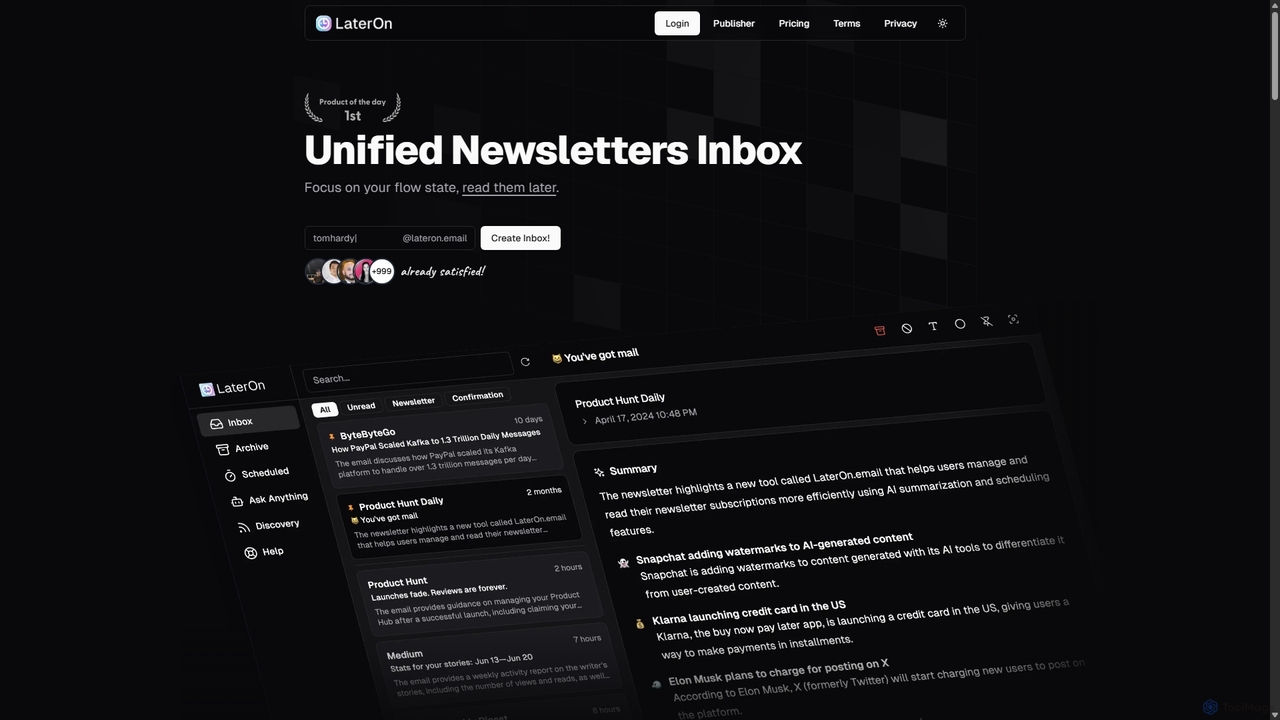
LaterOn
LaterOn is an AI-powered platform that declutters your inbox by aggregating, summarizing, and scheduling newsletters. It provides a unified inbox for all your subscriptions and also includes LaterOn Publisher, a tool with an AI assistant to help you create and grow your own newsletter.
Email Marketing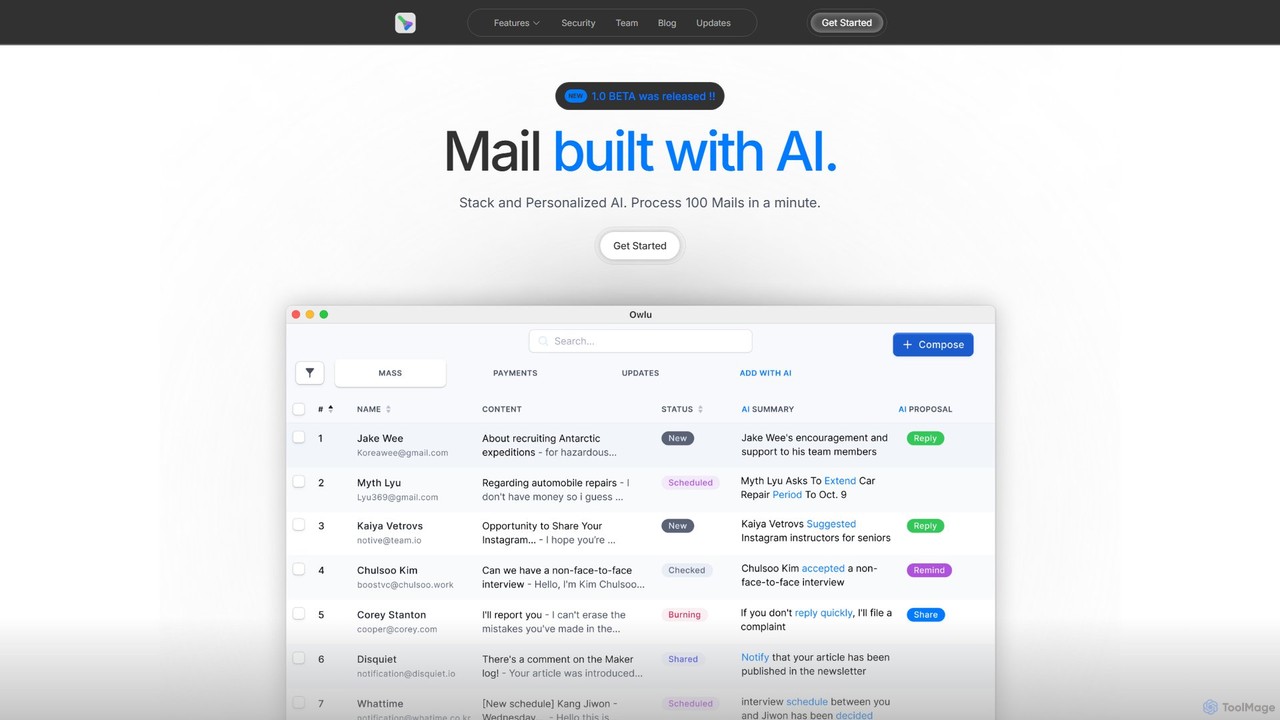
OwlU
OwlU is an AI-powered email client for Mac OS designed to revolutionize your inbox. It intelligently summarizes, suggests replies, and automates tasks, allowing you to process hundreds of emails in minutes. With a personalized AI and a unified dashboard, OwlU helps you achieve unprecedented email productivity.
PersonalSpikenow
Spikenow is an AI-powered communication and collaboration platform that transforms your email into a dynamic, chat-like conversational feed. It unifies email, team chat, tasks, notes, and video calls into a single workspace, using AI to summarize threads, draft replies, and prioritize your inbox. It's designed to boost productivity by eliminating app switching and streamlining team workflows.
Team CollaborationMailbutler
Mailbutler is an AI-powered email extension for Apple Mail, Gmail, and Outlook that enhances your inbox. It offers features like email tracking, AI-driven smart compose and summarization, collaborative tools for teams, and professional signature marketing to boost productivity and streamline communication.
Help DeskKlu
Klu is an AI-powered meeting automation platform designed for modern teams. It records, transcribes, and summarizes your meetings, automatically extracting action items and key insights. By integrating with your existing workflow tools like Notion, Slack, and Asana, Klu automates post-meeting tasks, saving time and boosting productivity.
Workflow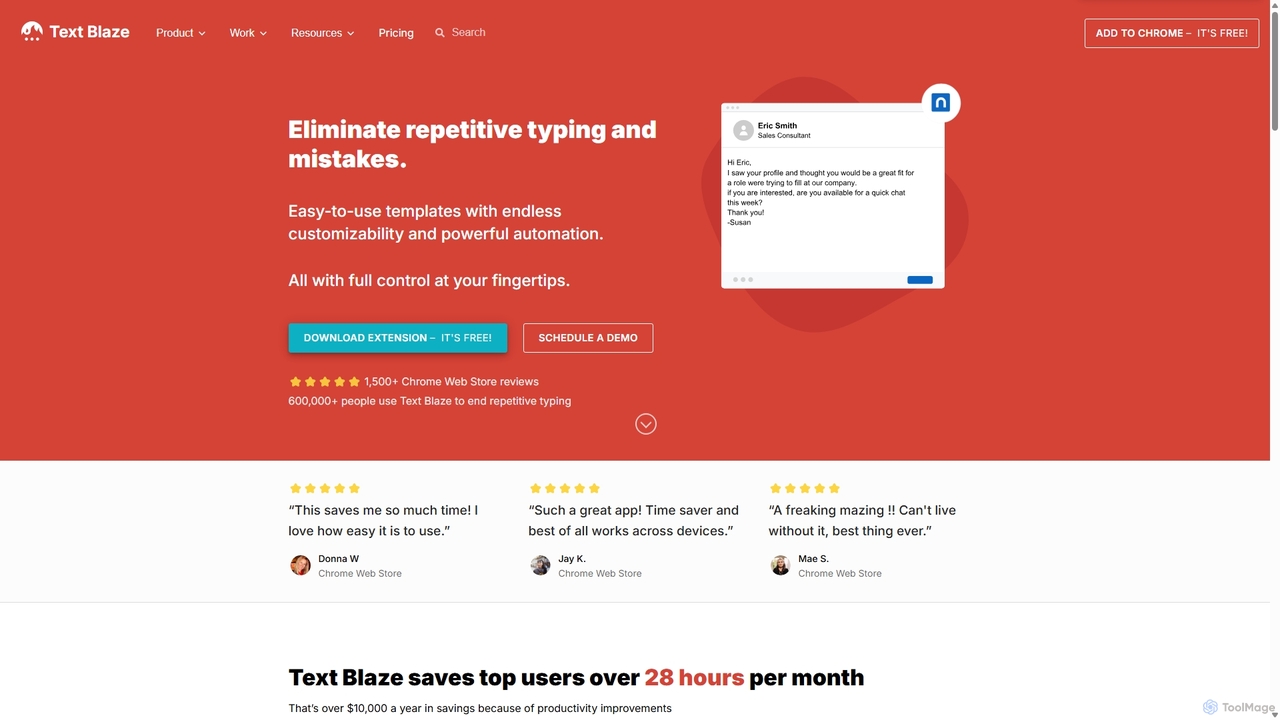
Blaze
Blaze (formerly Text Blaze) is a powerful text expander and automation tool that eliminates repetitive typing. Create customizable snippets and templates with dynamic formulas, forms, and team collaboration features to boost productivity across any website or application.
Response Management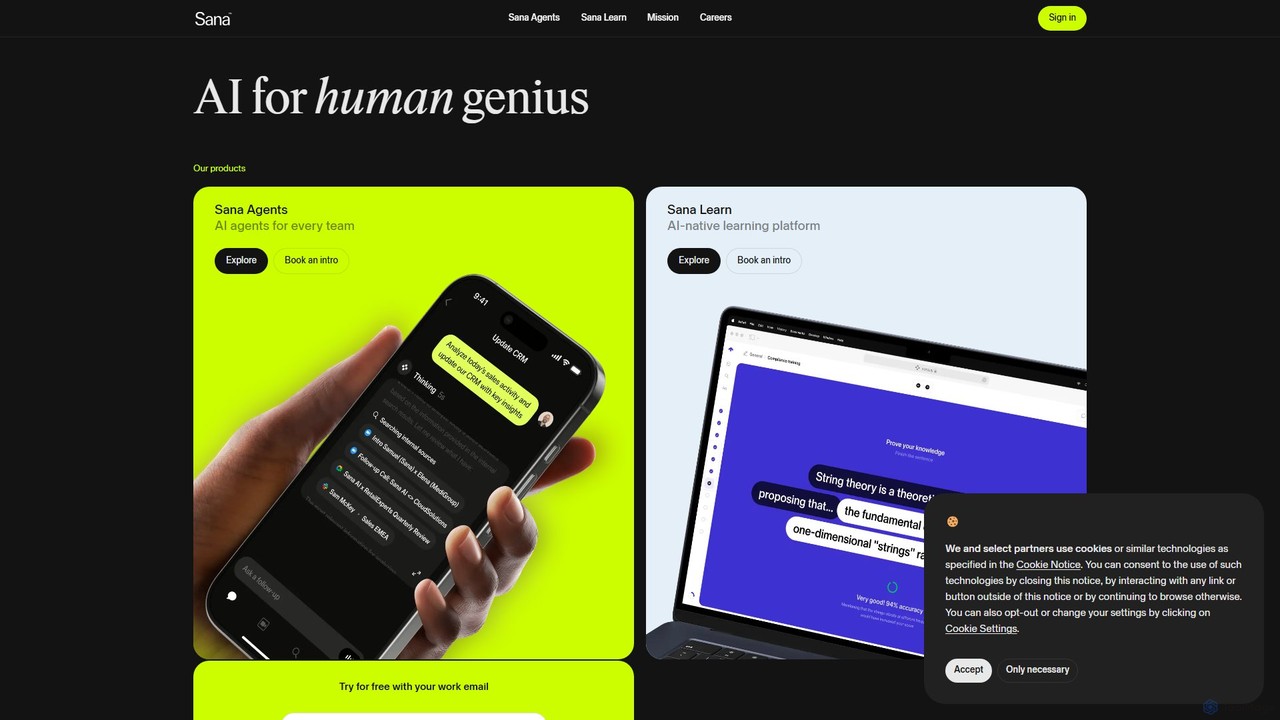
Sana
Sana is an all-in-one AI platform designed for the workplace. It combines a powerful knowledge assistant with an AI-native learning platform, enabling teams to find information, automate tasks, and accelerate learning. By connecting to all your company's apps, Sana acts as a central intelligence layer to unlock your organization's collective genius.
Ai Assistant
GPT Workspace
GPT Workspace integrates AI-powered features directly into Google Workspace applications like Docs, Sheets, Slides, and Gmail. It enhances productivity by automating content creation, data analysis, email drafting, and document editing, allowing users to leverage the power of models like GPT-4o seamlessly within their existing workflow.
Document Management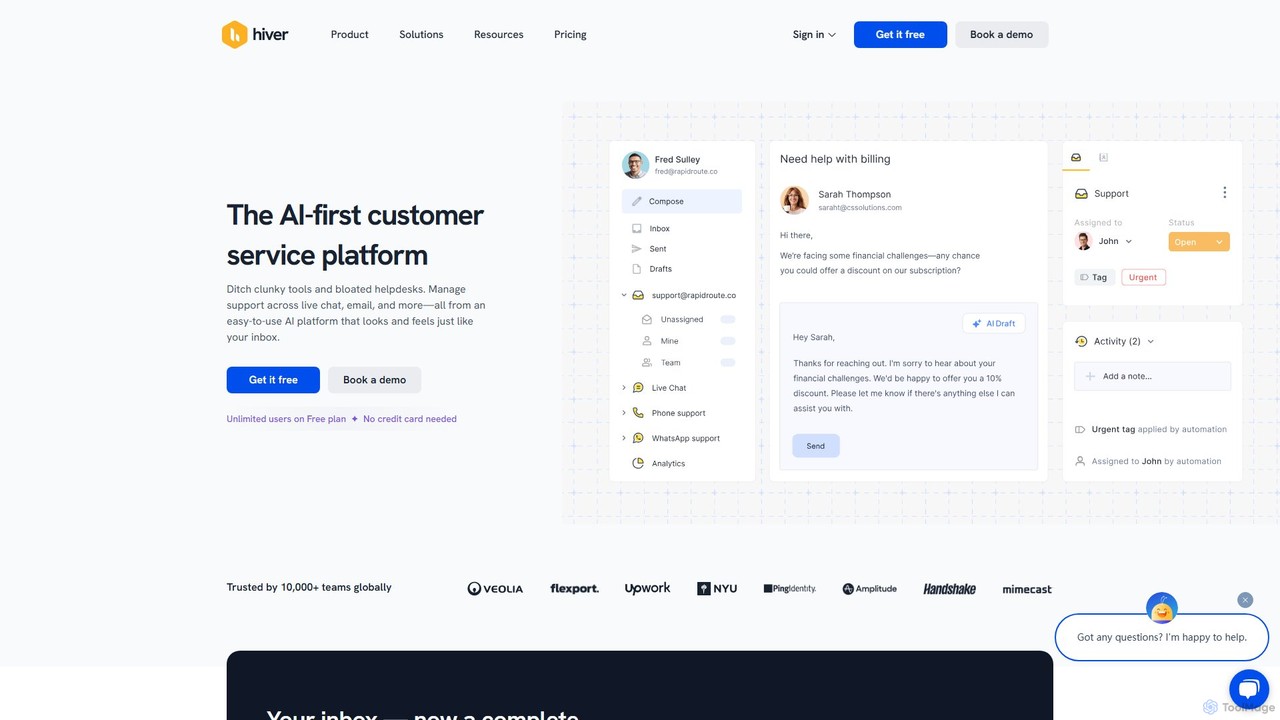
Hiver
Hiver is an AI-first customer service platform designed to work directly within your existing inbox, like Gmail or Outlook. It transforms your email into a powerful, multi-channel helpdesk, enabling teams to manage shared inboxes, live chat, and WhatsApp conversations seamlessly. With features like AI-powered automation, collaborative tools, and in-depth analytics, Hiver helps teams deliver faster, more human-like support without the complexity of traditional helpdesk software.
Help Desk
Superhuman Comments (0)
Sign in to comment.
Sign inNo comments yet.