
Canary Mail Overview
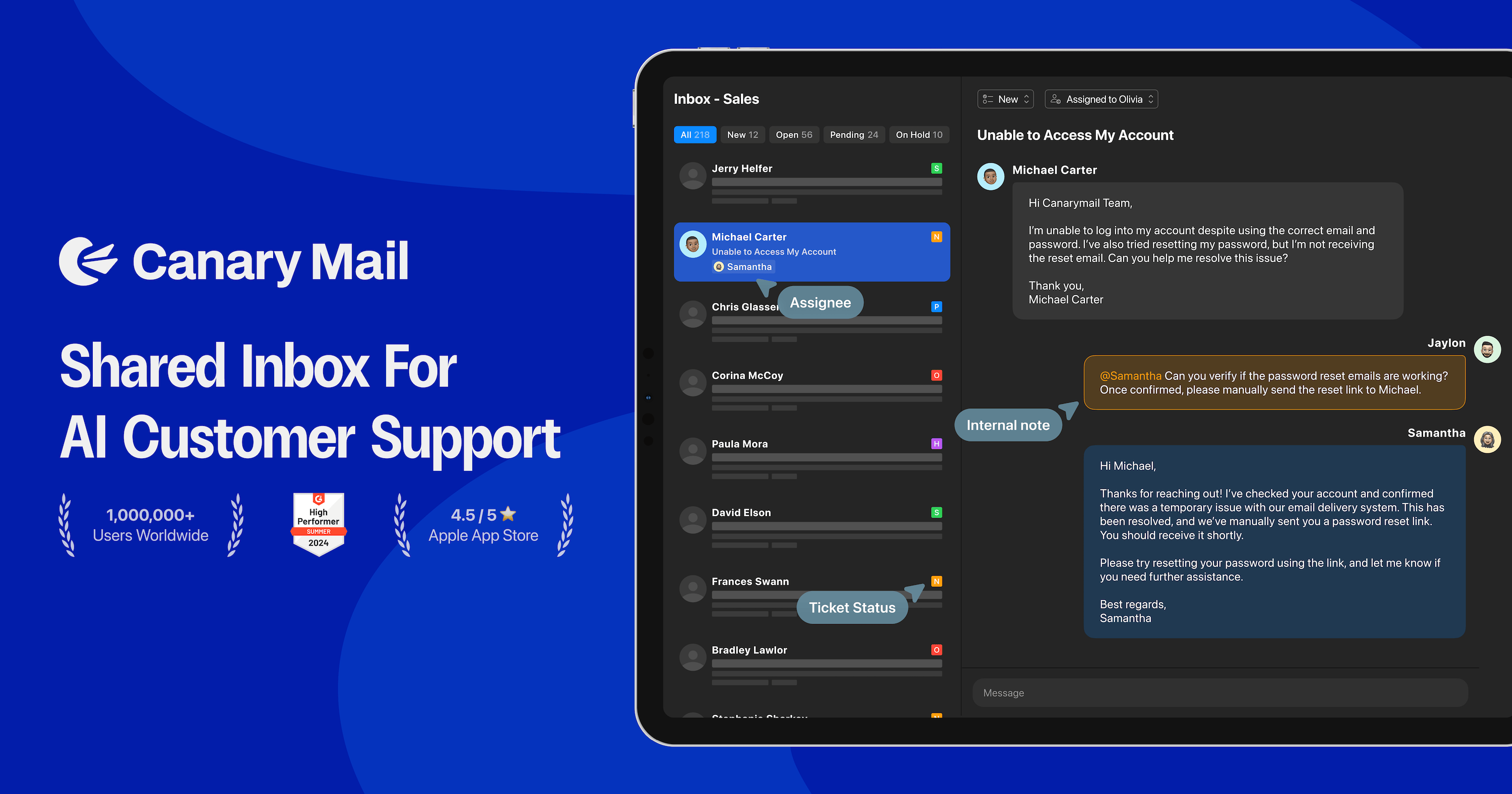
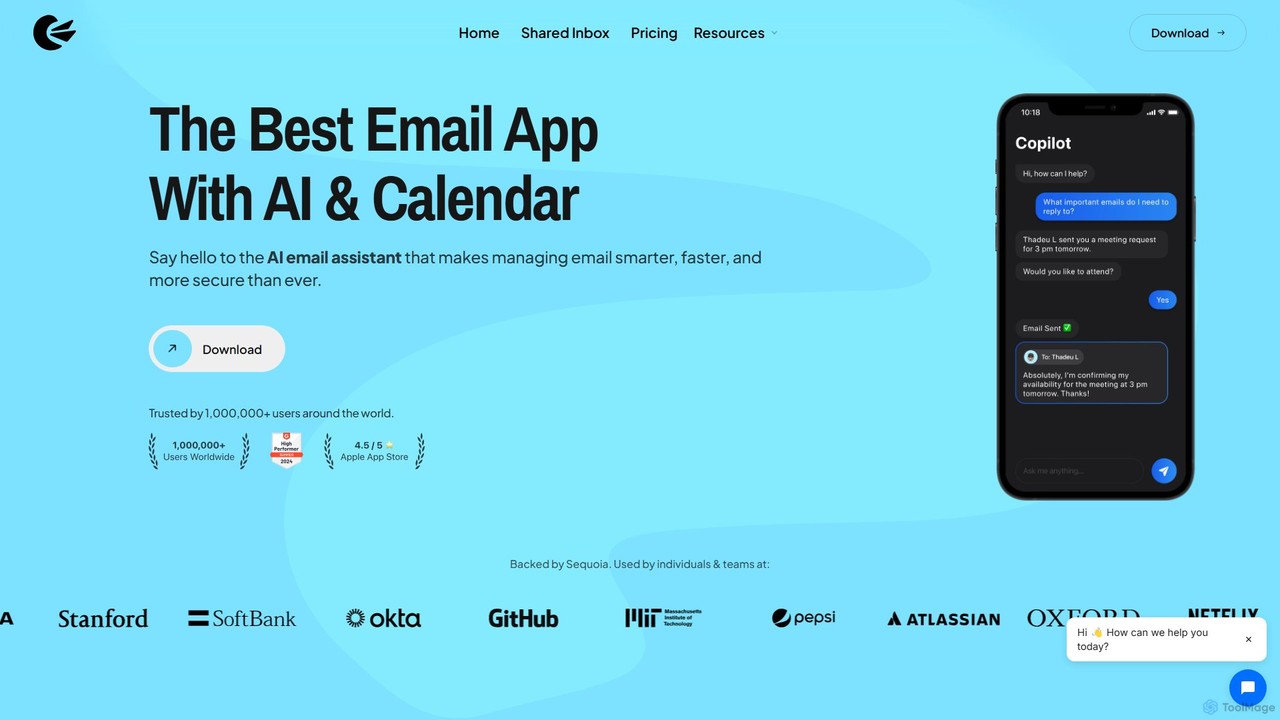
Canary Mail is a sophisticated and secure email client designed to revolutionize how you manage your inbox. Trusted by over a million users and backed by Sequoia, it offers a seamless experience across Mac, iOS, Android, and Windows. Canary Mail integrates a powerful AI assistant, robust productivity tools, and enterprise-grade security into a single, intuitive application, making it the ultimate command center for your digital communication.
At its core, Canary Mail simplifies email management by providing a Unified Inbox. This allows you to connect and manage all your email accounts—including Gmail, Yahoo, Office365, ProtonMail, and more—from one centralized location, eliminating the need to juggle multiple apps. The interface is clean, customizable, and designed to create a distraction-free environment.
How to use Canary Mail
Getting started with Canary Mail is straightforward. First, download the application for your preferred platform (macOS, iOS, Android, or Windows) from the official website. After installation, you can begin adding your various email accounts. The app guides you through the process of connecting services like Gmail, Outlook, Yahoo, and other IMAP accounts. Once your accounts are linked, they will all appear in the Unified Inbox. From there, you can start exploring its powerful features. Use the AI Copilot to draft replies or summarize long email threads with a single click. Organize your inbox using features like Snooze, Pin, and Templates. For enhanced security, you can enable PGP encryption or use the SecureSend feature for sending sensitive information.
Core Features of Canary Mail
- AI Email Assistant (Copilot): Supercharge your productivity with AI. Compose emails effortlessly with AI-crafted messages tailored to your voice, summarize lengthy threads in seconds, and let the AI automatically categorize your emails to reduce clutter.
- Unified Inbox: Access all your email accounts from a single, easy-to-use inbox. It supports all major email providers.
- Productivity Tools: Includes instant read receipts, 1-click unsubscribe, the ability to pin key conversations, snooze messages for later, an inbox cleaner for bulk actions, and customizable email templates.
- Advanced Security: Your inbox is a fortress with Canary Mail. It offers end-to-end encryption (PGP), SecureSend for HIPAA-compliant file sharing, and protection against phishing, ransomware, and impersonation attacks powered by Vade Secure.
- Calendar & Scheduling: Integrated calendar functionality and the ability to schedule emails to be sent at a later time.
- Team Collaboration: Features like Shared Inbox and Shared Templates facilitate seamless collaboration for teams, improving response times and consistency.
- Cross-Platform Sync: Enjoy a consistent and synchronized experience across all your devices, including Mac, iPhone, iPad, Android, and Windows.
Use Cases for Canary Mail
Canary Mail is versatile and caters to a wide range of users. For individuals and power users, it's a perfect tool for managing multiple personal and work accounts, boosting efficiency with AI, and ensuring private conversations remain secure. Professionals and larger teams can leverage its enterprise-grade security for handling sensitive business communications and use collaboration features like Shared Inboxes to streamline workflows. Small businesses can utilize the AI assistant for customer support, automate email management, and protect their operations from cyber threats. Even students can benefit from the free plan to organize their academic correspondence effectively.
Advantages of Canary Mail
The primary advantage of Canary Mail is its unique combination of AI intelligence, user-centric productivity features, and uncompromising security. Unlike standard email clients, it provides a holistic solution for modern email challenges. The cross-platform availability ensures you're always in control, whether at your desk or on the go. The strong focus on privacy, demonstrated by features like PGP encryption and SecureSend, makes it a trusted choice for users handling confidential information. Finally, its freemium model makes powerful email management accessible to everyone.
Pricing and Plans
Canary Mail offers a flexible pricing structure to suit different needs:
- Free Plan: Ideal for students and personal use. Includes Unified Inbox, Lite Read Receipts, Snooze & Pin, Email Templates, and Unlimited Mail Accounts.
- Growth Plan ($3/month): Best for individuals and growing teams. Includes everything in Free, plus the AI Copilot, full Read Receipts, Send Later, Calendar & Scheduling, Inbox Cleaner, App Integrations, and Advanced Customization.
- Pro+ Plan ($10/month): The best value for professionals and larger teams. Includes everything in Growth, plus PGP Encryption, SecureSend Encryption (HIPAA compliant), advanced threat protection (Phishing, Ransomware, BEC) via Vade Secure, Impersonation Detection, and Priority Support.
Traffic
Latest traffic
Status
Monthly traffic trend
- 2025-9: 176.5K
- 2026-1: 216.5K
- 2026-2: 207.1K
- 2026-3: 225.7K
- 2026-4: 231.5K
- 2026-5: 253.5K
Geography
Top 5 countries / regions
- 🇺🇸United States32.1%
- 🇮🇹Italy18.5%
- 🇫🇷France17.9%
- 🇩🇪Germany17.6%
- 🇷🇺Russia14.0%
Traffic sources
| Source type | Percentage |
|---|---|
Direct | 69.7% |
Referral | 23.2% |
Email | 7.1% |
Top keywords
| Keyword | Cost per click |
|---|---|
| canary | $0.88 |
| canary email | $5.29 |
| canary mail | $2.89 |
| icloud mail | $1.84 |
| $0.83 |
Canary Mail Videos on YouTube

Tool Finder
Canary Mail Alternatives
Superhuman
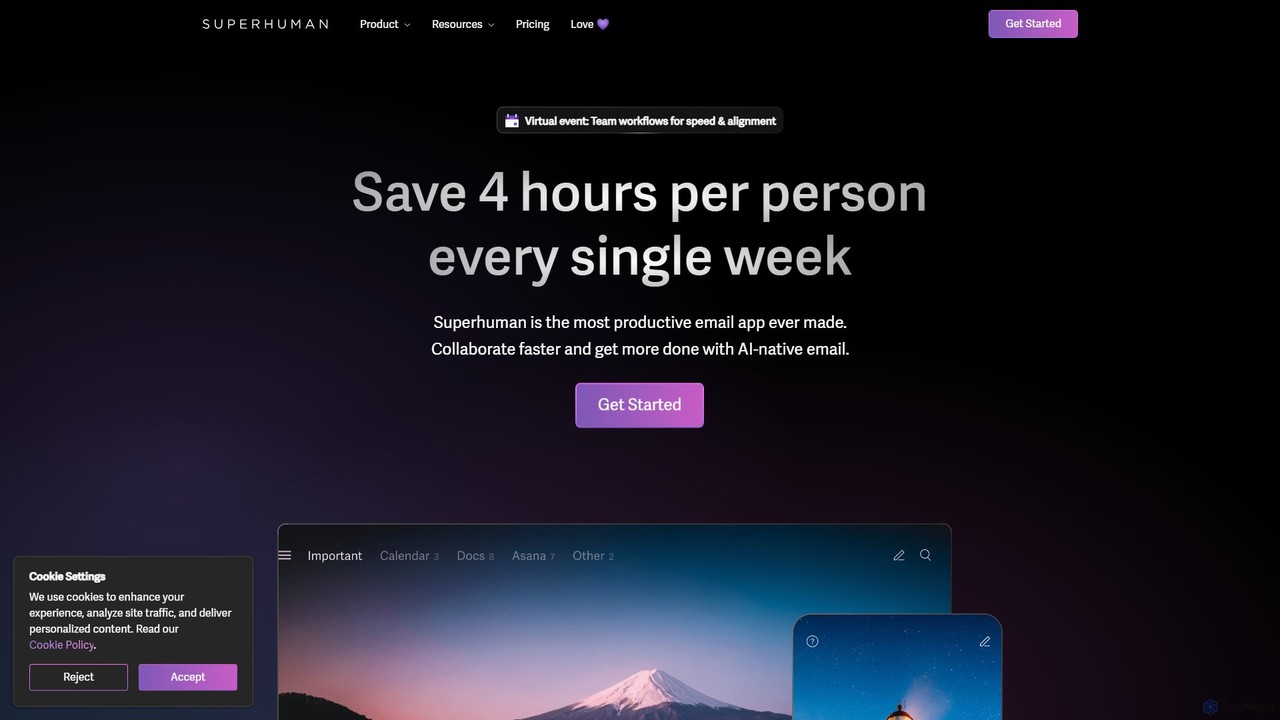
Superhuman is an AI-native email client designed for speed and productivity. It helps high-performing teams and individuals save over 4 hours a week by organizing the inbox, summarizing threads, and drafting emails with AI that matches your personal writing style. It supports Gmail and Outlook, offering a blazingly fast, focused, and collaborative email experience.
Team Collaboration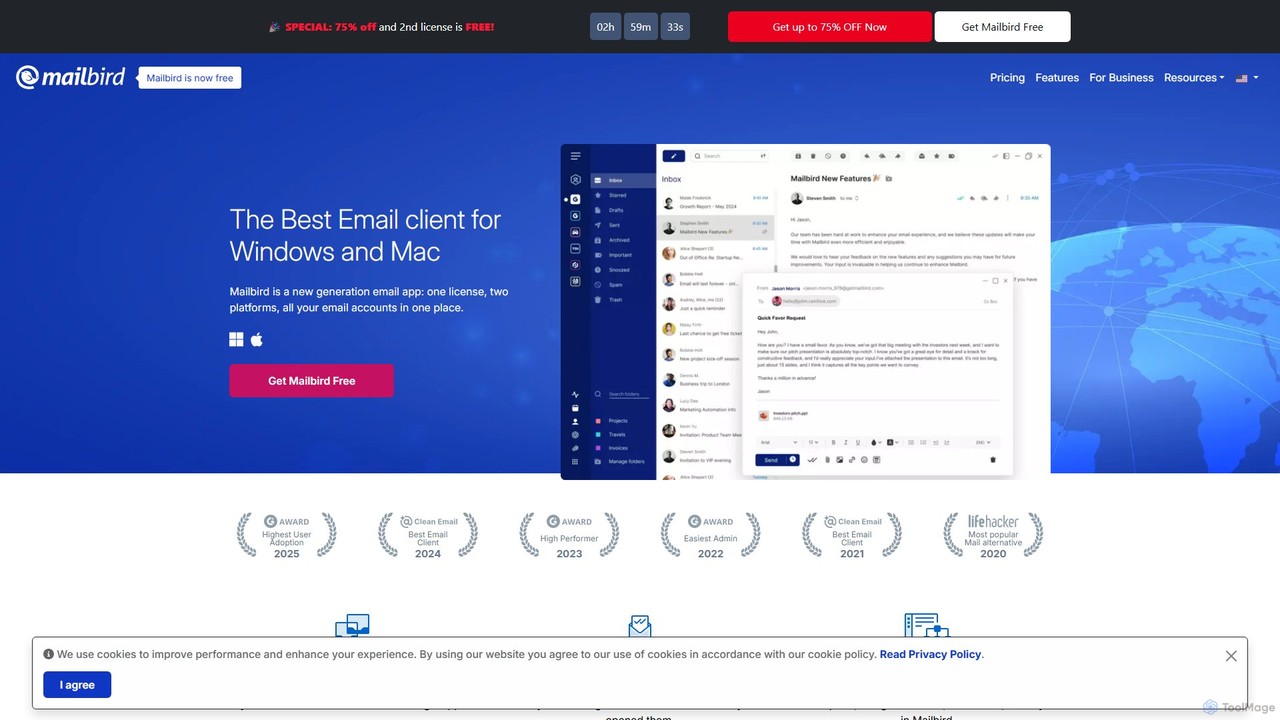
getmailbird
Mailbird is a powerful desktop email client for Windows and Mac that unifies all your email accounts into a single, intuitive interface. It enhances productivity with AI-powered email authoring, seamless app integrations, email tracking, and extensive customization options, creating a centralized communication and workflow hub.
Workflow Automation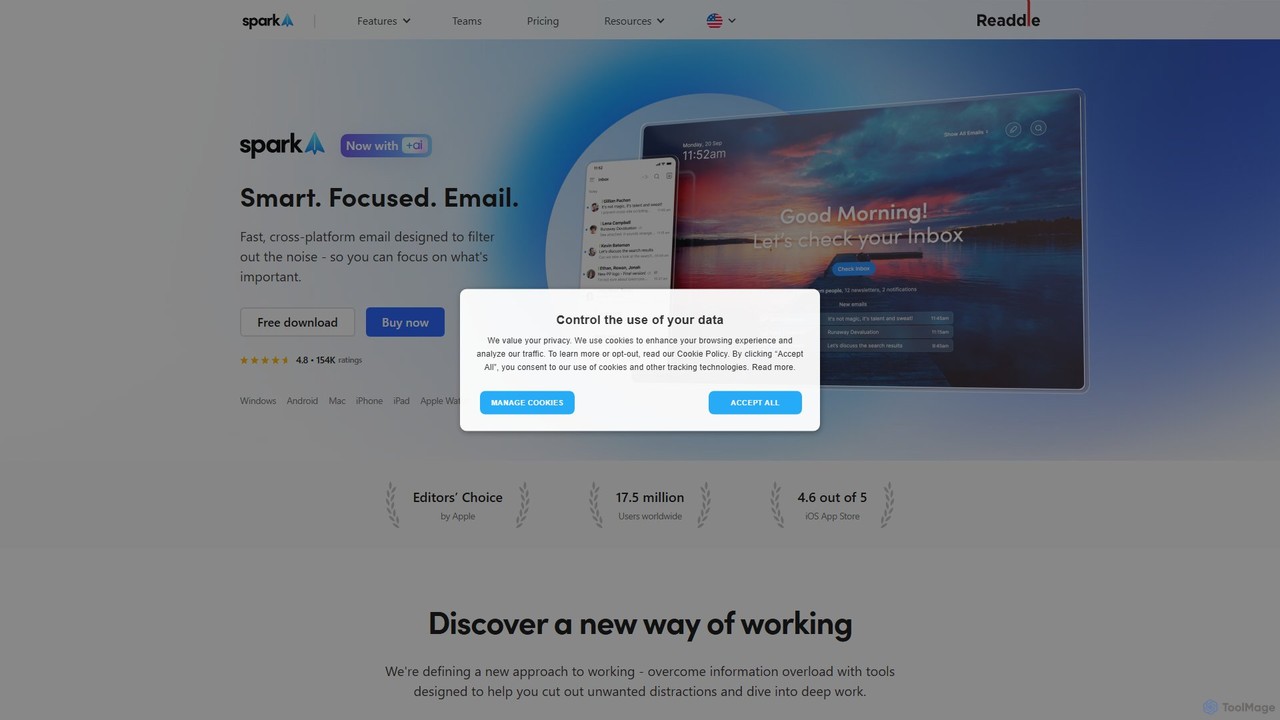
Spark Mail
Spark Mail is an intelligent, cross-platform email client designed to help you focus on what's important. It uses AI to draft emails, summarize threads, and translate messages, while its Smart Inbox filters out noise. With powerful team collaboration features, Spark streamlines your workflow and helps you achieve inbox zero.
Writing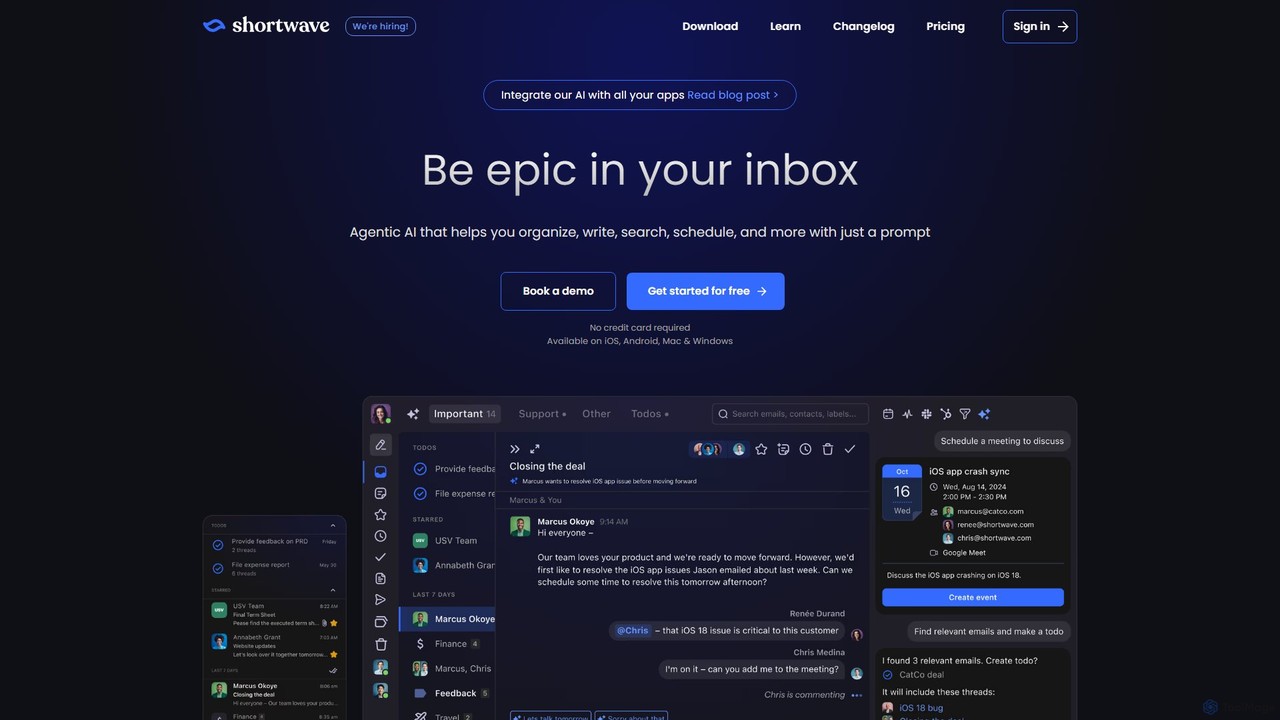
Shortwave
Shortwave is an AI-powered email client designed to supercharge your productivity and team collaboration. It acts as an intelligent assistant for your inbox, helping you organize, write, search, and automate email workflows. By learning your unique writing style and prioritizing important messages, Shortwave transforms your cluttered inbox into an organized workspace, helping you and your team achieve more with less effort.
Writing
MailTime
MailTime is an AI-powered email messenger app that transforms your cluttered email threads into clean, chat-like conversations. It declutters your inbox by filtering out newsletters and promotions, allowing you to focus on important messages from real people. It supports major email providers like Gmail, Outlook, and Yahoo.
MessagingCanary Mail Categories
Canary Mail Embed Widget
Copy this embed code to place the badge on your blog, article, or product site and send readers directly to this ToolMage detail page.

Related AI tools
Superhuman
Superhuman is an AI-native email client designed for speed and productivity. It helps high-performing teams and individuals save over 4 hours a week by organizing the inbox, summarizing threads, and drafting emails with AI that matches your personal writing style. It supports Gmail and Outlook, offering a blazingly fast, focused, and collaborative email experience.
Team Collaborationgetmailbird
Mailbird is a powerful desktop email client for Windows and Mac that unifies all your email accounts into a single, intuitive interface. It enhances productivity with AI-powered email authoring, seamless app integrations, email tracking, and extensive customization options, creating a centralized communication and workflow hub.
Workflow Automation
one.email
one.email is an AI-powered email client that transforms your cluttered inbox into a model of clarity. It unifies all your email accounts (Gmail, Outlook, etc.), automatically categorizes messages using AI, and presents conversations in an intuitive chat-style view. With powerful semantic search and simple, plain-English commands for organization, one.email helps you save hours each week and never miss an important message again.
Inbox ManagementSpark Mail
Spark Mail is an intelligent, cross-platform email client designed to help you focus on what's important. It uses AI to draft emails, summarize threads, and translate messages, while its Smart Inbox filters out noise. With powerful team collaboration features, Spark streamlines your workflow and helps you achieve inbox zero.
Writing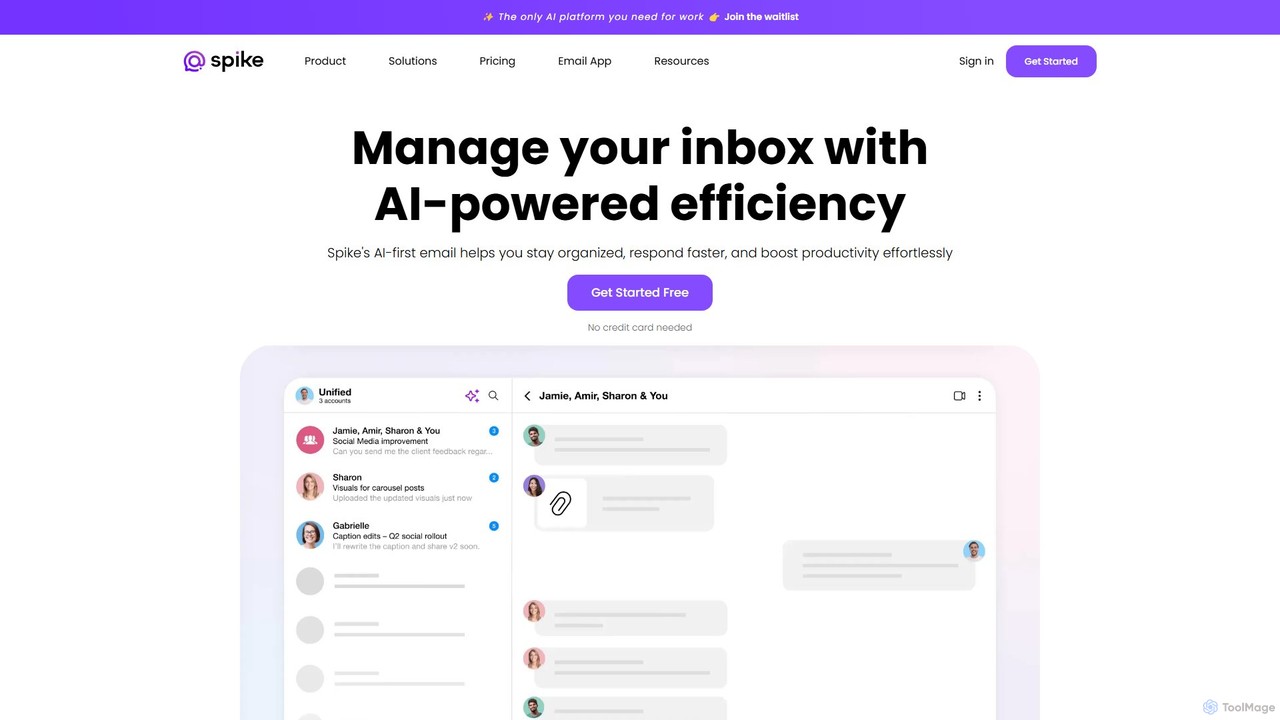
Spikenow
Spikenow is an AI-powered communication and collaboration platform that transforms your email into a dynamic, chat-like conversational feed. It unifies email, team chat, tasks, notes, and video calls into a single workspace, using AI to summarize threads, draft replies, and prioritize your inbox. It's designed to boost productivity by eliminating app switching and streamlining team workflows.
Team Collaboration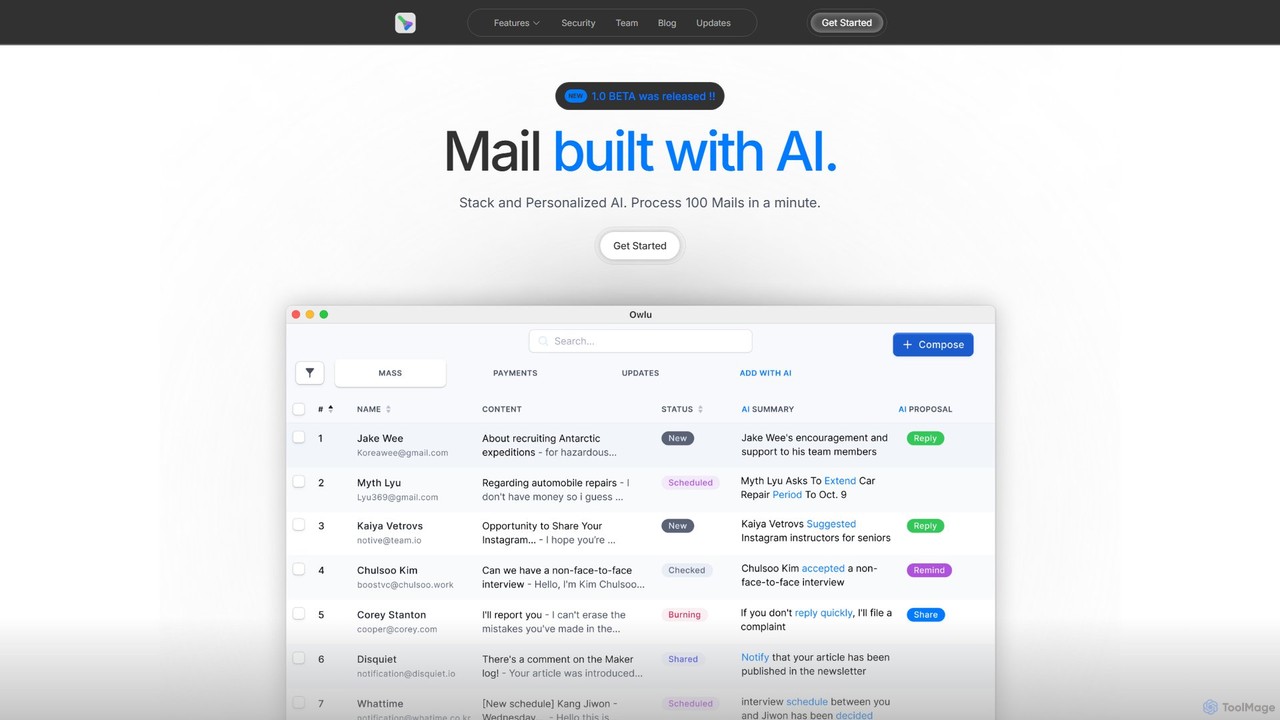
OwlU
OwlU is an AI-powered email client for Mac OS designed to revolutionize your inbox. It intelligently summarizes, suggests replies, and automates tasks, allowing you to process hundreds of emails in minutes. With a personalized AI and a unified dashboard, OwlU helps you achieve unprecedented email productivity.
Personal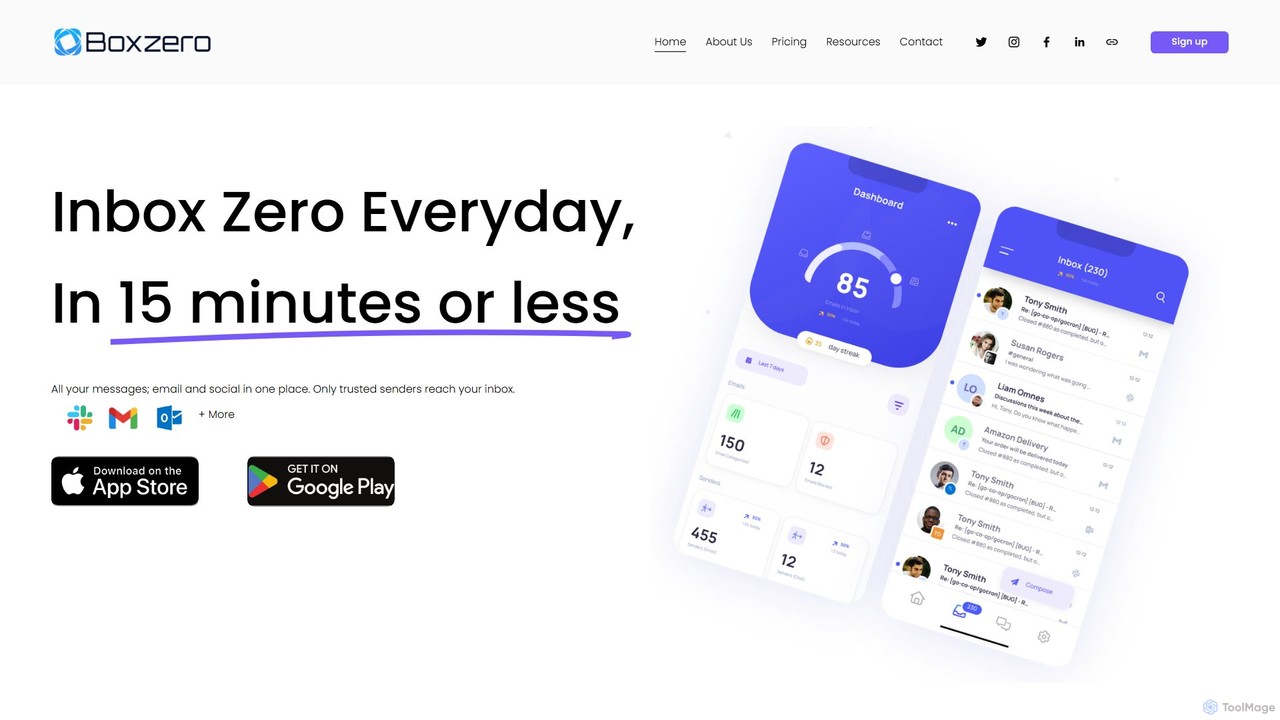
Boxzero
Boxzero is an AI-powered unified inbox that helps you achieve 'Inbox Zero' in 15 minutes or less daily. It consolidates all your emails (Gmail, Outlook) and social messages (Slack) into one place, using smart filtering to only show messages from trusted senders. An AI assistant generates smart replies, saving you hours of work and reducing communication overload.
Personal AssistantShortwave
Shortwave is an AI-powered email client designed to supercharge your productivity and team collaboration. It acts as an intelligent assistant for your inbox, helping you organize, write, search, and automate email workflows. By learning your unique writing style and prioritizing important messages, Shortwave transforms your cluttered inbox into an organized workspace, helping you and your team achieve more with less effort.
WritingMailTime
MailTime is an AI-powered email messenger app that transforms your cluttered email threads into clean, chat-like conversations. It declutters your inbox by filtering out newsletters and promotions, allowing you to focus on important messages from real people. It supports major email providers like Gmail, Outlook, and Yahoo.
Messaging
Friday
Friday is a Y Combinator-backed AI email client designed to revolutionize your inbox. It learns from your email habits to automatically summarize threads, handle routine responses, and filter out junk mail, acting as a personal assistant to help you manage your email at the speed of thought.
Personal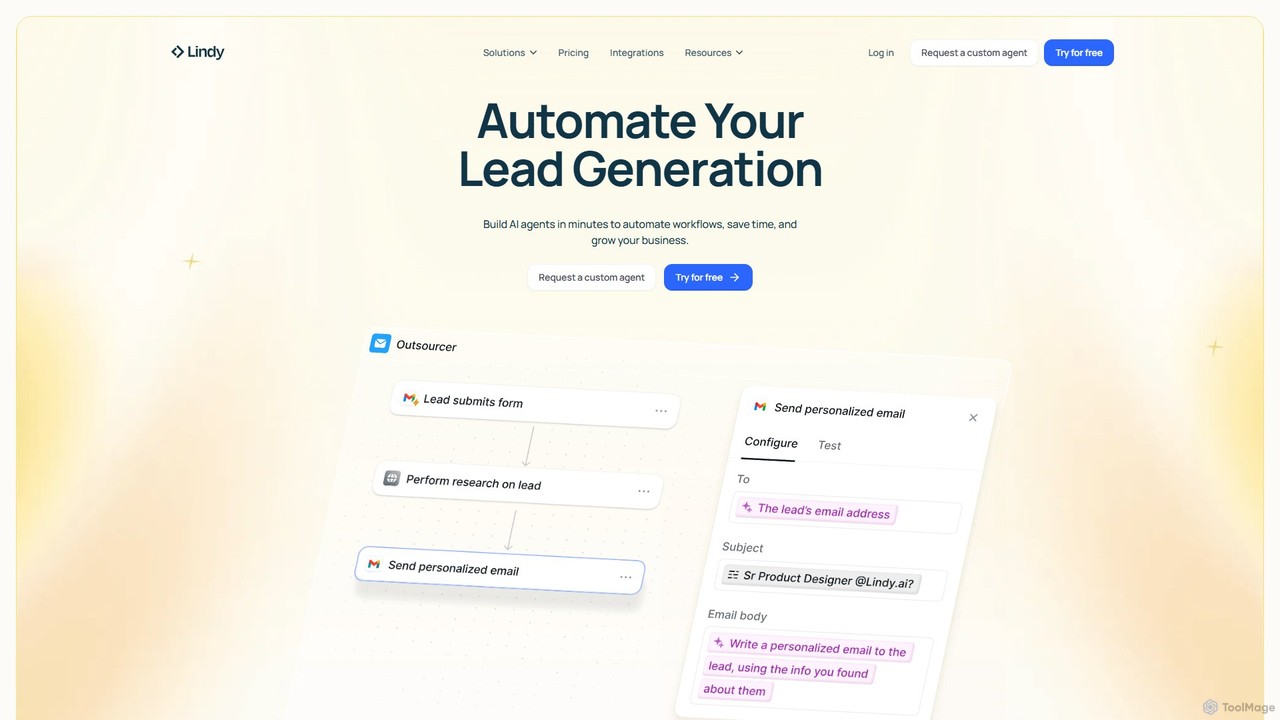
Lindy
Lindy is an AI assistant platform that enables you to build custom AI agents to automate workflows, saving time and scaling business operations. It integrates with hundreds of apps like Gmail and HubSpot, allowing you to automate tasks in sales, customer support, recruiting, and personal productivity using simple natural language commands.
Chatbot
Reflect
Reflect is an AI-powered, networked note-taking app designed to help you think better. It acts as a 'second brain' by connecting your notes through backlinks, creating a graph of your ideas. With features like AI-driven transcription, summarization, end-to-end encryption, and seamless cross-device sync, it's built for speed, security, and frictionless thought capture.
Personal Assistant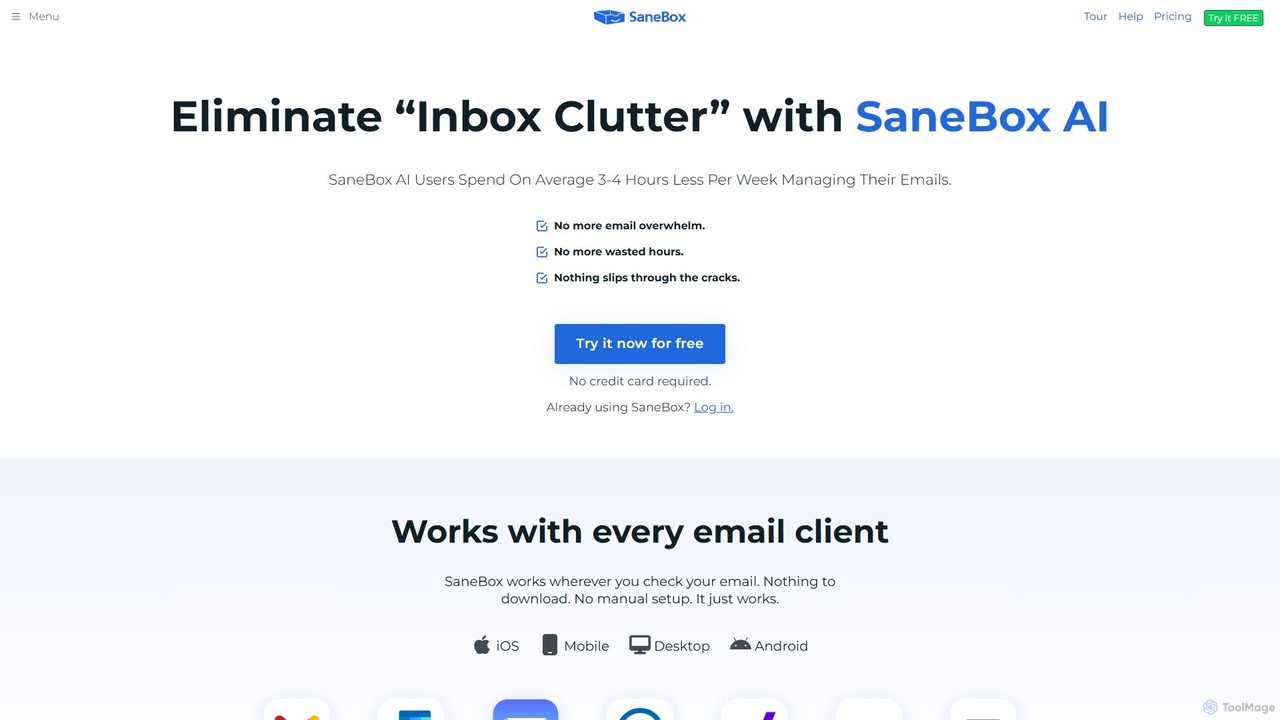
SaneBox
SaneBox is an AI-powered email management tool that automatically cleans up your inbox, filters unimportant emails, and helps you stay focused. It identifies important messages, hides distractions, provides follow-up reminders, and offers one-click unsubscribing, saving users an average of 3-4 hours per week.
Communication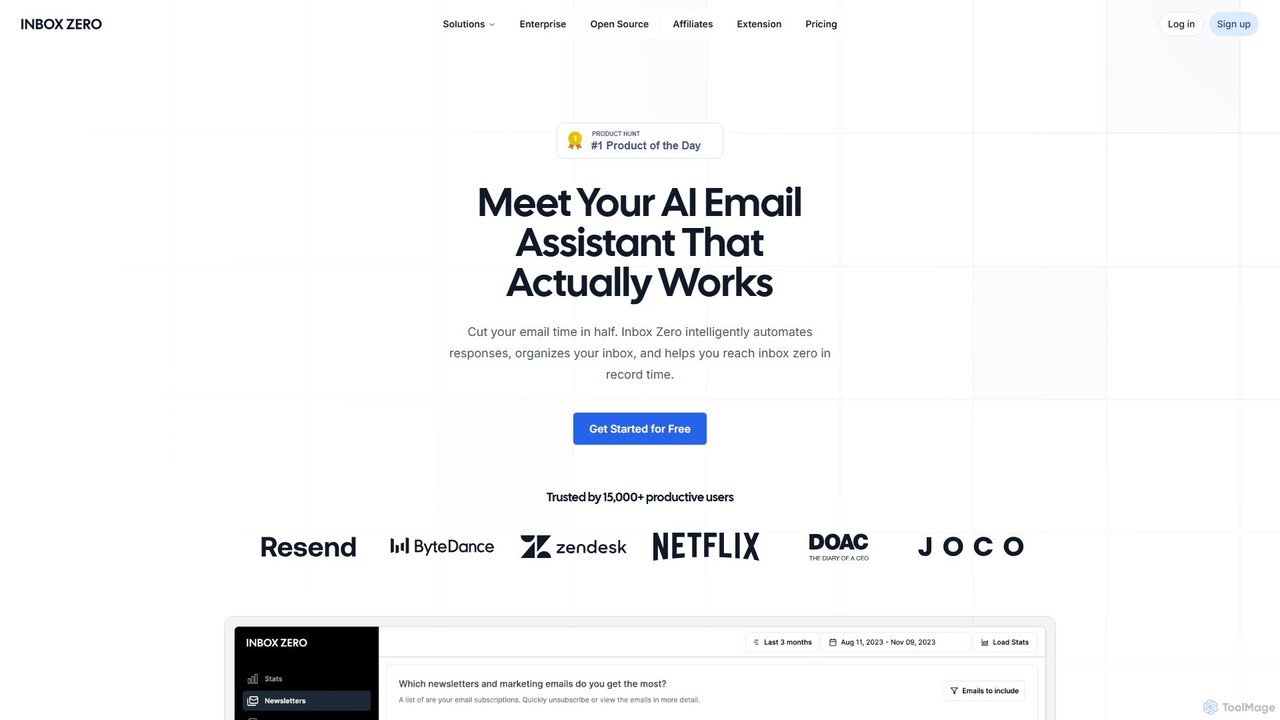
getinboxzero
getinboxzero is an AI-powered email assistant designed to help you achieve Inbox Zero. It intelligently automates responses, organizes your inbox, blocks cold emails, and bulk unsubscribes from newsletters. By handling repetitive email tasks, it cuts your email time in half and boosts productivity for individuals and support teams.
Personal Assistant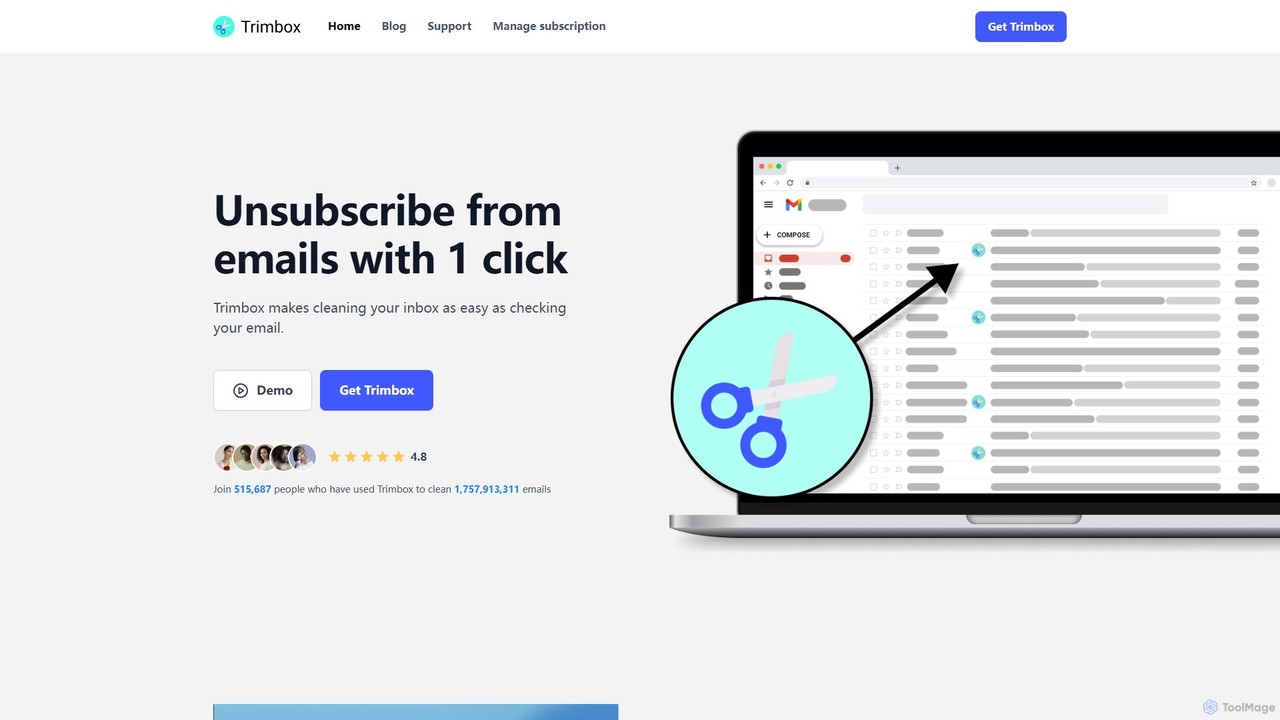
Trimbox
Trimbox is an AI-powered Gmail plugin designed for ultimate inbox management. It allows you to unsubscribe from mailing lists and delete all past emails from any sender with a single click, all while ensuring your privacy by processing data directly on your device.
Email Management
Canary Mail Comments (0)
Sign in to comment.
Sign inNo comments yet.