Communication Best in category 2 results Email Client AI Tool

Popular AI tools in the Email Client field of Communication include getmailbird、Canary Mail, etc., helping you quickly improve efficiency.

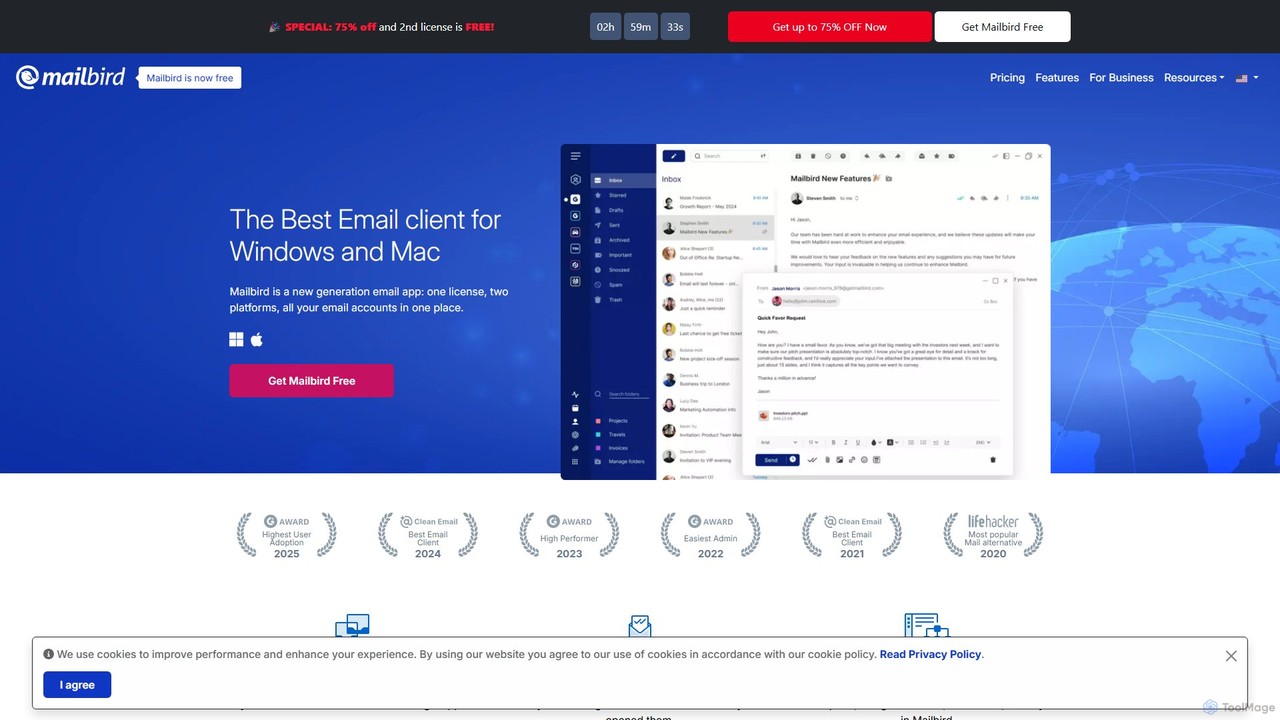
getmailbird

getmailbird

Mailbird is a powerful desktop email client for Windows and Mac that unifies all your email accounts into …

432.0K
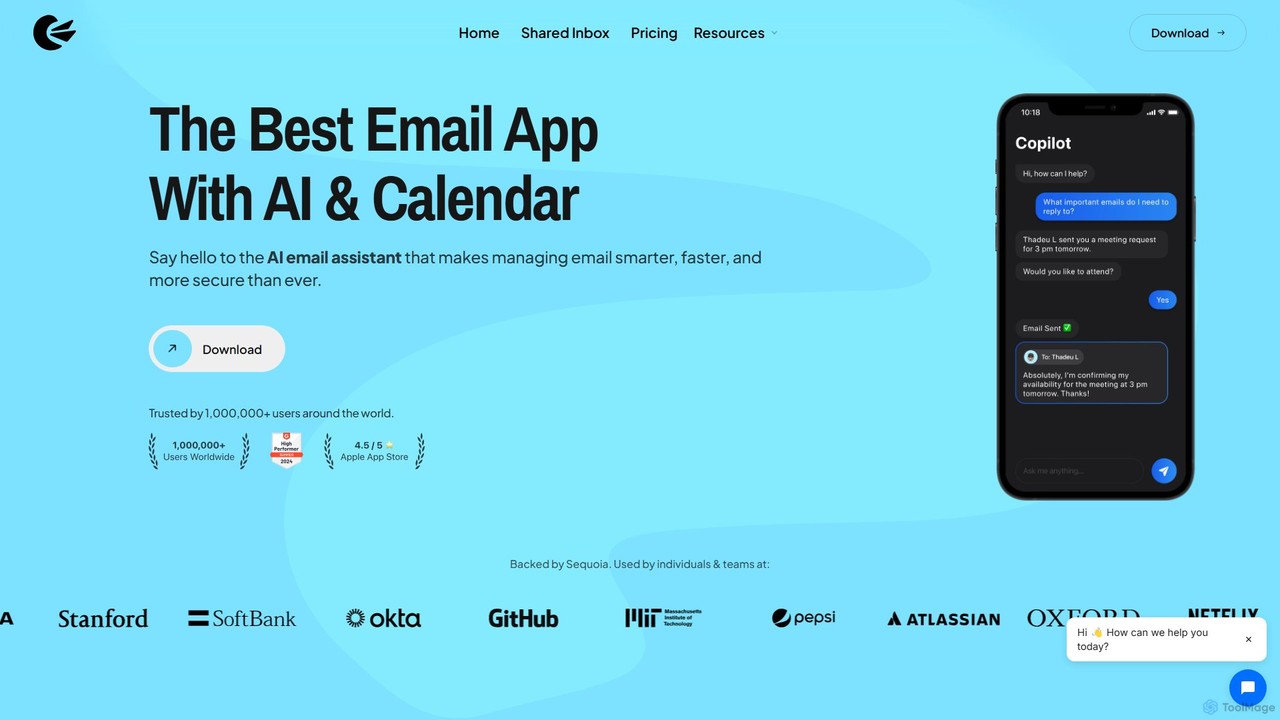
Canary Mail

Canary Mail

Canary Mail is a powerful, secure email client for Mac, iOS, Android, and Windows. It features an AI …

234.0K

About Email Client

An AI Email Client is a software application designed to manage, compose, and organize electronic mail with the help of artificial intelligence. These tools go beyond traditional email platforms by integrating features like smart reply generation, automated email summarization, and intelligent inbox prioritization. They analyze email content and user behavior to streamline workflows, reduce manual sorting, and enhance communication quality. This allows users to focus on important messages and respond more effectively, saving significant time on daily email management.

Core Features

  • AI-Powered Writing Assistance: Get suggestions for completing sentences, correcting grammar, and adjusting the tone of your message to be more professional or friendly.
  • Email Summarization: Automatically condenses long email threads or complex messages into concise, easy-to-read summaries, highlighting key points and action items.
  • Intelligent Prioritization: Uses AI to identify and flag important emails based on sender, content, and urgency, separating them from newsletters and promotional content.
  • Automated Reply Generation: Creates context-aware draft replies to common inquiries, allowing for faster responses with minimal editing.
  • Action Item Extraction: Scans incoming emails to detect tasks, deadlines, and questions, helping you organize your to-do list directly from your inbox.

Applicable Scenarios

AI Email Clients are particularly valuable for professionals who handle a high volume of daily correspondence. Sales teams use them to automate follow-ups and personalize outreach. Executives and managers rely on prioritization and summarization features to stay on top of critical communications. Customer support agents can leverage automated replies to improve response times and consistency.

Selection Criteria

When choosing an AI Email Client, evaluate the quality and accuracy of its core AI features, such as writing assistance and summarization. Consider its integration capabilities with other tools like calendars, CRMs, and project management software. Assess the platform's security protocols and data privacy policies. Finally, consider the user interface's ease of use and its availability across different devices (desktop, mobile, web).

Email ClientUse Cases

1

Automating Sales Follow-up Sequences

A sales development representative (SDR) manages hundreds of leads, each requiring personalized follow-up. Using an AI Email Client, they can set up automated sequences. The AI drafts follow-up emails based on templates but customizes them by pulling lead information from an integrated CRM. It can also adjust the tone to match previous interactions. This process ensures timely and relevant communication without the SDR having to manually write each message, increasing outreach efficiency and allowing them to focus on qualified conversations.

2

Managing Executive-Level Inbox Overload

An executive assistant is responsible for managing a CEO's inbox, which receives over 200 emails daily. Using an AI Email Client, the assistant can instantly see a prioritized view. The AI flags urgent emails from key stakeholders, summarizes long discussion threads into bullet points, and drafts standard replies for meeting requests. This allows the assistant to quickly process the inbox, brief the CEO on critical matters in minutes, and handle routine correspondence efficiently, freeing up the CEO's time for strategic tasks.

3

Streamlining Customer Support Responses

A customer support team for an e-commerce store faces a high volume of similar inquiries about order status, returns, and product details. An AI Email Client helps them manage this influx. The tool automatically categorizes incoming emails and suggests draft replies based on the query type. For a question about a return policy, the AI can pull the relevant information and formulate a clear, polite response. This reduces the agent's response time from minutes to seconds, improves consistency, and allows them to focus on more complex customer issues that require human intervention.

4

Extracting Action Items for Project Management

A project manager receives dozens of update emails from team members daily. Manually tracking every task and deadline mentioned is time-consuming and prone to error. Their AI Email Client automatically scans these emails and uses natural language processing to identify and extract action items, such as 'John will complete the report by Friday'. These extracted tasks can then be exported directly to a project management tool. This ensures no task is missed and saves the project manager hours of administrative work each week, allowing more time for strategic planning and team coordination.

5

Enhancing Professional Communication for Freelancers

A freelance graphic designer communicates with multiple clients daily, each requiring a different tone and level of formality. An AI Email Client with advanced writing assistance is crucial. When drafting a project proposal, the AI suggests more professional phrasing and ensures the grammar is perfect. For a quick check-in email, it can help adopt a more casual yet clear tone. This tool acts as a personal editor, helping the freelancer maintain a consistent, high-quality professional image across all client communications, which is vital for building trust and securing repeat business.

6

Screening High-Volume Job Applications

A recruiter at a fast-growing tech company receives hundreds of applications for a single job opening. Manually reading every email and resume is impossible. They use an AI Email Client to help screen candidates. The AI summarizes each application email, highlights keywords related to the job description (e.g., 'Python', '5+ years experience'), and sorts applicants into predefined categories like 'Highly Qualified' or 'Lacks Experience'. This initial automated screening allows the recruiter to focus their time on the most promising candidates, significantly speeding up the hiring process.

Email ClientFrequently Asked Questions