

getmailbird Overview
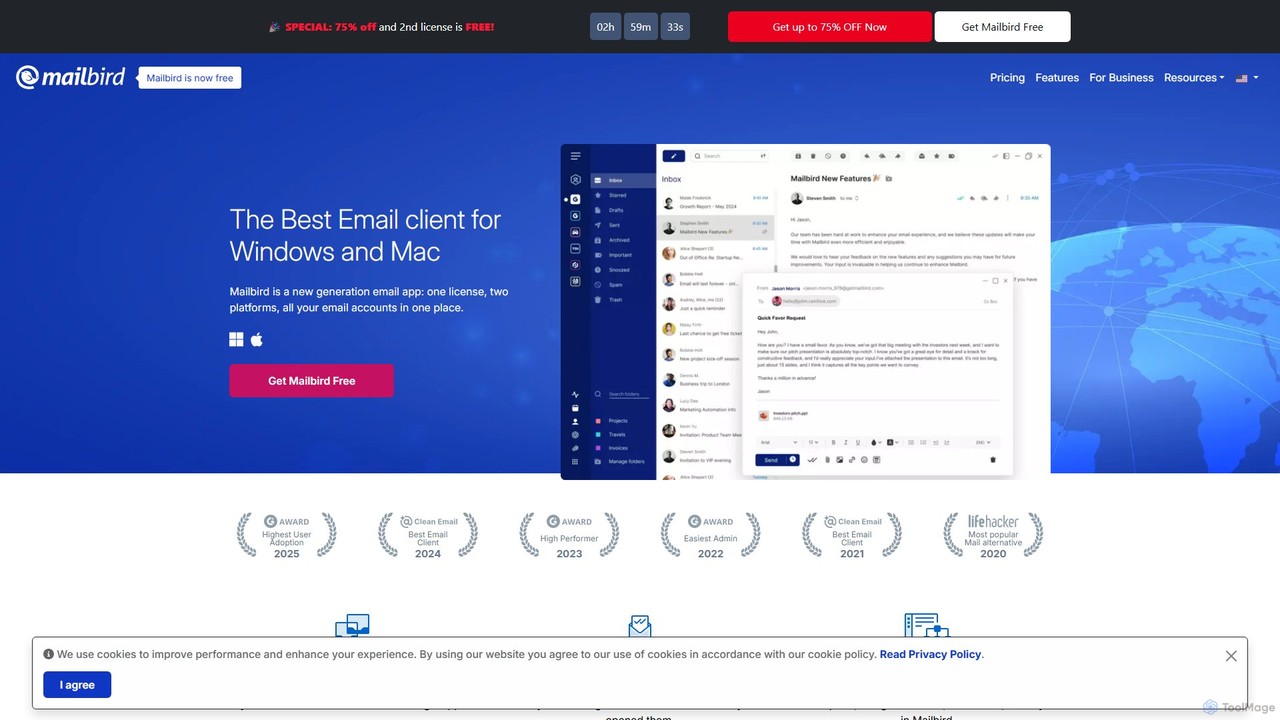
Mailbird is an award-winning desktop email client designed to streamline your digital communication and boost productivity. Available for both Windows and Mac, it serves as an all-in-one communications powerhouse, allowing you to manage messages and contacts from all your different email accounts (supporting IMAP, POP3, and MS Exchange) in a single, unified app. Trusted by millions of users, Mailbird transforms your inbox from a cluttered chore into an organized and efficient workspace.
The core philosophy of Mailbird is centralization. It eliminates the constant need to switch between different email accounts or applications. By integrating popular third-party apps directly within its interface, Mailbird becomes your ultimate productivity workspace. You can manage tasks in Asana, access files from Dropbox, chat on Slack and WhatsApp, and schedule meetings with Google Calendar, all without ever leaving your inbox.
One of its standout features is the AI-powered email authoring tool, which leverages ChatGPT to help you conquer writer's block and generate natural, human-like emails in seconds. This, combined with other productivity-enhancing features, makes Mailbird a formidable tool for professionals and casual users alike.
How to use getmailbird
Getting started with Mailbird is a straightforward process. First, download and install the application on your Windows PC or Mac. Once installed, you can begin adding your email accounts. Mailbird supports virtually any email provider, including Gmail, Outlook, Yahoo, and any custom domain using IMAP, POP3, or Microsoft Exchange protocols. The setup wizard guides you through connecting each account. After your accounts are linked, they will appear in the unified inbox, where you can view and manage all your emails from one place. From there, you can explore the settings to customize the layout, choose a light or dark theme, set custom notification sounds, and integrate your favorite productivity apps from the app store within Mailbird.
Core Features of getmailbird
- AI-Powered Email Authoring: Utilizes ChatGPT to help draft professional, well-written emails, overcoming writer's block and saving time.
- Unified Inbox: Centralizes all your messages and contacts from multiple email accounts into a single, streamlined inbox.
- Email Tracking: Get real-time insights on who has opened your emails and when, allowing for timely follow-ups.
- Seamless App Integrations: Connect with dozens of popular apps like Slack, Asana, Trello, Dropbox, Google Calendar, and WhatsApp directly within Mailbird.
- Customizable Workspaces: Personalize the application's appearance with various themes, colors, and layouts to create your ideal work environment.
- Productivity Tools: Includes features like message snoozing, a speed reader to process emails faster, and a powerful attachment search function.
- Unsubscribe & Block Senders: Easily declutter your inbox by unsubscribing from newsletters and blocking unwanted senders with a single click.
- Cross-Platform Support: A single license gives you access to both the Windows and macOS versions of Mailbird.
Use Cases for getmailbird
Mailbird is versatile and caters to a wide range of users. For business professionals and entrepreneurs, it's a command center for managing client communications, tracking important proposals, and integrating with project management tools to keep workflows aligned. Freelancers can benefit from the unified inbox to manage multiple client projects and use the professional signature feature to maintain brand consistency. For productivity enthusiasts, Mailbird offers the ability to create a focused, distraction-free digital hub by consolidating all essential communication and work apps. It's also ideal for anyone who feels overwhelmed by managing multiple email accounts and wants a simpler, more organized way to handle their inbox.
Advantages of getmailbird
The primary advantage of Mailbird is its ability to significantly enhance efficiency by consolidating your digital life into one application. The unified inbox saves time and reduces the cognitive load of switching between tabs and programs. Its deep integration with productivity apps creates a seamless workflow. The AI writing assistant is a powerful asset for crafting better emails faster. Furthermore, Mailbird is highly customizable, allowing users to tailor the experience to their specific needs. The cross-platform license provides excellent value, and the company's commitment to friendly, human customer support sets it apart from many competitors.
Pricing and Plans
Mailbird offers a flexible pricing structure to suit different needs:
- Free Plan: A basic version for casual users, supporting only one email account and offering limited features.
- Premium Yearly Plan: Priced at approximately $2.88 per user/month (billed annually). This plan unlocks unlimited accounts, unlimited email tracking, MS Exchange support, ChatGPT integration, and priority email support.
- Premium Pay Once Plan: A lifetime license available for a one-time payment of approximately $99.75. It includes all premium features, with optional add-ons for lifetime updates.
Traffic
Latest traffic
Status
Monthly traffic trend
- 2025-9: 459.4K
- 2026-1: 474.6K
- 2026-2: 427.8K
- 2026-3: 446.2K
- 2026-4: 429.5K
- 2026-5: 431.1K
Geography
Top 5 countries / regions
- 🇺🇸United States42.1%
- 🇩🇪Germany18.0%
- 🇷🇺Russia17.8%
- 🇫🇷France13.0%
- 🇮🇹Italy9.1%
Traffic sources
| Source type | Percentage |
|---|---|
Direct | 82.3% |
Referral | 12.4% |
Email | 5.3% |
getmailbird Alternatives

Spark Mail
Spark Mail is an intelligent, cross-platform email client designed to help you focus on what's important. It uses AI to draft emails, summarize threads, and translate messages, while its Smart Inbox filters out noise. With powerful team collaboration features, Spark streamlines your workflow and helps you achieve inbox zero.
Writing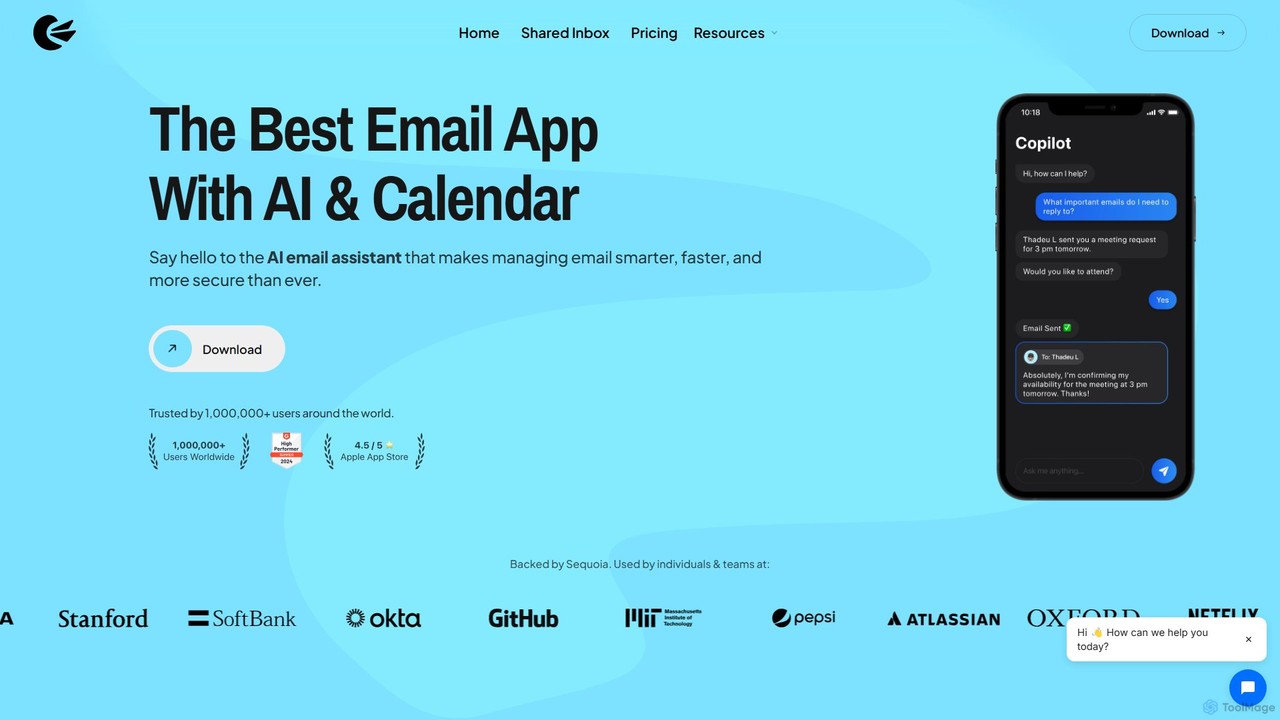
Canary Mail
Canary Mail is a powerful, secure email client for Mac, iOS, Android, and Windows. It features an AI assistant for writing and summarizing emails, a unified inbox for all your accounts, and enterprise-grade security with end-to-end encryption. Ideal for individuals and teams seeking to enhance productivity and protect their communications.
Writing
Spikenow
Spikenow is an AI-powered communication and collaboration platform that transforms your email into a dynamic, chat-like conversational feed. It unifies email, team chat, tasks, notes, and video calls into a single workspace, using AI to summarize threads, draft replies, and prioritize your inbox. It's designed to boost productivity by eliminating app switching and streamlining team workflows.
Team Collaboration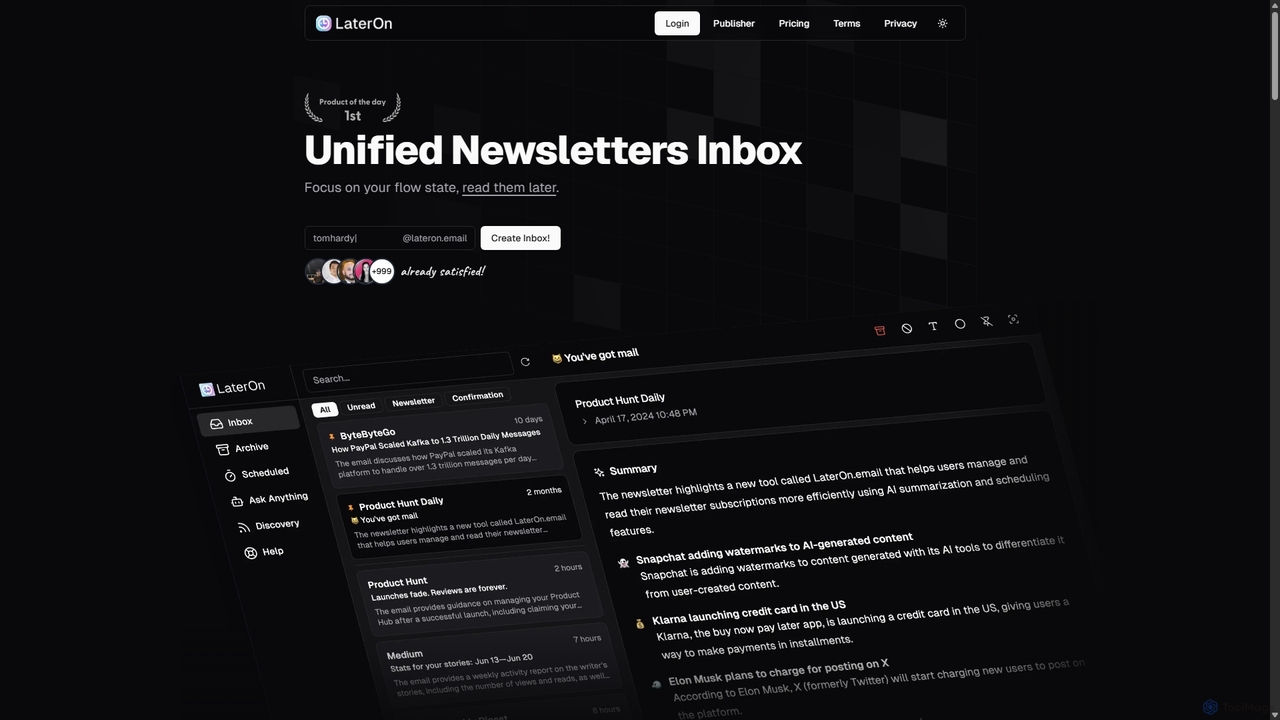
LaterOn
LaterOn is an AI-powered platform that declutters your inbox by aggregating, summarizing, and scheduling newsletters. It provides a unified inbox for all your subscriptions and also includes LaterOn Publisher, a tool with an AI assistant to help you create and grow your own newsletter.
Email Marketing
Boxzero
Boxzero is an AI-powered unified inbox that helps you achieve 'Inbox Zero' in 15 minutes or less daily. It consolidates all your emails (Gmail, Outlook) and social messages (Slack) into one place, using smart filtering to only show messages from trusted senders. An AI assistant generates smart replies, saving you hours of work and reducing communication overload.
Personal Assistantgetmailbird Categories
getmailbird Embed Widget
Copy this embed code to place the badge on your blog, article, or product site and send readers directly to this ToolMage detail page.

Related AI tools
Spark Mail
Spark Mail is an intelligent, cross-platform email client designed to help you focus on what's important. It uses AI to draft emails, summarize threads, and translate messages, while its Smart Inbox filters out noise. With powerful team collaboration features, Spark streamlines your workflow and helps you achieve inbox zero.
WritingCanary Mail
Canary Mail is a powerful, secure email client for Mac, iOS, Android, and Windows. It features an AI assistant for writing and summarizing emails, a unified inbox for all your accounts, and enterprise-grade security with end-to-end encryption. Ideal for individuals and teams seeking to enhance productivity and protect their communications.
Writing
Superhuman
Superhuman is an AI-native email client designed for speed and productivity. It helps high-performing teams and individuals save over 4 hours a week by organizing the inbox, summarizing threads, and drafting emails with AI that matches your personal writing style. It supports Gmail and Outlook, offering a blazingly fast, focused, and collaborative email experience.
Team CollaborationSpikenow
Spikenow is an AI-powered communication and collaboration platform that transforms your email into a dynamic, chat-like conversational feed. It unifies email, team chat, tasks, notes, and video calls into a single workspace, using AI to summarize threads, draft replies, and prioritize your inbox. It's designed to boost productivity by eliminating app switching and streamlining team workflows.
Team CollaborationLaterOn
LaterOn is an AI-powered platform that declutters your inbox by aggregating, summarizing, and scheduling newsletters. It provides a unified inbox for all your subscriptions and also includes LaterOn Publisher, a tool with an AI assistant to help you create and grow your own newsletter.
Email MarketingBoxzero
Boxzero is an AI-powered unified inbox that helps you achieve 'Inbox Zero' in 15 minutes or less daily. It consolidates all your emails (Gmail, Outlook) and social messages (Slack) into one place, using smart filtering to only show messages from trusted senders. An AI assistant generates smart replies, saving you hours of work and reducing communication overload.
Personal Assistant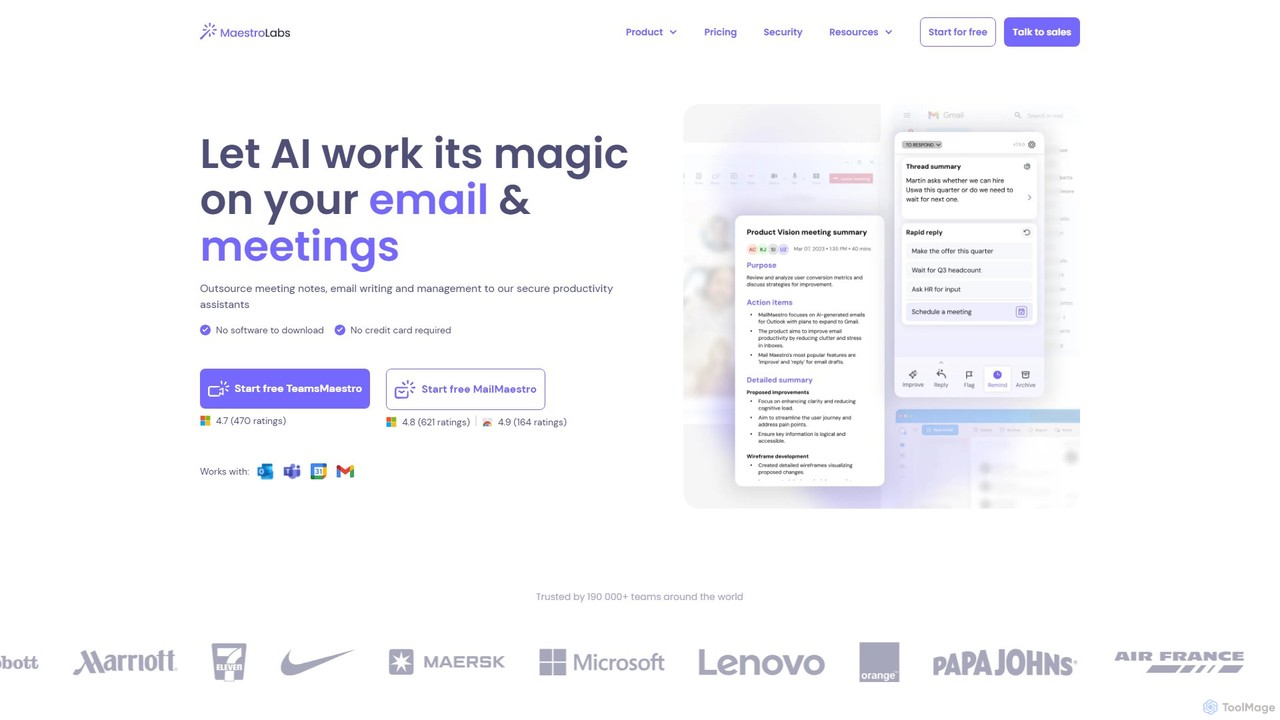
MailMaestro
MailMaestro is a secure AI productivity assistant for email and meetings. It integrates with Outlook, Gmail, and Teams to help you draft replies, summarize long threads, manage your inbox, and capture meeting action items. Save hours each week and enhance your communication with smart, multilingual support.
Meeting Assistant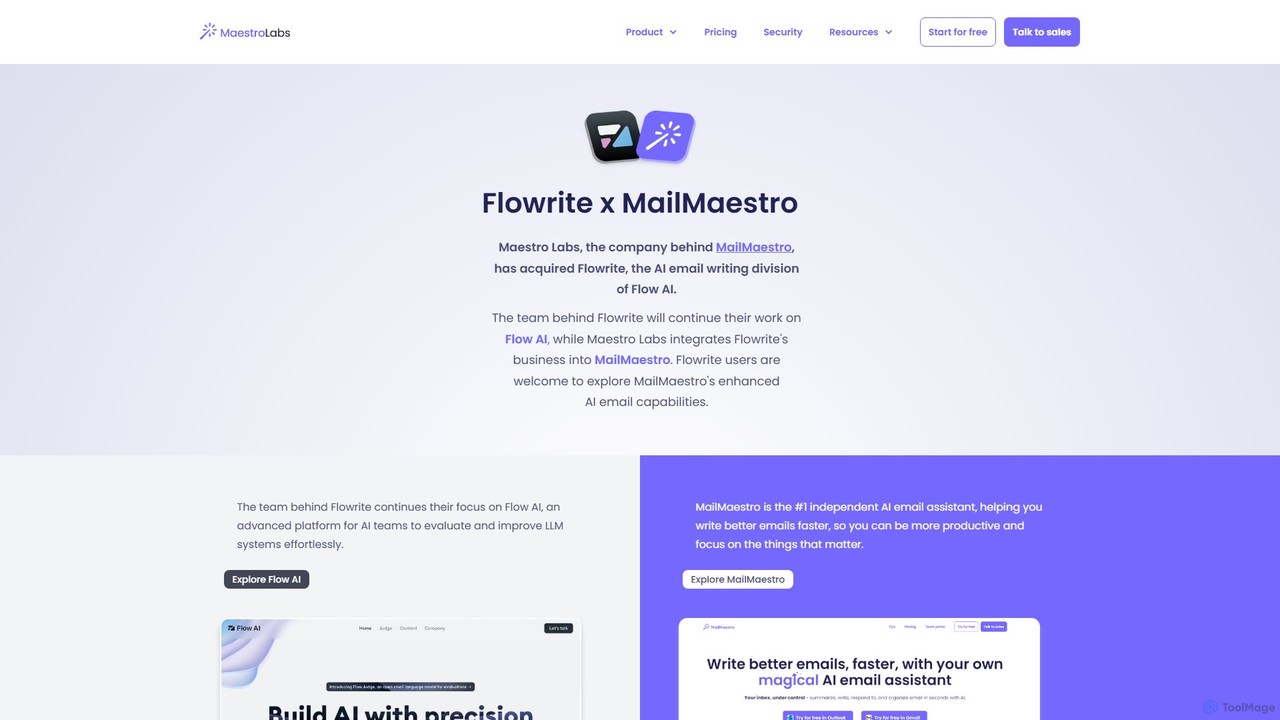
Flowrite
Flowrite is a powerful AI email writing assistant, now integrated into MailMaestro. It helps users write, reply to, summarize, and manage emails significantly faster. By generating high-quality, context-aware text, Flowrite boosts productivity, improves communication quality, and helps you achieve inbox zero with ease. It supports multiple languages and integrates directly into your existing email workflow.
Email
Mailbutler
Mailbutler is an AI-powered email extension for Apple Mail, Gmail, and Outlook that enhances your inbox. It offers features like email tracking, AI-driven smart compose and summarization, collaborative tools for teams, and professional signature marketing to boost productivity and streamline communication.
Help Desk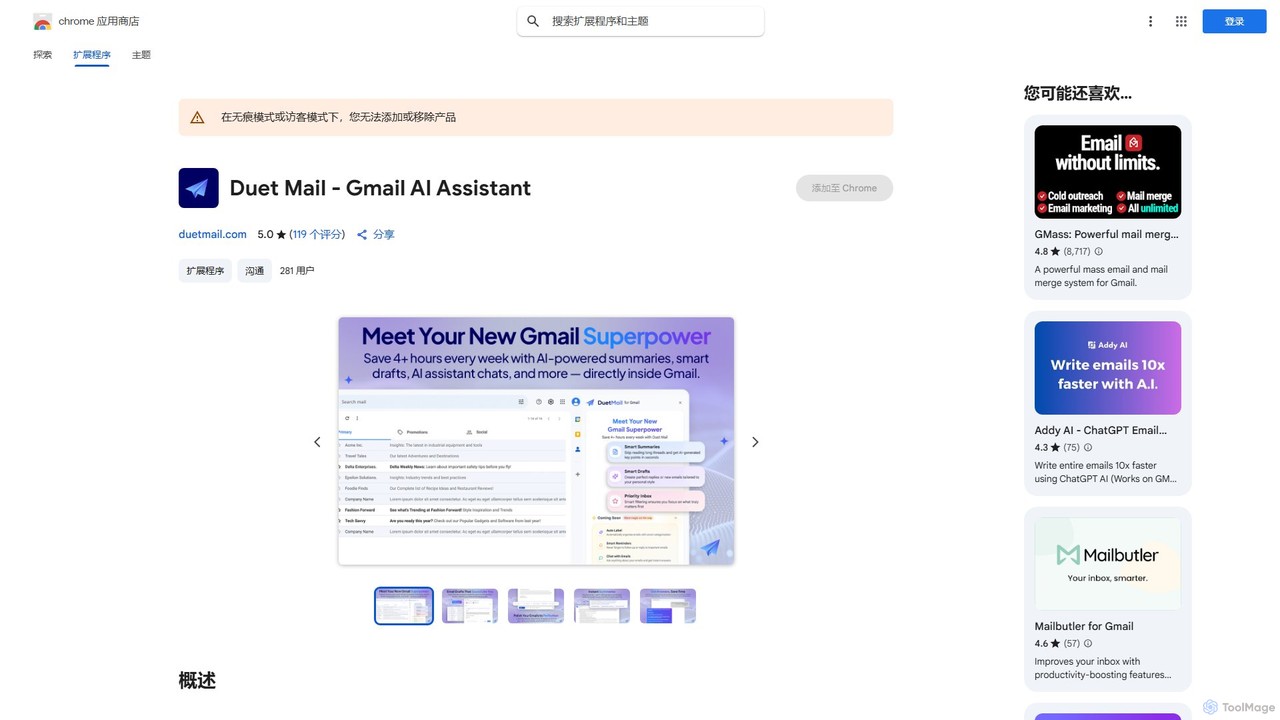
Duet Mail
Duet Mail is an AI-powered Gmail assistant that supercharges your inbox. It helps you draft emails in your personal style, provides instant summaries of long threads, sets smart follow-up reminders, and categorizes important messages. Save hours each week and reclaim control over your email.
Chrome Extensions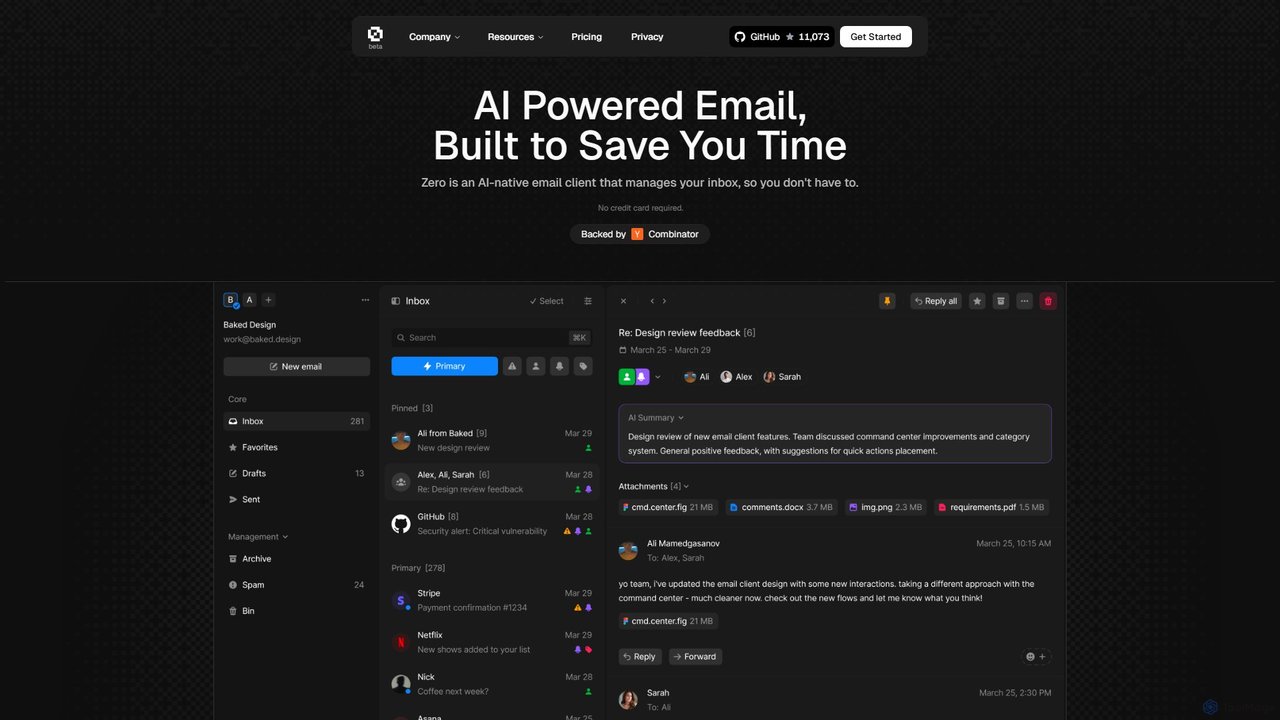
Zero
Zero is an AI-native email client designed to save you time. It automatically manages your inbox by summarizing threads, drafting replies, and extracting action items, allowing you to process emails at lightning speed with a keyboard-first interface.
Personal Assistant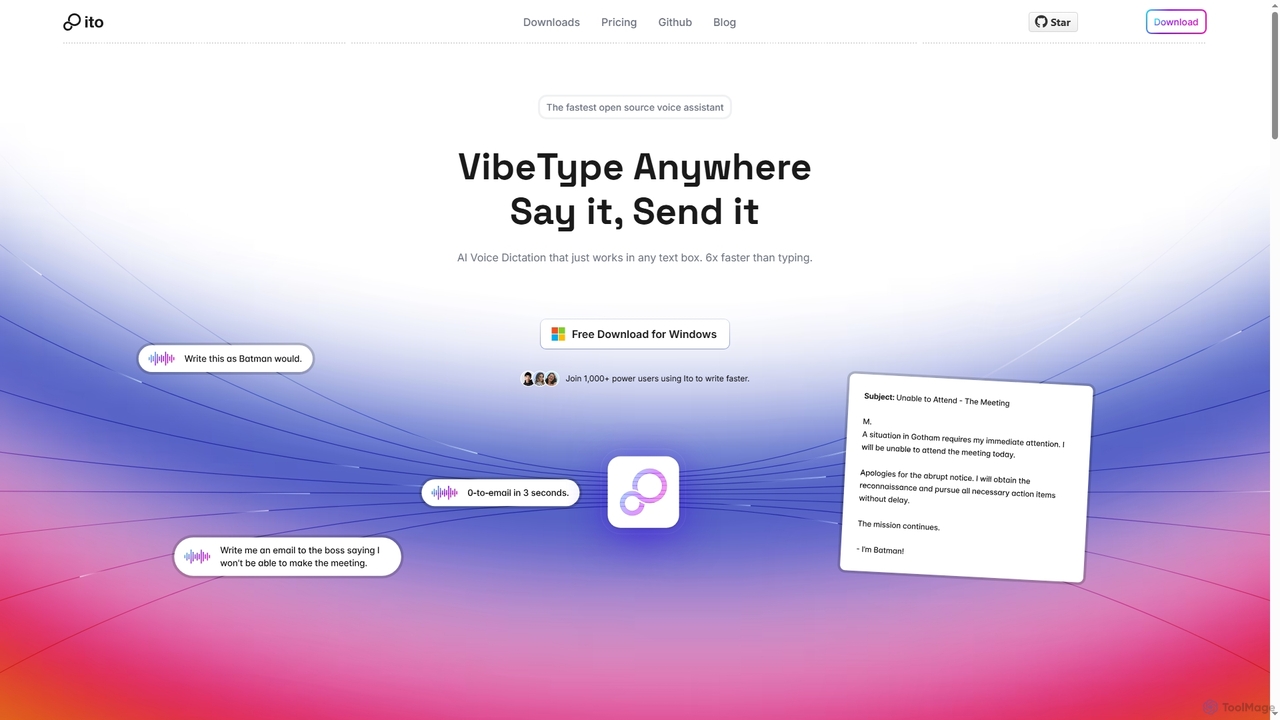
Ito
Ito is an open-source, voice-powered AI assistant for Mac and Windows that goes beyond simple dictation. Using "Vibe Typing," it understands your intent to generate polished text, smart responses, and even code, saving users significant time by allowing them to think, not type.
Email Assistant
InboxPro
InboxPro is an AI-powered email productivity suite for Gmail that helps sales teams and professionals streamline their outreach. It automates follow-ups, generates emails with AI, tracks engagement, and schedules meetings, turning your inbox into a powerful client acquisition tool.
Lead Generation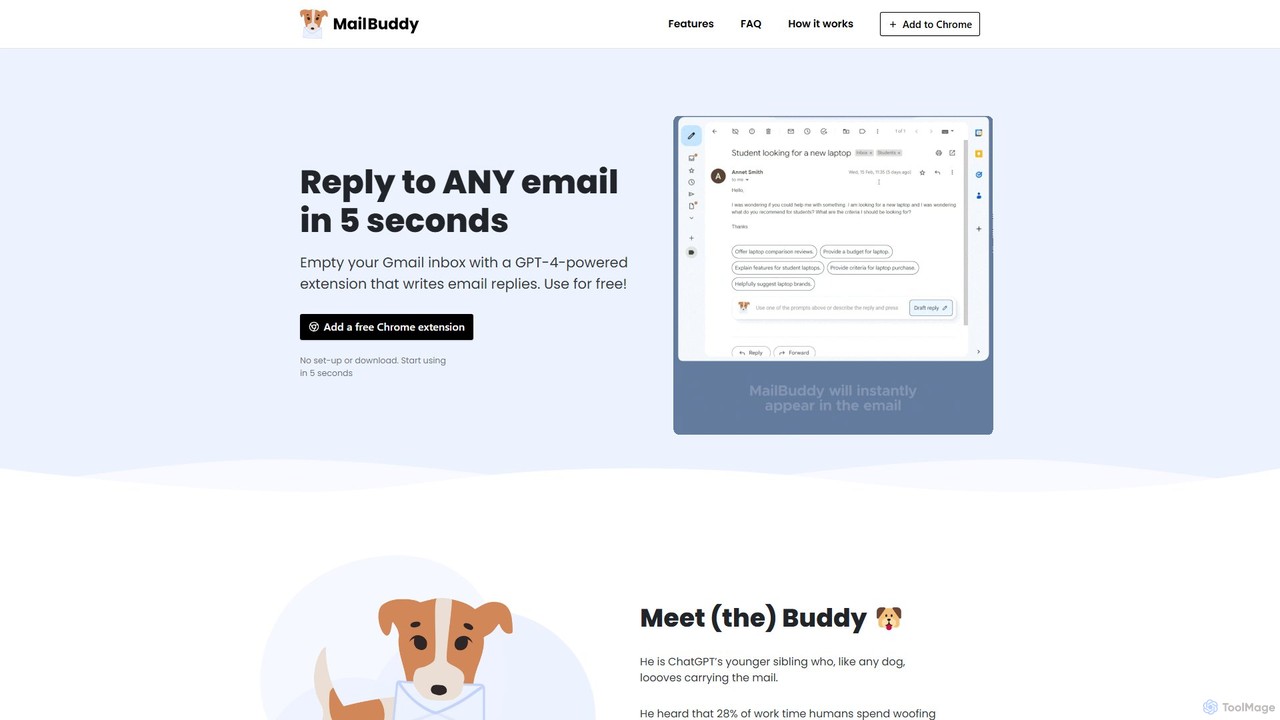
MailBuddy
MailBuddy is a GPT-4 powered AI email assistant that integrates directly into your Gmail. It analyzes email context to draft high-quality replies in seconds. Customize the tone, provide specific instructions, and handle all your email correspondence without leaving your inbox, saving you time and boosting productivity.
Response Management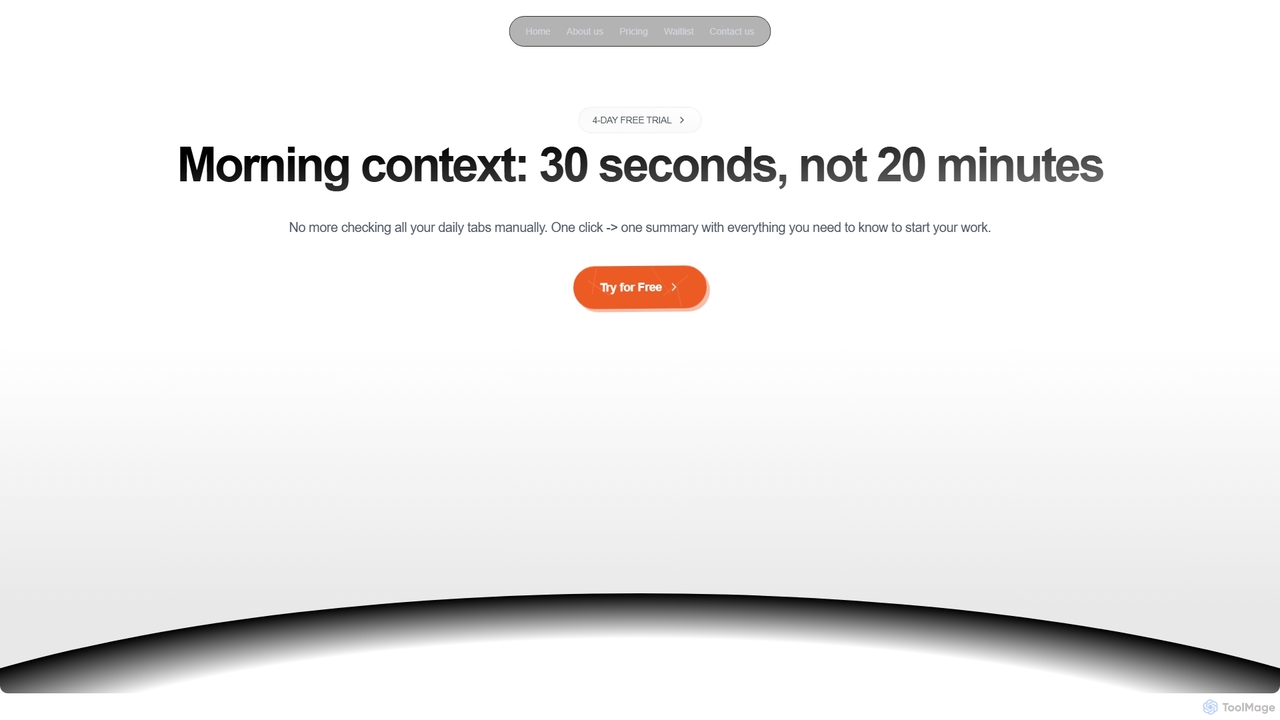
Dirac
Dirac is a Mac application that automates your morning routine, consolidating updates from GitHub, Gmail, Stripe, and other key apps into a single, privacy-focused summary view with just one click.
Daily Briefing
getmailbird Comments (0)
Sign in to comment.
Sign inNo comments yet.