
MailMaestro Overview
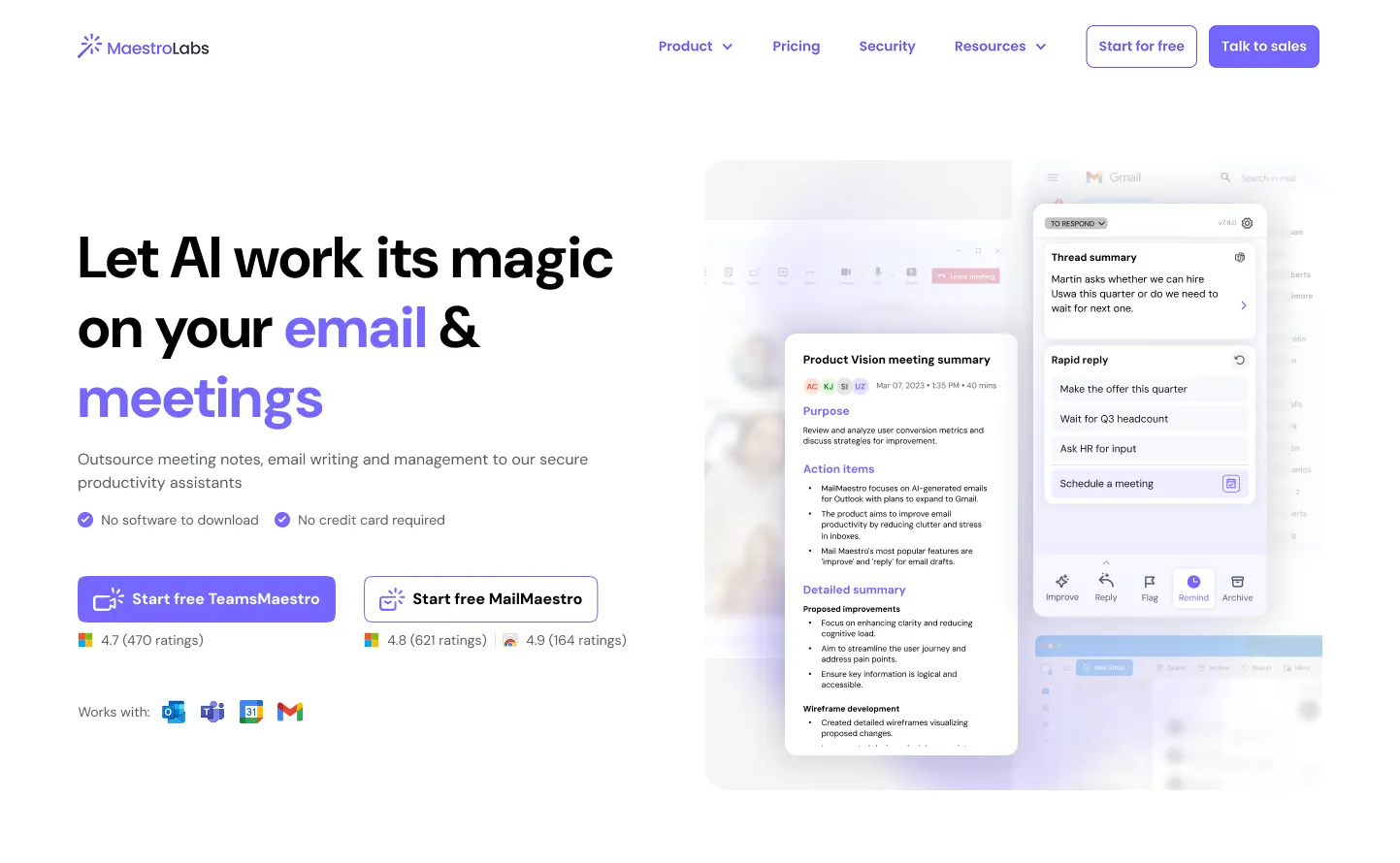
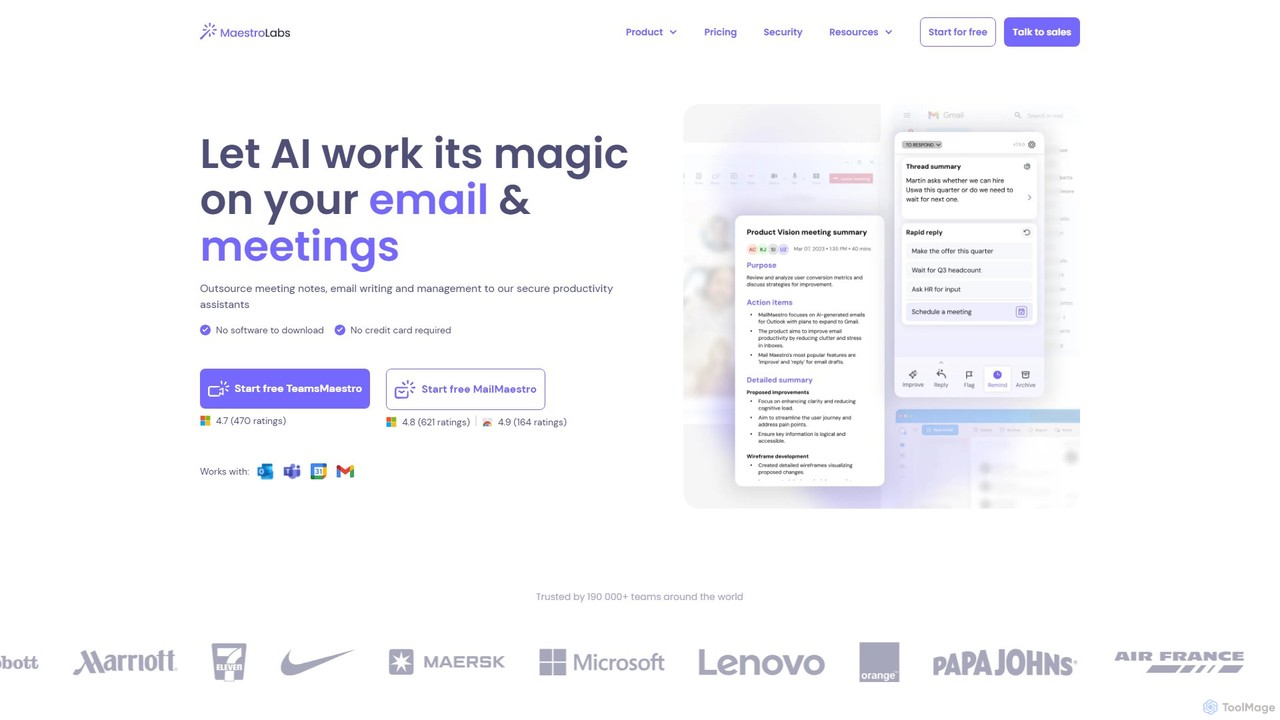
MailMaestro, developed by Maestro Labs, is a comprehensive AI-powered productivity suite designed to revolutionize your email and meeting management. It functions as an intelligent assistant that integrates seamlessly into your existing workflow within Microsoft Outlook, Gmail, and Microsoft Teams. The core mission of MailMaestro is to eliminate the tedious aspects of daily communication, freeing up valuable time for users to focus on more strategic tasks. It achieves this by automating email drafting, summarizing complex conversations, organizing your inbox, and extracting key insights from meetings. Trusted by over 190,000 teams, MailMaestro prioritizes both efficiency and enterprise-grade security, ensuring your data is always protected.
How to use MailMaestro
Getting started with MailMaestro is straightforward and designed for a smooth user experience. First, you need to install the MailMaestro extension for your email client (Outlook or Gmail). Once installed, the assistant appears as a convenient sidebar directly within your email interface, eliminating the need to switch between applications. To use its features, you can simply select an email and choose an action from the sidebar: 'Compose' to draft a new email from a short prompt, 'Reply' to generate a context-aware response to an ongoing thread, or 'Improve' to polish an existing draft for tone, clarity, and grammar. For summaries, MailMaestro automatically provides a concise overview of long email threads when you open them. Similarly, its counterpart, TeamsMaestro, works within Microsoft Teams to transcribe and summarize meetings, making follow-ups effortless.
Core Features of MailMaestro
- AI Email Writer: Instantly generate three distinct email drafts from a simple instruction. You can customize the tone, length, and language (supports 20+ languages) to perfectly match your needs.
- AI Email Summarizer: Get instant summaries of single emails or entire threads, including attachments. This helps you quickly grasp the context of long conversations without reading every message.
- Contextual AI Replies: The AI analyzes the entire email thread to suggest relevant and accurate response options, allowing you to reply with a single click.
- Smart Inbox Management: Automatically tags and filters emails by priority and intent. It also detects action items and deadlines, sending you smart reminders so nothing falls through the cracks (features like AI Priority Inbox are exclusive to Outlook).
- TeamsMaestro for Meetings: An integrated assistant for Microsoft Teams that turns meeting conversations into clear, actionable items, automatically assigned to the right person.
- Magic Templates & Shortcuts: Create and use templates for repetitive emails, and use keyword shortcuts to quickly insert frequently used information like your phone number or LinkedIn profile.
- Enterprise-Grade Security: MailMaestro is SOC II Type 2 and GDPR compliant, with Microsoft and Google attestations. It uses end-to-end encryption, and enterprise clients can opt for zero-day data retention.
Use Cases for MailMaestro
MailMaestro is versatile and benefits a wide range of professionals. Sales teams can use it to craft personalized outreach and follow-up emails at scale. Project managers can leverage it to track action items from both emails and meetings, ensuring team alignment. Customer support agents can provide faster, more consistent, and professional responses. Executives and managers can quickly catch up on long email chains and delegate tasks efficiently. For international teams, its multilingual capabilities break down language barriers, facilitating clear communication across the globe.
Advantages of MailMaestro
The primary advantage of MailMaestro is a significant boost in productivity, with users reporting saving over 8 hours per week. Its native integration into Outlook, Gmail, and Teams creates a seamless, uninterrupted workflow. Unlike standalone apps, it works where you work. The quality of the AI-generated content is high, providing professional and contextually appropriate drafts. Furthermore, its strong commitment to data security and privacy makes it a trustworthy choice for individuals and large enterprises alike.
Pricing and Plans
MailMaestro offers a flexible pricing structure to suit different needs:
- Free Plan: $0/seat/month. Ideal for individuals exploring AI assistants. Includes 3 AI requests per week, access to top LLMs, and magic templates.
- Professional Plan: $12/seat/month. Best for professionals wanting to enhance their daily workflow. Includes unlimited requests, email and attachment summarization, smart scheduling, and removes the watermark.
- Team Plan: $12/seat/month. Designed for teams seeking to boost productivity. Includes all Pro features plus a team dashboard, license management, and enterprise-grade security.
- Enterprise Plan: Custom pricing. For companies needing advanced security, customization, and support. Includes custom data retention policies, dedicated onboarding, and custom integrations.
Traffic
Latest traffic
Status
Monthly traffic trend
- 2025-9: 222.7K
- 2026-1: 162.3K
- 2026-2: 111.0K
- 2026-3: 89.1K
- 2026-4: 73.8K
- 2026-5: 53.6K
Geography
Top 5 countries / regions
- 🇺🇸United States47.8%
- 🇮🇳India14.4%
- 🇳🇬Nigeria14.0%
- 🇩🇪Germany12.6%
- 🇻🇳Vietnam11.2%
Traffic sources
| Source type | Percentage |
|---|---|
Direct | 77.0% |
Referral | 16.7% |
Email | 6.3% |
Top keywords
| Keyword | Cost per click |
|---|---|
| ai teams meeting maestro is there a cost? | $0.00 |
| al teams mastro | $0.00 |
| how to remove teams maestro | $0.00 |
| how to say in email you want to correct yourself clarify | $0.00 |
| mailmaestro | $2.78 |
MailMaestro Videos on YouTube



MailMaestro Alternatives
Flowrite
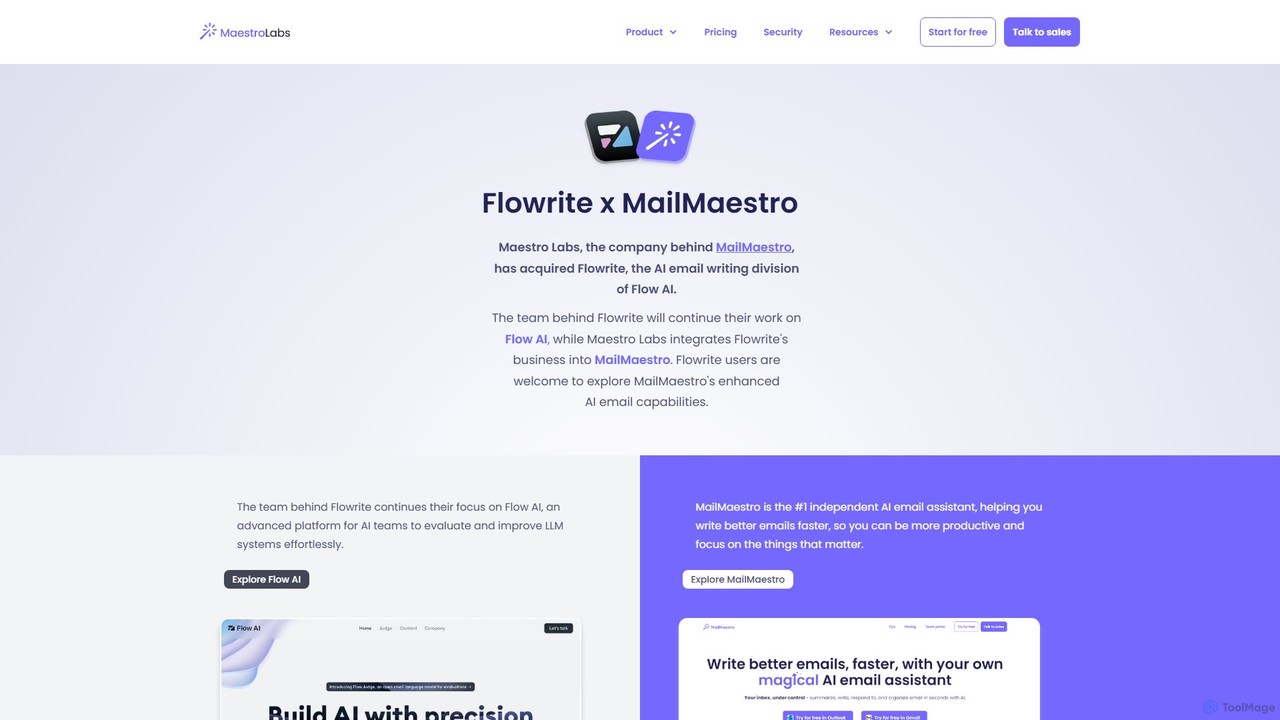
Flowrite is a powerful AI email writing assistant, now integrated into MailMaestro. It helps users write, reply to, summarize, and manage emails significantly faster. By generating high-quality, context-aware text, Flowrite boosts productivity, improves communication quality, and helps you achieve inbox zero with ease. It supports multiple languages and integrates directly into your existing email workflow.
Email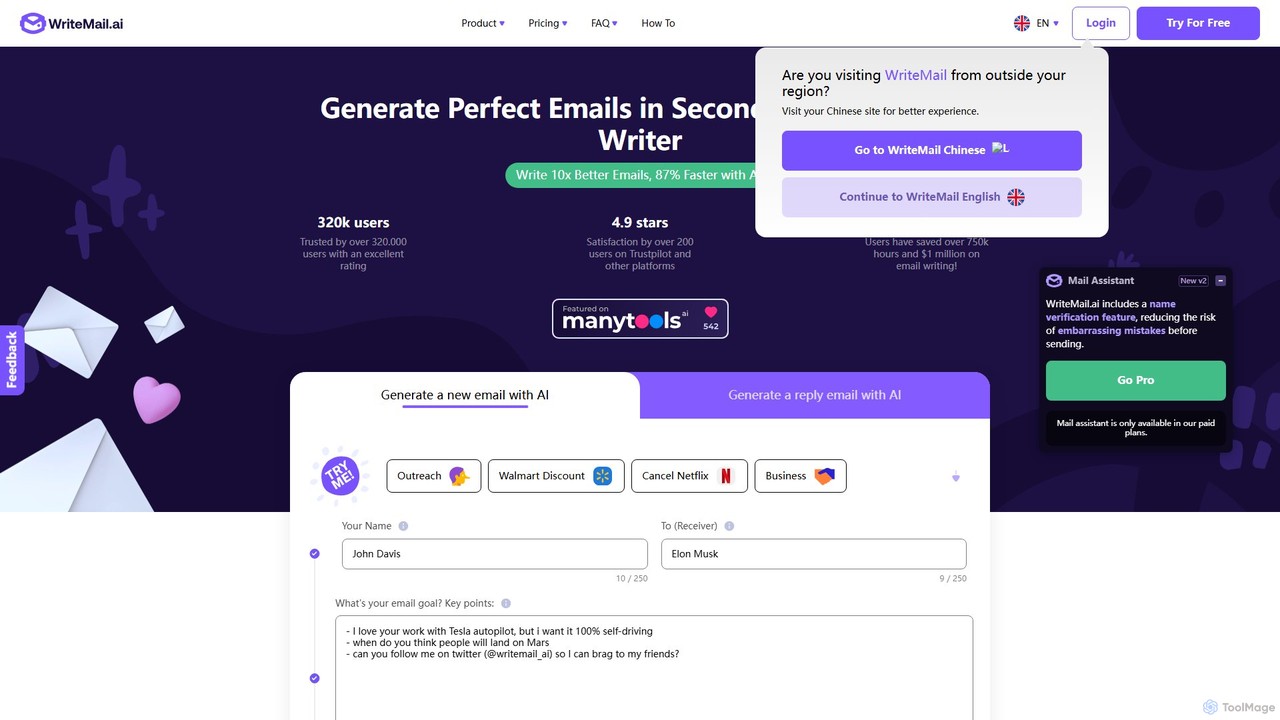
WriteMail.ai
WriteMail.ai is an AI-powered email assistant designed to help you write better emails 10x faster. It generates new emails and replies, refines tone and style, and offers real-time suggestions to improve clarity. With multilingual support and upcoming Gmail integration, it's the perfect tool for both business and personal communication, saving you time and boosting productivity.
Email Marketing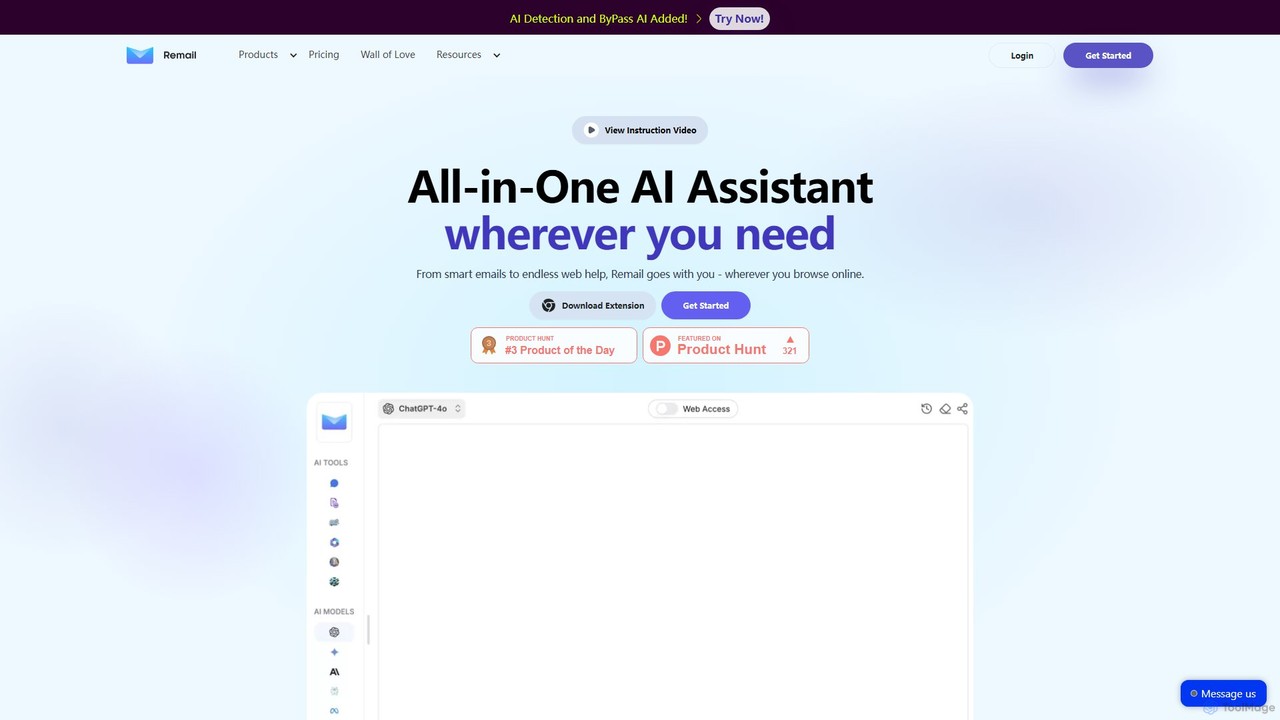
Remail
Remail is an all-in-one AI assistant and Chrome extension designed to boost productivity. It helps you write and reply to emails 10x faster, summarize web pages, chat with documents and YouTube videos, generate content, and much more, directly within your browser.
Chrome Extensions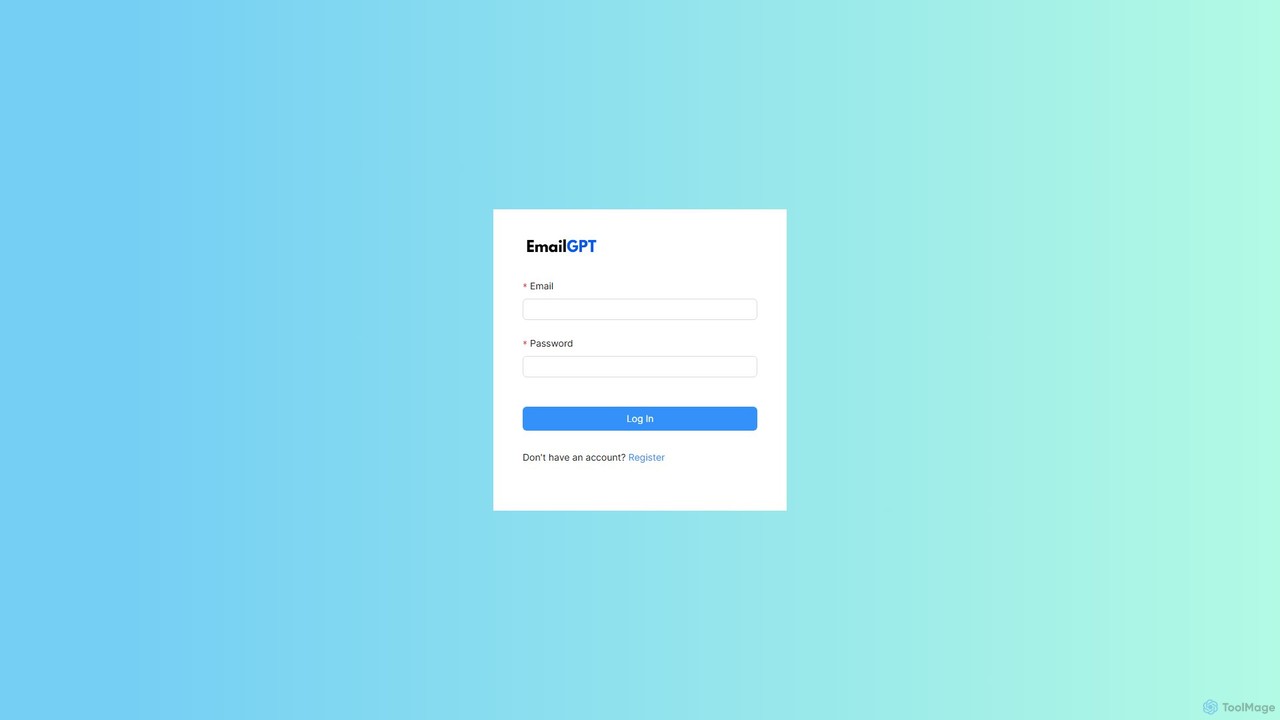
EmailGPT
EmailGPT is an AI-powered email assistant designed to streamline your communication. It helps you draft professional emails, generate intelligent replies, summarize long threads, and adjust the tone of your messages instantly. Boost your productivity and write better emails faster with EmailGPT.
Email Marketing
GPT Workspace
GPT Workspace integrates AI-powered features directly into Google Workspace applications like Docs, Sheets, Slides, and Gmail. It enhances productivity by automating content creation, data analysis, email drafting, and document editing, allowing users to leverage the power of models like GPT-4o seamlessly within their existing workflow.
Document ManagementMailMaestro Categories
MailMaestro Embed Widget
Copy this embed code to place the badge on your blog, article, or product site and send readers directly to this ToolMage detail page.

Related AI tools
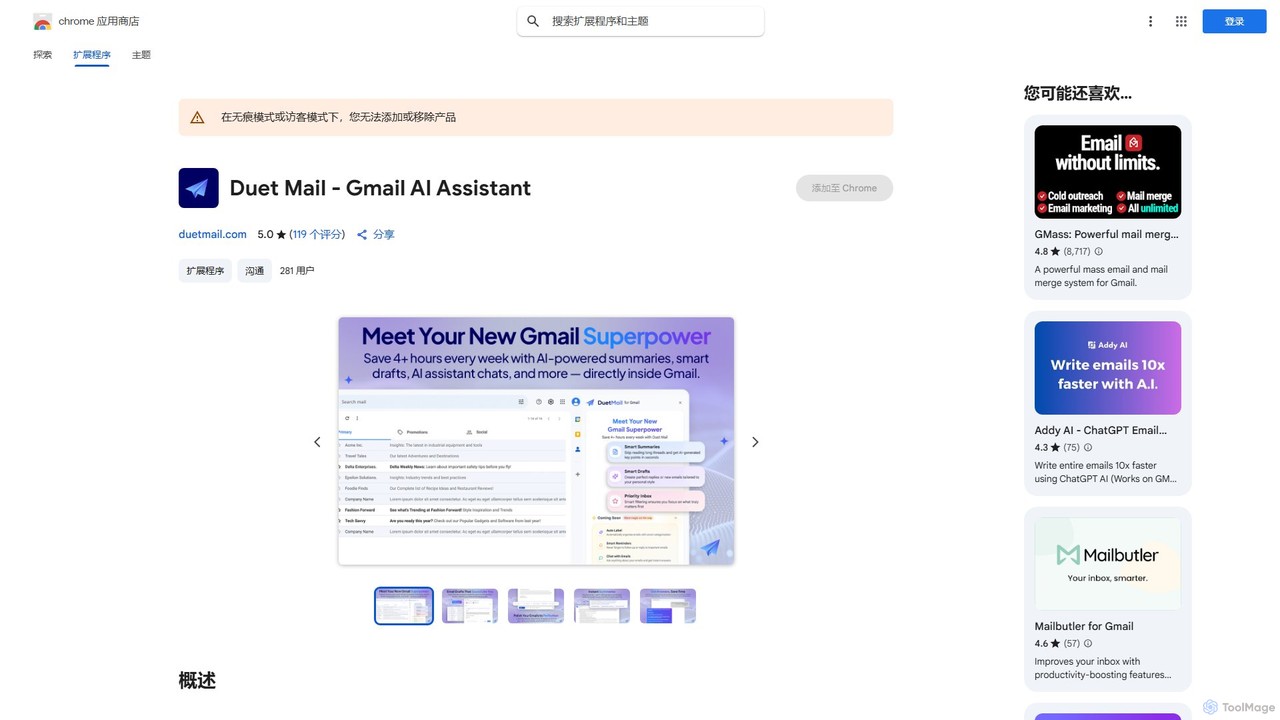
Duet Mail
Duet Mail is an AI-powered Gmail assistant that supercharges your inbox. It helps you draft emails in your personal style, provides instant summaries of long threads, sets smart follow-up reminders, and categorizes important messages. Save hours each week and reclaim control over your email.
Chrome ExtensionsFlowrite
Flowrite is a powerful AI email writing assistant, now integrated into MailMaestro. It helps users write, reply to, summarize, and manage emails significantly faster. By generating high-quality, context-aware text, Flowrite boosts productivity, improves communication quality, and helps you achieve inbox zero with ease. It supports multiple languages and integrates directly into your existing email workflow.
Email
InboxPro
InboxPro is an AI-powered email productivity suite for Gmail that helps sales teams and professionals streamline their outreach. It automates follow-ups, generates emails with AI, tracks engagement, and schedules meetings, turning your inbox into a powerful client acquisition tool.
Lead Generation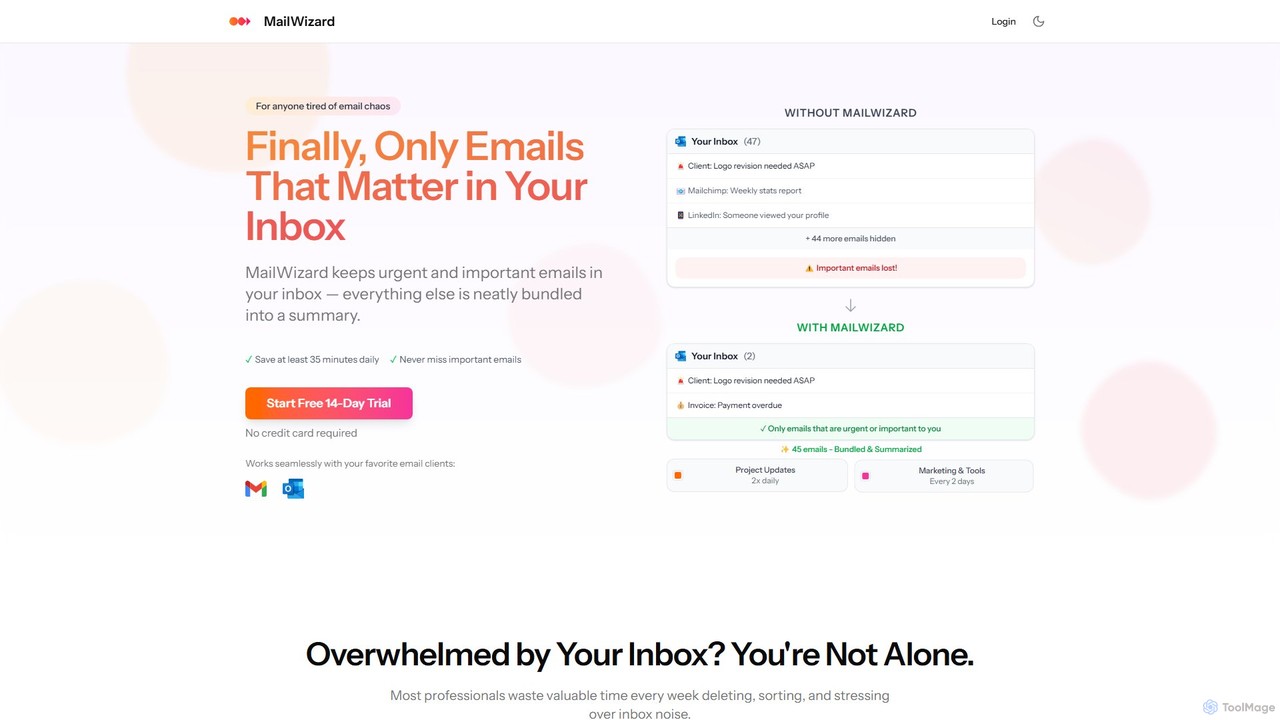
MailWizard
MailWizard is an AI-powered email assistant that transforms your inbox experience. It intelligently filters out noise, bundles non-urgent emails into smart summaries, and ensures you only see what truly matters. Save time, reduce stress, and reclaim your focus with automated workflows and AI-generated digests, including audio versions for on-the-go updates.
Workflow Management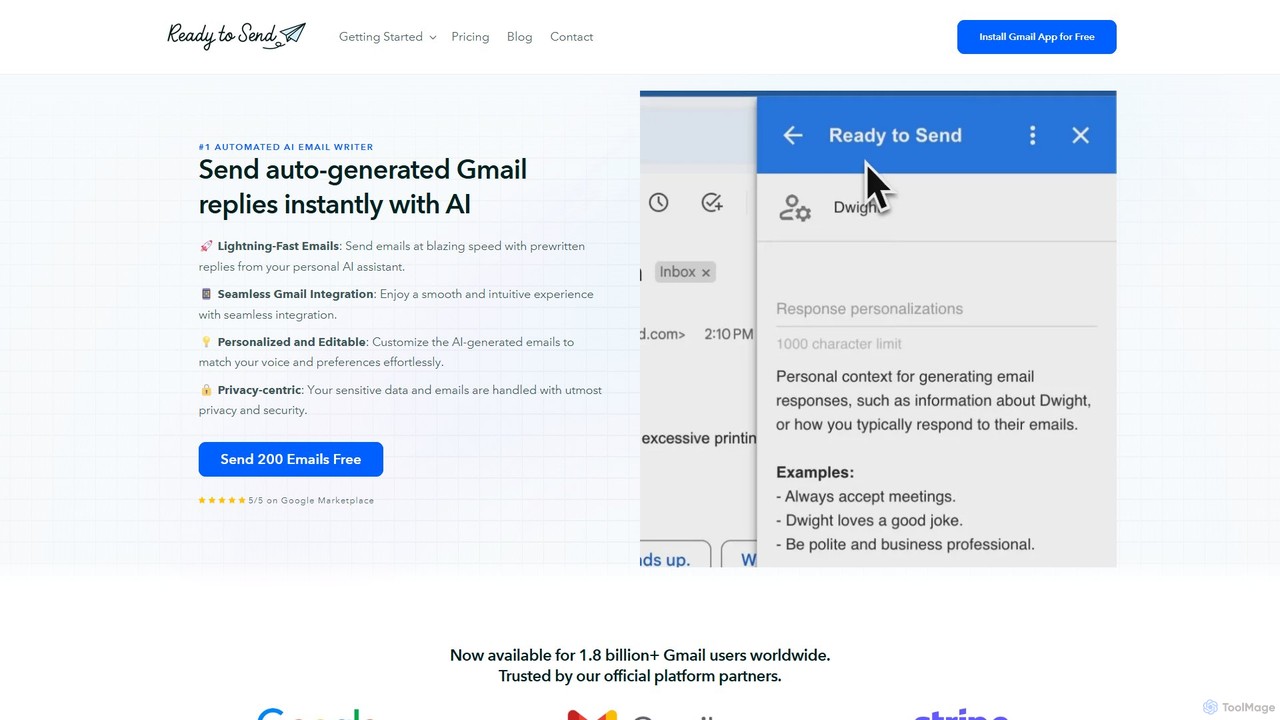
getreadytosend
getreadytosend is an AI-powered Gmail assistant that automatically generates personalized, context-aware email replies in your writing style. It helps you manage your inbox efficiently, save hours of time, and achieve Inbox Zero with ease by providing ready-to-send drafts for your review.
Response Automation
MailBuddy
MailBuddy is a GPT-4 powered AI email assistant that integrates directly into your Gmail. It analyzes email context to draft high-quality replies in seconds. Customize the tone, provide specific instructions, and handle all your email correspondence without leaving your inbox, saving you time and boosting productivity.
Response Management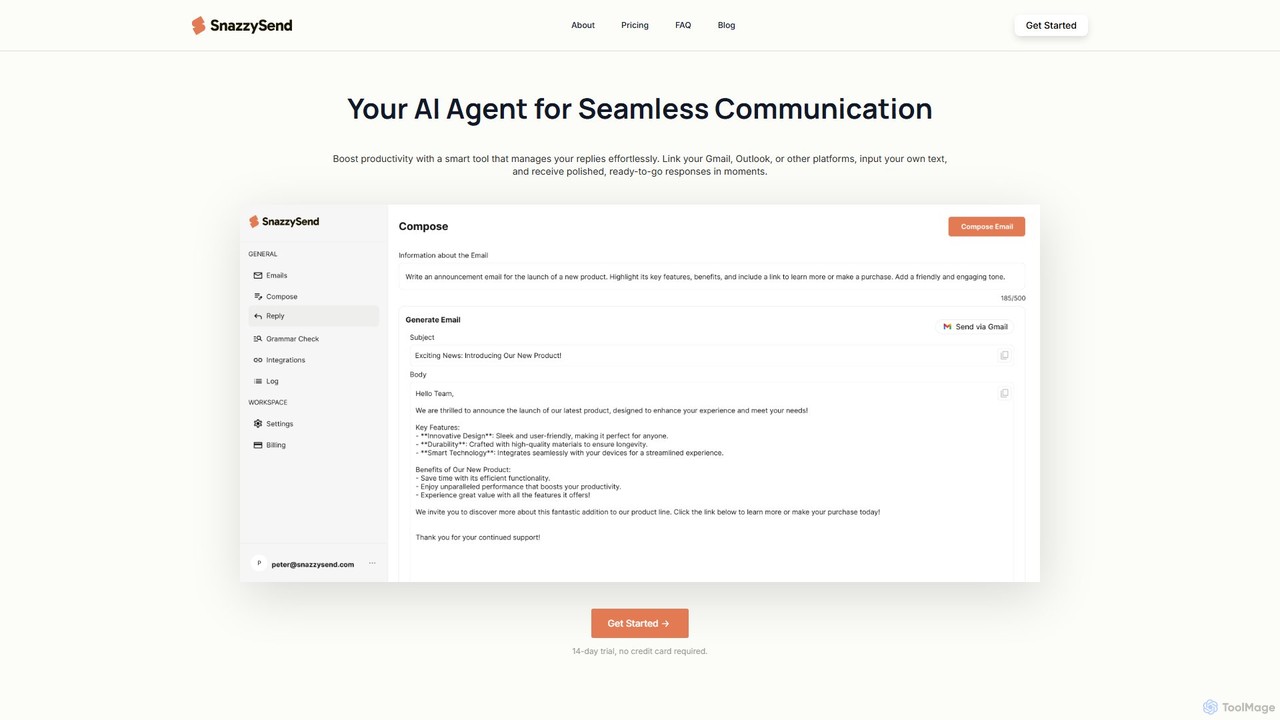
snazzysend
snazzysend is an AI-powered communication assistant designed to streamline your email workflow. It connects with Gmail and Outlook to help you craft polished, human-like replies instantly. By providing simple prompts, you can generate tailored responses, manage communications from a single app, and significantly boost your productivity.
Automation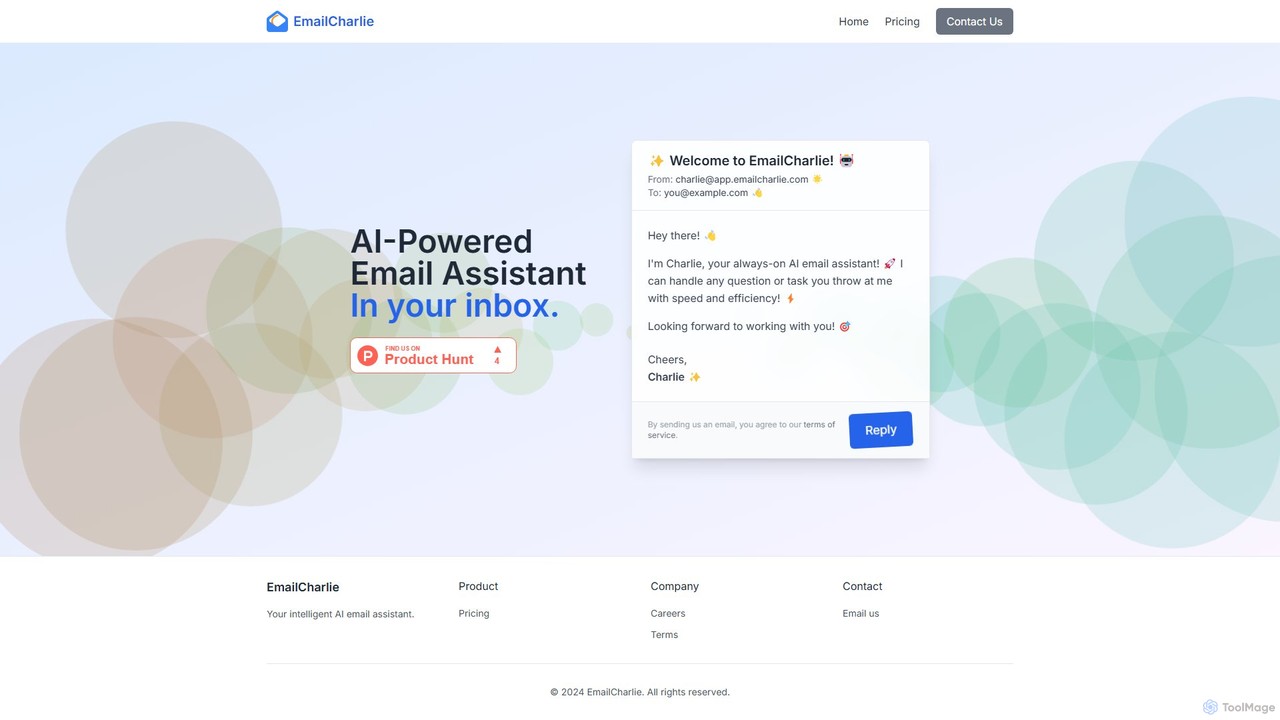
EmailCharlie
EmailCharlie is an AI-powered email assistant that automates tasks directly within your inbox. Simply send an email with your request—like summarizing documents, drafting replies, or finding information—and Charlie will process it and email you back the result. It eliminates context switching by integrating seamlessly into your existing email workflow, boosting productivity and efficiency for busy professionals.
Workflow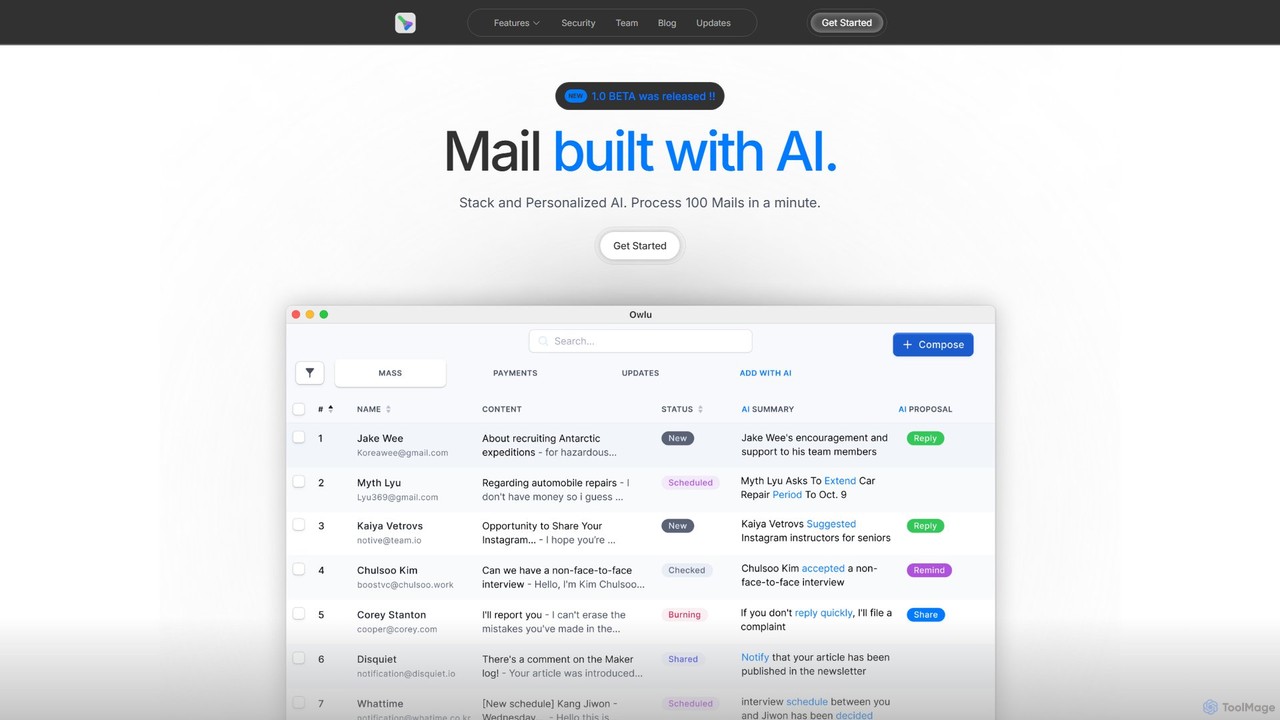
OwlU
OwlU is an AI-powered email client for Mac OS designed to revolutionize your inbox. It intelligently summarizes, suggests replies, and automates tasks, allowing you to process hundreds of emails in minutes. With a personalized AI and a unified dashboard, OwlU helps you achieve unprecedented email productivity.
Personal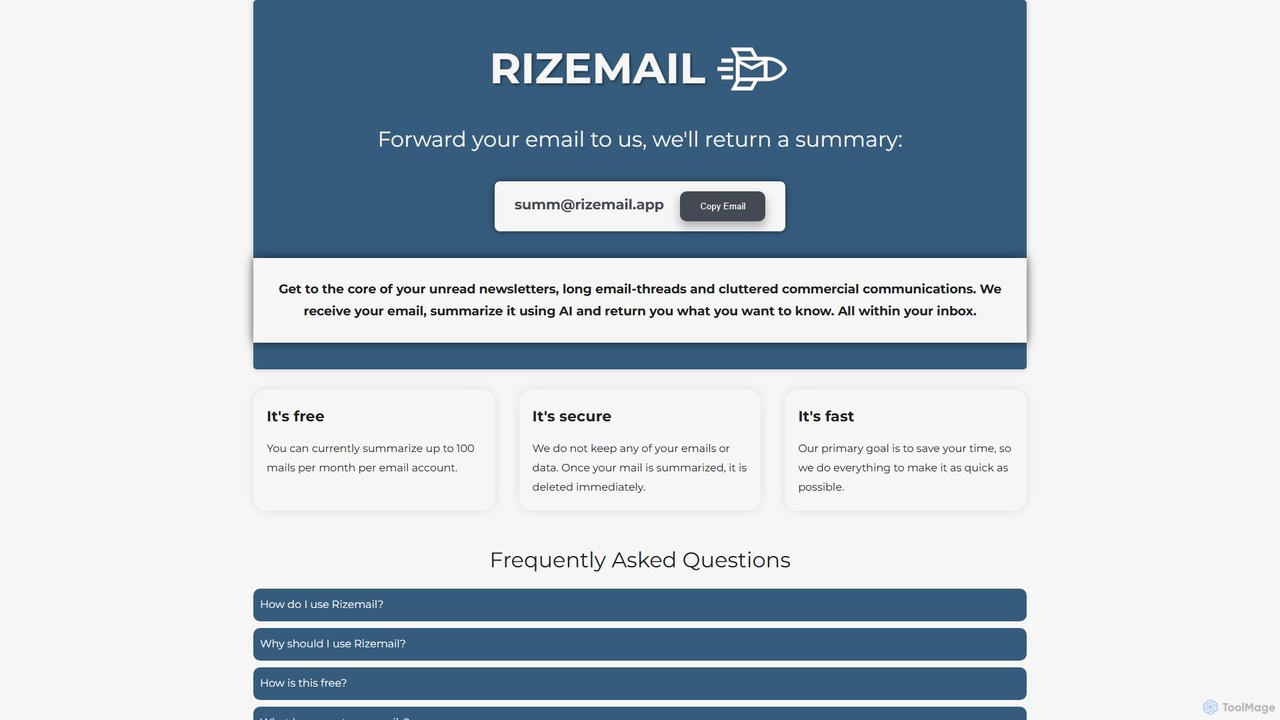
Rizemail
Rizemail is an AI-powered email summarization tool that helps you save time by instantly condensing long emails and threads. Simply forward your emails to a specific address, and receive a concise, easy-to-read summary in your inbox. It's fast, secure, and free for up to 100 summaries per month, prioritizing your privacy by deleting all data immediately after processing.
Time Management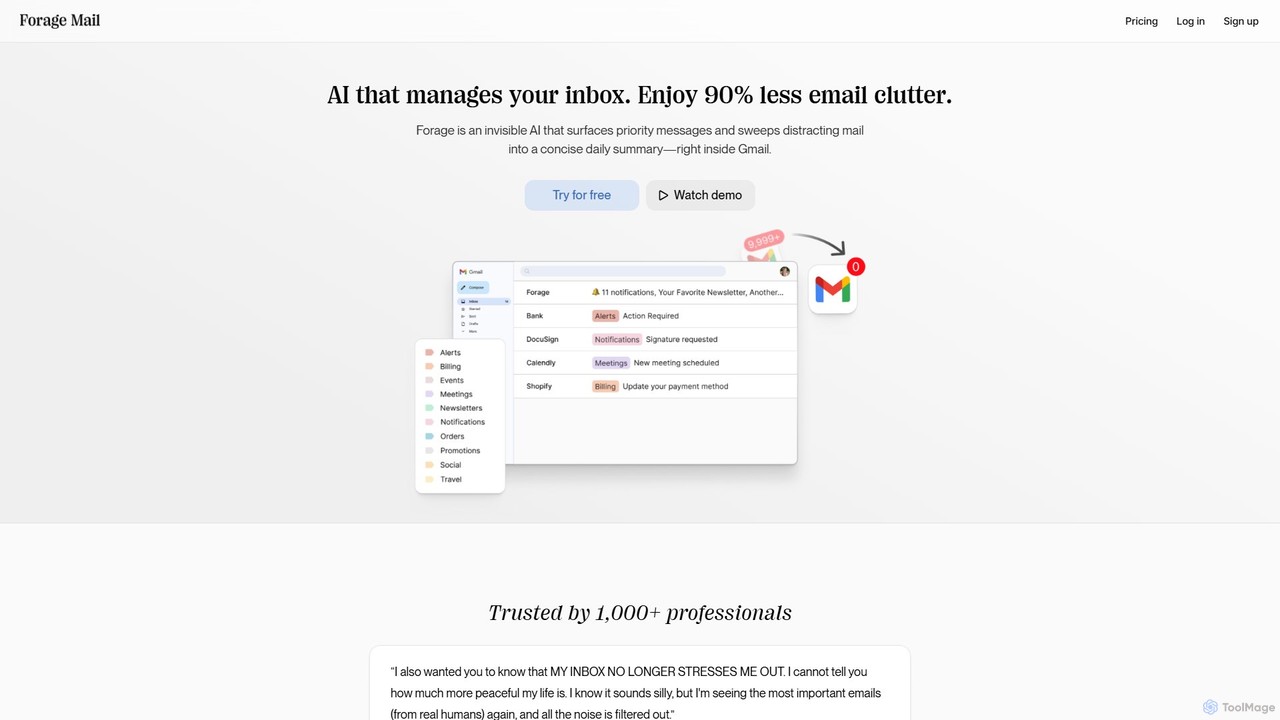
Forage Mail
Forage Mail is an AI-powered email management tool for Gmail that ends inbox overwhelm. It intelligently filters emails, surfaces priority messages, and consolidates non-essential mail like newsletters and promotions into a single, concise daily summary, helping you save hours and reduce stress.
Inbox Management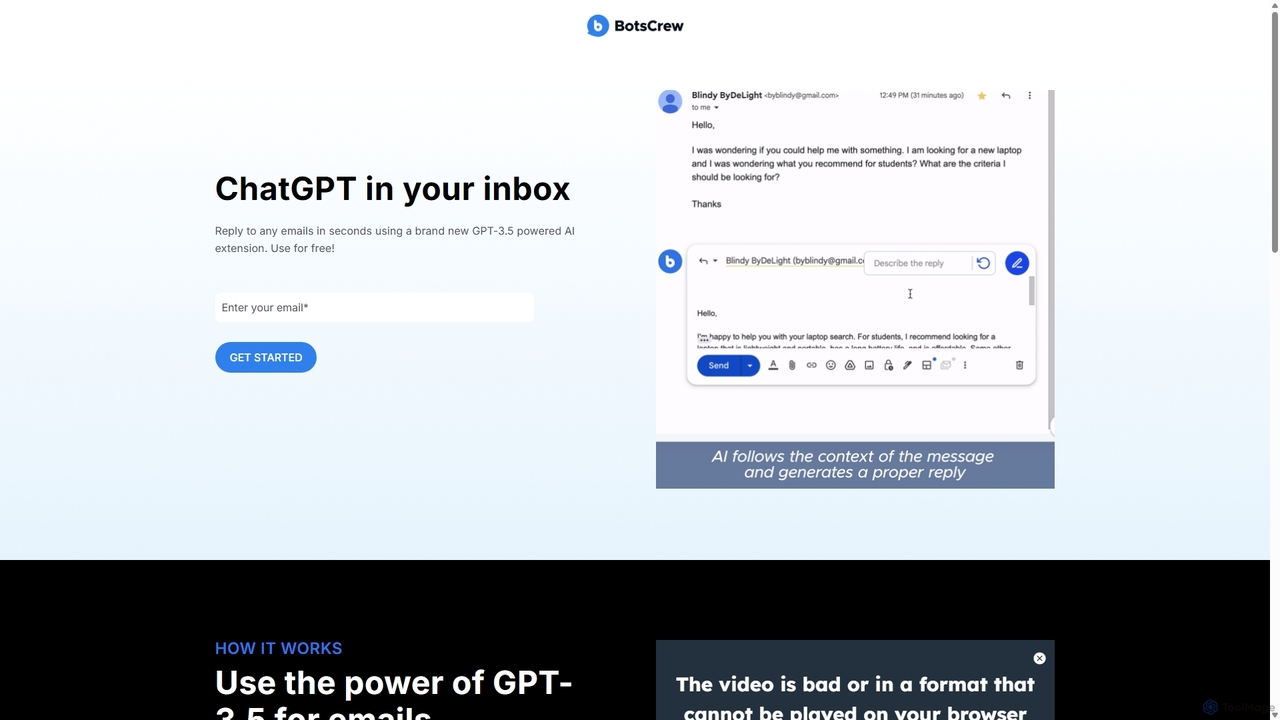
Legendary Email
Legendary Email is a free, GPT-3.5 powered browser extension that integrates directly into your inbox, CRM, or ticketing system. It analyzes email context to instantly draft professional, relevant replies. Ideal for sales, customer support, and anyone looking to enhance email productivity and communication quality.
Help Desk
Superhuman
Superhuman is an AI-native email client designed for speed and productivity. It helps high-performing teams and individuals save over 4 hours a week by organizing the inbox, summarizing threads, and drafting emails with AI that matches your personal writing style. It supports Gmail and Outlook, offering a blazingly fast, focused, and collaborative email experience.
Team Collaboration
Spark Mail
Spark Mail is an intelligent, cross-platform email client designed to help you focus on what's important. It uses AI to draft emails, summarize threads, and translate messages, while its Smart Inbox filters out noise. With powerful team collaboration features, Spark streamlines your workflow and helps you achieve inbox zero.
Writing
Mailbutler
Mailbutler is an AI-powered email extension for Apple Mail, Gmail, and Outlook that enhances your inbox. It offers features like email tracking, AI-driven smart compose and summarization, collaborative tools for teams, and professional signature marketing to boost productivity and streamline communication.
Help Desk
MailMaestro Comments (0)
Sign in to comment.
Sign inNo comments yet.