Customer Support Best in category 5 results Response Automation AI Tool

Popular AI tools in the Response Automation field of Customer Support include 1up、Wolfia、getreadytosend、VectorTrees、ContextReply, etc., helping you quickly improve efficiency.

1up

1up

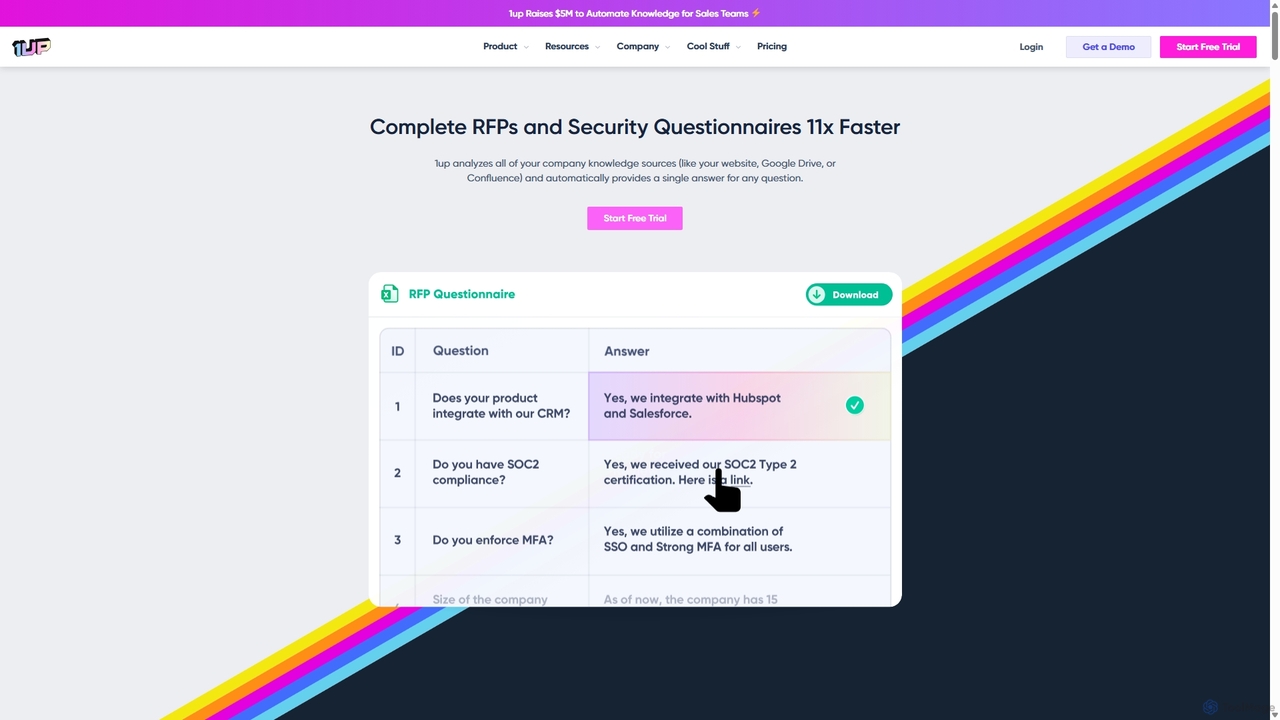
1up is an AI-powered knowledge automation platform designed to accelerate the completion of RFPs, security questionnaires, and sales …

55.2K
VectorTrees

VectorTrees

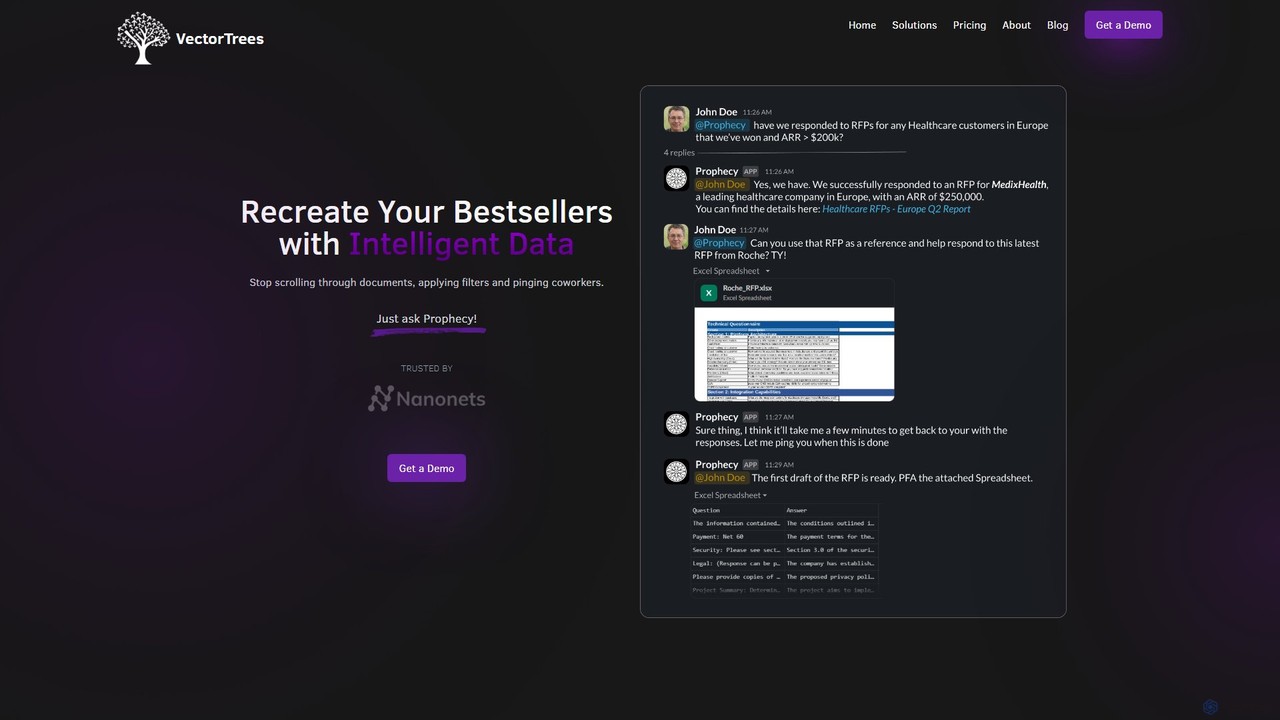
VectorTrees offers Prophecy, an AI-powered platform designed to automate sales workflows. It integrates with your company's knowledge bases …

2.9K
Wolfia

Wolfia

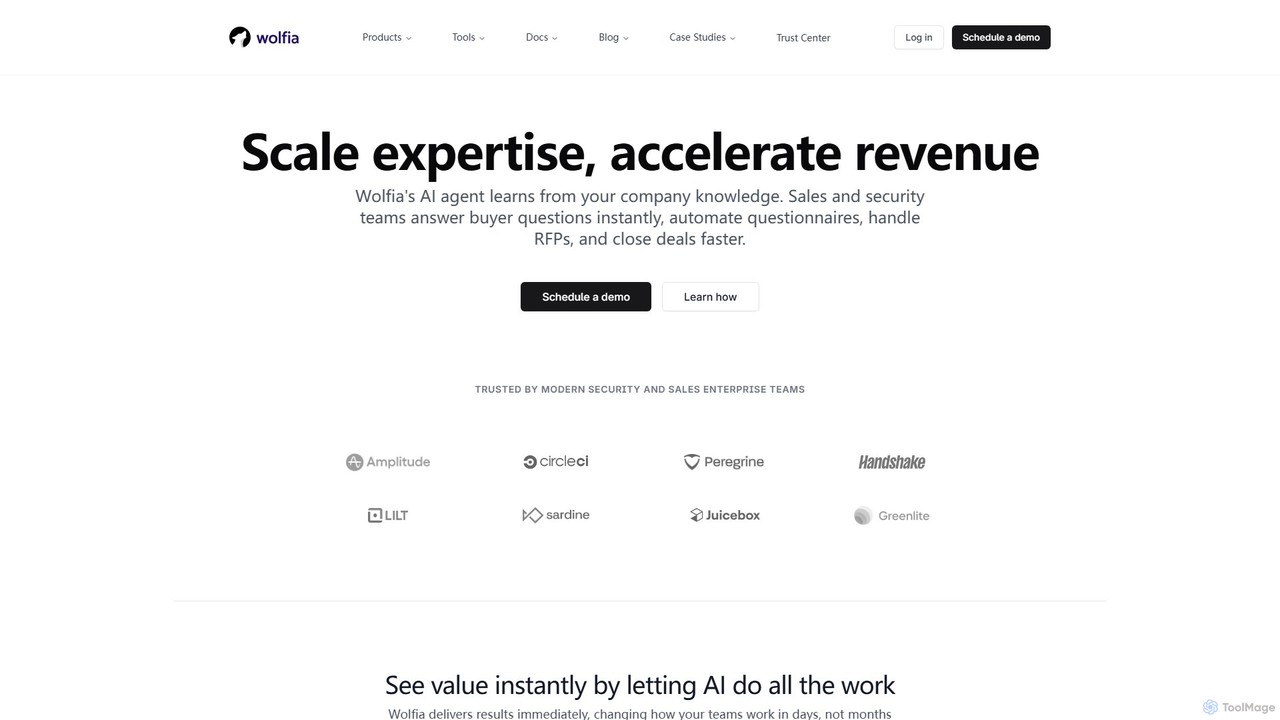
Wolfia is an AI agent for sales and security teams that learns from your company's internal knowledge. It …

10.4K
ContextReply

ContextReply

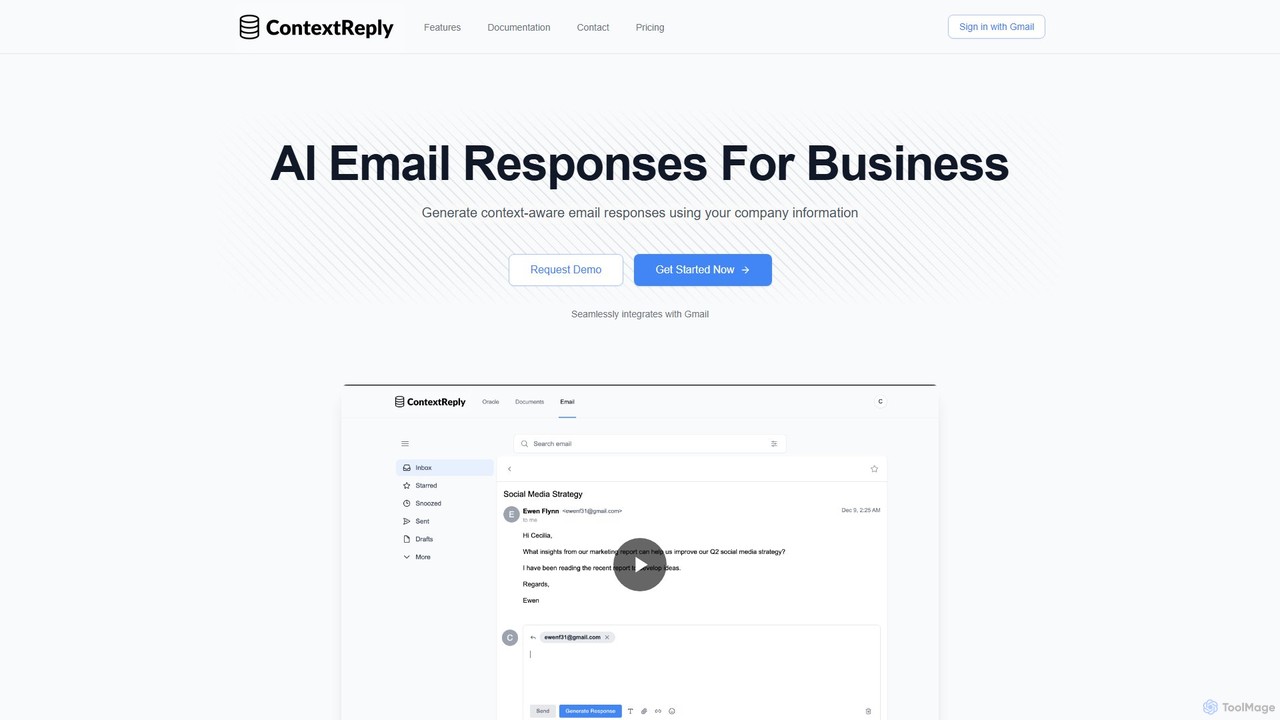
ContextReply is an AI-powered email generator for businesses that integrates directly with Gmail. It leverages your company's internal …

2.9K
getreadytosend

getreadytosend

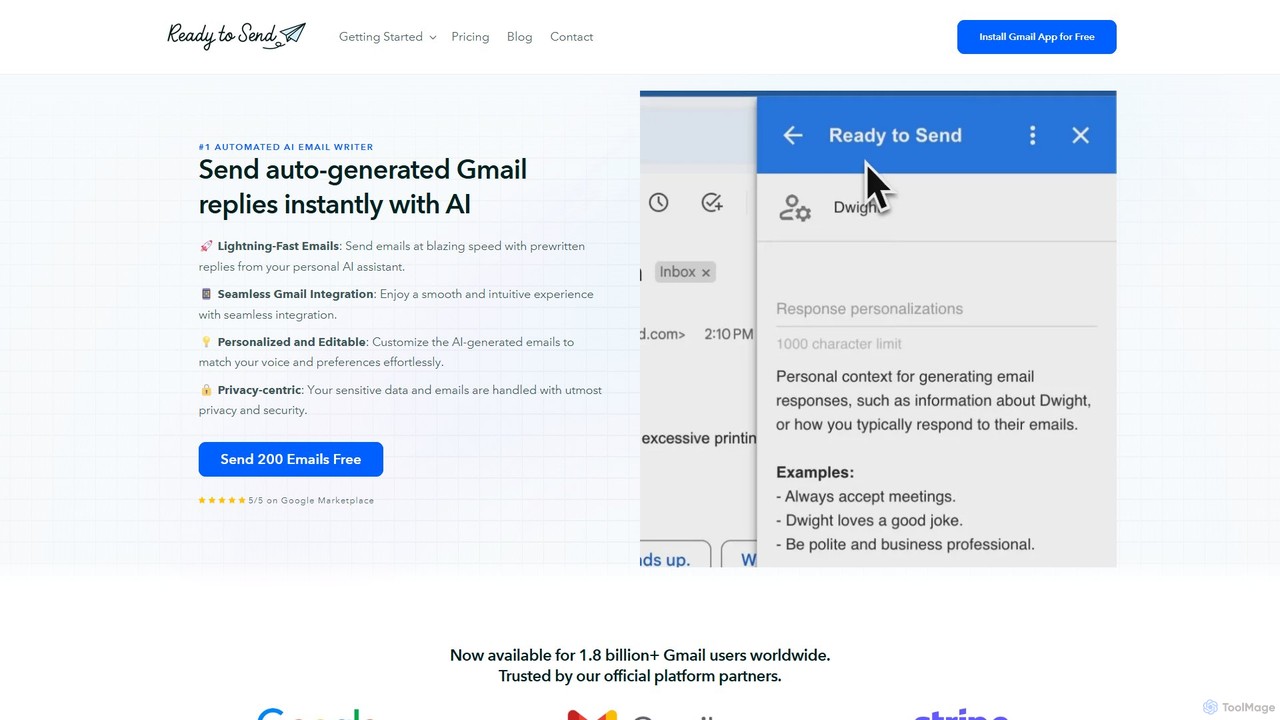
getreadytosend is an AI-powered Gmail assistant that automatically generates personalized, context-aware email replies in your writing style. It …

5.2K

About Response Automation

Response Automation tools are AI-powered solutions designed to automatically generate, personalize, and deliver replies across various communication channels, significantly enhancing customer support efficiency. These tools leverage natural language processing (NLP) and machine learning to understand user intent, extract relevant information, and formulate contextually appropriate responses. By automating routine inquiries and providing instant assistance, Response Automation empowers businesses to scale their customer service operations, reduce response times, and improve overall customer satisfaction within the broader Customer Support ecosystem.

Core Features

  • Intent Recognition: Accurately identifies the underlying purpose of a user's query to route or respond appropriately.
  • Automated Reply Generation: Crafts human-like, context-aware responses for common questions and scenarios using pre-trained models or dynamic content.
  • Personalization Engine: Tailors responses based on user history, preferences, and specific data points for a more relevant interaction.
  • Multi-channel Integration: Seamlessly operates across email, chat, social media, and messaging apps to provide consistent support.
  • Escalation Management: Intelligently identifies complex issues requiring human intervention and routes them to the appropriate agent.

Use Cases

Response Automation is invaluable for organizations seeking to optimize their customer interactions. E-commerce businesses use it to handle order status inquiries and product FAQs, while SaaS companies deploy it for instant technical support on common issues. Call centers leverage these tools to pre-qualify callers and provide immediate answers to basic questions, freeing up human agents for more complex problem-solving.

How to Choose

When selecting Response Automation tools, evaluate their NLP accuracy and language support, ensuring they can effectively understand your target audience's queries. Consider integration capabilities with existing CRM and communication platforms for a unified workflow. Assess the level of customization available for response templates and automation rules, and review the analytics and reporting features to monitor performance and identify areas for improvement. Finally, compare pricing models and scalability options to match your business needs.

Response AutomationUse Cases

1

Automating Customer Email Replies

A busy e-commerce customer service team receives hundreds of common inquiries daily, such as "Where is my order?" or "How do I return an item?". Response Automation tools analyze incoming emails, identify the intent, and automatically generate personalized replies with relevant information (e.g., tracking links, return instructions) drawn from the customer's order history. This significantly reduces manual workload, ensures consistent responses, and drastically cuts down email response times, allowing human agents to focus on complex issues.

2

Instant Chatbot Support on Websites

An online software company wants to provide 24/7 support for its users. They deploy a Response Automation-powered chatbot on their website. When users ask questions about features, pricing, or troubleshooting, the chatbot instantly provides accurate answers from its knowledge base. If the query is too complex, the bot seamlessly escalates the conversation to a live agent during business hours, ensuring users always get timely assistance and reducing agent workload by handling routine queries.

3

Managing Social Media Customer Service

A large retail brand faces a high volume of customer queries and comments across platforms like Twitter and Facebook. Response Automation tools monitor these channels, detect customer service-related posts, and automatically draft initial responses for common issues like store hours, promotions, or basic product information. This helps the brand maintain a responsive online presence, address customer concerns quickly, and manage its reputation effectively, while human social media managers can review and refine responses or handle sensitive cases.

4

Personalized Product Recommendations

An online fashion retailer aims to enhance the shopping experience. They integrate Response Automation into their messaging platform. When a customer asks for "a dress for a summer wedding," the AI analyzes their past purchases, browsing history, and stated preferences. It then automatically generates personalized product recommendations, complete with links and descriptions, directly within the chat, guiding the customer towards relevant items and increasing conversion rates.

5

Automating Internal IT Support Requests

A large enterprise's IT department is overwhelmed with repetitive requests like "How do I reset my password?" or "My VPN isn't working." Implementing Response Automation via an internal chatbot or email system allows employees to get immediate answers to common IT issues. The AI can guide them through troubleshooting steps or provide links to relevant knowledge base articles, significantly reducing the IT help desk's ticket volume and improving employee productivity.

6

Generating Dynamic FAQ Content

A growing startup needs to keep its FAQ page updated with the most common customer questions. Response Automation tools can analyze customer support tickets, chat logs, and email inquiries to identify frequently asked questions and their corresponding answers. The AI then automatically drafts or suggests new FAQ entries, ensuring the knowledge base is always current and comprehensive, reducing the need for customers to contact support directly.

Response AutomationFrequently Asked Questions