

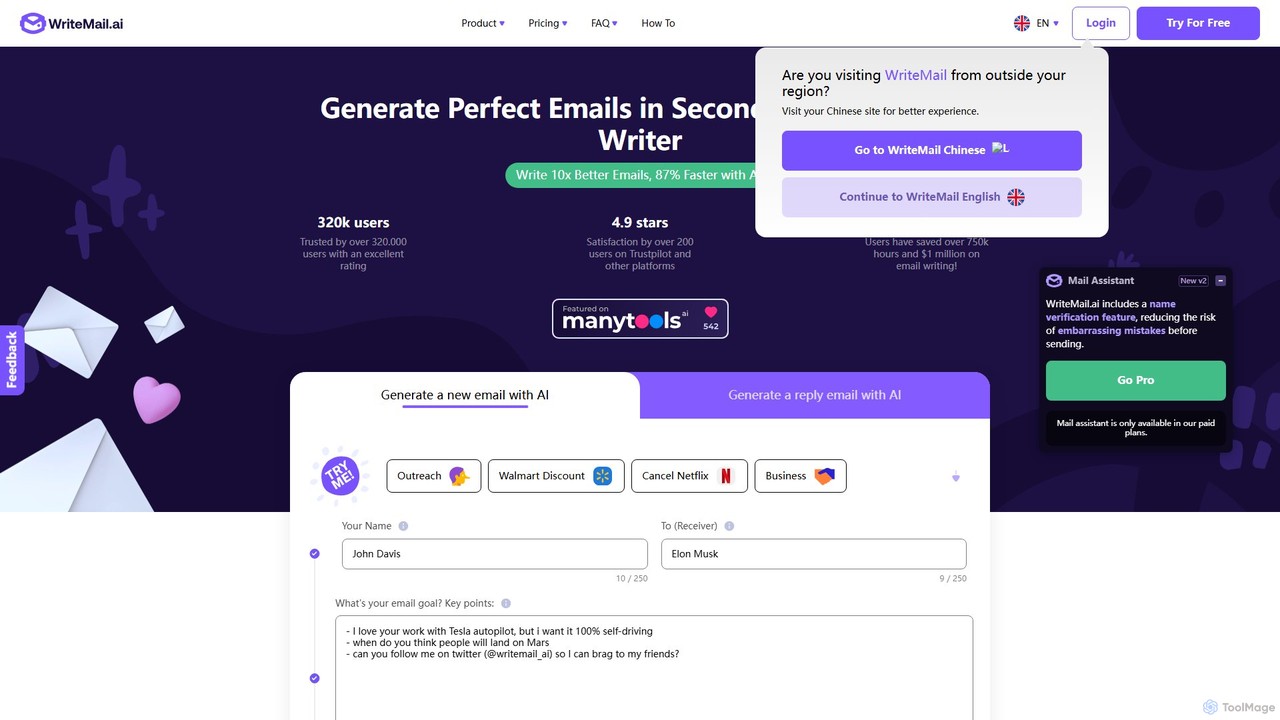
WriteMail.ai Overview
WriteMail.ai is an advanced AI-powered email writing tool designed to empower busy professionals, marketers, and individuals to communicate more effectively and efficiently. Trusted by over 320,000 users, it tackles the common challenges of email writing, such as writer's block, grammatical errors, and finding the right tone. The platform leverages a sophisticated AI trained on a massive dataset of emails to help you compose professional, clear, and impactful messages in a fraction of the time, claiming to make the process 87% faster.
Whether you're drafting a business proposal, a marketing newsletter, a job application, or a simple personal message, WriteMail.ai adapts to your needs. It provides a streamlined experience, allowing users to focus on the core message while the AI handles the nuances of writing, formatting, and polishing the final text.
How to use WriteMail.ai
Using WriteMail.ai is designed to be simple and intuitive, requiring no technical expertise. Here’s a typical workflow:
- Select Your Goal: Start by choosing whether you want to generate a new email from scratch or create a reply to an existing message.
- Provide Key Points: In the designated field, outline the purpose of your email. You don't need to write full sentences; simply provide key points, such as "main point," "important details," and "final call to action." The AI will use these prompts to structure a complete email. This input can be in any of the supported languages.
- Customize the Output: Before generating, you can tailor the email to your specific needs. Adjust settings for length (from very short to long), style (e.g., formal, casual), tone (e.g., professional, friendly, humorous), and mood (e.g., confident, apologetic). You can also choose to include or exclude emojis.
- Generate and Refine: Click the "Generate My Email with AI" button. The tool will produce a complete email draft in seconds. You can review the generated text, copy the subject and body, or regenerate it if it's not quite right.
- Send Your Email: WriteMail.ai features a one-click integration that opens your computer's default email client (like Outlook, Apple Mail, or Gmail) with the generated content pre-filled, ready to be sent.
Core Features of WriteMail.ai
- AI Email Generation: Creates complete emails and replies based on simple key points.
- AI Mail Assistant: A real-time feedback bot (available in paid plans) that offers suggestions to improve clarity, structure, and tone as you write.
- Tone & Style Customization: Allows users to fine-tune the email's voice to sound formal, friendly, professional, or even emulate the style of famous figures.
- Multilingual Support: Supports over 10 languages, with auto-detection of the input language, enabling seamless global communication.
- AI-Powered Editing: Identifies potential grammar and spelling errors and provides recommendations to improve the overall quality of your writing.
- Gmail Integration: A Chrome extension for seamless use within the Gmail interface is in development and will be available soon.
- Email History: Paid plans provide access to previously generated emails for easy reference and repurposing.
- Privacy-Focused: Ensures user privacy by not storing generated messages on its servers; personalized options are saved in a local browser cookie.
Use Cases for WriteMail.ai
WriteMail.ai is a versatile tool suitable for a wide range of personal and professional scenarios:
- Business & Sales: Crafting cold outreach emails, following up on proposals, sending quotes, and communicating with clients.
- Marketing: Composing engaging newsletters, promotional announcements, and event invitations.
- Human Resources: Writing job application responses, leave application emails, and internal communications.
- Customer Support: Quickly responding to customer inquiries with clear and polite messages.
- Personal Communication: Writing heartfelt messages to friends and family, sending thank-you notes, or managing personal correspondence.
- Productivity: Helping users clear their inboxes faster and more efficiently, freeing up time for more critical tasks.
Advantages of WriteMail.ai
The primary advantage of WriteMail.ai is its ability to significantly boost productivity and communication quality. Users can save hours each week, overcome writer's block, and ensure every email they send is professional and error-free. The multilingual support breaks down language barriers, while the customization options ensure that the AI-generated content always sounds authentic and aligned with the user's personal or brand voice. Its simple interface makes these powerful features accessible to everyone.
Pricing and Plans
WriteMail.ai operates on a freemium model, offering a free plan with a daily limit and several paid tiers for more extensive use.
- Free Plan: A simple start for everyone with basic features and a daily generation limit.
- Regular Plan: Starting at $6.95/month (or $75/year). Includes 50 emails/month, basic AI, and standard generation speed.
- Basic Plan: Starting at $11.95/month (or $129/year). Includes 150 emails/month, standard AI, and fast generation speed.
- Pro Plan: Starting at $19.95/month (or $215.40/year). Includes 500 emails/month, advanced AI, the fastest generation speed, and priority support.
- Custom Plan: For users with higher volume needs, personalized plans can be discussed by contacting their sales team.
Paid plans offer higher limits, access to the Mail Assistant, email history, and early access to new features like the Chrome extension.
Traffic
Latest traffic
Status
Monthly traffic trend
- 2025-9: 128.7K
- 2026-1: 86.3K
- 2026-2: 63.2K
- 2026-3: 82.9K
- 2026-4: 124.5K
- 2026-5: 136.2K
Geography
Top 5 countries / regions
- 🇸🇦Saudi Arabia73.5%
- 🇺🇸United States10.6%
- 🇪🇬Egypt7.3%
- 🇲🇺Mauritius5.6%
- 🇦🇪United Arab Emirates3.1%
Traffic sources
| Source type | Percentage |
|---|---|
Direct | 80.4% |
Email | 10.7% |
Referral | 8.9% |
Top keywords
| Keyword | Cost per click |
|---|---|
| email address generator | $2.46 |
| email generator | $1.36 |
| email name generator | $2.77 |
| free email generator | $1.36 |
| personal email address generator | $0.00 |
WriteMail.ai Alternatives
EmailGPT
EmailGPT is an AI-powered email assistant designed to streamline your communication. It helps you draft professional emails, generate intelligent replies, summarize long threads, and adjust the tone of your messages instantly. Boost your productivity and write better emails faster with EmailGPT.
Email Marketing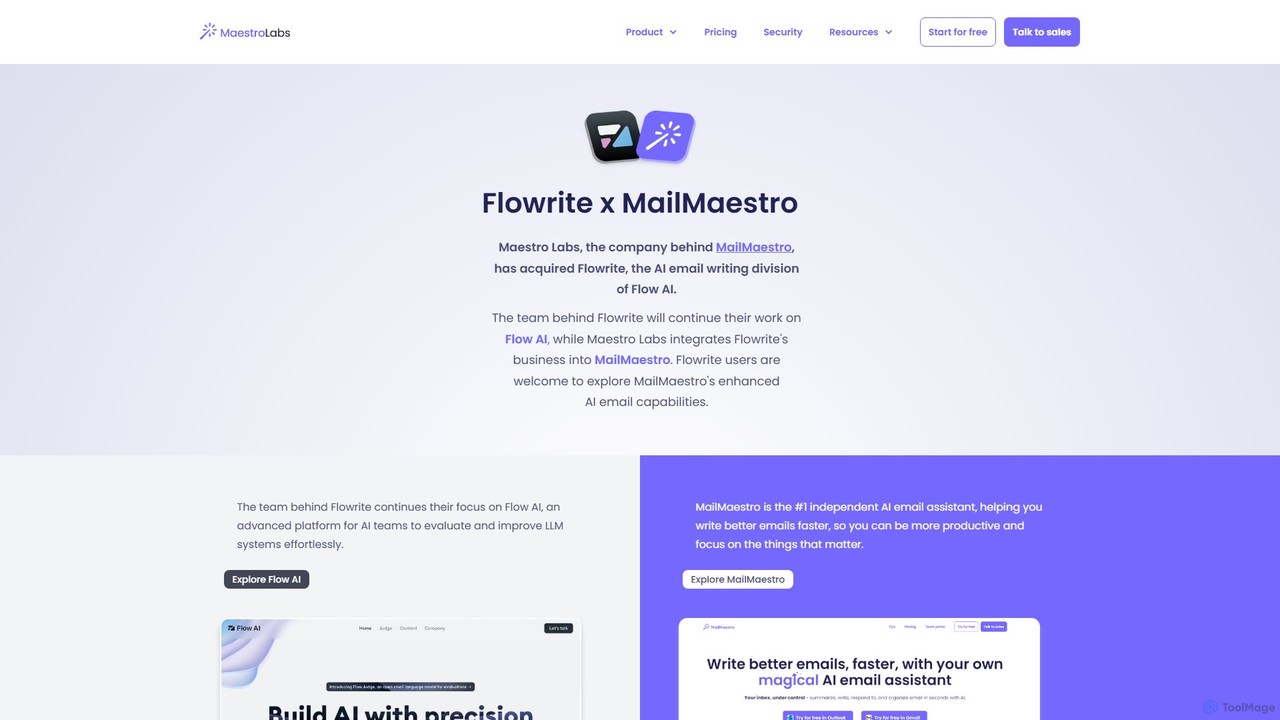
Flowrite
Flowrite is a powerful AI email writing assistant, now integrated into MailMaestro. It helps users write, reply to, summarize, and manage emails significantly faster. By generating high-quality, context-aware text, Flowrite boosts productivity, improves communication quality, and helps you achieve inbox zero with ease. It supports multiple languages and integrates directly into your existing email workflow.
Email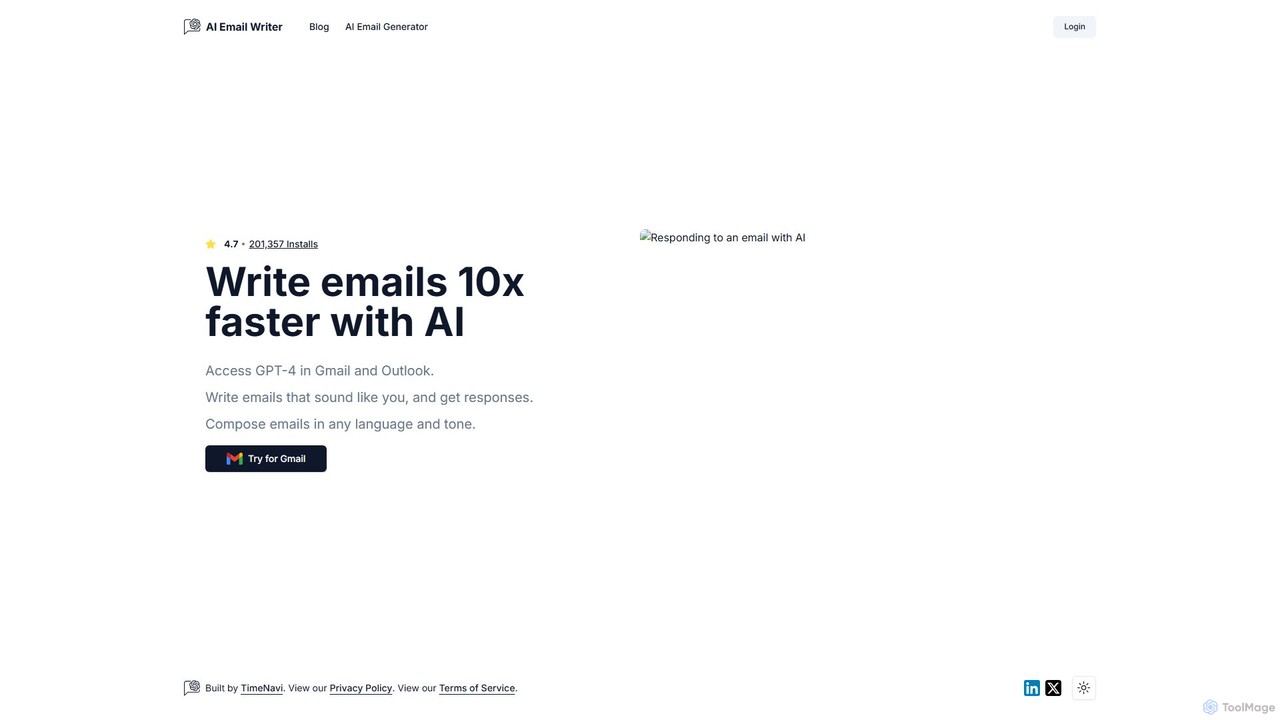
ReplyAI
ReplyAI is an AI-powered email writer that integrates with Gmail and Outlook to help you write emails 10x faster. Powered by GPT-4, it generates high-quality drafts, suggests contextual replies, and adapts to your personal writing style. Compose professional emails in multiple languages and tones, saving time and improving communication efficiency for sales, customer support, and daily correspondence.
Email Marketing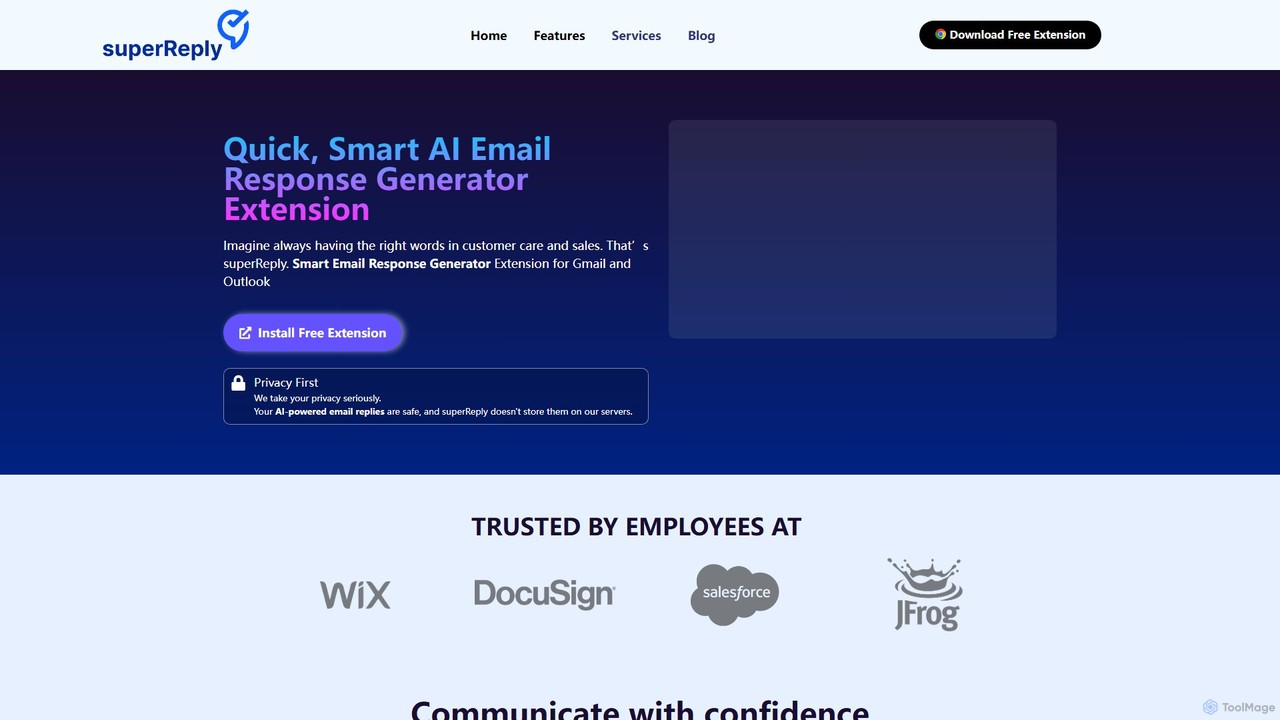
superReply
superReply is an AI-powered Chrome extension for Gmail and Outlook that instantly generates professional, context-aware email responses. It helps users in sales, customer support, and business communication save time, improve productivity, and always find the right words with adjustable tones.
Email Marketing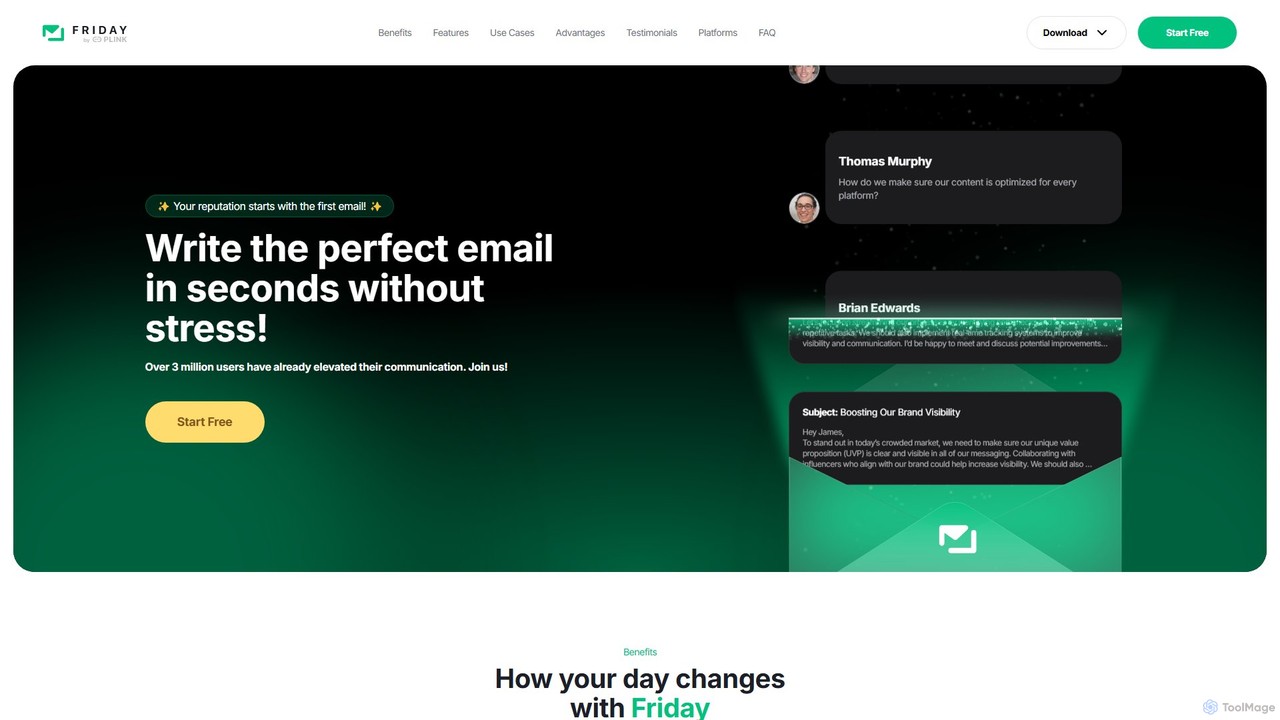
friday_email
Friday is an AI-powered email writer designed to help users craft professional, stress-free emails in seconds. With over 3 million users, it offers features like instant email generation from keywords, real-time grammar checks, tone adjustment, and personalized style learning. Available on web, mobile, and as a browser extension, Friday streamlines communication for various professionals, saving time, boosting productivity, and ensuring every email is polished and effective.
Email MarketingWriteMail.ai Categories
WriteMail.ai Embed Widget
Copy this embed code to place the badge on your blog, article, or product site and send readers directly to this ToolMage detail page.

Related AI tools
Flowrite
Flowrite is a powerful AI email writing assistant, now integrated into MailMaestro. It helps users write, reply to, summarize, and manage emails significantly faster. By generating high-quality, context-aware text, Flowrite boosts productivity, improves communication quality, and helps you achieve inbox zero with ease. It supports multiple languages and integrates directly into your existing email workflow.
EmailReplyAI
ReplyAI is an AI-powered email writer that integrates with Gmail and Outlook to help you write emails 10x faster. Powered by GPT-4, it generates high-quality drafts, suggests contextual replies, and adapts to your personal writing style. Compose professional emails in multiple languages and tones, saving time and improving communication efficiency for sales, customer support, and daily correspondence.
Email MarketingsuperReply
superReply is an AI-powered Chrome extension for Gmail and Outlook that instantly generates professional, context-aware email responses. It helps users in sales, customer support, and business communication save time, improve productivity, and always find the right words with adjustable tones.
Email Marketing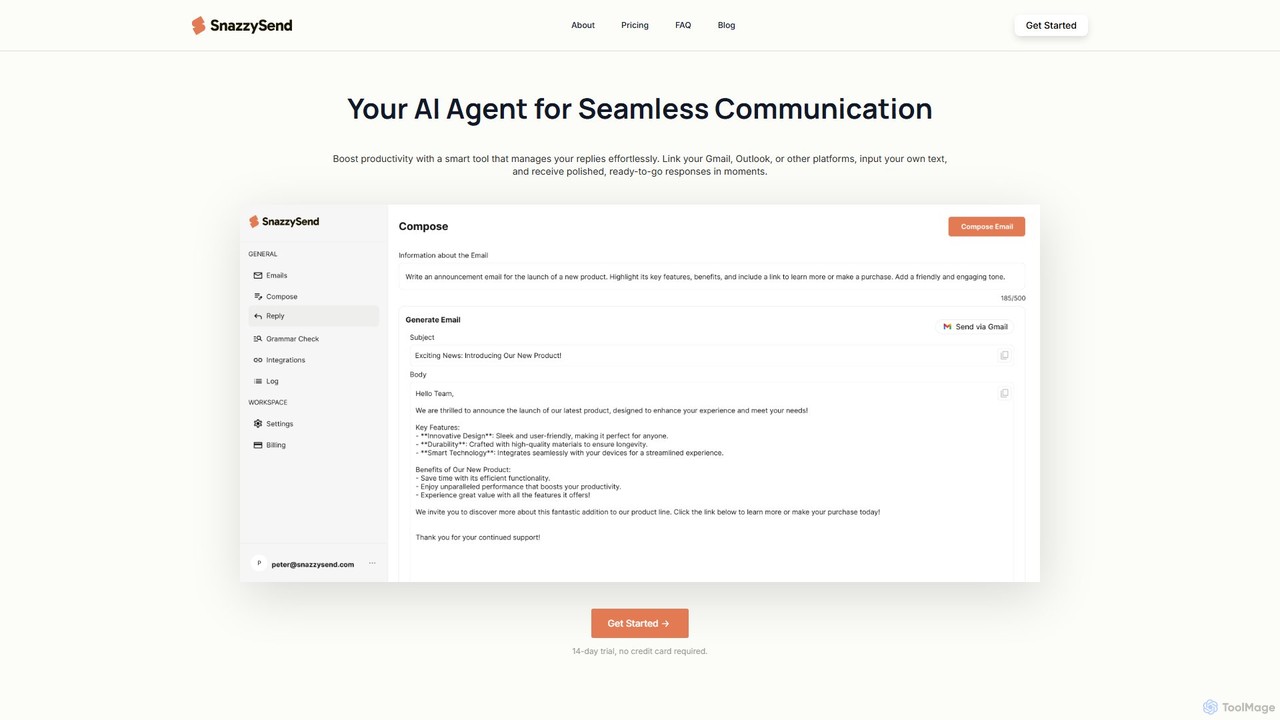
snazzysend
snazzysend is an AI-powered communication assistant designed to streamline your email workflow. It connects with Gmail and Outlook to help you craft polished, human-like replies instantly. By providing simple prompts, you can generate tailored responses, manage communications from a single app, and significantly boost your productivity.
Automation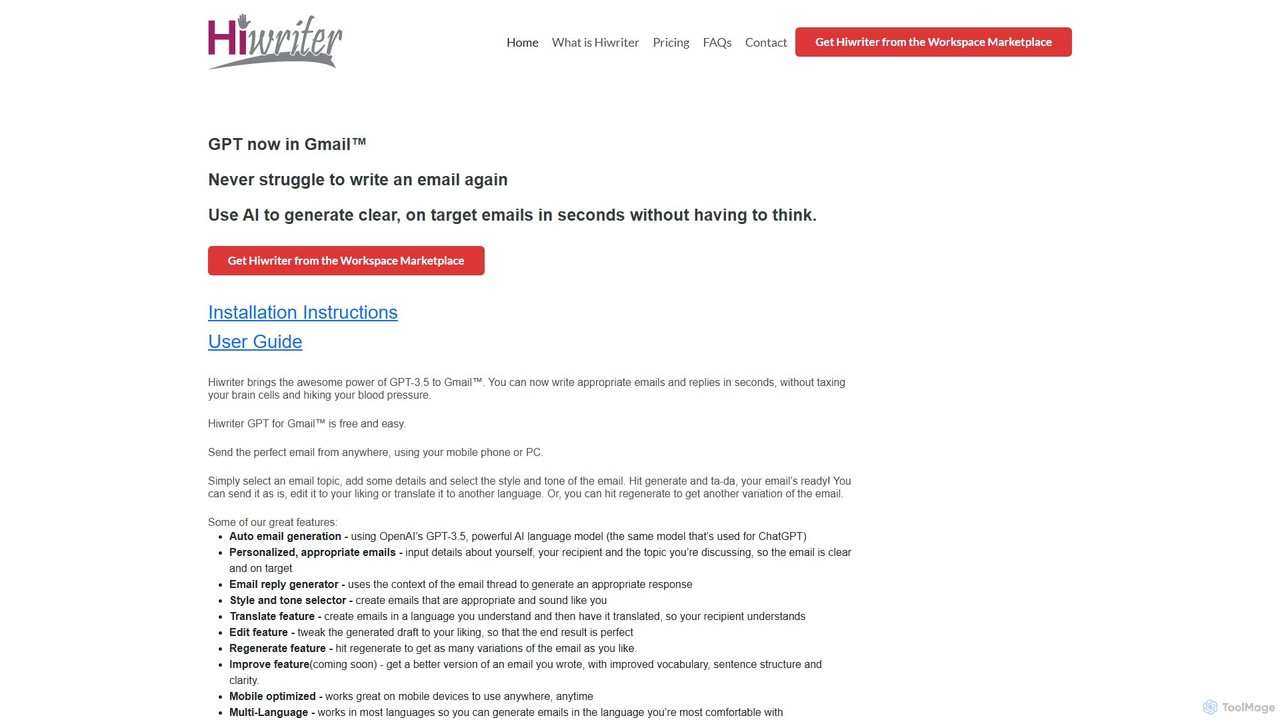
Hiwriter
Hiwriter is a free AI-powered extension for Gmail that uses GPT-3.5 to help you write clear, effective, and perfectly toned emails in seconds. It generates new emails, creates contextual replies, and works seamlessly on both desktop and mobile devices.
Chrome Extensions
mailreply
mailreply is an independent AI email assistant designed for professionals. It helps you draft high-quality, context-aware email replies in seconds, maintaining a professional tone. It works with any email client, including Outlook and Gmail, while prioritizing user control and data privacy.
Writing AssistantEmailGPT
EmailGPT is an AI-powered email assistant designed to streamline your communication. It helps you draft professional emails, generate intelligent replies, summarize long threads, and adjust the tone of your messages instantly. Boost your productivity and write better emails faster with EmailGPT.
Email Marketingfriday_email
Friday is an AI-powered email writer designed to help users craft professional, stress-free emails in seconds. With over 3 million users, it offers features like instant email generation from keywords, real-time grammar checks, tone adjustment, and personalized style learning. Available on web, mobile, and as a browser extension, Friday streamlines communication for various professionals, saving time, boosting productivity, and ensuring every email is polished and effective.
Email Marketing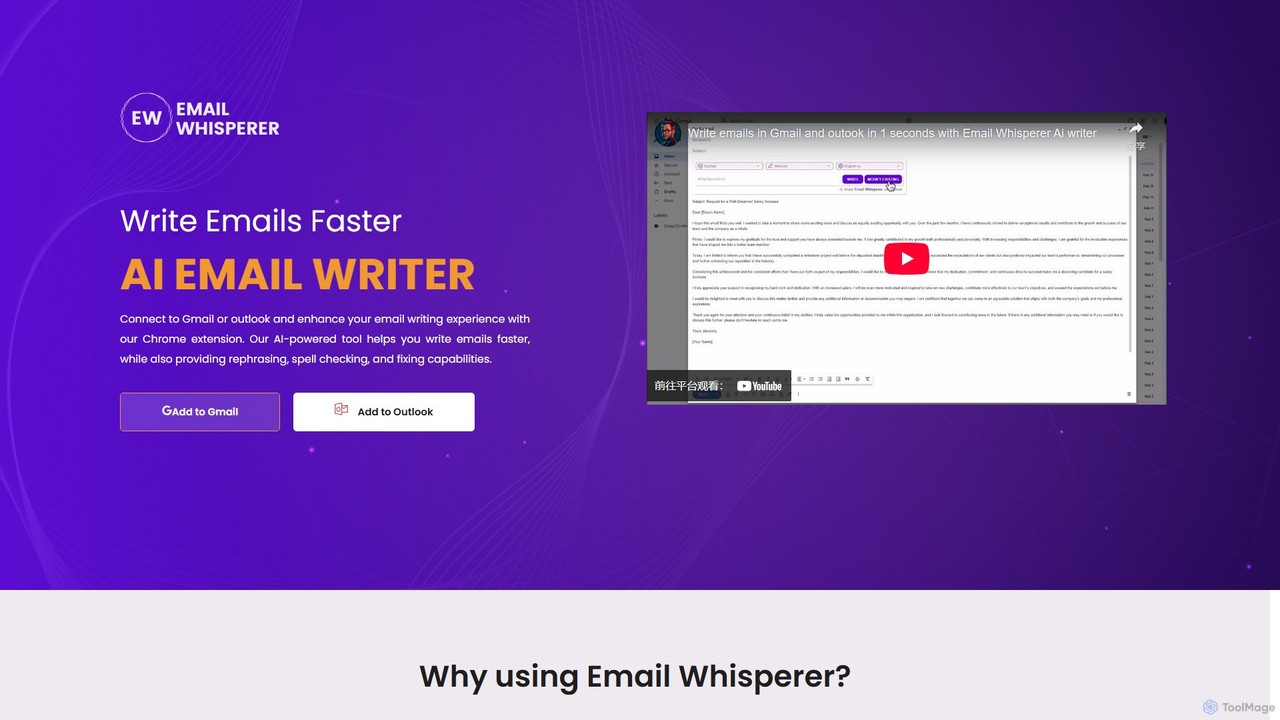
EmailWhisperer
EmailWhisperer is an AI-powered Chrome extension for Gmail and Outlook that helps you write emails faster. It offers features like rephrasing, spell-checking, tone adjustment, and AI training to personalize your communication and improve productivity.
Email Marketing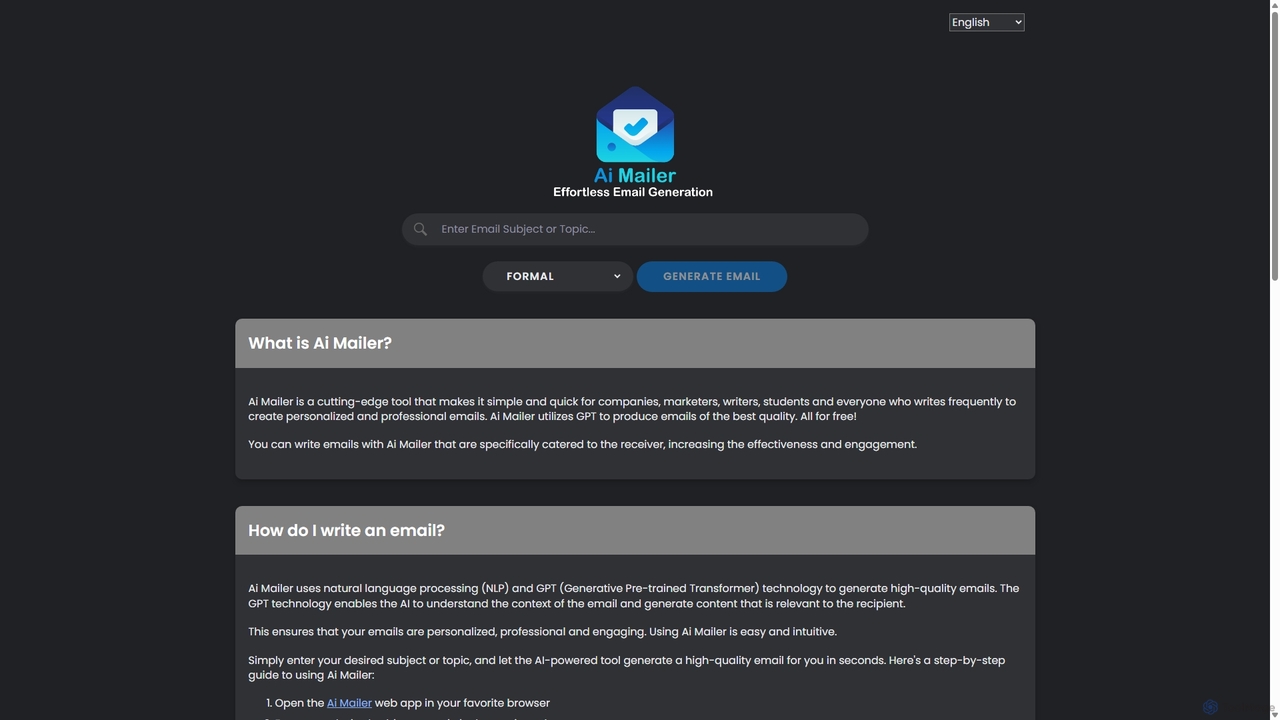
Ai Mailer
Ai Mailer is a free, AI-powered tool that leverages ChatGPT to effortlessly generate high-quality, professional emails. Simply provide a topic and select from various tones to create personalized, engaging content in seconds. Ideal for businesses, students, and anyone looking to save time and enhance their email communication.
Email Marketing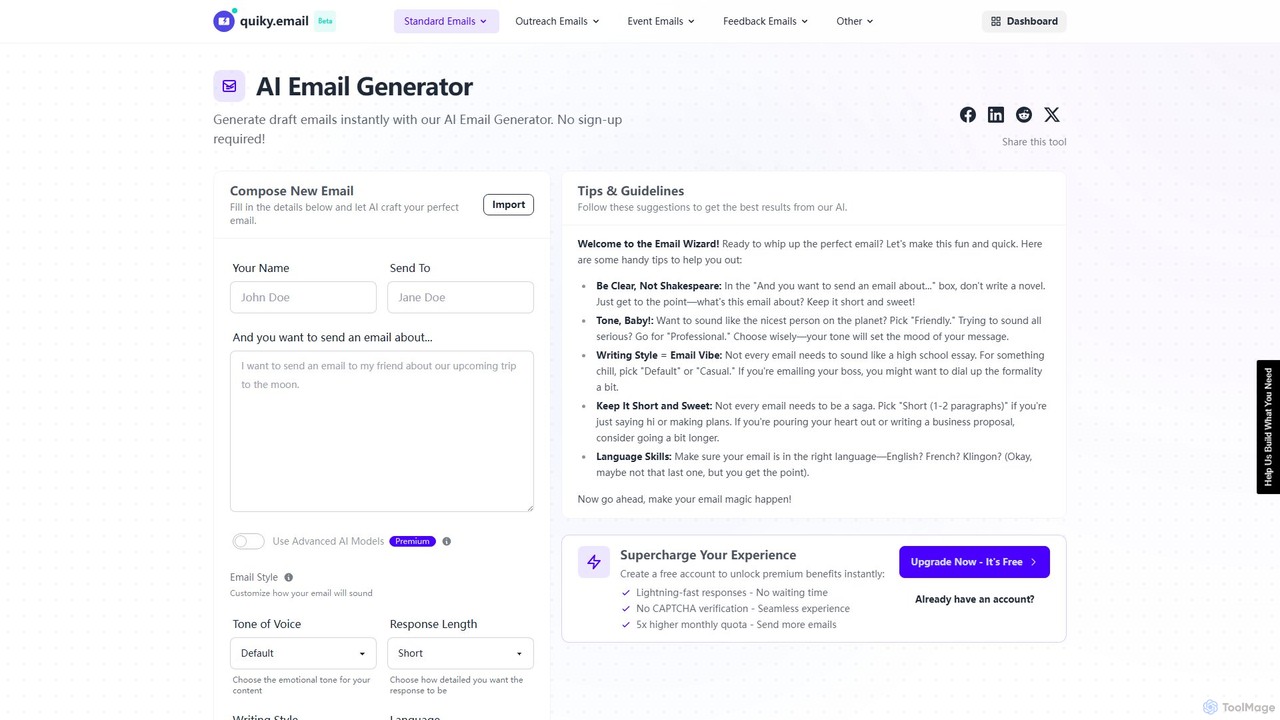
quiky
quiky is a free AI-powered suite of email writing tools designed to help you craft better emails faster. It offers specialized generators for general emails, cold outreach, replies, follow-ups, apologies, and thank-you notes. With extensive customization for tone, style, and language, quiky streamlines your communication without requiring a sign-up.
Communication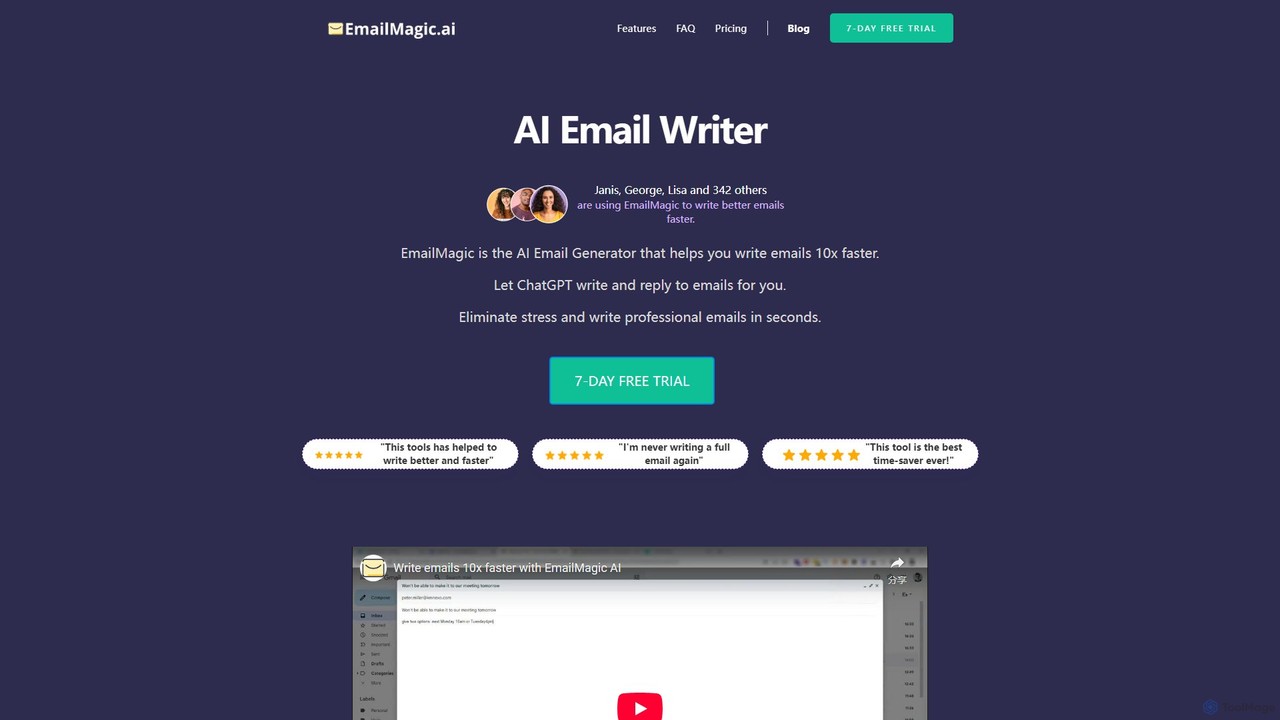
EmailMagic AI
EmailMagic AI is an intelligent email assistant for Gmail that uses AI to help you write emails faster, generate context-aware replies, and communicate in any language. It learns your writing style to create personalized, authentic emails, significantly boosting your productivity.
Email Marketing
AI-EmailWriter
AI-EmailWriter is an intelligent tool designed to help users generate professional and effective emails in seconds. By leveraging advanced AI, it assists with drafting content, creating compelling subject lines, and adjusting the tone to suit any context. It's the perfect solution for sales professionals, marketers, and anyone looking to improve their email communication and save valuable time.
Communication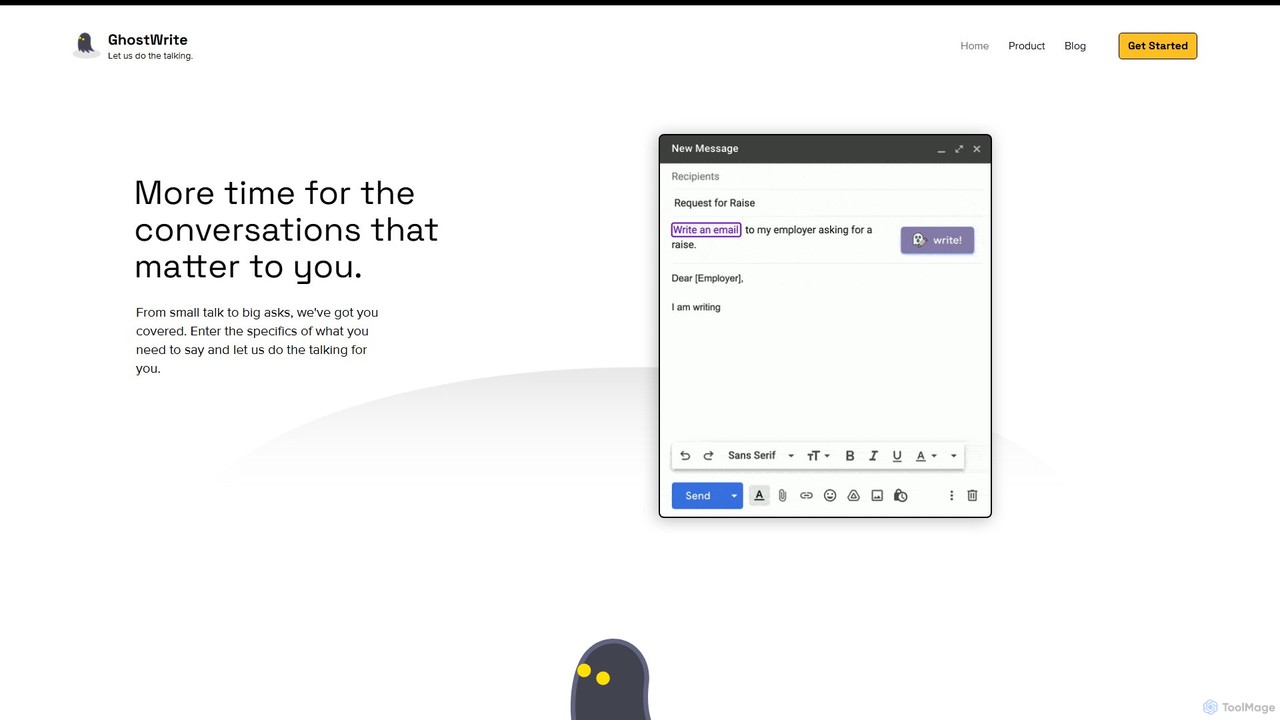
Ghostwrite
Ghostwrite is an AI-powered email writing assistant designed to save you time and enhance your communication. Simply provide a brief prompt, and its AI, "Inky," will draft professional, clear, and context-aware emails for you. It learns your writing style over time, helping you overcome writer's block, manage networking, and communicate with confidence. Ideal for professionals, students, and anyone tired of writing emails.
Sales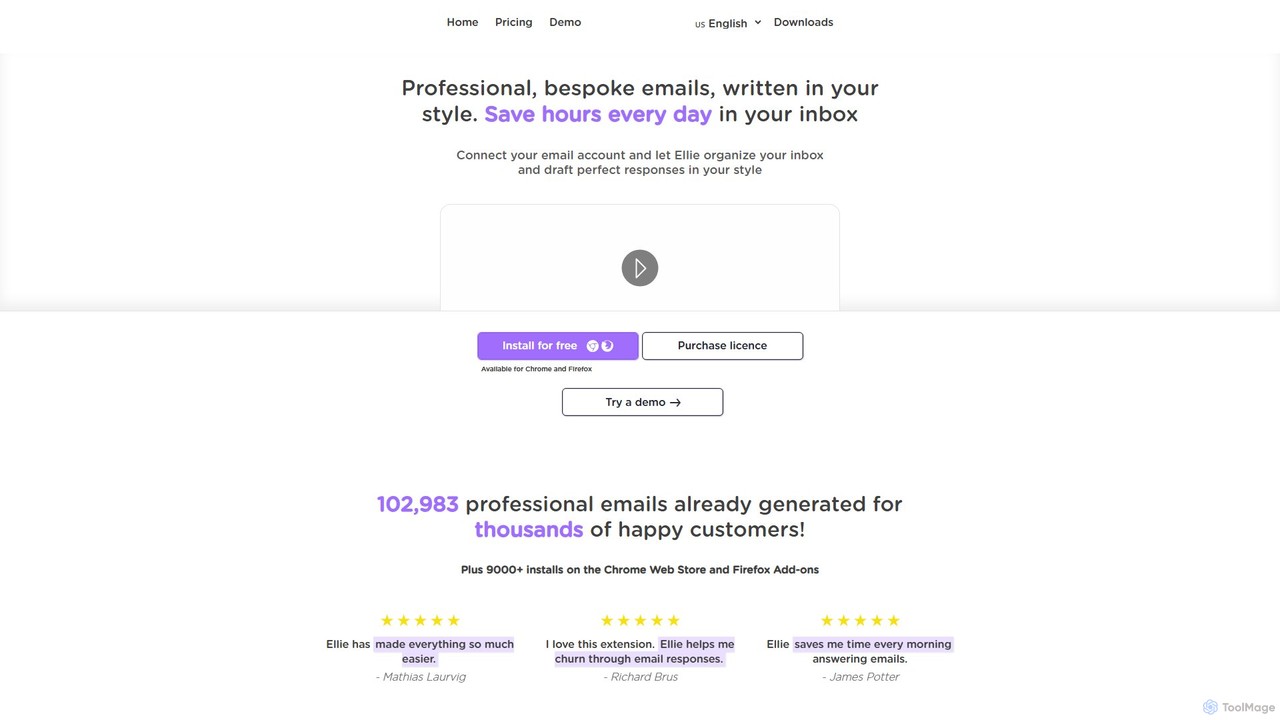
Ellie
Ellie is an AI-powered email assistant that saves you hours every day. It learns from your writing style to draft intelligent, personalized, and context-aware replies directly in your inbox. Supporting multiple languages and integrating with Gmail and Outlook, Ellie helps you manage email overload, overcome reply anxiety, and boost your productivity.
Email
WriteMail.ai Comments (0)
Sign in to comment.
Sign inNo comments yet.