
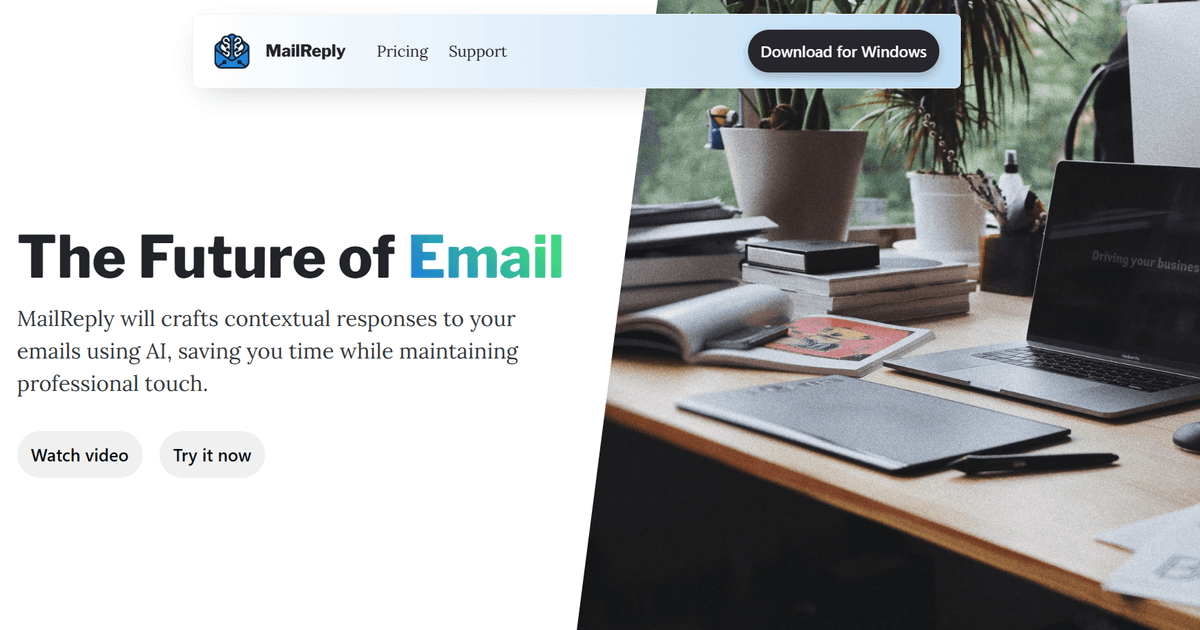
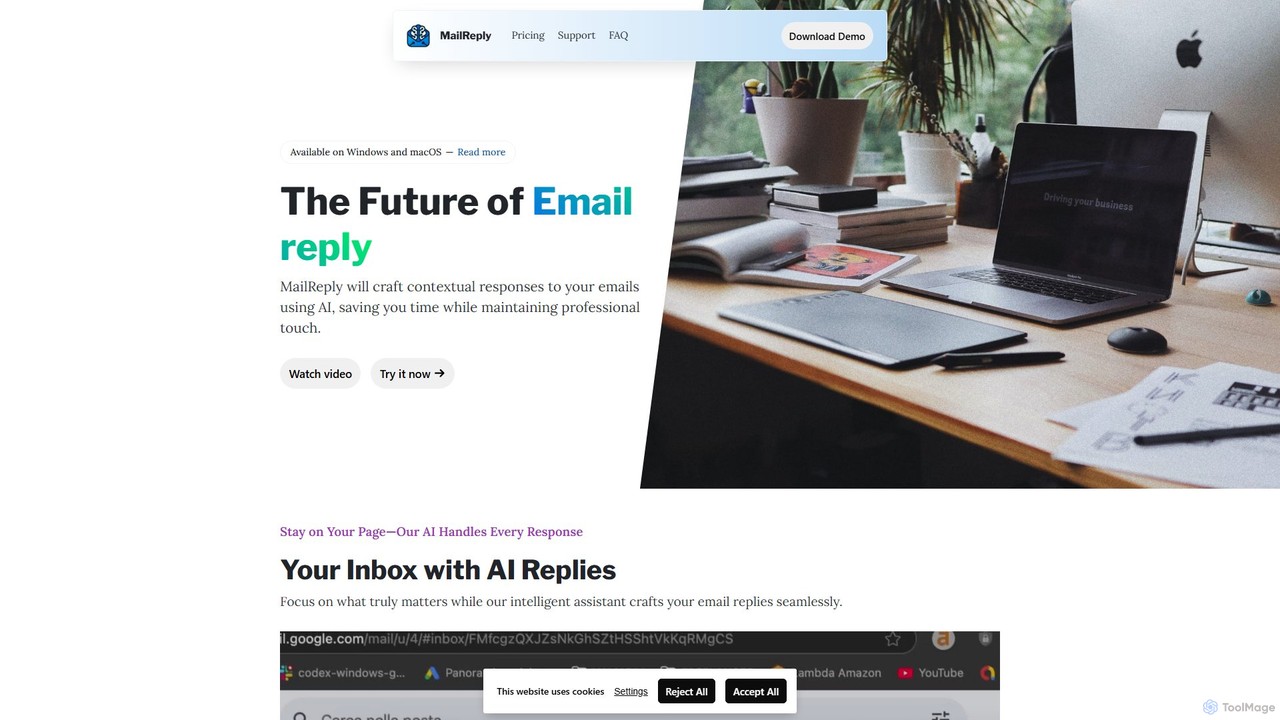
mailreply Overview
mailreply is a sophisticated AI-powered email assistant built to enhance productivity and streamline communication for professionals, teams, and businesses. In today's fast-paced digital environment, managing a high volume of emails can be time-consuming. mailreply addresses this challenge by generating intelligent, context-aware, and tonally appropriate email replies instantly. Its standout feature is its independence; unlike many browser-specific plugins, mailreply is designed to work seamlessly with virtually any email client, such as Outlook, Gmail, Apple Mail, and Thunderbird, giving users the freedom to work within their preferred environment while ensuring total control and privacy over their data.
How to use mailreply
Using mailreply is designed to be an intuitive and seamless process that integrates directly into your existing workflow:
- Installation: First, download and install the mailreply application or browser extension on your device.
- Open Your Email Client: Launch your preferred email application, whether it's a desktop client like Outlook or a web-based one like Gmail.
- Select an Email: Open the email message you need to respond to.
- Activate mailreply: Use a designated keyboard shortcut or click the mailreply icon that appears within your email interface.
- Provide Context: Briefly tell the AI what you want to say. You can use simple keywords or short phrases like "Agree to meet next Tuesday at 10 AM," "Politely decline the invitation," or "Ask for the project proposal."
- Generate Reply: mailreply will analyze the original email's context and your instructions to generate a complete, professional draft reply in seconds.
- Review and Send: Quickly review the AI-generated draft. You can make any necessary edits to personalize it further and then click send.
Core Features of mailreply
- Context-Aware Reply Generation: The AI intelligently analyzes the content and tone of incoming emails to craft relevant and coherent responses.
- Adjustable Tone of Voice: Easily switch between different tones (e.g., Professional, Formal, Casual, Friendly) to ensure your message perfectly matches the situation.
- Universal Email Client Compatibility: Works independently with a wide range of email clients, including Gmail, Outlook, Apple Mail, Thunderbird, and more, offering unparalleled flexibility.
- Privacy and Control First: Built with a strong emphasis on user privacy. Your email data is processed securely, and you maintain full control over your information.
- Multi-Language Support: Effortlessly draft replies in various languages, breaking down communication barriers with international clients and colleagues.
- Custom Instructions: Guide the AI with specific points or instructions to ensure the generated reply perfectly aligns with your intent.
Use Cases for mailreply
mailreply is a versatile tool suitable for a wide range of professional scenarios:
- Sales and Business Development: Rapidly respond to new leads, send personalized follow-ups, and manage client communications to close deals faster.
- Customer Support: Draft empathetic, clear, and professional responses to customer inquiries and support tickets, improving response times and satisfaction.
- Executive Assistants and Managers: Efficiently manage scheduling, confirmations, and internal communications, freeing up time for more strategic tasks.
- Human Resources and Recruiting: Streamline communication with candidates, schedule interviews, and send professional rejection or offer letters.
- Freelancers and Consultants: Maintain prompt and professional communication with multiple clients, enhancing their professional image and efficiency.
Advantages of mailreply
The primary advantage of mailreply is its ability to significantly boost productivity by automating the email drafting process. It ensures all communications are professional, well-written, and error-free. Its platform independence is a major differentiator, allowing users to stick with their favorite email client without compromise. Furthermore, its focus on privacy provides a secure alternative to other tools that may have less stringent data policies.
Pricing and Plans
mailreply likely offers a freemium model to cater to different user needs. While specific details should be confirmed on the official website, a typical structure would be:
- Free Plan: Ideal for individuals with light usage, offering a limited number of AI-generated replies per month and access to basic features.
- Pro Plan: A subscription-based plan for professionals and power users, providing unlimited replies, advanced tone options, priority support, and more features.
- Business/Team Plan: Custom pricing for teams and organizations, including centralized billing, user management, and team-specific features.
For the most accurate and up-to-date pricing information, please visit the official mailreply website.
mailreply Alternatives
snazzysend
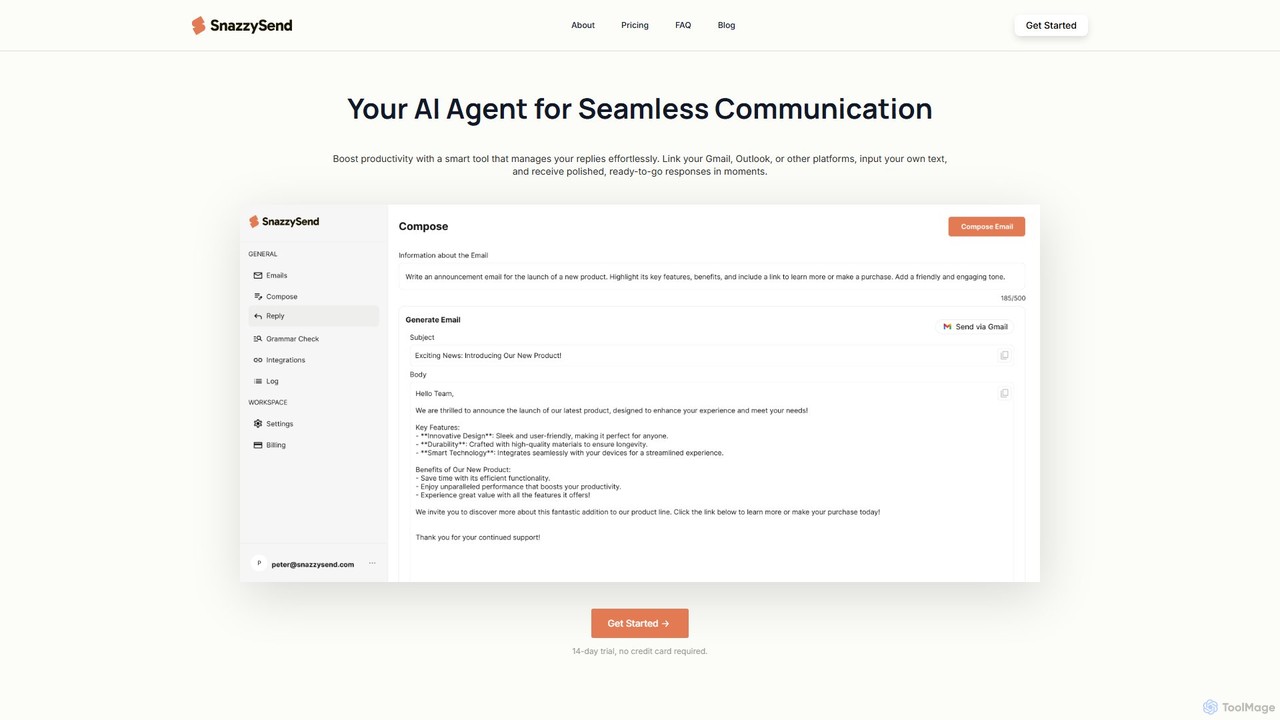
snazzysend is an AI-powered communication assistant designed to streamline your email workflow. It connects with Gmail and Outlook to help you craft polished, human-like replies instantly. By providing simple prompts, you can generate tailored responses, manage communications from a single app, and significantly boost your productivity.
Automation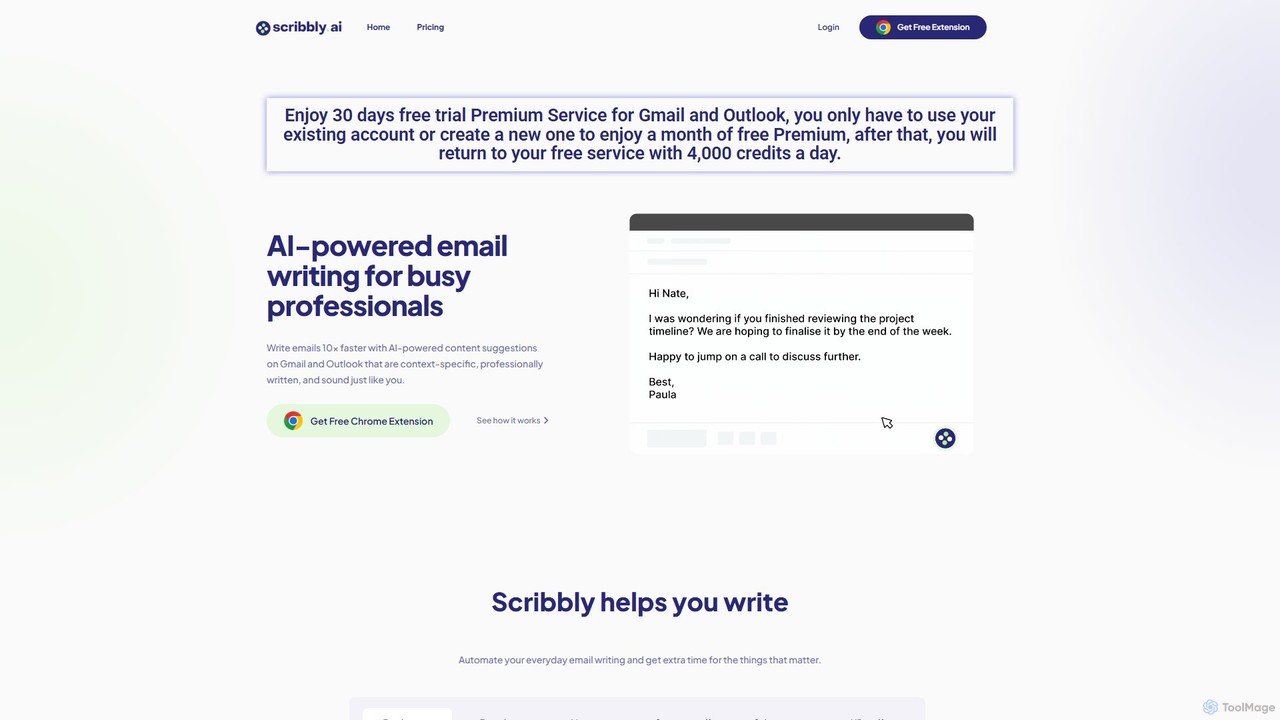
Scribbly
Scribbly is an AI-powered email writing assistant designed for busy professionals. It integrates with Gmail and Outlook via a Chrome extension, helping you write emails 10x faster. Get context-specific content suggestions, maintain a professional tone, and even mimic your personal writing style to streamline your communication and boost productivity.
Sales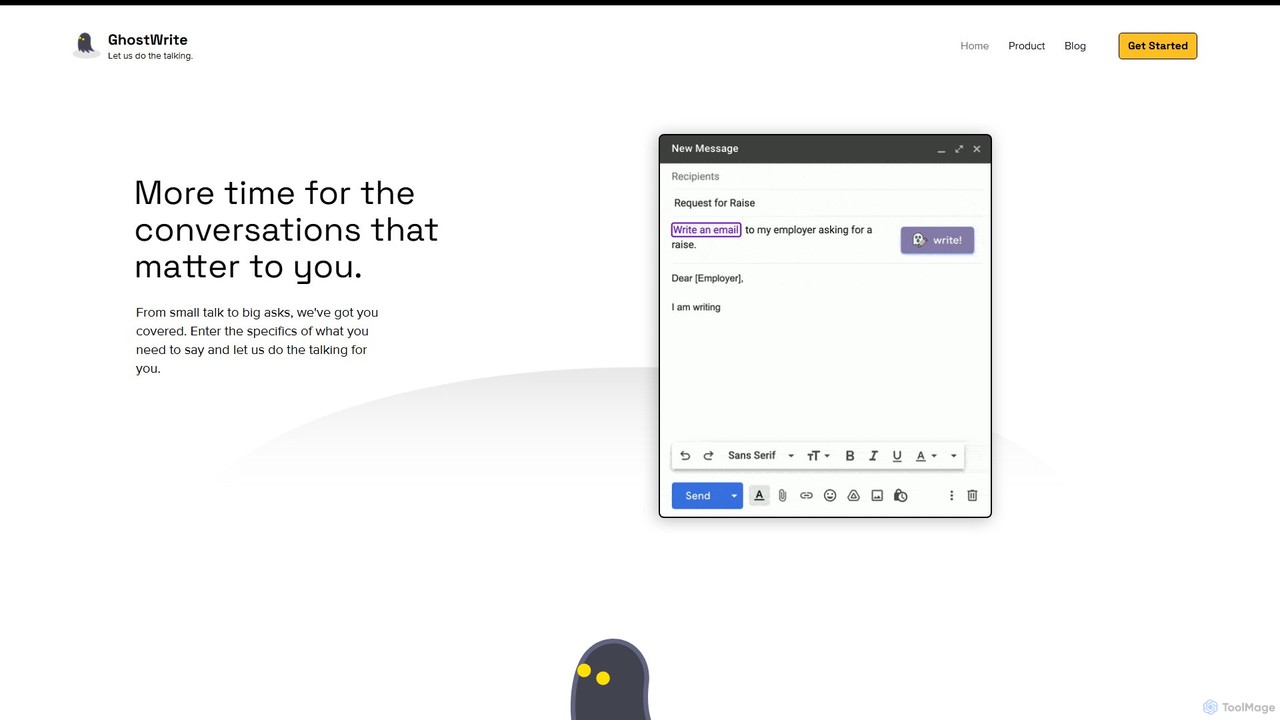
Ghostwrite
Ghostwrite is an AI-powered email writing assistant designed to save you time and enhance your communication. Simply provide a brief prompt, and its AI, "Inky," will draft professional, clear, and context-aware emails for you. It learns your writing style over time, helping you overcome writer's block, manage networking, and communicate with confidence. Ideal for professionals, students, and anyone tired of writing emails.
Sales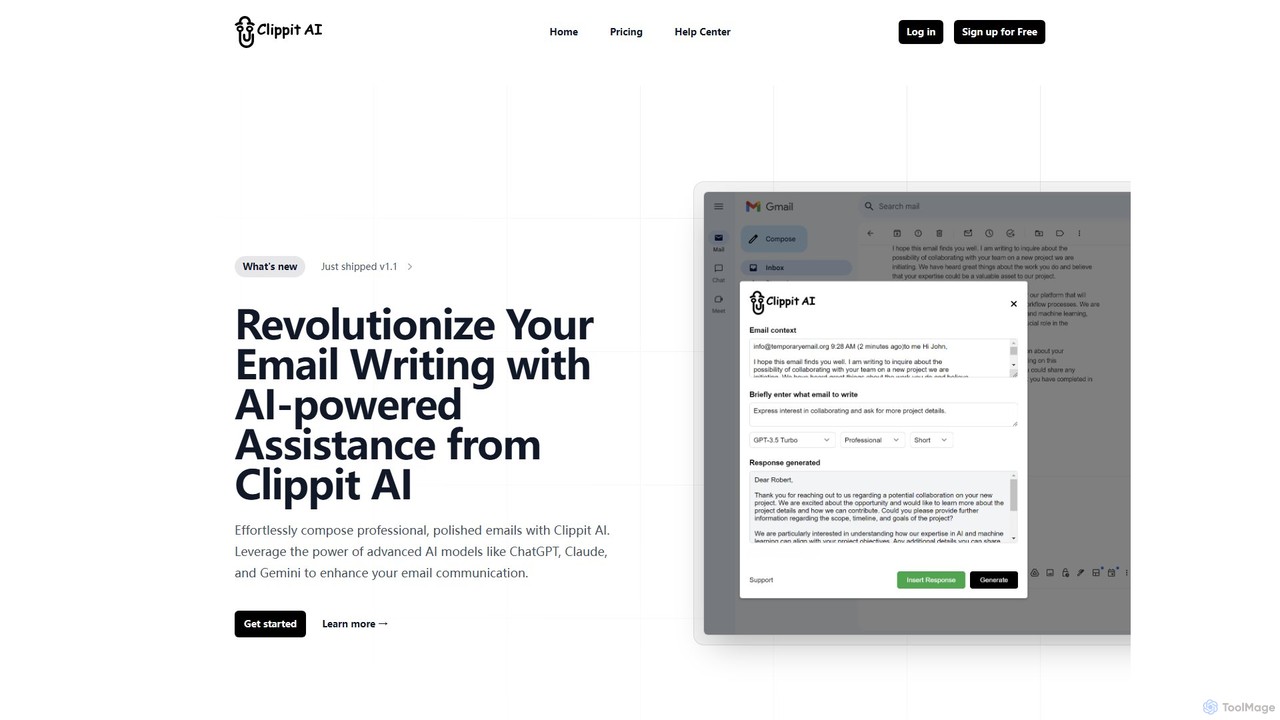
Clippit AI
Clippit AI is a powerful browser extension that revolutionizes your email writing. By leveraging advanced AI models like ChatGPT, Claude, and Gemini, it helps you effortlessly compose professional, polished, and context-aware emails directly within your workflow. From drafting replies to refining your tone, Clippit AI enhances your productivity and communication quality, saving you valuable time.
Sales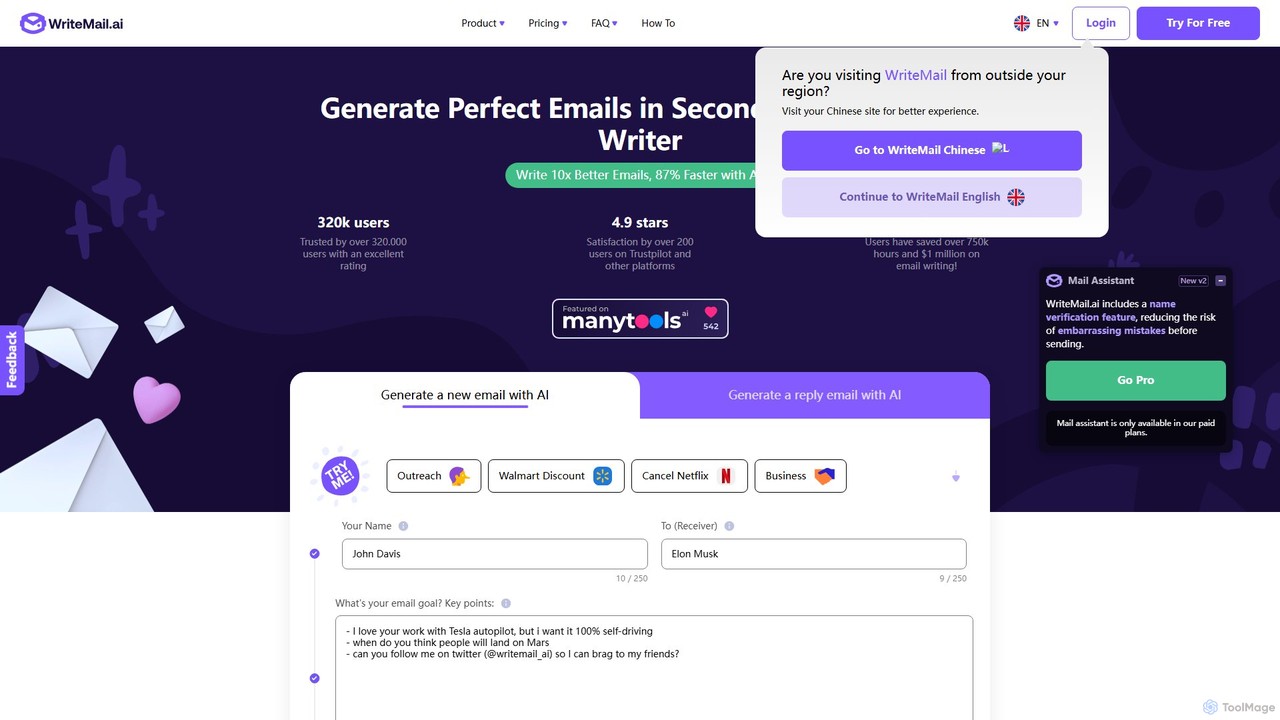
WriteMail.ai
WriteMail.ai is an AI-powered email assistant designed to help you write better emails 10x faster. It generates new emails and replies, refines tone and style, and offers real-time suggestions to improve clarity. With multilingual support and upcoming Gmail integration, it's the perfect tool for both business and personal communication, saving you time and boosting productivity.
Email Marketingmailreply Categories
mailreply Embed Widget
Copy this embed code to place the badge on your blog, article, or product site and send readers directly to this ToolMage detail page.

Related AI tools
snazzysend
snazzysend is an AI-powered communication assistant designed to streamline your email workflow. It connects with Gmail and Outlook to help you craft polished, human-like replies instantly. By providing simple prompts, you can generate tailored responses, manage communications from a single app, and significantly boost your productivity.
AutomationWriteMail.ai
WriteMail.ai is an AI-powered email assistant designed to help you write better emails 10x faster. It generates new emails and replies, refines tone and style, and offers real-time suggestions to improve clarity. With multilingual support and upcoming Gmail integration, it's the perfect tool for both business and personal communication, saving you time and boosting productivity.
Email Marketing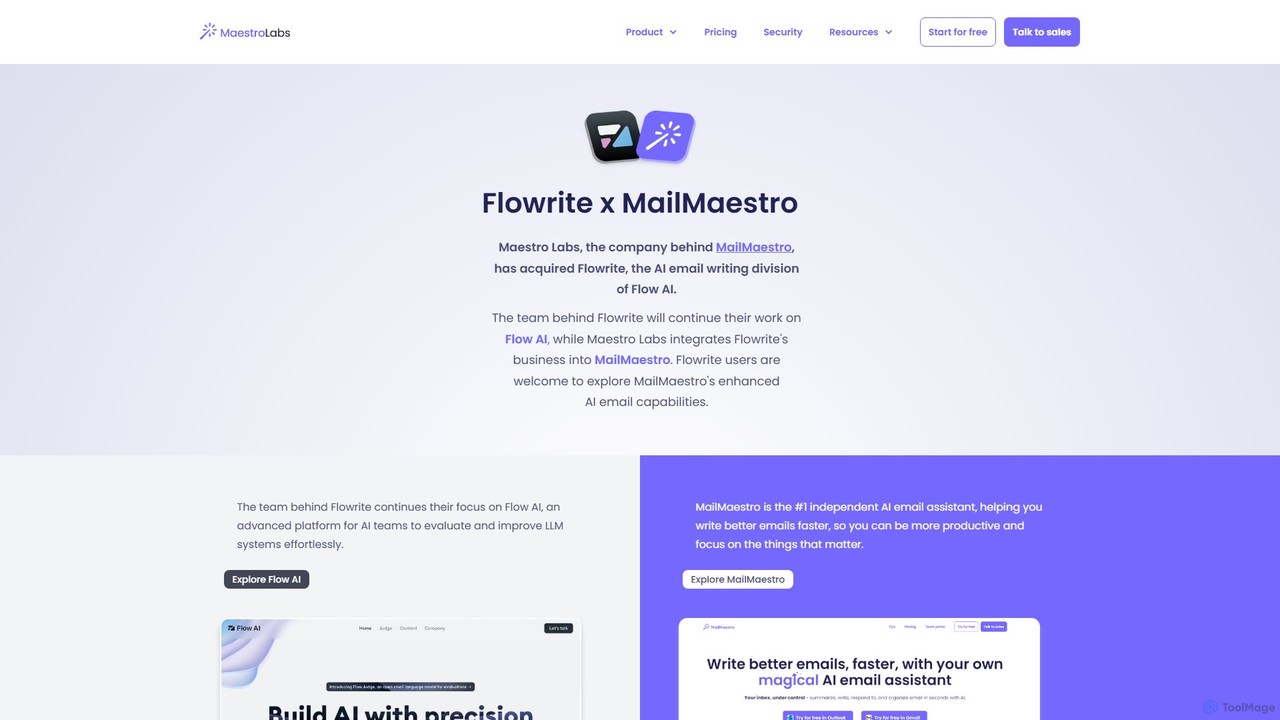
Flowrite
Flowrite is a powerful AI email writing assistant, now integrated into MailMaestro. It helps users write, reply to, summarize, and manage emails significantly faster. By generating high-quality, context-aware text, Flowrite boosts productivity, improves communication quality, and helps you achieve inbox zero with ease. It supports multiple languages and integrates directly into your existing email workflow.
Email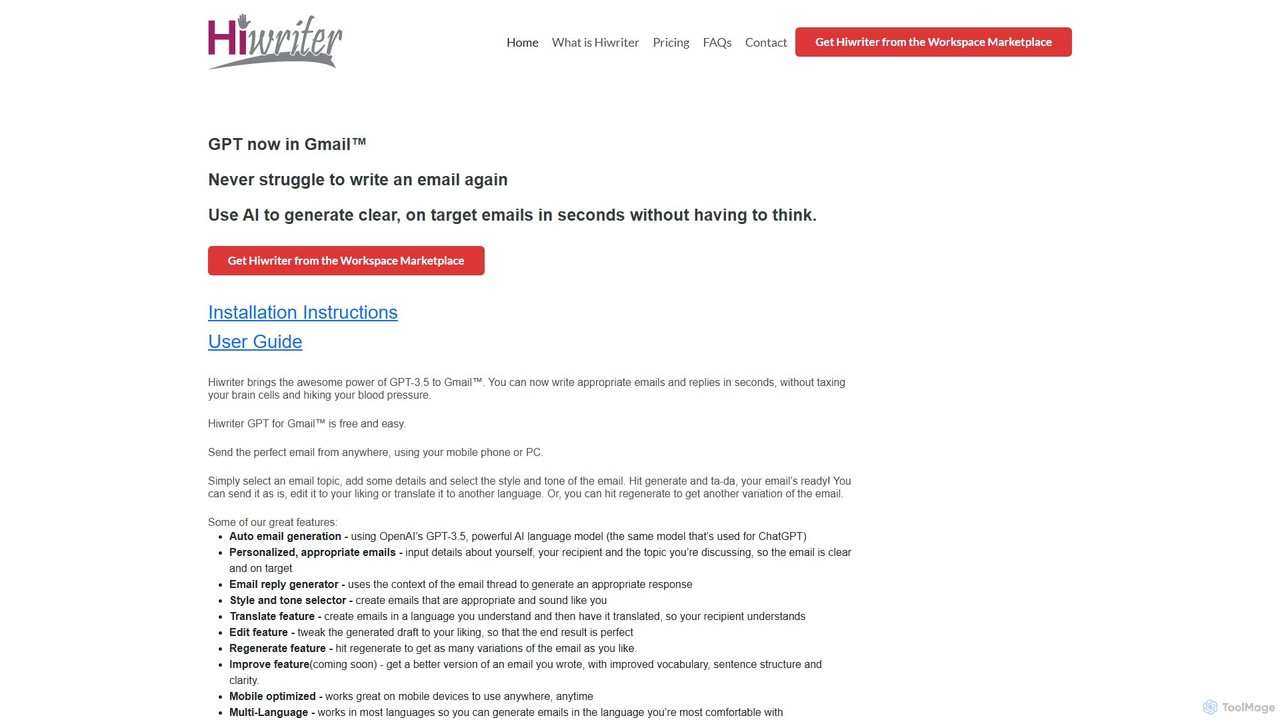
Hiwriter
Hiwriter is a free AI-powered extension for Gmail that uses GPT-3.5 to help you write clear, effective, and perfectly toned emails in seconds. It generates new emails, creates contextual replies, and works seamlessly on both desktop and mobile devices.
Chrome ExtensionsScribbly
Scribbly is an AI-powered email writing assistant designed for busy professionals. It integrates with Gmail and Outlook via a Chrome extension, helping you write emails 10x faster. Get context-specific content suggestions, maintain a professional tone, and even mimic your personal writing style to streamline your communication and boost productivity.
Sales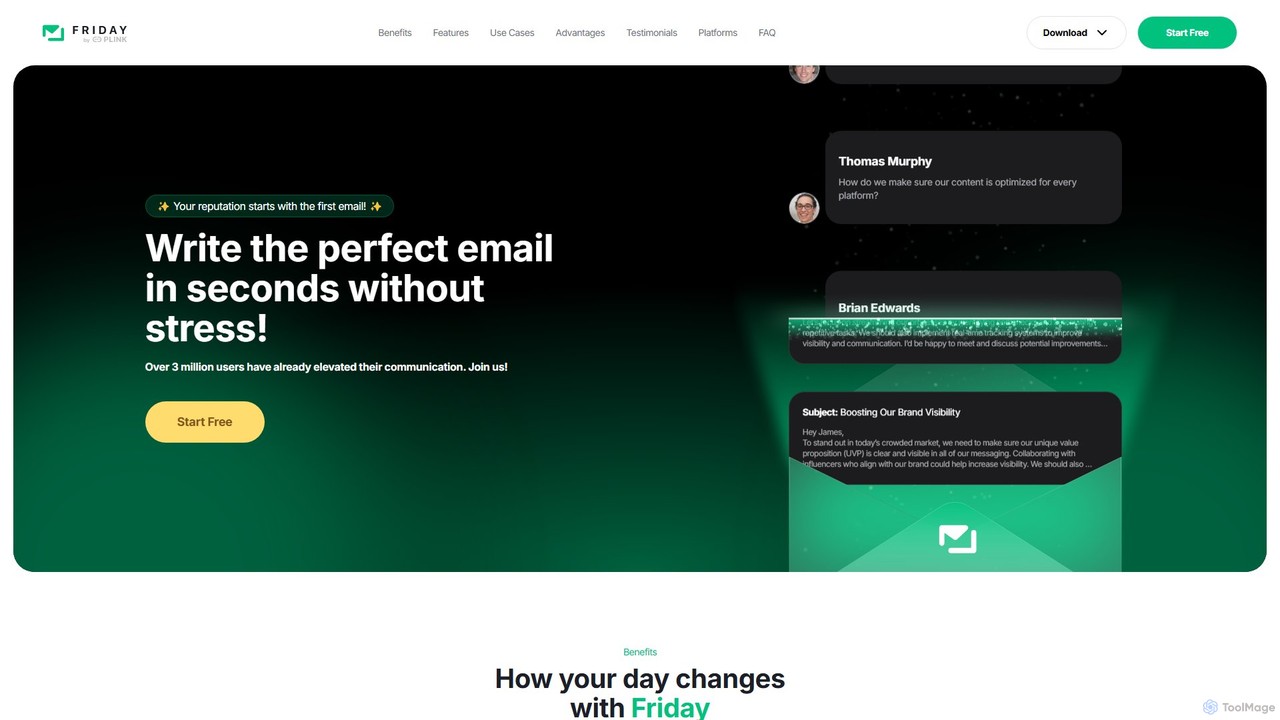
friday_email
Friday is an AI-powered email writer designed to help users craft professional, stress-free emails in seconds. With over 3 million users, it offers features like instant email generation from keywords, real-time grammar checks, tone adjustment, and personalized style learning. Available on web, mobile, and as a browser extension, Friday streamlines communication for various professionals, saving time, boosting productivity, and ensuring every email is polished and effective.
Email Marketing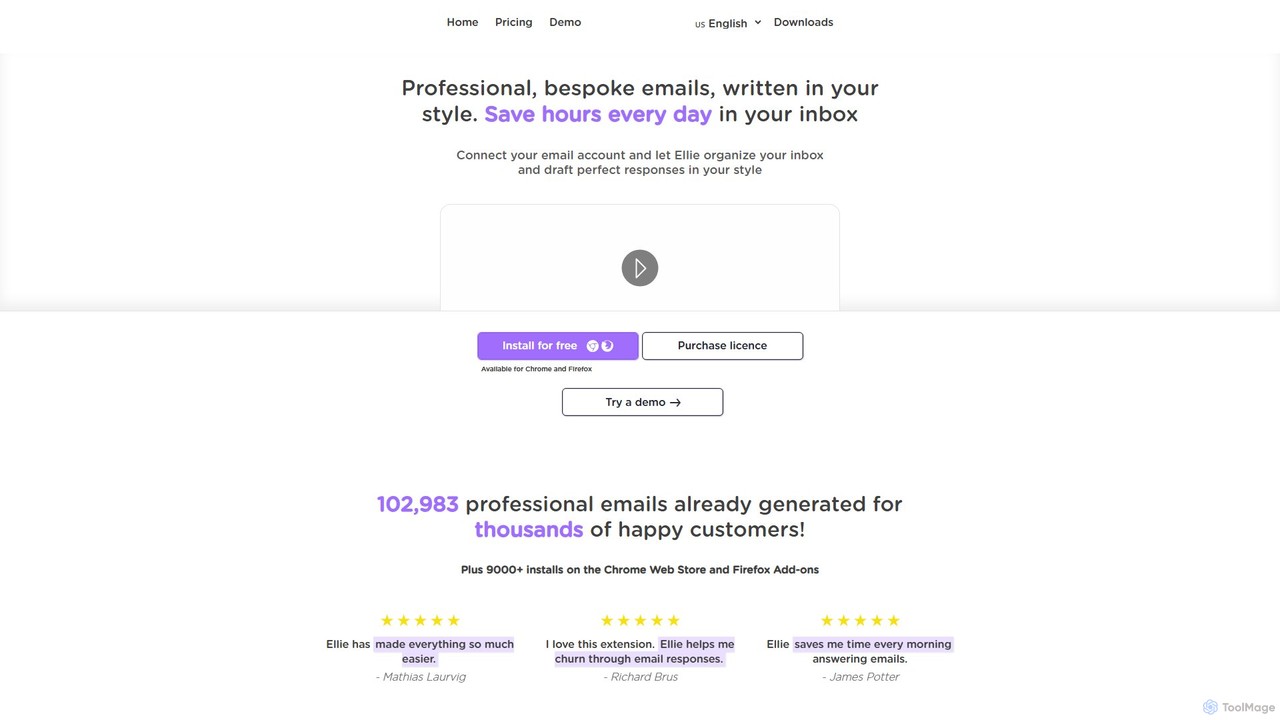
Ellie
Ellie is an AI-powered email assistant that saves you hours every day. It learns from your writing style to draft intelligent, personalized, and context-aware replies directly in your inbox. Supporting multiple languages and integrating with Gmail and Outlook, Ellie helps you manage email overload, overcome reply anxiety, and boost your productivity.
Email
ReplyAI
ReplyAI is an AI-powered email writer that integrates with Gmail and Outlook to help you write emails 10x faster. Powered by GPT-4, it generates high-quality drafts, suggests contextual replies, and adapts to your personal writing style. Compose professional emails in multiple languages and tones, saving time and improving communication efficiency for sales, customer support, and daily correspondence.
Email Marketing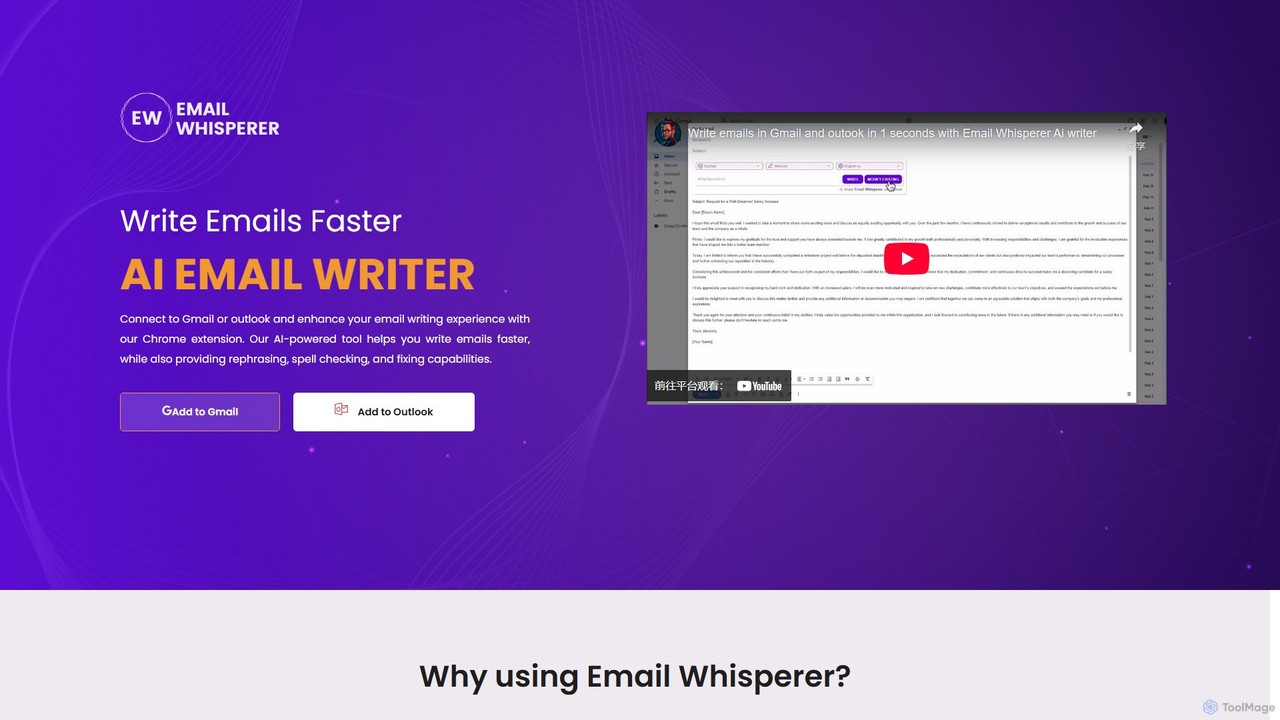
EmailWhisperer
EmailWhisperer is an AI-powered Chrome extension for Gmail and Outlook that helps you write emails faster. It offers features like rephrasing, spell-checking, tone adjustment, and AI training to personalize your communication and improve productivity.
Email Marketing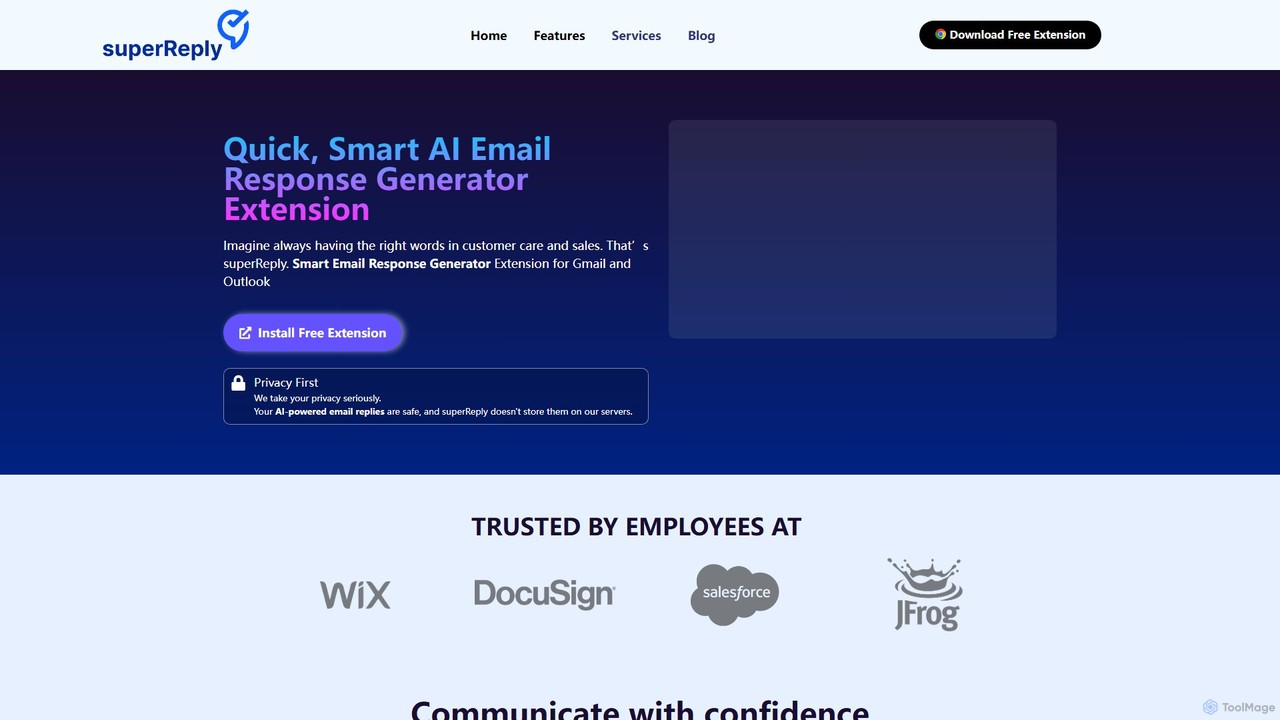
superReply
superReply is an AI-powered Chrome extension for Gmail and Outlook that instantly generates professional, context-aware email responses. It helps users in sales, customer support, and business communication save time, improve productivity, and always find the right words with adjustable tones.
Email Marketing
EmailGPT
EmailGPT is an AI-powered email assistant designed to streamline your communication. It helps you draft professional emails, generate intelligent replies, summarize long threads, and adjust the tone of your messages instantly. Boost your productivity and write better emails faster with EmailGPT.
Email MarketingGhostwrite
Ghostwrite is an AI-powered email writing assistant designed to save you time and enhance your communication. Simply provide a brief prompt, and its AI, "Inky," will draft professional, clear, and context-aware emails for you. It learns your writing style over time, helping you overcome writer's block, manage networking, and communicate with confidence. Ideal for professionals, students, and anyone tired of writing emails.
SalesClippit AI
Clippit AI is a powerful browser extension that revolutionizes your email writing. By leveraging advanced AI models like ChatGPT, Claude, and Gemini, it helps you effortlessly compose professional, polished, and context-aware emails directly within your workflow. From drafting replies to refining your tone, Clippit AI enhances your productivity and communication quality, saving you valuable time.
Sales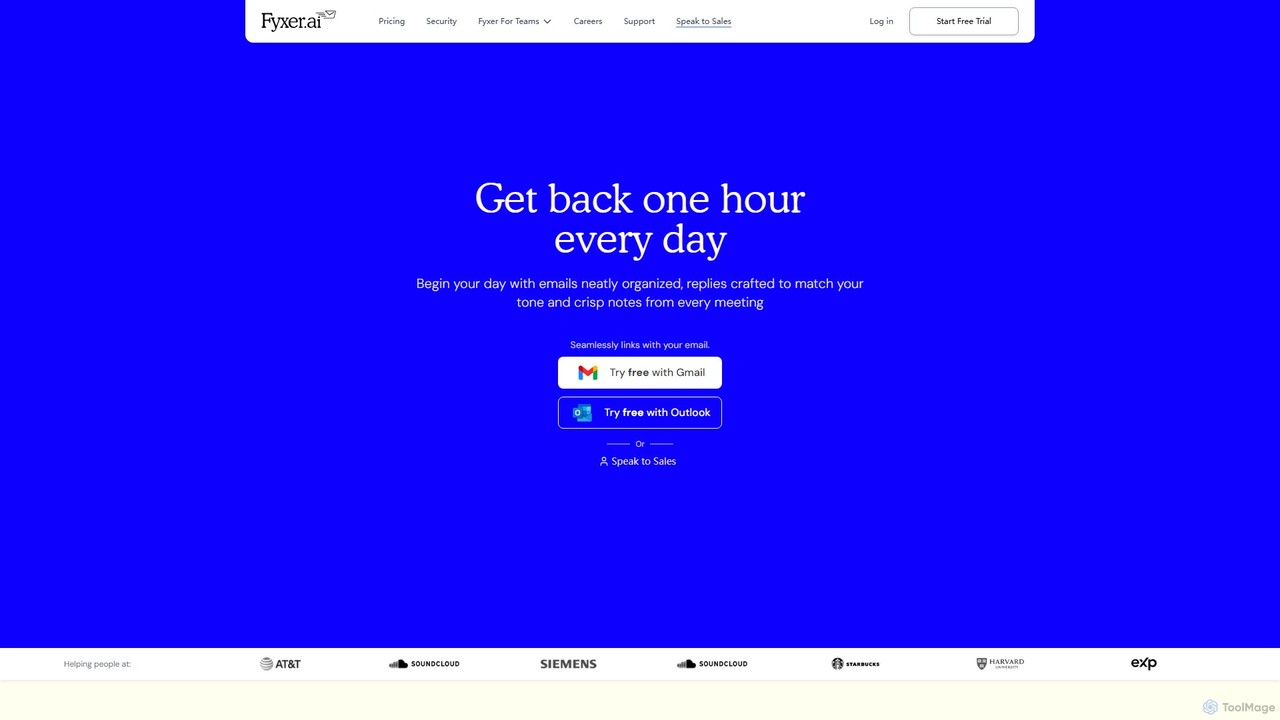
Fyxer
Fyxer is an AI executive assistant that integrates with Gmail and Outlook to save you an hour every day. It automatically sorts your inbox, drafts email replies in your personal tone, and takes detailed notes during your meetings, streamlining your entire workflow.
Automation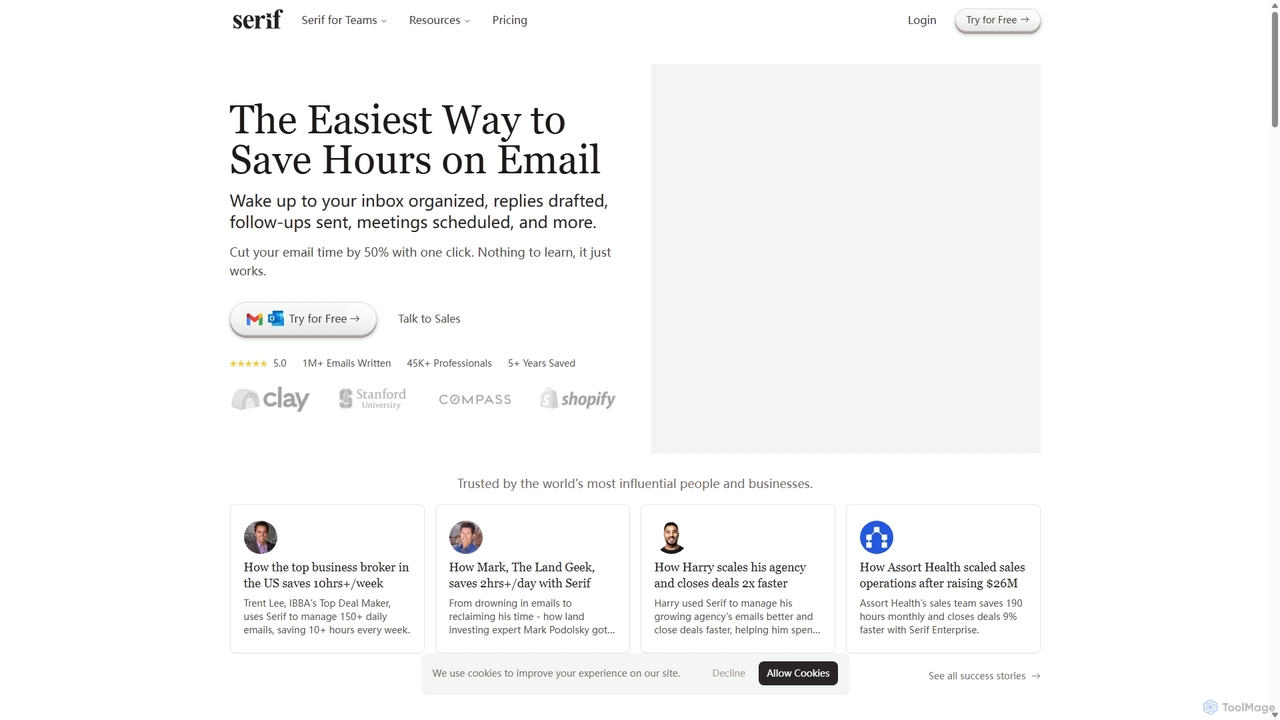
Serif
Serif is an AI executive assistant designed to save you hours on email. It automatically organizes your inbox, drafts personalized replies, sends follow-ups, and schedules meetings. Integrating seamlessly with Gmail and Outlook, Serif learns your communication style to act as your virtual assistant, boosting productivity and response times without a complex setup.
Virtual Assistant
mailreply Comments (0)
Sign in to comment.
Sign inNo comments yet.