

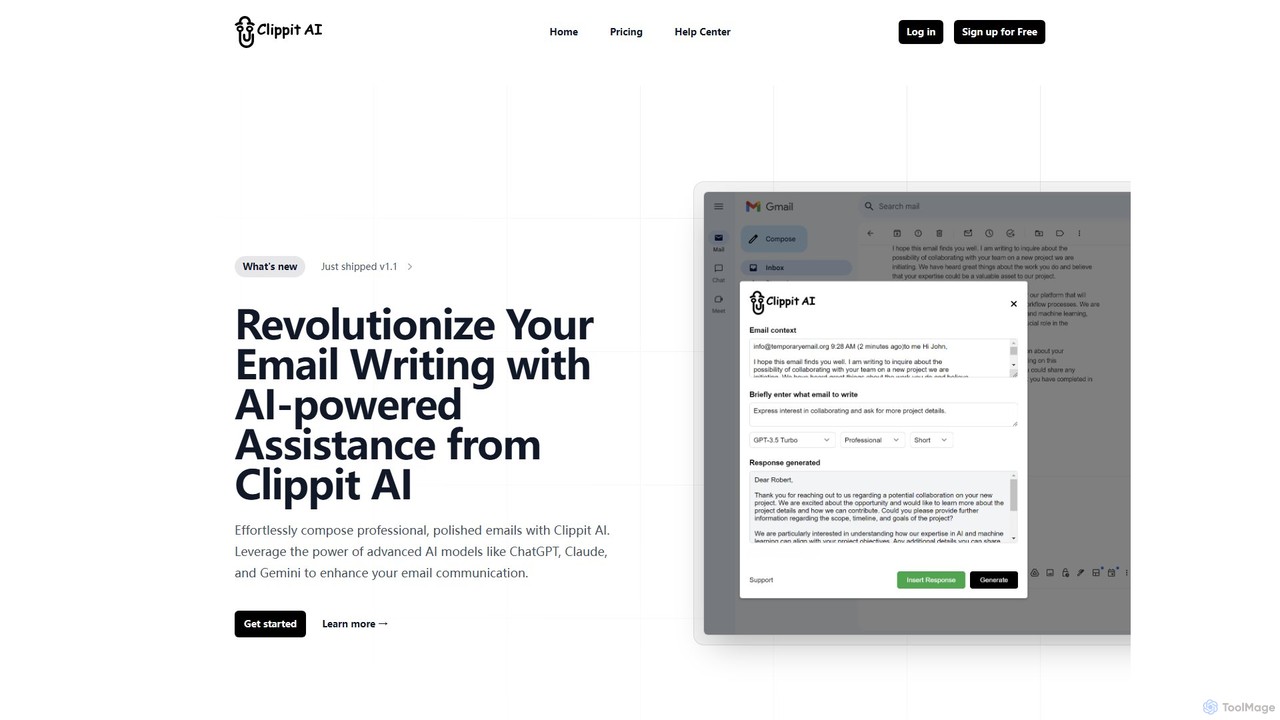
Clippit AI Overview
Clippit AI is an intelligent browser extension designed to transform the way you handle email communication. In today's fast-paced digital world, crafting the perfect email can be time-consuming and challenging. Clippit AI addresses this by integrating the power of leading artificial intelligence models—including OpenAI's ChatGPT, Anthropic's Claude, and Google's Gemini—directly into your browser. This AI email writer and generator acts as your personal assistant, helping you compose, refine, and send high-quality emails with unprecedented speed and precision. Whether you're a busy professional, a sales representative, or a customer support agent, Clippit AI streamlines your workflow, boosts your productivity, and ensures every message you send is clear, professional, and effective.
How to use Clippit AI
Getting started with Clippit AI is simple and intuitive, designed for seamless integration into your daily routine. Here’s how you can leverage its power:
- Install the Extension: First, add the Clippit AI extension to your web browser from the official extension store.
- Activate the AI: Clippit AI can be launched in multiple convenient ways:
- From the Extension Icon: Click the Clippit AI icon in your browser's toolbar to open the main interface.
- Directly in Gmail: The tool integrates with the Gmail UI, allowing you to launch it directly while you're reading or composing an email.
- By Selecting Text: Highlight any text on a webpage, and Clippit AI will provide contextual options, such as summarizing the text or drafting an email based on it.
- Generate and Refine: Provide a simple prompt, like "Draft a follow-up email to the marketing team about the Q3 report." The AI will instantly generate a complete draft. You can then ask the AI to adjust the tone (e.g., more formal, more friendly), shorten or expand the text, or check for grammatical errors.
Core Features of Clippit AI
- Multi-Model AI Engine: Access a variety of top-tier AI models, including GPT-4o, Claude 3.5 Sonnet, and Gemini. This allows you to choose the best model for your specific needs, from quick general tasks to complex, nuanced compositions.
- Context-Aware Email Generation: The AI can understand the context of an existing email thread to generate highly relevant and coherent replies, saving you the effort of summarizing previous conversations.
- Advanced Text Enhancement: Go beyond simple writing. Clippit AI can rephrase sentences for clarity, adjust the tone to be more persuasive or professional, and expand on brief ideas to create comprehensive messages.
- Seamless Browser and Gmail Integration: Works effortlessly where you do. The extension is deeply integrated into Gmail and accessible on any webpage, making it a natural part of your workflow without needing to switch tabs or applications.
- Custom Prompts and Commands: Tailor the AI's output to your exact specifications with custom instructions for generating, editing, and formatting your emails.
Use Cases for Clippit AI
Clippit AI is a versatile tool that benefits a wide range of users and professions:
- Sales and Business Development: Quickly craft personalized outreach emails, compelling proposals, and timely follow-ups to nurture leads and close deals faster.
- Customer Support: Provide fast, empathetic, and accurate responses to customer queries, improving satisfaction and reducing response times.
- Marketing Professionals: Draft engaging newsletters, promotional content, and communication campaigns with consistent tone and messaging.
- Executives and Managers: Efficiently manage a high volume of emails by delegating the initial drafting of announcements, reports, and internal communications to the AI.
- Job Seekers and Students: Write professional cover letters, networking emails, and academic inquiries that are polished and grammatically perfect.
Advantages of Clippit AI
Using Clippit AI offers significant benefits:
- Massive Productivity Gains: Automate the most time-consuming aspects of email writing, freeing up hours in your week for more strategic tasks.
- Enhanced Communication Quality: Eliminate typos, grammatical errors, and awkward phrasing. Ensure your emails are always professional, clear, and impactful.
- Unmatched Flexibility: With access to multiple AI models, you can balance speed, cost, and intelligence based on the task at hand.
- Effortless Workflow: The intuitive design and deep integration mean there's virtually no learning curve. It works with your existing tools, not against them.
- Consistent and Personalized Tone: Maintain a consistent brand voice or personal style across all your communications, while still tailoring each message to its specific audience.
Pricing and Plans
Clippit AI offers a range of plans to suit different needs and budgets:
- Free Plan: Ideal for casual users. This plan includes 15 AI responses per month, powered by mid-tier models like GPT-3.5 Turbo & Gemini 1.5 Flash. It's great for general tasks and provides quality responses.
- Pro Plan: The most popular choice for professionals. For $15.00/month or $159.00/year, you get unlimited usage of the mid-tier models, better quality responses, priority support, and high availability even during peak demand.
- Business Plan: The ultimate plan for power users and teams. For $39.00/month or $347.00/year, this plan provides unlimited access to the world's most advanced AI models, including GPT-4o & Claude 3.5 Sonnet. It's perfect for complex tasks, delivers the best quality responses, features the latest knowledge, and includes priority support.
Clippit AI Alternatives
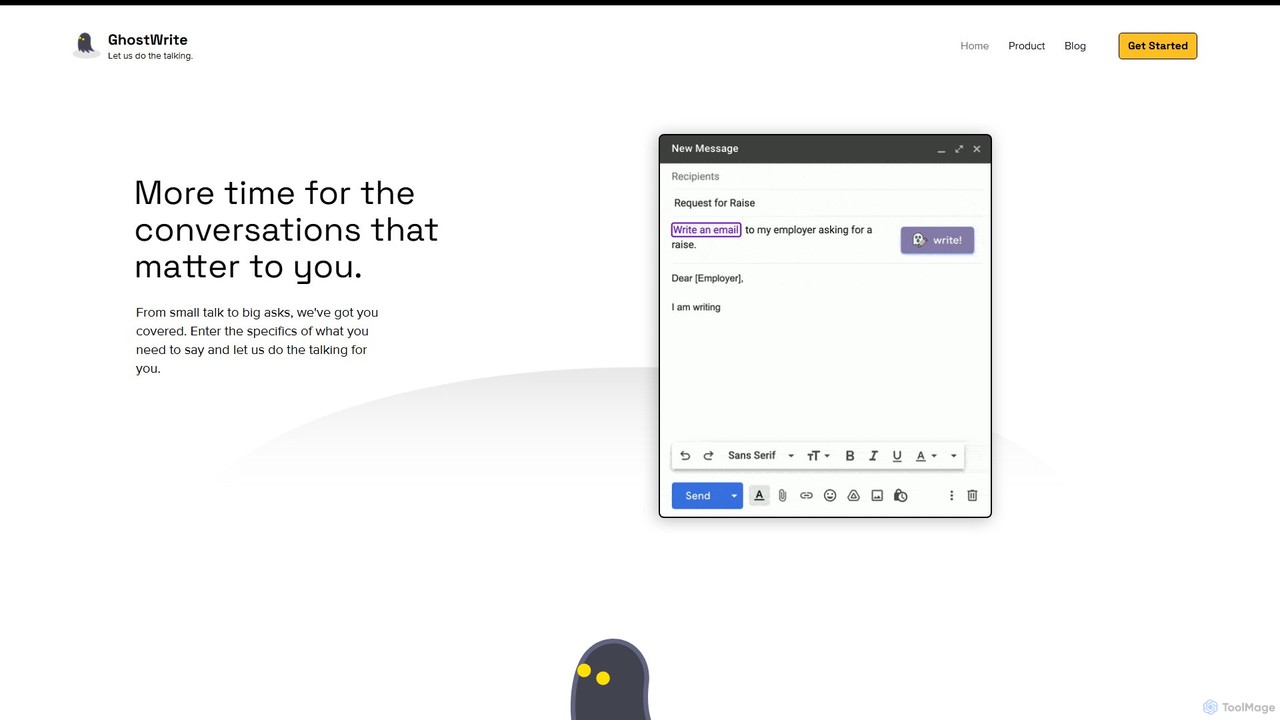
Ghostwrite
Ghostwrite is an AI-powered email writing assistant designed to save you time and enhance your communication. Simply provide a brief prompt, and its AI, "Inky," will draft professional, clear, and context-aware emails for you. It learns your writing style over time, helping you overcome writer's block, manage networking, and communicate with confidence. Ideal for professionals, students, and anyone tired of writing emails.
Sales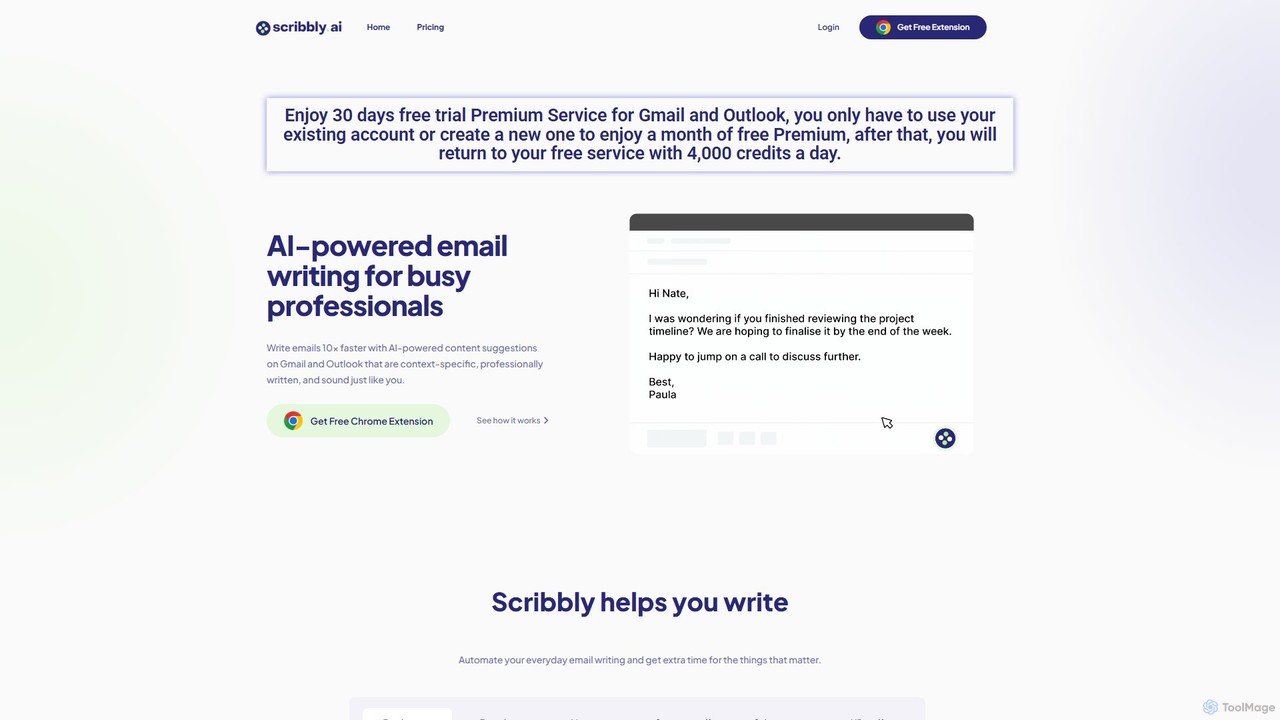
Scribbly
Scribbly is an AI-powered email writing assistant designed for busy professionals. It integrates with Gmail and Outlook via a Chrome extension, helping you write emails 10x faster. Get context-specific content suggestions, maintain a professional tone, and even mimic your personal writing style to streamline your communication and boost productivity.
Sales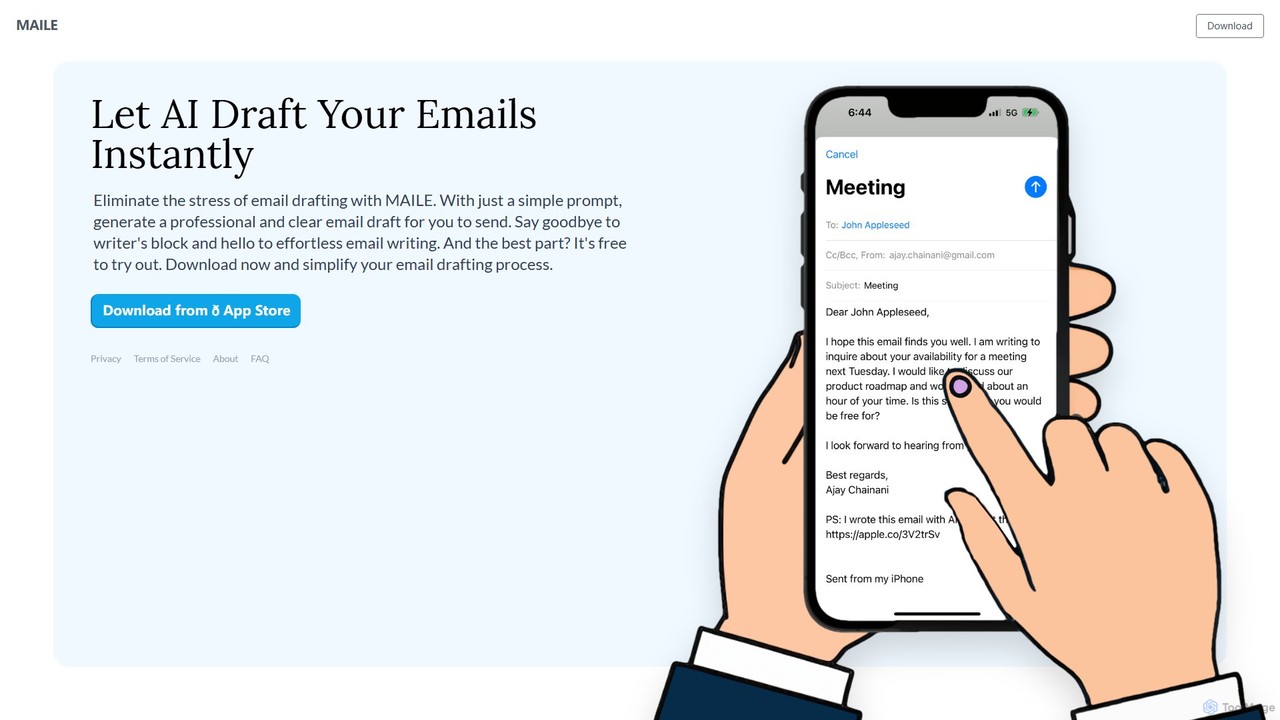
MAILE
MAILE is an AI-powered email writing assistant for iPhone that instantly drafts professional emails from simple prompts. It allows tone customization, integrates with Gmail and Apple Mail, and supports multiple languages. Ideal for professionals, busy individuals, and non-native English speakers to save time and enhance communication. Free to try.
Email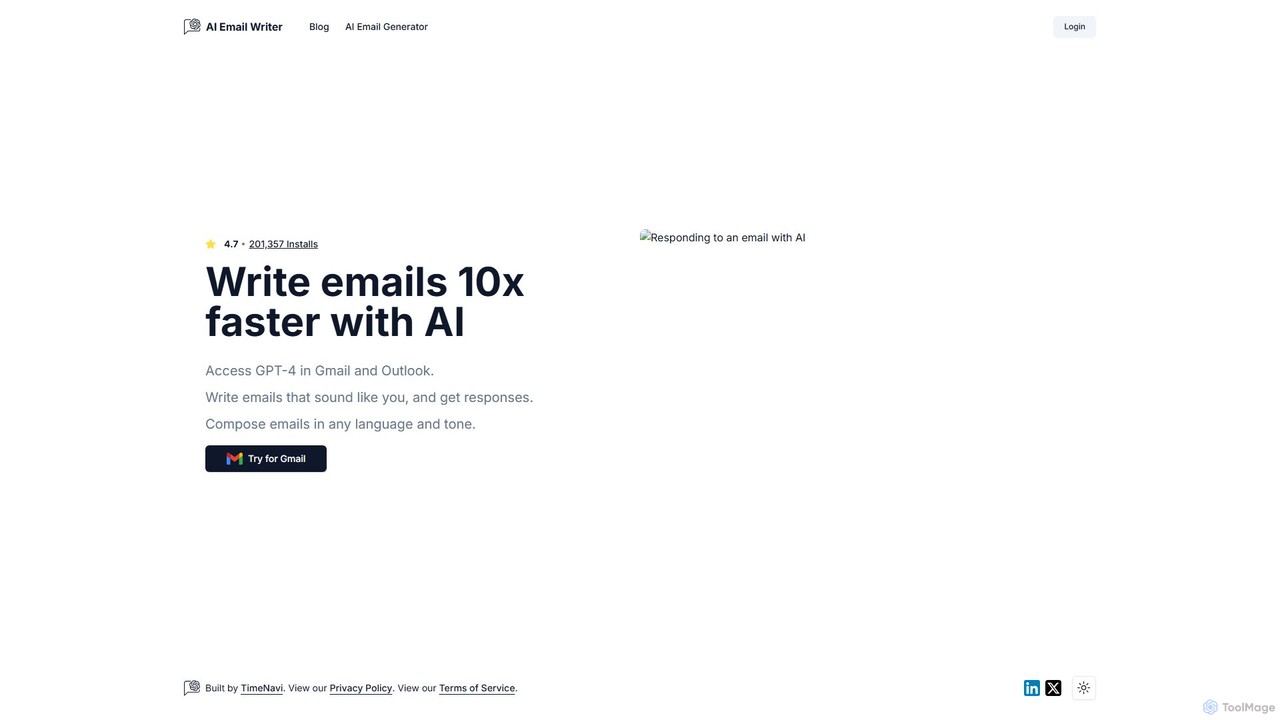
ReplyAI
ReplyAI is an AI-powered email writer that integrates with Gmail and Outlook to help you write emails 10x faster. Powered by GPT-4, it generates high-quality drafts, suggests contextual replies, and adapts to your personal writing style. Compose professional emails in multiple languages and tones, saving time and improving communication efficiency for sales, customer support, and daily correspondence.
Email Marketing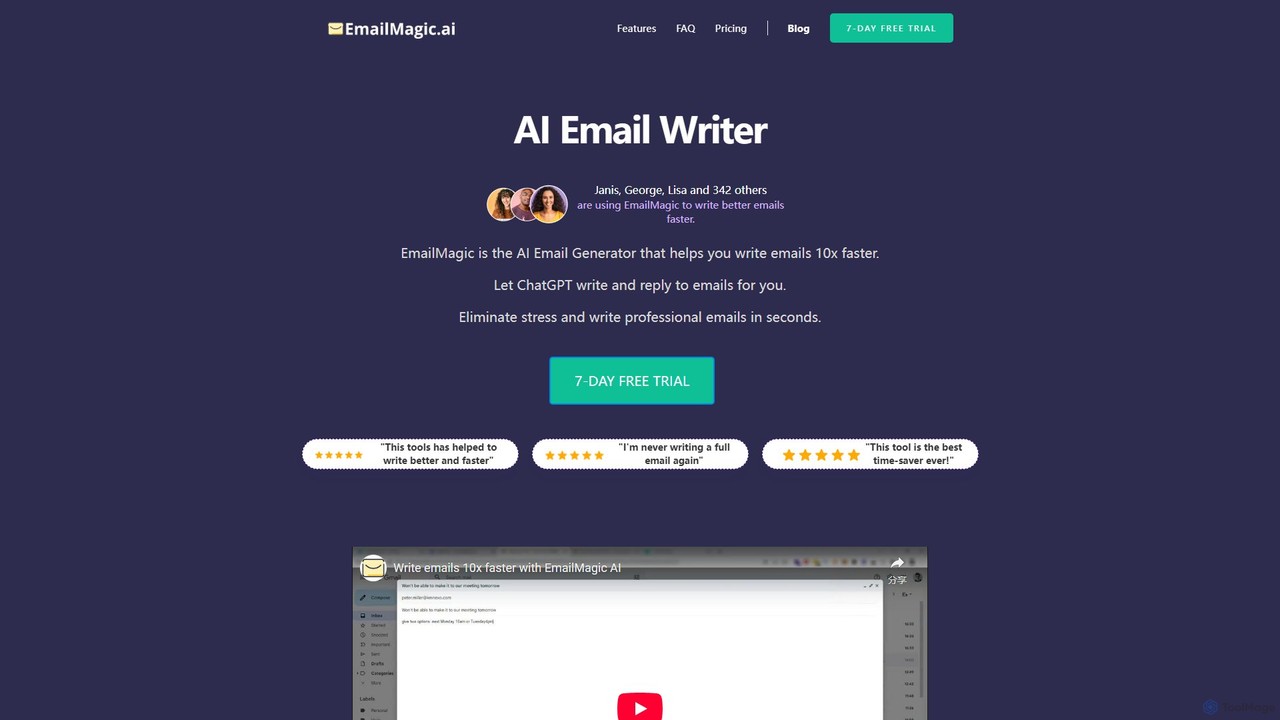
EmailMagic AI
EmailMagic AI is an intelligent email assistant for Gmail that uses AI to help you write emails faster, generate context-aware replies, and communicate in any language. It learns your writing style to create personalized, authentic emails, significantly boosting your productivity.
Email MarketingClippit AI Categories
Clippit AI Embed Widget
Copy this embed code to place the badge on your blog, article, or product site and send readers directly to this ToolMage detail page.

Related AI tools
MAILE
MAILE is an AI-powered email writing assistant for iPhone that instantly drafts professional emails from simple prompts. It allows tone customization, integrates with Gmail and Apple Mail, and supports multiple languages. Ideal for professionals, busy individuals, and non-native English speakers to save time and enhance communication. Free to try.
Email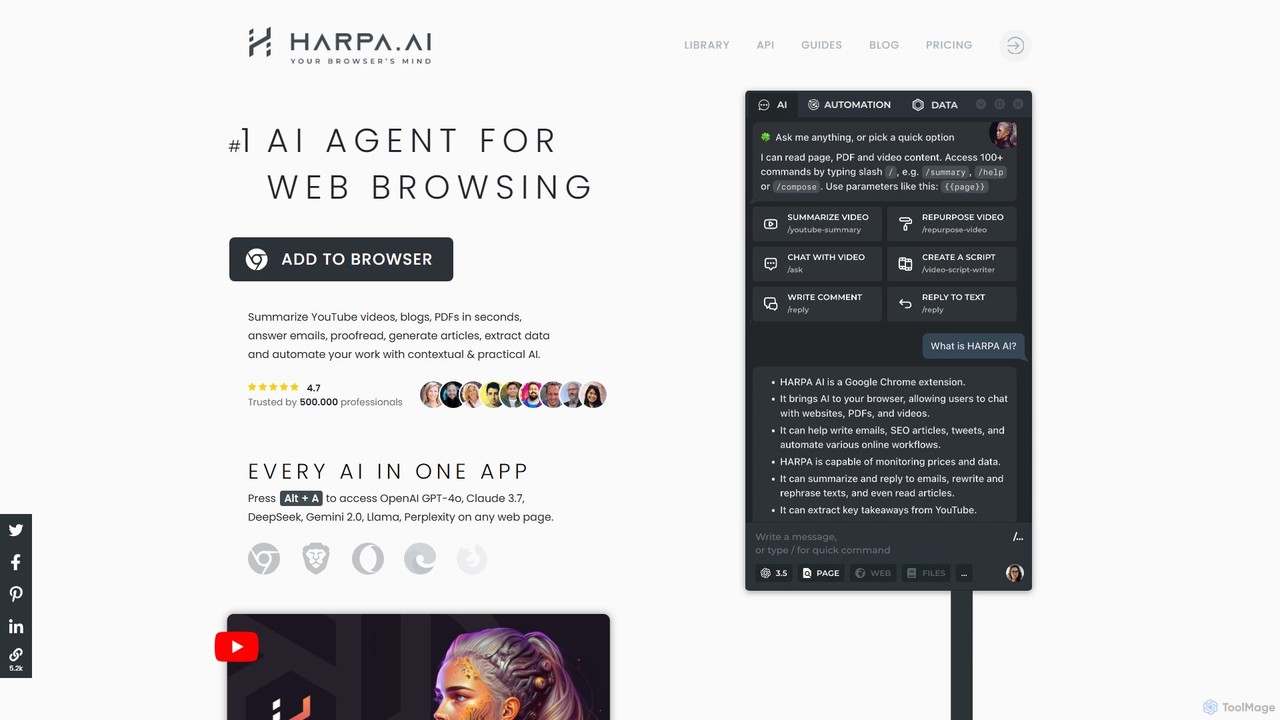
HARPA AI
HARPA AI is an all-in-one AI browser agent that integrates ChatGPT, Claude, Gemini, and more directly into your browser. It automates web tasks, summarizes content, drafts emails, extracts data, and enhances productivity with over 100 pre-built, page-aware commands. It functions as a versatile copilot for browsing, research, and automation.
Automation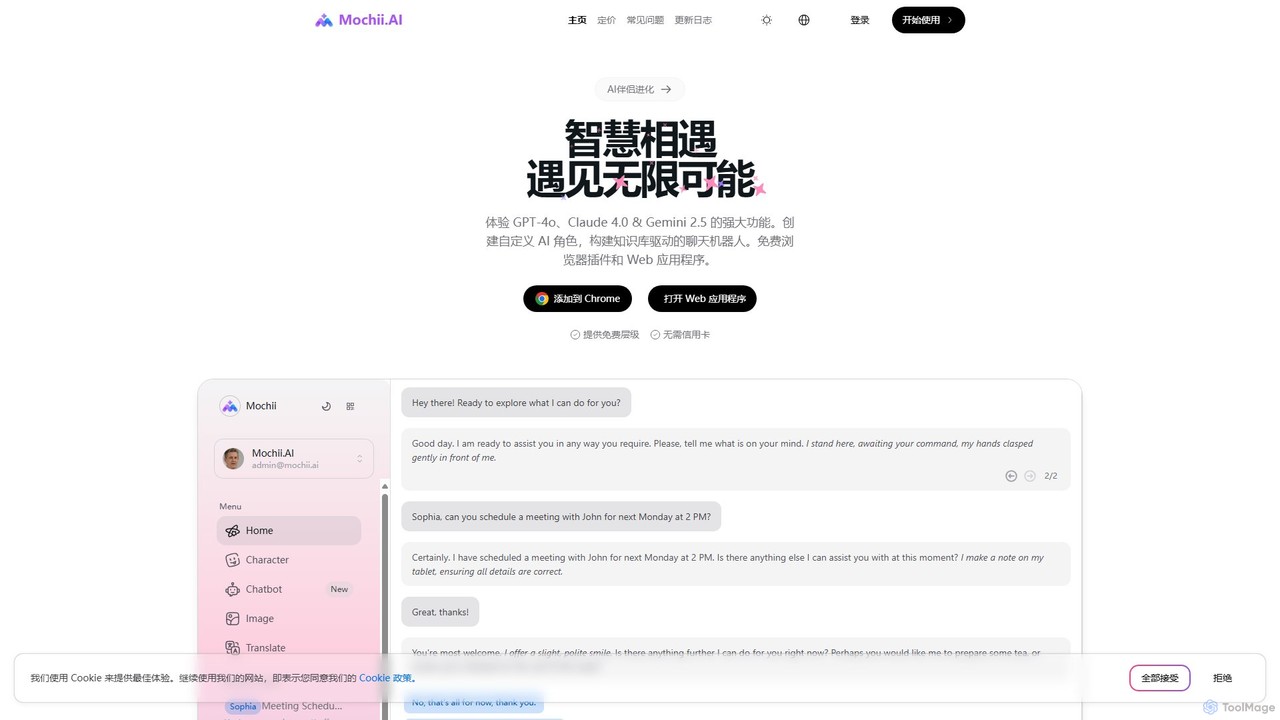
Mochii
Mochii is an all-in-one AI assistant that integrates leading models like GPT-4o, Claude, and Gemini into a seamless browser extension and web app. It enhances productivity by offering features like document analysis, web browsing, AI chatbot building, and customizable AI roles. A generous free tier provides access to advanced AI capabilities for everyone.
ProductivityGhostwrite
Ghostwrite is an AI-powered email writing assistant designed to save you time and enhance your communication. Simply provide a brief prompt, and its AI, "Inky," will draft professional, clear, and context-aware emails for you. It learns your writing style over time, helping you overcome writer's block, manage networking, and communicate with confidence. Ideal for professionals, students, and anyone tired of writing emails.
SalesScribbly
Scribbly is an AI-powered email writing assistant designed for busy professionals. It integrates with Gmail and Outlook via a Chrome extension, helping you write emails 10x faster. Get context-specific content suggestions, maintain a professional tone, and even mimic your personal writing style to streamline your communication and boost productivity.
Sales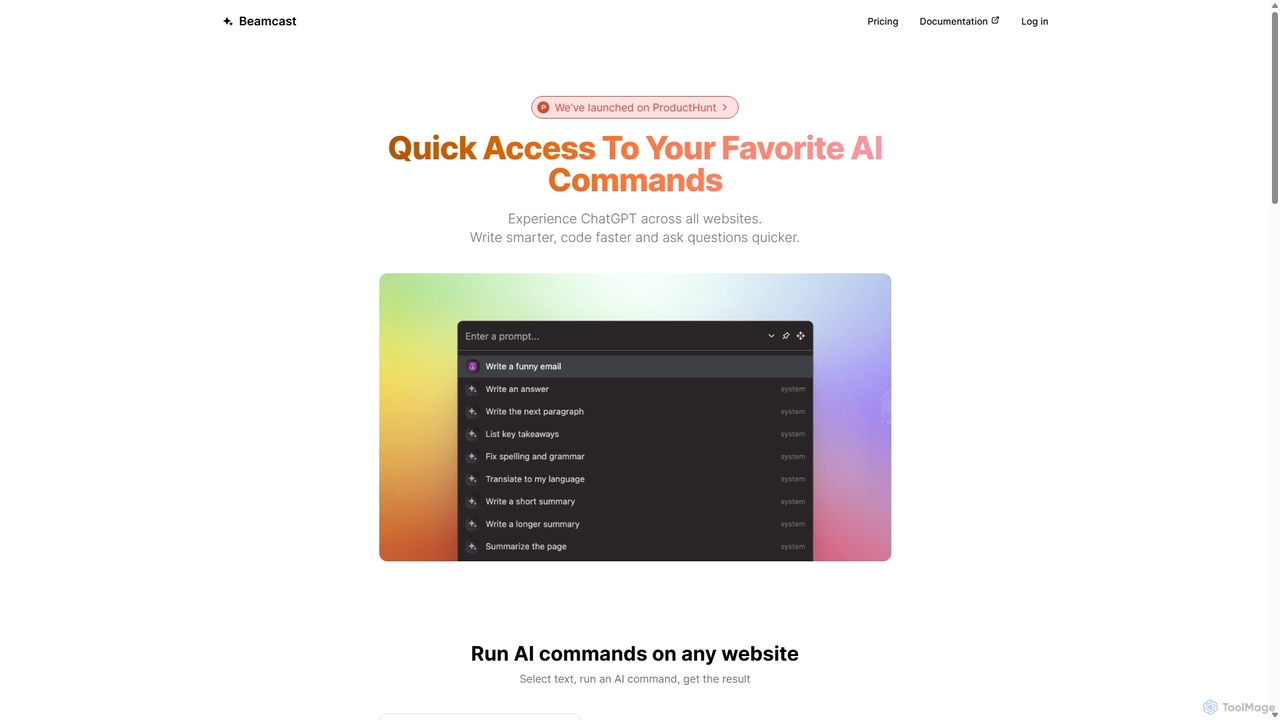
Beamcast
A browser extension that puts ChatGPT and Gemini at your fingertips. Select text on any website to run built-in or custom AI commands for writing, coding, and quick answers, streamlining your workflow and boosting productivity without ever leaving the page.
Search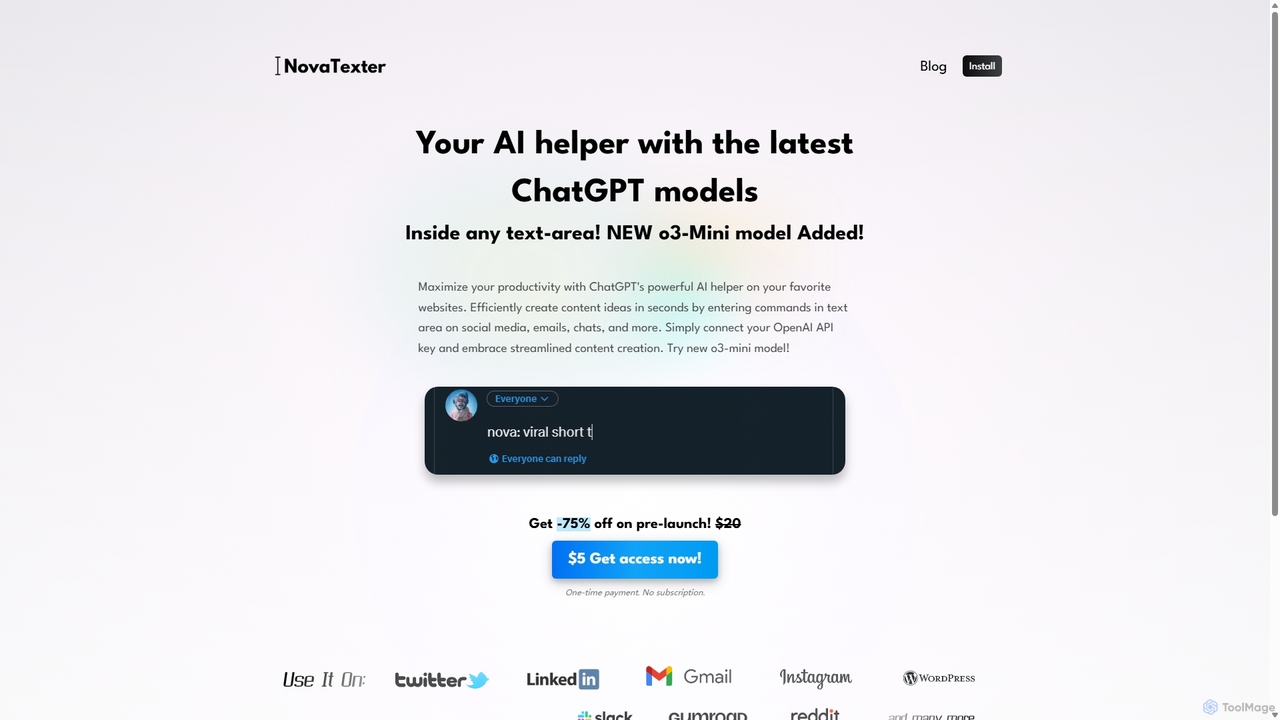
NovaTexter
NovaTexter is an AI-powered browser extension that integrates ChatGPT models directly into your workflow. It allows you to generate content, ideas, and responses on any website by simply typing commands in a text area. Connect your OpenAI API key for a seamless, productive content creation experience with a single one-time payment.
Chrome Extensions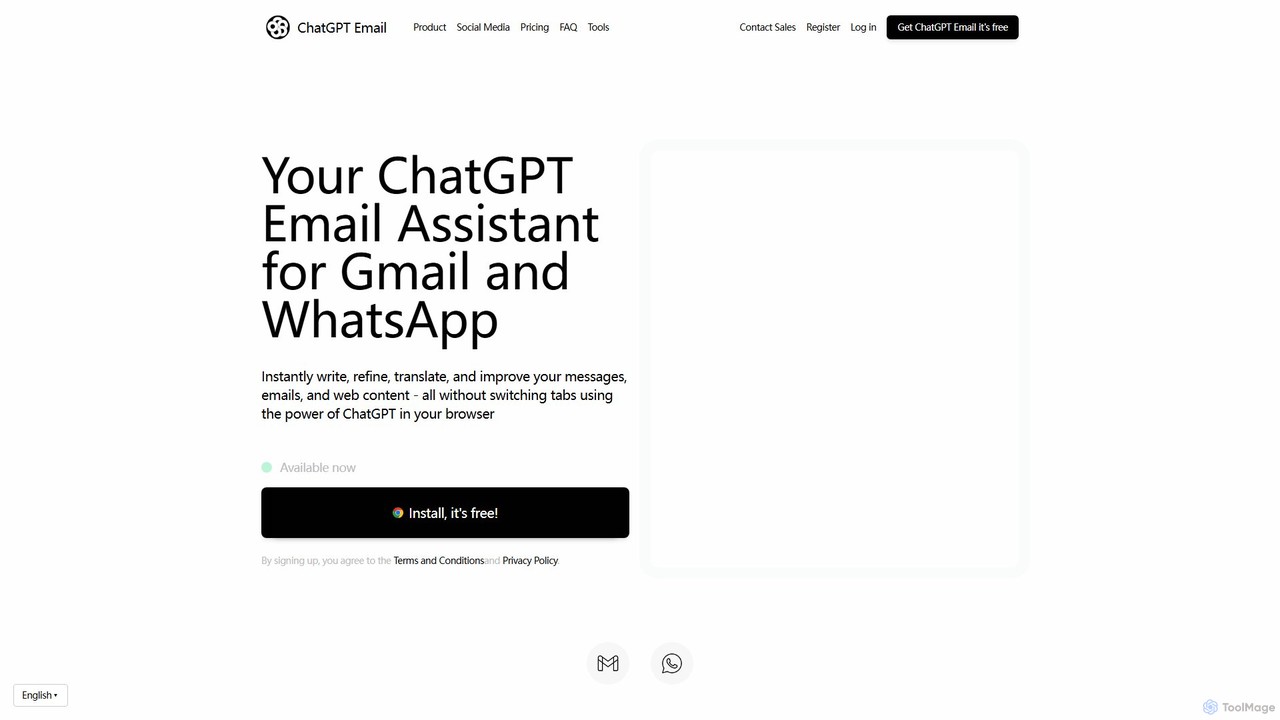
ChatGPT Email
ChatGPT Email is an AI-powered browser extension for Chrome that integrates with Gmail and WhatsApp. It leverages models like GPT-4, Claude, and Gemini to help you instantly write, refine, translate, and improve your emails and messages. Adjust the tone, overcome language barriers, and save significant time on daily communications, all without leaving your current tab.
ChromeReplyAI
ReplyAI is an AI-powered email writer that integrates with Gmail and Outlook to help you write emails 10x faster. Powered by GPT-4, it generates high-quality drafts, suggests contextual replies, and adapts to your personal writing style. Compose professional emails in multiple languages and tones, saving time and improving communication efficiency for sales, customer support, and daily correspondence.
Email MarketingEmailMagic AI
EmailMagic AI is an intelligent email assistant for Gmail that uses AI to help you write emails faster, generate context-aware replies, and communicate in any language. It learns your writing style to create personalized, authentic emails, significantly boosting your productivity.
Email Marketing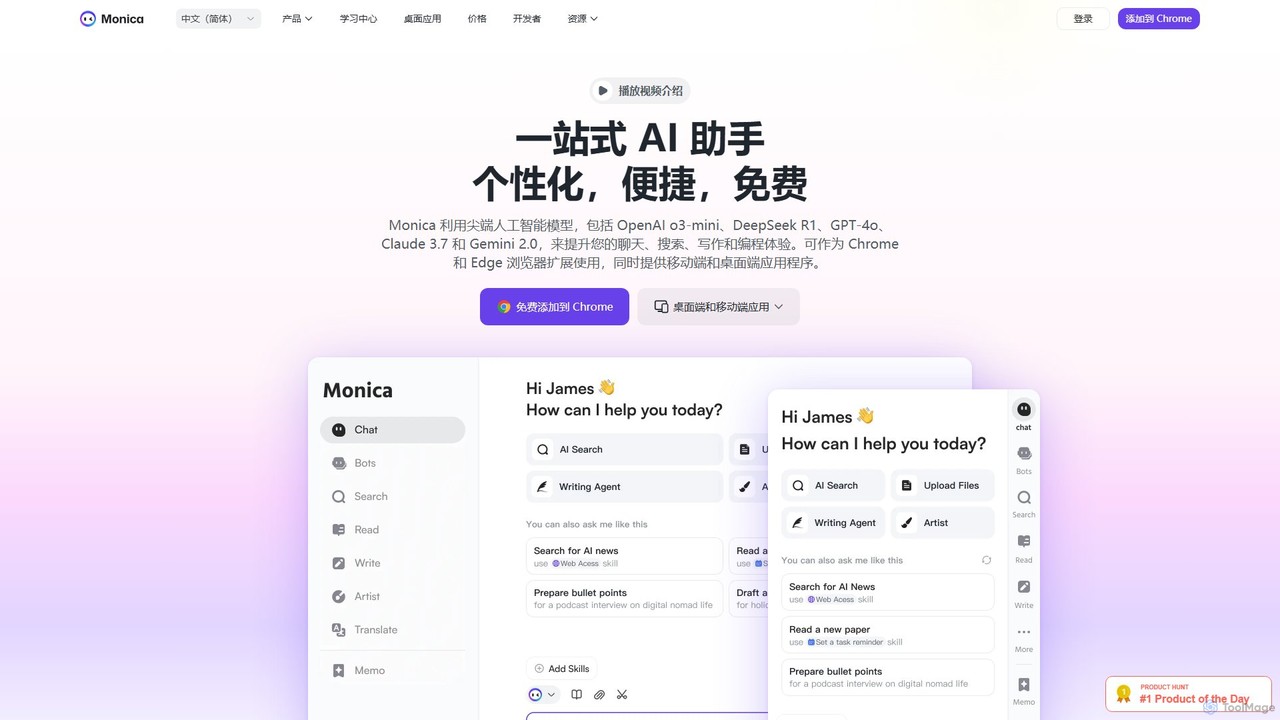
Monica
Monica is an all-in-one AI assistant powered by leading models like GPT-4o, Claude 3.7, and Gemini 1.5. It integrates seamlessly into your workflow as a browser extension, desktop, and mobile app, offering features for chat, search, writing, translation, and image creation to boost productivity.
Chrome Extensions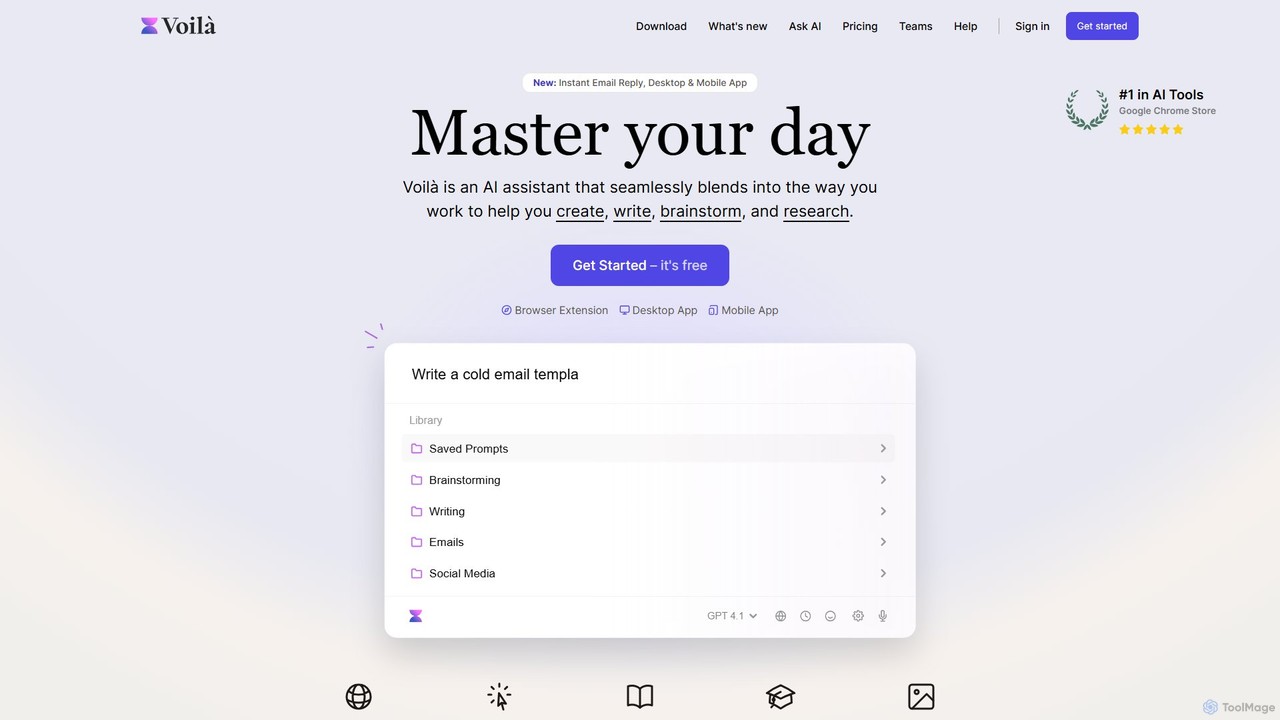
Voilà
Voilà is an all-in-one AI assistant designed to maximize productivity. It functions as a browser extension, desktop, and mobile app, seamlessly integrating into your workflow to help with writing, brainstorming, research, and content creation. It works on any website or app, understanding the context to provide relevant assistance.
Content Creation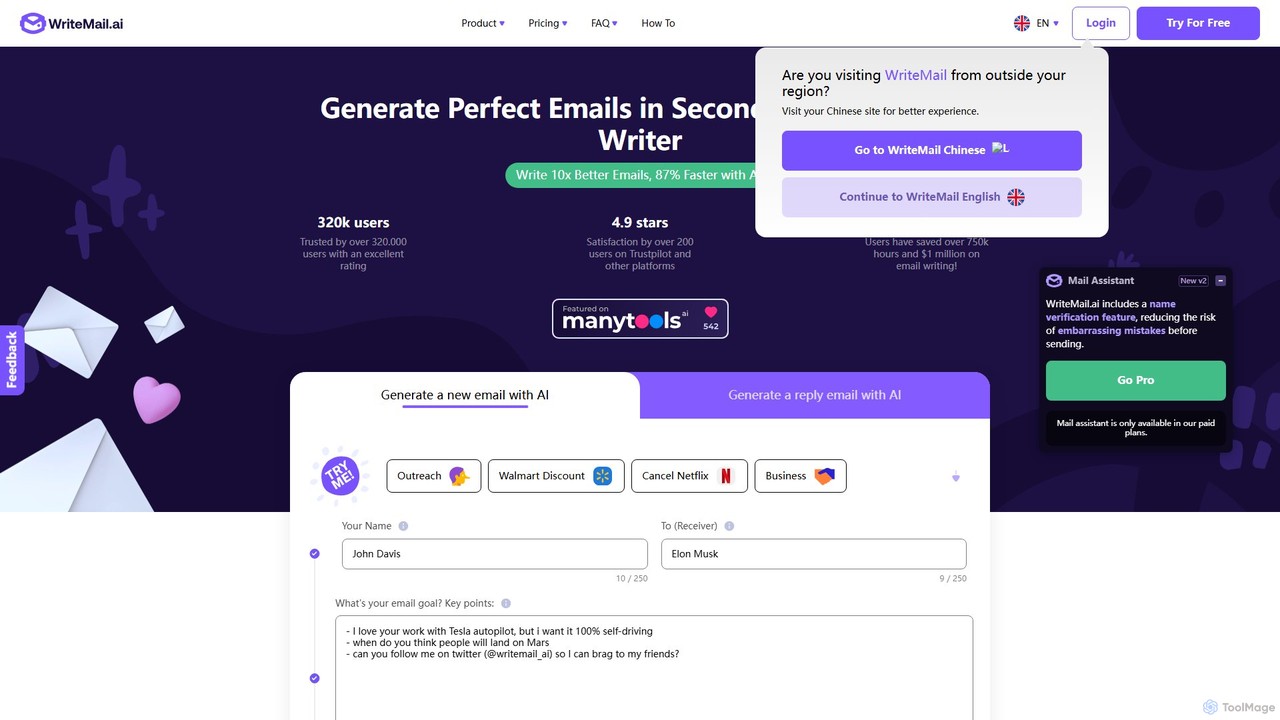
WriteMail.ai
WriteMail.ai is an AI-powered email assistant designed to help you write better emails 10x faster. It generates new emails and replies, refines tone and style, and offers real-time suggestions to improve clarity. With multilingual support and upcoming Gmail integration, it's the perfect tool for both business and personal communication, saving you time and boosting productivity.
Email Marketing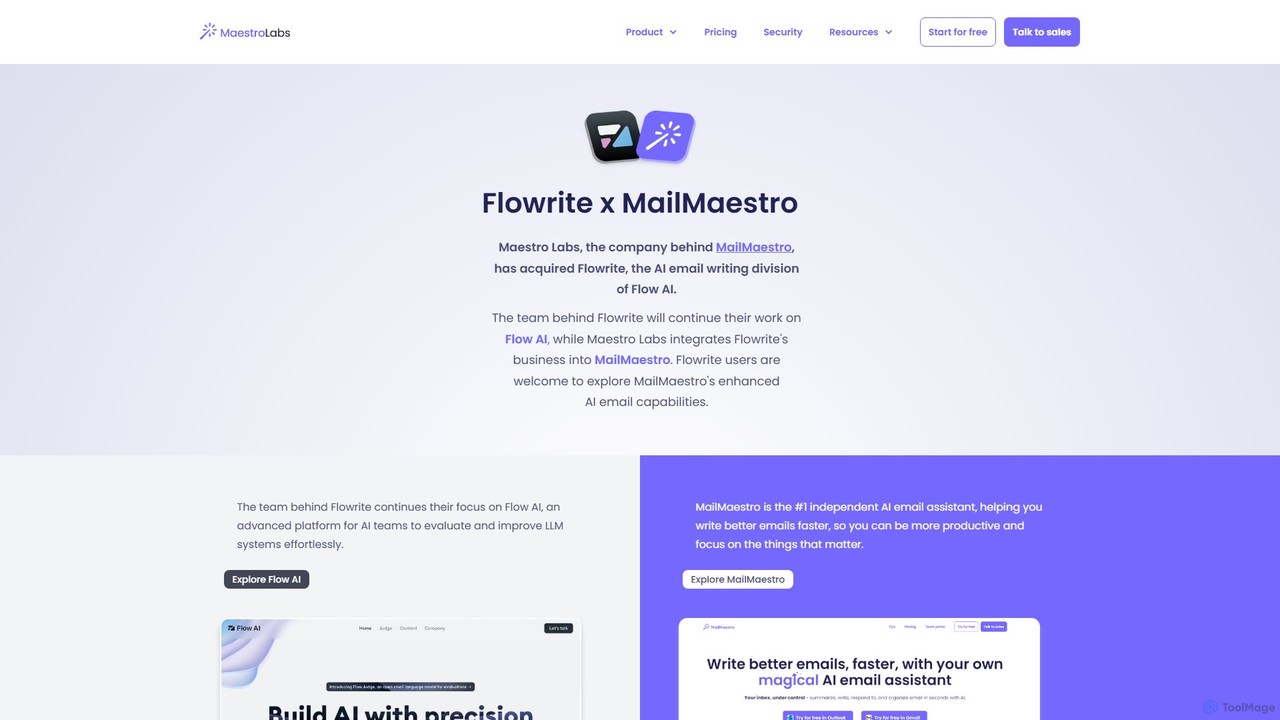
Flowrite
Flowrite is a powerful AI email writing assistant, now integrated into MailMaestro. It helps users write, reply to, summarize, and manage emails significantly faster. By generating high-quality, context-aware text, Flowrite boosts productivity, improves communication quality, and helps you achieve inbox zero with ease. It supports multiple languages and integrates directly into your existing email workflow.
Email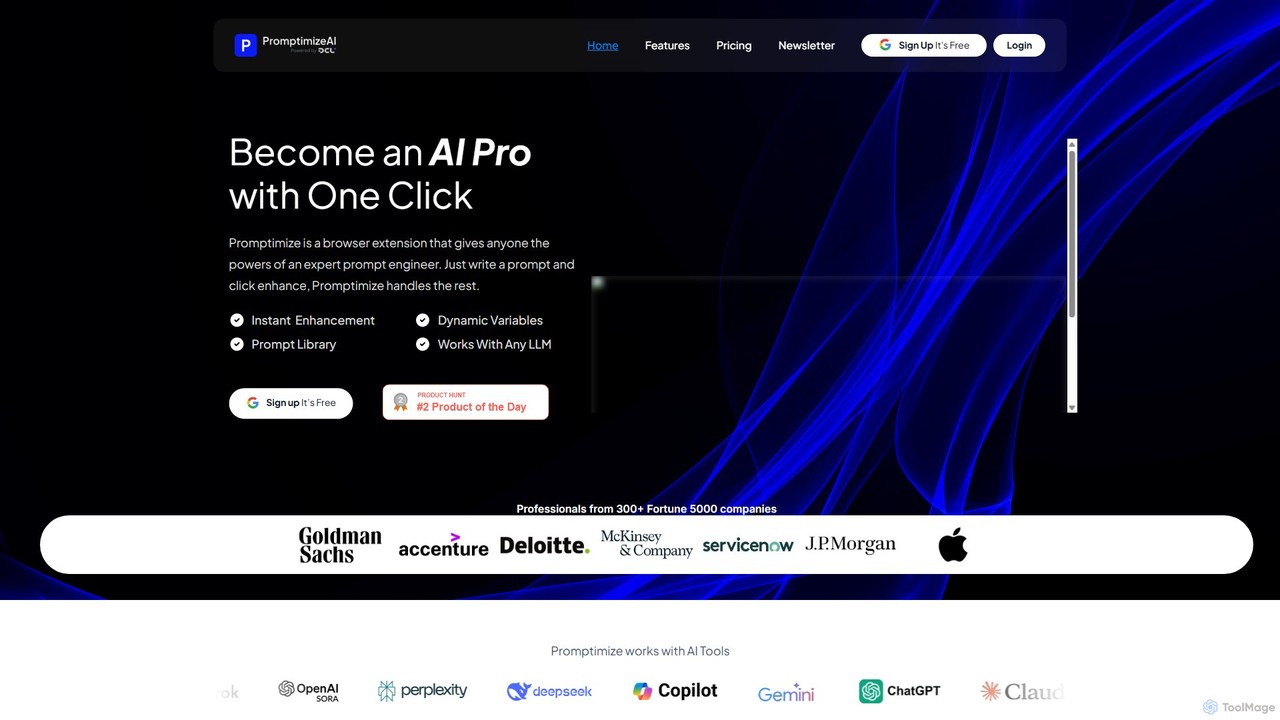
Promptimize AI
Promptimize AI is a browser extension that acts as a 'Grammarly for prompts.' It enhances your AI prompts with a single click, transforming simple queries into detailed, effective instructions for any LLM like ChatGPT, Gemini, or Claude. It helps users get better, more accurate, and on-brand AI-generated content, boosting productivity without needing expert prompt engineering skills.
Chrome Extensions
Clippit AI Comments (0)
Sign in to comment.
Sign inNo comments yet.