

Scribbly Overview
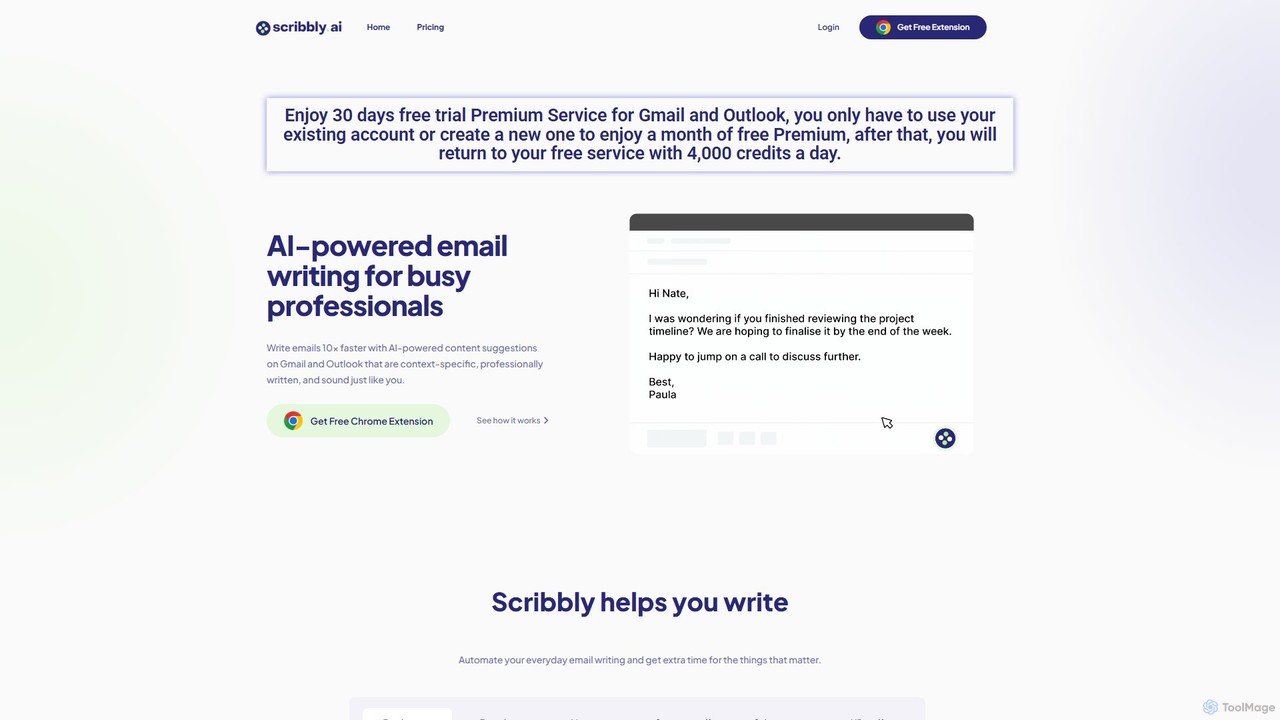
Scribbly is an advanced AI-powered email writing tool designed to revolutionize how professionals handle their daily correspondence. By integrating seamlessly as a Chrome extension for Gmail and Outlook, Scribbly empowers users to compose high-quality, context-aware emails up to 10 times faster. It's the perfect assistant for anyone looking to reclaim their time from the inbox, including freelancers, founders, managers, sales representatives, and HR staff. The core mission of Scribbly is to automate the tedious aspects of email writing, allowing you to focus on what truly matters—growing your business, delighting clients, and achieving your strategic goals.
The AI behind Scribbly is sophisticated enough to understand the context of an email thread, suggest relevant content, and adapt to your unique writing style. This ensures that every email you send is not only professional and error-free but also sounds authentically like you. Whether you're starting an email from scratch or replying to a complex conversation, Scribbly provides the support you need to communicate effectively and efficiently.
How to use Scribbly
Getting started with Scribbly is incredibly simple and designed for a smooth user experience. Here’s a step-by-step guide:
- Installation: First, add the free Scribbly Chrome Extension to your browser from the Chrome Web Store.
- Sign In: Once installed, sign in using your existing Google or Outlook account to link Scribbly with your email client.
- Replying to an Email: When you open an email you want to reply to, Scribbly's interface will appear. Simply select the email thread, choose an 'intention' that best describes your desired response (e.g., 'Agree', 'Politely Decline', 'Request Information'), and Scribbly will instantly generate a well-crafted draft.
- Writing a New Email: To compose a new email, click the 'Input Mode' button. Provide Scribbly with a brief context or a few bullet points about what you want to say (e.g., 'Follow up with John about the Q3 report deadline'). The AI will then generate a complete email based on your input.
- Edit and Send: In both cases, you can easily edit and polish the AI-generated text to make final adjustments before hitting 'Send'.
Core Features of Scribbly
- Context-Aware Suggestions: The AI analyzes the entire email conversation to provide highly relevant and intelligent response suggestions.
- Intention-Based Replies: Quickly generate replies by selecting from a list of common intentions, saving you from typing out standard responses.
- Personalized Writing Style: Scribbly learns from your writing and adapts its suggestions to match your tone and voice, ensuring authenticity in your communications.
- Compose from Scratch: Overcome writer's block by providing simple prompts or notes, and let the AI draft a full email for you.
- Seamless Integration: Works directly within the Gmail and Outlook web interfaces as a lightweight Chrome extension, requiring no change to your workflow.
- Multi-Language Support: Capable of understanding and generating emails in various languages to support global communication.
Use Cases for Scribbly
Scribbly is a versatile tool that benefits a wide range of professionals:
- Sales Representatives: Quickly craft personalized outreach emails, follow-ups, and responses to client inquiries to close deals faster.
- HR Staff: Streamline recruitment processes by automating the writing of interview invitations, offer letters, and rejection notices.
- Founders and Entrepreneurs: Efficiently manage communications with investors, partners, and customers, freeing up time for strategic business development.
- Freelancers: Enhance client communication with professional project updates, proposals, and invoices, allowing more focus on creative work.
- Customer Support Teams: Draft empathetic and effective responses to customer queries and support tickets in a fraction of the time.
- Managers: Clearly delegate tasks, provide feedback, and send out team-wide announcements with speed and clarity.
Advantages of Scribbly
Using Scribbly offers significant benefits:
- Massive Time Savings: Reduce the time spent on writing and managing emails by up to 90%, boosting overall productivity.
- Enhanced Professionalism: Ensure all your emails are well-written, grammatically correct, and maintain a professional tone.
- Improved Communication Quality: Eliminate ambiguity and convey your message clearly and effectively.
- Consistent Voice: Maintain a consistent personal or brand voice across all your email communications.
- Reduces Cognitive Load: Frees up mental energy by handling the repetitive task of email composition.
Pricing and Plans
Scribbly operates on a freemium model, making it accessible to everyone.
- Free Plan: This plan is completely free and includes a generous allotment of 4,000 credits per day, which is sufficient for most users' daily email needs.
- Premium Plan: For power users and teams, the Premium Plan offers a higher credit limit or unlimited usage, along with potentially advanced features. Scribbly offers a 30-day free trial of the Premium service, allowing you to experience its full capabilities. After the trial, you can choose to subscribe to a paid plan or automatically revert to the Free plan. For the most current pricing details, please visit the official Scribbly website.
Scribbly Alternatives
Clippit AI
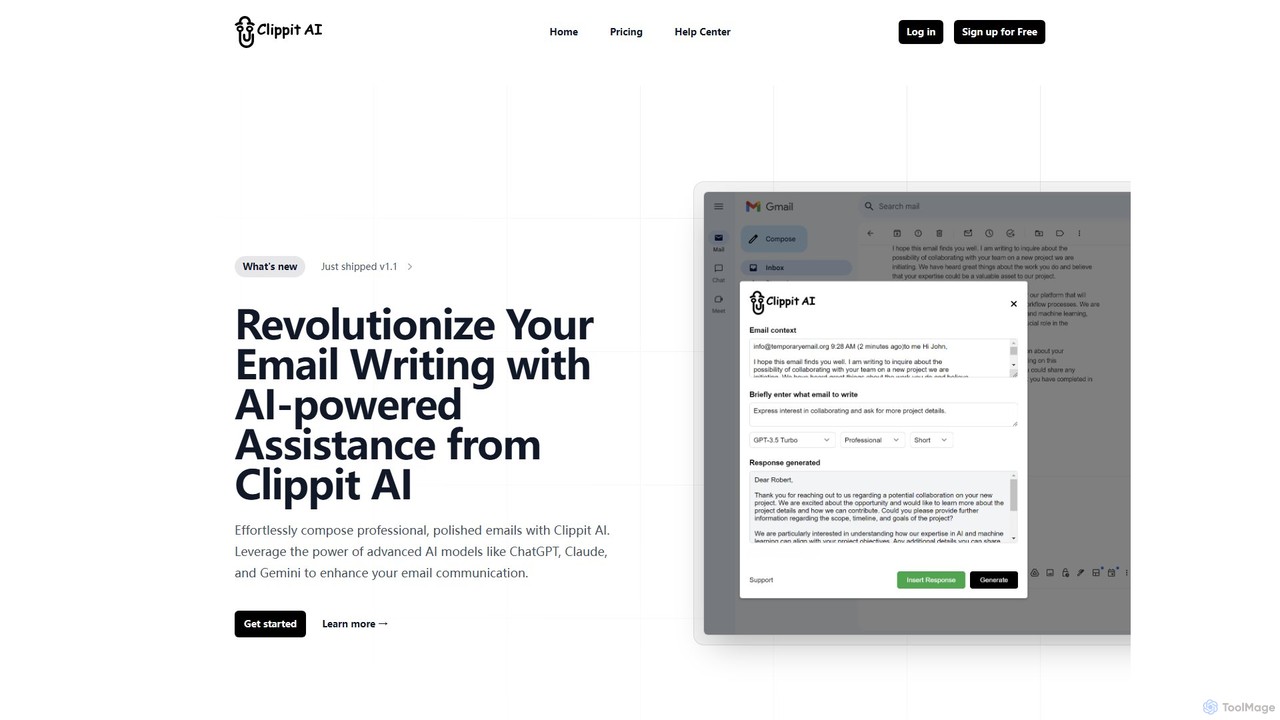
Clippit AI is a powerful browser extension that revolutionizes your email writing. By leveraging advanced AI models like ChatGPT, Claude, and Gemini, it helps you effortlessly compose professional, polished, and context-aware emails directly within your workflow. From drafting replies to refining your tone, Clippit AI enhances your productivity and communication quality, saving you valuable time.
Sales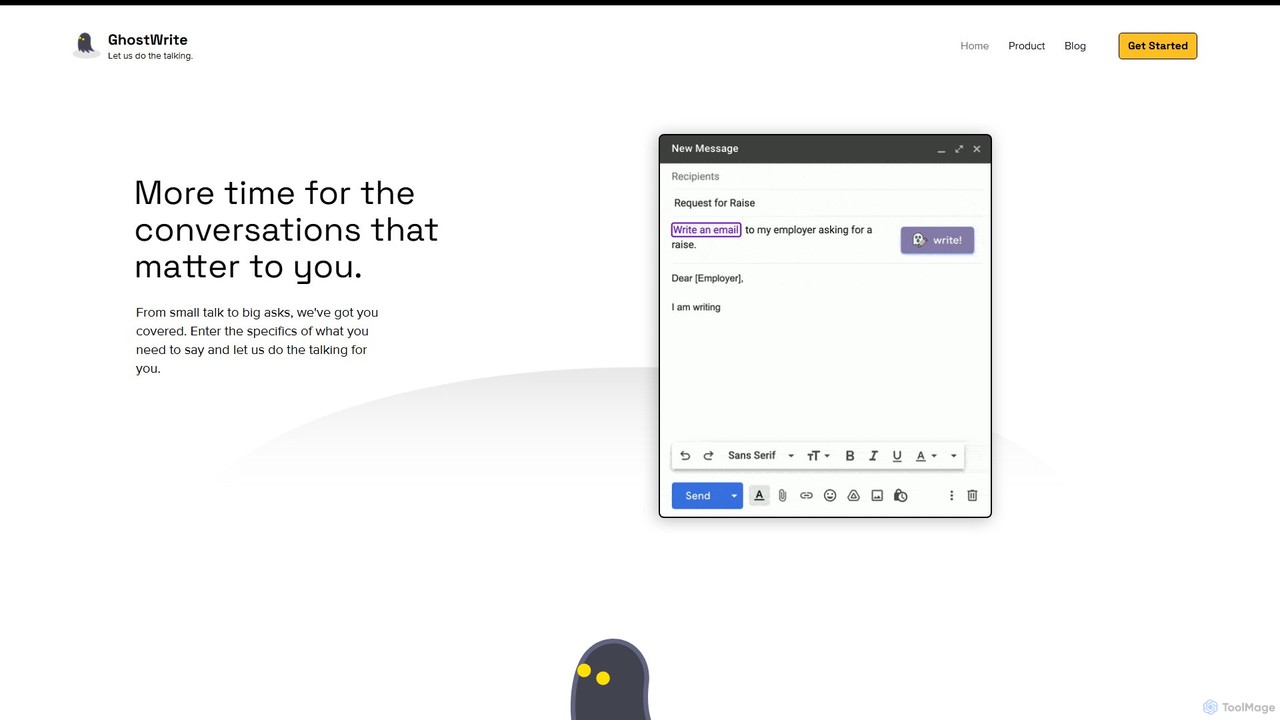
Ghostwrite
Ghostwrite is an AI-powered email writing assistant designed to save you time and enhance your communication. Simply provide a brief prompt, and its AI, "Inky," will draft professional, clear, and context-aware emails for you. It learns your writing style over time, helping you overcome writer's block, manage networking, and communicate with confidence. Ideal for professionals, students, and anyone tired of writing emails.
Sales
ReplyAI
ReplyAI is an AI-powered email writer that integrates with Gmail and Outlook to help you write emails 10x faster. Powered by GPT-4, it generates high-quality drafts, suggests contextual replies, and adapts to your personal writing style. Compose professional emails in multiple languages and tones, saving time and improving communication efficiency for sales, customer support, and daily correspondence.
Email Marketing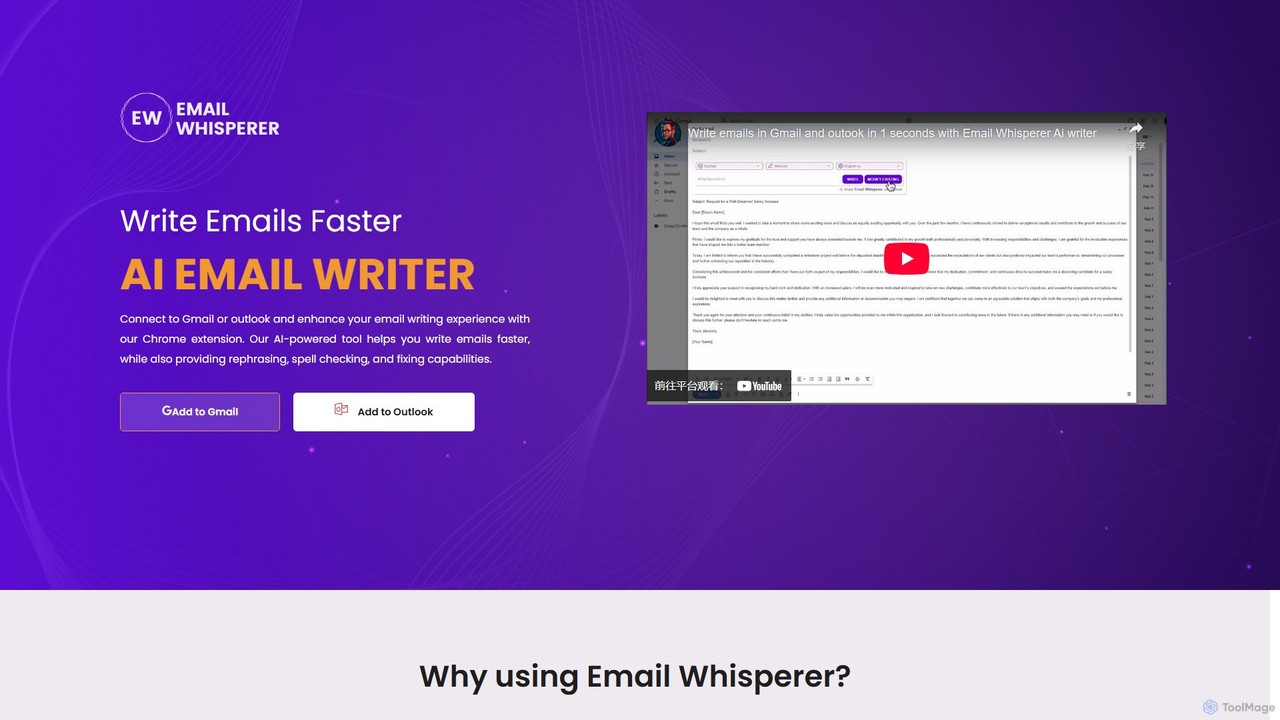
EmailWhisperer
EmailWhisperer is an AI-powered Chrome extension for Gmail and Outlook that helps you write emails faster. It offers features like rephrasing, spell-checking, tone adjustment, and AI training to personalize your communication and improve productivity.
Email Marketing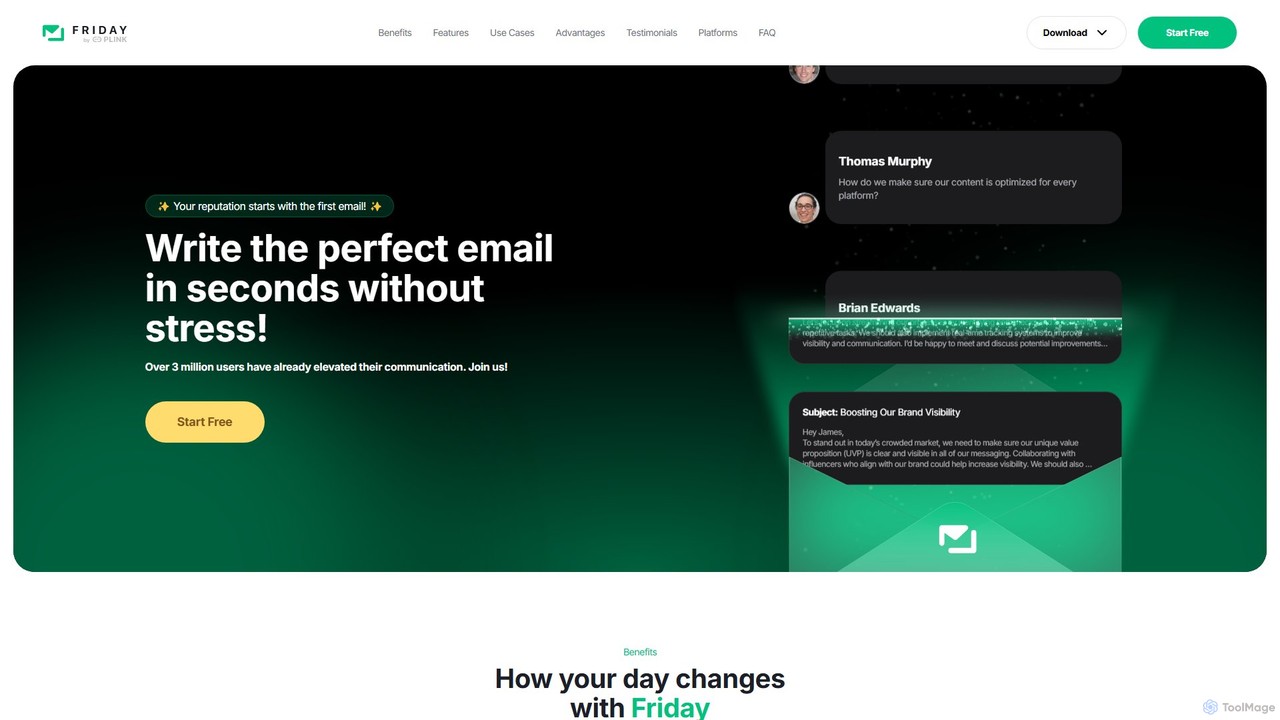
friday_email
Friday is an AI-powered email writer designed to help users craft professional, stress-free emails in seconds. With over 3 million users, it offers features like instant email generation from keywords, real-time grammar checks, tone adjustment, and personalized style learning. Available on web, mobile, and as a browser extension, Friday streamlines communication for various professionals, saving time, boosting productivity, and ensuring every email is polished and effective.
Email MarketingScribbly Categories
Scribbly Embed Widget
Copy this embed code to place the badge on your blog, article, or product site and send readers directly to this ToolMage detail page.

Related AI tools
superReply
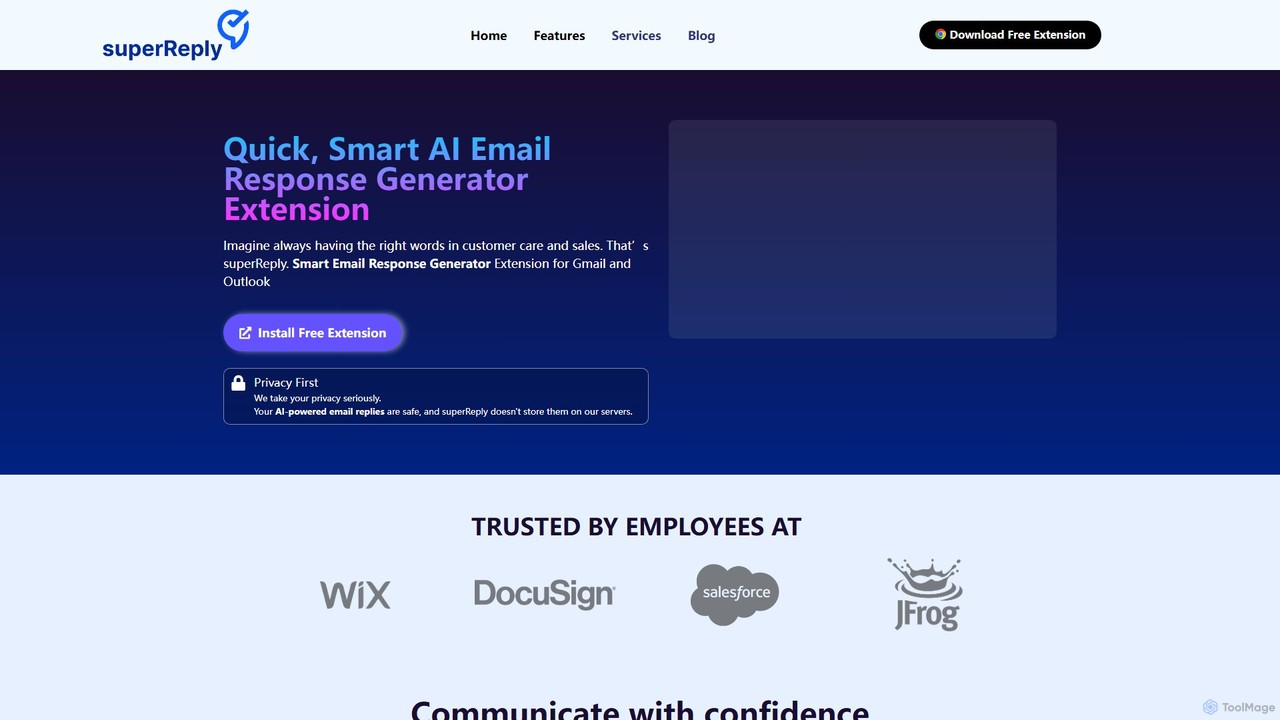
superReply is an AI-powered Chrome extension for Gmail and Outlook that instantly generates professional, context-aware email responses. It helps users in sales, customer support, and business communication save time, improve productivity, and always find the right words with adjustable tones.
Email MarketingReplyAI
ReplyAI is an AI-powered email writer that integrates with Gmail and Outlook to help you write emails 10x faster. Powered by GPT-4, it generates high-quality drafts, suggests contextual replies, and adapts to your personal writing style. Compose professional emails in multiple languages and tones, saving time and improving communication efficiency for sales, customer support, and daily correspondence.
Email MarketingEmailWhisperer
EmailWhisperer is an AI-powered Chrome extension for Gmail and Outlook that helps you write emails faster. It offers features like rephrasing, spell-checking, tone adjustment, and AI training to personalize your communication and improve productivity.
Email Marketing
EmailGPT
EmailGPT is an AI-powered email assistant designed to streamline your communication. It helps you draft professional emails, generate intelligent replies, summarize long threads, and adjust the tone of your messages instantly. Boost your productivity and write better emails faster with EmailGPT.
Email MarketingClippit AI
Clippit AI is a powerful browser extension that revolutionizes your email writing. By leveraging advanced AI models like ChatGPT, Claude, and Gemini, it helps you effortlessly compose professional, polished, and context-aware emails directly within your workflow. From drafting replies to refining your tone, Clippit AI enhances your productivity and communication quality, saving you valuable time.
Salesfriday_email
Friday is an AI-powered email writer designed to help users craft professional, stress-free emails in seconds. With over 3 million users, it offers features like instant email generation from keywords, real-time grammar checks, tone adjustment, and personalized style learning. Available on web, mobile, and as a browser extension, Friday streamlines communication for various professionals, saving time, boosting productivity, and ensuring every email is polished and effective.
Email Marketing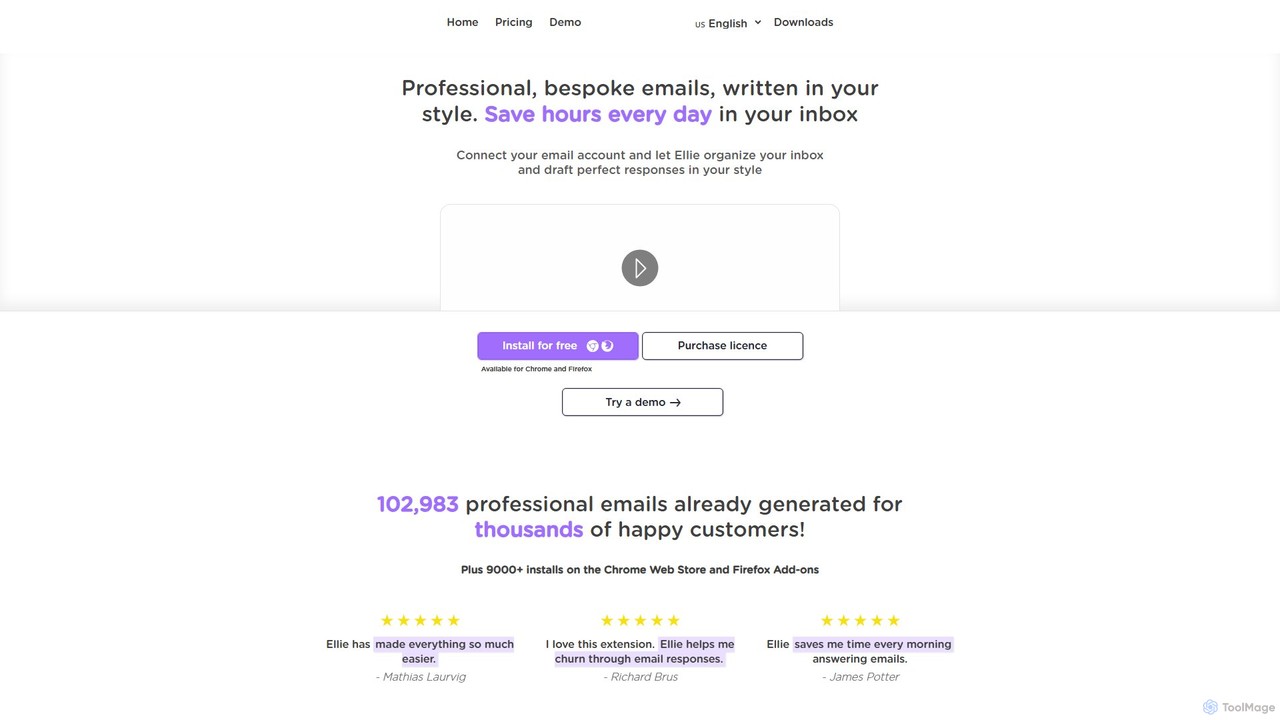
Ellie
Ellie is an AI-powered email assistant that saves you hours every day. It learns from your writing style to draft intelligent, personalized, and context-aware replies directly in your inbox. Supporting multiple languages and integrating with Gmail and Outlook, Ellie helps you manage email overload, overcome reply anxiety, and boost your productivity.
Email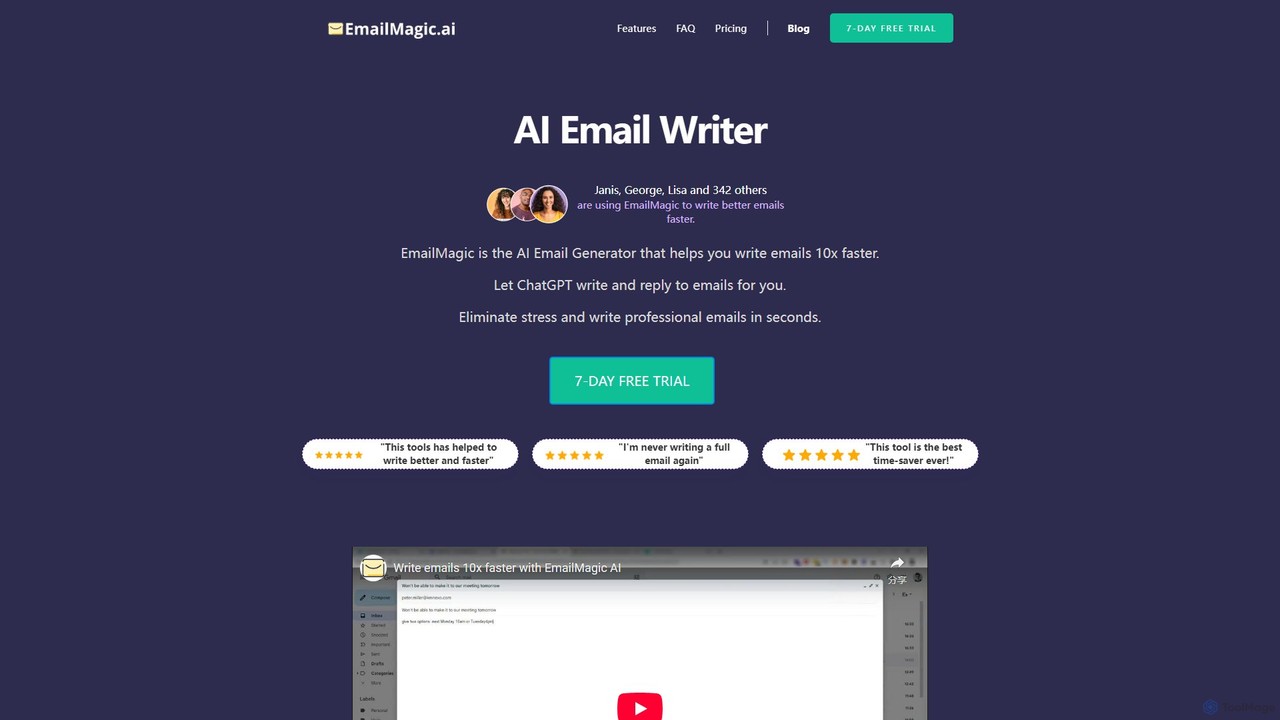
EmailMagic AI
EmailMagic AI is an intelligent email assistant for Gmail that uses AI to help you write emails faster, generate context-aware replies, and communicate in any language. It learns your writing style to create personalized, authentic emails, significantly boosting your productivity.
Email Marketing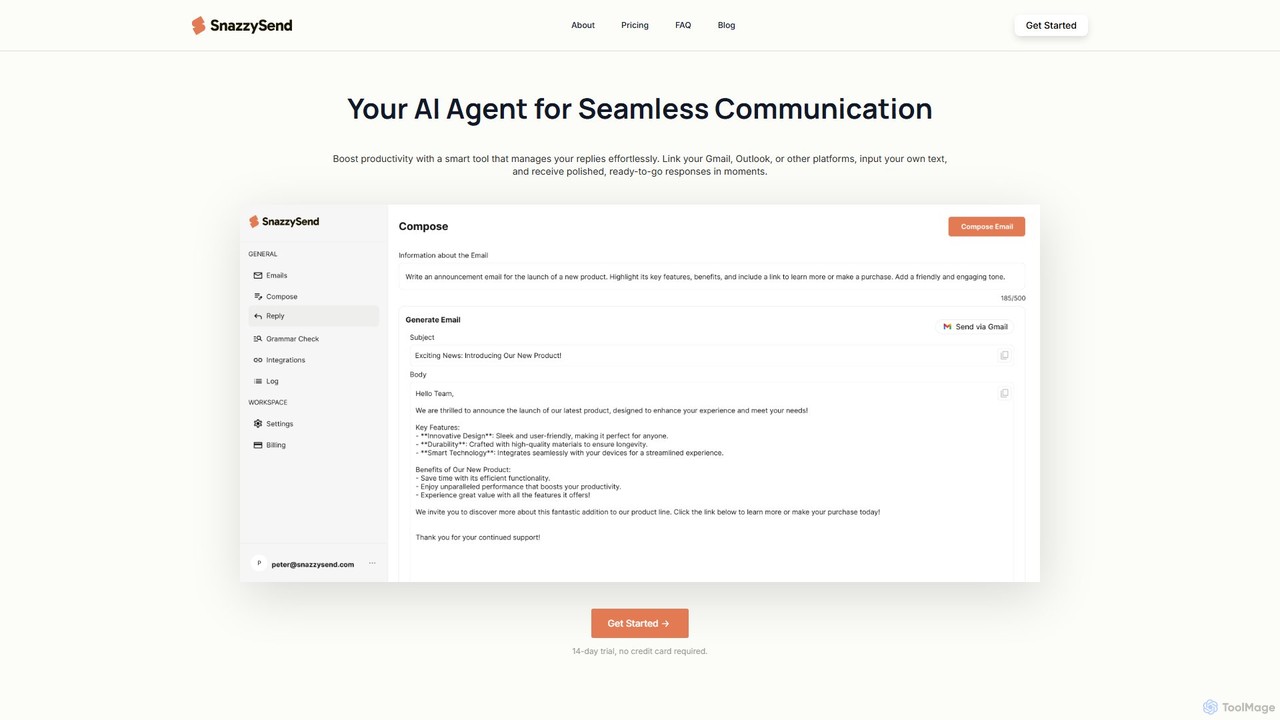
snazzysend
snazzysend is an AI-powered communication assistant designed to streamline your email workflow. It connects with Gmail and Outlook to help you craft polished, human-like replies instantly. By providing simple prompts, you can generate tailored responses, manage communications from a single app, and significantly boost your productivity.
Automation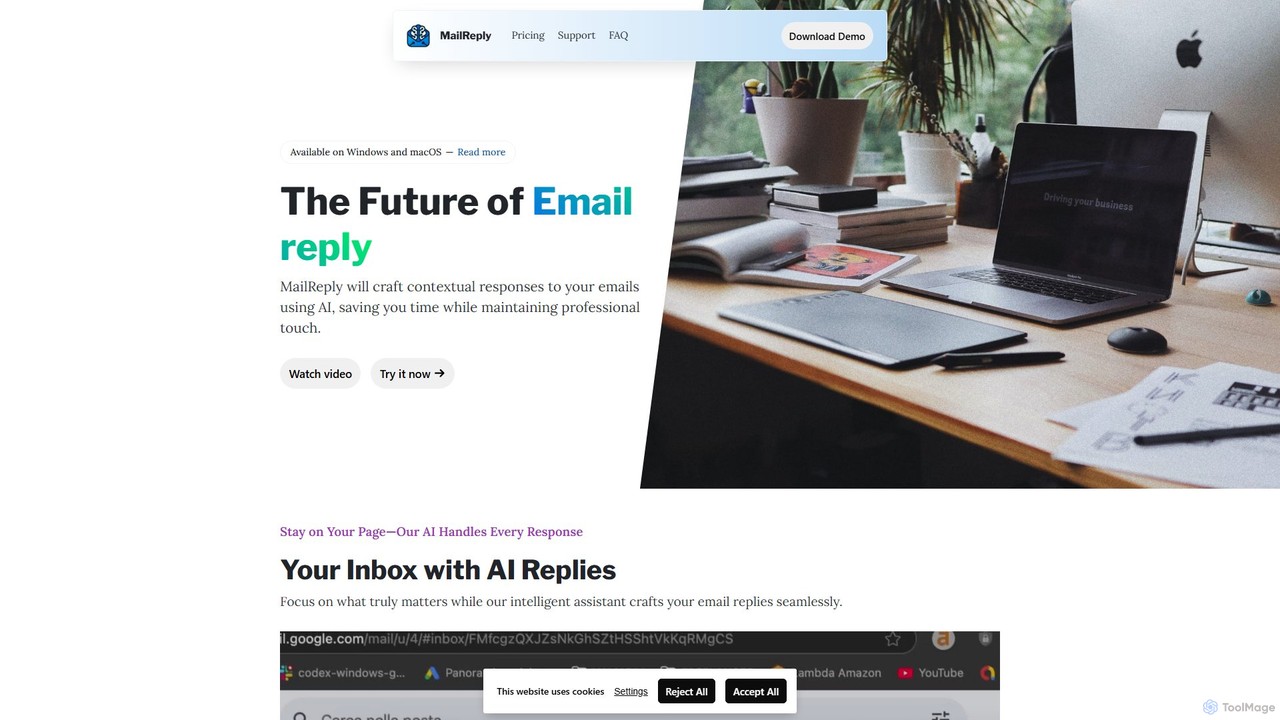
mailreply
mailreply is an independent AI email assistant designed for professionals. It helps you draft high-quality, context-aware email replies in seconds, maintaining a professional tone. It works with any email client, including Outlook and Gmail, while prioritizing user control and data privacy.
Writing Assistant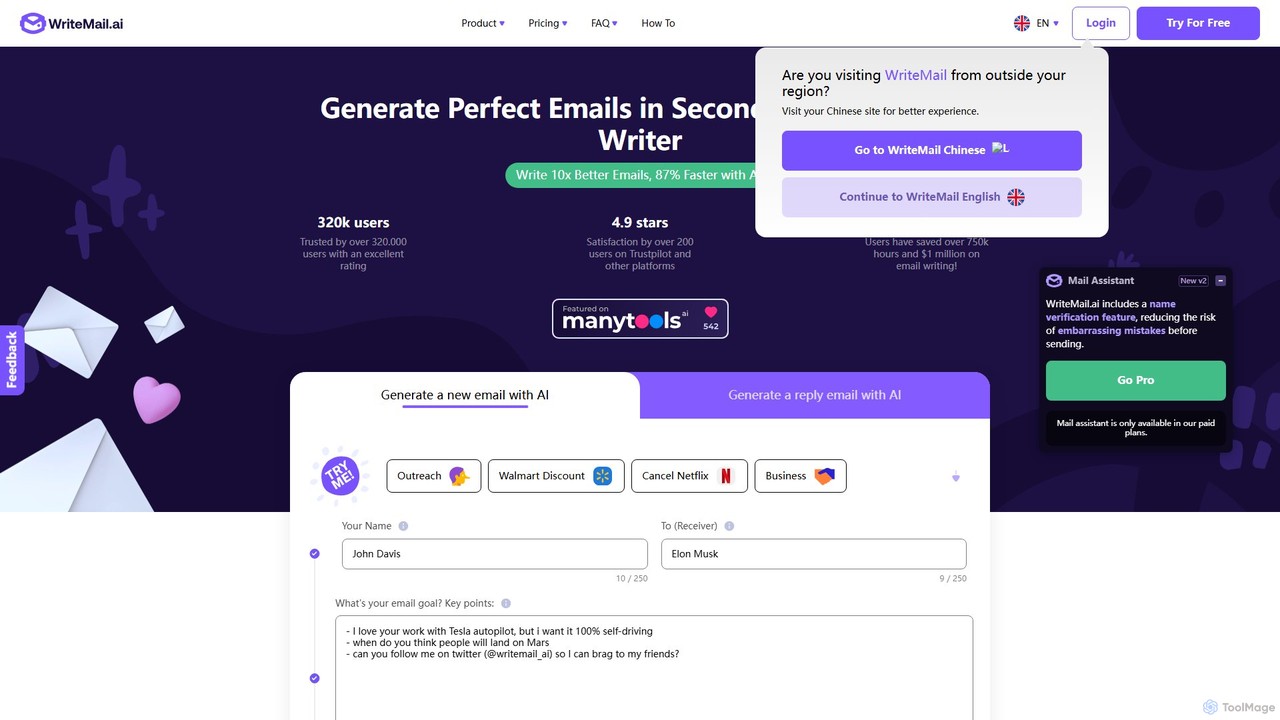
WriteMail.ai
WriteMail.ai is an AI-powered email assistant designed to help you write better emails 10x faster. It generates new emails and replies, refines tone and style, and offers real-time suggestions to improve clarity. With multilingual support and upcoming Gmail integration, it's the perfect tool for both business and personal communication, saving you time and boosting productivity.
Email Marketing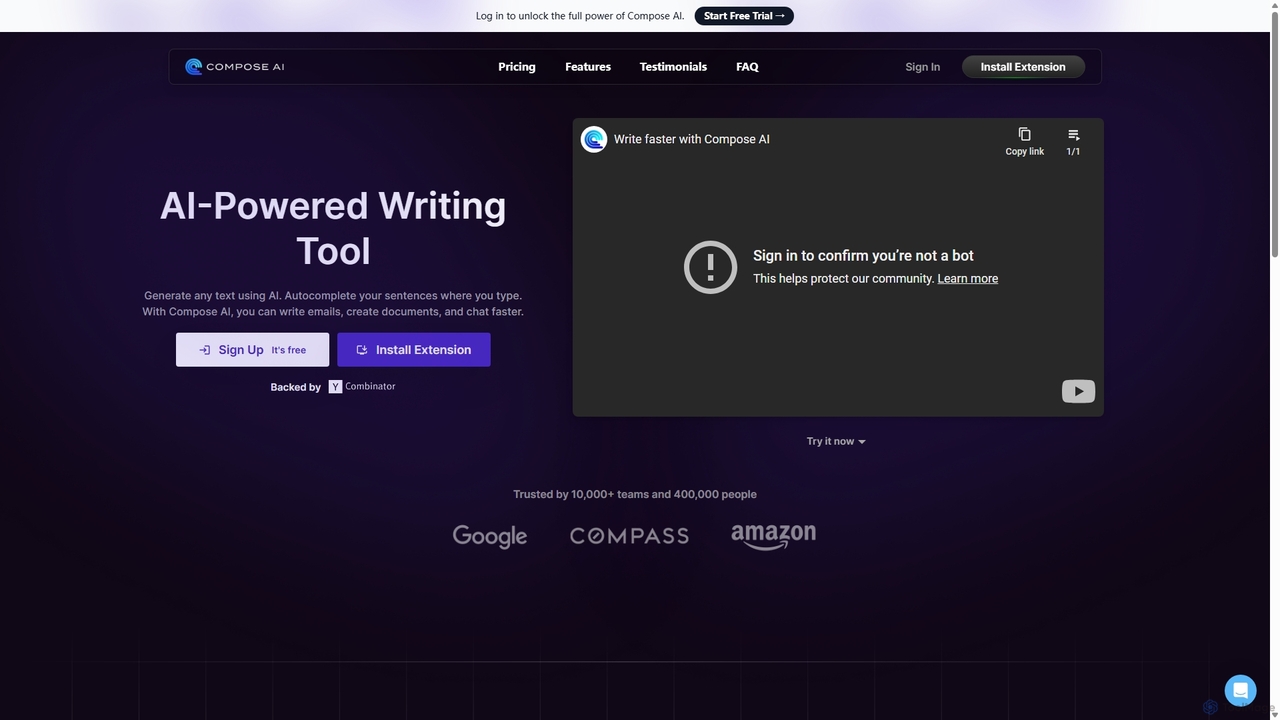
Compose AI
Compose AI is an AI-powered writing assistant and Chrome extension that accelerates your writing process. It offers intelligent autocompletion, text generation, and rephrasing capabilities across all your favorite sites, from emails to documents. By learning your personal writing style, it helps you write faster and more effectively, saving up to 40% of your time.
Chrome Extensions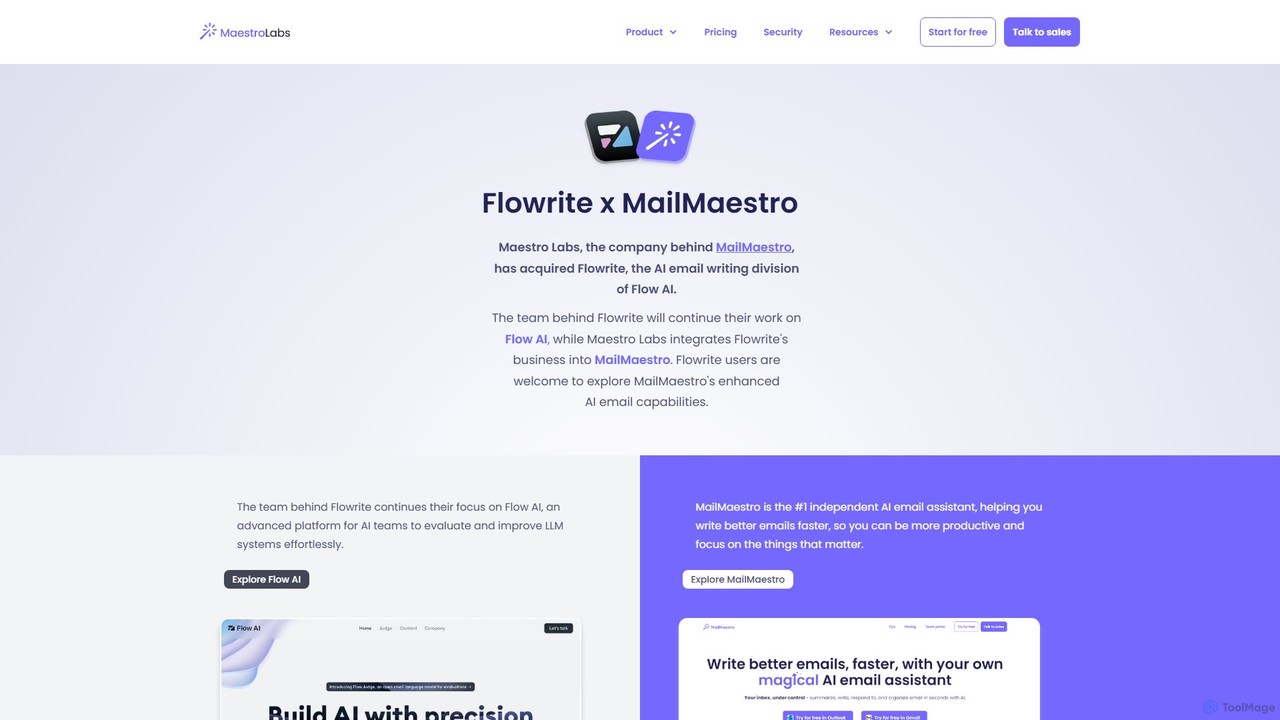
Flowrite
Flowrite is a powerful AI email writing assistant, now integrated into MailMaestro. It helps users write, reply to, summarize, and manage emails significantly faster. By generating high-quality, context-aware text, Flowrite boosts productivity, improves communication quality, and helps you achieve inbox zero with ease. It supports multiple languages and integrates directly into your existing email workflow.
Email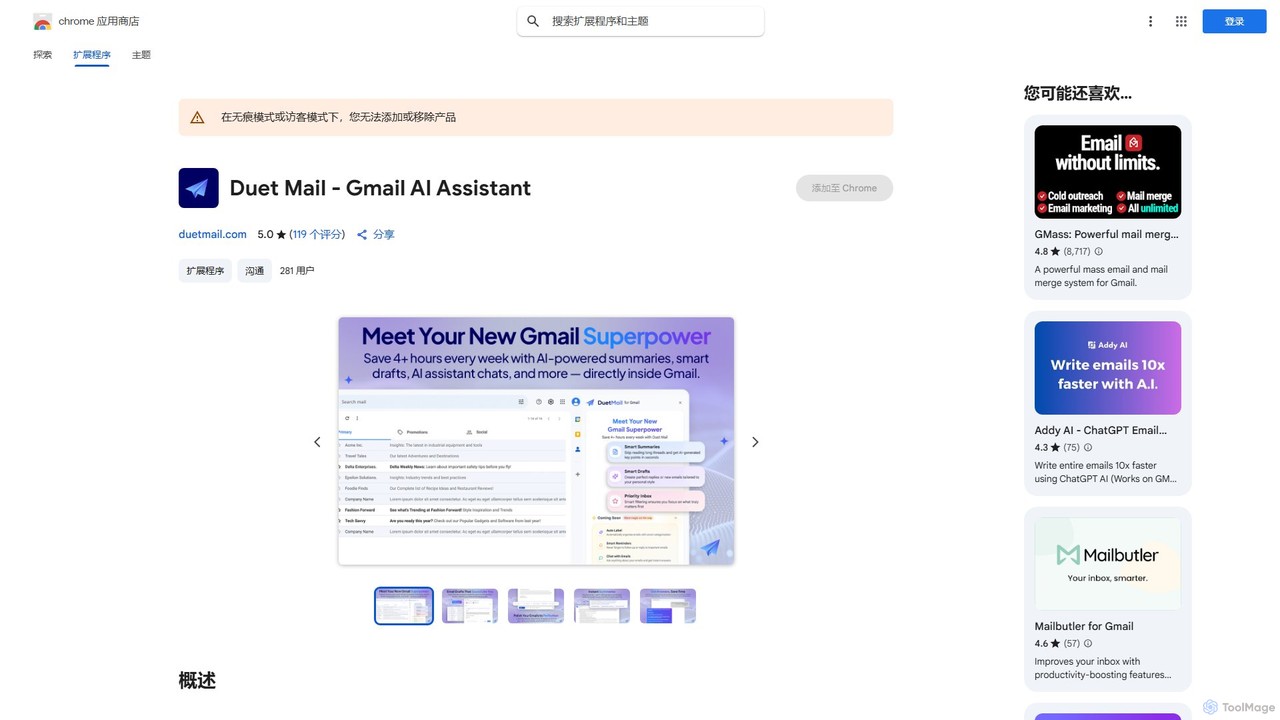
Duet Mail
Duet Mail is an AI-powered Gmail assistant that supercharges your inbox. It helps you draft emails in your personal style, provides instant summaries of long threads, sets smart follow-up reminders, and categorizes important messages. Save hours each week and reclaim control over your email.
Chrome Extensions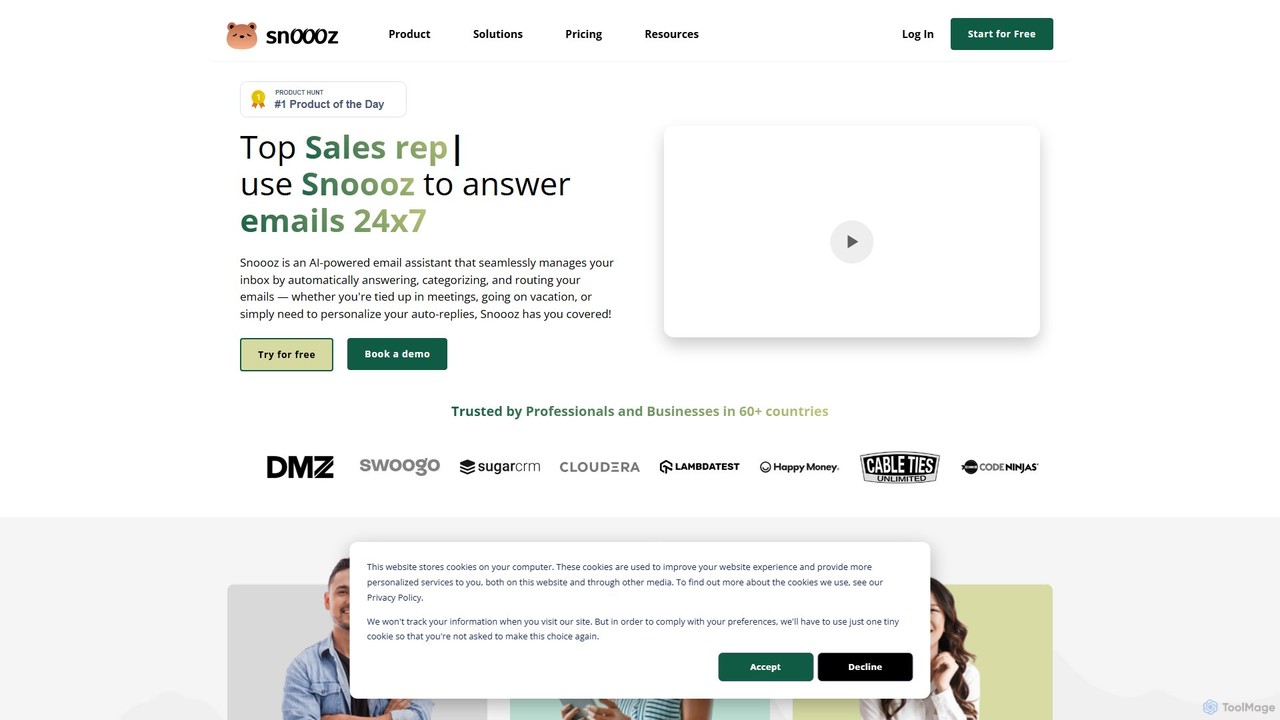
snoooz
snoooz is an AI-powered email assistant that automates your inbox 24/7. It goes beyond standard out-of-office replies by sending personalized, context-aware responses based on sender, sentiment, and language. snoooz automatically categorizes, routes, and triages emails, helping sales, customer success, and HR teams maintain business continuity and engage leads and customers even when they're away.
Help Desk
Scribbly Comments (0)
Sign in to comment.
Sign inNo comments yet.