

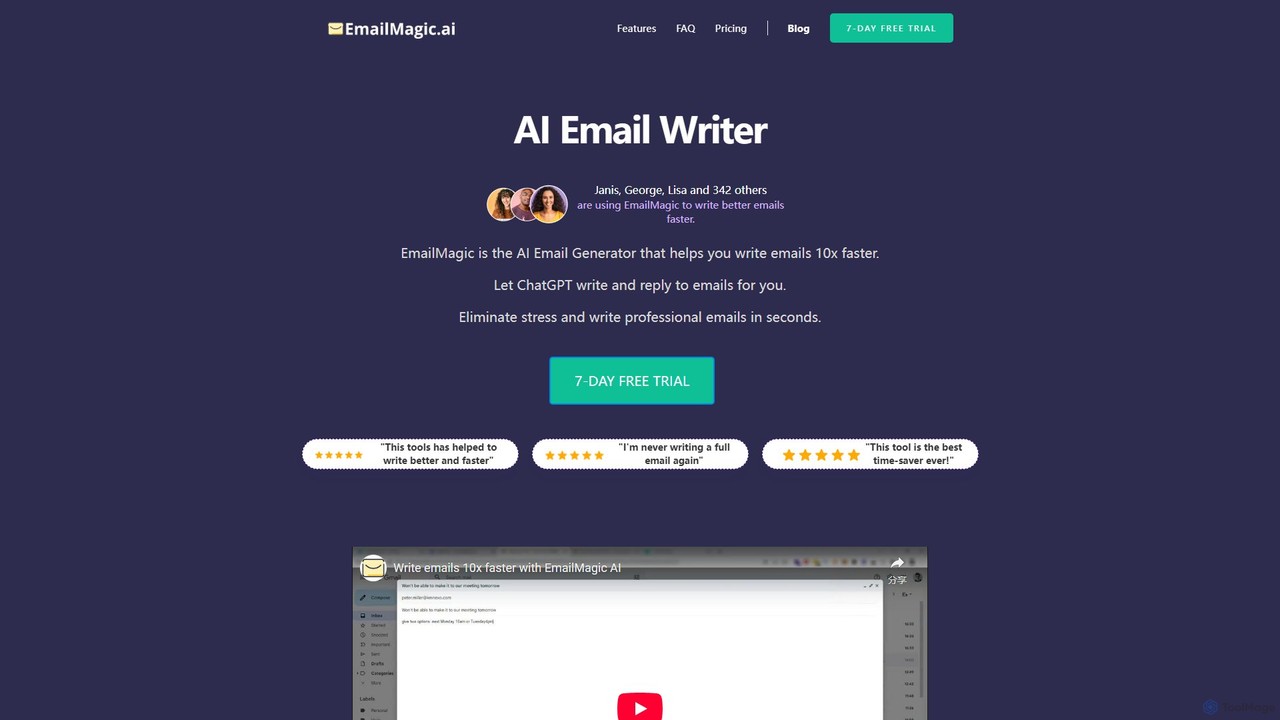
EmailMagic AI Overview
EmailMagic AI is a powerful artificial intelligence tool designed to revolutionize your email workflow, specifically within the Gmail ecosystem. It acts as a personal email assistant, learning your unique writing style to help you compose high-quality emails and replies in a fraction of the time. By analyzing the context of conversations and understanding your voice, EmailMagic AI significantly reduces the manual effort involved in email management, allowing you to focus on what truly matters.
The core premise of the tool is to make email communication faster, smarter, and more effective. Whether you're drafting a complex business proposal, responding to a customer inquiry, or simply catching up on your inbox, EmailMagic AI provides the support you need. It reads the most recent messages in a thread to generate highly relevant and coherent replies, ensuring your communication is always on point. This contextual understanding sets it apart, making the generated content feel less robotic and more human-like, tailored specifically to the ongoing conversation.
How to use EmailMagic AI
Getting started with EmailMagic AI is a straightforward process designed for maximum efficiency, integrating directly into your existing workflow:
- Installation: Begin by installing the EmailMagic AI browser extension, which is currently optimized for Gmail.
- Grant Permissions: Allow the necessary permissions for the tool to integrate with your Gmail account. The tool prioritizes security and only accesses data required for its functionality.
- Style Adaptation (Optional but Recommended): For the best results, you can provide EmailMagic AI with samples of your previously sent emails. This allows the AI to learn your specific tone, phrasing, and formatting, ensuring the emails it generates sound authentically like you.
- Compose or Reply: When you open a new compose window or hit 'reply' on an email, the EmailMagic AI icon will be available. Simply provide a brief prompt or a few keywords about the desired content (e.g., "Politely decline this meeting and suggest next Tuesday morning").
- Generate and Refine: The AI will generate a complete draft in seconds. You can then use the built-in revision feature to make adjustments. You can ask it to make the tone more formal, shorten the text, or rephrase a specific section up to five times per email.
- Send with Confidence: Once you are satisfied with the draft, insert it into your email and send it.
Core Features of EmailMagic AI
- AI-Powered Email Drafting: Instantly generate entire emails from short prompts, saving you from staring at a blank page.
- Context-Aware Reply Generation: The AI analyzes the context of the email thread to create relevant, intelligent, and coherent replies in under 10 seconds.
- Personalized Writing Style: By learning from your email history, the AI adapts to your unique voice, tone, and vocabulary, making the generated emails sound just like you wrote them.
- Multi-Language Support: Write and reply to emails in any language, effectively breaking down communication barriers for international business and personal correspondence.
- Iterative Revision Tool: Refine and perfect your emails with up to five revisions per draft. Easily adjust the tone, length, or specific sentences to match your exact needs.
- Seamless Gmail Integration: Works as a browser extension directly within the Gmail interface, providing a smooth and uninterrupted user experience.
- Data Security: Built with robust security measures to ensure your data is kept safe and private, with a clear privacy policy.
Use Cases for EmailMagic AI
EmailMagic AI is a versatile tool suitable for a wide range of users and professions:
- Sales Professionals: Quickly craft personalized outreach emails, send timely follow-ups, and respond to client inquiries to close deals faster.
- Customer Support Teams: Provide fast, consistent, and empathetic responses to support tickets managed through Gmail, improving customer satisfaction.
- Busy Executives and Managers: Efficiently manage a high volume of daily emails, delegate initial drafting, and maintain clear communication with their teams.
- HR and Recruiters: Streamline communication with candidates, schedule interviews, and send out company-wide announcements.
- Non-Native Speakers: Compose grammatically correct, professional, and natural-sounding emails in a foreign language with confidence.
- Freelancers and Small Business Owners: Manage client communications, send invoices, and handle marketing outreach professionally and efficiently.
Advantages of EmailMagic AI
The primary advantage of EmailMagic AI is a massive boost in productivity. It automates the most time-consuming aspects of email writing, freeing up hours in your week. Furthermore, it enhances the quality of your communication by ensuring emails are well-written, context-aware, and free of errors. The style personalization ensures your authentic voice is never lost, and the multi-language feature makes it an invaluable asset for global communication. By reducing the cognitive load of email management, it allows users to focus on more strategic and high-value tasks.
Pricing and Plans
EmailMagic AI operates on a freemium model, offering options for different levels of usage:
- Free Trial: A 7-day free trial is available for all new users to experience the full capabilities of the service.
- Basic Plan: Ideal for light users, this plan allows for the generation of up to 5 emails per day.
- Pro Plan: Designed for professionals and heavy users, this plan increases the limit to 25 emails per day.
After the trial period, users will need to subscribe to one of the paid plans to continue using the service. Specific pricing details are available on the official website.
Traffic
Latest traffic
Status
Monthly traffic trend
- 2025-9: 10.2K
- 2026-1: 4.3K
- 2026-2: 2.0K
- 2026-3: 2.4K
- 2026-4: 623
- 2026-5: 162
Geography
Top 5 countries / regions
- 🇮🇳India100.0%
Top keywords
| Keyword | Cost per click |
|---|---|
| acknowledge receipt | $0.13 |
| business inquiries | $0.00 |
| gentle reminder meaning | $0.00 |
| how to acknowledge receipt of email | $0.00 |
| how to acknowledge receipt of payment via email | $0.00 |
EmailMagic AI Alternatives
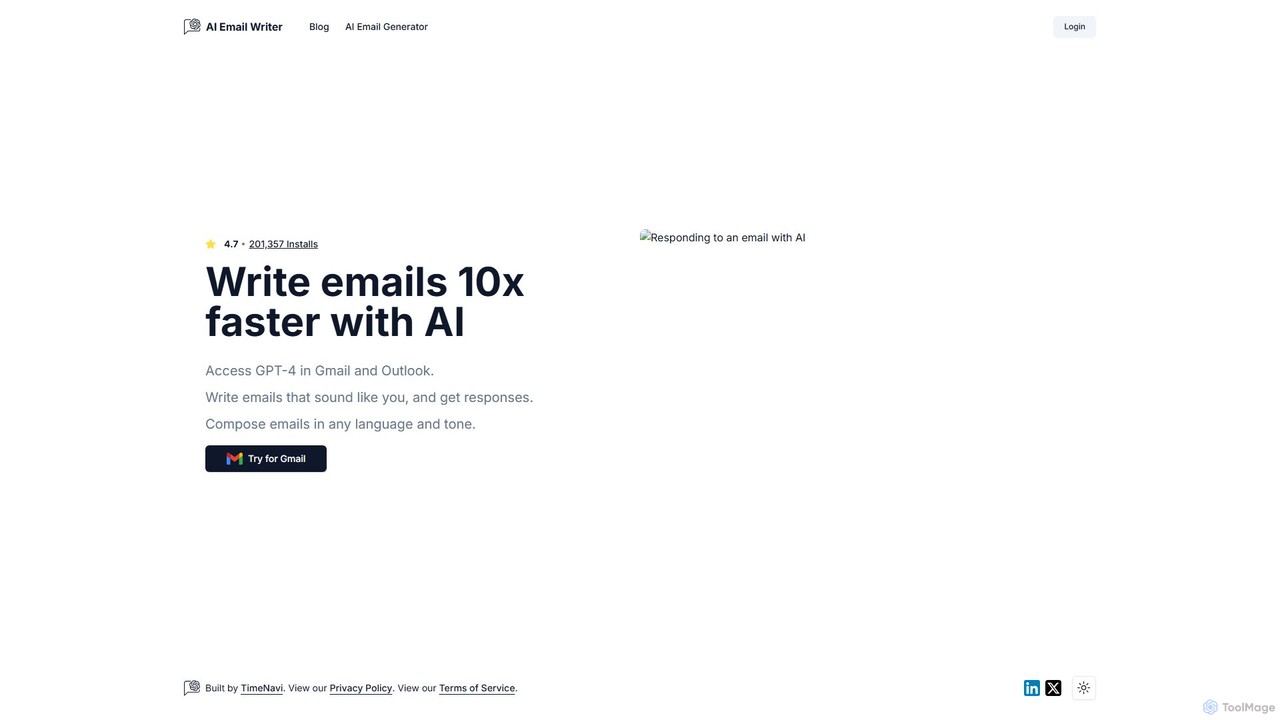
ReplyAI
ReplyAI is an AI-powered email writer that integrates with Gmail and Outlook to help you write emails 10x faster. Powered by GPT-4, it generates high-quality drafts, suggests contextual replies, and adapts to your personal writing style. Compose professional emails in multiple languages and tones, saving time and improving communication efficiency for sales, customer support, and daily correspondence.
Email Marketing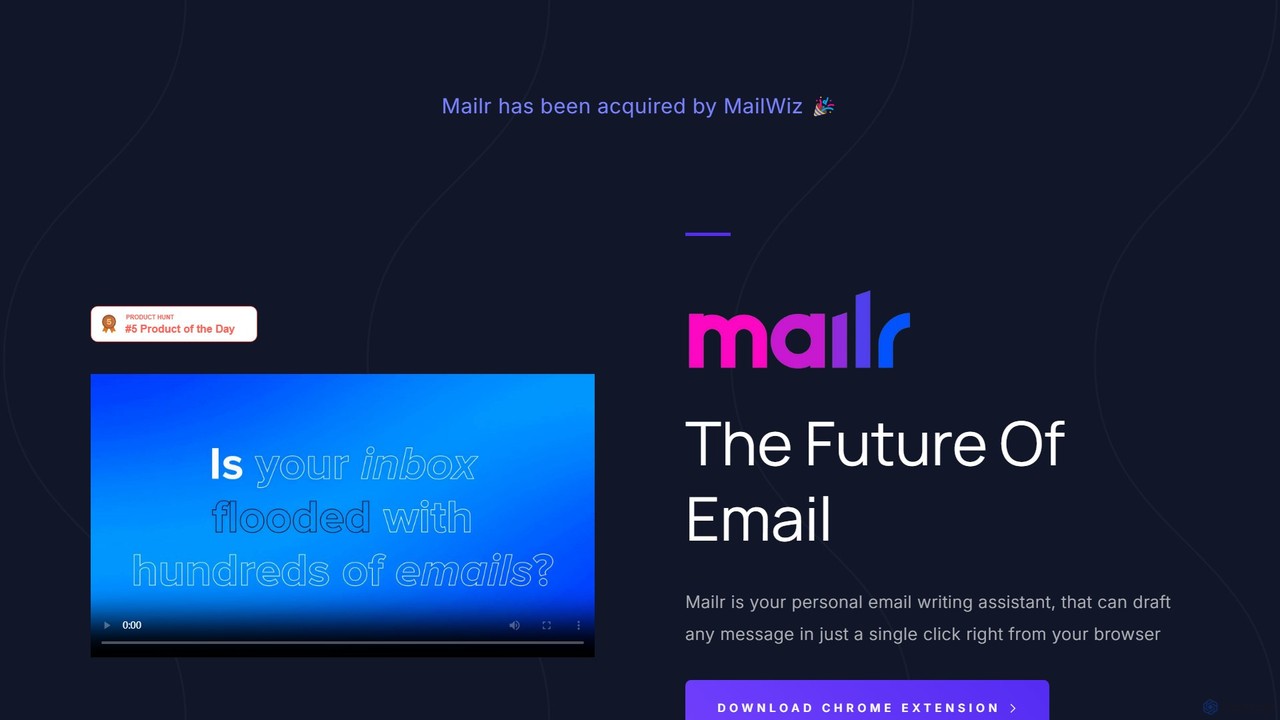
mailr_ai
mailr_ai is an AI-powered email assistant designed to boost your productivity. As a Chrome extension, it integrates directly into your browser, allowing you to draft high-quality emails and replies 10x faster. Simply provide a brief instruction, select from over 10 professional tones, and let the AI generate the perfect message in a single click, saving you hours every day.
Email Marketing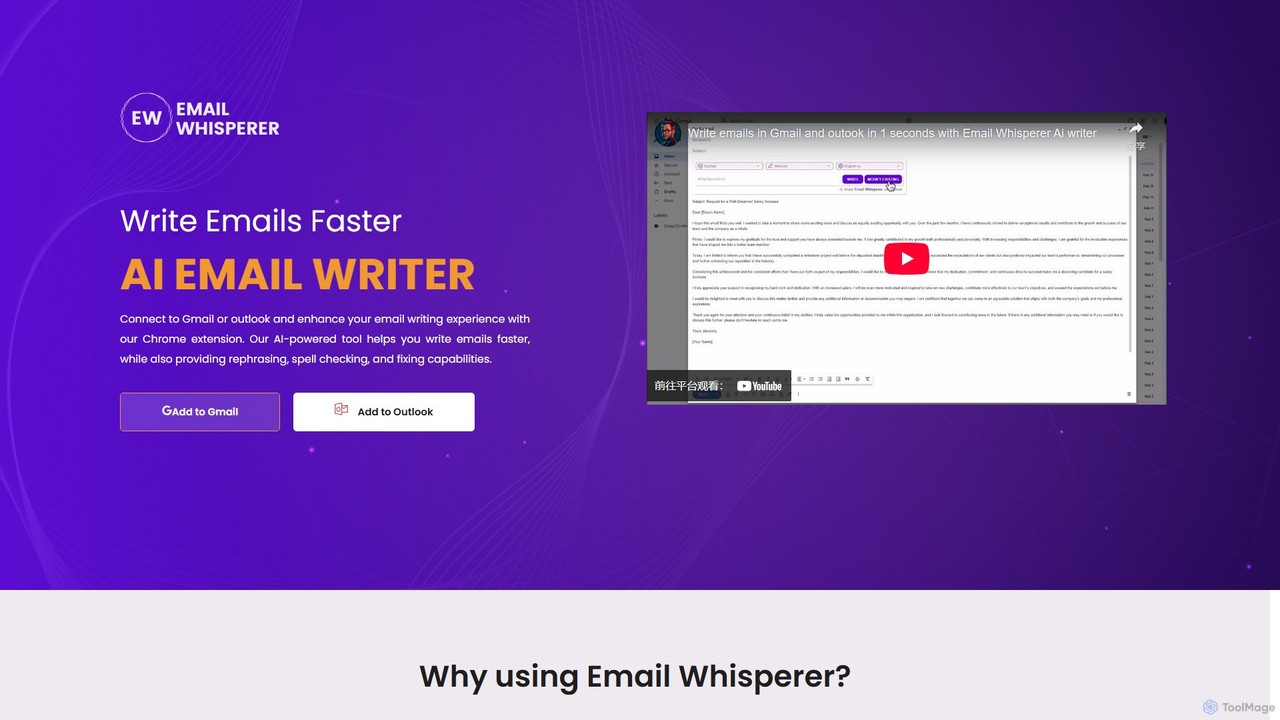
EmailWhisperer
EmailWhisperer is an AI-powered Chrome extension for Gmail and Outlook that helps you write emails faster. It offers features like rephrasing, spell-checking, tone adjustment, and AI training to personalize your communication and improve productivity.
Email Marketing
quickmailai
quickmailai is an AI-powered email assistant designed to streamline your communication. It helps users craft professional, effective emails in seconds, from cold outreach to follow-ups. Features include AI-driven content generation, tone adjustment, and multilingual support, making it ideal for sales teams, marketers, and busy professionals.
Email Marketing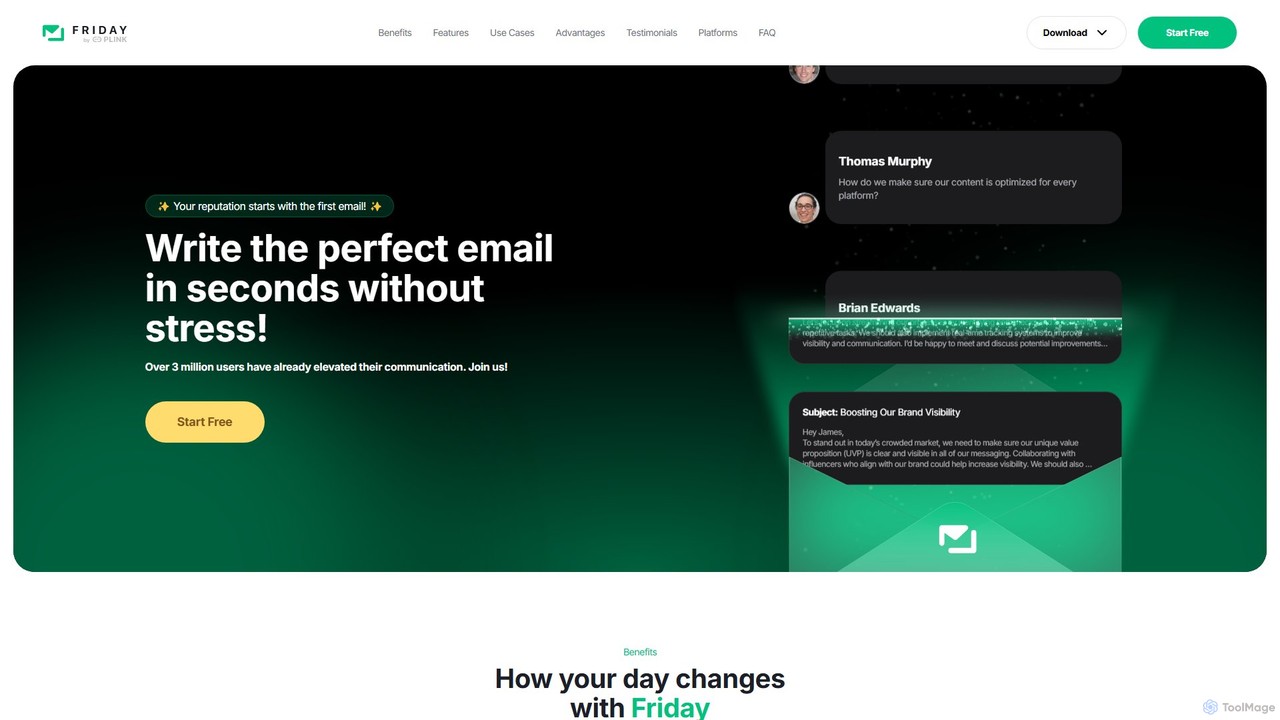
friday_email
Friday is an AI-powered email writer designed to help users craft professional, stress-free emails in seconds. With over 3 million users, it offers features like instant email generation from keywords, real-time grammar checks, tone adjustment, and personalized style learning. Available on web, mobile, and as a browser extension, Friday streamlines communication for various professionals, saving time, boosting productivity, and ensuring every email is polished and effective.
Email MarketingEmailMagic AI Categories
EmailMagic AI Embed Widget
Copy this embed code to place the badge on your blog, article, or product site and send readers directly to this ToolMage detail page.

Related AI tools
ReplyAI
ReplyAI is an AI-powered email writer that integrates with Gmail and Outlook to help you write emails 10x faster. Powered by GPT-4, it generates high-quality drafts, suggests contextual replies, and adapts to your personal writing style. Compose professional emails in multiple languages and tones, saving time and improving communication efficiency for sales, customer support, and daily correspondence.
Email Marketing
superReply
superReply is an AI-powered Chrome extension for Gmail and Outlook that instantly generates professional, context-aware email responses. It helps users in sales, customer support, and business communication save time, improve productivity, and always find the right words with adjustable tones.
Email Marketing
Letty
Letty is an AI-powered Chrome extension for Gmail that helps you write professional emails and replies in seconds. It learns your writing style and can be trained on your own data (documents, websites) to provide highly personalized, context-aware suggestions, saving you hours in your inbox.
Email Assistant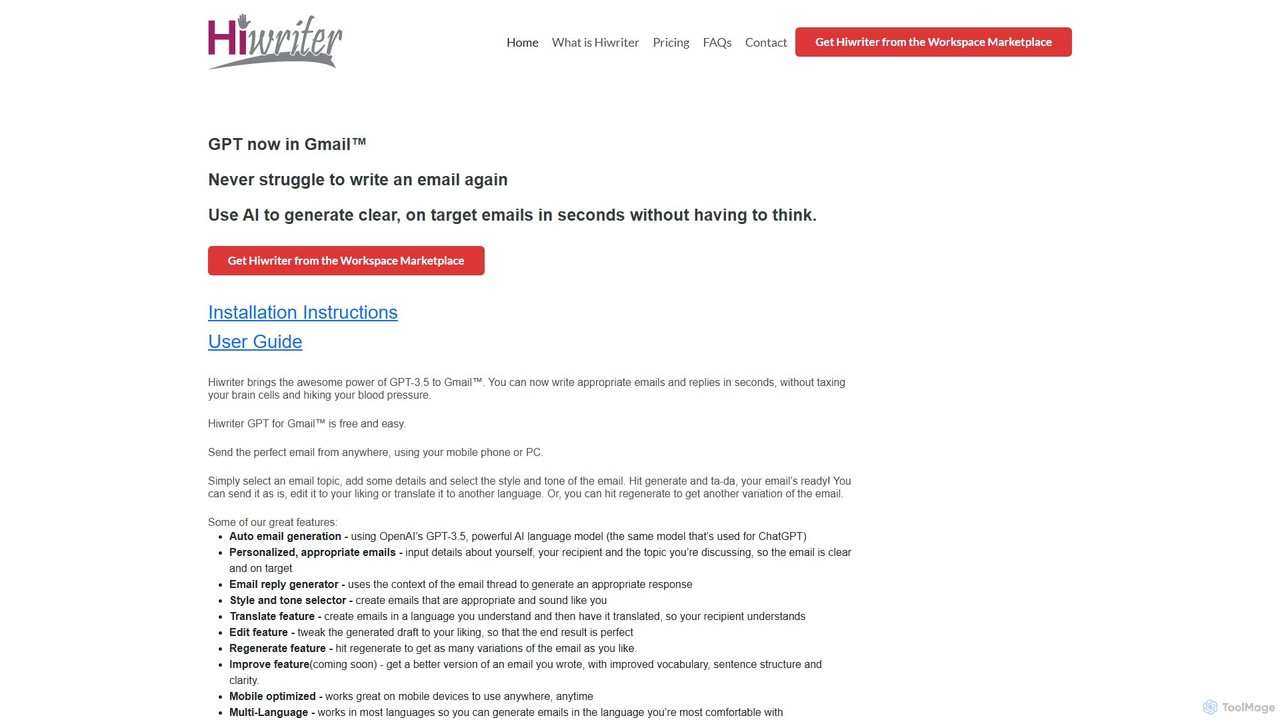
Hiwriter
Hiwriter is a free AI-powered extension for Gmail that uses GPT-3.5 to help you write clear, effective, and perfectly toned emails in seconds. It generates new emails, creates contextual replies, and works seamlessly on both desktop and mobile devices.
Chrome Extensionsmailr_ai
mailr_ai is an AI-powered email assistant designed to boost your productivity. As a Chrome extension, it integrates directly into your browser, allowing you to draft high-quality emails and replies 10x faster. Simply provide a brief instruction, select from over 10 professional tones, and let the AI generate the perfect message in a single click, saving you hours every day.
Email MarketingEmailWhisperer
EmailWhisperer is an AI-powered Chrome extension for Gmail and Outlook that helps you write emails faster. It offers features like rephrasing, spell-checking, tone adjustment, and AI training to personalize your communication and improve productivity.
Email Marketing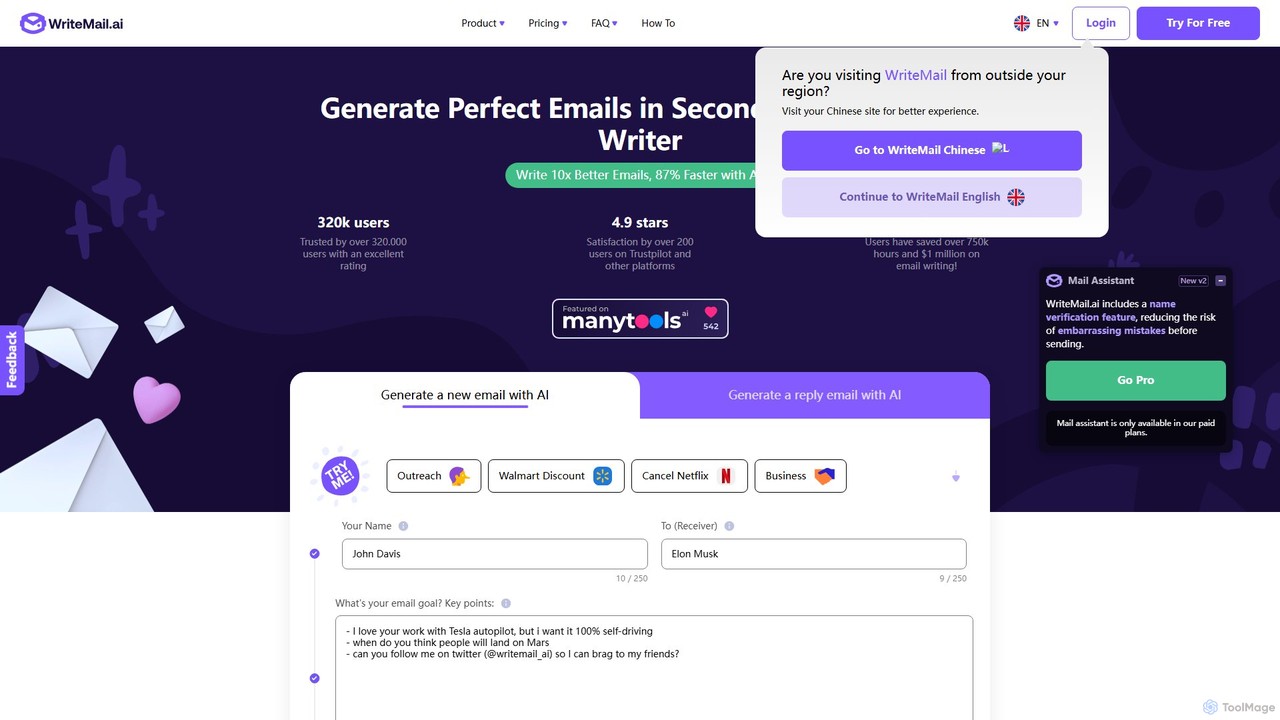
WriteMail.ai
WriteMail.ai is an AI-powered email assistant designed to help you write better emails 10x faster. It generates new emails and replies, refines tone and style, and offers real-time suggestions to improve clarity. With multilingual support and upcoming Gmail integration, it's the perfect tool for both business and personal communication, saving you time and boosting productivity.
Email Marketing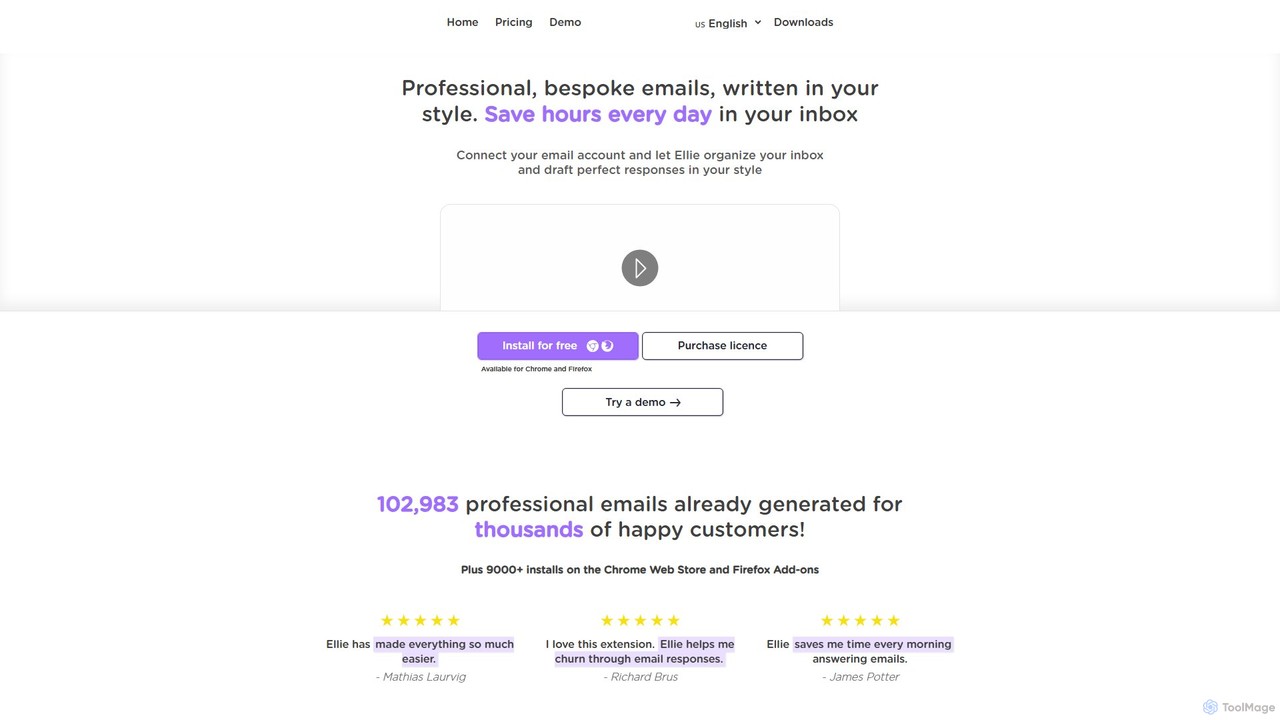
Ellie
Ellie is an AI-powered email assistant that saves you hours every day. It learns from your writing style to draft intelligent, personalized, and context-aware replies directly in your inbox. Supporting multiple languages and integrating with Gmail and Outlook, Ellie helps you manage email overload, overcome reply anxiety, and boost your productivity.
Email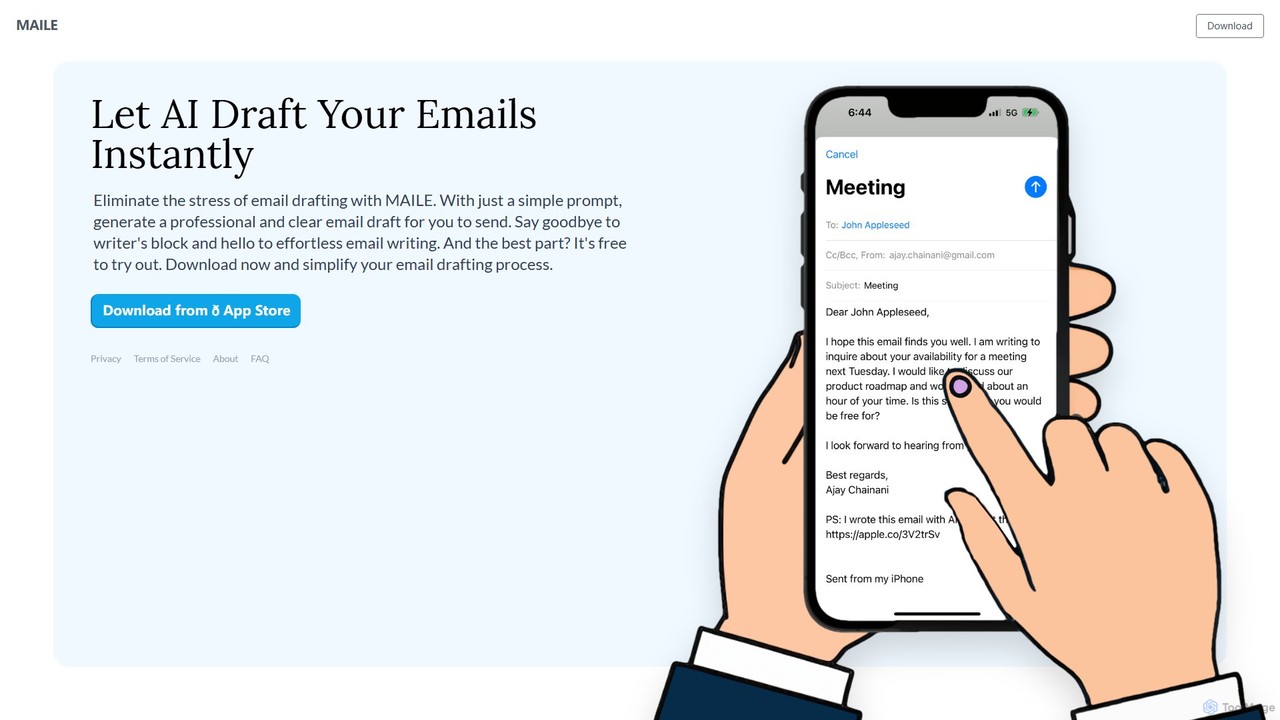
MAILE
MAILE is an AI-powered email writing assistant for iPhone that instantly drafts professional emails from simple prompts. It allows tone customization, integrates with Gmail and Apple Mail, and supports multiple languages. Ideal for professionals, busy individuals, and non-native English speakers to save time and enhance communication. Free to try.
Email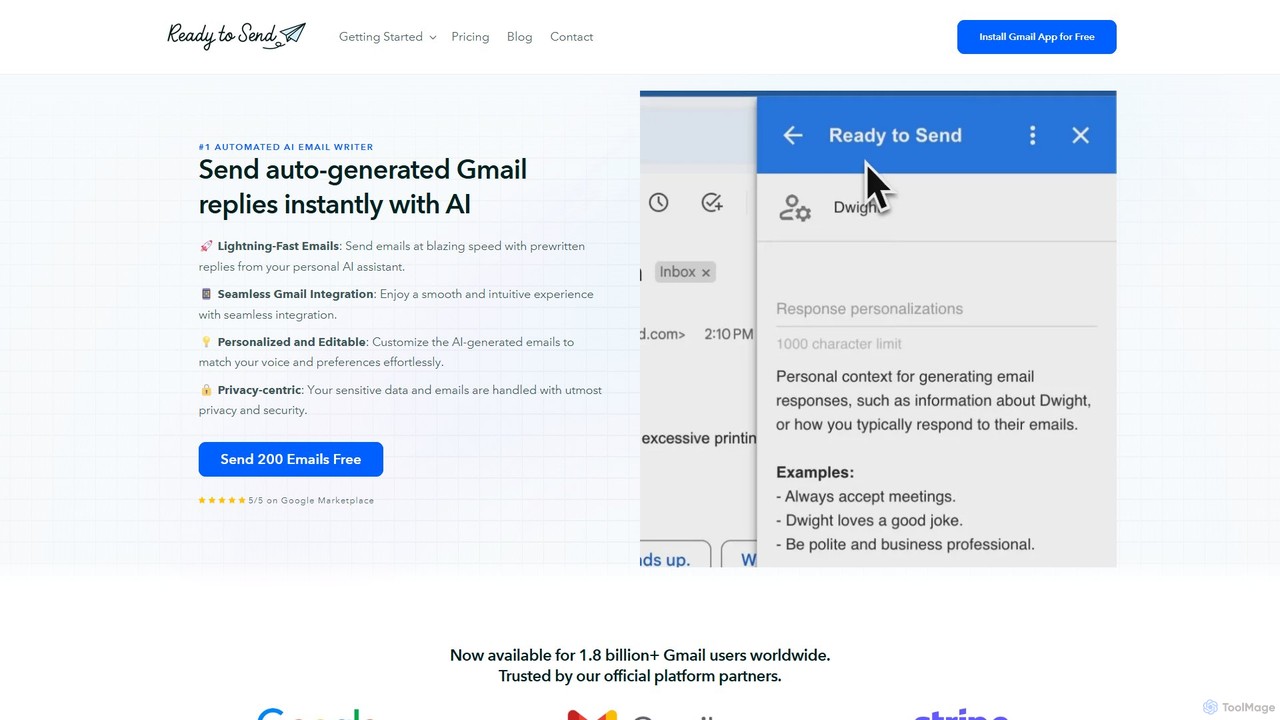
getreadytosend
getreadytosend is an AI-powered Gmail assistant that automatically generates personalized, context-aware email replies in your writing style. It helps you manage your inbox efficiently, save hours of time, and achieve Inbox Zero with ease by providing ready-to-send drafts for your review.
Response Automation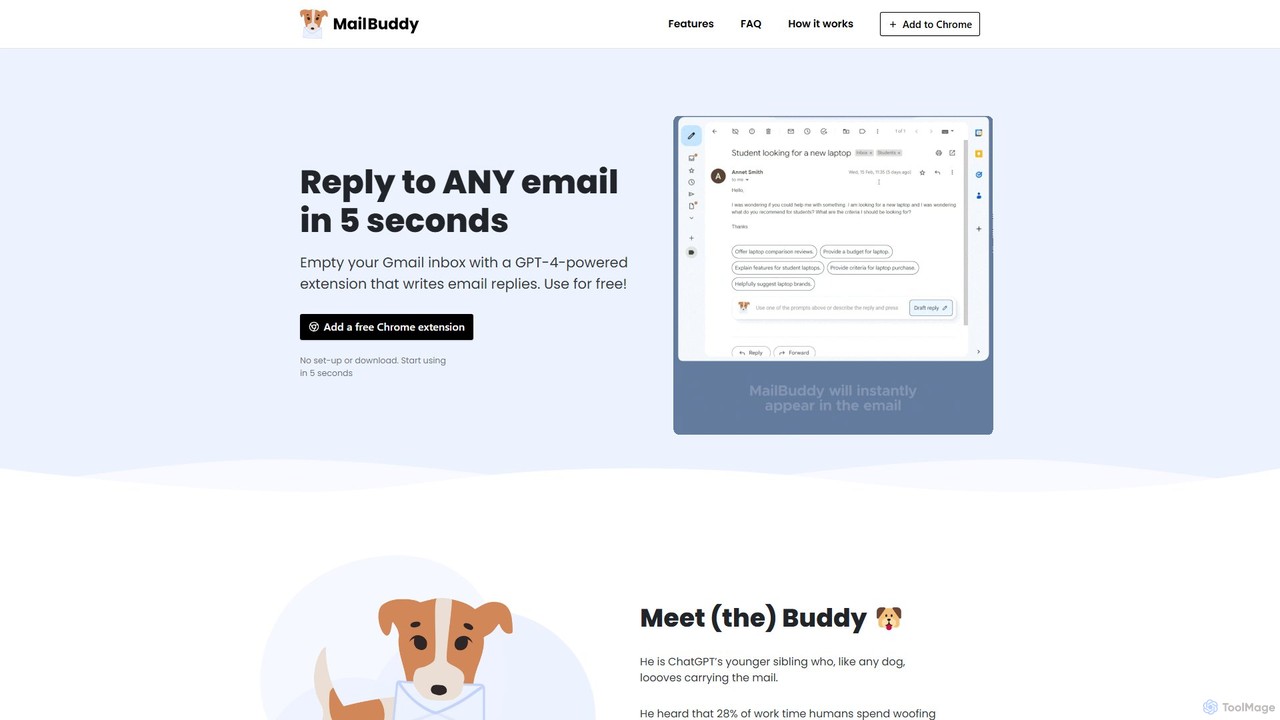
MailBuddy
MailBuddy is a GPT-4 powered AI email assistant that integrates directly into your Gmail. It analyzes email context to draft high-quality replies in seconds. Customize the tone, provide specific instructions, and handle all your email correspondence without leaving your inbox, saving you time and boosting productivity.
Response Management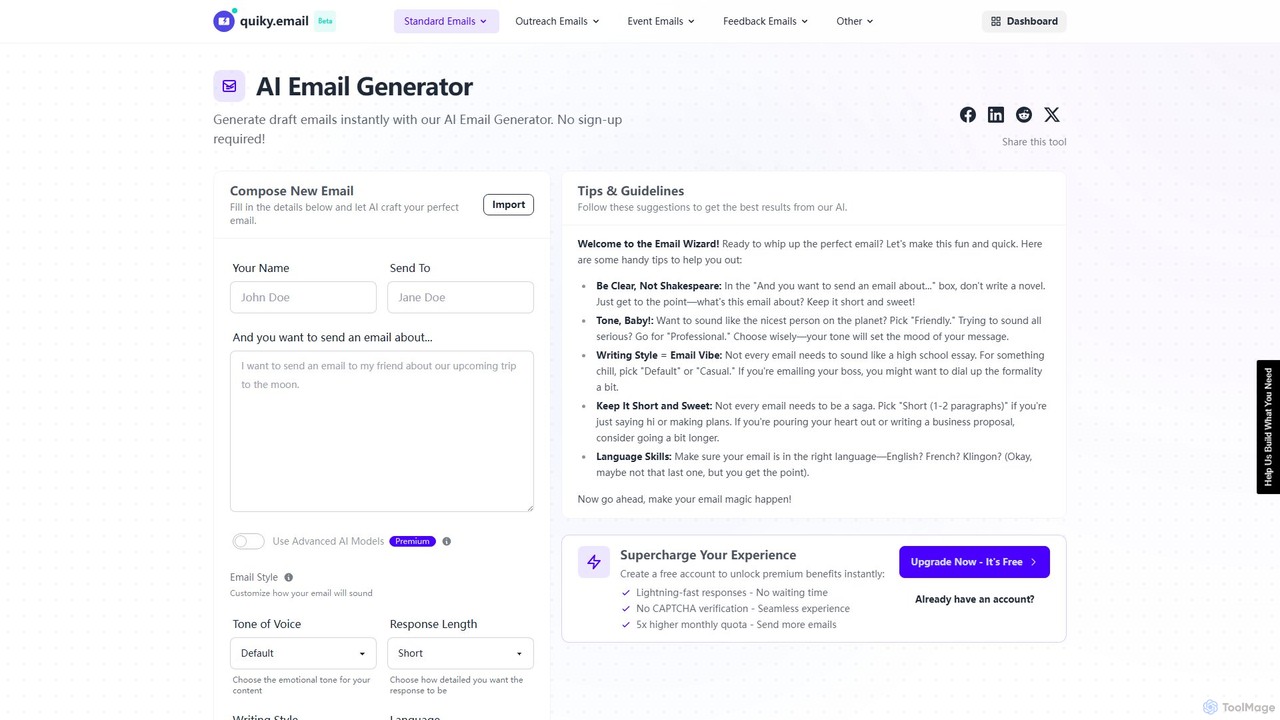
quiky
quiky is a free AI-powered suite of email writing tools designed to help you craft better emails faster. It offers specialized generators for general emails, cold outreach, replies, follow-ups, apologies, and thank-you notes. With extensive customization for tone, style, and language, quiky streamlines your communication without requiring a sign-up.
Communication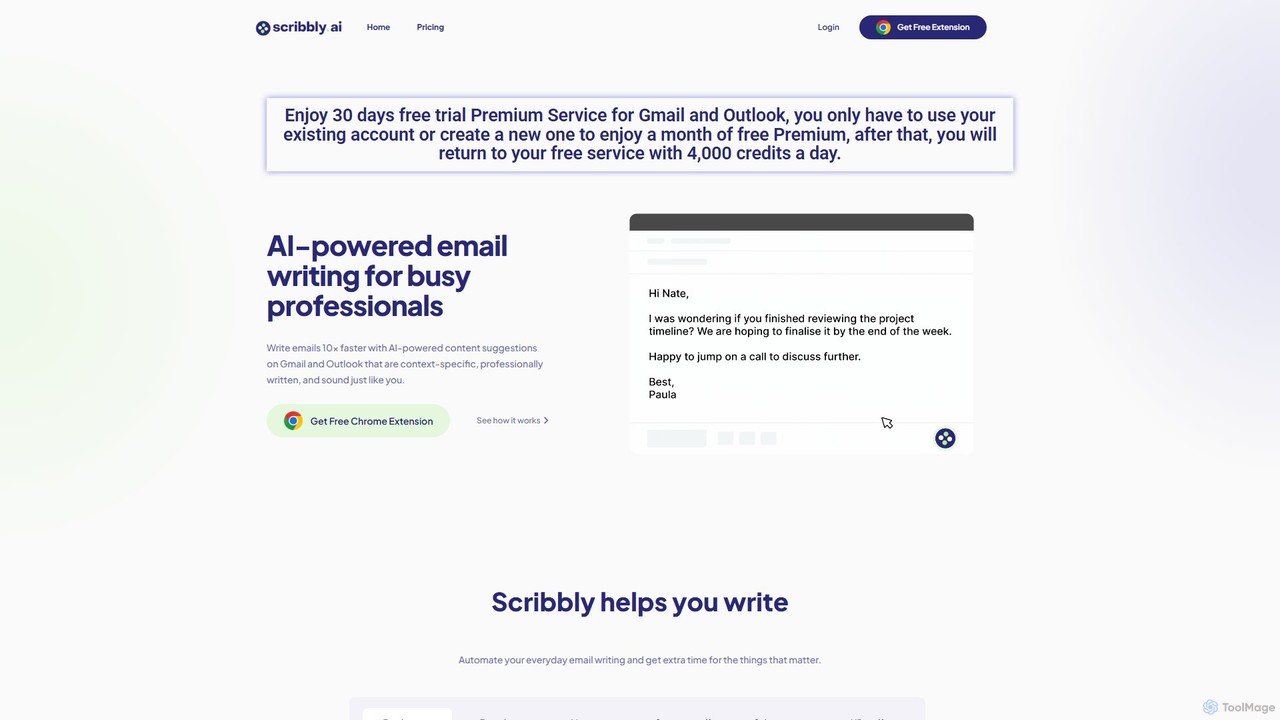
Scribbly
Scribbly is an AI-powered email writing assistant designed for busy professionals. It integrates with Gmail and Outlook via a Chrome extension, helping you write emails 10x faster. Get context-specific content suggestions, maintain a professional tone, and even mimic your personal writing style to streamline your communication and boost productivity.
Sales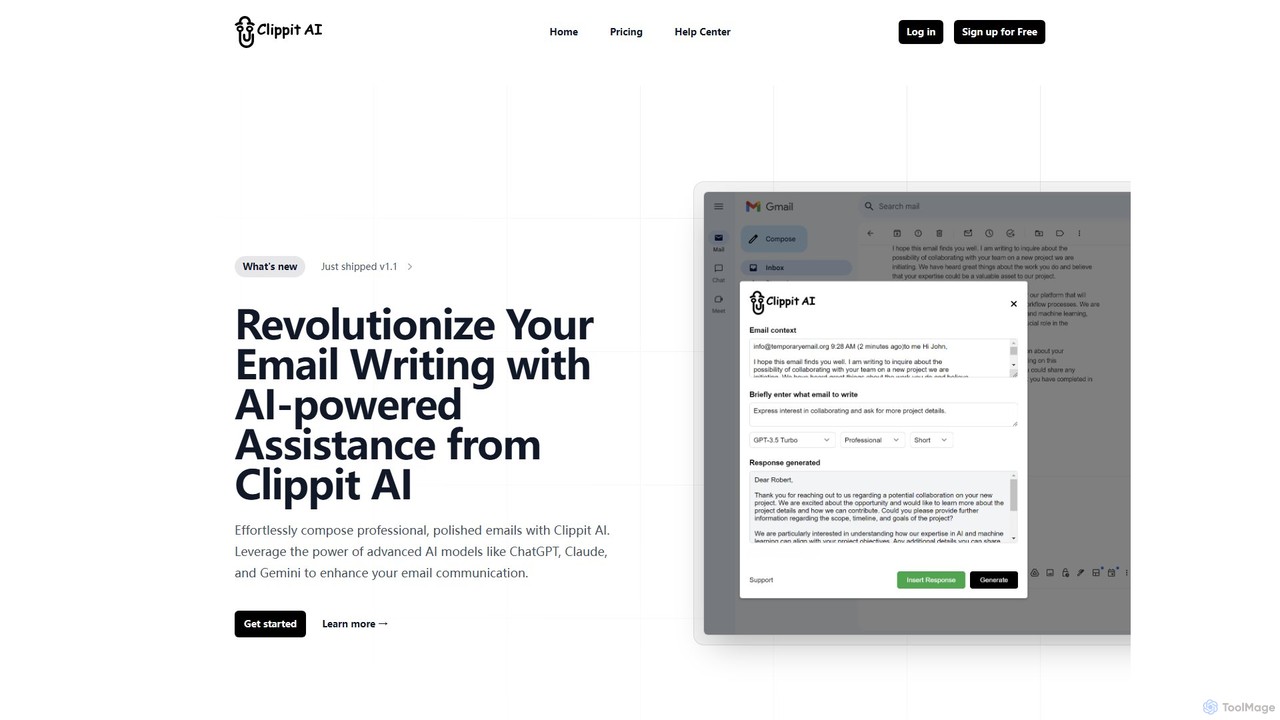
Clippit AI
Clippit AI is a powerful browser extension that revolutionizes your email writing. By leveraging advanced AI models like ChatGPT, Claude, and Gemini, it helps you effortlessly compose professional, polished, and context-aware emails directly within your workflow. From drafting replies to refining your tone, Clippit AI enhances your productivity and communication quality, saving you valuable time.
Sales
EmailGPT
EmailGPT is an AI-powered email assistant designed to streamline your communication. It helps you draft professional emails, generate intelligent replies, summarize long threads, and adjust the tone of your messages instantly. Boost your productivity and write better emails faster with EmailGPT.
Email Marketing
EmailMagic AI Comments (0)
Sign in to comment.
Sign inNo comments yet.