
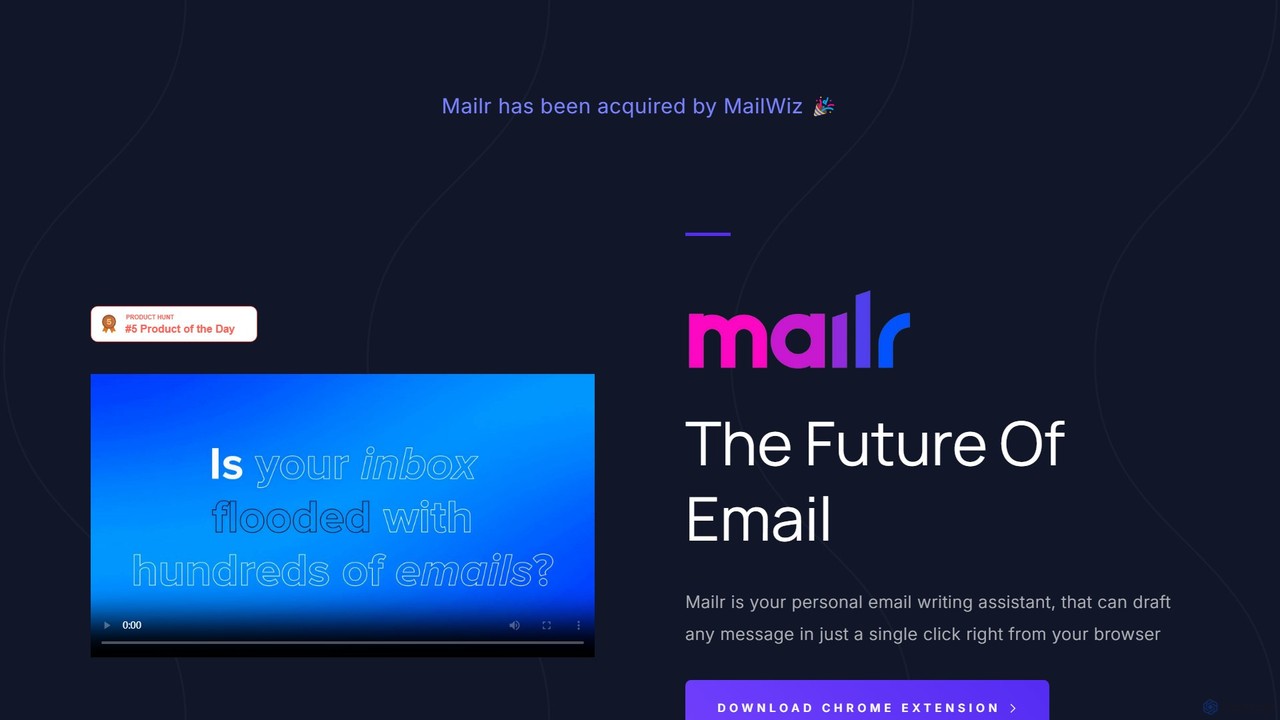
mailr_ai Overview
mailr_ai is a revolutionary AI email assistant that transforms the way you handle your inbox. Designed as a seamless Chrome extension, it empowers professionals to reclaim their time by automating the tedious process of writing emails. In a world where the average professional spends over 2.5 hours daily on email, mailr_ai offers a powerful solution to enhance productivity and communication efficiency. By harnessing the power of advanced artificial intelligence, this tool can compose new emails and generate context-aware replies in a fraction of the time it would normally take.
The core philosophy behind mailr_ai is simplicity and speed. It integrates directly into your existing email client (like Gmail) within your browser, eliminating the need to switch between applications. With just a few words of instruction and a single click, you can generate complete, well-structured, and appropriately toned messages, allowing you to focus on what truly matters.
How to use mailr_ai
Getting started with mailr_ai is incredibly straightforward, designed for immediate productivity gains. Here’s a simple step-by-step guide:
- Install the Extension: Download and add the mailr_ai Chrome extension from the official web store.
- Open Your Email: Navigate to your web-based email client, such as Gmail. The mailr_ai icon will appear in your composition window.
- Provide Instructions: In the mailr_ai input field, type a short, simple command describing the purpose of your email. For example, 'ask my boss for a meeting next Tuesday to discuss the Q3 report' or 'politely decline the invitation to the webinar'.
- Choose Your Tone: Select the desired tone of voice from a dropdown menu with over 10 options. Whether you need to be formal, friendly, persuasive, or apologetic, mailr_ai has you covered.
- Generate and Refine: Click the generate button and watch as the AI instantly drafts the email for you. You can then review the generated text, make any minor adjustments if needed, and hit send.
Core Features of mailr_ai
- One-Click Email Generation: Draft entire emails and replies instantly from short prompts, dramatically reducing writing time.
- Advanced Tone Adjustment: Choose from over 10 distinct tones (e.g., Friendly, Formal, Persuasive, Informal, Confident, Apologetic) to ensure your message always strikes the right chord.
- Contextual Reply Suggestions: The AI can analyze the context of an ongoing email thread to generate relevant and coherent replies.
- Seamless Browser Integration: Works as a lightweight Chrome extension, integrating directly into popular webmail clients without disrupting your workflow.
- High-Speed Generation: The premium plan offers even faster AI processing, delivering email drafts almost instantaneously.
- Multi-Language Capability: While primarily English-focused, the underlying AI can understand and generate text in various languages, making it a valuable tool for global communication.
Use Cases for mailr_ai
mailr_ai is a versatile tool suitable for a wide range of professionals and scenarios:
- Sales & Marketing Teams: Quickly craft personalized outreach emails, follow-up sequences, and responses to client inquiries to accelerate the sales cycle.
- Customer Support Agents: Generate empathetic and clear responses to support tickets, improving response times and customer satisfaction.
- Managers and Executives: Efficiently compose team announcements, delegate tasks, provide feedback, and manage a high volume of daily correspondence.
- Job Seekers & Recruiters: Write compelling cover letters, schedule interviews, and send professional follow-up notes with ease.
- Non-Native English Speakers: Overcome language barriers by generating grammatically correct and idiomatically appropriate emails for professional settings.
Advantages of mailr_ai
Using mailr_ai provides a significant competitive edge. The primary advantage is the massive amount of time saved, allowing you to take back control of your day. It enhances the quality of your communication by ensuring consistency in tone and professionalism, reducing the risk of misunderstandings. By automating a repetitive task, it frees up mental energy for more strategic and creative work, directly boosting overall productivity and reducing email-related stress.
Pricing and Plans
mailr_ai offers a simple and accessible pricing structure:
- Free Forever Plan: $0/month. This plan is perfect for casual users and includes a 2,000-word limit per month, the ability to compose new emails, and access to all 10+ custom tones.
- Premium Tier Plan: $4.99/month. Ideal for professionals and heavy email users, this plan provides a generous 100,000+ words per month, faster email generation speeds, and early access to new beta features.
- Custom Plans: For users or teams with higher volume needs, mailr_ai offers custom plans. You can contact them directly via email for more information.
Traffic
Latest traffic
Status
Monthly traffic trend
- 2025-9: 1.1K
- 2026-1: 1.1K
- 2026-2: 1.7K
- 2026-3: 3.2K
- 2026-4: 3.9K
- 2026-5: 2.8K
Geography
Top 5 countries / regions
- 🇺🇸United States92.6%
- 🇮🇳India7.4%
Top keywords
| Keyword | Cost per click |
|---|---|
| mail.r | $0.00 |
| mailr | $4.55 |
| mailr inboxes | $0.00 |
| mailro | $0.00 |
mailr_ai Alternatives
EmailMagic AI
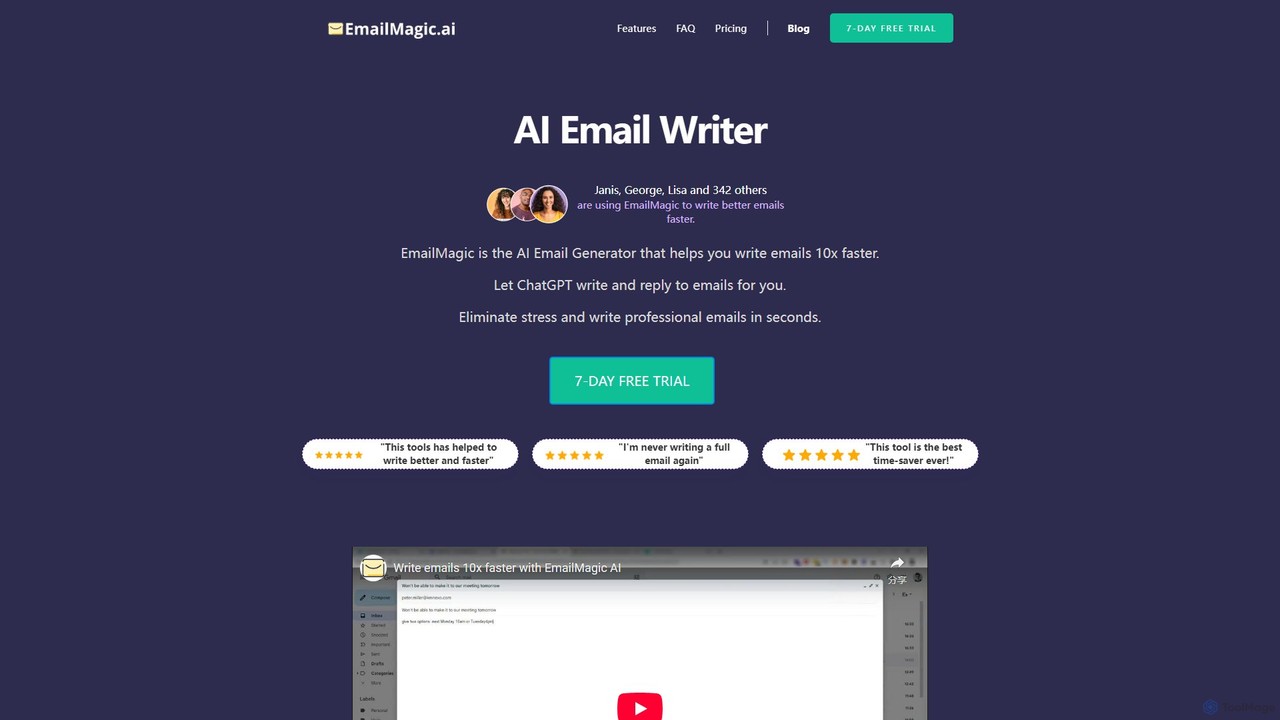
EmailMagic AI is an intelligent email assistant for Gmail that uses AI to help you write emails faster, generate context-aware replies, and communicate in any language. It learns your writing style to create personalized, authentic emails, significantly boosting your productivity.
Email Marketing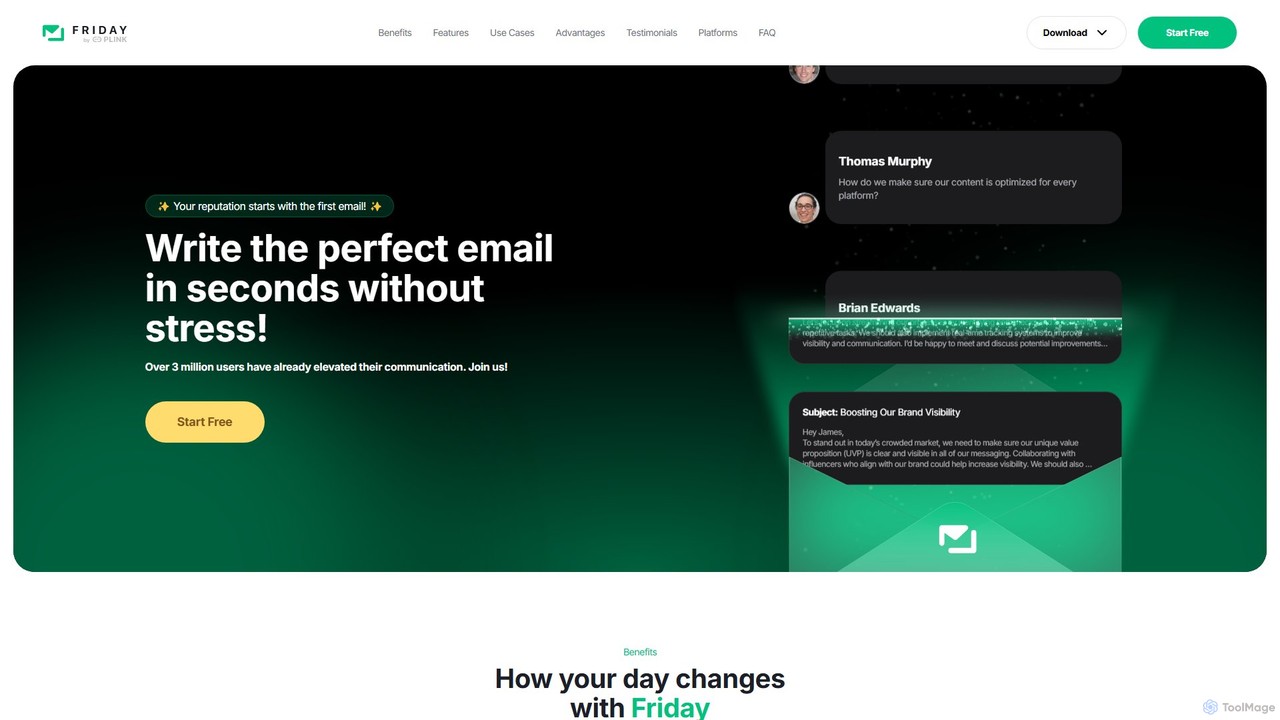
friday_email
Friday is an AI-powered email writer designed to help users craft professional, stress-free emails in seconds. With over 3 million users, it offers features like instant email generation from keywords, real-time grammar checks, tone adjustment, and personalized style learning. Available on web, mobile, and as a browser extension, Friday streamlines communication for various professionals, saving time, boosting productivity, and ensuring every email is polished and effective.
Email Marketing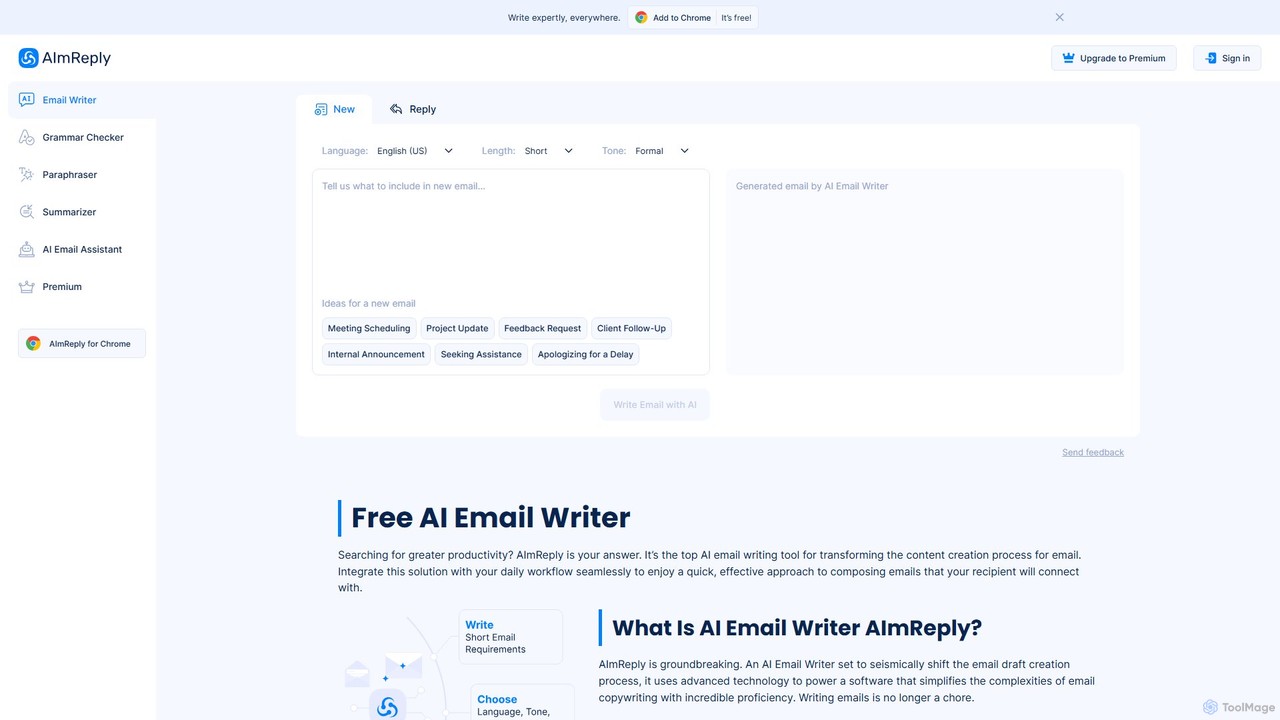
AImReply
AImReply is a free AI-powered email writing assistant, available as a Chrome extension. It helps users draft, reply, summarize, and paraphrase emails in seconds. With support for 17 languages, 12 tones, and 3 lengths, it enhances productivity and communication quality for professionals, businesses, and individuals, requiring no login to get started.
Email Marketing
ReplyAI
ReplyAI is an AI-powered email writer that integrates with Gmail and Outlook to help you write emails 10x faster. Powered by GPT-4, it generates high-quality drafts, suggests contextual replies, and adapts to your personal writing style. Compose professional emails in multiple languages and tones, saving time and improving communication efficiency for sales, customer support, and daily correspondence.
Email Marketing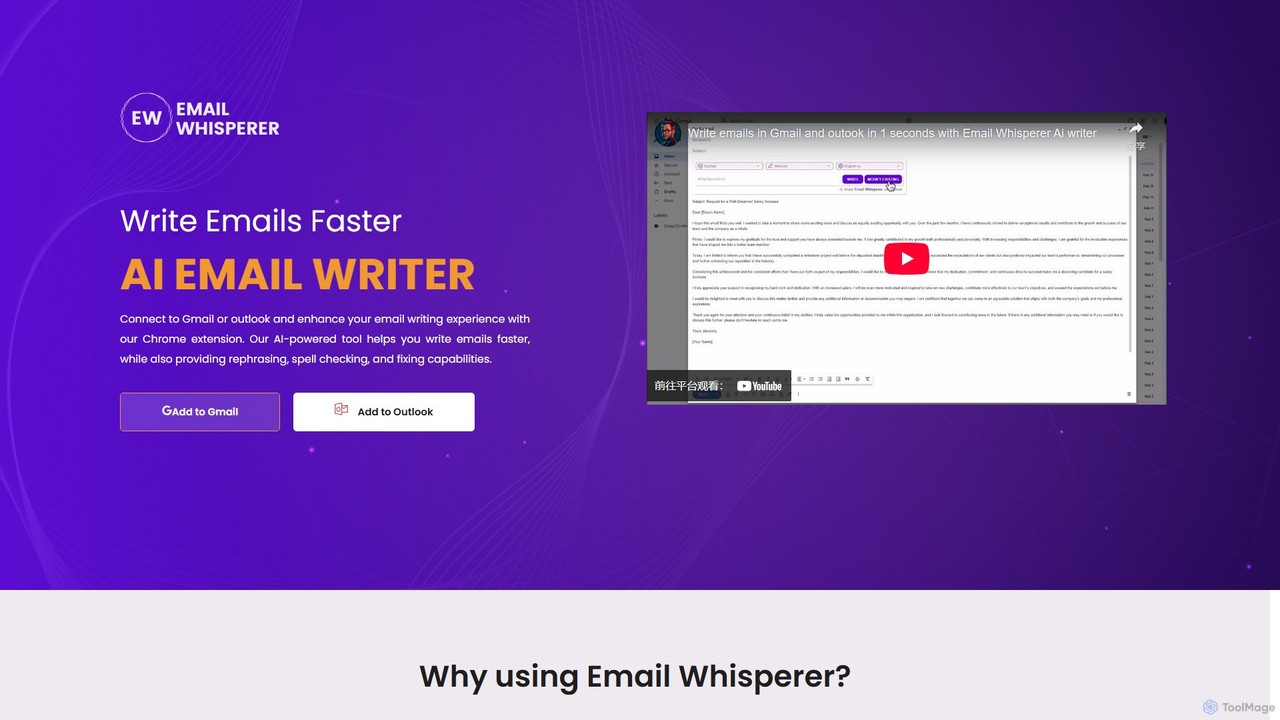
EmailWhisperer
EmailWhisperer is an AI-powered Chrome extension for Gmail and Outlook that helps you write emails faster. It offers features like rephrasing, spell-checking, tone adjustment, and AI training to personalize your communication and improve productivity.
Email Marketingmailr_ai Categories
mailr_ai Embed Widget
Copy this embed code to place the badge on your blog, article, or product site and send readers directly to this ToolMage detail page.

Related AI tools
EmailMagic AI
EmailMagic AI is an intelligent email assistant for Gmail that uses AI to help you write emails faster, generate context-aware replies, and communicate in any language. It learns your writing style to create personalized, authentic emails, significantly boosting your productivity.
Email Marketing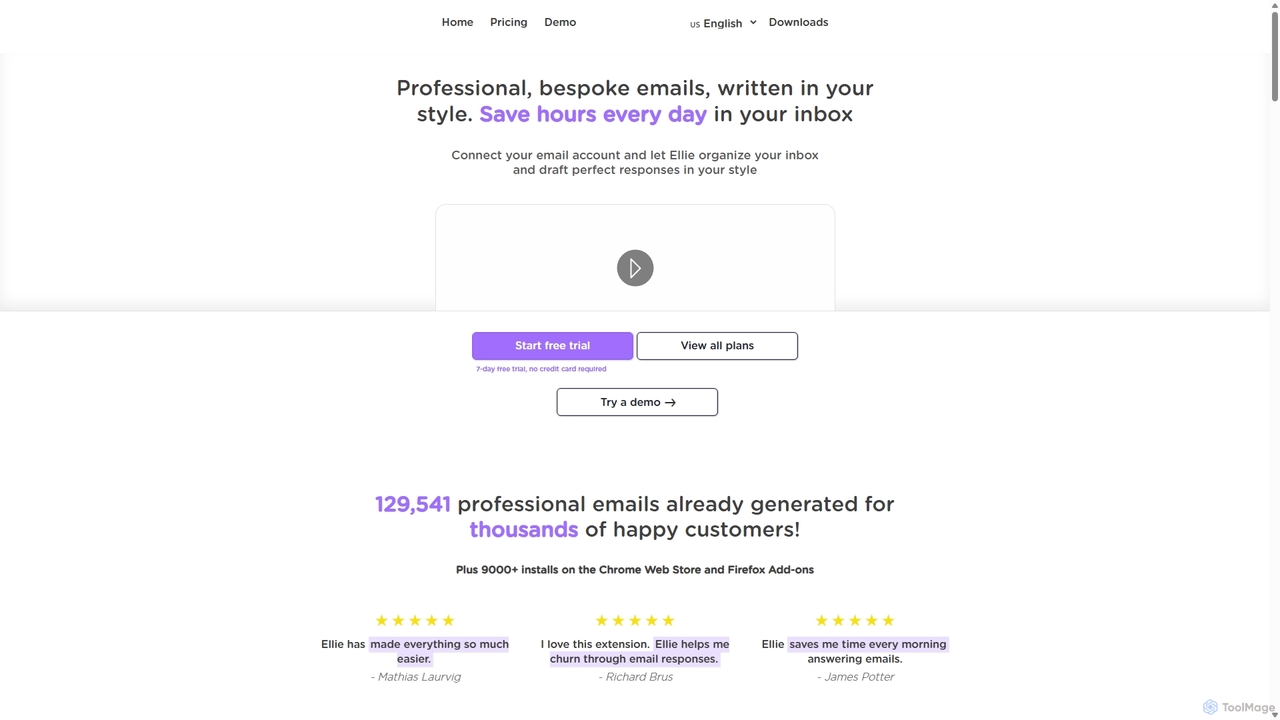
Ellie
Ellie is an AI email assistant that learns your writing style to draft professional, personalized email replies. It integrates with your inbox via a browser extension, understands context, and supports multiple languages to save you hours every day.
Customer Support
EmailGPT
EmailGPT is an AI-powered email assistant designed to streamline your communication. It helps you draft professional emails, generate intelligent replies, summarize long threads, and adjust the tone of your messages instantly. Boost your productivity and write better emails faster with EmailGPT.
Email Marketing
Letty
Letty is an AI-powered Chrome extension for Gmail that helps you write professional emails and replies in seconds. It learns your writing style and can be trained on your own data (documents, websites) to provide highly personalized, context-aware suggestions, saving you hours in your inbox.
Email Assistant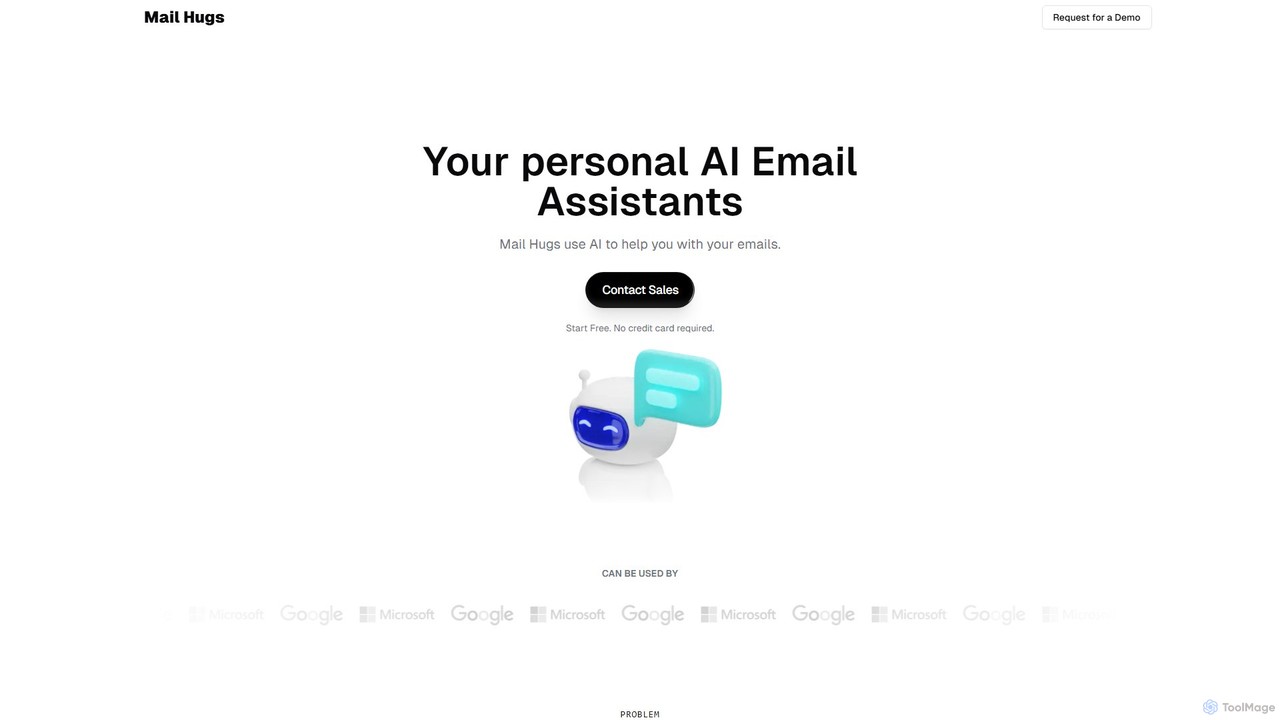
Mail Hugs
Mail Hugs is a personal AI email assistant designed to streamline your inbox management. It uses advanced AI to automatically draft responses, prioritize important messages, and summarize long email threads, helping you save time and focus on what matters most. It integrates seamlessly with Gmail and Microsoft Office.
Inbox Managementfriday_email
Friday is an AI-powered email writer designed to help users craft professional, stress-free emails in seconds. With over 3 million users, it offers features like instant email generation from keywords, real-time grammar checks, tone adjustment, and personalized style learning. Available on web, mobile, and as a browser extension, Friday streamlines communication for various professionals, saving time, boosting productivity, and ensuring every email is polished and effective.
Email MarketingAImReply
AImReply is a free AI-powered email writing assistant, available as a Chrome extension. It helps users draft, reply, summarize, and paraphrase emails in seconds. With support for 17 languages, 12 tones, and 3 lengths, it enhances productivity and communication quality for professionals, businesses, and individuals, requiring no login to get started.
Email MarketingReplyAI
ReplyAI is an AI-powered email writer that integrates with Gmail and Outlook to help you write emails 10x faster. Powered by GPT-4, it generates high-quality drafts, suggests contextual replies, and adapts to your personal writing style. Compose professional emails in multiple languages and tones, saving time and improving communication efficiency for sales, customer support, and daily correspondence.
Email MarketingEmailWhisperer
EmailWhisperer is an AI-powered Chrome extension for Gmail and Outlook that helps you write emails faster. It offers features like rephrasing, spell-checking, tone adjustment, and AI training to personalize your communication and improve productivity.
Email Marketing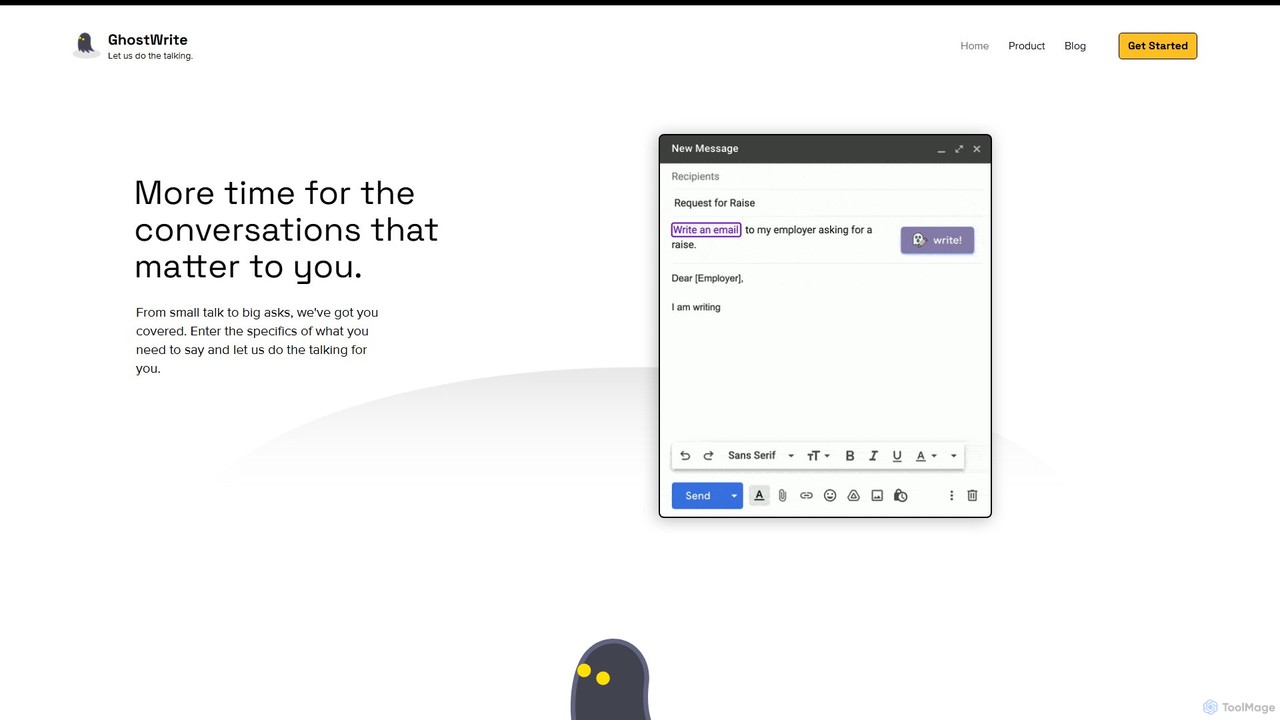
Ghostwrite
Ghostwrite is an AI-powered email writing assistant designed to save you time and enhance your communication. Simply provide a brief prompt, and its AI, "Inky," will draft professional, clear, and context-aware emails for you. It learns your writing style over time, helping you overcome writer's block, manage networking, and communicate with confidence. Ideal for professionals, students, and anyone tired of writing emails.
Sales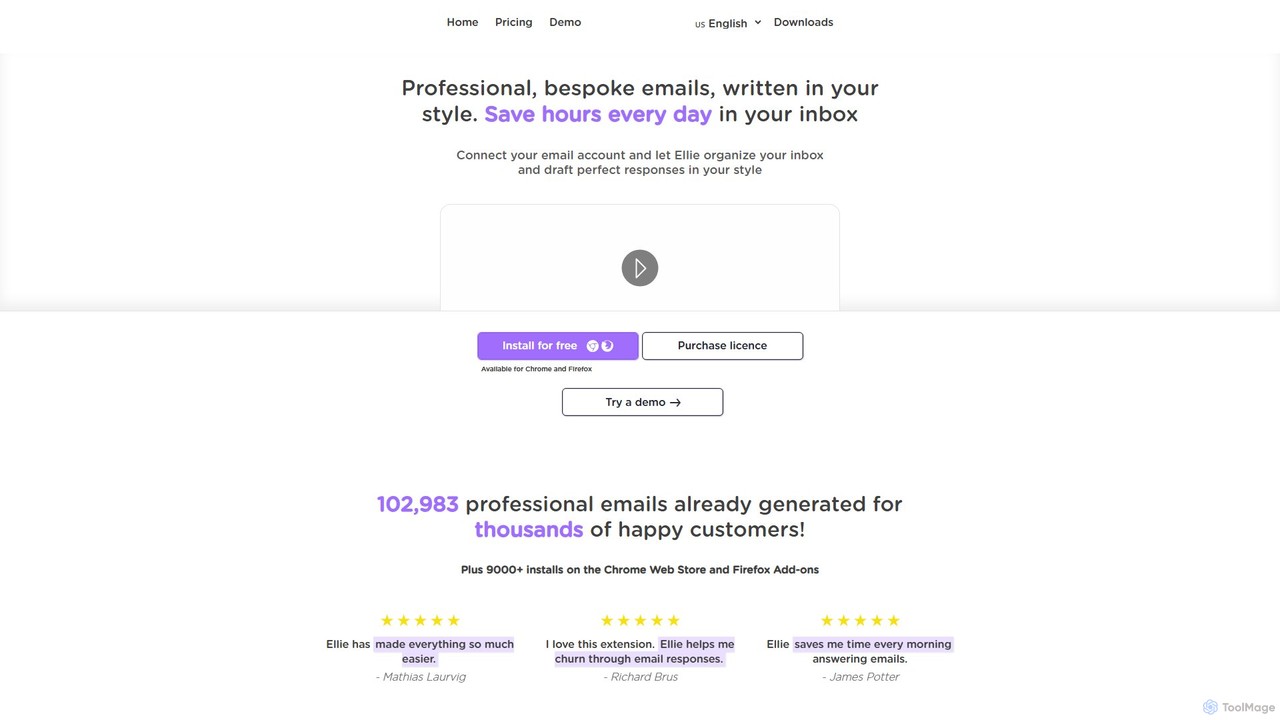
Ellie
Ellie is an AI-powered email assistant that saves you hours every day. It learns from your writing style to draft intelligent, personalized, and context-aware replies directly in your inbox. Supporting multiple languages and integrating with Gmail and Outlook, Ellie helps you manage email overload, overcome reply anxiety, and boost your productivity.
Email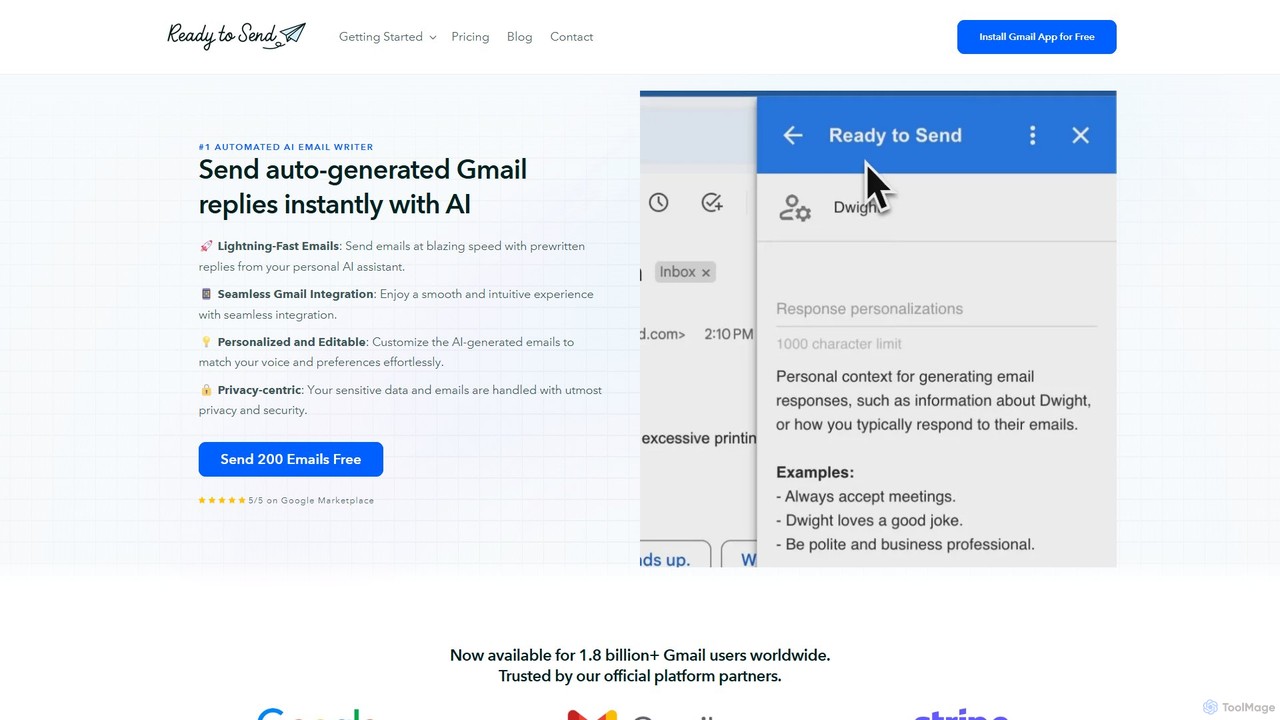
getreadytosend
getreadytosend is an AI-powered Gmail assistant that automatically generates personalized, context-aware email replies in your writing style. It helps you manage your inbox efficiently, save hours of time, and achieve Inbox Zero with ease by providing ready-to-send drafts for your review.
Response Automation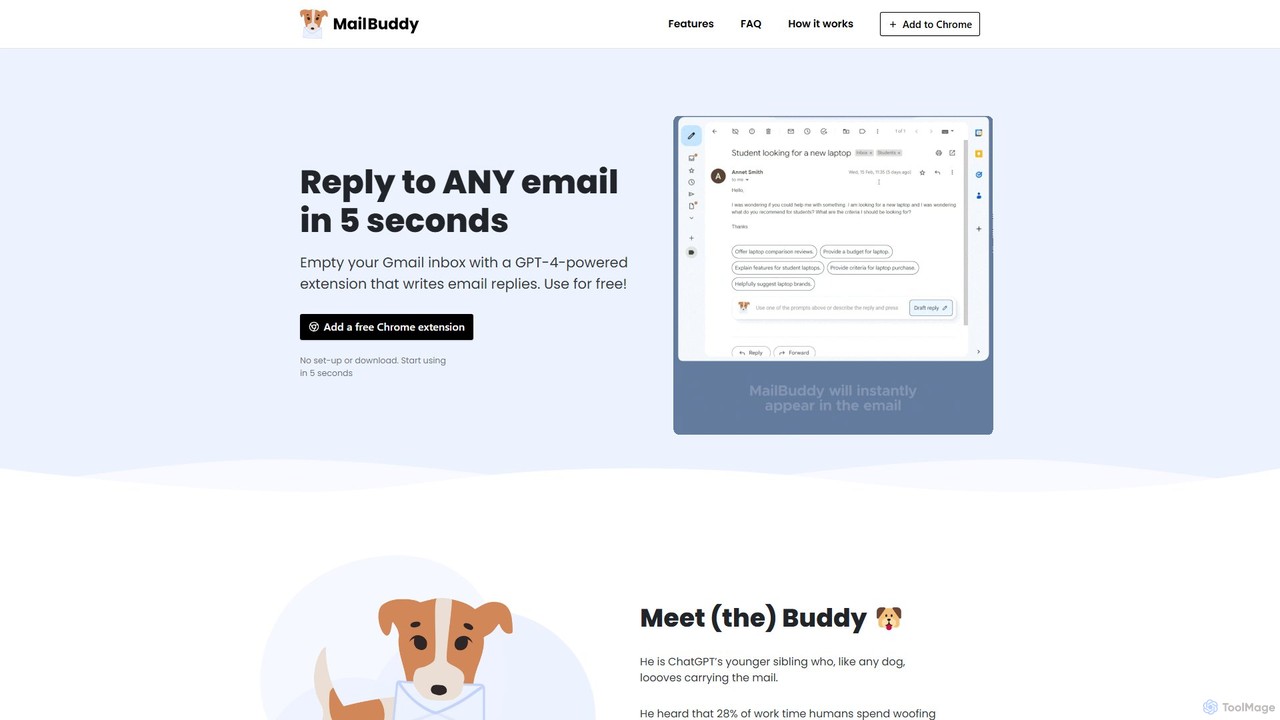
MailBuddy
MailBuddy is a GPT-4 powered AI email assistant that integrates directly into your Gmail. It analyzes email context to draft high-quality replies in seconds. Customize the tone, provide specific instructions, and handle all your email correspondence without leaving your inbox, saving you time and boosting productivity.
Response Management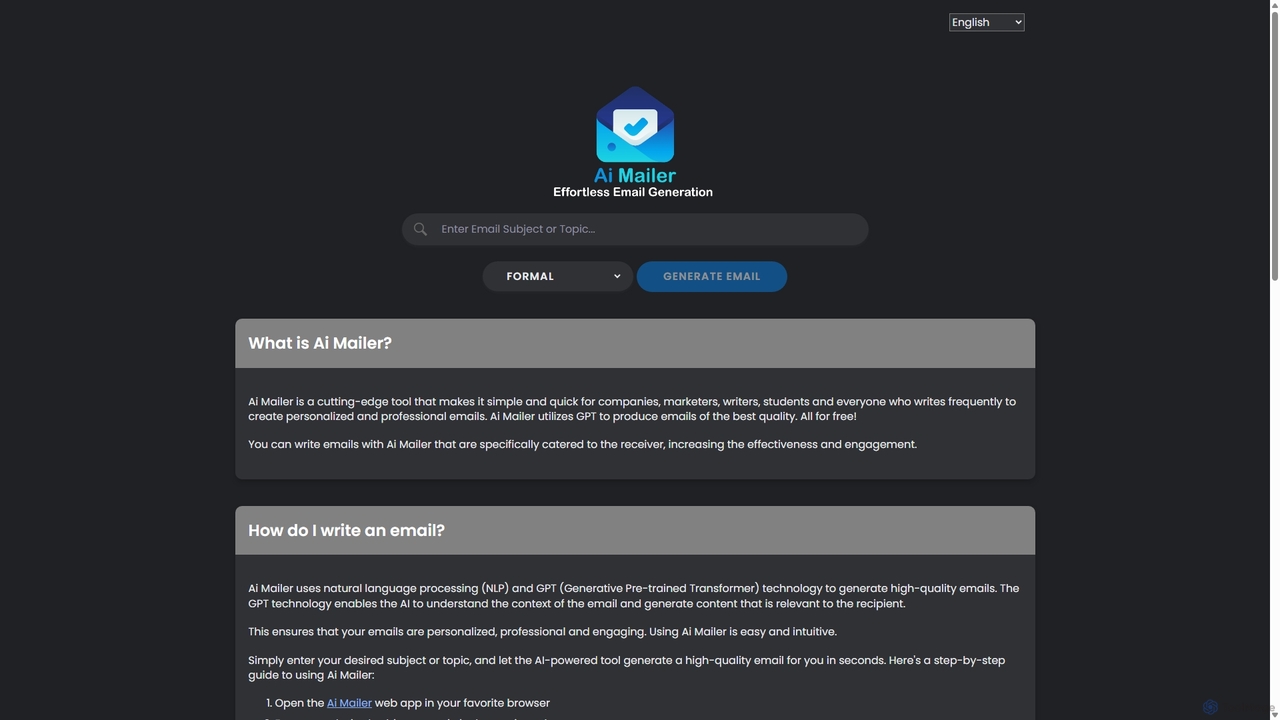
Ai Mailer
Ai Mailer is a free, AI-powered tool that leverages ChatGPT to effortlessly generate high-quality, professional emails. Simply provide a topic and select from various tones to create personalized, engaging content in seconds. Ideal for businesses, students, and anyone looking to save time and enhance their email communication.
Email Marketing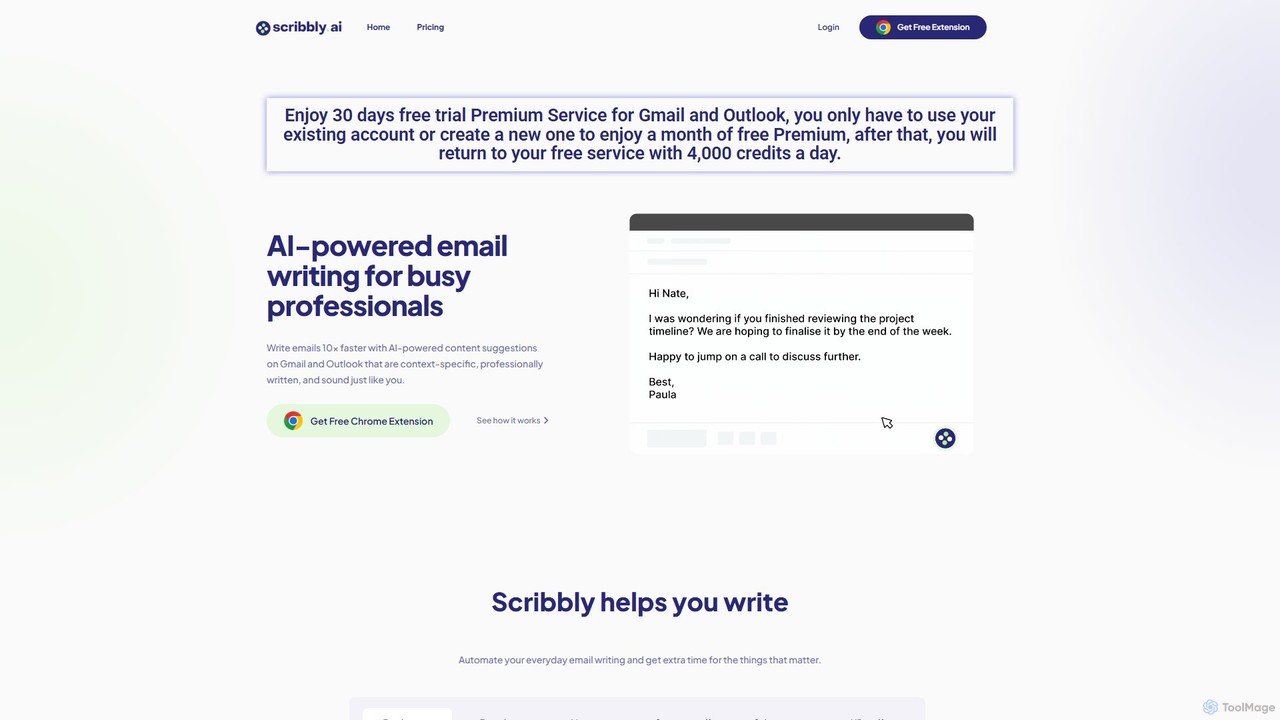
Scribbly
Scribbly is an AI-powered email writing assistant designed for busy professionals. It integrates with Gmail and Outlook via a Chrome extension, helping you write emails 10x faster. Get context-specific content suggestions, maintain a professional tone, and even mimic your personal writing style to streamline your communication and boost productivity.
Sales
mailr_ai Comments (0)
Sign in to comment.
Sign inNo comments yet.