ToolMage
Sign in

Best 8 Inbox Management AI tools for Communication

Popular Inbox Management AI tools in Communication include getemil, Jelled.ai, InboxChat, one.email, Supamail, Forage Mail, OwlU, and Mail Hugs, helping you work more efficiently.

Supamail
Paid

Supamail

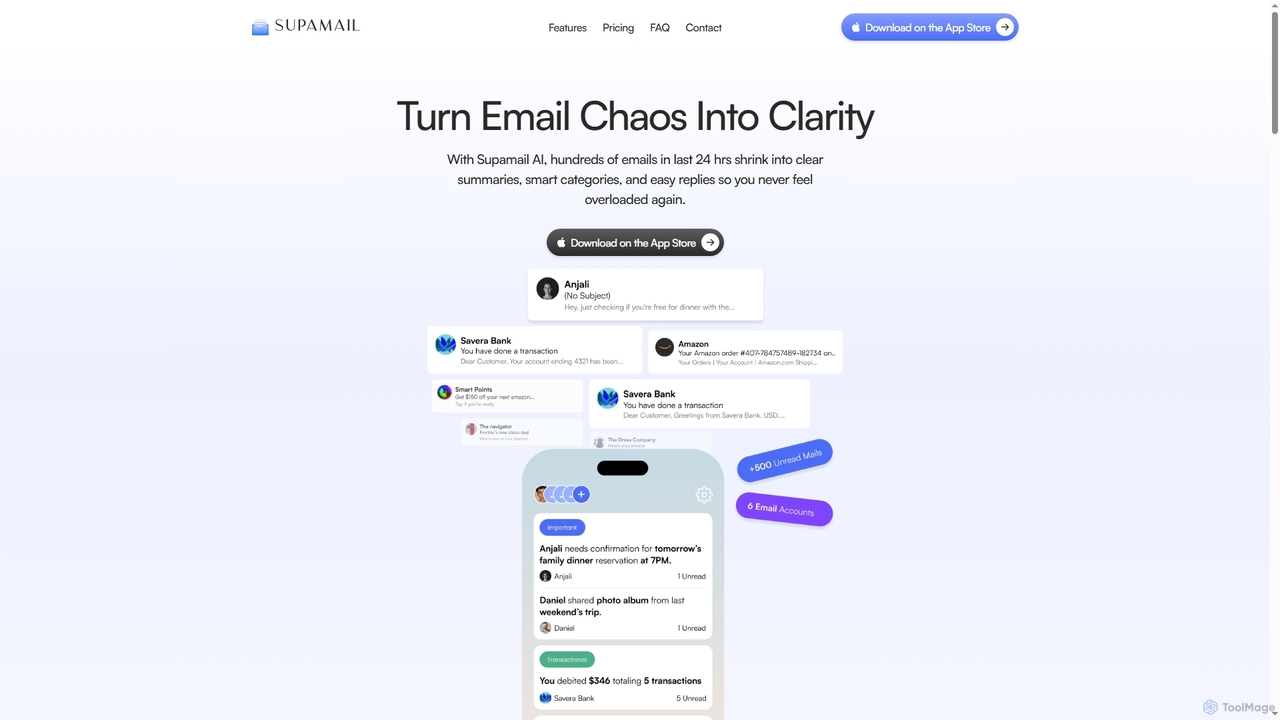
Supamail is an AI-powered email assistant for Gmail designed to declutter your inbox. It groups emails, creates one-line summaries, automatically categorizes messages into Important, Transactional, or Promotional, and enables one-click replies, helping you save time and focus on what truly matters.

Summarizer
Visits 5.5KFavorites 141Likes 128
Jelled.ai
Paid

Jelled.ai

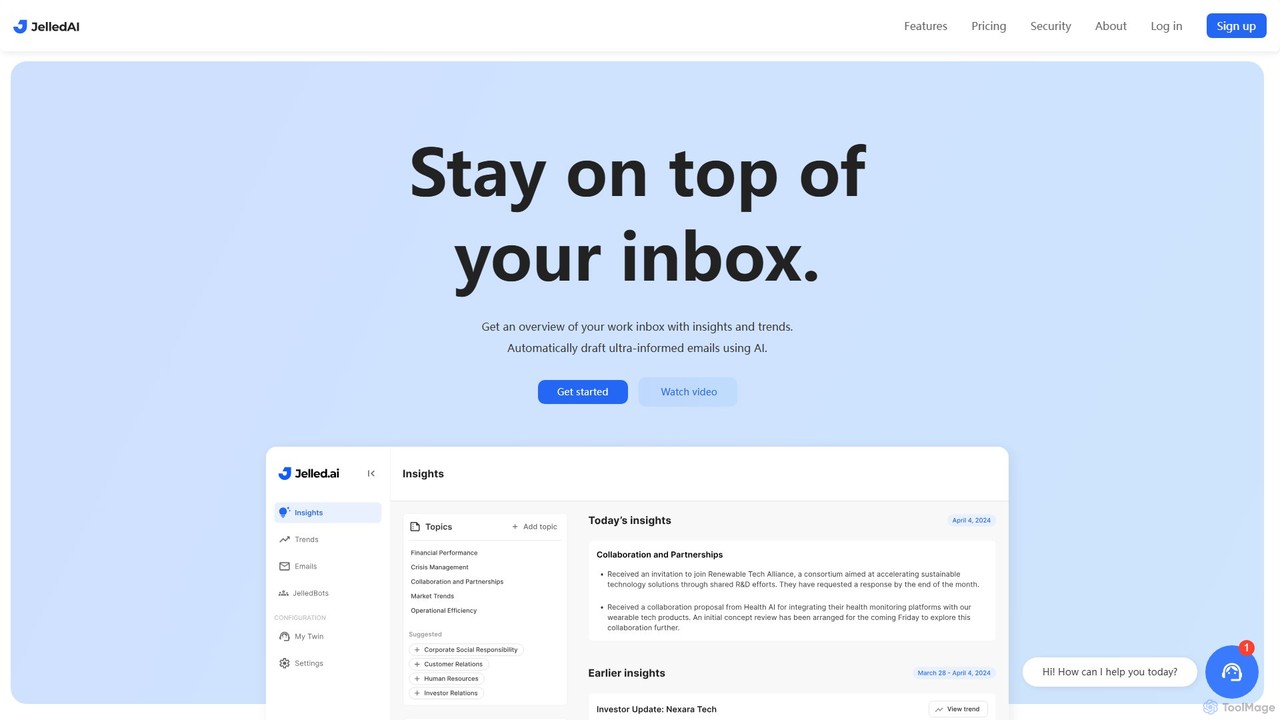
Jelled.ai is an AI-powered digital twin that revolutionizes workplace communication. It integrates with Gmail and Slack to provide contextual insights, detect trends, and automatically draft informed email responses in your unique voice. Stay on top of your inbox, filter out noise, and preserve your professional knowledge effortlessly.

Inbox Management
Visits 6.3KFavorites 90Likes 89
InboxChat
Freemium

InboxChat

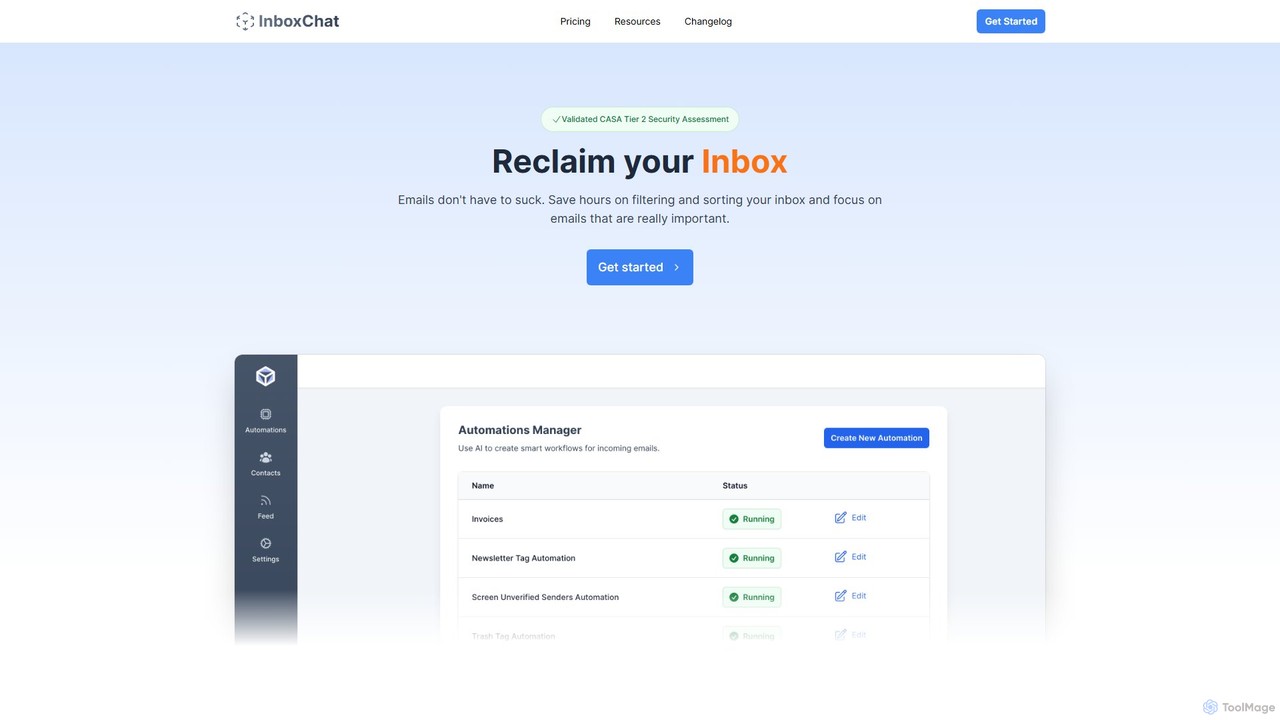
InboxChat is an AI-powered assistant that transforms your Gmail inbox management. Use natural language to search, summarize, and draft emails, saving you hours each week. It offers top-tier security, ensuring your data is always private and protected.

Search
Visits 6.2KFavorites 139Likes 138
getemil
Paid

getemil

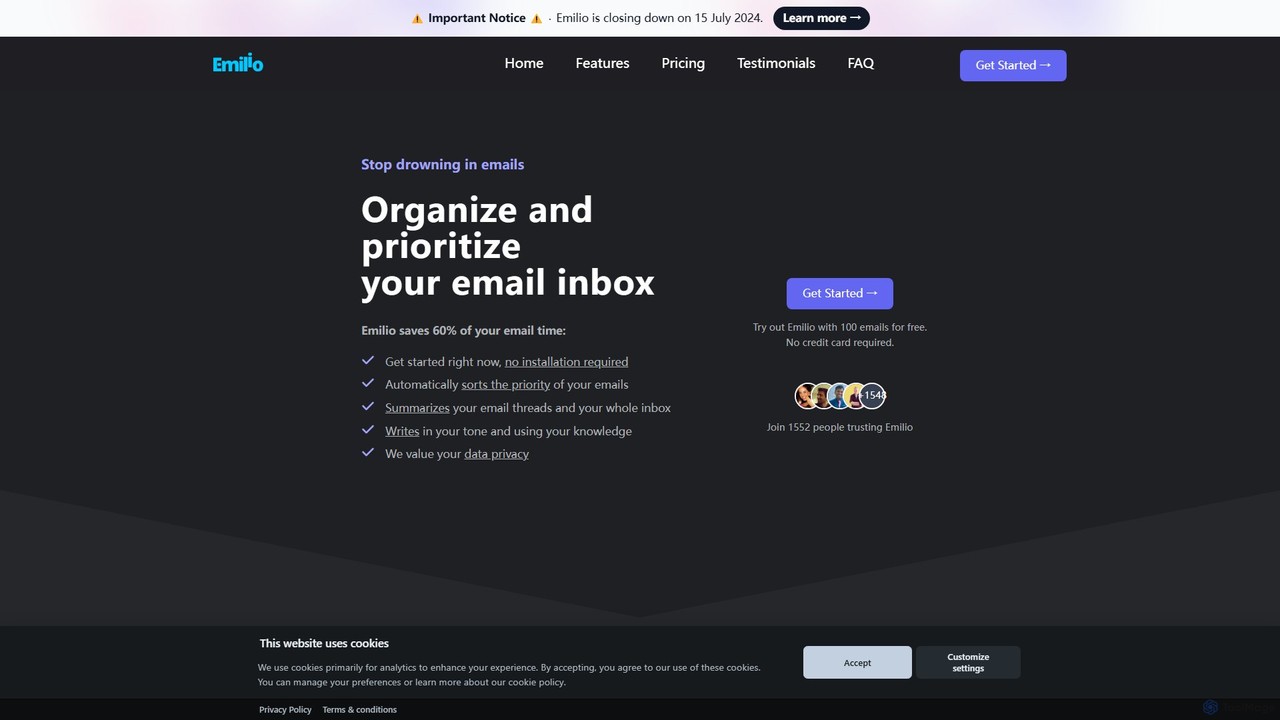
Emilio is an AI email assistant that intelligently organizes your Gmail inbox. It automatically prioritizes, labels, and summarizes your unread emails, helping you focus on what's important and reclaim your productivity without ever leaving your current email client.

Workflow Management
Visits 8KFavorites 173Likes 148
one.email
Freemium

one.email

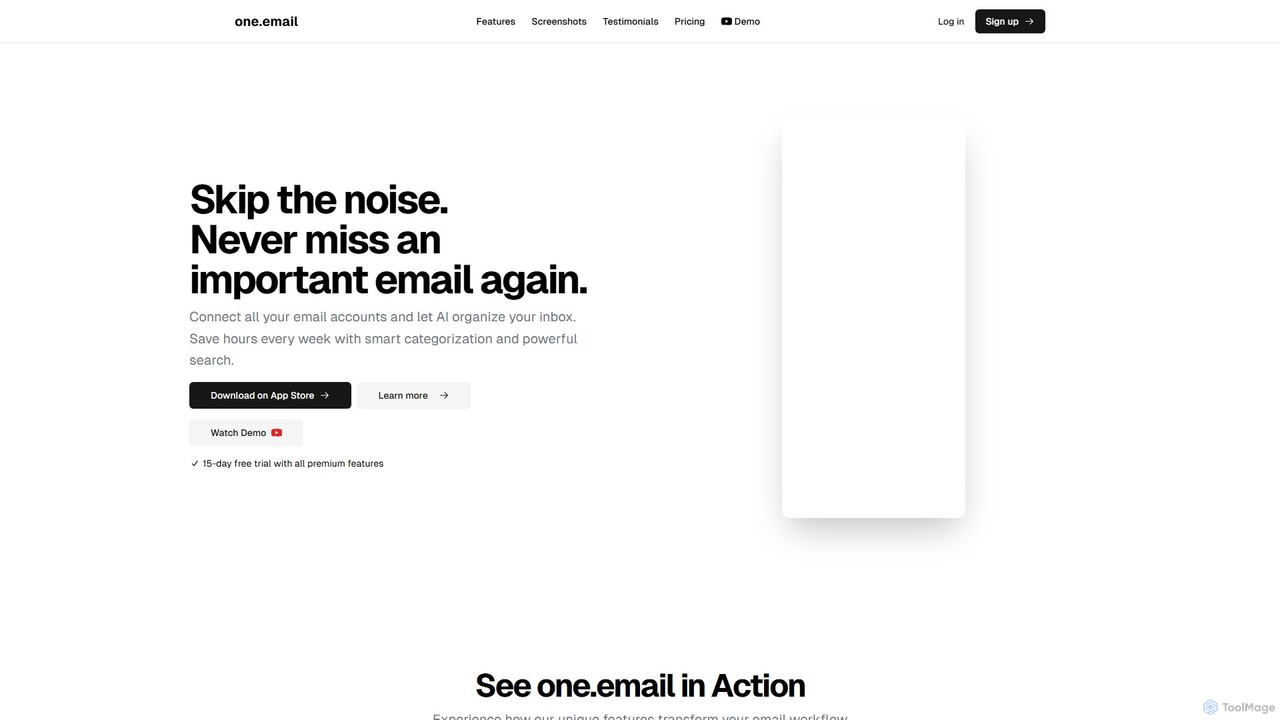
one.email is an AI-powered email client that transforms your cluttered inbox into a model of clarity. It unifies all your email accounts (Gmail, Outlook, etc.), automatically categorizes messages using AI, and presents conversations in an intuitive chat-style view. With powerful semantic search and simple, plain-English commands for organization, one.email helps you save hours each week and never miss an important message again.

Inbox Management
Visits 6.1KFavorites 142Likes 132
Mail Hugs
Freemium

Mail Hugs

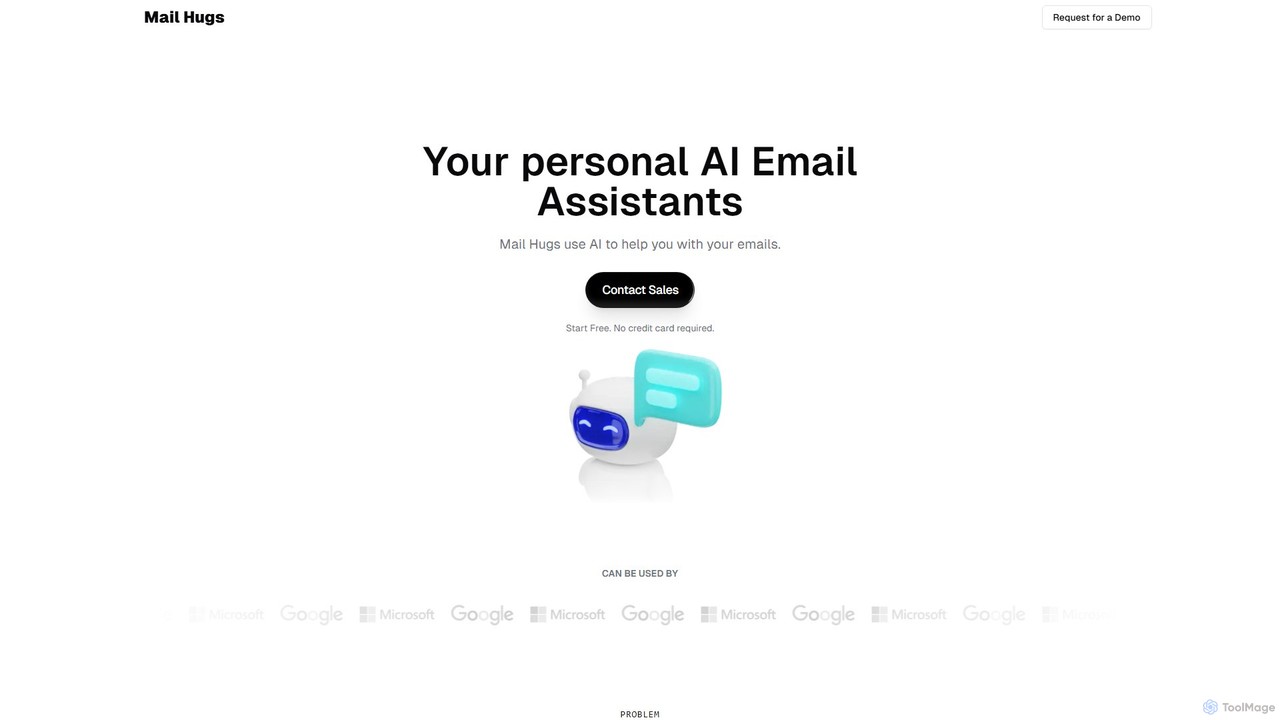
Mail Hugs is a personal AI email assistant designed to streamline your inbox management. It uses advanced AI to automatically draft responses, prioritize important messages, and summarize long email threads, helping you save time and focus on what matters most. It integrates seamlessly with Gmail and Microsoft Office.

Inbox Management
Visits 5.3KFavorites 103Likes 121
OwlU
Freemium

OwlU

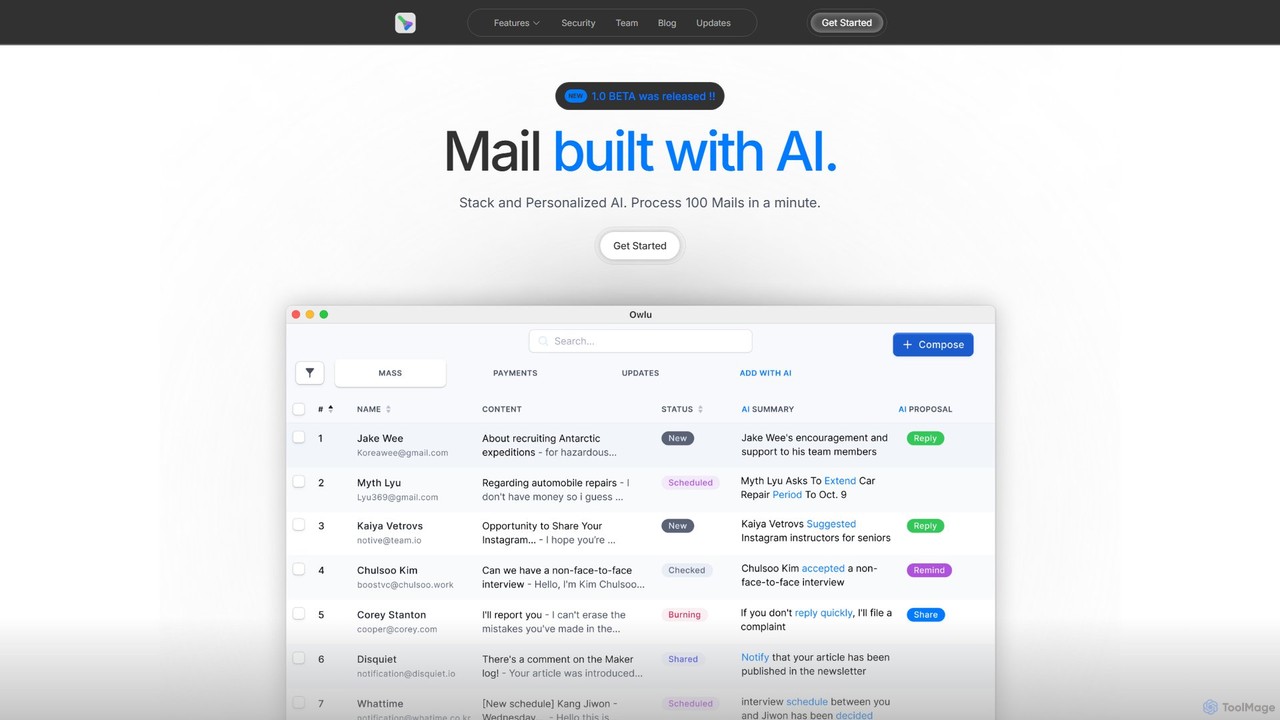
OwlU is an AI-powered email client for Mac OS designed to revolutionize your inbox. It intelligently summarizes, suggests replies, and automates tasks, allowing you to process hundreds of emails in minutes. With a personalized AI and a unified dashboard, OwlU helps you achieve unprecedented email productivity.

Personal
Visits 5.5KFavorites 117Likes 132
Forage Mail
Freemium

Forage Mail

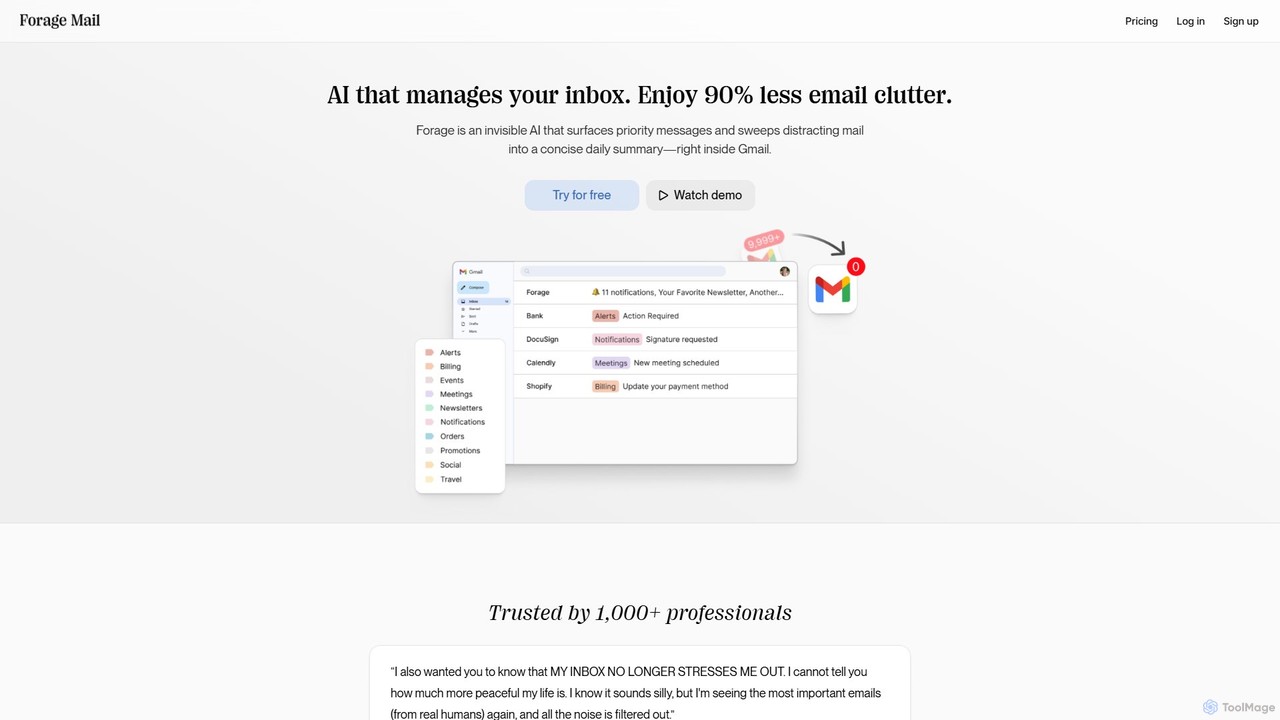
Forage Mail is an AI-powered email management tool for Gmail that ends inbox overwhelm. It intelligently filters emails, surfaces priority messages, and consolidates non-essential mail like newsletters and promotions into a single, concise daily summary, helping you save hours and reduce stress.

Inbox Management
Visits 5.5KFavorites 97Likes 113

About Inbox Management

AI Inbox Management tools are applications that use artificial intelligence to automatically organize, prioritize, and process emails. Leveraging natural language processing (NLP), they understand email content, intent, and importance to help you focus on what matters most. These tools are designed to combat information overload, reduce time spent on manual sorting, and accelerate response times. By automating routine tasks like categorization and summarization, they transform a cluttered inbox into a streamlined communication hub.

Core Features

  • Smart Prioritization: Automatically identifies and highlights urgent or important emails based on content and sender.
  • AI-Powered Summarization: Condenses long email threads or complex messages into concise, easy-to-read summaries.
  • Automated Reply Drafting: Generates context-aware reply suggestions or complete email drafts.
  • Intelligent Categorization: Sorts incoming mail into relevant folders or applies labels automatically, beyond simple rule-based filters.
  • Unsubscribe Automation: Detects newsletters and promotional emails, offering a one-click unsubscribe process.

Use Cases

These tools are highly valuable for professionals with high email volumes, such as executives, sales teams, and customer support agents. They are also widely used by small business owners and freelancers to manage client communications and administrative tasks efficiently, ensuring critical messages are never missed in a flood of information.

How to Choose

When selecting a tool, consider its integration capabilities with your existing email provider (e.g., Gmail, Outlook). Evaluate the accuracy of its AI features, such as prioritization and summarization. Also, review its privacy policy, data security measures, and the level of customization available for rules and filters to match your workflow.

Inbox Management use cases

1

Automate Triage for Customer Support Teams

Customer support teams often face a high volume of incoming emails, from bug reports to feature requests. An AI Inbox Management tool automatically analyzes, categorizes, and assigns priority to these emails. For example, it can identify emails containing keywords like 'urgent' or 'system down' and flag them for immediate attention. It can also sort inquiries into categories like 'Billing,' 'Technical Support,' or 'Feedback,' routing them to the correct department. This reduces manual sorting time and ensures faster, more organized responses.

2

Streamline Sales Communication and Follow-ups

Sales professionals manage numerous conversations with leads and clients. AI tools can help by prioritizing emails from high-value prospects, identifying follow-up opportunities, and summarizing long conversation histories. The system can detect buying signals or questions in emails and suggest timely replies. This ensures that no lead is forgotten and that communication remains consistent, helping to shorten the sales cycle and improve client relationships.

3

Achieve "Inbox Zero" for Personal Productivity

For individuals aiming to reduce digital clutter and improve focus, these tools are highly effective. The AI can automatically file away newsletters, promotional emails, and notifications into designated folders, keeping the primary inbox clean. It summarizes important updates, allowing the user to grasp key information without reading every word. This approach transforms email from a constant distraction into a manageable task, freeing up mental energy for more important work.

4

Manage High-Volume Executive Correspondence

Executives and managers receive hundreds of emails daily, spanning internal reports, client requests, and strategic discussions. An AI assistant can create a prioritized daily digest, summarizing the most critical emails that require a decision or response. It can also draft standard replies for routine inquiries, which the executive can quickly approve or edit. This allows leaders to stay informed and responsive without getting bogged down in their inbox.

5

Efficiently Process HR and Recruitment Emails

Human Resources departments handle a large influx of emails, including job applications, employee inquiries, and vendor communications. AI Inbox Management tools can automatically parse resumes from attachments, sort applications based on job roles, and send automated acknowledgments. For internal queries, the tool can categorize questions about benefits, payroll, or policy, directing them to the appropriate HR specialist. This streamlines administrative workflows and improves communication efficiency.

6

Organize Project Communications for Freelancers

Freelancers and consultants juggle projects for multiple clients, leading to complex email threads. An AI tool can automatically create and maintain separate folders or labels for each client and project. It can extract key information like deadlines, deliverables, and meeting notes from emails and summarize them. This provides a clear, organized overview of all project-related communication, preventing missed deadlines and ensuring all client needs are addressed promptly.

Inbox Management FAQ

What is AI Inbox Management?

AI Inbox Management refers to software that uses artificial intelligence to help you manage your email more effectively. Its primary goal is to automate tasks like sorting, prioritizing, summarizing, and drafting replies. Unlike a standard email client, it actively analyzes the content and context of your messages to reduce manual effort and help you focus on the most important communications.

How do I choose the right AI Inbox Management tool?

To choose the right tool, consider these factors:

  • Compatibility: Ensure it integrates seamlessly with your current email provider (Gmail, Outlook, etc.).
  • Core Features: Evaluate the effectiveness of its AI for prioritization, summarization, and reply suggestions.
  • Privacy & Security: Check how the tool handles your data and its security protocols.
  • User Interface: Select a tool with an intuitive interface that fits your workflow and doesn't require a steep learning curve.

What's the difference between AI Inbox Management and a standard email client?

A standard email client (like Gmail or Outlook) provides the platform to send and receive emails with basic filters and folders. An AI Inbox Management tool is an intelligent layer built on top of it. It actively analyzes email content to automate advanced tasks: it prioritizes what's important, summarizes long threads, drafts replies for you, and intelligently categorizes messages far beyond simple rule-based filters.

Can AI Inbox Management tools write emails for me?

Yes, many AI Inbox Management tools can draft emails. They typically offer features like 'Smart Reply' with short suggestions or more advanced 'AI-assisted drafting' that generates a full email based on the context of the conversation. You can then review, edit, and send the AI-generated draft. This significantly speeds up the process of responding to common or repetitive inquiries.

Is my data safe with AI Inbox Management tools?

Reputable AI Inbox Management providers prioritize data security and privacy. They typically use encryption to protect your data both in transit and at rest. However, it is crucial to review the privacy policy of any tool before using it. Look for providers that are transparent about their data handling practices and offer features like two-factor authentication to secure your account.