

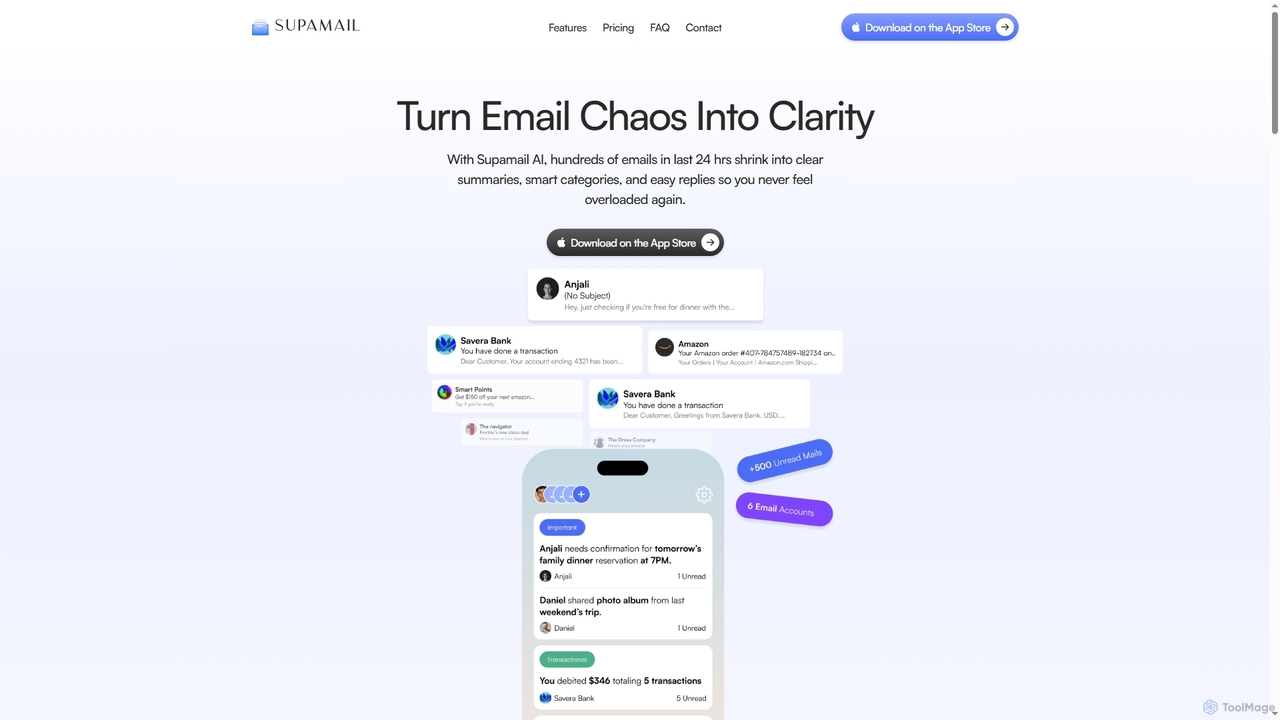
Supamail Overview
Supamail is an intelligent email assistant specifically designed for Gmail users who are overwhelmed by a constant influx of messages. It transforms a chaotic inbox into a clear and manageable space by leveraging advanced AI. The core mission of Supamail is to help you regain control over your email, reduce digital noise, and boost productivity. Instead of manually sifting through hundreds of emails, Supamail automatically organizes them, providing concise summaries that allow you to grasp the key information at a glance. This allows you to focus your energy on important communications while efficiently handling or ignoring the rest. The platform is built with a strong emphasis on security and privacy, ensuring that your data is never stored or read, providing a trustworthy solution for inbox management.
How to use Supamail
Getting started with Supamail is a straightforward process designed for immediate productivity gains:
- Download and Install: Begin by downloading the Supamail application from the App Store for your iOS device.
- Connect Your Gmail Account: Securely link one or more of your Gmail accounts. Supamail supports unlimited accounts, allowing you to consolidate all your email management in one place.
- Automatic Organization: Once connected, Supamail's AI immediately gets to work. It will start scanning, categorizing, and summarizing your incoming emails without any manual setup required.
- Review Summaries: Open the app to see your emails grouped by sender, each with a smart, one-line summary. This gives you a high-level overview of your inbox in seconds.
- Customize Notifications: Navigate to the settings to customize your notification preferences. You can choose to receive alerts only for 'Important' emails and silence notifications for 'Promotional' or 'Transactional' categories.
- Use AI Replies: When you need to respond, use the 'Smart AI Replies' feature. With a single click, Supamail generates context-aware responses based on the full email thread, saving you time on typing.
- Set Up Daily Digests: Schedule 'Timed Daily Summaries' up to four times a day. This provides a consolidated digest of all important emails, allowing you to stay informed without constant interruptions.
Core Features of Supamail
- AI-Powered Summaries: Automatically groups multiple emails from the same sender or thread into a single, concise one-line summary, letting you understand the context quickly.
- Smart AI Categorization: Employs advanced AI models to sort all incoming emails into three distinct categories: Important, Transactional, and Promotional, helping you prioritize effectively.
- Customizable Notifications: Gives you granular control over your alerts. You can disable notifications for less important categories like promotions to maintain focus.
- Context-Aware AI Replies: Generates intelligent, one-click reply suggestions that understand the full context of the email conversation, streamlining your response process.
- Timed Daily Digests: Allows you to schedule up to four daily summaries, delivering a curated digest of important emails at times that suit your workflow.
- Secure and Private: Features CASA Tier 2 certification and 256-bit encryption. Supamail processes emails securely with complete data isolation and never stores or reads your email content.
- Unlimited Gmail Accounts: Connect and manage all your Gmail accounts within a single application, simplifying your email workflow.
Use Cases for Supamail
Supamail is ideal for a wide range of users looking to enhance their email productivity:
- Busy Professionals and Executives: Quickly scan summaries of important communications from clients, partners, and internal teams during a busy day, ensuring no critical message is missed.
- Project Managers: Consolidate project update emails from multiple team members into clear summaries to track progress without getting lost in long threads.
- Small Business Owners: Efficiently manage customer inquiries, supplier communications, and order confirmations while filtering out promotional clutter.
- Freelancers and Consultants: Stay on top of multiple client projects by organizing communications and using AI replies to respond promptly.
- Anyone Experiencing Email Overload: Ideal for individuals who want to achieve 'inbox zero' or simply reduce the anxiety and time-drain associated with a cluttered inbox.
Advantages of Supamail
Supamail offers several key advantages over traditional email clients:
- Significant Time Savings: By summarizing and categorizing emails, it drastically cuts down the time required to read, sort, and manage your inbox.
- Enhanced Focus and Productivity: Filtering out non-essential noise and providing custom notifications helps you concentrate on high-priority tasks without constant distractions.
- Effortless Organization: The AI-driven categorization system works automatically, eliminating the need for manual sorting and complex filter rules.
- Uncompromising Privacy: With a strict privacy policy, end-to-end encryption, and no data storage, users can trust that their sensitive information is protected.
- Simplified Workflow: Features like one-click replies and daily digests are designed to make email management faster and more intuitive.
Pricing and Plans
Supamail offers a simple, transparent pricing model:
- Single Plan: Full access to all features for $4.99 per month.
- 7-Day Free Trial: New users can try Supamail completely free for 7 days to experience its full capabilities.
- What's Included: The plan includes Gmail integration, support for unlimited accounts, AI-powered summaries and categorization, custom notifications, context-aware AI replies, timed daily digests, and 256-bit encryption for secure inbox protection.
Supamail Alternatives
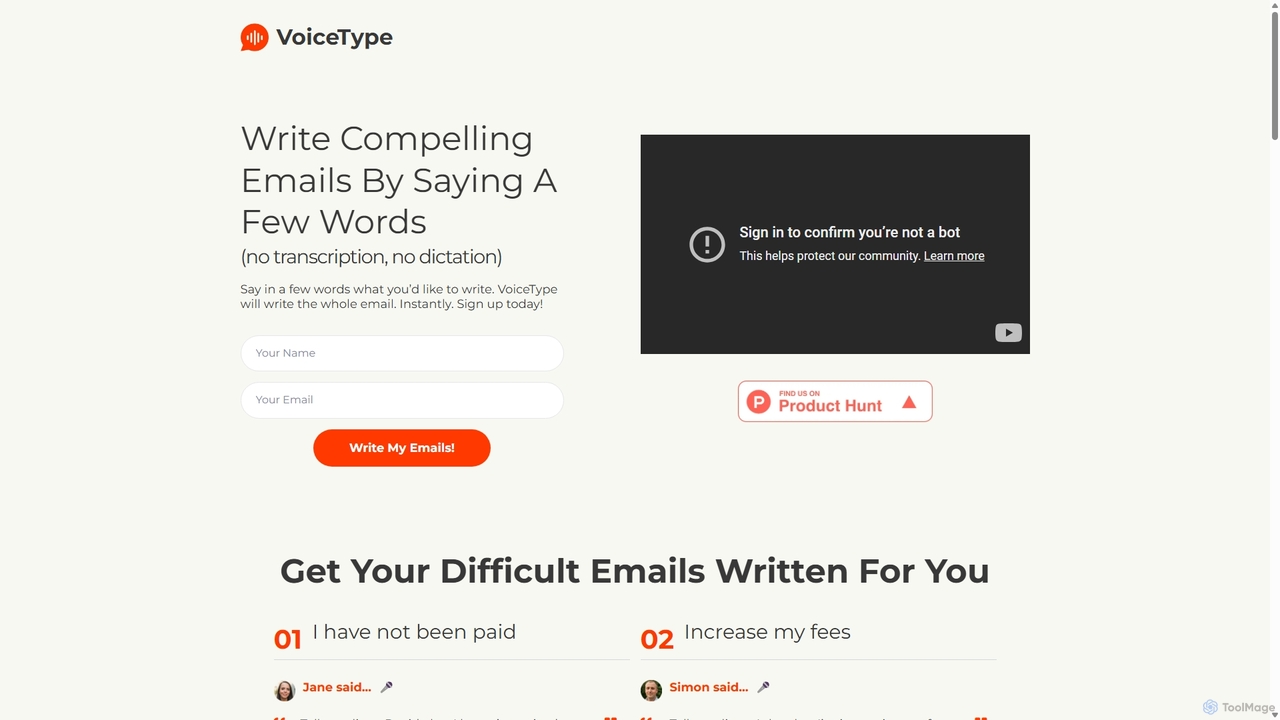
VoiceType
VoiceType is an AI-powered Chrome extension for Gmail that transforms short voice prompts into fully composed, professional emails. Instead of dictation, you simply explain the intent of your message, and VoiceType drafts a polished, grammatically correct email instantly. It's designed to save time, improve communication quality, and assist users with writing difficulties like dyslexia.
Assistive Technology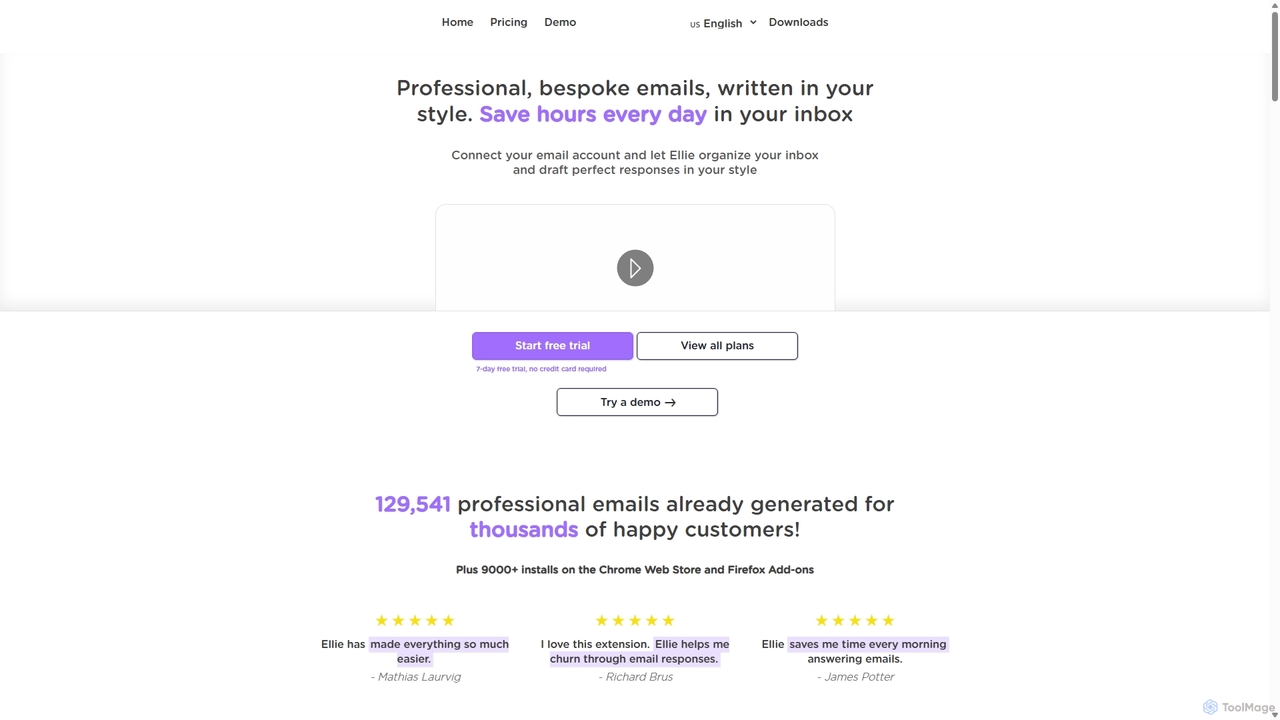
Ellie
Ellie is an AI email assistant that learns your writing style to draft professional, personalized email replies. It integrates with your inbox via a browser extension, understands context, and supports multiple languages to save you hours every day.
Customer Support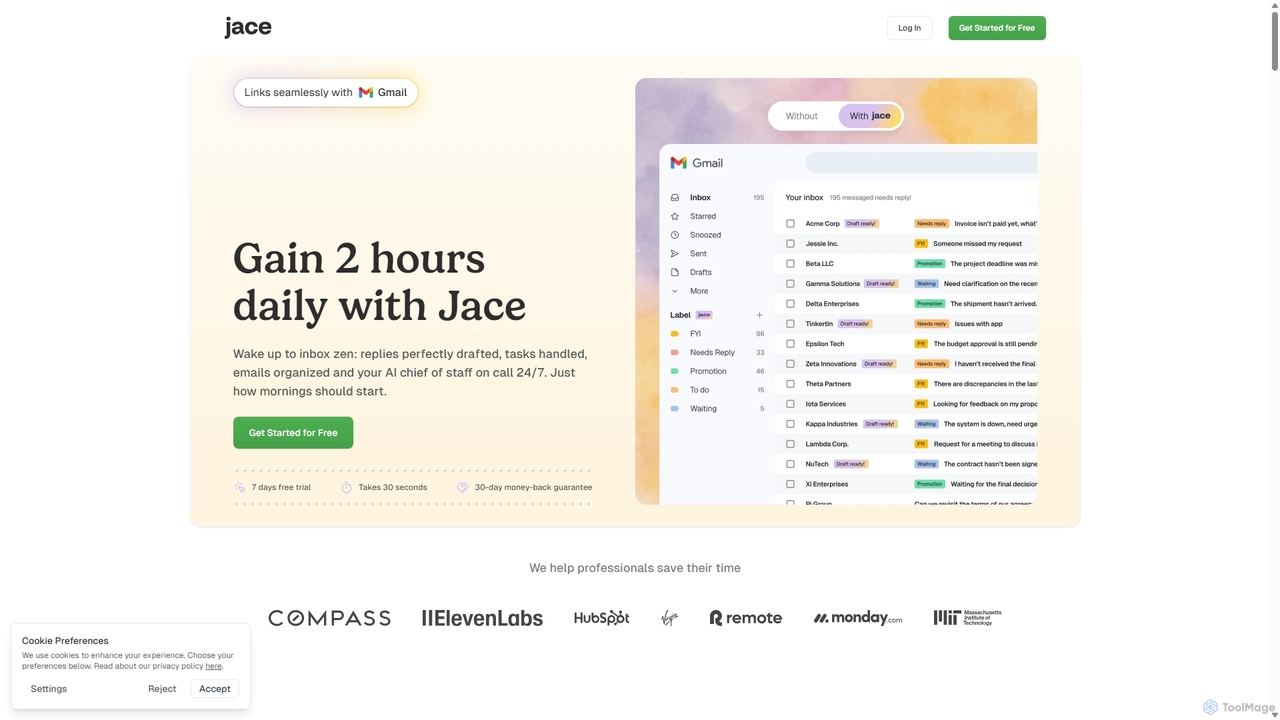
Jace AI
Jace AI is an intelligent 24/7 email assistant that automates your inbox. It seamlessly integrates with Gmail to draft replies, organize emails with AI labels, and handle tasks automatically. By analyzing context from attachments, calendars, and Slack, Jace saves professionals hours daily, allowing them to focus on what truly matters.
Workflow Management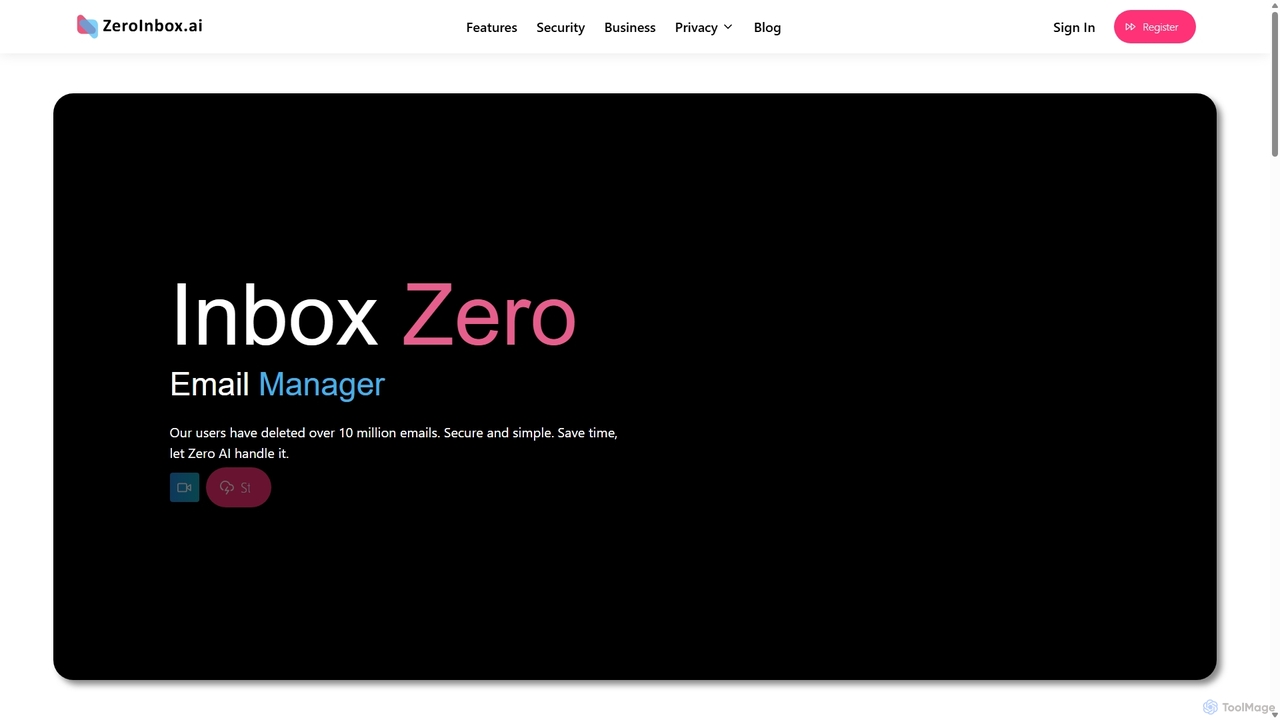
Inbox Zero
Inbox Zero is an AI-powered email organizer designed to help you clean and manage your inbox effortlessly. It intelligently sorts emails, deletes spam, and facilitates one-click unsubscribing from newsletters, allowing you to achieve a clean, organized inbox in seconds. With a strong focus on security and user privacy, it's the ultimate tool for boosting email productivity for both individuals and businesses.
Email Management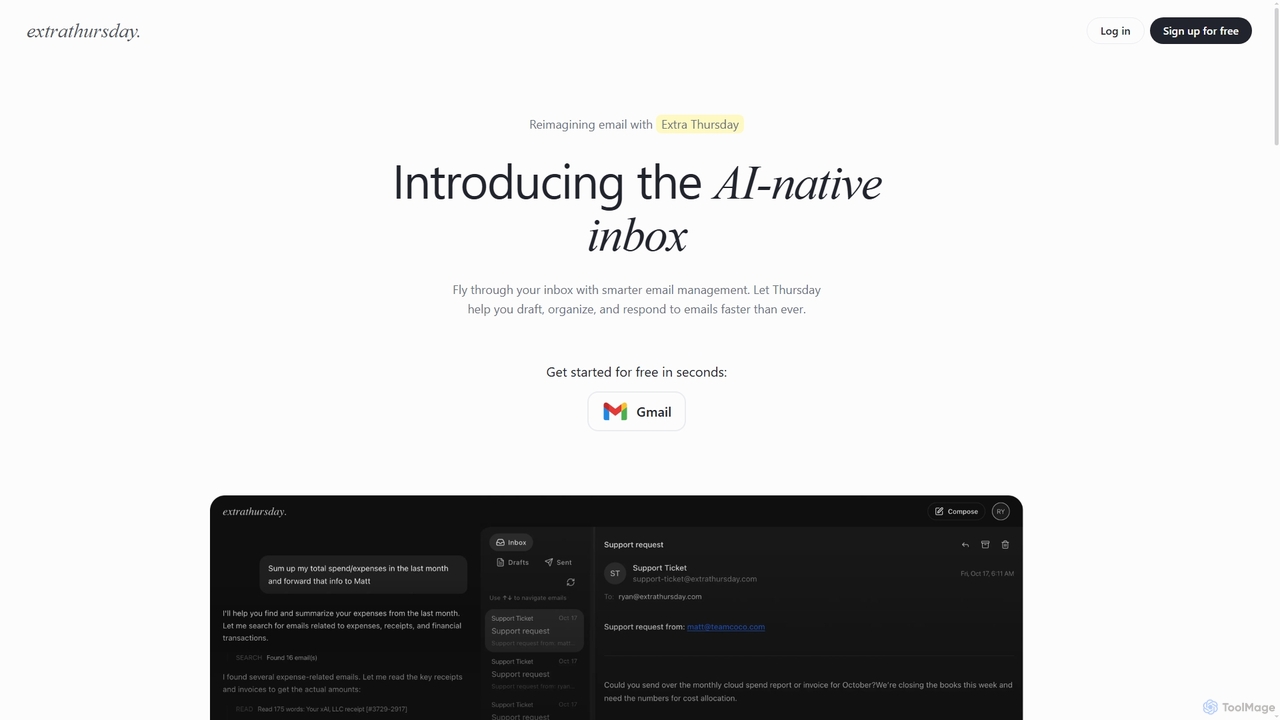
Extra Thursday
Extra Thursday is an AI-native email assistant designed to revolutionize your Gmail inbox. It helps you draft responses, organize emails, and extract key insights automatically, allowing you to manage thousands of emails in minutes and significantly boost your productivity.
Email ManagementSupamail Categories
Supamail Jobs
Supamail Embed Widget
Copy this embed code to place the badge on your blog, article, or product site and send readers directly to this ToolMage detail page.

Related AI tools
Inbox Zero
Inbox Zero is an AI-powered email organizer designed to help you clean and manage your inbox effortlessly. It intelligently sorts emails, deletes spam, and facilitates one-click unsubscribing from newsletters, allowing you to achieve a clean, organized inbox in seconds. With a strong focus on security and user privacy, it's the ultimate tool for boosting email productivity for both individuals and businesses.
Email Management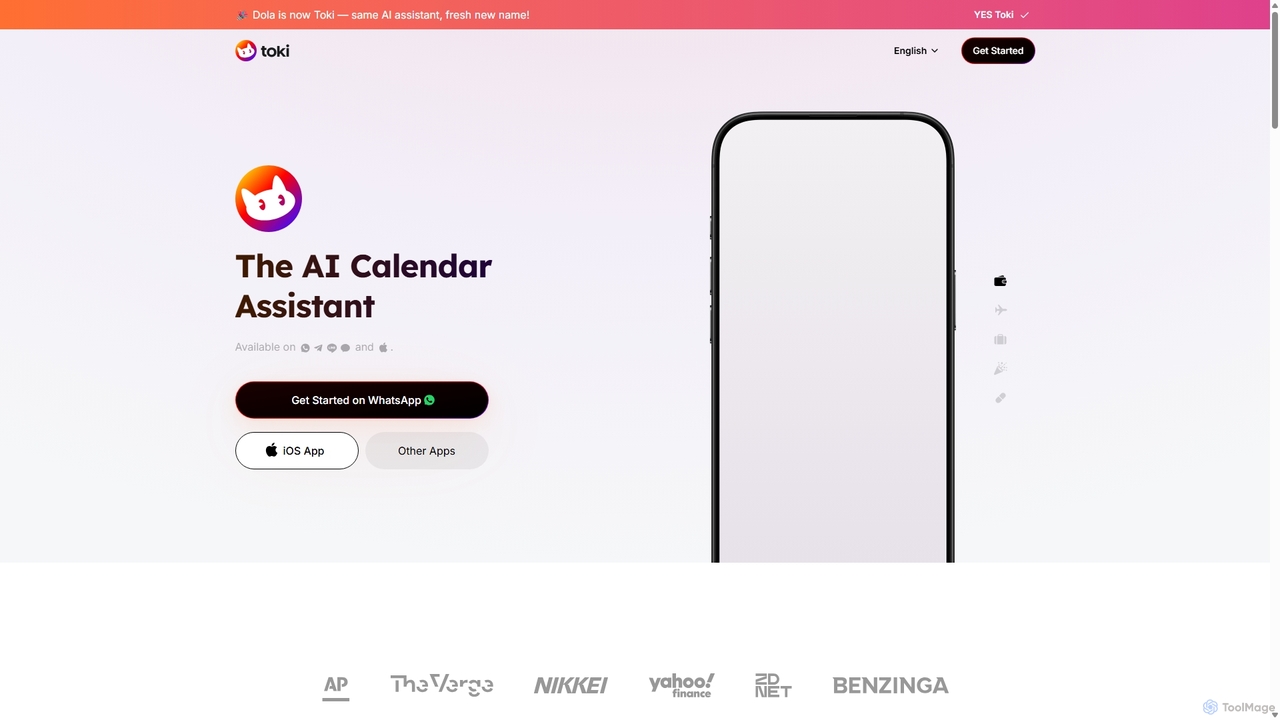
Toki
Toki (formerly Heydola) is an intelligent AI calendar assistant that simplifies your scheduling. Using natural language, you can create events, set reminders, and manage your entire schedule via text, voice, or even images on your favorite messaging apps like WhatsApp, Telegram, and a dedicated iOS app. It syncs all your calendars into one centralized hub, ensuring you never miss an important event.
Scheduling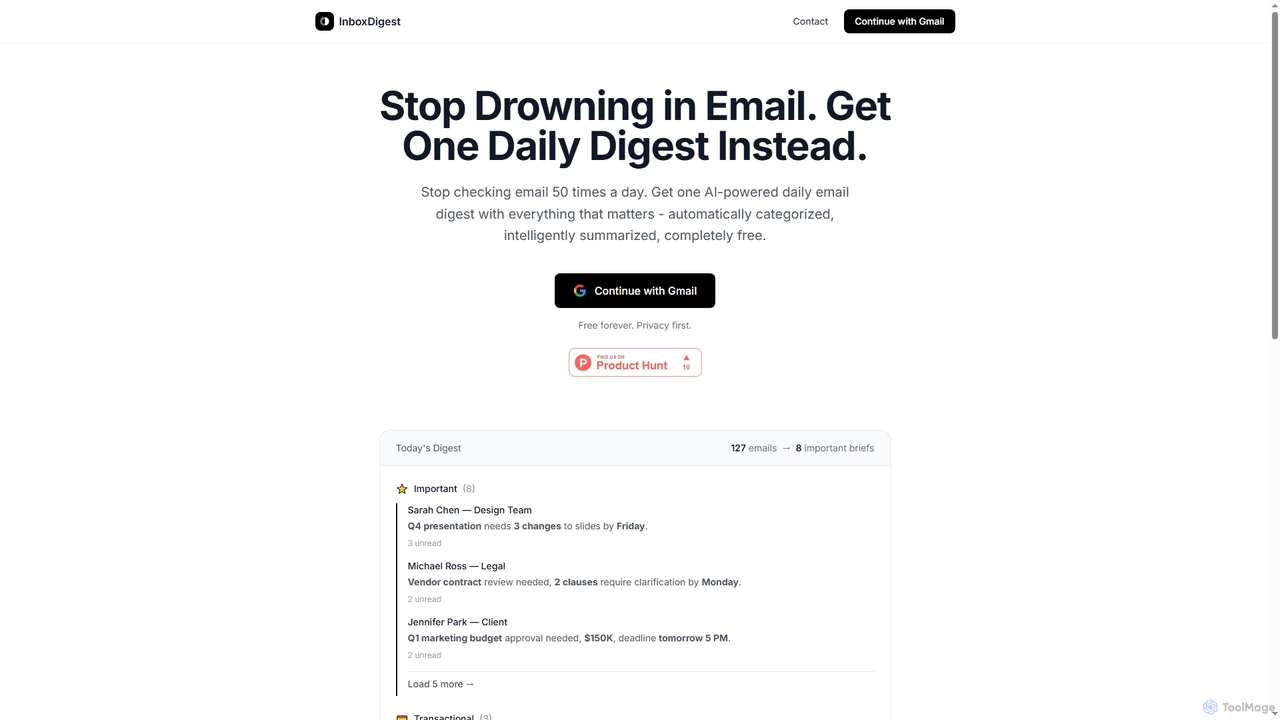
Inboxdigest
InboxDigest is a free AI tool that transforms your cluttered Gmail inbox into a single, daily email digest. It automatically categorizes and summarizes your emails into concise one-line briefs, helping you save hours and focus on what truly matters without constantly checking your inbox.
Email ManagementEllie
Ellie is an AI email assistant that learns your writing style to draft professional, personalized email replies. It integrates with your inbox via a browser extension, understands context, and supports multiple languages to save you hours every day.
Customer SupportVoiceType
VoiceType is an AI-powered Chrome extension for Gmail that transforms short voice prompts into fully composed, professional emails. Instead of dictation, you simply explain the intent of your message, and VoiceType drafts a polished, grammatically correct email instantly. It's designed to save time, improve communication quality, and assist users with writing difficulties like dyslexia.
Assistive Technology
Mailbutler
Mailbutler is an AI-powered email extension for Apple Mail, Gmail, and Outlook that enhances your inbox. It offers features like email tracking, AI-driven smart compose and summarization, collaborative tools for teams, and professional signature marketing to boost productivity and streamline communication.
Help Desk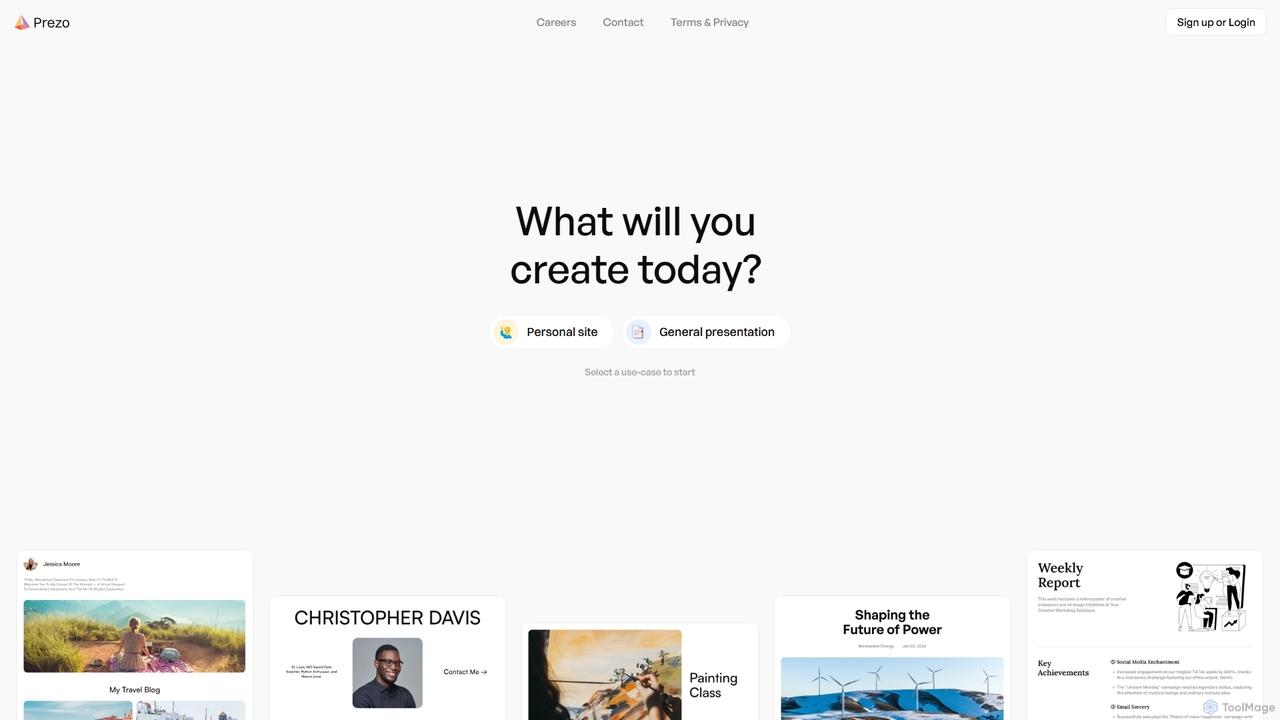
Prezo
Prezo is an AI-powered platform that enables users to effortlessly create professional presentations, documents, and websites. By simply providing a text prompt or an idea, Prezo's AI generates a complete, well-structured, and visually appealing draft in seconds. It's designed to streamline content creation for professionals, educators, and individuals, eliminating the need for design skills and saving valuable time.
Website Builder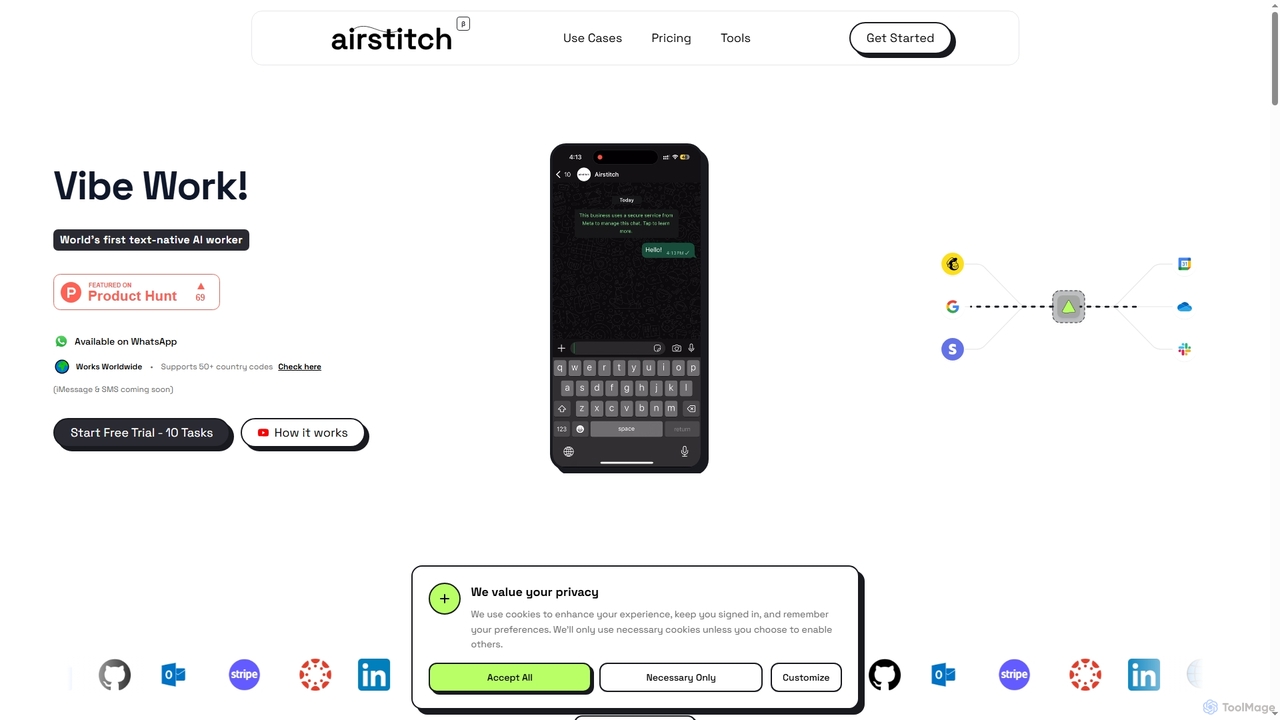
Airstitch
Airstitch is an AI-powered work assistant that automates over 40 hours of operational tasks weekly using natural language commands. It works 24/7, integrating with various apps to streamline workflows, manage communications, analyze data, and handle administrative duties, freeing up human resources for strategic work.
Operations Management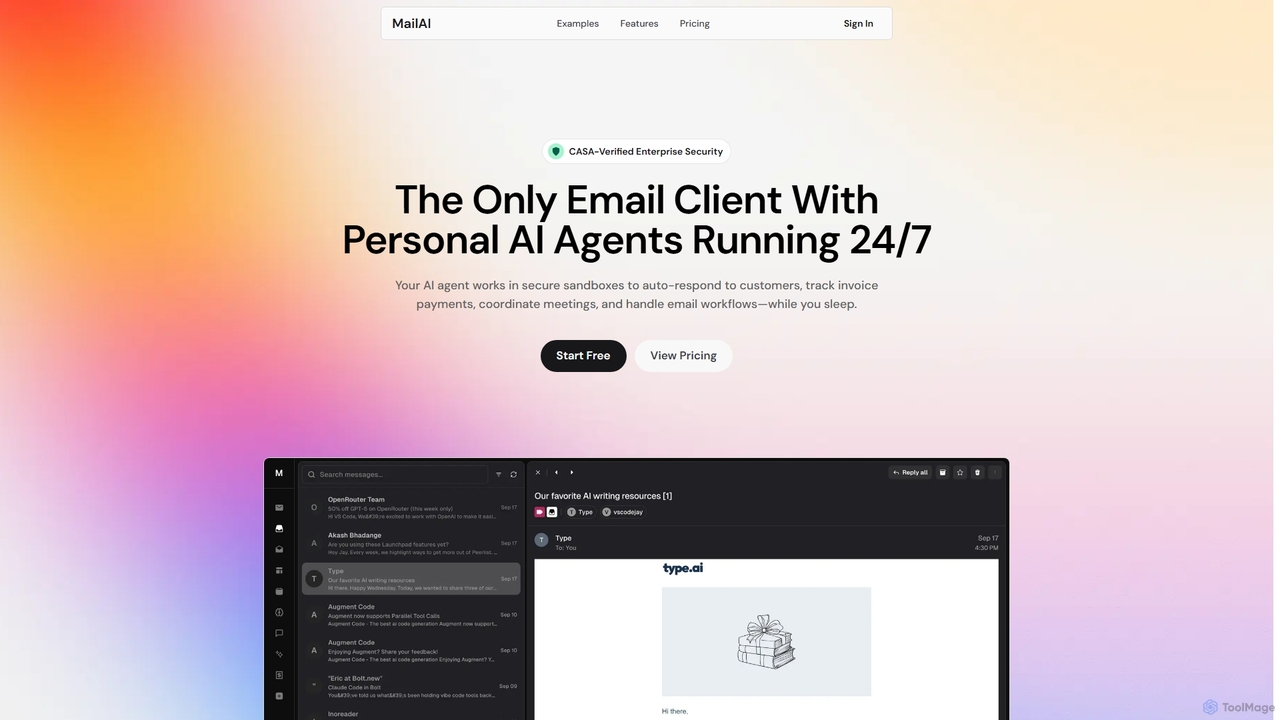
MailAI
MailAI is an advanced AI email assistant that deploys personal AI agents to automate email management 24/7. Operating within secure, CASA-verified sandboxes, it handles tasks like auto-responding, scheduling meetings, and tracking invoices, freeing up professionals to focus on critical work. It offers enterprise-grade security and a natural language interface for effortless control.
Workflow AutomationJace AI
Jace AI is an intelligent 24/7 email assistant that automates your inbox. It seamlessly integrates with Gmail to draft replies, organize emails with AI labels, and handle tasks automatically. By analyzing context from attachments, calendars, and Slack, Jace saves professionals hours daily, allowing them to focus on what truly matters.
Workflow Management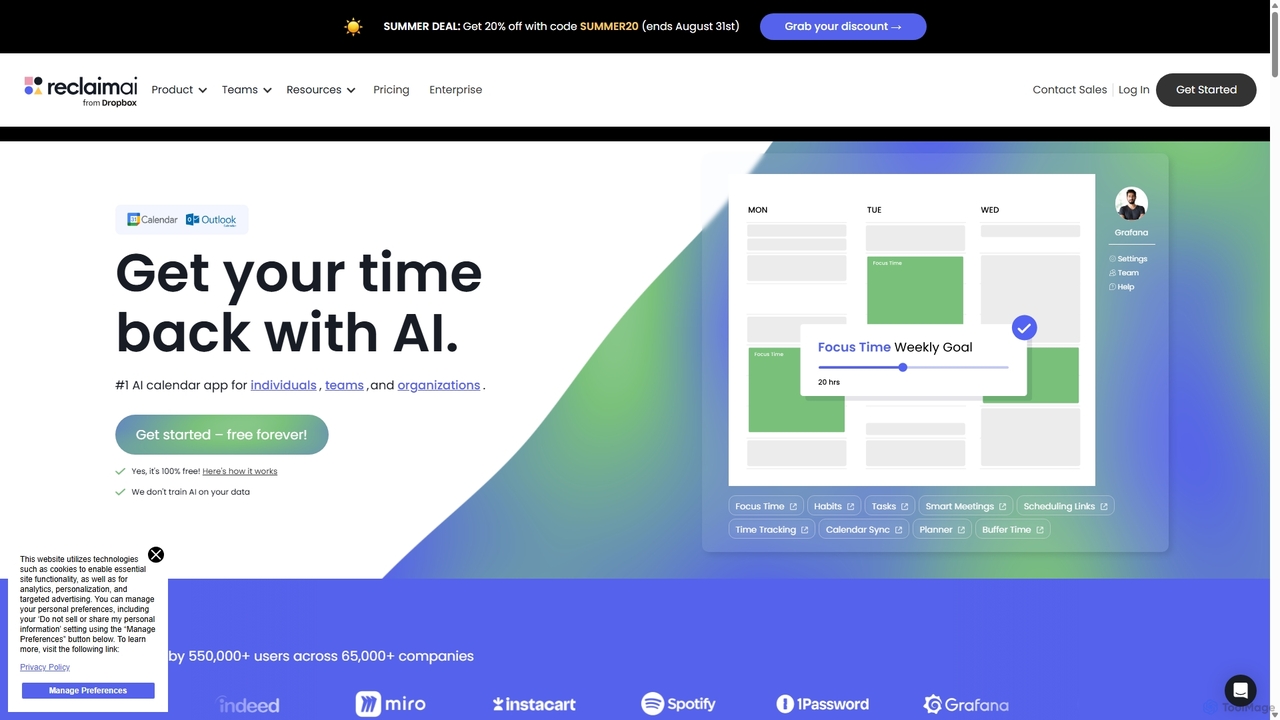
Reclaim.ai
Reclaim.ai is an intelligent AI calendar assistant that automates your schedule for optimal productivity and work-life balance. It intelligently blocks time for tasks, habits, and focus work, finds the best times for meetings, and syncs all your calendars. By defending your time and creating a flexible plan, Reclaim helps you focus on what matters most.
CalendarExtra Thursday
Extra Thursday is an AI-native email assistant designed to revolutionize your Gmail inbox. It helps you draft responses, organize emails, and extract key insights automatically, allowing you to manage thousands of emails in minutes and significantly boost your productivity.
Email Management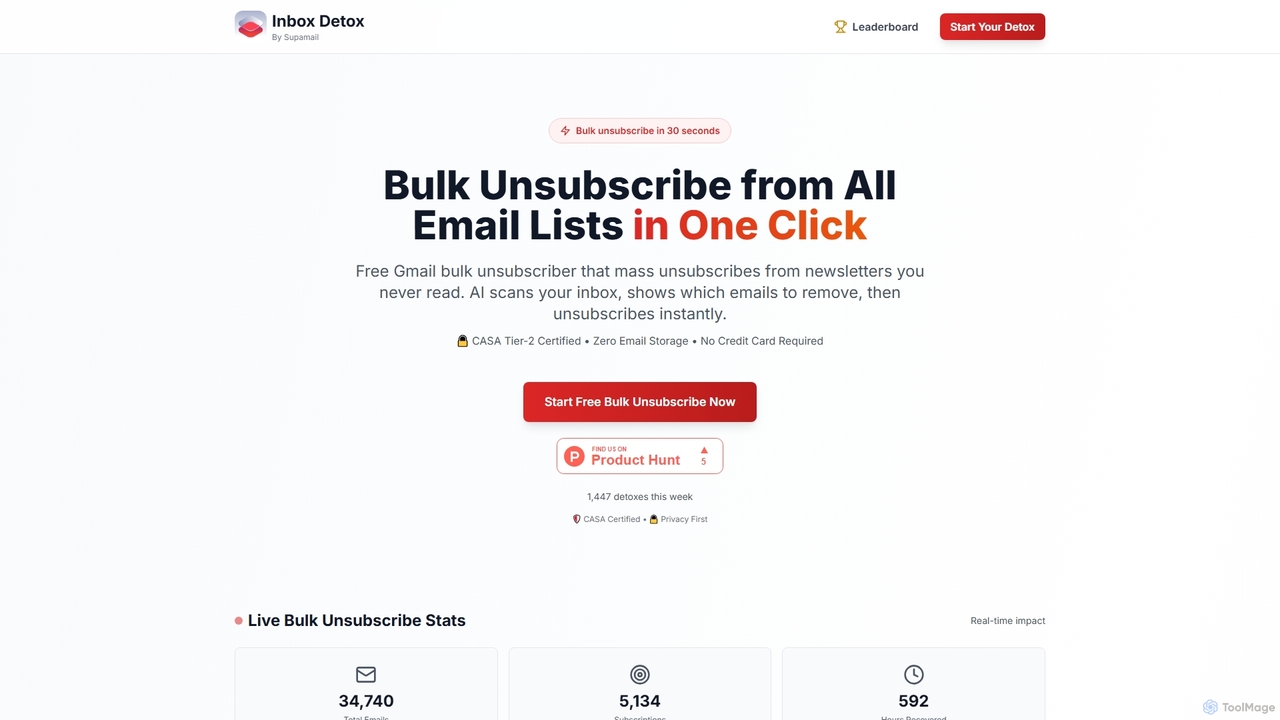
Inboxdetox
Inboxdetox is a free, AI-powered tool for Gmail that helps you bulk unsubscribe from unwanted newsletters and promotional emails in one click. It prioritizes user privacy and security, offering a fast way to declutter your inbox without storing your emails or selling your data.
Email Management
Microsoft Copilot
Microsoft Copilot is your everyday AI companion, enhancing productivity and creativity. It provides intelligent search, content generation, and image creation capabilities by leveraging the latest AI models like GPT-4 and DALL-E 3. Integrated across the Microsoft ecosystem, it assists with writing, coding, planning, and design tasks.
Image Generator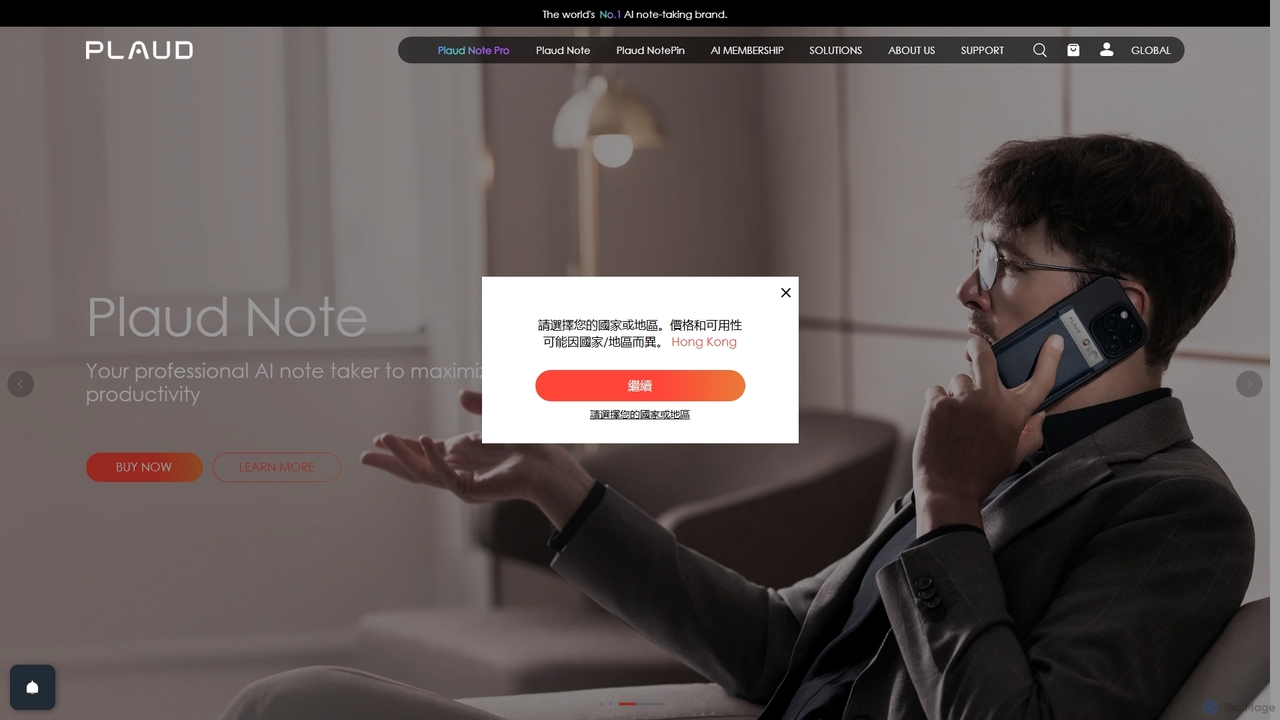
Plaud
Plaud is an innovative AI note-taking solution combining a sleek hardware voice recorder with a powerful AI app. It captures conversations, transcribes them with high accuracy, and generates structured summaries, mind maps, and action items. Designed for professionals, students, and creators, Plaud streamlines the documentation of meetings, lectures, and interviews, saving hours of manual work and ensuring no critical detail is missed.
Transcription
Supamail Comments (0)
Sign in to comment.
Sign inNo comments yet.