

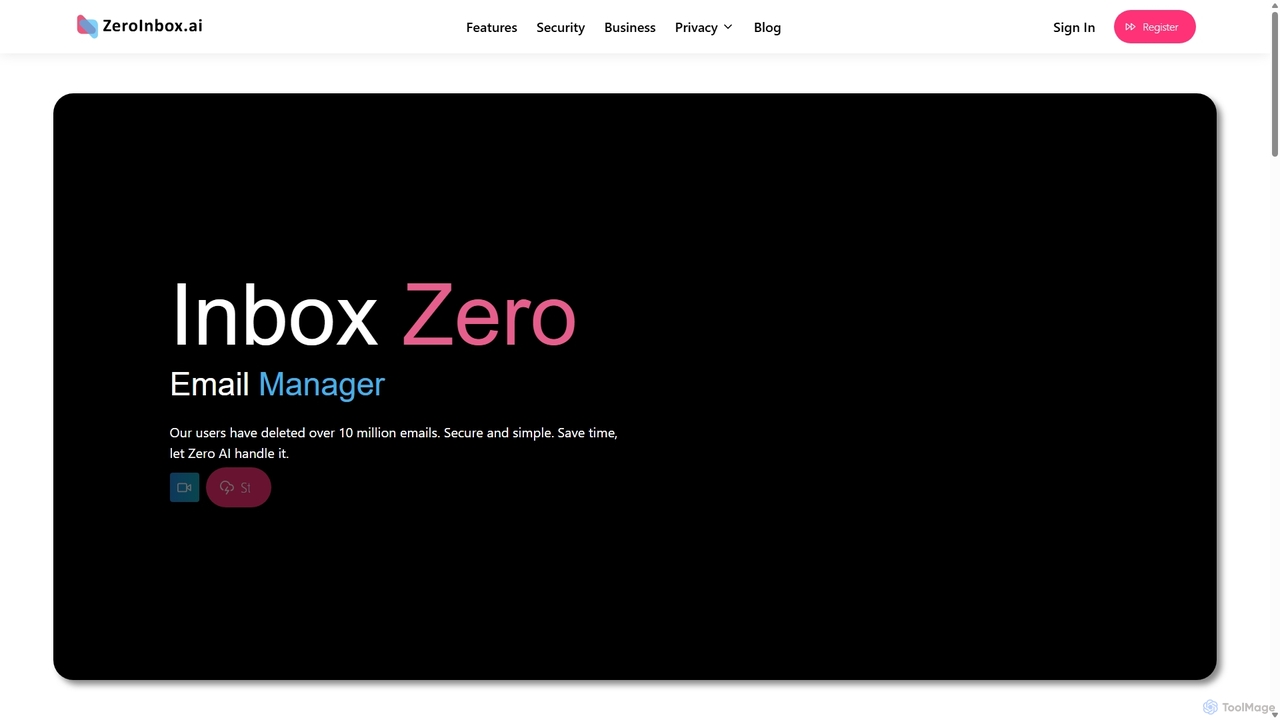
Inbox Zero Overview
Inbox Zero is an intelligent AI email manager designed to tackle the pervasive problem of overflowing and cluttered inboxes. Leveraging a powerful AI engine named 'Zero AI', this tool helps users reclaim their time and focus by automating the tedious process of email management. Whether you have hundreds or thousands of unread emails, Inbox Zero promises to restore order in under a minute. It analyzes, categorizes, and helps you eliminate unnecessary emails, such as spam, promotional content, and old newsletters, leaving only the communications that truly matter. The platform emphasizes not just efficiency but also top-tier security, being a Google Security Partner and implementing end-to-end encryption to protect user data at every step.
How to use Inbox Zero
Using Inbox Zero is designed to be a simple and intuitive process, allowing you to clean your inbox quickly:
- Connect Your Email Account: Start by securely connecting your email account (e.g., Gmail, Outlook) to the Inbox Zero platform. The process is authenticated directly with your email provider, ensuring your credentials are safe.
- Let Zero AI Analyze: Once connected, the 'Zero AI' engine will begin scanning your inbox. It intelligently identifies different types of emails, such as important messages, newsletters, social media notifications, and spam.
- Review and Clean: The tool presents you with categorized bundles of emails. You can review these suggestions and decide what to keep, delete, or archive. Actions like deleting thousands of spam emails or unsubscribing from multiple newsletters can be done with just a few clicks.
- Unsubscribe with Ease: For recurring newsletters and promotional emails, Inbox Zero offers a one-click unsubscribe feature, preventing future clutter from reaching your inbox.
- Maintain Inbox Zero: After the initial cleanup, you can use the tool periodically to maintain a clean and organized inbox, ensuring you stay productive and focused.
Core Features of Inbox Zero
- AI-Powered Email Sorting: Automatically scans and categorizes your emails, distinguishing between important messages, newsletters, spam, and other clutter.
- Rapid Bulk Cleaning: Empowers you to delete or archive thousands of unwanted emails in seconds, dramatically speeding up the cleanup process.
- One-Click Unsubscribe: Seamlessly unsubscribe from mailing lists and promotional campaigns with a single button press, without ever leaving the platform.
- Advanced Spam Filtering: Quickly identifies and isolates spam, allowing for swift deletion and a cleaner primary inbox.
- Top-Tier Security: As a Google Security Partner, it ensures your data is protected with end-to-end encryption and secure protocols.
- Full User Control & Privacy: Provides you with complete control over your account and data. You can manage your information with simple clicks, with a strong commitment to user privacy.
- Inbox Zero for Business: A dedicated solution for teams to enhance productivity by reducing the time employees spend on email management, fostering more efficient communication.
Use Cases for Inbox Zero
Inbox Zero is versatile and beneficial for a wide range of users:
- Busy Professionals: Managers, executives, and sales representatives can use it to filter out noise and focus on critical business communications, saving hours each week.
- Small Business Owners: Helps manage customer inquiries, supplier communications, and marketing emails more efficiently, preventing important messages from getting lost.
- Freelancers and Consultants: Keep project-related correspondence separate from administrative and promotional emails, ensuring deadlines and client needs are met.
- Students and Academics: Organize university notifications, research correspondence, and personal emails to stay on top of academic responsibilities.
- Personal Use: Anyone feeling overwhelmed by years of accumulated digital clutter can perform a 'digital reset' on their inbox, achieving peace of mind.
Advantages of Inbox Zero
The primary advantage of Inbox Zero is its ability to transform email from a source of stress into a tool for productivity. It saves significant time, enhances focus by removing distractions, and provides a secure environment for managing your communications. Its simplicity and speed make it accessible to everyone, regardless of technical skill. For businesses, it translates to tangible productivity gains, as employees can redirect time previously spent on email management to more valuable tasks.
Pricing and Plans
While specific pricing is not detailed on the website, tools like Inbox Zero typically operate on a freemium model to allow users to experience the benefits before committing.
- Free Plan: A starter plan that may offer a limited number of email cleanups or unsubscribes, perfect for trying out the core features.
- Pro Plan (Estimated): A subscription plan for individuals, likely offering unlimited email cleaning, unlimited unsubscribes, priority support, and advanced filtering features.
- Business Plan: A custom plan for teams and organizations, featuring centralized billing, team management dashboards, and dedicated support to boost company-wide productivity. Interested parties are typically encouraged to contact sales for a custom quote.
Inbox Zero Alternatives
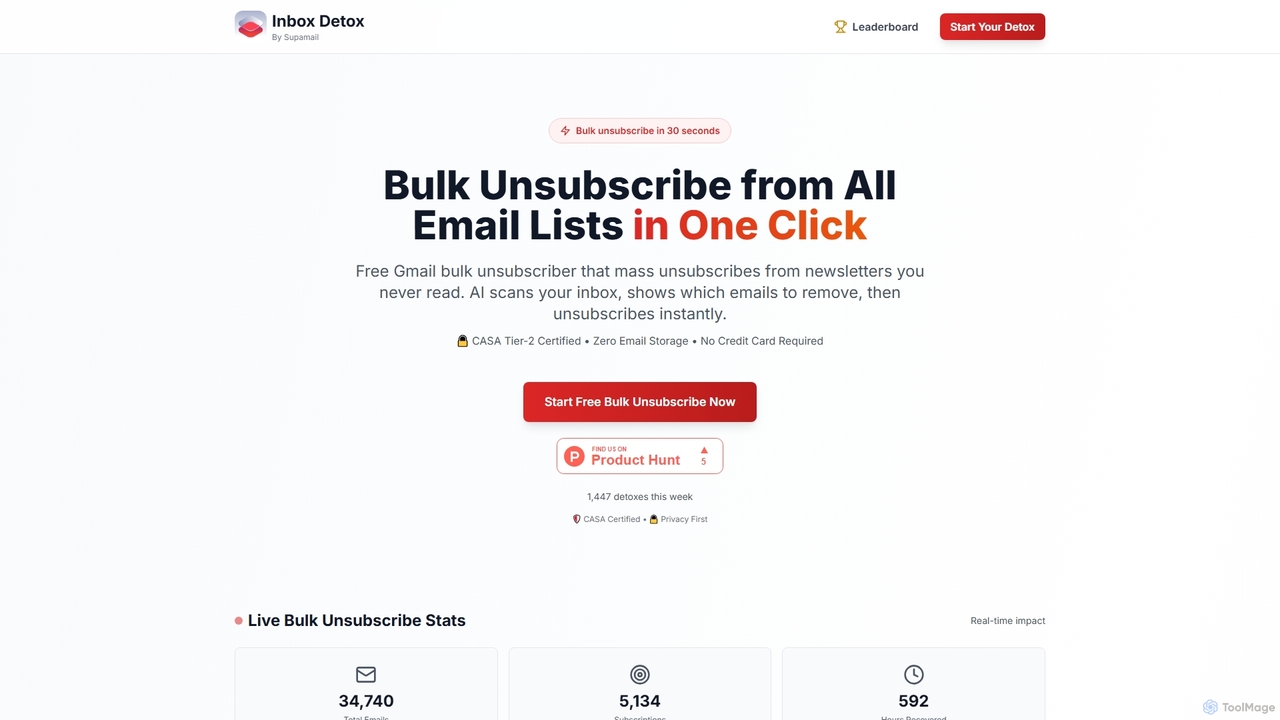
Inboxdetox
Inboxdetox is a free, AI-powered tool for Gmail that helps you bulk unsubscribe from unwanted newsletters and promotional emails in one click. It prioritizes user privacy and security, offering a fast way to declutter your inbox without storing your emails or selling your data.
Email Management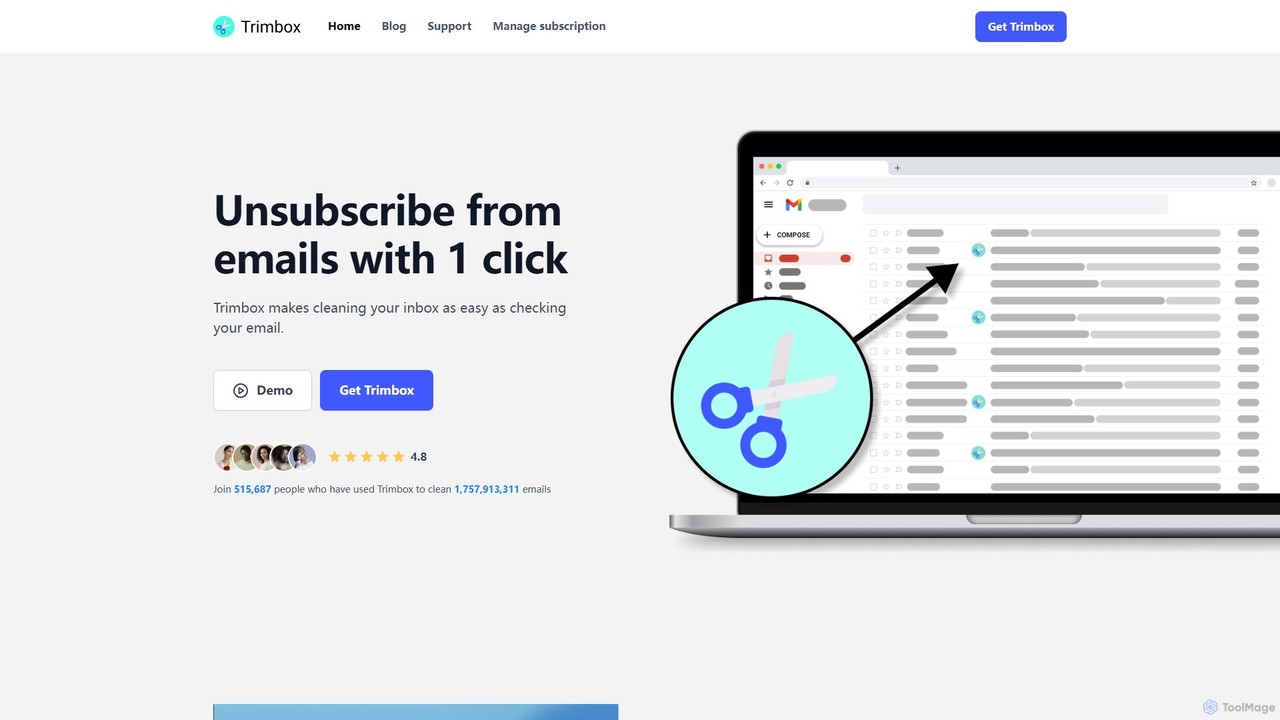
Trimbox
Trimbox is an AI-powered Gmail plugin designed for ultimate inbox management. It allows you to unsubscribe from mailing lists and delete all past emails from any sender with a single click, all while ensuring your privacy by processing data directly on your device.
Email Management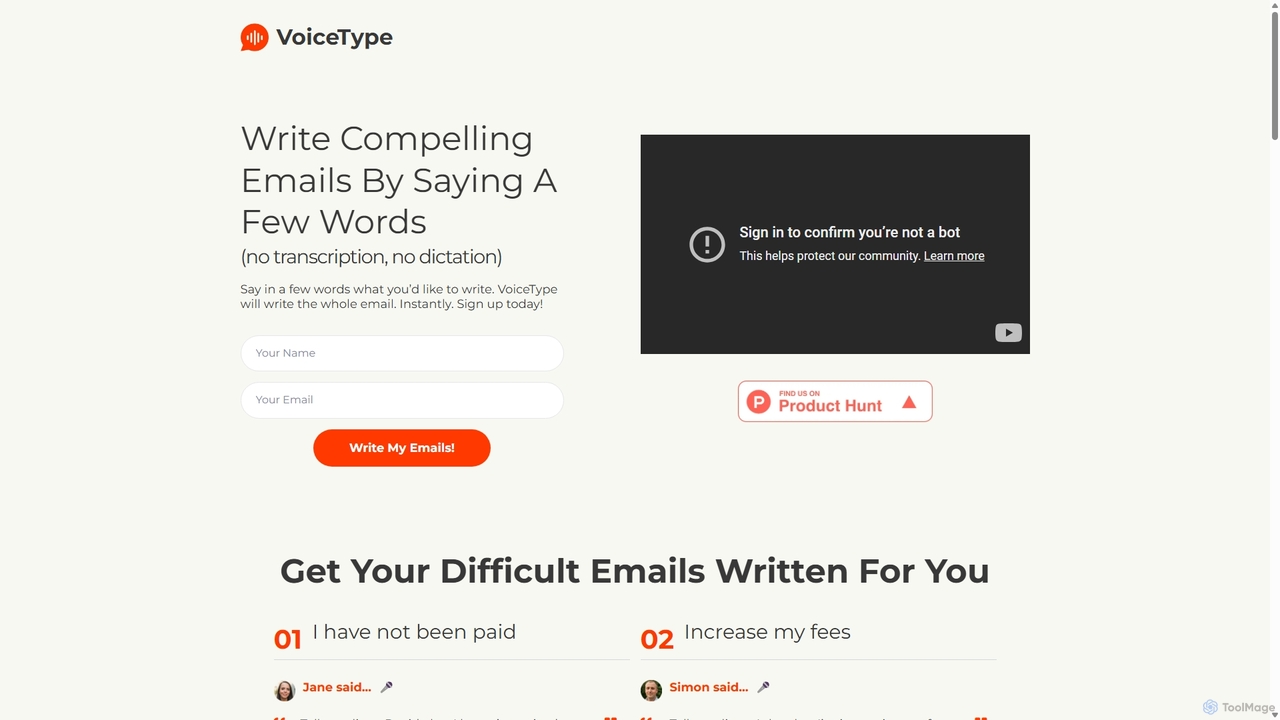
VoiceType
VoiceType is an AI-powered Chrome extension for Gmail that transforms short voice prompts into fully composed, professional emails. Instead of dictation, you simply explain the intent of your message, and VoiceType drafts a polished, grammatically correct email instantly. It's designed to save time, improve communication quality, and assist users with writing difficulties like dyslexia.
Assistive Technology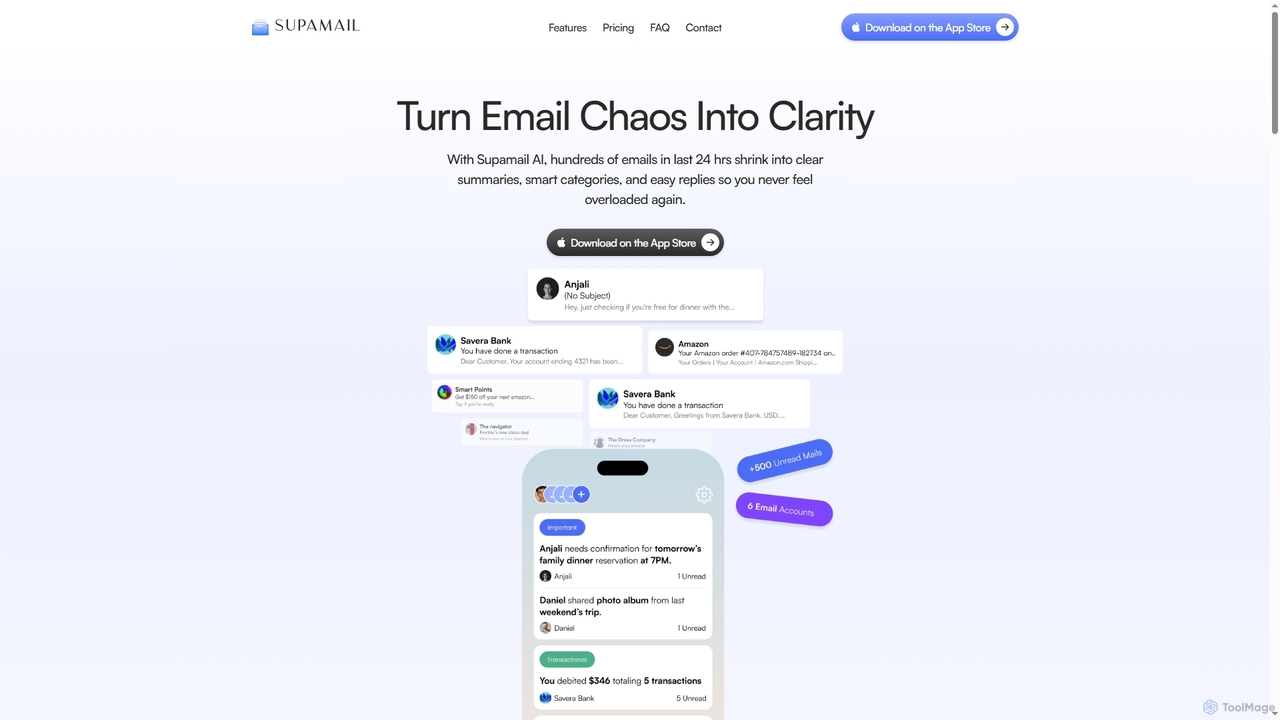
Supamail
Supamail is an AI-powered email assistant for Gmail designed to declutter your inbox. It groups emails, creates one-line summaries, automatically categorizes messages into Important, Transactional, or Promotional, and enables one-click replies, helping you save time and focus on what truly matters.
Summarizer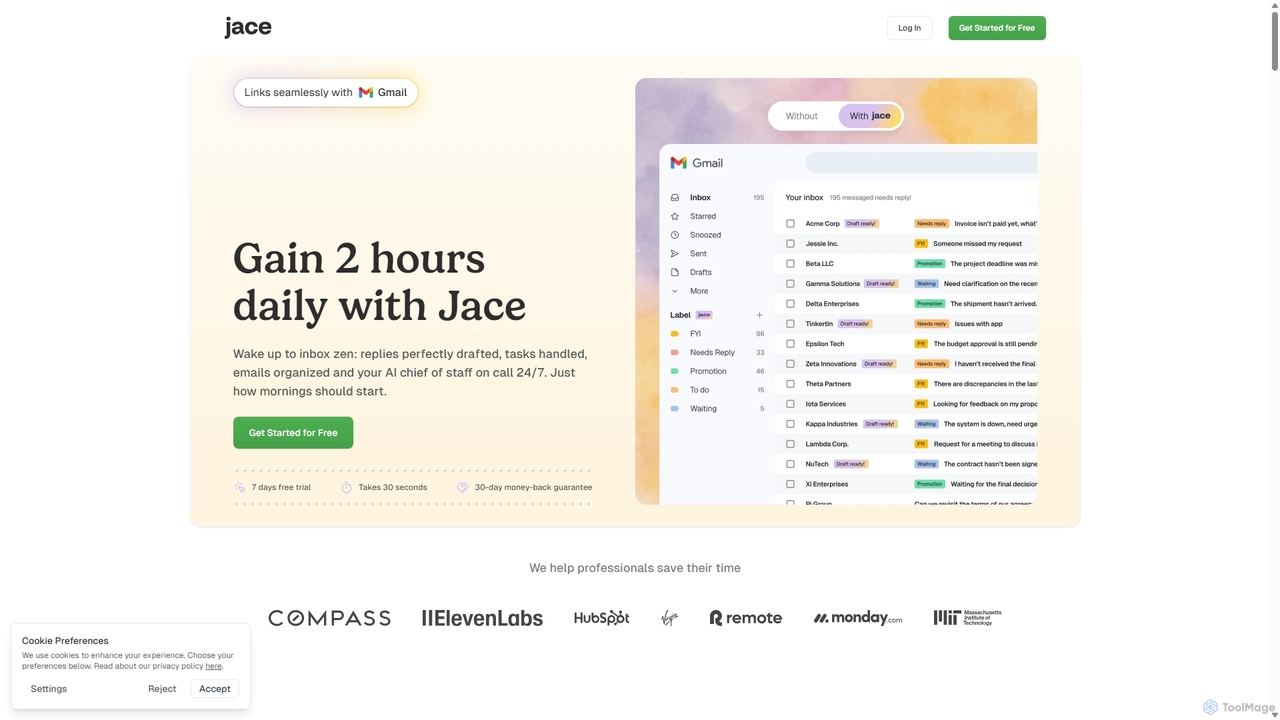
Jace AI
Jace AI is an intelligent 24/7 email assistant that automates your inbox. It seamlessly integrates with Gmail to draft replies, organize emails with AI labels, and handle tasks automatically. By analyzing context from attachments, calendars, and Slack, Jace saves professionals hours daily, allowing them to focus on what truly matters.
Workflow ManagementInbox Zero Categories
Inbox Zero Jobs
Inbox Zero Embed Widget
Copy this embed code to place the badge on your blog, article, or product site and send readers directly to this ToolMage detail page.

Related AI tools
Inboxdetox
Inboxdetox is a free, AI-powered tool for Gmail that helps you bulk unsubscribe from unwanted newsletters and promotional emails in one click. It prioritizes user privacy and security, offering a fast way to declutter your inbox without storing your emails or selling your data.
Email Management
Jyek
Jyek is an AI agent platform that understands objectives, creates execution plans, uses tools, and delivers verifiable results for complex, multi-step tasks.
AutomationSupamail
Supamail is an AI-powered email assistant for Gmail designed to declutter your inbox. It groups emails, creates one-line summaries, automatically categorizes messages into Important, Transactional, or Promotional, and enables one-click replies, helping you save time and focus on what truly matters.
SummarizerVoiceType
VoiceType is an AI-powered Chrome extension for Gmail that transforms short voice prompts into fully composed, professional emails. Instead of dictation, you simply explain the intent of your message, and VoiceType drafts a polished, grammatically correct email instantly. It's designed to save time, improve communication quality, and assist users with writing difficulties like dyslexia.
Assistive TechnologyJace AI
Jace AI is an intelligent 24/7 email assistant that automates your inbox. It seamlessly integrates with Gmail to draft replies, organize emails with AI labels, and handle tasks automatically. By analyzing context from attachments, calendars, and Slack, Jace saves professionals hours daily, allowing them to focus on what truly matters.
Workflow Management
Ambient
Ambient is an AI-powered meeting assistant that automatically joins your calls, records, transcribes, and generates intelligent summaries. It captures action items, key decisions, and important topics from your meetings on platforms like Zoom, Google Meet, and Microsoft Teams, saving you hours on manual note-taking and ensuring no detail is missed.
Transcription Services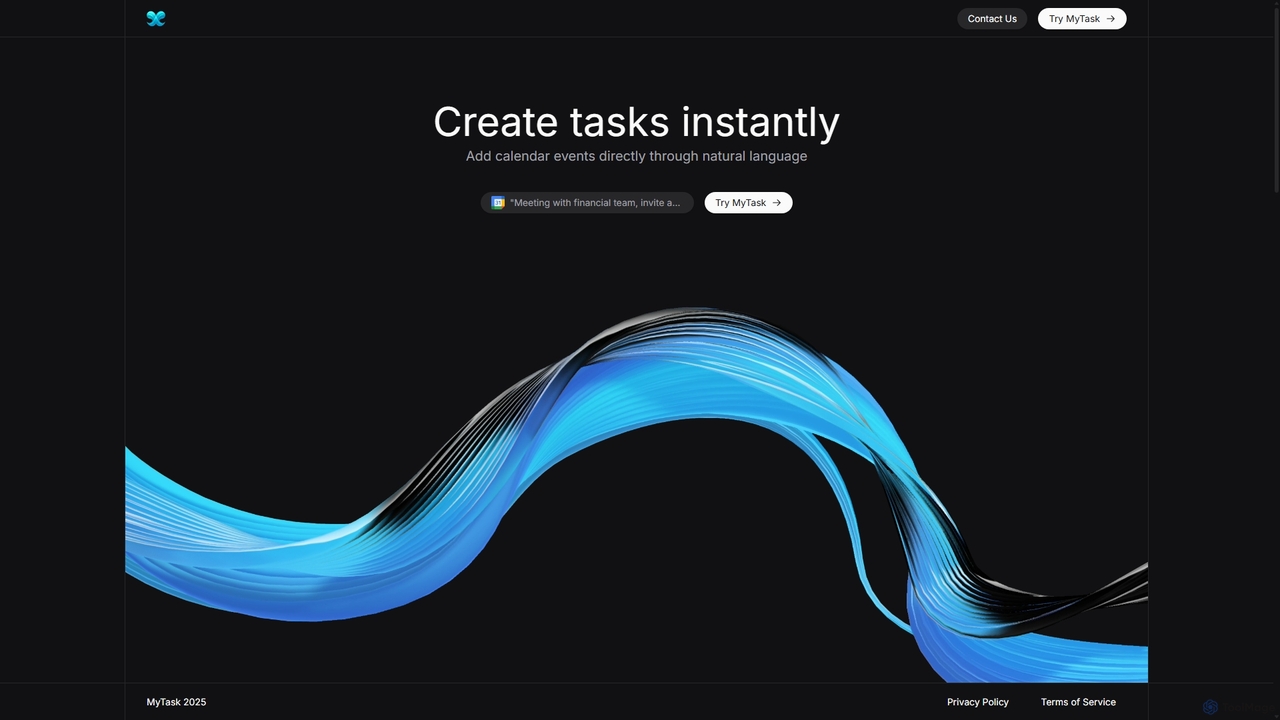
MyTask AI
MyTask AI is a productivity tool that uses AI to instantly create, edit, and delete Google Calendar events through natural language commands. Streamline your scheduling and save time without ever leaving your current browser tab.
Scheduling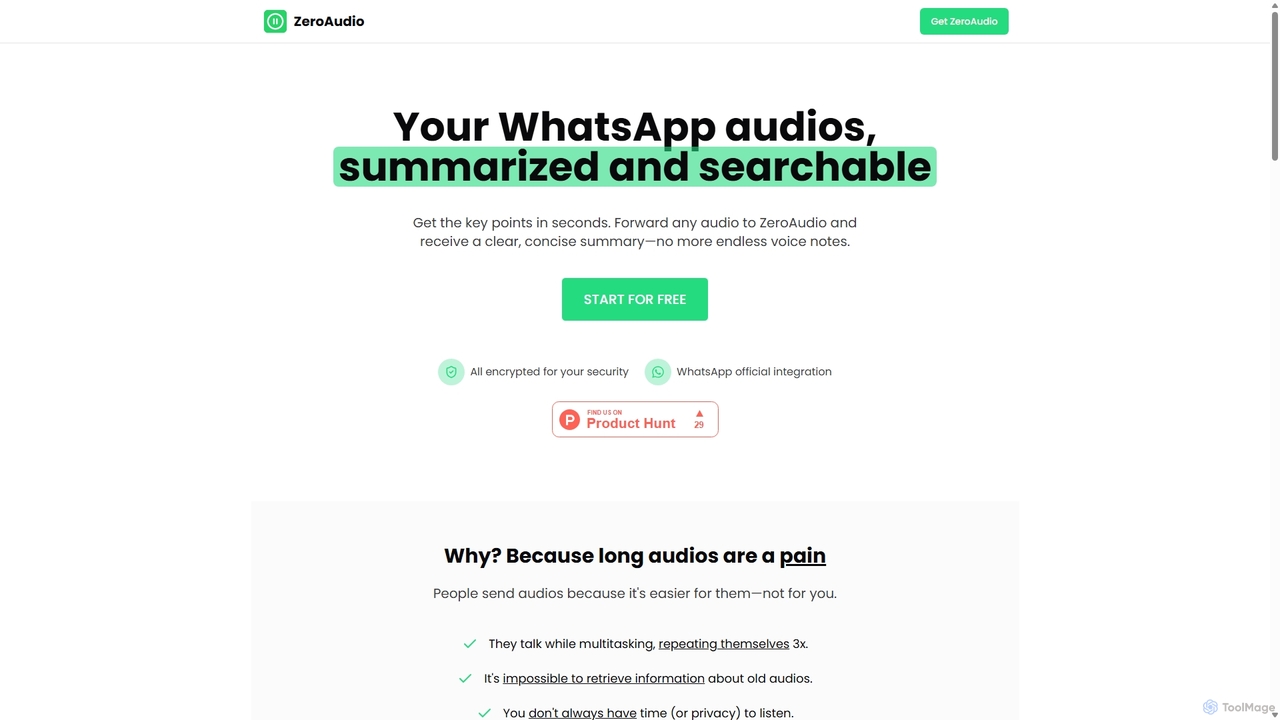
ZeroAudio
ZeroAudio is an AI-powered tool that integrates with WhatsApp to summarize long audio messages. Simply forward any voice note to ZeroAudio, and it will quickly provide a concise, text-based summary of the key points. This saves you time, allows you to "read" audios in private, and makes the information within them easily searchable, eliminating the need to listen to lengthy, rambling messages.
Speech To Text
Mailbutler
Mailbutler is an AI-powered email extension for Apple Mail, Gmail, and Outlook that enhances your inbox. It offers features like email tracking, AI-driven smart compose and summarization, collaborative tools for teams, and professional signature marketing to boost productivity and streamline communication.
Help Desk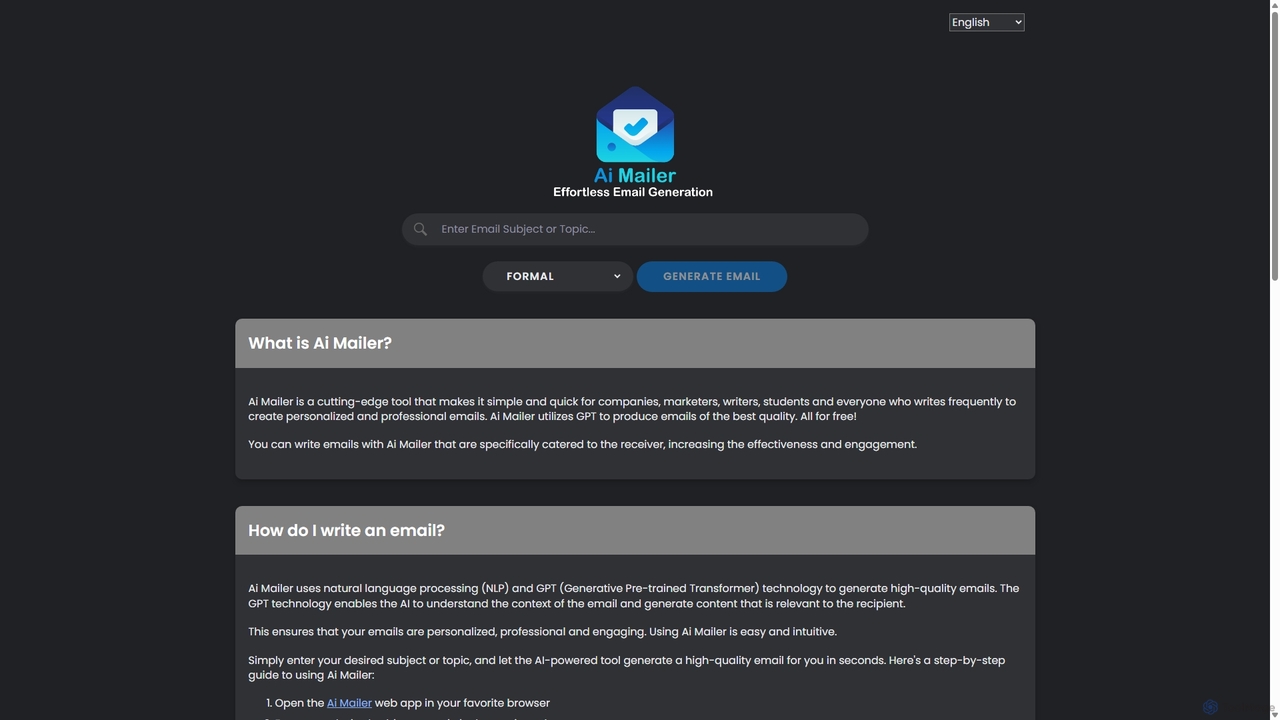
Ai Mailer
Ai Mailer is a free, AI-powered tool that leverages ChatGPT to effortlessly generate high-quality, professional emails. Simply provide a topic and select from various tones to create personalized, engaging content in seconds. Ideal for businesses, students, and anyone looking to save time and enhance their email communication.
Email Marketing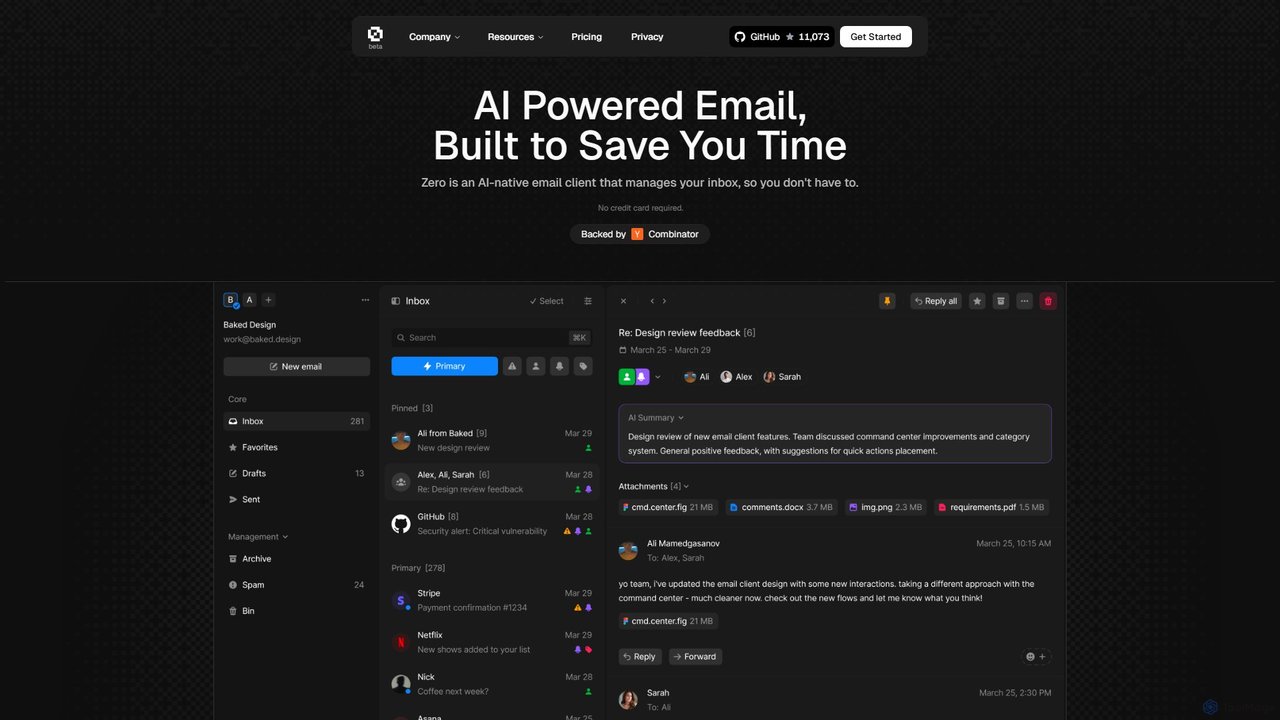
Zero
Zero is an AI-native email client designed to save you time. It automatically manages your inbox by summarizing threads, drafting replies, and extracting action items, allowing you to process emails at lightning speed with a keyboard-first interface.
Personal Assistant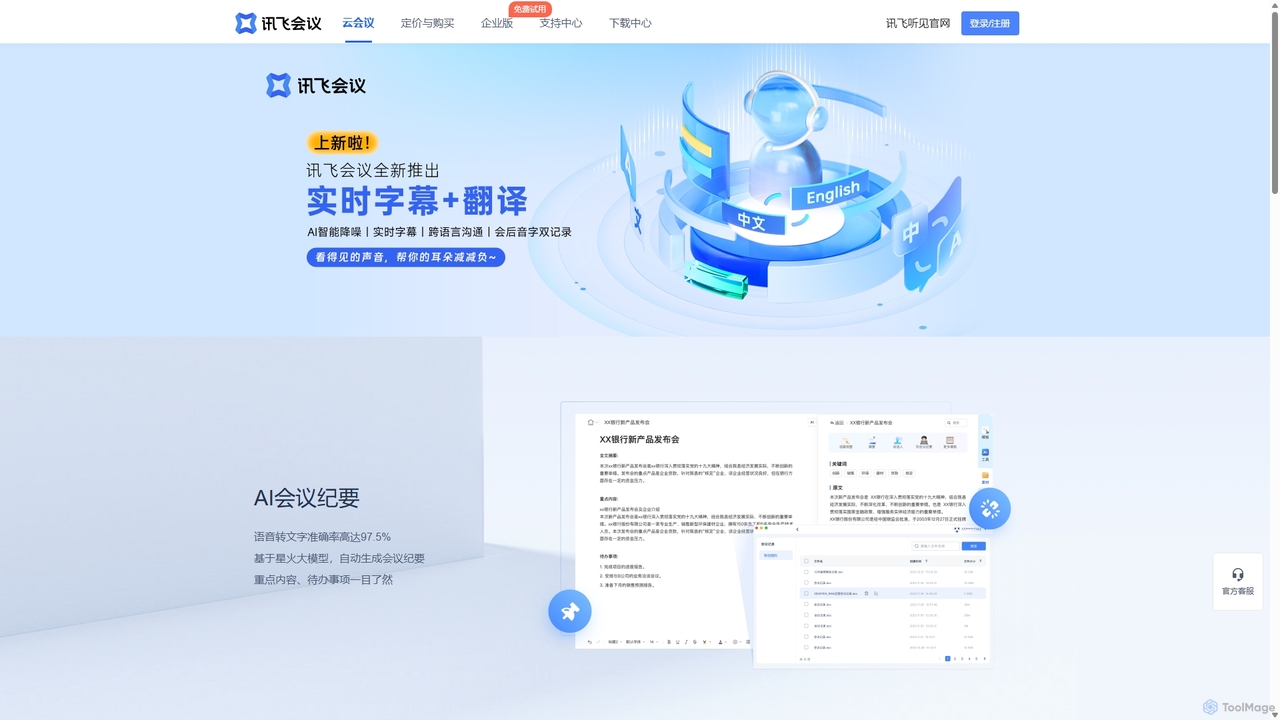
IFlytek Meeting
iFlytek Meeting is an AI-powered HD video conferencing platform. It offers high-accuracy real-time transcription, automatic meeting summaries, and to-do list generation. With features like stable HD video, cross-platform support, and robust security, it enhances meeting efficiency for individuals, teams, and large enterprises, providing a seamless remote collaboration experience.
Communication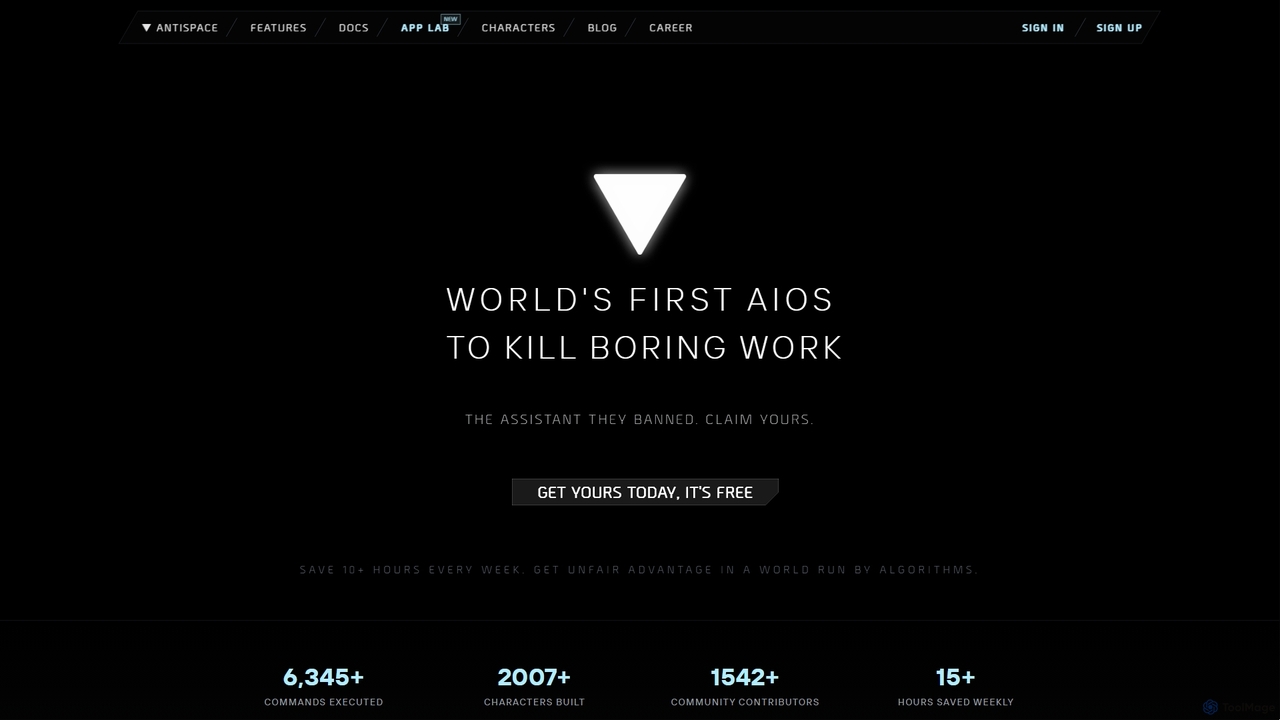
Antispace
Antispace is the world's first AI Operating System (AIOS) designed to eliminate boring work. It provides users with customizable AI sidekicks, each with a unique personality, to proactively manage emails, calendars, notes, and tasks. By predicting and executing the best actions, Antispace saves users over 10 hours per week and reduces decision fatigue.
Scheduling
Jarvis
Jarvis is an intelligent AI assistant designed to automate tasks, manage schedules, and streamline communication for busy professionals and teams. It acts as a central command hub, integrating with your existing tools to boost productivity and reclaim your time.
Workflow
carlos_app
carlos_app is an intelligent AI personal assistant designed to streamline your workflow, manage tasks, automate scheduling, and enhance communication. It acts as your proactive partner, helping you focus on what truly matters by handling the administrative details.
Task Management
Inbox Zero Comments (0)
Sign in to comment.
Sign inNo comments yet.