Inbox Zero
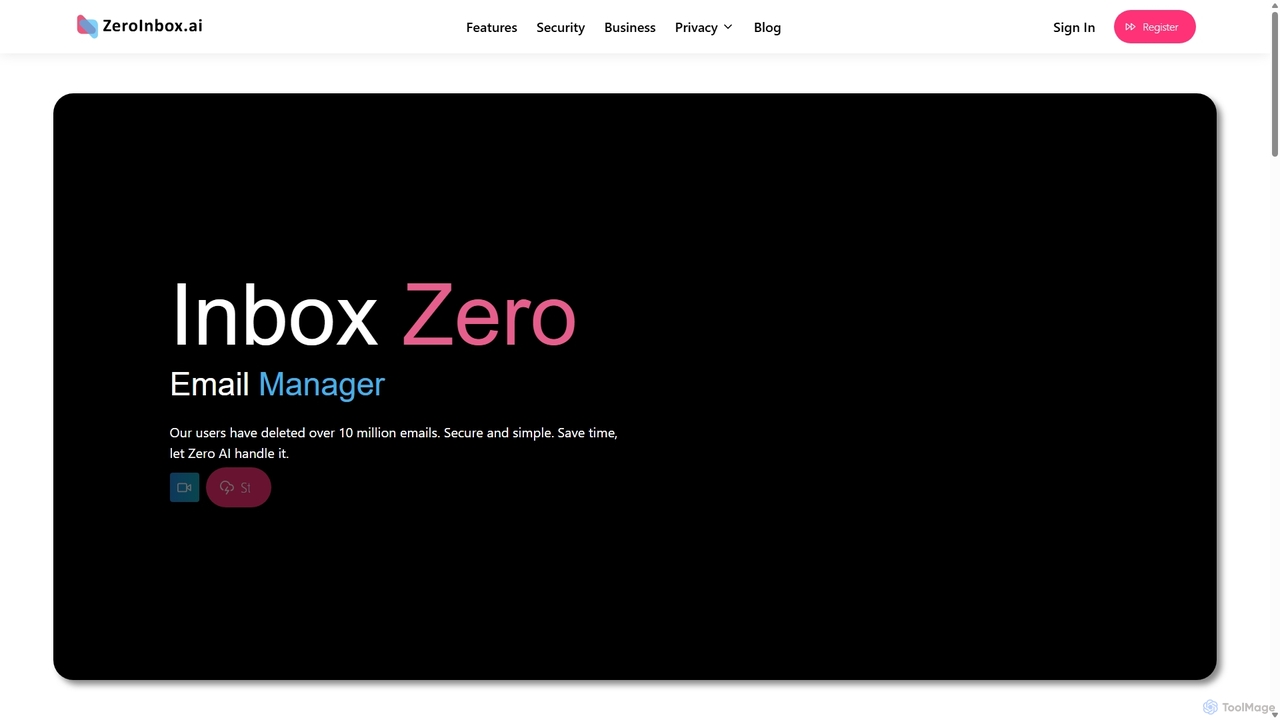
Inbox Zero is an AI-powered email organizer designed to help you clean and manage your inbox effortlessly. It …
Inbox Zero is an AI-powered email organizer designed to help you clean and manage your inbox effortlessly. It intelligently sorts emails, deletes spam, and facilitates one-click unsubscribing from newsletters, allowing you to achieve a clean, organized inbox in seconds. With a strong focus on security and user privacy, it's the ultimate tool for boosting email productivity for both individuals and businesses.
Trimbox
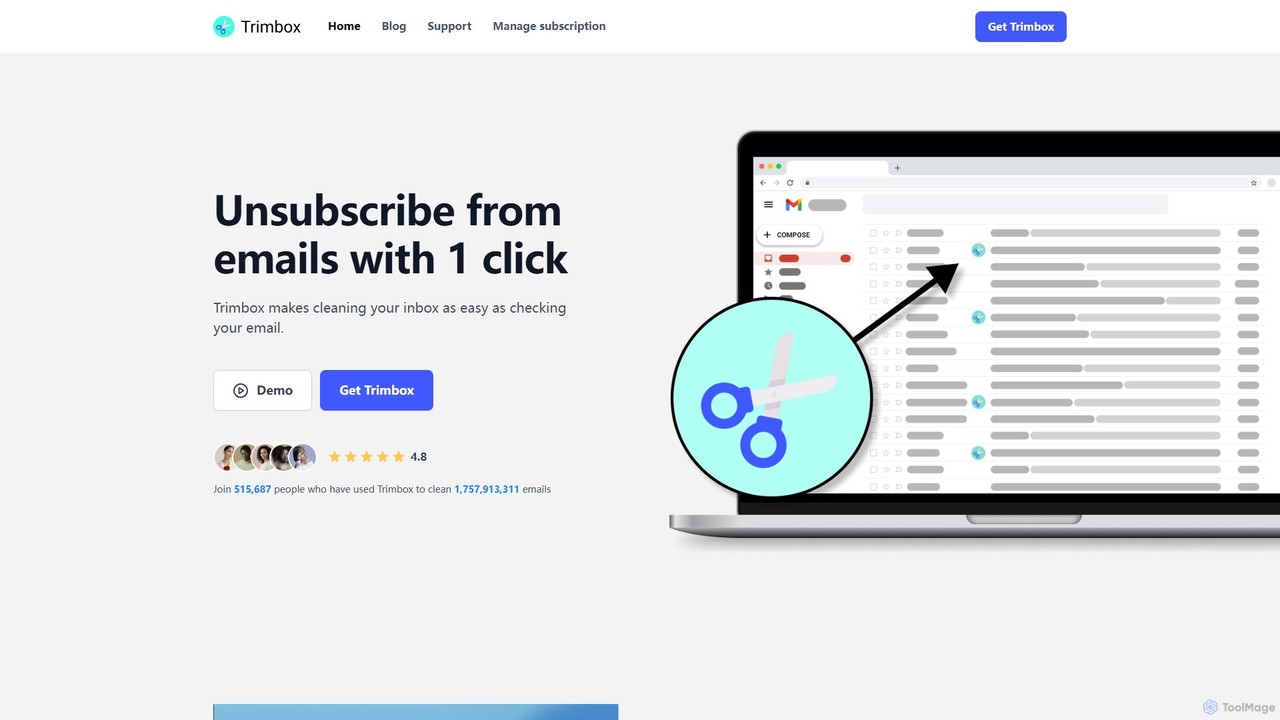
Trimbox is an AI-powered Gmail plugin designed for ultimate inbox management. It allows you to unsubscribe from mailing …
Trimbox is an AI-powered Gmail plugin designed for ultimate inbox management. It allows you to unsubscribe from mailing lists and delete all past emails from any sender with a single click, all while ensuring your privacy by processing data directly on your device.
About Inbox Cleaner
Inbox Cleaner tools are AI-powered solutions designed to automatically manage, organize, and declutter your email inbox. Leveraging advanced machine learning, they intelligently filter spam, unsubscribe from unwanted newsletters, and categorize messages, significantly reducing digital noise and improving email management efficiency. These utilities help users regain control over their communication, ensuring focus on important correspondence within the broader category of productivity tools.
Core Features
- Automated Unsubscription: Intelligently identifies and unsubscribes from unwanted mailing lists and promotional emails.
- Smart Email Categorization: Automatically sorts incoming emails into relevant folders or labels, such as promotions, social, personal, or work.
- Advanced Spam & Junk Filtering: Provides enhanced detection and removal of unsolicited or low-priority emails beyond standard client filters.
- Bulk Email Management: Enables quick archiving, deletion, or moving of large volumes of old or non-essential emails.
- Priority Inbox Creation: Highlights and prioritizes important messages based on sender, content, or user-defined rules.
Use Cases
Professionals overwhelmed by daily email volumes can use these tools to automatically sort and prioritize messages, ensuring critical communications are never missed. Individuals seeking digital minimalism can leverage Inbox Cleaners to maintain a consistently tidy inbox, free from distractions. Teams can streamline project communications by automatically categorizing emails, making information retrieval faster and more efficient.
How to Choose
When selecting an Inbox Cleaner, consider its compatibility with your existing email client (e.g., Gmail, Outlook). Evaluate the specific feature set, such as automated unsubscription, smart categorization, or email summarization, to match your needs. Assess the AI's accuracy and customization options for filtering and prioritization. Finally, review the provider's privacy policy and security measures to ensure your email data is handled responsibly.

Inbox CleanerUse Cases
Managing a High-Volume Professional Inbox
For executives, managers, or sales professionals who receive hundreds of emails daily, an Inbox Cleaner automatically filters out spam, categorizes meeting requests, and highlights urgent client communications. This ensures they can quickly identify and respond to critical messages, saving hours spent manually sifting through their inbox and reducing decision fatigue.
Achieving Digital Minimalism in Personal Email
Individuals aiming for a clutter-free digital life can use Inbox Cleaners to automatically unsubscribe from unwanted newsletters, archive old emails, and move promotional content to a dedicated folder. This creates a serene inbox environment, reducing digital stress and allowing them to focus only on truly personal or essential communications.
Automating Newsletter and Promotional Email Cleanup
Users subscribed to numerous newsletters or receiving excessive promotional emails can deploy an Inbox Cleaner to identify and unsubscribe from unwanted lists in bulk. It also automatically moves remaining promotional content to a specific folder, preventing it from cluttering the primary inbox and ensuring a cleaner, more focused email experience.
Streamlining Customer Support Email Prioritization
Customer support teams can utilize Inbox Cleaners to automatically identify and prioritize incoming support tickets based on keywords, sender, or urgency. This ensures that critical customer issues are addressed first, improving response times, enhancing customer satisfaction, and optimizing the team's workflow by reducing manual sorting.
Organizing Project-Specific Communications for Teams
Project managers and team members can configure Inbox Cleaners to automatically categorize emails related to specific projects, clients, or internal discussions. This keeps all relevant project communications neatly organized in dedicated folders, making it easier to track progress, find information, and collaborate without sifting through a general inbox.
Filtering Social Media Notifications and Alerts
For users who receive a high volume of social media notifications, forum alerts, or app updates, an Inbox Cleaner can automatically detect and move these non-essential emails to a designated "Notifications" folder. This prevents these alerts from distracting from important personal or work emails, maintaining a cleaner and more focused primary inbox.