Ai Photo Sorter
A privacy-first, AI-powered web application that helps you efficiently organize local photo collections. Create custom categories, sort images, …
A privacy-first, AI-powered web application that helps you efficiently organize local photo collections. Create custom categories, sort images, and detect duplicates securely on your own computer without uploading any data.
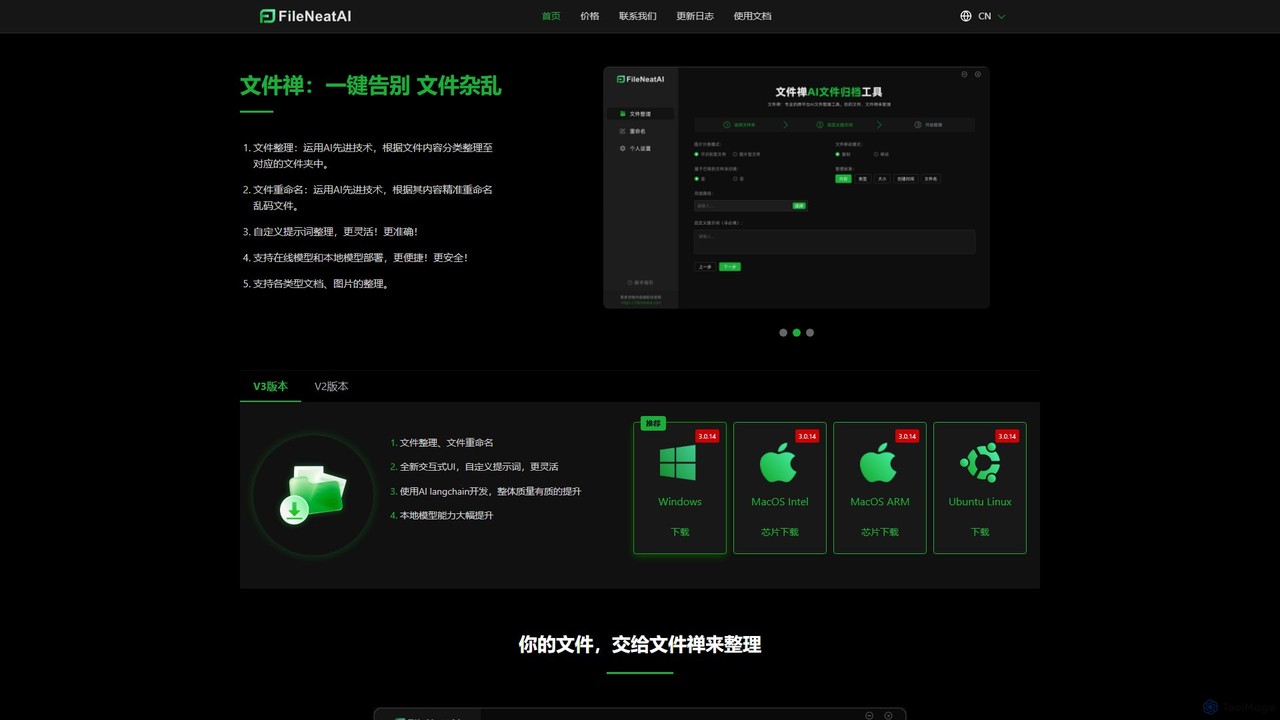
Filezen
Filezen is an AI-powered desktop application that automatically organizes messy files and renames them based on their content. …
Filezen is an AI-powered desktop application that automatically organizes messy files and renames them based on their content. It supports custom prompts for flexible sorting, works with various document and image types, and offers local model deployment for enhanced privacy.
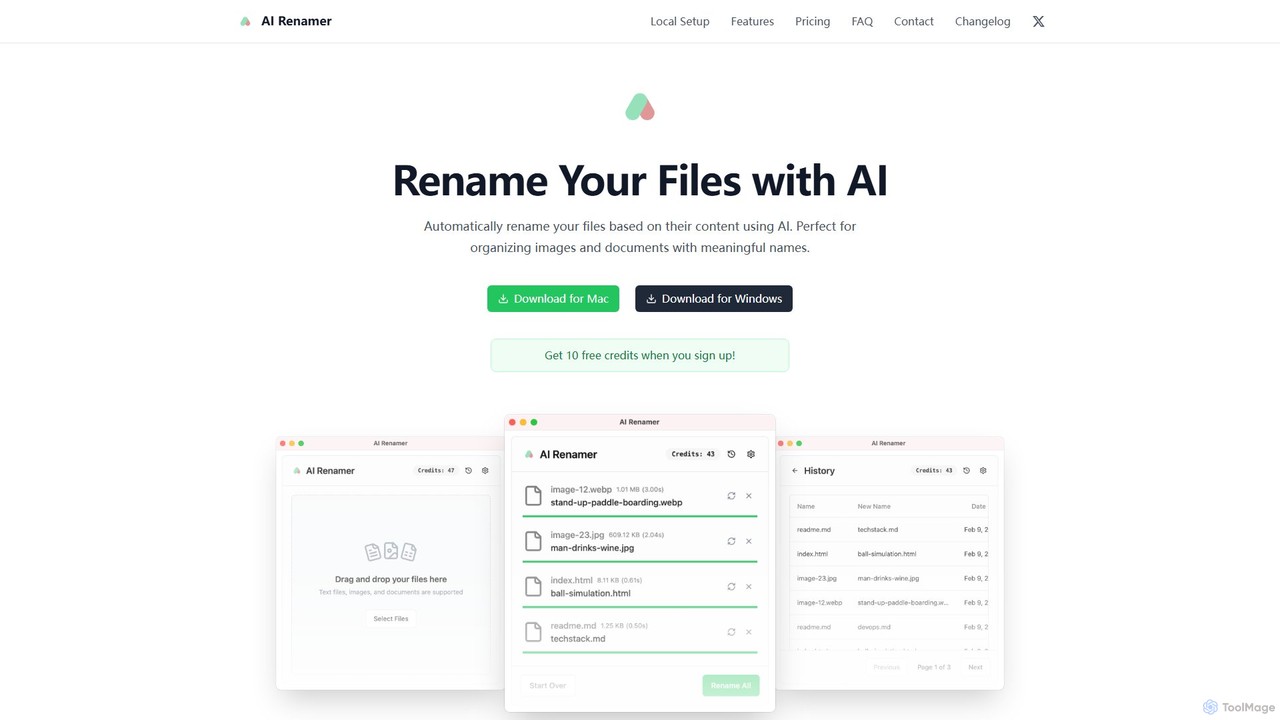
AI Renamer
AI Renamer is a smart desktop application for Mac and Windows that automatically renames files based on their …
AI Renamer is a smart desktop application for Mac and Windows that automatically renames files based on their content. It analyzes images and documents to generate descriptive, meaningful names, helping you organize your digital life effortlessly. It supports batch processing, custom naming rules, and offers both a private, offline Local Mode and a convenient Cloud Mode.
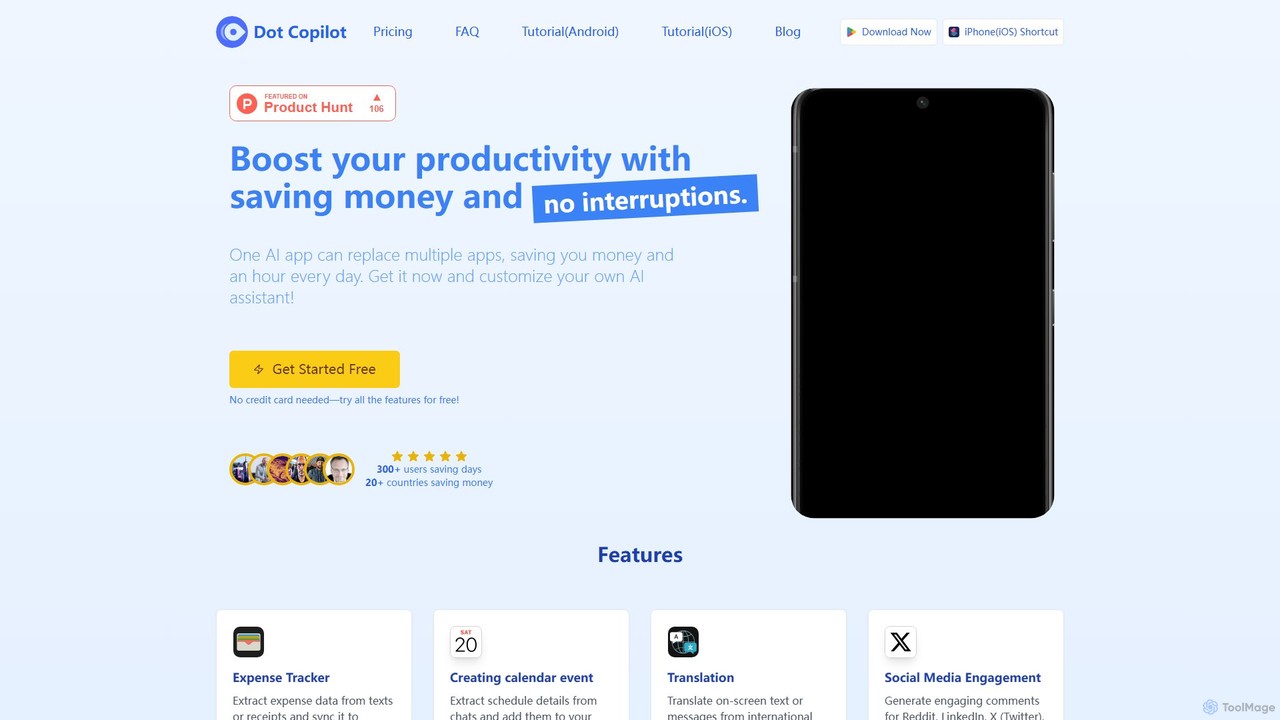
Dot Copilot
Dot Copilot is a versatile AI assistant for Android and iPhone that streamlines daily tasks. It integrates into …
Dot Copilot is a versatile AI assistant for Android and iPhone that streamlines daily tasks. It integrates into your workflow to manage expenses, schedule events, translate text, summarize content, and more, all from a single, customizable app, saving you time and money.
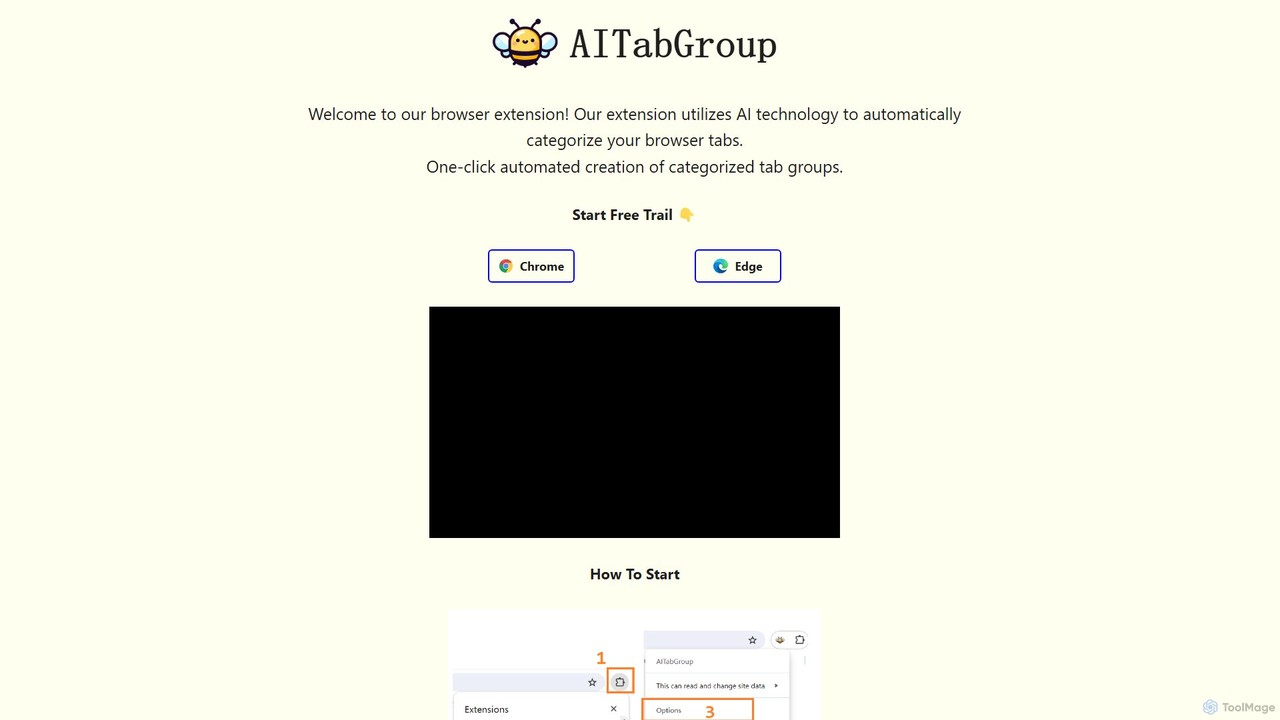
AI Tab Group
AI Tab Group is an intelligent browser extension for Chrome and Edge that uses AI to automatically categorize …
AI Tab Group is an intelligent browser extension for Chrome and Edge that uses AI to automatically categorize and group your open tabs. With a single click, it eliminates tab clutter, organizes your workspace, and boosts productivity. Pro features include hierarchical views and exporting sessions to Markdown or bookmarks.
About Automation
AI Automation tools are applications designed to connect different software and services to automate repetitive workflows without requiring code. These platforms operate on a system of triggers and actions, where an event in one app initiates a predefined task in another. This allows for the seamless integration of disparate systems, streamlining business processes and enhancing productivity. They are a key type of utility tool focused specifically on creating interconnected, automated sequences across a user's digital toolkit.
Core Features
- Visual Workflow Builder: Design multi-step automation sequences using a drag-and-drop interface.
- Extensive App Integration: Connect to thousands of popular cloud applications and services via pre-built connectors.
- Conditional Logic: Create complex workflows with 'if/then' rules that execute actions only when specific conditions are met.
- Data Formatting & Transformation: Modify and prepare data as it moves between applications to ensure compatibility.
- Real-time Monitoring: Track the execution history of automations, view successes, and troubleshoot errors.
Use Cases
These tools are widely used across various departments such as marketing, sales, and operations. For example, a marketing team can automatically share new blog posts across social media platforms. A sales team can instantly create a CRM record and send a welcome email when a new lead fills out a web form. Operations can automate invoicing and data entry between e-commerce and accounting software.
How to Choose
When selecting an AI Automation tool, consider the number and type of app integrations you need. Evaluate the complexity of workflows it can handle, including multi-step logic and data processing capabilities. Assess the pricing model, which is often based on the number of tasks or automations run per month. Finally, consider the user interface and the level of technical support provided, especially for business-critical processes.
AutomationUse Cases
Automate Social Media Content Syndication
A content marketer needs to distribute a new blog post across multiple social media channels like Twitter, LinkedIn, and Facebook. Instead of manually posting on each platform, they set up an automation. The trigger is a 'New Post' in their blog's RSS feed. The action sequence then automatically creates a formatted post for each platform, extracts the featured image, shortens the link, and publishes it. This saves significant time, ensures consistent and timely posting, and allows the marketer to focus on content strategy rather than manual distribution.
Streamline Sales Lead Management
A sales team receives leads from a contact form on their website. Manually entering each lead into the CRM, notifying the team, and sending a follow-up email is time-consuming. An automation tool streamlines this process. The trigger is a 'New Form Submission'. The workflow then automatically performs these actions: 1) Creates a new lead in the CRM (e.g., Salesforce). 2) Sends a notification to a team chat channel (e.g., Slack) with lead details. 3) Adds the lead to an email marketing sequence for nurturing. This ensures rapid lead response and eliminates manual data entry errors.
Automate E-commerce Order Processing
An online store owner using a platform like Shopify needs to manage new orders efficiently. An automation workflow can connect their e-commerce platform to other essential business tools. When a 'New Order is Paid' in Shopify (the trigger), the automation can: 1) Add the customer's details to a mailing list in Mailchimp. 2) Create a new invoice in an accounting software like QuickBooks. 3) Send a custom notification to a fulfillment team's channel in Slack. This reduces manual administrative work, minimizes errors, and ensures all relevant systems are updated in real-time.
Sync Project Management and Team Communication
A project manager uses a tool like Asana to track tasks, but the development team communicates primarily in Slack. To keep everyone aligned without constant manual updates, an automation is created. The trigger is 'Task Marked Complete' in a specific Asana project. The action is to post a message to a designated Slack channel, like 'project-updates', stating which task was completed and by whom. This keeps stakeholders informed in real-time, reduces the need for status meetings, and maintains a clear, automated log of project progress in the team's communication hub.
Automate Personal Productivity Tasks
An individual wants to create a personal archive of important email attachments. Instead of manually downloading and organizing files, they use an automation tool. They set up a workflow where the trigger is a 'New Email with Attachment' from a specific sender (e.g., '[email protected]') in their Gmail account. The action is to automatically save that attachment to a designated folder in a cloud storage service like Google Drive or Dropbox. This creates an organized, hands-free backup system for critical documents, saving time and ensuring nothing gets lost in a crowded inbox.
Create Customer Support Tickets from Emails
A customer support team uses a shared email inbox (e.g., [email protected]) to receive user inquiries. Manually creating a ticket in a helpdesk system like Zendesk or Jira for each email is inefficient. An automation can monitor the inbox for new emails. When a new email arrives (the trigger), the workflow automatically creates a new ticket in the helpdesk system. It can parse the email's subject for the ticket title, the body for the description, and the sender's address to link it to a customer profile. This ensures every inquiry is tracked, assigned properly, and nothing falls through the cracks.