

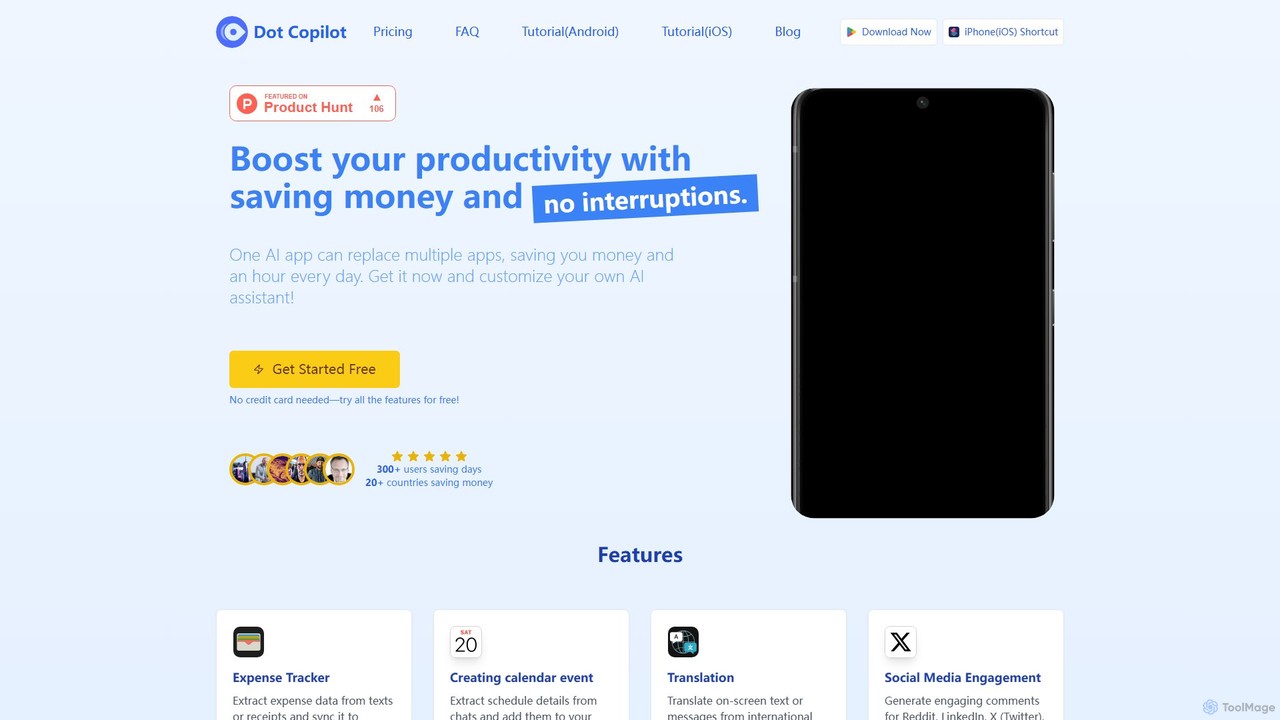
Dot Copilot Overview
Dot Copilot is a powerful and user-friendly AI assistant designed for both Android and iPhone, aiming to be the "Super App" that revolutionizes your mobile productivity. It integrates seamlessly into your existing workflow, allowing you to replace multiple applications, save money, and reclaim valuable time every day. By acting as a central hub for various tasks, Dot Copilot helps you manage everything from expenses and schedules to social media and communication, all through an intuitive interface that works on top of your favorite apps.
How to use Dot Copilot
The setup and usage of Dot Copilot are tailored for each operating system to provide a native experience:
- For Android: Installation involves downloading the app from the Google Play Store and enabling the "Display Over Other Apps" permission. This activates a persistent floating blue dot on your screen. Tapping this dot brings up the Dot Copilot menu, allowing you to execute commands directly within any app you are using. The initial setup includes configuring custom commands and linking your Google Sheet for automated expense tracking.
- For iOS: Dot Copilot cleverly utilizes the iOS Shortcuts app. After installing the shortcut from the official website and entering your license key, you can bind it to the "Back Tap" accessibility feature. A simple double or triple tap on the back of your iPhone will activate the assistant, which then takes a screenshot to understand the context and present you with relevant actions. Custom actions and private data are managed through a dedicated web portal, as is the Google Sheets integration.
Core Features of Dot Copilot
- Expense Tracker: Automatically extracts expense data from text messages, emails, or screenshots of receipts and syncs it directly to a pre-configured Google Sheet.
- Calendar Management: Intelligently identifies and extracts schedule details from chat conversations or text and adds them to your device's Calendar app with a single tap.
- Task Management: Pulls to-do items from chats, emails, or screenshots and adds them to your Reminders app, ensuring you never miss a task.
- On-Screen Translation: Instantly translates text visible on your screen, perfect for communicating with international friends or reading foreign content without switching apps.
- Web & Content Summarization: Quickly summarizes long articles, web pages, or documents, providing you with the key points in seconds.
- Social Media & Chat Assistance: Generates context-aware and engaging replies or comments for platforms like WhatsApp, Telegram, Reddit, LinkedIn, X (Twitter), and Facebook.
- Custom Actions & Commands: A standout feature that allows you to create your own personalized commands with custom prompts to automate repetitive tasks tailored to your specific needs.
- Private Data Integration: Enhance the AI's context-awareness by securely adding your own private data (from plain text or a URL) for more personalized and accurate responses.
- Visual Comprehension: Available in the Ultimate plan, this feature allows the AI to understand and interpret images and screenshots, enabling more advanced and context-rich interactions.
Use Cases for Dot Copilot
Dot Copilot is designed for a wide range of users to enhance daily efficiency:
- For Professionals: A business professional can screenshot a receipt from a business lunch. Dot Copilot extracts the vendor, date, and total, then automatically logs it into their company expense sheet on Google Sheets.
- For Students: A student receiving a message with a study group schedule can use Dot Copilot to instantly create a calendar event with the correct date, time, and location without leaving the chat app.
- For Social Media Managers: While browsing LinkedIn, a manager can use a custom command to generate a professional and insightful comment on a relevant post, boosting engagement efficiently.
- For Travelers: A tourist can use the on-screen translation feature to read a restaurant menu in a foreign language or understand directions in a messaging app in real-time.
Advantages of Dot Copilot
The primary advantage of Dot Copilot is its ability to centralize and streamline digital tasks. It's an all-in-one solution that replaces the need for separate apps for expense tracking, task management, and translation, reducing clutter and subscription costs. Its seamless integration works on top of your existing apps, eliminating the need to constantly switch between different tools and disrupt your workflow. The high level of customization through custom commands and private data integration makes it a truly personal assistant. Being available for both Android and iOS ensures a consistent and powerful experience across devices.
Pricing and Plans
Dot Copilot offers a freemium model with several tiers to suit different user needs:
- Free: A 1-day trial to test all features, including 5 requests on the GPT-4o-mini model.
- Starter ($9.00 / 1 Year): Perfect for getting started, this plan includes 1000 requests/year on the GPT-4o-mini model and all core features.
- Advanced ($19.90 / 1 Year): Ideal for professional users, offering 1000 requests/year on the more powerful GPT-4o model, enhanced text extraction, and priority support.
- Ultimate ($29.90 / 1 Year): For power users, this plan includes 1000 requests/year on the GPT-4o model, premium features like superior visual comprehension, early access to new features, and 24/7 premium support.
Traffic
Latest traffic
Status
Monthly traffic trend
- 2025-9: 2.2K
- 2026-1: 1.4K
- 2026-2: 727
- 2026-3: 1.2K
- 2026-4: 1.8K
- 2026-5: 770
Geography
Top 5 countries / regions
- 🇫🇮Finland100.0%
Top keywords
| Keyword | Cost per click |
|---|---|
| clipot ai | $0.00 |
| dot ai | $0.49 |
| dot ai app | $0.00 |
| doxpilot | $0.00 |
| gpt dot | $0.00 |
Dot Copilot Alternatives
DearFlow
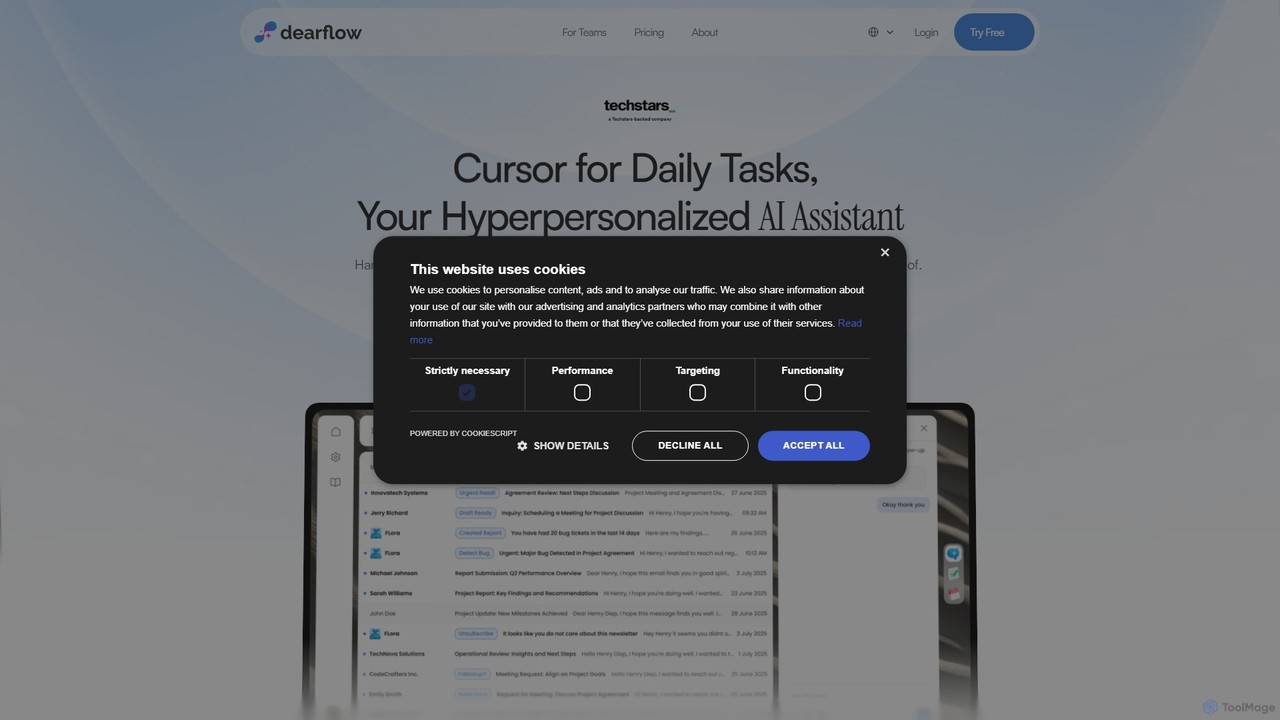
DearFlow is a hyper-personalized AI administrative assistant named Flora that proactively manages your daily chaos. It handles emails, calendars, tasks, and content creation by learning your unique work style, communication tone, and priorities. It aims to save you an hour every day, allowing you to focus on what truly matters.
Workflow
EverlynAI
EverlynAI is your intelligent personal assistant designed to streamline your daily workflow. It manages your schedule, triages emails, drafts communications, and automates repetitive tasks, allowing you to focus on what truly matters. It learns your habits and preferences to provide proactive and personalized support.
Email Assistant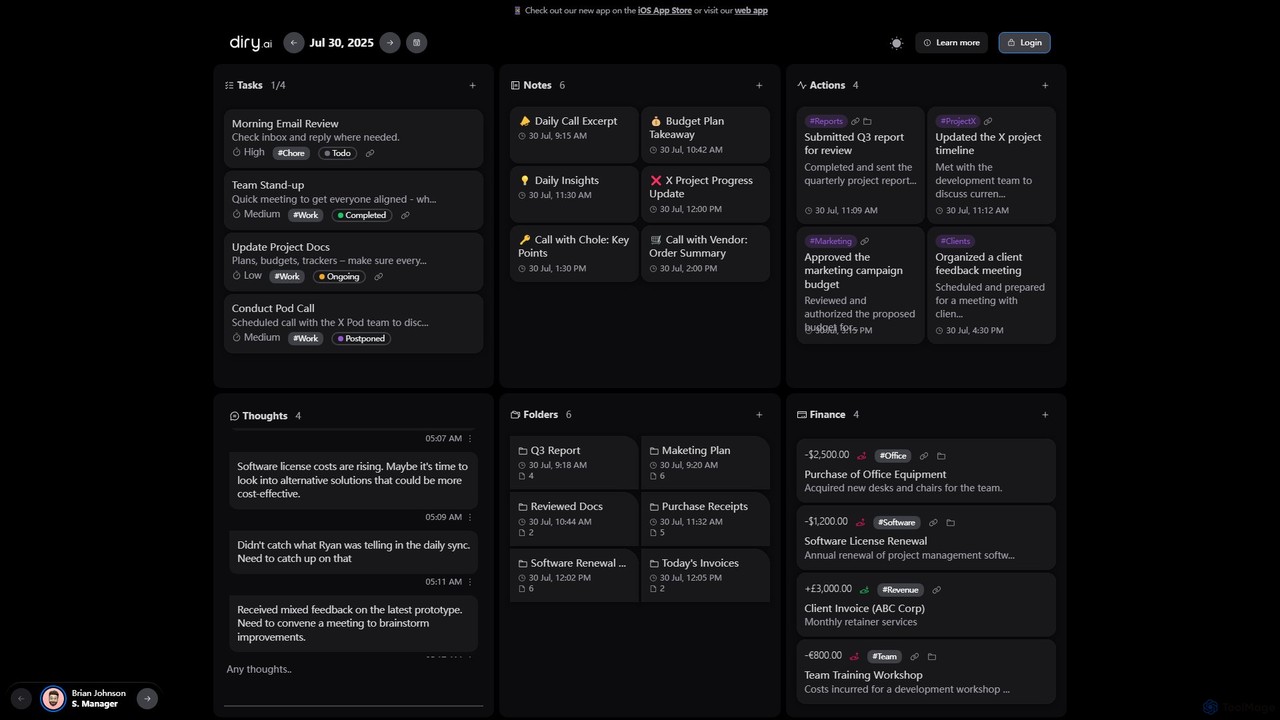
Diry AI
Diry AI is an intelligent life organizer that uses AI to automatically capture, categorize, and connect your daily tasks, notes, thoughts, and finances. It acts as a unified workspace, streamlining your personal and professional life by transforming unstructured inputs into organized, actionable information.
Expense Tracking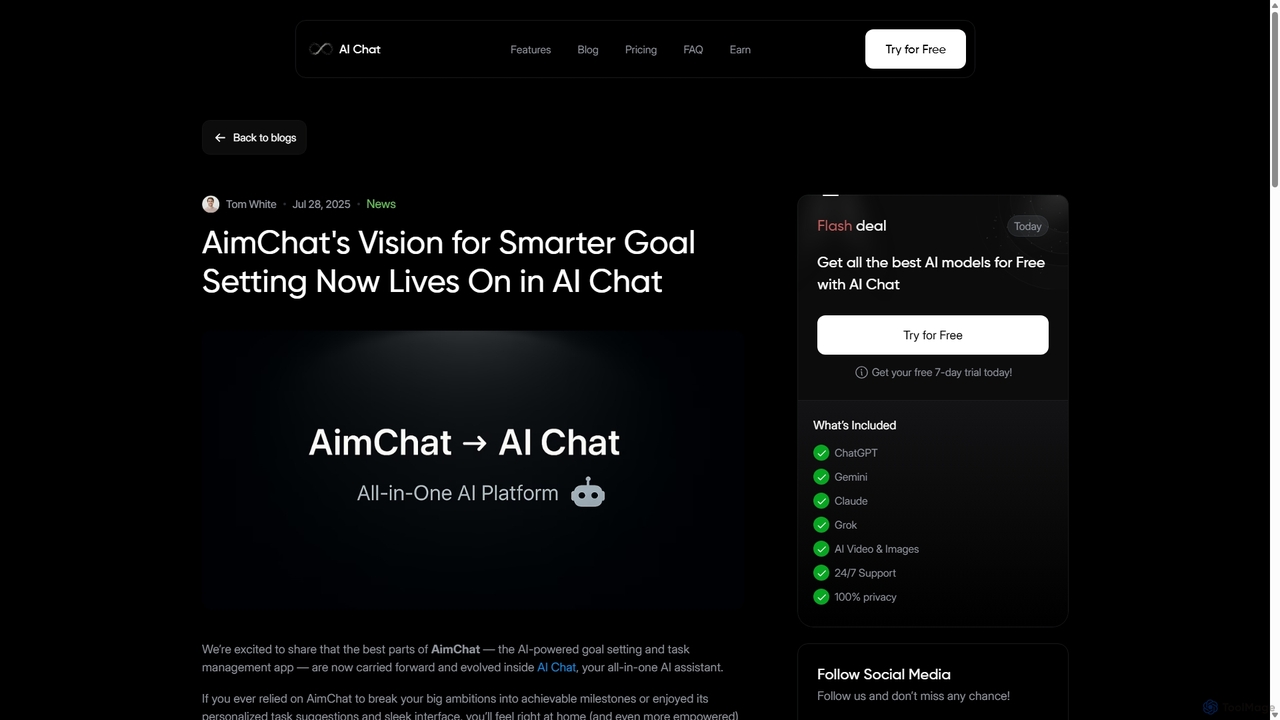
AI Chat
AI Chat is an all-in-one AI assistant that integrates top models like ChatGPT, Claude, and Gemini into a single platform. Evolving from the goal-setting app AimChat, it combines advanced conversational AI with powerful task management, research, and content creation tools to streamline your workflow and help you achieve your ambitions.
Assistant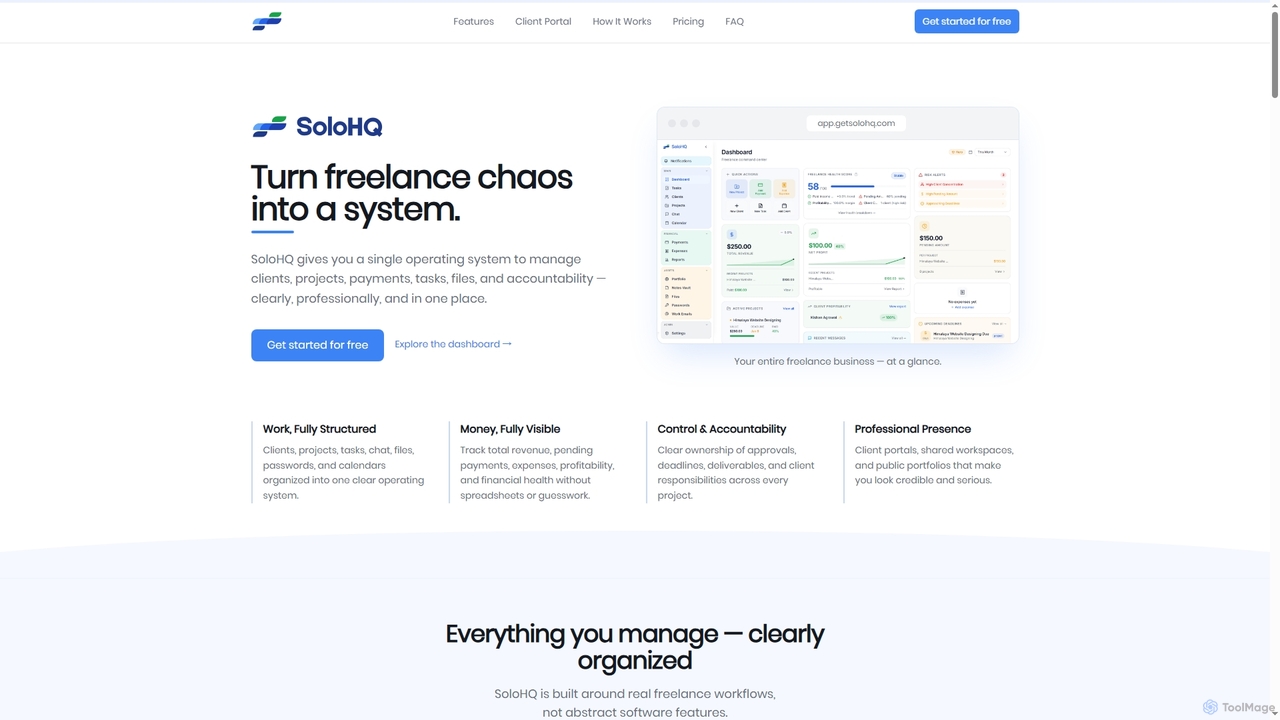
SoloHQ
SoloHQ is an all-in-one operating system designed for independent freelancers and solo professionals. It consolidates client, project, task, payment, and file management into a single, structured platform, transforming freelance chaos into an organized system for enhanced productivity and financial visibility.
WorkspaceDot Copilot Categories
Dot Copilot Embed Widget
Copy this embed code to place the badge on your blog, article, or product site and send readers directly to this ToolMage detail page.

Related AI tools
DearFlow
DearFlow is a hyper-personalized AI administrative assistant named Flora that proactively manages your daily chaos. It handles emails, calendars, tasks, and content creation by learning your unique work style, communication tone, and priorities. It aims to save you an hour every day, allowing you to focus on what truly matters.
Workflow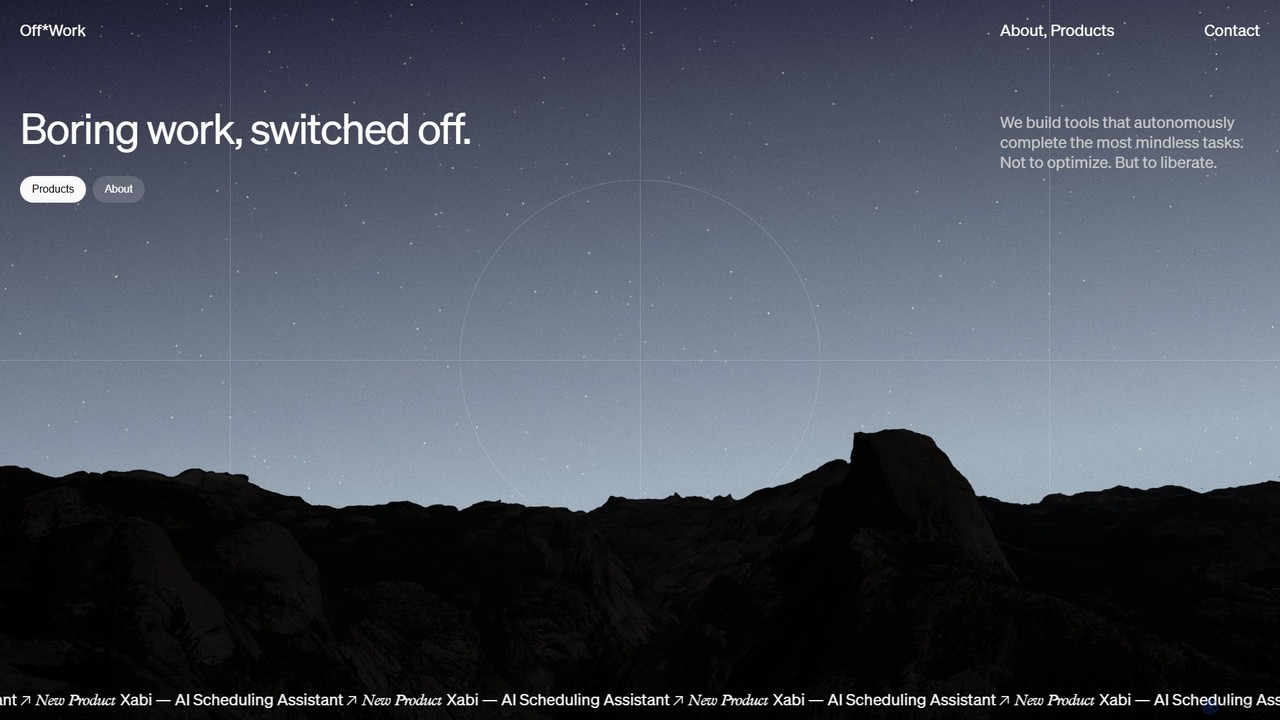
Off*Work
Off*Work develops autonomous AI agents designed to handle tedious operational tasks, liberating professionals from mundane work. Its flagship product, Xabi, is an AI scheduling assistant that automates the entire process of coordinating and booking meetings, allowing teams to focus on what truly matters.
Task Management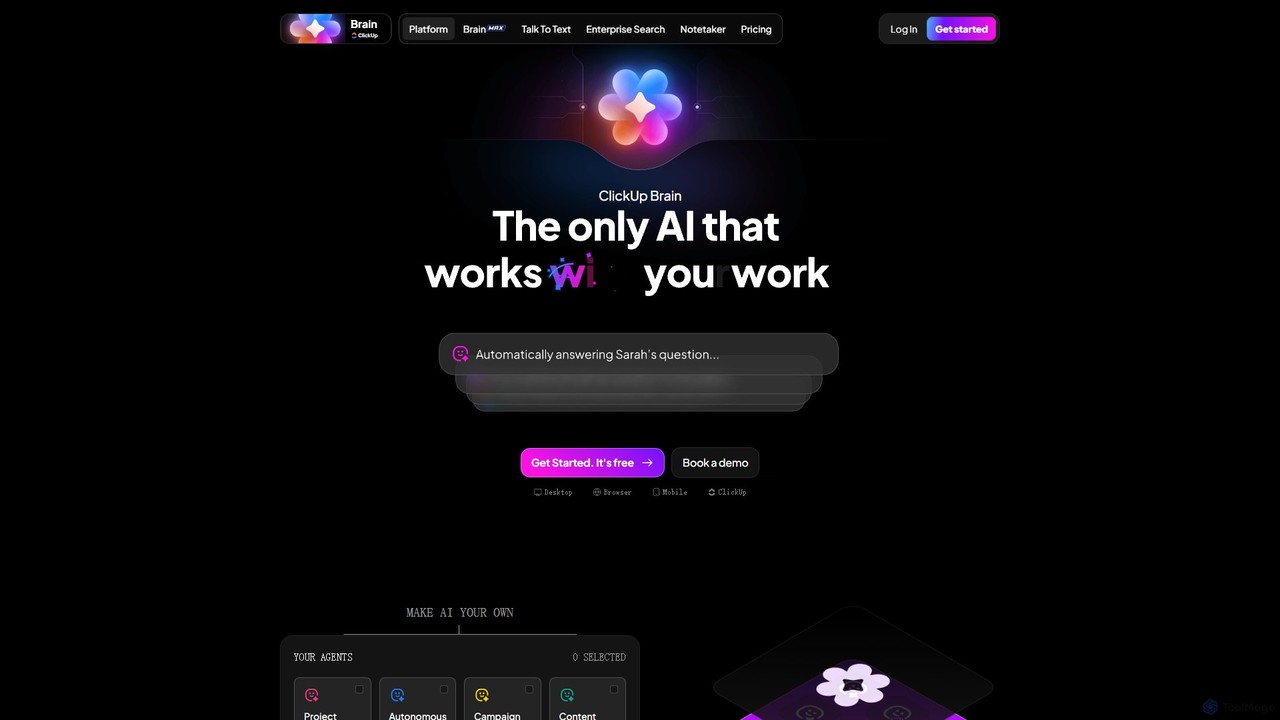
ClickUp Brain
ClickUp Brain is an all-in-one AI assistant integrated directly into the ClickUp productivity platform. It automates tasks, manages projects, summarizes meetings, and generates content by leveraging the full context of your work. It aims to replace multiple standalone AI tools by providing a unified, intelligent workspace that enhances team collaboration and accelerates project completion.
Collaboration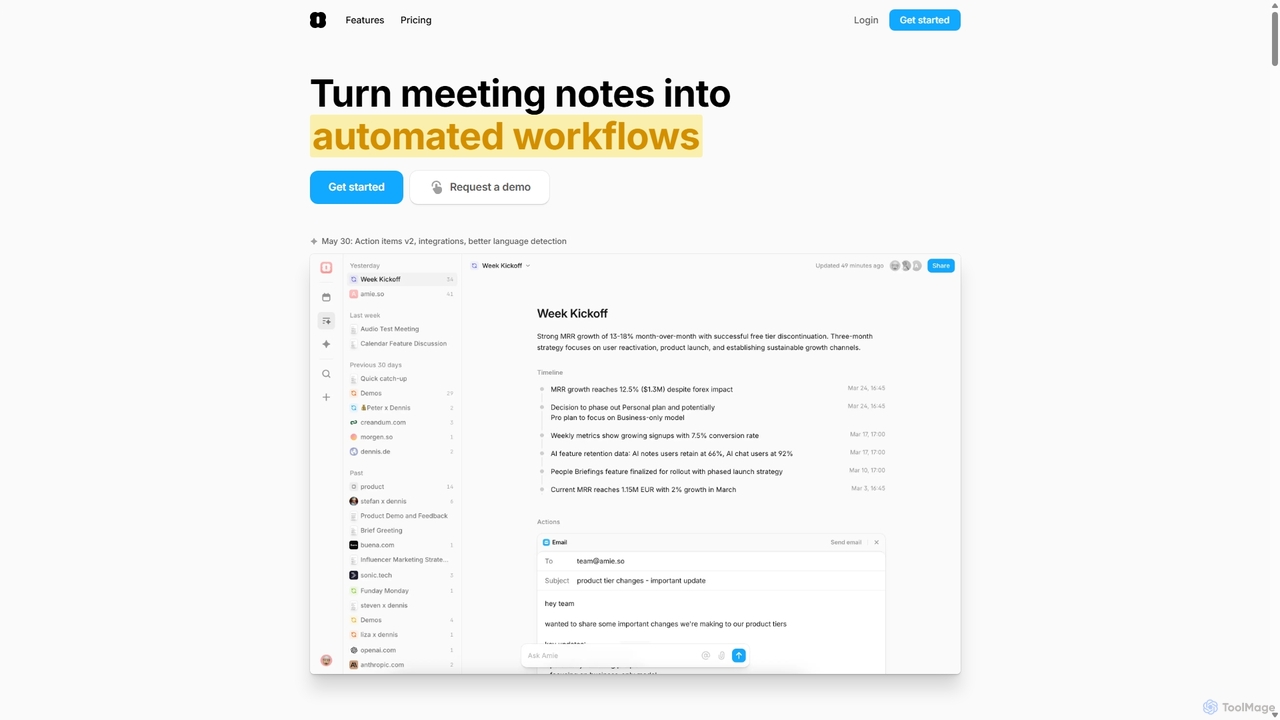
Amie
Amie is an AI-powered productivity suite that transforms meetings into automated workflows. It records, transcribes, and summarizes calls without a bot, generating clear action items. Featuring an integrated AI chat, calendar, and to-do list, Amie automates follow-ups, schedules tasks intelligently, and connects with tools like Notion, Slack, and Hubspot to streamline your workday.
Calendar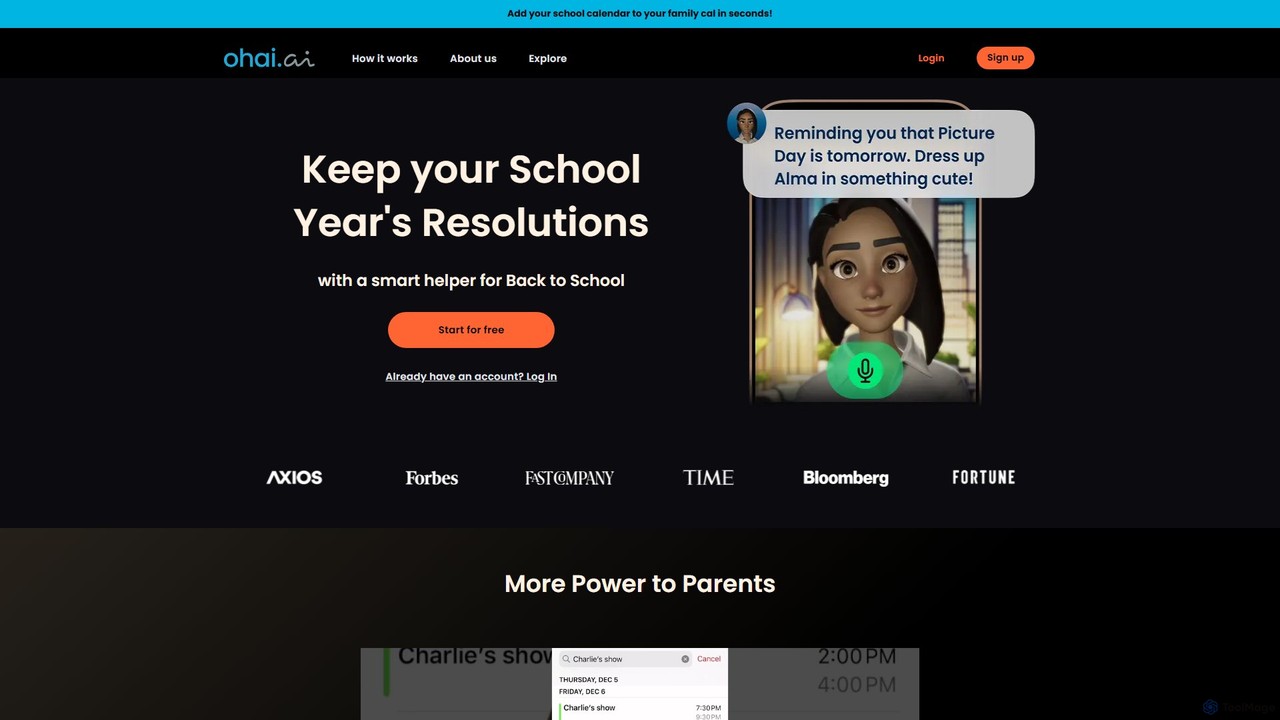
Ohai.ai
Ohai.ai is an AI-powered personal assistant designed to simplify family life and reduce the mental load for parents. It automates scheduling by syncing school and work calendars, manages to-do lists, plans meals, coordinates social events, and sends thoughtful reminders. By centralizing household management, Ohai helps families stay organized, connected, and on top of their busy lives, giving them more time to focus on what matters.
Family & Parenting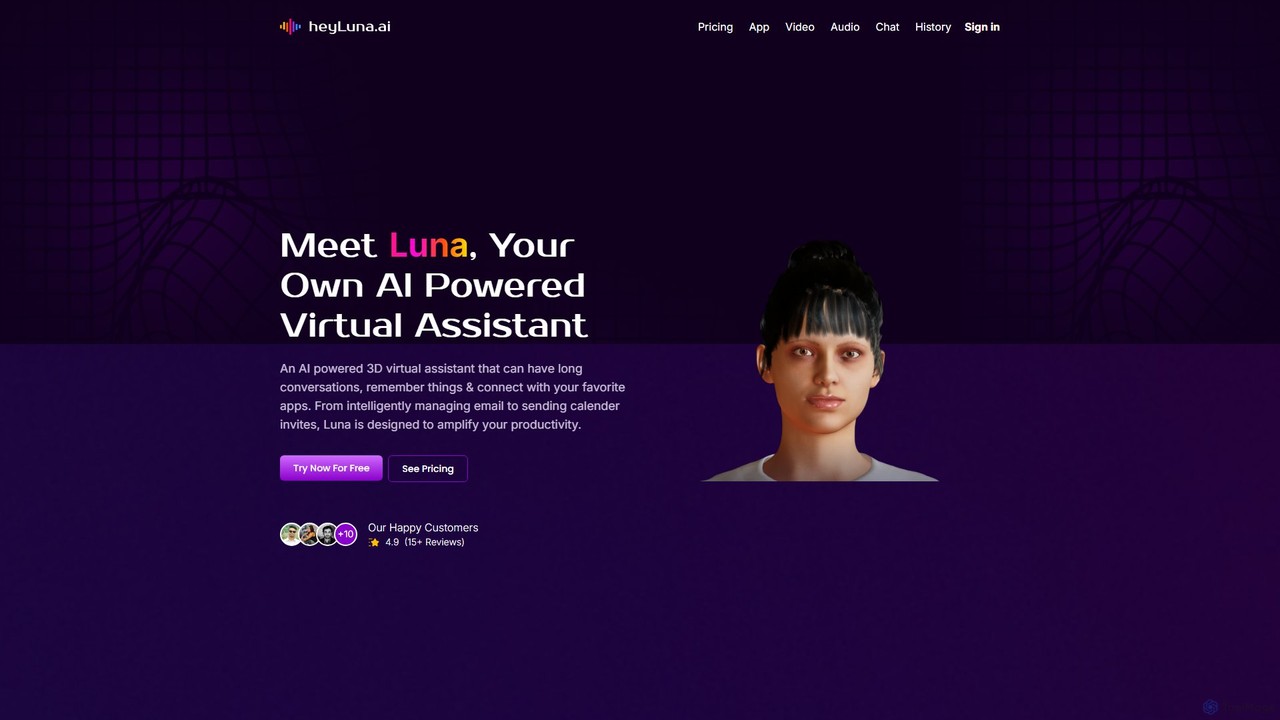
HeyLuna
HeyLuna is an AI-powered 3D virtual assistant designed to boost your productivity. It engages in natural language conversations, remembers past interactions, and integrates with essential apps like Gmail, Slack, and Google Calendar to automate tasks such as sending emails and scheduling meetings.
Email Assistant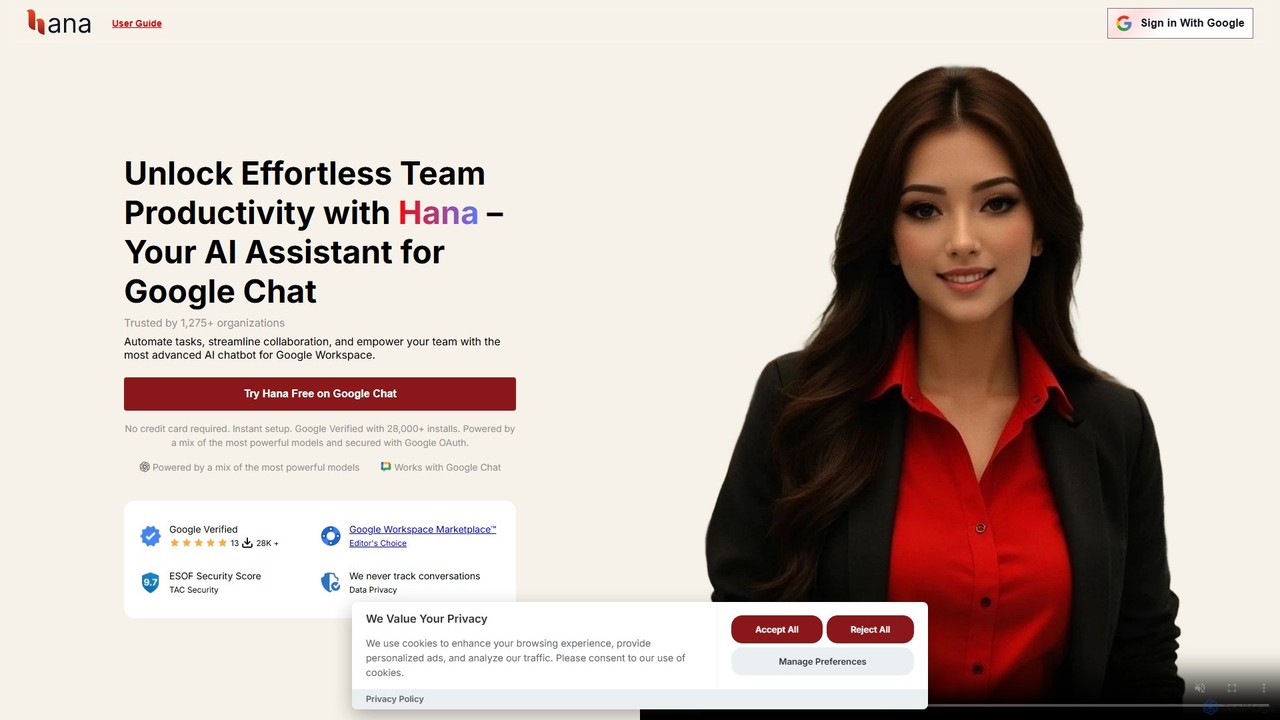
Hana
Hana is an advanced AI assistant for Google Chat, designed to enhance team productivity. It automates tasks, manages a shared knowledge base, and streamlines collaboration by integrating directly into your Google Workspace. Acting as a virtual teammate, Hana handles reminders, project updates, and provides instant, context-aware answers, all within your familiar chat environment.
Knowledge Management
TodoVex
TodoVex is a free, open-source, AI-powered to-do list application designed as a smart alternative to Todoist. It leverages OpenAI to intelligently organize your tasks, predict your next priorities, and streamline your workflow. Manage your personal and professional projects with intelligent assistance, all within a clean and intuitive interface.
Open Source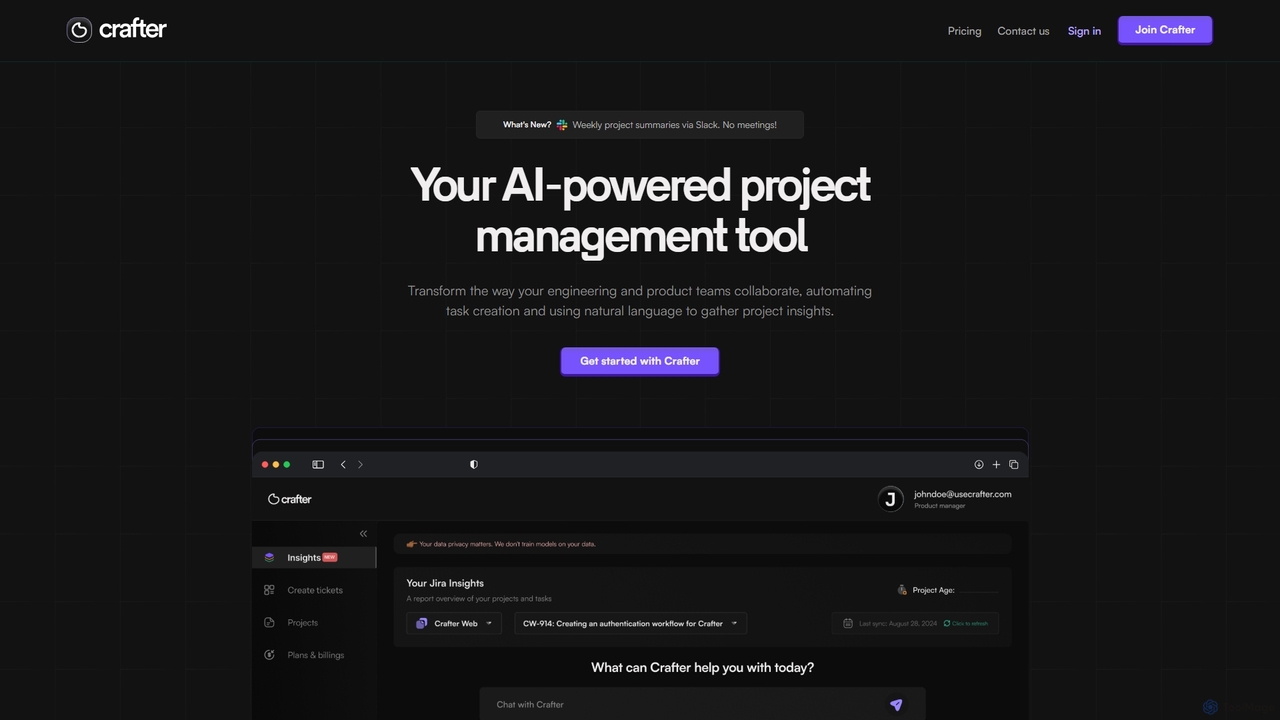
Crafter
Crafter is an AI-powered project management assistant for engineering and product teams. It automates Jira ticket creation from documents, provides real-time project insights, and features a smart chat assistant to streamline workflows, enhance collaboration, and keep projects on track.
Development
Todo.is
Todo.is is an AI-powered productivity command center designed for streamlined task and project management. It combines a minimalist, text-based interface with a unique AI Export feature, allowing users to instantly transform their to-do lists into structured reports, summaries, and actionable plans. Ideal for individuals and teams seeking efficiency and clarity in their workflow.
Project Management
Unmess
Unmess is a personal AI assistant designed to automate mundane life chores, starting with shopping. It intelligently creates lists, finds the best deals, and manages orders to save you time, money, and mental energy, aiming to declutter your daily life.
Expense Tracking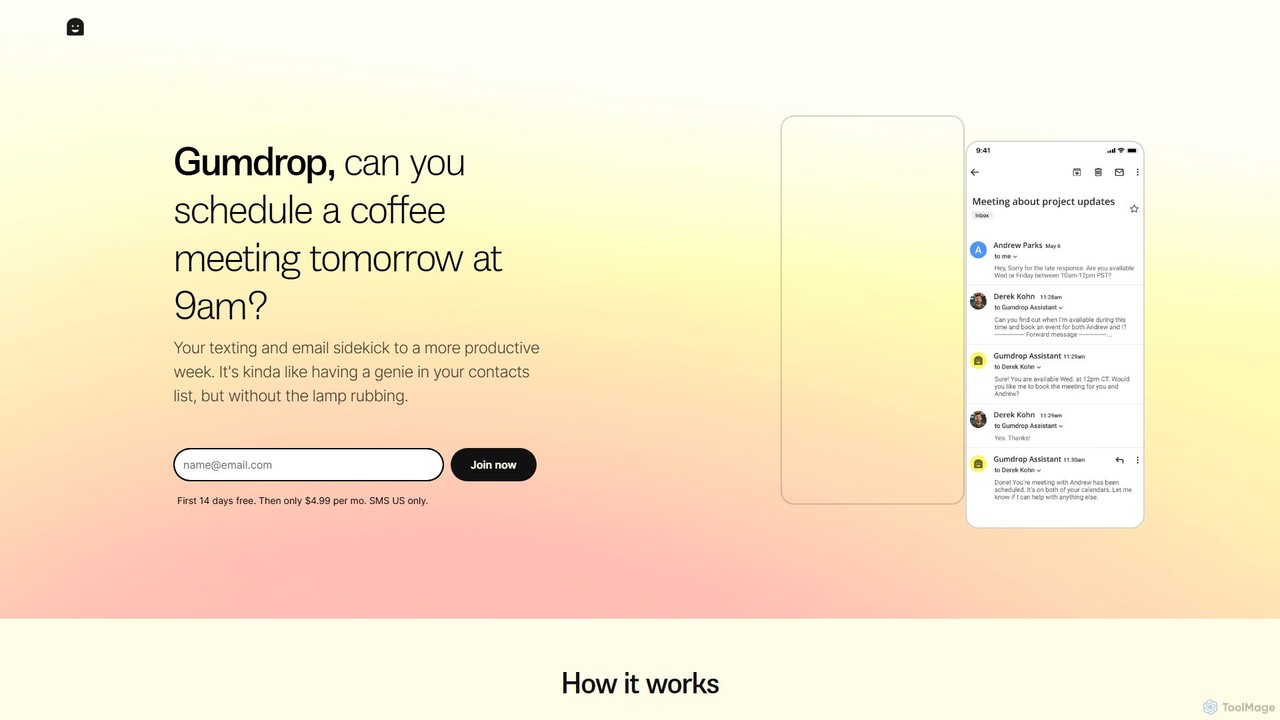
Gumdrop
Gumdrop is an AI-powered personal assistant that you can interact with via SMS and email. It helps you manage your schedule, book reservations, set reminders, and get information without needing a separate app. Simply text your requests and let Gumdrop handle the rest.
Automation
carlos_app
carlos_app is an intelligent AI personal assistant designed to streamline your workflow, manage tasks, automate scheduling, and enhance communication. It acts as your proactive partner, helping you focus on what truly matters by handling the administrative details.
Task Management
wagpt.io
wagpt.io is a powerful AI assistant that integrates directly into WhatsApp. It brings the capabilities of advanced language models like GPT to your favorite messaging app, allowing you to ask questions, generate text, translate languages, and automate tasks without ever leaving your chats.
Chatbot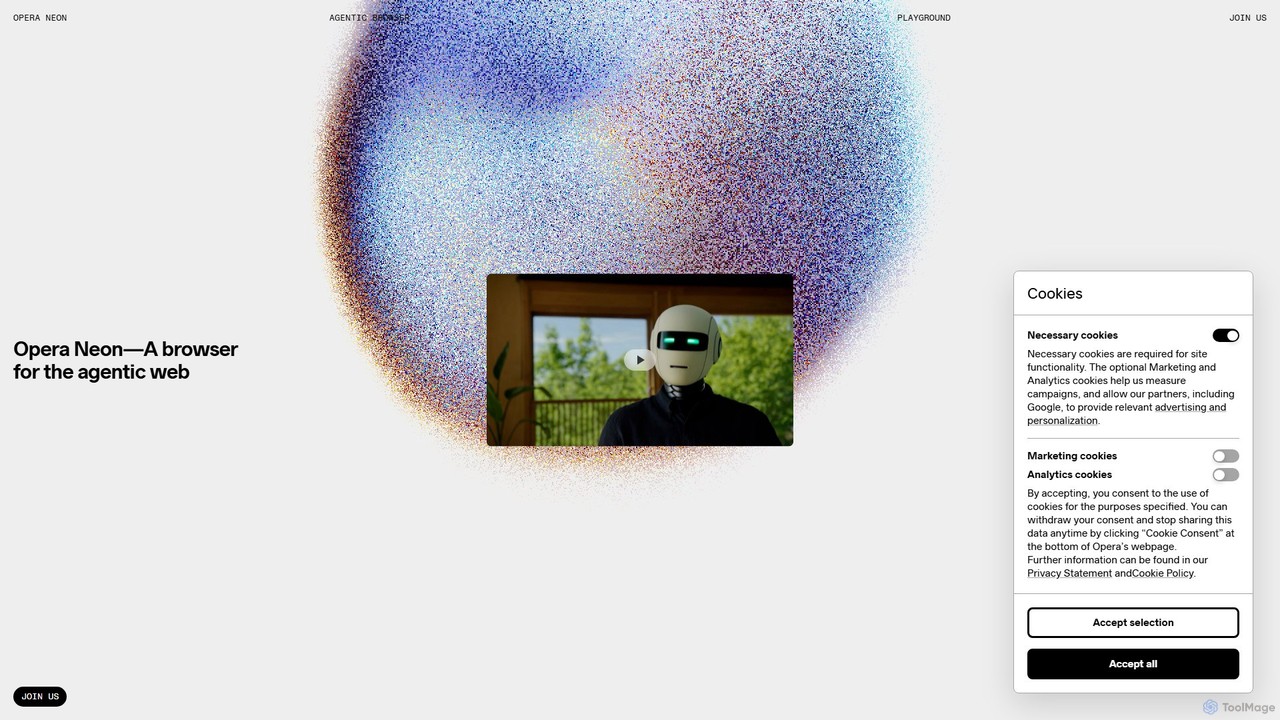
Opera Neon
Opera Neon is a next-generation agentic AI browser designed to understand user intent, automate complex tasks, and create digital content. It integrates AI chat, task automation, and creative generation into a single, seamless browsing experience, acting as a proactive digital assistant.
Low Code No Code
Dot Copilot Comments (0)
Sign in to comment.
Sign inNo comments yet.