


Todo.is Overview
Todo.is positions itself as a next-generation productivity tool, acting as a central command center for all your tasks and projects. It is built on a philosophy of speed and simplicity, offering a clean, distraction-free interface that helps users focus on what truly matters. Unlike traditional to-do list applications that can be cumbersome with graphical interfaces, Todo.is utilizes a text-first approach, allowing for rapid task entry and organization through simple syntax. This makes it incredibly fast for users who are comfortable with keyboard-driven workflows.
The standout feature of Todo.is is its intelligent 'AI Export' capability. This is not just a simple data export; it's a smart transformation of your raw task lists. The AI analyzes your tasks, priorities, and deadlines to generate coherent and professionally formatted outputs. For example, you can export a project's task list as a concise progress report for a team meeting, a summary email for a stakeholder, or even a structured plan for personal review. This AI layer adds significant value by automating the often tedious process of reporting and communication, saving users valuable time and effort.
How to use Todo.is
Getting started with Todo.is is designed to be frictionless. Users can either sign in with a Google account or start immediately using the Guest Mode. The workflow is intuitive:
- Create Projects: Begin by organizing your work into distinct projects using the 'Projects' tab. This helps separate different areas of your life, such as 'Work', 'Personal Goals', or specific client work.
- Add Tasks: In a project, simply type to add a new task. The interface is like a simple text editor, making it fast and familiar.
- Structure with Subtasks: Create hierarchical lists by adding subtasks. This is done easily by using double dashes (`--`) before the subtask text, allowing you to break down larger goals into manageable steps.
- Set Priorities: Visually manage your focus by assigning priorities to tasks. The system uses intuitive emoji-based flags: 🔥 for High priority, ⚡ for Medium, and 📝 for Low.
- Schedule and Set Deadlines: Add due dates and times to your tasks (e.g., 'Jan 20, 14:00') to stay on top of your schedule and plan your week effectively.
- Track Progress: Use checkboxes (`[]`) to create trackable items. Mark them as complete (`[x]`) to monitor your progress at a glance.
- Leverage AI Export: Once your tasks are organized, use the 'AI Export' function. Select the tasks or project you want to process, and let the AI generate a structured summary, report, or plan.
Core Features of Todo.is
- AI-Powered Export: Intelligently converts task lists into formatted reports, summaries, and plans, saving time on communication and documentation.
- Text-Based Task Management: A fast, keyboard-centric interface for adding and organizing tasks, subtasks, and notes without complex menus.
- Project Organization: Group related tasks into separate projects to maintain a clean and organized workspace.
- Intuitive Priority System: Use simple and visual emoji flags (🔥, ⚡, 📝) to quickly identify and focus on what's most important.
- Scheduling and Reminders: Easily attach dates and times to tasks to build a comprehensive schedule and never miss a deadline.
- Minimalist & Distraction-Free UI: A clean and uncluttered design that helps you concentrate on your tasks without visual noise.
- Guest Mode: Try the tool instantly without the need for an account, making it highly accessible.
Use Cases for Todo.is
Todo.is is versatile and can be adapted for various needs:
- Project Managers: Can outline entire project timelines, break down epics into user stories and tasks, and use AI Export to generate weekly status reports for stakeholders in seconds.
- Students: Can manage course assignments, track study schedules for multiple subjects, and summarize research tasks for a thesis or paper.
- Content Creators: Can plan their content calendar, outline video scripts or blog posts with subtasks, and manage deadlines across different platforms.
- Freelancers and Consultants: Can maintain separate projects for each client, track billable tasks, and provide clear progress updates using the AI-generated summaries.
- Personal Productivity Enthusiasts: Can organize daily chores, plan long-term personal goals, manage side projects, and even plan events.
Advantages of Todo.is
The primary advantage of Todo.is is its unique blend of simplicity and intelligence. The text-based system is significantly faster for power users than clicking through a graphical interface. The minimalist design promotes deep focus. Most importantly, the AI Export feature is a powerful differentiator, bridging the gap between task management and communication. It automates a key part of the professional workflow, making users more efficient and allowing them to spend more time on execution rather than reporting.
Pricing and Plans
Todo.is currently operates on a very accessible model. It is offered for free during its beta period, with no credit card required to sign up. This allows users to experience the full suite of features without any initial commitment. It is anticipated that following the beta phase, Todo.is may introduce a freemium model, which would likely consist of a robust free plan for individuals and a premium plan with advanced features such as enhanced AI capabilities, team collaboration, unlimited projects, or third-party integrations.
Traffic
Latest traffic
Status
Monthly traffic trend
- 2025-9: 1.5K
- 2026-1: 724
- 2026-2: 1.9K
- 2026-3: 4.3K
- 2026-4: 415
- 2026-5: 550
Geography
Top 5 countries / regions
- 🇮🇳India100.0%
Todo.is Alternatives

TodoVex
TodoVex is a free, open-source, AI-powered to-do list application designed as a smart alternative to Todoist. It leverages OpenAI to intelligently organize your tasks, predict your next priorities, and streamline your workflow. Manage your personal and professional projects with intelligent assistance, all within a clean and intuitive interface.
Open Source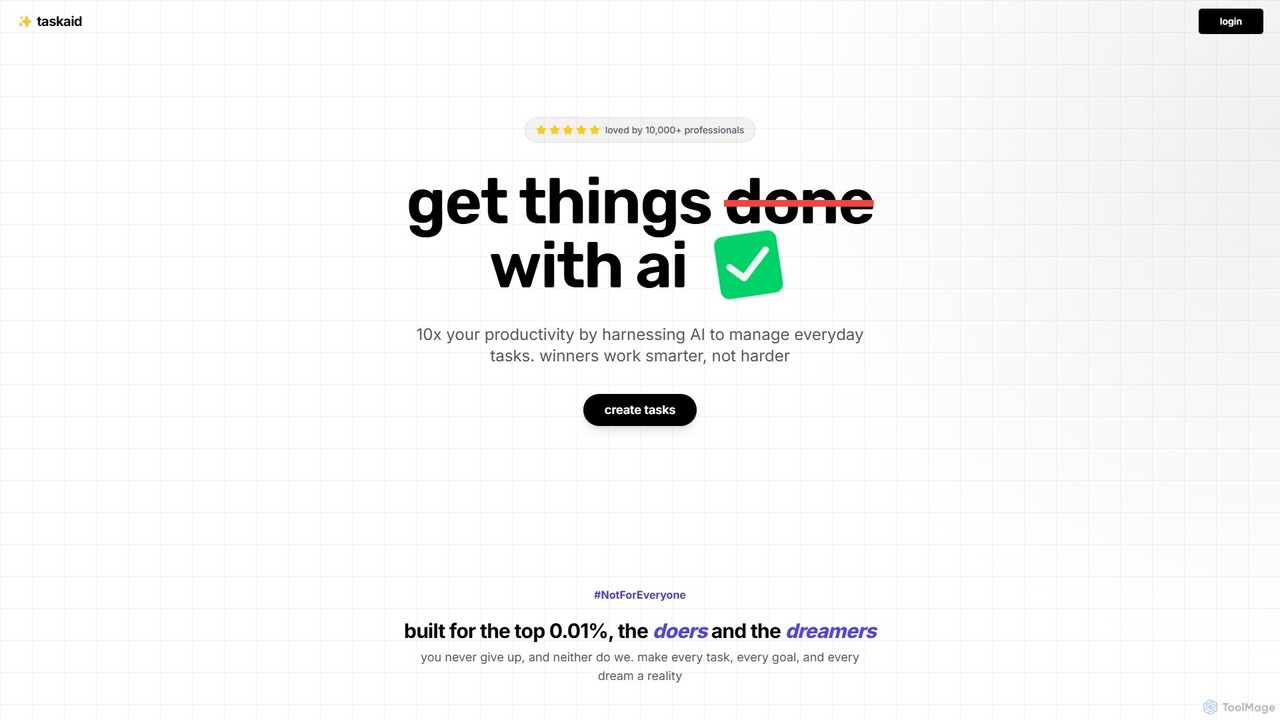
Taskaid
Taskaid is an AI-first task management tool designed for high-performing individuals. It leverages advanced LLMs like GPT-4 to automate task prioritization, scheduling, and breakdown. Interact with your to-do list through a conversational chat interface, use voice commands, and receive intelligent suggestions to 10x your productivity and focus on what truly matters.
Project Management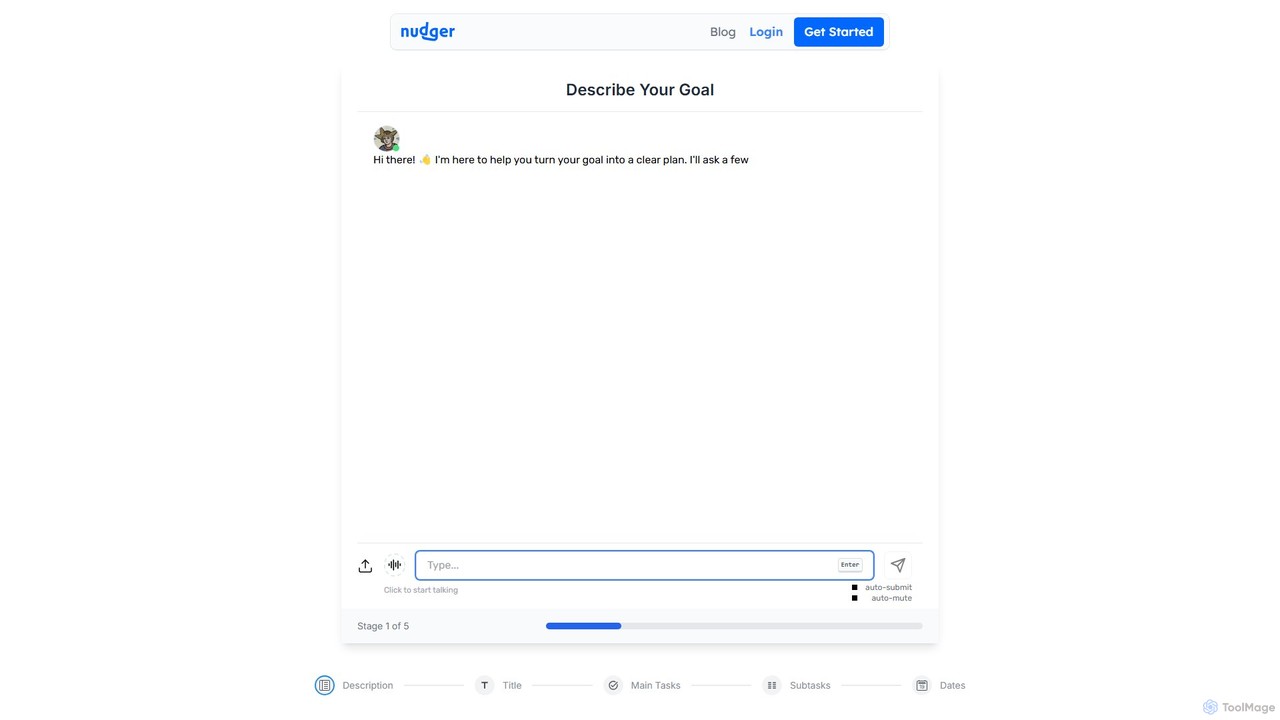
Nudger
Nudger is an AI-powered interactive roadmap planner that transforms your goals into clear, actionable plans. Simply describe your objective, and Nudger's AI will generate a detailed roadmap with main tasks and subtasks. It features dynamic views, progress tracking, and seamless calendar integration to boost your productivity.
Goal Setting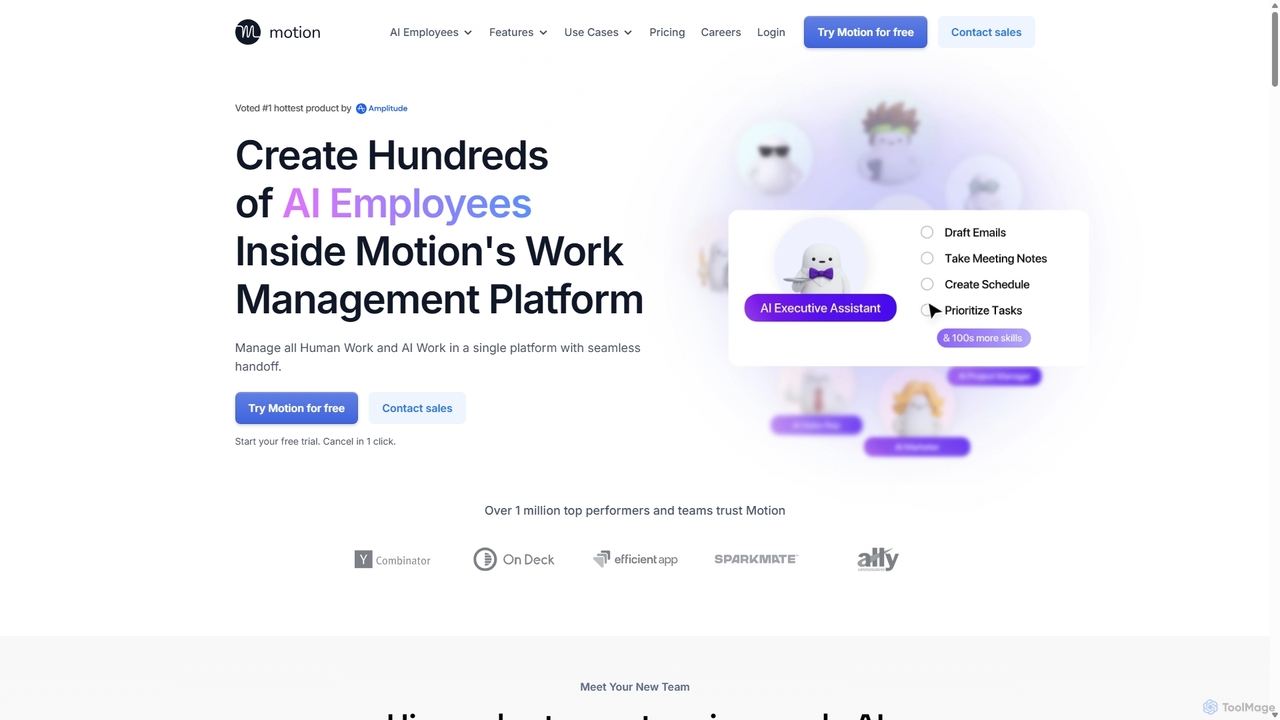
Motion
Motion is an AI-powered platform that provides a suite of AI Employees and productivity tools to automate tasks, manage projects, and organize schedules. It's designed to 10x your team's output by handling everything from calendar management and email replies to sales outreach and customer support, all within a single integrated workspace.
Virtual Assistant
Eyen
Eyen develops innovative productivity applications for the Apple ecosystem. Their suite includes Taskheat, an AI-powered visual task manager that uses flowcharts, and Subjects, a comprehensive planner for students to manage timetables, homework, and grades. These tools are designed to enhance organization and efficiency for professionals and students alike.
Student PlannerTodo.is Categories
Todo.is Embed Widget
Copy this embed code to place the badge on your blog, article, or product site and send readers directly to this ToolMage detail page.

Related AI tools
Nudger
Nudger is an AI-powered interactive roadmap planner that transforms your goals into clear, actionable plans. Simply describe your objective, and Nudger's AI will generate a detailed roadmap with main tasks and subtasks. It features dynamic views, progress tracking, and seamless calendar integration to boost your productivity.
Goal SettingTodoVex
TodoVex is a free, open-source, AI-powered to-do list application designed as a smart alternative to Todoist. It leverages OpenAI to intelligently organize your tasks, predict your next priorities, and streamline your workflow. Manage your personal and professional projects with intelligent assistance, all within a clean and intuitive interface.
Open SourceTaskaid
Taskaid is an AI-first task management tool designed for high-performing individuals. It leverages advanced LLMs like GPT-4 to automate task prioritization, scheduling, and breakdown. Interact with your to-do list through a conversational chat interface, use voice commands, and receive intelligent suggestions to 10x your productivity and focus on what truly matters.
Project Management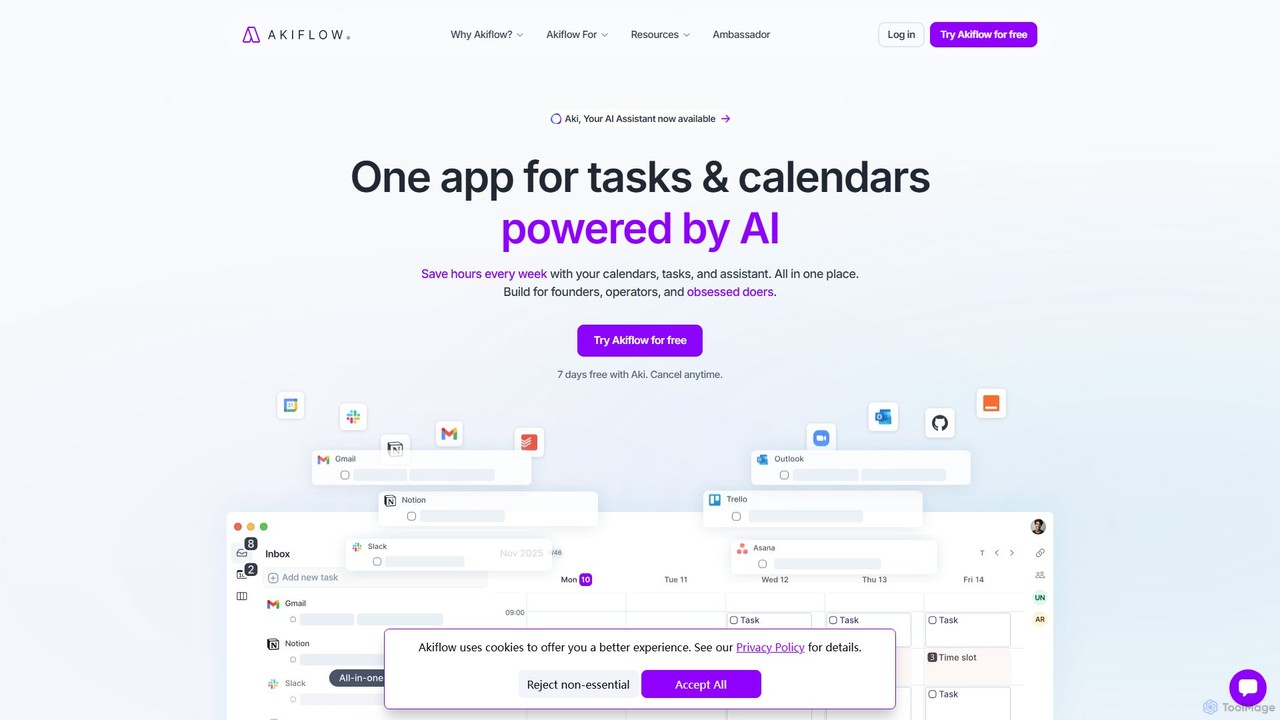
Akiflow
Akiflow is an AI-powered time-blocking and task management platform that unifies all your calendars and tasks from various tools into a single, streamlined workspace. Featuring an AI assistant named Aki, it helps high-performing professionals organize their day, automate routines, and save hours every week.
CalendarMotion
Motion is an AI-powered platform that provides a suite of AI Employees and productivity tools to automate tasks, manage projects, and organize schedules. It's designed to 10x your team's output by handling everything from calendar management and email replies to sales outreach and customer support, all within a single integrated workspace.
Virtual AssistantEyen
Eyen develops innovative productivity applications for the Apple ecosystem. Their suite includes Taskheat, an AI-powered visual task manager that uses flowcharts, and Subjects, a comprehensive planner for students to manage timetables, homework, and grades. These tools are designed to enhance organization and efficiency for professionals and students alike.
Student Planner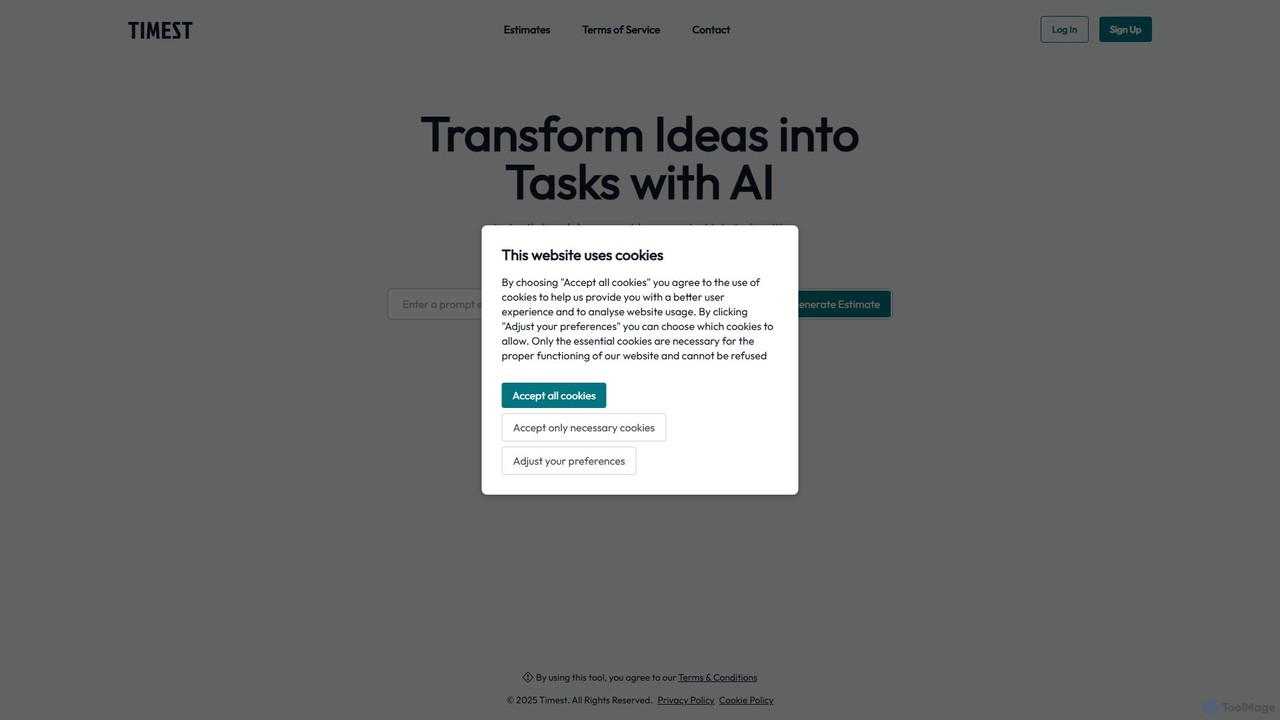
Timest
Timest is an AI-powered productivity tool that transforms your unstructured ideas, notes, and brainstorming sessions into organized, actionable tasks. It helps bridge the gap between ideation and execution, allowing users to quickly convert thoughts into a structured to-do list or project plan, enhancing efficiency and clarity.
Idea Management
Jyek
Jyek is an AI agent platform that understands objectives, creates execution plans, uses tools, and delivers verifiable results for complex, multi-step tasks.
Automation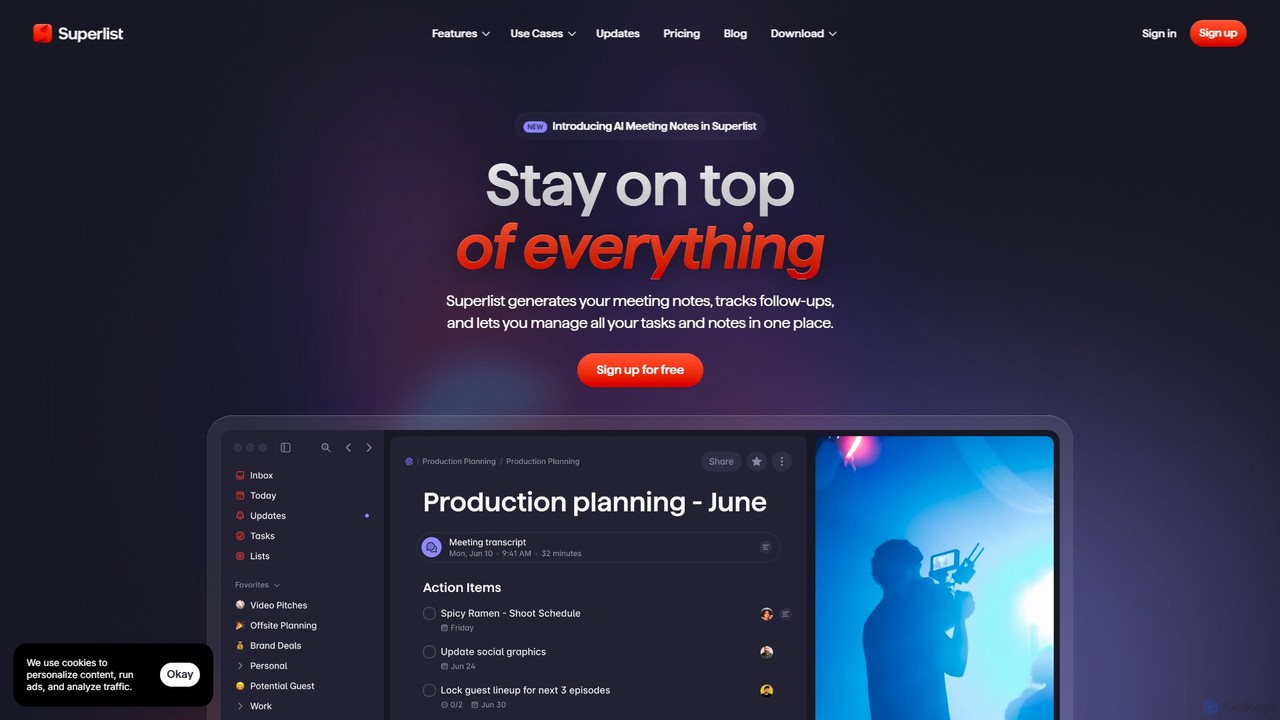
Superlist
Superlist is an AI-powered productivity tool that unifies tasks, notes, and meeting summaries in a single platform. Designed for both individuals and teams, it uses AI to automatically generate meeting notes, track action items, and convert voice memos into tasks, streamlining workflows and enhancing collaboration.
Meeting Assistant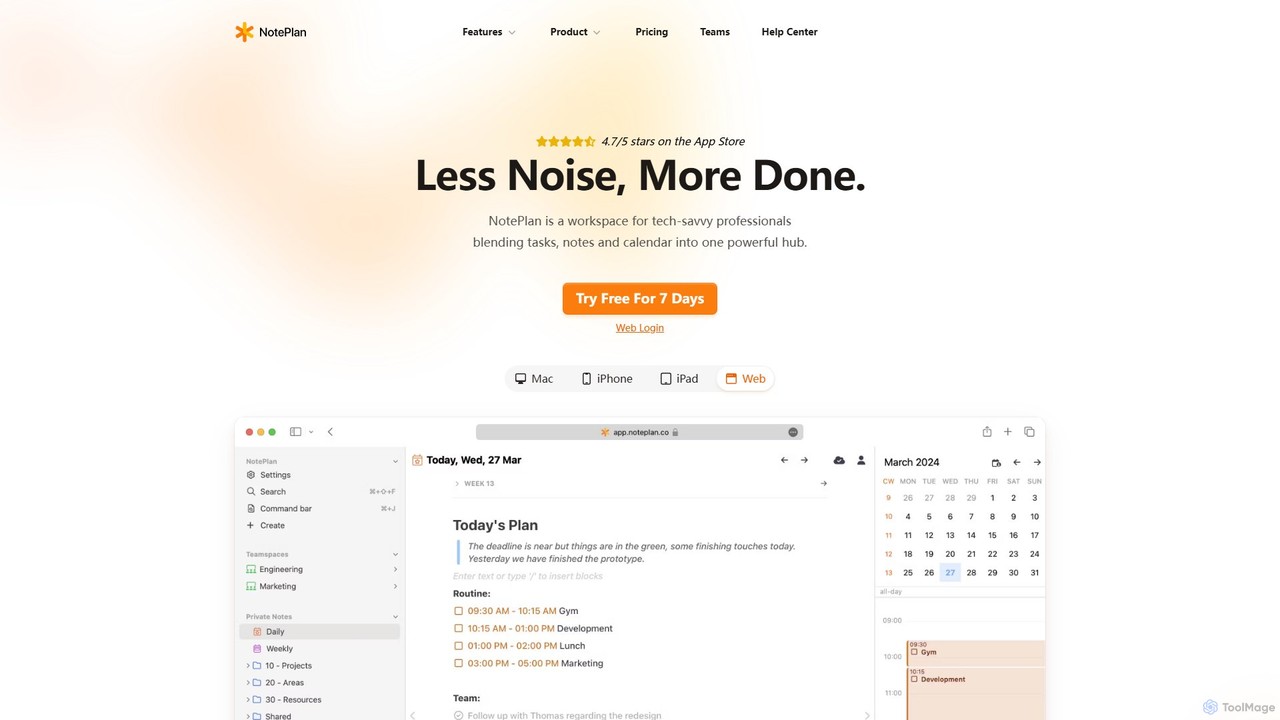
NotePlan
NotePlan is an all-in-one productivity workspace for professionals, blending tasks, notes, and calendar into a single, powerful hub. It supports Markdown, personal knowledge management (PKM) with bi-directional links, and features integrated AI for summarizing, rewriting, and transcribing. Available on Mac, iOS, and Web, it keeps you organized and focused.
Calendar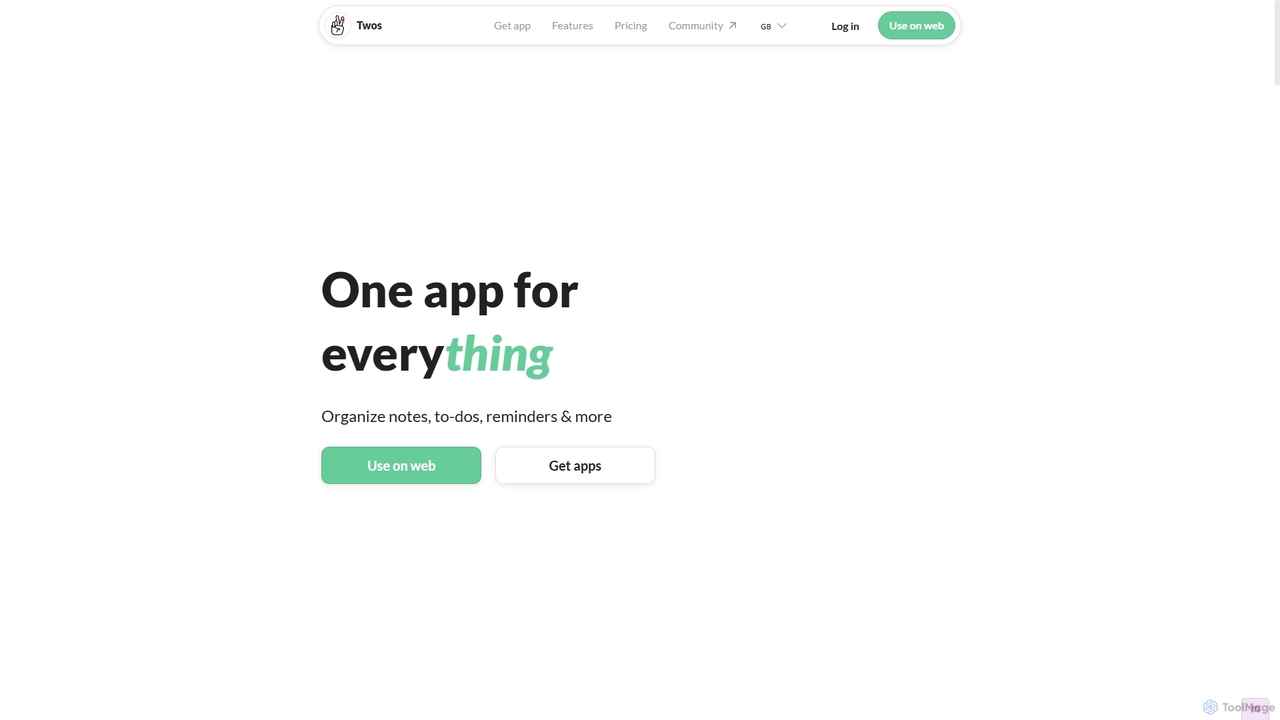
Twos
Twos is an all-in-one productivity app powered by AI that helps you organize notes, to-dos, reminders, lists, and calendar events in one simple place. Capture thoughts quickly as "things" and let the AI assistant, PALs, provide smart suggestions to help you stay organized and productive across all your devices.
Note Taking
FocusBox
FocusBox is an AI-powered productivity app designed for ADHD and timeboxing. It creates smart to-do lists, uses timers to enhance focus, and offers features like ambient sounds and celebration modes to boost motivation. Ideal for individuals and teams looking to minimize distractions and complete tasks efficiently.
Mental Health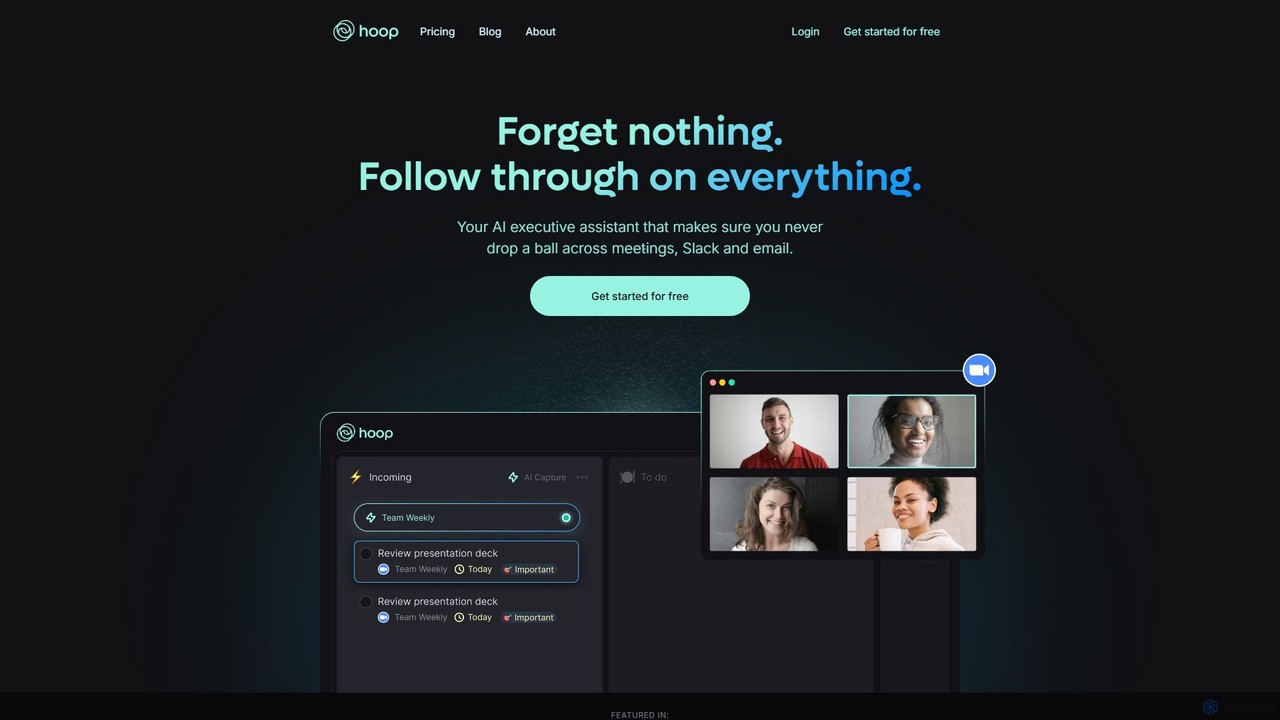
Hoop
Hoop is an AI executive assistant that automatically captures tasks from your meetings, Slack, and emails. It centralizes all your to-dos in one place, ensuring you never miss an important action item. It works seamlessly across platforms like Zoom, Meet, and Teams without intrusive bots.
Virtual Assistant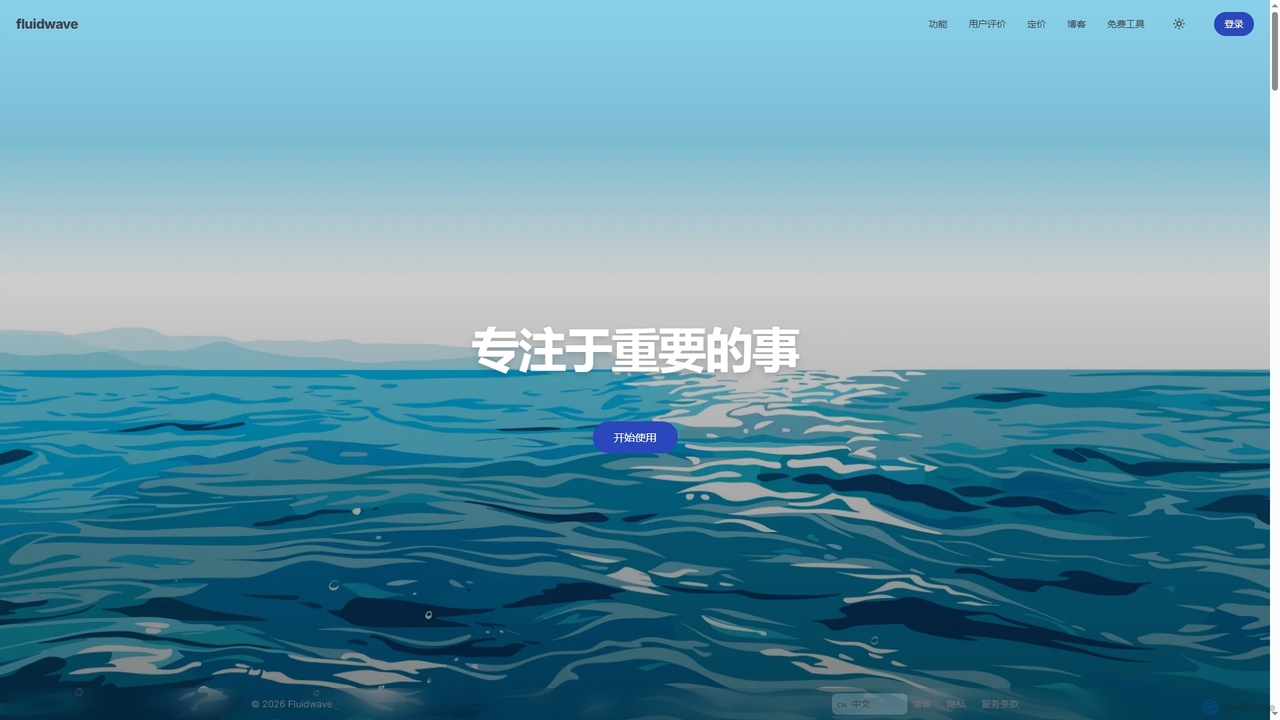
Fluidwave
Fluidwave is an AI-powered task management platform designed to boost productivity by intelligently organizing tasks, auto-prioritizing them, and connecting users with human virtual assistants for delegation. It helps individuals and teams stay focused and efficient.
Virtual Assistant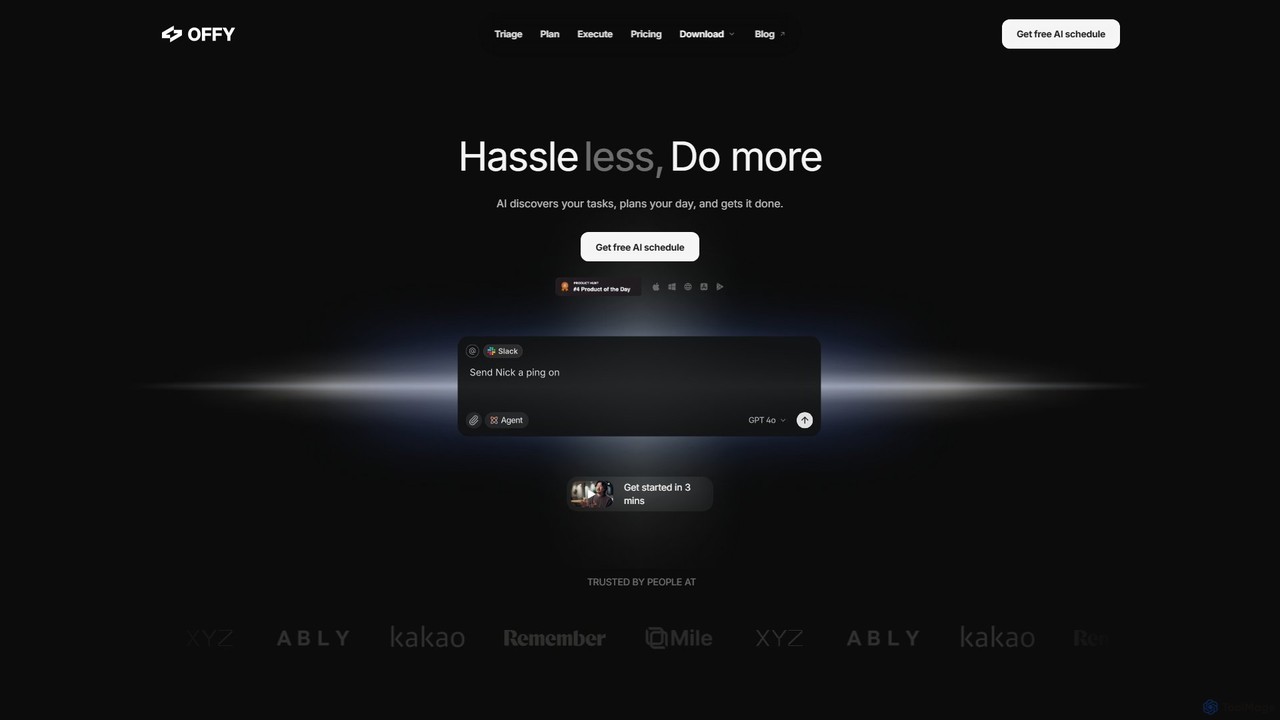
OFFLIGHT
OFFLIGHT is an AI-powered task management tool that automatically discovers tasks from your apps like Gmail and Slack, creates intelligent, time-based plans, and helps you execute them. Centralize your workflow and boost productivity with your personal AI assistant, Offy.
Personal Assistant
Todo.is Comments (0)
Sign in to comment.
Sign inNo comments yet.