

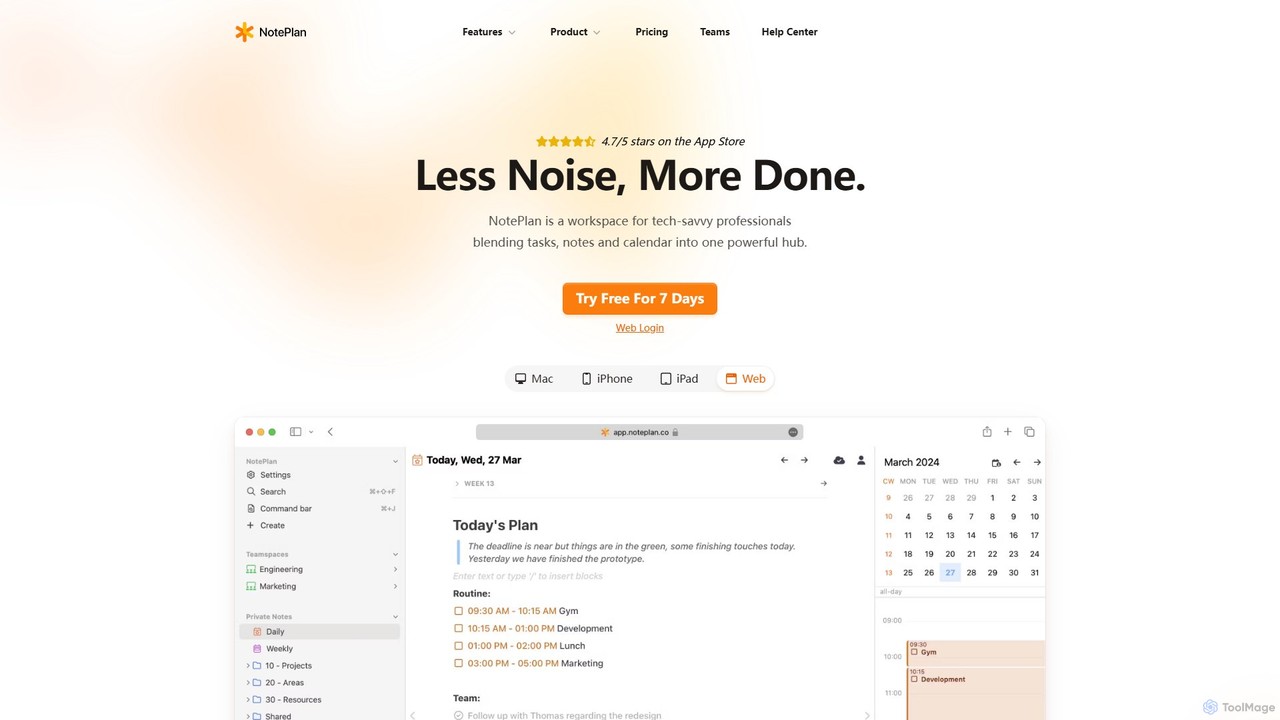
NotePlan Overview
NotePlan is a comprehensive productivity workspace designed for tech-savvy professionals who want to streamline their workflow by combining tasks, notes, and their calendar into a single, powerful hub. It operates on the principle of "Less Noise, More Done," providing a clean, focused environment to manage daily plans, long-term projects, and a personal knowledge base. Built with flexibility at its core, NotePlan uses plaintext Markdown files, ensuring your data is always portable, private, and accessible offline. With native apps for Mac, iPhone, iPad, and a web version, your information stays seamlessly synced across all your devices.
How to use NotePlan
Getting started with NotePlan is intuitive. Your workflow begins with an automatically generated daily note, which serves as your command center for the day. Here, you can capture tasks, jot down ideas, and see your calendar events side-by-side. Use Markdown syntax for quick formatting and task creation. To organize, you can schedule tasks with simple commands (e.g., `>tomorrow`), drag and drop them onto the calendar, or time-block specific slots for deep work. For building a knowledge base, create new notes for projects or topics and link them together using bi-directional links (`[[Note Title]]`). This creates a web of connected thoughts, making it easy to navigate your ideas. Leverage tags (`#project`) and mentions (`@person`) to add context and create powerful filtered views. For advanced users, NotePlan supports productivity methodologies like GTD (Getting Things Done) and PARA, and allows for extensive customization through templates, plugins, and themes.
Core Features of NotePlan
- Integrated Calendar, Notes & Tasks: View your calendar events, tasks, and notes in one unified interface. Plan daily, weekly, monthly, and yearly.
- Advanced Task Management: Features include recurring tasks, time blocking, advanced filters, task folding for a cleaner view, and checklists within tasks.
- Personal Knowledge Management (PKM): Utilize bi-directional linking to connect notes, a flexible folder system for organization (like PARA), and powerful search.
- Markdown & Plaintext: All notes are stored as local, portable Markdown files, giving you full ownership and control over your data.
- NotePlan AI: Enhance your productivity with AI-powered features. Generate or rewrite content, summarize long notes, convert handwritten notes to text, and transcribe voice recordings.
- Cross-Platform Sync: Seamlessly syncs across Mac, iPhone, iPad, and the Web using Apple's CloudKit. It's offline-first, so you can work from anywhere.
- Customization and Extensibility: Personalize your workspace with themes, create powerful workflows with templates (including advanced JavaScript), and extend functionality with plugins.
- Kanban Boards: Visualize and manage your task workflows with a flexible, drag-and-drop Kanban interface.
- Integrations: Natively integrates with Apple Calendar & Reminders and supports Google Calendar sync.
Use Cases for NotePlan
NotePlan is versatile and caters to a wide range of productivity needs. Startup founders and entrepreneurs use it to manage everything from daily to-do lists to complex project plans and meeting notes. Enterprise strategists and technical architects rely on it to keep their hectic schedules, tasks, and reference materials organized in one place. It's an ideal tool for implementing the Getting Things Done (GTD) methodology, with features for an inbox, contexts, project lists, and weekly reviews. For writers and researchers, it serves as a powerful Personal Knowledge Management (PKM) system, allowing them to build an interconnected digital brain. It also functions as a sophisticated digital bullet journal for anyone looking to mindfully track their goals, habits, and daily progress.
Advantages of NotePlan
The primary advantage of NotePlan is its all-in-one design, which eliminates the need for context switching between separate apps for your calendar, tasks, and notes. Its foundation on local plaintext Markdown files offers unparalleled data privacy, ownership, and interoperability with other tools. The system is both simple enough to start using immediately and powerful enough to grow with your needs, thanks to its deep customization options. The native integration with the Apple ecosystem provides a fast, responsive, and reliable experience. Finally, the inclusion of modern AI tools directly within the note-taking environment makes it a forward-thinking choice for boosting efficiency.
Pricing and Plans
NotePlan offers a single subscription that grants access to all its apps across Mac, iPhone, iPad, and the Web. New users can explore all features with a free 7-day trial. After the trial, the subscription is available in two tiers:
- Monthly Plan: $12 per month, billed monthly.
- Annual Plan: $99.99 per year (equivalent to $8.33 per month), offering a 30% saving compared to the monthly plan.
You can cancel your subscription at any time. The subscription includes all updates and support via email and the Discord community.
Traffic
Latest traffic
Status
Monthly traffic trend
- 2025-9: 91.3K
- 2026-1: 116.8K
- 2026-2: 85.3K
- 2026-3: 102.9K
- 2026-4: 105.4K
- 2026-5: 84.4K
Geography
Top 5 countries / regions
- 🇺🇸United States65.7%
- 🇮🇳India10.6%
- 🇬🇧United Kingdom8.8%
- 🇵🇭Philippines7.8%
- 🇩🇪Germany7.0%
Traffic sources
| Source type | Percentage |
|---|---|
Direct | 86.9% |
Referral | 11.8% |
Email | 1.3% |
Top keywords
| Keyword | Cost per click |
|---|---|
| calendar for personal use windows and iphone with memos and notes | $0.00 |
| memo ai | $0.45 |
| noteplan | $2.70 |
| noteplan web os | $0.00 |
| personal calendar with memo and notes windows and iphone | $0.00 |
NotePlan Videos on YouTube

Mira Bradshaw
NotePlan Alternatives
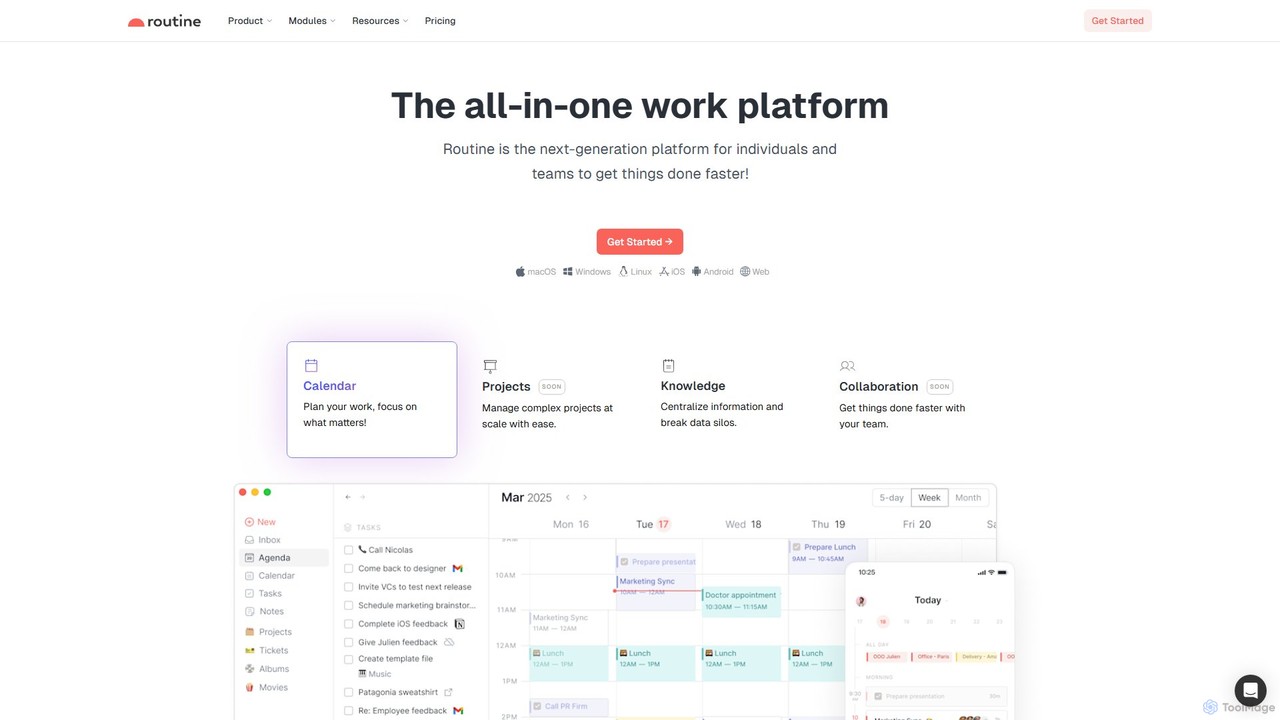
Routine
Routine is an all-in-one work platform designed for individuals and teams to enhance productivity. It unifies tasks, calendar, notes, and contacts into a single, streamlined workspace. Featuring natural language input, time blocking, and extensive integrations, Routine helps you organize work, focus on priorities, and get things done faster across all your devices.
All In One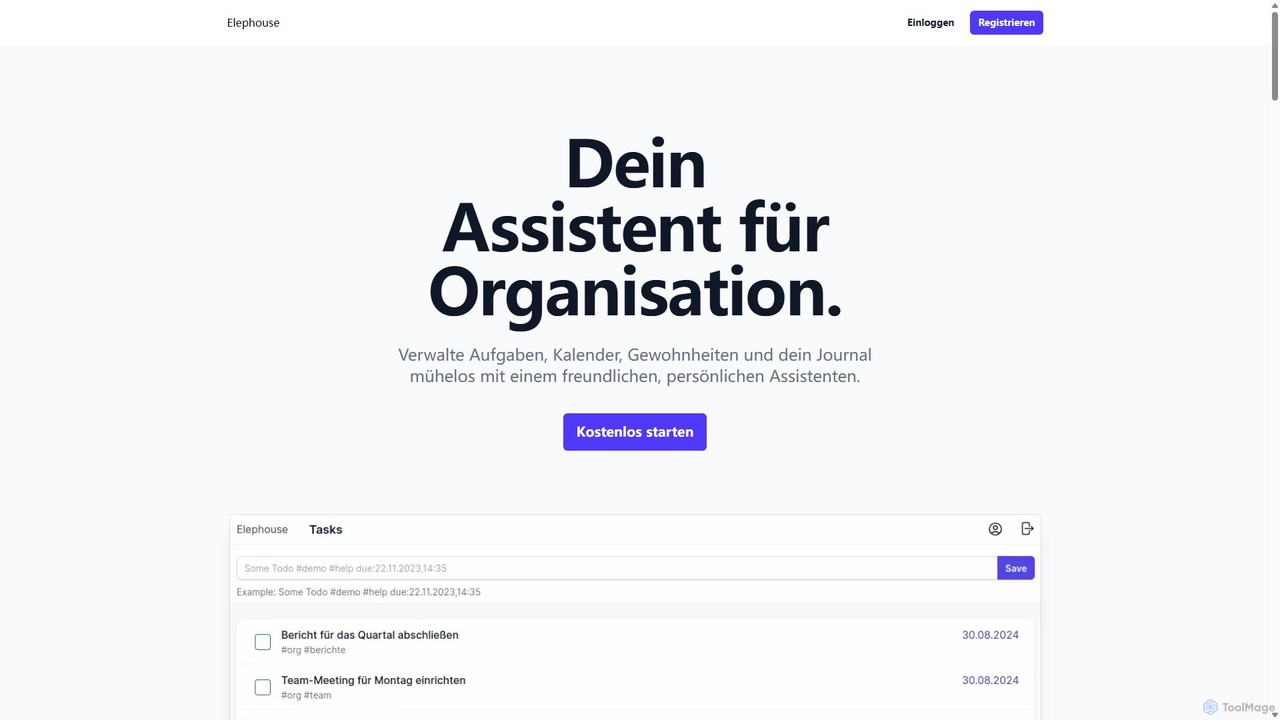
Elephouse
Elephouse is an all-in-one personal assistant designed to simplify your life. It helps you effortlessly manage tasks, calendars, habits, and a journal through a friendly, minimalist, and intuitive interface. With upcoming AI features, it aims to make organization as simple as thinking.
Calendar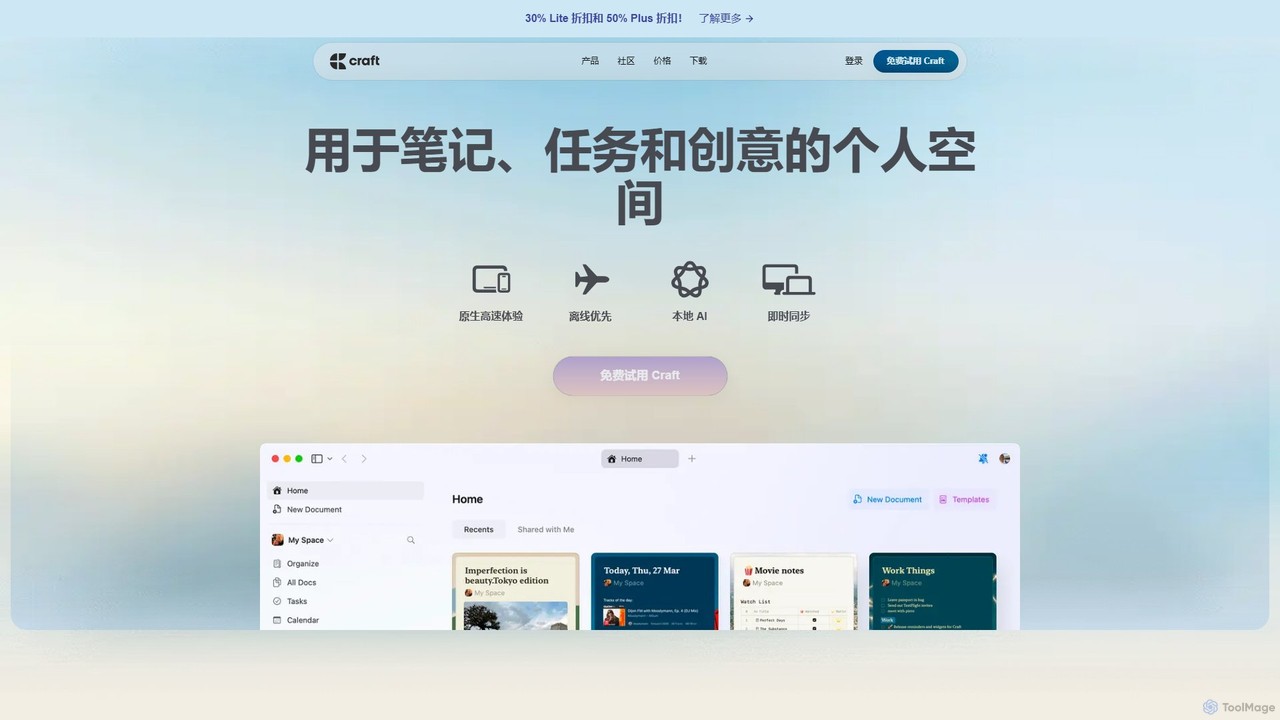
Craft
Craft is a beautifully designed, native document editor for notes, tasks, and ideas. It combines powerful features like a local AI assistant, task management, and flexible organization with a joyful, fast, and offline-first user experience, making it the perfect tool for writers, thinkers, and teams to capture and structure their thoughts.
Knowledge Management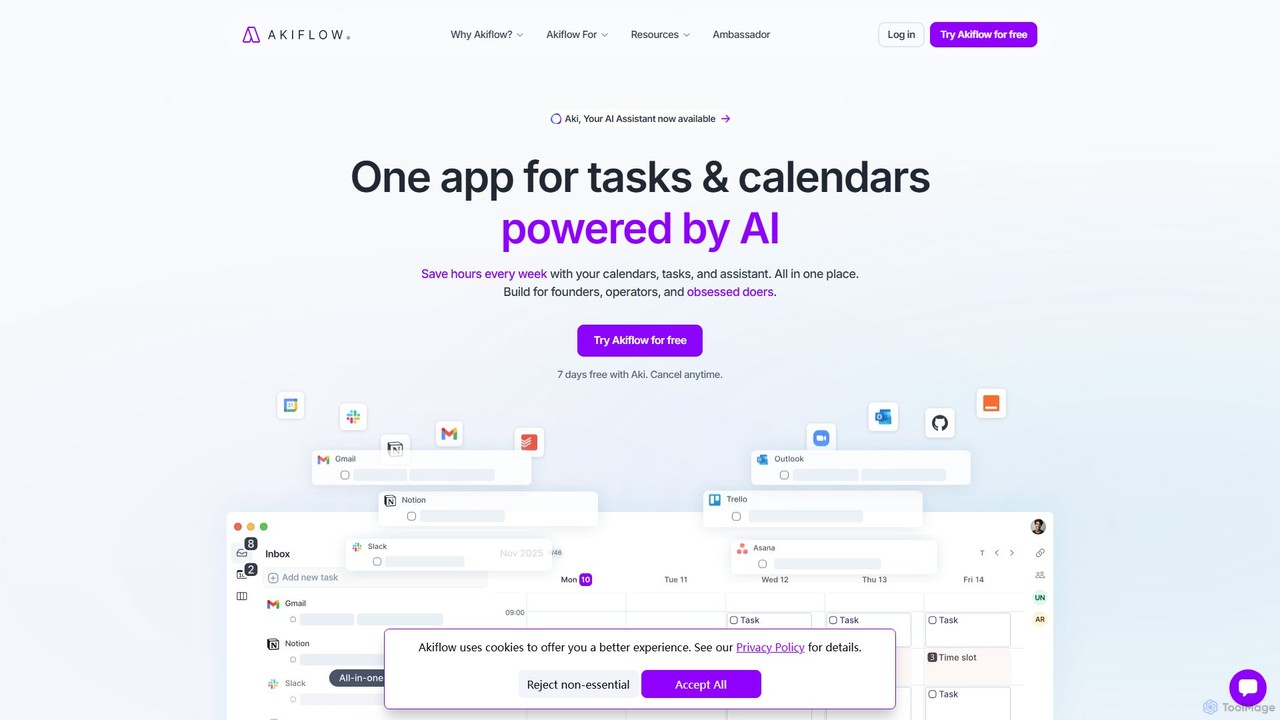
Akiflow
Akiflow is an AI-powered time-blocking and task management platform that unifies all your calendars and tasks from various tools into a single, streamlined workspace. Featuring an AI assistant named Aki, it helps high-performing professionals organize their day, automate routines, and save hours every week.
Calendar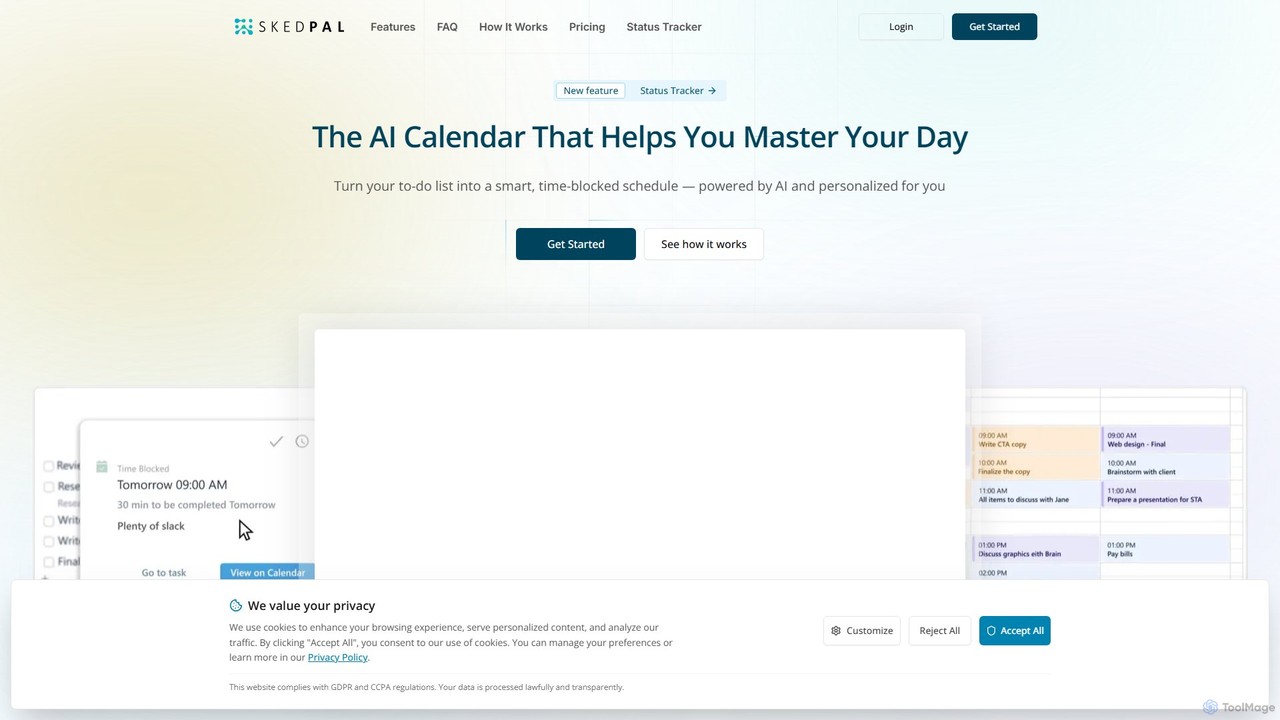
SkedPal
SkedPal is an AI-powered calendar that intelligently transforms your to-do list into a dynamic, time-blocked schedule. It automatically plans your tasks based on your priorities and availability, adapting in real-time to changes. This smart assistant helps you protect time for deep work, build habits, and master your day without the manual effort of calendar management.
CalendarNotePlan Categories
NotePlan Embed Widget
Copy this embed code to place the badge on your blog, article, or product site and send readers directly to this ToolMage detail page.

Related AI tools
Routine
Routine is an all-in-one work platform designed for individuals and teams to enhance productivity. It unifies tasks, calendar, notes, and contacts into a single, streamlined workspace. Featuring natural language input, time blocking, and extensive integrations, Routine helps you organize work, focus on priorities, and get things done faster across all your devices.
All In OneCraft
Craft is a beautifully designed, native document editor for notes, tasks, and ideas. It combines powerful features like a local AI assistant, task management, and flexible organization with a joyful, fast, and offline-first user experience, making it the perfect tool for writers, thinkers, and teams to capture and structure their thoughts.
Knowledge ManagementAkiflow
Akiflow is an AI-powered time-blocking and task management platform that unifies all your calendars and tasks from various tools into a single, streamlined workspace. Featuring an AI assistant named Aki, it helps high-performing professionals organize their day, automate routines, and save hours every week.
CalendarSkedPal
SkedPal is an AI-powered calendar that intelligently transforms your to-do list into a dynamic, time-blocked schedule. It automatically plans your tasks based on your priorities and availability, adapting in real-time to changes. This smart assistant helps you protect time for deep work, build habits, and master your day without the manual effort of calendar management.
Calendar
Todo.is
Todo.is is an AI-powered productivity command center designed for streamlined task and project management. It combines a minimalist, text-based interface with a unique AI Export feature, allowing users to instantly transform their to-do lists into structured reports, summaries, and actionable plans. Ideal for individuals and teams seeking efficiency and clarity in their workflow.
Project ManagementElephouse
Elephouse is an all-in-one personal assistant designed to simplify your life. It helps you effortlessly manage tasks, calendars, habits, and a journal through a friendly, minimalist, and intuitive interface. With upcoming AI features, it aims to make organization as simple as thinking.
Calendar
Superlist
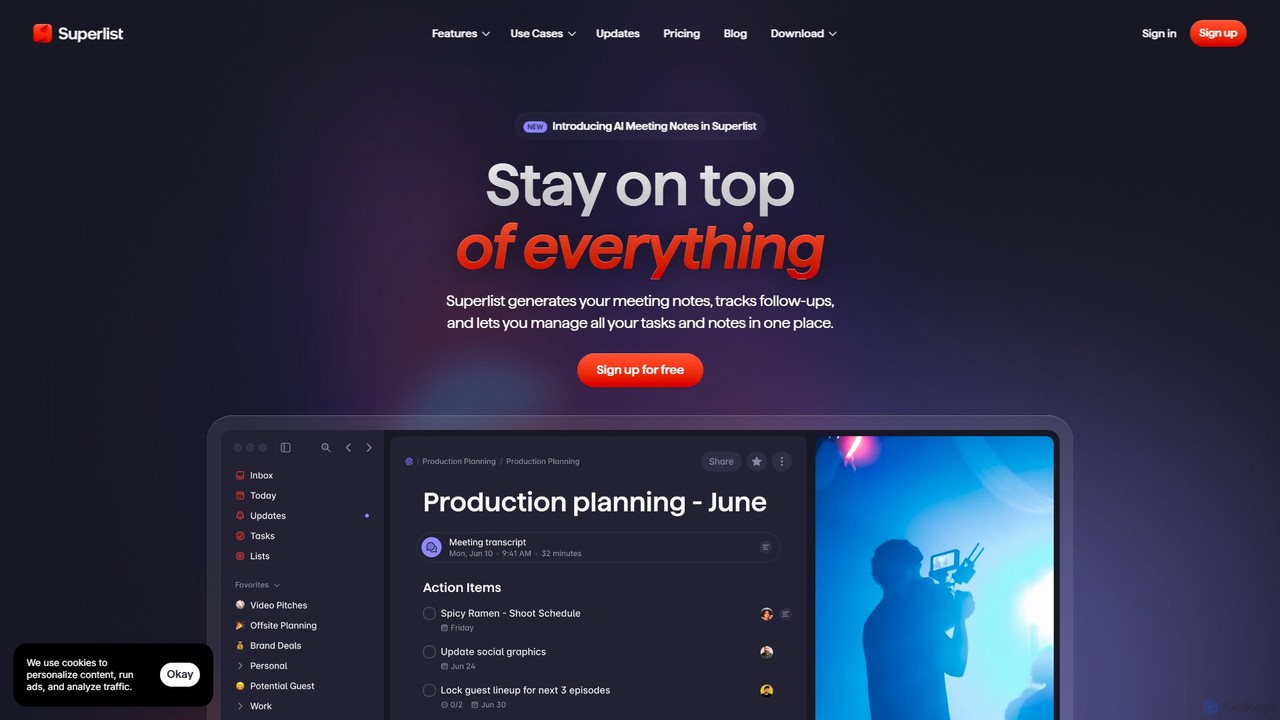
Superlist is an AI-powered productivity tool that unifies tasks, notes, and meeting summaries in a single platform. Designed for both individuals and teams, it uses AI to automatically generate meeting notes, track action items, and convert voice memos into tasks, streamlining workflows and enhancing collaboration.
Meeting Assistant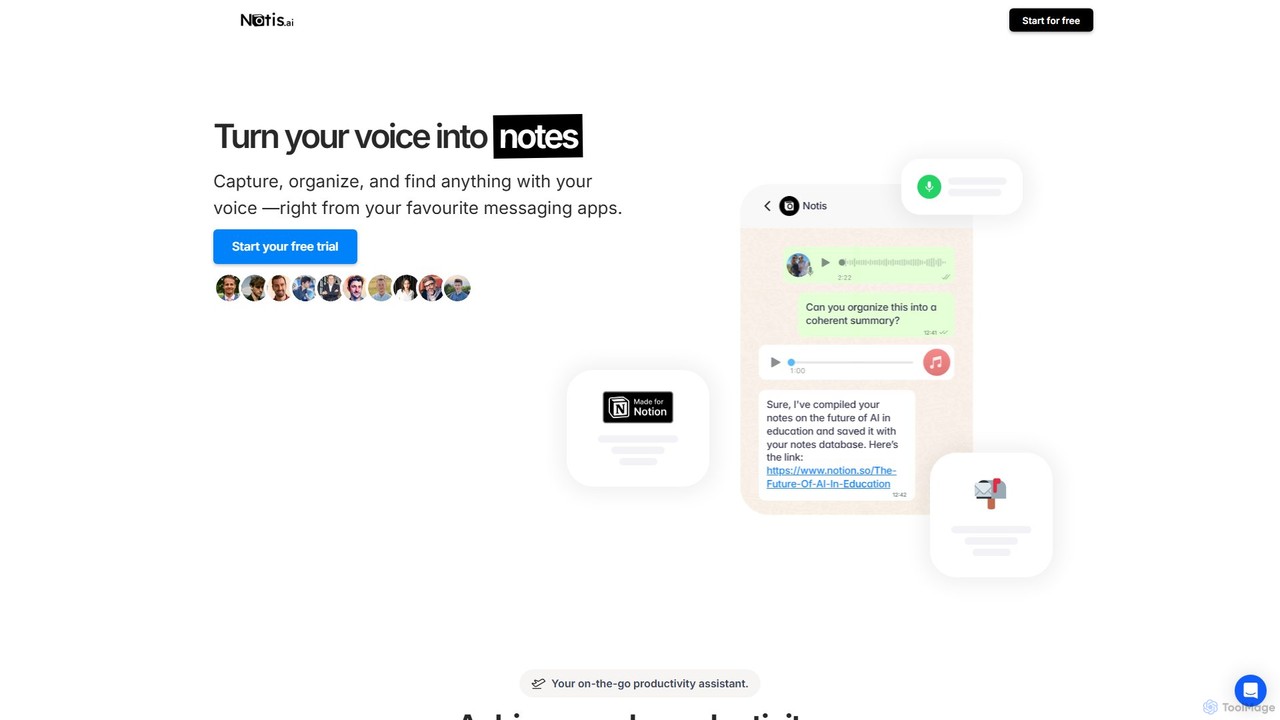
Notis
Notis is an AI-powered productivity assistant that turns your voice, text, and images into structured entries in Notion. Operating directly from messaging apps like WhatsApp and Telegram, it helps you capture ideas, manage tasks, draft content, and organize your life without ever opening the Notion app.
Content Creation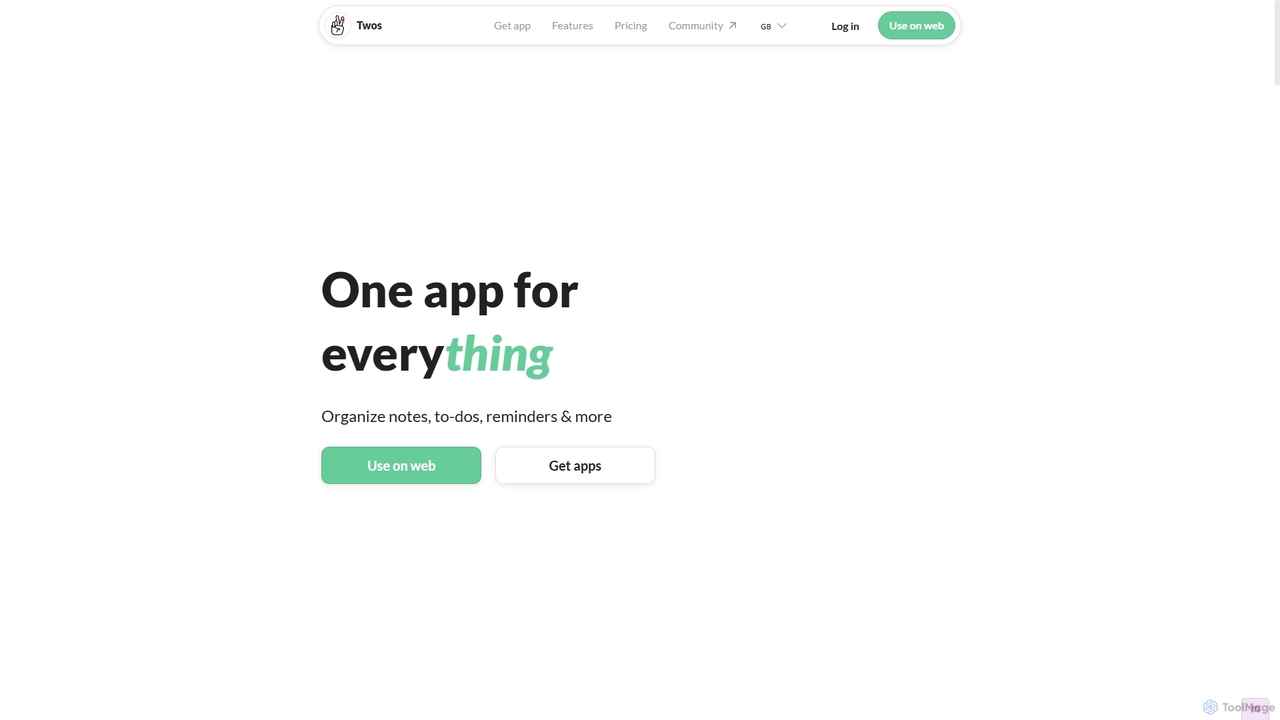
Twos
Twos is an all-in-one productivity app powered by AI that helps you organize notes, to-dos, reminders, lists, and calendar events in one simple place. Capture thoughts quickly as "things" and let the AI assistant, PALs, provide smart suggestions to help you stay organized and productive across all your devices.
Note Taking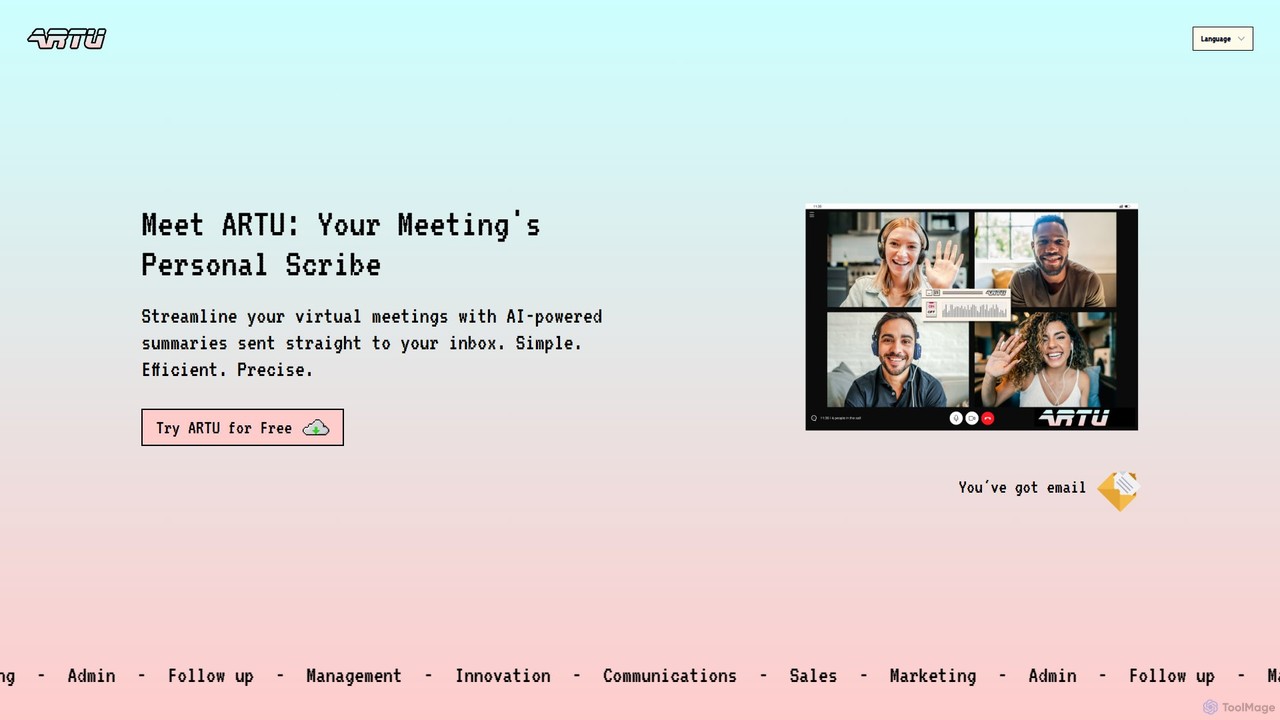
ARTU
ARTU is a dual-purpose AI copilot designed to streamline both your meetings and personal idea management. It automatically transcribes and summarizes virtual meetings, sending detailed minutes to your inbox. Simultaneously, it acts as a personal assistant, capturing ideas from emails, WhatsApp, and Telegram, then organizing them into your preferred workspace like Notion. This integrated system helps you conquer creative chaos and boost productivity.
Meeting Assistant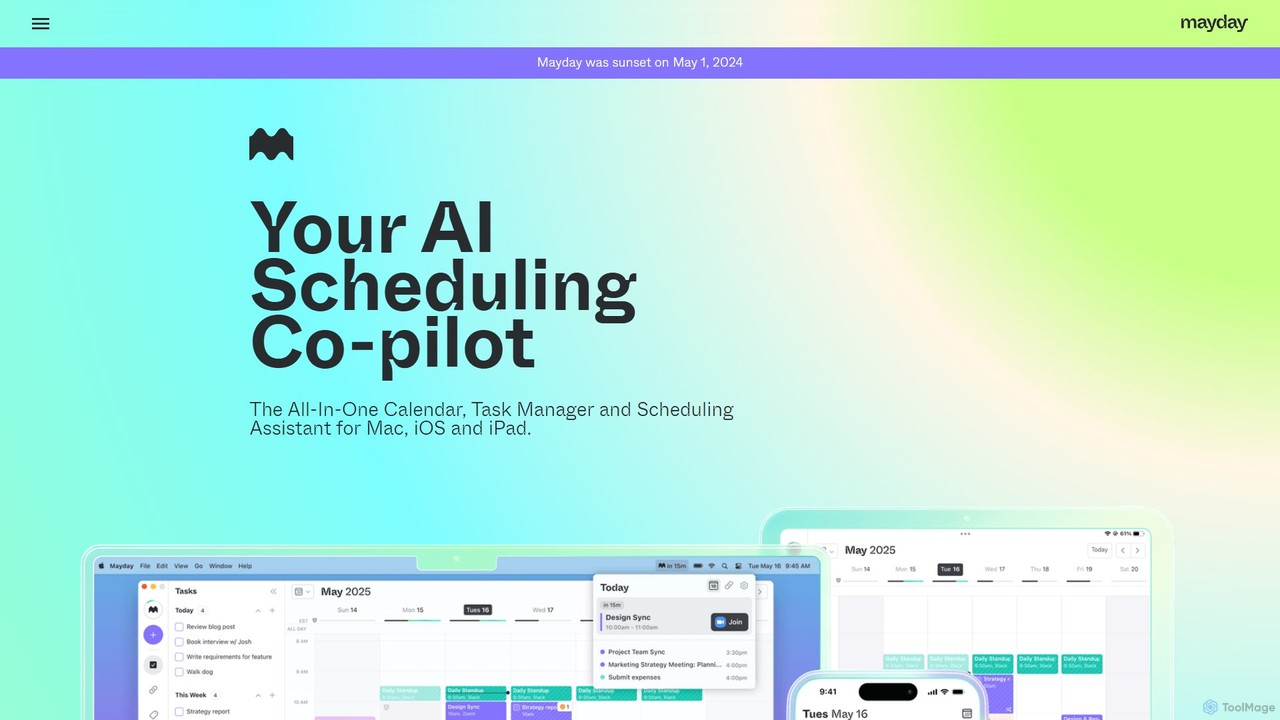
Mayday
Mayday was an AI-assisted calendar designed to protect your time and automate scheduling. It unified multiple calendars, intelligently scheduled tasks, and used features like buffer time and smart tags to create a more manageable schedule. Please note: Mayday was discontinued on May 1, 2024.
Calendar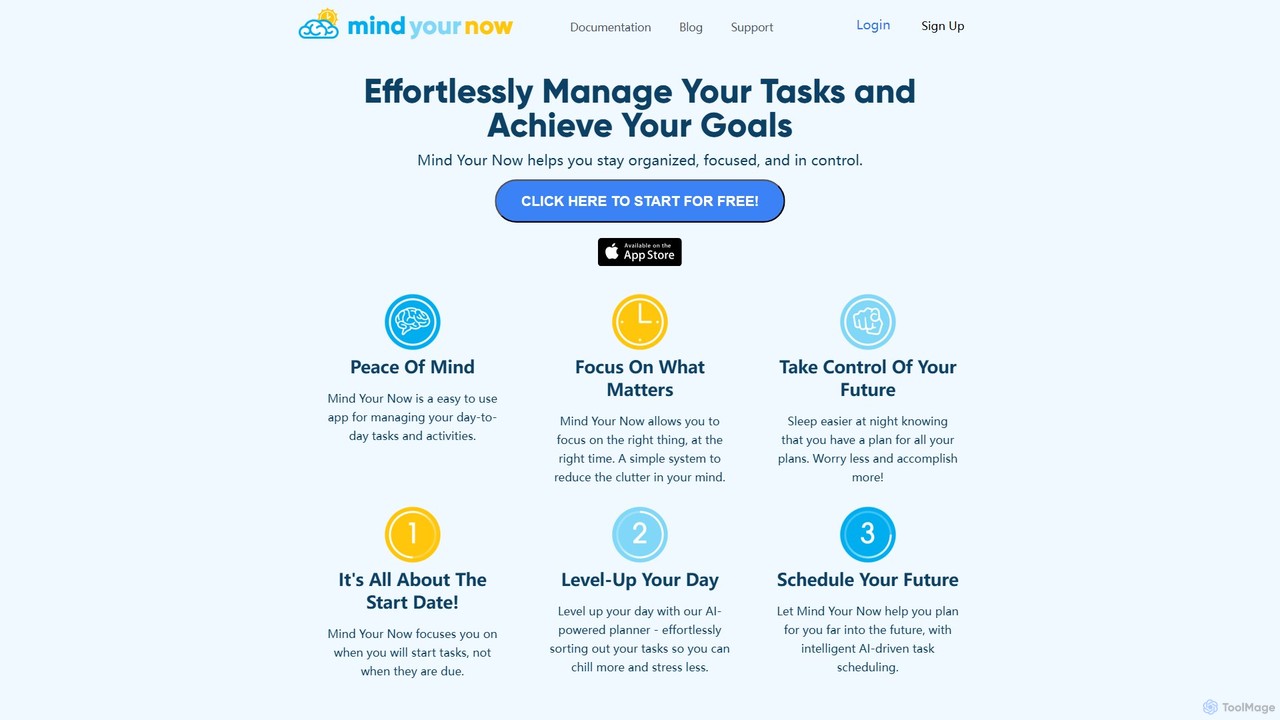
Mind Your Now
Mind Your Now is an AI-powered task and productivity manager designed to reduce overwhelm and increase focus. By prioritizing tasks based on their start dates, not due dates, and integrating proven methodologies like GTD and Time Blocking, it helps you manage daily activities, achieve long-term goals, and maintain a healthy work-life balance with its smart AI assistant, Kaia.
Calendar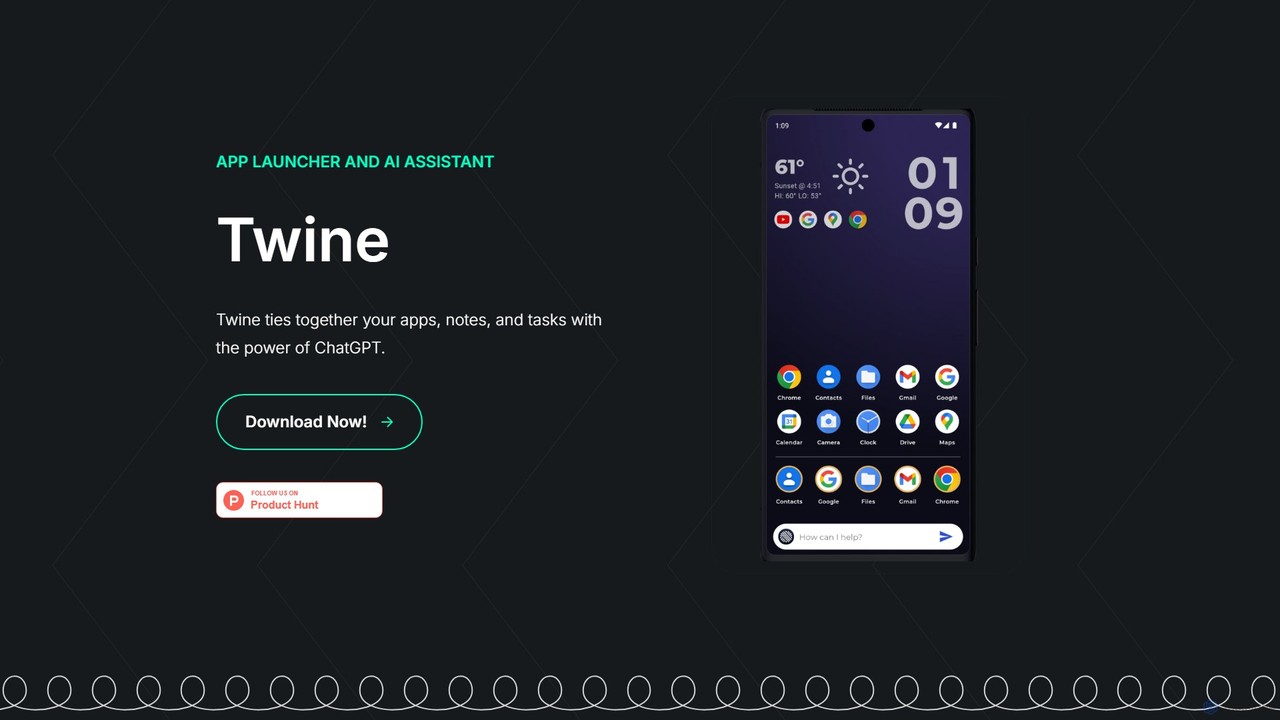
Twine Launcher
Twine Launcher is an intelligent Android app launcher and AI assistant powered by ChatGPT. It integrates your apps, notes, and tasks, allowing you to manage your digital life directly from your homescreen through natural language commands for enhanced productivity.
Launcher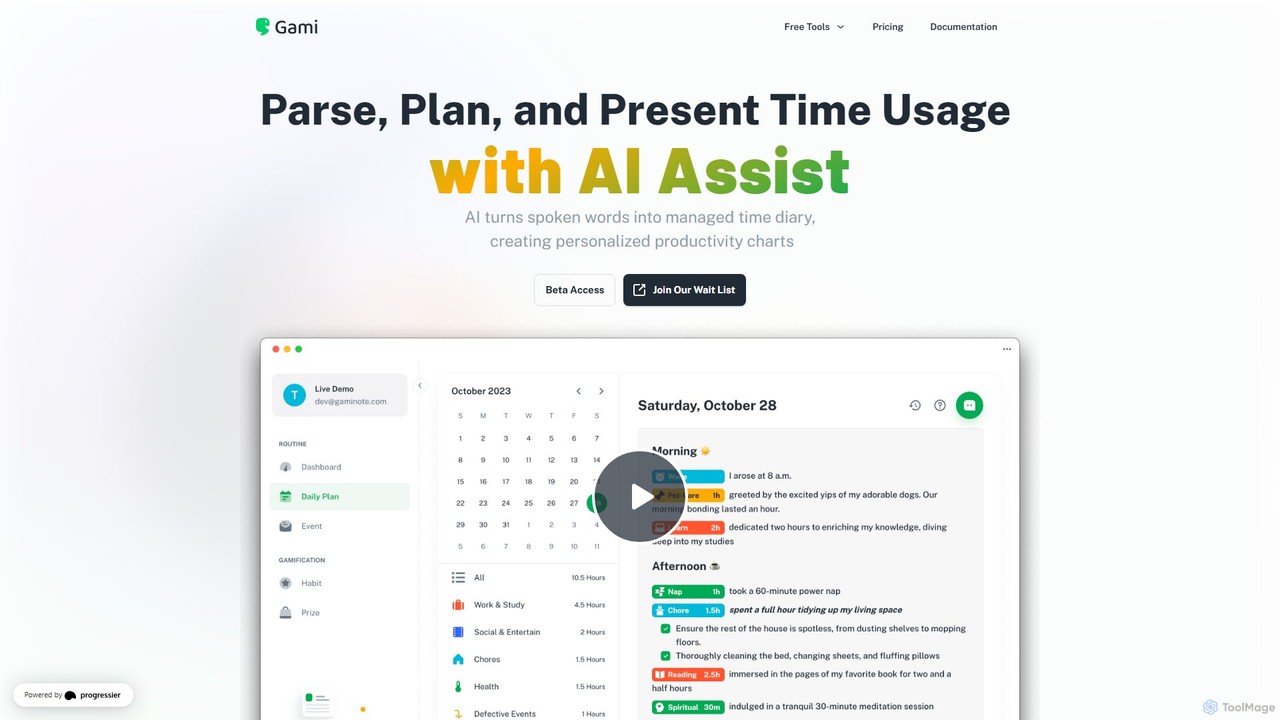
Gaminote
Gaminote is a diary-driven AI time management tool that transforms your spoken or written narratives into structured time logs and visual productivity charts. Simply describe your day, and its AI automatically parses activities, tracks durations, and generates insightful dashboards for effortless time analysis across all your devices.
Note Taking
NotePlan Comments (0)
Sign in to comment.
Sign inNo comments yet.