

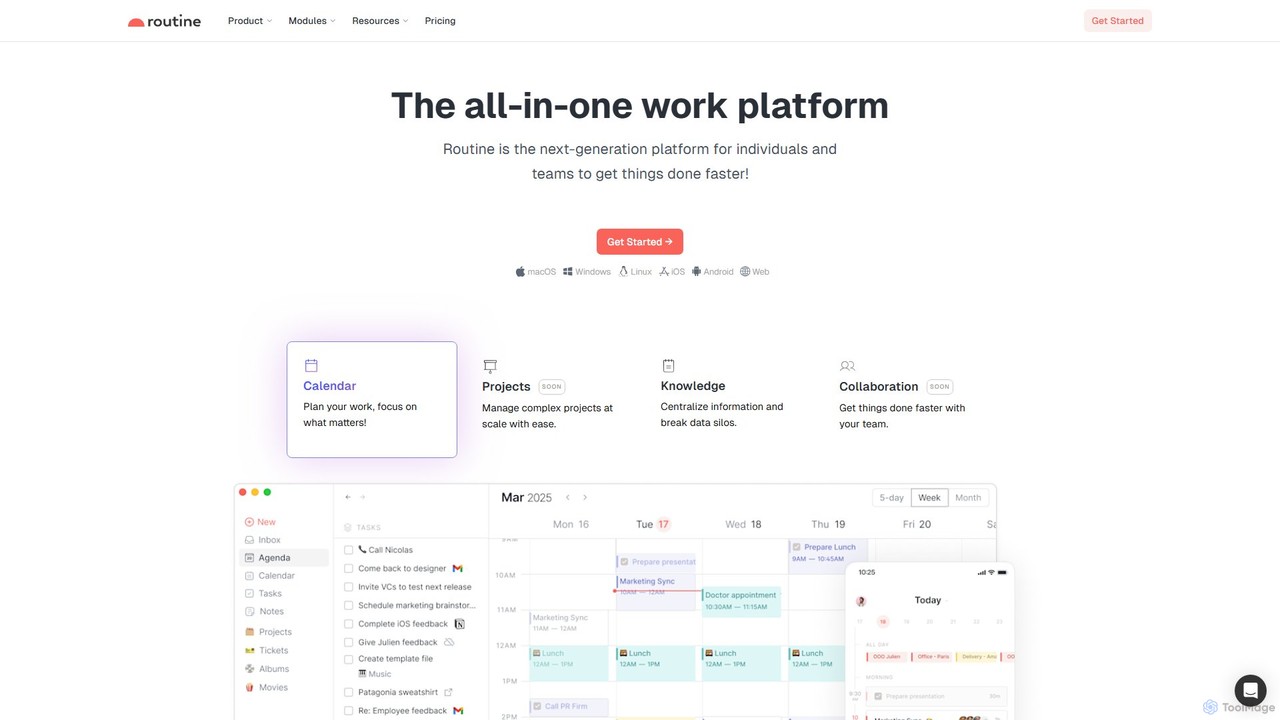
Routine Overview
Routine is a next-generation, all-in-one work platform engineered to centralize and streamline the workflow for busy professionals, individuals, and teams. It was founded with the vision of eliminating the constant need to switch between dozens of disconnected applications by integrating essential productivity tools into a single, cohesive environment. Routine masterfully combines your calendar, tasks, notes, and contacts, providing a unified hub to manage your entire workday efficiently.
The platform is built on a local-first architecture, ensuring your data is always accessible, fast, and secure, even when you're offline. By integrating with your favorite services like Google Calendar, Notion, Slack, and more, Routine acts as a central nervous system for your information, allowing you to link disparate pieces of data into a meaningful whole, which supports better decision-making.
How to use Routine
Getting started with Routine is designed to be intuitive. First, you sign up and connect your existing accounts, such as Google Calendar, to import your schedule and tasks. The core of the interaction often happens through the powerful console, where you can use natural language to create tasks, schedule events, or jot down notes (e.g., "meeting with Alex tomorrow at 2 pm for 45 mins").
You can then organize your work using the planner to lay out your week and the agenda to focus on daily priorities. A key feature is time blocking, which allows you to drag tasks directly onto your calendar to reserve specific time slots for focused work. For knowledge management, you can create detailed notes, link them to projects or meetings, and use custom types and views (like lists, tables, or boards) to organize information in a way that makes sense for you. Routine is available across all major platforms (macOS, Windows, Linux, iOS, Android, Web), so your workspace is always in sync and available wherever you are.
Core Features of Routine
- Unified Workspace: Integrates calendar, tasks, notes, and contacts into one seamless application, reducing context switching.
- Natural Language Input: A powerful, keyboard-centric console allows you to capture tasks, events, and notes quickly using plain English.
- Intelligent Planner & Agenda: Plan your week and get a clear, focused view of your daily tasks and appointments to stay on track.
- Time Blocking: Directly allocate time on your calendar for specific tasks, ensuring your most important work gets the attention it deserves.
- Knowledge Management: Centralize all your information, create custom data types, and visualize it with flexible views like lists, tables, and boards.
- Extensive Integrations: Connects with a wide range of third-party services, including Google Calendar, Notion, Slack, Github, and more, to bring all your work into one place.
- Cross-Platform Availability: Use Routine on macOS, Windows, Linux, iOS, Android, and the Web, with all your data synchronized in real-time.
- Local-First & Offline Mode: Your data is stored locally, providing fast performance and the ability to work without an internet connection.
- Collaboration Features: (Available in Business/Enterprise plans) Includes workspaces, access controls, and other tools designed for team productivity.
Use Cases for Routine
For Professionals and Freelancers: Manage multiple projects, client meetings, and deadlines in one place. Use time blocking to ensure deep work and track progress on deliverables.
For Executives and Managers: Get a high-level overview of schedules and team priorities. Prepare for meetings by linking notes and relevant documents directly to calendar events.
For Teams: Centralize project information, assign tasks, and maintain a shared knowledge base. Streamline communication by connecting tools like Slack and Github.
For Students: Organize class schedules, track homework and assignments, take lecture notes, and plan study sessions effectively.
Advantages of Routine
The primary advantage of Routine is its ability to create a single source of truth for your work, which dramatically increases efficiency and focus. The natural language input and keyboard-first design make it one of the fastest ways to manage your productivity system. Its local-first approach guarantees performance and data ownership, while extensive integrations ensure it fits seamlessly into your existing toolset. By turning fragmented data into connected, meaningful information, Routine empowers users to make smarter, faster decisions.
Pricing and Plans
Routine offers a freemium model with several tiers:
- Free: Ideal for students and individuals starting with productivity. Includes core features like tasks, calendars, notes, contacts, natural language input, unlimited integrations, and offline mode with a 7-day history.
- Professional: $10 per seat/month. Aimed at professionals and freelancers, this plan adds advanced features like multiple calendar layouts, a menu bar widget, time tracking, contextual capture, advanced views, and a 30-day history.
- Business: $12.5 per seat/month. Designed for teams, it includes all Professional features plus collaboration tools, workspaces, access control, and a 90-day history.
- Enterprise: Custom pricing. For large organizations needing advanced control and security, this plan offers unlimited history, compliance features, audit logs, user provisioning, and a dedicated success manager.
Traffic
Latest traffic
Status
Monthly traffic trend
- 2025-9: 144.0K
- 2026-1: 154.8K
- 2026-2: 134.2K
- 2026-3: 109.5K
- 2026-4: 90.9K
- 2026-5: 90.5K
Geography
Top 5 countries / regions
- 🇺🇸United States50.0%
- 🇳🇱Netherlands26.3%
- 🇳🇬Nigeria8.5%
- 🇮🇳India7.7%
- 🇻🇳Vietnam7.5%
Traffic sources
| Source type | Percentage |
|---|---|
Direct | 87.9% |
Referral | 9.1% |
Email | 3.0% |
Top keywords
| Keyword | Cost per click |
|---|---|
| noteplan | $2.70 |
| routine | $0.51 |
| routine affiliate program | $0.00 |
| routine app | $0.11 |
| routine.co | $0.00 |
Routine Videos on YouTube
Julian Goldie SEO
Routine Alternatives
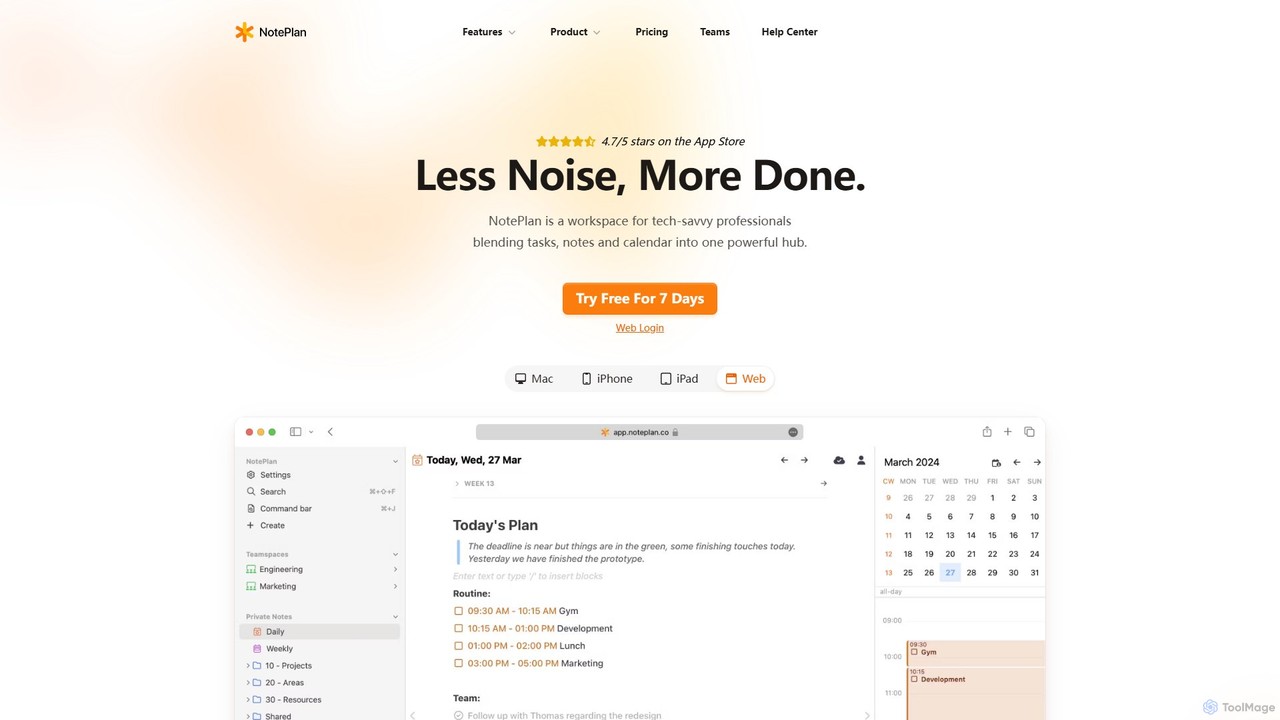
NotePlan
NotePlan is an all-in-one productivity workspace for professionals, blending tasks, notes, and calendar into a single, powerful hub. It supports Markdown, personal knowledge management (PKM) with bi-directional links, and features integrated AI for summarizing, rewriting, and transcribing. Available on Mac, iOS, and Web, it keeps you organized and focused.
Calendar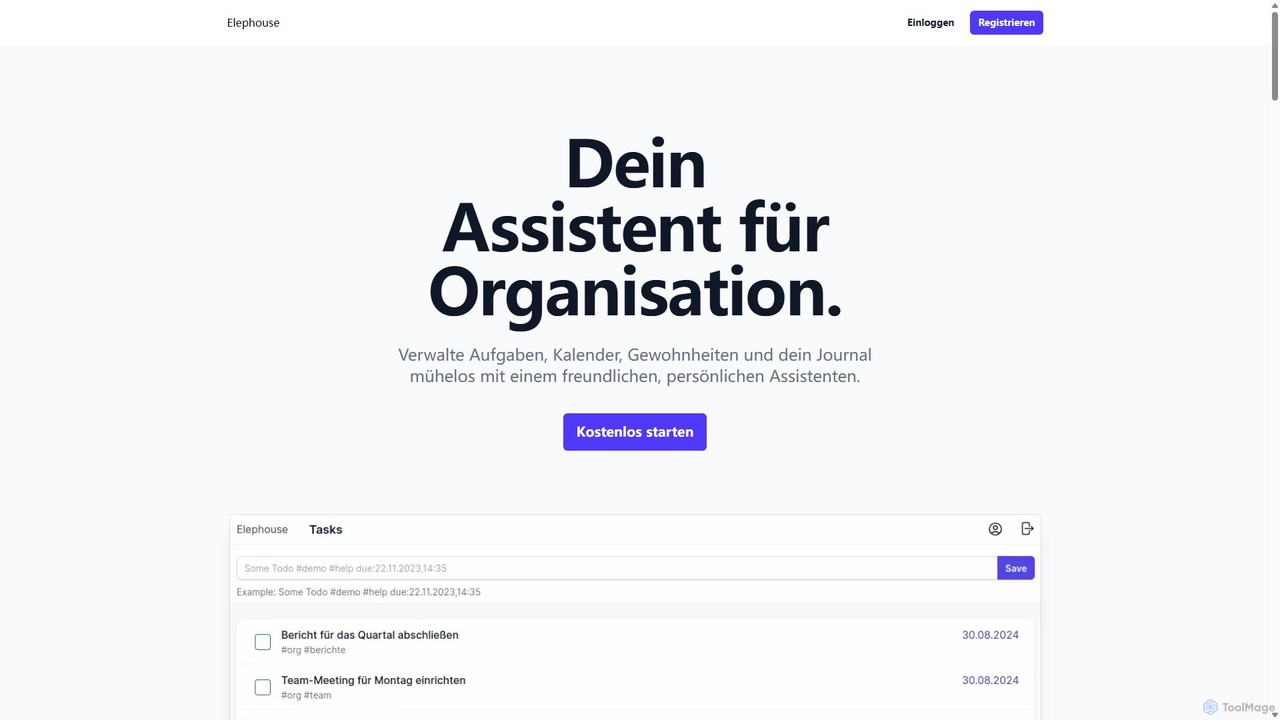
Elephouse
Elephouse is an all-in-one personal assistant designed to simplify your life. It helps you effortlessly manage tasks, calendars, habits, and a journal through a friendly, minimalist, and intuitive interface. With upcoming AI features, it aims to make organization as simple as thinking.
Calendar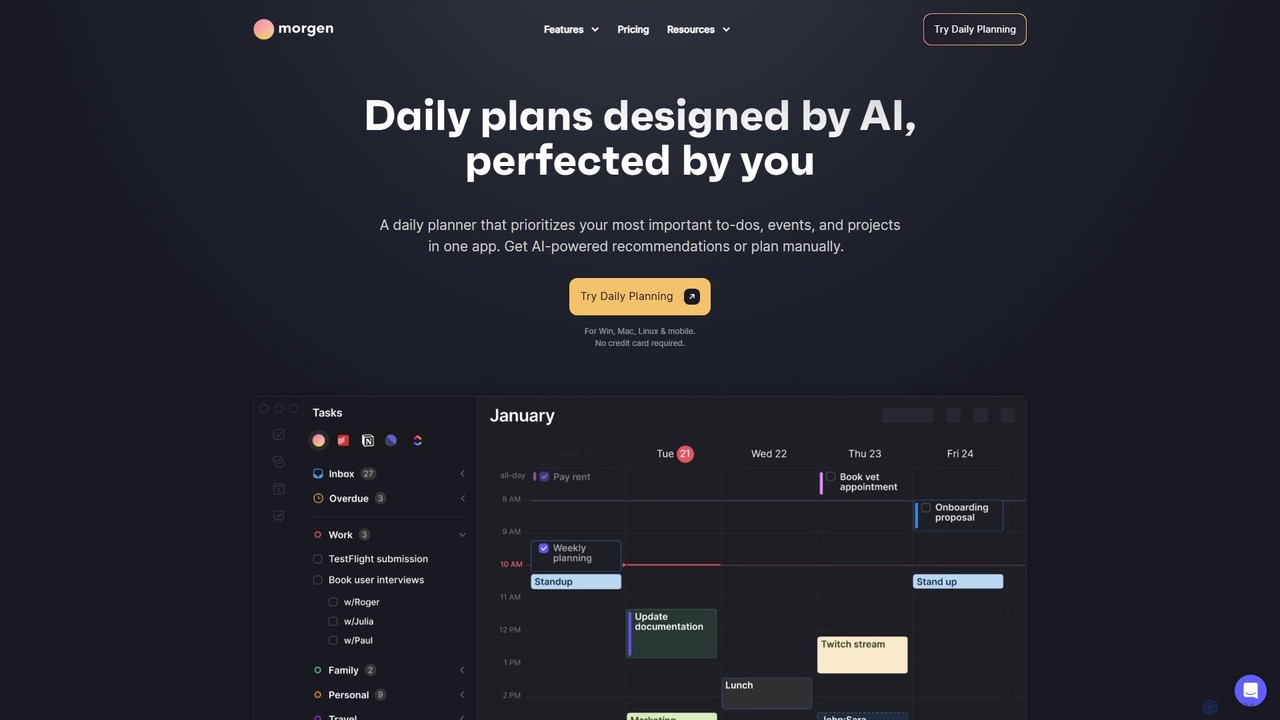
Morgen
Morgen is an AI-powered daily planner and calendar application designed to unify your tasks, events, and projects. It integrates with multiple calendars (Google, Outlook) and task managers (Notion, Todoist) to help you prioritize work, time block effectively, and adapt to schedule changes. With features like an AI Planner, smart workflows, and cross-platform availability, Morgen helps you take control of your time and boost productivity.
Calendar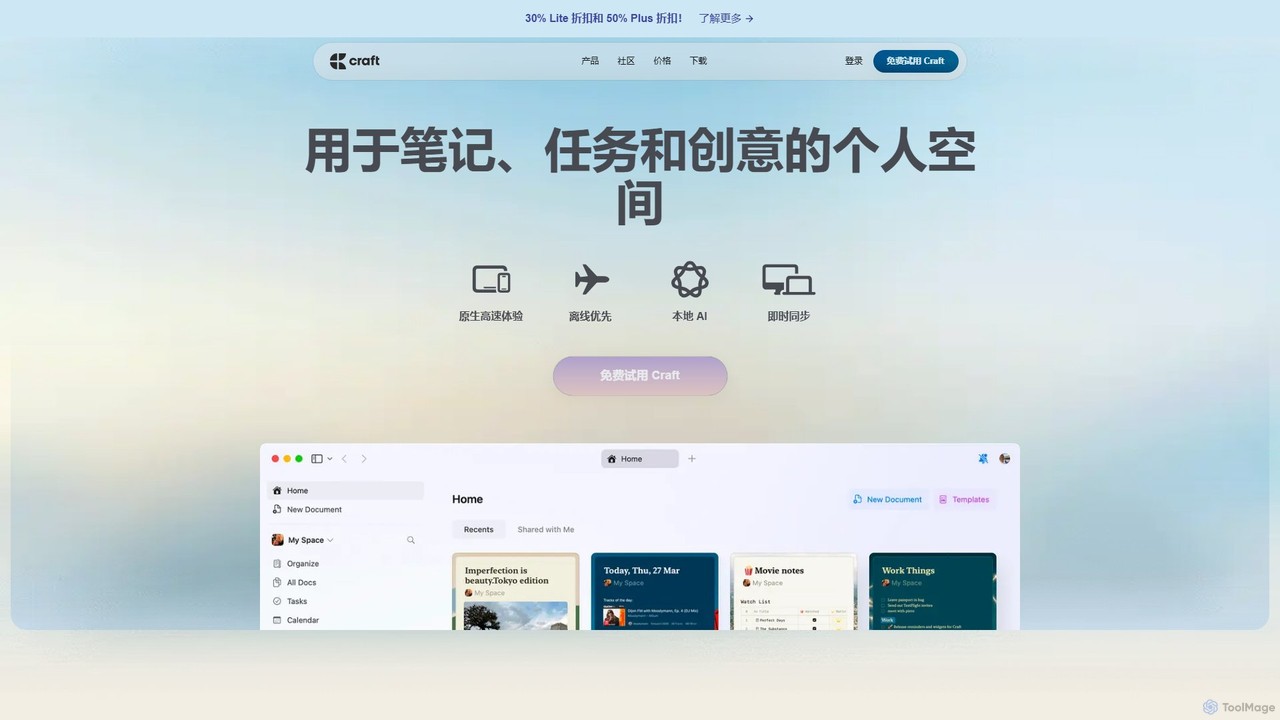
Craft
Craft is a beautifully designed, native document editor for notes, tasks, and ideas. It combines powerful features like a local AI assistant, task management, and flexible organization with a joyful, fast, and offline-first user experience, making it the perfect tool for writers, thinkers, and teams to capture and structure their thoughts.
Knowledge Management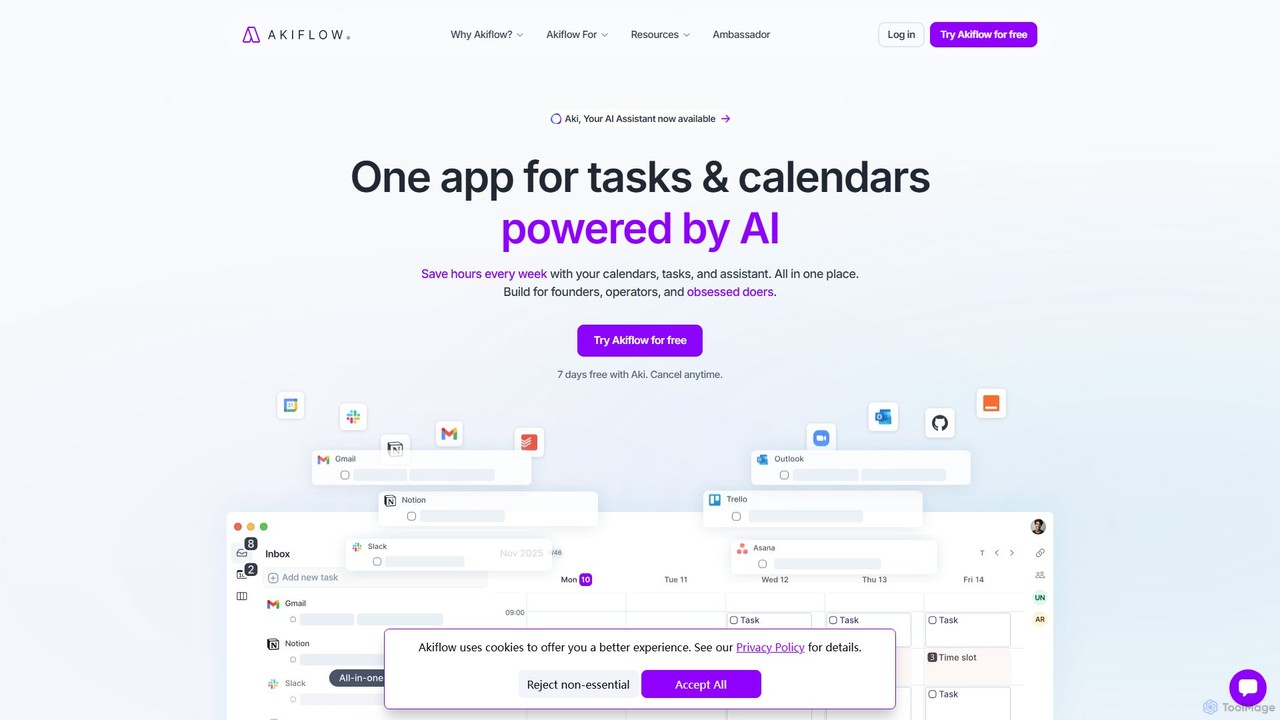
Akiflow
Akiflow is an AI-powered time-blocking and task management platform that unifies all your calendars and tasks from various tools into a single, streamlined workspace. Featuring an AI assistant named Aki, it helps high-performing professionals organize their day, automate routines, and save hours every week.
CalendarRoutine Categories
Routine Embed Widget
Copy this embed code to place the badge on your blog, article, or product site and send readers directly to this ToolMage detail page.

Related AI tools
NotePlan
NotePlan is an all-in-one productivity workspace for professionals, blending tasks, notes, and calendar into a single, powerful hub. It supports Markdown, personal knowledge management (PKM) with bi-directional links, and features integrated AI for summarizing, rewriting, and transcribing. Available on Mac, iOS, and Web, it keeps you organized and focused.
CalendarMorgen
Morgen is an AI-powered daily planner and calendar application designed to unify your tasks, events, and projects. It integrates with multiple calendars (Google, Outlook) and task managers (Notion, Todoist) to help you prioritize work, time block effectively, and adapt to schedule changes. With features like an AI Planner, smart workflows, and cross-platform availability, Morgen helps you take control of your time and boost productivity.
CalendarElephouse
Elephouse is an all-in-one personal assistant designed to simplify your life. It helps you effortlessly manage tasks, calendars, habits, and a journal through a friendly, minimalist, and intuitive interface. With upcoming AI features, it aims to make organization as simple as thinking.
CalendarCraft
Craft is a beautifully designed, native document editor for notes, tasks, and ideas. It combines powerful features like a local AI assistant, task management, and flexible organization with a joyful, fast, and offline-first user experience, making it the perfect tool for writers, thinkers, and teams to capture and structure their thoughts.
Knowledge ManagementAkiflow
Akiflow is an AI-powered time-blocking and task management platform that unifies all your calendars and tasks from various tools into a single, streamlined workspace. Featuring an AI assistant named Aki, it helps high-performing professionals organize their day, automate routines, and save hours every week.
Calendar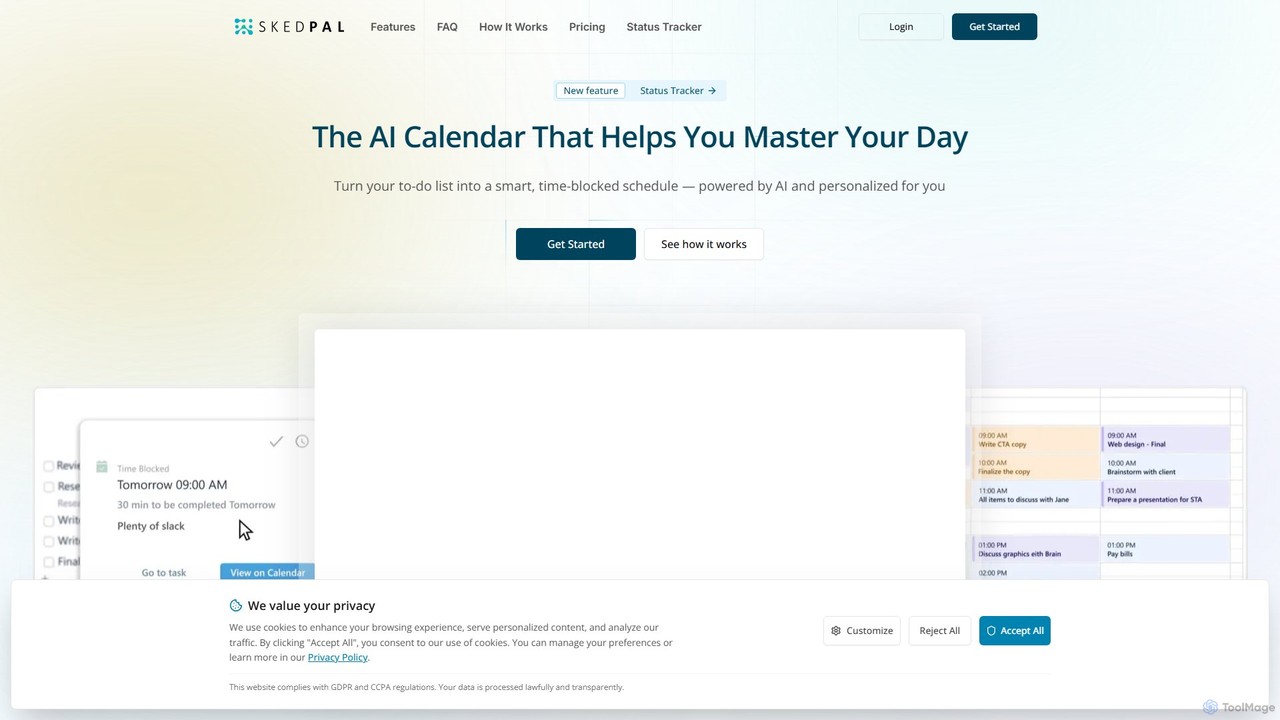
SkedPal
SkedPal is an AI-powered calendar that intelligently transforms your to-do list into a dynamic, time-blocked schedule. It automatically plans your tasks based on your priorities and availability, adapting in real-time to changes. This smart assistant helps you protect time for deep work, build habits, and master your day without the manual effort of calendar management.
Calendar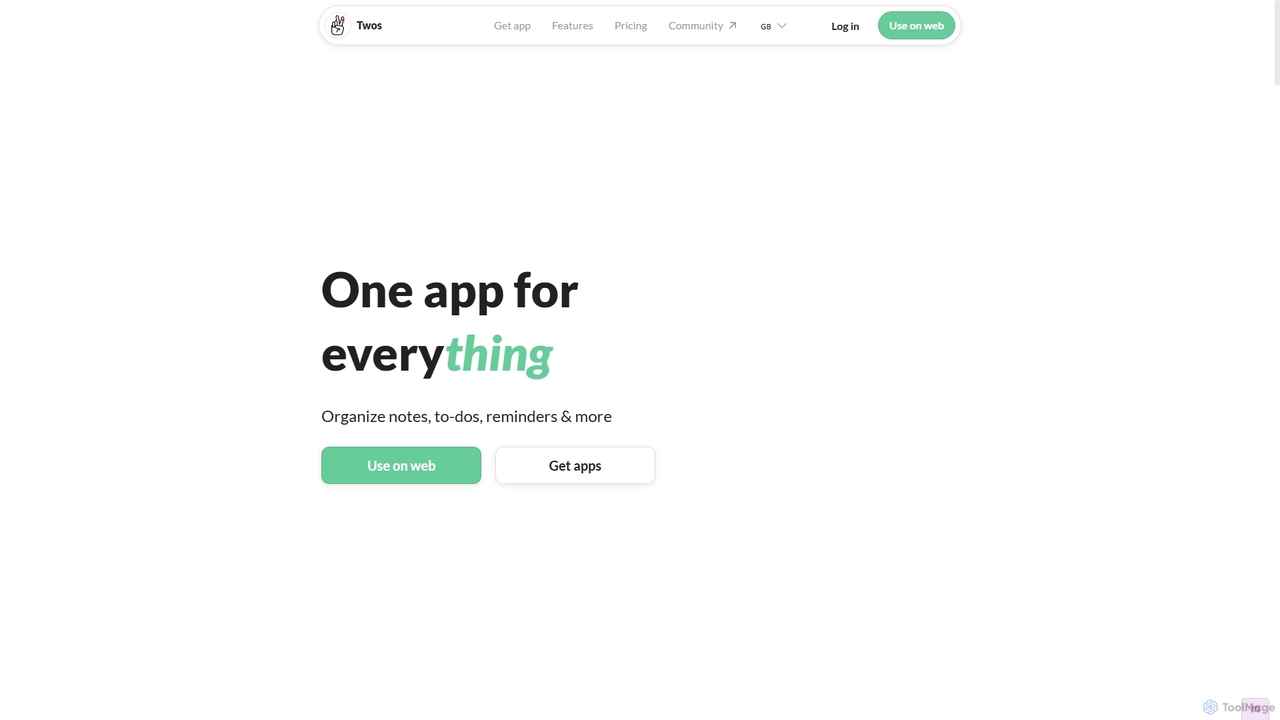
Twos
Twos is an all-in-one productivity app powered by AI that helps you organize notes, to-dos, reminders, lists, and calendar events in one simple place. Capture thoughts quickly as "things" and let the AI assistant, PALs, provide smart suggestions to help you stay organized and productive across all your devices.
Note Taking
Jyek
Jyek is an AI agent platform that understands objectives, creates execution plans, uses tools, and delivers verifiable results for complex, multi-step tasks.
Automation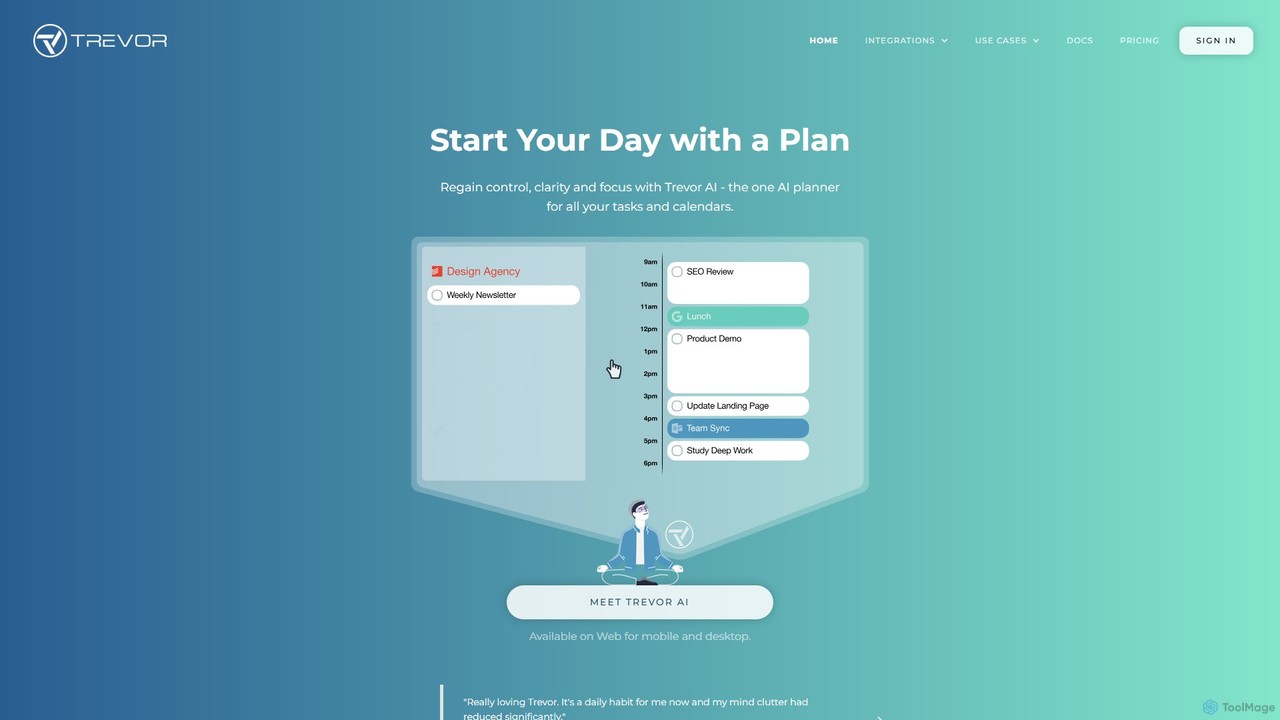
Trevor AI
Trevor AI is an intelligent daily planning assistant that uses AI-powered time-blocking to connect your to-do lists and calendars. It helps you visualize, organize, and schedule all your tasks from services like Todoist, Google Tasks, and Microsoft To Do directly into your Google or Outlook Calendar, turning scattered lists into a focused, actionable plan.
Calendar
Omniverse
Omniverse is an all-in-one AI-powered productivity platform designed to centralize your workflow. It integrates a powerful writing assistant, task management, knowledge base, and data analysis into a single, intuitive workspace. Streamline your projects, automate repetitive tasks, and unlock new levels of efficiency by leveraging a unified AI that understands the full context of your work.
All In One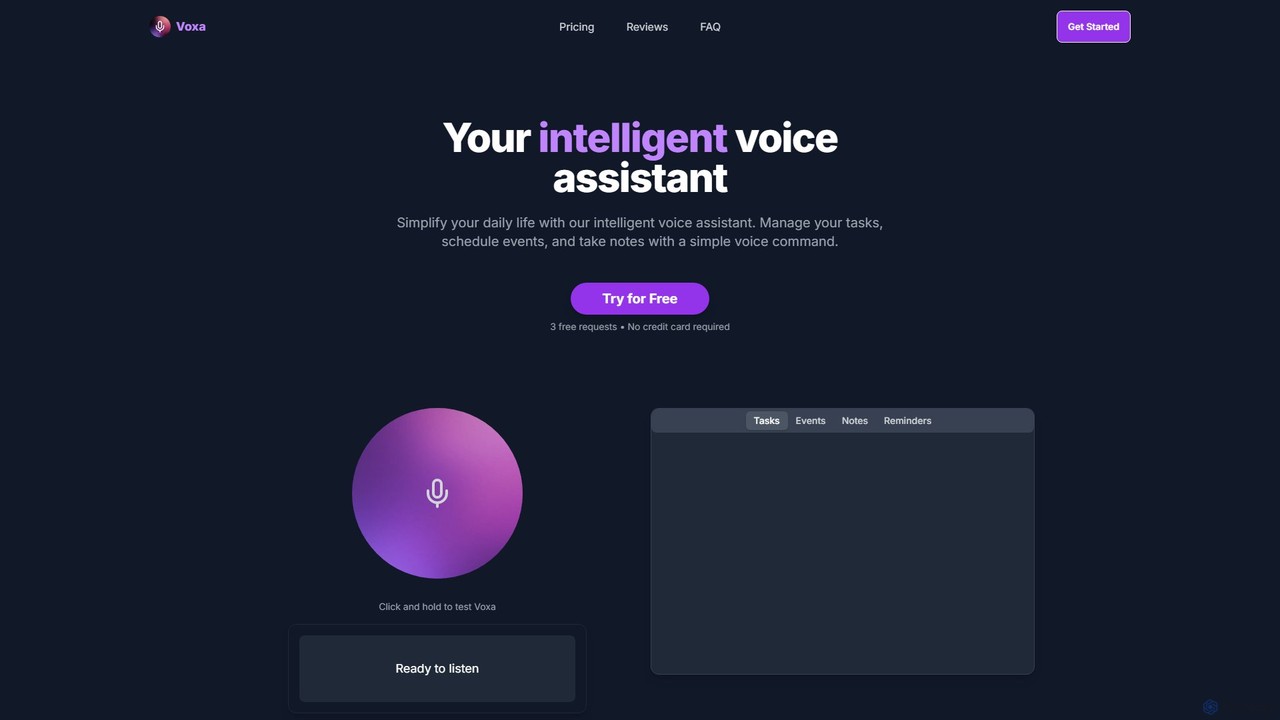
Voxa
Voxa is an intelligent AI voice assistant designed to boost productivity. It allows you to manage tasks, schedule events, and take notes using simple voice commands. With seamless integration with Google Tasks and Google Calendar, Voxa streamlines your workflow, reduces app switching, and helps you stay organized effortlessly.
Calendar Assistant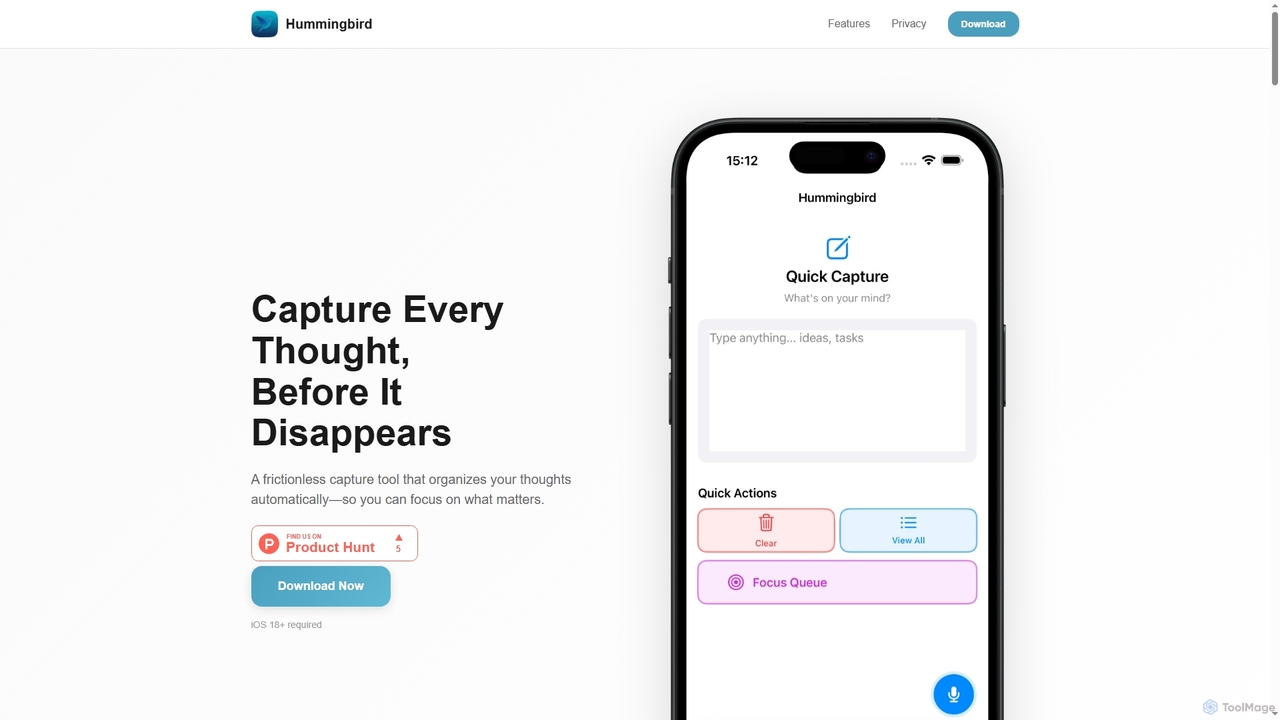
Hummingbird
Hummingbird is a privacy-first iOS app designed for instant thought capture and AI-powered organization. It allows users to quickly record ideas, to-dos, and reminders via text or voice, automatically categorizing them on-device without cloud sync or data tracking. Focus on your thoughts, not on organizing them.
Ios Utility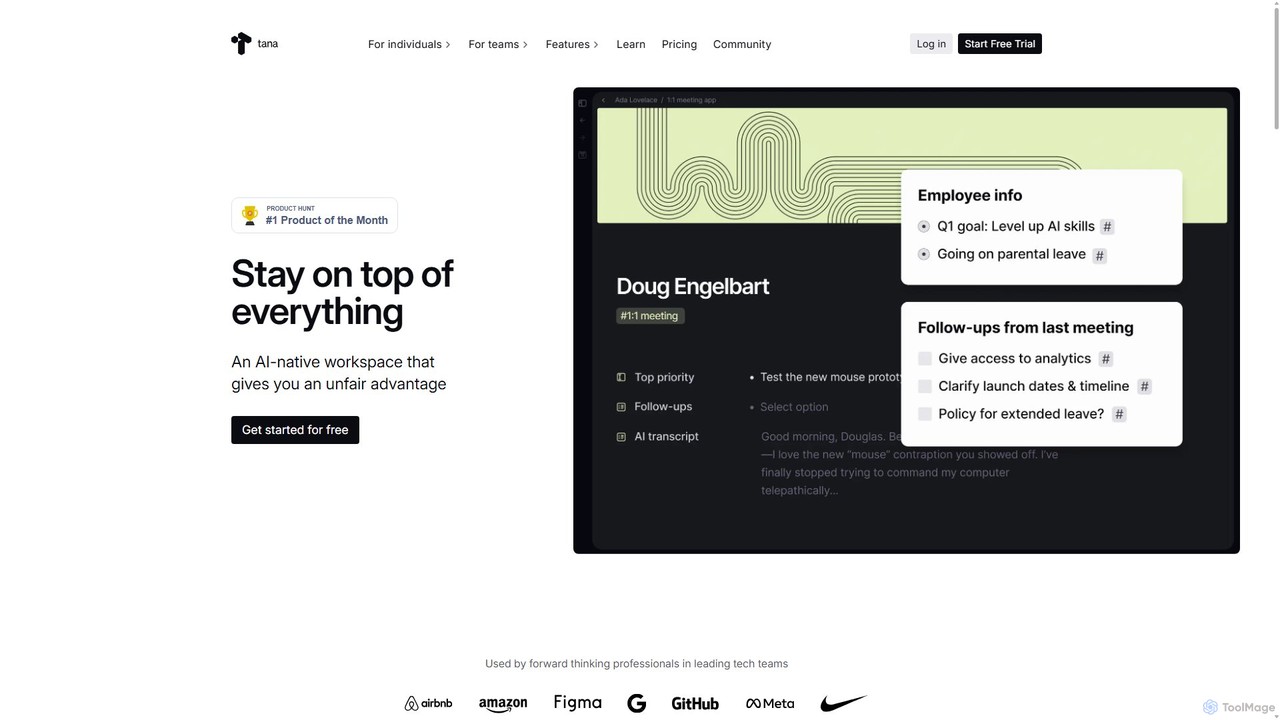
Tana
Tana is a powerful AI-native workspace that blends an outliner with a database. Structure your notes on the fly with Supertags, automate workflows with AI, and manage everything from tasks and projects to your entire knowledge base in one interconnected graph.
Project Management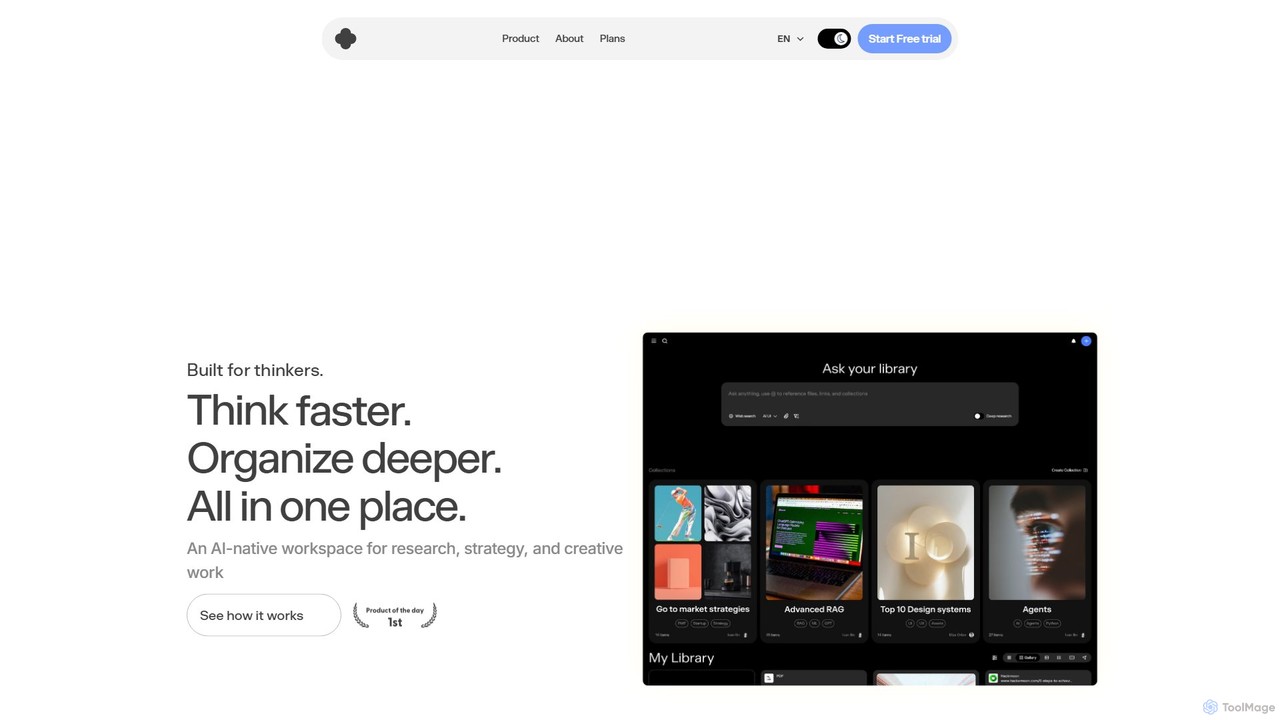
iki
iki is an AI-native workspace designed for research, strategy, and creative work. It acts as a second brain, allowing you to capture content from any source (webpages, PDFs, videos) and uses an AI assistant to summarize, analyze, and generate insights based on your personal knowledge base, not the general internet. It supports both individual and team collaboration.
Knowledge Management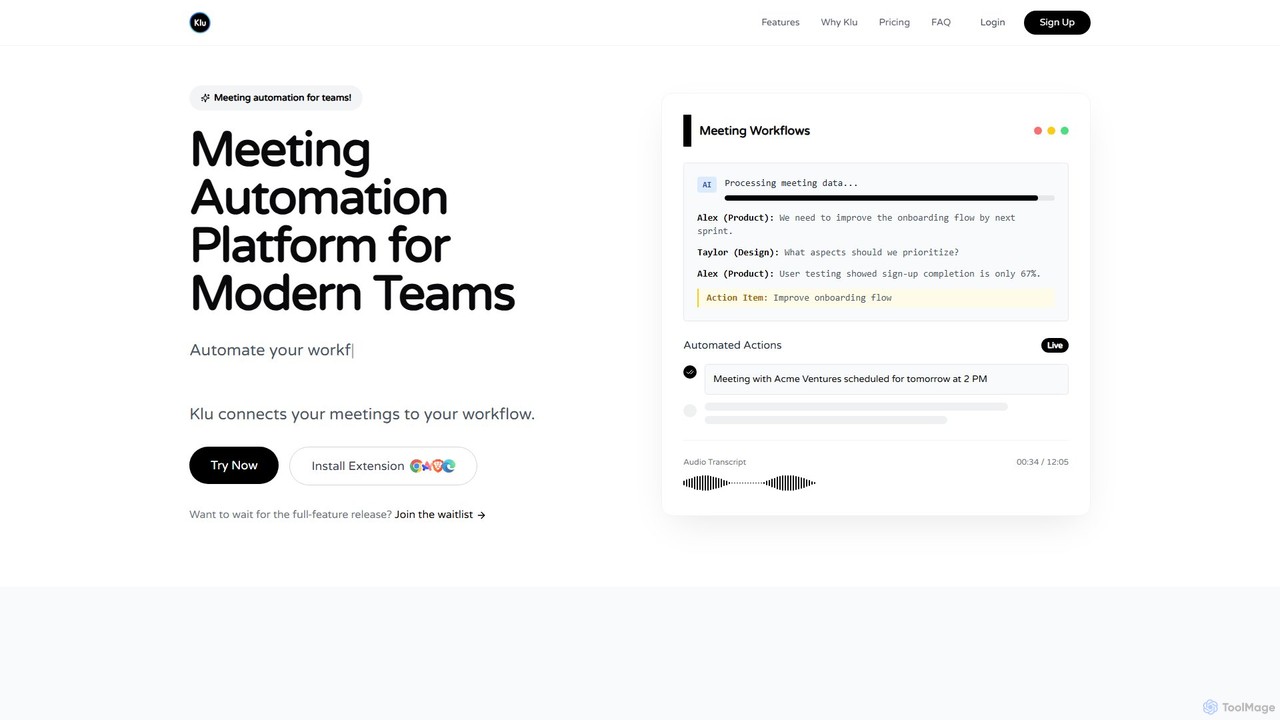
Klu
Klu is an AI-powered meeting automation platform designed for modern teams. It records, transcribes, and summarizes your meetings, automatically extracting action items and key insights. By integrating with your existing workflow tools like Notion, Slack, and Asana, Klu automates post-meeting tasks, saving time and boosting productivity.
Workflow
Routine Comments (0)
Sign in to comment.
Sign inNo comments yet.