

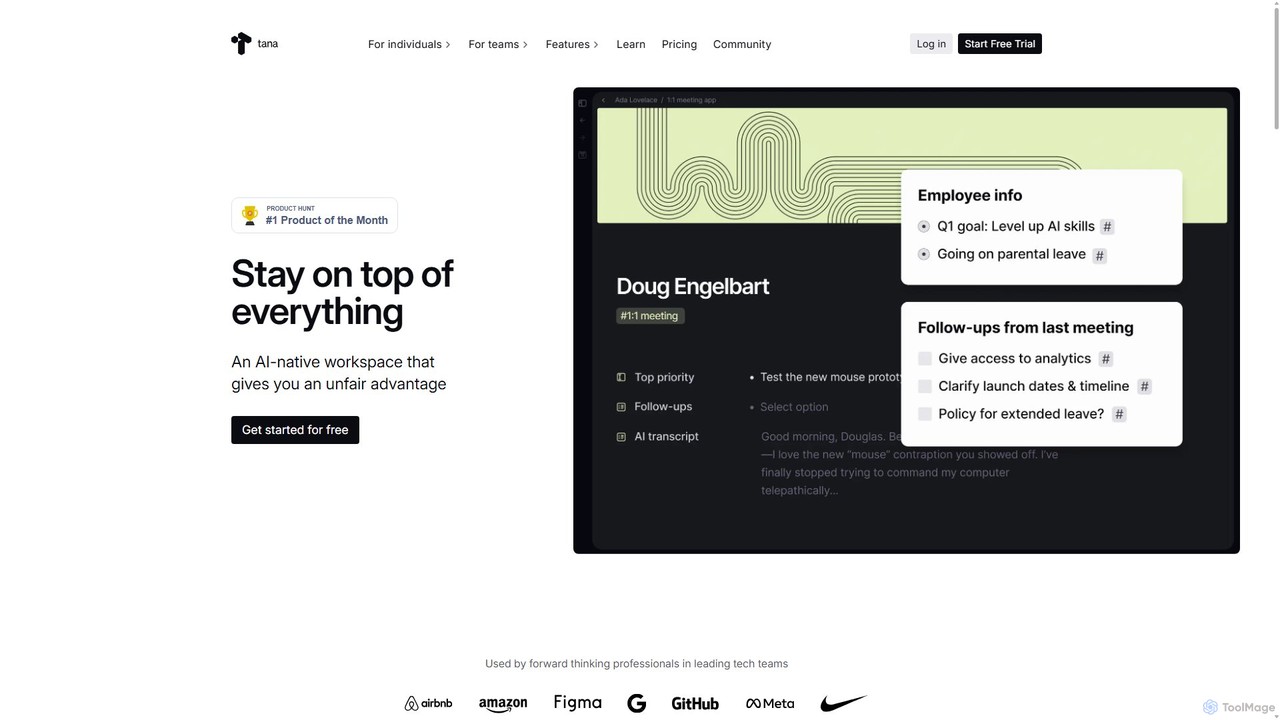
Tana Overview
Tana is a revolutionary AI-native workspace designed to reinvent how we think, plan, and work. It uniquely combines the fluidity of an outliner with the structured power of a database, creating a flexible "knowledge graph" for all your information. Whether you're a professional managing complex projects, a creator organizing ideas, or a student building a second brain, Tana provides the tools to stay on top of everything and gain a significant productivity advantage. It moves beyond static text, allowing you to turn simple notes into dynamic, interconnected objects like tasks, projects, meetings, and contacts, all powered by intelligent AI.
How to use Tana
Getting started with Tana is an intuitive process that grows with your needs. Here’s a typical workflow:
- Capture Everything: Begin by jotting down notes, ideas, or to-dos in Tana's fast and flexible outliner interface. Use the desktop app, web version, or mobile capture app to add thoughts from anywhere.
- Add Structure with Supertags: When a note needs more structure, apply a "Supertag" (e.g., #task, #project, #meeting). This instantly transforms the note into a structured object with predefined fields like 'Status', 'Due Date', or 'Attendees'.
- Build Your Knowledge Graph: As you create and tag notes, you're building an interconnected graph. You can easily link related items, creating a rich, contextual web of your information.
- Create Dynamic Views: Use "Live Searches" to query your entire graph and display the results in various formats. Create a dashboard of all your active projects, a calendar view of your deadlines, or a table of your contacts. Views include Lists, Tables, Cards, and Calendars.
- Leverage AI: Use Tana's built-in AI to automate tedious work. Transcribe voice memos and meetings in real-time, summarize long documents, generate content ideas, or create custom AI commands to streamline your unique workflows.
- Integrate and Collaborate: Connect Tana to tools like Google Calendar and Readwise. Share workspaces with your team to collaborate on projects, manage company knowledge, and streamline communication.
Core Features of Tana
- AI-Native Tools: Features like the AI Meeting Notetaker, voice-to-text transcription, AI-powered commands, and chat with your content make Tana a productivity cheat sheet.
- Supertags & Fields: The core mechanism for adding structure on demand. Turn any bullet point into a rich data object with custom fields, creating your own personal information system.
- Knowledge Graph Outliner: An infinitely flexible editor that lets you zoom in on details or zoom out to see the big picture, all while maintaining connections between ideas.
- Live Searches and Views: Powerful, real-time search capabilities that let you create custom feeds and dashboards (List, Table, Cards, Calendar) to see the information you need, where you need it, without manual searching.
- Cross-Platform Sync: Access and capture your information seamlessly across the web, dedicated desktop apps (Windows, Mac, Linux), and mobile capture apps (Android available).
- Template Store: Install pre-built, composable workflows for various use cases, from project management to content creation, to get started quickly.
- Team Collaboration: Shared workspaces allow entire teams to plan work, track knowledge, and manage processes in a single, unified environment.
Use Cases for Tana
Tana's flexibility makes it suitable for a wide range of applications:
- Project & Task Management: Define projects with sub-tasks, assign deadlines, track progress with custom statuses, and create dashboards to monitor everything.
- Personal Knowledge Management (PKM): Build a "second brain" by connecting notes, research, and ideas. Use it to learn new subjects, write articles, or simply organize your thoughts.
- Meeting Management: Use the AI Meeting Agent for live transcription, automatically generate summaries, and turn action items into trackable tasks directly within your system.
- Business Operations: Small agencies and large teams use Tana as a central hub for CRM, OKR tracking, process documentation, and strategic planning.
- Content Creation: Creators can manage their entire workflow, from brainstorming ideas from voice memos to outlining scripts and tracking publication schedules.
Advantages of Tana
Tana stands out by offering a unique combination of benefits:
- Unmatched Flexibility: It adapts to your way of thinking, unlike rigid software that forces you into predefined structures. Start simple and add complexity as you go.
- Deep AI Integration: AI is not just a feature but a core part of the experience, automating busywork and unlocking new insights from your own data.
- All-in-One Solution: Aims to replace a multitude of separate apps for notes, to-do lists, project management, and wikis, reducing tool fatigue and creating a single source of truth.
- Computational Power for Everyone: Gives non-developers access to powerful primitives (like databases and automation) through an intuitive interface.
Pricing and Plans
Tana offers a freemium model to suit different needs:
- Free Plan: Ideal for casual personal use. Includes all editor capabilities with limitations on nodes (20,000), templates, workspaces, and storage (0.5 GB).
- Plus Plan ($8/month): The best choice for most individuals. Includes unlimited nodes and workspaces, powerful AI and meeting tools, 2000 AI credits, Google Calendar sync, and 50 GB of storage.
- Pro Plan ($14/month): For power users, creators, and teams who need advanced features. Includes everything in Plus, plus 5000 AI credits, builder tools for creating commands and templates, automation via Events, Readwise integration, API access, and unlimited file storage.
Annual subscriptions are available with a 22% discount.
Traffic
Latest traffic
Status
Monthly traffic trend
- 2025-9: 240.1K
- 2026-1: 213.5K
- 2026-2: 184.1K
- 2026-3: 220.5K
- 2026-4: 217.6K
- 2026-5: 170.7K
Geography
Top 5 countries / regions
- 🇺🇸United States31.6%
- 🇲🇾Malaysia25.9%
- 🇲🇽Mexico21.7%
- 🇹🇭Thailand10.7%
- 🇳🇴Norway10.0%
Traffic sources
| Source type | Percentage |
|---|---|
Direct | 87.5% |
Referral | 7.4% |
Email | 5.1% |
Top keywords
| Keyword | Cost per click |
|---|---|
| tana | $0.78 |
| tana ai | $1.96 |
| tana app | $1.82 |
| tana inc | $0.67 |
| tana notes | $1.34 |
Tana Videos on YouTube




Tana Alternatives
timgerstel
A suite of expertly designed, AI-enhanced Notion templates by Timothy Gerstel. These systems, like the popular 'Second Brain' and 'Creator's Companion', help users organize their lives, manage projects, and streamline content creation, all within a unified Notion workspace.
Project Management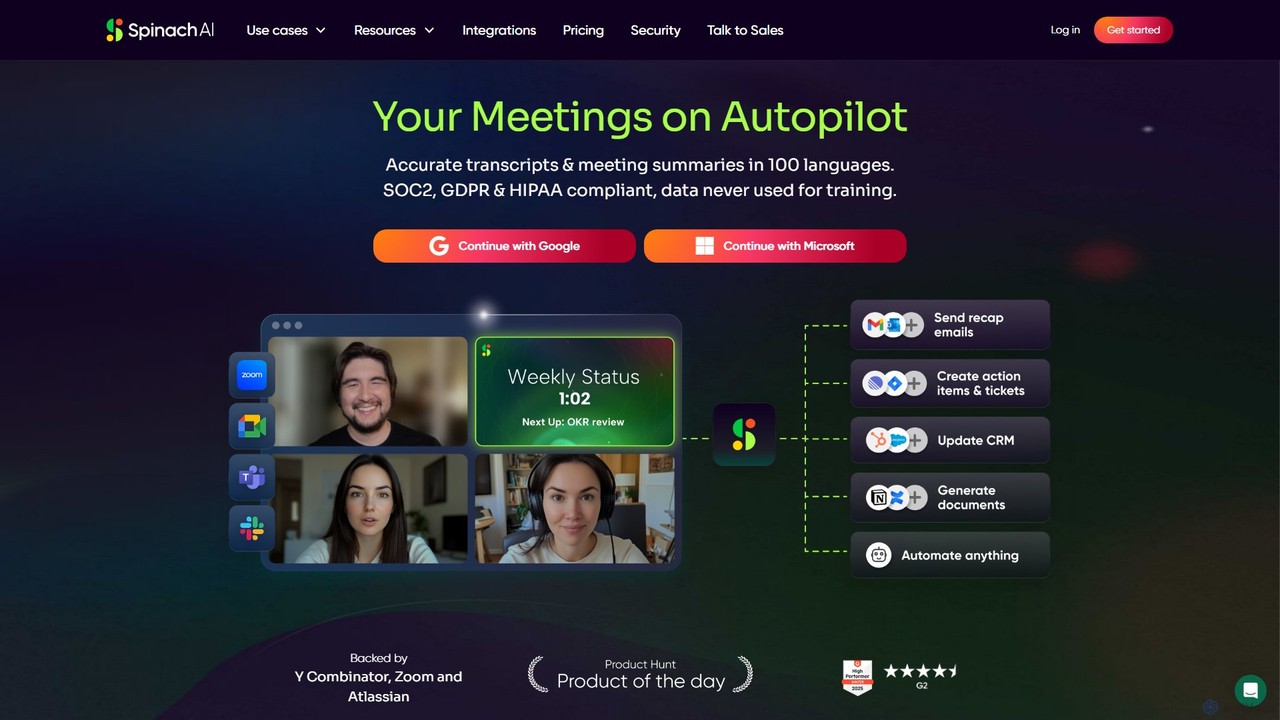
Spinach AI
Spinach AI is an intelligent meeting assistant and AI Scrum Master that automatically joins, records, transcribes, and summarizes your meetings. It captures key decisions and action items, integrating seamlessly with tools like Jira, Slack, and Salesforce to streamline workflows and boost team productivity.
Project Management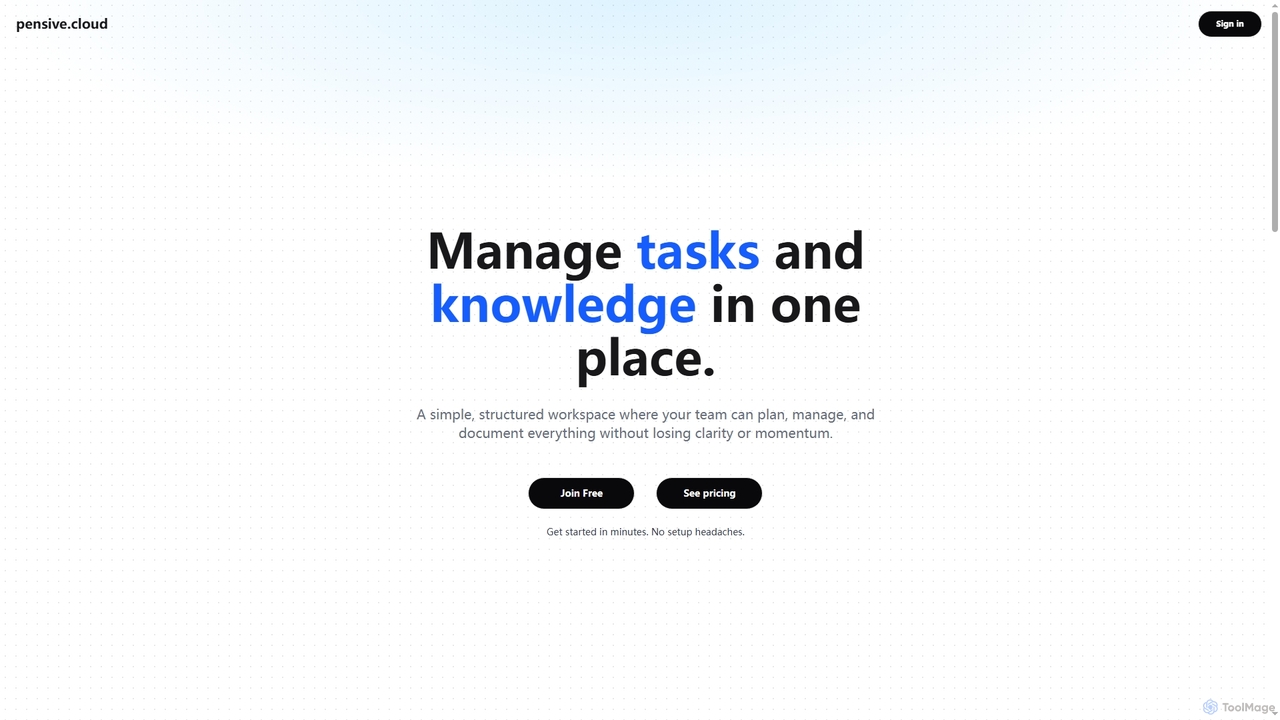
Pensive
Pensive is a unified workspace designed for teams to manage tasks, knowledge, and collaboration in one place. It offers simple task management, a centralized knowledge hub, and seamless team communication to keep projects organized and moving forward without complexity.
Collaboration
Zigi.ai
Zigi.ai is an intelligent AI assistant designed to automate workflows, manage tasks, and enhance team collaboration. By integrating with your existing tools, Zigi proactively streamlines processes, summarizes meetings, and provides data-driven insights to boost productivity for individuals and businesses.
Intelligent Assistants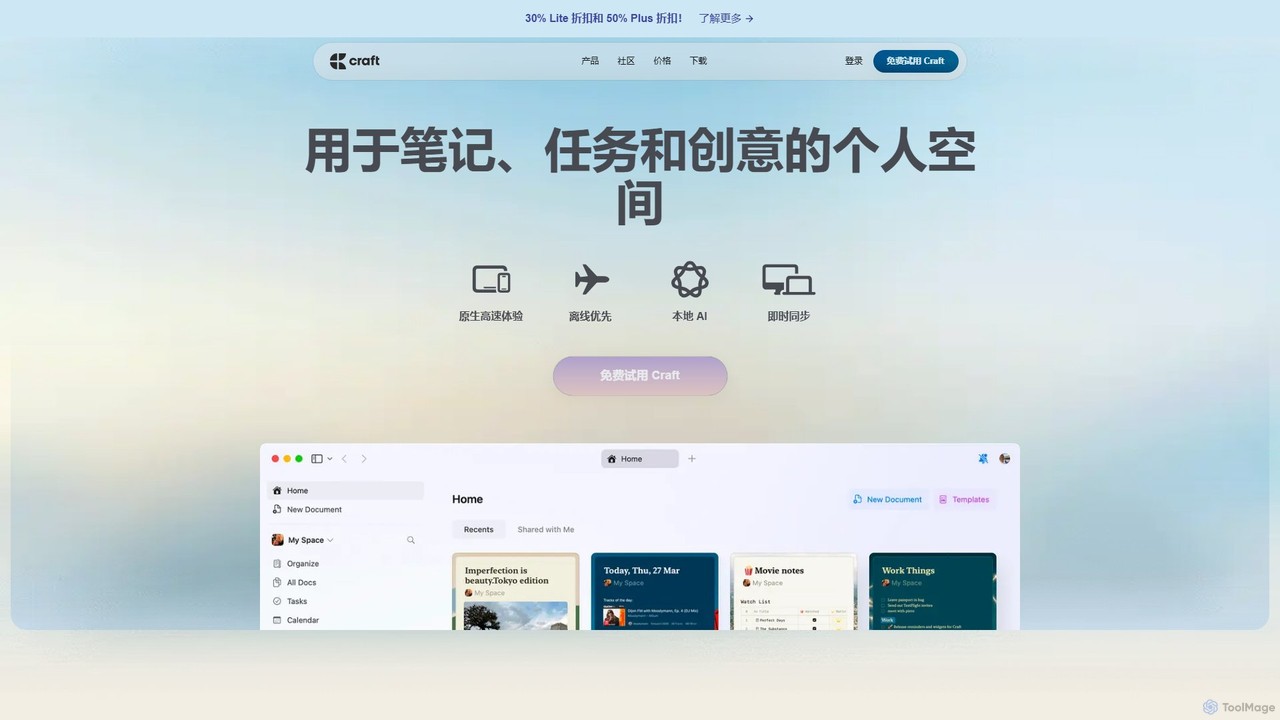
Craft
Craft is a beautifully designed, native document editor for notes, tasks, and ideas. It combines powerful features like a local AI assistant, task management, and flexible organization with a joyful, fast, and offline-first user experience, making it the perfect tool for writers, thinkers, and teams to capture and structure their thoughts.
Knowledge ManagementTana Categories
Tana Embed Widget
Copy this embed code to place the badge on your blog, article, or product site and send readers directly to this ToolMage detail page.

Related AI tools
Spinach AI
Spinach AI is an intelligent meeting assistant and AI Scrum Master that automatically joins, records, transcribes, and summarizes your meetings. It captures key decisions and action items, integrating seamlessly with tools like Jira, Slack, and Salesforce to streamline workflows and boost team productivity.
Project ManagementPensive
Pensive is a unified workspace designed for teams to manage tasks, knowledge, and collaboration in one place. It offers simple task management, a centralized knowledge hub, and seamless team communication to keep projects organized and moving forward without complexity.
Collaboration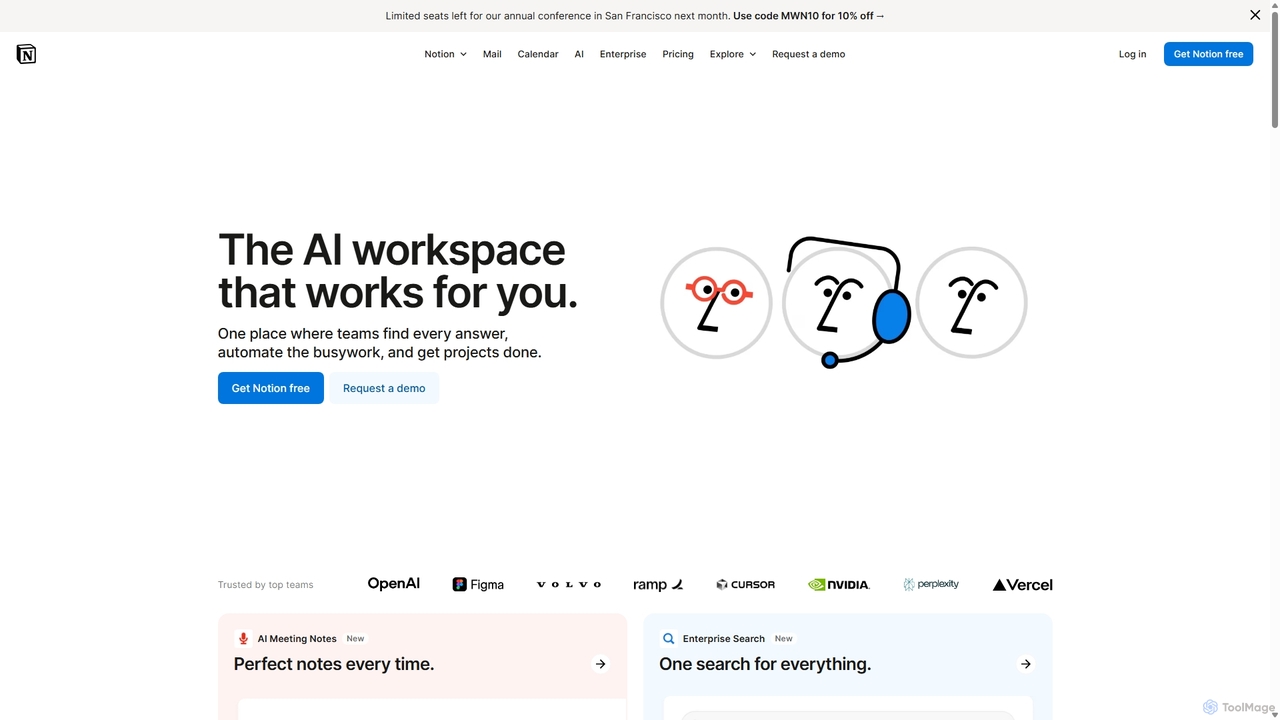
Notion
Notion is an all-in-one AI workspace that combines notes, docs, project management, and wikis into a single, highly customizable platform. It empowers teams and individuals to organize information, manage projects, and collaborate more effectively, all within a flexible, block-based editor enhanced with powerful AI capabilities.
Knowledge Management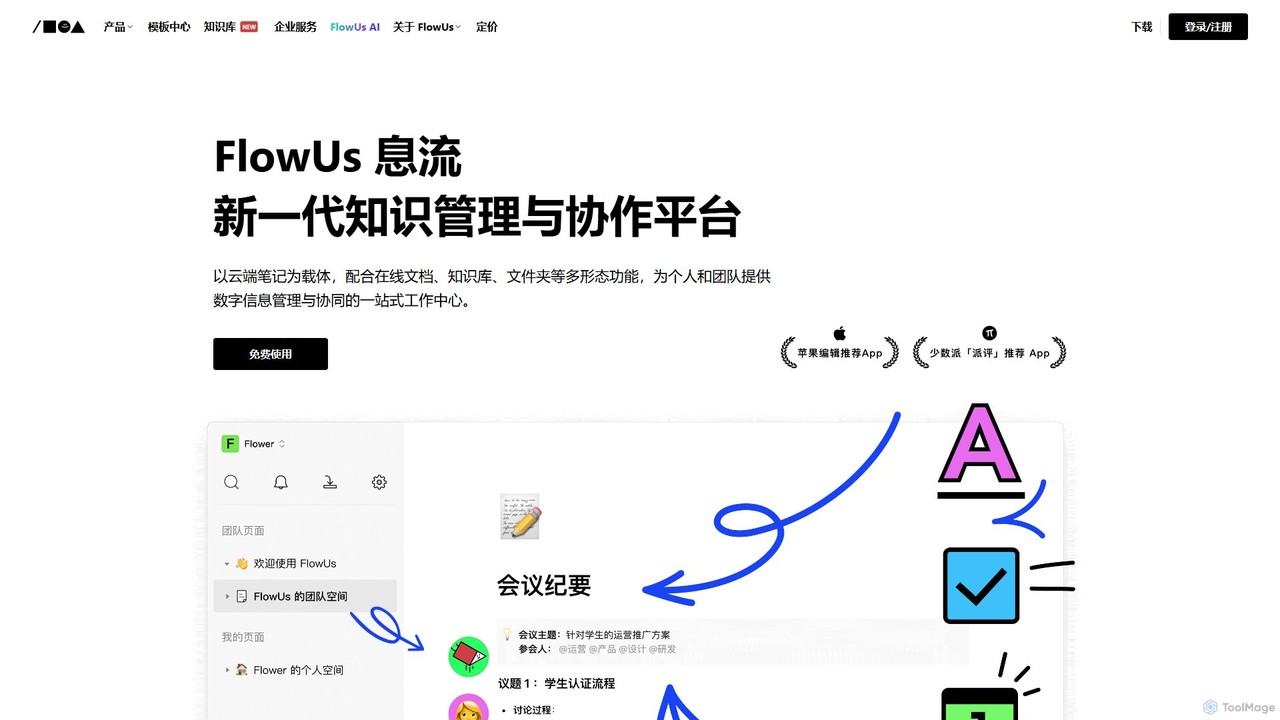
FlowUs
FlowUs is a next-generation knowledge management and collaboration platform that integrates documents, notes, databases, and project management into a unified workspace. It features a powerful, natively embedded AI assistant to streamline workflows for individuals and teams.
Writing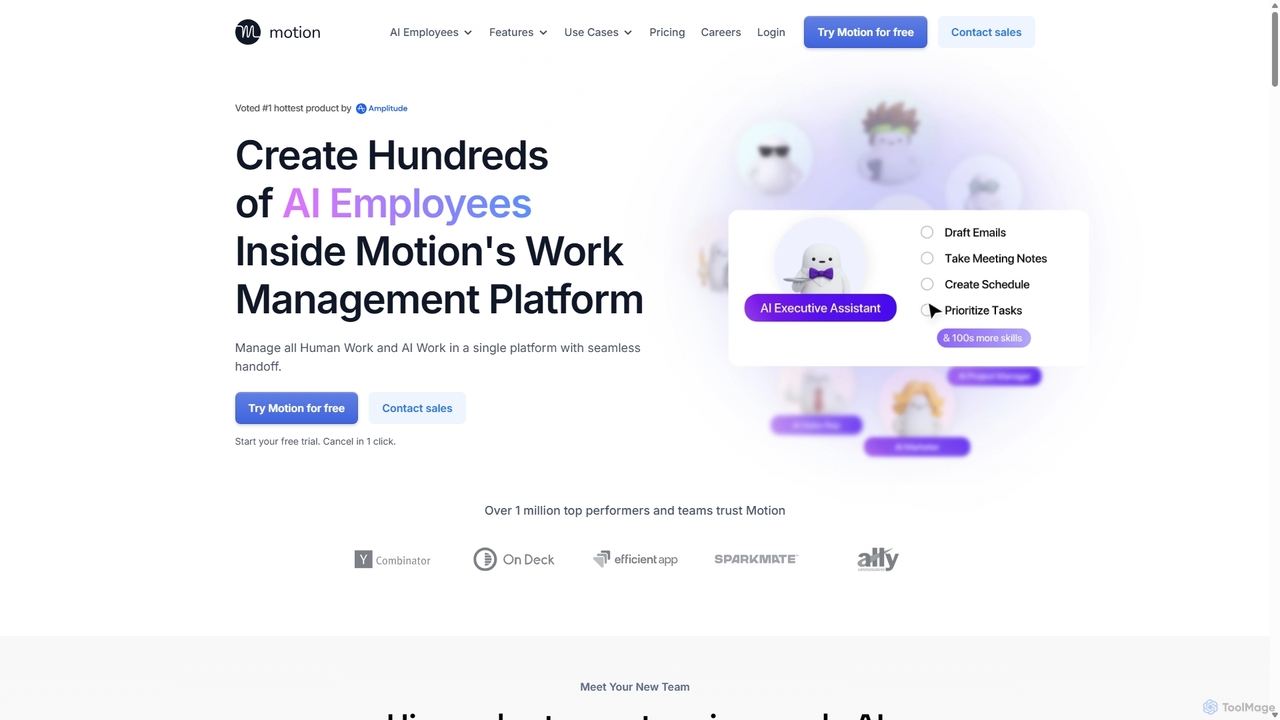
Motion
Motion is an AI-powered platform that provides a suite of AI Employees and productivity tools to automate tasks, manage projects, and organize schedules. It's designed to 10x your team's output by handling everything from calendar management and email replies to sales outreach and customer support, all within a single integrated workspace.
Virtual Assistant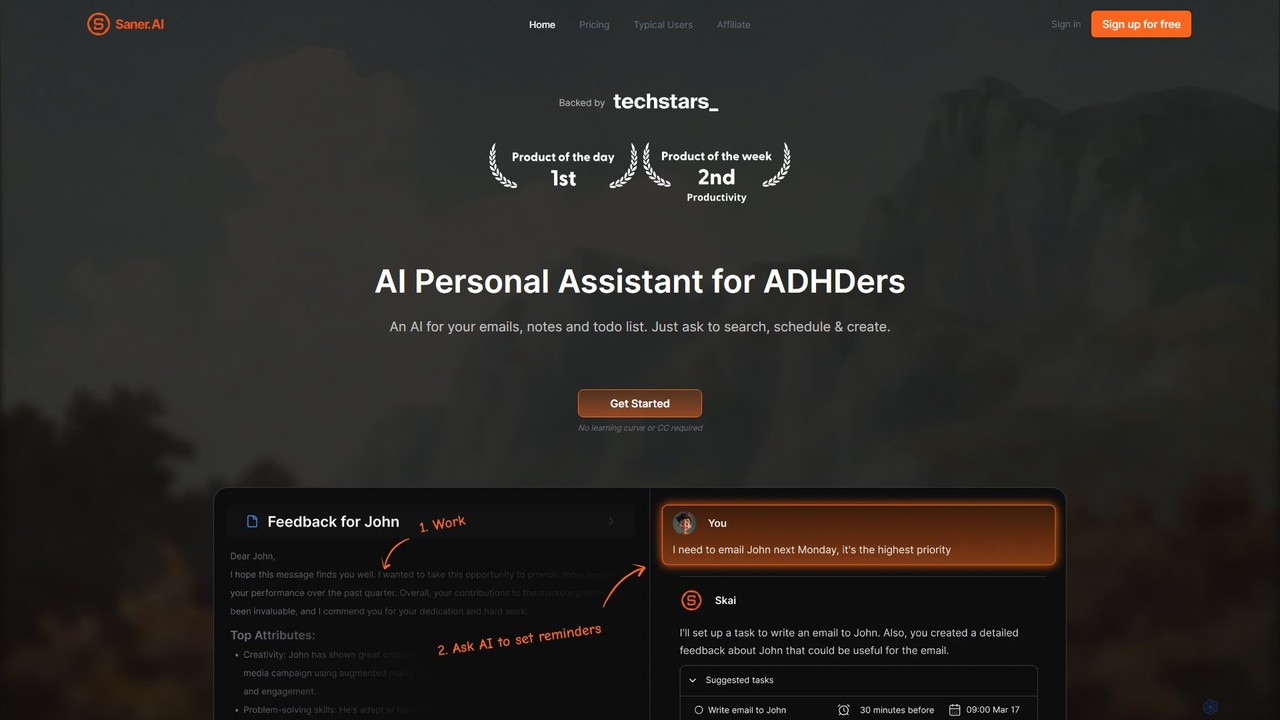
Saner.AI
Saner.AI is an AI personal assistant designed to help users, especially those with ADHD, manage notes, emails, and to-do lists. It acts as a unified workspace to capture, organize, and synthesize information, reducing cognitive load and context switching. With its AI assistant, Skai, it automates task planning, prioritization, and knowledge connection, creating a calmer, more productive workflow.
Second Brain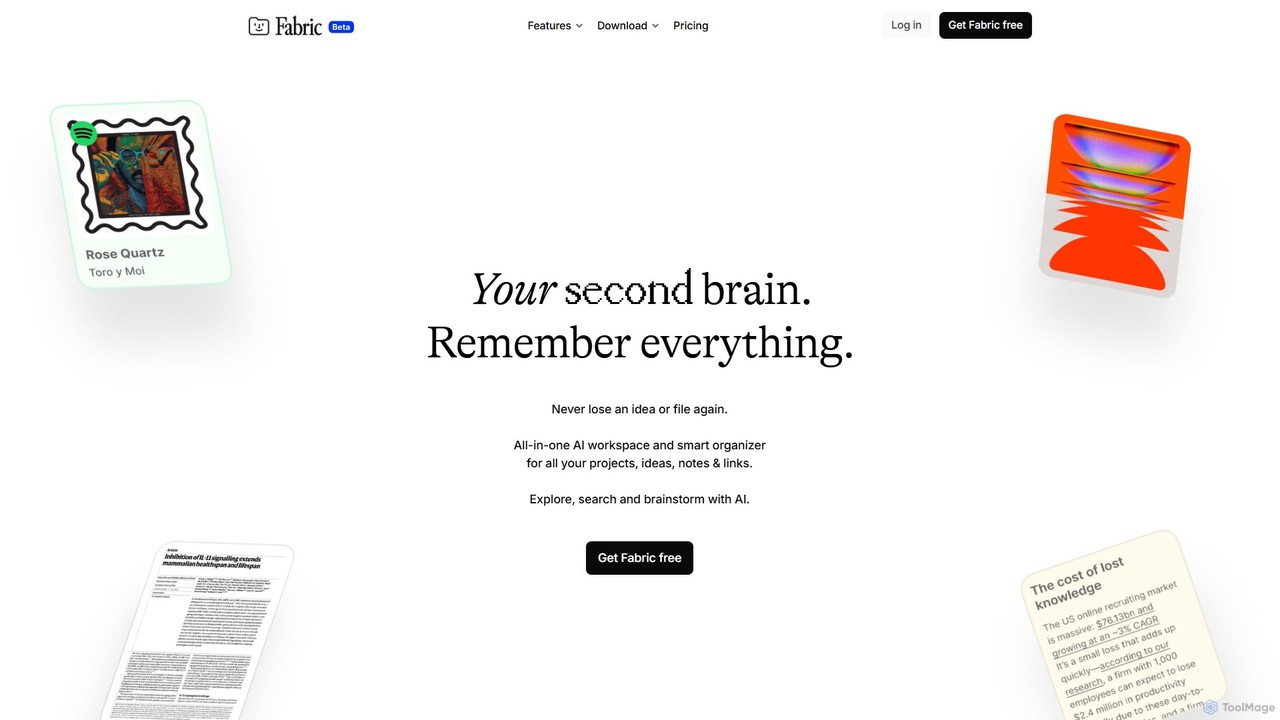
Fabric
Fabric is an AI-powered workspace and smart organizer that acts as your second brain. It automatically centralizes and connects all your notes, files, links, and ideas, eliminating the need for manual organization. Search your entire digital library with natural language and collaborate with an intelligent AI partner.
Personal Assistant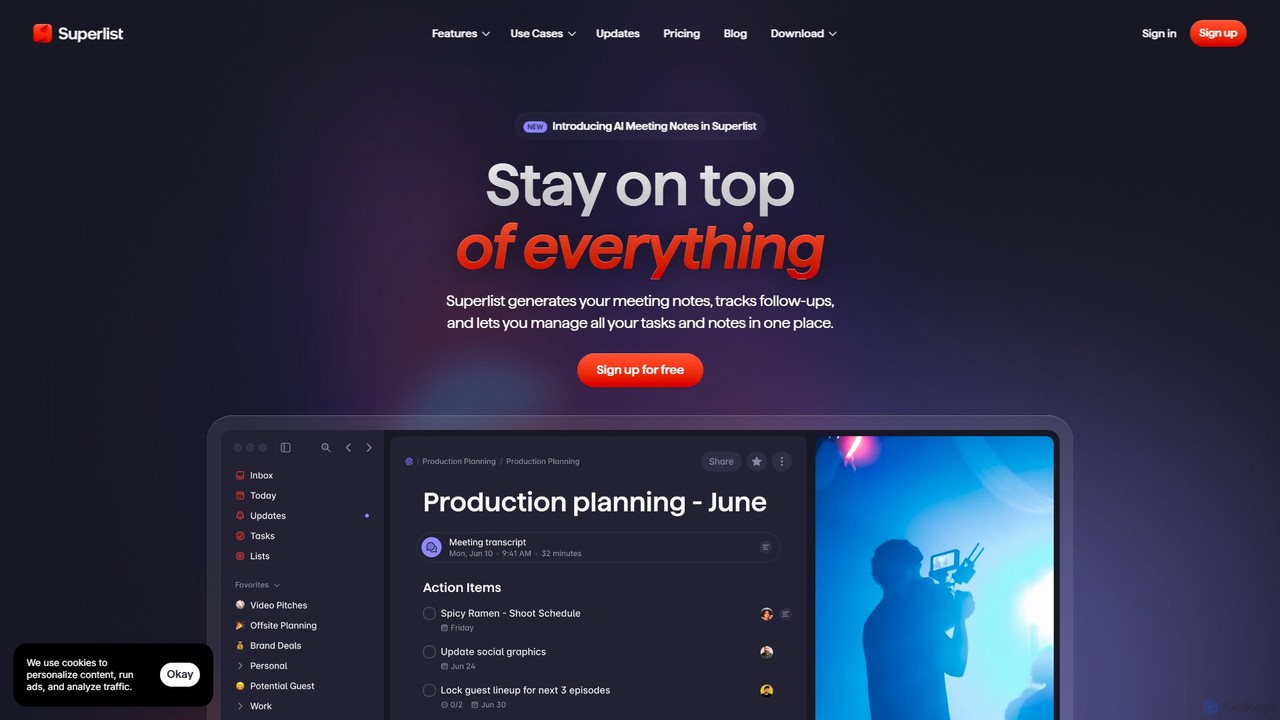
Superlist
Superlist is an AI-powered productivity tool that unifies tasks, notes, and meeting summaries in a single platform. Designed for both individuals and teams, it uses AI to automatically generate meeting notes, track action items, and convert voice memos into tasks, streamlining workflows and enhancing collaboration.
Meeting Assistant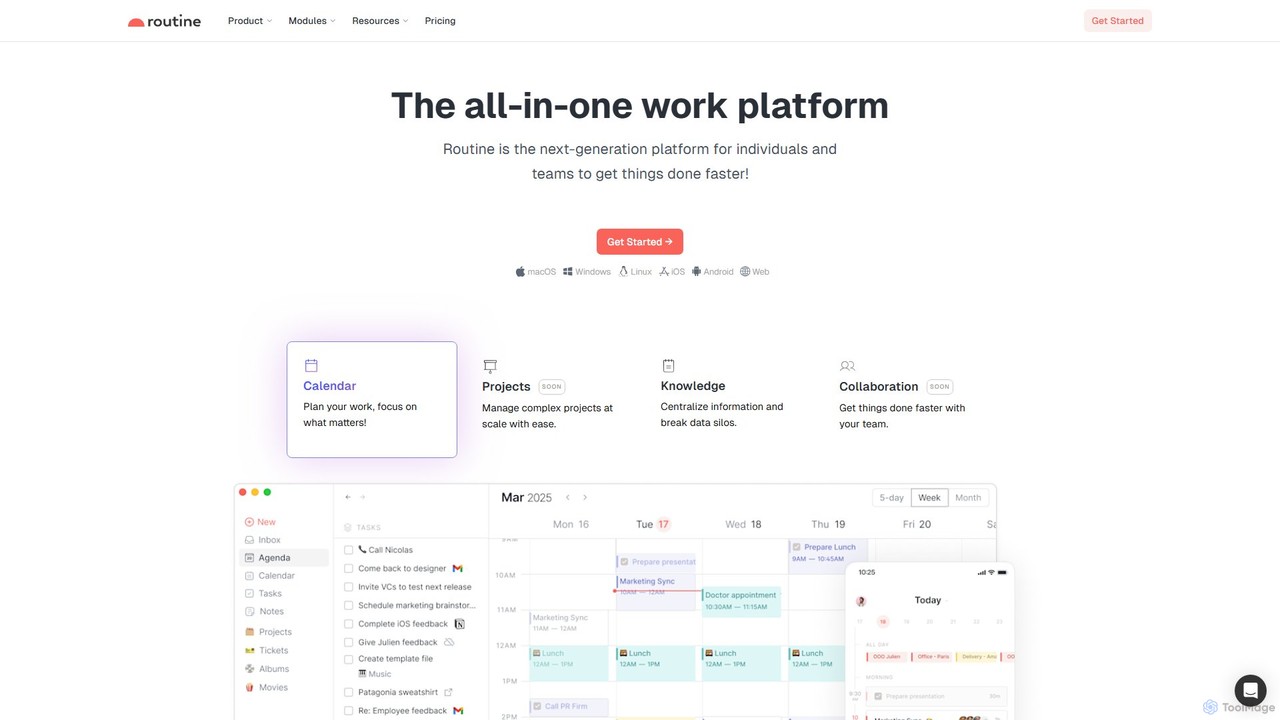
Routine
Routine is an all-in-one work platform designed for individuals and teams to enhance productivity. It unifies tasks, calendar, notes, and contacts into a single, streamlined workspace. Featuring natural language input, time blocking, and extensive integrations, Routine helps you organize work, focus on priorities, and get things done faster across all your devices.
All In One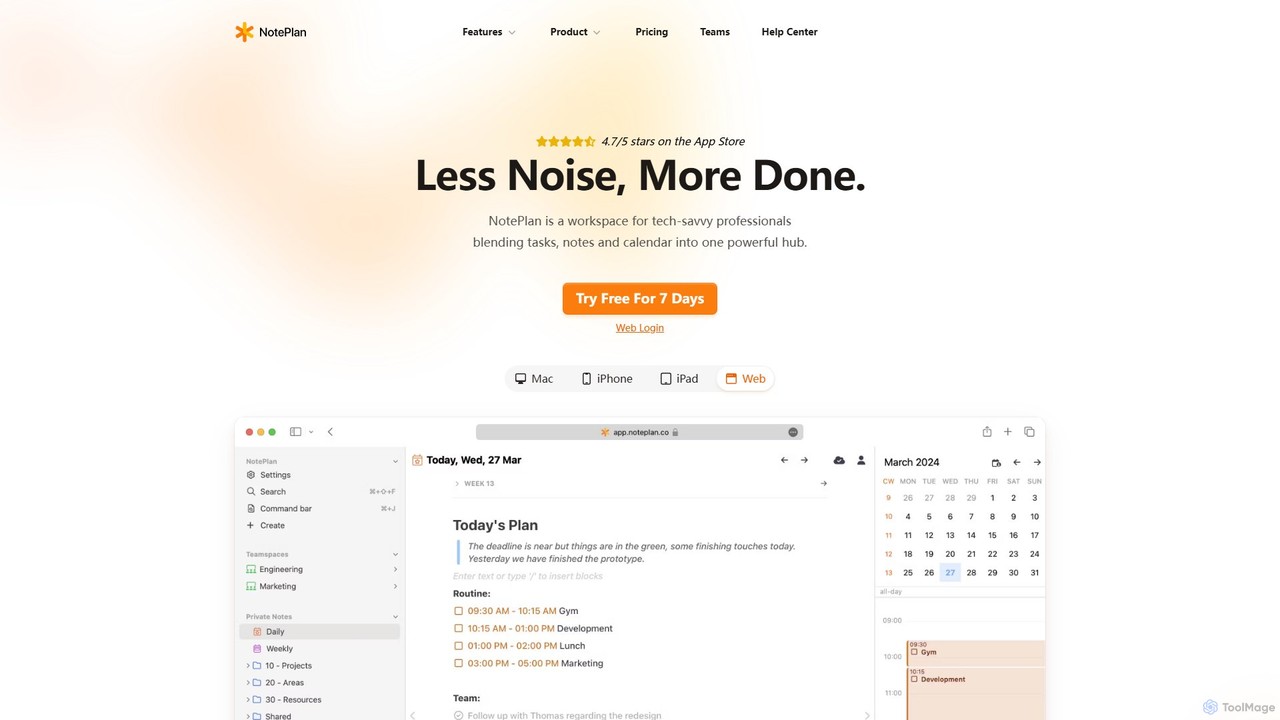
NotePlan
NotePlan is an all-in-one productivity workspace for professionals, blending tasks, notes, and calendar into a single, powerful hub. It supports Markdown, personal knowledge management (PKM) with bi-directional links, and features integrated AI for summarizing, rewriting, and transcribing. Available on Mac, iOS, and Web, it keeps you organized and focused.
Calendar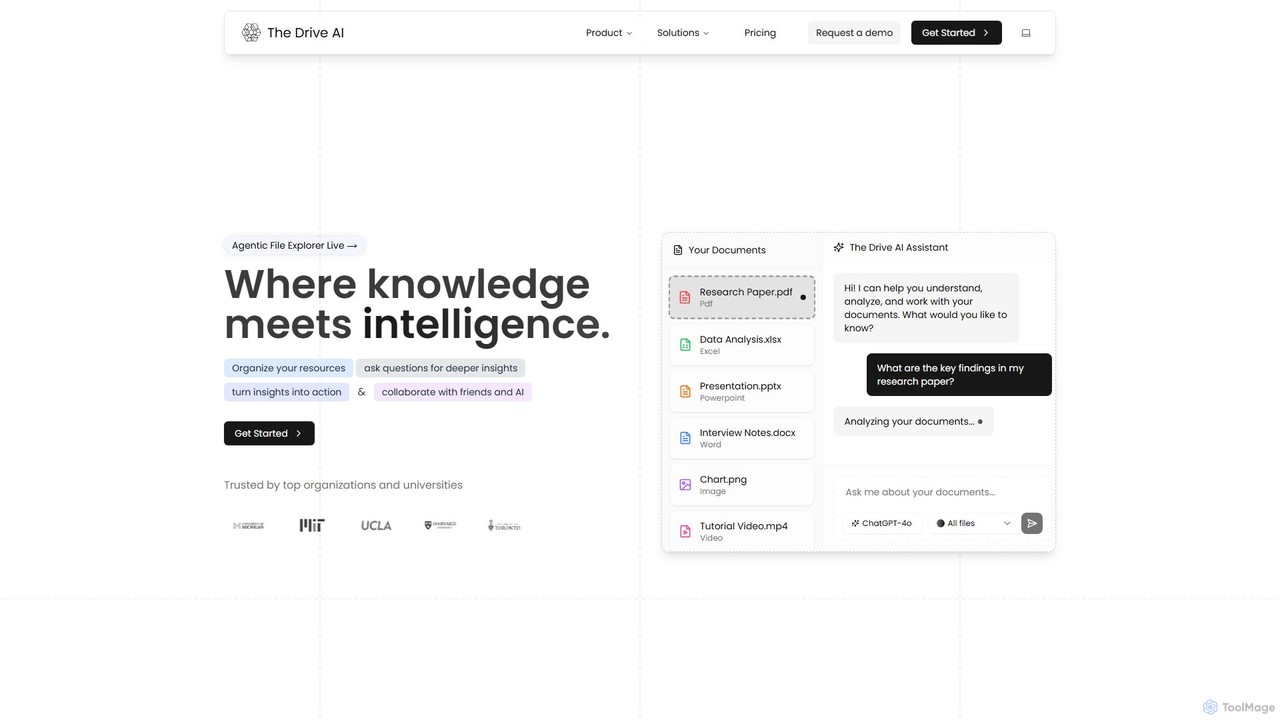
The Drive AI
The Drive AI is an all-in-one AI-powered workspace that combines file management, document analysis, team collaboration, and content creation. Upload any file type, ask questions to get instant insights with cited sources, and collaborate with your team in real-time. It's designed to replace multiple tools, streamlining your workflow and boosting productivity for individuals and teams across various industries.
Analysis
Jyek
Jyek is an AI agent platform that understands objectives, creates execution plans, uses tools, and delivers verifiable results for complex, multi-step tasks.
Automation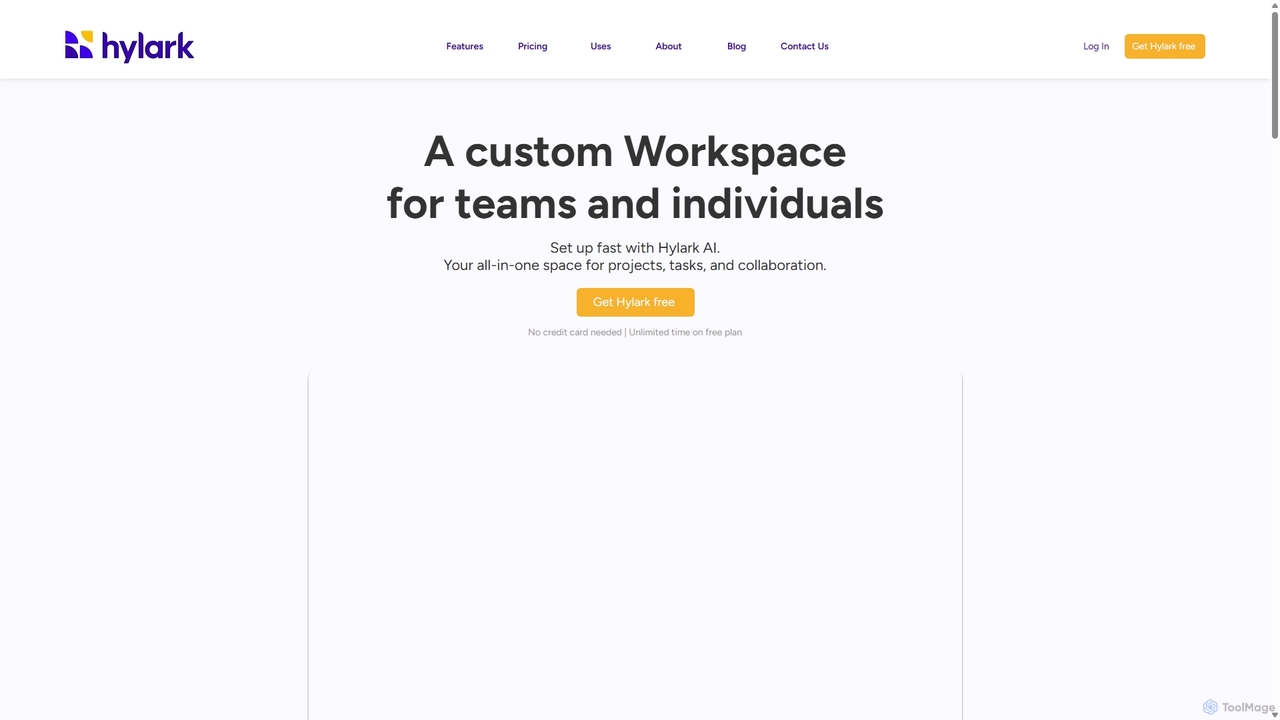
Hylark
Hylark is an AI-powered, all-in-one workspace for teams and individuals to manage projects, tasks, and collaboration. Instantly set up and customize your workspace by describing your needs to Hylark AI. It integrates seamlessly with Google and Microsoft, centralizing your emails, calendars, and to-dos into a single, flexible platform.
Crm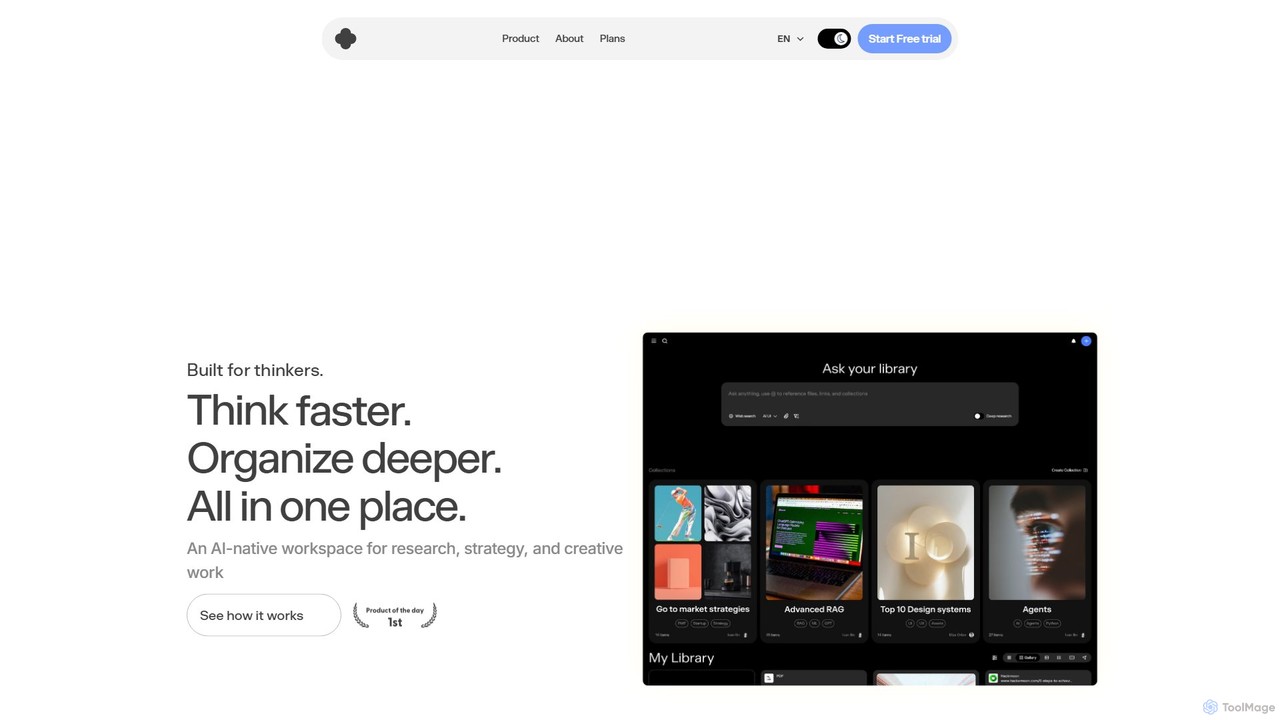
iki
iki is an AI-native workspace designed for research, strategy, and creative work. It acts as a second brain, allowing you to capture content from any source (webpages, PDFs, videos) and uses an AI assistant to summarize, analyze, and generate insights based on your personal knowledge base, not the general internet. It supports both individual and team collaboration.
Knowledge Management
workstreams.ai
workstreams.ai is an intuitive task and workflow management app that enhances team productivity with powerful AI features. It seamlessly integrates with Slack and Microsoft Teams, allowing you to create, manage, and automate tasks using Kanban boards, AI-powered task generation, and detailed time tracking.
Team Management
Tana Comments (0)
Sign in to comment.
Sign inNo comments yet.