

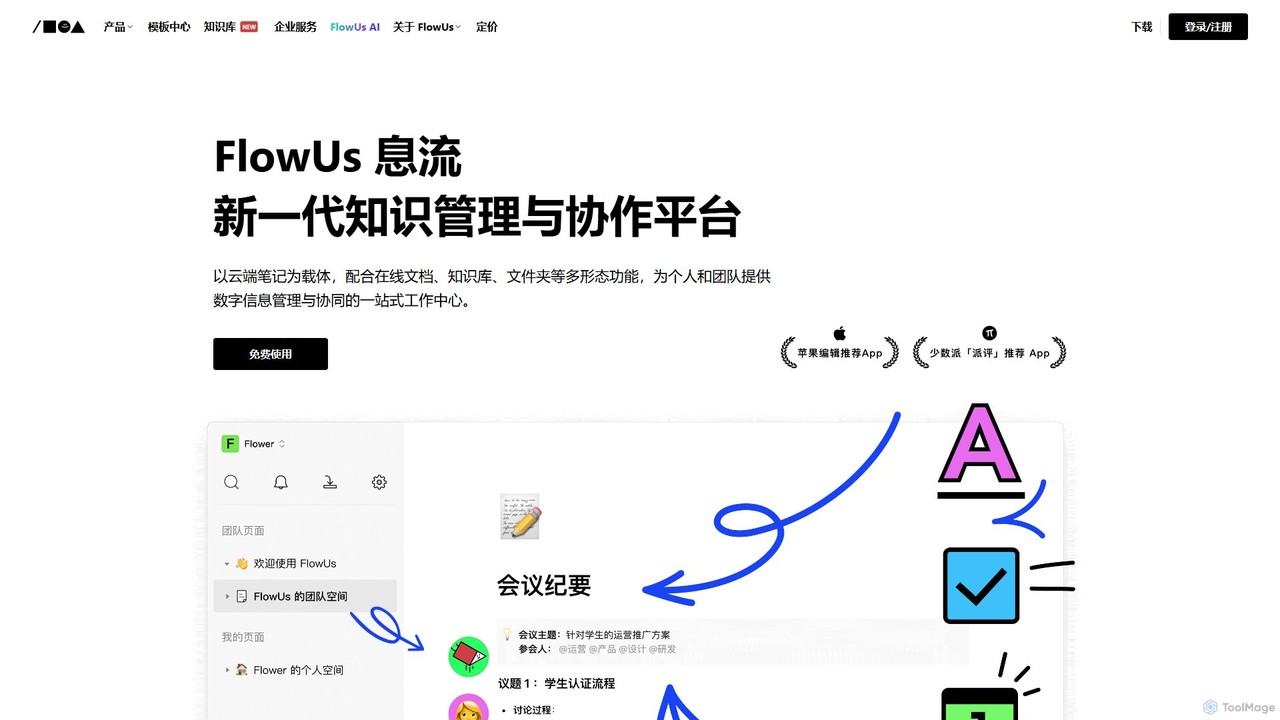
FlowUs Overview
FlowUs is a comprehensive, next-generation knowledge management and collaboration platform designed to serve as a one-stop work hub for both individuals and teams. It masterfully combines the functionalities of cloud documents, online notes, knowledge bases, and project management tools into a single, cohesive environment. At its core, FlowUs utilizes a flexible block-based editor, similar to Notion, allowing users to build and customize pages with various content types, including text, multi-dimensional tables, code blocks, multimedia, and embedded third-party services.
The platform's standout feature is FlowUs AI, an intelligent assistant deeply integrated into the user experience. This AI empowers users to automate and enhance a wide range of tasks, from content creation and text refinement to complex data analysis, making it a powerful tool for boosting productivity and creativity.
How to use FlowUs
Getting started with FlowUs is intuitive. Users begin by creating a personal or team space. Within this space, you can create pages for different projects or topics. The editor works with 'blocks'; you can simply type '/' to bring up a menu of block types to insert, such as headings, to-do lists, images, or a powerful multi-dimensional table. For data management, you can create these tables to track tasks, manage CRM, or organize research, and switch between different views like Kanban, gallery, or calendar. To leverage the AI, simply select text to get contextual options like summarizing, polishing, or translating, or use AI commands to generate content, write code, or analyze data within your documents.
Core Features of FlowUs
- All-in-One Workspace: Seamlessly integrate cloud documents, notes, wikis, and folders. Manage all your digital information without fragmentation.
- Multi-dimensional Tables: Go beyond traditional spreadsheets. Create powerful, relational databases with customizable properties and multiple views (Table, Kanban, Gallery, Calendar) to build lightweight business management systems.
- FlowUs AI Assistant: A natively embedded AI that assists with writing (drafting, polishing, changing style), content analysis (summarization, key info extraction), task processing (analyzing meeting notes, handling code and LaTeX formulas), and multi-language translation.
- Real-time Collaboration: Create team spaces to structure and manage workflows. Supports real-time multi-user editing, commenting, and sharing to ensure seamless team synergy.
- Easy Migration & Integration: Effortlessly import local files in formats like Markdown and CSV. Embed web content and third-party services directly into your pages to centralize your workflow.
- Extensive Template Library: Kickstart your projects with over 100 pre-built templates for various scenarios, including product management, marketing, HR, and personal productivity.
- Cross-Platform Availability: Access, edit, and collaborate on your information anytime, anywhere, with native applications for PC and mobile devices.
Use Cases for FlowUs
FlowUs is versatile enough for a wide array of applications. For individuals and students, it's an ideal tool for building a 'second brain', organizing study notes, managing personal projects, and creating a digital portfolio. For teams and enterprises, it serves as a central knowledge base or company wiki, a project management tool for tracking product roadmaps and marketing campaigns, and a platform for creating structured onboarding processes. Content creators can use it to manage their content pipeline, draft articles with AI assistance, and even sell their knowledge bases through the FlowUs marketplace.
Advantages of FlowUs
The primary advantage of FlowUs is its deep integration of a powerful AI assistant into a flexible, all-in-one workspace. This combination eliminates the need for multiple separate tools, reducing context switching and centralizing information. Its native clients offer a smooth and responsive user experience, a key advantage over some web-only competitors. The platform's strong localization for the Chinese market, combined with its robust feature set, makes it a compelling alternative to global players. The flexibility of multi-dimensional tables and the block-based editor allows for unparalleled customization to fit any workflow.
Pricing and Plans
FlowUs operates on a freemium model. It offers a generous Free Plan for individual users, which includes core functionalities and a certain amount of AI usage. For users and teams requiring more advanced capabilities, there are paid plans suchas Personal Pro and Team/Enterprise subscriptions. These premium plans typically offer unlimited blocks, larger file uploads, extended AI usage credits, advanced team collaboration features, enhanced security controls, and priority support. For specific pricing details and plan comparisons, please visit the official FlowUs website.
Traffic
Latest traffic
Status
Monthly traffic trend
- 2026-1: 2.4M
- 2026-2: 1.9M
- 2026-3: 1.9M
- 2026-4: 1.7M
- 2026-5: 1.6M
Geography
Top 5 countries / regions
- 🇨🇳China92.9%
- 🇺🇸United States2.3%
- 🇭🇰Hong Kong SAR China1.8%
- 🇹🇼Taiwan1.8%
- 🇸🇬Singapore1.2%
Traffic sources
| Source type | Percentage |
|---|---|
Direct | 80.6% |
Referral | 19.3% |
Email | 0.1% |
FlowUs Alternatives
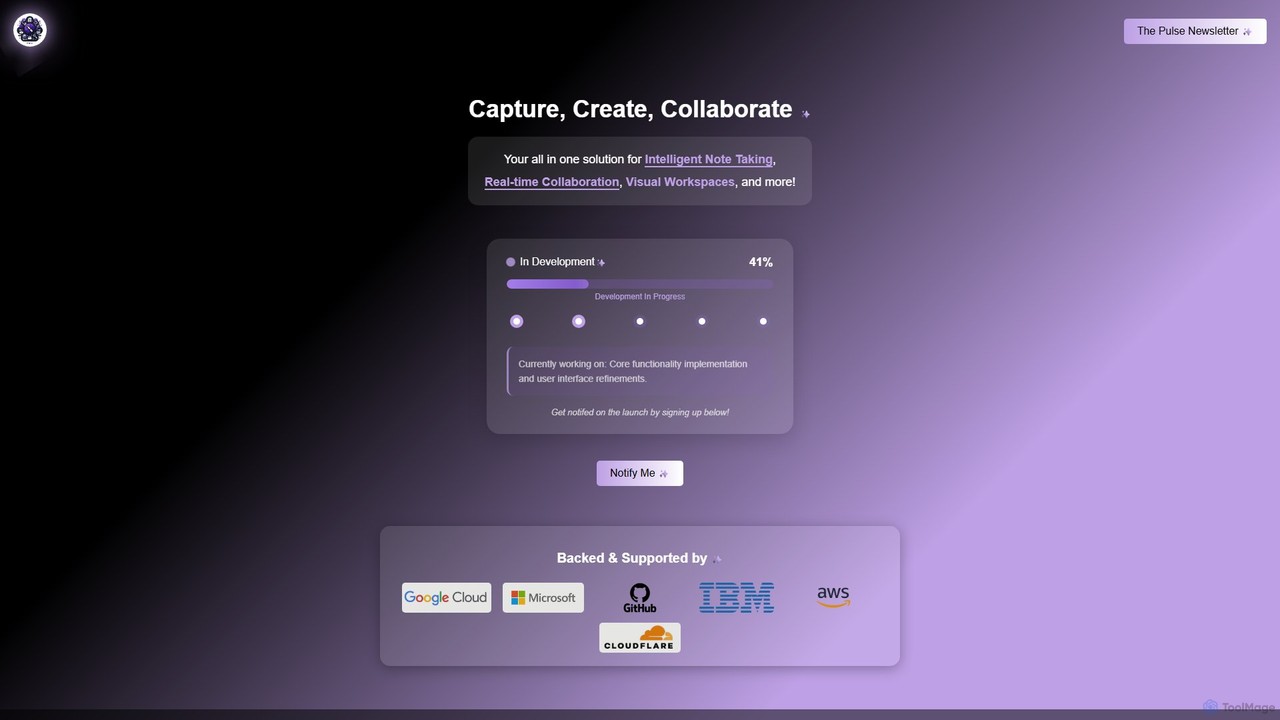
Prodhiiv
Prodhiiv is an upcoming all-in-one intelligent workspace designed for modern productivity. It integrates intelligent note-taking, real-time collaboration, and visual workspaces to help teams and individuals capture, create, and collaborate more effectively. It aims to be a central hub for all your ideas and projects.
Collaboration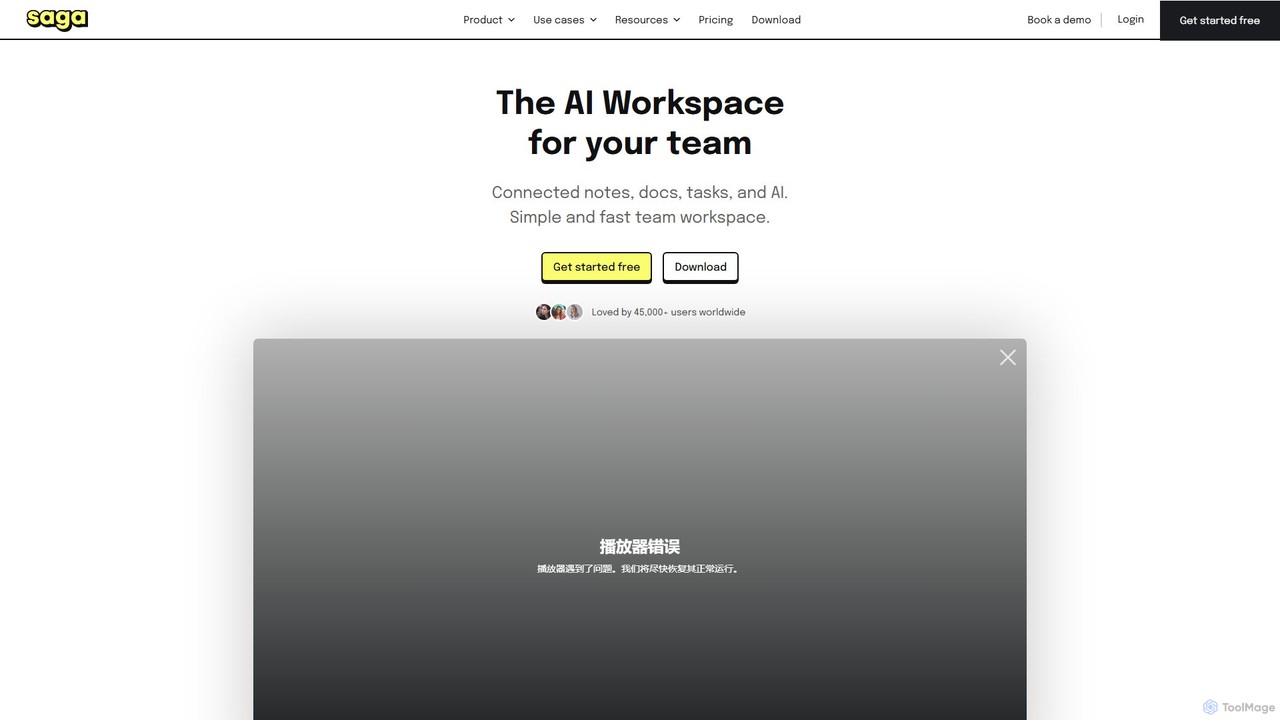
Saga
Saga is an AI-powered workspace designed for notes, documents, and tasks. It combines a fast, intuitive editor with powerful knowledge management features like automatic linking and back-references. With integrated GPT-4o, Saga helps individuals and teams streamline workflows, from content creation and project management to building a collaborative knowledge base, all within a single, interconnected environment.
Knowledge Management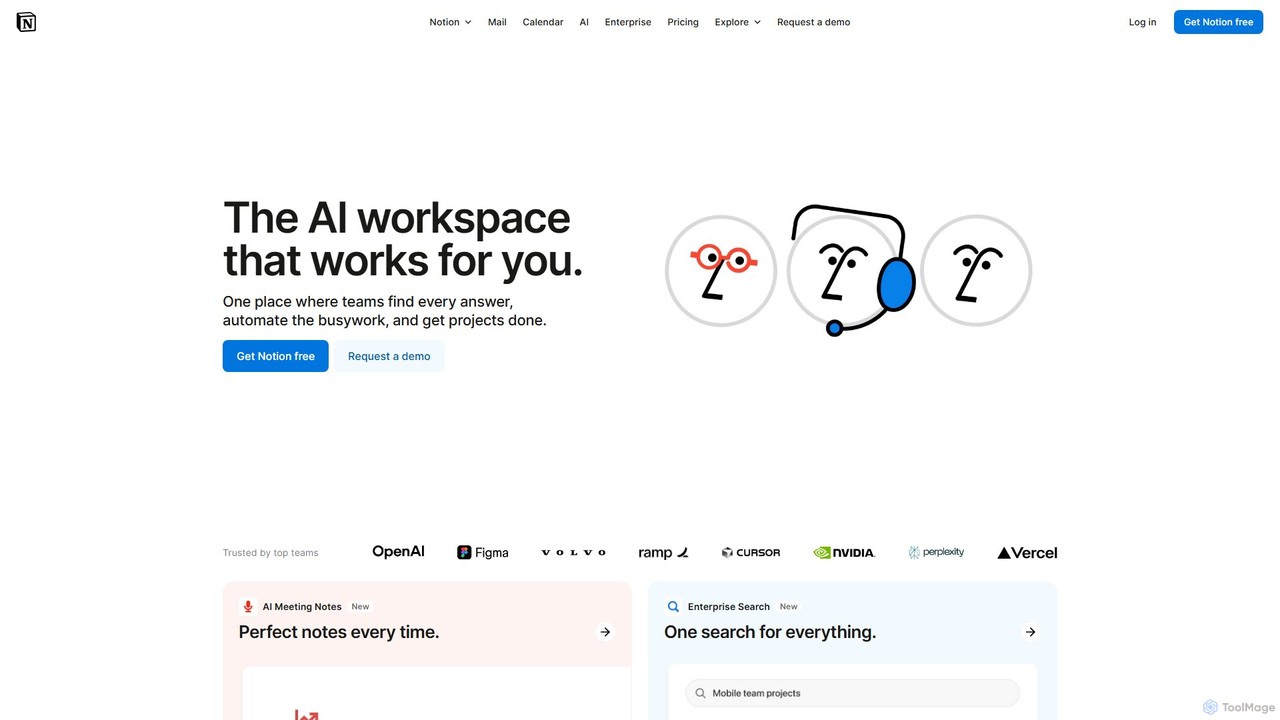
Notion
Notion is the all-in-one AI workspace that combines notes, documents, project management, and wikis. It provides a flexible, customizable platform where individuals and teams can organize work, collaborate in real-time, and build custom workflows. With integrated AI features, Notion helps automate tasks, summarize content, and generate ideas, consolidating multiple tools into a single, powerful space for enhanced productivity.
Knowledge Management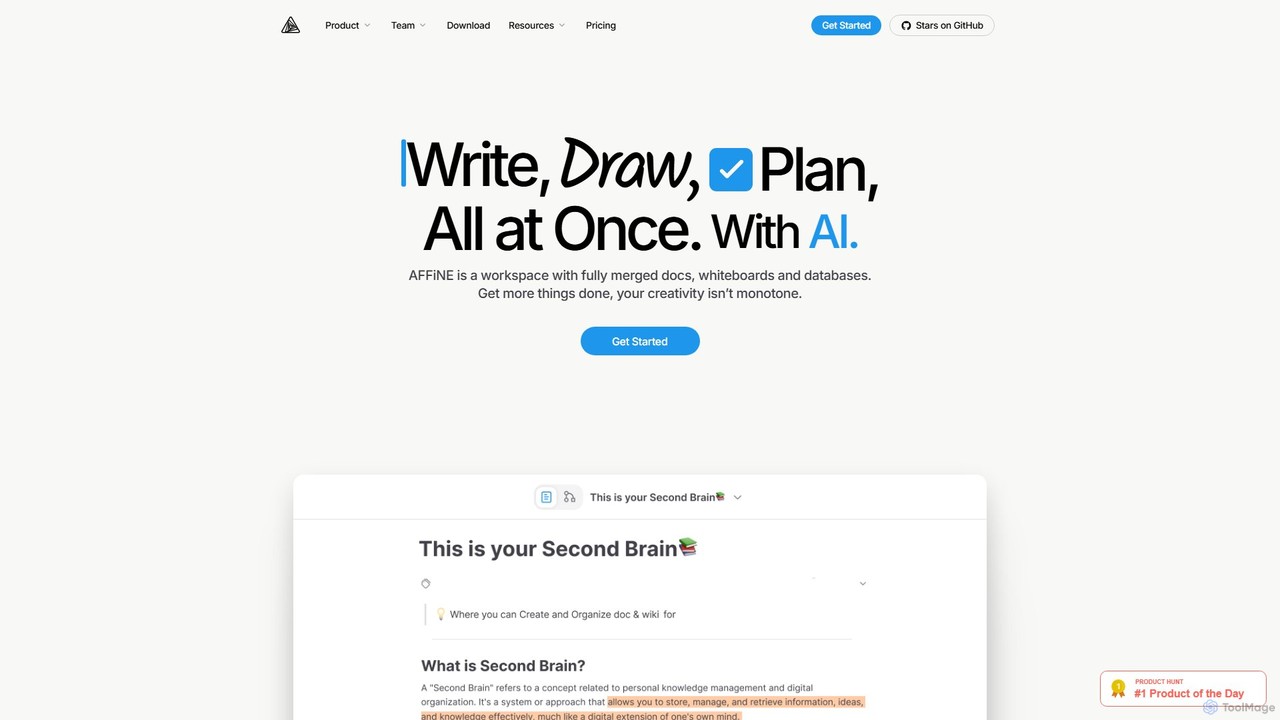
AFFiNE
AFFiNE is an all-in-one, AI-powered KnowledgeOS that seamlessly merges documents, whiteboards, and databases. It's a privacy-focused, open-source workspace designed to enhance productivity by allowing you to write, draw, and plan in a single, unified environment, eliminating the need to switch between multiple applications.
Whiteboard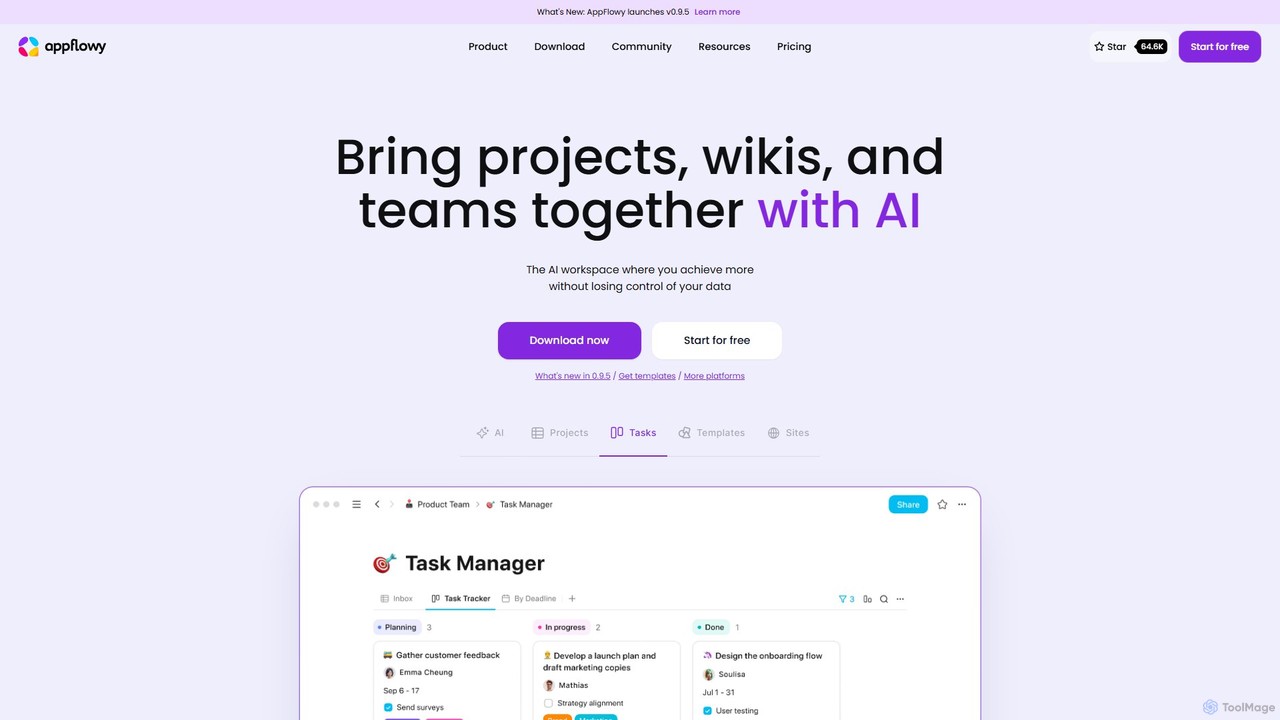
AppFlowy
AppFlowy is a secure, open-source AI workspace designed for projects, wikis, and teams. It offers a privacy-first alternative to tools like Notion, allowing users to own their data through self-hosting and offline capabilities. It integrates powerful AI for writing, search, and task automation, supporting both local and cloud-based models.
DocumentationFlowUs Categories
FlowUs Embed Widget
Copy this embed code to place the badge on your blog, article, or product site and send readers directly to this ToolMage detail page.

Related AI tools
Saga
Saga is an AI-powered workspace designed for notes, documents, and tasks. It combines a fast, intuitive editor with powerful knowledge management features like automatic linking and back-references. With integrated GPT-4o, Saga helps individuals and teams streamline workflows, from content creation and project management to building a collaborative knowledge base, all within a single, interconnected environment.
Knowledge ManagementNotion
Notion is the all-in-one AI workspace that combines notes, documents, project management, and wikis. It provides a flexible, customizable platform where individuals and teams can organize work, collaborate in real-time, and build custom workflows. With integrated AI features, Notion helps automate tasks, summarize content, and generate ideas, consolidating multiple tools into a single, powerful space for enhanced productivity.
Knowledge ManagementAFFiNE
AFFiNE is an all-in-one, AI-powered KnowledgeOS that seamlessly merges documents, whiteboards, and databases. It's a privacy-focused, open-source workspace designed to enhance productivity by allowing you to write, draw, and plan in a single, unified environment, eliminating the need to switch between multiple applications.
WhiteboardAppFlowy
AppFlowy is a secure, open-source AI workspace designed for projects, wikis, and teams. It offers a privacy-first alternative to tools like Notion, allowing users to own their data through self-hosting and offline capabilities. It integrates powerful AI for writing, search, and task automation, supporting both local and cloud-based models.
Documentation
Jyek
Jyek is an AI agent platform that understands objectives, creates execution plans, uses tools, and delivers verifiable results for complex, multi-step tasks.
AutomationProdhiiv
Prodhiiv is an upcoming all-in-one intelligent workspace designed for modern productivity. It integrates intelligent note-taking, real-time collaboration, and visual workspaces to help teams and individuals capture, create, and collaborate more effectively. It aims to be a central hub for all your ideas and projects.
Collaboration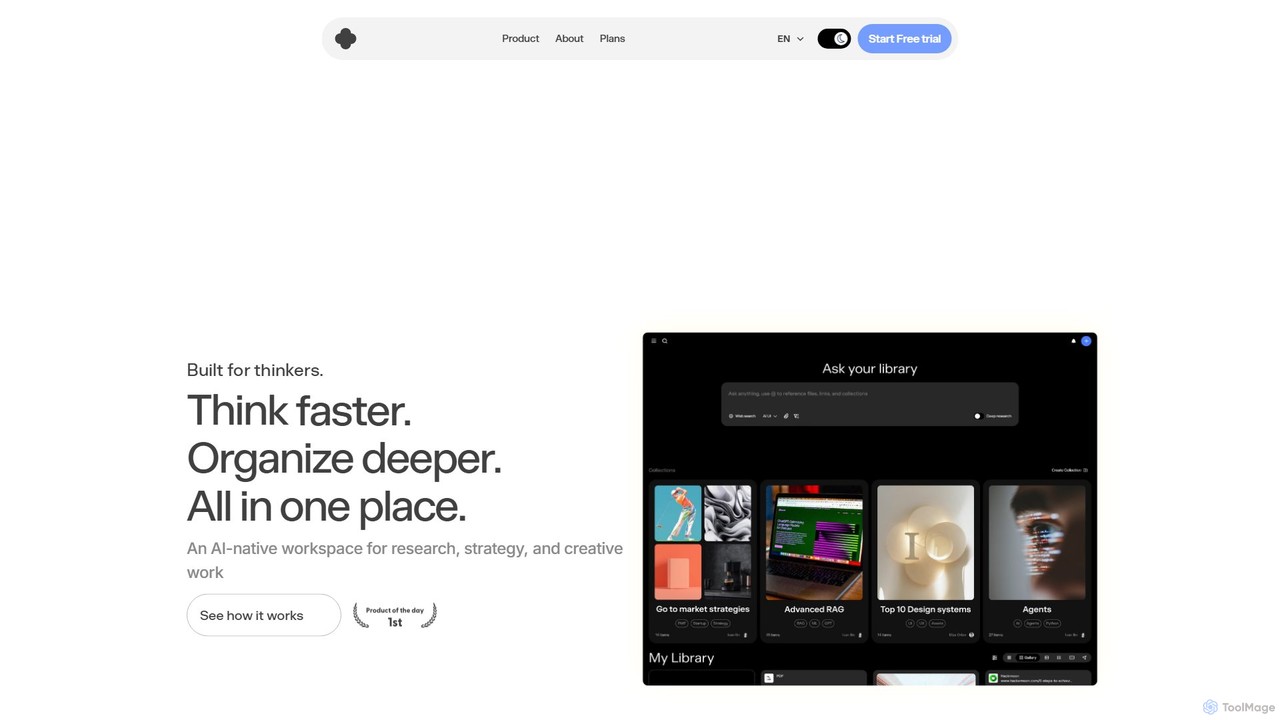
iki
iki is an AI-native workspace designed for research, strategy, and creative work. It acts as a second brain, allowing you to capture content from any source (webpages, PDFs, videos) and uses an AI assistant to summarize, analyze, and generate insights based on your personal knowledge base, not the general internet. It supports both individual and team collaboration.
Knowledge Management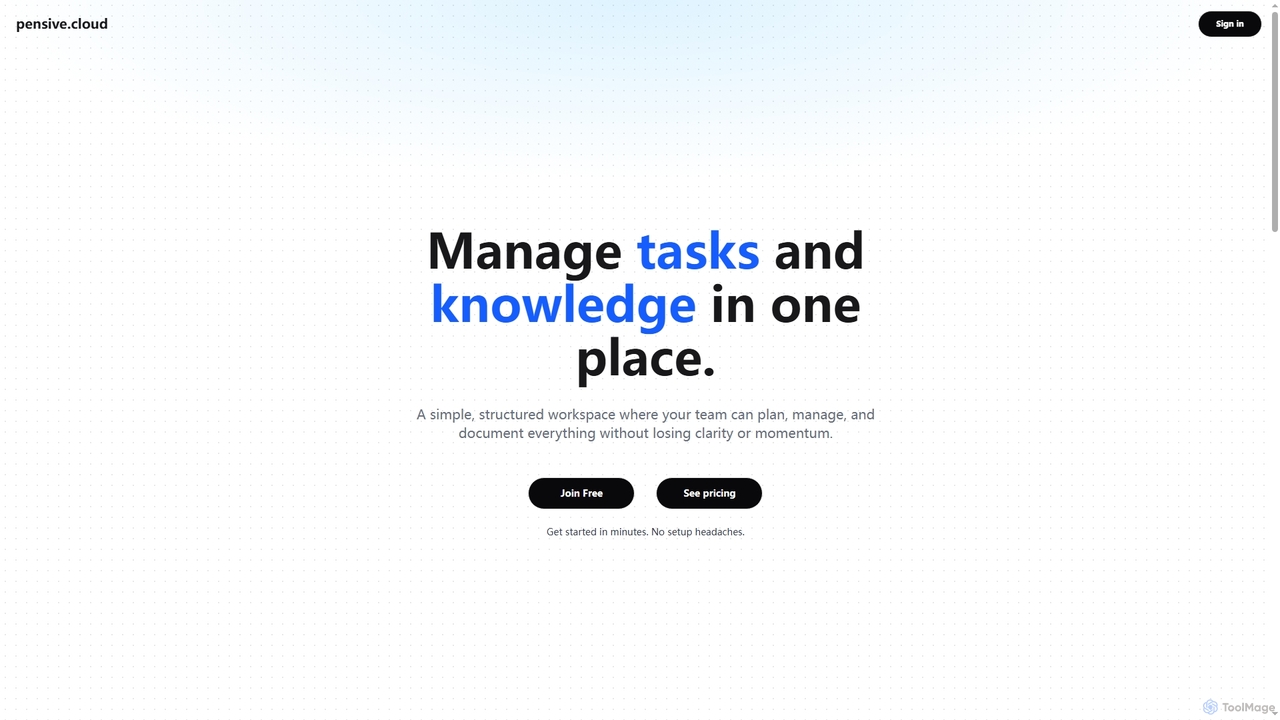
Pensive
Pensive is a unified workspace designed for teams to manage tasks, knowledge, and collaboration in one place. It offers simple task management, a centralized knowledge hub, and seamless team communication to keep projects organized and moving forward without complexity.
Collaboration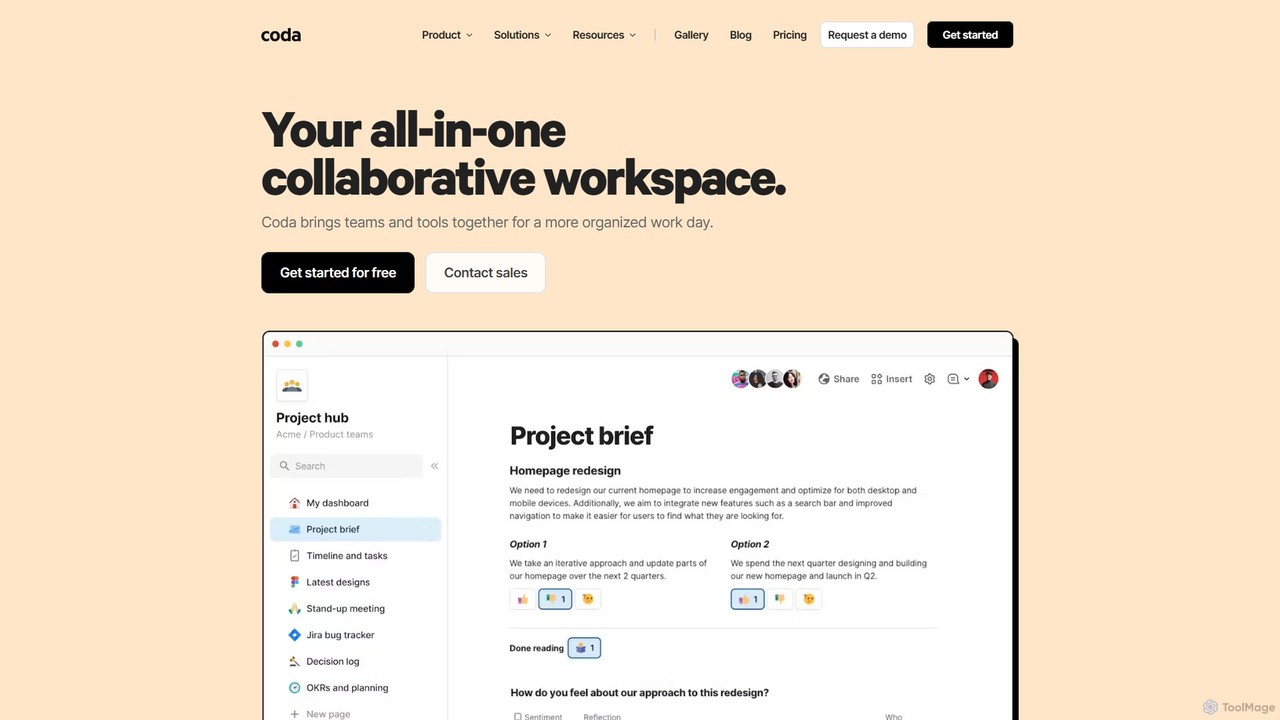
Coda
Coda is an all-in-one collaborative workspace that blends documents, spreadsheets, and applications into a single, flexible surface. Powered by Coda AI, it helps teams centralize information, automate workflows, and make faster decisions. Replace your scattered tool stack with a unified platform for writing, tracking, and building custom solutions.
Knowledge Base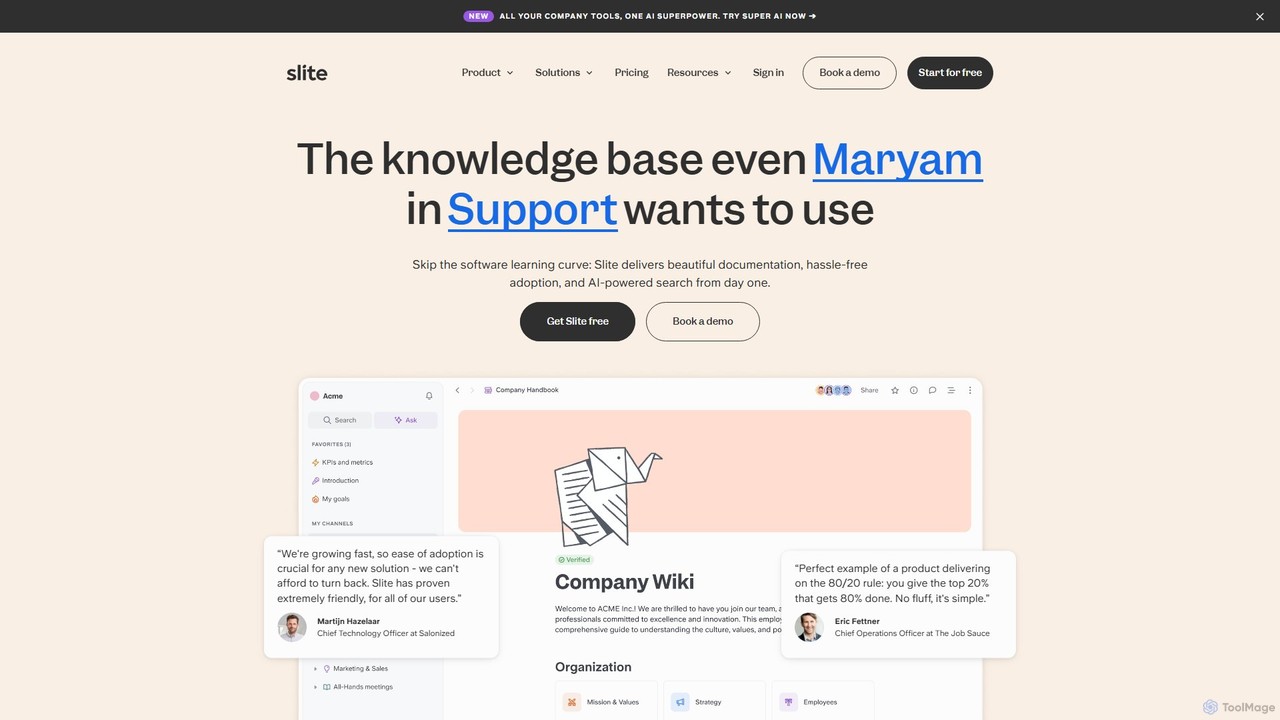
Slite
Slite is an AI-powered knowledge base designed for modern teams. It simplifies documentation, centralizes company knowledge, and provides instant, trustworthy answers through its smart search. Built for high adoption, Slite ensures your team can easily create, manage, and find the information they need, eliminating repetitive questions and information silos.
Team Management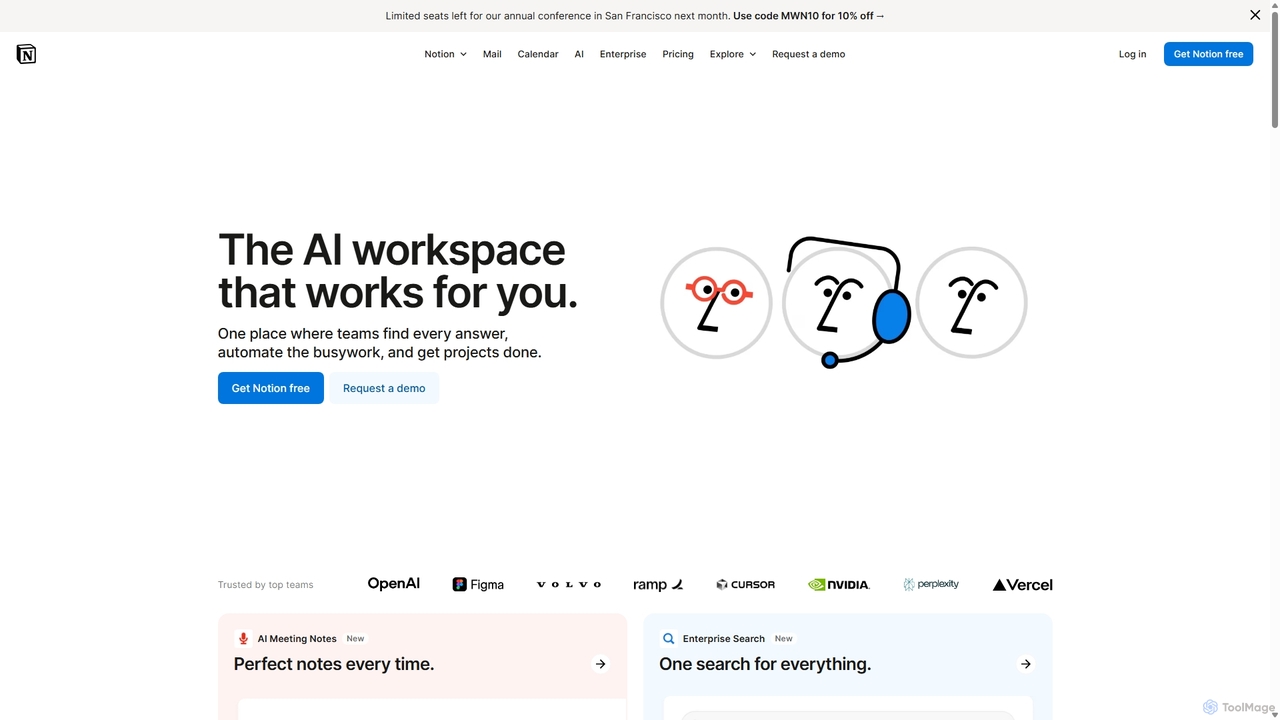
Notion
Notion is an all-in-one AI workspace that combines notes, docs, project management, and wikis into a single, highly customizable platform. It empowers teams and individuals to organize information, manage projects, and collaborate more effectively, all within a flexible, block-based editor enhanced with powerful AI capabilities.
Knowledge Management
Mem
Mem is an AI-powered, self-organizing workspace designed to act as your personal knowledge base. It captures your notes, ideas, and meeting transcripts, then uses AI to connect related information, summarize content, and help you generate new insights without manual organization.
Personal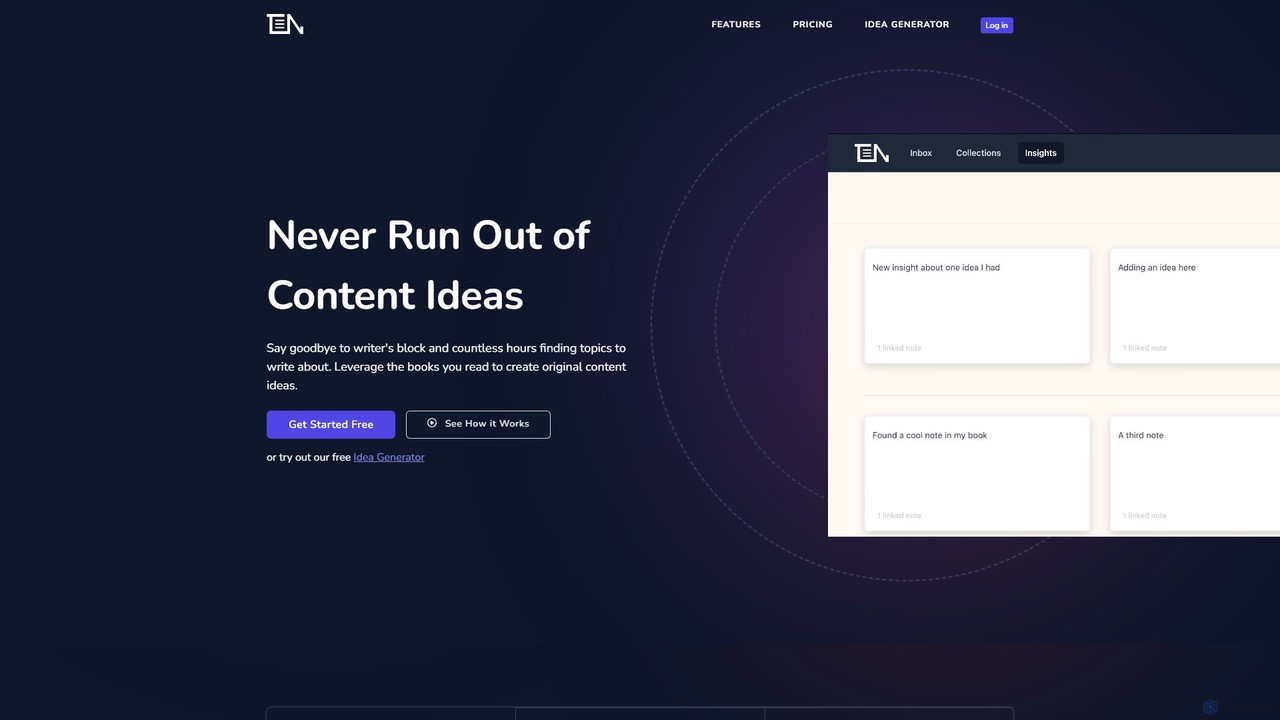
ThinkerNotes
ThinkerNotes is an AI-powered knowledge management system designed to help you turn your notes into original content. It combines note-taking with bi-directional linking, tagging, and an AI idea generator to help you connect ideas, remember what you read, and create thought leadership content.
Social Media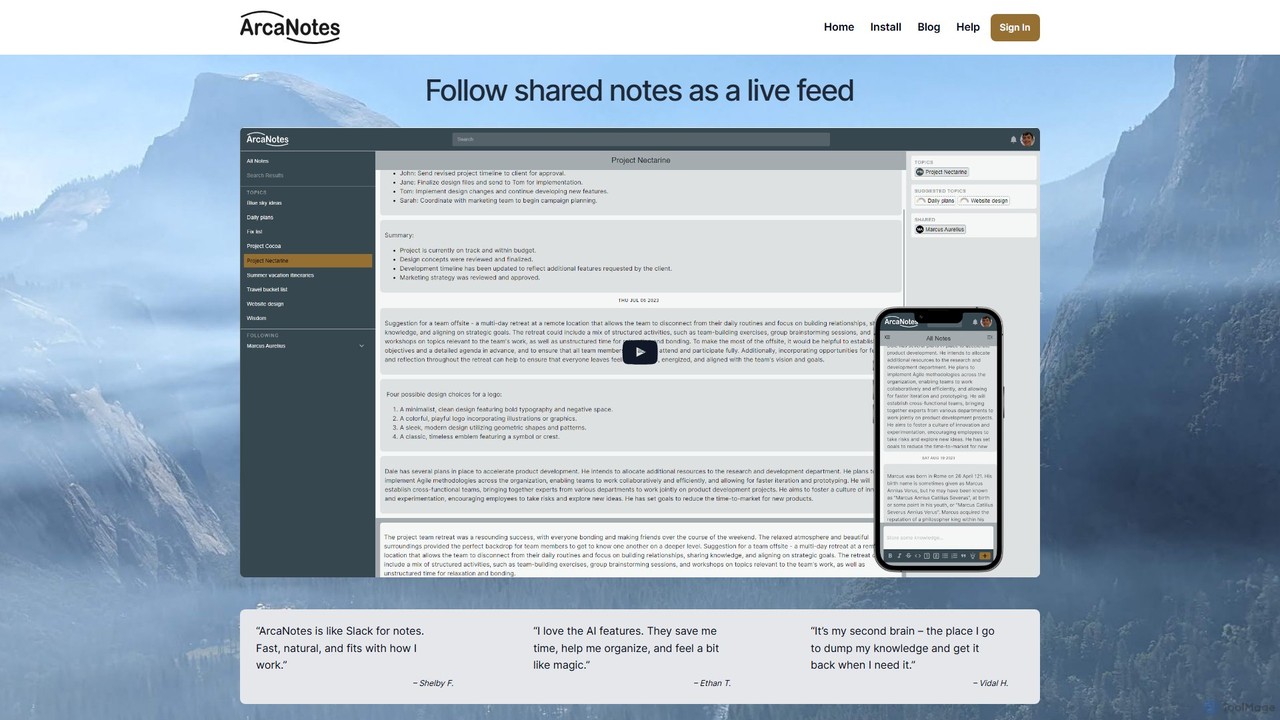
ArcaNotes
ArcaNotes is an AI-enhanced micro-note app designed for elevated productivity and knowledge management. It acts as your second brain, allowing you to quickly capture, organize, and retrieve information. With on-device AI, it offers intelligent topic suggestions, natural language Q&A with your notes, and collaborative sharing features, all while prioritizing user privacy with robust encryption.
Personal Assistant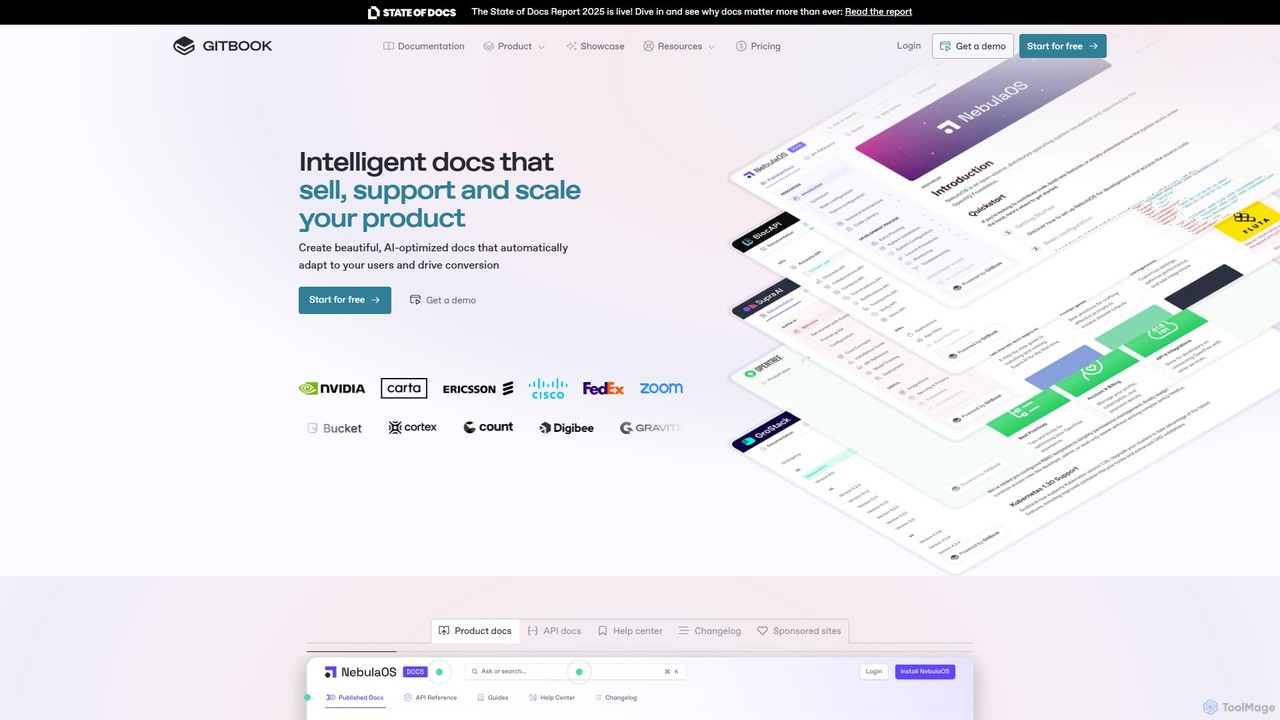
GitBook
GitBook is an intelligent documentation platform designed for technical teams. It simplifies the creation of beautiful, AI-optimized product docs, API references, and help centers. With a git-based workflow, collaborative editor, and powerful AI features, GitBook helps you create documentation that sells, supports, and scales your product, turning it into a key driver for user conversion and success.
Teamwork
FlowUs Comments (0)
Sign in to comment.
Sign inNo comments yet.